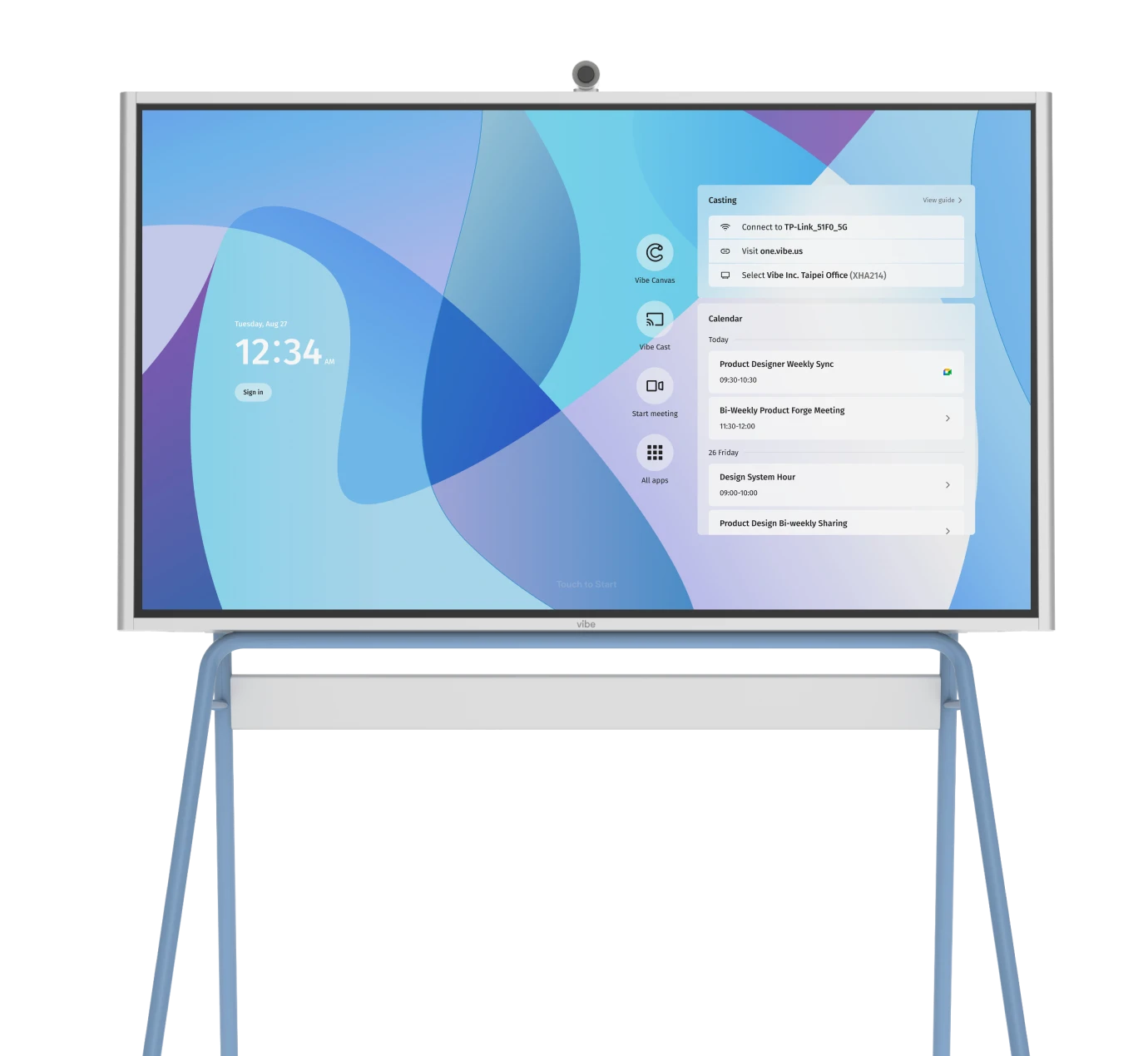


Open offices were supposed to make it easier for people to talk and work together. Remove the cubicle, connect and collaborate more, right?
In reality, they’ve made it harder to find a quiet place to think, share feedback, or hash out decisions. You end up hunting for an open conference room, leaning over monitors, or trying to loop in remote teammates from a noisy corner.
The average employee spends 11.3 hours per week in meetings — nearly 28% of the workweek, according to Fellow. With so much time spent in meetings, your business can’t afford poor workspace design or technical limitations that eat away at efficiency. The solution? Compact, well-equipped "huddle rooms" that make conversation and collaboration easy for both in-office and remote employees.
- Teams and leaders need quick-access spaces that allow hybrid collaboration (enabling on-site and remote teamwork) without constant interruptions.
- Huddle rooms are a new type of collaborative workspace transforming how teams meet, plan, and innovate.
- You can make the most of small, often under-utilized spaces and turn them into powerful hubs for focus and hybrid collaboration.
- Compact spaces cost far less than traditional conference rooms while supporting the way modern teams actually meet.
What Is a Huddle Room?
A huddle room is a compact, informal meeting space designed for maximizing employees’ agility and focus, typically accommodating between two to six people. These rooms prioritize efficiency with quick access, minimal setup, and integrated technology for hybrid meetings or small-group brainstorming.
They differ from traditional conference rooms, which are larger, more formal, and often underutilized for day-to-day collaboration. Conference rooms are also up to 4 times more expensive to house and maintain. Meanwhile, most huddle rooms range in size between 80–250 square feet, and the better ones are equipped with displays, cameras, and whiteboards for in-person or hybrid virtual meeting teamwork.
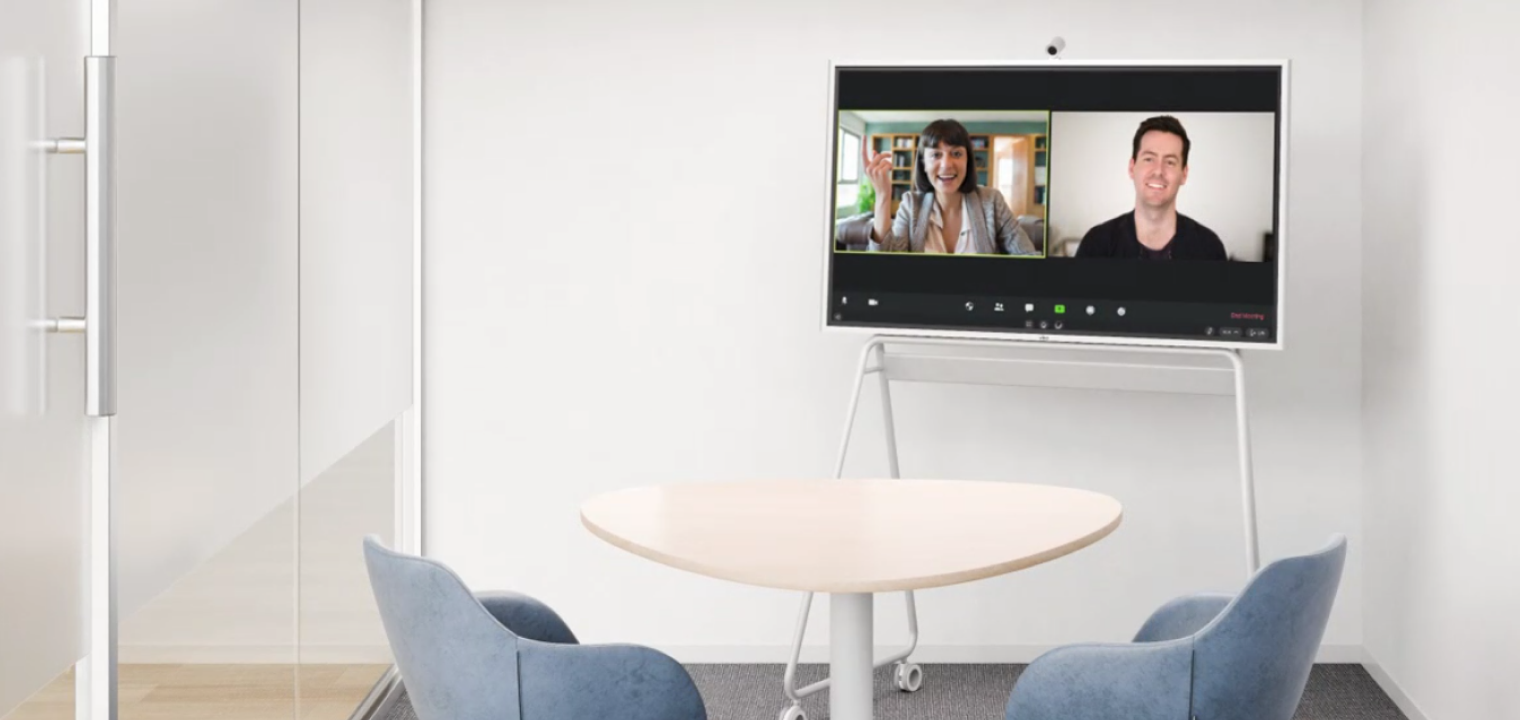
5 Reasons Your Office Needs a Huddle Room
Smaller, more intimate meeting spaces align better with modern work patterns, with most meetings now involving smaller groups and shorter, focused discussions. In fact, according to the Dimensional Research study, 55% of respondents said that meetings held in huddle rooms helped increase productivity. Here are 5 compelling reasons you should consider adding a huddle room (or several) to your office environment.
1. Efficiency and Speed
Providing smaller, well-equipped huddle rooms eliminates the time that is wasted as team leads and members wait for large conference rooms to free up. It also encourages spontaneous meetings that move projects forward faster. Key players can quickly step into a quiet, private room to have task-sensitive conversations and catch-ups to keep projects moving.
2. Hybrid Collaboration
Better huddle room concepts seamlessly connect remote and in-person participants through integrated audio-visual (AV) tools in a smart workspace. The pandemic forced most companies to see the benefits of a remote or hybrid workforce, and as of 2024, about 27–29% of workers report employment in a hybrid format, with around 11% still fully remote.
In a hybrid-optimized huddle room, for example, remote engineers can join an in-office design review in seconds with wireless screen sharing and online collaboration.
3. Space Optimization
Huddle rooms can transform underused corners, conference rooms, empty lounge spaces, or vacant offices into functional collaboration zones. Instead of one cavernous conference room that sits empty, multiple huddle rooms support parallel work and more spontaneous interaction.
4. Cost Efficiency
The smaller footprint and improved utilization of huddle rooms can result in lower real estate, setup, and maintenance costs. According to the AV Network, a 20’×40’ conference room can cost more than $50,000 a year to house and operate. By contrast, a 12’×12’ huddle room only costs about $10,000 a year.
That can add up to massive savings, particularly if your current layout has multiple large conference rooms that aren’t used much. Building (or converting to) smaller, flexible spaces like huddle rooms provides companies with the benefits of dedicated meeting areas at a fraction of the cost.
5. Employee Satisfaction
Private, focused spaces reduce the distractions common in today’s open offices. One Harvard study showed that when businesses moved to open offices, face-to-face interactions dropped by approximately 70%. People didn’t interact more with each other — they bought noise-cancelling headphones and turned to email and messaging instead. The room itself presented more distractions and further depersonalized and isolated people from other team members.
Gen Z workers especially value this kind of environment. In a LinkedIn Workforce Confidence Index survey, nearly three-quarters ranked "quiet spaces" as essential to productivity. One analyst described the open office as "working inside a group chat with notifications you can’t mute."
Huddle rooms can be not just efficiency-boosters, but creative workspaces and safe havens for employees who need breaks from busy environments. These quiet, more intimate spaces boost engagement and morale, and as a result, employees respond with increased work satisfaction and productivity.
Key Elements of Effective Huddle Rooms
So, what does a well-designed and well-equipped huddle room look and feel like? Let’s go over the key elements of today’s effective huddle rooms.
Design and Comfort
If you want workers to make use of a huddle room, it needs to be a pleasant space. Comfortable, ergonomic furniture encourages creativity and engagement. Better huddle rooms make use of soft LED lighting and clean layouts to help teams maintain focus. This doesn’t necessarily mean you have to hire an expensive architect and an interior designer, but any space that’s clean, comfortable, and nicely lit will be very welcoming. For example, Framery’s acoustic pods show how compact design and comfort can coexist, and they can be set up very easily in nearly any space.
Layout and Size
We mentioned above that huddle rooms can vary a bit in size, but for most organizations, the ideal range is between 100–200 square feet, with the intent of comfortably accommodating up to five in-person participants (and any hybrid/remote people as well). Modular furniture can be used to save cost, enhance flexibility, and support different use cases — from brainstorming to client calls.
Acoustics and Privacy
One of the main complaints of today’s open-office workers is the constant "buzz" or noise that requires many people to wear noise-canceling headphones to get any work done. A good huddle room will have effective soundproofing materials or partitions to block noise from open areas. Glass panels should be double-paned or otherwise sound-reducing.

Huddle Room Technology for Hybrid Teams
Let’s go over some of the must-have equipment for an optimized, tech-enabled, hybrid-friendly huddle room.
Essential items
-
55″+ display or TV (4K preferred) visible to everyone in a 2–6 person room.
-
All‑in‑one video bar or combo camera + mic + speakers designed for small rooms (wide FOV, echo cancellation, noise suppression, AI camera tracking).
-
Reliable video‑conferencing platform (Zoom, Teams, etc.) with a dedicated in‑room PC or simple BYOD plug‑in.
-
Stable broadband plus wired or enterprise‑grade Wi‑Fi.
-
Power outlets at the table and basic cable management so users can plug in and not fight cords.
-
Small table and 3–6 ergonomic chairs or stools sized to keep everyone in camera view.
Recommended items
-
Room scheduling panel or booking system outside the room.
-
Wireless content sharing (built into the display, video bar, or a separate device) for quick screen-casting.
-
Physical or digital whiteboard for in‑room and remote brainstorming.
-
Acoustic treatments (rug, panels, soft finishes) to cut echo in small, glass‑heavy rooms.
-
Simple AV control interface or touch panel for one‑touch "start meeting."
"Nice to have" items
-
Intelligent camera features (auto‑framing, speaker tracking, multi‑stream layouts) for more natural hybrid meetings.
-
Extra table or ceiling microphones for rooms that stretch beyond 6–8 people.
-
Integrated LED lighting or scene presets tuned for faces on video.
-
Occupancy sensors/analytics to track usage and right‑size your room mix.
-
Branding touches (custom backgrounds, wall graphics) to make the huddle space feel intentional, not left over.
Integration and Ease of Use
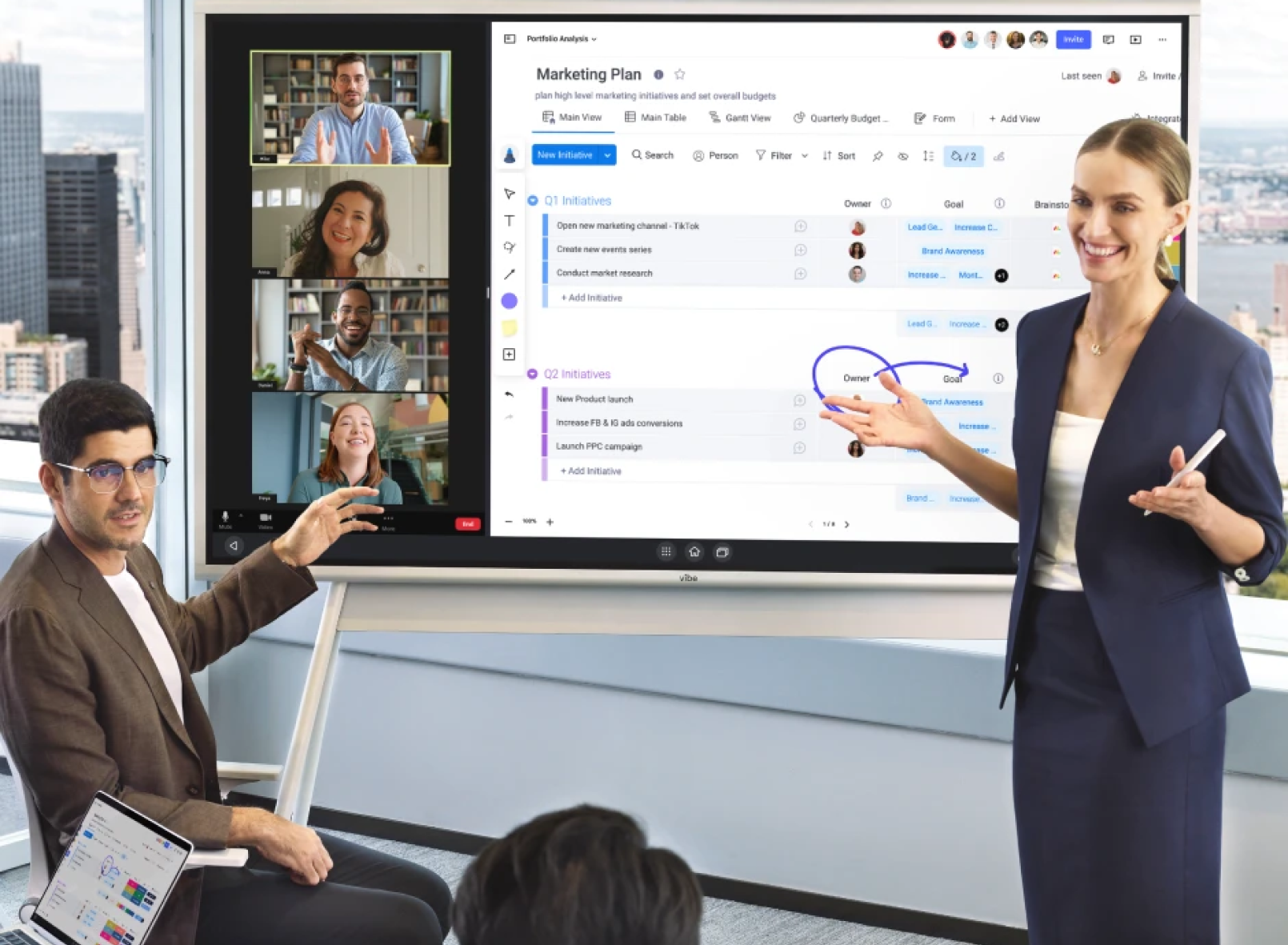
Huddle rooms work best when the tech disappears into the background. Plug-and-play systems that work with Zoom, Teams, or Google Meet let anyone start a meeting without setup struggles. One-touch join features cut down on delays, and room-management tools make it easy to see what’s available and keep every space running smoothly.
Adaptability and Smart Office Integration
Whenever you want to try out a new concept or technology, particularly where interfacing with your employees is concerned, it’s often best to start small and gradually scale across departments or floors. This allows time for thorough vetting of any issues unique to your business and teams. Ideally, huddle rooms should integrate tools like digital signage, cloud storage, and device management for seamless collaboration.
How to Create a Huddle Room That Works
Here’s how you get started in creating a huddle room optimized for efficiency, comfort, and productivity.
Start with the Space You Already Have
As we mentioned above, one of the best ways to develop huddle rooms in existing office spaces is to convert empty offices, under-utilized conference rooms, unused open areas, or corners. This will involve minimal construction and expense while still providing useful huddle rooms.
For example, you can easily turn a small file room into a two-person collaboration hub with a wall display and video bar.

Keep the Furniture Light and Flexible
Consider using mobile tables and stackable chairs for adaptable layouts—this makes the space more useful for different groups. You also want furniture that is functional and comfortable. A beautiful, minimalist chair might be inspiring to look at, but if it won’t easily support the people sitting on it, it’s not going to be of much use.
These don’t need to be luxury lounge areas, and that’s not really the intent anyway. Prioritize quick accessibility, easy setup, and comfort for short sessions.
Prioritize Technology Early
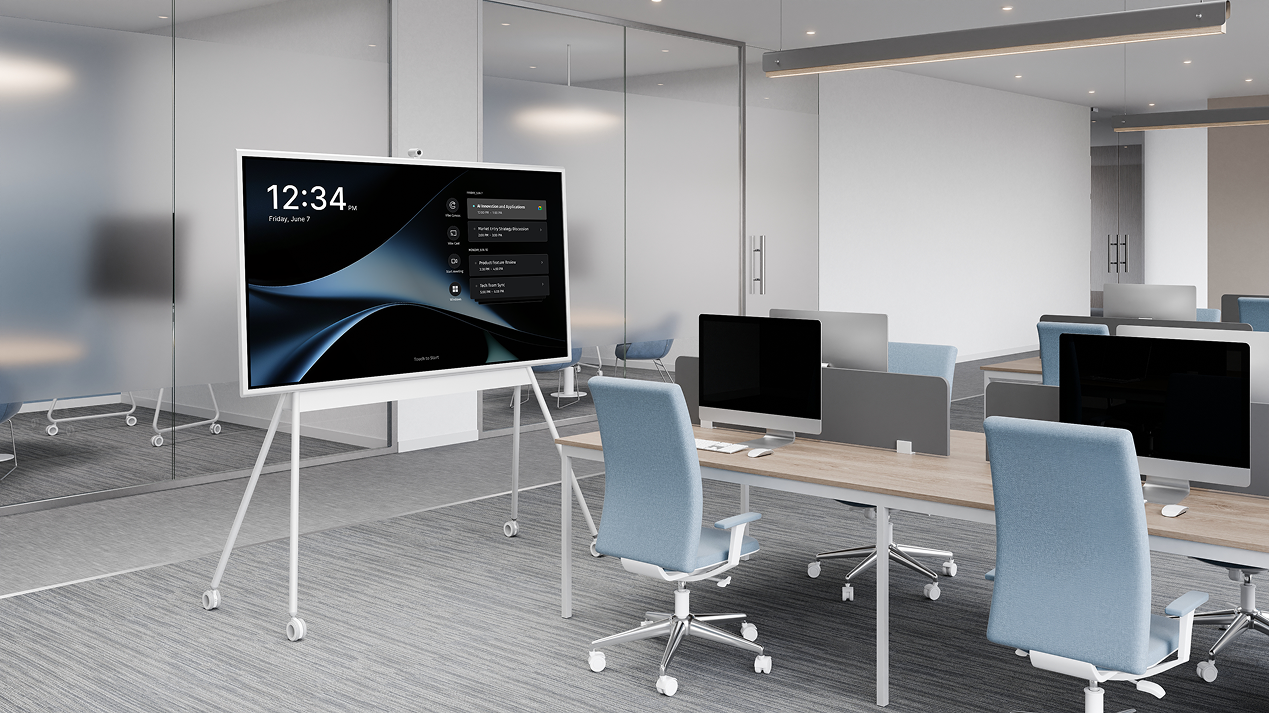
One thing that should be emphasized early in the process is to convert or create huddle rooms with camera placement, lighting, and power access in mind. A space will be much more useful to your business if it’s also enabled with a smart board for office collaboration (whether in-person or hybrid/remote) and a camera/virtual meeting system. Mount cameras at eye level to ensure natural remote communication.
Design for Focus and Collaboration
Consider incorporating writable walls, wireless tools, and generally clutter-free surfaces. People often think and brainstorm better in a pleasantly minimalist environment. It doesn’t need to be sterile, but focus should be prioritized. Every decision should support quick, agile meetings without unnecessary setup time.
Make It Welcoming
A warm environment encourages creativity and participation. Consider adding greenery, natural light, or accent colors to boost mood. You might try several different "feels" in different huddle rooms and let teams pick the ones that work the best for them.

Huddle Room Use Cases: 5 Practical Applications
You may already be envisioning several ways a huddle room could be utilized in your existing office space. Here are a few applications to help you see just how versatile these spaces are.
1. Team Project Meetings
A huddle room can be ideal for quick status updates and next-step planning. Project managers can quickly invite key team members into a huddle room for status reports or to discuss any issues. Or a small agile development team can use a huddle room for weekly sprint syncs.
2. Brainstorming Sessions
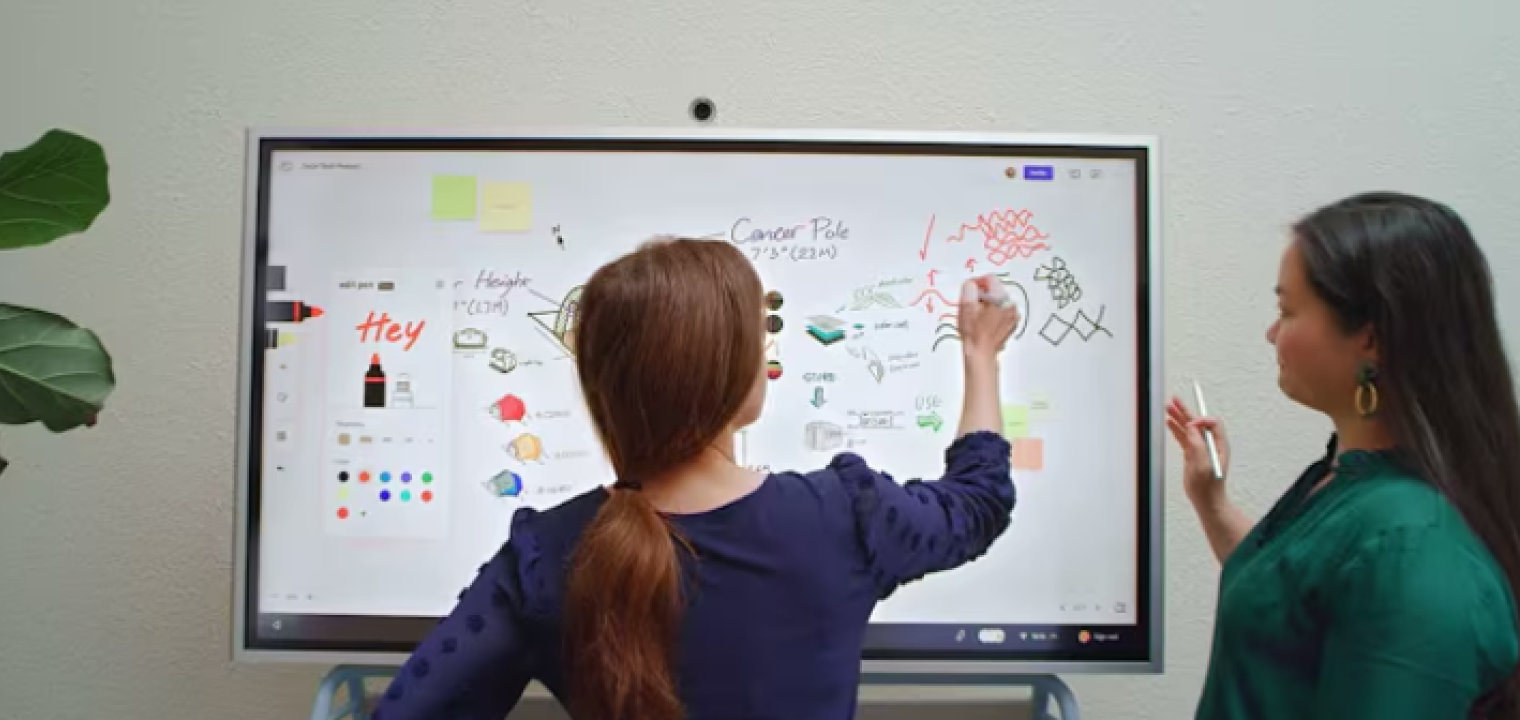
A well-equipped huddle room can be perfect for brainstorming and other out-of-the-box thinking. The less formal, more personal space supports creative energy without a regimented meeting structure. Ideally, you would have digital whiteboards to capture and refine ideas.
3. Client or Partner Meetings
One-on-one meetings or other small groups thrive in huddle spaces. They provide an intimate, yet professional space for conversations, without the fear of being overheard. This is especially helpful for hybrid client presentations using dual displays.
4. One-on-One Conversations
A huddle room is great for private feedback, coaching, small team trainings, or mentoring between leaders and team members. It encourages open, distraction-free dialogue and may instill less anxiety than being called into "the boss’s office," for example.
5. Daily Stand-Up or Huddle Meetings
Huddle rooms can be ideal for quick, 5–10 minute syncs to align team priorities. This is common in healthcare, tech, and manufacturing workflows, but even a hybrid marketing team may like to start their day together and get priorities straightened out in a huddle.
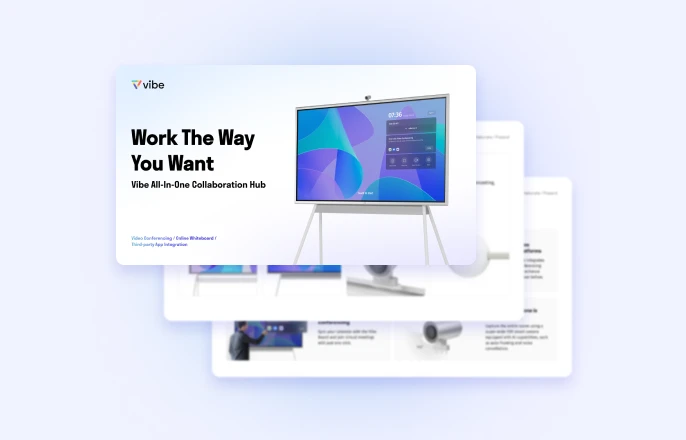
The Future of Huddle Rooms in Smart Offices
Huddle rooms are becoming a core part of modern office design, and the next wave of tools will make them even easier to use. More companies emphasize and prioritize sustainability, too, which can impact both the furniture you purchase and how your technology operates. Today, teams can already upgrade their spaces with energy-efficient displays, occupancy sensors that reduce idle power use, and simple room-booking systems that prevent scheduling conflicts.
What’s coming next goes a step further. AI-powered room management, auto-booking based on meeting patterns, and deeper usage analytics will help organizations understand how their spaces are actually being used. These insights make it easier to plan layouts, right-size meeting rooms, and support hybrid teams more effectively.
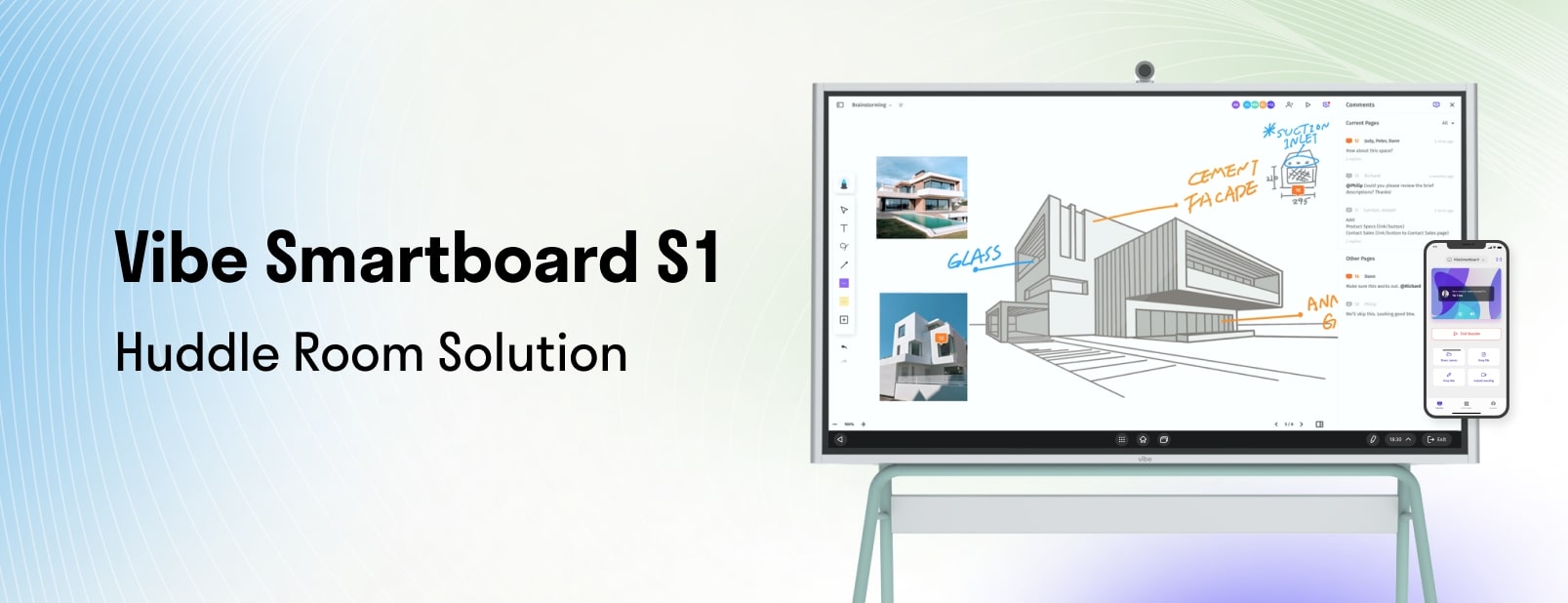
How Vibe Board S1 Elevates Huddle Rooms
Collaboration is the entire point of a huddle room, and the key to effective huddle rooms is having the right collaboration technology. Vibe’s Smart Whiteboard is the ideal solution.
The Smart Whiteboard features:
-
Real-time co-creation and annotation
-
4K wireless screencasting and multi-touch whiteboarding
-
Seamless integration with Zoom, Microsoft Teams, and Google Workspace
-
Portable, scalable setup that fits any huddle room design
Vibe’s technology embodies the agility and accessibility that define huddle rooms. You can have better hybrid collaboration, faster idea generation, and more productive meetings, no matter where you are. Request a demo today.
Huddle Room FAQs
What is a huddle room?
A huddle room is the term for a small, informal business meeting space for between two and six people. Designed for quick collaboration and hybrid on-site and remote discussions, huddle rooms make meetings faster, hybrid work easier, and office spaces more efficient through smart, flexible design.
What is a huddle in the office?
A brief, focused meeting or team check-in, typically employed to share updates or align on daily priorities.
How big is a huddle room?
Huddle rooms generally range in size from around 80 to 250 square feet, enough for a small table, the appropriate number of chairs, and the appropriate collaboration technology.
What are small meeting rooms called?
In modern business spaces, small meeting rooms are also known as huddle rooms, focus rooms, or breakout spaces. All serve similar purposes for quick, private collaboration and conversation.

-1sbltxxq4FYxHrXrwJVLsCDNsXpqNa.webp)
-5Zp0pmSytvcuYDVs1LvuwplKuRneK0.webp)