

Today, students attend class in a wide variety of places, from bedrooms to cafes. Effective digital spaces for meetings can transform classrooms from silent lecture halls to warm and collaborative environments.
We also know digital learning isn’t going anywhere. Take a look at the K–12 sector in 2023, when 72% of public schools used blended learning methodologies—up from 58% in 2021. Video conferencing technology, the real-time video communication to connect teachers, students, and experts anywhere, is the natural evolution of today’s varied educational needs.
This article will review the benefits, best practices, and beyond of current video conference software tools in the education space, as well as the future of this technology.
- Video conferencing for education gives schools flexible ways to support in-person, hybrid, and fully remote learning.
- Tools with strong collaboration features like polls, whiteboards, and breakout rooms help keep students engaged.
- The best tools fit easily into existing LMS systems and teaching workflows.
- Clear tech habits and security practices make virtual classrooms safer and more reliable.
- The next wave of digital learning will combine AI, automation, and immersive environments.
What Video Conferencing Does for Education
Video conferencing for education supports a wide range of learning needs by connecting students and classrooms across distance, schedules, and physical spaces. The right platform adapts to in-person, remote, and hybrid models so that teachers have total flexibility without replacing traditional learning.
You don’t have to replace in-person learning, and you don’t want to add to a teacher’s workload by offering too much. However, when video tools integrate smoothly with daily routines, they create more accessible lessons and inclusive learning styles. This helps students feel connected and accounted for, no matter where they’re joining from.
Key Benefits of Video Conferencing for Education
Easier lessons, richer learning experiences, better collaboration between students—video conferencing in the classroom offers a mountain of potential. Here’s a closer look at some of those benefits.
1. Wider Accessibility and Flexibility
Remote learning should mean more accessibility and flexibility, not less. Video conferencing for education supports students who can’t always attend in person, whether they’re sick, remote, or managing a disability. It also lets teachers record sessions for later review, giving students more ways to revisit lessons and learn at their own pace. This creates a more equal and equitable learning environment.
2. More Interactive and Engaging Learning
An engaged learner is a productive learner, and your conferencing software should help encourage better interaction among your learners, as well as better engagement. The types of tools that can help provide this to your classroom include breakout rooms, polls, and screen sharing. Digital tools such as digital whiteboards, quizzes, and annotations can also greatly improve engagement between students and educators.
3. That Goes Beyond Borders
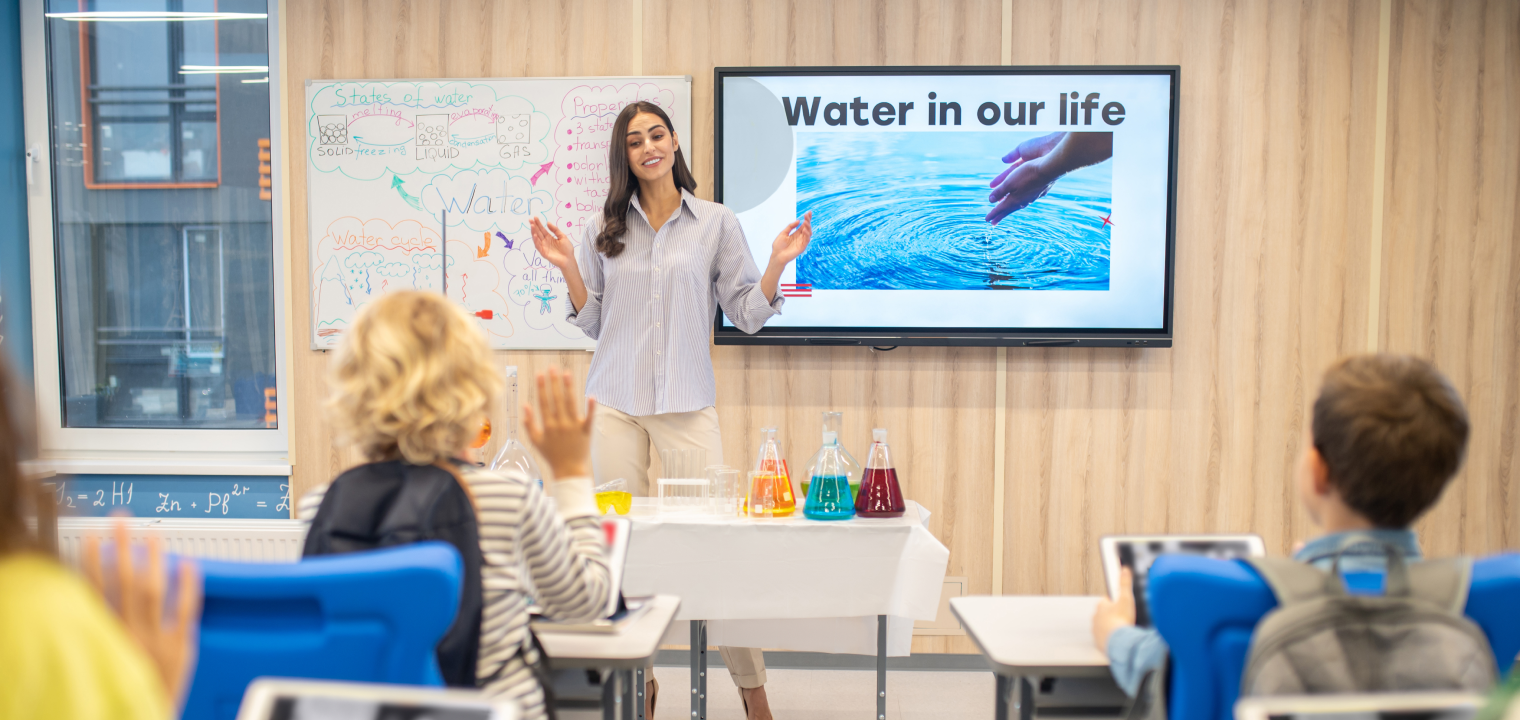
Collaboration can go beyond a computer screen showing everyone’s faces in individual video tiles. Conferencing software that allows for both global group project participation as well as virtual guest speakers helps the classroom to stretch far beyond the four walls that create the physical border of the classroom.
4. Lasting Digital Records of Lessons
Many platforms allow teachers to record lessons for students. This could be individual lessons for specific students, or it may look like recorded lectures so that those who were unable to attend can review the material in class. It also helps teachers build a growing library of lesson content that can be reused or referenced across future classes.
5. Professional Development for Teachers
Being able to lean on some of the remote-heavy features of education video conferencing software allows teachers to attend conferences, share educational resources among themselves, and build communities of practice. You should be able to use your technology to expand access to training that might otherwise be out of reach.
Requirements for Effective Educational Video Conferencing
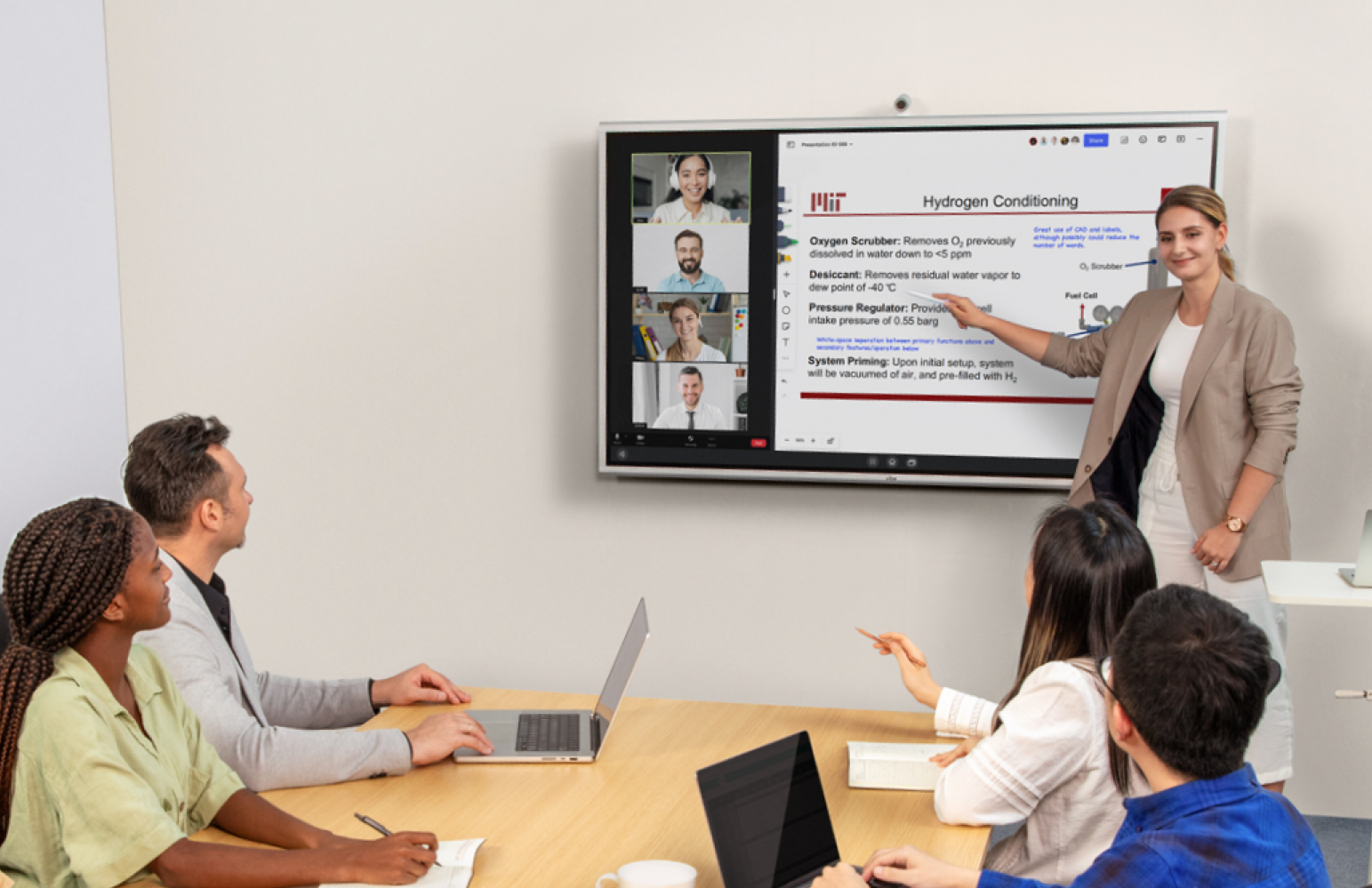
No matter what your specific education needs may be, there are certain features that any educational video conferencing software should have. These are the most essential:
-
LMS integration: Seamless connections with platforms like Canvas or Moodle make scheduling, attendance, and classroom access easier for everyone.
-
Recording and playback: On-demand lesson recordings give students flexible ways to review material and revisit complex topics.
-
Collaboration tools: Features like screen sharing, shared files, and annotations help bring classroom-style interaction into virtual settings.
-
Ease of use: Software that is hard to use is rarely used. Simple setup and intuitive controls reduce classroom disruptions and help teachers and students stay focused.
-
Security: You’ll also want to make sure that your technology stack allows for compliance with privacy standards like FERPA or CISS.
Pro Tip: Before committing district-wide, test the platform with a pilot group of teachers to measure usability and performance.
4 Top Video Conferencing Platforms for Education
Here is some of the key information about the most popular video conferencing platforms used in education.
1. Zoom
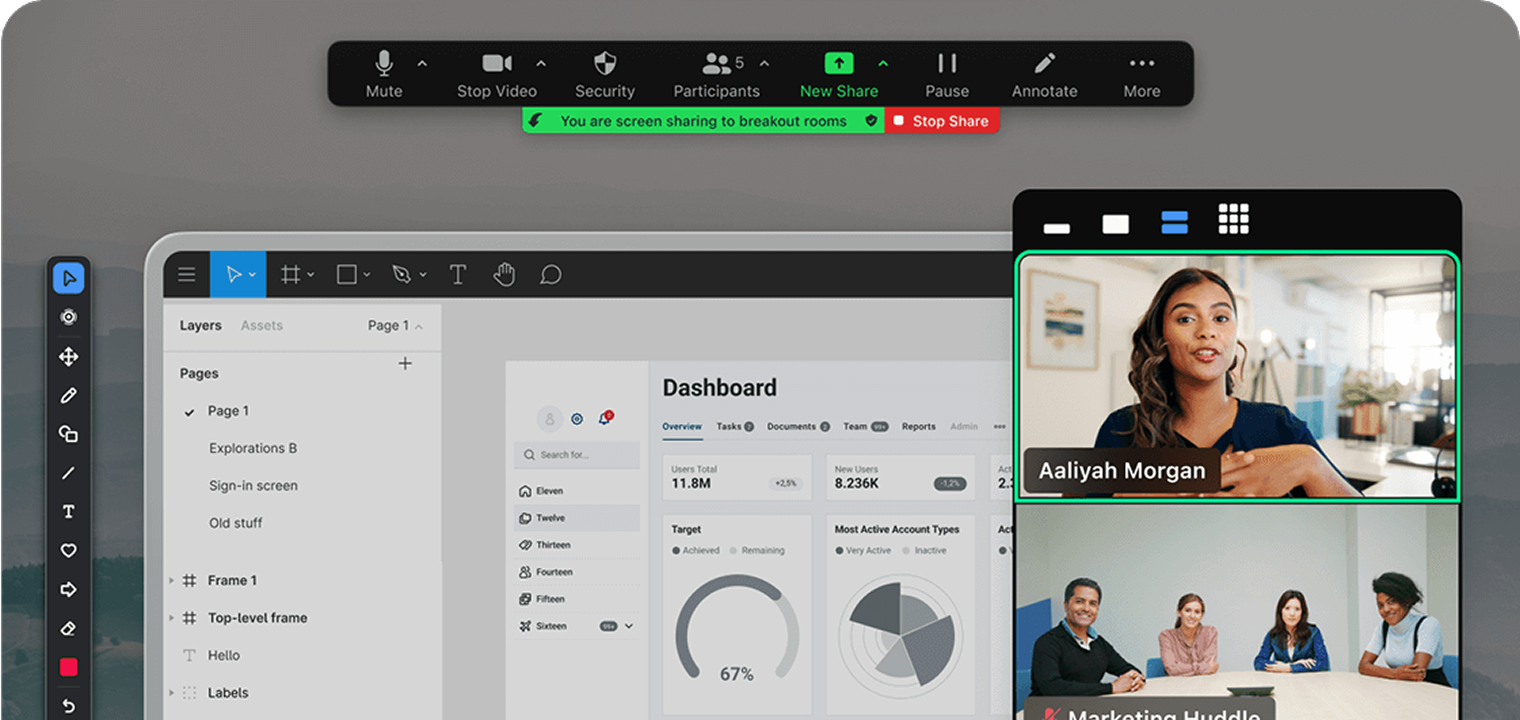 Screenshot of Zoom
Zoom is the widely adopted video platform that gives users breakout rooms, polls, whiteboards, and robust recording options for strong education-oriented use with admin controls. It offers an extensive LMS and LTI ecosystem as well as mature classroom features that can be tailored to an education environment. The main drawbacks are the time limits on the free plan and the fact that Zoom, despite having a decent LMS ecosystem, isn’t a full LMS.
2. Google Meet
 Usage Scenario of Google Meet
Google Meet is best known for offering simple, secure meetings integrated across Google Workspace, Classroom, and Calendar with streamlined scheduling and join flows. Its native LTI for Canvas and deep linkage with Classroom/Drive make set‑up and access simple for Google schools. Keep in mind, though, that the free tier limits meeting length and participant numbers, and it offers fewer built-in engagement features than specialized edtech platforms.
3. Microsoft Teams
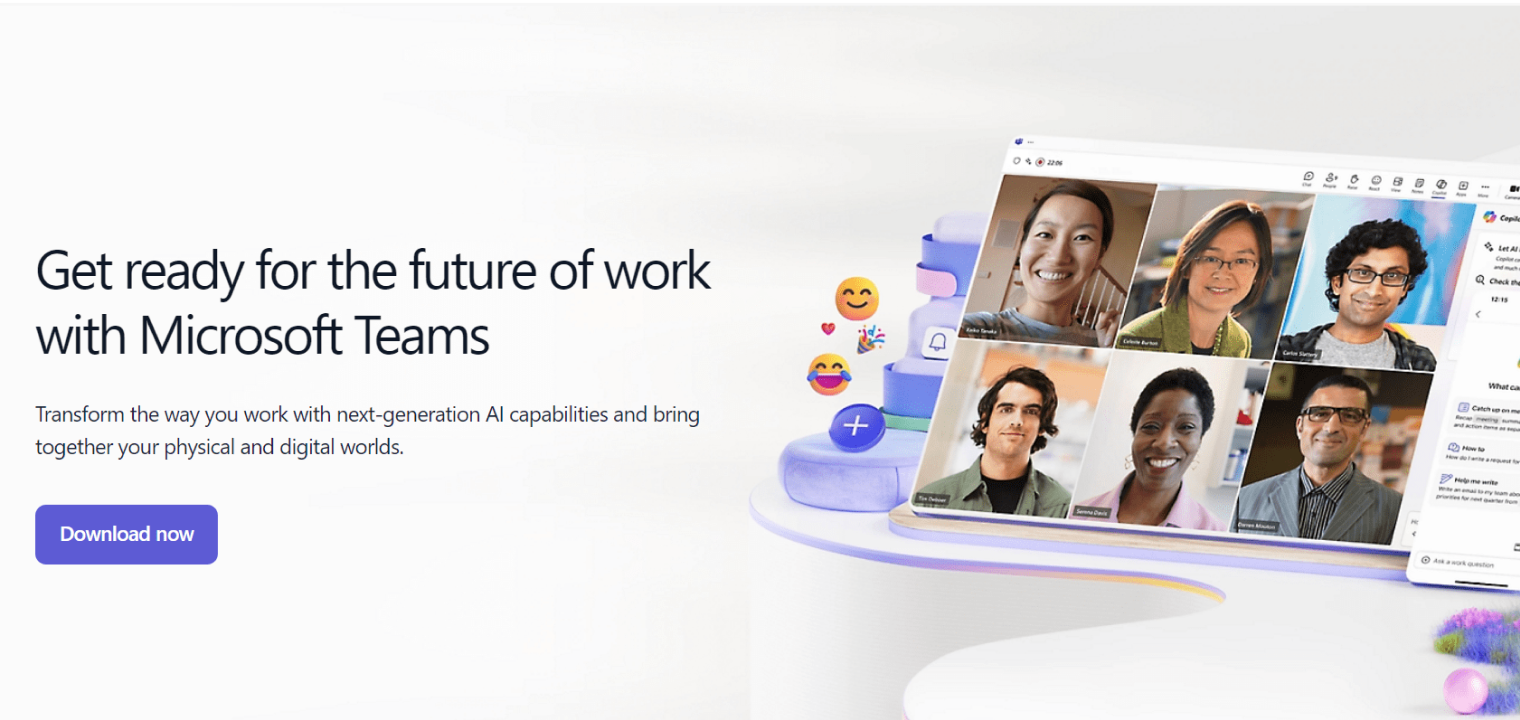 Screenshot of Microsoft Teams
Microsoft Teams makes for an excellent collaboration hub, combining meetings, chat, files, assignments, and compliance within Microsoft 365. Plus, Microsoft 365’s LTI (GA) enables standardized, LTI 1.3 integrations across major LMSs with enterprise security and compliance. One hurdle is the learning curve and administrative complexity, which can be higher than other lightweight meeting tools for simple class sessions.
4. Cisco Webex
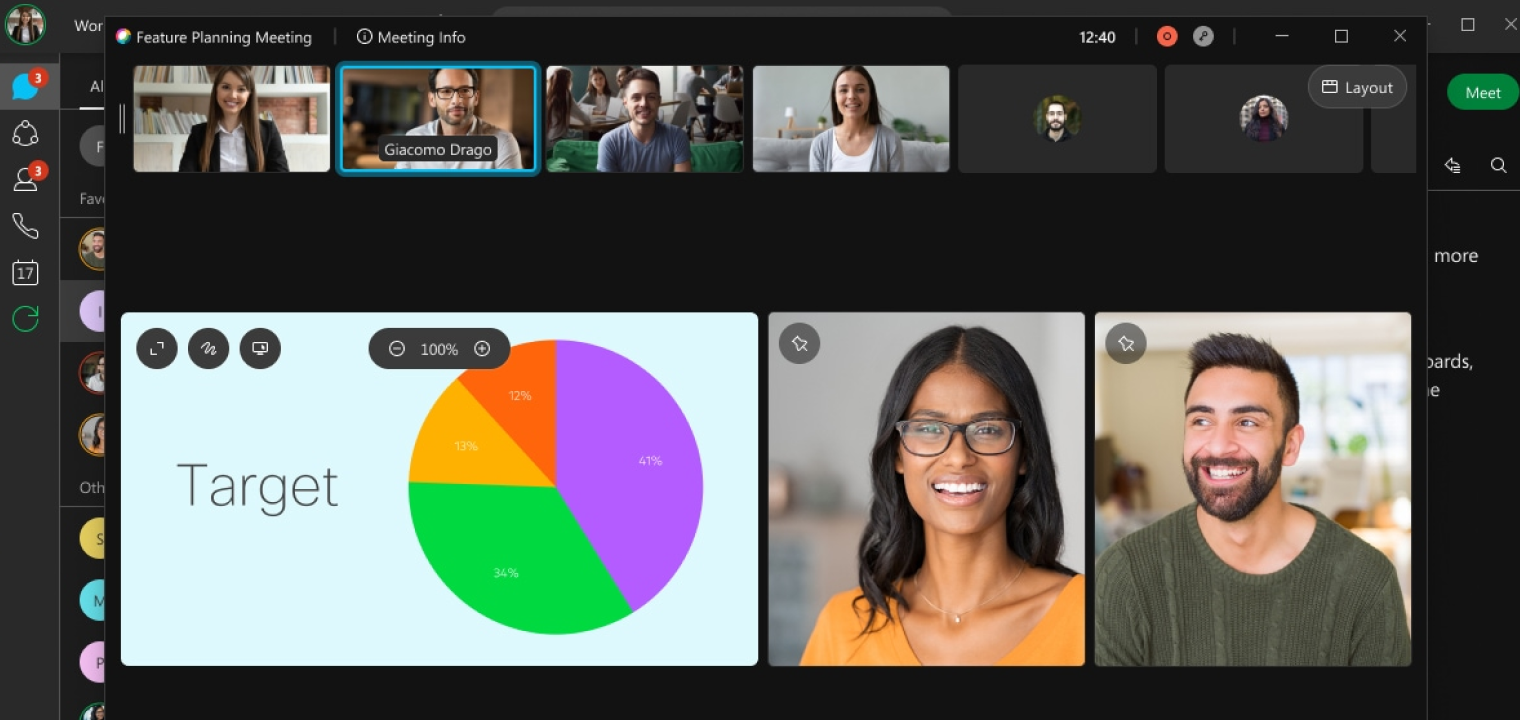 Screenshot of Cisco Webex
Cisco Webex provides enterprise‑grade meetings with strong admin controls, as well as the Webex Education Connector for LMS workflows. The Education Connector embeds scheduling, attendance, and recordings inside popular LMSs like Canvas and Blackboard. Some limitations include how the free plan’s time and participant caps vary by region, and advanced features typically require paid tiers.
|
Platform |
Best For |
Max Participants (Free) |
Pricing Options |
Integrations |
|
Broad K‑12 and higher ed adoption with familiar UI and extensive add‑ons. |
100 participants on Basic/free plan; 40‑minute cap per meeting. |
School and Campus $10/month for up to 300 participants. Enterprise pricing available upon request for up to 500 participants. |
Integrates with major LMSs, including Canvas, Moodle, Blackboard, Schoology via LTI/connectors and third‑party bridges; recordings can sync back to LMS. | |
|
Schools on Google Workspace for Education who want simple, secure Meet inside Classroom/Canvas. |
Up to 100 on free tier, with a 60‑minute cap for group meetings. |
Three paid tiers with pricing available upon request for 100, 250, and 500 participants. |
Native LTI for Canvas (Google Meet LTI), plus deep linkage across Workspace and Classroom for scheduling and joining from LMS content areas. | |
|
Institutions standardized on Microsoft 365 that need meetings, chat, assignments, and compliance in one hub. |
100 participants on free tier; typical 60‑minute cap on free meetings. |
Three premium options are available: A1, A3, and A5, with pricing available upon request. |
Microsoft 365 supports Canvas, Schoology, Brightspace, Blackboard, Moodle under LTI 1.3 Advantage. | |
|
Institutions prioritizing robust LMS connectors and admin controls with Education Connector. |
100 participants on free plan; commonly 40–50 minute cap per meeting. |
Webex Meet $144/year up to 200 participants. Pricing available upon request for Webex Enterprise for up to 1,000 participants. |
Webex Education Connector integrates with Canvas, Blackboard, Moodle, Brightspace, Sakai for scheduling, attendance, and recordings from within LMS. |
Preparing for Effective Virtual Classrooms
Good technical habits can make a big difference in class quality and reduce education fatigue for all participants.
For teachers, especially those managing over 30 students in a virtual space, it is important to establish tech protocols. For example, teachers can designate a student "tech helper" to keep backup lesson plans in case of outages.
For students, creating a dedicated learning space, making a habit of using the ‘Raise Hand’ features instead of unmuting, and always testing connections before class starts will help make the experience more engaging for everyone.
For IT Admins, pre-configuring teacher accounts with standard settings, monitoring bandwidth across campus, and maintaining a well-run troubleshooting helpdesk will all make tool adoption easier and reduce help requests.
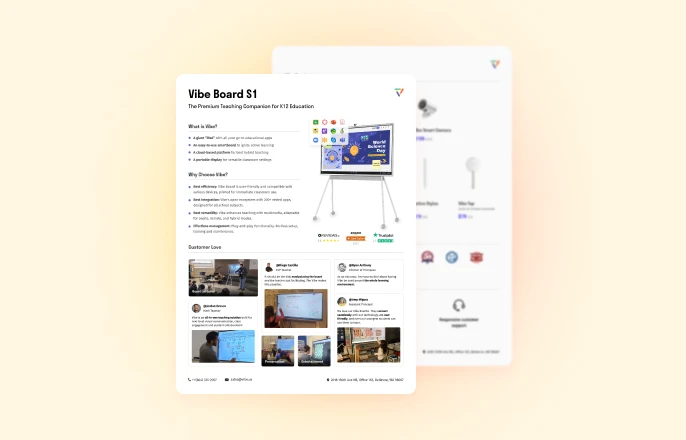
Keeping Classrooms Safe and Privacy Compliant
Security and privacy are foundational to a positive digital learning experience. A single oversight can compromise privacy, trust, and the learning environment itself. Schools need video conferencing tools that meet standards such as FERPA and COPPA and provide the controls teachers rely on to manage who joins a session and what information is shared.
Clear guidelines help everyone create a safe environment. Teachers and administrators need to fully understand how to keep learning spaces properly vetted, moderated, and classroom-appropriate; all of these safety standards are vital to the success of the classroom, both on and off screen.
The Future is Digital Learning
The future of digital learning is fast approaching. Here are two things to look out for.
First, AI note-taking and automation that will allow participants to summarize discussions had in class while capturing lesson highlights. These AI note-taking features help to improve accessibility and general classroom and curriculum organization.
Second, augmented reality classrooms take the idea of closing the physical and geographic gaps in your learning spaces to an entirely different level. They create AR classes and holographic spaces for guest lectures and in-class learning while still not being in-person.
While these features are still partially experimental, there are some viable options on the market proving that a more immersive, connected learning experience is possible.

Vibe Board S1: Elevate Your Teaching
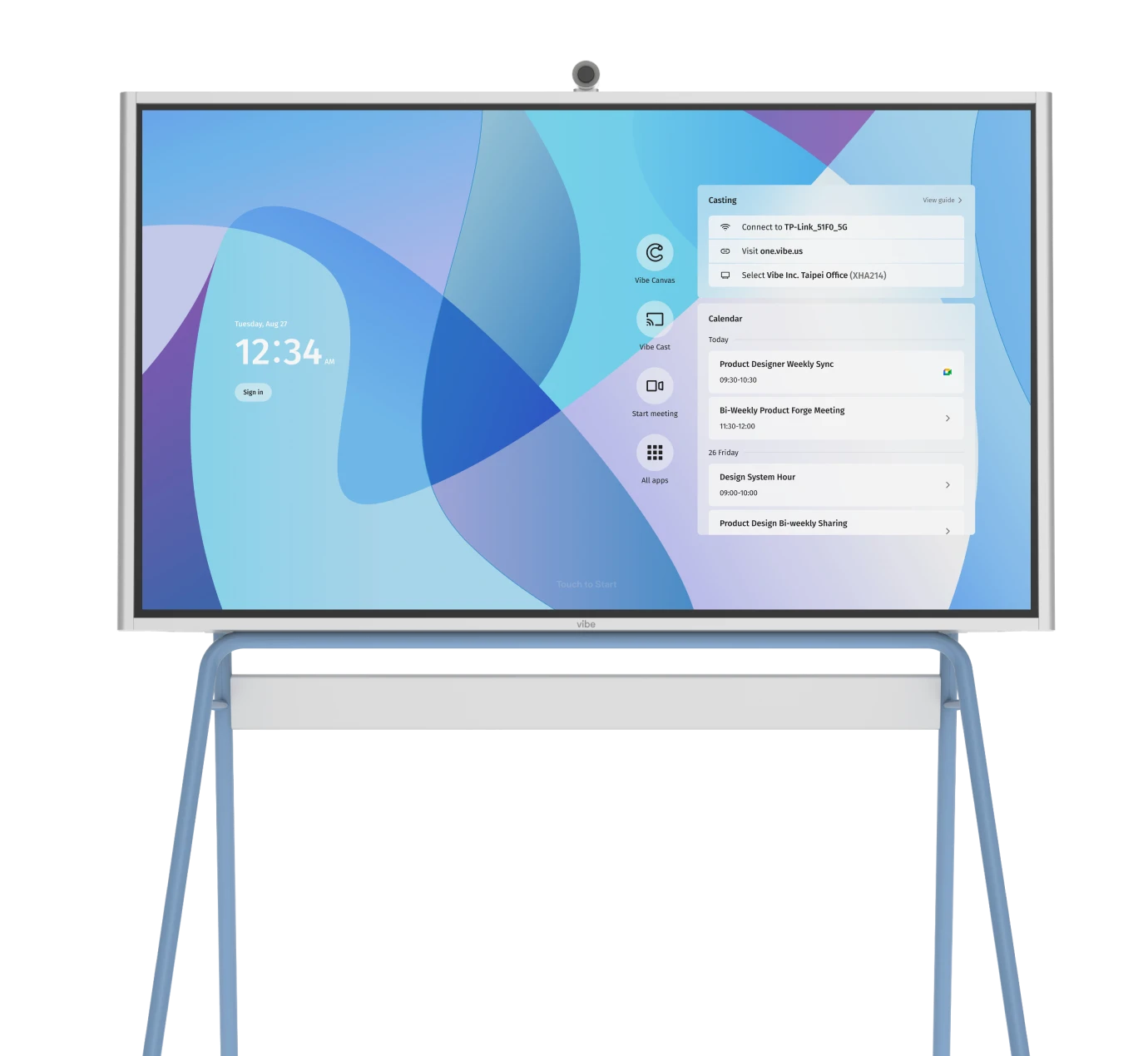
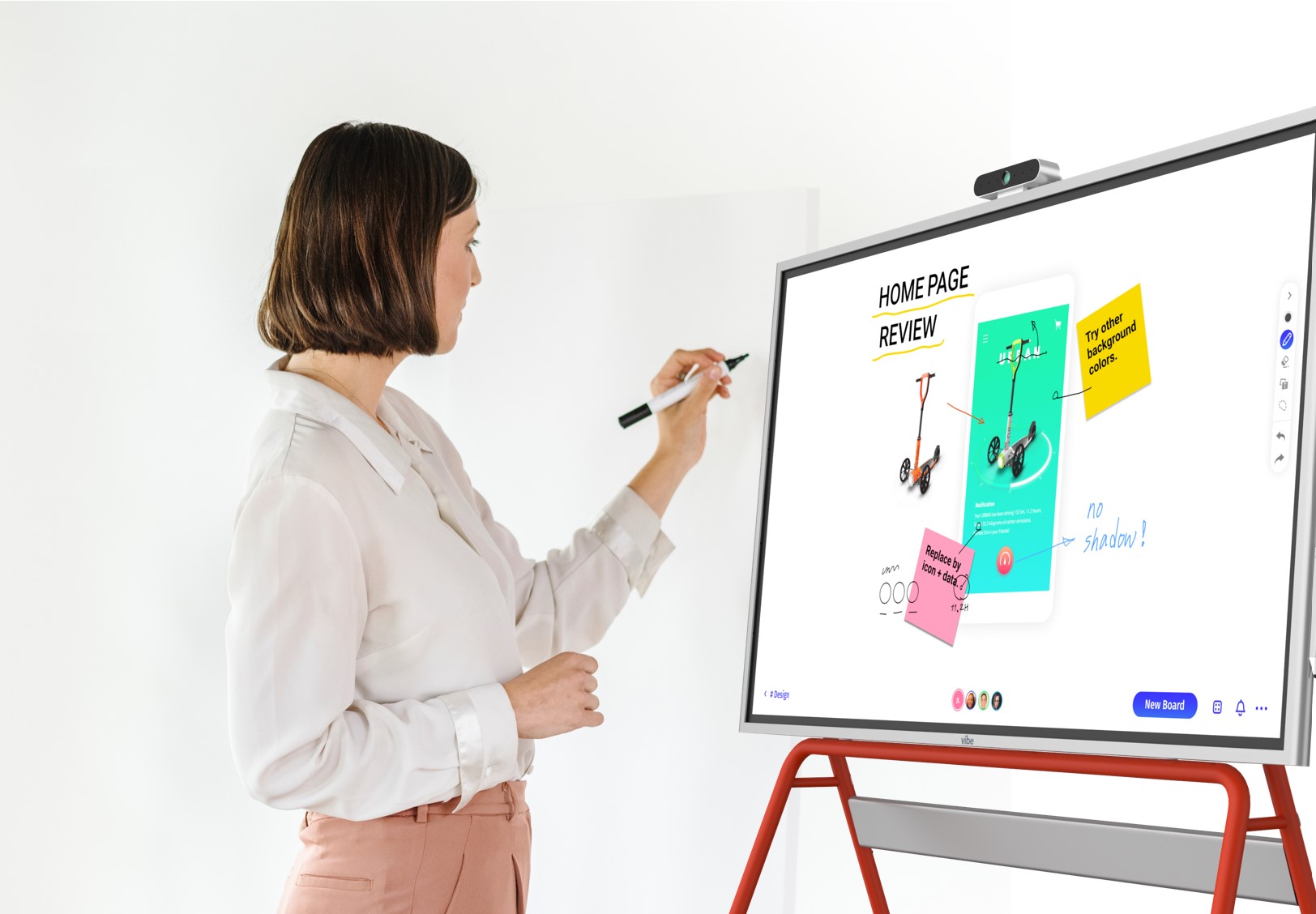
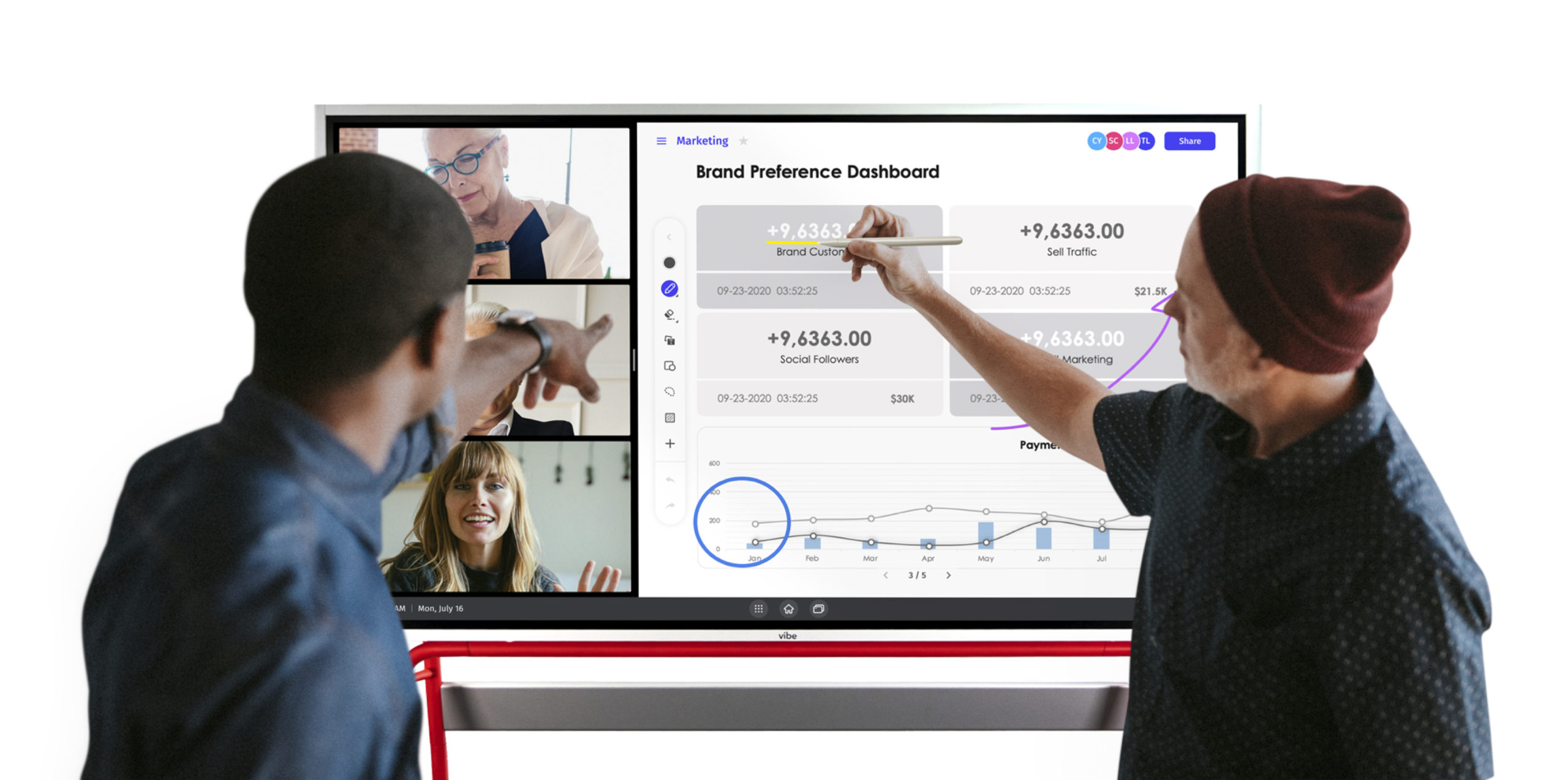
As schools continue to blend in-person and virtual learning, teachers need tools that bring everyone into the same conversation. Vibe Smart Whiteboard supports this by combining video conferencing, digital whiteboarding, and content sharing in one device that works naturally with platforms like Zoom, Microsoft Teams, and Google Meet. The 4K touchscreen offers responsive writing, and the built-in camera and microphones help students see and hear lessons clearly from any location.
The portable design also gives teachers the flexibility to move between classrooms or support remote teaching when needed. With cloud-connected Canvas software for shared brainstorming and annotation, Vibe Board S1 helps educators create interactive, collaborative lessons across hybrid environments.
Request a demo today to transform your classroom and learning experience!
Educational Video Conferencing FAQs
What is video conferencing in education?
Video conferencing in education is the use of live, real-time video communication to connect teachers, students, and classrooms, supporting both remote and hybrid learning.
Is Zoom or Google Meet better for tutoring?
Zoom offers more advanced tools for interaction, while Google Meet is easier for small-group tutoring within Google Classroom.
What are the three types of video conferencing?
The three common types are one-on-one meetings, small-group sessions, and large lectures or webinars.
How can schools ensure security in virtual classrooms?
Schools can strengthen security by using encrypted platforms, screening participants before they join, and requiring verified access for all users.


-1sbltxxq4FYxHrXrwJVLsCDNsXpqNa.webp)
-5Zp0pmSytvcuYDVs1LvuwplKuRneK0.webp)