Kick off 2026 with a better workspace: Up to $600 off per Vibe BoardStart 2026 with Vibe: Save $600 now
-5ArHvRUzMBfvf3Oo54waxF4PkOTfyV.webp)
-2OjQFD0I3Yx6EiZyHcZ9nJMRRwiGH4.webp)
-YvqNzuC9VXatg4h2hVIYWk2JmrsiaL.webp)
-TjmiKOG6QzXdCthW4qXnVyLyDZYQVe.webp)
-OBxeYOHIYPrfK9VTboKZhaX8NZEdGc.webp)
7,200+ educators teach with Vibe Board



Why choose Vibe Smartboard?
Why Vibe Smartboard?
The most easy-to-use smartboardfor interactive teaching
The most adaptable display foronsite, remote and hybrid learning

The most intuitive Smartboard for interactive teaching
The most versatile display for blended learning
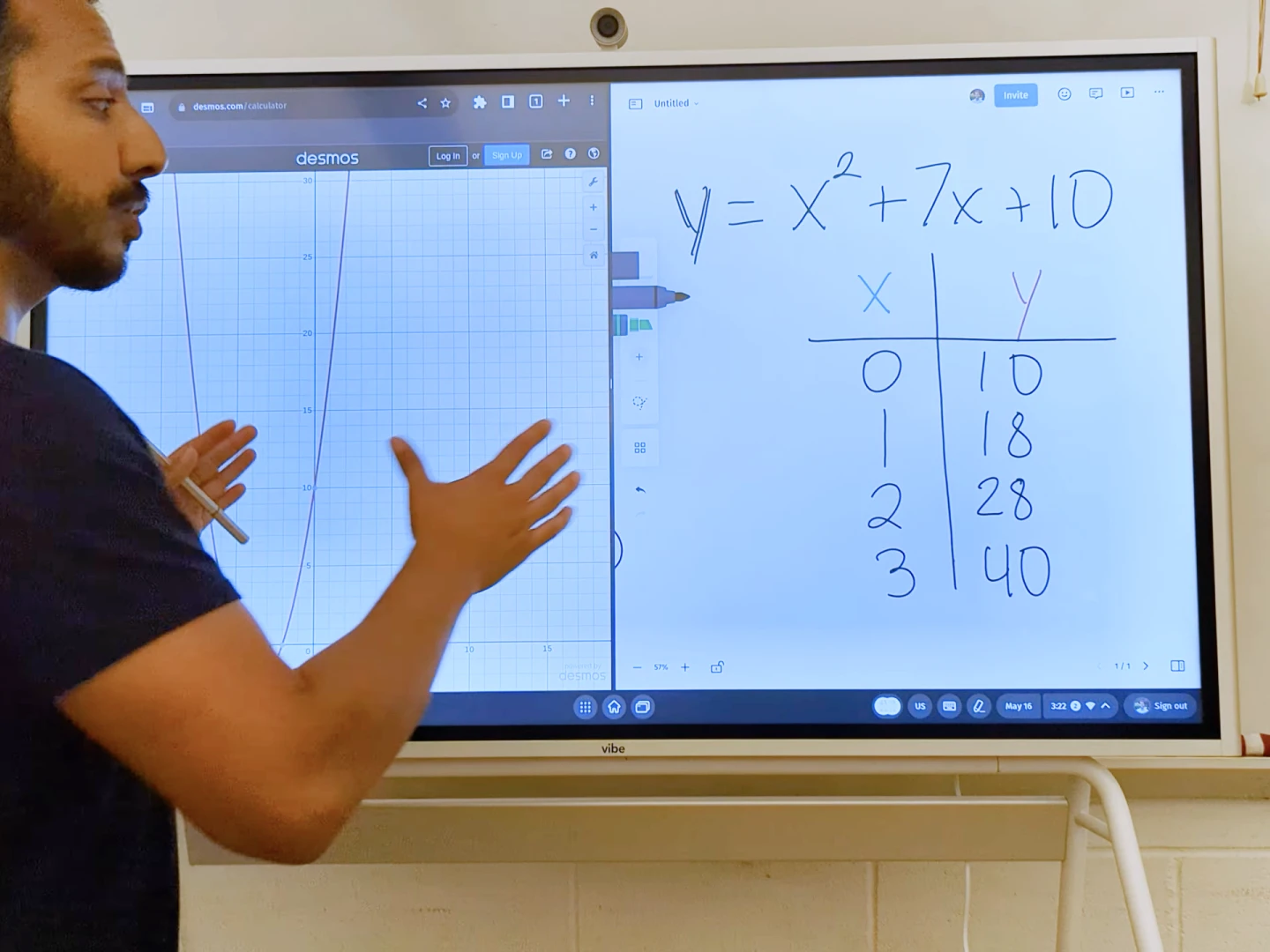
Powerful smart whiteboard for educators
Smart whiteboard for educators
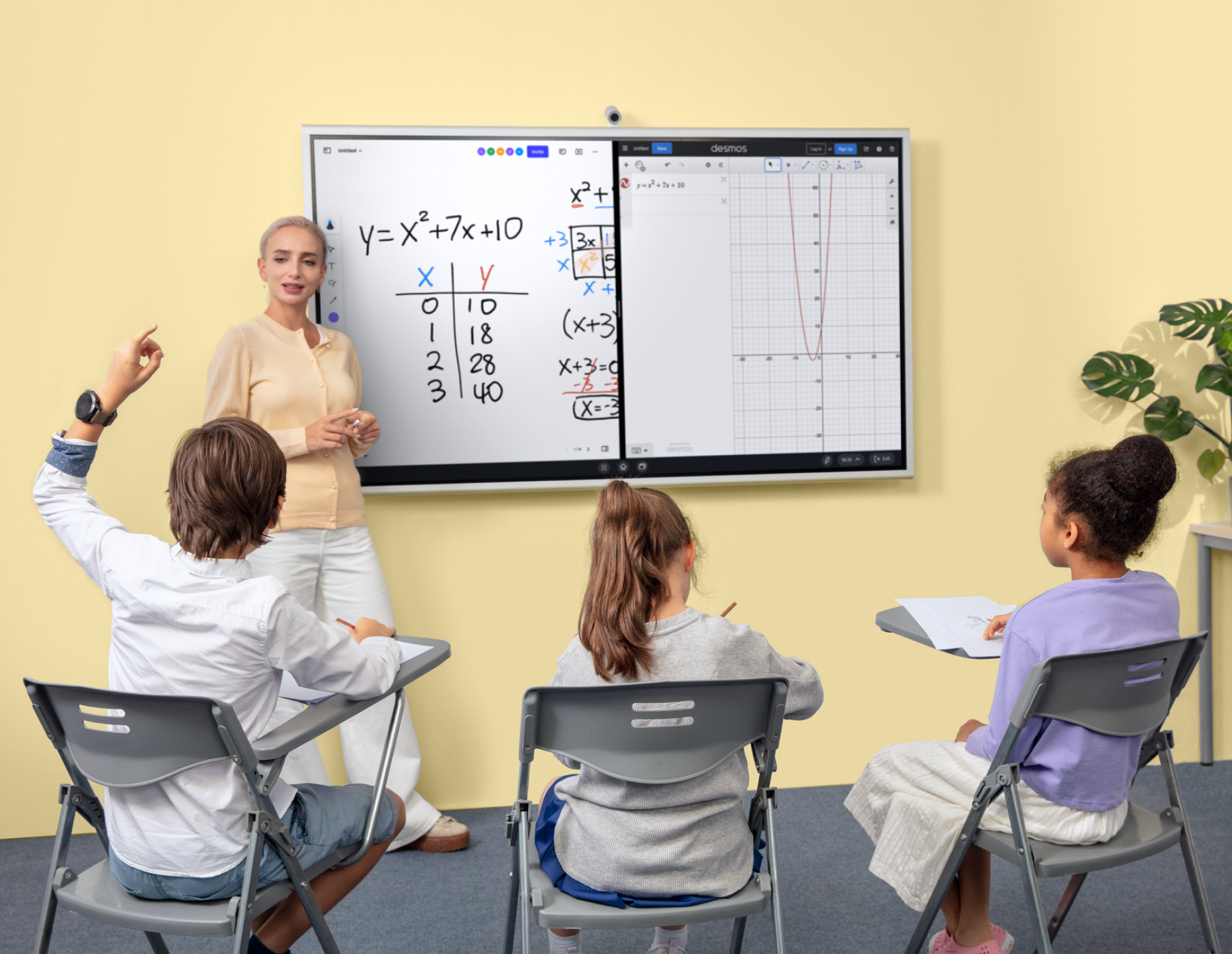
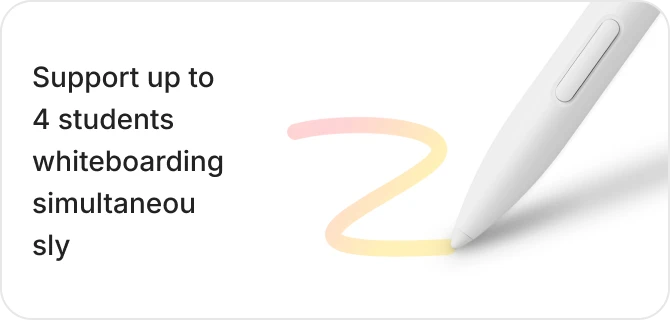
Support up to 4 students whiteboarding simultaneously
with 20 touchpoints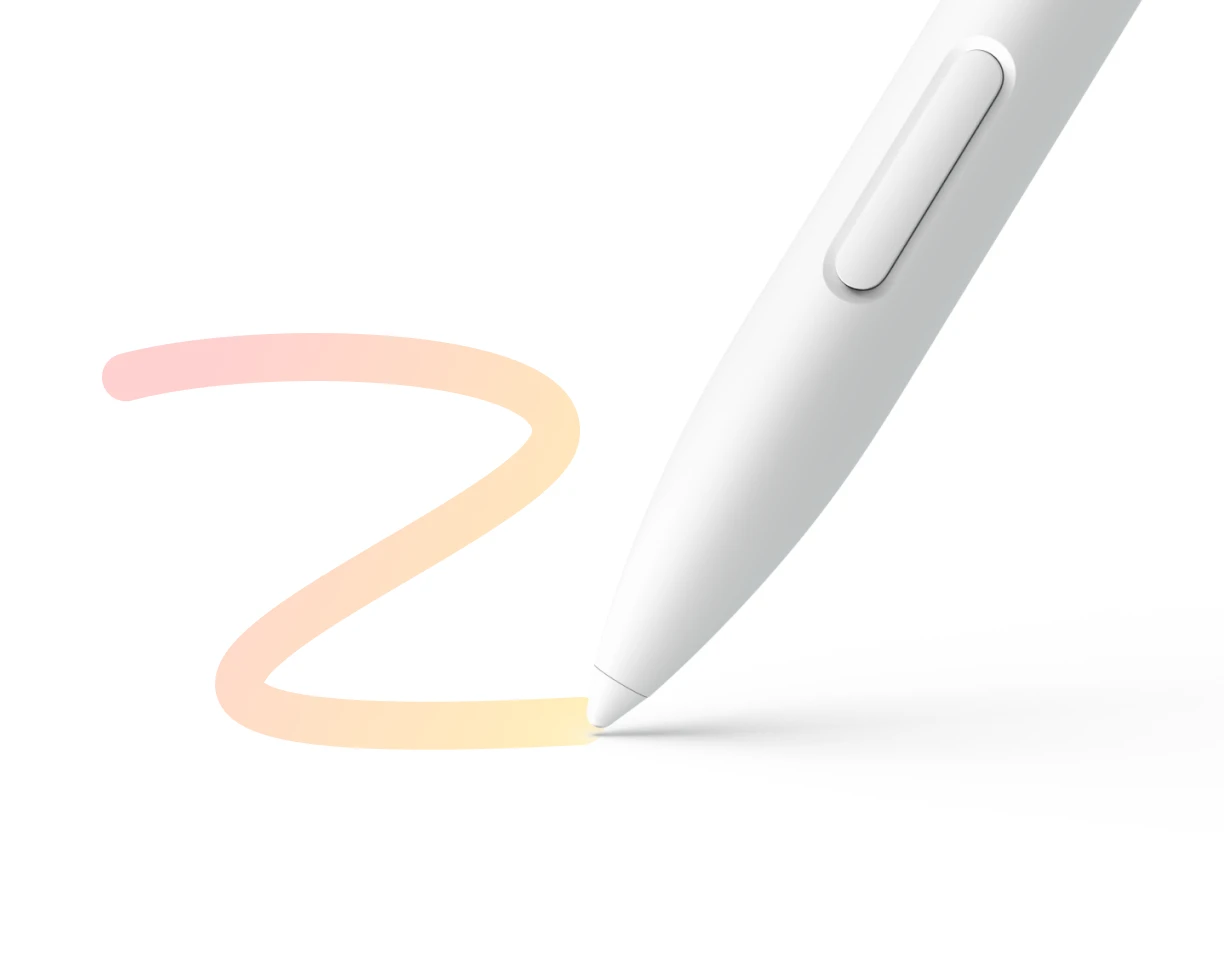
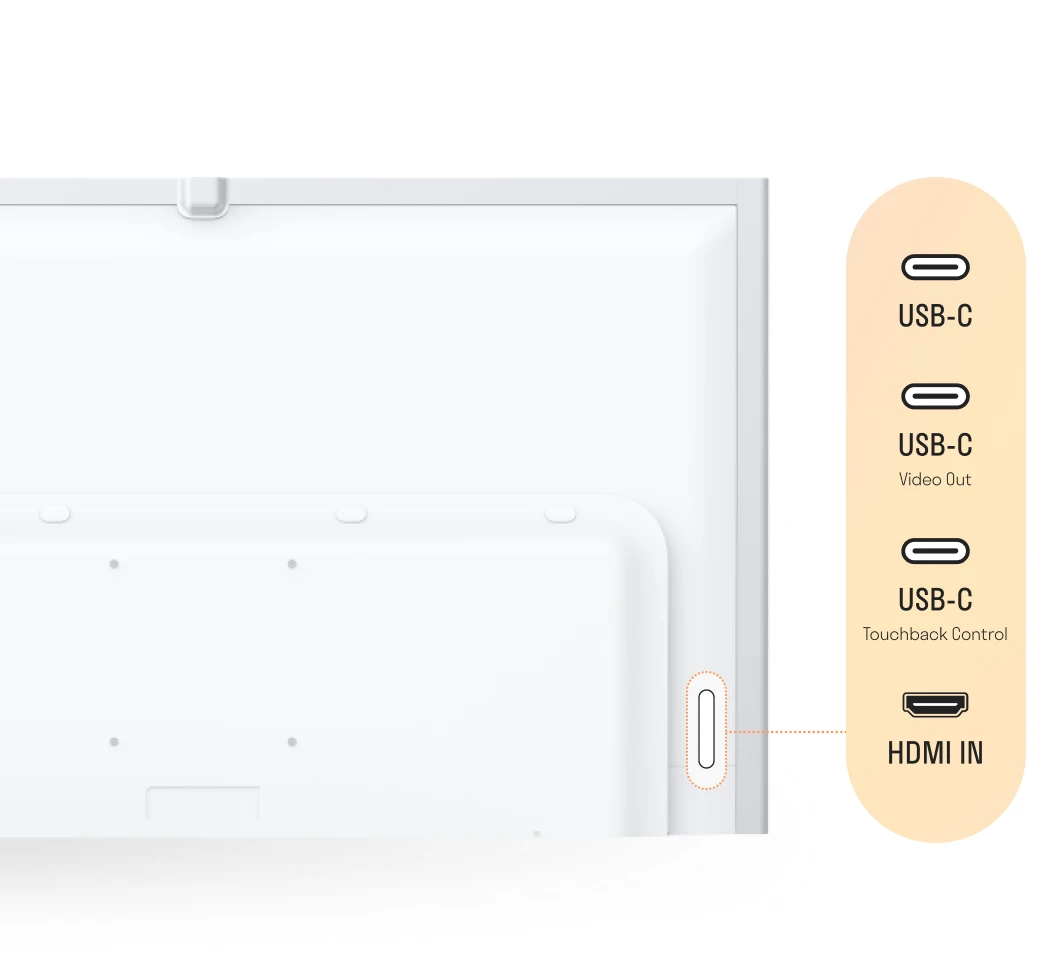
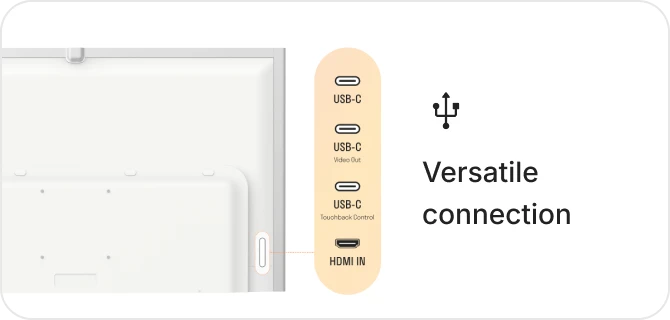
 Versatile connectioncover all your needs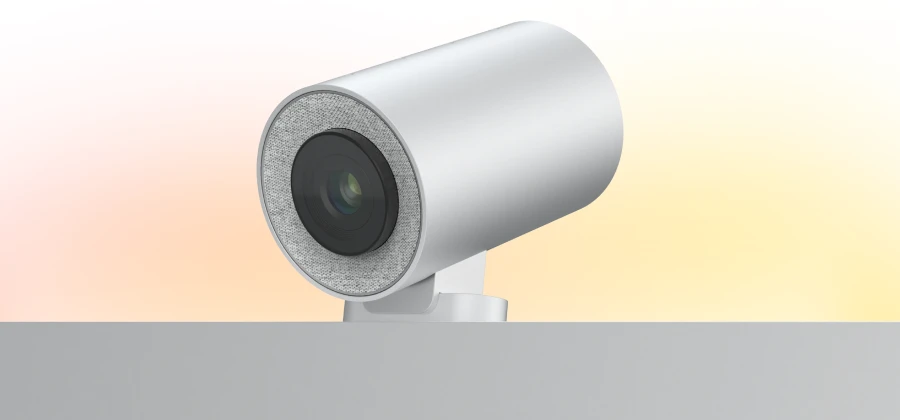
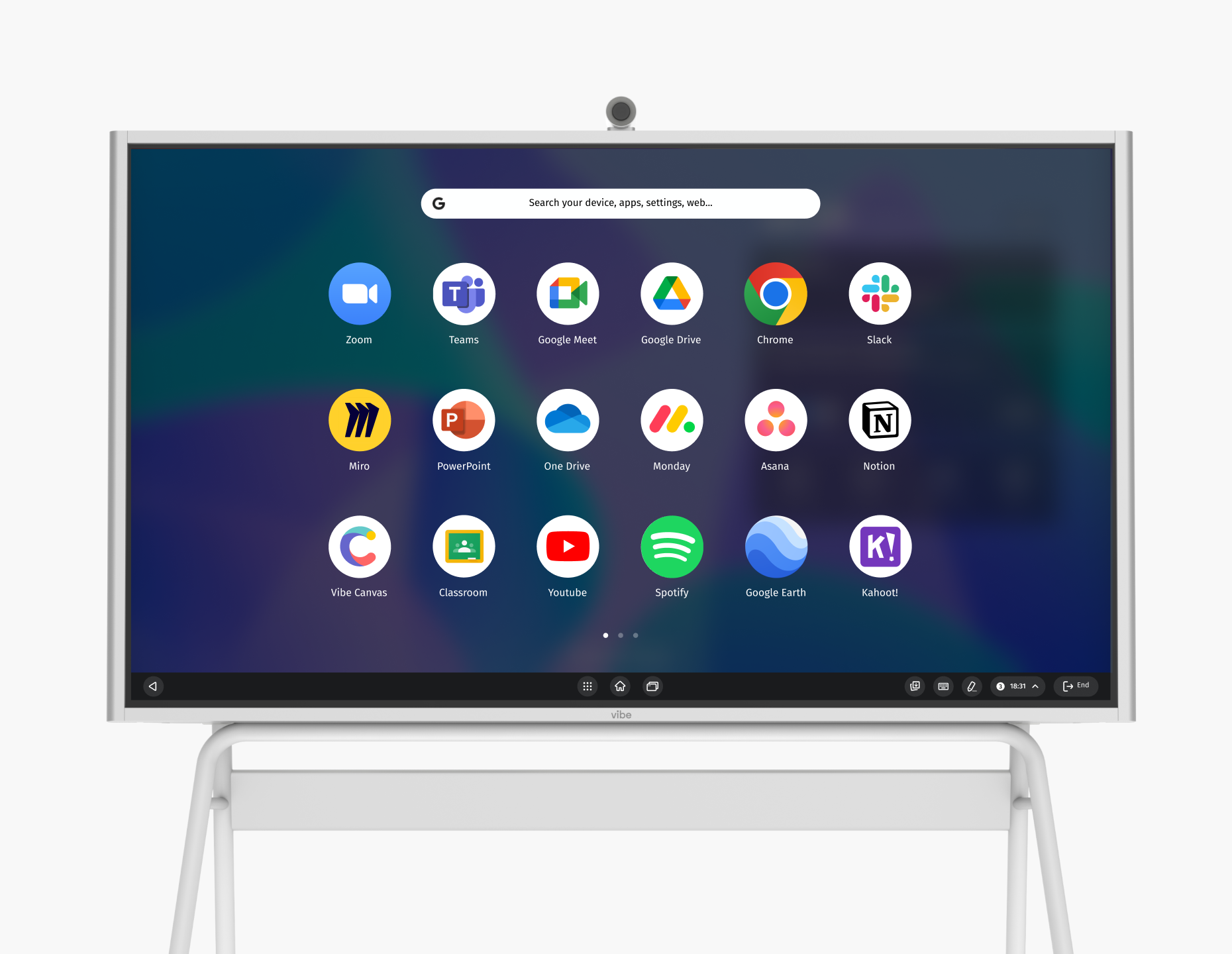
#1 open ecosystem, powered by ChromeOS
Upgrade classroom experience by harnessing the full potential of VibeOS.
#1 open ecosystem, powered by ChromeOS



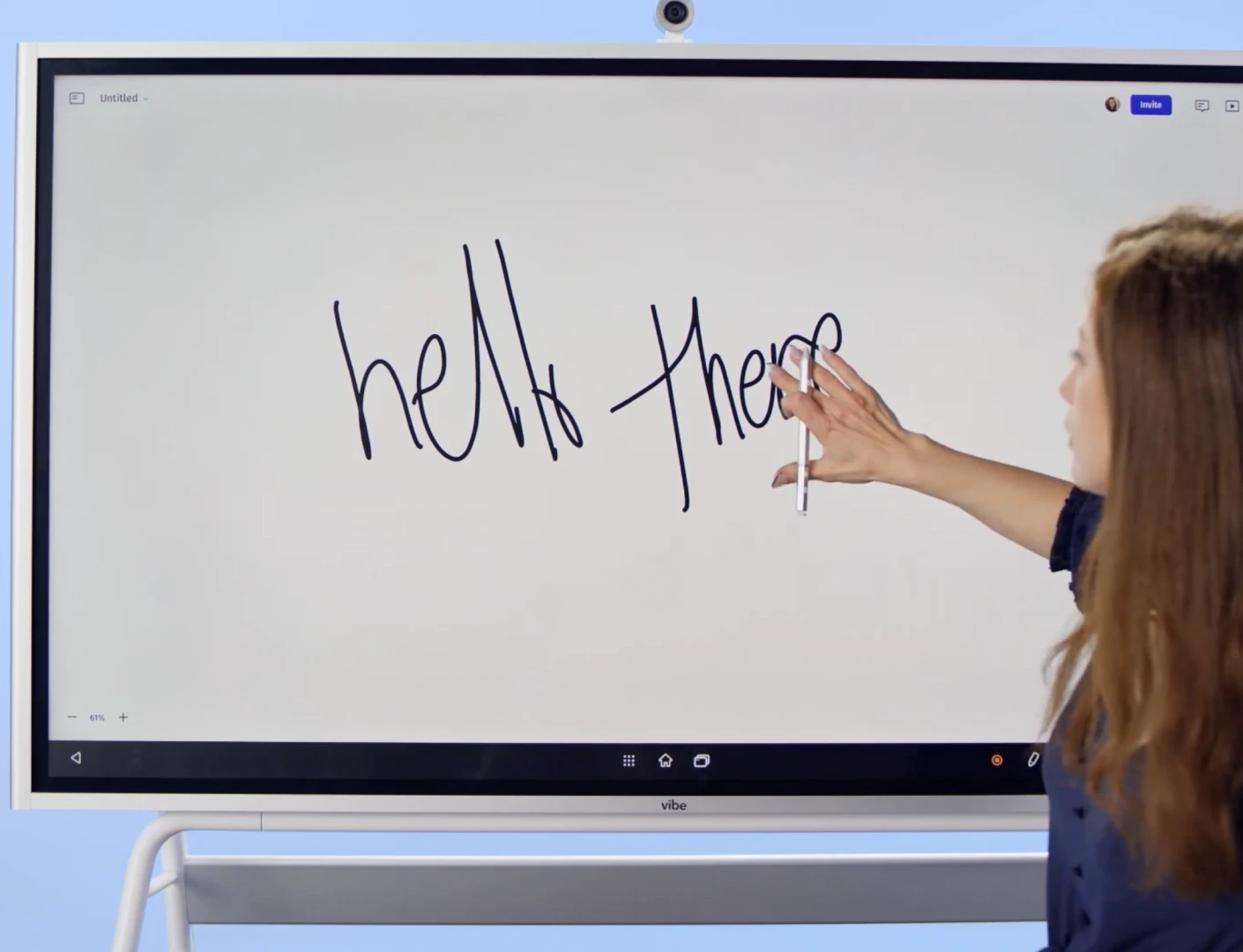
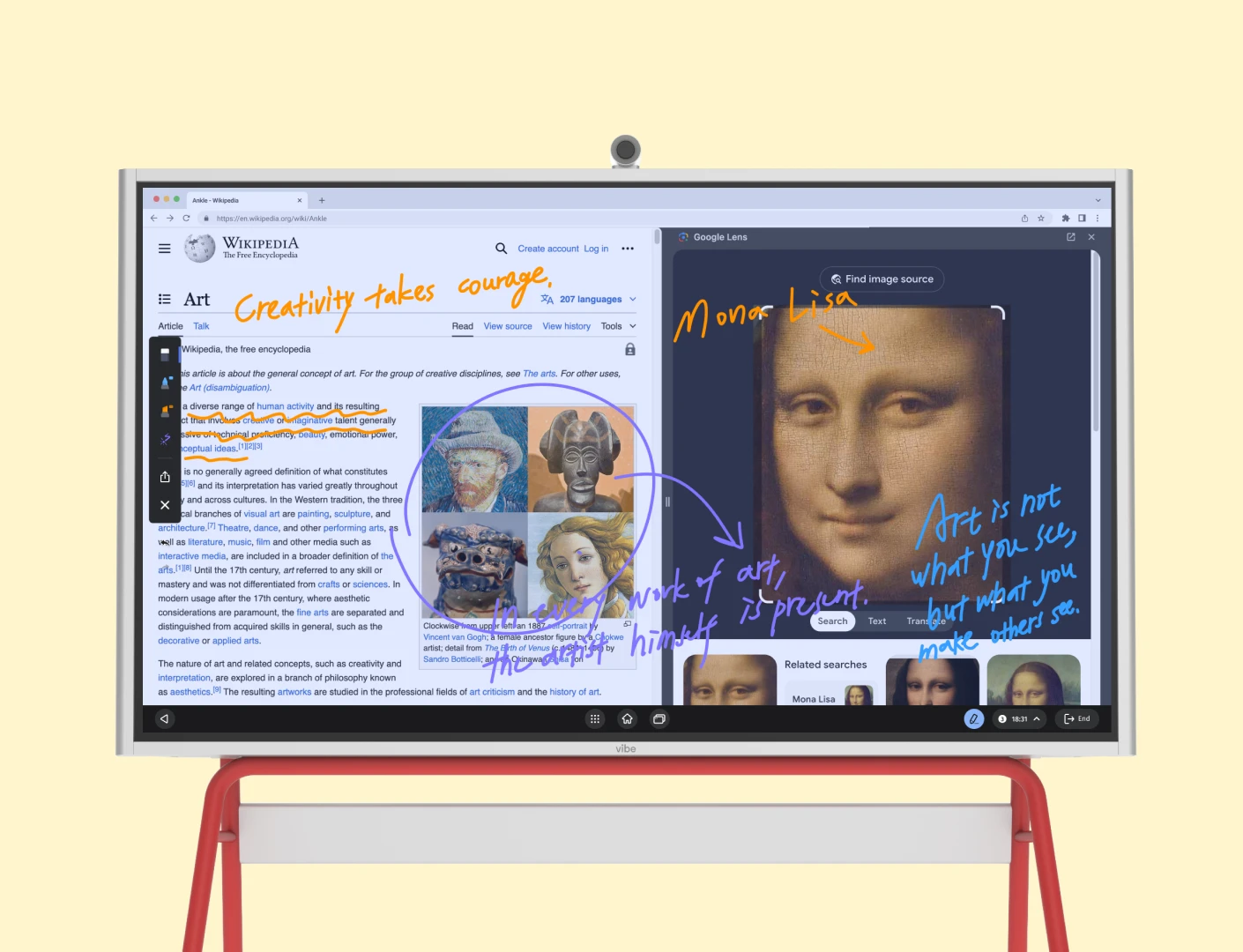
Write, draw, and brainstorm with a familiar pen-on-paper feel, thanks to a swift 8ms response time.
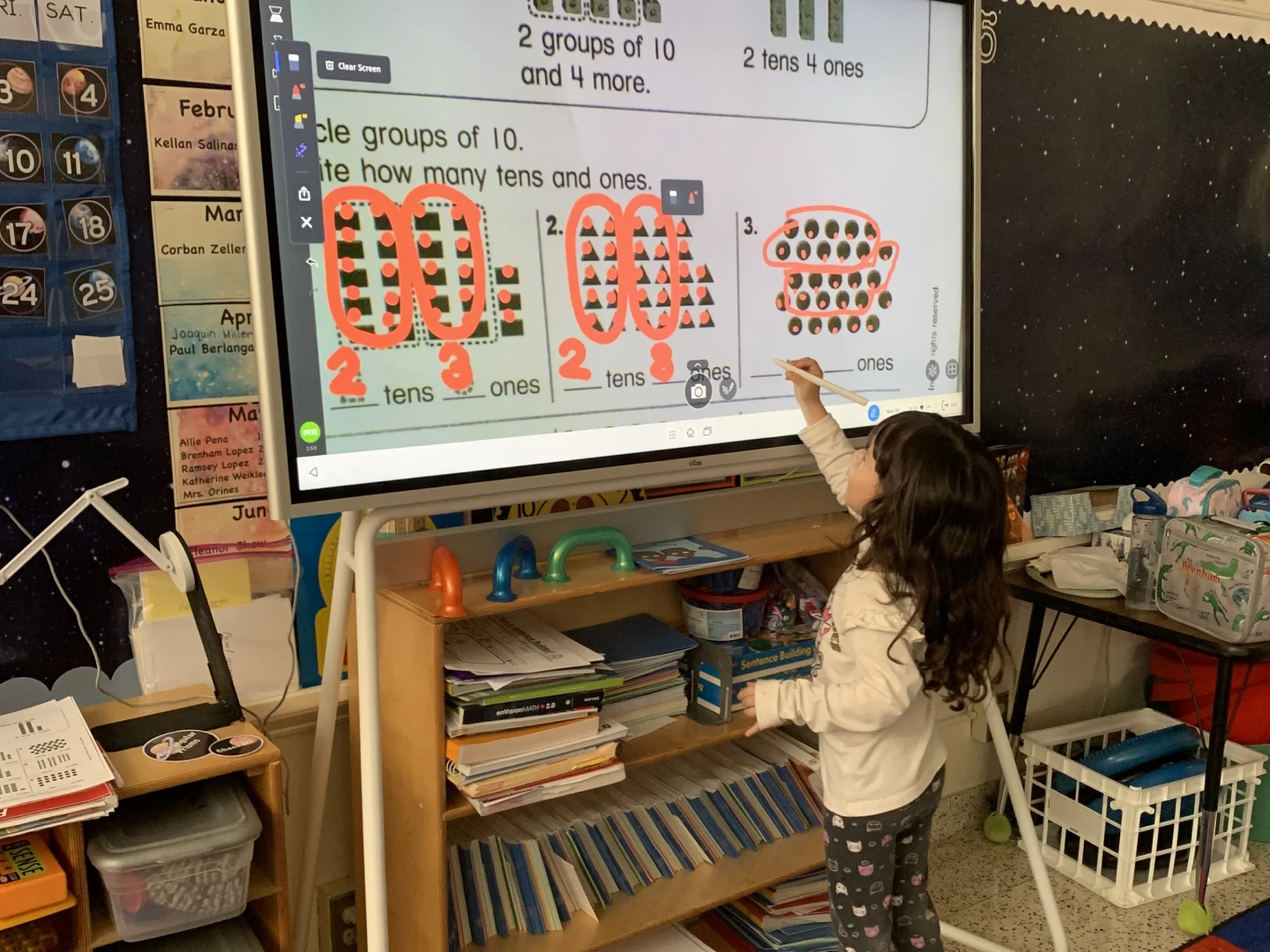
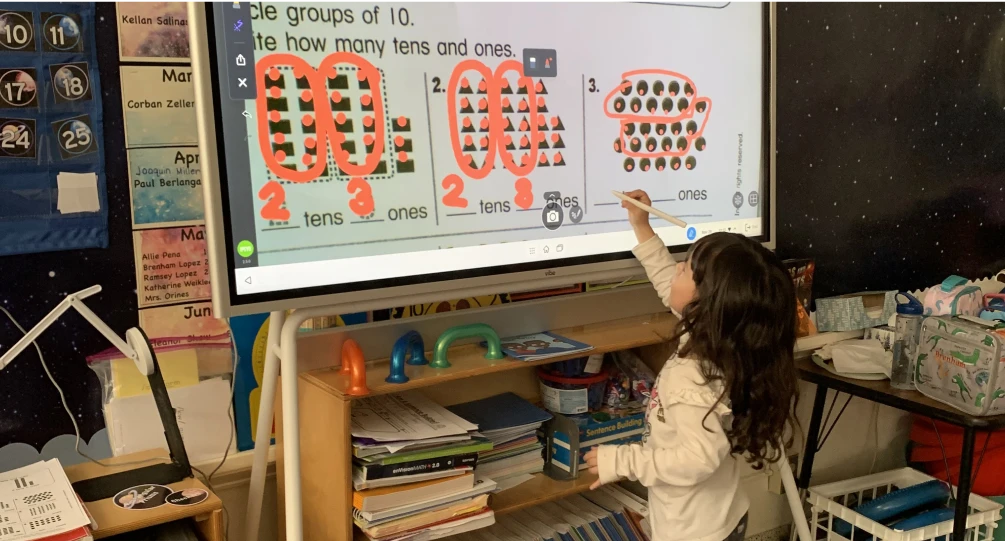
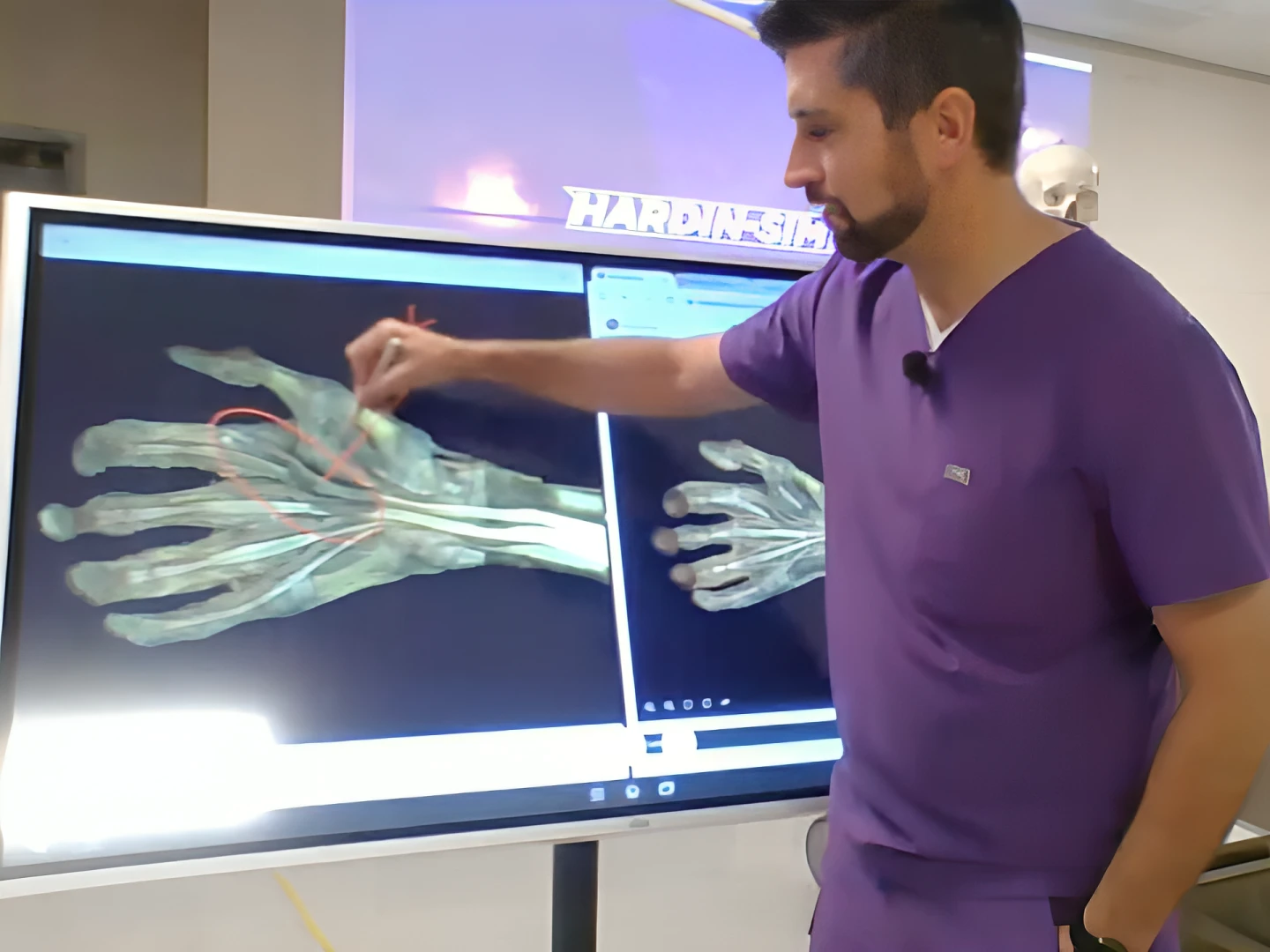
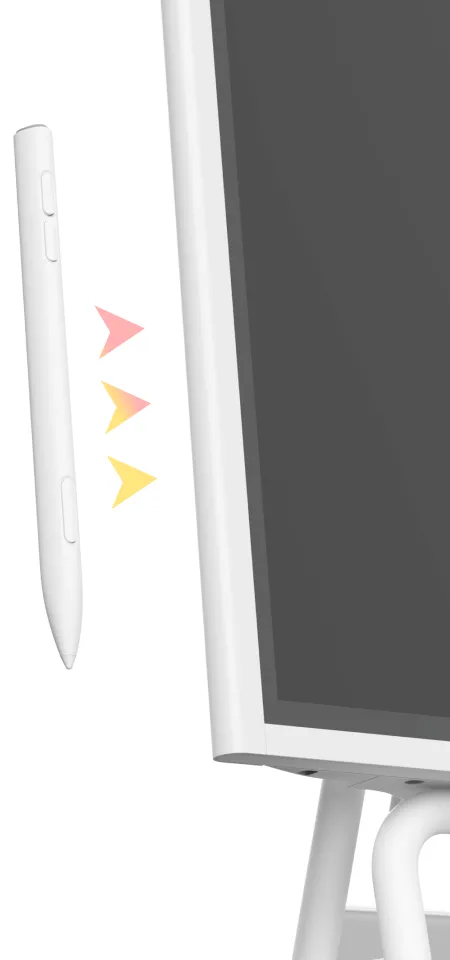
Grab a stylus, marker, or laser pointer to start your lesson and easily highlight your notes.
Convert scribbles to digital text and perfect shapes with AI handwriting recognition.
The video player cannot render on the server side
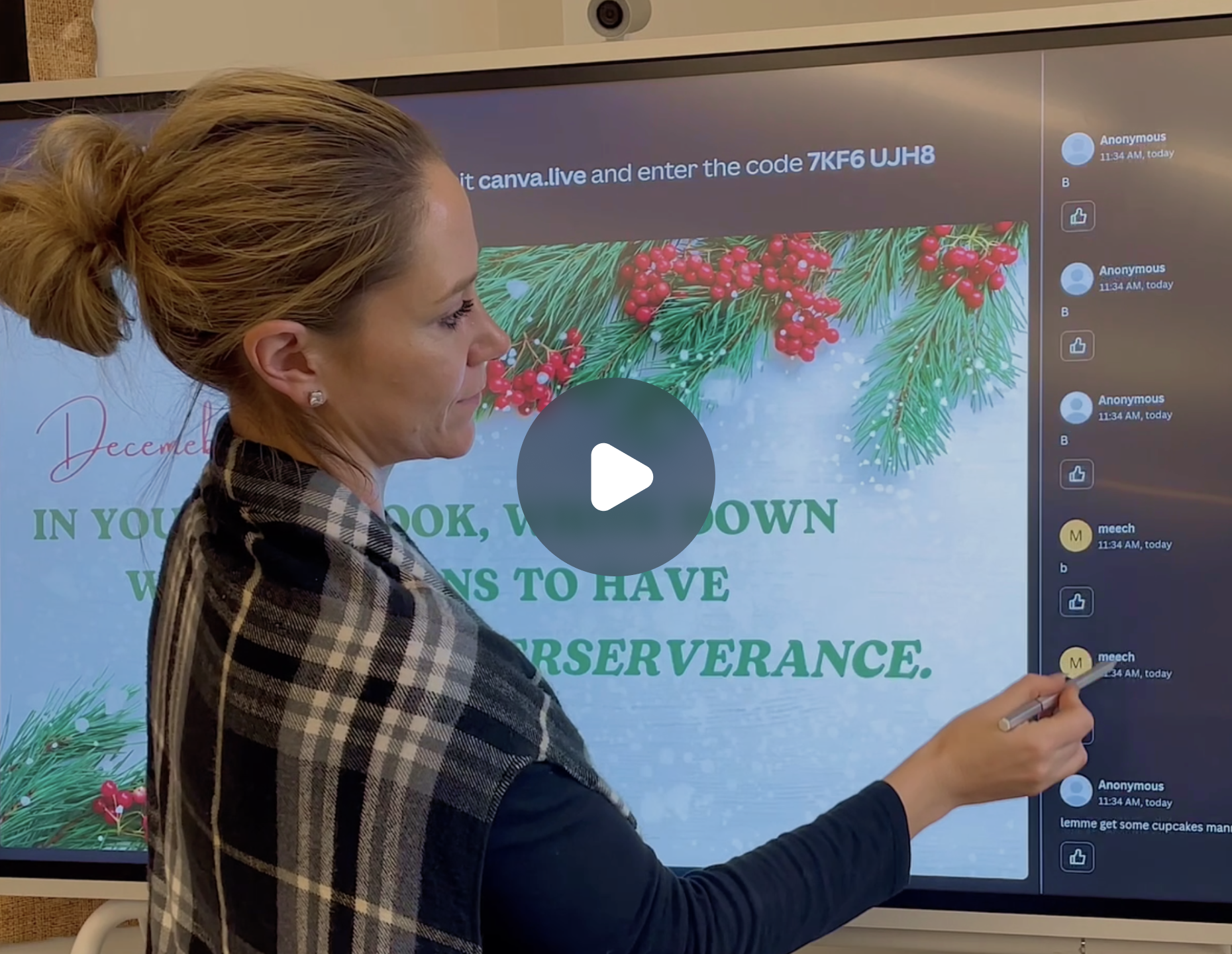
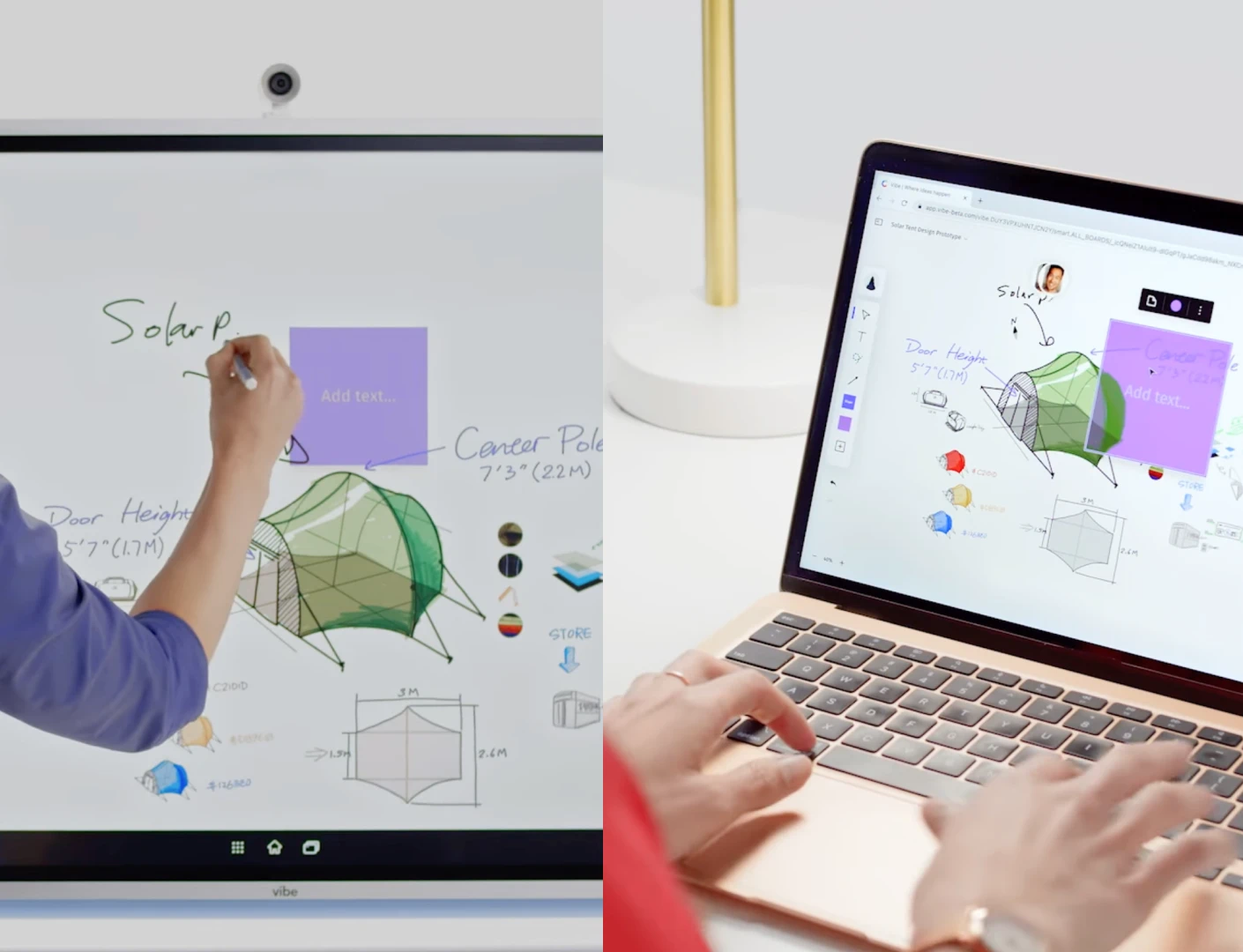
Students can access the teacher’s canvas from any device – Vibe Board, computer, tablet, or smartphone.
All lessons can be saved to the cloud automatically in real time, no need to worry about losing any ideas.
Plan dynamic group sessions with interactive comments, stickers, and annotations.
The video player cannot render on the server side
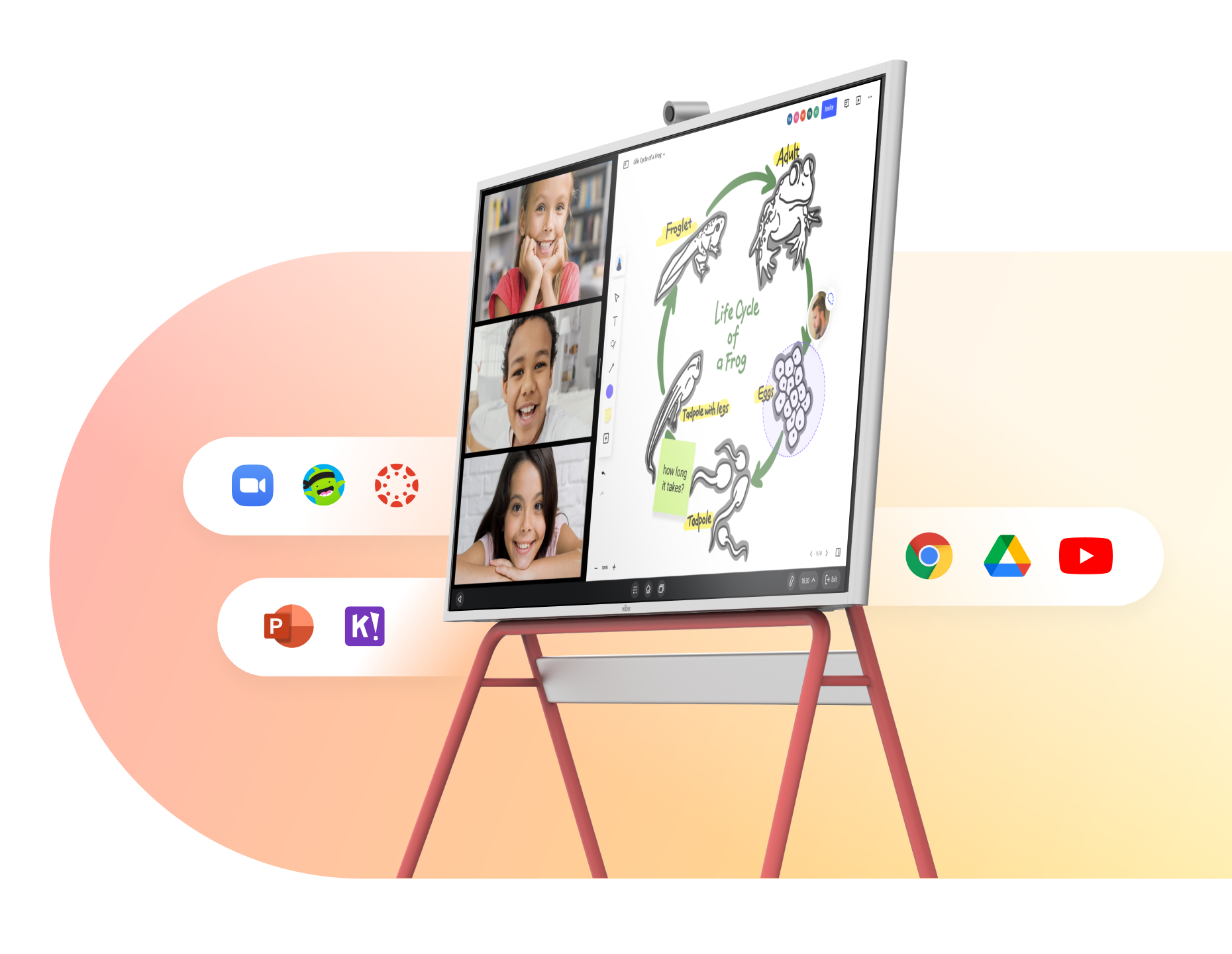
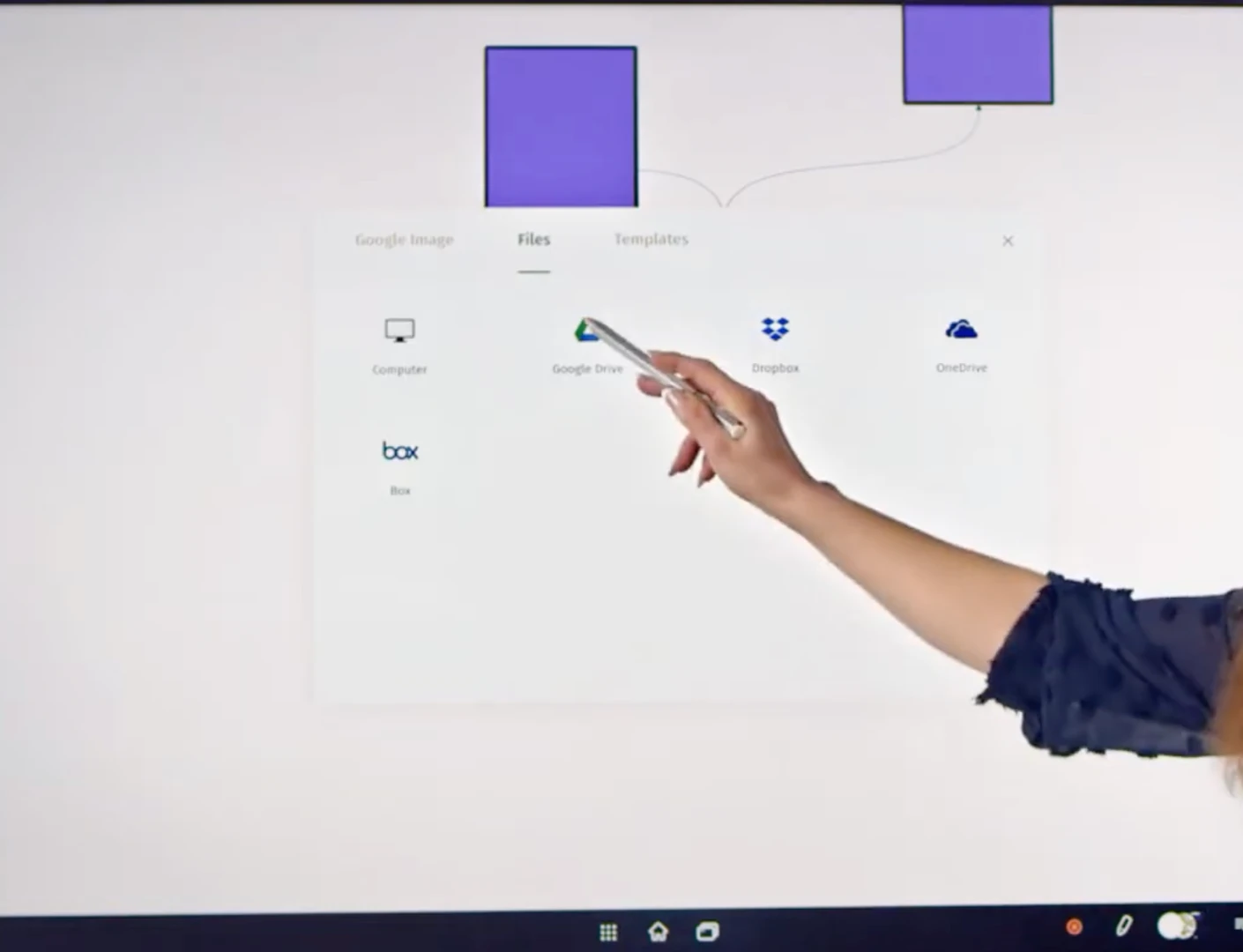
Pull in teaching resources from local storage or cloud services such as Google Drive, Dropbox, and OneDrive.
Boost class productivity with pre-built templates, designed to save educators time and effort.
Pull in teaching resources from local storage or cloud services such as Google Drive, Dropbox, and OneDrive.
Boost class productivity with pre-built templates, designed to save educators time and effort.
The video player cannot render on the server side
Capture every eye,engage every mind
Capture every eye, engage every mind
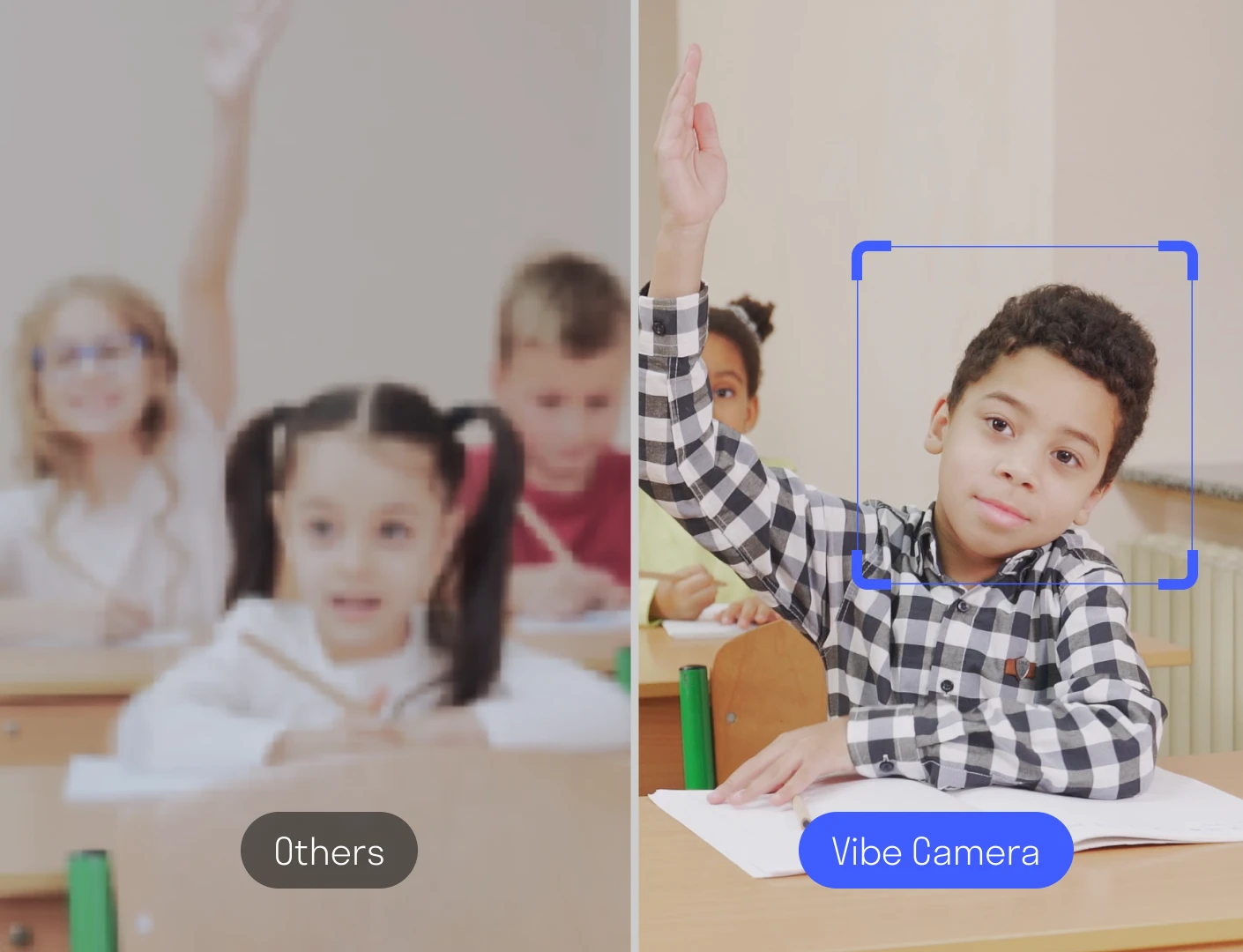
Go beyond a larger display, experience interactive teaching like never before.
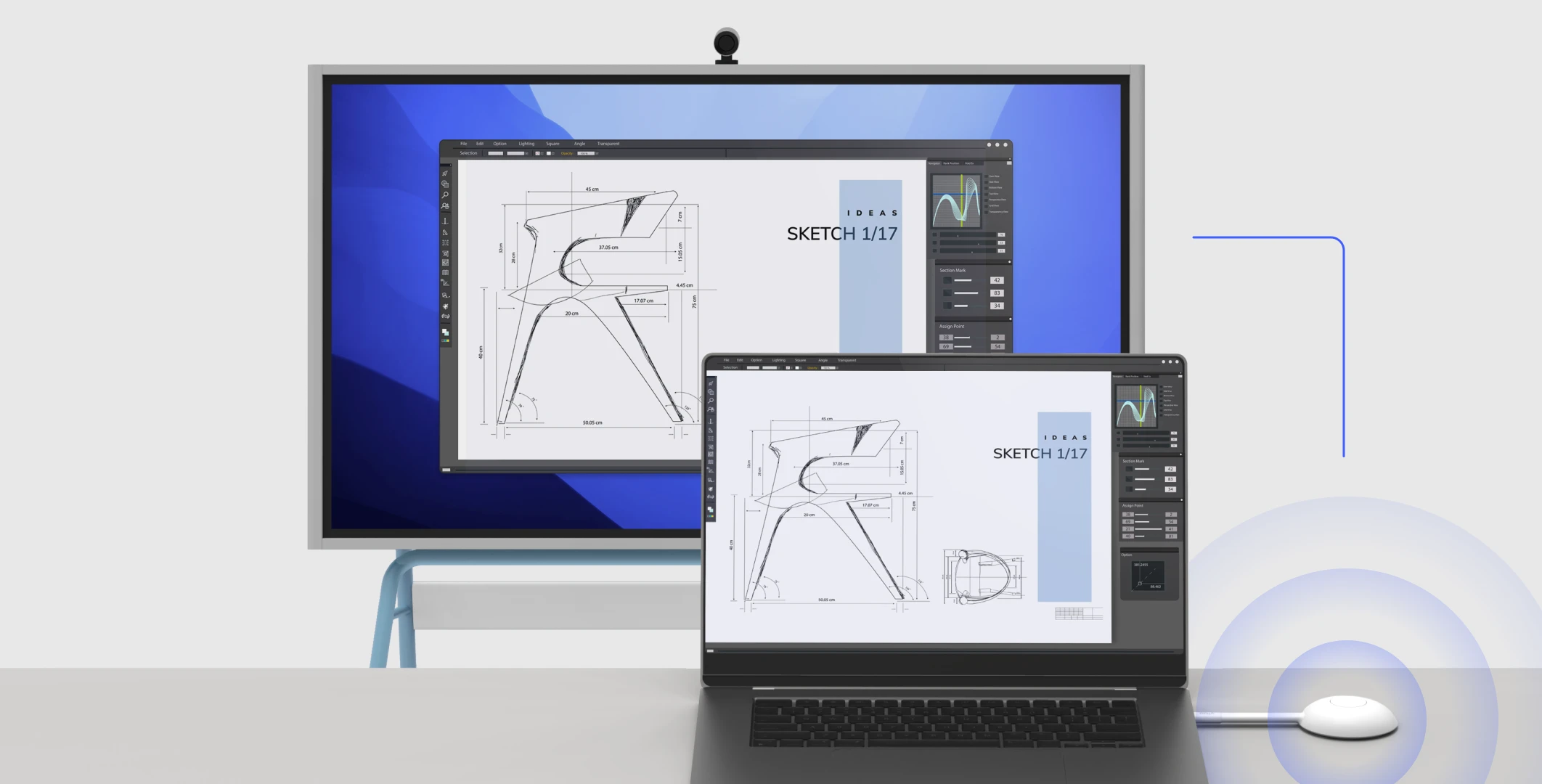
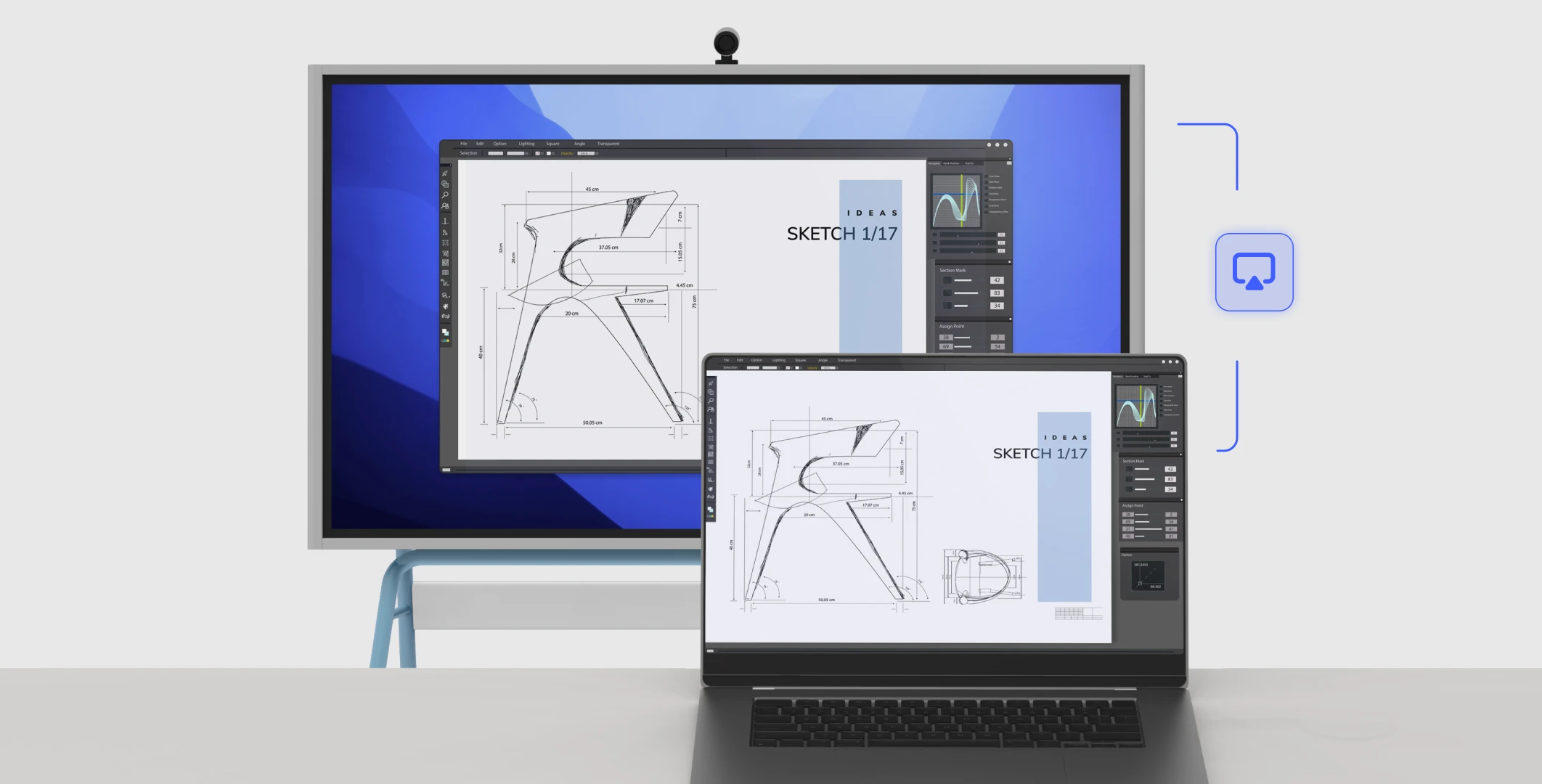
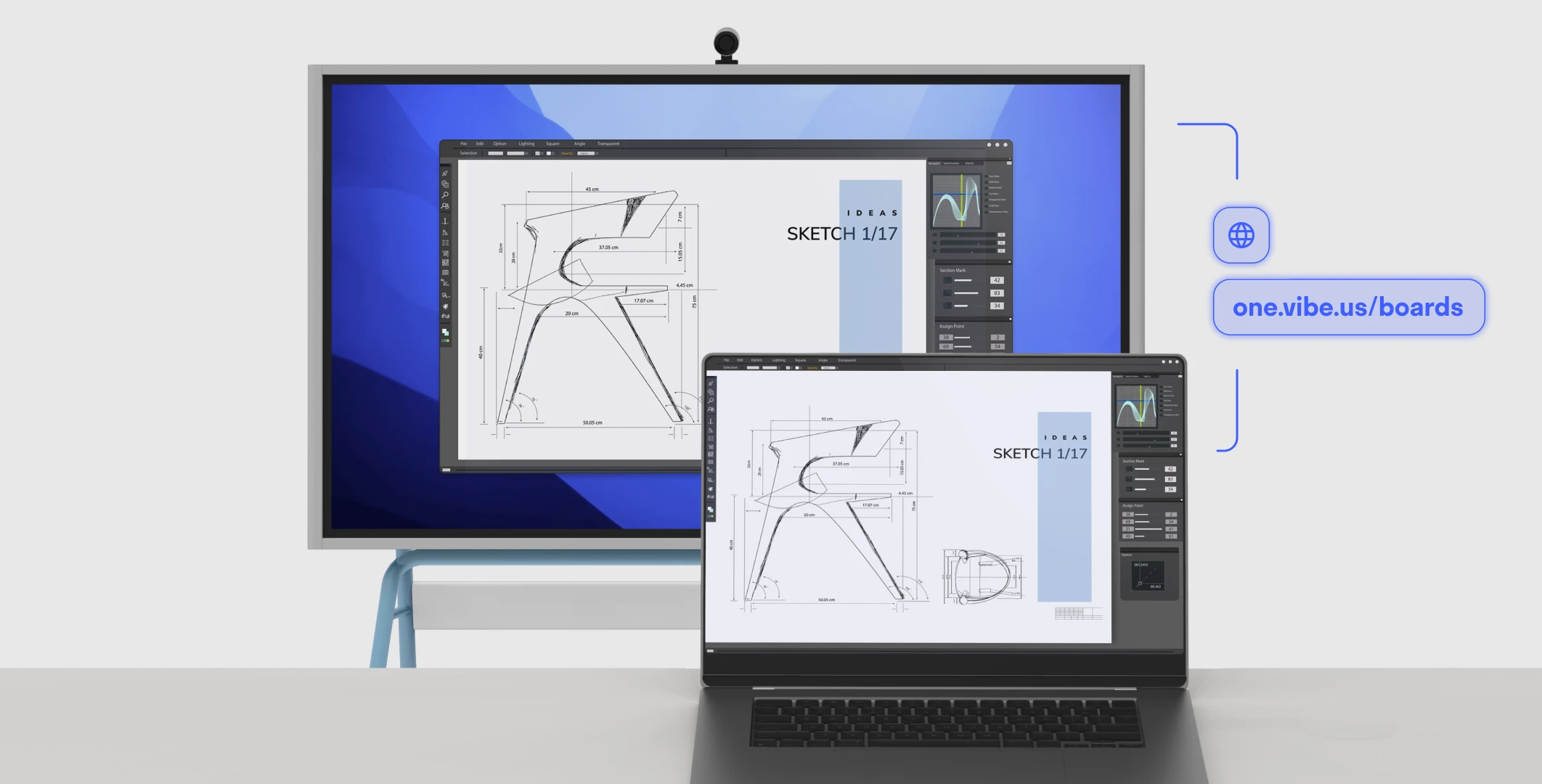
The video player cannot render on the server side
The video player cannot render on the server side
The video player cannot render on the server side
 Streamline onboarding with seamless integration into existing IT environments.
 Manage school fleet easily with policy-based admin console.
 Enable single sign-on (SSO) authentication.
 Maintain complete control with device administration.
 Ensure rigorous security with SOC 2 certification.
 Certified Q-SYS platform integration.Ready for use in classrooms straight out of the box.Enable single sign-on (SSO) authentication.Manage school fleet easily with policy-based admin console.Maintain complete control with device administration.Ensure rigorous security with SOC 2 certification.Certified Q-SYS platform integration.
We designed Vibe to be an intuitive, easy-to-use tool that everyone can use right away on their next project. Think of Vibe as an oversized digital tablet, offering a familiar and comfortable experience for users of all levels.
Vibe doesn’t require extra computers, projectors, or calibration. Not only is it easy to learn, it’s fun to use! We provide complimentary onboarding training sessions to get you started, and you can always check out what’s new on our video tutorials or on our knowledge base
Yes! Vibe supports all of these formats, depending on which cloud storage option you’re using.
Read more: Learn which file formats are supported.
There are a few ways to share the view of your Vibe Board remotely:
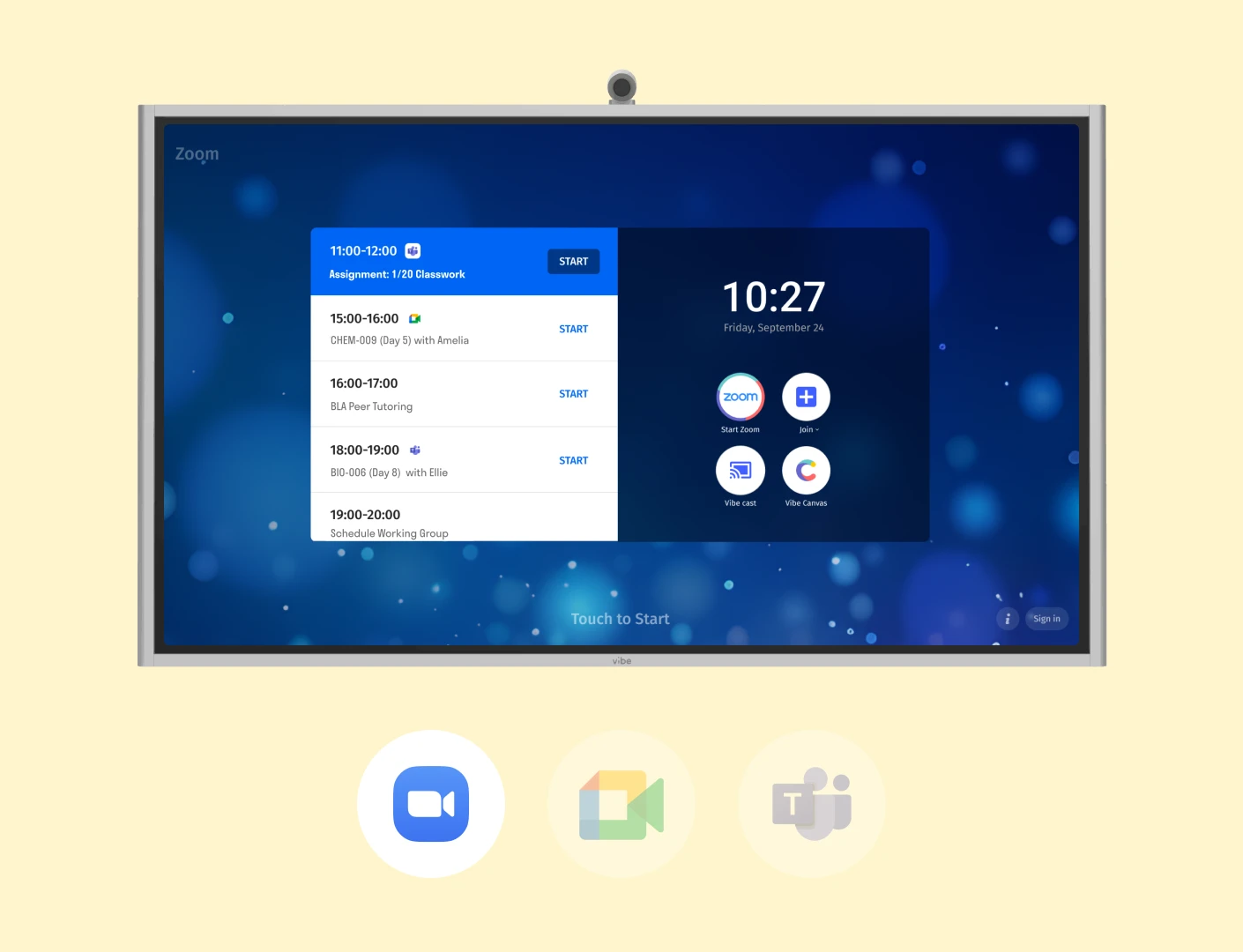
From the Vibe Board, join or host your video call (via Zoom, Microsoft Teams, Google Meet, etc.), then share your screen. Students will be able to see any content you share on the Vibe Board.
Share a link (edit or view only) of your Vibe Canvas with your students so they can view content and interact with you on the whiteboard in real-time.
Note: with this option, students will only be able to view content specifically in the Vibe Board app. Content shared from screencast or 3rd party apps will not be visible
If connecting in real-time isn’t an option, teachers can export their Vibe Board as a PDF and share the file with students after the class.
Yes! Vibe is a cloud-based software that is accessible on any web browser or tablet. Vibe also has an app for iPad.
Sharing a board is easy with Vibe Canvas. Just send the link to your canvas via email or copy and paste it in a video conference chat to collaborate with others. Students can interact with you on the canvas in real-time once they have the link for access.
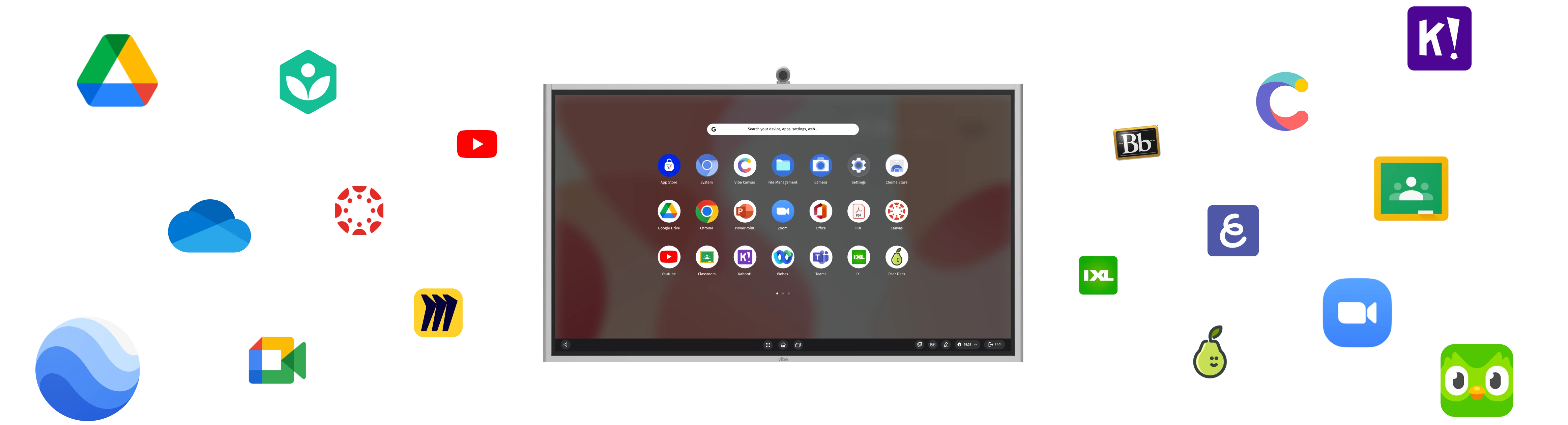
Many popular educational apps are supported on Vibe, including Canvas, Google Classroom, Blackboard, and Flipgrid. We’re constantly updating our integration offerings, so be sure to check out our full list of supported apps (and feel free to send us suggestions).
Pro Tip: Feeling tech-savvy? You can also enable the Google Play Store on your Vibe Board to try out additional third-party apps.
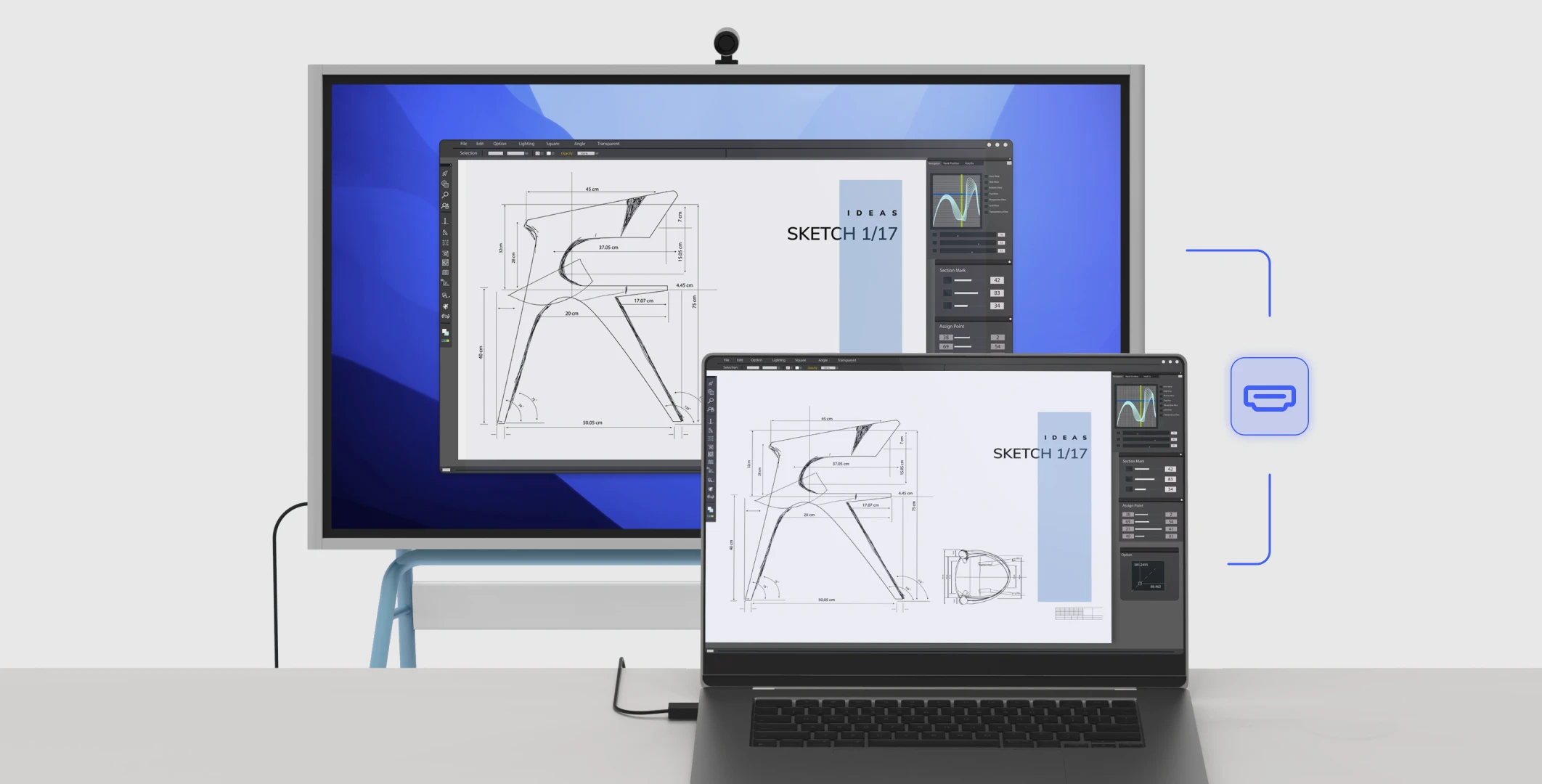
A projector is not needed for the board. However, if you want to mirror your Vibe Board to a larger device or screen (e.g., for an auditorium or large conference room setting), Vibe Boards can be connected to larger monitors and projectors via the HDMI Out port.