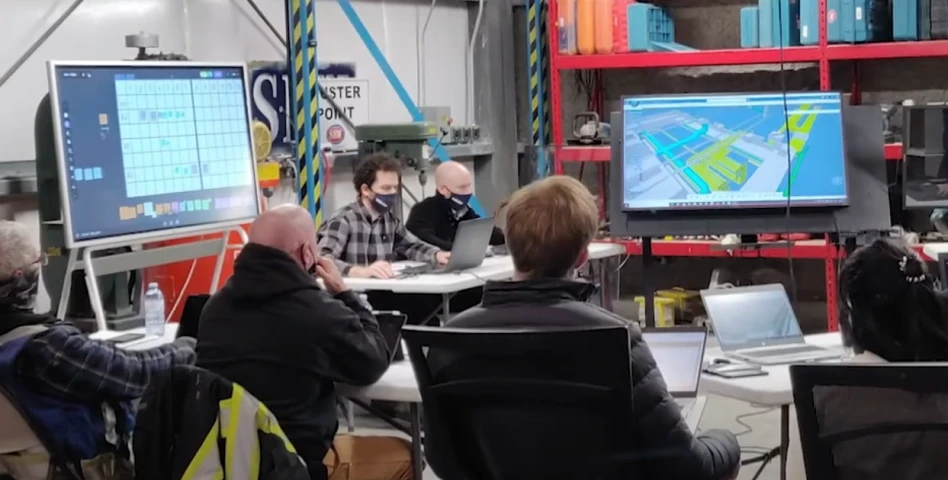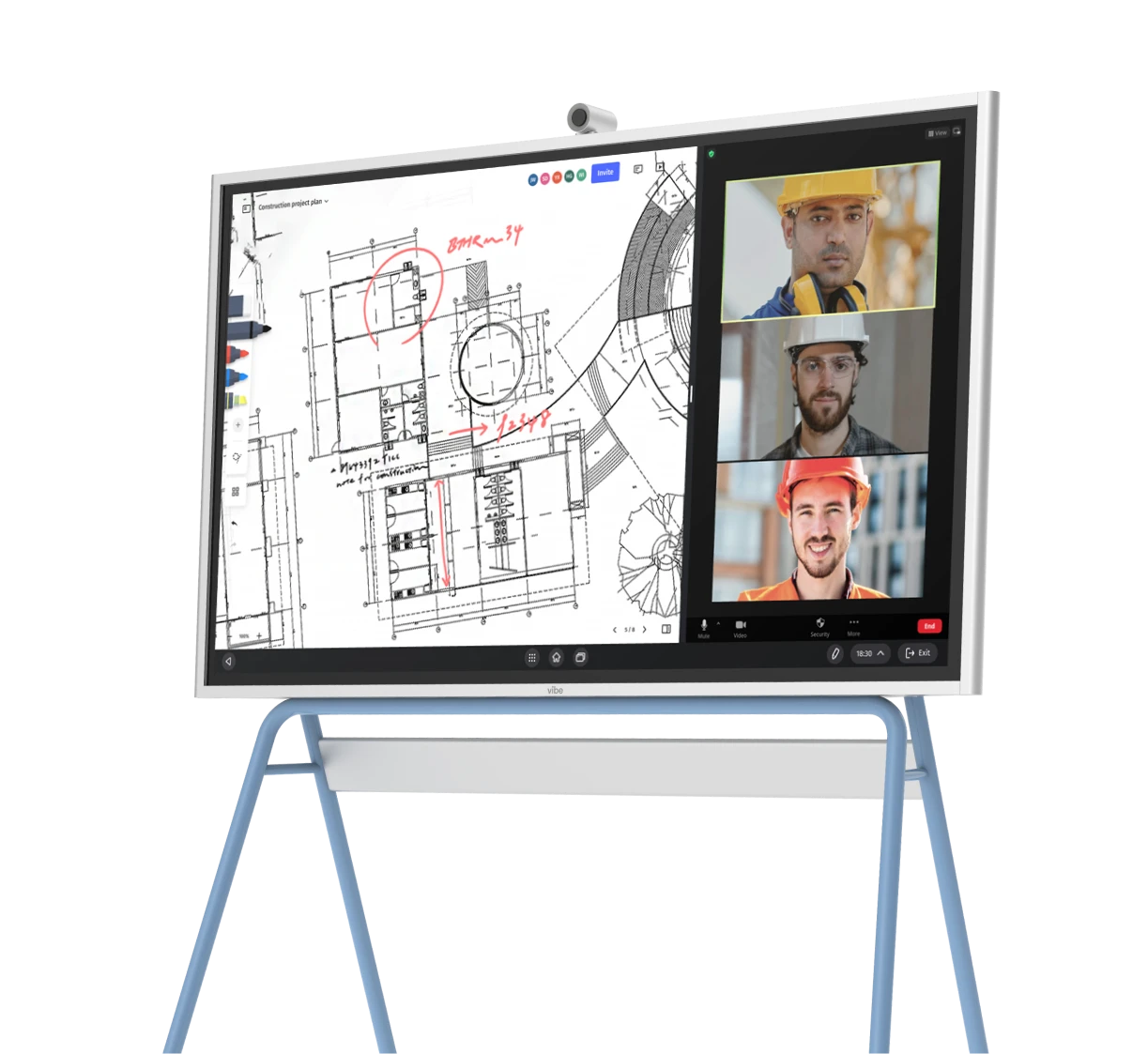

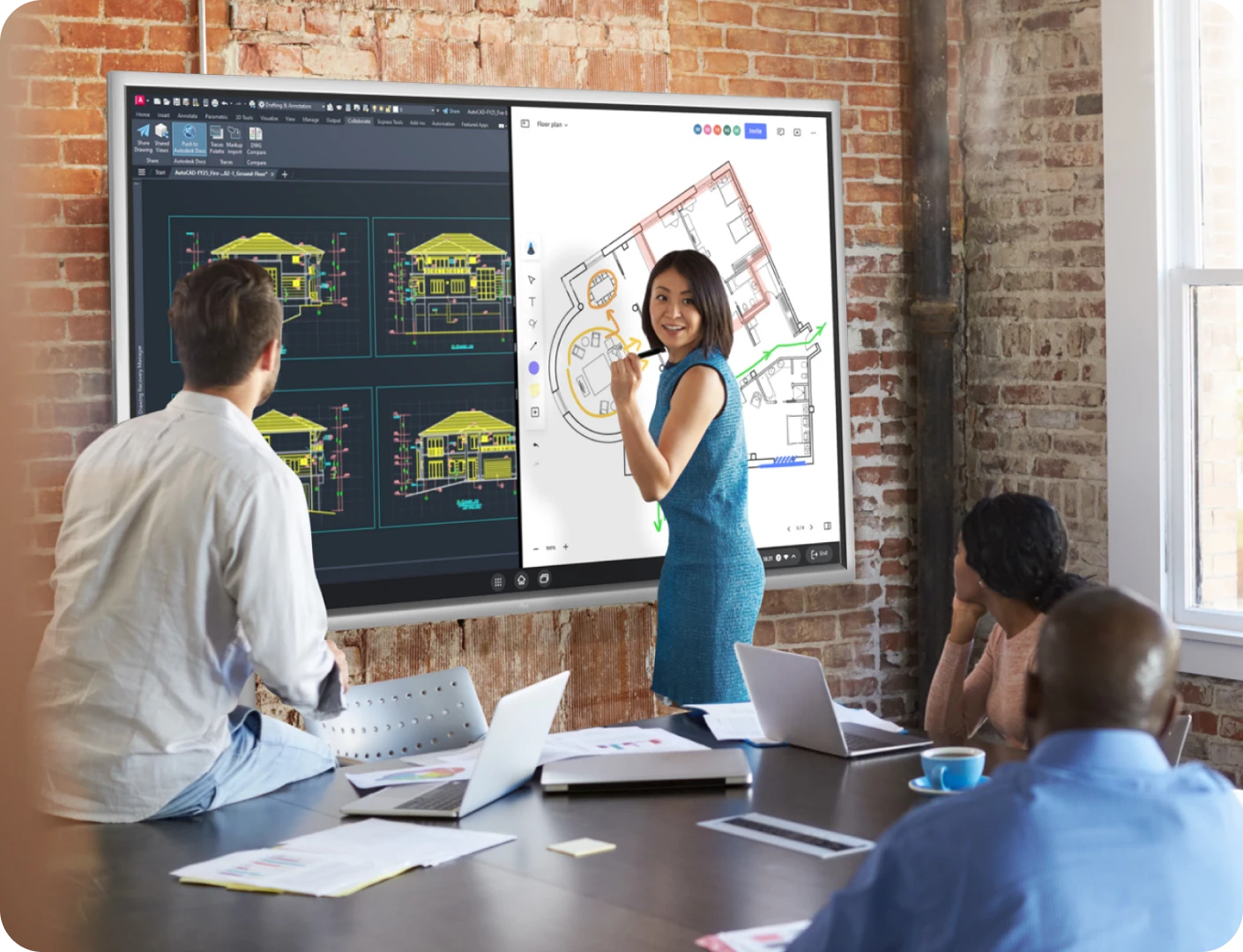





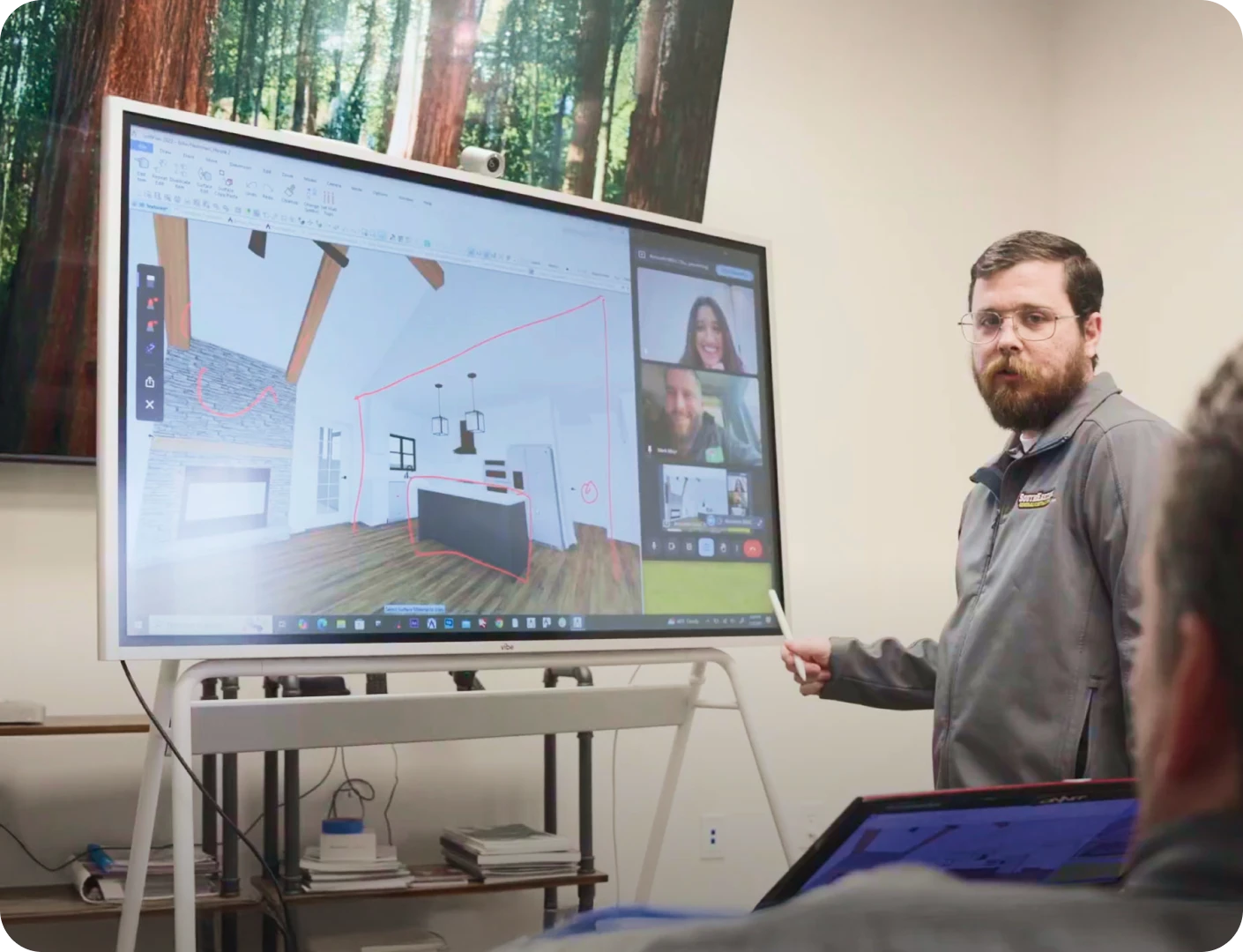
Show plans on the 4K touchscreen with precision markup that helps clients instantly understand spatial concepts.
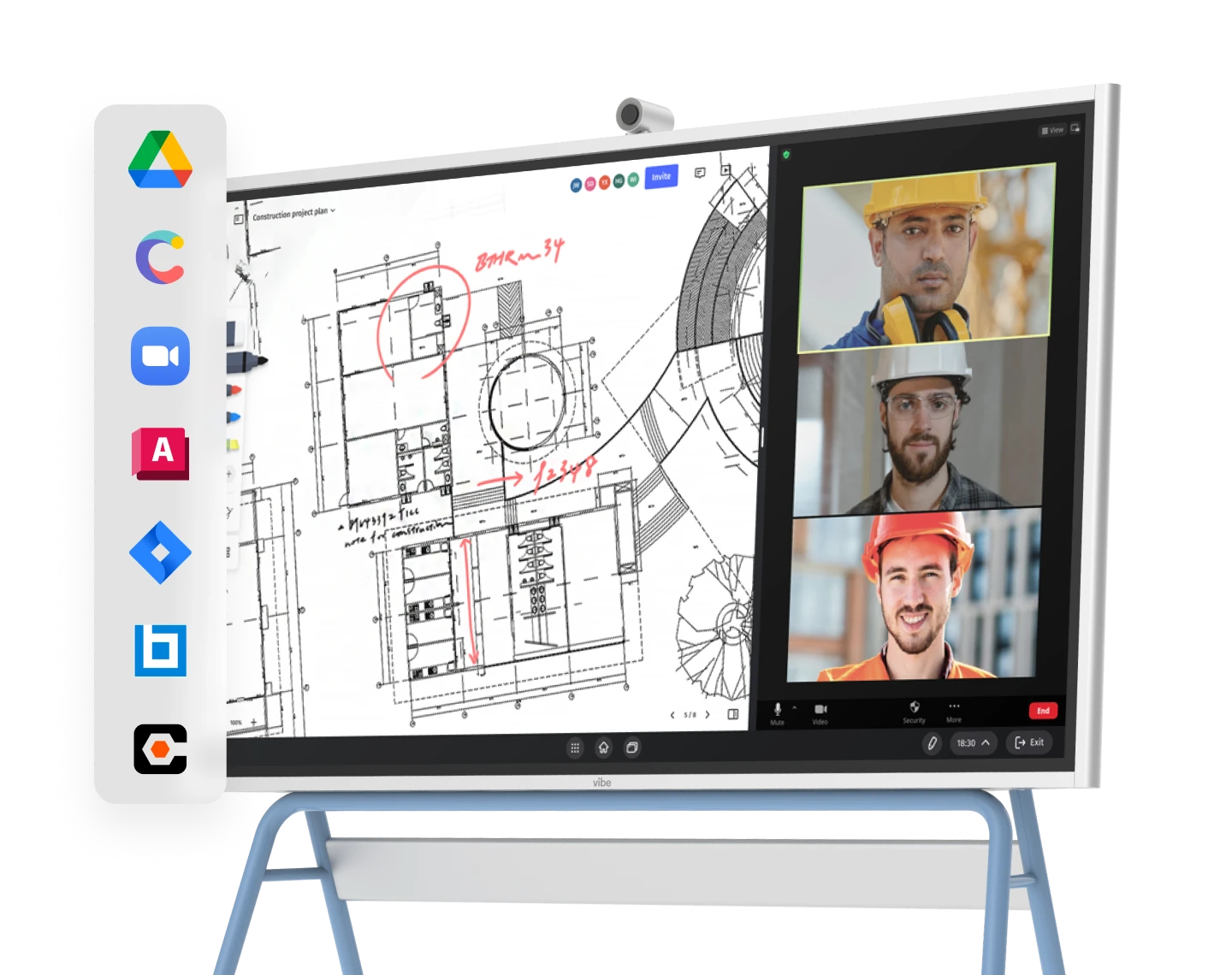
Access professional apps directly or cast from laptop, standing out from competitors present with messy paper plans.





Let clients mark up plans themselves, showing rather than telling what they want.
Save and email annotated plans after meetings, making it easy for clients to make confident decisions.
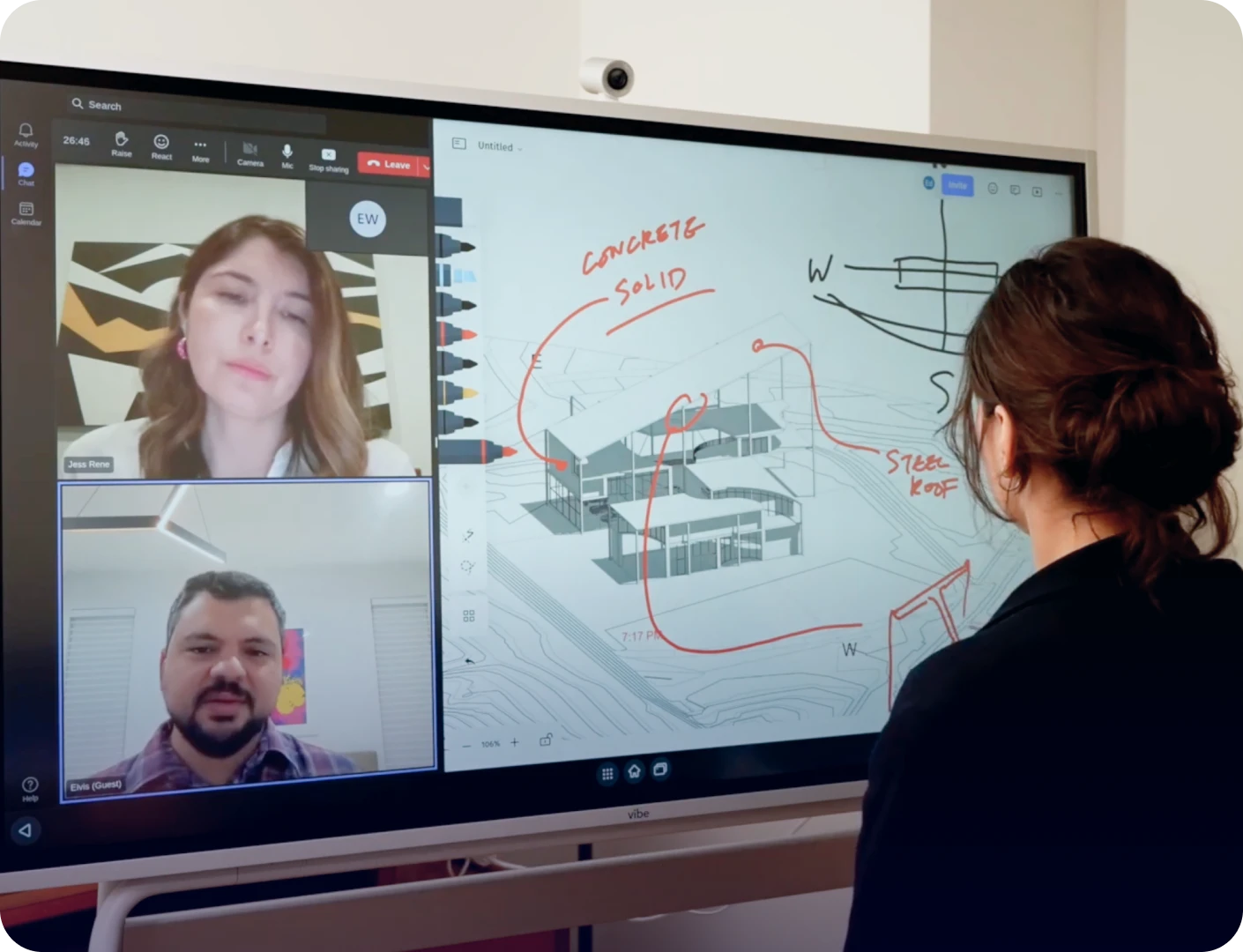






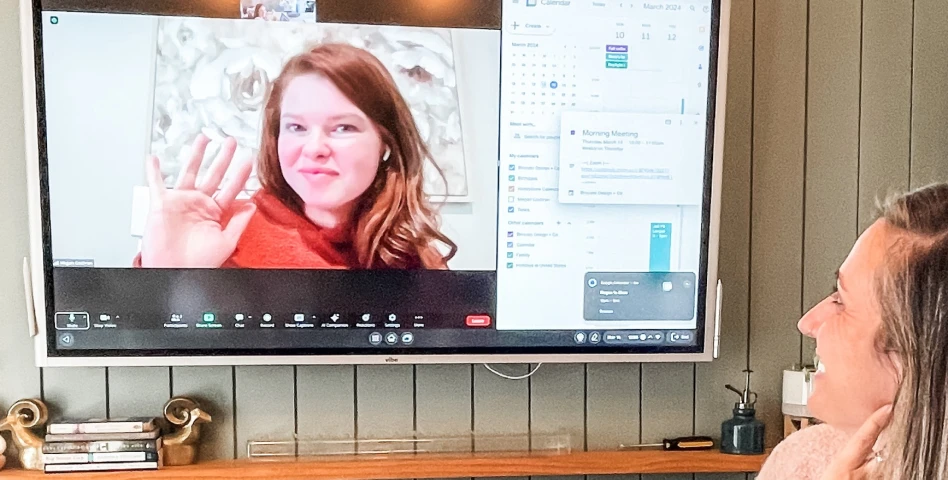
Start remote meetings in one click through Google Meet, Zoom or Teams.
Leverage cloud-based Canvas so everyone can see and contribute to plans with perfect clarity.
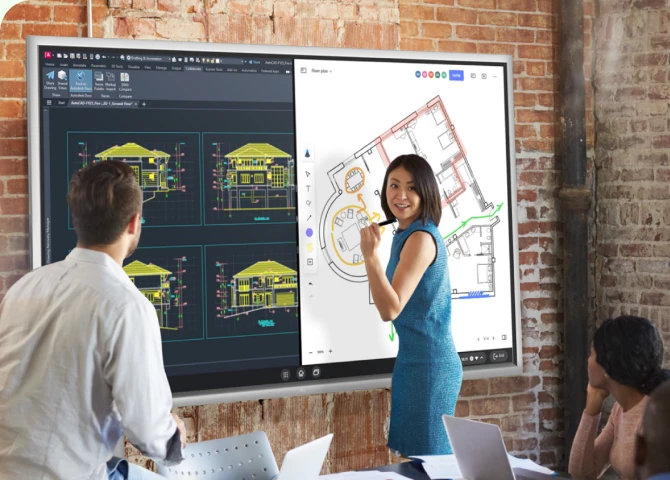
Show plans on the 4K touchscreen with precision markup that helps clients instantly understand spatial concepts.
Access professional apps directly or cast from laptop, standing out from competitors present with messy paper plans.
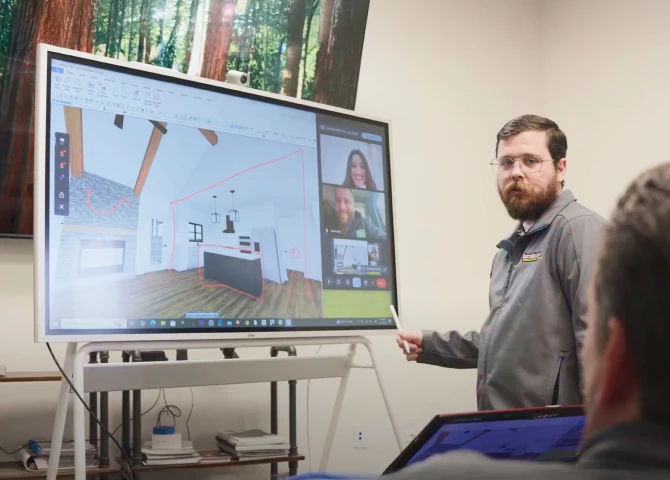
Let clients mark up plans themselves, showing rather than telling what they want.
Save and email annotated plans after meetings, making it easy for clients to make confident decisions.
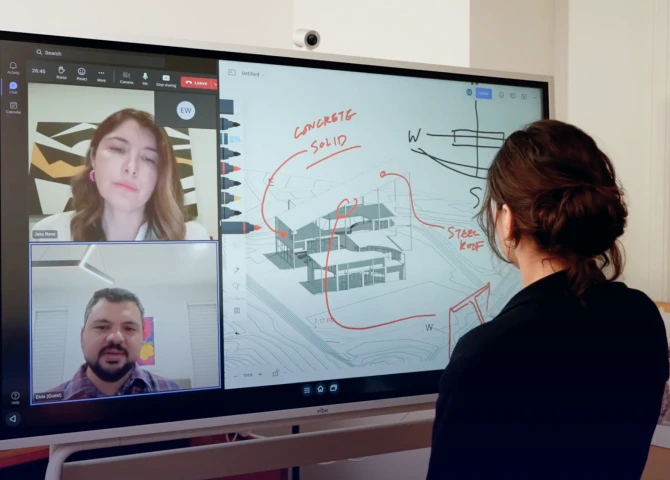
Start remote meetings in one click through Google Meet, Zoom or Teams.
Leverage cloud-based Canvas so everyone can see and contribute to plans with perfect clarity.





















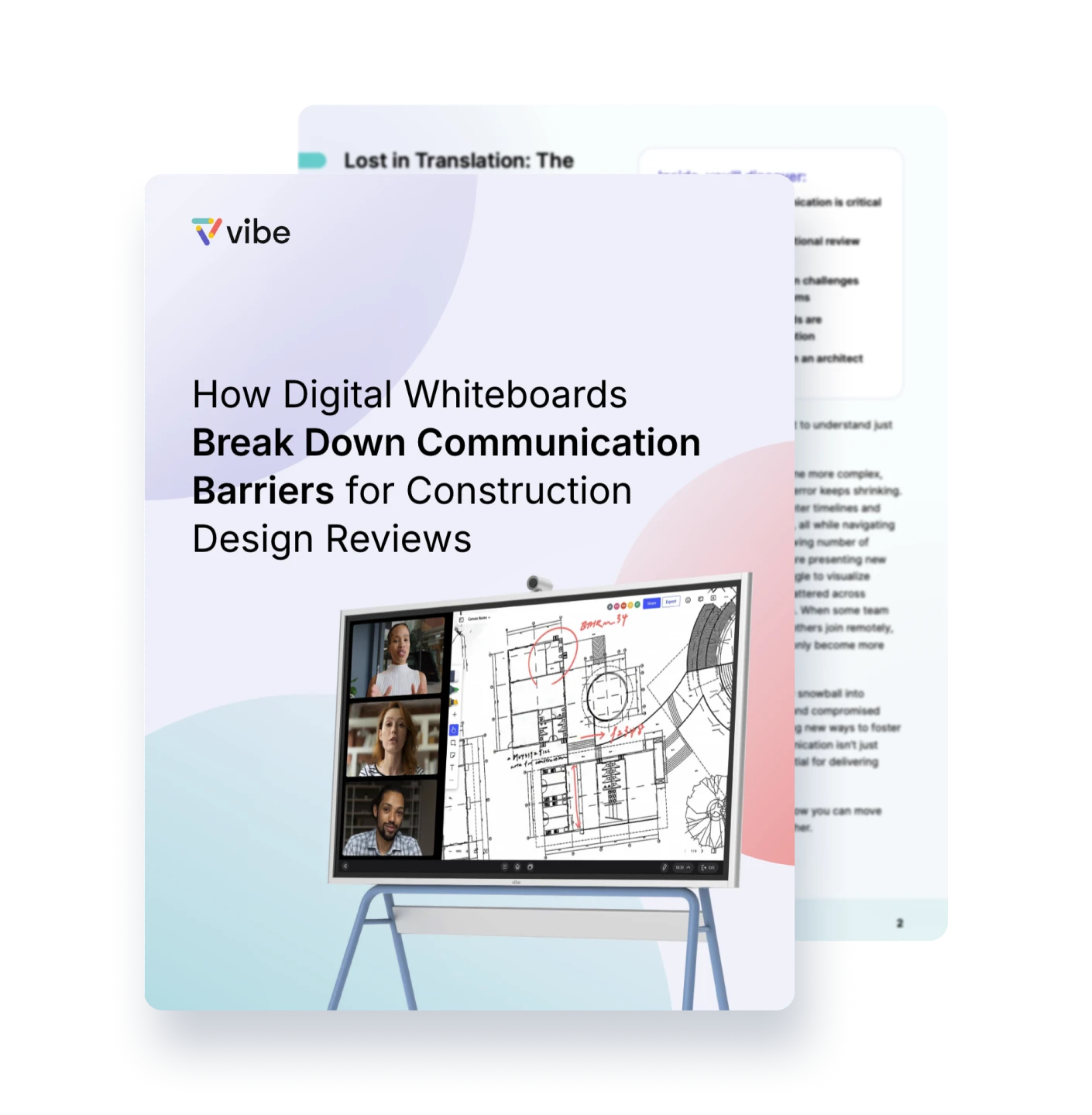
The Vibe Board is more than just a TV or computer. It combines the functionalities of a TV, computer, whiteboard, display, projector, and monitor into one sleek device. It’s the Swiss Army Knife of tech—ideal for any room at home, in the office, or at school.
With Vibe’s ChromeOS, you can use the apps that your team already knows and loves—and all popular video conferencing apps are supported.
The Vibe Board is designed to enhance your visual communication, client engagement, and team collaboration.
Yes. Vibe Board allows you to collaborate seamlessly on a computer, iPad, or phone from anywhere in the world with our cloud-based whiteboard software, Vibe Canvas. From there, you could jot an idea down on the go on your iPad, build on it with colleagues in the office on the Board, and share it for review with stakeholders remotely.
Yes! Vibe Board S1 55″ supports Microsoft 365 apps. You can directly access and edit Office files through the Chrome browser, or install the Microsoft Office Android Tablet Version on Vibe Board for more touchscreen capabilities. Microsoft Teams is also supported. Vibe Board also supports Google Workspace apps, so you can open, edit, and auto-save Google Docs, Slides, Sheets, and more. See all supported apps here. There is no special licensing required beyond what you’re currently using to access your accounts.
Vibe Board S1 has two built-in speakers, but no built-in microphone. The (optional) Smart Camera was designed for Vibe S1, and comes equipped with 6 omni-directional microphones, as well as noise and echo cancellation. Vibe Boards are also compatible with most USB-connected cameras and microphones, such as Logitech BRIO, Owl Camera, Polycom Studio, and more.
Vibe Board S1 55″ has 3 USB-C ports and 1 HDMI-In to support additional cabled accessories.



-bhTwJeotmPFfYb9BboALprx5Mg3uFB.webp)