Step into a Modern AEC Solution with Vibe Board
Go from sketches to blueprints, manage project schedules, and immerse your clients effortlessly, all while boosting collaboration efficiency with a simplified workflow.




-TZ9qOB8dX71xQU0vgDhLNOVyuBgQL1.webp)
-3TbhWpCX8jMWge2BItA52uFD5kjmTu.webp)
-A8km1pLu5wqKgmol7GxFV5JEdmYEeI.webp)
-uHuJqwDEpVhCM0FD8u6NEQNUo0Kp2v.webp)
-HgMbIGnaF5J2BngebBbgLn6H0guW1S.webp)
-SFyAkyC4zp9ayh3UuiJY1IFGqYfTz0.webp)
-KmzKSyPRKiWgtxA0brFfXvTEXrFKRy.webp)
-LuNhVkpONbxllgxtMgcQFJBgqquKCn.webp)
-vwvt7pTsFRry4wF1ZobSE6pbxF6uUc.webp)
-otwtnQJUzjfcp7ki1jeskAlnOfdZlf.webp)
-01STXBHFJXvUew0BZKzGp03UT9HdPn.webp)
-HBwOvhHh8edTYQSiS9qHPXWliNucMC.webp)
Meet Vibe Board
Bridge Construction & Architect
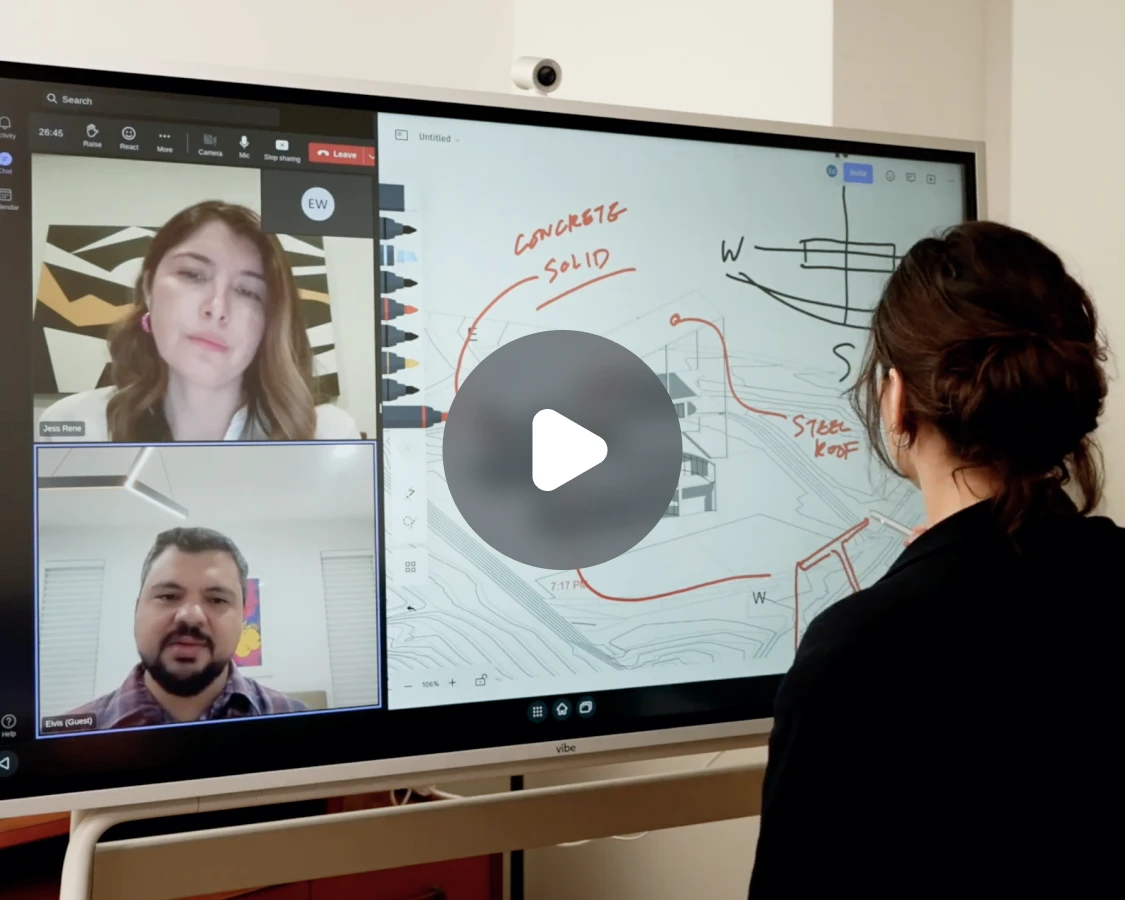
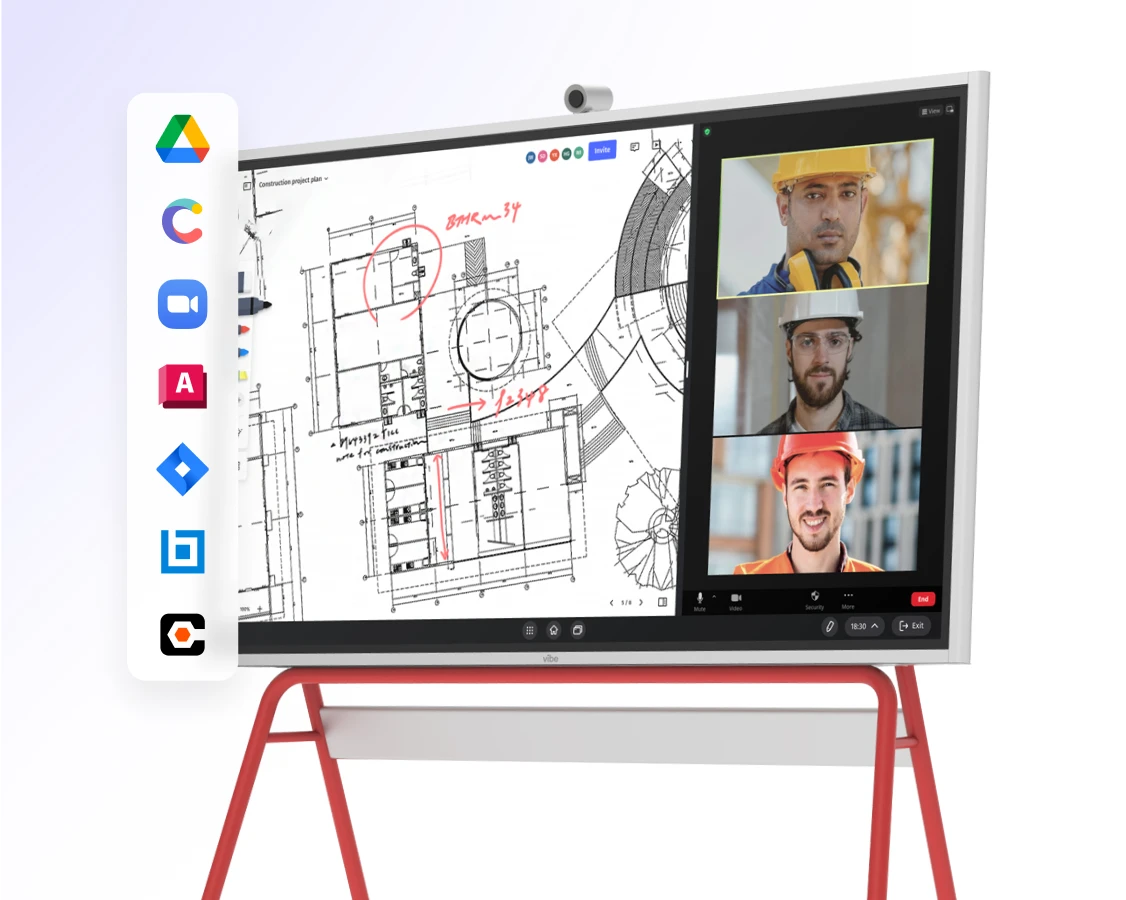








Import blueprints, PDFs, and site photos to Vibe's infinite canvas. Annotate with precision, specifying dimensions, materials, and indicating electrical and plumbing fixtures effortlessly.
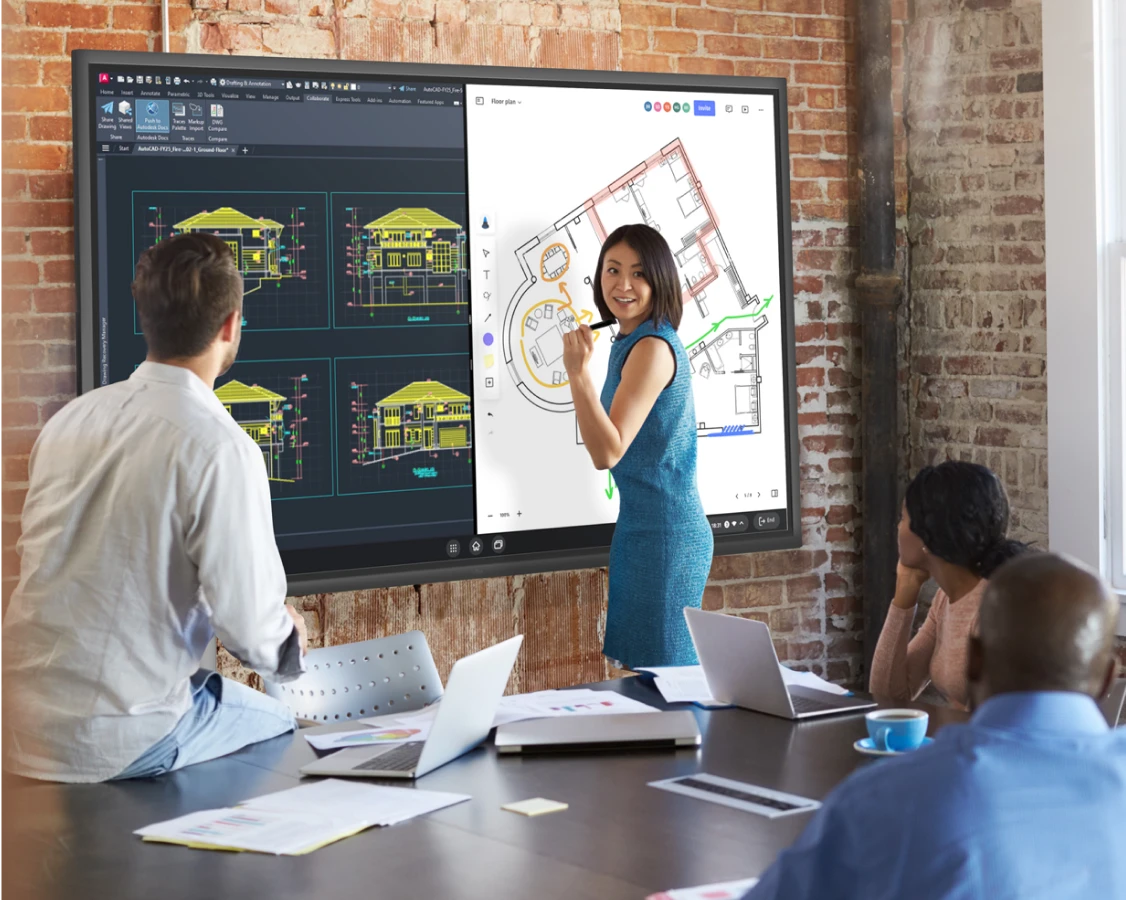
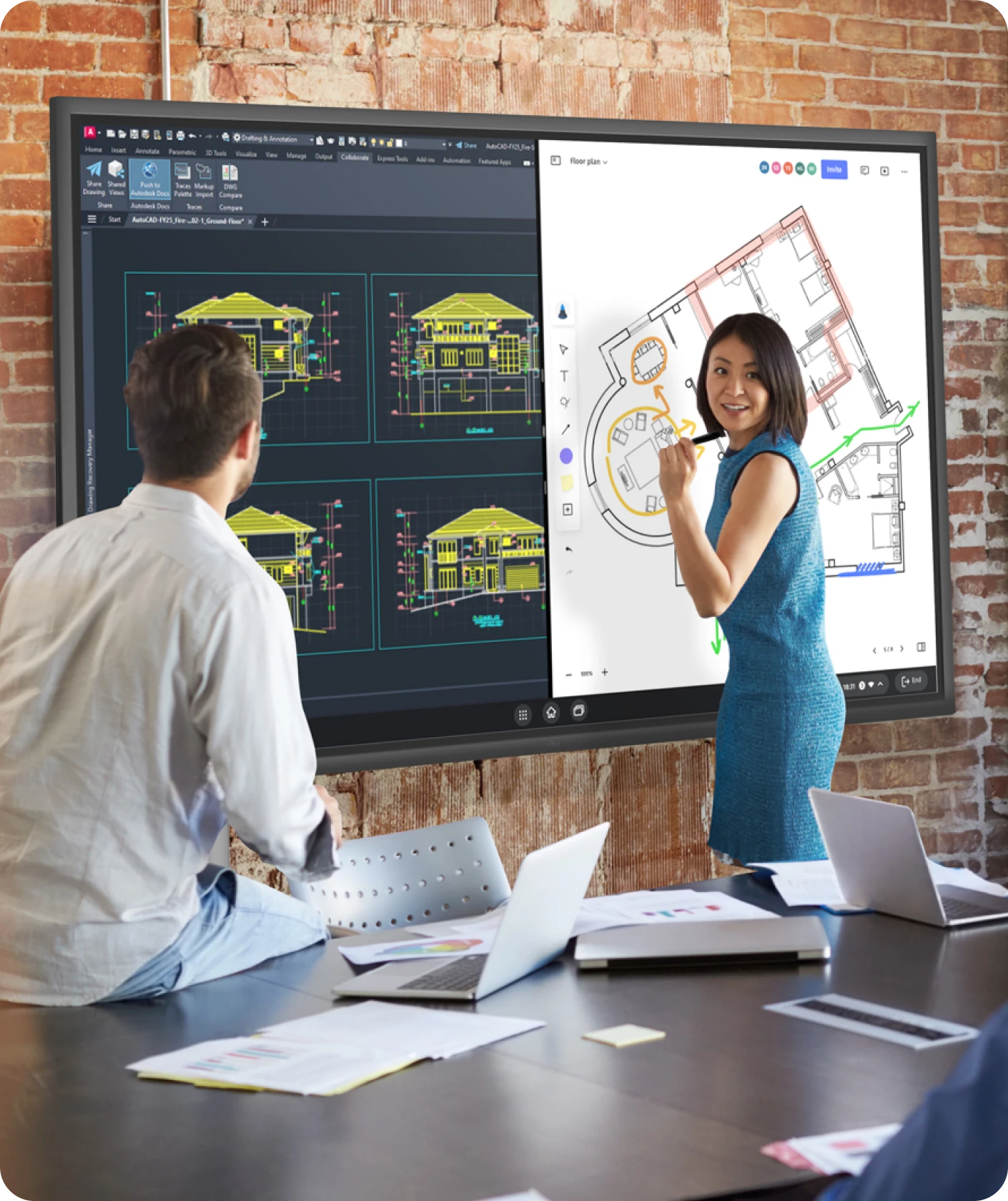
Casting directly from Revit, Bluebeam, AutoCad while splitscreen on your note. Keep track of real time feedback for your design layout, functionality, and code compliance.
-XHFlvFxNppviJ7wj2YS1Yqv4R7B0R1.webp)
-ntSeOVQw7wNcQ38ZYkZlPU2Aqq1jbF.webp)
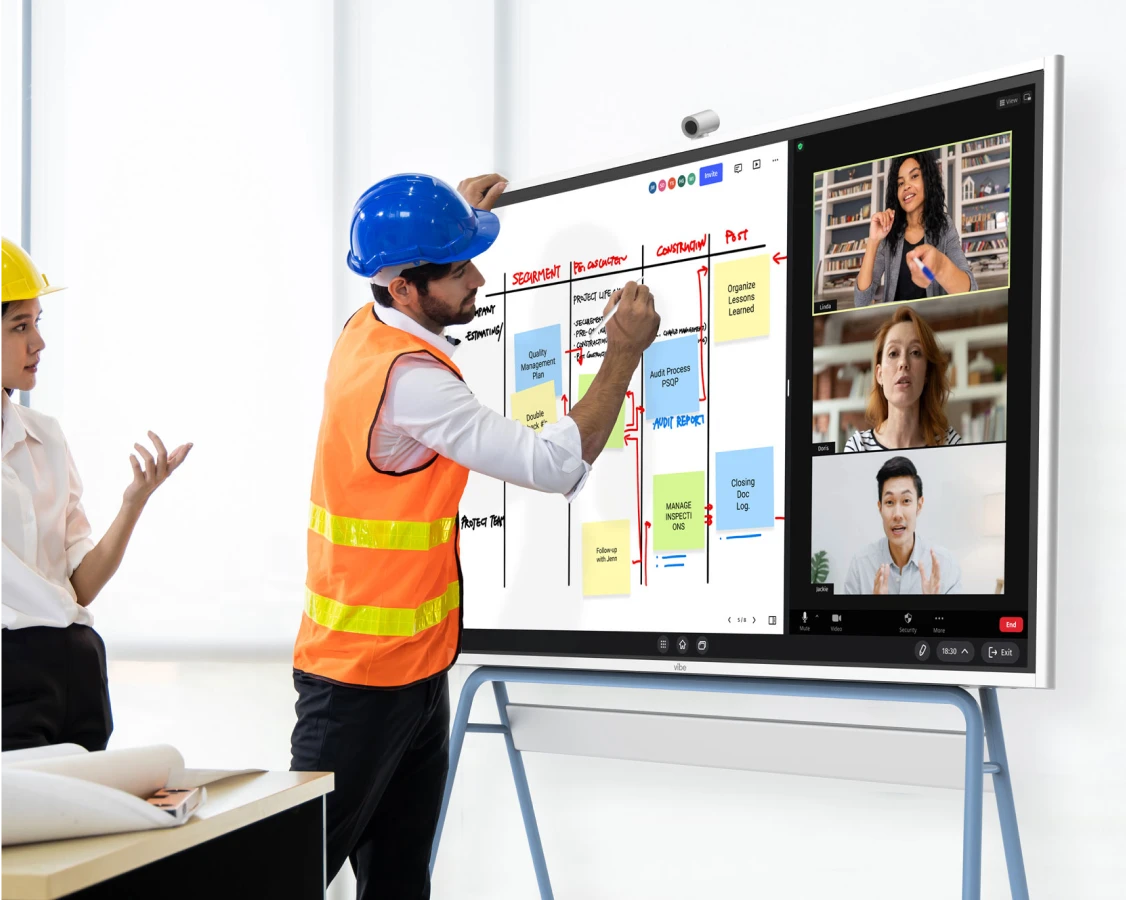
Craft your own KanBan board on Vibe's big screen for task assignment, daily instructions, and safety precautions.
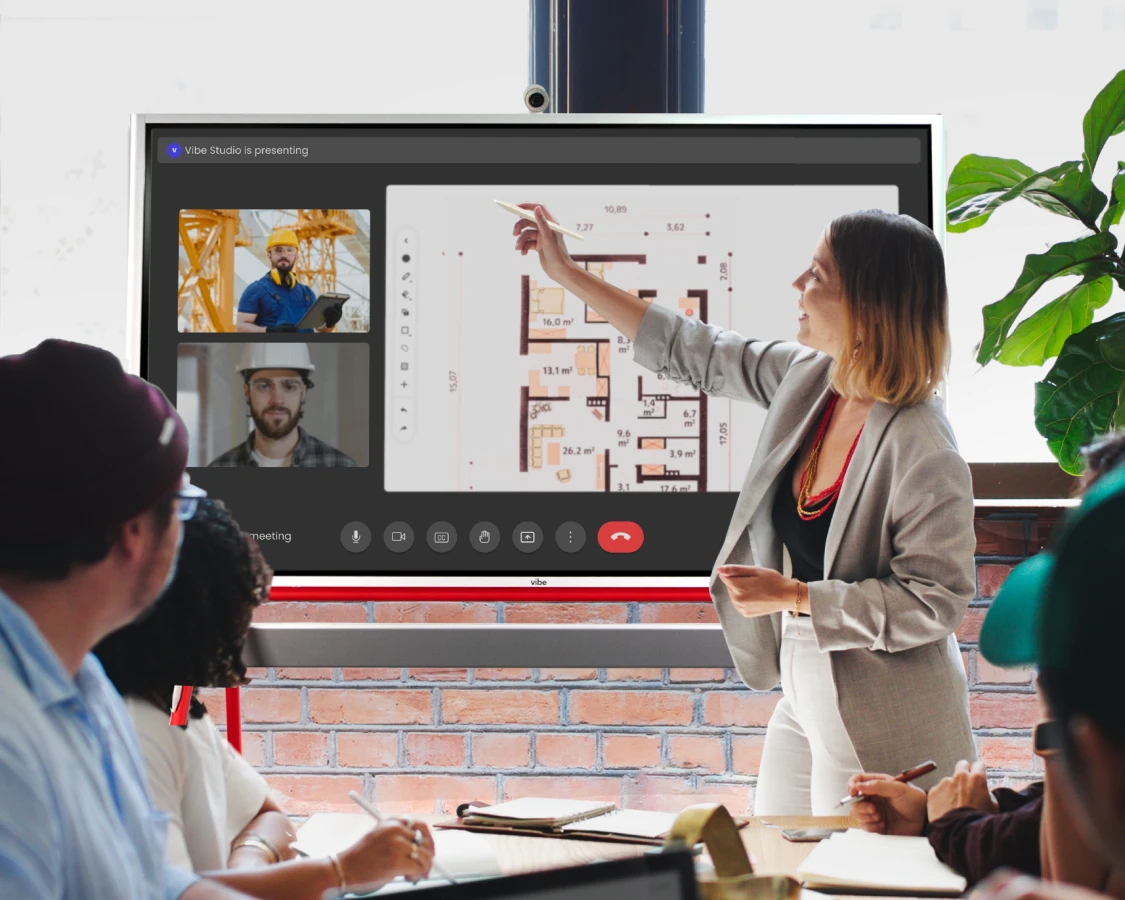
Align site logistics, task sequencing, and blueprint adjustments with project stakeholders through Google Meet, Zoom, or Teams.
-9A6ButeXyvtXj5NoFl0TaYOu53URWZ.webp)
Import blueprints, PDFs, and site photos to Vibe's infinite canvas. Annotate with precision, specifying dimensions, materials, and indicating electrical and plumbing fixtures effortlessly.
Casting directly from Revit, Bluebeam, AutoCad while splitscreen on your note. Keep track of real time feedback for your design layout, functionality, and code compliance.
-wvUswAAA8TZCpY4md2UN6VxHqemE1t.webp)
Craft your own KanBan board on Vibe's big screen for task assignment, daily instructions, and safety precautions.
Align site logistics, task sequencing, and blueprint adjustments with project stakeholders through Google Meet, Zoom, or Teams.
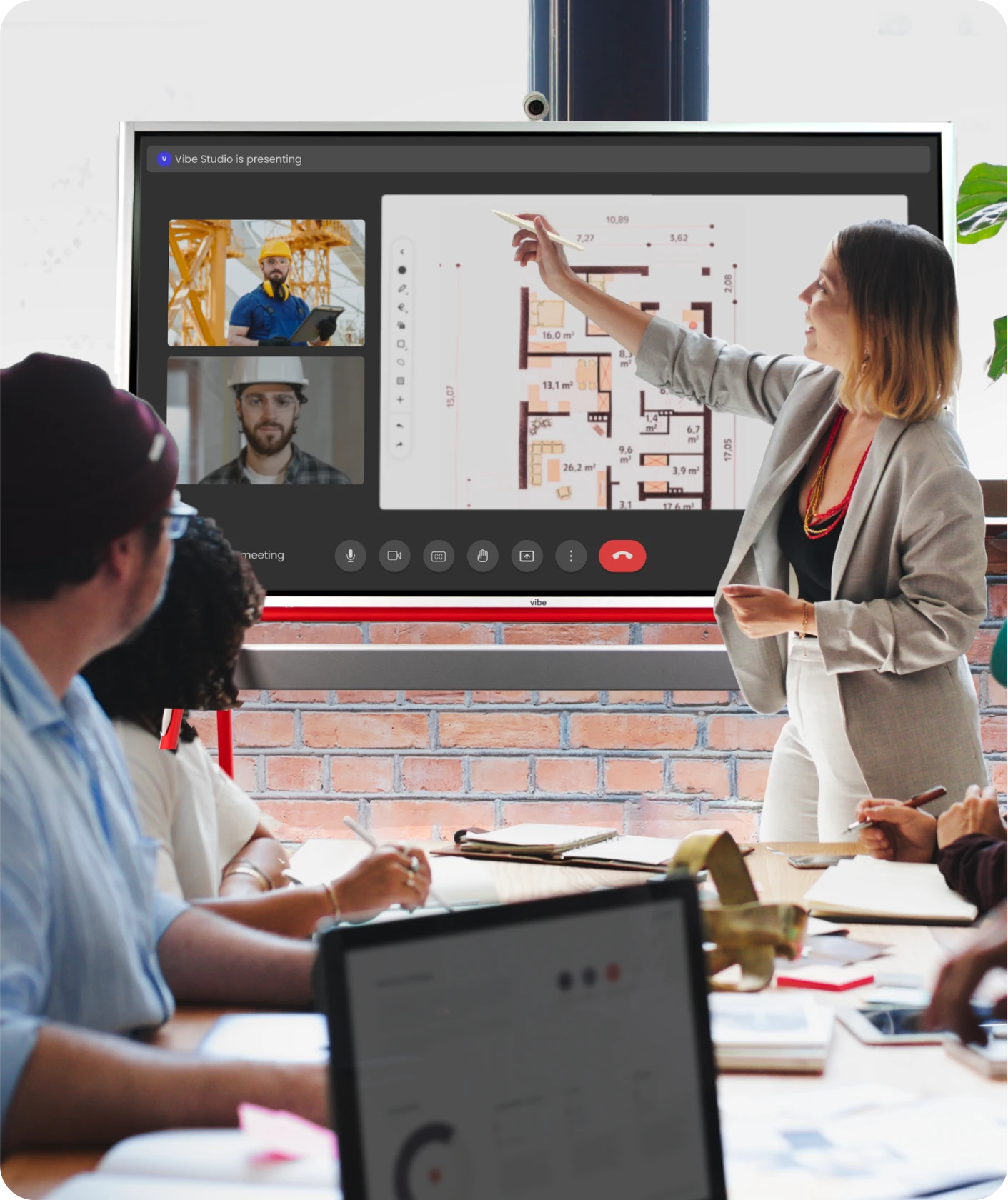

Engage clients with immersive presentations - easily showcase concepts, zoom into blueprints, and jot down ideas as they come.
Help clients understand and appreciate your project's progress with live casting from Revit, Bluebeam, or AutoCAD, while conveniently splitting the screen for note-taking.
-CPZficz2TOjsRwokvJXaMAt1n4YaLq.webp)
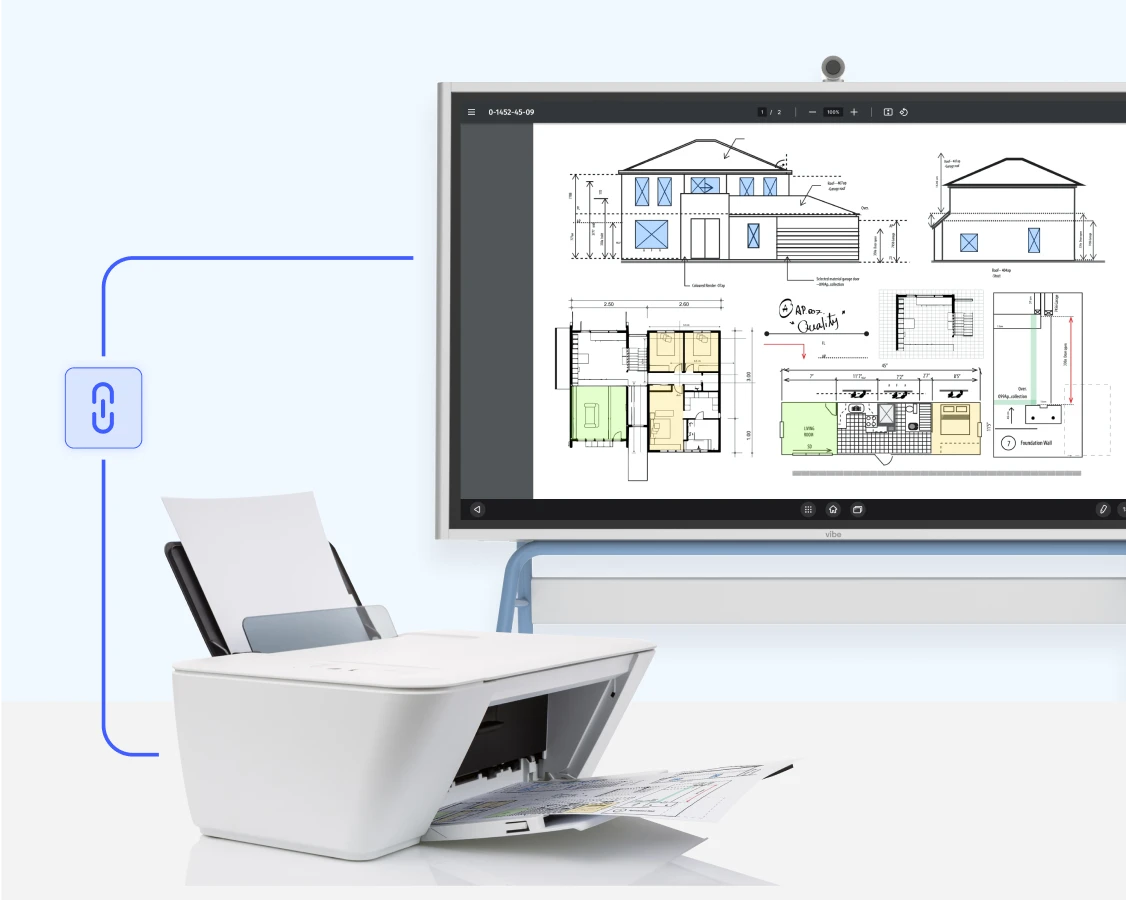
Add your printers to Vibe Board, and print any web page, blueprint, cloud-stored file, construction document, or other digitized asset with a single tap.
Simplify workflow with rich compatibility. Connect and share with existing devices to save time, energy, and money, while boosting team productivity.
-O9qseG4vIgtVjjlBSLd0ZdtbptvV0T.webp)
Engage clients with immersive presentations - easily showcase concepts, zoom into blueprints, and jot down ideas as they come.
Help clients understand and appreciate your project's progress with live casting from Revit, Bluebeam, or AutoCAD, while conveniently splitting the screen for note-taking.
-1iGmCbgaN761CgtXB99Yys87gVOP4N.webp)
Add your printers to Vibe Board, and print any web page, blueprint, cloud-stored file, construction document, or other digitized asset with a single tap.
Simplify workflow with rich compatibility. Connect and share with existing devices to save time, energy, and money, while boosting team productivity.
Trusted by 40,000+ forward-thinking businesses
Trusted by 40,000+ forward-thinking businesses
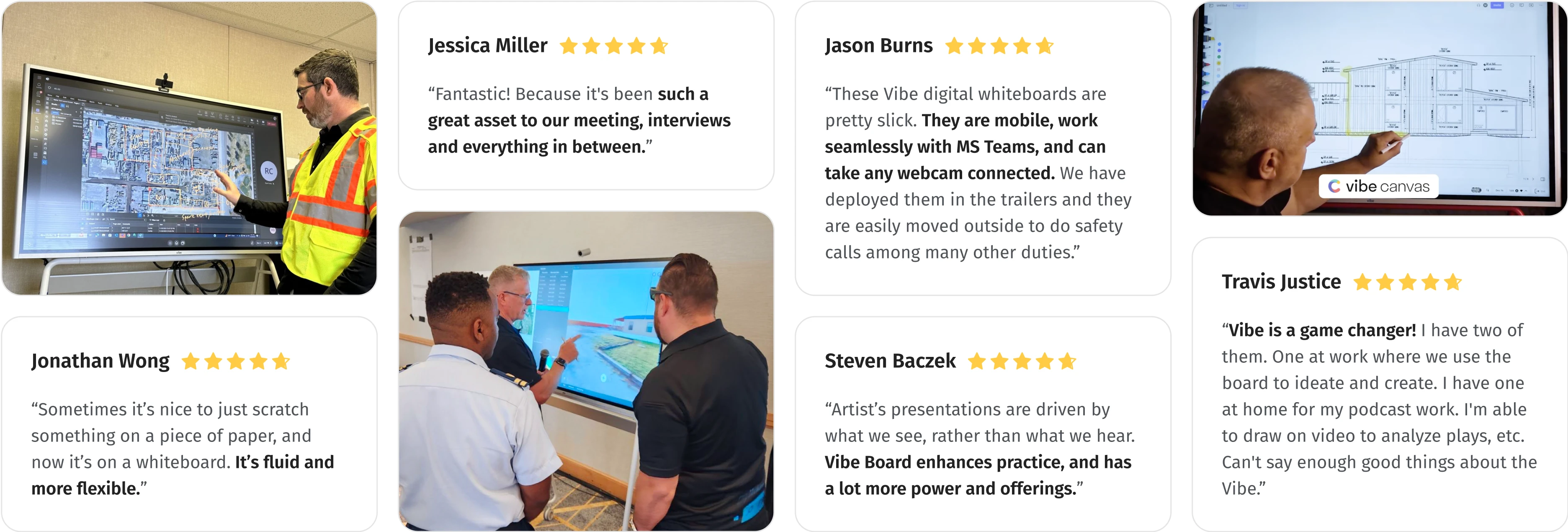
“Sometimes it’s nice to just scratch something on a piece of paper, and now it’s on a whiteboard. It’s fluid and more flexible.”
“Fantastic! Because it's been such a great asset to our meeting, interviews and everything in between.”
-7kVkcpc5bZ6llglt98cbO38HDBErJk.webp)
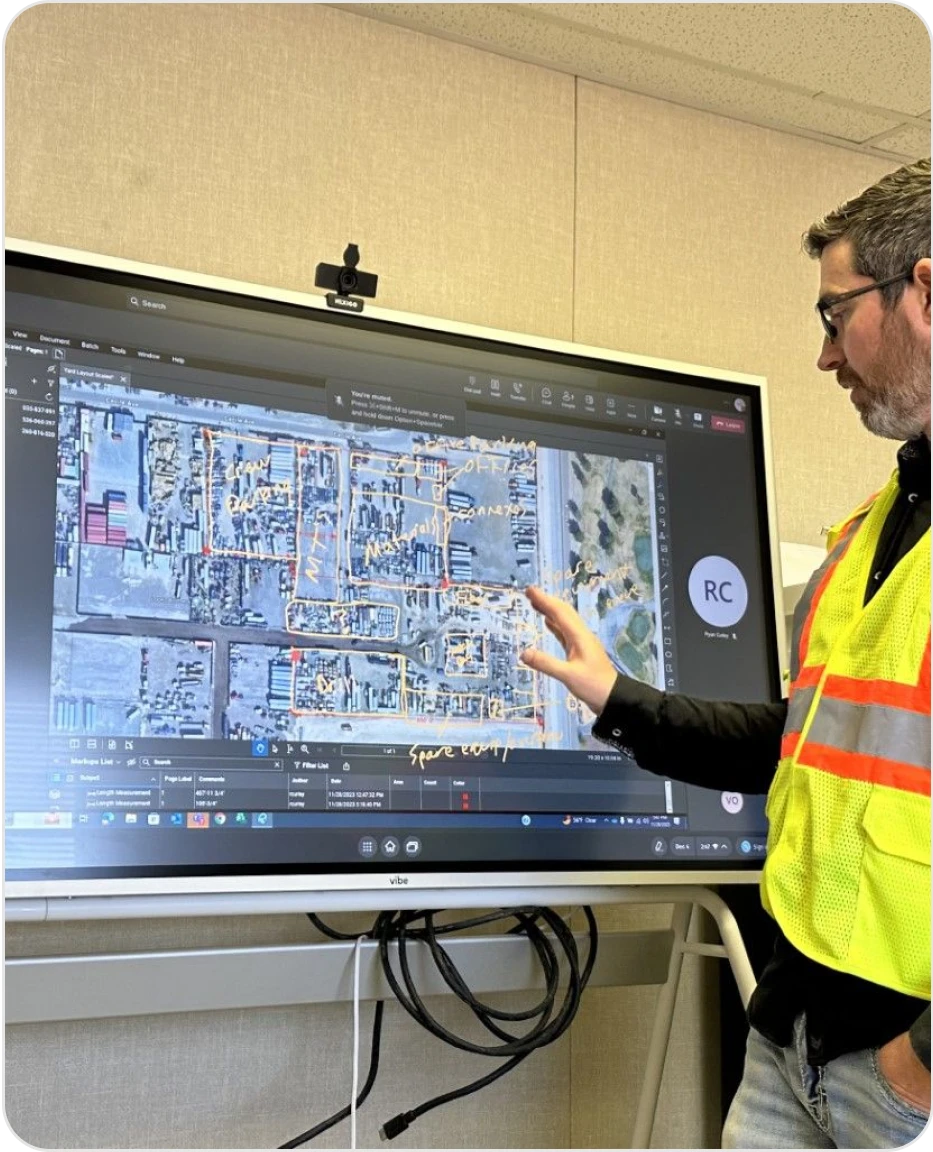
“These Vibe digital whiteboards are pretty slick. They are mobile, work seamlessly with MS Teams, and can take any webcam connected. We have deployed them in the trailers and they are easily moved outside to do safety calls among many other duties.”
“Vibe is a game changer! I have two of them. One at work where we use the board to ideate and create. I have one at home for my podcast work. I'm able to draw on video to analyze plays, etc. Can't say enough good things about the Vibe.”
-UbSGhfJoZf8Us5cD4AwD1sqcc07xBn.webp)
“Architect’s presentations are driven by what we see, rather than what we hear. Vibe Board enhances practice, and has a lot more power and offerings.”







-cfhN1e4gzrym0d2Fw0CeWzQ3sh4R9e.webp)
-ZV27PrW50qrJRAR1GtQRHSlEtqYVFd.webp)
Yes. Vibe Board allows you to collaborate seamlessly on a computer, iPad, or phone from anywhere in the world with our cloud-based whiteboard software, Vibe Canvas. From there, you could jot an idea down on the go on your iPad, build on it with colleagues in the office on the Board, and share it for review with stakeholders remotely.
Yes! Vibe Board S1 55″ supports Microsoft 365 apps. You can directly access and edit Office files through the Chrome browser, or install the Microsoft Office Android Tablet Version on Vibe Board for more touchscreen capabilities. Microsoft Teams is also supported. Vibe Board also supports Google Workspace apps, so you can open, edit, and auto-save Google Docs, Slides, Sheets, and more. See all supported apps here. There is no special licensing required beyond what you’re currently using to access your accounts.
Vibe Board S1 has two built-in speakers, but no built-in microphone. The (optional) Smart Camera was designed for Vibe S1, and comes equipped with 6 omni-directional microphones, as well as noise and echo cancellation. Vibe Boards are also compatible with most USB-connected cameras and microphones, such as Logitech BRIO, Owl Camera, Polycom Studio, and more.
Vibe Board S1 55″ has 3 USB-C ports and 1 HDMI-In to support additional cabled accessories.



-bhTwJeotmPFfYb9BboALprx5Mg3uFB.webp)
