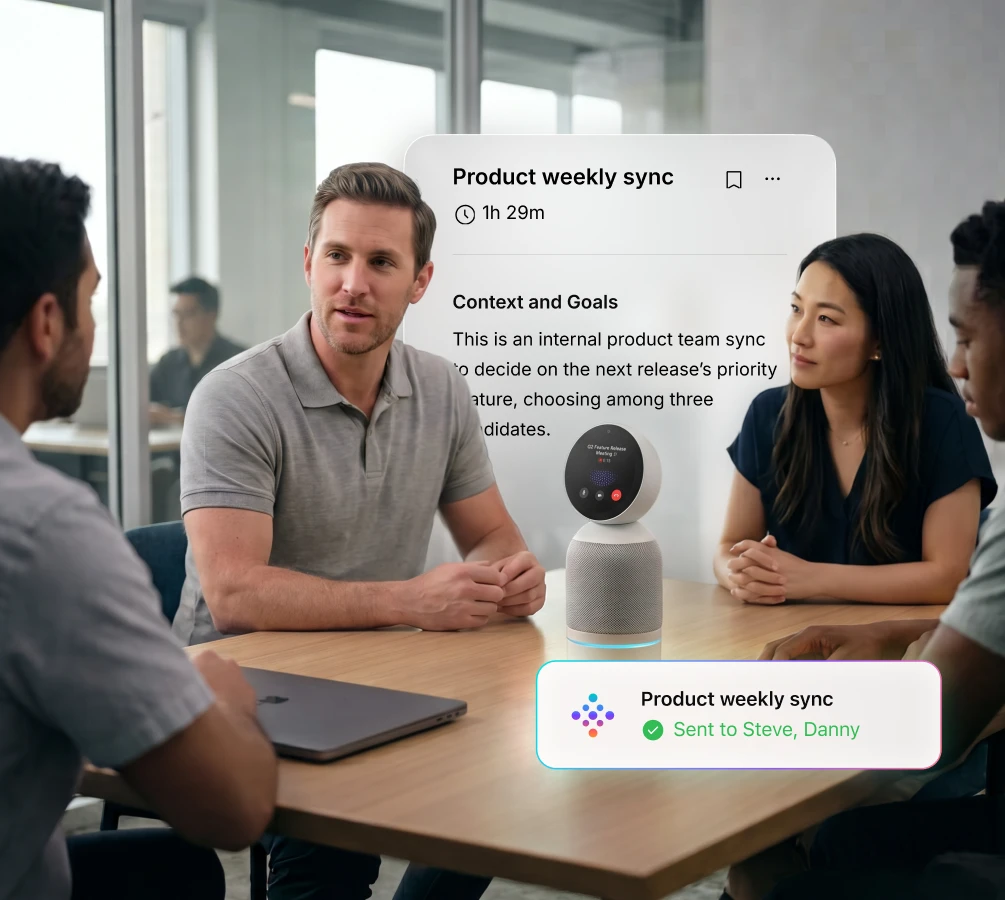
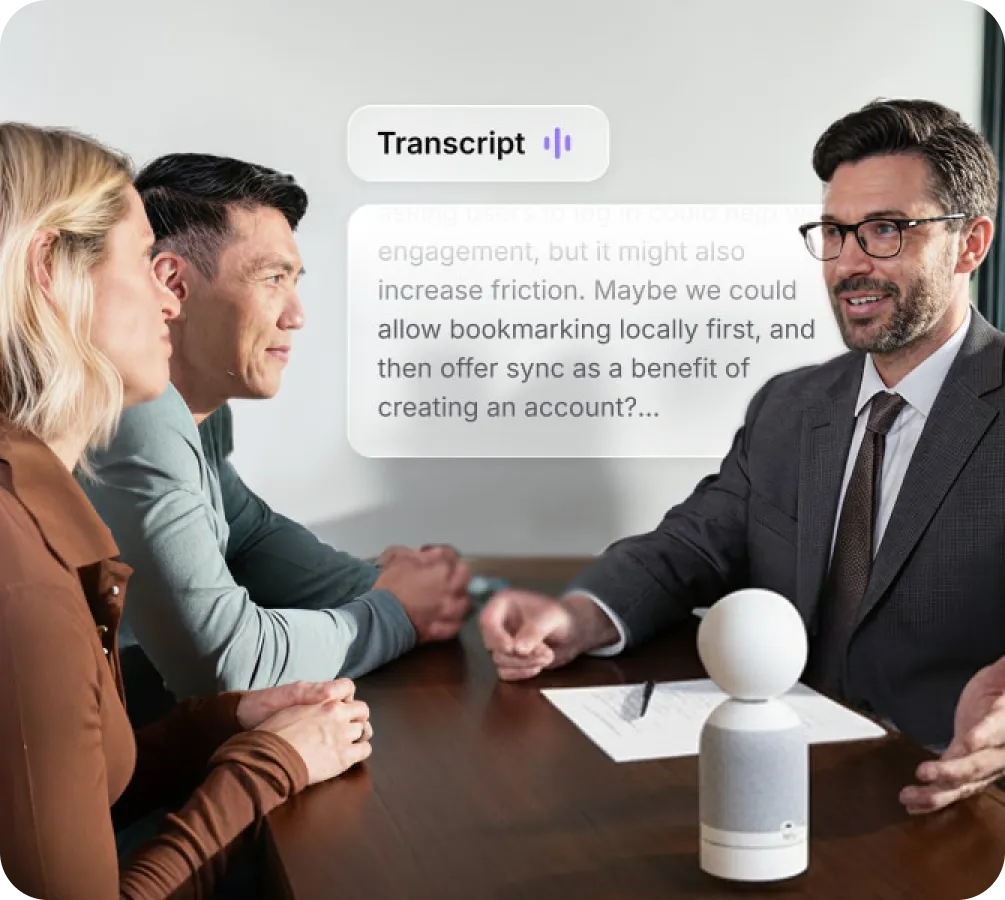
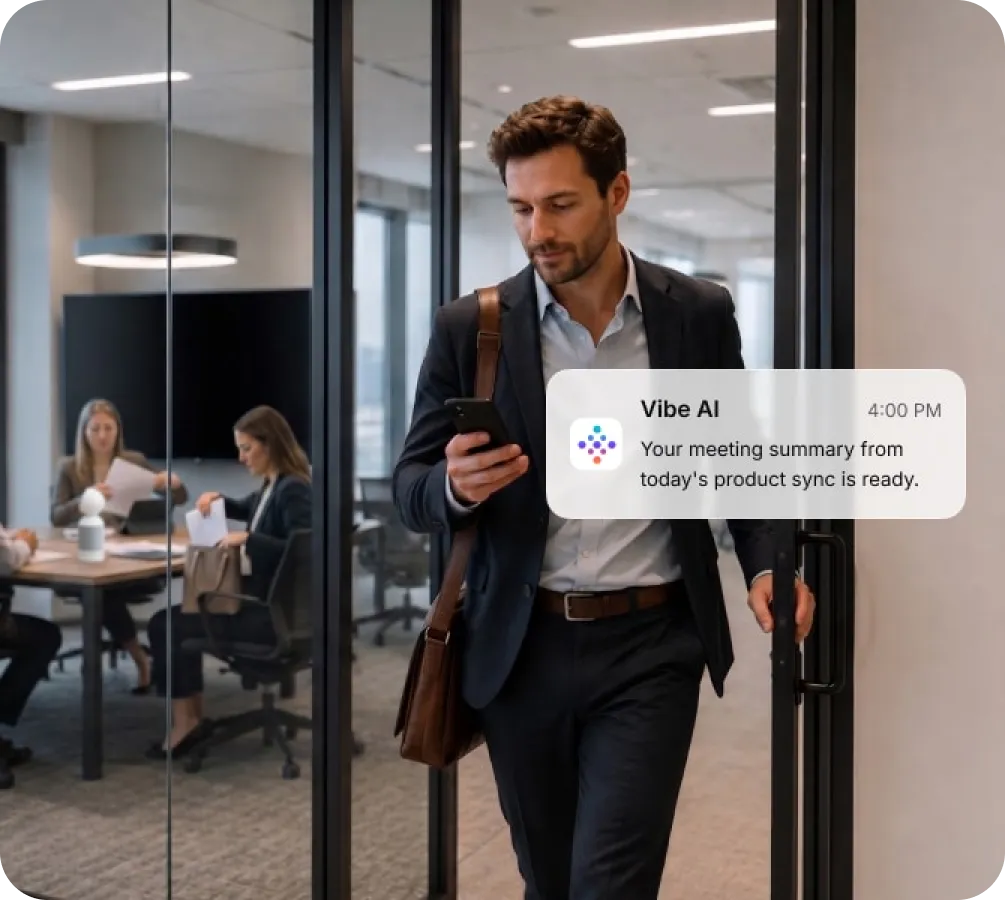
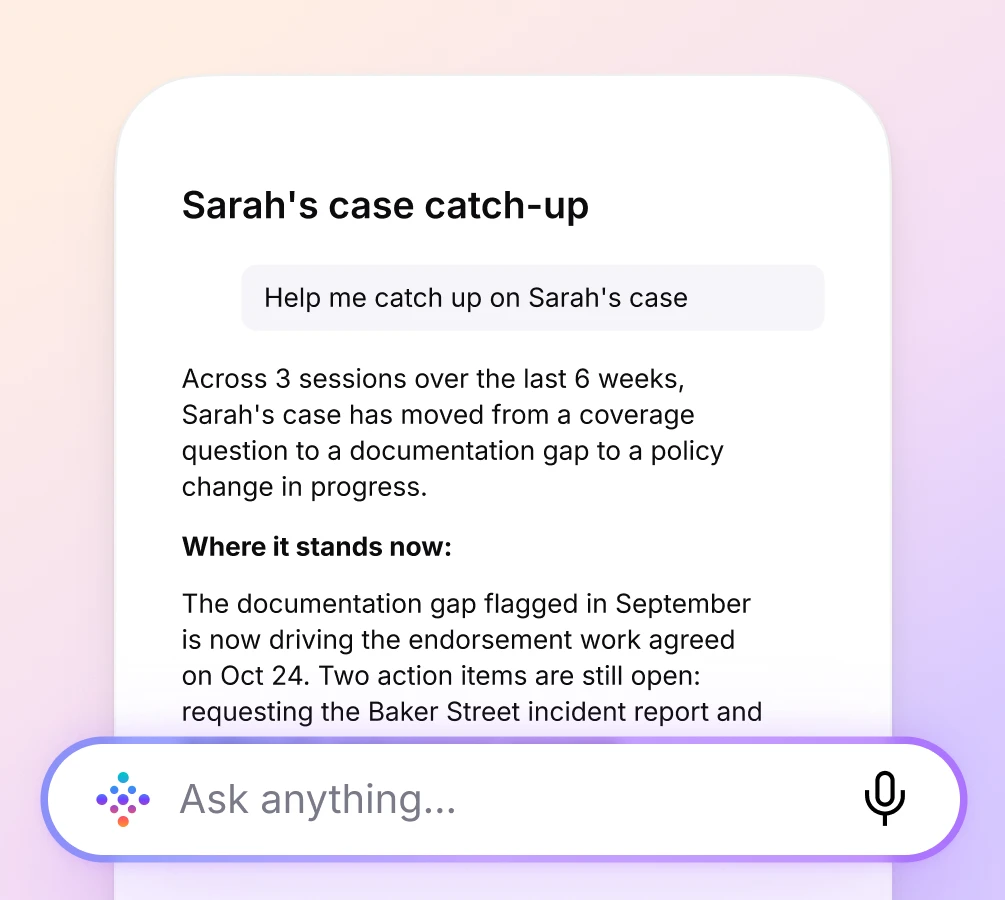
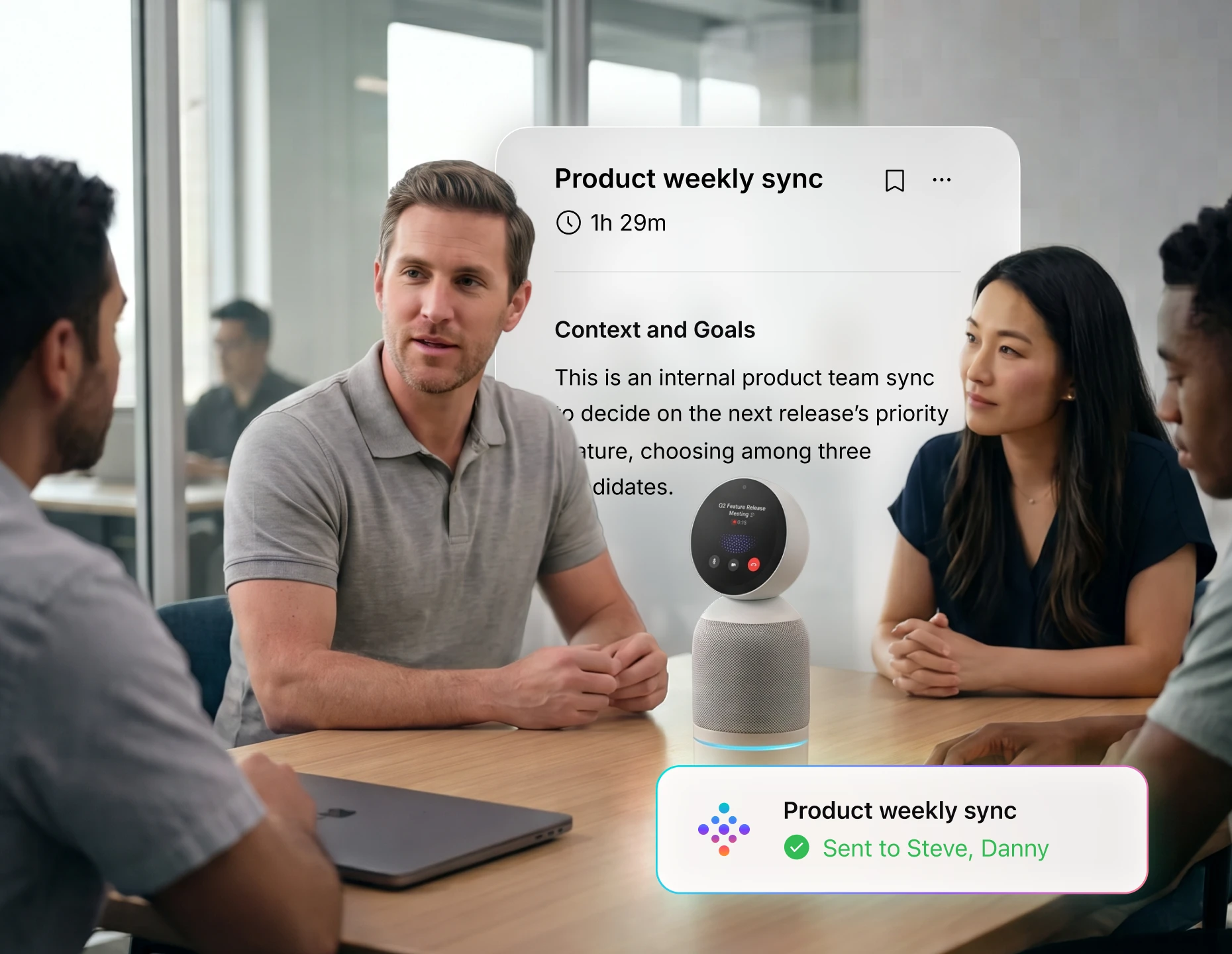
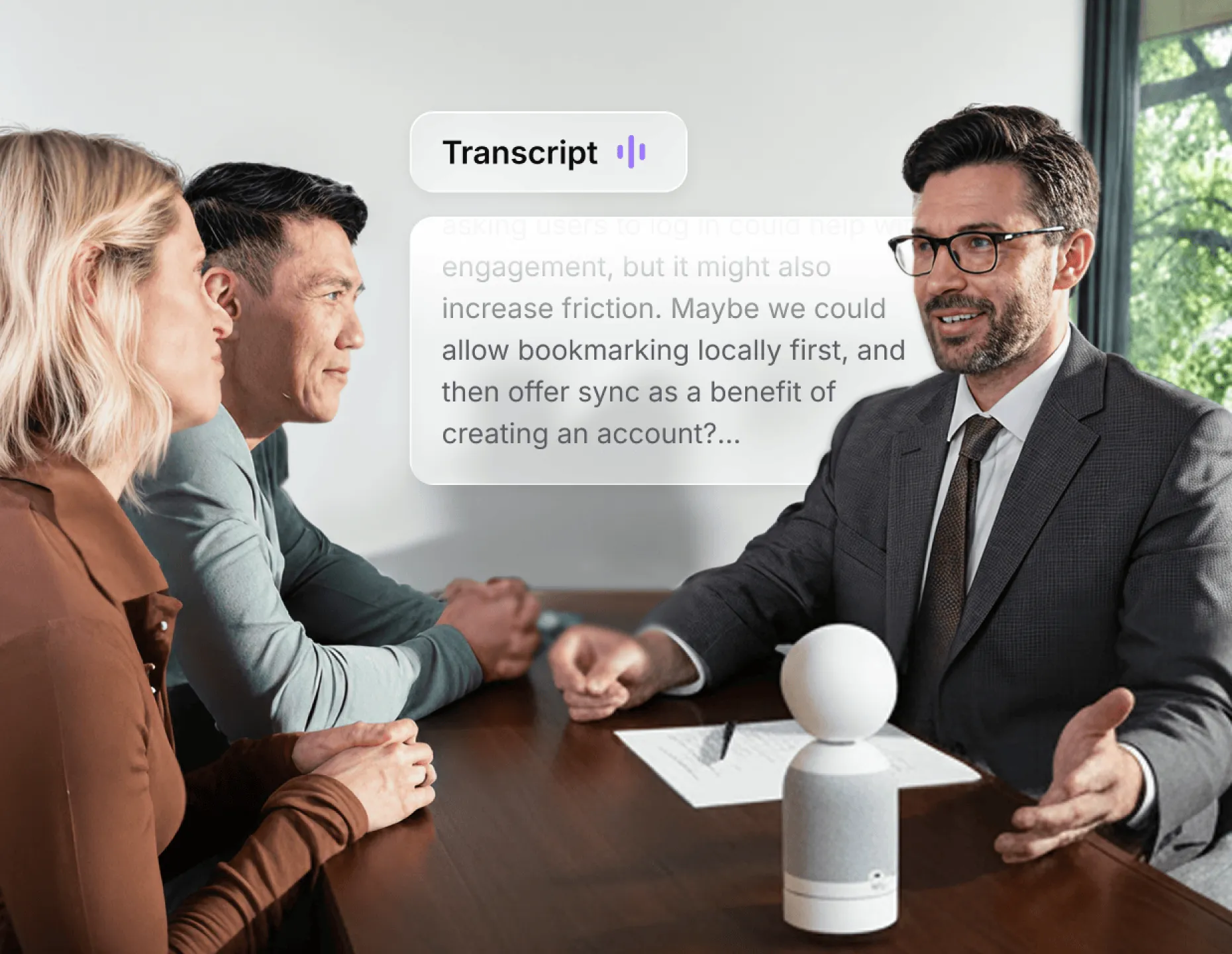
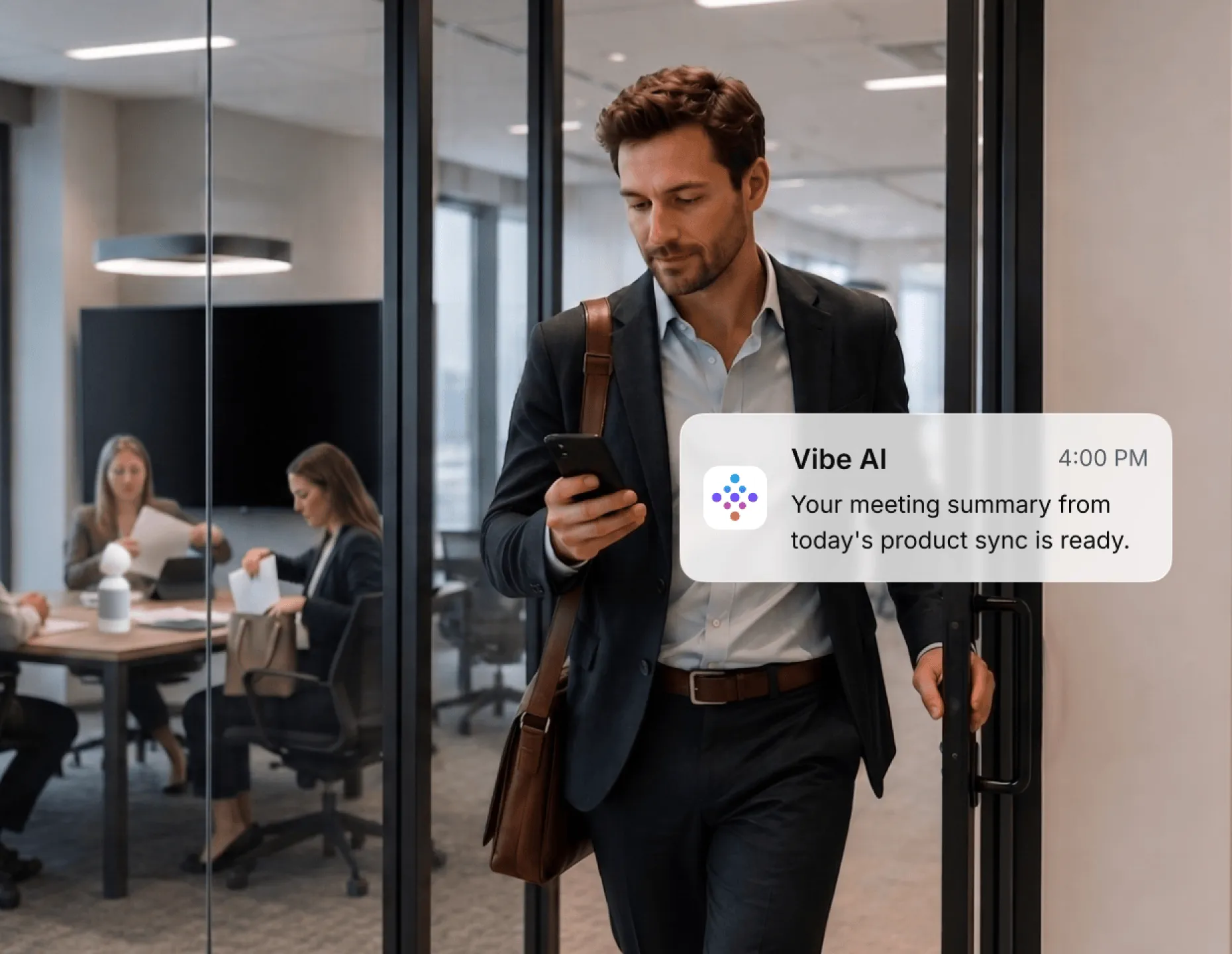
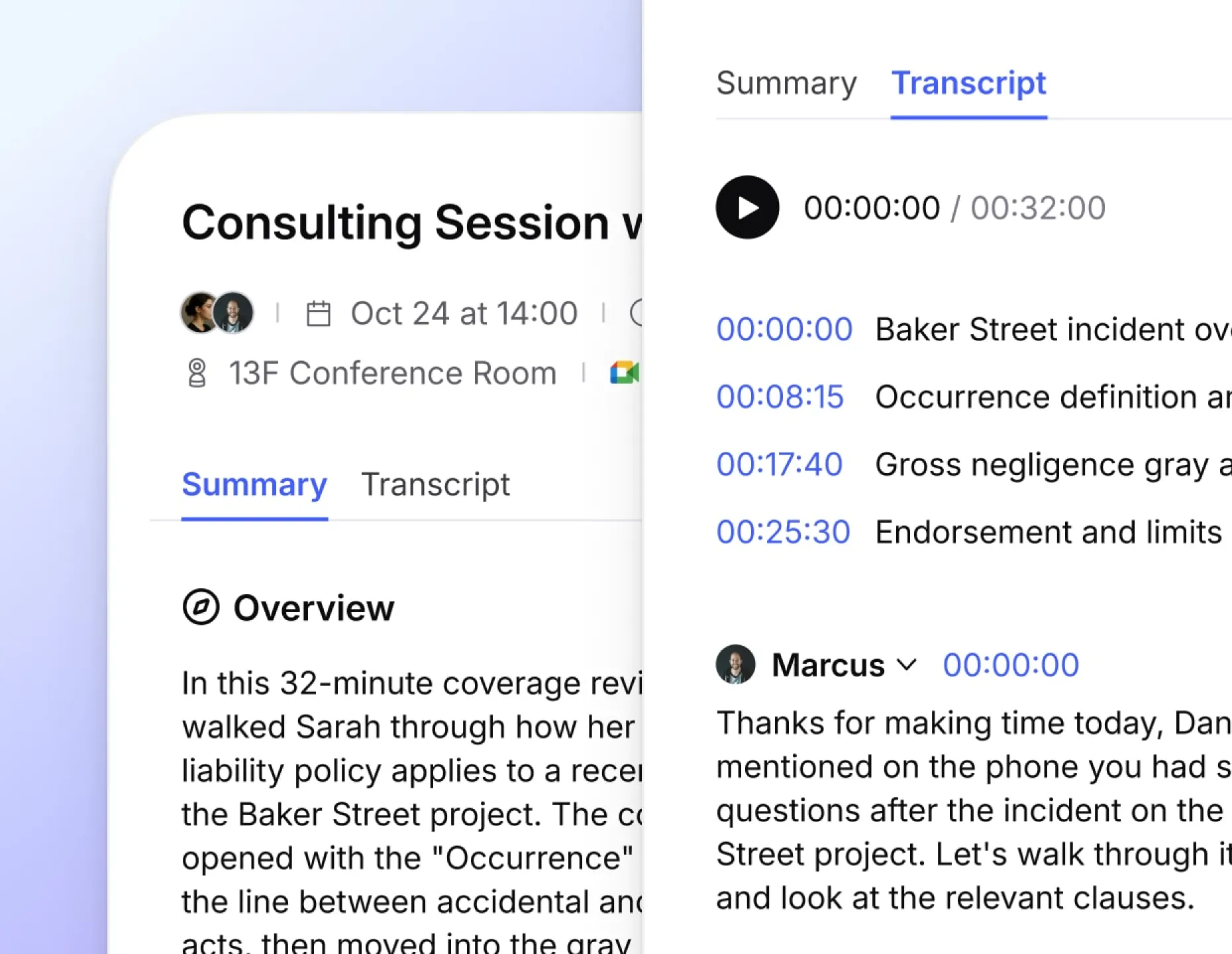
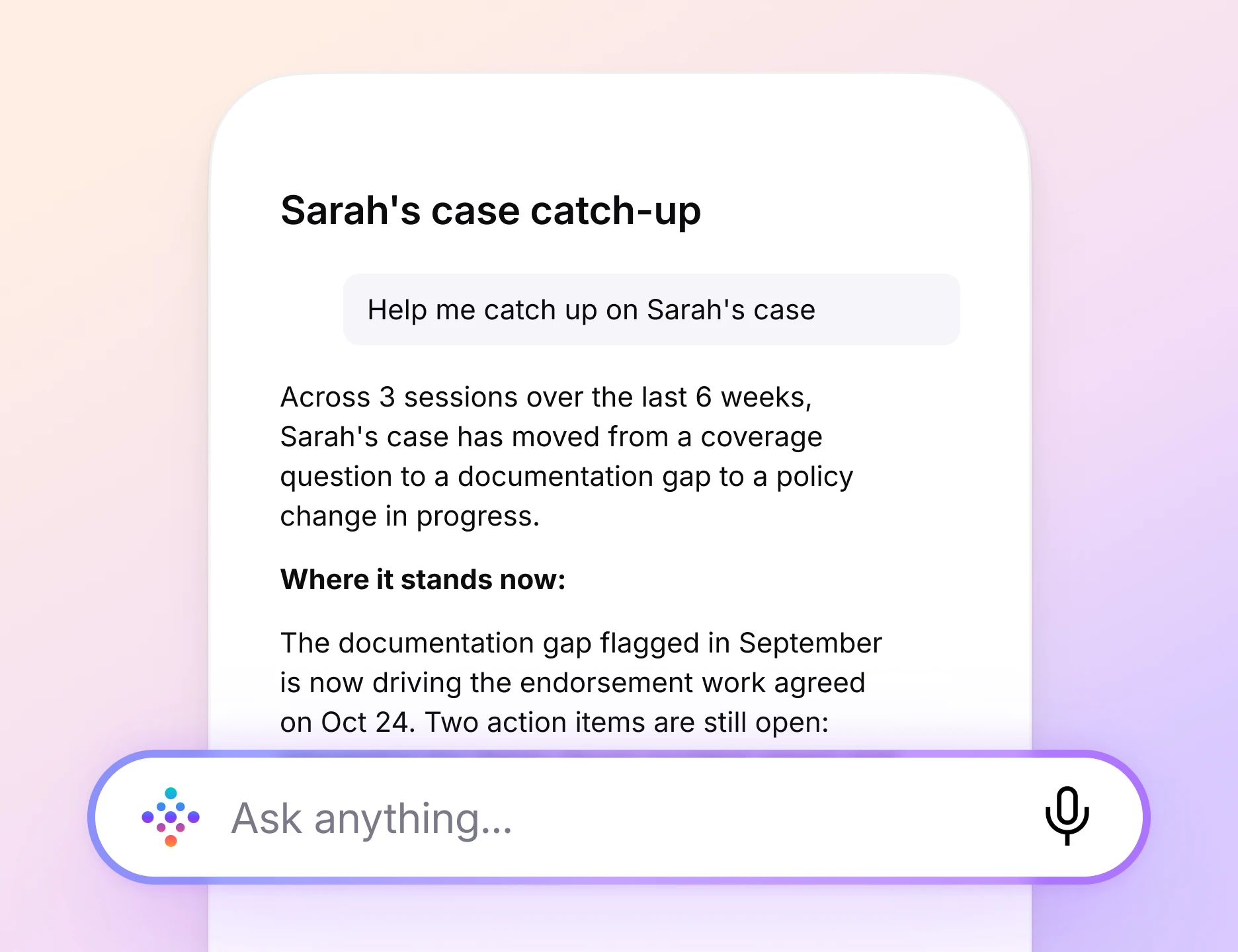
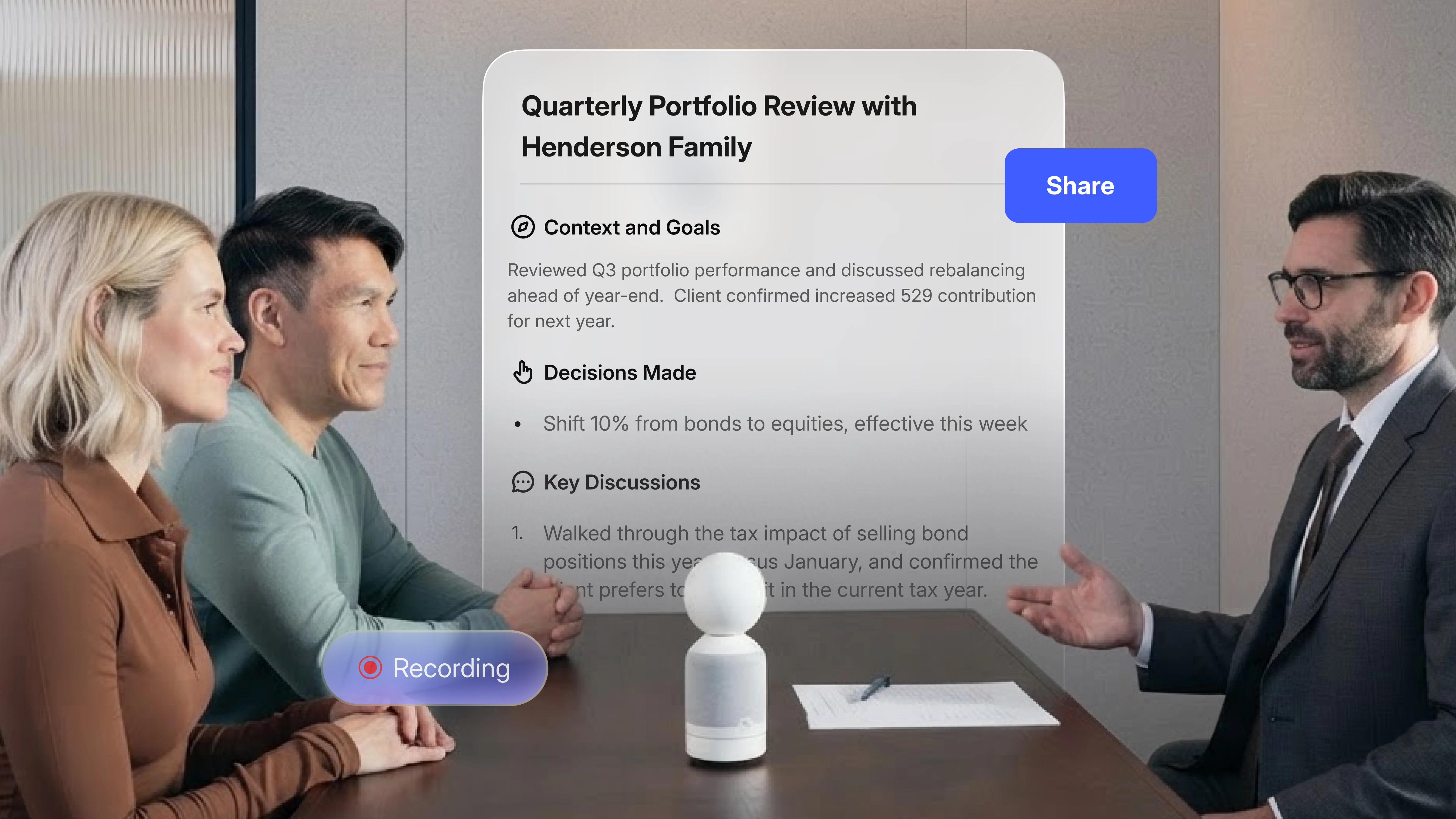
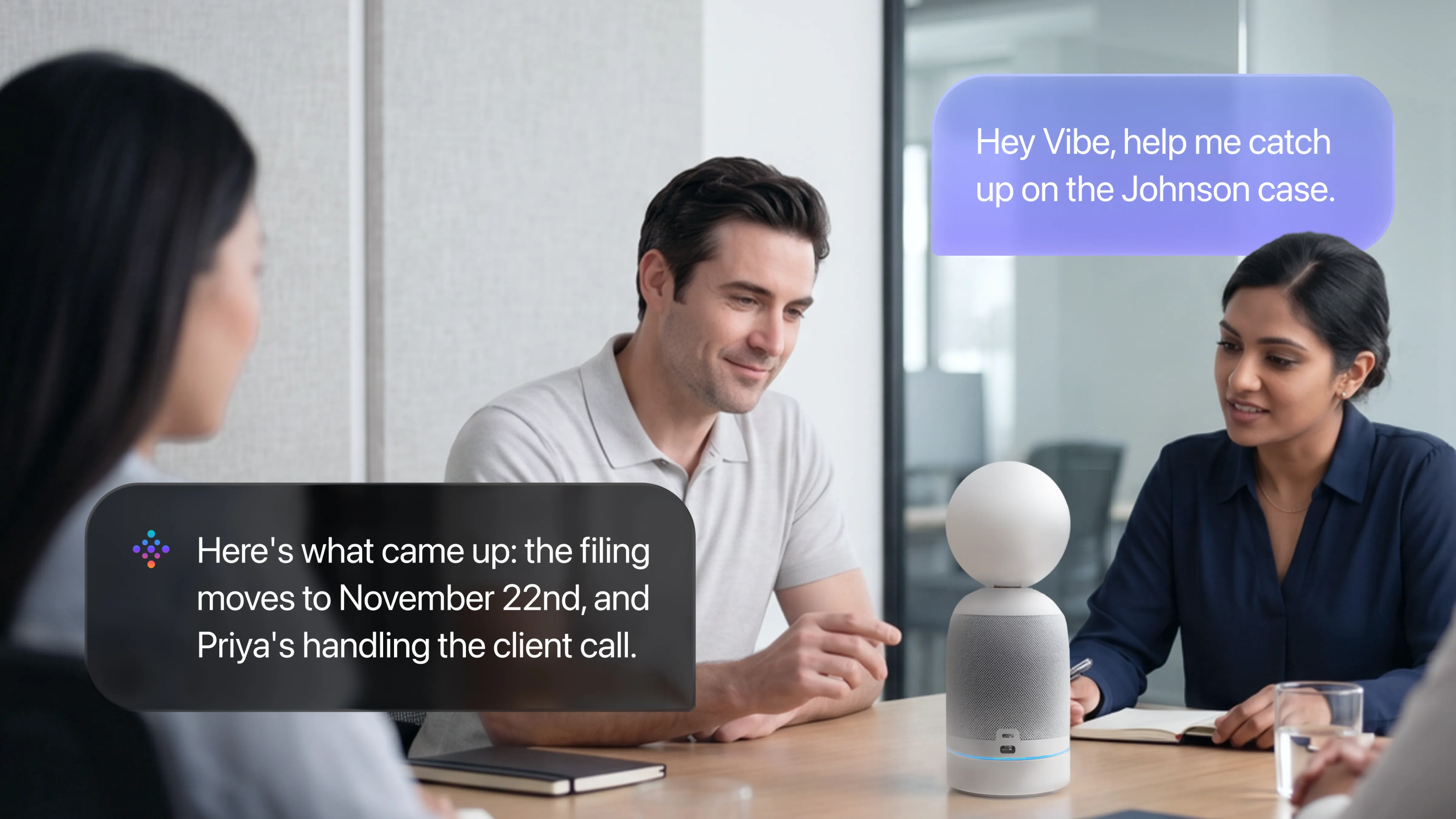
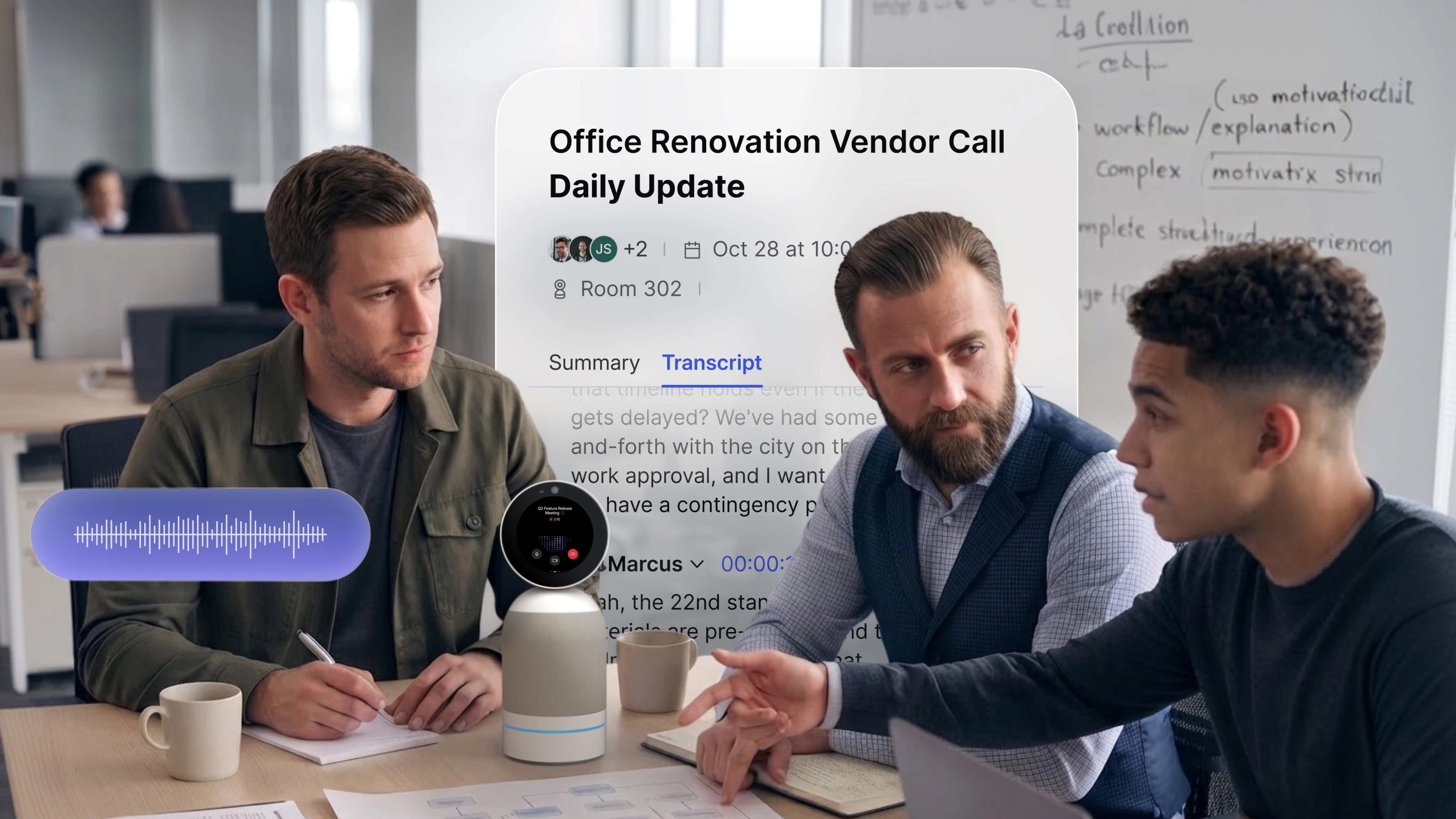
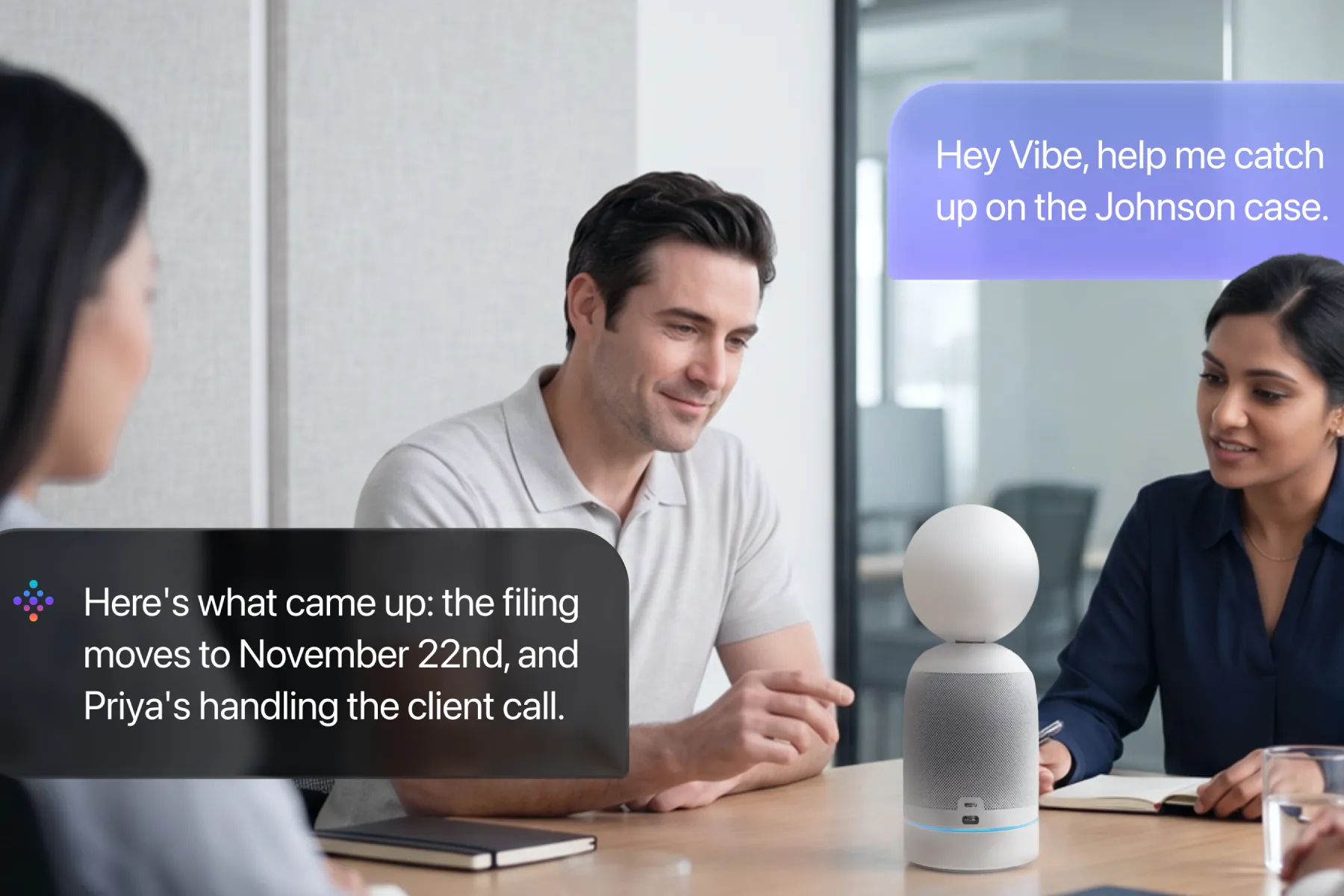
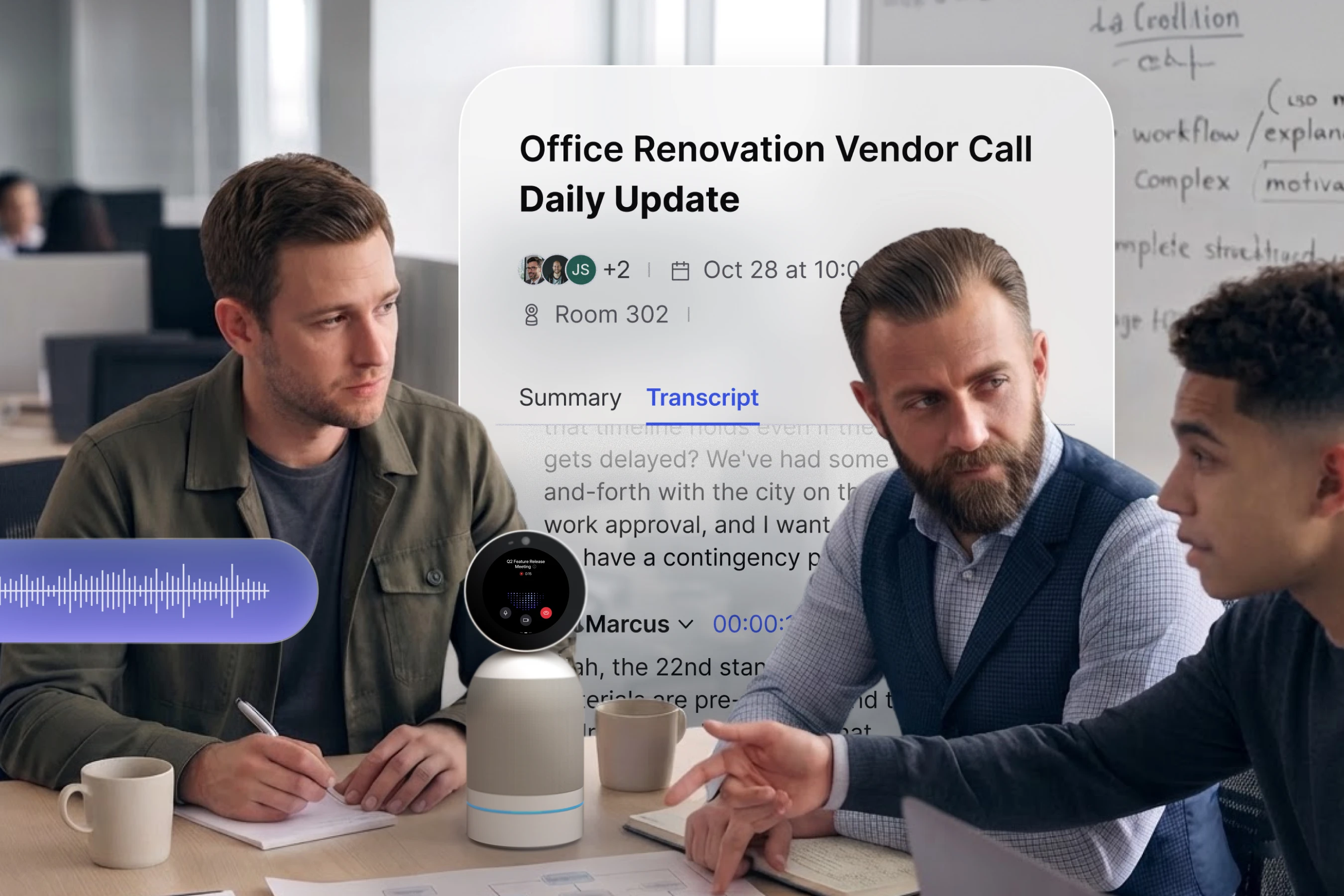
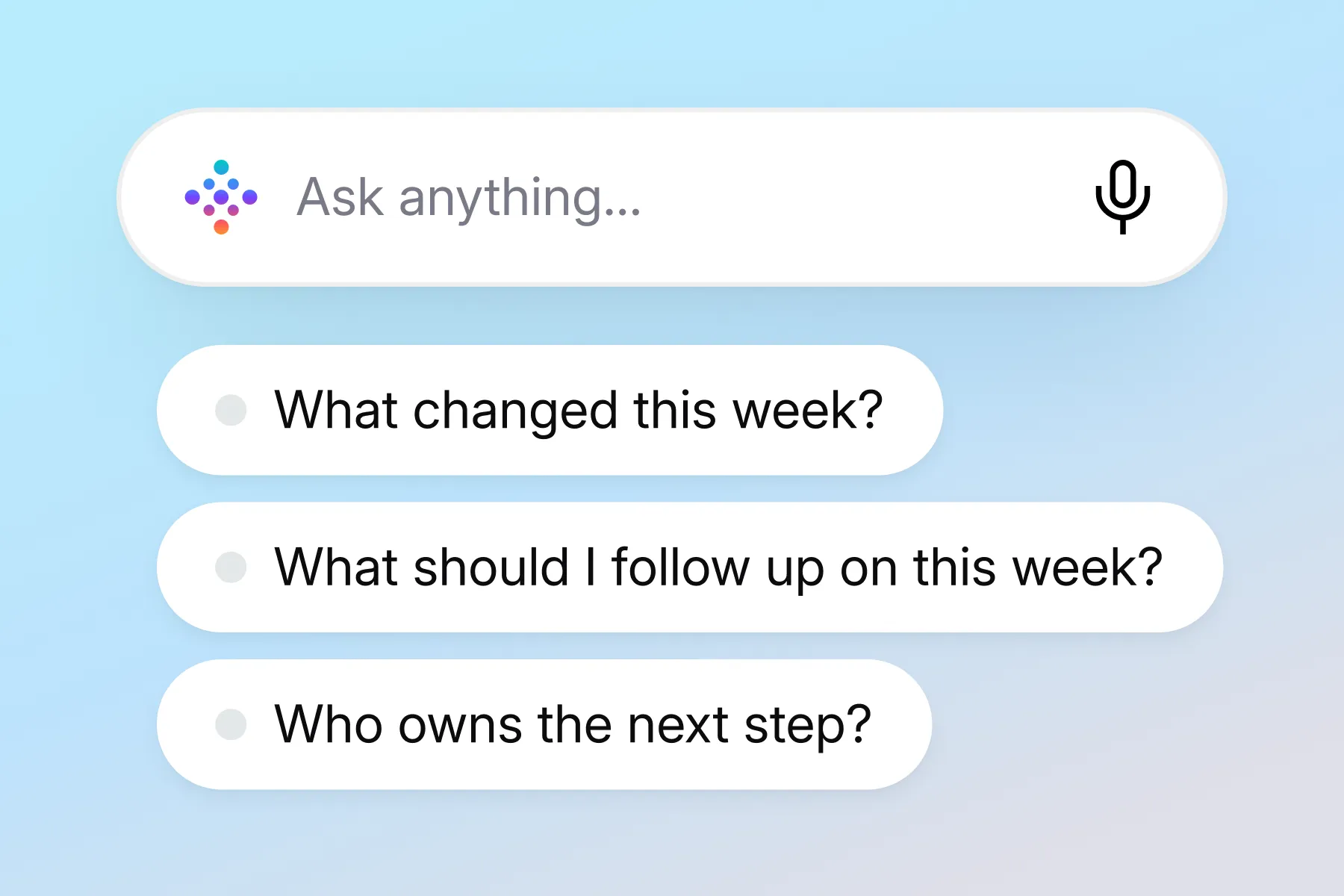
Every decision is captured, searchable, and turned into follow-ups, so you can stay on top of the business without being in every room.







The video player cannot render on the server side
The video player cannot render on the server side





The video player cannot render on the server side



Yes. Every new workspace gets a free first month on any paid Vibe AI plan, so you can try it before committing. This applies once per workspace. If your workspace has already used the trial, adding more devices won’t trigger a new one.
No. Your conversations are never used to train AI models. Recordings and transcripts stay within your own workspace, and how long they’re stored depends on your Vibe AI plan.
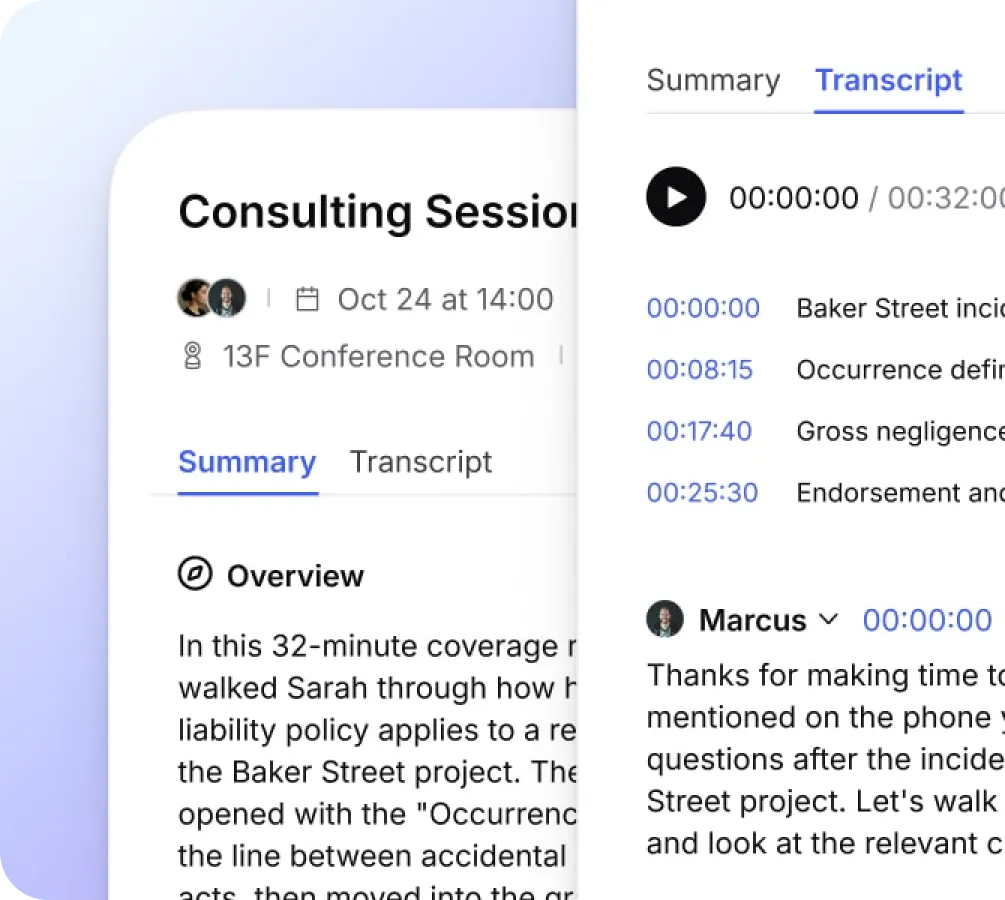
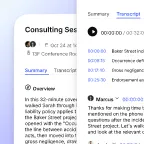
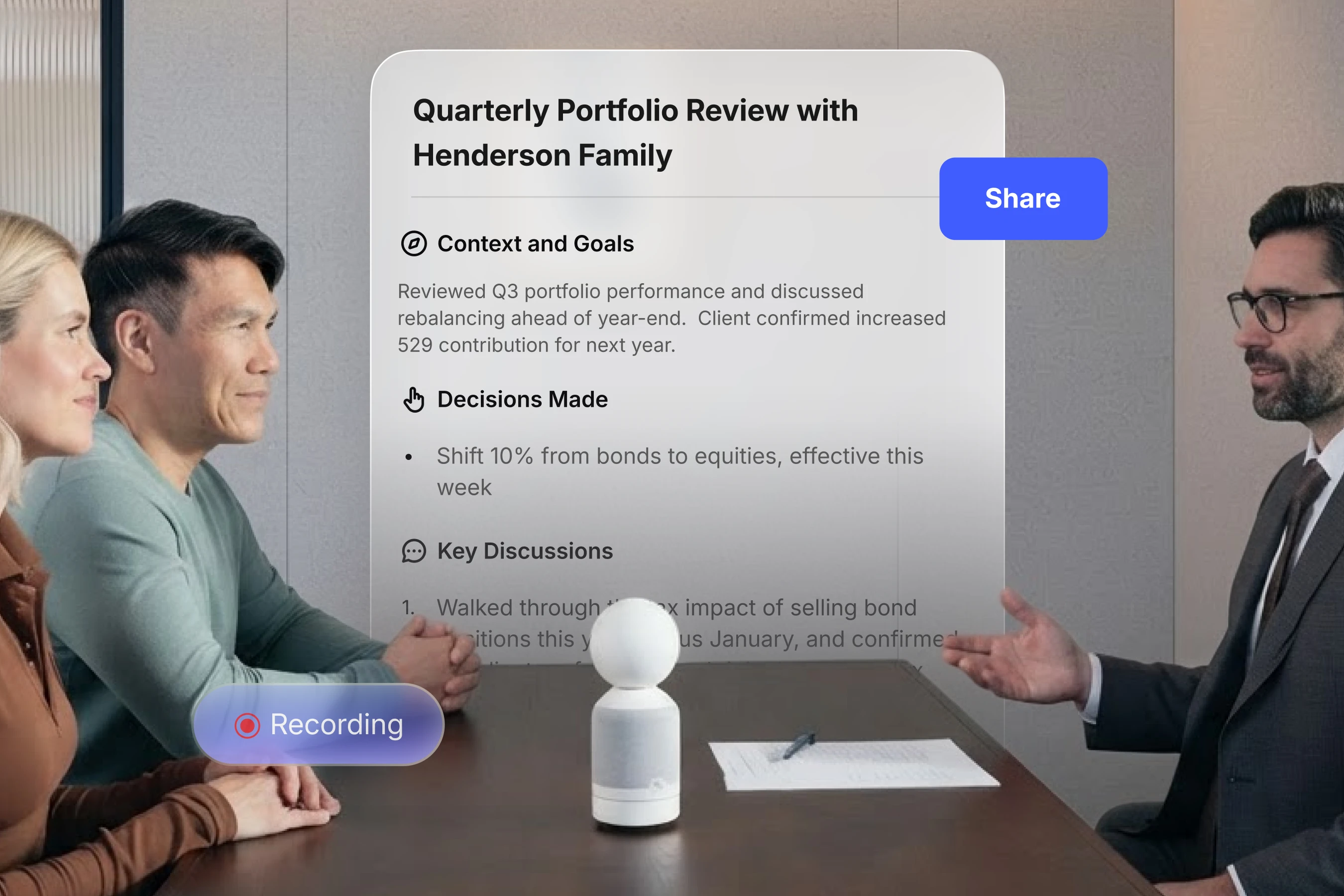
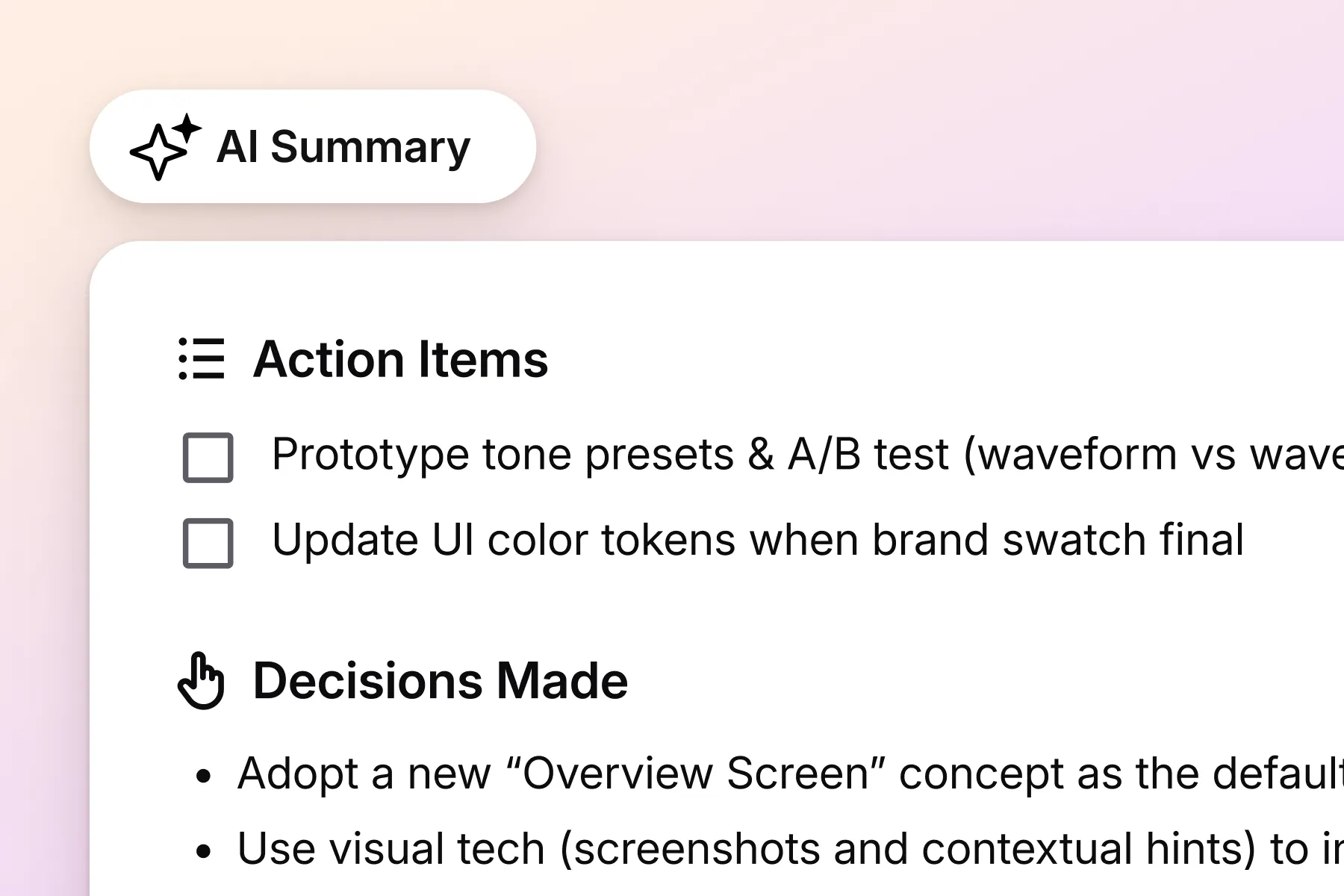
At the end of the meeting, Vibe Bot automatically saves the AI transcription, generates a meeting summary, and displays a QR code on the screen for instant access. You can also view it through the Vibe portal.
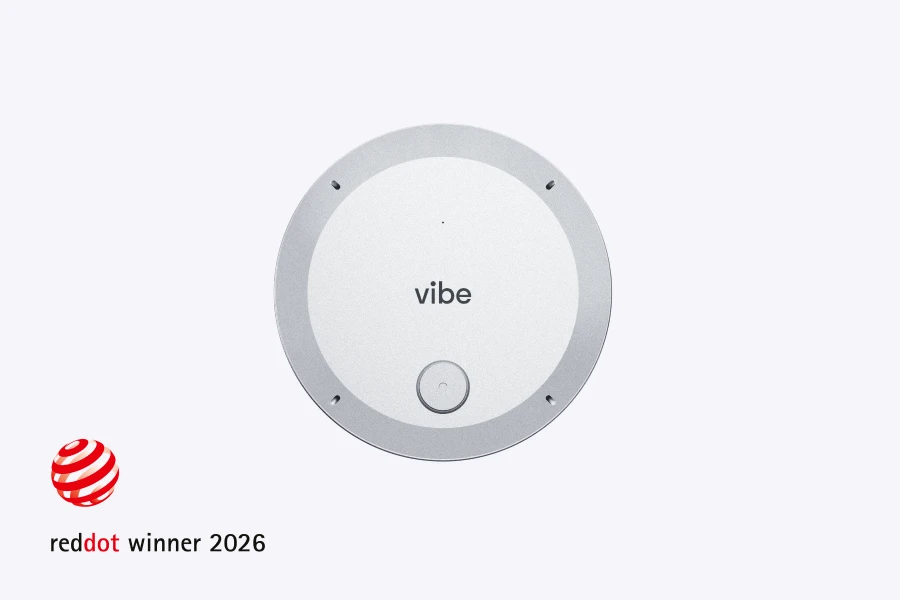
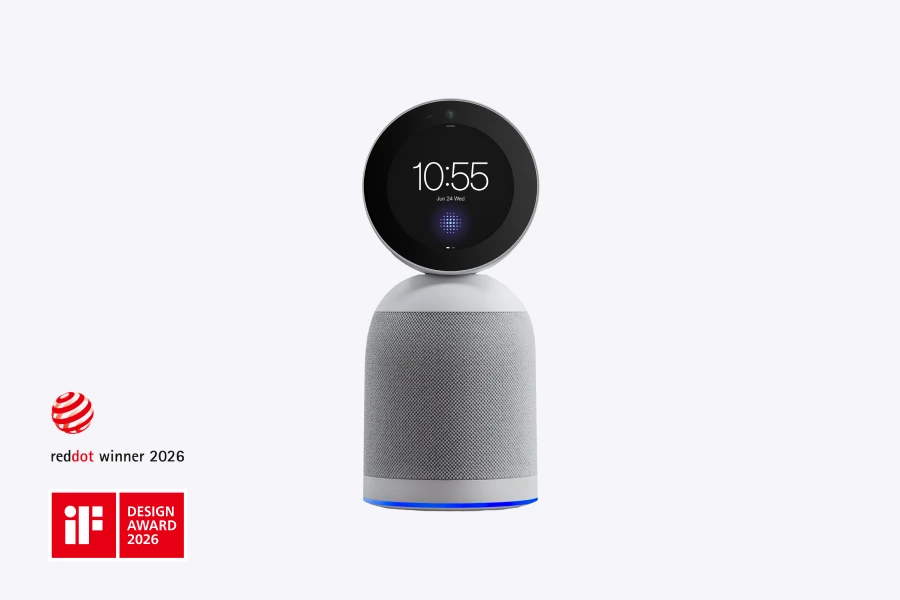
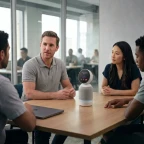
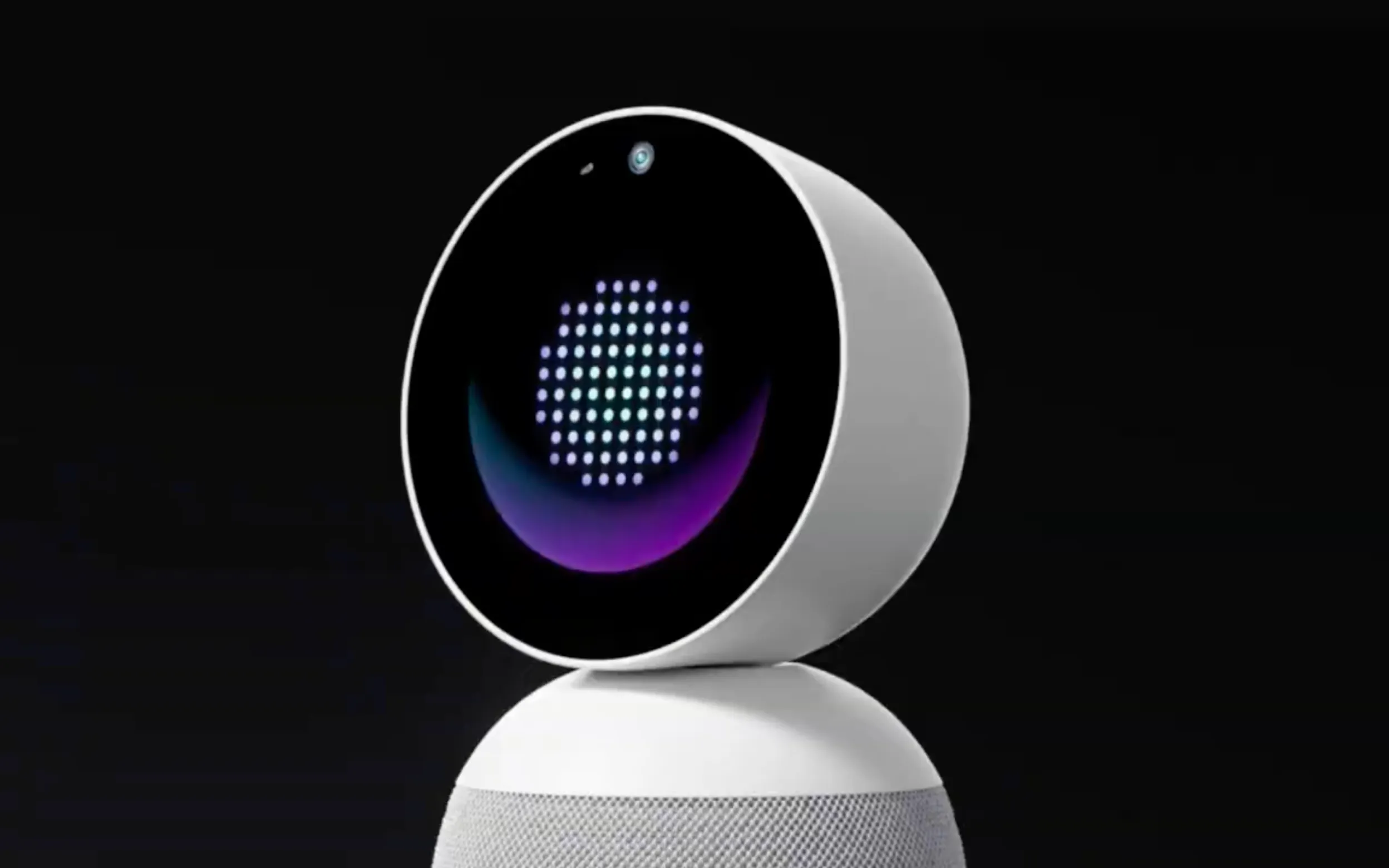
Vibe Bot works as a USB-C webcam connected to your laptop, or on its own to host meetings directly. Either way, it supports transcripts and Ask Vibe, and Wi-Fi is required for those. It also connects to TVs and monitors via HDMI, to mirror or extend its display. For full compatibility details, see this help article.
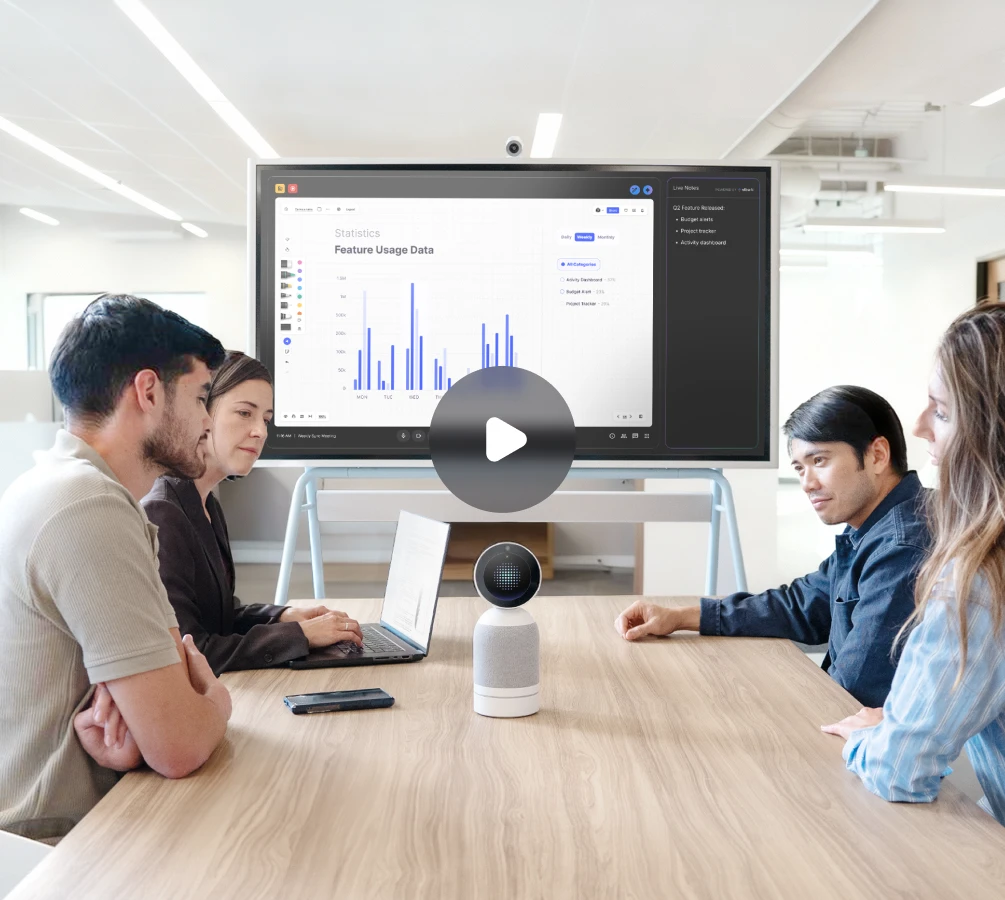
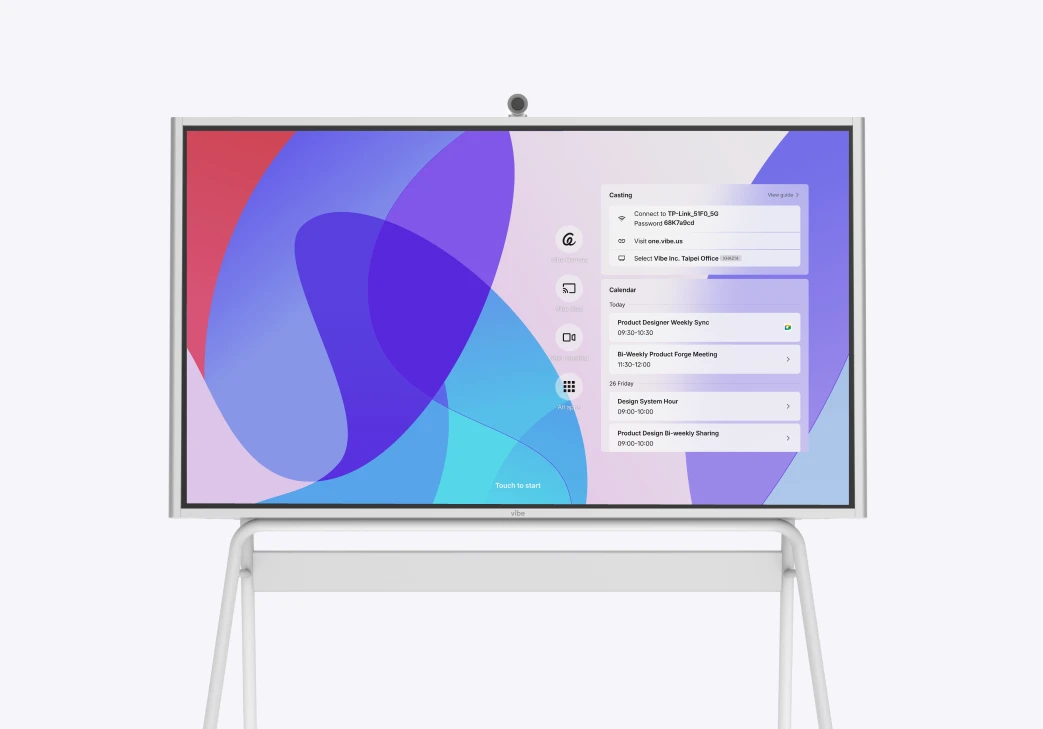
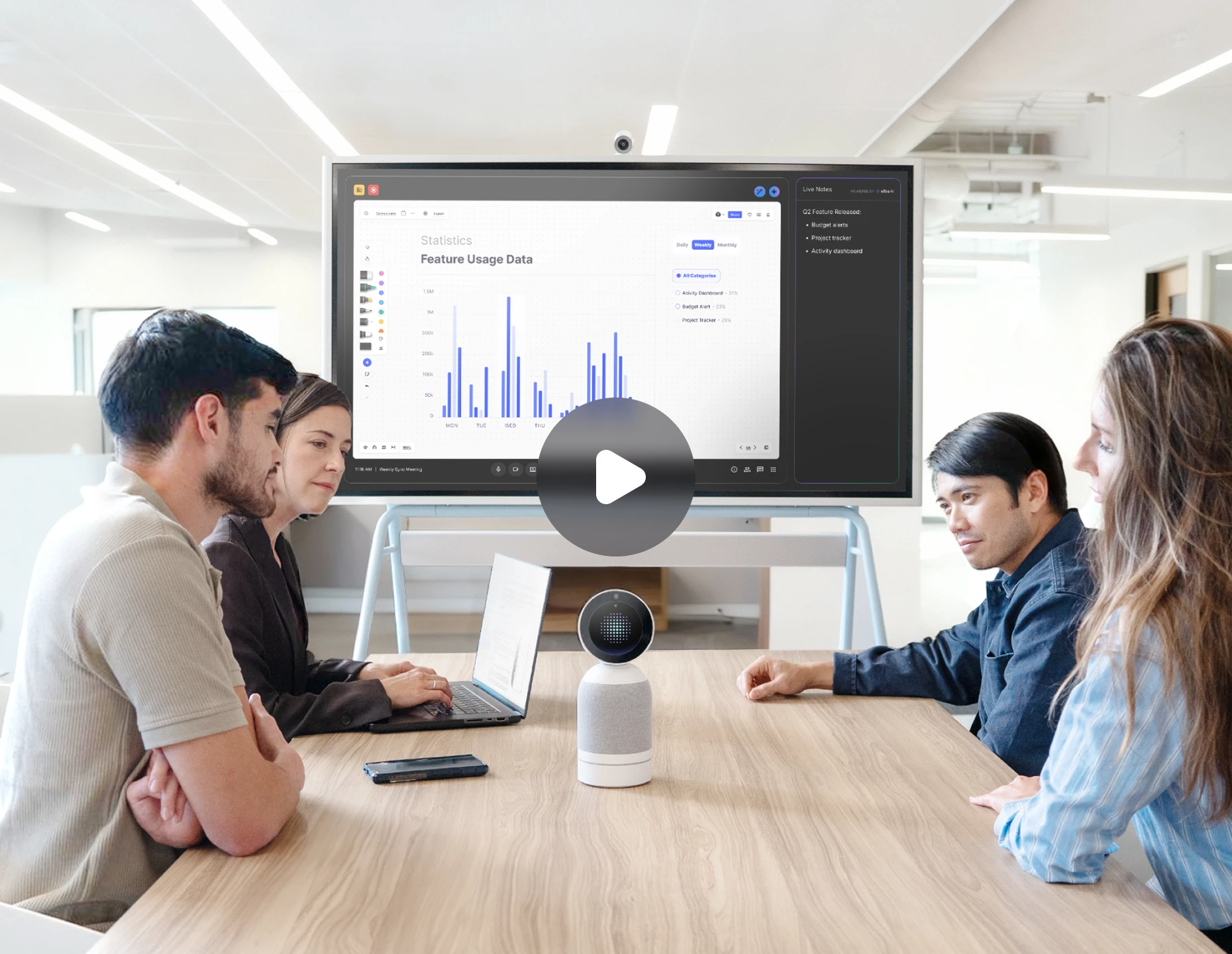
Yes. Use Vibe Bot as your room camera with Vibe Board running the meeting and live notes on screen.
Vibe Bot connects with major meeting platforms including Zoom, Google Meet, and Microsoft Teams — no extra software or laptop required.
Centralized visibility into all devices, secure access management, and scalable control across your fleet — from a single dashboard.