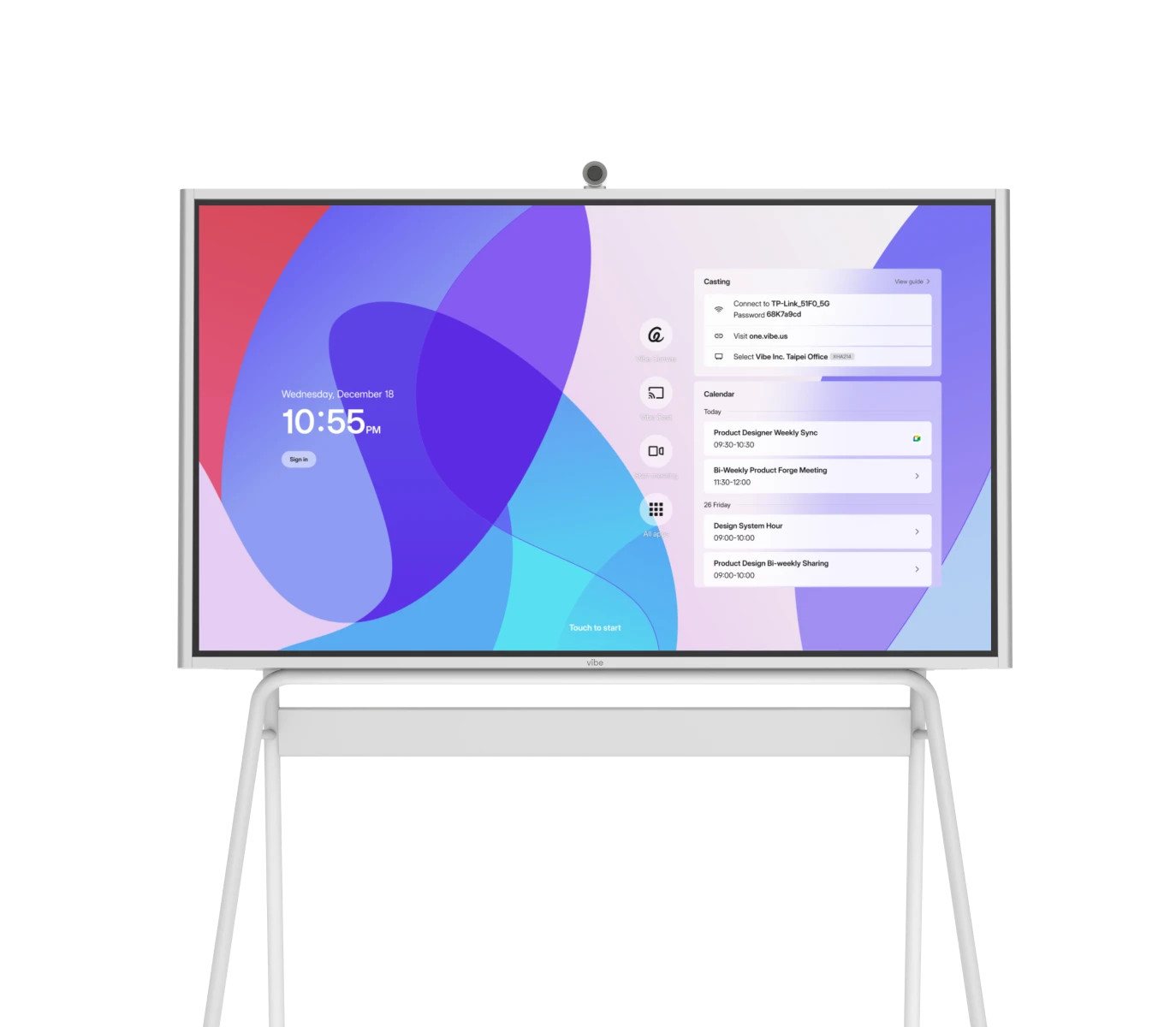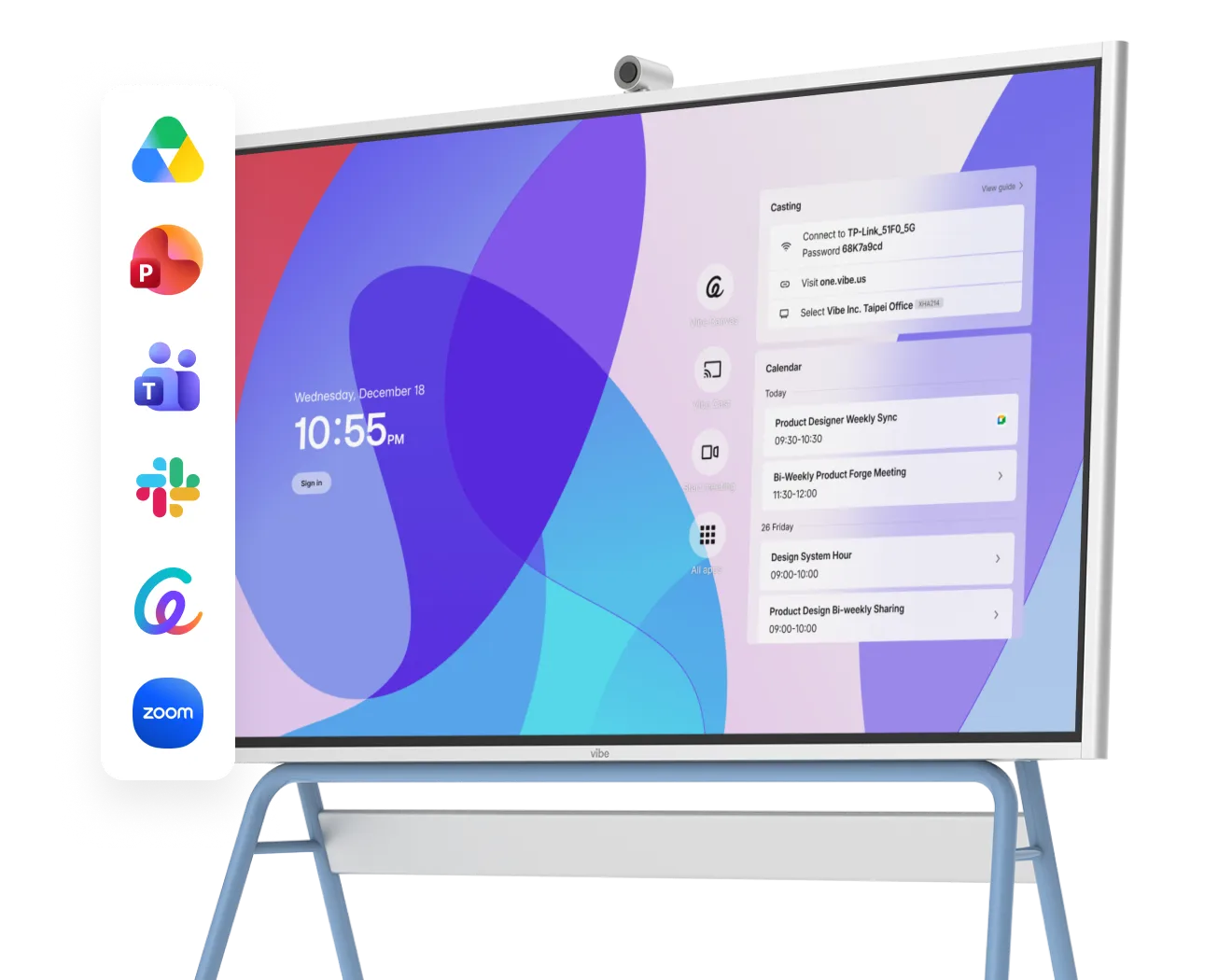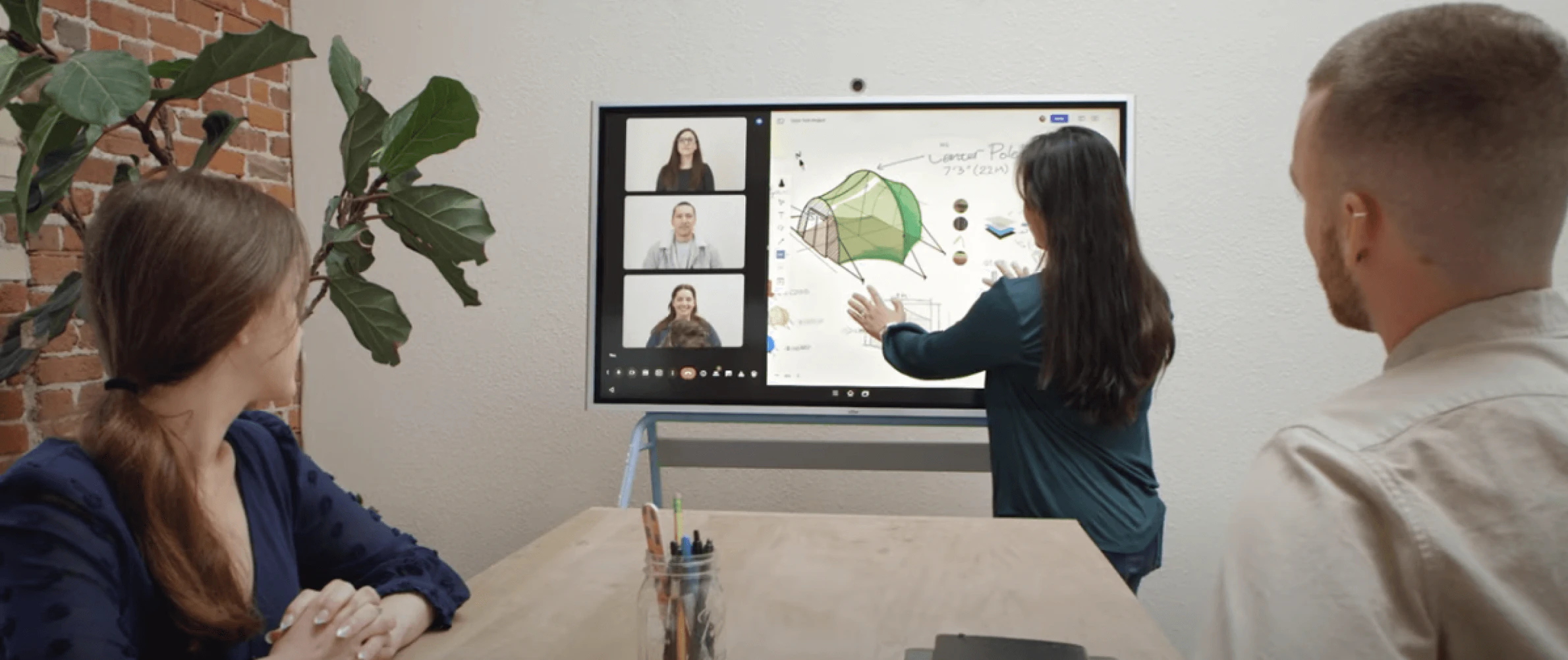
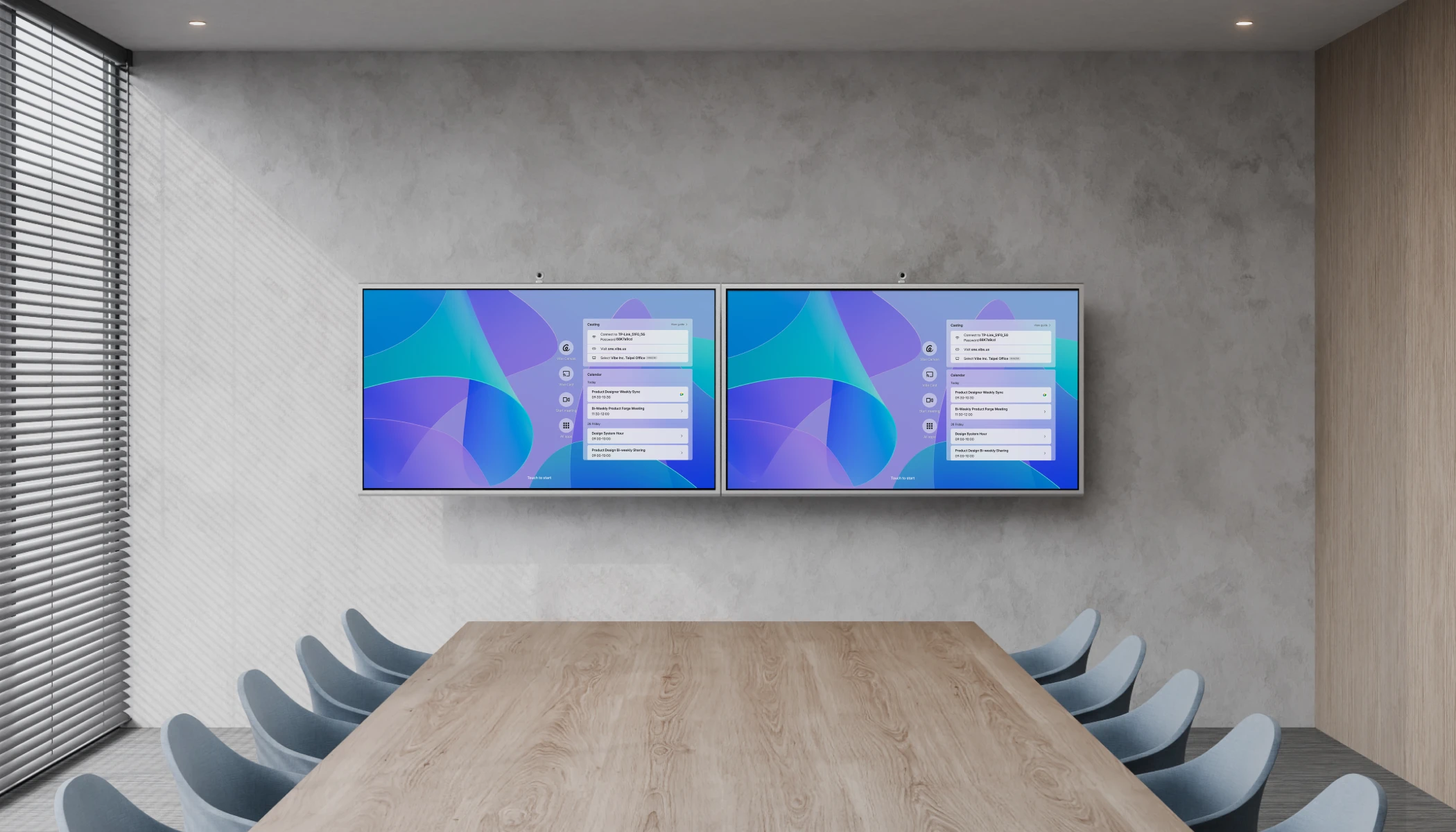
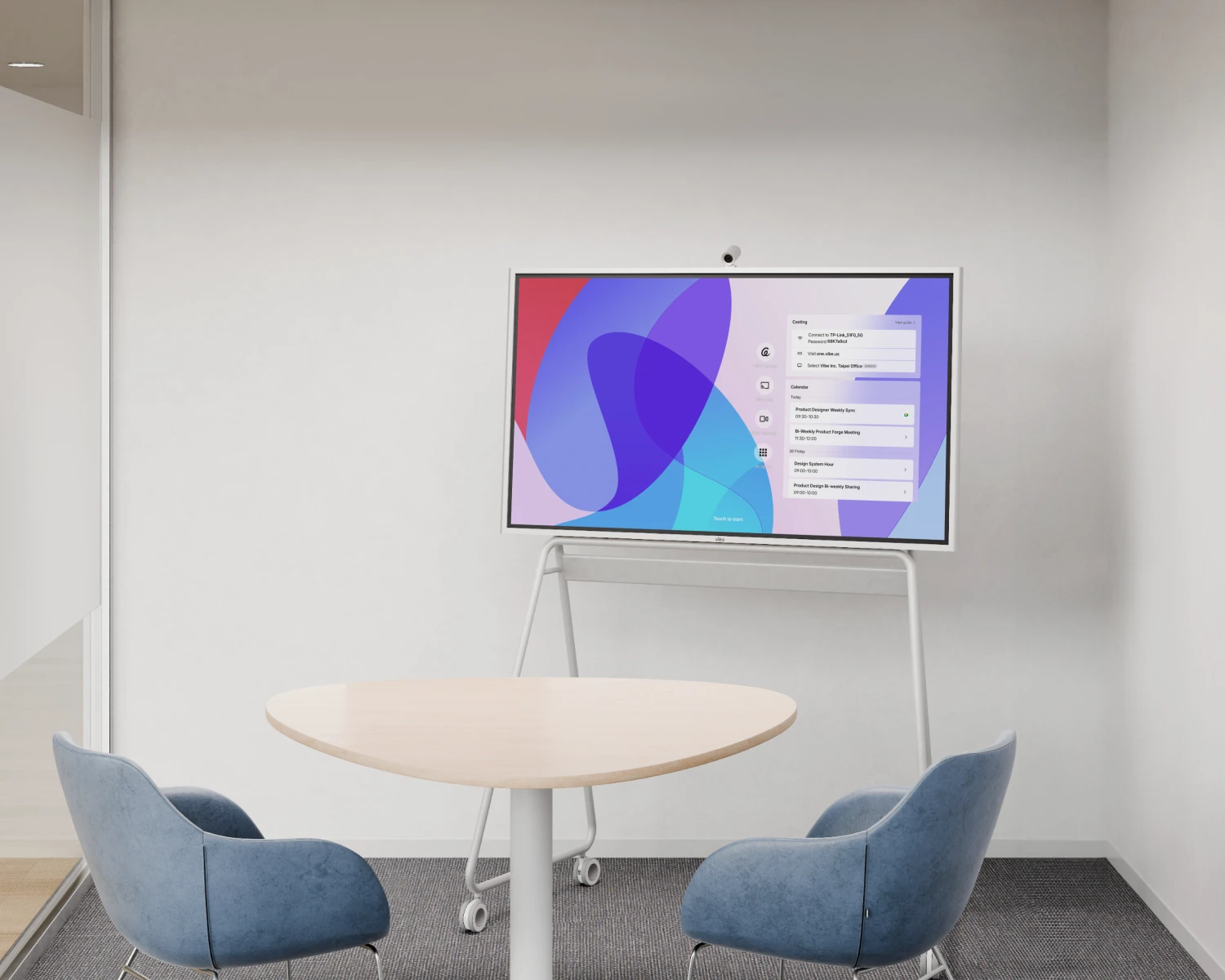
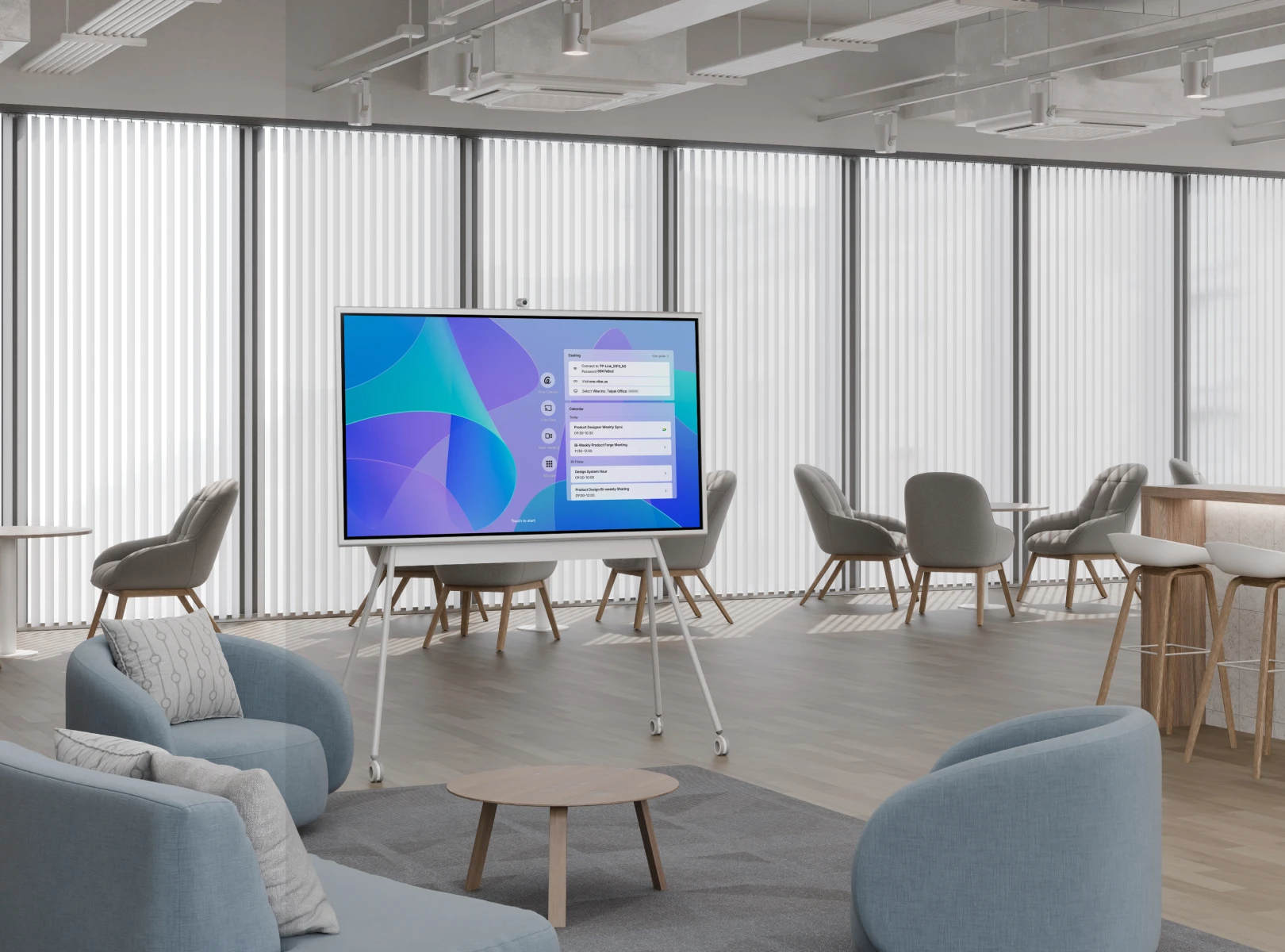
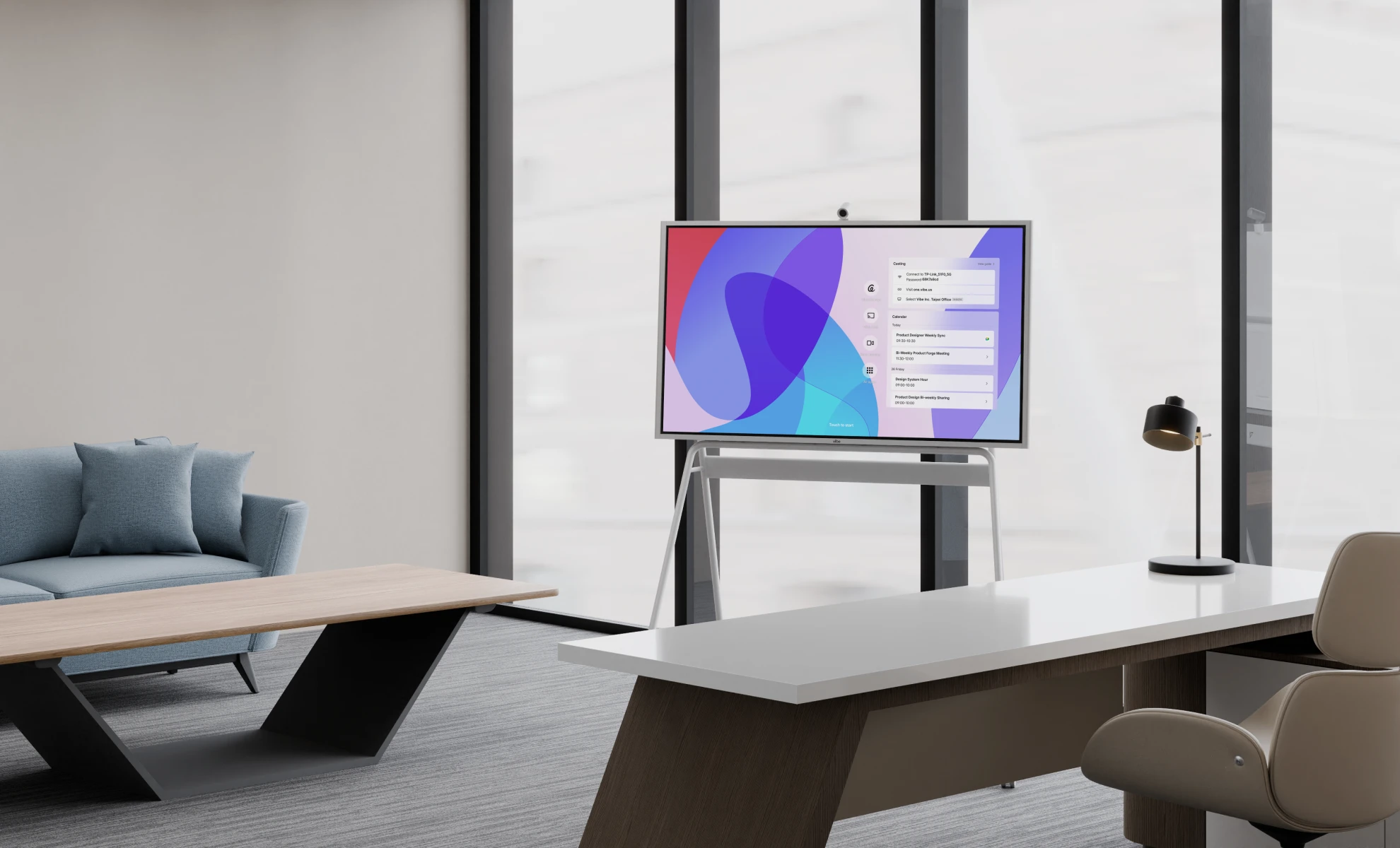
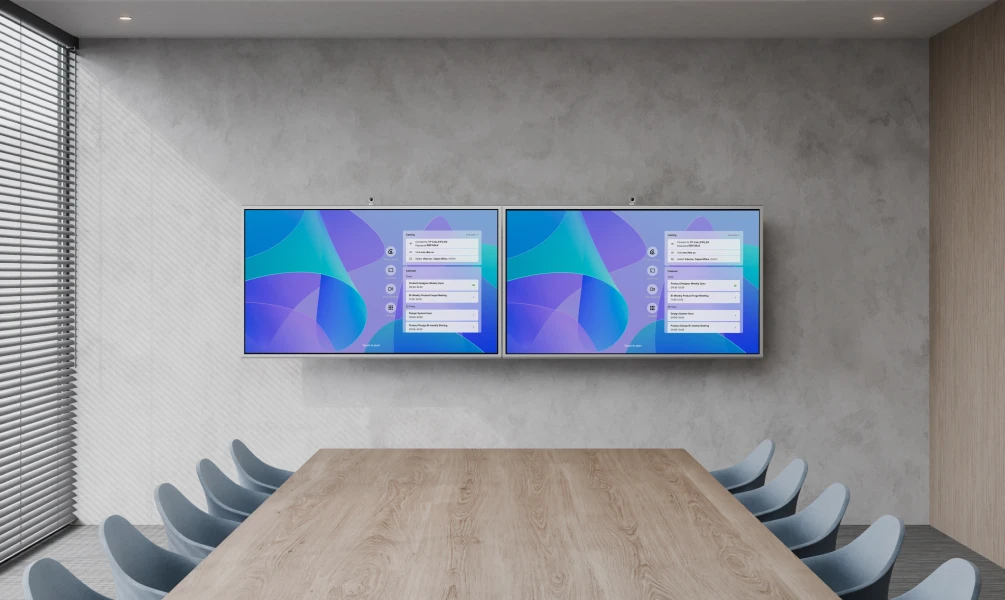
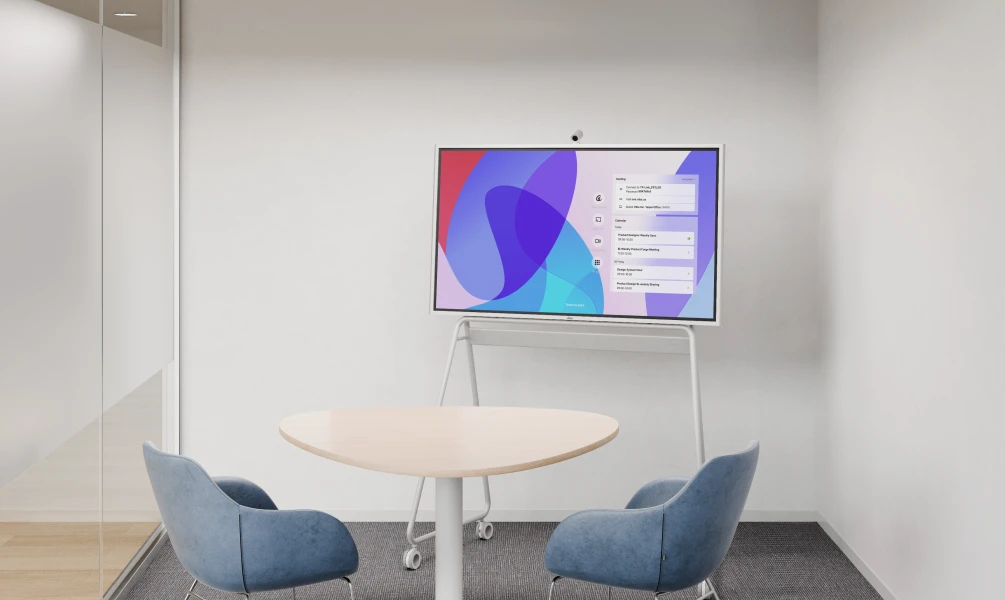
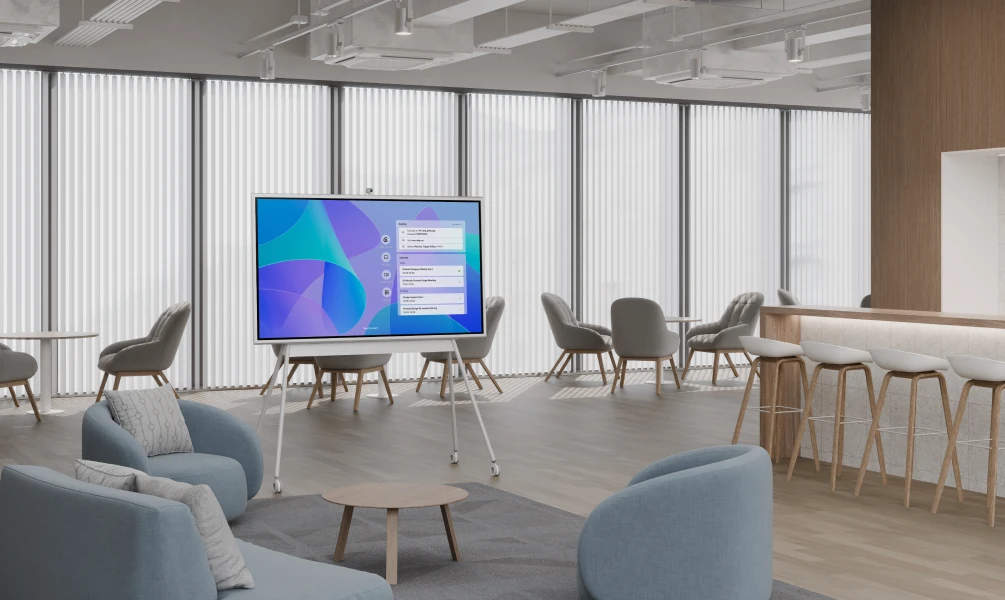
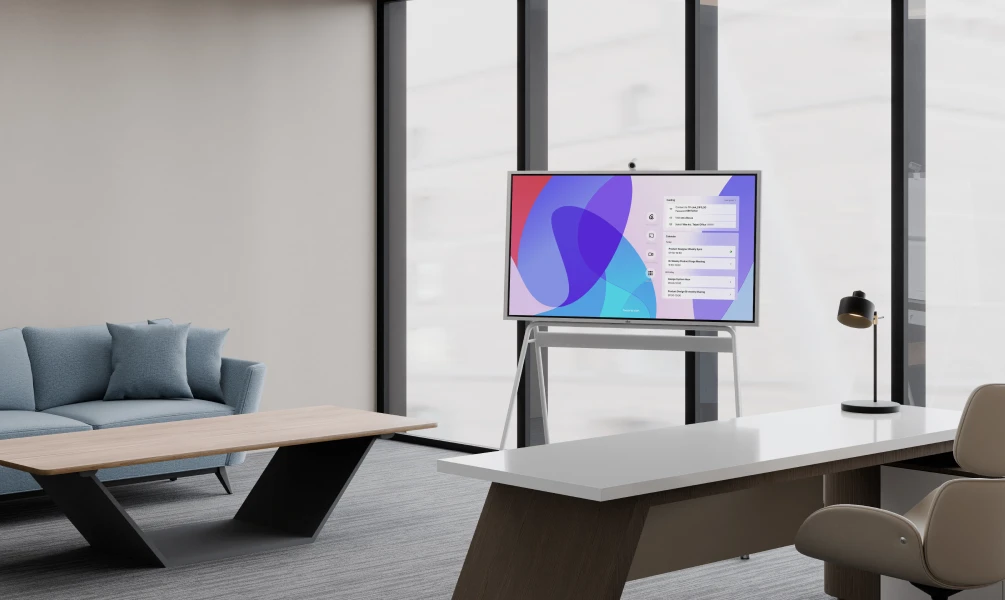


Vibe is the combination of remote, on-site, digital spaces and cool tech, that allow our distributed teams on the same page.
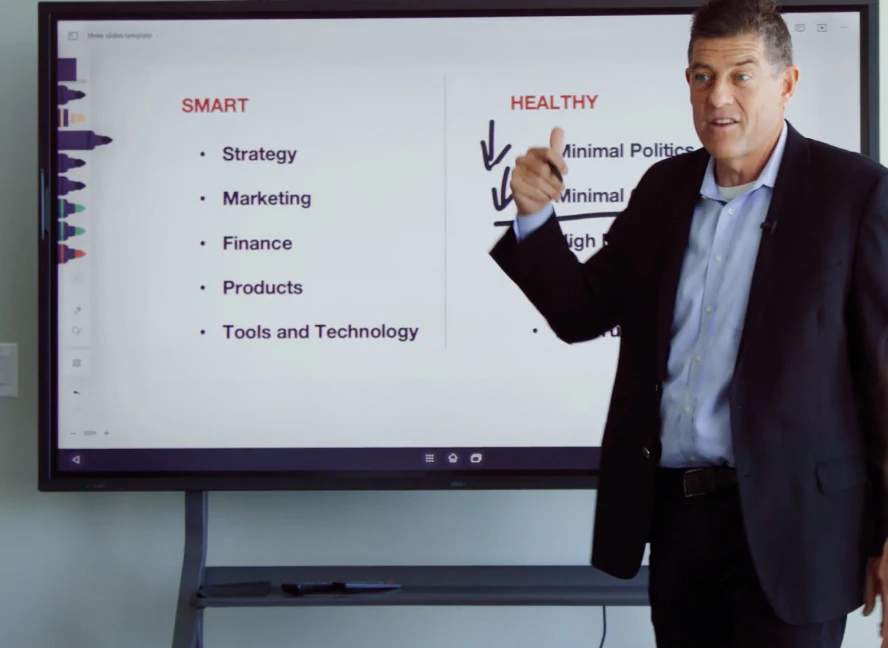
Vibe turned out to be a great solution for me and for my business. I can work with more teams in a given week, reaching twice as many clients.

Now that we’re growing and using Vibe every day, we’re able to keep that same feeling of face-to-face communication, even when we’re not all in the office.




Pricing varies widely based on screen size, features, and brand — small 55" models typically start in the low thousands, while 75"+ all-in-one units with speakers, and collaboration software can run significantly higher. Costs also depend on whether the price includes a stand, wall mount, or optional accessories like styluses and external Windows modules. Subscription-based software features, such as cloud storage or advanced AI tools, may add ongoing costs beyond the initial hardware price. For an accurate quote, it’s best to compare specs and total cost of ownership across a few vendors rather than relying on list price alone.
Yes, the Vibe Board integrates with Zoom Rooms, supporting collaborative whiteboarding, screen sharing, and annotation directly within Zoom meetings, and automatically sends the whiteboard session and meeting recordings to all participants once the call ends. Beyond Zoom, Vibe Board runs an open app ecosystem with 200+ vetted apps — including Google Workspace, Microsoft 365 (via Chrome or the Android tablet app), Teams, Slack, Miro, and Figma — installable directly from the Vibe Store or Google Play. Content created on Vibe Canvas saves automatically to the cloud and can also be exported to Google Drive, OneDrive, Dropbox, or Box. This lets teams move between video calls, document editing, and file sharing without switching devices or licenses beyond what they already use.
Setup is refreshingly simple: unbox the Vibe Board, power it on, and connect to Wi-Fi — no separate PC or complex AV wiring required. Sign in and you’re ready to join Zoom or other video platforms right from the touchscreen, using the built-in camera and speakers. Position the board so it faces the room, do a quick test call to check framing and audio, and you’re set for your first hybrid meeting.
Yes — the Vibe Board S1 Pro runs on Windows 11 Pro, giving teams full support for Windows apps like the Microsoft Office Suite and other industry-specific software, along with a native Zoom Rooms and Microsoft Teams experience. This differs from the standard Vibe Board S1, which runs VibeOS, a ChromeOS-based system with its own whiteboarding app (Canvas) and open app ecosystem. For businesses that need dedicated Windows software or deeper enterprise IT integration, the S1 Pro is the better fit; for teams that just need quick, no-fuss whiteboarding and video calls, the ChromeOS-based S1 covers most everyday meeting needs.