Elevate your training with Vibe: higher engagement, greater efficiency
Transform your presentation, ideation, and group learning in a modern and digitalized way with Vibe’s all-in-one interactive whiteboard.


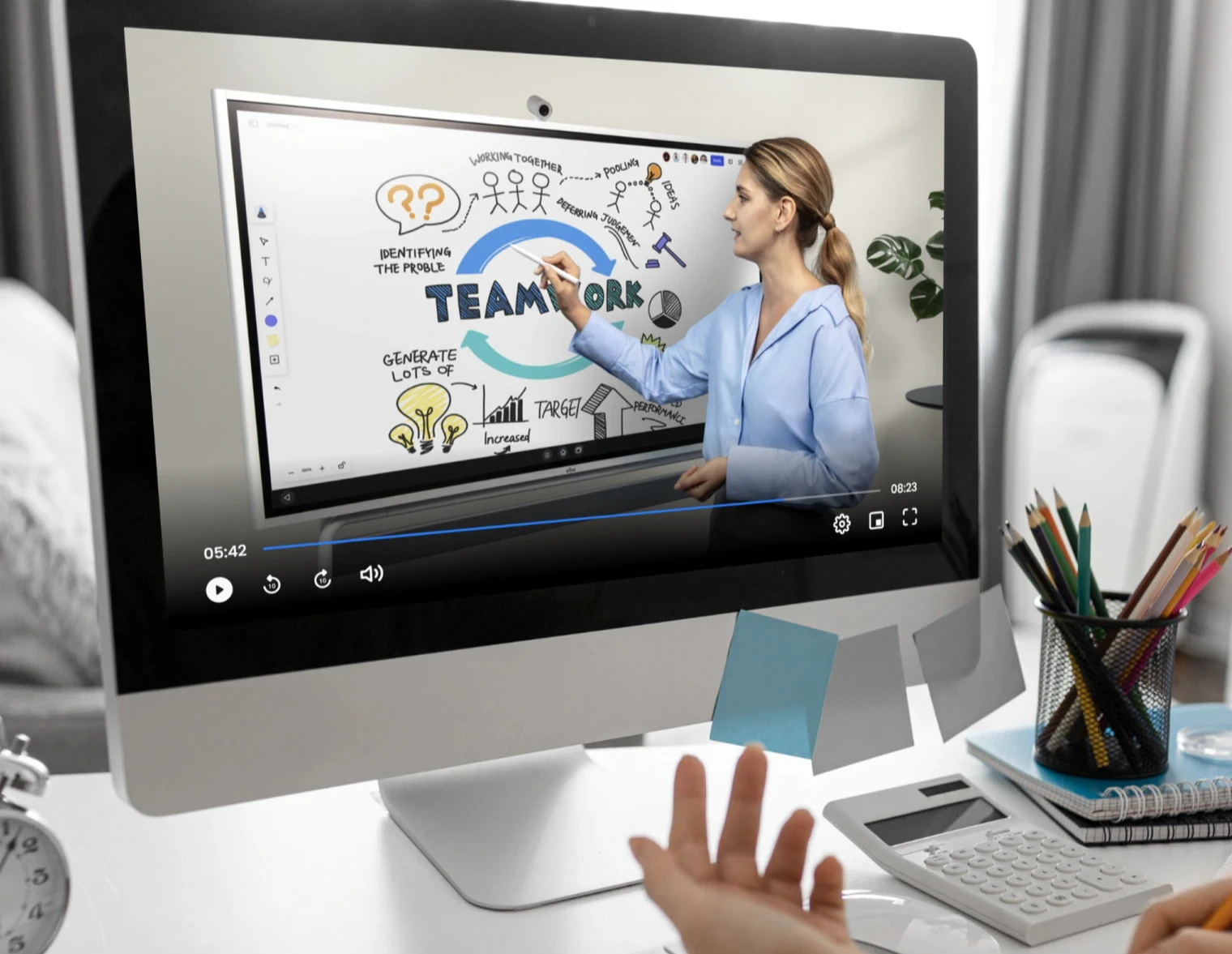







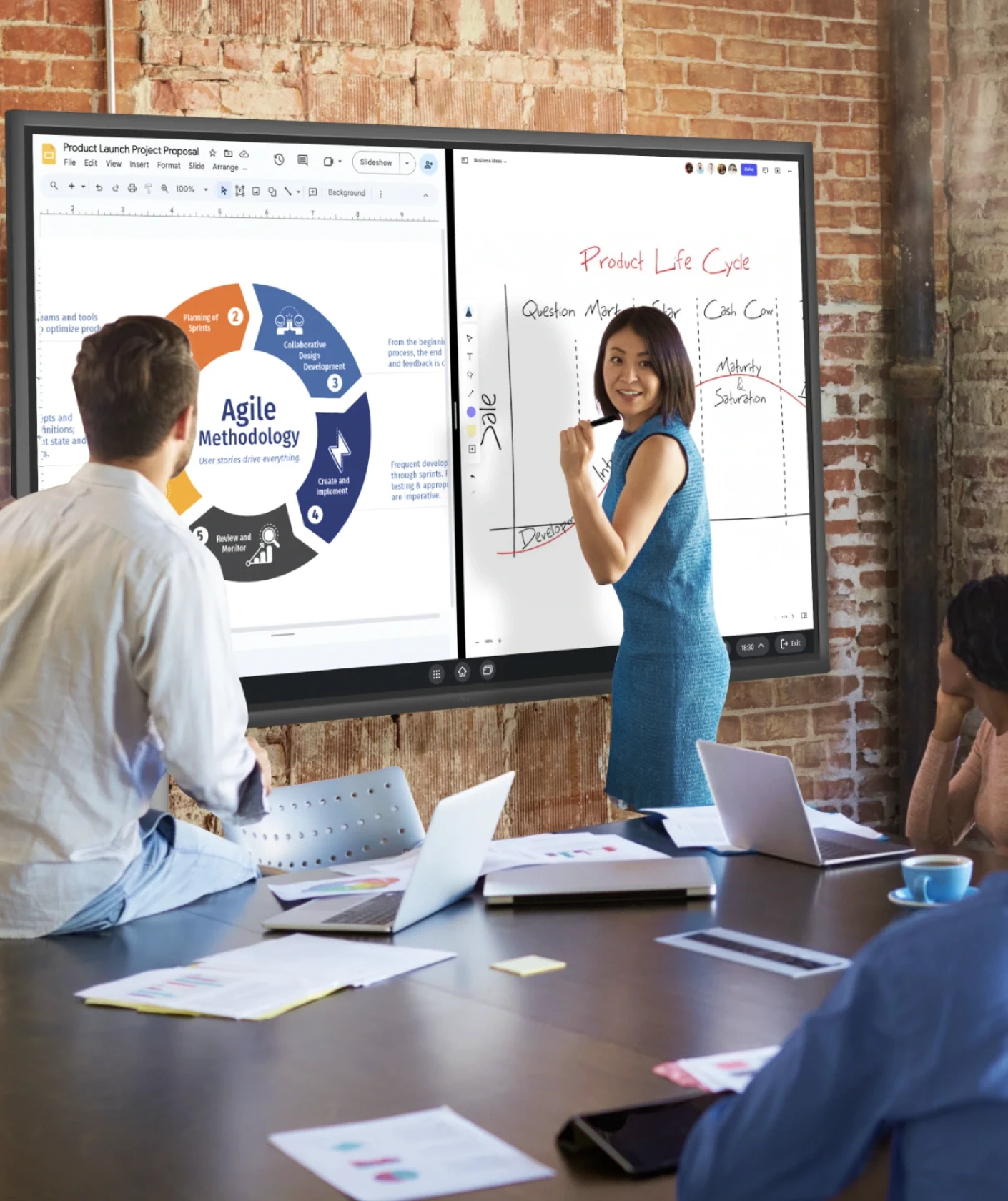


Capture your audience’s attention with a 4K interactive screen. Zoom, swipe and annotate with ease to create an exciting learning momentum.
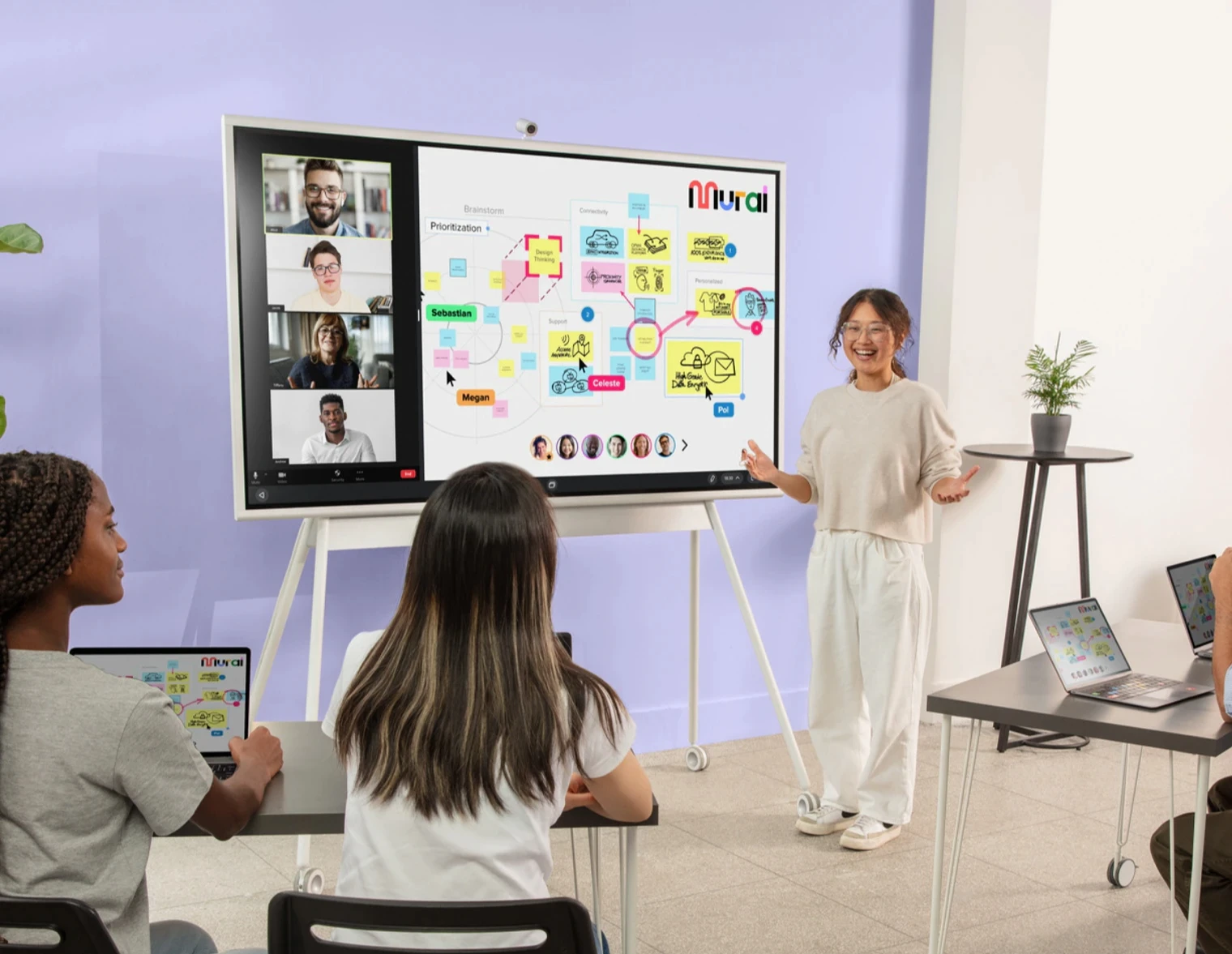
Foster deeper engagement with dynamic group work using Canvas, Miro and Mural. Storyboard, brainstorm and write spontaneously and effortlessly.
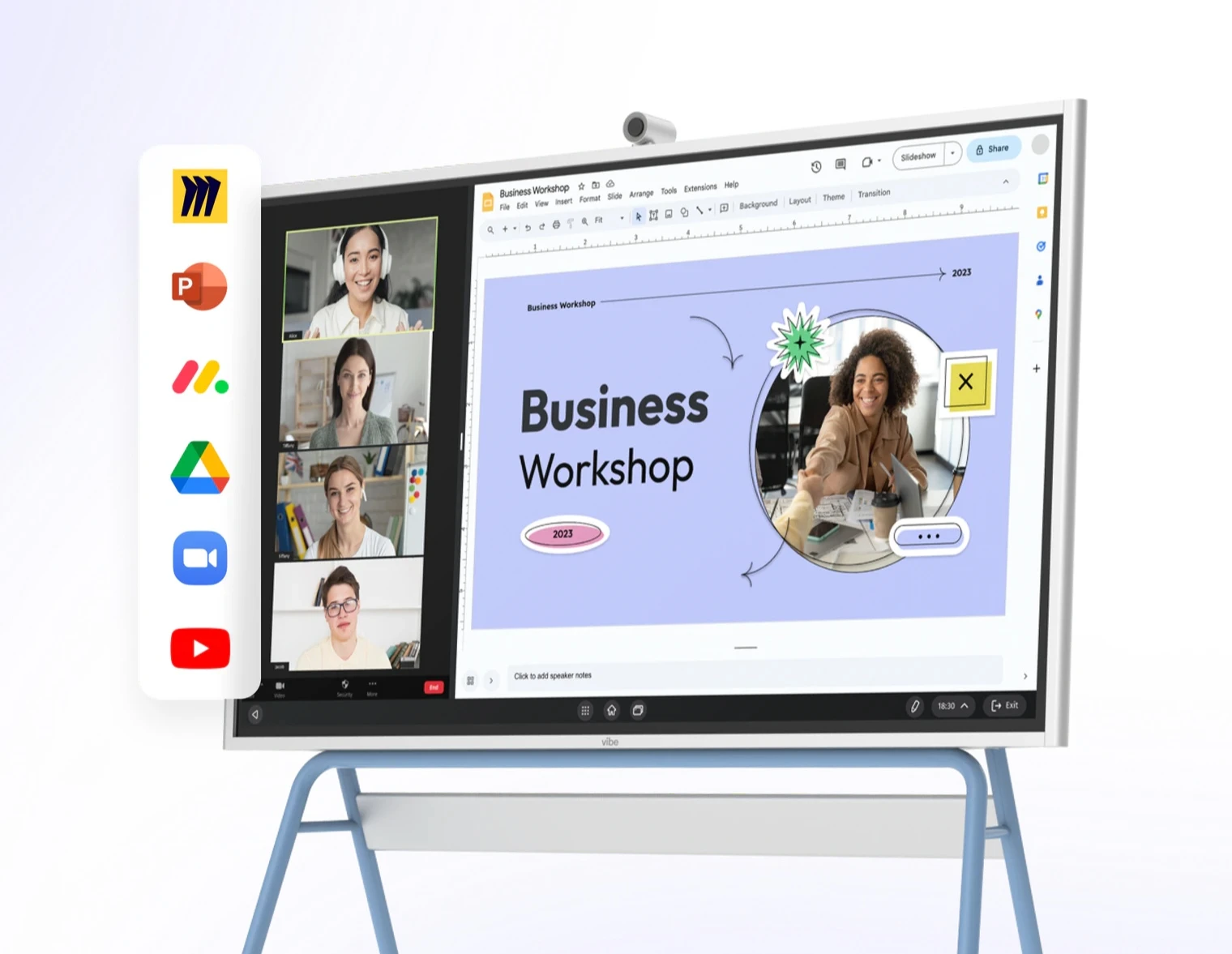
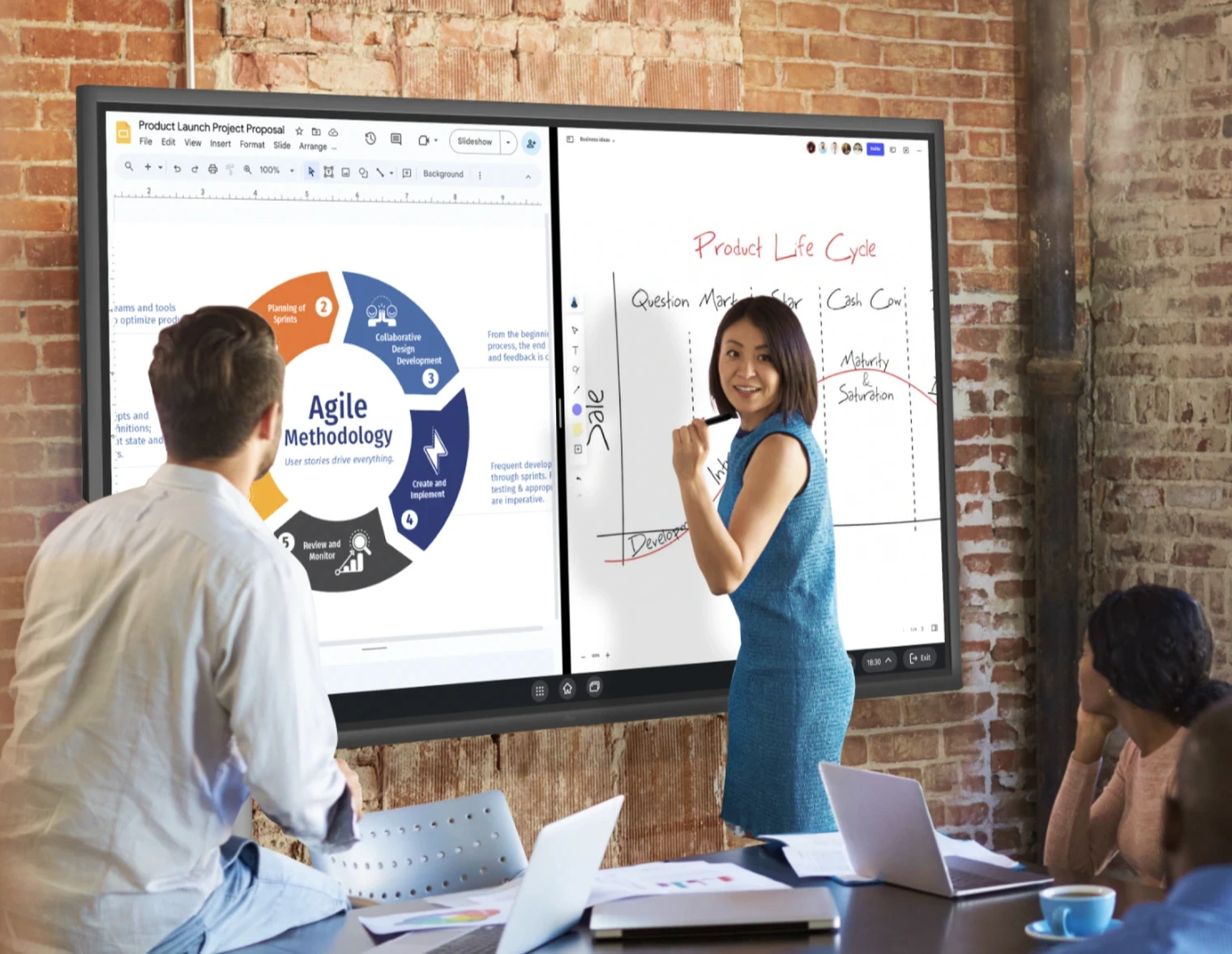
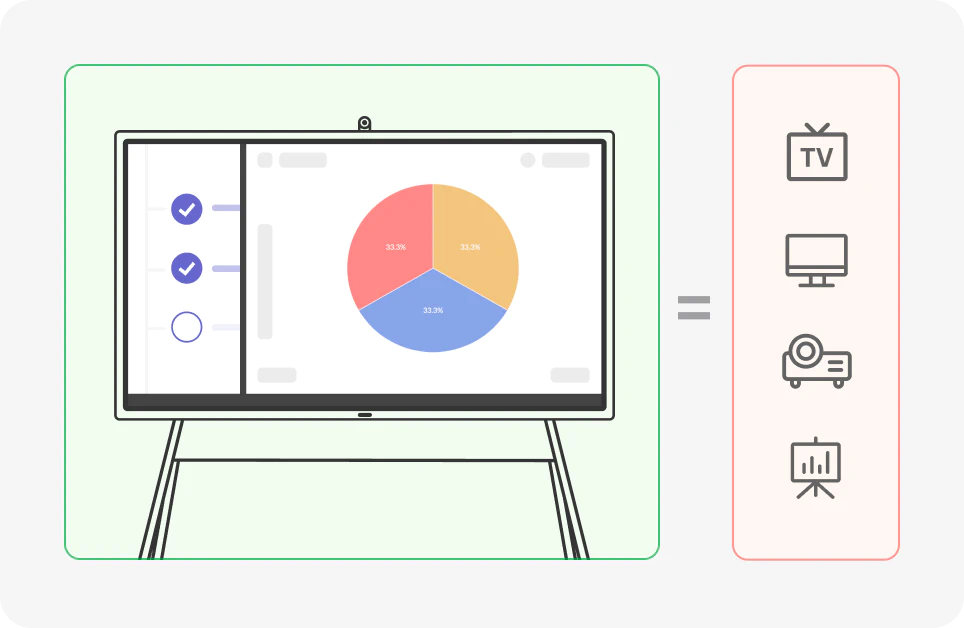
Boost your presentation with Vibe Board's split mode. Run diverse content side by side.
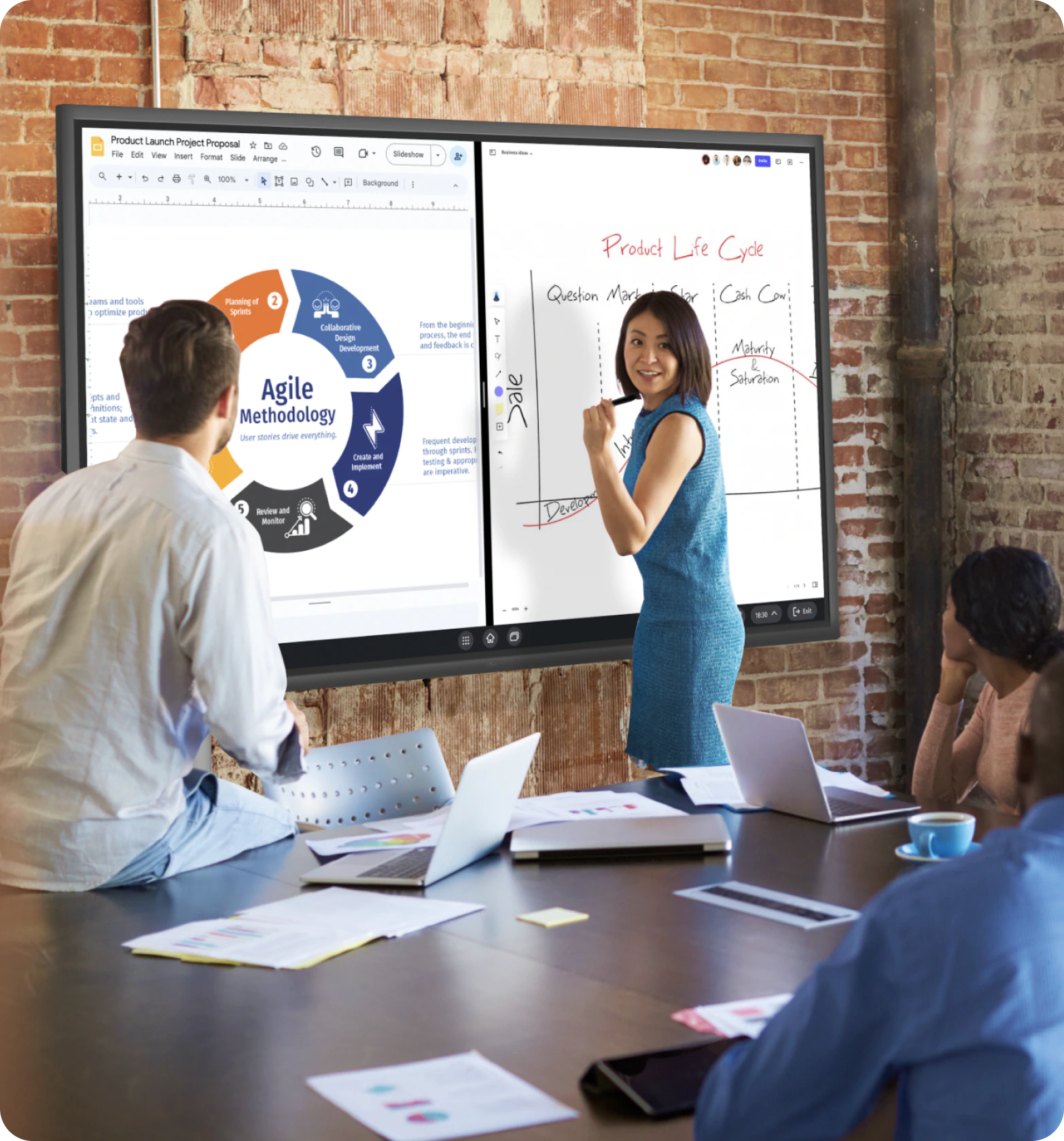
Capture your audience’s attention with a 4K interactive screen. Zoom, swipe and annotate with ease to create an exciting learning momentum.
Foster deeper engagement with dynamic group work using Canvas, Miro and Mural. Storyboard, brainstorm and write spontaneously and effortlessly.
Boost your presentation with Vibe Board's split mode. Run diverse content side by side.
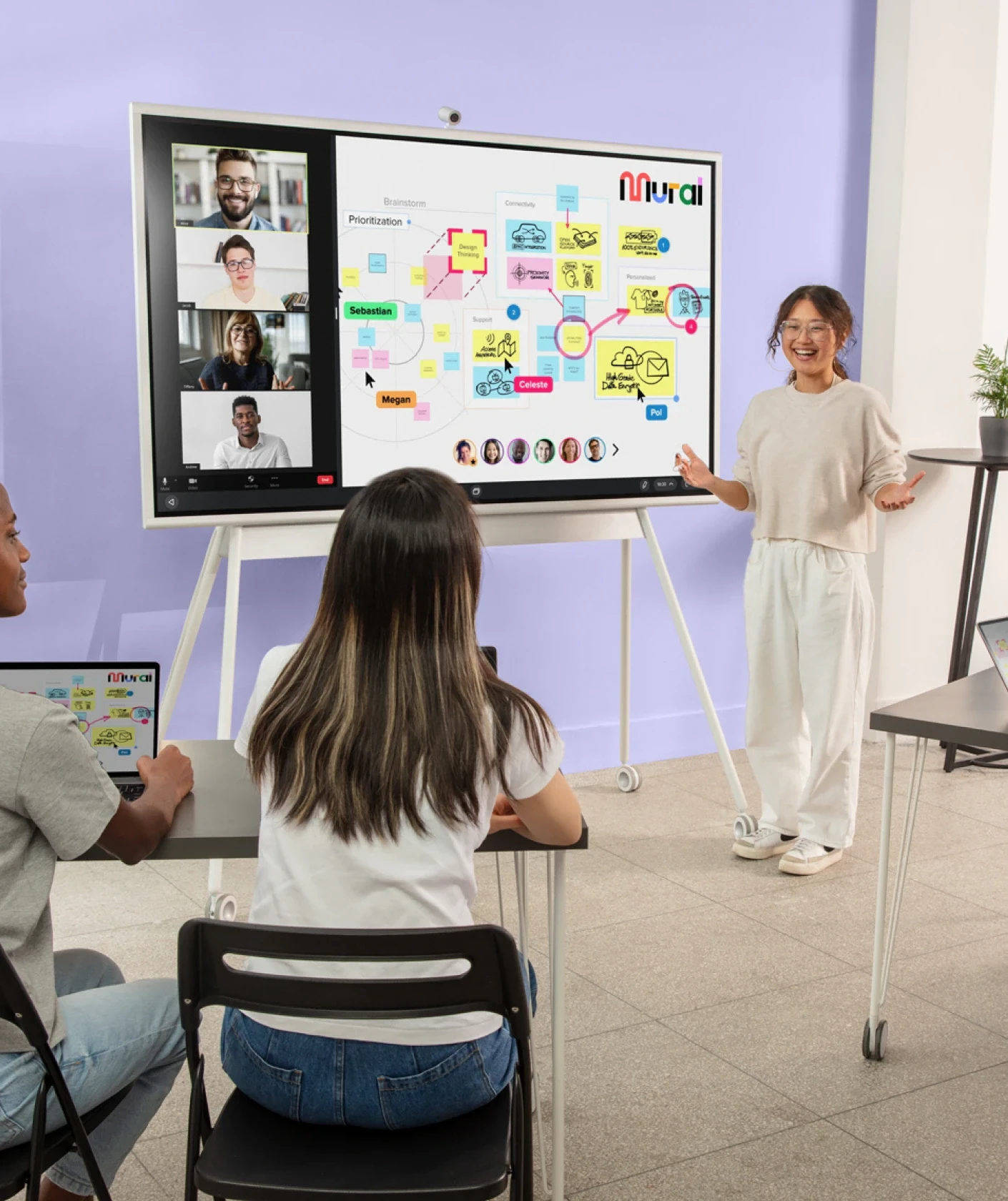

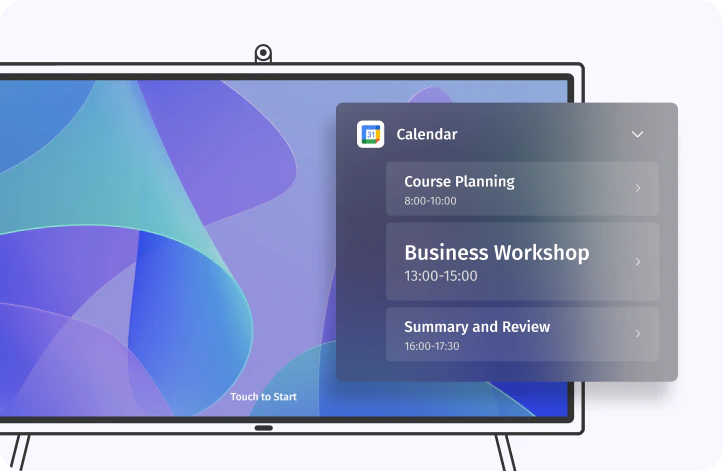
Ensure all remote participants are seen and heard, with just one click to start the virtual training.
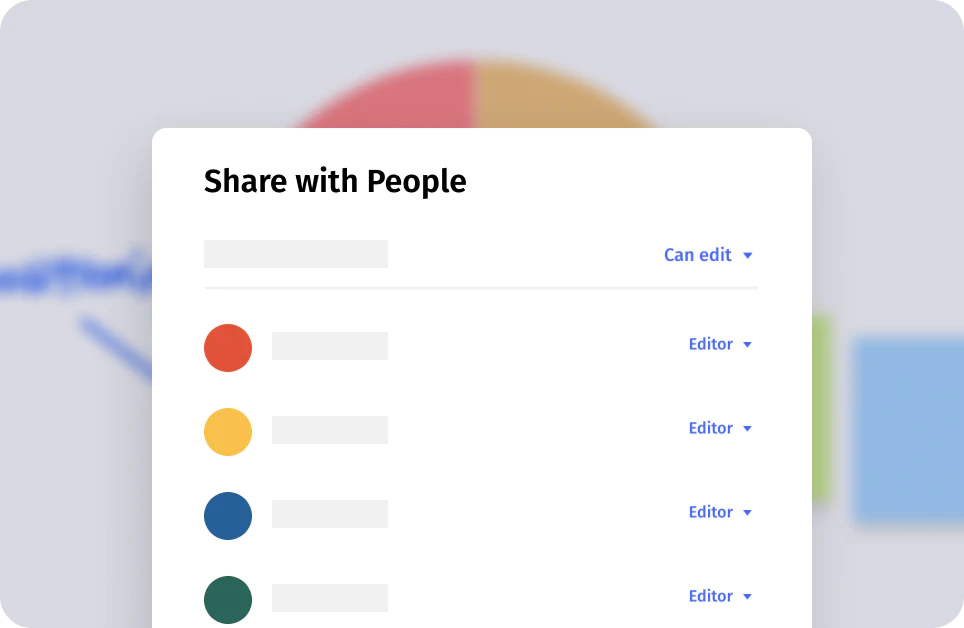
Boost dynamic engagement by allowing participants to actively collaborate on the shared canvas, regardless of location or device.
Enable instant feedback from remote participants with real-time comments or reactions on the online whiteboard, mimicking an onsite experience.
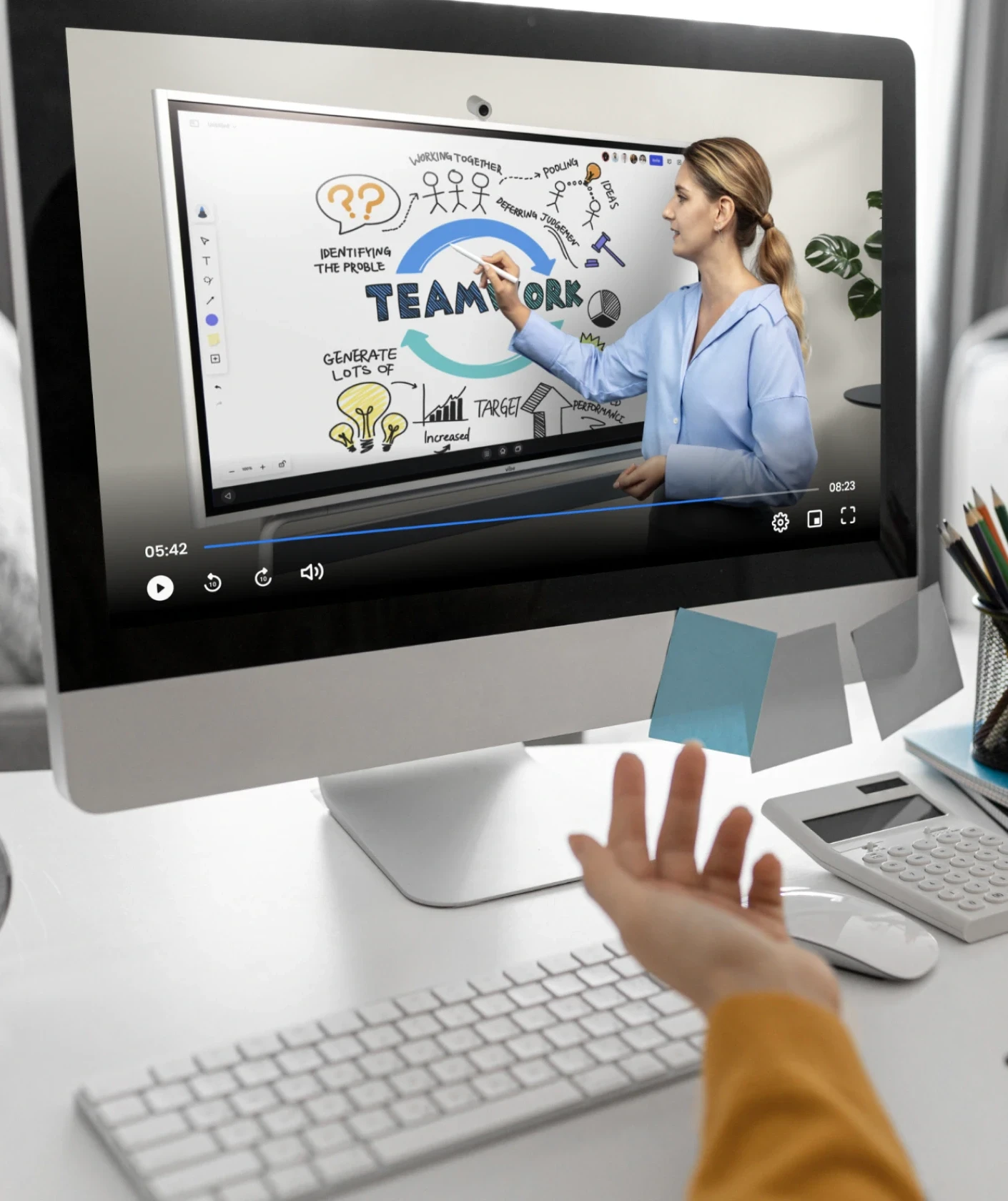
Make the viewer feel present in the room by using the board to draw mind, affinity and journey mapping or take notes in real time.
Set yourself apart from the competition. The sleek, modern Vibe Board adds a professional touch to your courses.
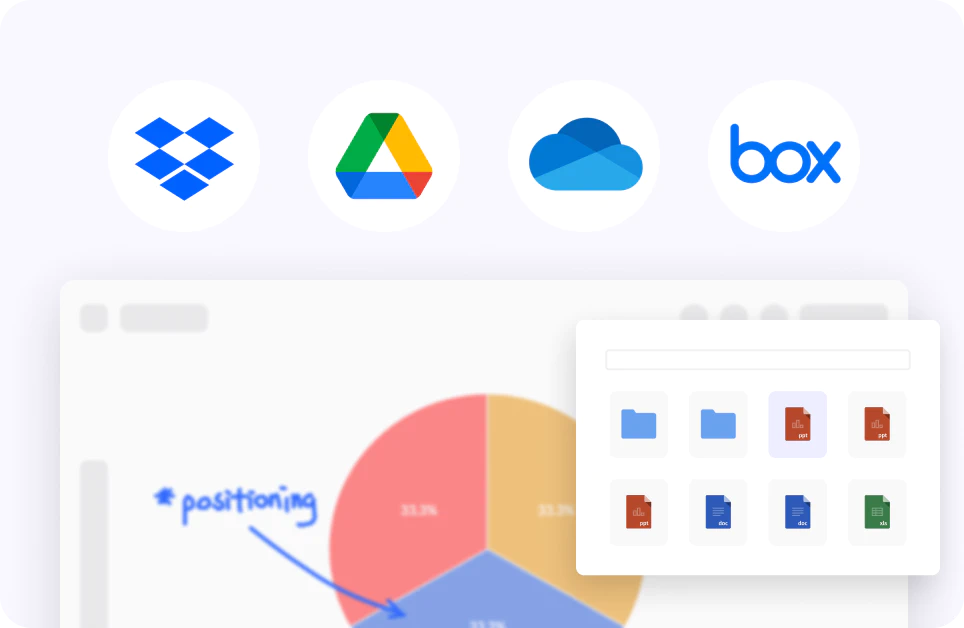
Save time on complex editing. Directly integrate multimedia elements like graphics and live annotations on the board.
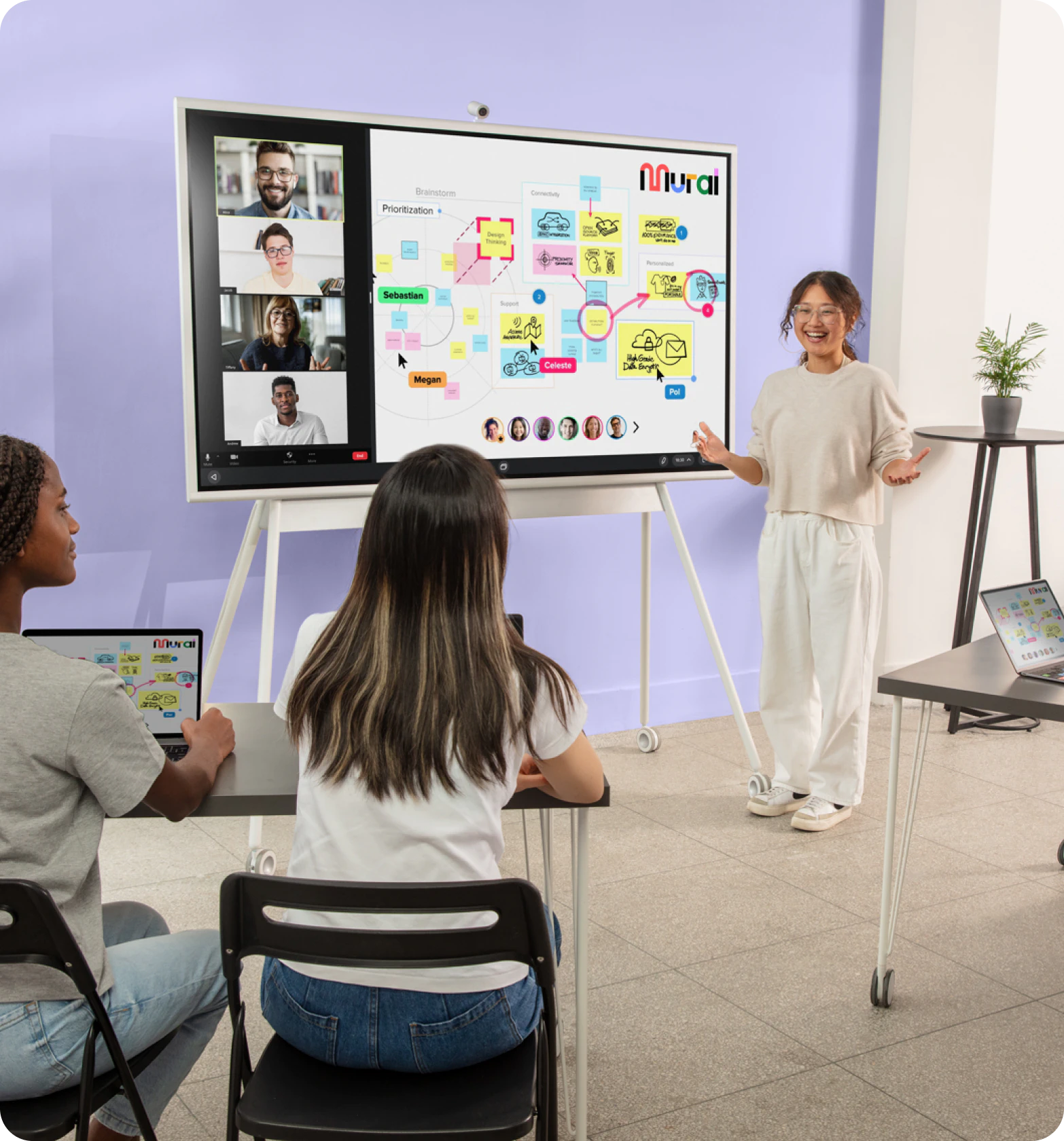
Ensure all remote participants are seen and heard, with just one click to start the virtual training.
Boost dynamic engagement by allowing participants to actively collaborate on the shared canvas, regardless of location or device.
Enable instant feedback from remote participants with real-time comments or reactions on the online whiteboard, mimicking an onsite experience.
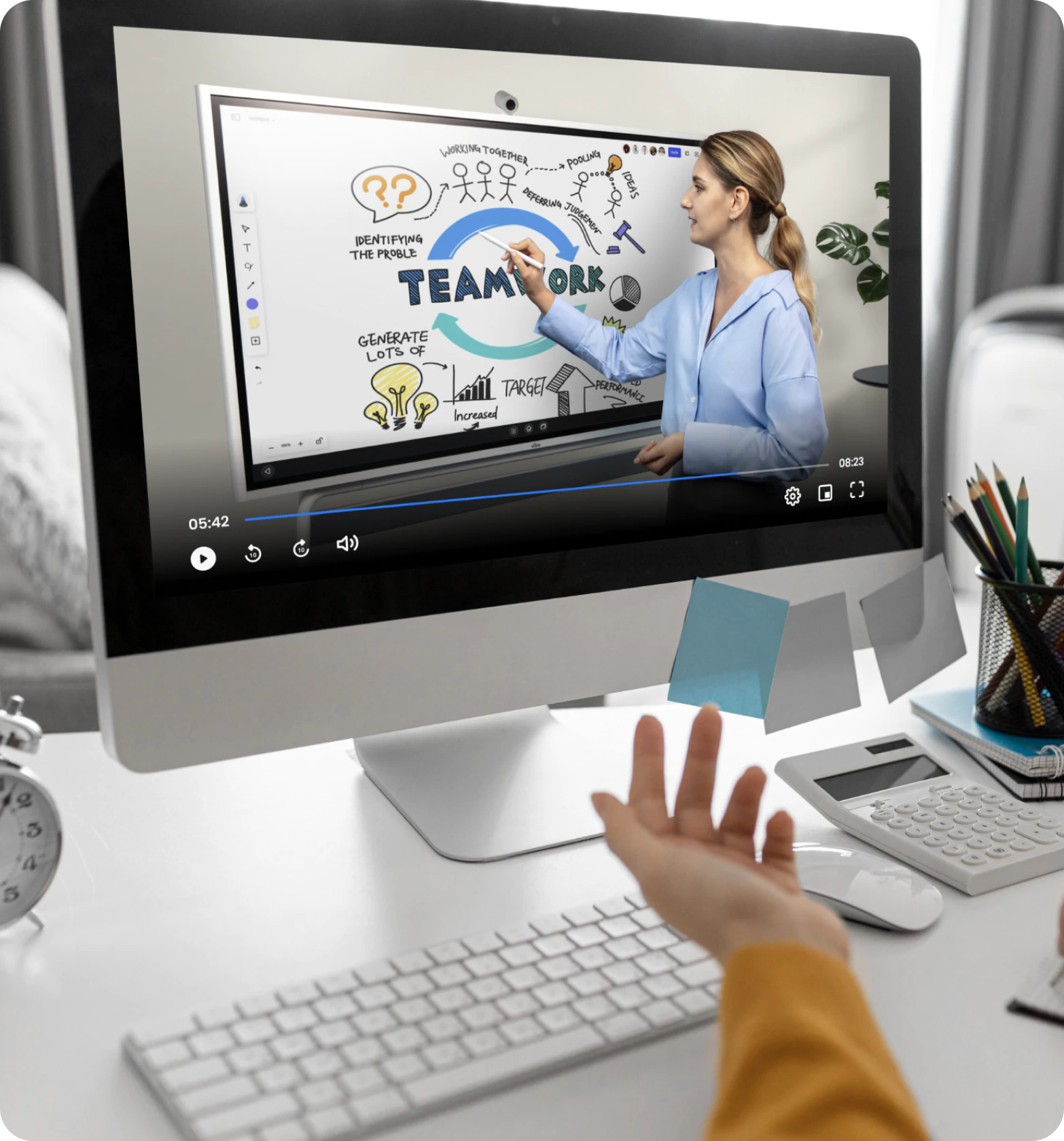
Make the viewer feel present in the room by using the board to draw mind, affinity and journey mapping or take notes in real time.
Set yourself apart from the competition. The sleek, modern Vibe Board adds a professional touch to your courses.
Save time on complex editing. Directly integrate multimedia elements like graphics and live annotations on the board.


STEP 1
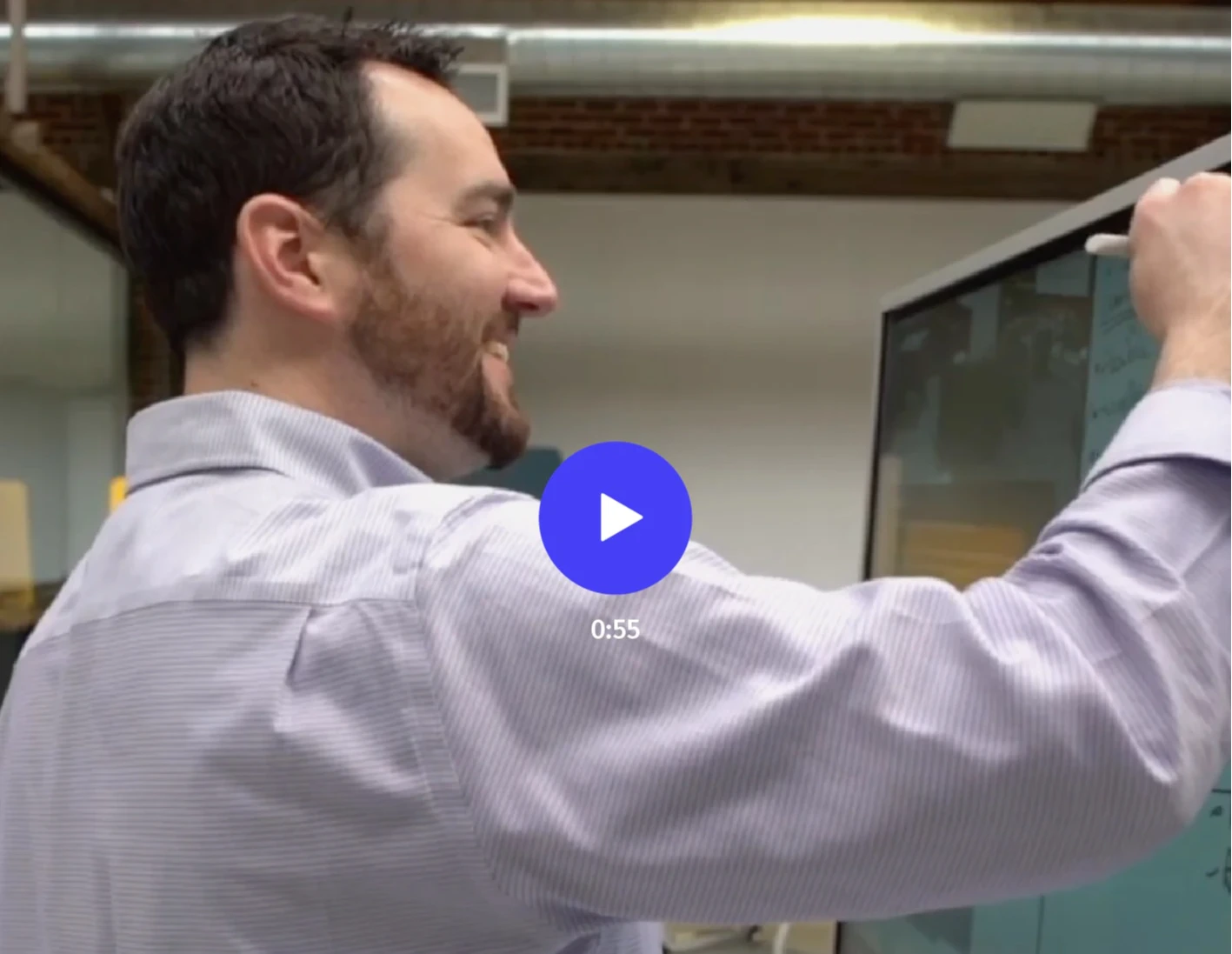
Explore Vibe’s impact on training in a 1-min clip
Step1
Explore Vibe in a 5-min demo
Trusted by 40,000+ forward-thinking entrepreneurs
Trusted by 40,000+ forward-thinking entrepreneurs
“It’s enabled me to communicate in more ways, and more interesting ways. Vibe has made it easy to differentiate yourself in some kind of way.”
“Vibe turned out to be a great solution for me and for my business. I can work with more teams in a given week, reaching twice as many clients.”
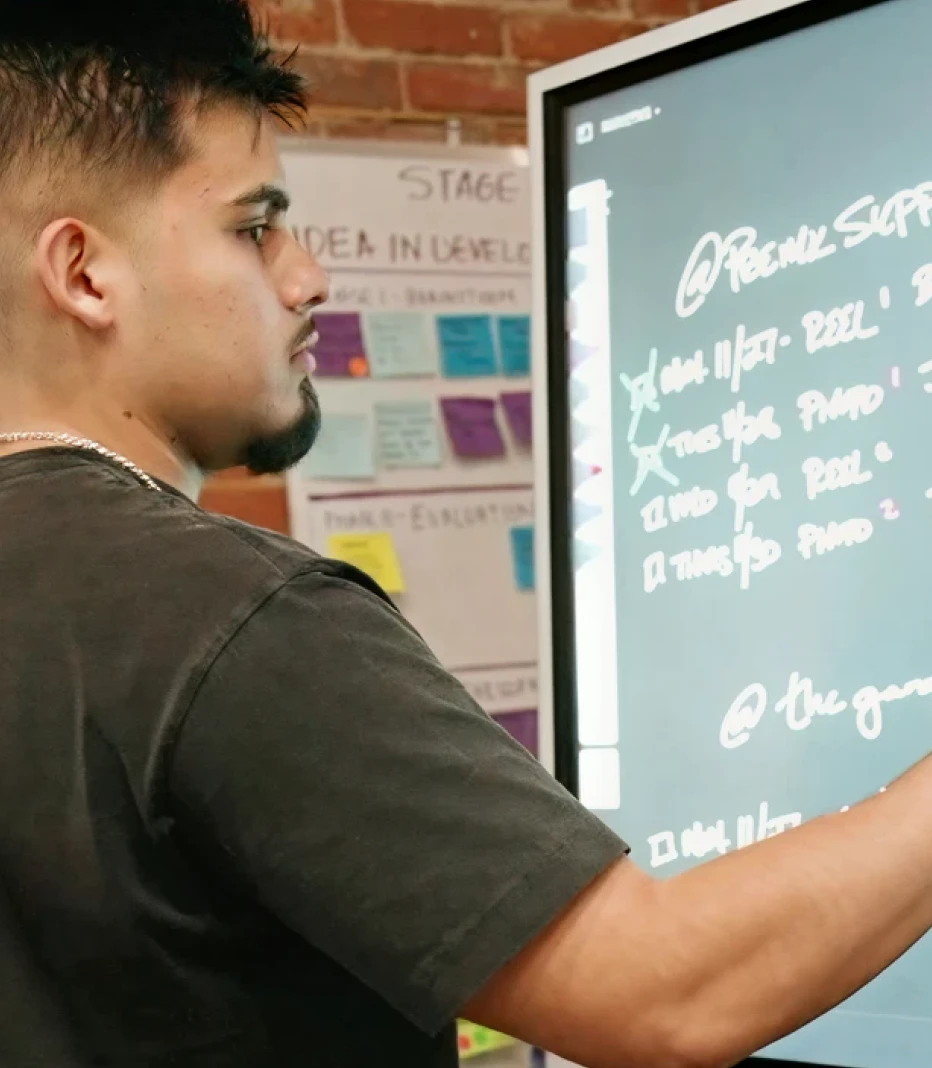
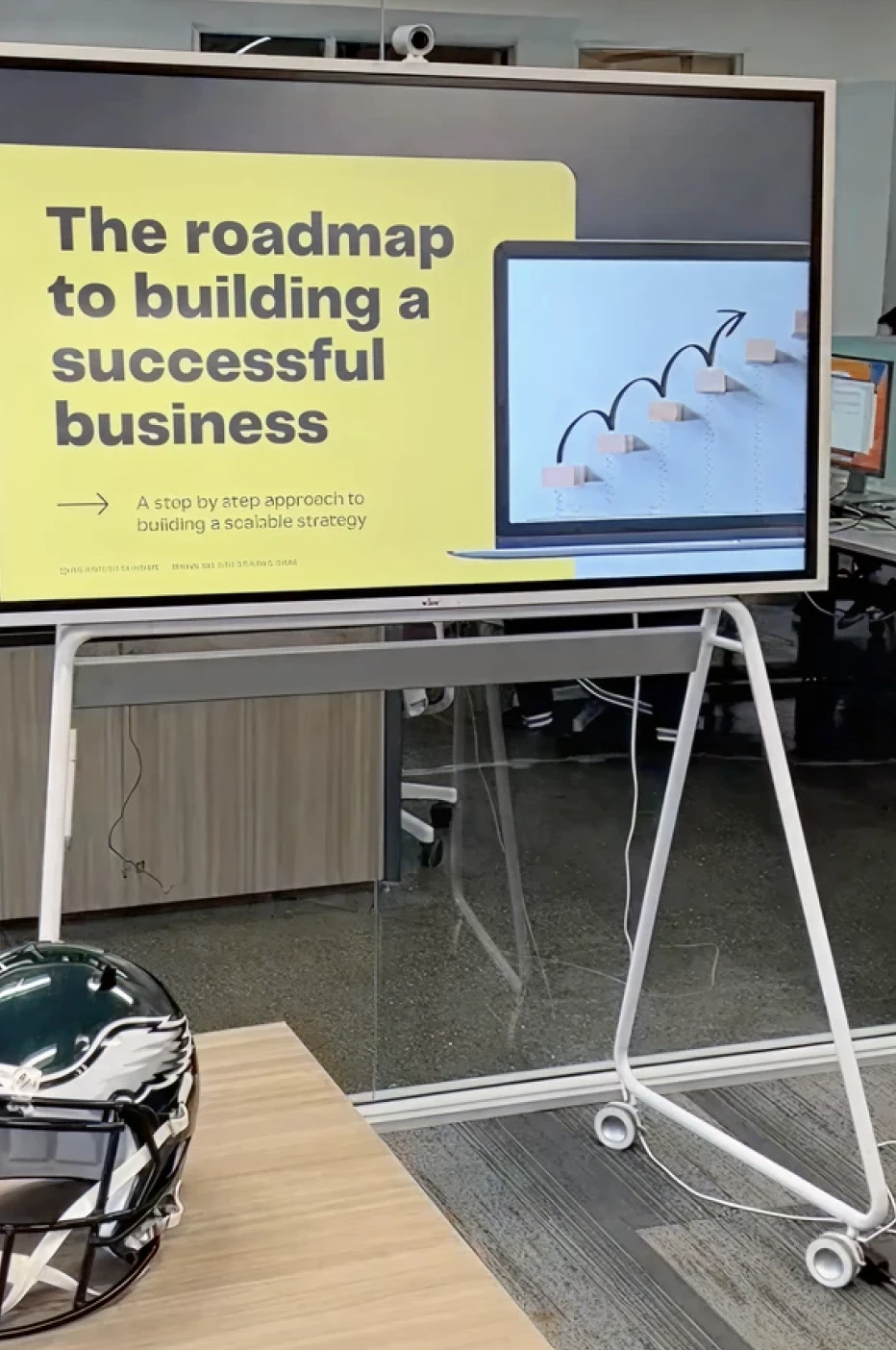
“The Vibe board gets all the big ideas out of my head and into the world for my team to see and take action on. I use it for training the team, brainstorming, and keeping track of everyone's key projects. I enjoying using the Vibe board and look forward to the days I spend working on it.”
“My Vibe Board has been my daily companion and savior and I have received many compliments from clients on how professional my setup is and how helpful it is to be able to collaborate on the board.”
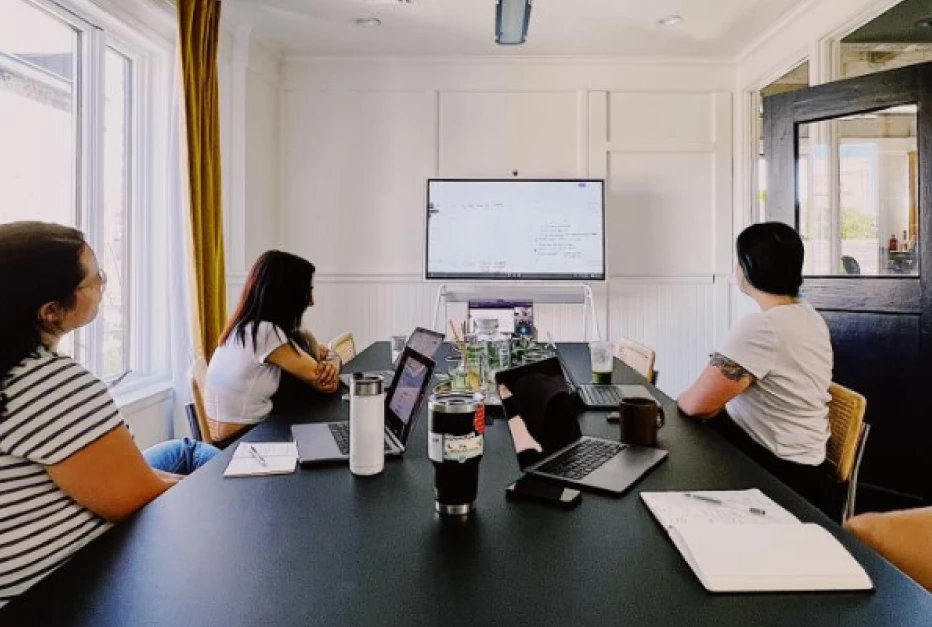
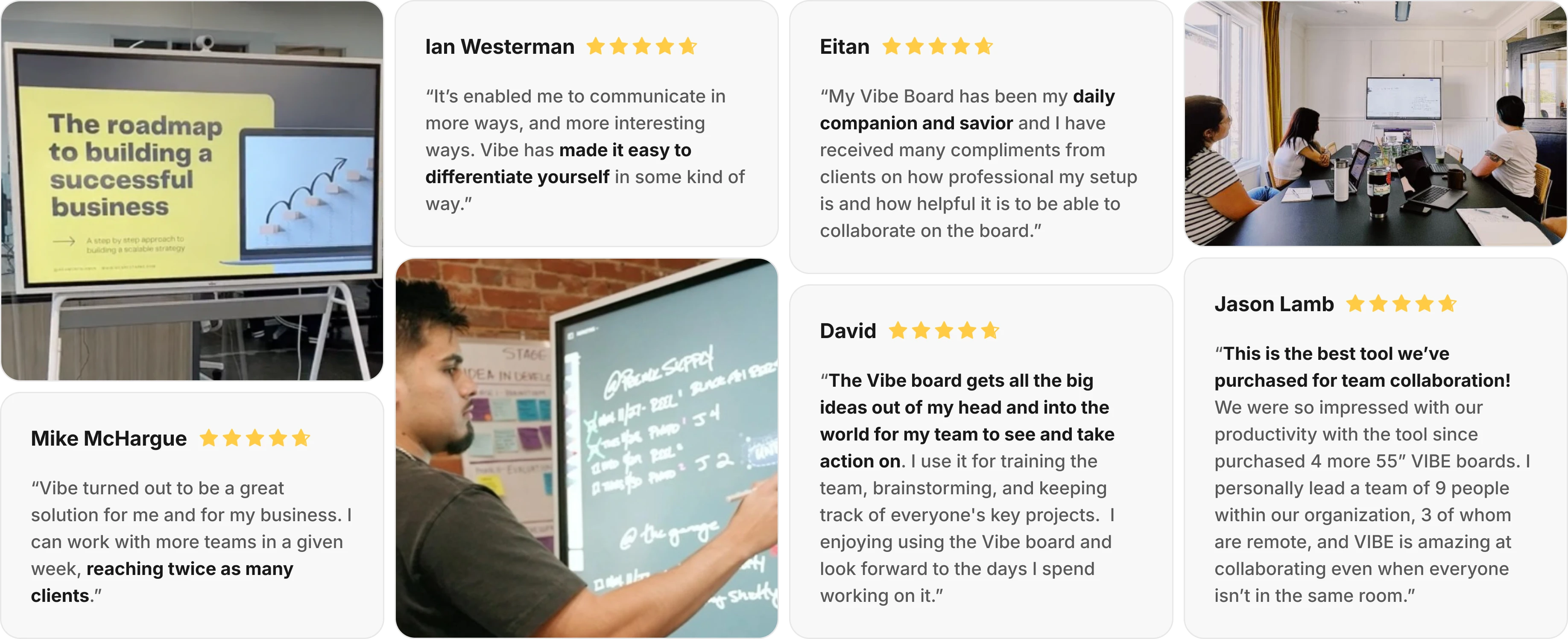
“This is the best tool we’ve purchased for team collaboration! We were so impressed with our productivity with the tool that we have since purchased 4 more 55” VIBE boards. I personally lead a team of 9 people within our organization, 3 of whom are remote, and VIBE is amazing at collaborating even when everyone isn’t in the same room.”
Yes. Vibe Board allows you to collaborate seamlessly on a computer, iPad, or phone from anywhere in the world with our cloud-based whiteboard software, Vibe Canvas. From there, you could jot an idea down on the go on your iPad, build on it with colleagues in the office on the Board, and share it for review with stakeholders remotely.
Yes! Vibe Board S1 55″ supports Microsoft 365 apps. You can directly access and edit Office files through the Chrome browser, or install the Microsoft Office Android Tablet Version on Vibe Board for more touchscreen capabilities. Microsoft Teams is also supported. Vibe Board also supports Google Workspace apps, so you can open, edit, and auto-save Google Docs, Slides, Sheets, and more. See all supported apps here. There is no special licensing required beyond what you’re currently using to access your accounts.
Vibe Board S1 has two built-in speakers, but no built-in microphone. The (optional) Smart Camera was designed for Vibe S1, and comes equipped with 6 omni-directional microphones, as well as noise and echo cancellation. Vibe Boards are also compatible with most USB-connected cameras and microphones, such as Logitech BRIO, Owl Camera, Polycom Studio, and more.
The Vibe Board is more than just a TV or computer. It combines the functionalities of a TV, computer, whiteboard, display, projector, and monitor into one sleek device. It’s the Swiss Army Knife of tech—ideal for any room at home, in the office, or at school.
With Vibe’s ChromeOS, you can use the apps that your team already knows and loves—and all popular video conferencing apps are supported.
The Vibe Board is designed to enhance your visual communication, client engagement, and team collaboration.
Vibe Board S1 55″ has 3 USB-C ports and 1 HDMI-In to support additional cabled accessories.




-bhTwJeotmPFfYb9BboALprx5Mg3uFB.webp)
