
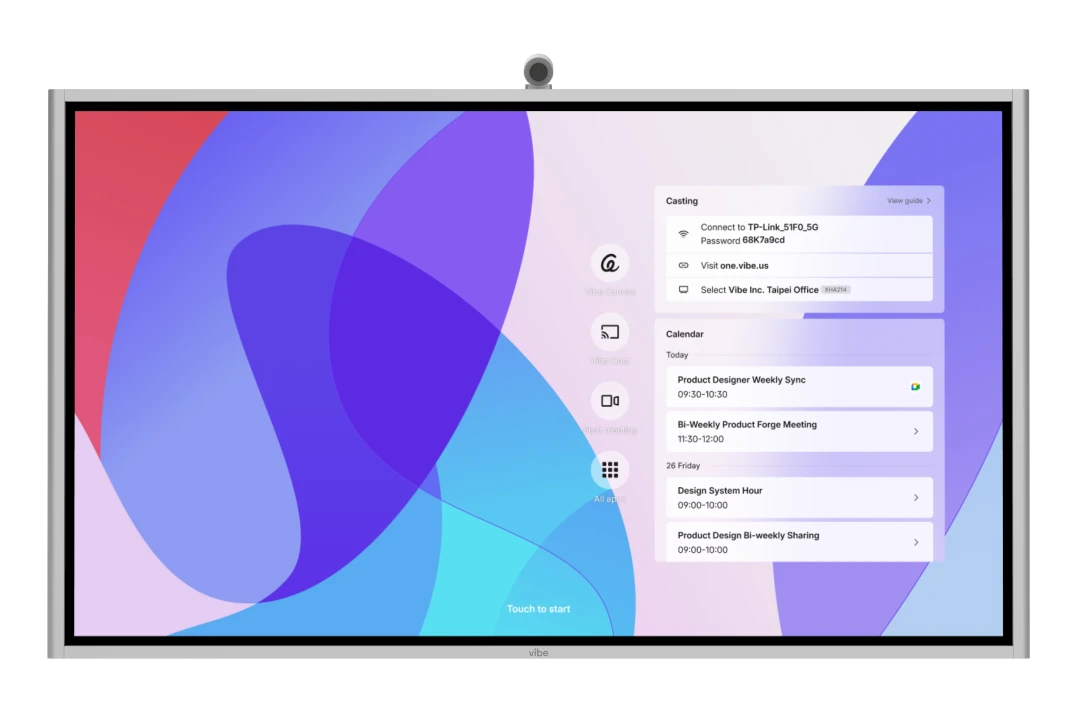


Refreshing Summer Sale: Save up to $600 on Vibe Board
Refreshing Summer Sale: Save up to $600 on Vibe BoardSave up to $600 on Vibe Board
Early-Bird Deal: Save $200 on Vibe Bot
Early-Bird Deal: Save $200 on Vibe BotGet $200 off Vibe Bot
New Release: Take 20% off Vibe Dot
New Release: Take 20% off Vibe DotGet 20% off Vibe Dot
hero background
Vibe Board vs. Newline

One board, ready for the room you’re building.

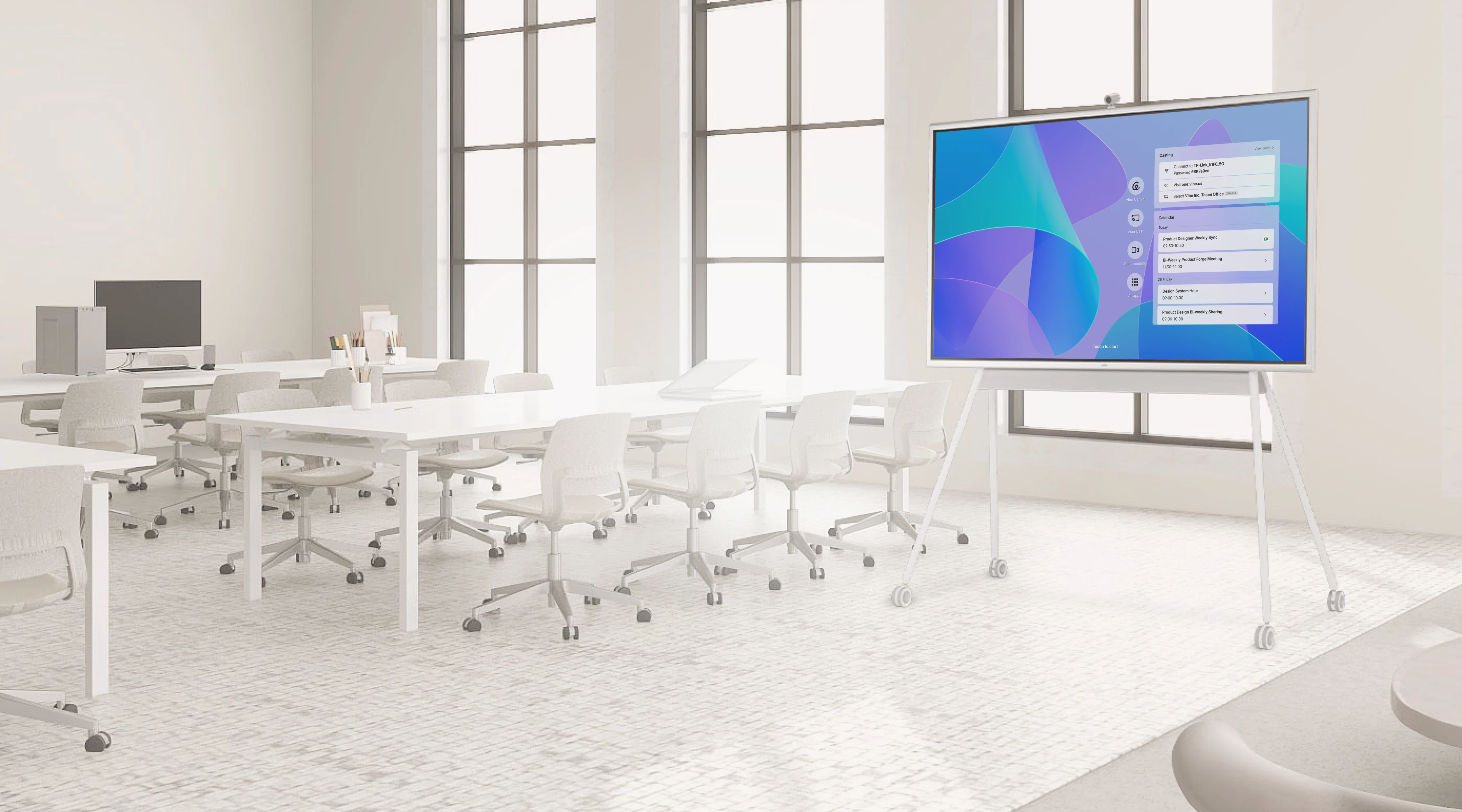
Unlike Newline, Vibe Board has a computer built in, so Windows and ChromeOS rooms need fewer devices to buy, install, and manage.
Vibe Board S1 Ranked Amazon's #1 Best Seller in 2026Vibe Board S1 Earned Amazon's Choice Badge and a 4.5-Star Customer RatingVibe Board S1 Earns a 4.7-Star Rating on Reviews.io

What gets added when Android isn’t enough?

Newline may cost less for Android-only rooms. Other workflows can add hardware—and another device to manage.
Newline
Vibe
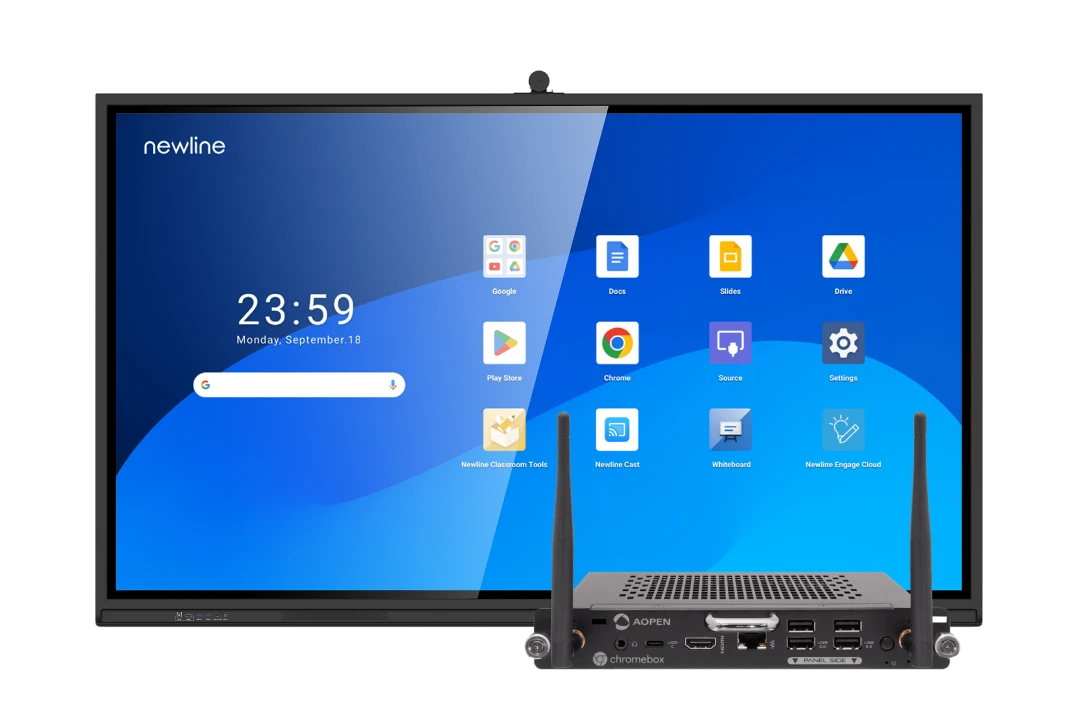
Newline board with an added OPS computer
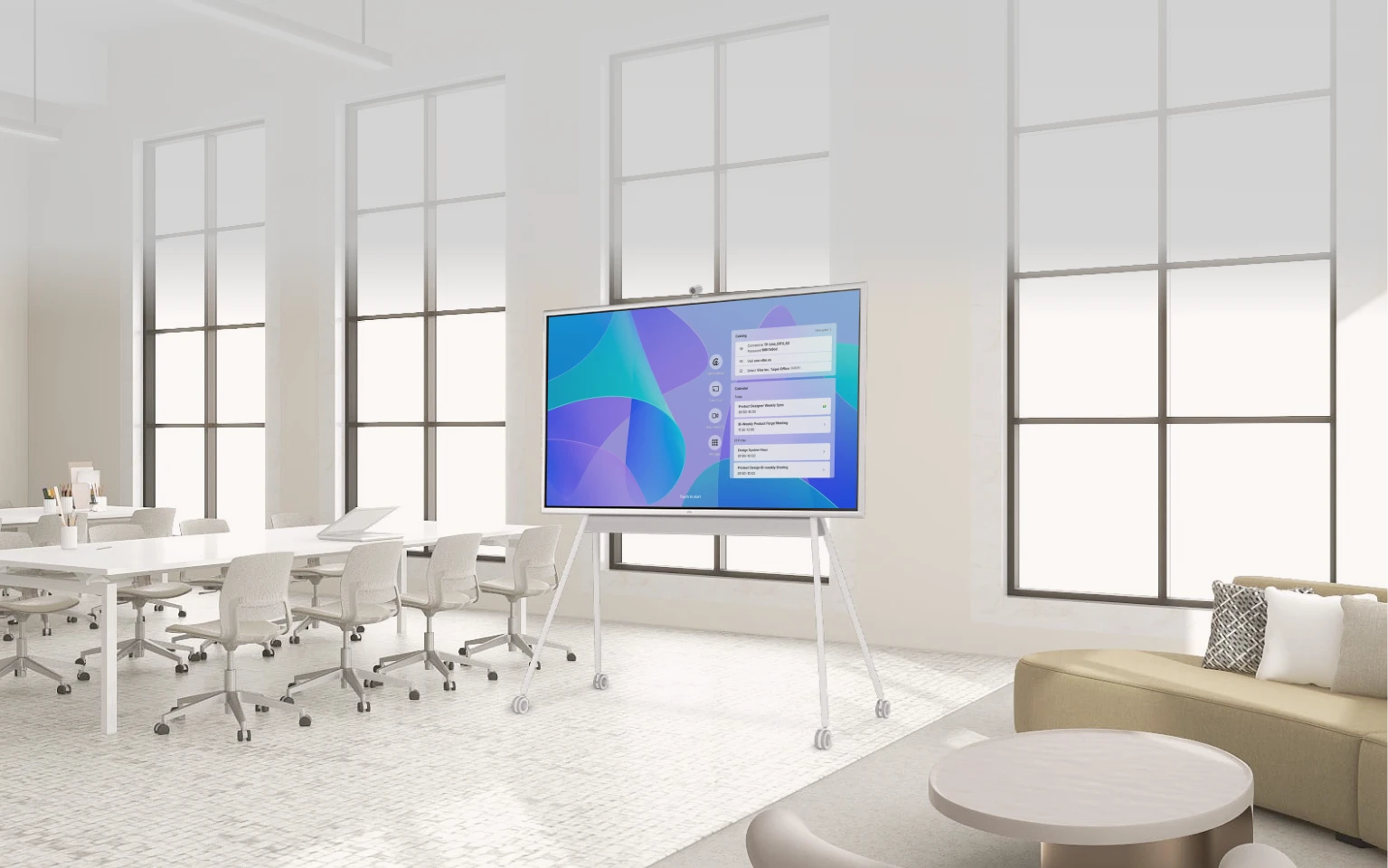
Vibe Board S1 Pro
When the room needs Windows
RequiredOPS computer
Labs, CTE, and design classes may need full Windows. Newline requires an added OPS module.
Built inFull Windows. Built in.
Windows 11 Pro comes built into Vibe Board S1 Pro. No additional OPS computer required.
When the room follows ChromeOS
RequiredChromebox
ChromeOS workflows require a separate Chromebox, adding hardware and another device to manage.
Built inYour Google tools. On board.
VibeOS gives you access to Google Workspace and web apps, directly on the board.
Once you add the computer
RequiredDevice to manage
The added computer must be ordered, installed, configured, and eventually replaced.
Built inOne board. One endpoint
With Vibe, the board is the endpoint. No separate computer to order, install, configure, or replace.

The tools the room was built to use

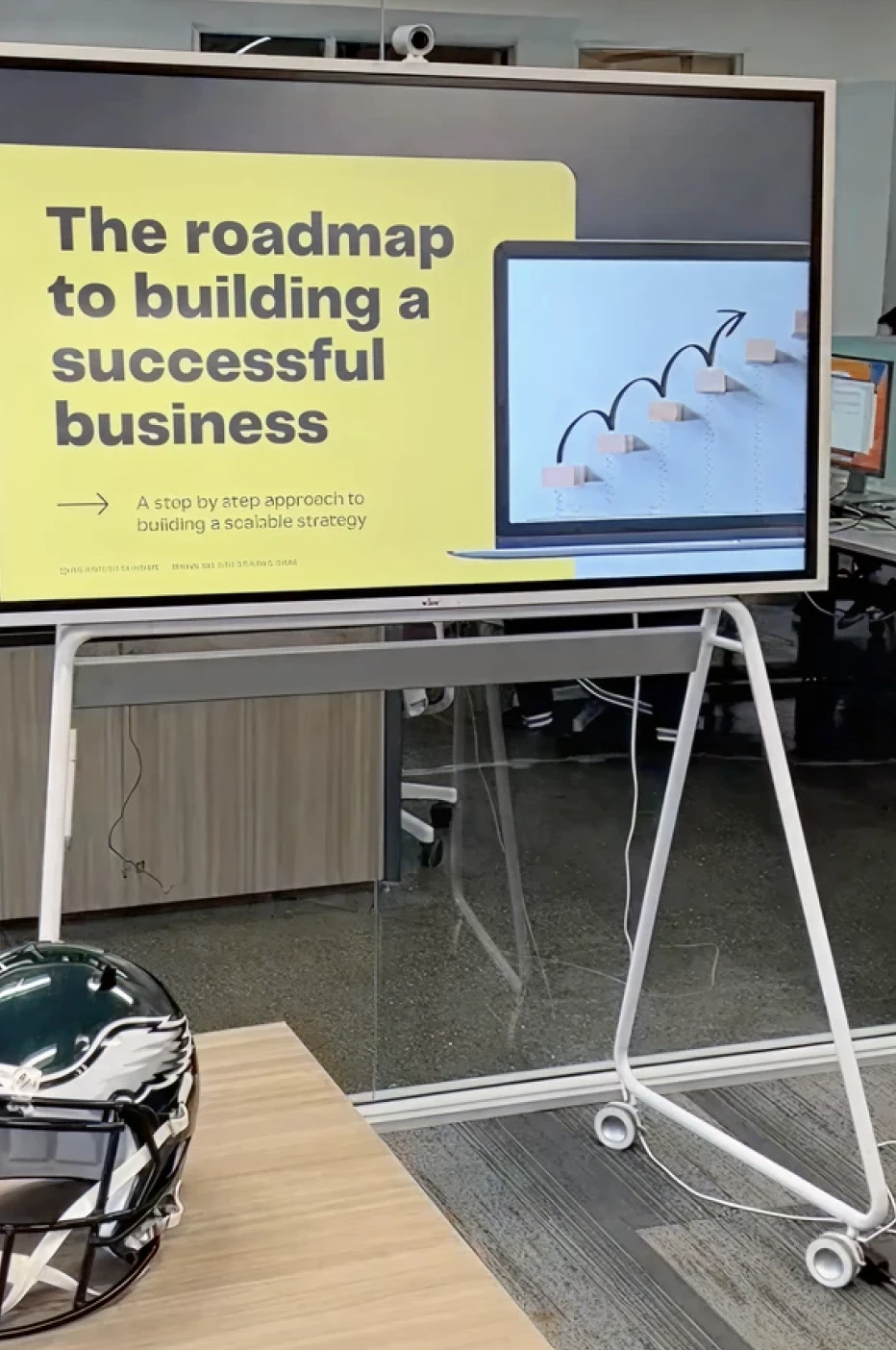
Vibe Board’s full desktop browser runs web tools as expected, no extra computer needed.
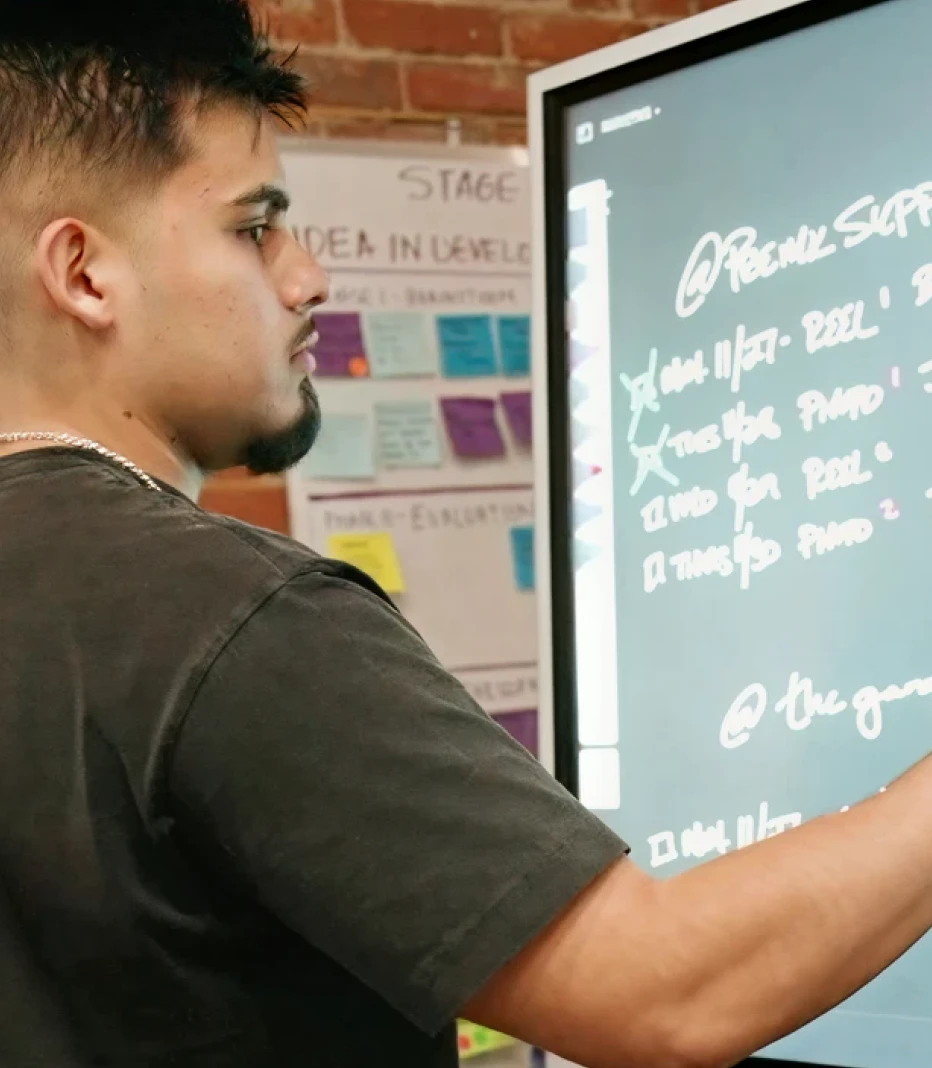
A class presenting on a Vibe Board

Native Google workspace

Open Docs, Slides, Drive and Meet from the board.

Full Microsoft 365

Use the full web versions of Word, PowerPoint, Excel and Teams through a desktop browser experience.

Video conferencing

Join Zoom, Microsoft Teams and Google Meet from the room.

Whiteboarding and annotation

Work in Miro, FigJam, Canva and Lucidspark, or mark up what is already on screen.
Request a Demo
The whole setup

The board price is only part of the setup

When the room needs added compute, compare what it takes to get the whole room ready, not only the price of the board.
Newline
Board + added computer
2 products to order
2 devices to configure
Separate replacement schedules
Another endpoint to support
Vibe
Board with the computer built in
1 purchase
1 setup
1 device lifecycle
1 endpoint to support

Compare Vibe Board and Newline Q Series

Newline Q Pro
Vibe Board
Best fit
Rooms where Android covers the core workflow
Rooms that need a complete desktop-capable workspace
Built-in operating environment
Android
VibeOS with a full desktop browser experience
When the room needs Windows
Add an OPS computer
Windows 11 Pro built into Vibe Board S1 Pro
Google and Chrome workflows
Run Google apps through Android; add a Chromebox OPS for a ChromeOS environment
Run browser-based Google tools through a full desktop browser experience without an added computer
Casting from a laptop
Wireless casting for up to four screens at once
One device at a time; USB-C carries display and touch, or use Vibe Tap
Room-control integration
Extron certified; Crestron partner
Q-SYS certified
Camera and microphones
ModCam+ add-on, $449, with two microphones
AI Smart Camera add-on, approximately $200, with six microphones
Trying it before you buy
Book a virtual or in-person demo
Try it for 30 days in your own room, with free shipping
If the room later needs Windows
Add or replace an OPS module
Choose Vibe Board S1 Pro at purchase
Best fit
Newline Q ProRooms where Android covers the core workflow
Vibe BoardRooms that need a complete desktop-capable workspace
Built-in operating environment
Newline Q ProAndroid
Vibe BoardVibeOS with a full desktop browser experience
When the room needs Windows
Newline Q ProAdd an OPS computer
Vibe BoardWindows 11 Pro built into Vibe Board S1 Pro
Google and Chrome workflows
Newline Q ProRun Google apps through Android; add a Chromebox OPS for a ChromeOS environment
Vibe BoardRun browser-based Google tools through a full desktop browser experience without an added computer
Casting from a laptop
Newline Q ProWireless casting for up to four screens at once
Vibe BoardOne device at a time; USB-C carries display and touch, or use Vibe Tap
Room-control integration
Newline Q ProExtron certified; Crestron partner
Vibe BoardQ-SYS certified
Camera and microphones
Newline Q ProModCam+ add-on, $449, with two microphones
Vibe BoardAI Smart Camera add-on, approximately $200, with six microphones
Trying it before you buy
Newline Q ProBook a virtual or in-person demo
Vibe BoardTry it for 30 days in your own room, with free shipping
If the room later needs Windows
Newline Q ProAdd or replace an OPS module
Vibe BoardChoose Vibe Board S1 Pro at purchase
Request a Demo

Switching from Newline is less work than keeping it

Start with one room. Keep the tools your team already knows. Vibe helps you plan, deploy, and onboard without slowing work down.
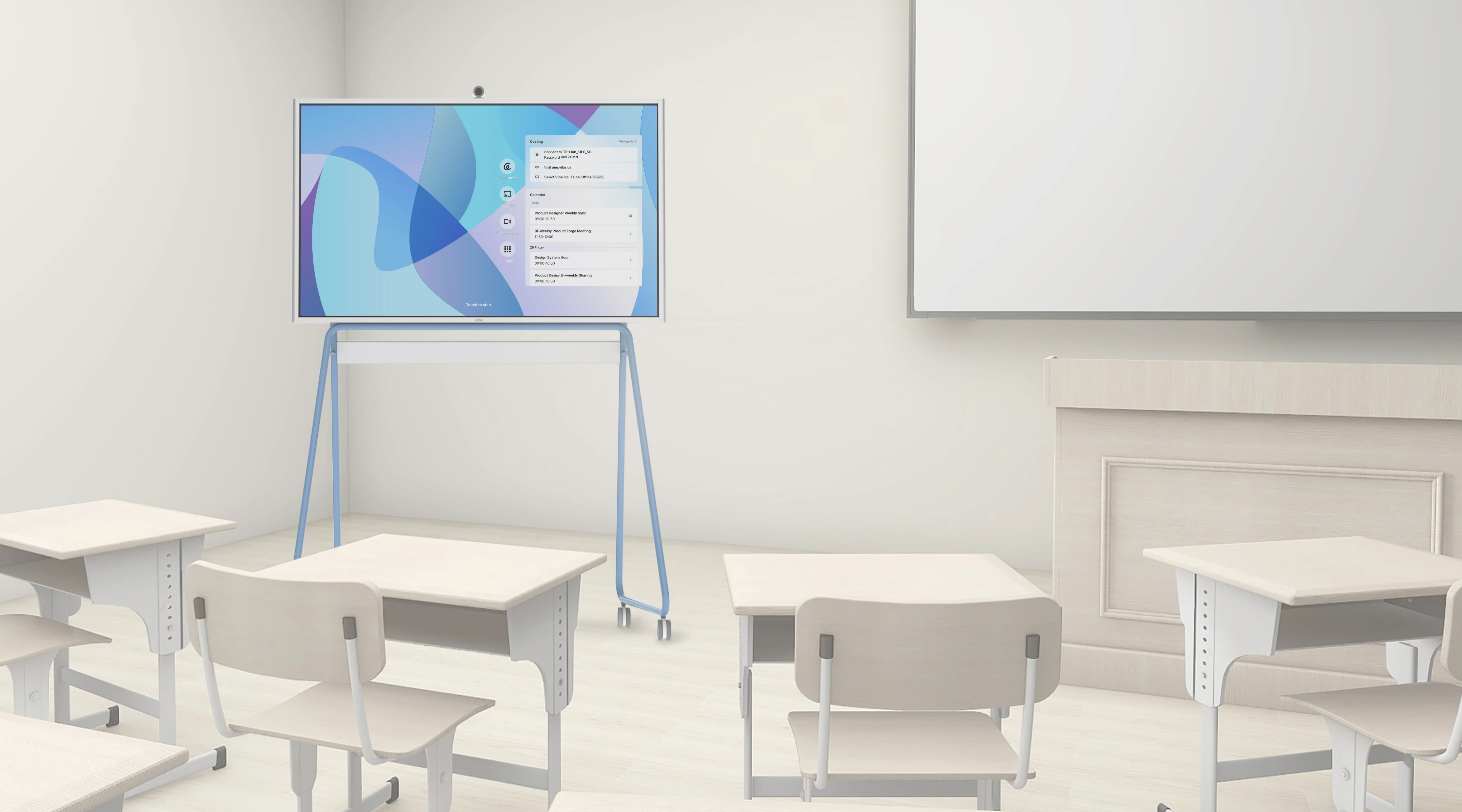
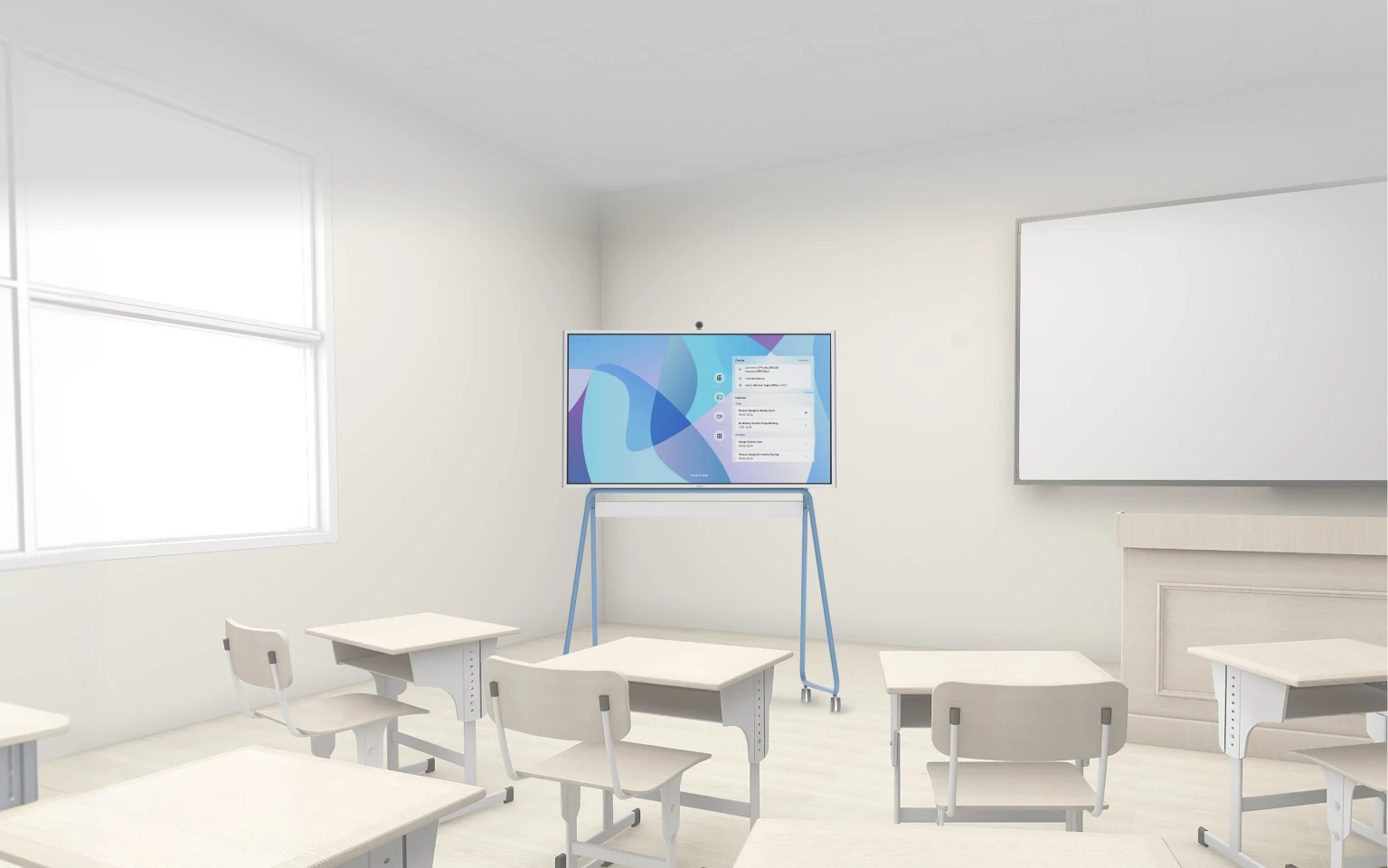
A teacher and students working at a Vibe Board in a classroom

Start with one room

You do not have to replace every board or put Vibe through a district-wide rollout to find out whether it fits.Start with the lab, CTE classroom, makerspace or new program room that needs more than Android. Use it with the devices and tools already there. If it is not right, send it back within 30 days.
Kudos

Trusted by 40,000+ forward-thinking entrepreneurs

Trusted by 40,000+ forward-thinking entrepreneurs

Ian Westerman

“It’s enabled me to communicate in more ways, and more interesting ways. Vibe has made it easy to differentiate yourself in some kind of way.”

Mike McHargue

“Vibe turned out to be a great solution for me and for my business. I can work with more teams in a given week, reaching twice as many clients.

David

The Vibe board gets all the big ideas out of my head and into the world for my team to see and take action on. I use it for training the team, brainstorming, and keeping track of everyone's key projects.  I enjoying using the Vibe board and look forward to the days I spend working on it.”

Eitan

“My Vibe Board has been my daily companion and savior and I have received many compliments from clients on how professional my setup is and how helpful it is to be able to collaborate on the board.”
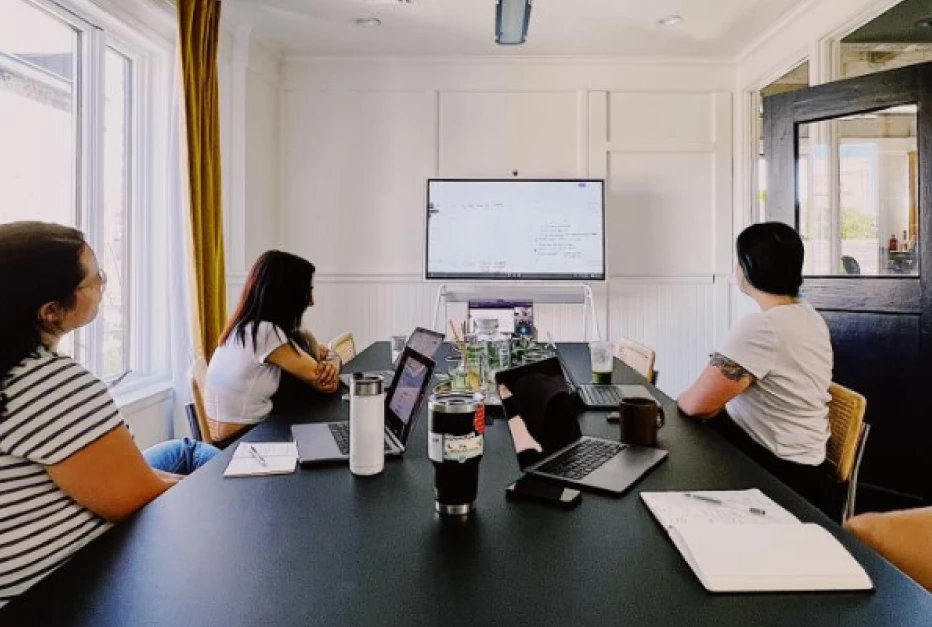
Jason Lamb

This is the best tool we’ve purchased for team collaboration! We were so impressed with our productivity with the tool that we have since purchased 4 more 55” VIBE boards. I personally lead a team of 9 people within our organization, 3 of whom are remote, and VIBE is amazing at collaborating even when everyone isn’t in the same room.”
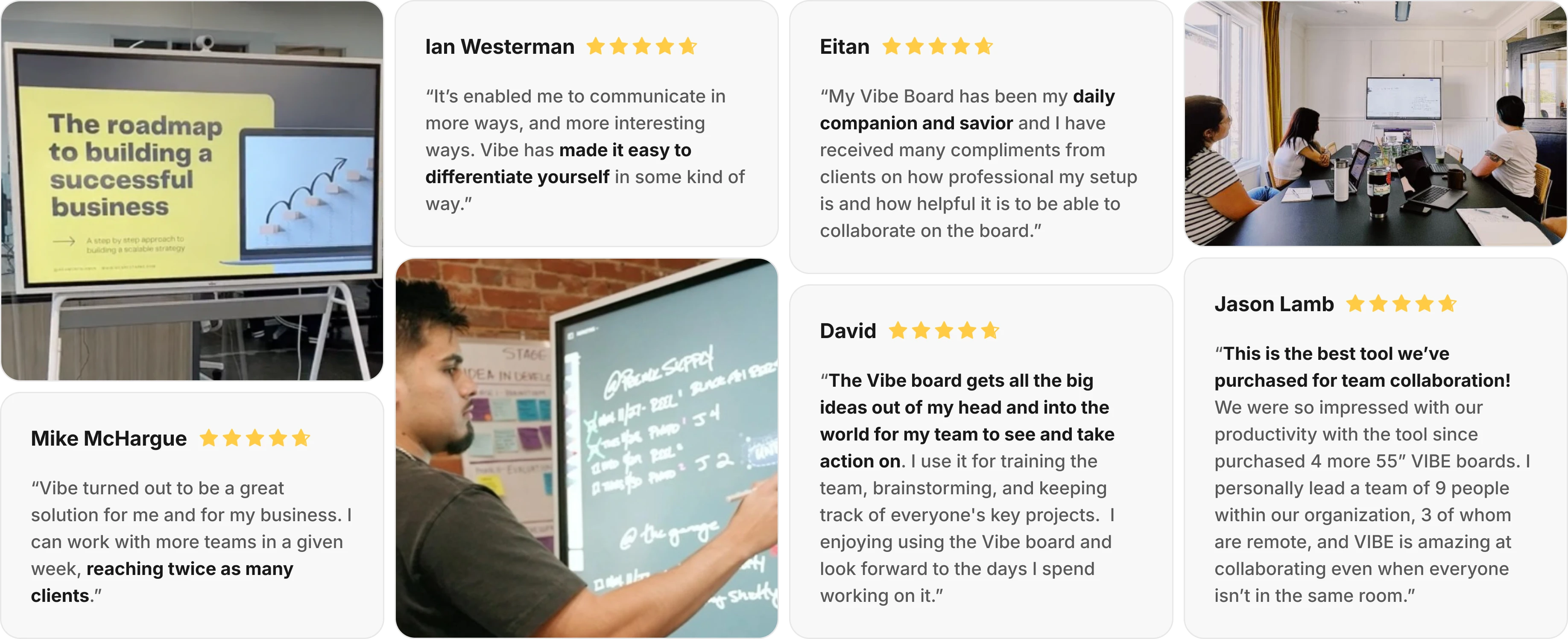
User feedback and ratings on Vibe Board S1 smart whiteboard

FAQ

  • We already have Newline boards. Is switching actually worth it?

    If your Newline boards are performing and your district isn’t standardized on Google Workspace, there may be no reason to move. The case for switching is strongest for Google-first districts carrying the cost of a second environment — the per-incident IT time, the separate management, the per-OS workarounds. Most districts don’t rip and replace; they pilot a few rooms, measure the difference against their current support load, and expand from there.

  • Vibe is newer than Newline. Will it be supported long-term?

    Vibe has been shipping interactive displays since 2017 and is deployed across 7200+ educators and institutions, with support handled by Vibe directly rather than a reseller chain.

  • Does Vibe Board work with our Chromebooks and Google Admin Console?

    Yes. Vibe Board runs ChromeOS and enrolls in the same Google Admin Console you already use for your Chromebooks — same identities, same policies, same update model. There is no separate management system to stand up

  • Newline offers larger panels. What about screen size?

    Vibe Board is available up to 75 inches, which fits the large majority of K-12 classrooms. For lecture halls or large-format rooms that require more, we’ll scope the right configuration during the consultation.

  • How does the cost compare?

    The number that matters in this category isn’t the sticker price — it’s five-year cost of ownership. Vibe Board has no mandatory recurring software subscriptions, and because it’s managed in the Google Admin Console you already run, there’s no second management environment to fund.


Request a Demo
For Vibe Board

Interested in Vibe Bot / Vibe Dot? Contact Sales
Customized SolutionsWe'll address your challenges and show how our product can be tailored to your needs.
Product OverviewExplore our product's key features and applications.
Live Q&AEngage in an interactive session with our experts to get your questions answered.
Vibe Board S1 Ranked Amazon's #1 Best Seller in 2026
Vibe Board S1 Earned Amazon's Choice Badge and a 4.5-Star Customer Rating
Vibe Board S1 Earns a 4.7-Star Rating on Reviews.io
Request a Demo
For Vibe Board
Interested in Vibe Bot / Vibe Dot? Contact Sales here
Discoverhow our product adapts to your unique challenges.
Seekey features and practical uses.
Askour experts your questions directly.
Vibe Board S1 Ranked Amazon's #1 Best Seller in 2026
Vibe Board S1 Earned Amazon's Choice Badge and a 4.5-Star Customer Rating
Vibe Board S1 Earns a 4.7-Star Rating on Reviews.io
imgimg
bgbg
55 inch75 inch
Pick the Vibe Board
for your classroom
Pick the Vibe Board
for your classroom