










Refreshing Summer Sale: Save up to $600 on Vibe Board
Refreshing Summer Sale: Save up to $600 on Vibe BoardSave up to $600 on Vibe Board
Early-Bird Deal: Save $200 on Vibe Bot
Early-Bird Deal: Save $200 on Vibe BotGet $200 off Vibe Bot
New Release: Take 20% off Vibe Dot
New Release: Take 20% off Vibe DotGet 20% off Vibe Dot
bg-desktop
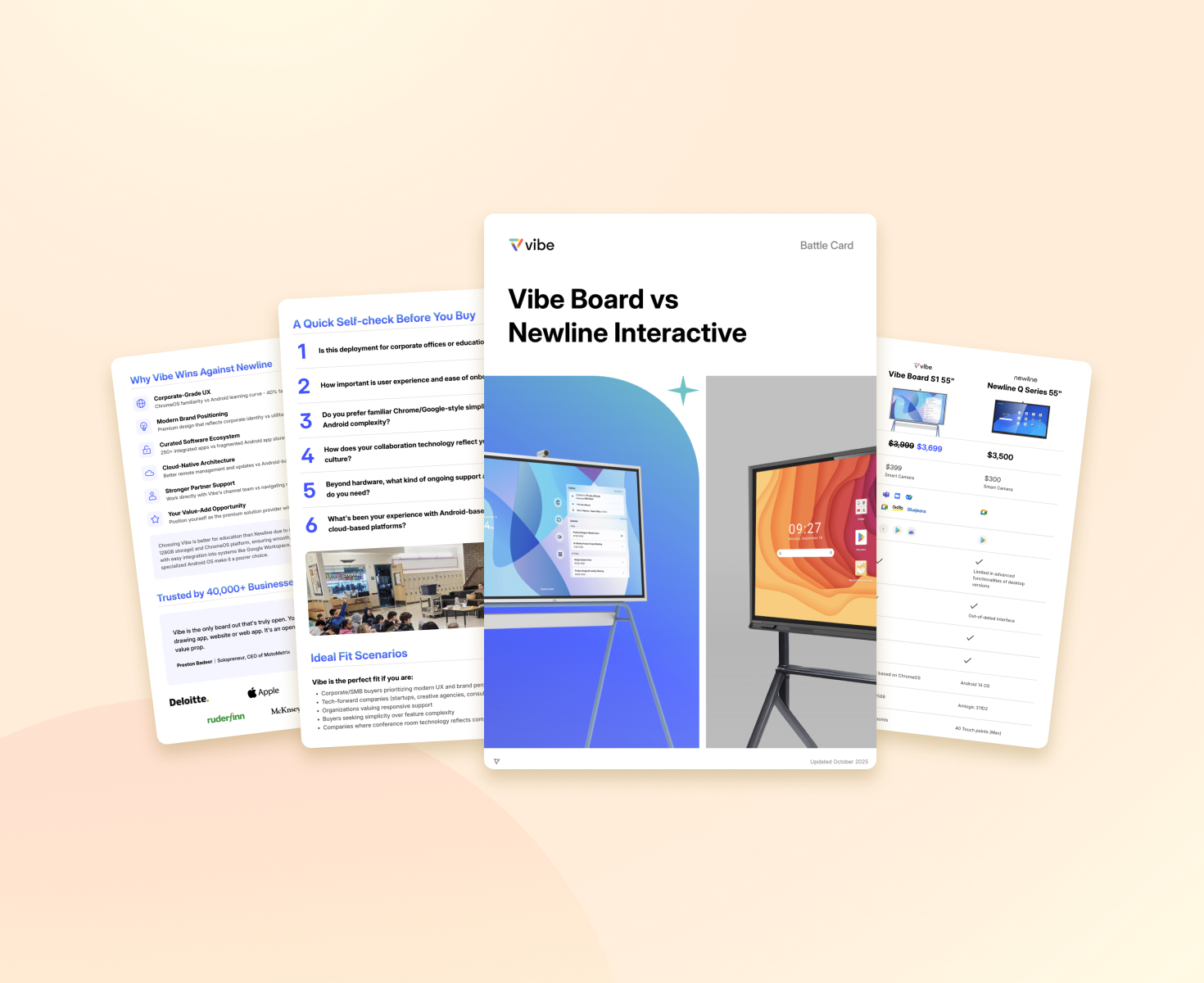
Vibe Board vs. Newline

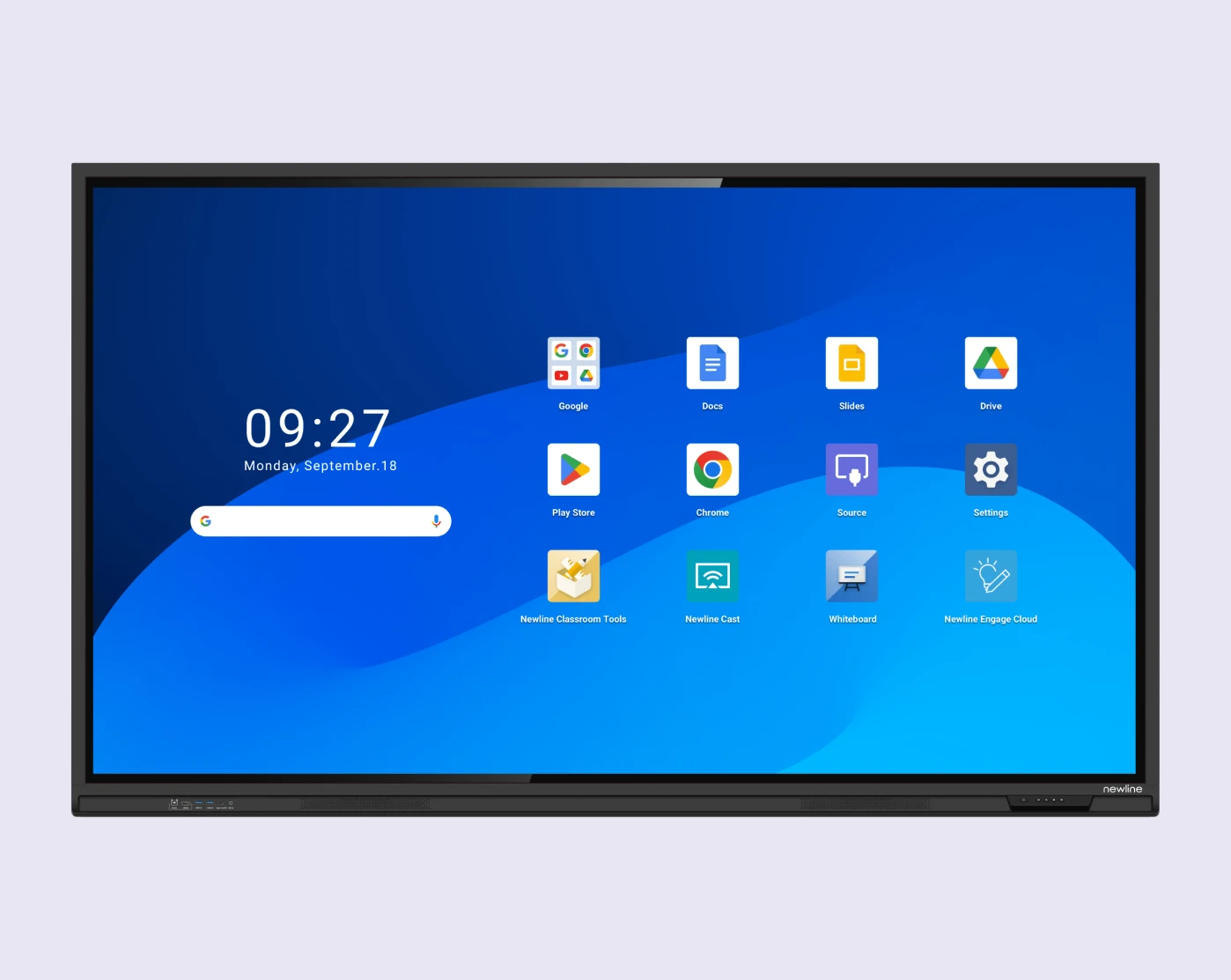
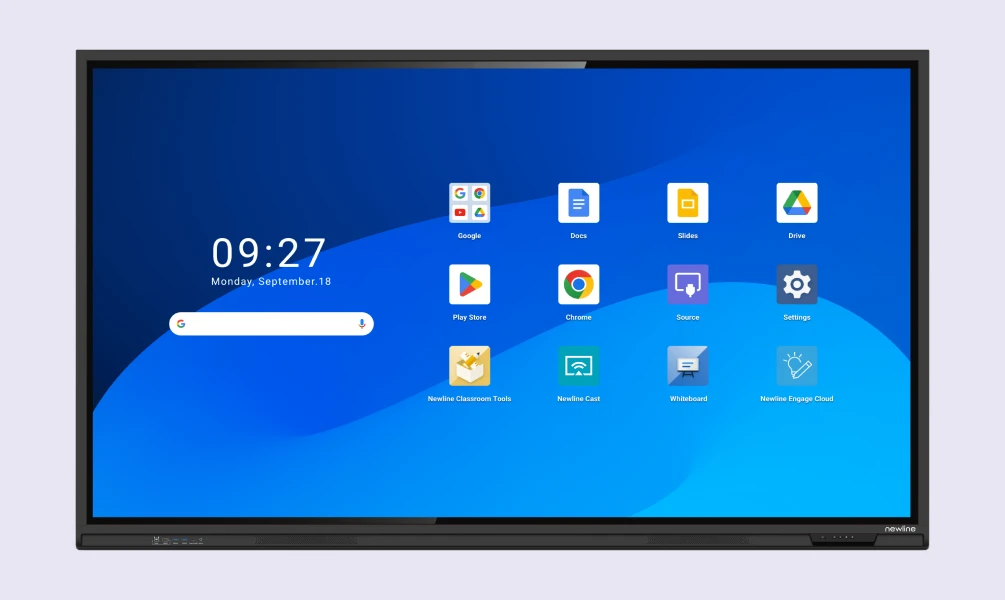
Newline runs Android.
Vibe Board runs ChromeOS.

For If your school runs Google Workspace and Chromebooks, that's the difference between one environment to manage — and a second one bolted on beside it.

What “Android” actually costs you in the school?

headacheheadache

What “Android” actually
costs you in the school?

Powers off mid-lesson during video
No Mac touch without a workaround
Resolution and refresh rate set by hand
Vendor ticket just to unlock a panel
Cables re-seated to restore the picture
Powers off mid-lesson during video
No Mac touch without a workaround
Manual resolution setup
Vendor ticket just to unlock a panel
Re-seat cables to restore image
Meet Vibe

What ChromeOS gives back — the real apps

Sticker price hides the real cost: your IT team's time.

Sticker price isn't total cost. Every problem above is your IT team's time — and that never shows up on a hardware quote.

Native Google workspace

Docs, Slides, Drive, Meet

Full Microsoft 365

Real web apps, not mobile-style Android

Video conferencing

Zoom, Teams, Google Meet

Whiteboarding and annotation

Miro, FigJam, Canva, Lucidspark
Request a DemoRequest a Demo
FEATURE

Vibe Board S1

Newline Q Series

Operating system

Native ChromeOS, built inChrome OS
Android

Device managementManage Devices

Google Admin Console — same as your ChromebooksGoogle Admin Console
Separate management consoleSeparate console

Stays on through a full lessonFull-lesson use

Yes
Powers off during video & inactivityPowers off during video

Touch on Mac

Full
No-touch workaround requiredWorkaround needed

App experience

Full web apps
Mobile-style Android buildsMobile apps

Teacher NPS

9.1 / 10
Not published
* Continuous recording shown here reflects each product's default recording mode.
Request a DemoRequest a Demo

Evaluating Newline?
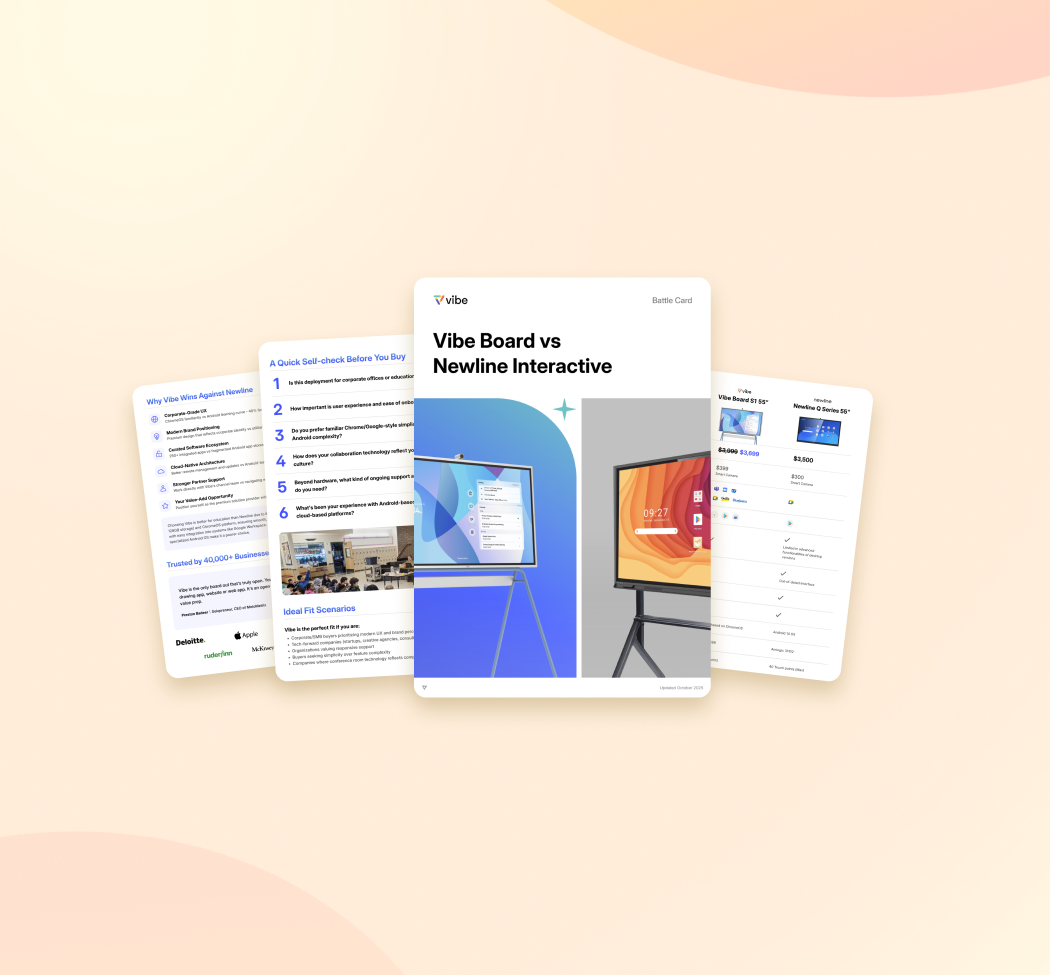
Get the full comparison.

card_imgcard_img
A complete, sourced side-by-side for your decision.A complete, sourced side-by-side for your decision.
Unsubscribe anytime

Switching off Newline is less work than keeping it

The real questions a Newline school asks
Switching
What happens to our existing content?Note: can someone get an answer for this question?
Do we stand up new management?No. Vibe Board enrolls in the Google Admin Console you already operate — no parallel MDM.
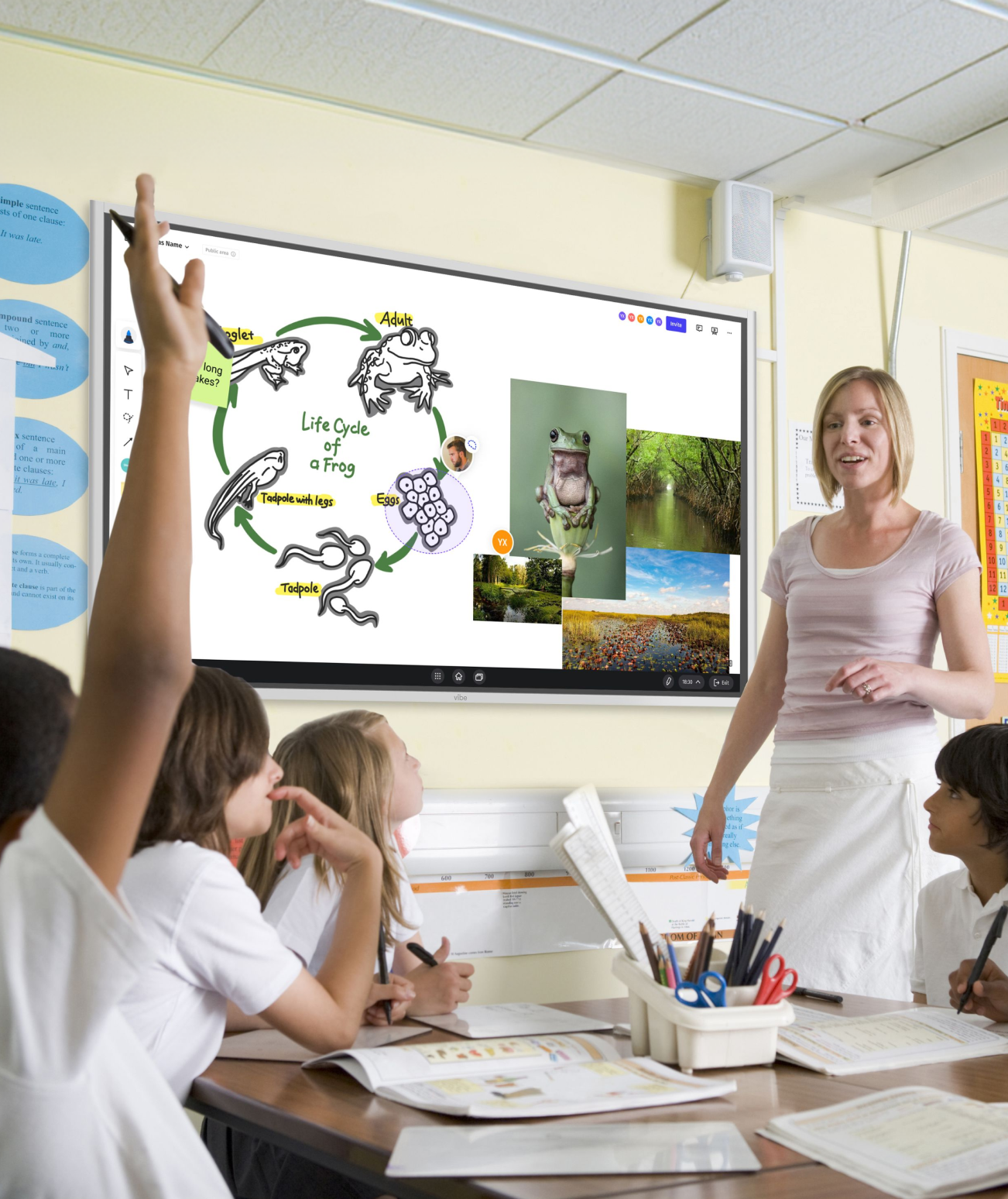
Will teachers relearn the board?It's the Google environment they already teach in on Chromebooks, on a bigger screen.
What does rollout look like?Start with a few classrooms, validate adoption, expand. We design the pilot with you.
Request a DemoRequest a Demo

Request a Demo

Every classroom is unique, and we’re dedicated to providing tailored solution to address your specific needs.If you need a  PO, please request a quote
Request a DemoConnect with Vibe’s product expert to tailored solutions for your classroom.
imgimg
Trusted by 7,200+ educators and institutesBuilt for Google-first districts
Compared to other boards that I have used in the past, the flexibility to incorporate a variety of "apps" makes hybrid teaching and learning possible and free-flowing.
Bill SullivanTeacher | Suffield Academy
avatar
The Vibe board makes other boards look pale in comparison. It truly make remote collaboration, running hybrid classes, and using third party apps a breeze.
Brian HuttonCoordinator of Instructional Technology | Carl Sandburg College
avatar

FAQ

  • We already have Newline boards. Is switching actually worth it?

    If your Newline boards are performing and your district isn’t standardized on Google Workspace, there may be no reason to move. The case for switching is strongest for Google-first districts carrying the cost of a second environment — the per-incident IT time, the separate management, the per-OS workarounds. Most districts don’t rip and replace; they pilot a few rooms, measure the difference against their current support load, and expand from there.

  • Vibe is newer than Newline. Will it be supported long-term?

    Vibe has been shipping interactive displays since 2017 and is deployed across 7200+ educators and institutions, with support handled by Vibe directly rather than a reseller chain.

  • Does Vibe Board work with our Chromebooks and Google Admin Console?

    Yes. Vibe Board runs ChromeOS and enrolls in the same Google Admin Console you already use for your Chromebooks — same identities, same policies, same update model. There is no separate management system to stand up

  • Newline offers larger panels. What about screen size?

    Vibe Board is available up to 75 inches, which fits the large majority of K-12 classrooms. For lecture halls or large-format rooms that require more, we’ll scope the right configuration during the consultation.

  • How does the cost compare?

    The number that matters in this category isn’t the sticker price — it’s five-year cost of ownership. Vibe Board has no mandatory recurring software subscriptions, and because it’s managed in the Google Admin Console you already run, there’s no second management environment to fund.
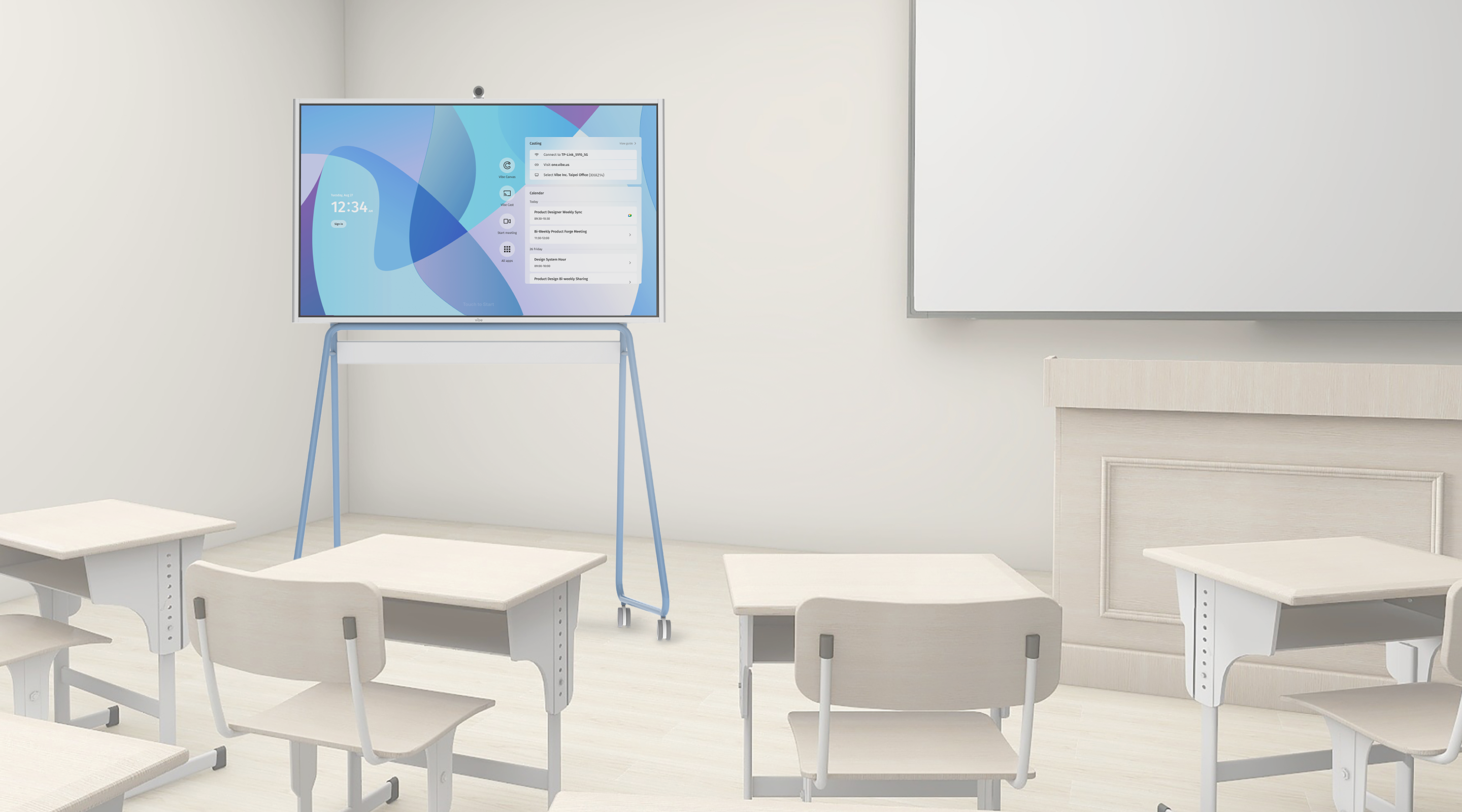
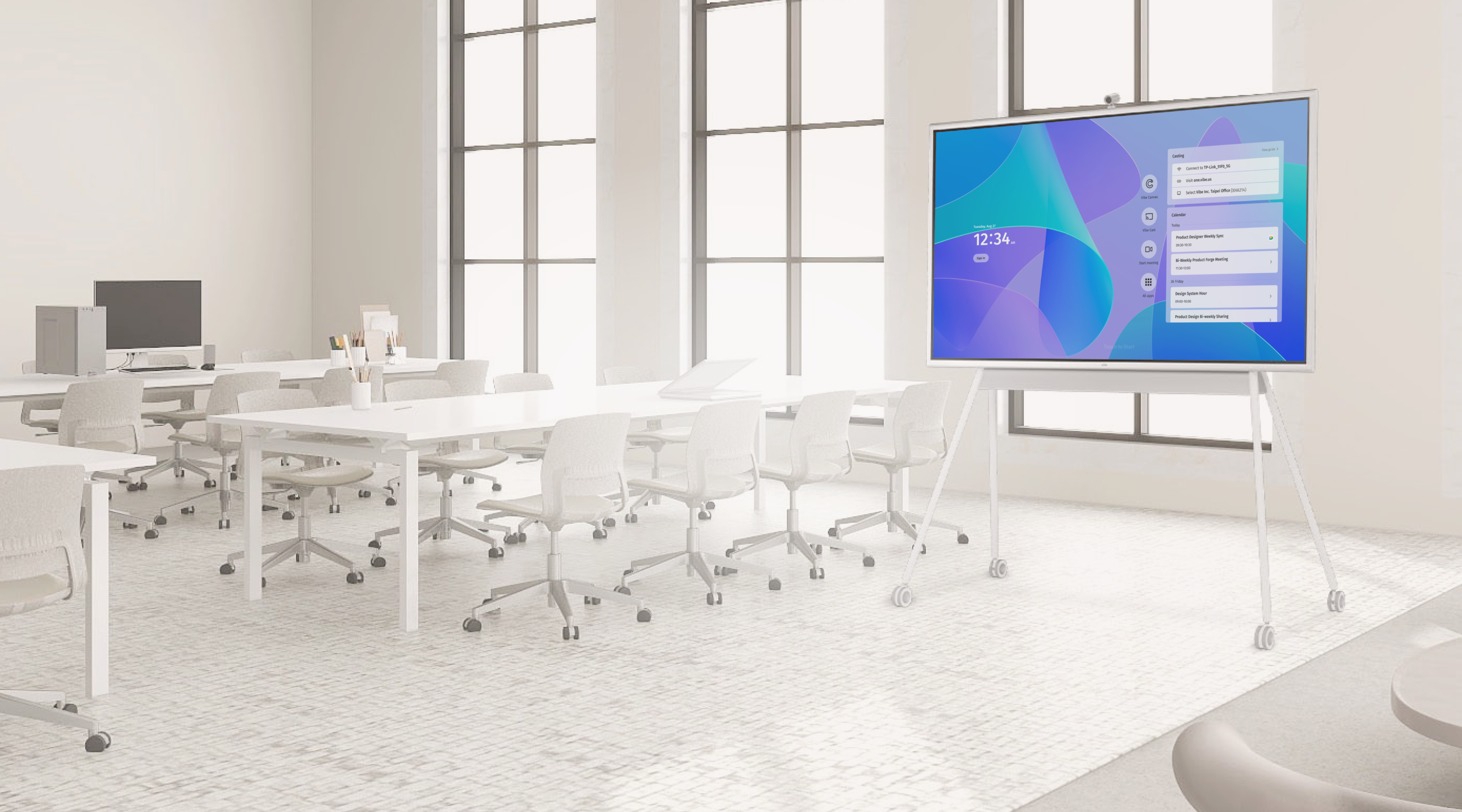
bgbg
55 inch75 inch
Pick the Vibe Board
for your classroom
Pick the Vibe Board
for your classroom