Vibe digital whiteboard: From browser to room-wide collaboration
Go beyond a browser-based canvas. Vibe gives your team a shared digital whiteboard for brainstorming and meetings.


-vc7oM6cBWvROkg2Kop3CyDA8b3udro.webp)
-AMut5jQ3bQqAK7DDJu4tk68EcPCqpT.webp)
-Gmx1BOrt1nDrJfGUXBhm8yBIF6XLYn.webp)
-rdURjCpxWTBTv6K8JL1Rr3XKYFDMUf.webp)
-fL1itr3e0Hztps2Q0z4MkjfJrJwAjG.webp)
-5cFu106gSuBifDvkIyi4USFO3ggQi1.webp)
-OtTpIfwTJzdT4X7wwtySwV8sRAOr7T.webp)
-WQon7f655cZVB4LEKvWpfc0PulIvE4.webp)
-Hx32mjtx8oQiS62lcMAfnMP2esHwjZ.webp)
-RK2VQtFwgoy6XcD0i7ltSgvTZ7MReL.webp)

The video player cannot render on the server side

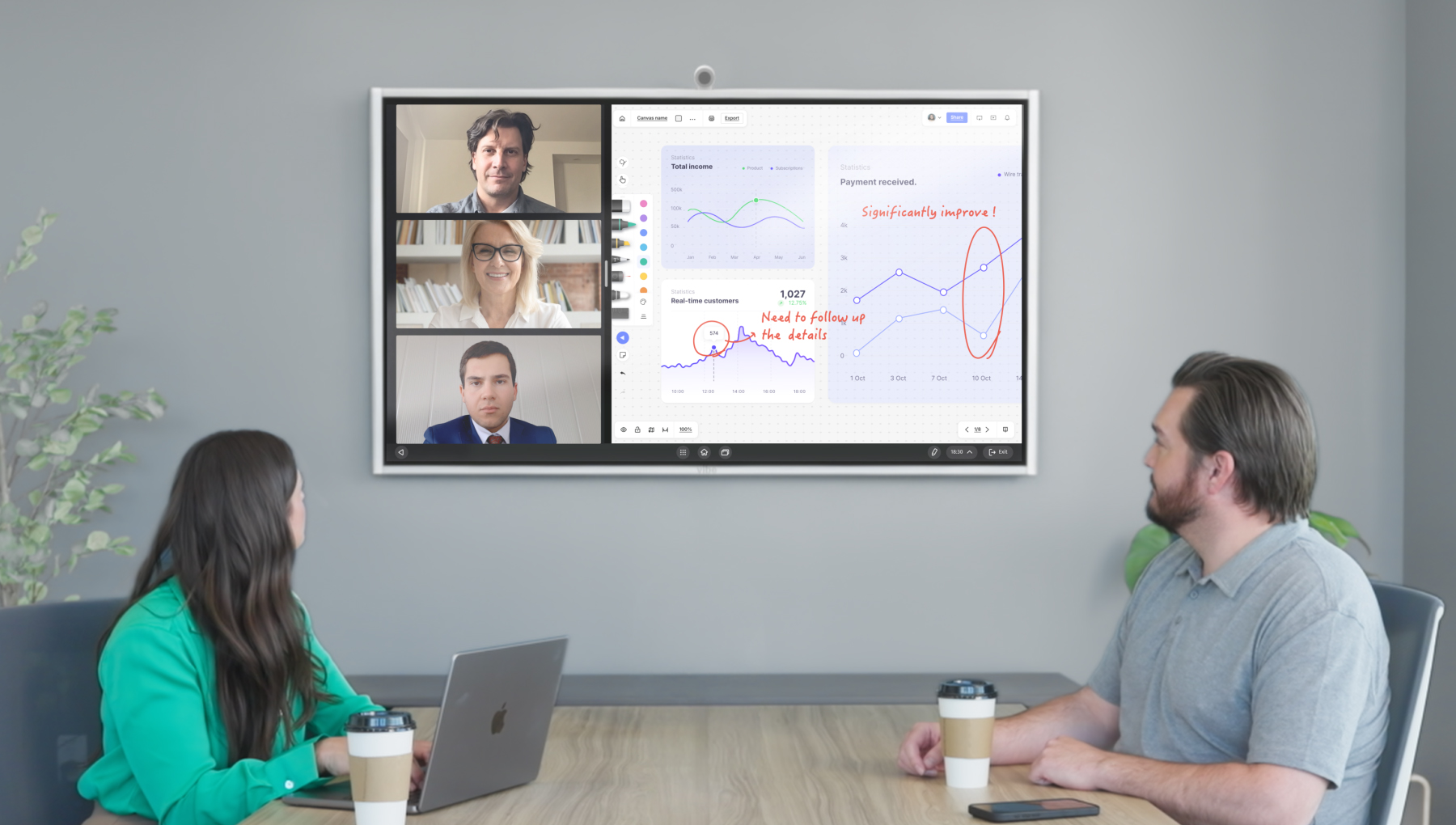
Last week's roadmap, the live deal, the half-built plan — where you left them
The version you show is the version you're working from
In the room or remote, everyone returns to the same work
The video player cannot render on the server side
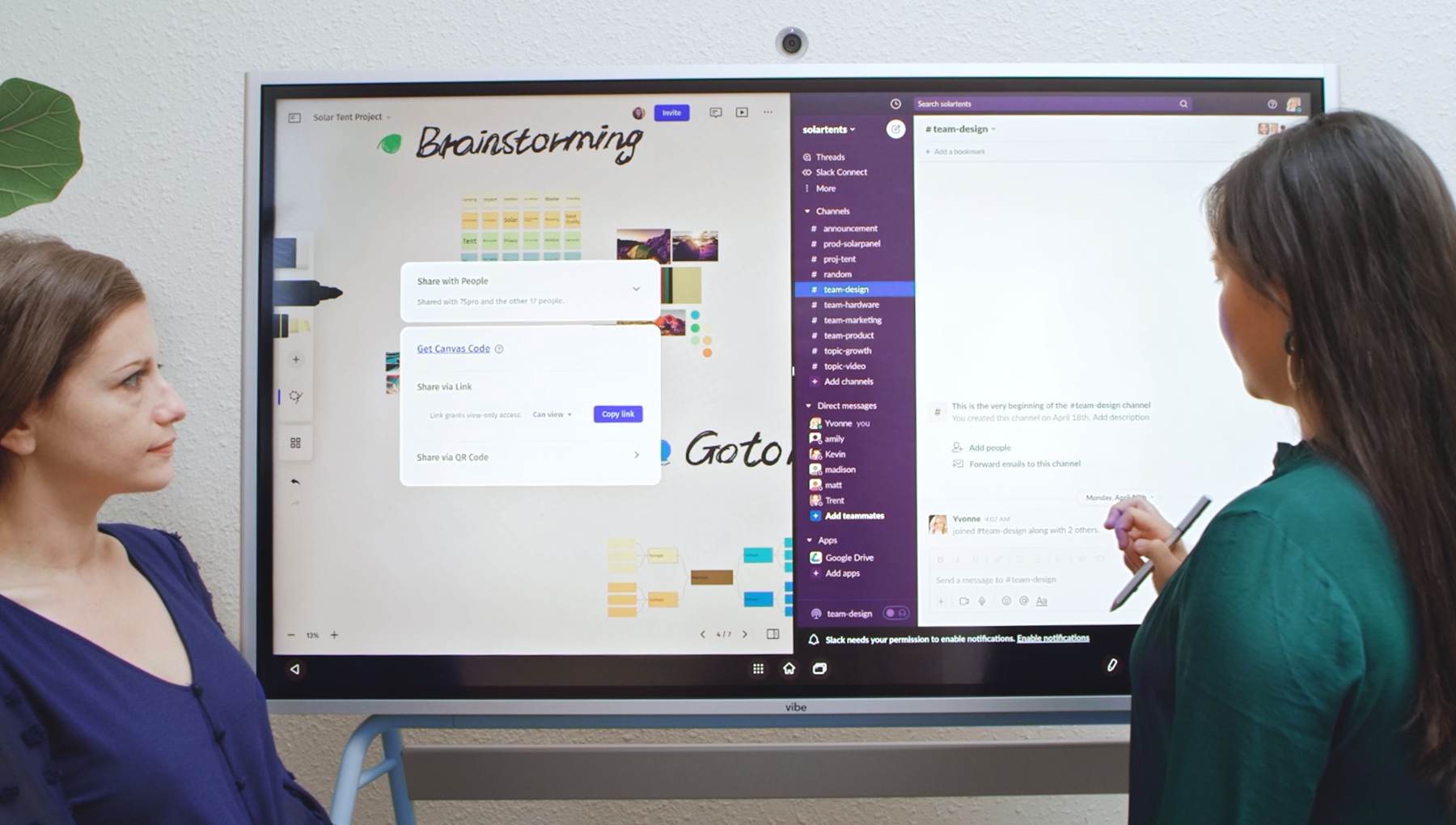
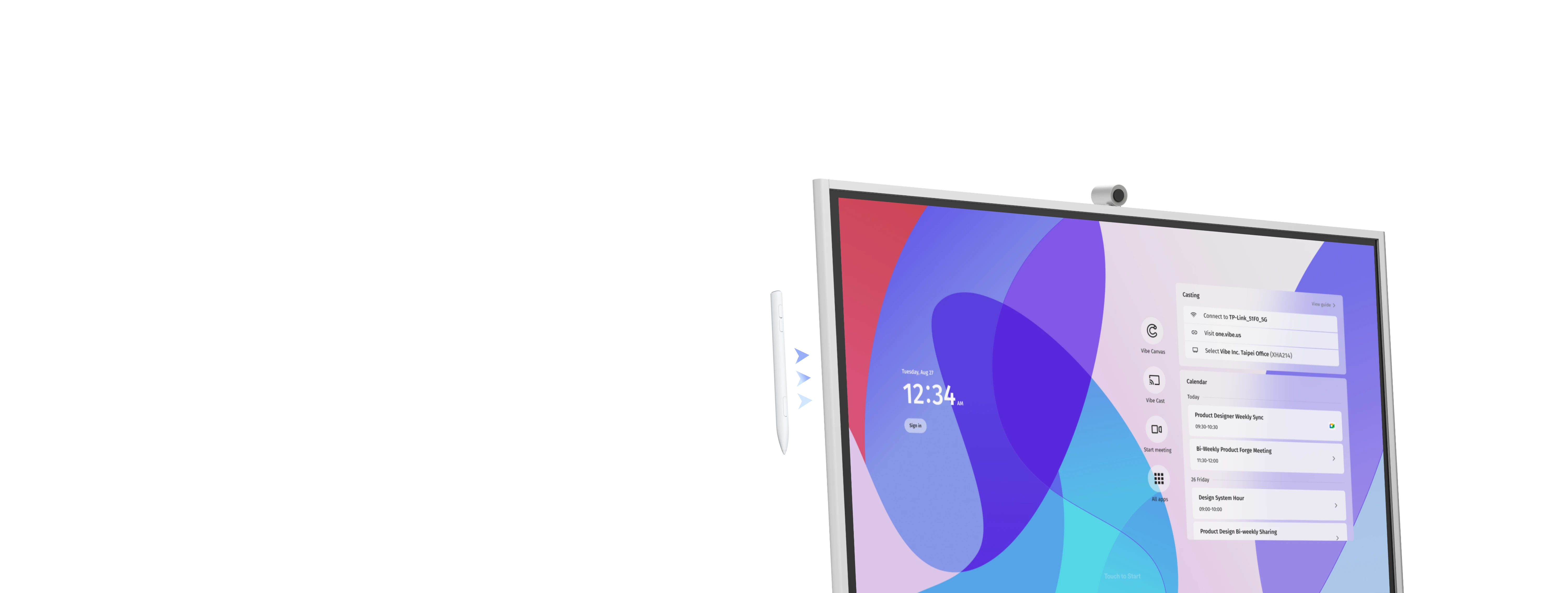
Docs, meetings, plans — signed in, right on the board
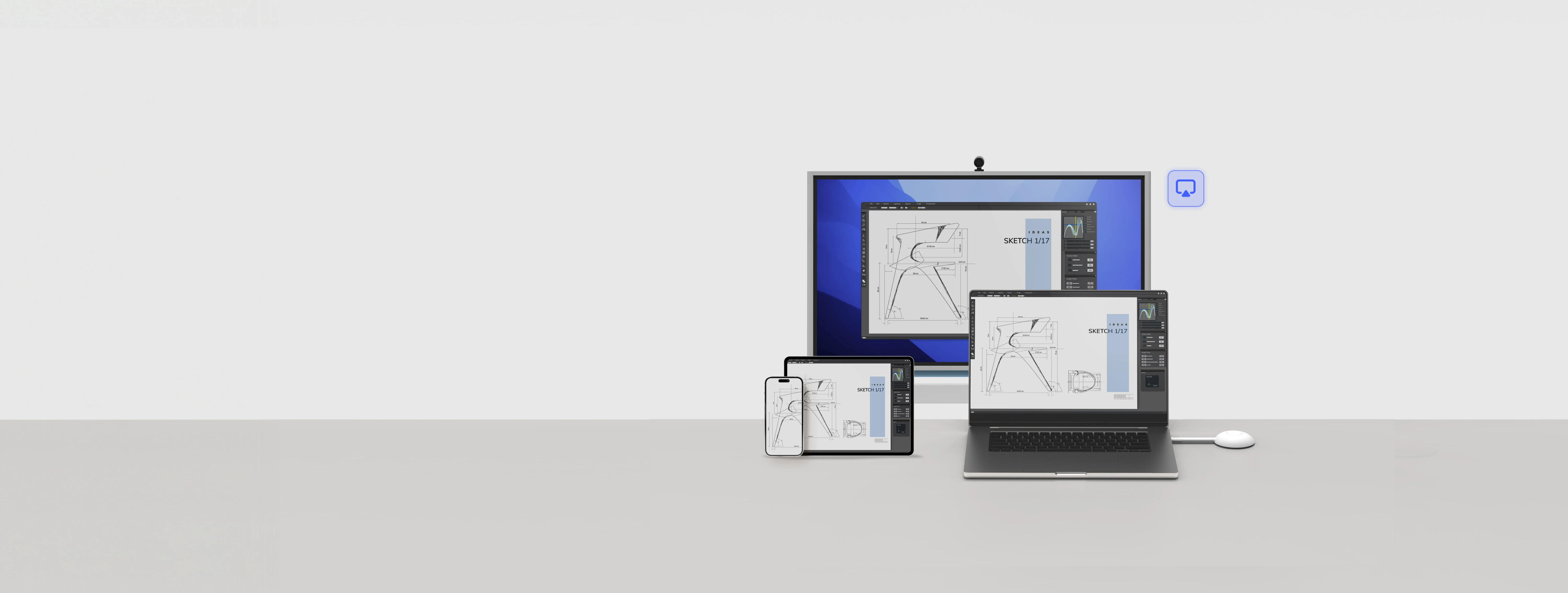
Google Workspace, Teams, Zoom — fully usable, not mirrored
Nothing to learn, nothing to switch between
The video player cannot render on the server side
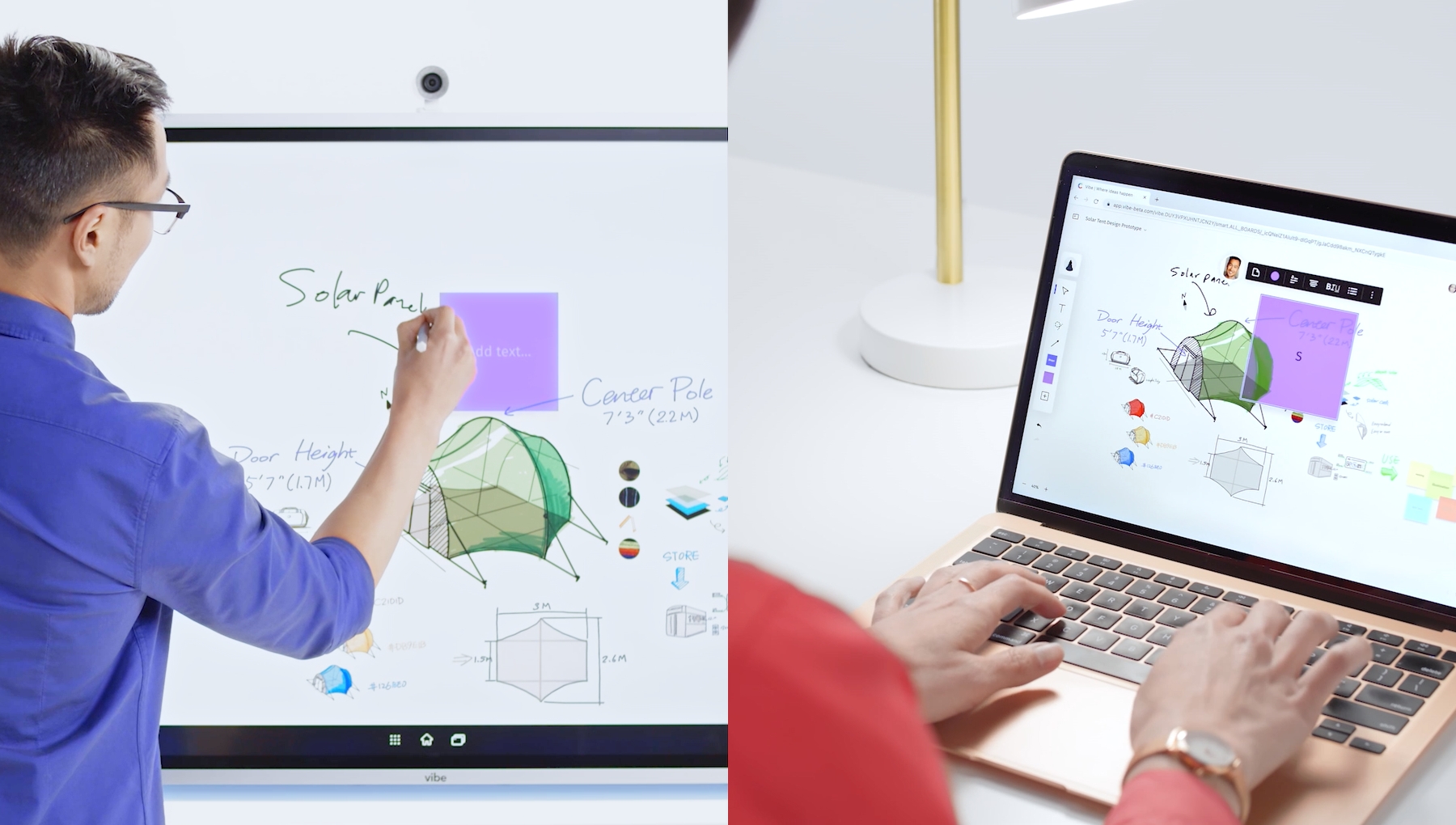
No screen-share delay, no "can you see this?"
No catching latecomers up, no rebuilding for missed meetings
Everyone working, not watching
The video player cannot render on the server side
Last week's roadmap, the live deal, the half-built plan — where you left them
The version you show is the version you're working from
In the room or remote, everyone returns to the same work
The video player cannot render on the server side
Docs, meetings, plans — signed in, right on the board
Google Workspace, Teams, Zoom — fully usable, not mirrored
Nothing to learn, nothing to switch between
The video player cannot render on the server side
No screen-share delay, no "can you see this?"
No catching latecomers up, no rebuilding for missed meetings
Everyone working, not watching

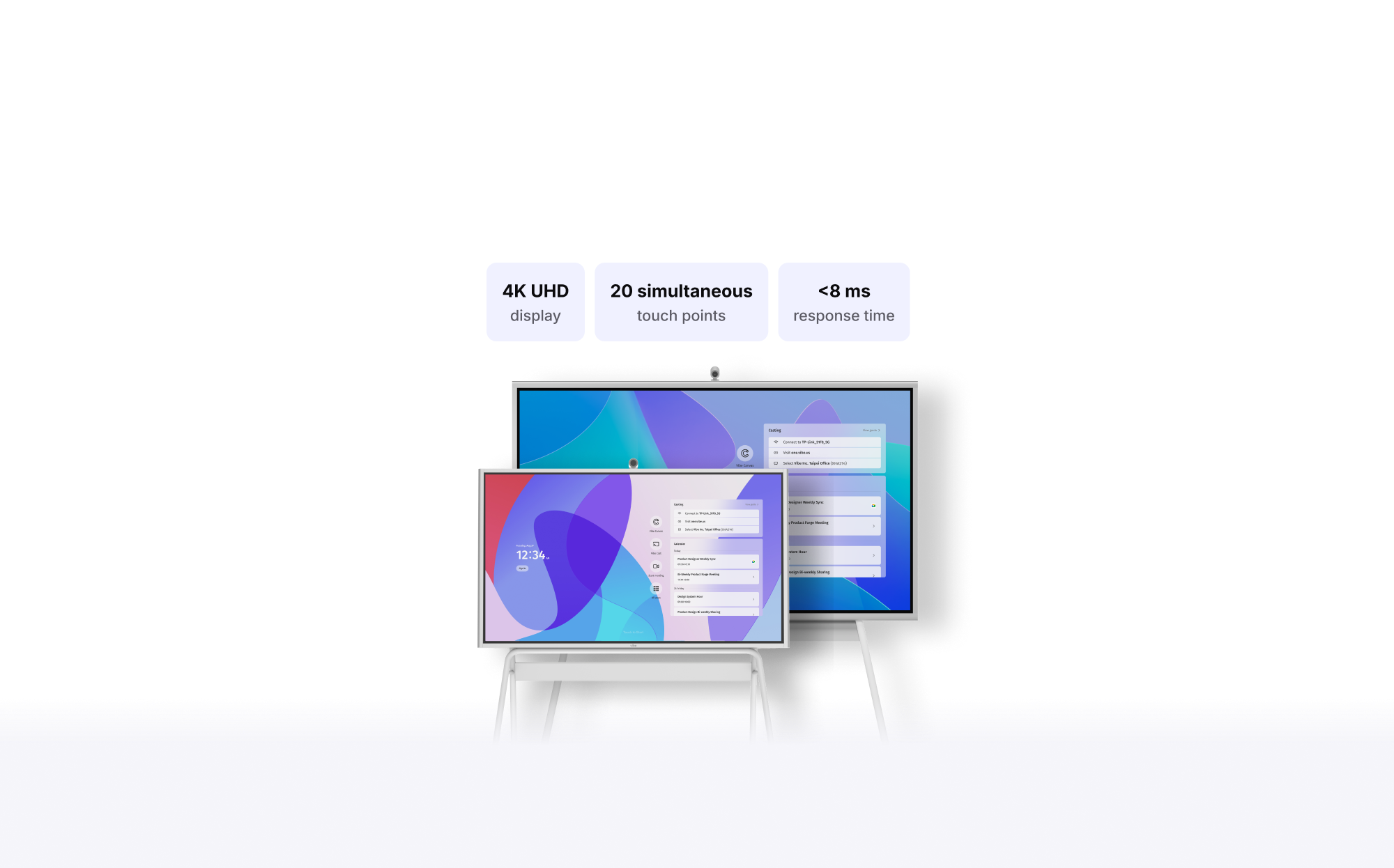
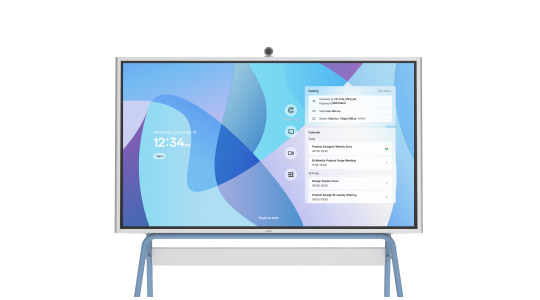
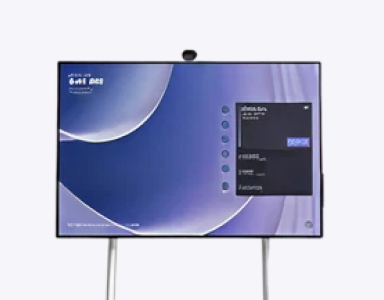
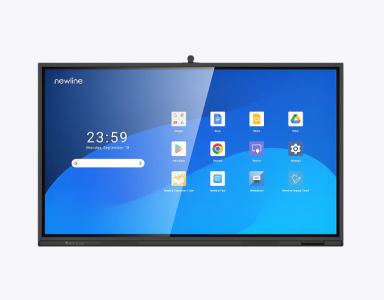
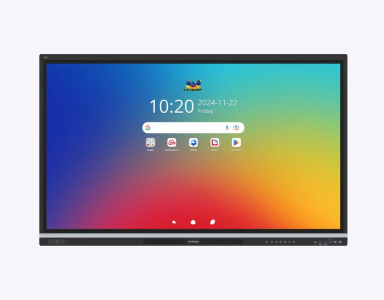
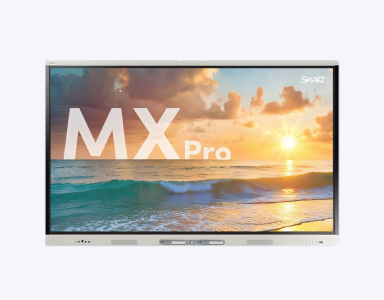
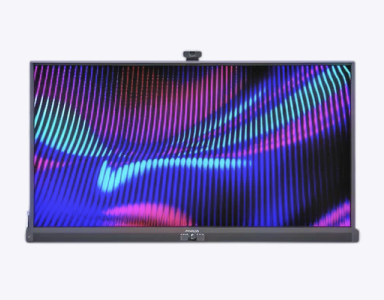
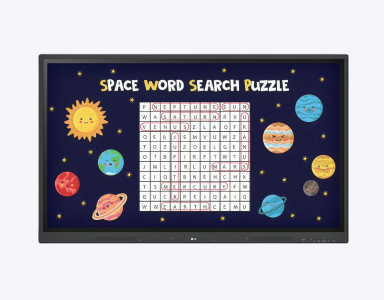
 VibeOS based on ChromeOSWindows 11 OS
 Android 14 OSAndroid 14 OSAndroid 13 OSNo Free OSAndroid 11 OS250+ vetted appsMicrosoft storeMobile apps onlyMobile apps onlyMobile apps onlyNeed IT supportLG app store, APK installation
 Notion
 Adobe Acrobat
 Word
Word Teams
Teams Google Meet
 Zoom
Zoom PowerPoint
 Miro
Miro MondayNotionAdobe AcrobatWordTeamsGoogle MeetZoomPowerPointMiroMondayNotionAdobe AcrobatWordTeamsGoogle MeetZoomPowerPointMiroMonday
 OneNote
 Excel
Excel Dropbox
 Google Doc
 Outlook
 Google Drive
 Asana
Asana Figma
Figma CanvaOneNoteExcelDropboxGoogle DocOutlookGoogle DriveAsanaFigmaCanvaOneNoteExcelDropboxGoogle DocOutlookGoogle DriveAsanaFigmaCanvaGoogle MeetTeamsZoomGoogle DrivePowerPointOutlookOneNoteExcelWordAdobe AcrobatGoogle DocMiroNotionCanvaMondayAsana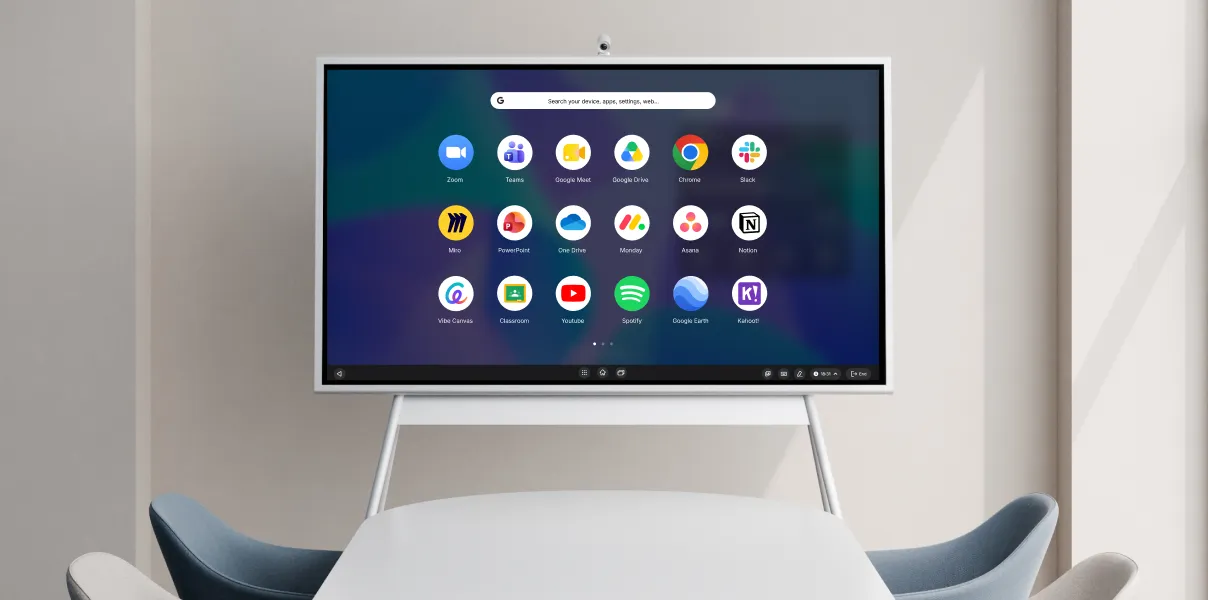
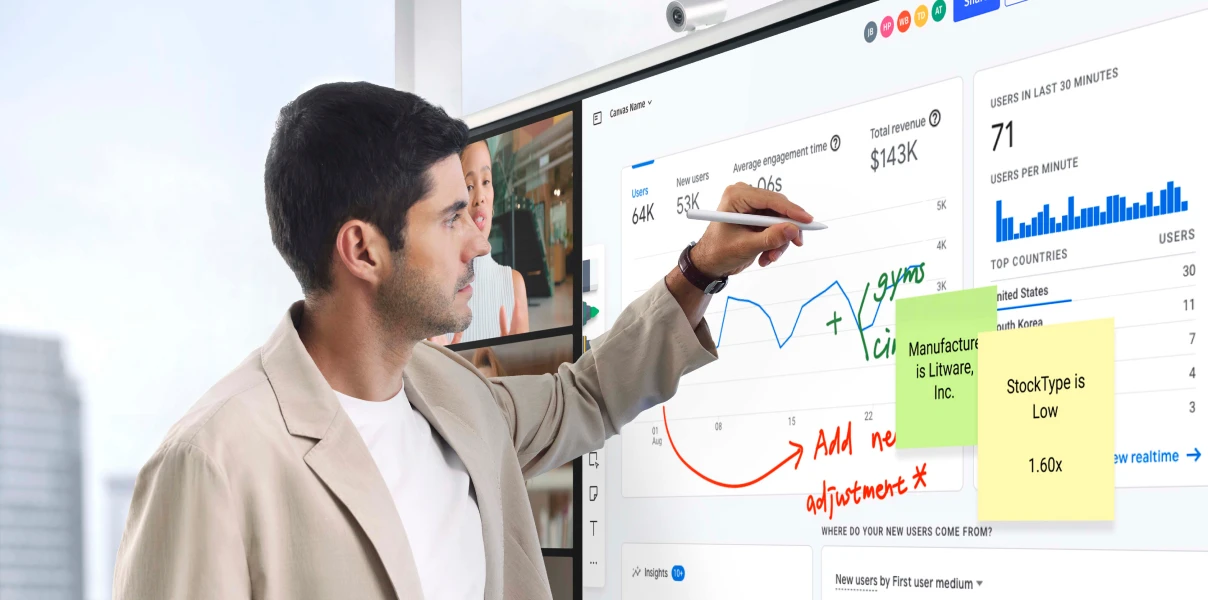
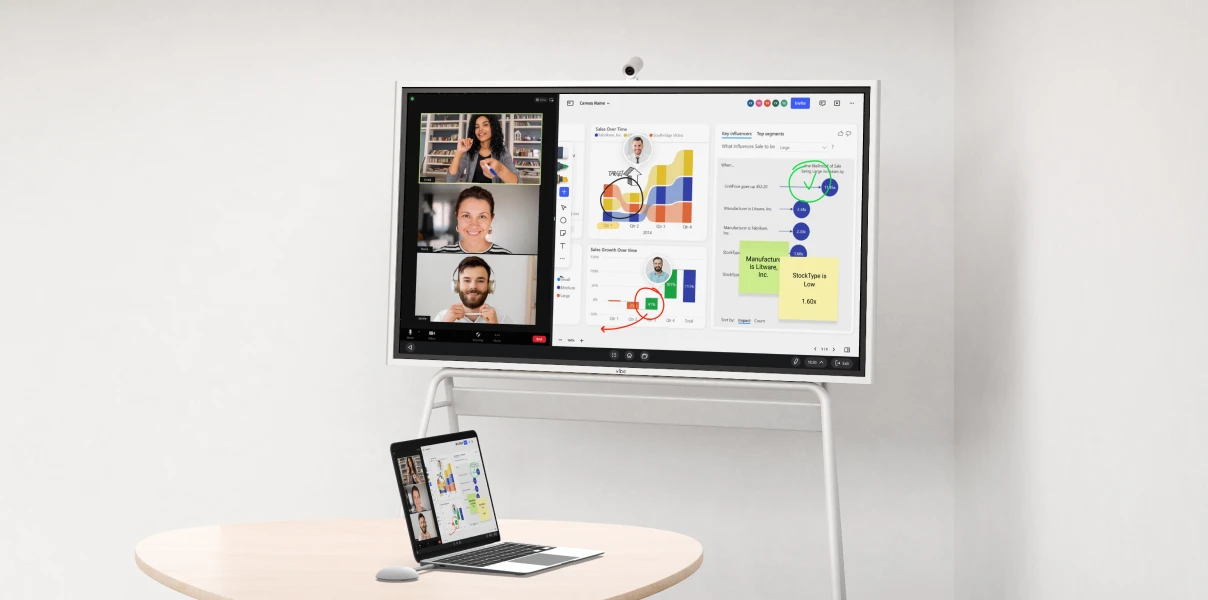
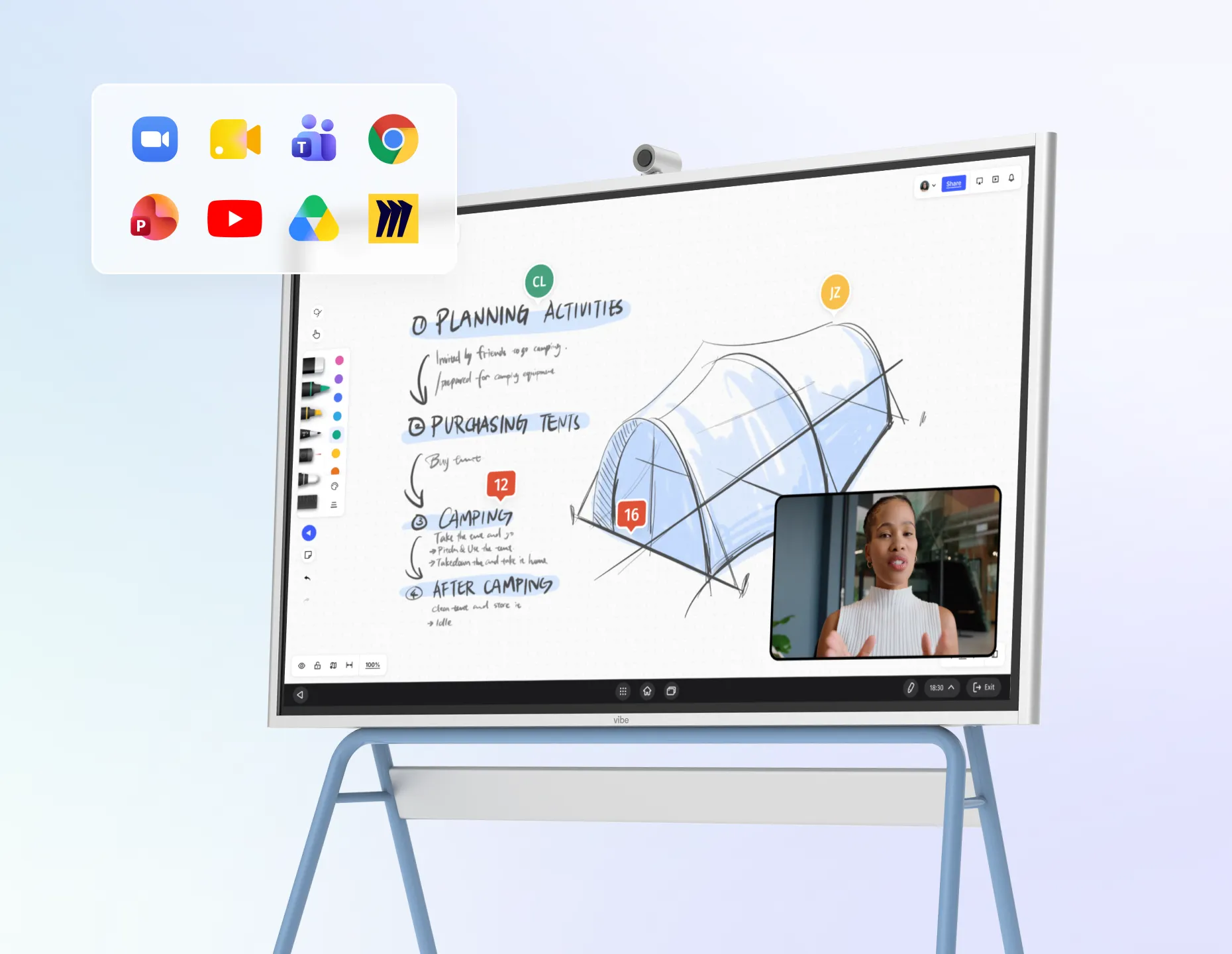
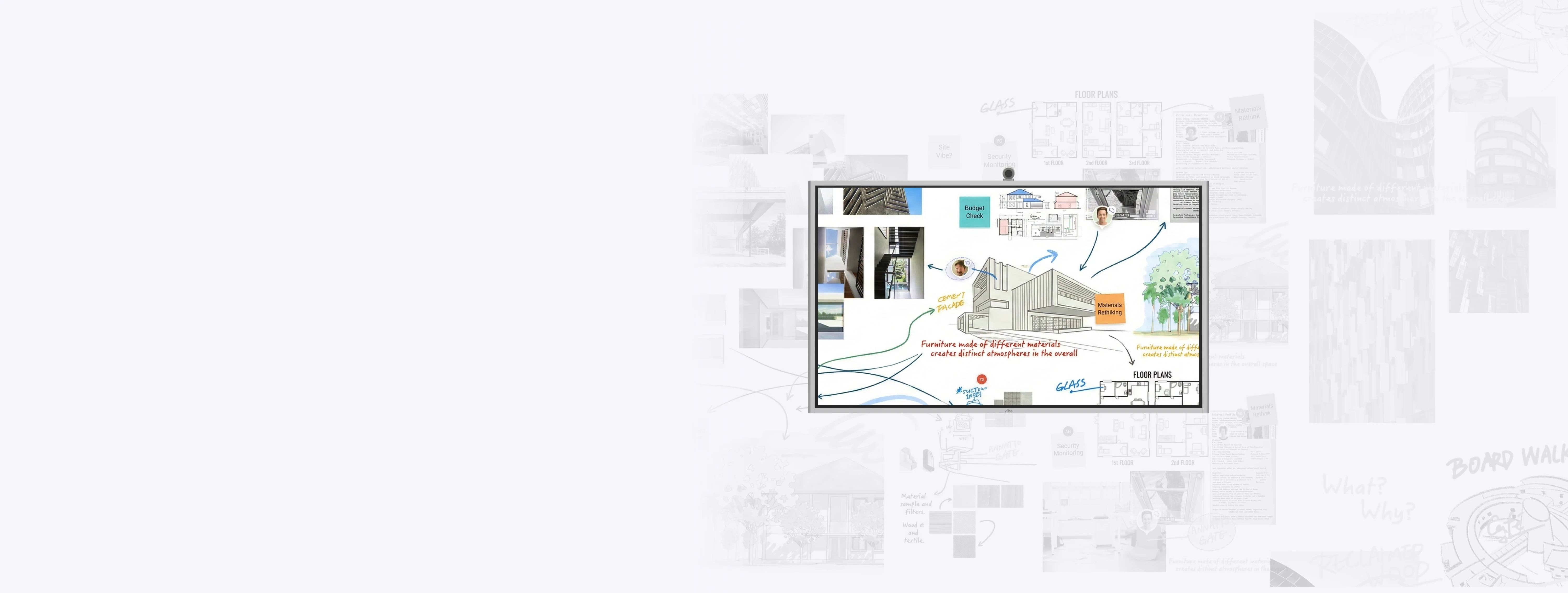
Browser whiteboard apps are useful when everyone is working from their own laptop, but they often fall short in meeting rooms. Vibe Board S1 gives teams a dedicated 4K touchscreen digital whiteboard where people can stand up, write, present, annotate, and collaborate together without crowding around one laptop or losing the room to individual screens. It brings the digital whiteboard into the physical meeting space while still supporting remote teammates and cloud workflows.
A digital whiteboard is a shared online workspace where teams can brainstorm, organize ideas, sketch, annotate, and save work digitally. Vibe Board S1 combines digital whiteboarding with a large touchscreen display, so teams can collaborate on the board in the room, from laptops, or remotely.
A traditional whiteboard is erased after the meeting or captured with a photo. A digital whiteboard lets teams save, share, revisit, and continue working on the same canvas. With Vibe Board S1, teams can write on a large touchscreen, bring in files or apps, and keep meeting work connected after everyone leaves the room.
Yes. Remote teammates can participate through Vibe Canvas and supported collaboration tools, depending on the workflow. People in the room can work directly on the board while remote teammates follow along, contribute, and stay aligned on the same digital workspace.
Yes. Vibe Board S1 supports common collaboration and productivity tools including Miro, Figma, Google Workspace, Microsoft 365, Google Drive, Zoom, Microsoft Teams, Google Meet, Asana, Slack, and more. Teams can use the digital whiteboard alongside the apps and files they already use.
Yes. Teams can save whiteboard work, share it after meetings, and return to the same canvas later. This helps prevent the common problem of ideas getting lost in screenshots, photos, or disconnected meeting notes.
Yes. Vibe Board S1 is built for brainstorming, workshops, planning sessions, design reviews, training, and team meetings. The large touchscreen gives groups a shared visual space to organize ideas, move quickly, and keep everyone focused on the same work.
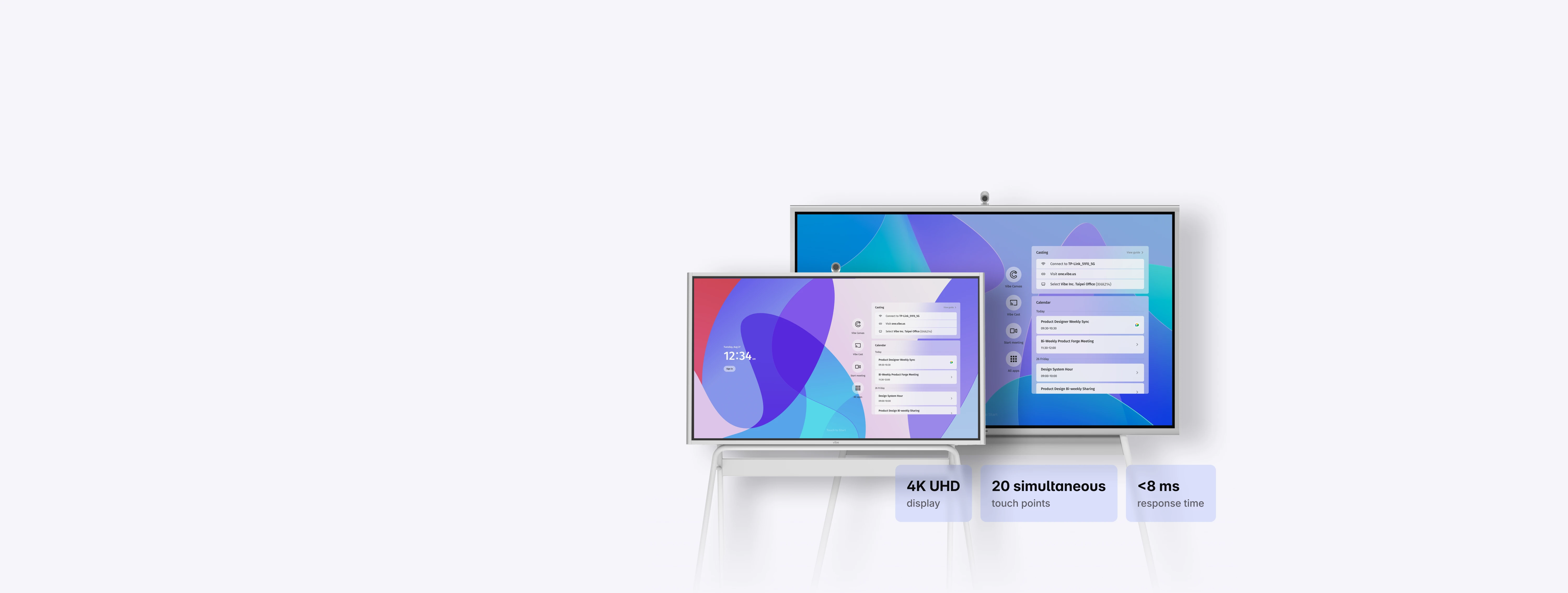
Vibe Board S1 is available in 55" and 75" models. The 55" digital whiteboard works well for huddle rooms, offices, classrooms, and smaller team spaces. The 75" model is better for conference rooms, training rooms, workshops, and larger collaboration sessions.







-bhTwJeotmPFfYb9BboALprx5Mg3uFB.webp)