Vibe Board: the smart board built for business meetings
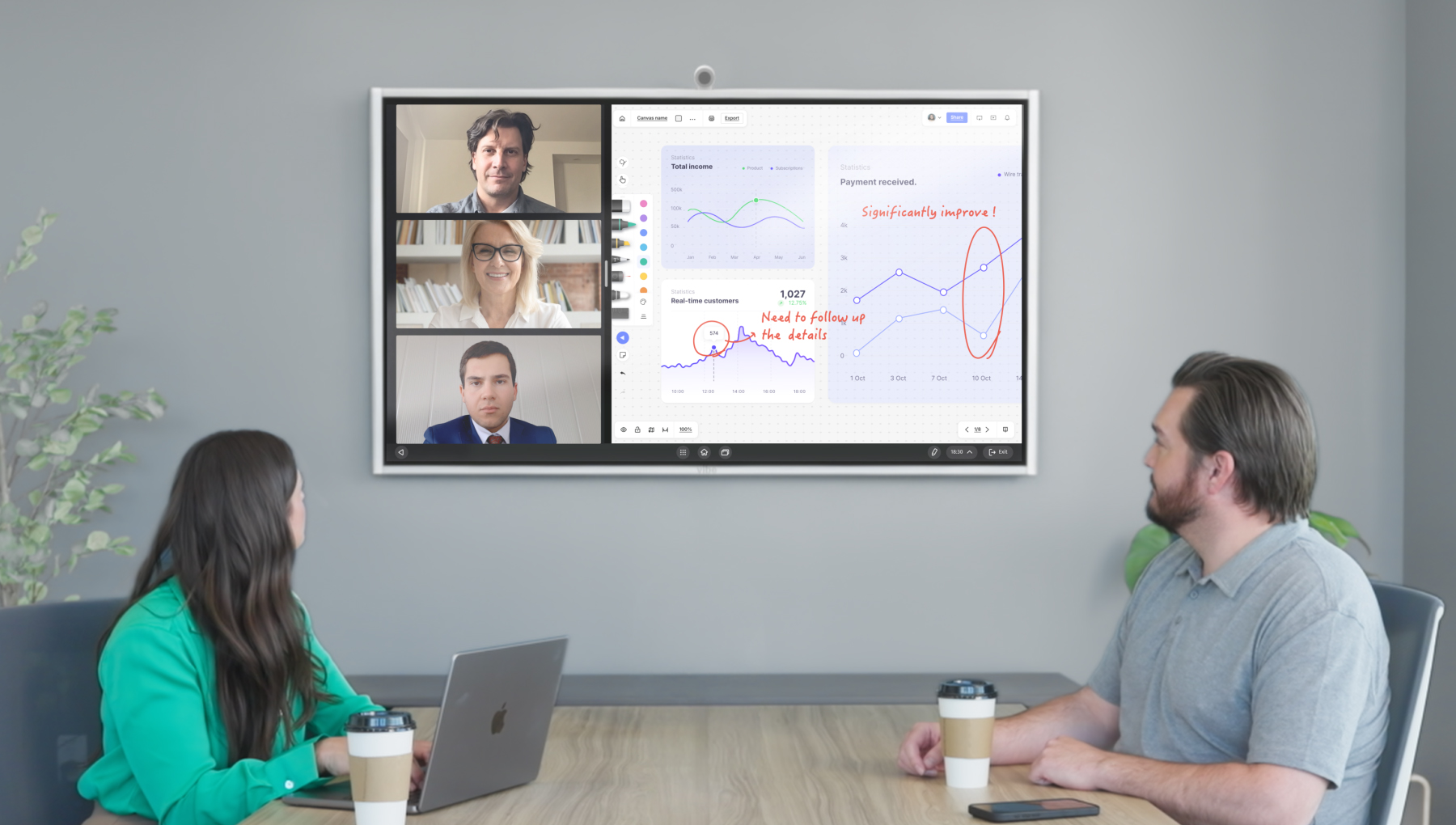
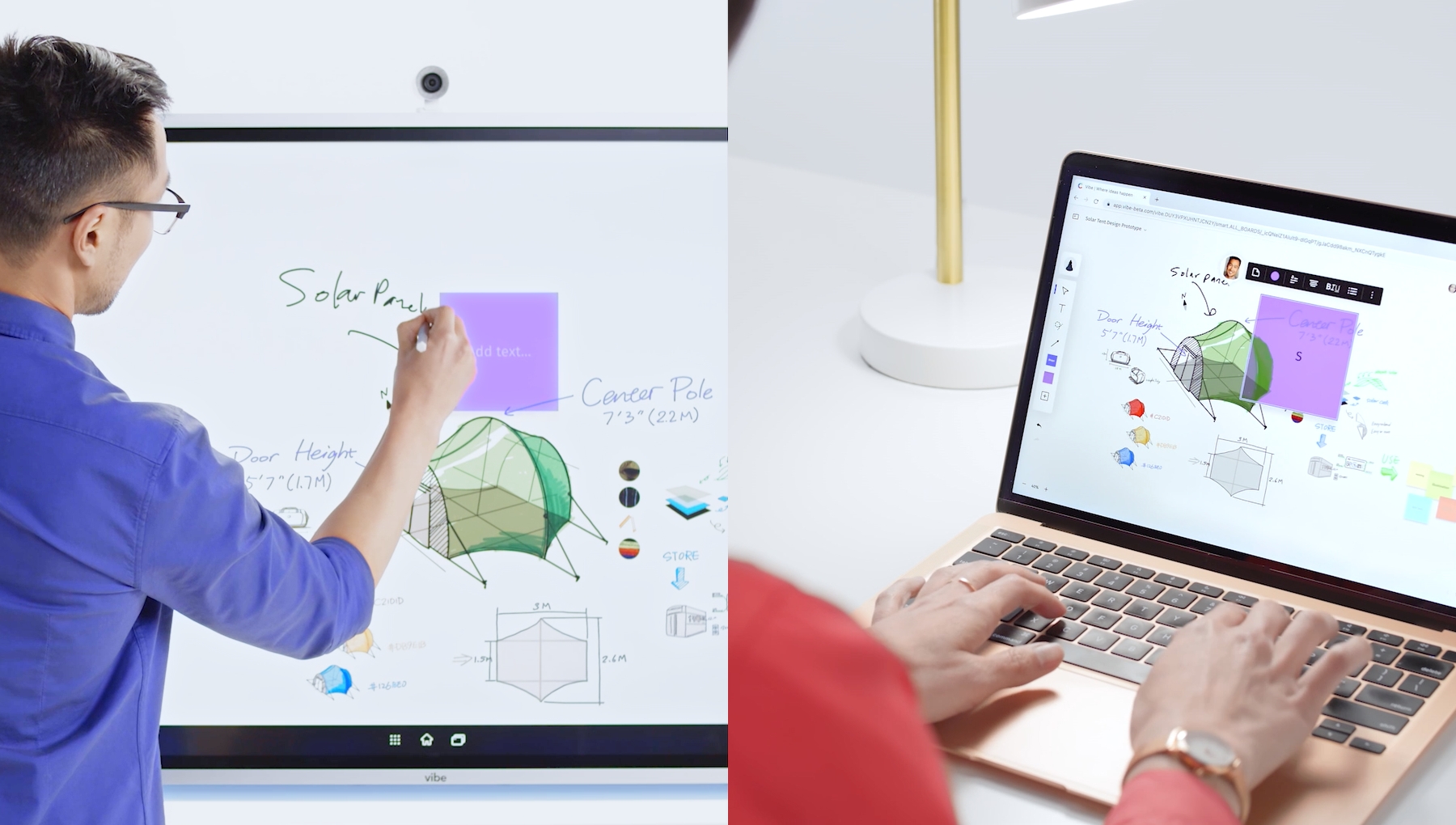
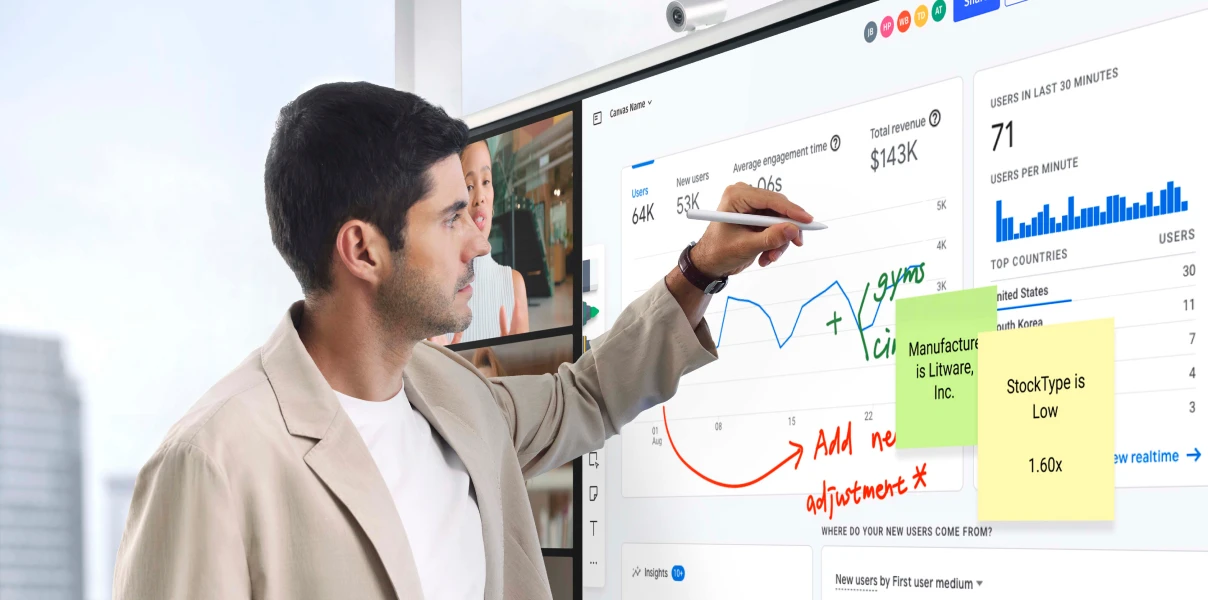
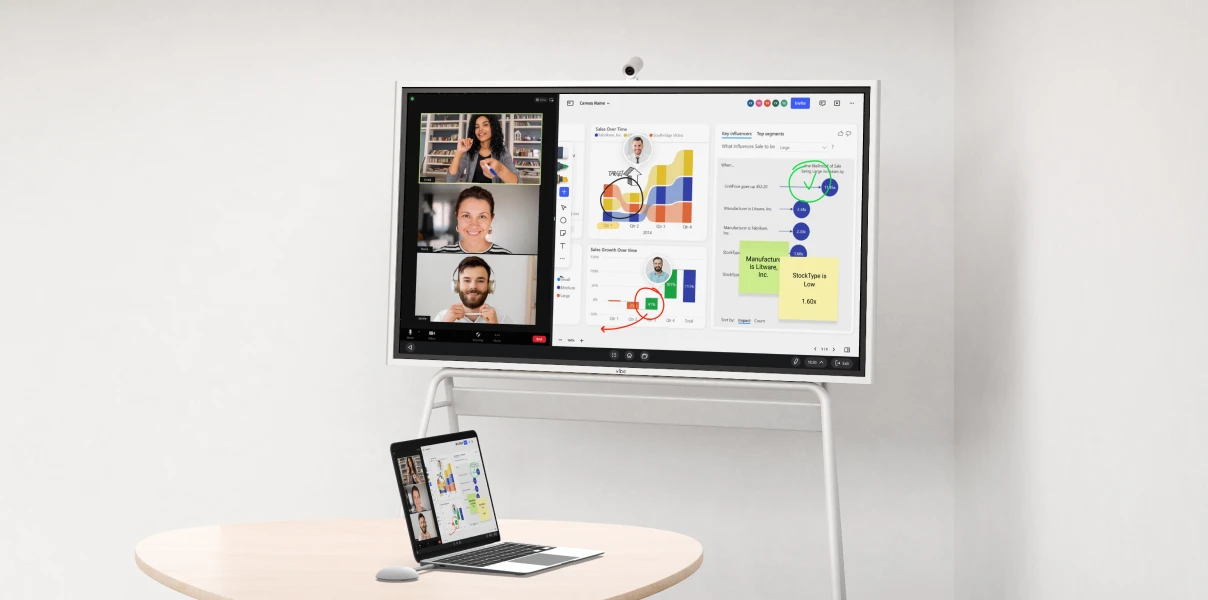
Present, whiteboard, video call, and collaborate from one shared display — in-room, remote, or both.


-vc7oM6cBWvROkg2Kop3CyDA8b3udro.webp)
-AMut5jQ3bQqAK7DDJu4tk68EcPCqpT.webp)
-Gmx1BOrt1nDrJfGUXBhm8yBIF6XLYn.webp)
-rdURjCpxWTBTv6K8JL1Rr3XKYFDMUf.webp)
-fL1itr3e0Hztps2Q0z4MkjfJrJwAjG.webp)
-5cFu106gSuBifDvkIyi4USFO3ggQi1.webp)
-OtTpIfwTJzdT4X7wwtySwV8sRAOr7T.webp)
-WQon7f655cZVB4LEKvWpfc0PulIvE4.webp)
-Hx32mjtx8oQiS62lcMAfnMP2esHwjZ.webp)
-RK2VQtFwgoy6XcD0i7ltSgvTZ7MReL.webp)


The video player cannot render on the server side

Last week's roadmap, the live deal, the half-built plan — where you left them
The version you show is the version you're working from
In the room or remote, everyone returns to the same work
The video player cannot render on the server side
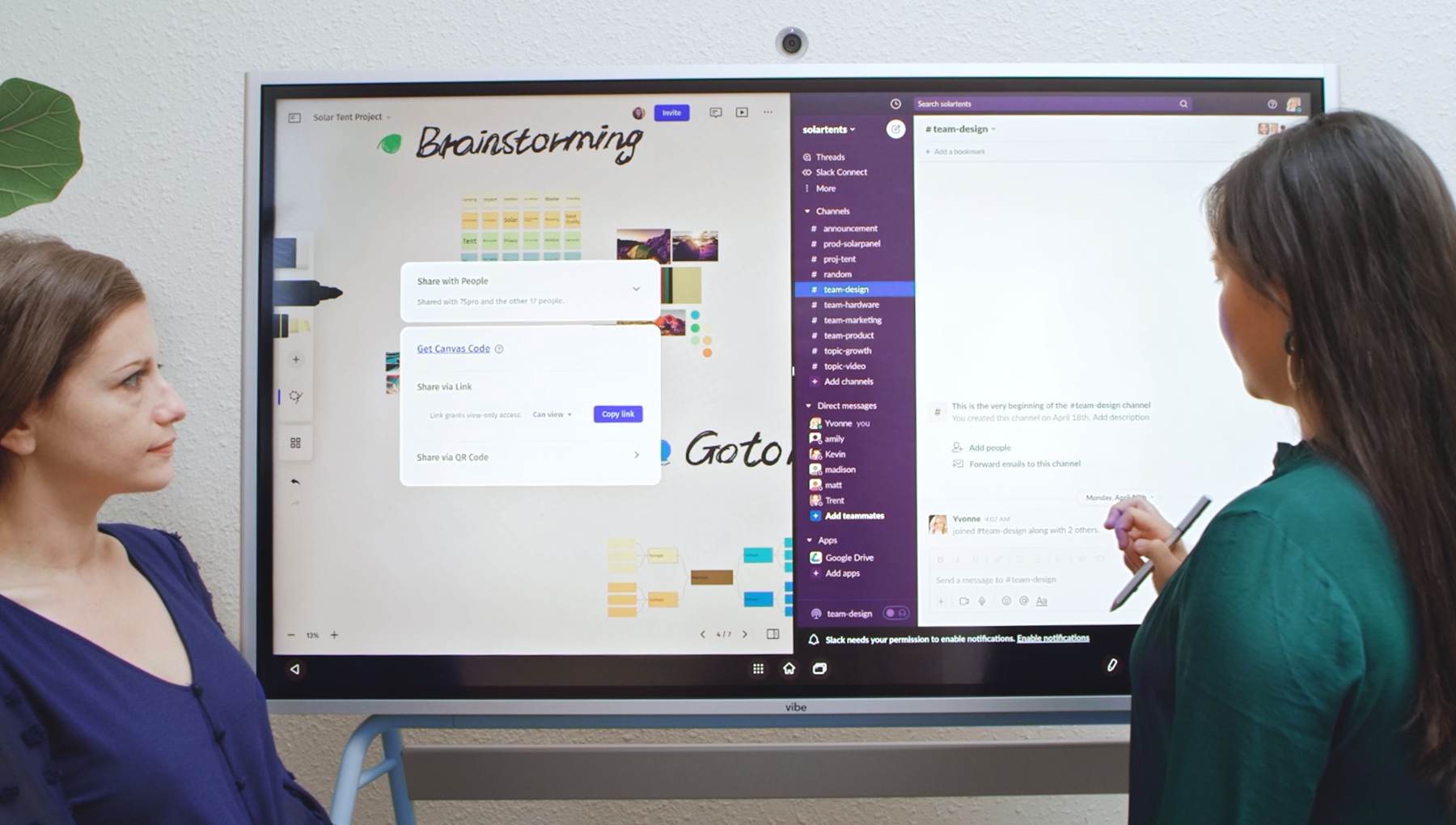
Docs, meetings, plans — signed in, right on the board
Google Workspace, Teams, Zoom — fully usable, not mirrored
Nothing to learn, nothing to switch between
The video player cannot render on the server side
No screen-share delay, no "can you see this?"
No catching latecomers up, no rebuilding for missed meetings
Everyone working, not watching
The video player cannot render on the server side
Last week's roadmap, the live deal, the half-built plan — where you left them
The version you show is the version you're working from
In the room or remote, everyone returns to the same work
The video player cannot render on the server side
Docs, meetings, plans — signed in, right on the board
Google Workspace, Teams, Zoom — fully usable, not mirrored
Nothing to learn, nothing to switch between
The video player cannot render on the server side
No screen-share delay, no "can you see this?"
No catching latecomers up, no rebuilding for missed meetings
Everyone working, not watching
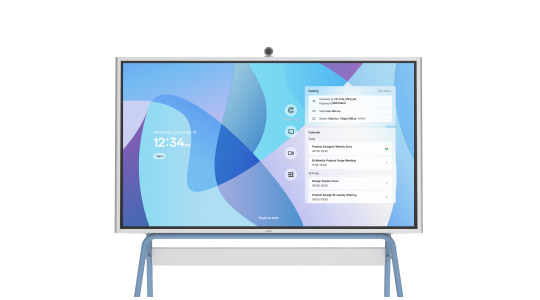
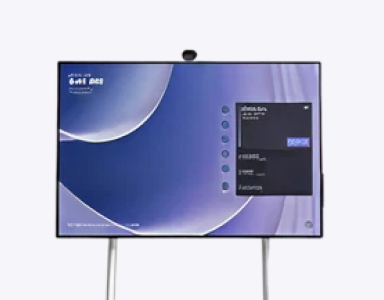
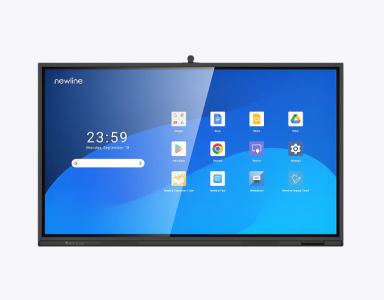
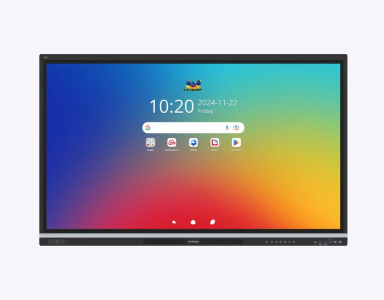
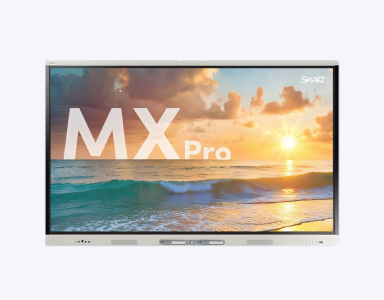
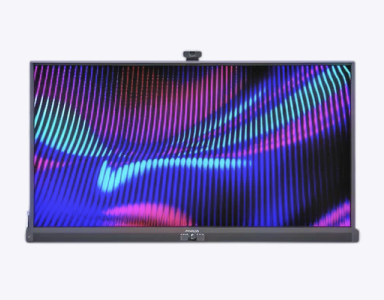
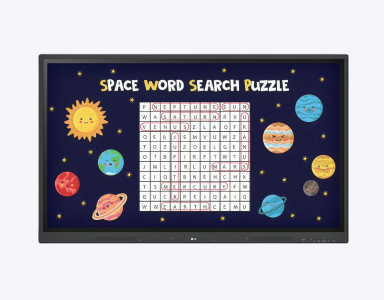
 VibeOS based on ChromeOSWindows 11 OS
 Android 14 OSAndroid 14 OSAndroid 13 OSNo Free OSAndroid 11 OS250+ vetted appsMicrosoft storeMobile apps onlyMobile apps onlyMobile apps onlyNeed IT supportLG app store, APK installation
 Notion
 Adobe Acrobat
 Word
Word Teams
Teams Google Meet
 Zoom
Zoom PowerPoint
 Miro
Miro MondayNotionAdobe AcrobatWordTeamsGoogle MeetZoomPowerPointMiroMondayNotionAdobe AcrobatWordTeamsGoogle MeetZoomPowerPointMiroMonday
 OneNote
 Excel
Excel Dropbox
 Google Doc
 Outlook
 Google Drive
 Asana
Asana Figma
Figma CanvaOneNoteExcelDropboxGoogle DocOutlookGoogle DriveAsanaFigmaCanvaOneNoteExcelDropboxGoogle DocOutlookGoogle DriveAsanaFigmaCanvaGoogle MeetTeamsZoomGoogle DrivePowerPointOutlookOneNoteExcelWordAdobe AcrobatGoogle DocMiroNotionCanvaMondayAsana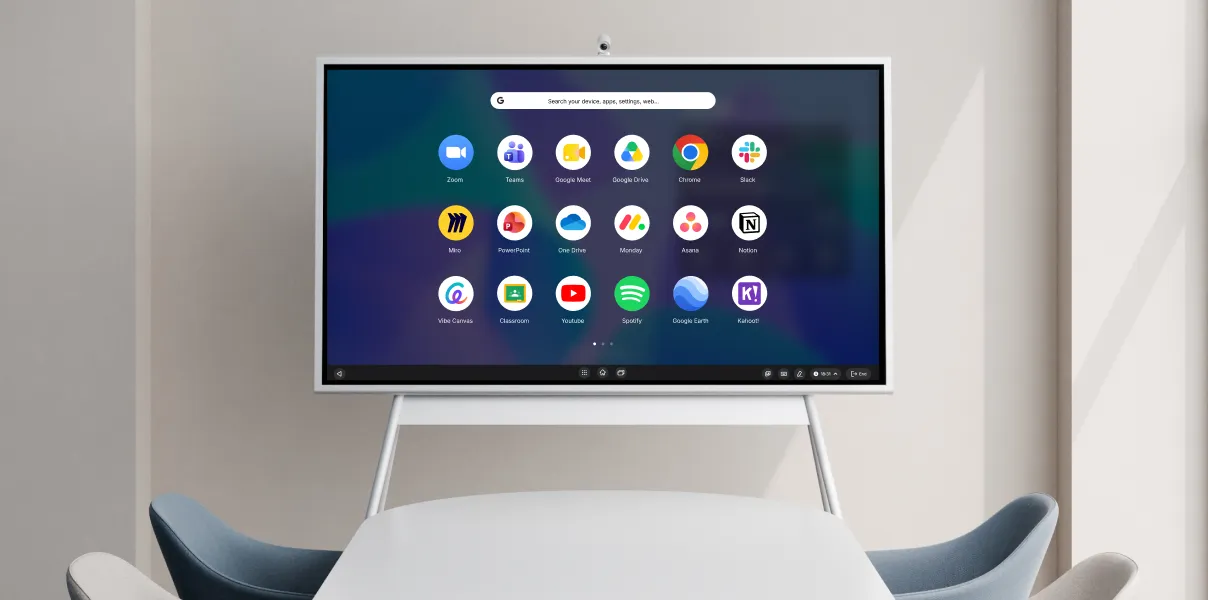
Trusted by 40,000+ teams
Trusted by 40,000+ teams
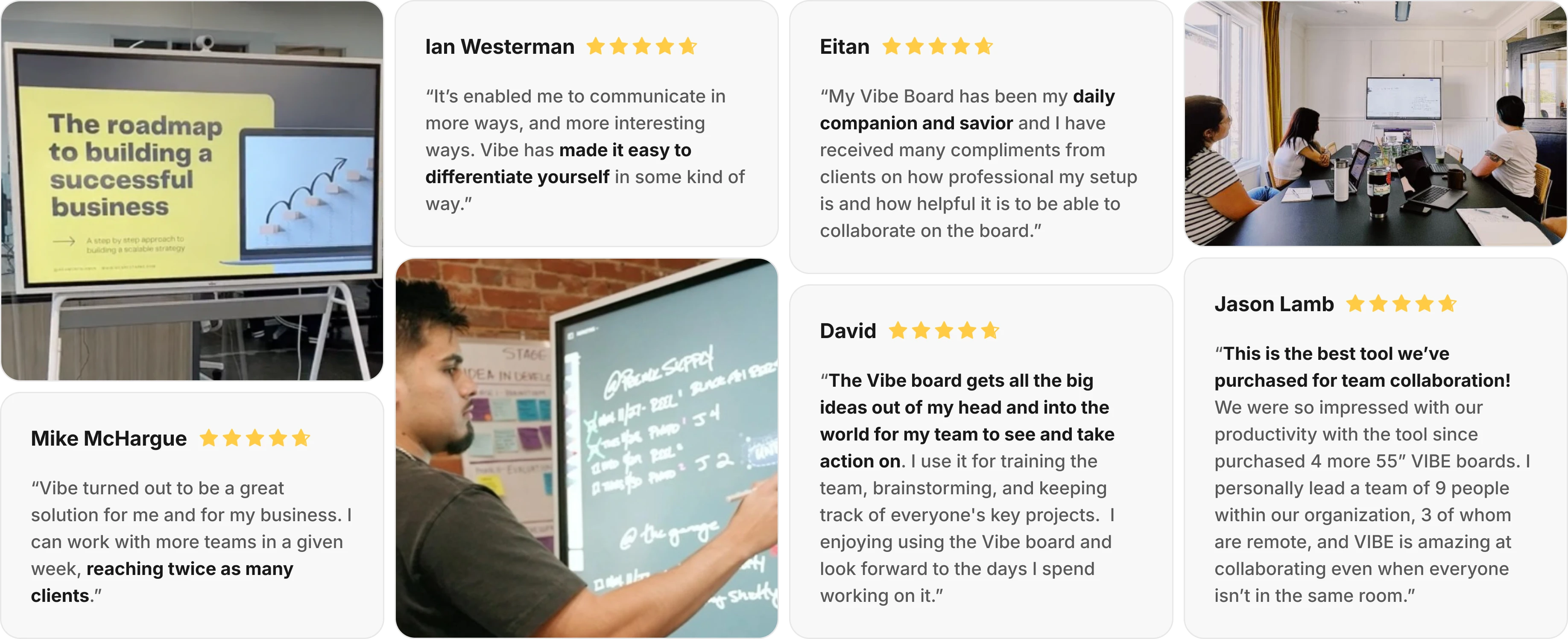
“It’s enabled me to communicate in more ways, and more interesting ways. Vibe has made it easy to differentiate yourself in some kind of way.”
“Vibe turned out to be a great solution for me and for my business. I can work with more teams in a given week, reaching twice as many clients.”
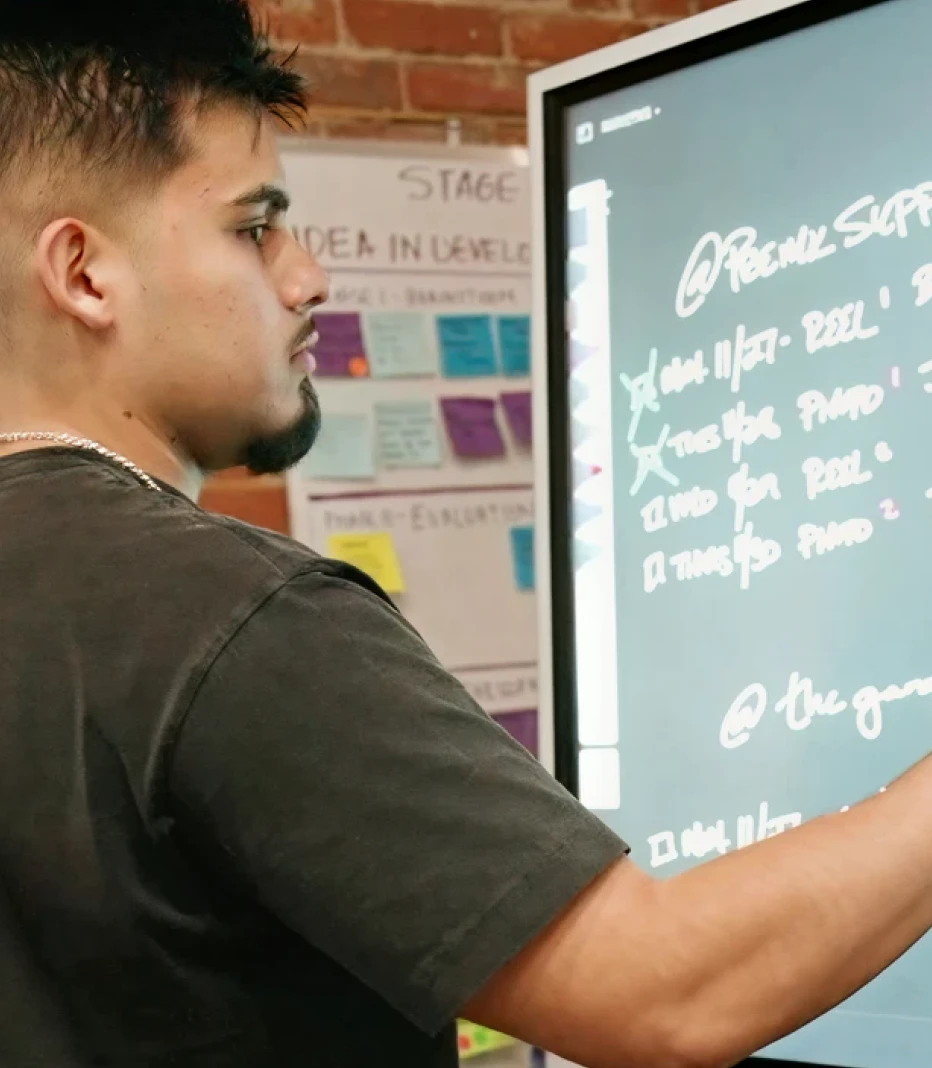
“The Vibe board gets all the big ideas out of my head and into the world for my team to see and take action on. I use it for training the team, brainstorming, and keeping track of everyone's key projects. I enjoying using the Vibe board and look forward to the days I spend working on it.”
“My Vibe Board has been my daily companion and savior and I have received many compliments from clients on how professional my setup is and how helpful it is to be able to collaborate on the board.”
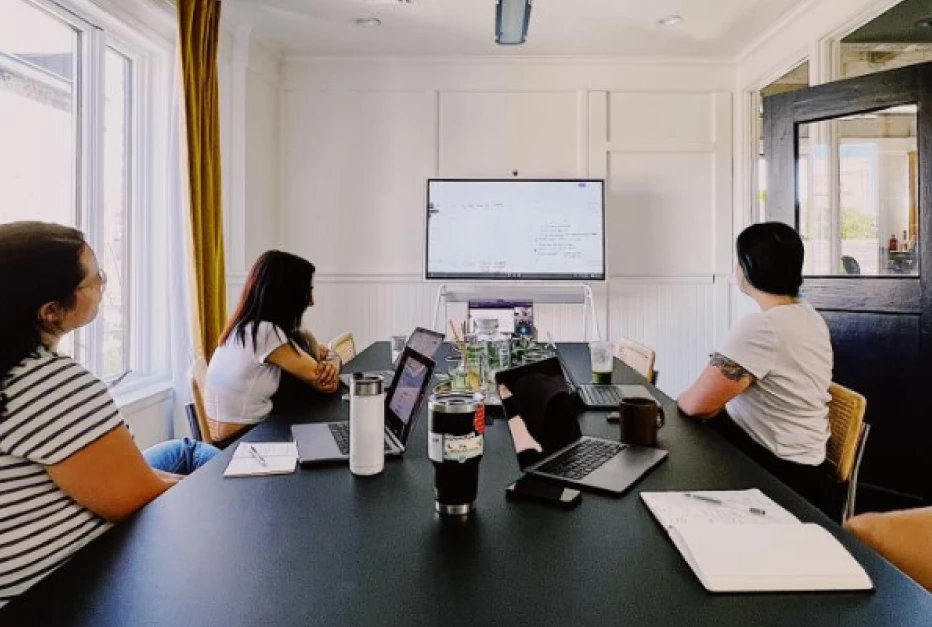
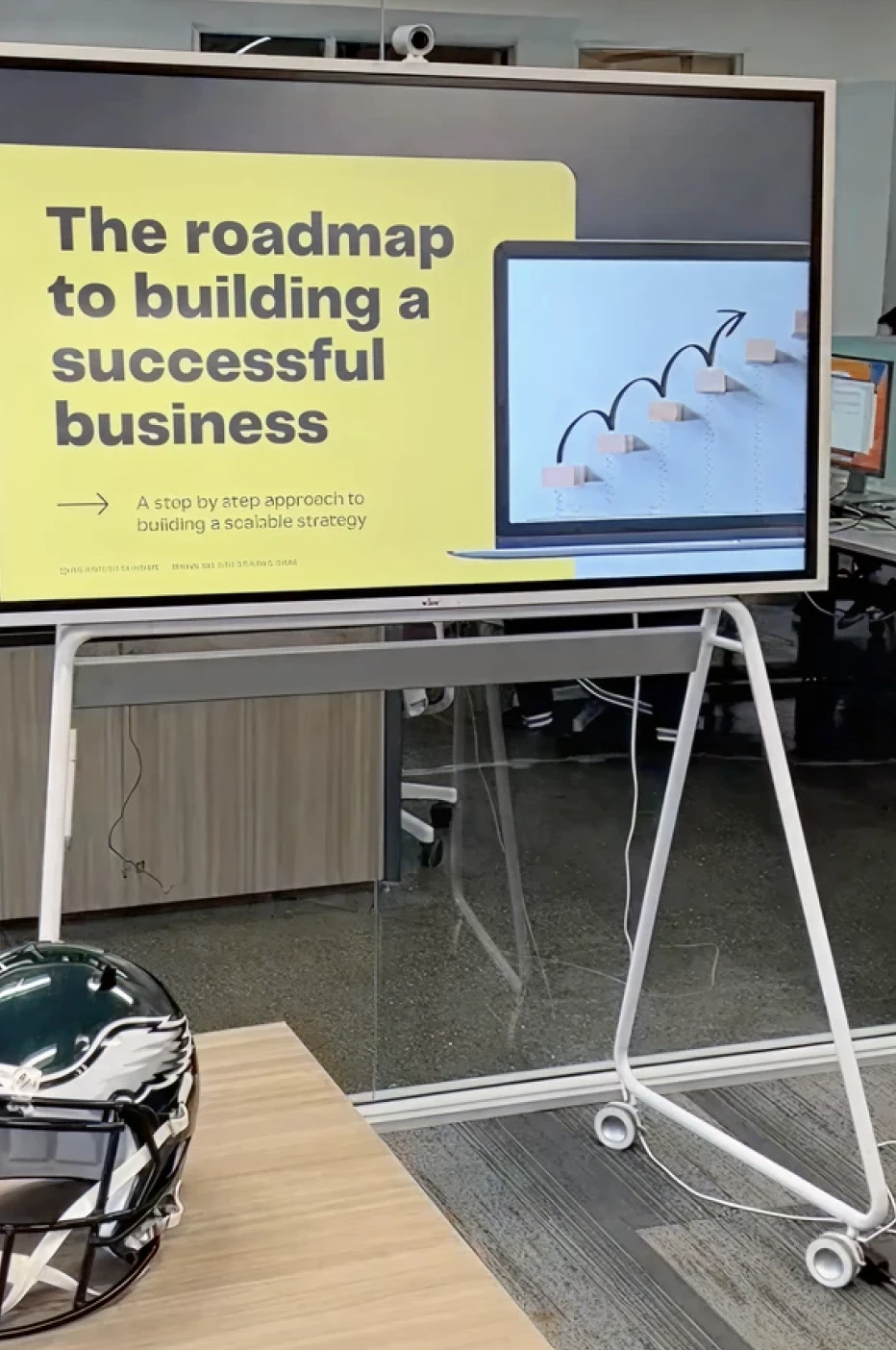
“This is the best tool we’ve purchased for team collaboration! We were so impressed with our productivity with the tool that we have since purchased 4 more 55” VIBE boards. I personally lead a team of 9 people within our organization, 3 of whom are remote, and VIBE is amazing at collaborating even when everyone isn’t in the same room.”
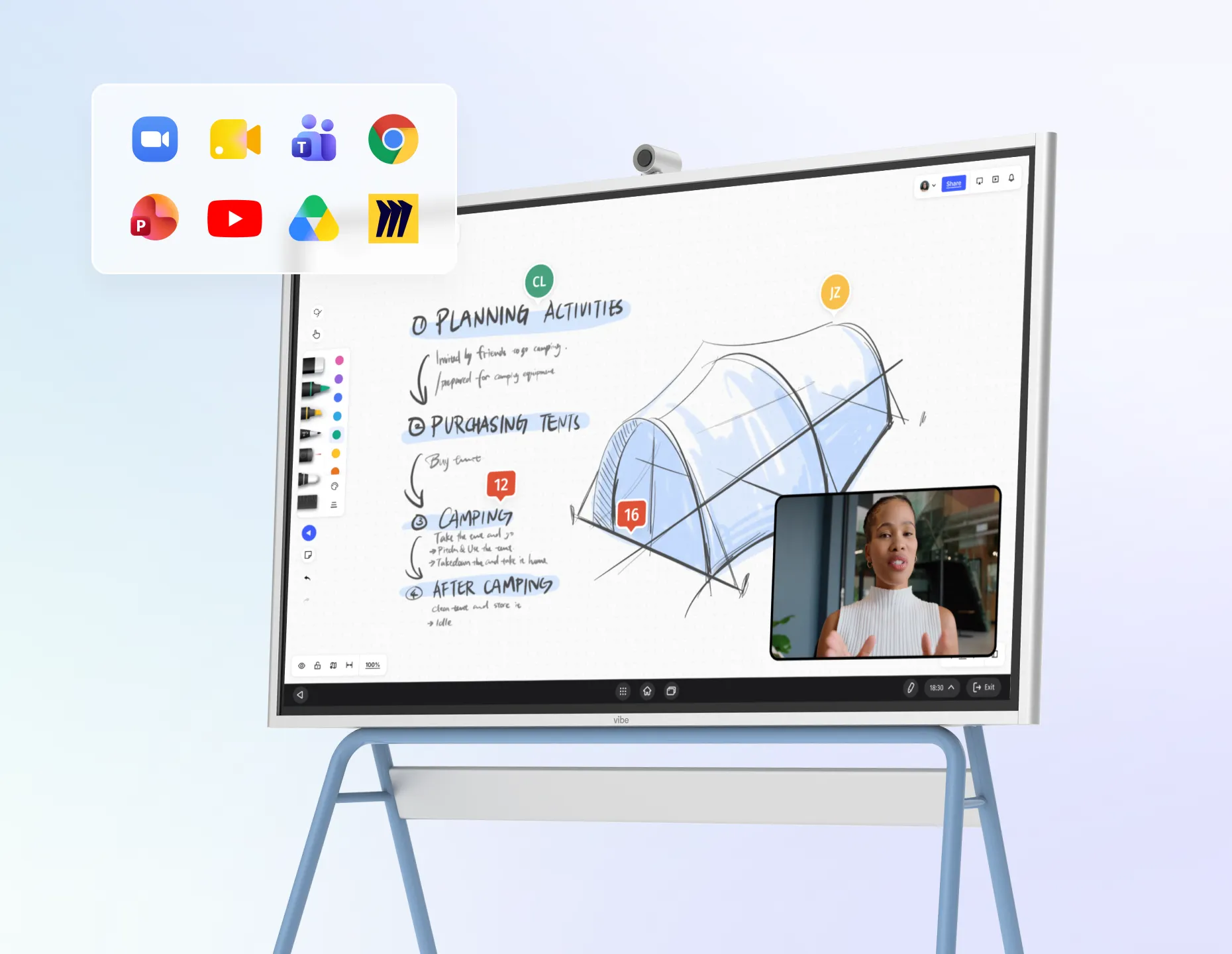
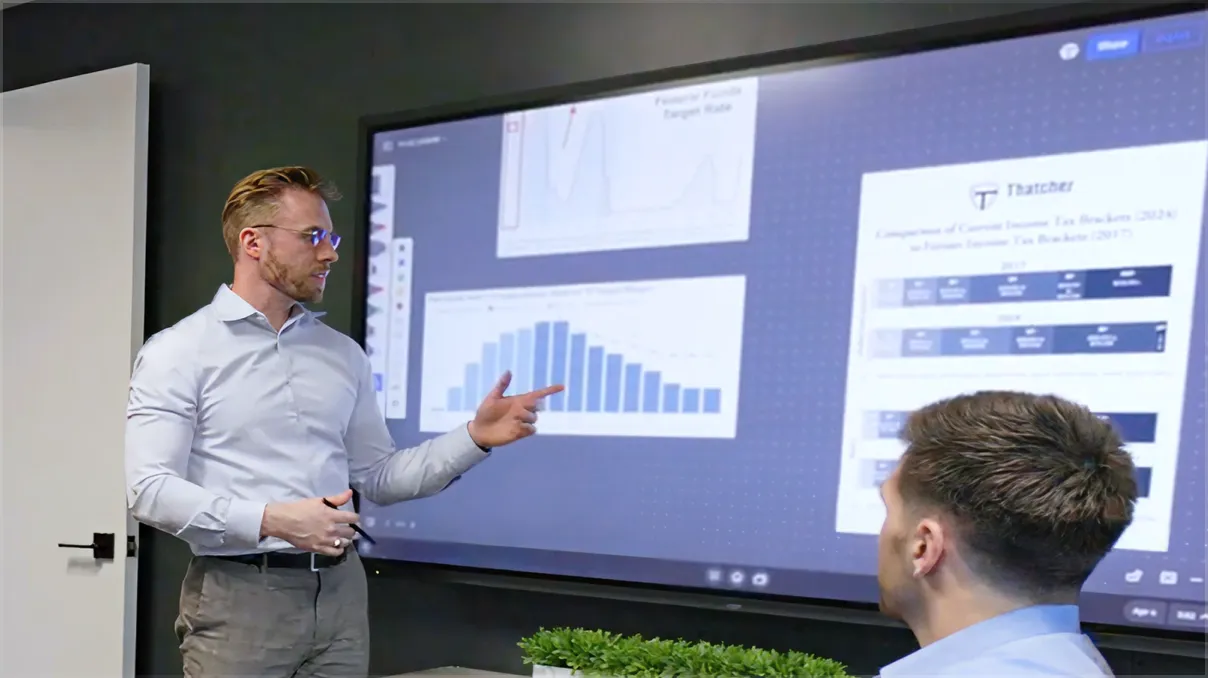
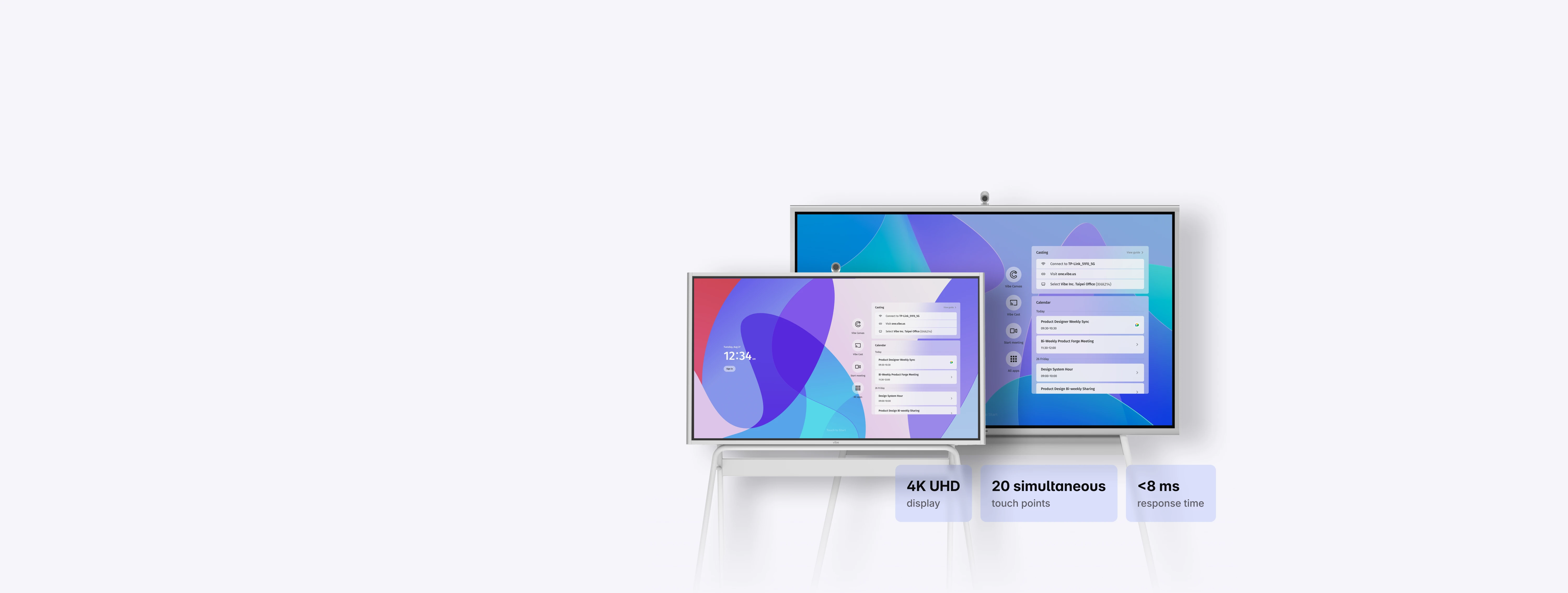
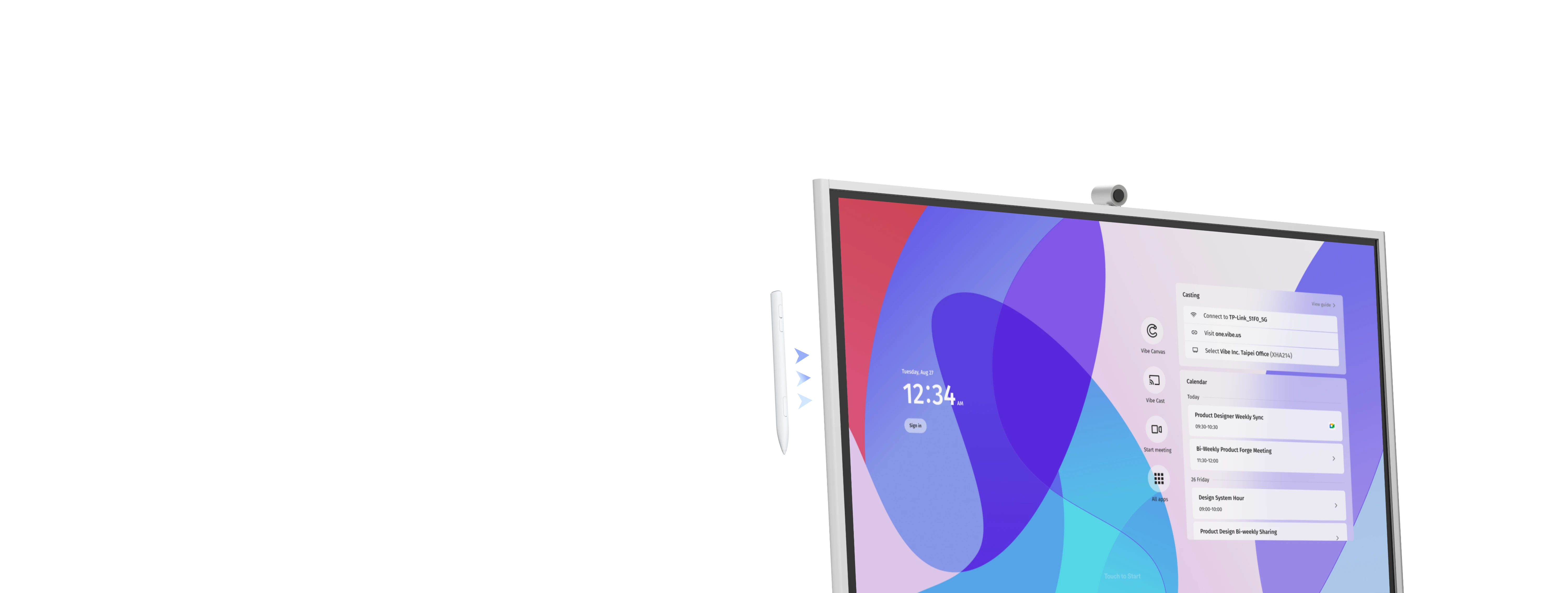
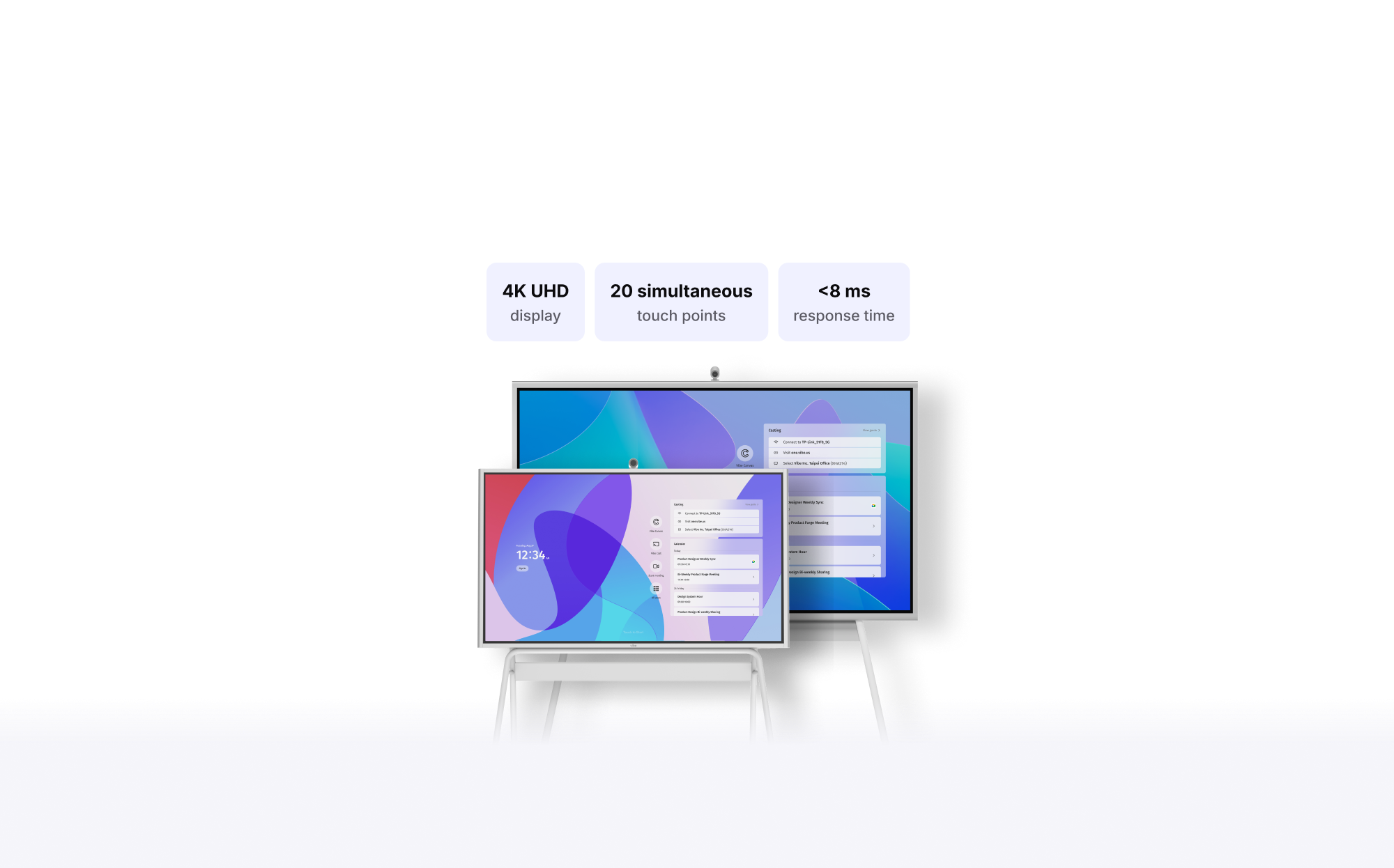
Vibe Board S1 is an all-in-one smart board for conference rooms, classrooms, and team workspaces. It combines a 4K touchscreen display, digital whiteboard, VibeOS, app access, wireless casting, and optional Smart Camera support, so teams can present, whiteboard, and collaborate without relying on a separate computer for every meeting.
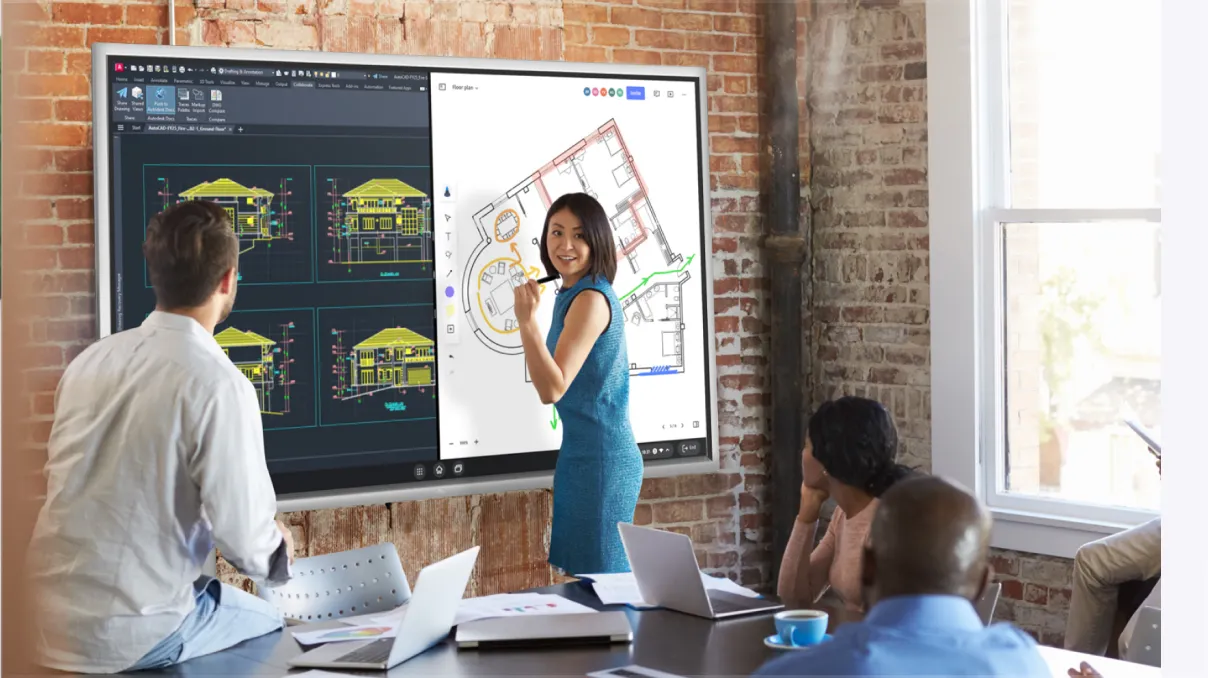
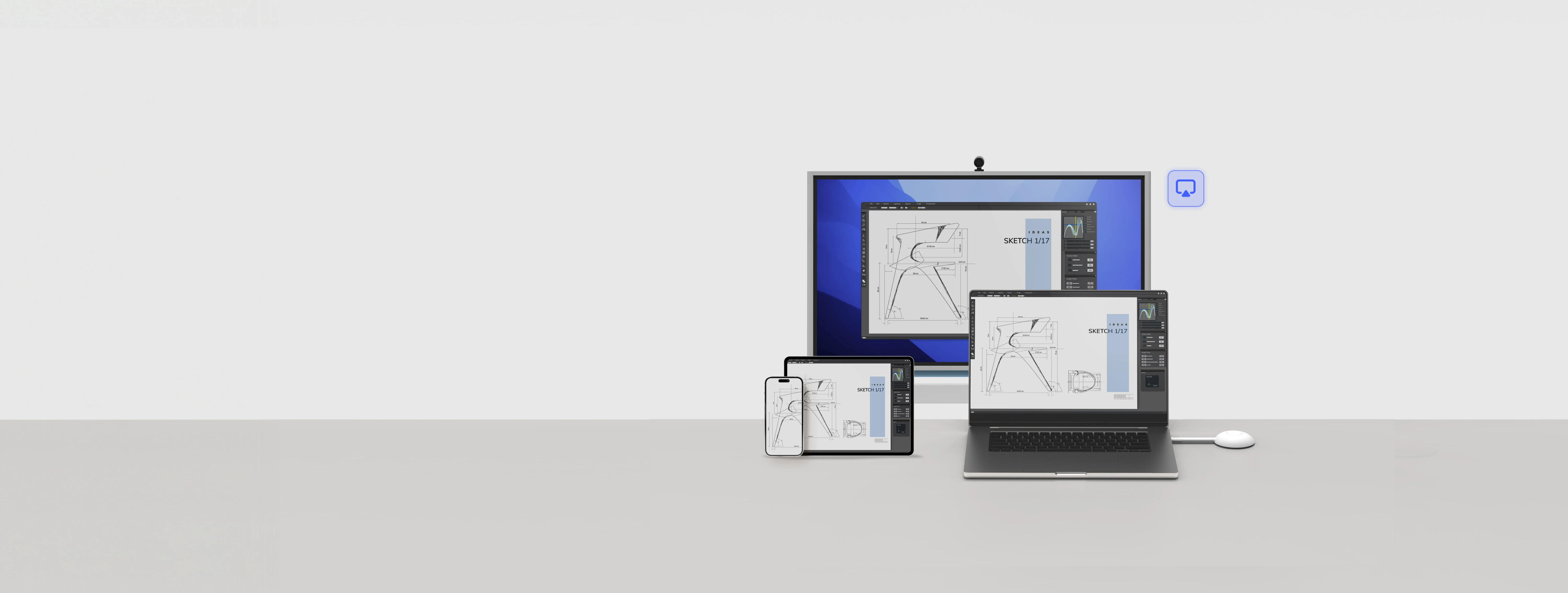
You can use Vibe Board S1 to present decks and documents, run video meetings, open business apps, annotate files, brainstorm on an interactive whiteboard, cast from a laptop, and save or share meeting work. It is built for teams that need one shared screen for discussion, decisions, and follow-up.
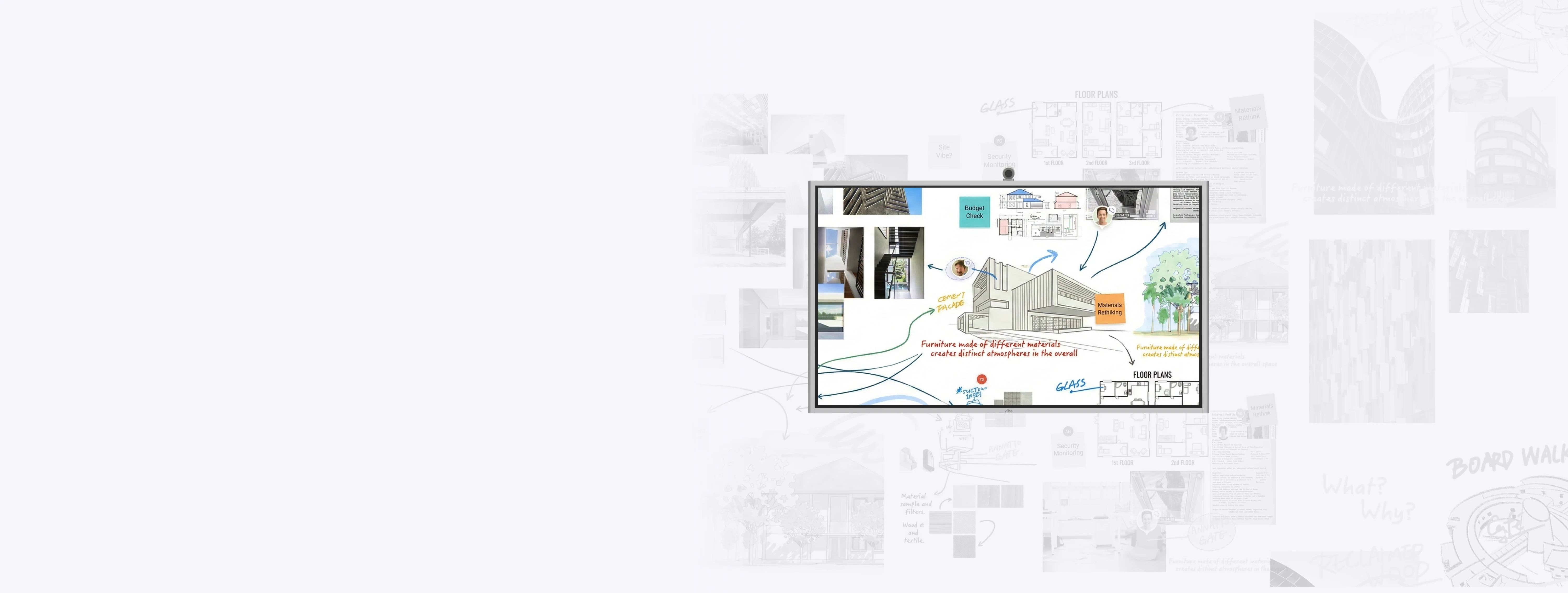
Yes. Vibe Board S1 works as an interactive smart whiteboard with Vibe Canvas, allowing teams to sketch, annotate, brainstorm, and collaborate on a shared canvas. People can use the board directly in the room or contribute from other devices depending on the workflow.
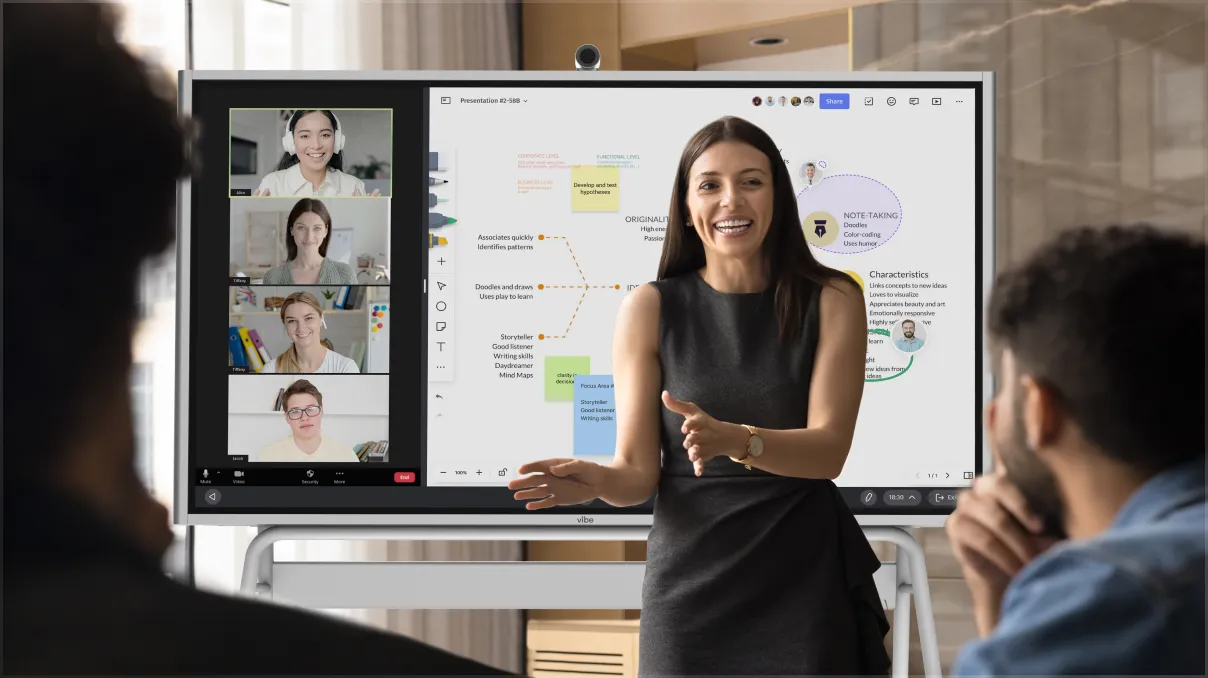
Yes. Vibe Board S1 supports hybrid meetings by combining a shared touchscreen display, whiteboarding, app access, casting, and video conferencing tools. Teams can use apps such as Zoom, Microsoft Teams, Google Meet, and other supported collaboration tools so people in the room and remote teammates can stay aligned.
Yes. Vibe Board S1 supports Microsoft 365 and Google Workspace workflows. Teams can access and edit Office files through the Chrome browser, use supported Microsoft apps, and open, edit, or save Google Docs, Slides, Sheets, and Drive files from the board.
Vibe Board S1 supports apps through the Vibe Store, Google Play, and the Chrome browser. Teams can use common work and collaboration tools such as Zoom, Google Meet, Microsoft Teams, Google Drive, Google Classroom, Figma, Miro, Asana, Slack, and more. No special licensing is required beyond the accounts your team already uses.
Vibe Board S1 is available in 55" and 75" models. The 55" smart board is well suited for huddle rooms, offices, classrooms, and smaller meeting spaces. The 75" smart board is better suited for larger conference rooms, training rooms, and team collaboration spaces.
Yes. Vibe Board S1 can replace a standard conference room display while adding touchscreen interaction, whiteboarding, app access, casting, and collaboration features. Instead of using a passive screen only for presenting, teams can use Vibe Board S1 as a shared workspace during meetings.







-bhTwJeotmPFfYb9BboALprx5Mg3uFB.webp)