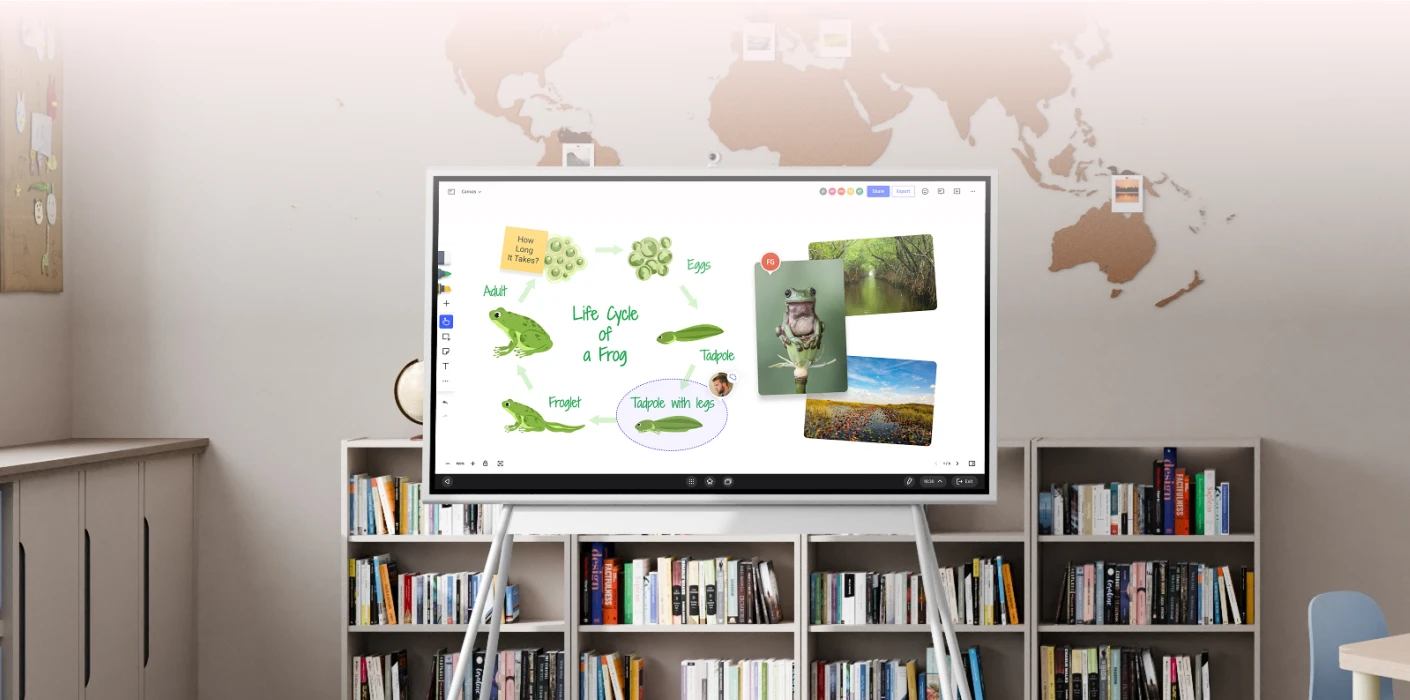
Vibe Board: the smart board built for classroom teaching
The smart board teachers use, IT can support, and schools don’t have to replace in two years.

The best-selling collaboration hub



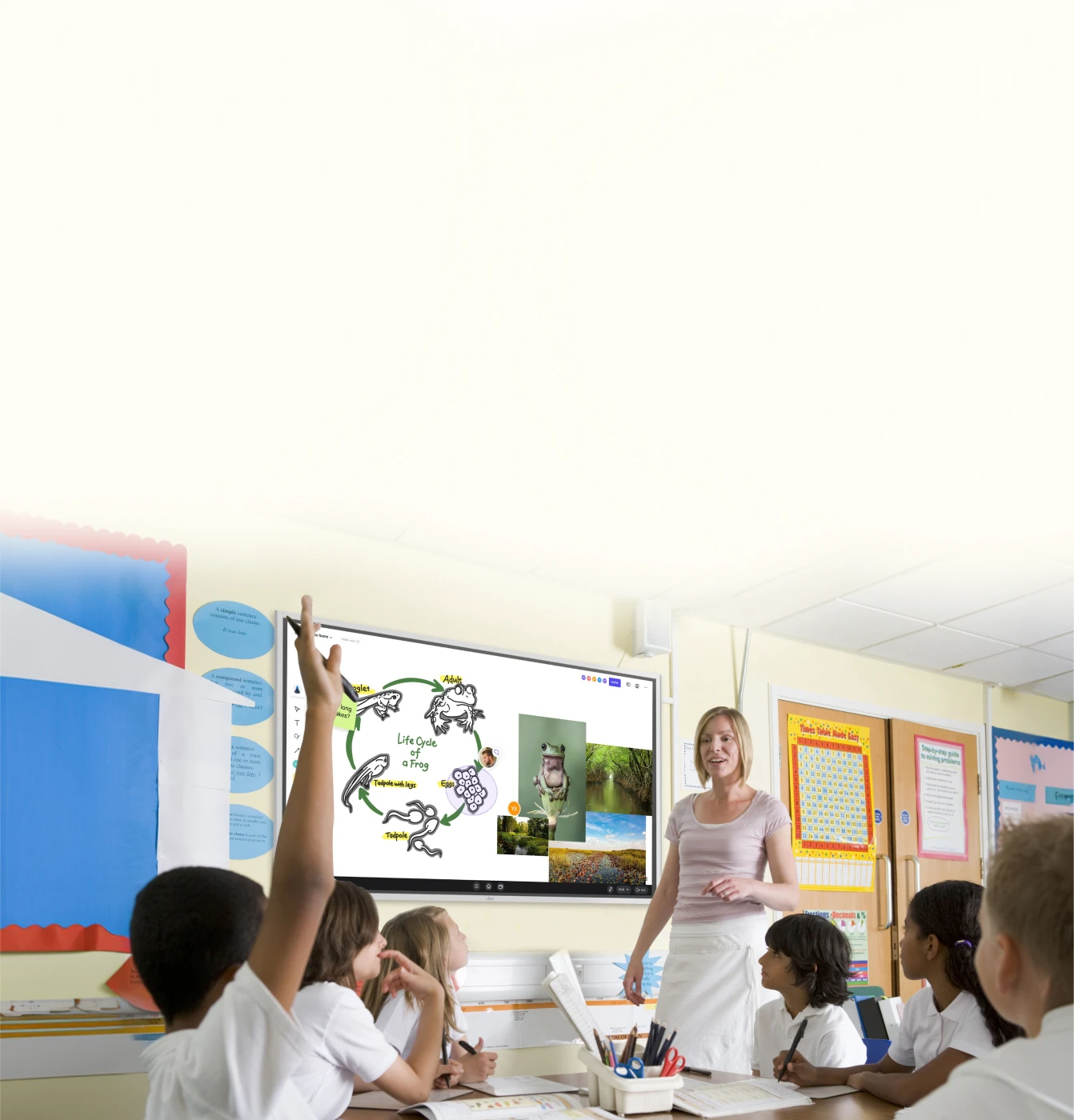






















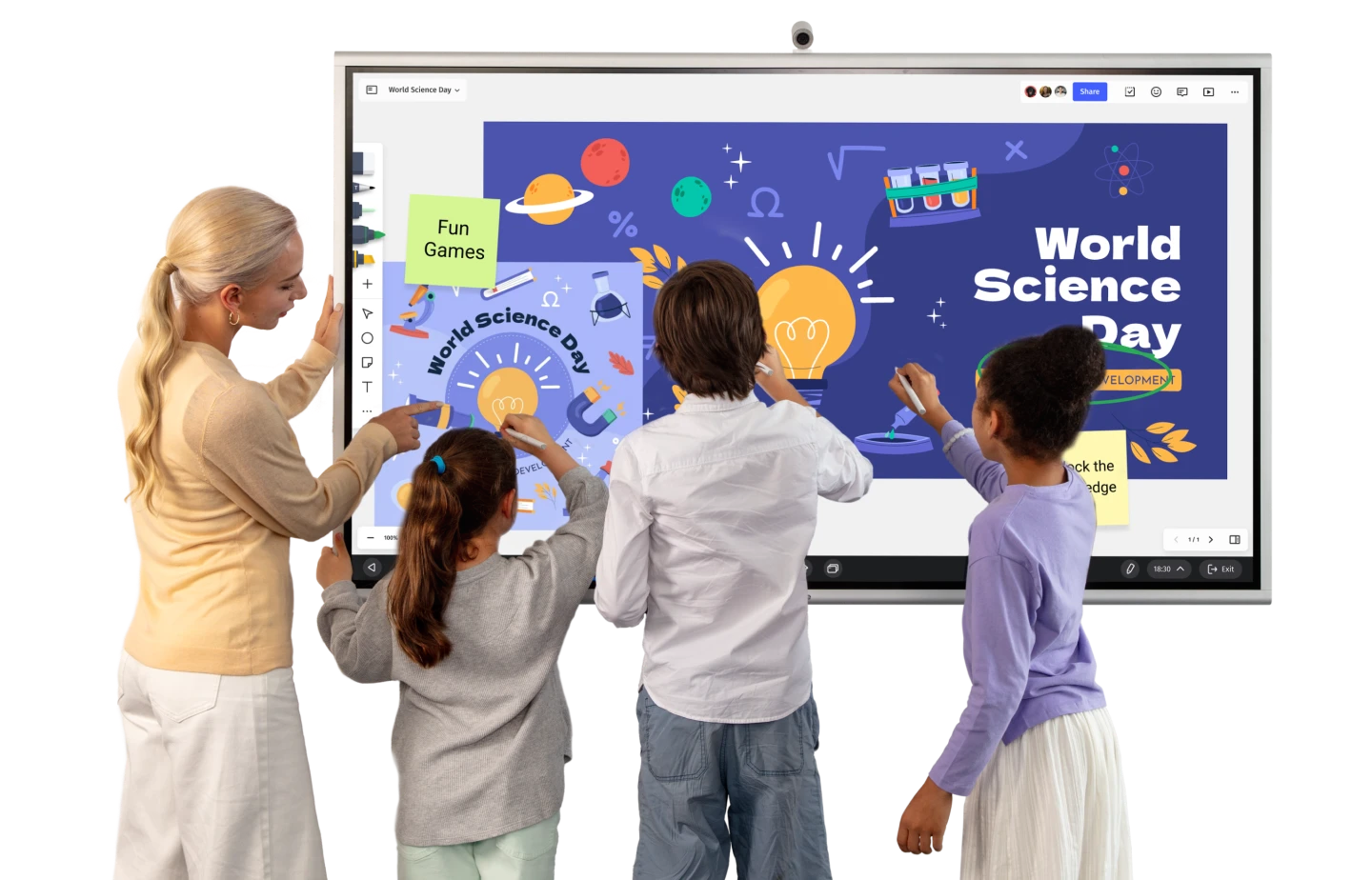


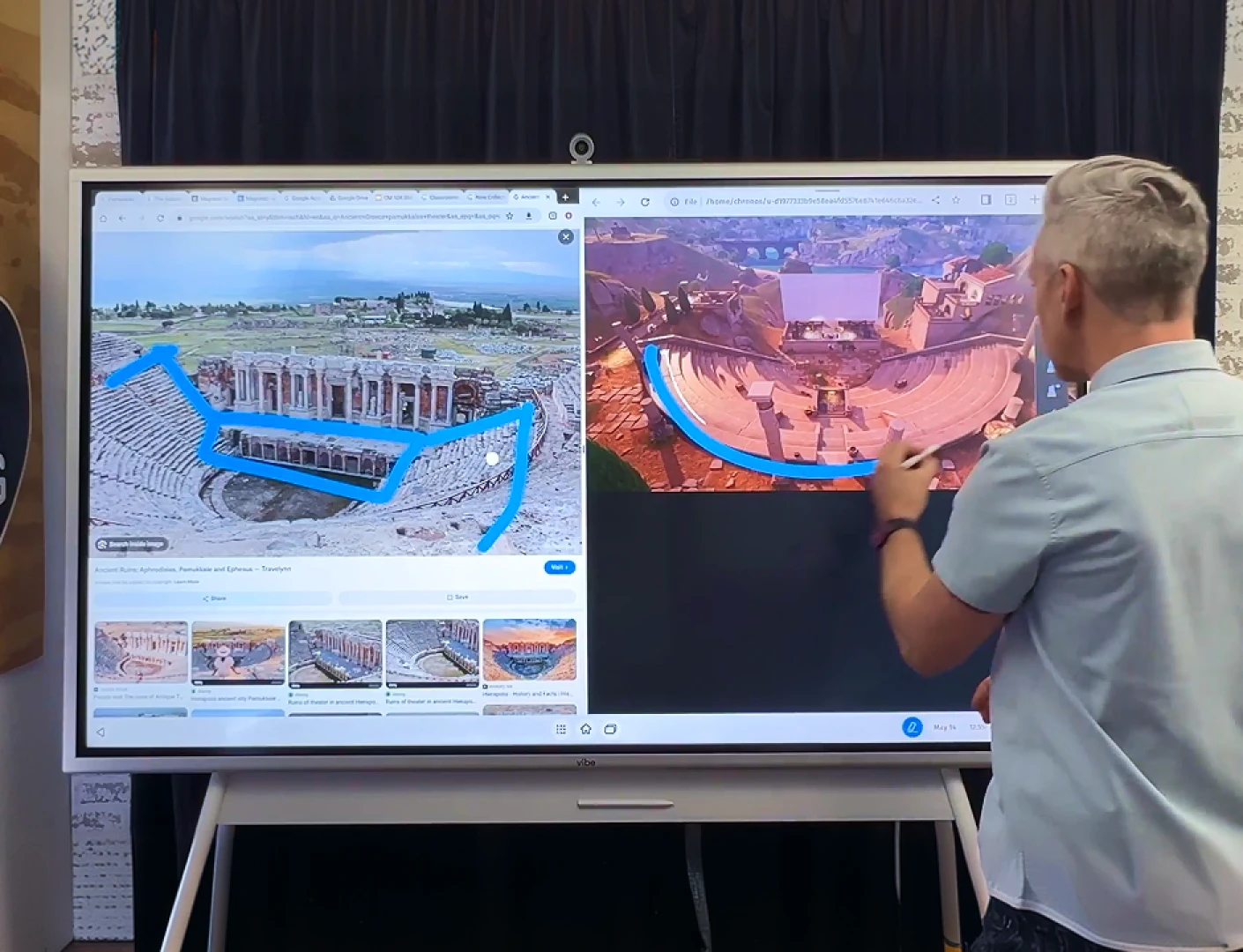
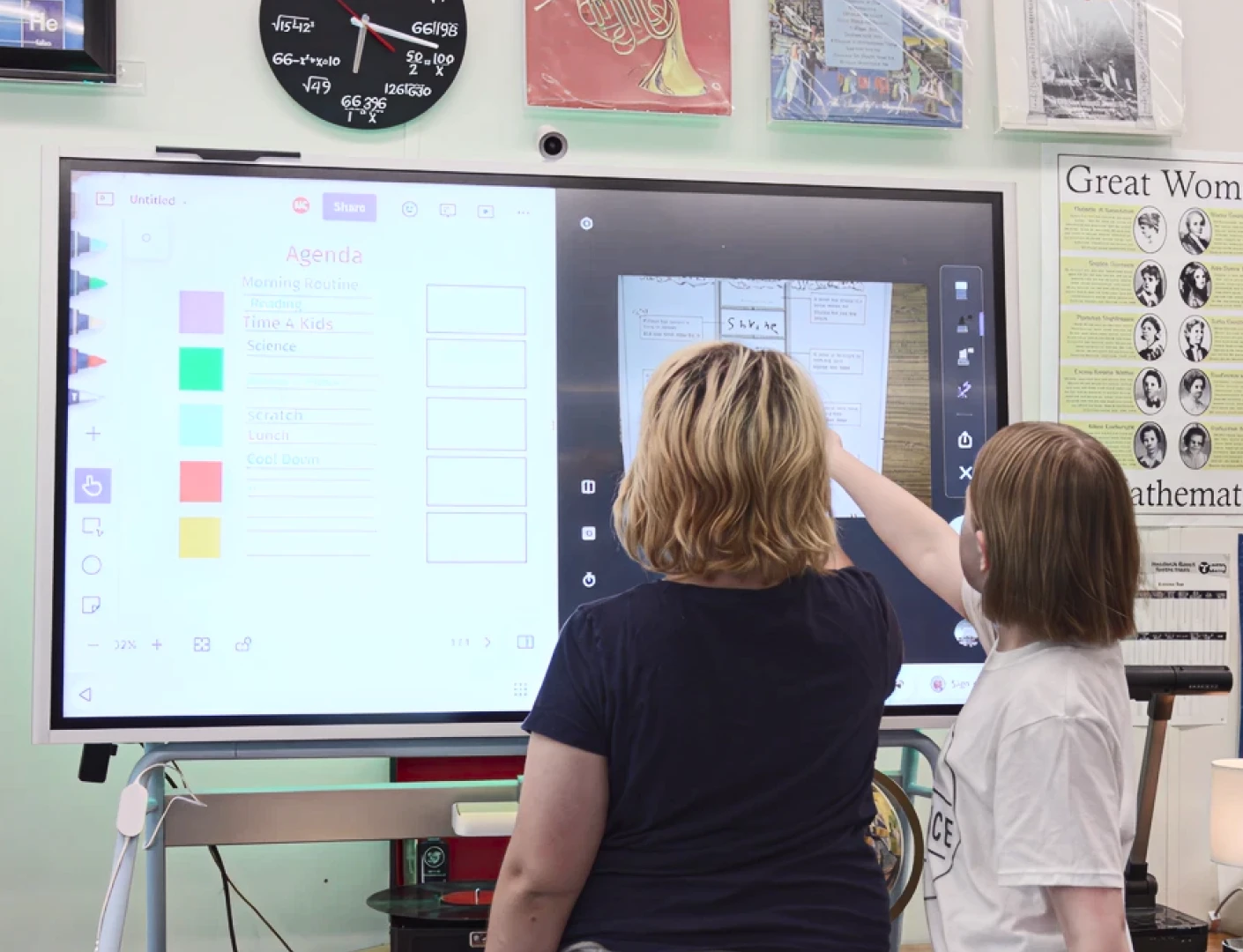
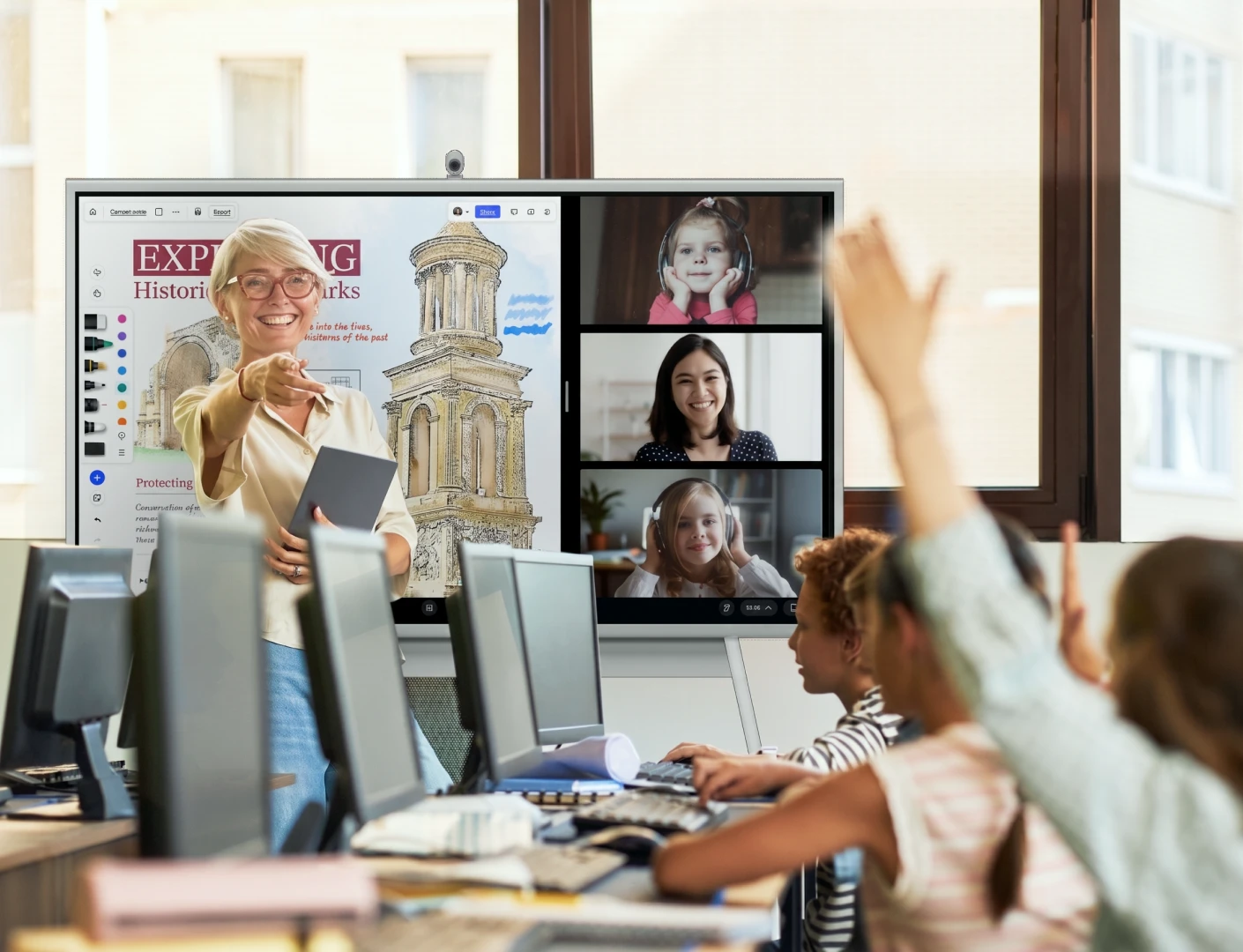
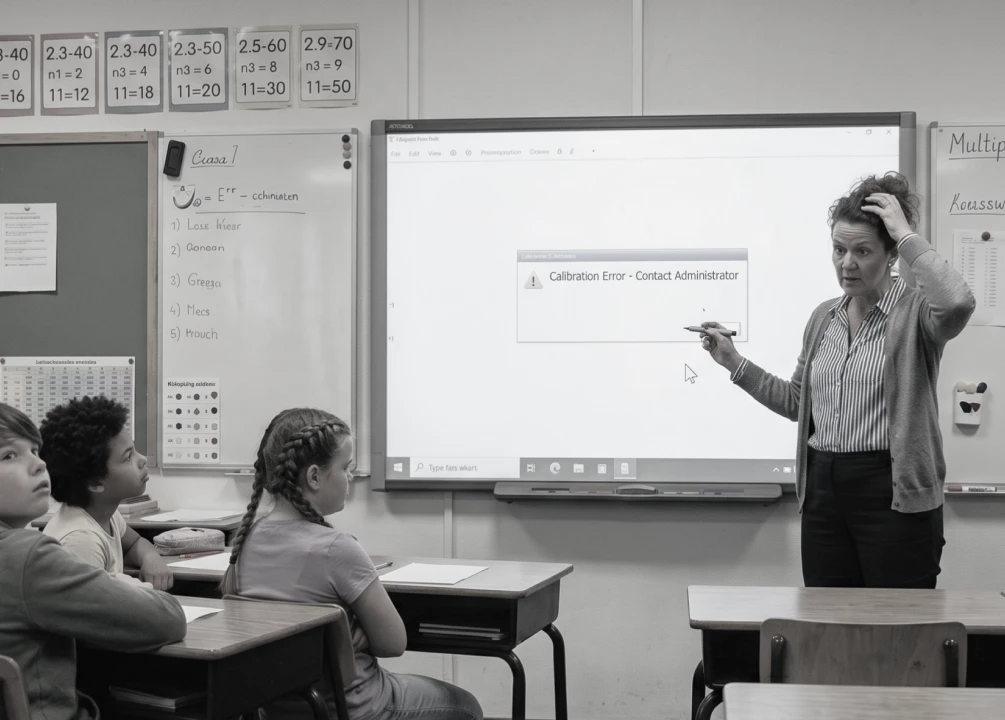
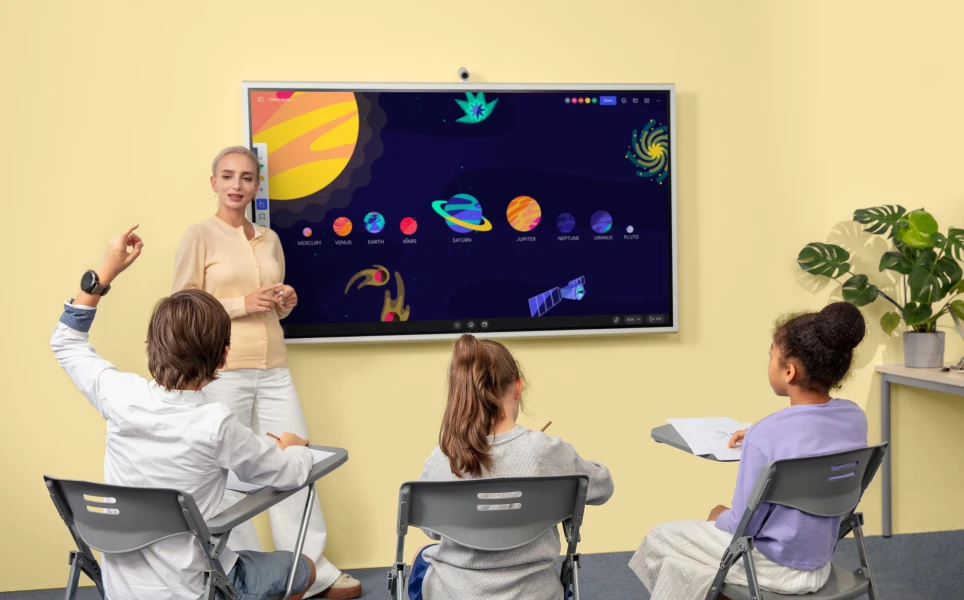
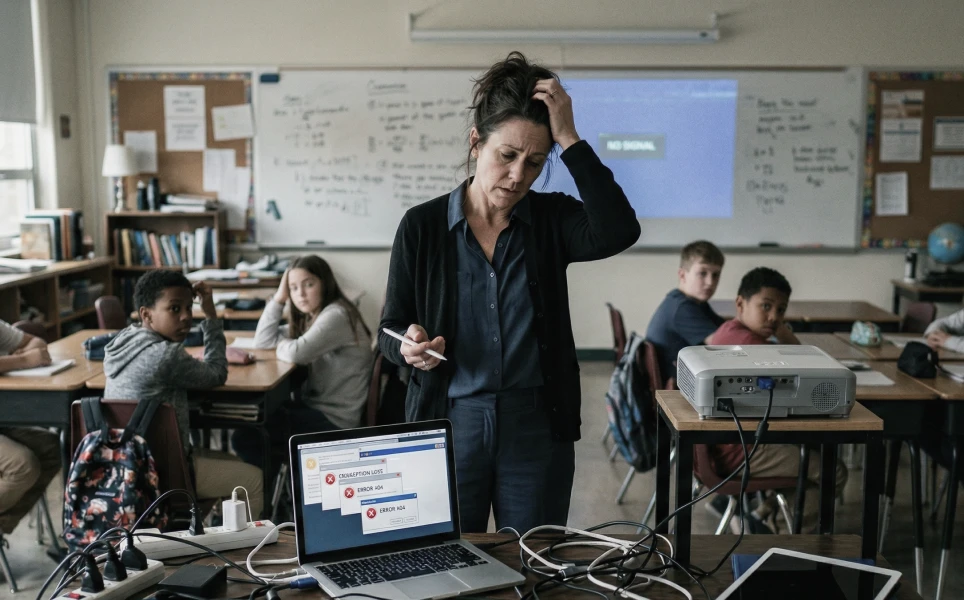
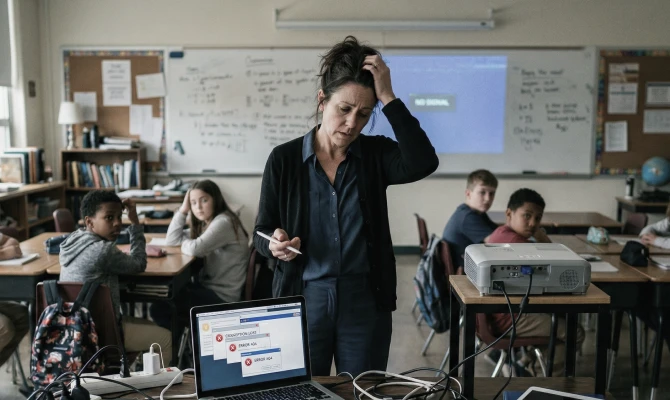



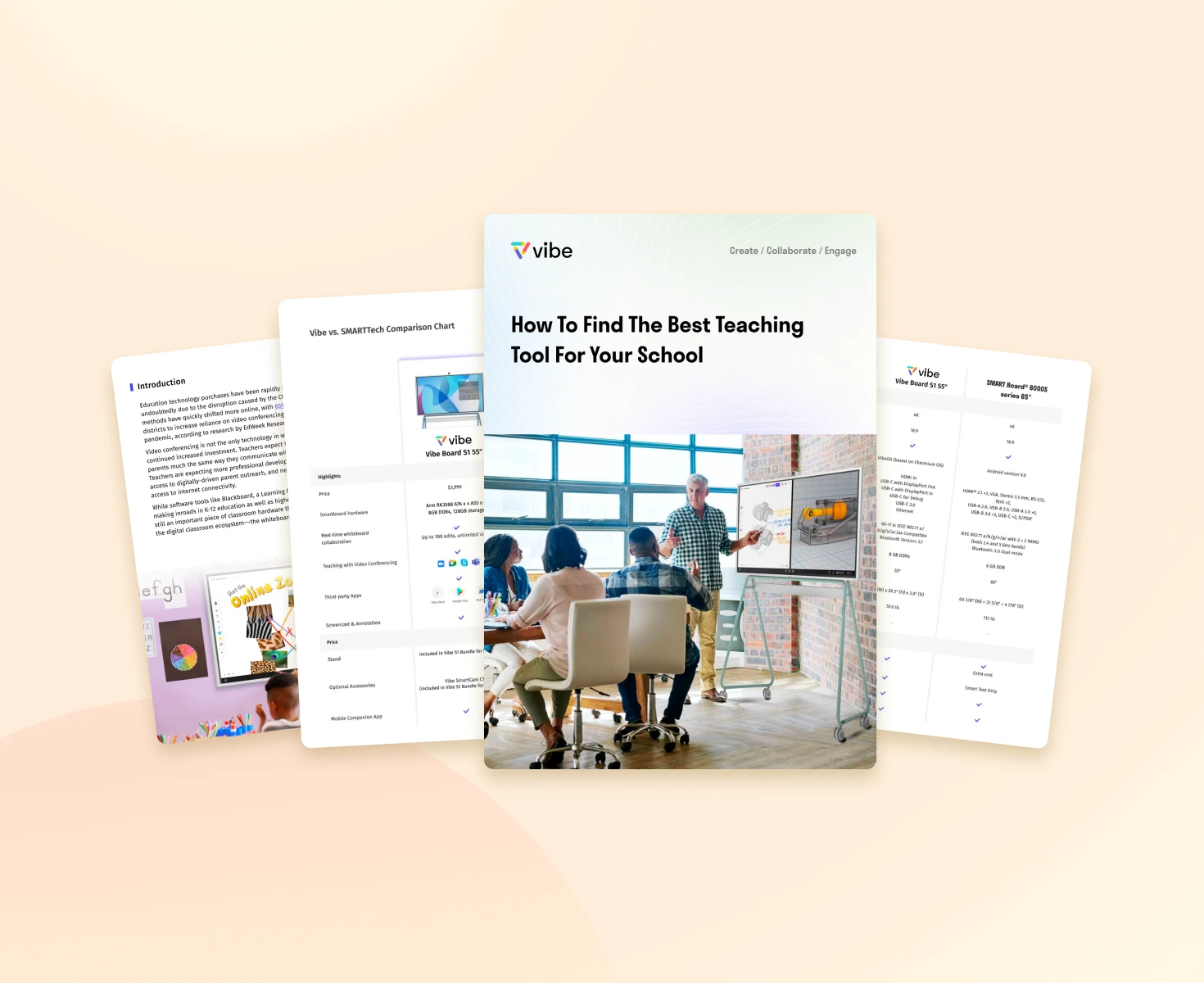
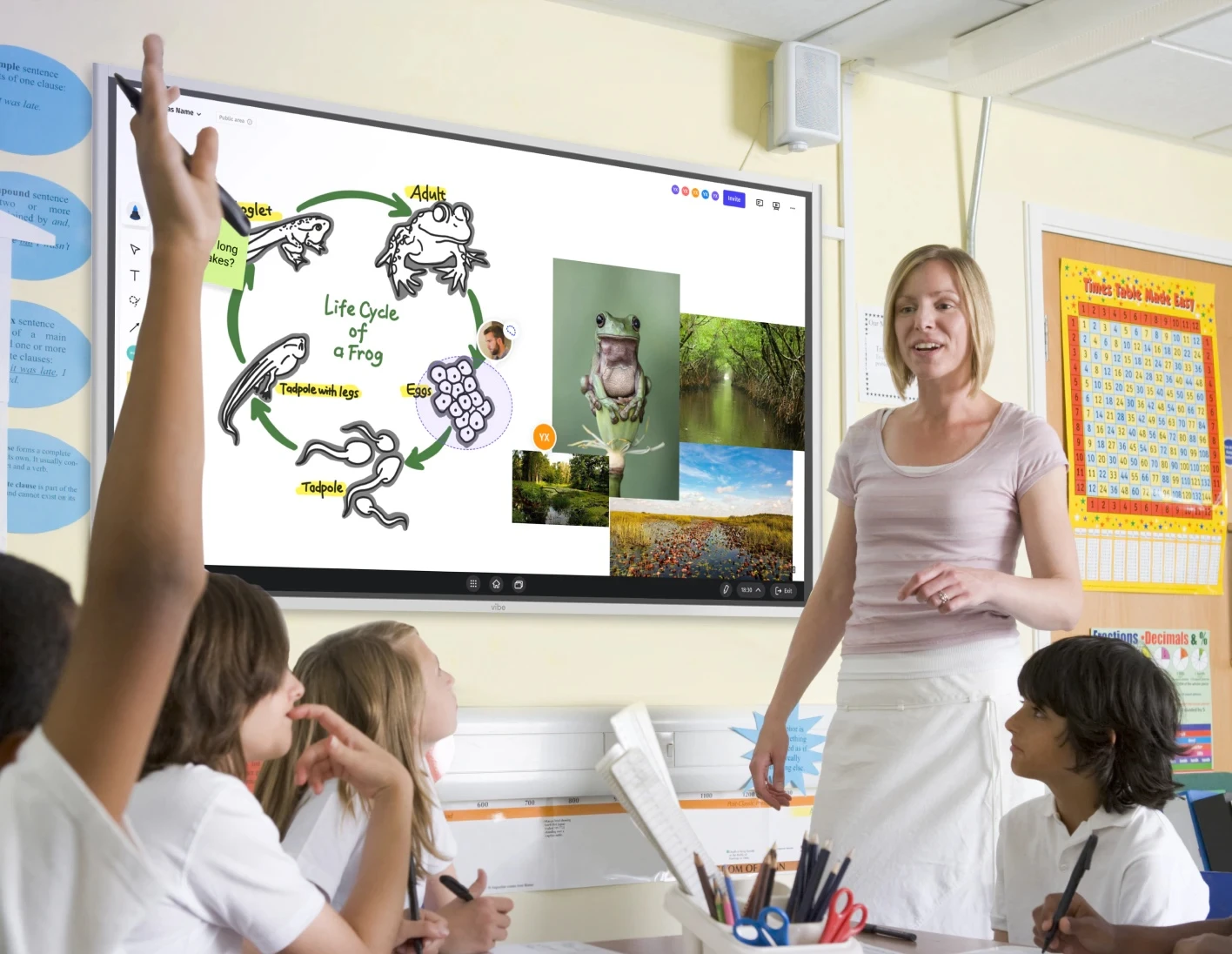
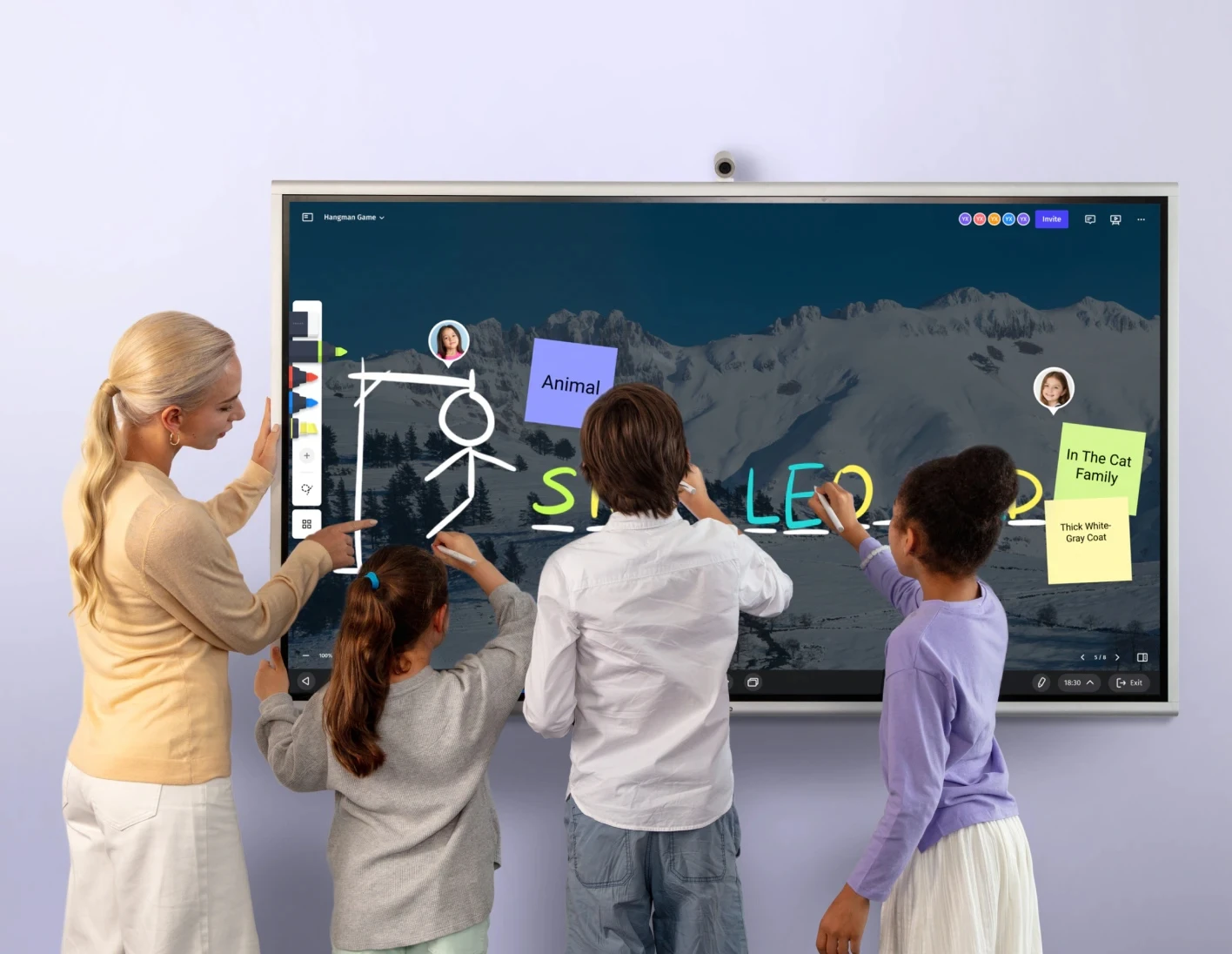
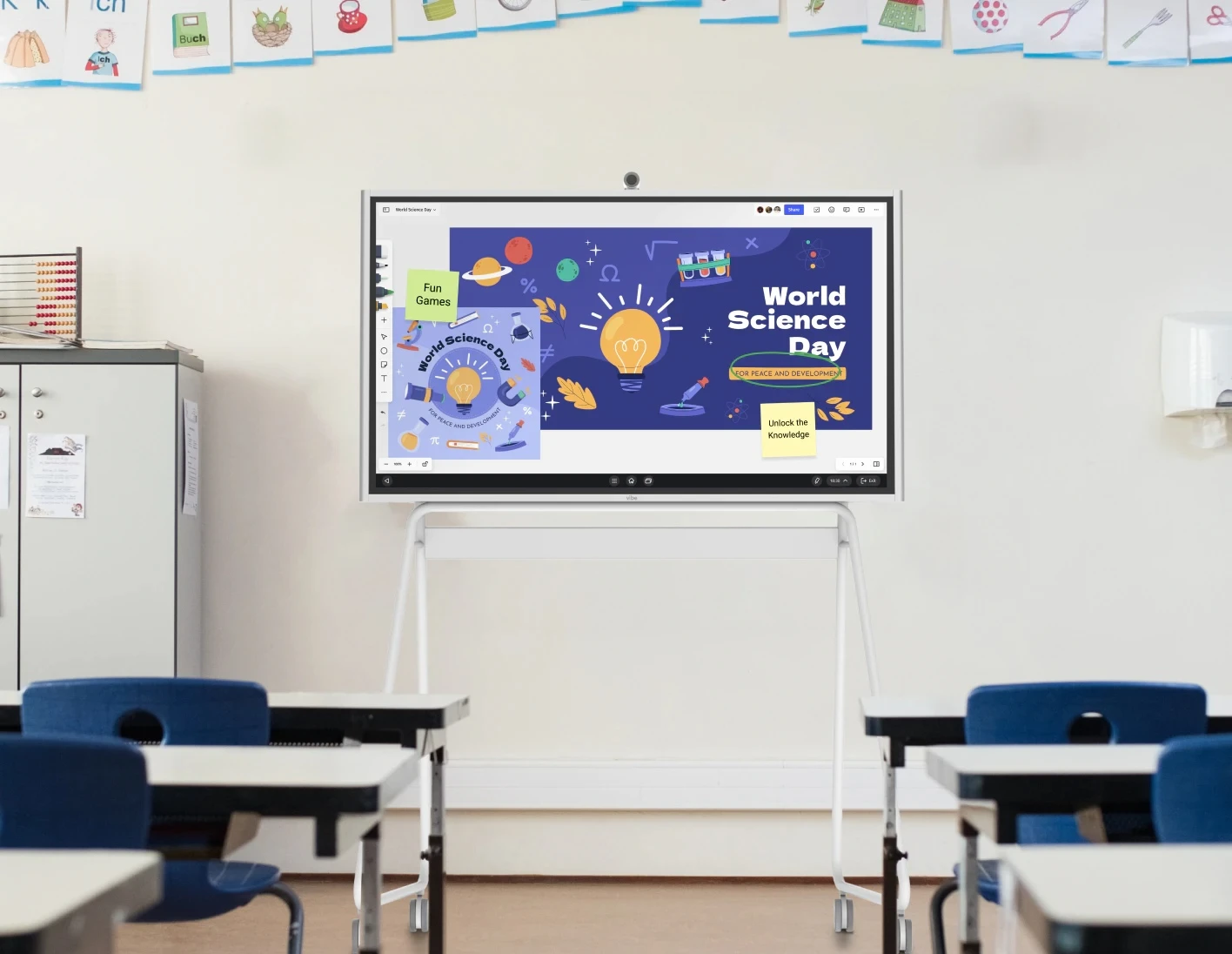
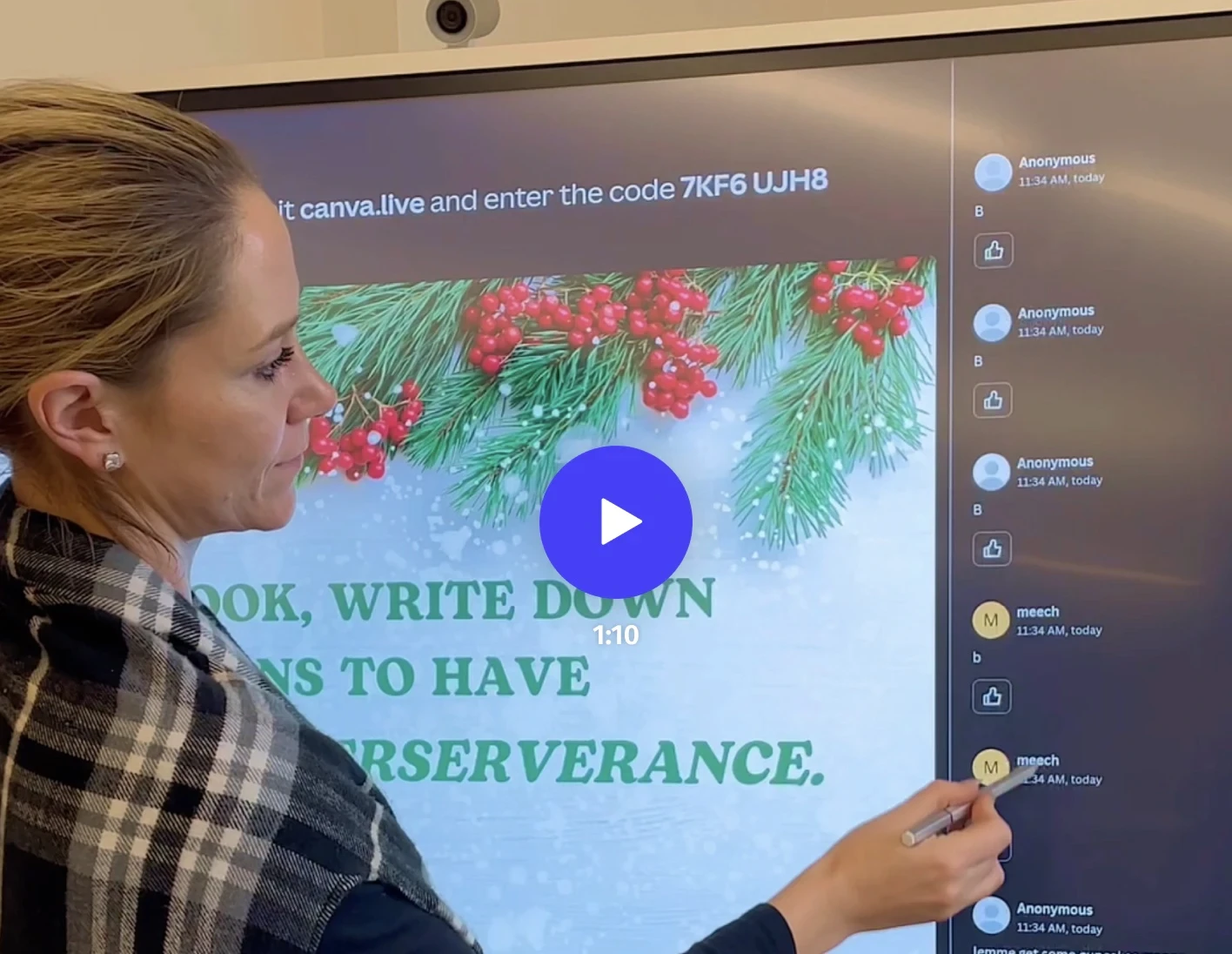
Vibe Board S1 brings lessons, whiteboarding, classroom apps, videos, and student participation onto one shared screen. It works as a classroom smart board teachers can use every day, while still being simple for school IT teams to manage.
Yes. Vibe Board S1 is designed for schools, classrooms, and district deployments, with compliance documentation available for IT, legal, and district review.
Yes. Vibe Board S1 integrates natively with Google Workspace and Microsoft 365, including SSO for both environments, so teachers can use the board with the tools already in their classroom workflow.
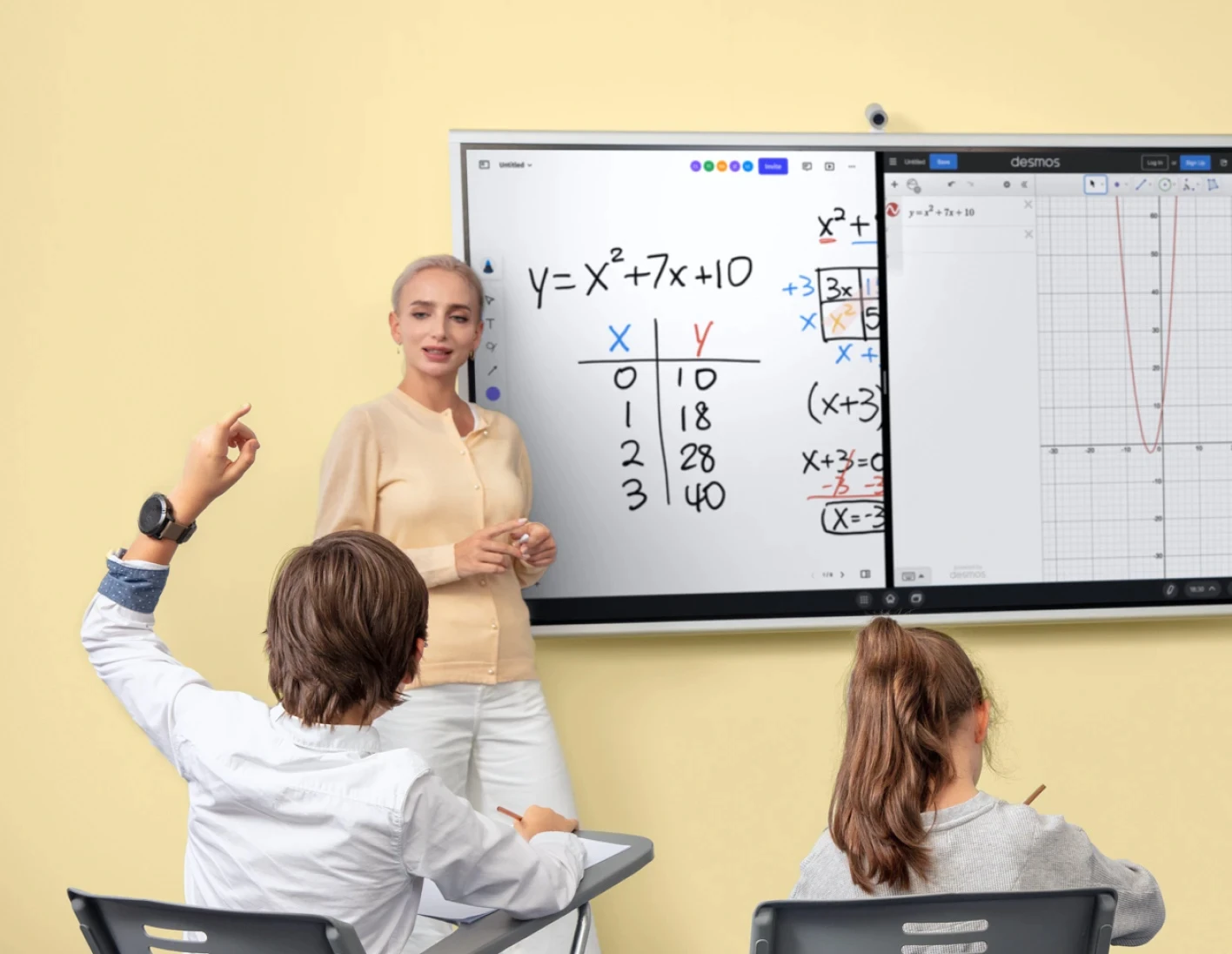
A basic digital board classroom setup may only display content. Vibe Board S1 adds interactive whiteboarding, annotation, classroom app access, lesson sharing, and teaching workflows that help teachers use the board throughout the school day.
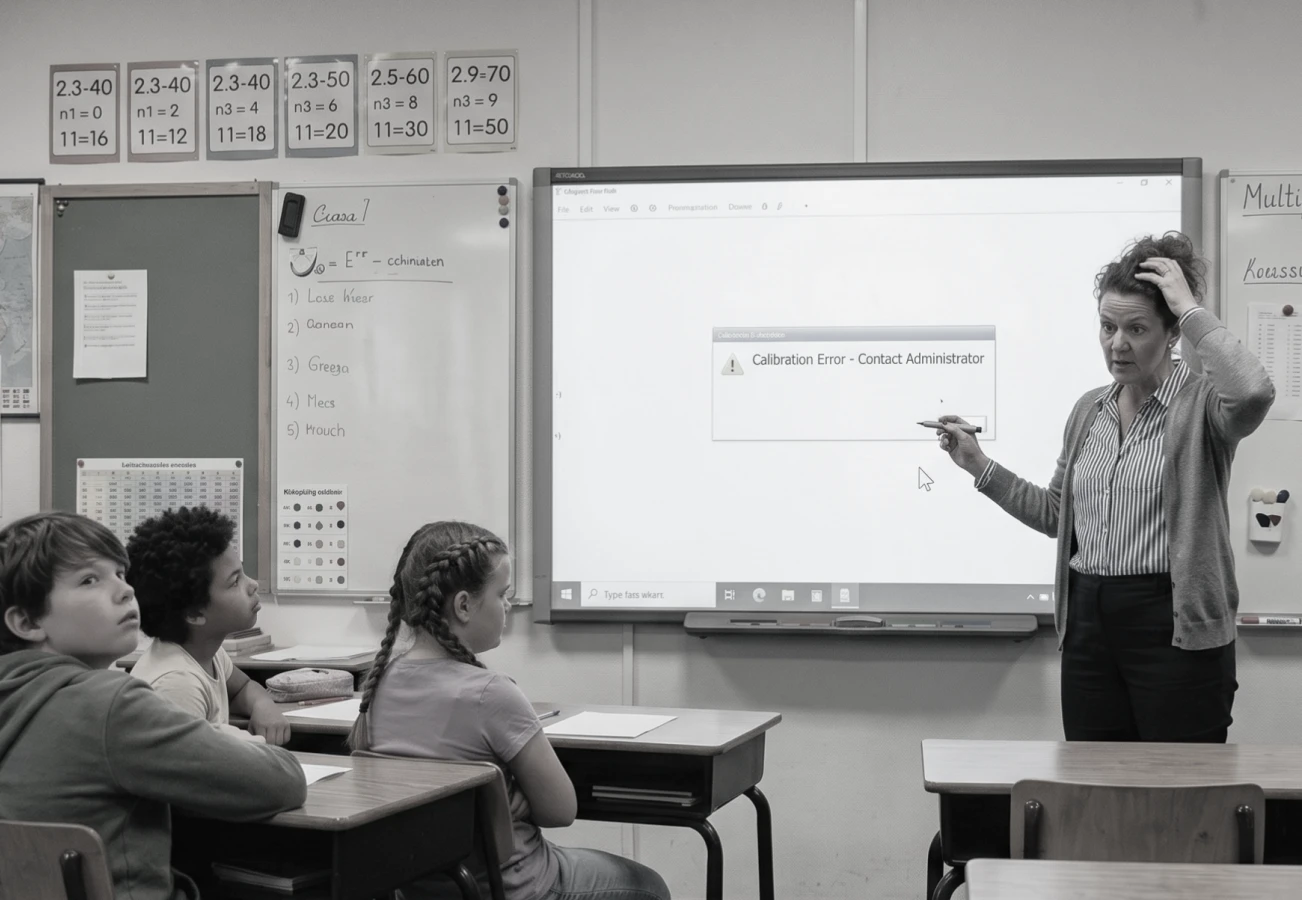
Yes. Vibe Board S1 can replace older classroom displays, projectors, and traditional boards with one interactive teaching tool. Teachers can present lessons, write over content, save notes, and keep students focused at the front of the room.
Every Vibe Board across every campus is managed from a single centralized dashboard, making it easier for school IT teams to deploy and support classroom smart boards across multiple rooms, schools, or districts.
Most schools start with a handful of classrooms, validate adoption with teacher champions, then expand. We provide a dedicated onboarding framework and complimentary training for every Vibe Board S1 deployment.
Vibe Board S1 has no recurring software subscription fees for core tools. During evaluation, we provide a 3–5 year cost model that helps schools compare smart board pricing, support, replacement cycles, and long-term classroom use.
Vibe Board S1 brings lessons, whiteboarding, classroom apps, videos, and student participation onto one shared screen. It works as a classroom smart board teachers can use every day, while still being simple for school IT teams to manage.
Yes. Vibe Board S1 is designed for schools, classrooms, and district deployments, with compliance documentation available for IT, legal, and district review.
Yes. Vibe Board S1 integrates natively with Google Workspace and Microsoft 365, including SSO for both environments, so teachers can use the board with the tools already in their classroom workflow.
A basic digital board classroom setup may only display content. Vibe Board S1 adds interactive whiteboarding, annotation, classroom app access, lesson sharing, and teaching workflows that help teachers use the board throughout the school day.
Yes. Vibe Board S1 can replace older classroom displays, projectors, and traditional boards with one interactive teaching tool. Teachers can present lessons, write over content, save notes, and keep students focused at the front of the room.
Every Vibe Board across every campus is managed from a single centralized dashboard, making it easier for school IT teams to deploy and support classroom smart boards across multiple rooms, schools, or districts.
Most schools start with a handful of classrooms, validate adoption with teacher champions, then expand. We provide a dedicated onboarding framework and complimentary training for every Vibe Board S1 deployment.
Vibe Board S1 has no recurring software subscription fees for core tools. During evaluation, we provide a 3–5 year cost model that helps schools compare smart board pricing, support, replacement cycles, and long-term classroom use.



-bhTwJeotmPFfYb9BboALprx5Mg3uFB.webp)