summer_campaignsummer_campaign
Kick off 2026 with a better workspace: Up to $600 off per Vibe BoardStart 2026 with Vibe: Save $600 now

7,200+ professors and educators teach with Vibe smart whiteboard

Welcome to the forefront of interactive teaching solutions. Meet Vibe Board S1, the all-in-one tool perfect for any teaching environment.


logologologo

Meet Vibe Board

Empower Higher Education

logologologo
Trusted by 6,600+ educators
logo
logo
logo
logo
logo
logo
logo
logo
logo
logo
logo
logo
logo
logo
logo
logo
logo
logo
logo
logo
logo
logo
logo
logo
logo
logo
logo
logo

Unite the power of teaching and technology to create an exceptional educational environment

Unite the power of
teaching and technology
Smart personal offices

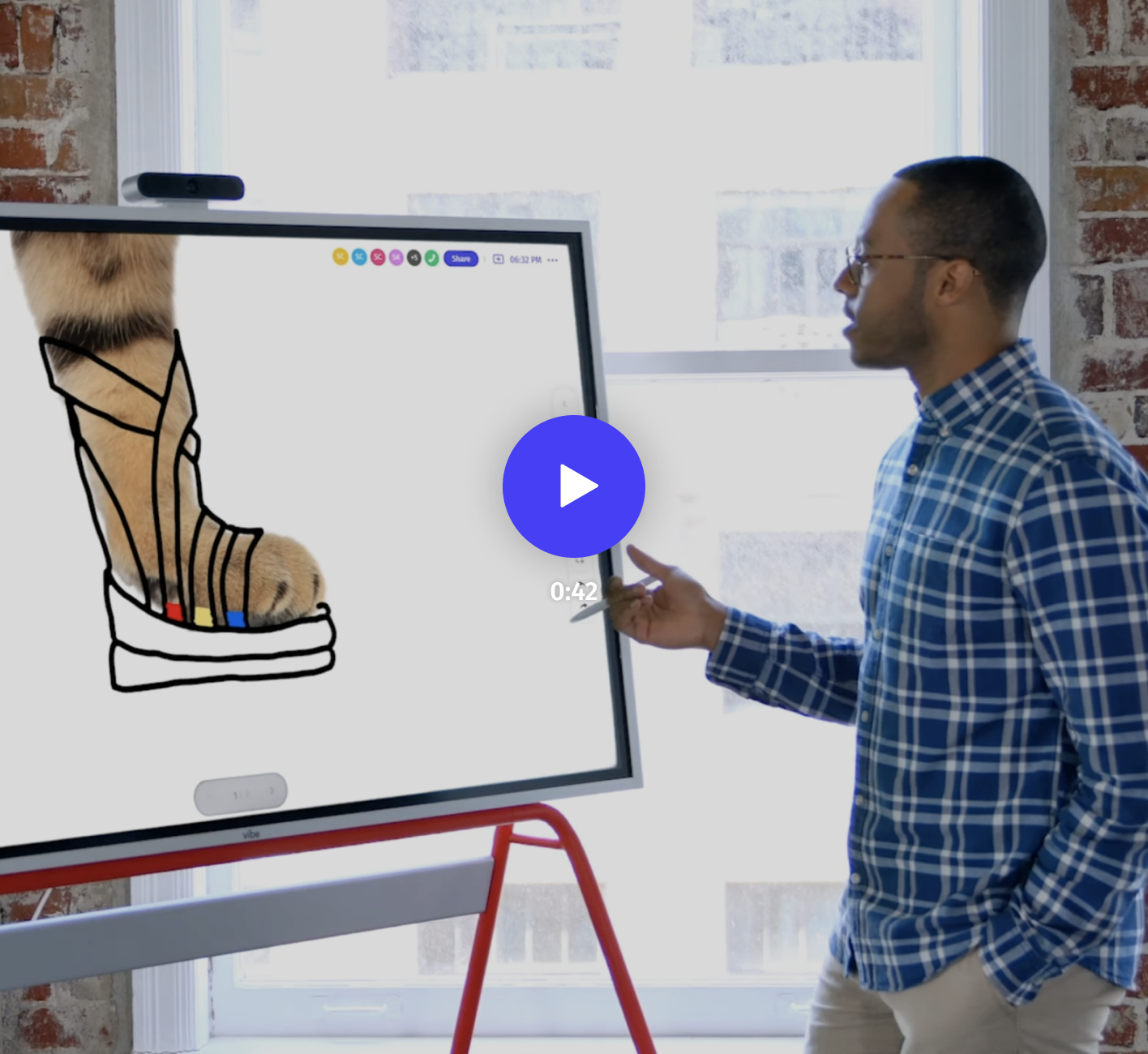
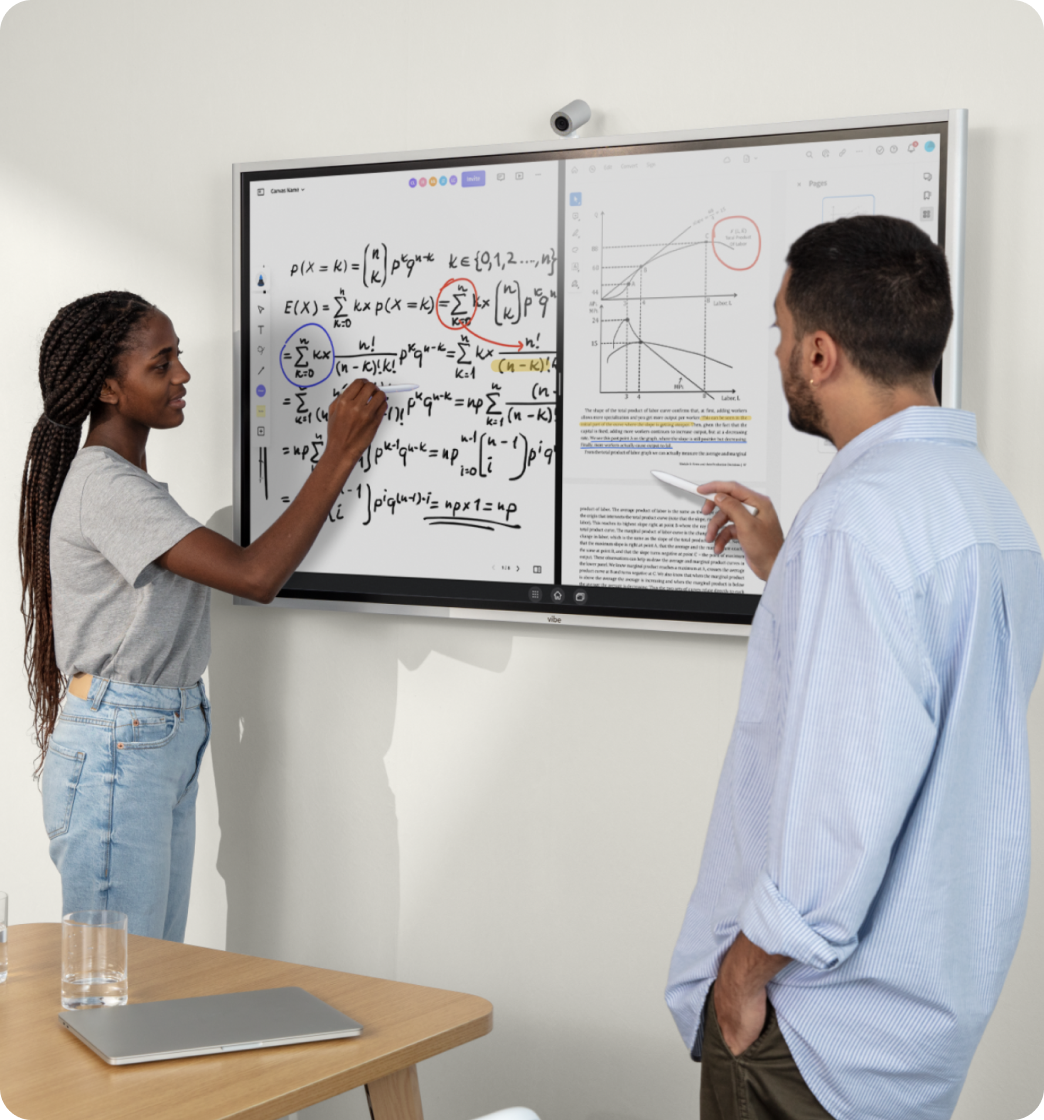
Easy-to-Use Whiteboard for Office Hours

icon

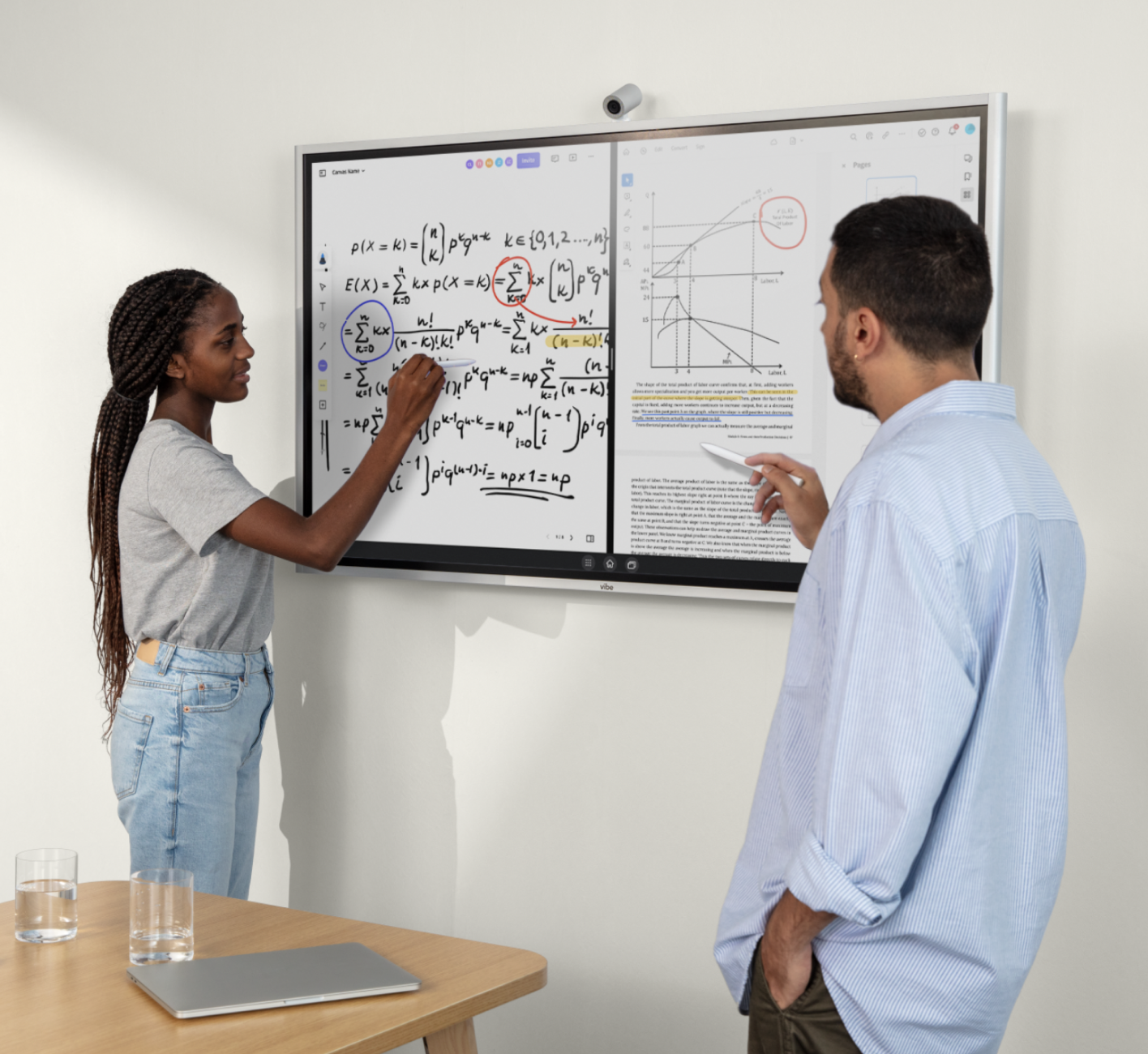
Enjoy an intuitive pen-to-paper feel when dissecting intricate theories with students or co-authors.

icon

Replace traditional note-taking with cloud-based save and share capabilities, enabling effortless revisit and continuity of academic discussions.
Interactive classrooms

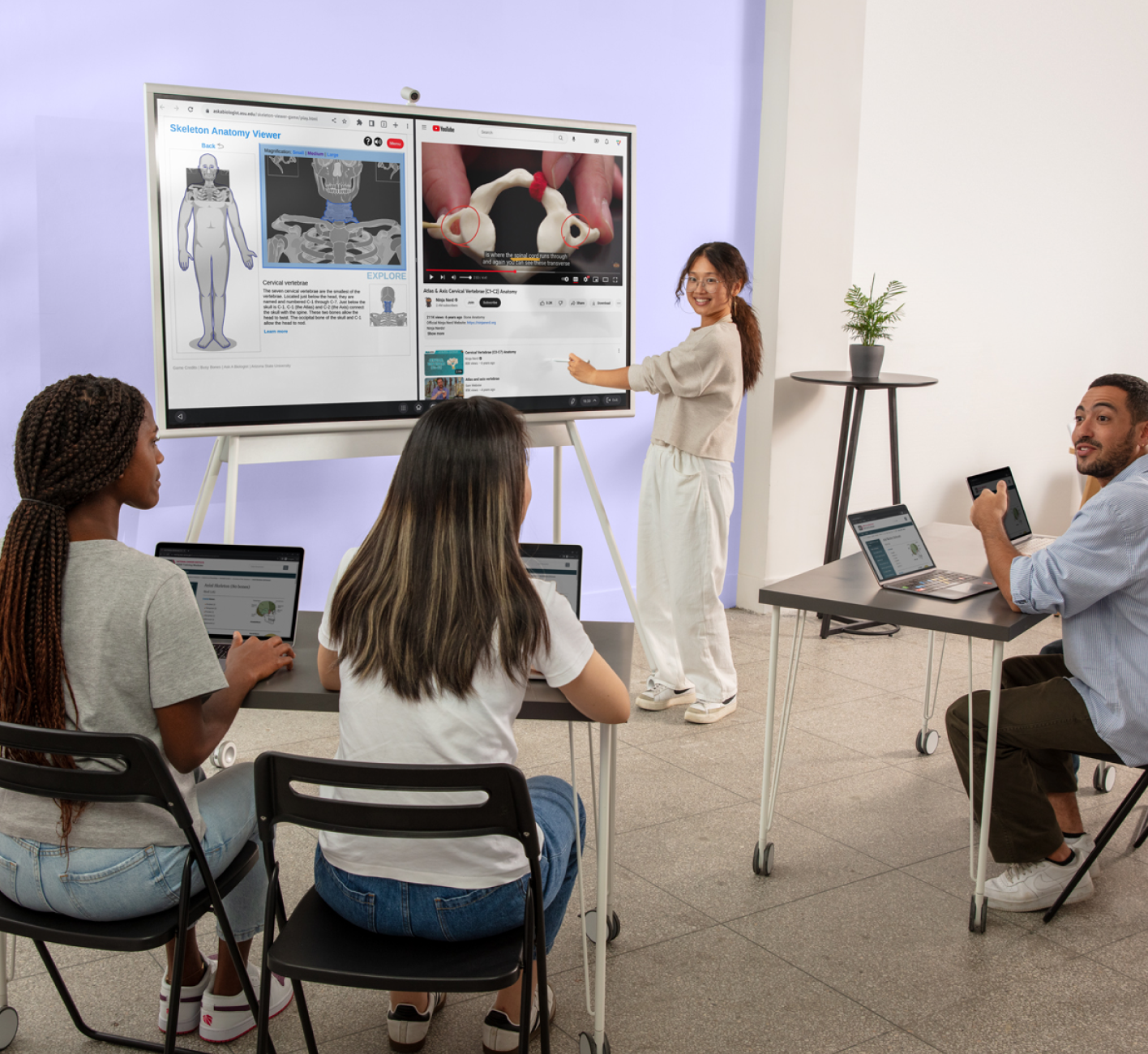
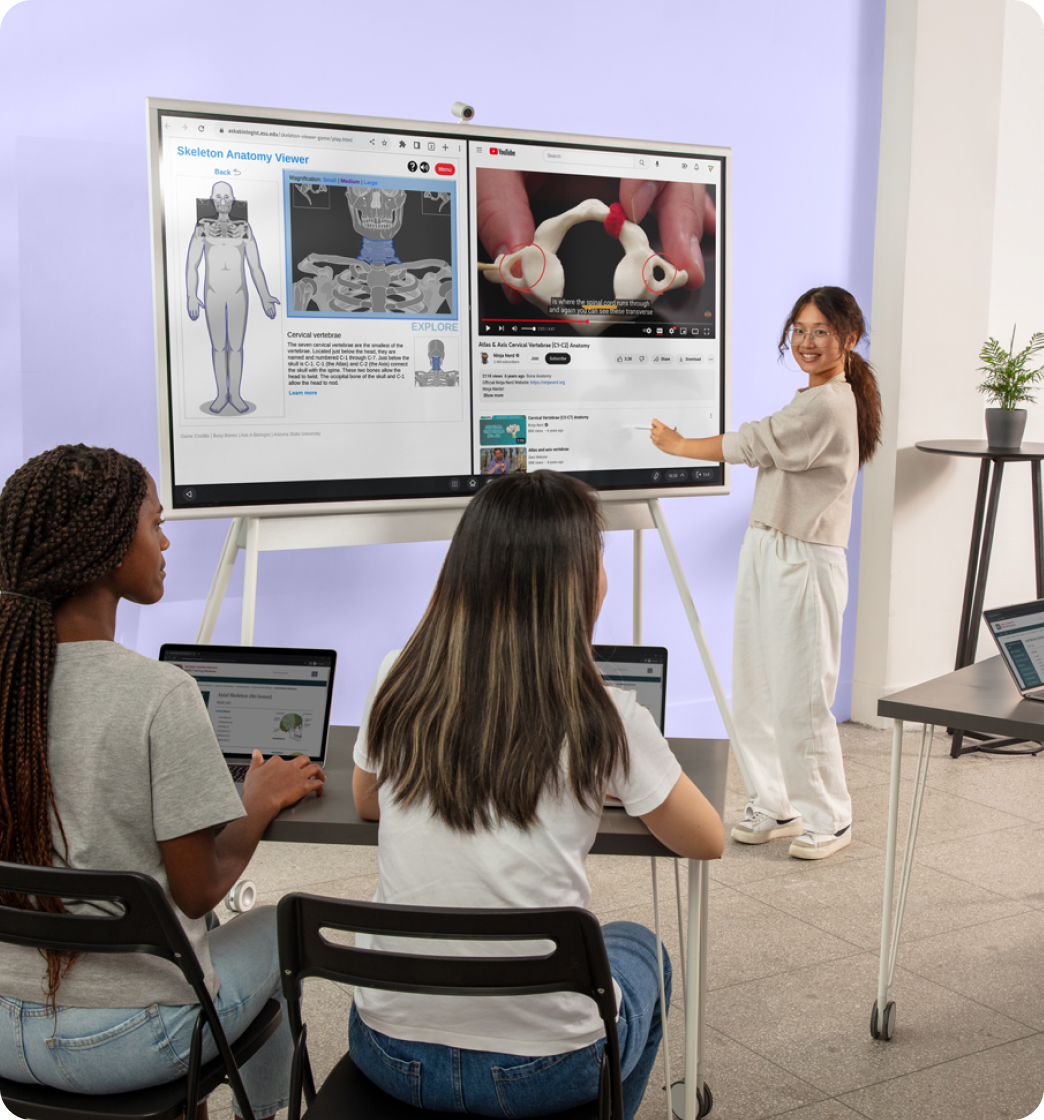
Ignite Engagement with Multimedia Learning

icon

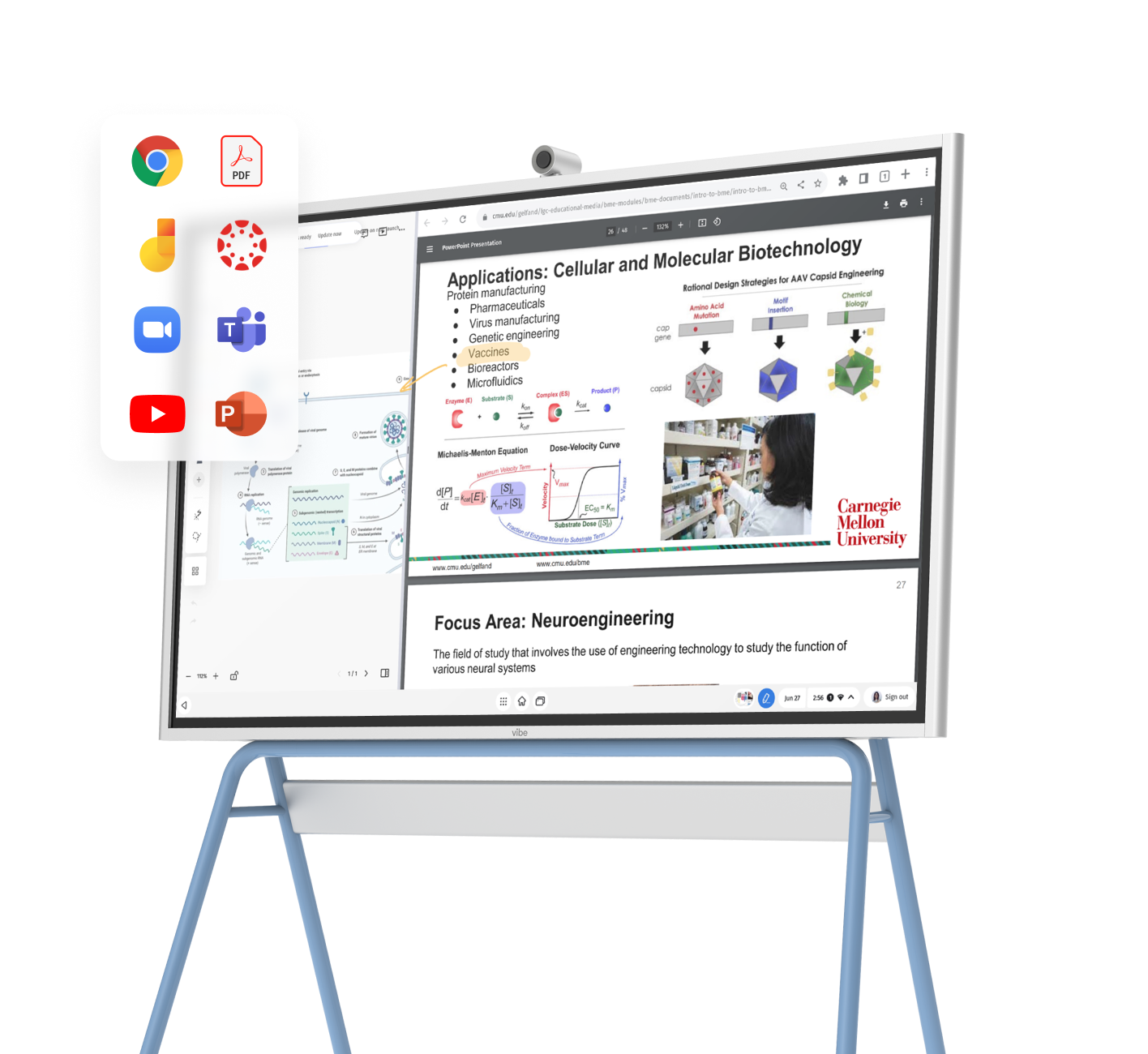
Seamlessly blend in resources from Chrome or other sites during your lectures.

icon

Annotate course materials with ease – including images, PDFs, webpages, and third-party apps.
Smart personal officesEasy-to-Use Whiteboard for Office Hours
icon

Enjoy an intuitive pen-to-paper feel when dissecting intricate theories with students or co-authors.

icon

Replace traditional note-taking with cloud-based save and share capabilities, enabling effortless revisit and continuity of academic discussions.

Interactive classroomsIgnite Engagement with Multimedia Learning
icon

Seamlessly blend in resources from Chrome or other sites during your lectures.

icon

Annotate course materials with ease – including images, PDFs, webpages, and third-party apps.

Dynamic faculty workspaces

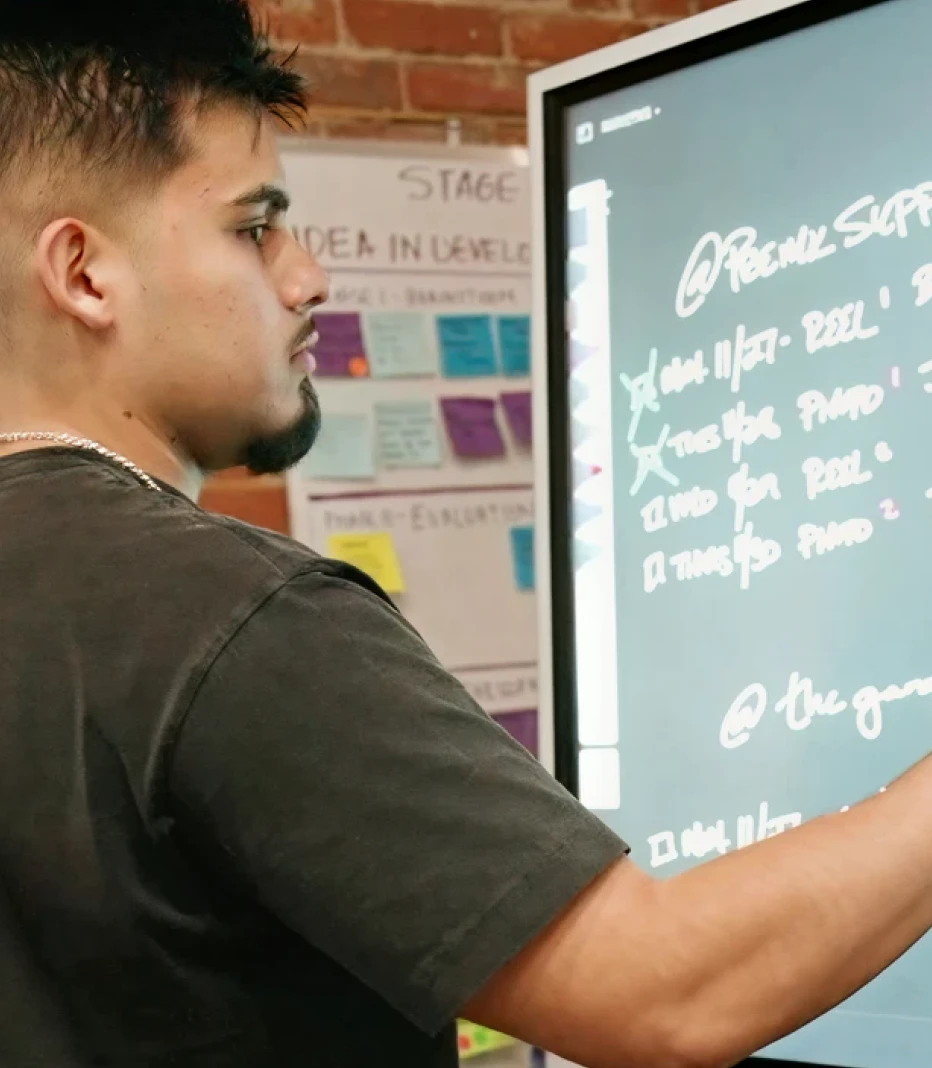
Revolutionize Your Office with Flexibility & Freedom

icon

Exploit the open ecosystem of Vibe to its fullest, running an extensive range of apps like Chrome, Google Drive, Microsoft Office, YouTube and Canvas on one device.

icon

Cater to diverse academic needs effortlessly - from faculty meetings to student activities - using one versatile tool.

icon

Embrace the future of collaboration with Vibe‘s easy setup and responsive customer support, enabling a hassle-free digital transition.

Advanced seminar rooms

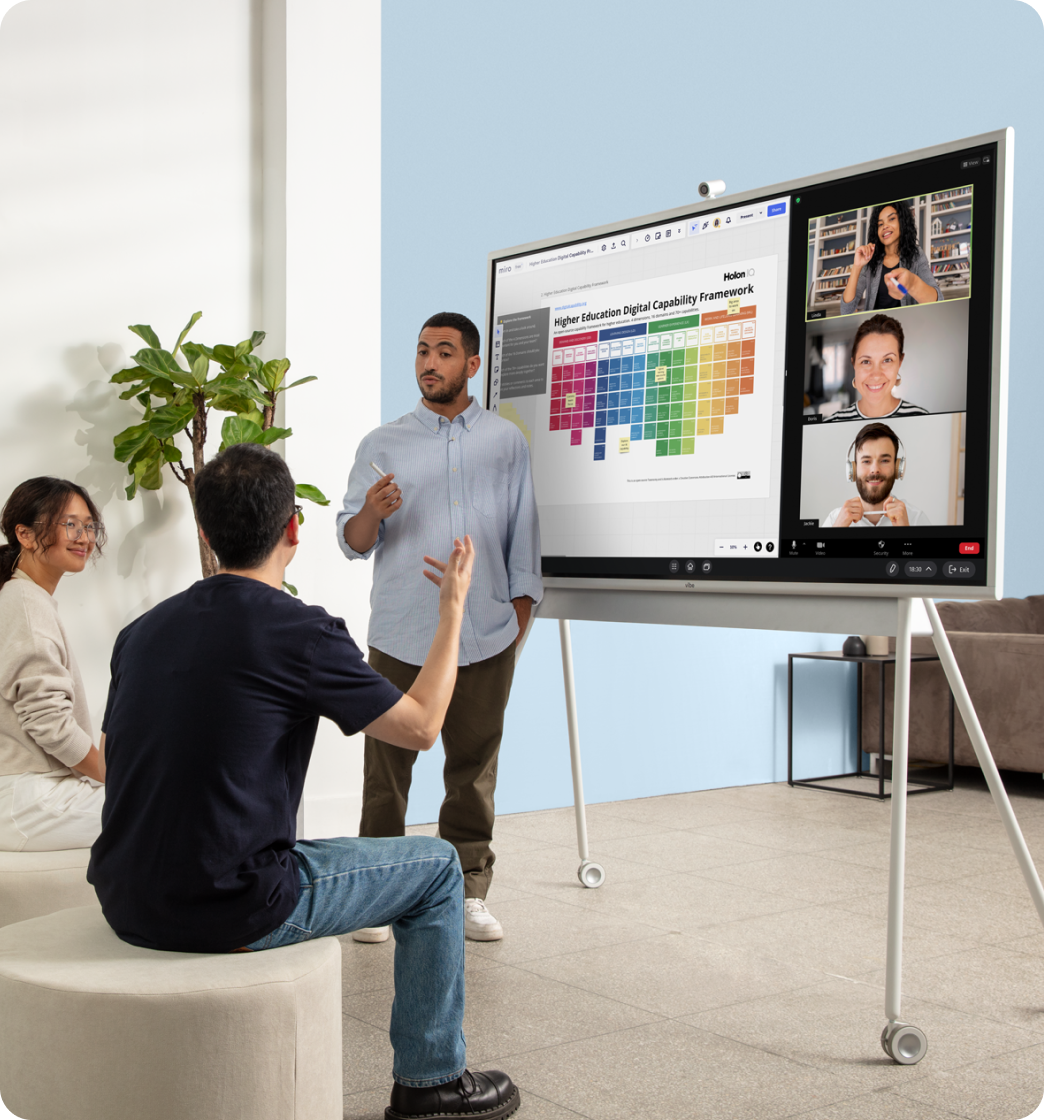
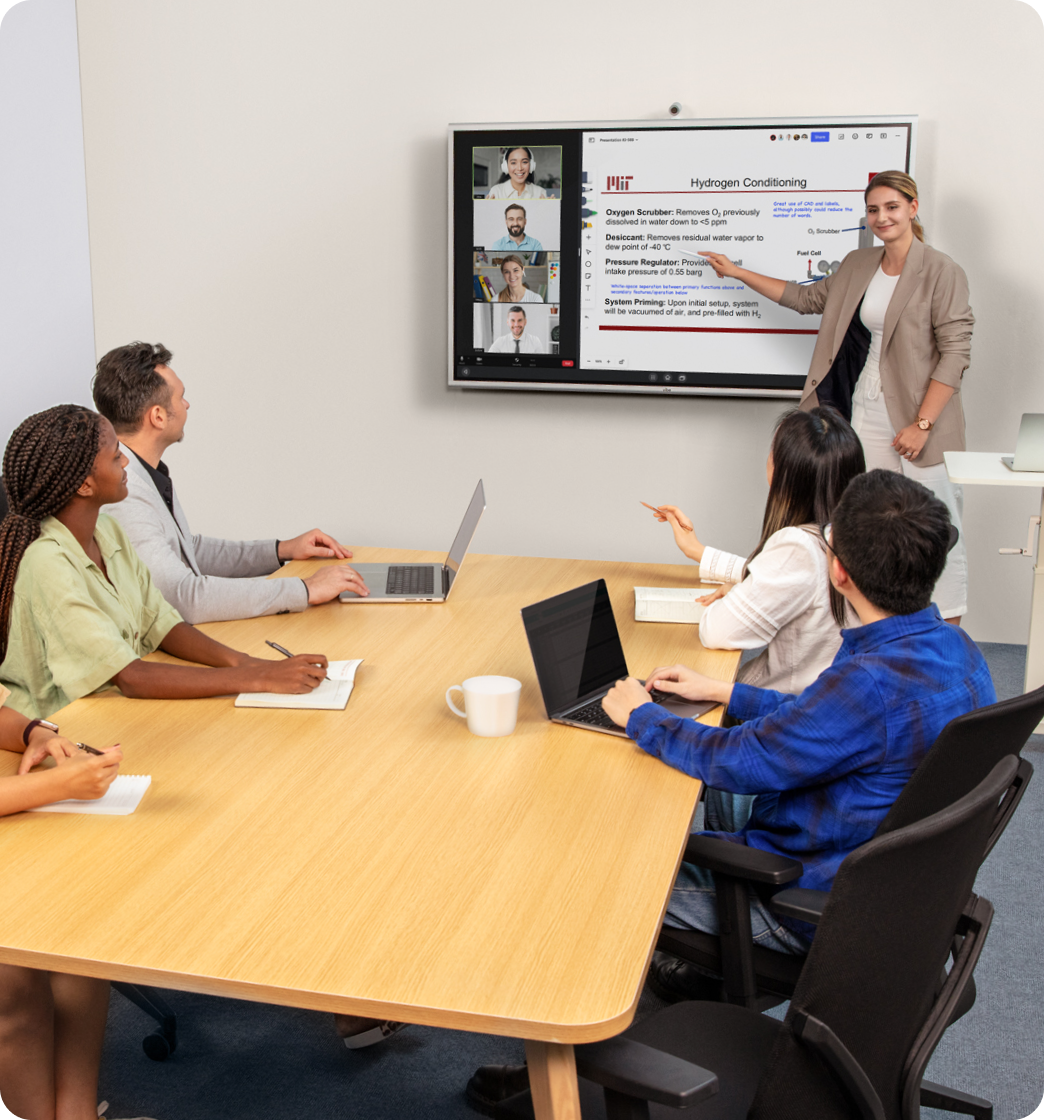
Facilitate Seamless Meetings with One Click

icon

Choose your preferred meeting platform – Zoom, Teams, or Google Meet.

icon

Utilize the split-screen mode for simultaneous collaboration, empowering you and your academic peers to visualize ideas in real-time.

Dynamic faculty workspacesRevolutionize Your Office with Flexibility & Freedom
icon

Exploit the open ecosystem of Vibe to its fullest, running an extensive range of apps like Chrome, Google Drive, Microsoft Office, YouTube and Canvas on one device.

icon

Cater to diverse academic needs effortlessly - from faculty meetings to student activities - using one versatile tool.

icon

Embrace the future of collaboration with Vibe‘s easy setup and responsive customer support, enabling a hassle-free digital transition.

Advanced seminar roomsFacilitate Seamless Meetings with One Click
icon

Choose your preferred meeting platform – Zoom, Teams, or Google Meet.

icon

Utilize the split-screen mode for simultaneous collaboration, empowering you and your academic peers to visualize ideas in real-time.

Kudos

Trusted by 40,000+ forward-thinking entrepreneurs

Ian Westerman

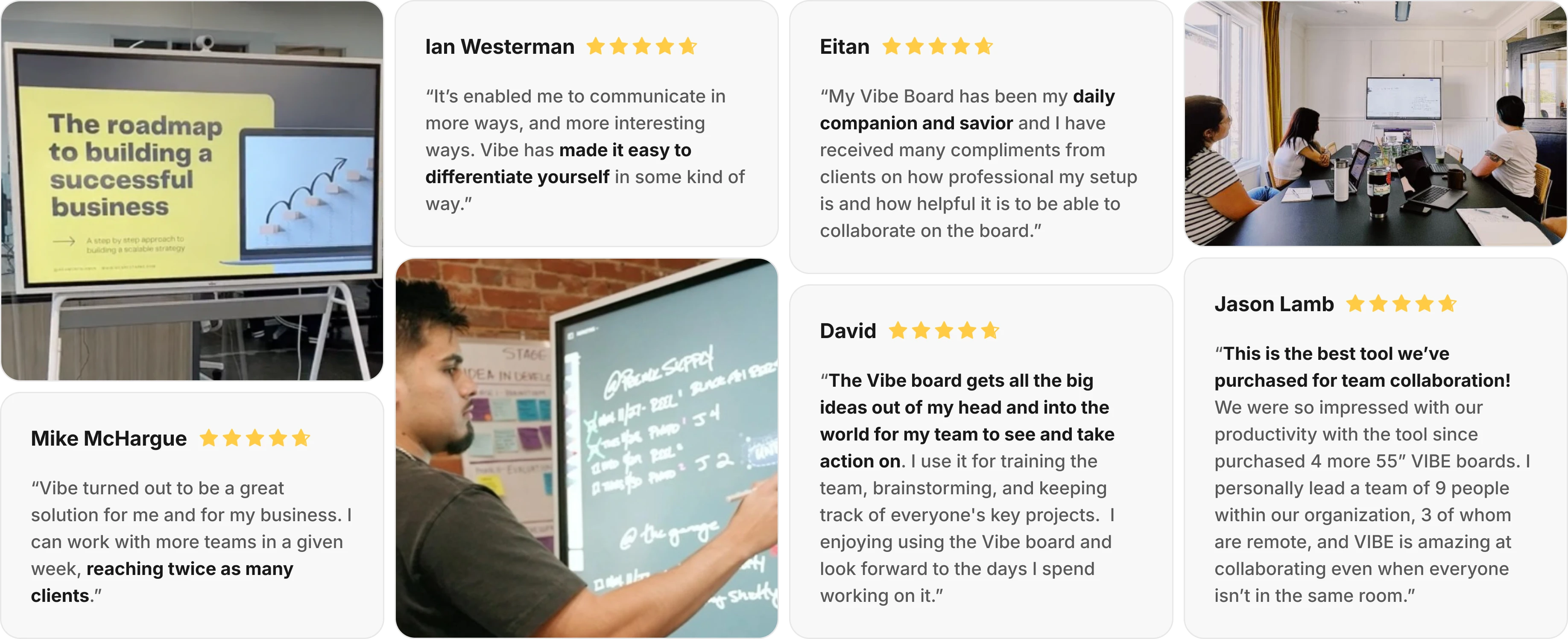
“It’s enabled me to communicate in more ways, and more interesting ways. Vibe has made it easy to differentiate yourself in some kind of way.”

Mike McHargue

“Vibe turned out to be a great solution for me and for my business. I can work with more teams in a given week, reaching twice as many clients.

David

The Vibe board gets all the big ideas out of my head and into the world for my team to see and take action on. I use it for training the team, brainstorming, and keeping track of everyone’s key projects.  I enjoying using the Vibe board and look forward to the days I spend working on it.”

Eitan

“My Vibe Board has been my daily companion and savior and I have received many compliments from clients on how professional my setup is and how helpful it is to be able to collaborate on the board.”
Jason Lamb

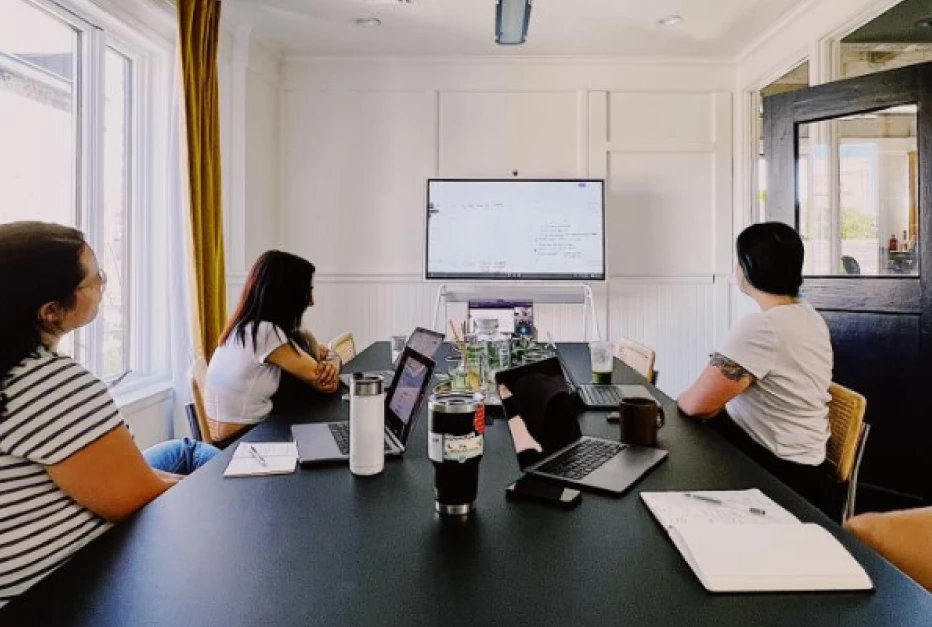
This is the best tool we’ve purchased for team collaboration! We were so impressed with our productivity with the tool that we have since purchased 4 more 55” VIBE boards. I personally lead a team of 9 people within our organization, 3 of whom are remote, and VIBE is amazing at collaborating even when everyone isn’t in the same room.”

Kudos

Trusted by 40,000+ forward-thinking entrepreneurs

bgbg
Unlock Full Teaching Potential with VibeUnlock Full Teaching Potential with Vibe
Explore Vibe’s impact in a 5-min demoExplore Vibe’s impact in a 5-min demo
Request a Demo
For Vibe Board
Every classroom is unique, and we’re dedicated to providing tailored solution to address your specific needs.If you need a PO, please request a quote.
Request a Demo
For Vibe Board
Connect with Vibe’s product expert to tailored solutions for your classroom.

Trusted by 7,200+ satisfied schools and educators

Trusted by 7,200+ satisfied schools and educators
Accounting
Medicine
Anatomy
Mathematics
Chemistry
Accounting
Medicine
Anatomy
Mathematics
Chemistry
“One feature I absolutely love about my board is its dedicated app store, packed with numerous apps that I can integrate into my classroom.”
Jordan Orosco
Math Teacher at Deer Valley High School
Dr. Paulette Vincent-RuzDr. Paulette Vincent-Ruz
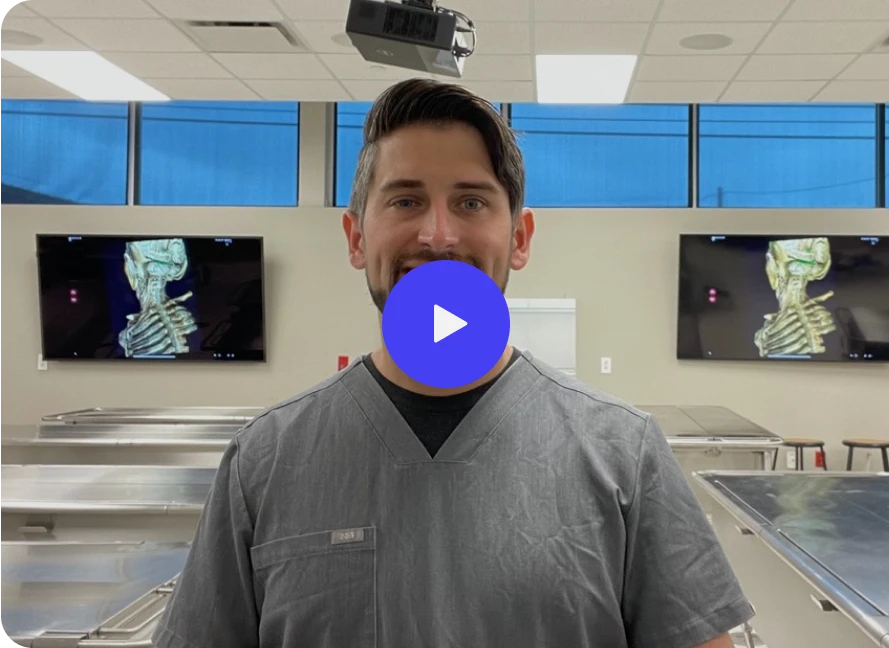
“I use it during office hours with students and can easily sent them a PDF of what we reviewed. I can discuss research with my students and send them a PDF as notes of the meeting.”
Dr. Paulette Vincent-Ruz
Professor at New Mexico State University
  • Is the Vibe board easy to use? Do you offer training?

    We designed Vibe to be an intuitive, easy-to-use tool that everyone can use right away on their next project. Think of Vibe as an oversized digital tablet, offering a familiar and comfortable experience for users of all levels.

    Vibe doesn’t require extra computers, projectors, or calibration. Not only is it easy to learn, it’s fun to use! We provide complimentary onboarding training sessions to get you started, and you can always check out what’s new on our video tutorials or on our knowledge base

  • Can I import images, PowerPoint, and PDF files into the whiteboard?
    Yes! Vibe supports all of these formats, depending on which cloud storage option you’re using.

    *Read more: Learn which file formats are supported.*
  • How can remote students see their teachers' drawings on a Vibe Board?
    There are a few ways to share the view of your Vibe Board remotely:
    - From the Vibe Board, join or host your video call (via Zoom, Microsoft Teams, Google Meet, etc.), then share your screen. Students will be able to see any content you share on the Vibe Board.
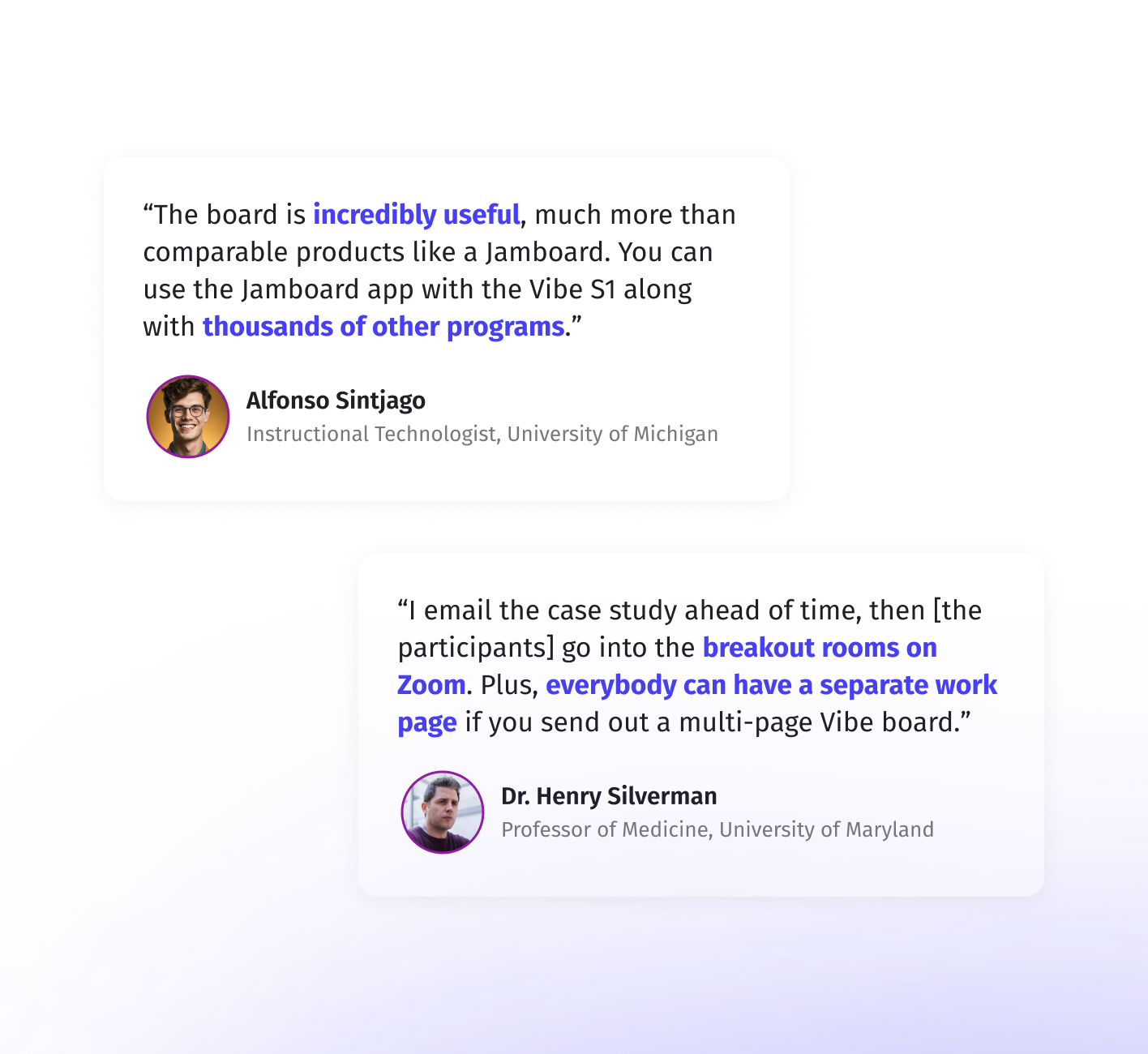
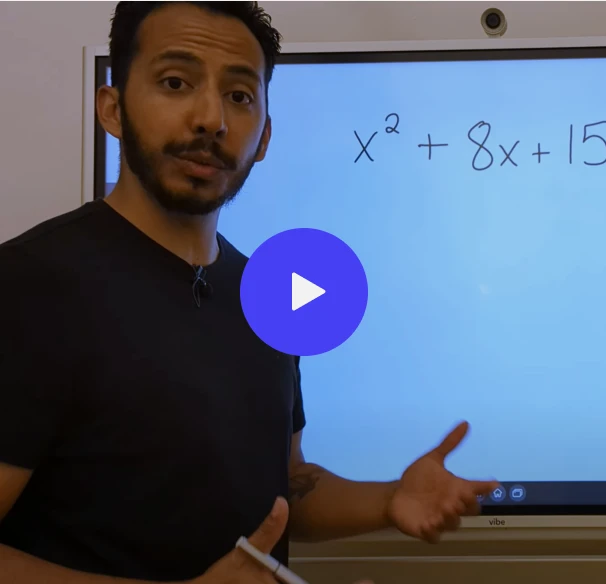
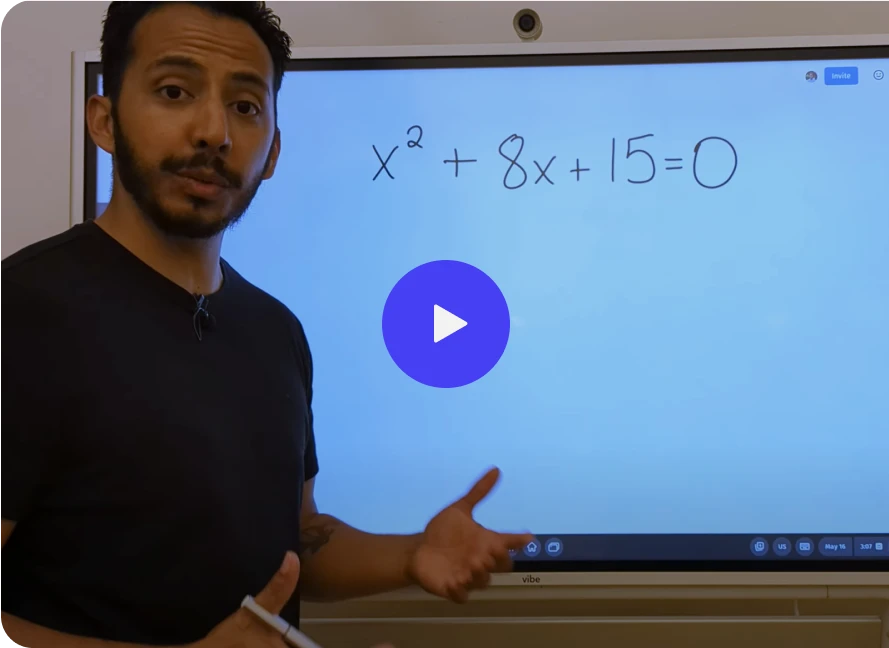
    - Want to see this in action? Check out this online teaching video by Dr. Henry Silverman, one of Vibe’s happy customers!
    - Share a link (edit or view only) of your Vibe Canvas with your students so they can view content and interact with you on the whiteboard in real-time.

    *Note: with this option, students will only be able to view content specifically in the Vibe Board app. Content shared from screencast or 3rd party apps will not be visible*
    - If connecting in real-time isn’t an option, teachers can export their Vibe Board as a PDF and share the file with students after the class.
  • Can students interact with the whiteboard in real-time, even if they don’t have a Vibe Board?
    Yes! Vibe is a cloud-based software that is accessible on any web browser or tablet. Vibe also has an app for iPad.

    Sharing a board is easy with Vibe Canvas. Just send the link to your canvas via email or copy and paste it in a video conference chat to collaborate with others. Students can interact with you on the canvas in real-time once they have the link for access.
  • What education-related apps do you support?
    Many popular educational apps are supported on Vibe, including Canvas, Google Classroom, Blackboard, and Flipgrid. We’re constantly updating our integration offerings, so be sure to check out our full list of supported apps (and feel free to send us suggestions).

    Pro Tip: Feeling tech-savvy? You can also enable the Google Play Store on your Vibe Board to try out additional third-party apps.
  • Does Vibe Board require a projector?

    A projector is not needed for the board. However, if you want to mirror your Vibe Board to a larger device or screen (e.g., for an auditorium or large conference room setting), Vibe Boards can be connected to larger monitors and projectors via the HDMI Out port.


bgbg
Unlock Full Teaching Potential with Vibe