Every workday hands you more to do than you can finish, and the loudest task rarely turns out to be the one that matters most. We tend to chase whatever feels time-sensitive—a pinging inbox, a "quick" request—while the work that actually moves us toward our goals sits untouched. The Eisenhower Matrix is a simple framework for breaking that habit: it forces you to separate what’s urgent from what’s important, then act on the difference.
That distinction isn’t just intuition. In a five-experiment study published in the Journal of Consumer Research, researchers Meng Zhu, Yang Yang, and Christopher Hsee documented what they call the "mere urgency effect"—a measurable tendency to choose urgent tasks over more valuable ones, even when the important task offers a clearly bigger payoff. The encouraging finding: when people were prompted to weigh consequences at the moment of choosing, the pull of urgency faded. A prioritization tool that keeps importance in view is exactly the kind of prompt that helps.
What Is the Eisenhower Matrix?
The Eisenhower Matrix is a task-prioritization tool that organizes everything on your plate into four categories based on two questions: Is it urgent? and Is it important? Each task lands in one of four quadrants, and each quadrant tells you what to do with it—do it now, schedule it, delegate it, or drop it.
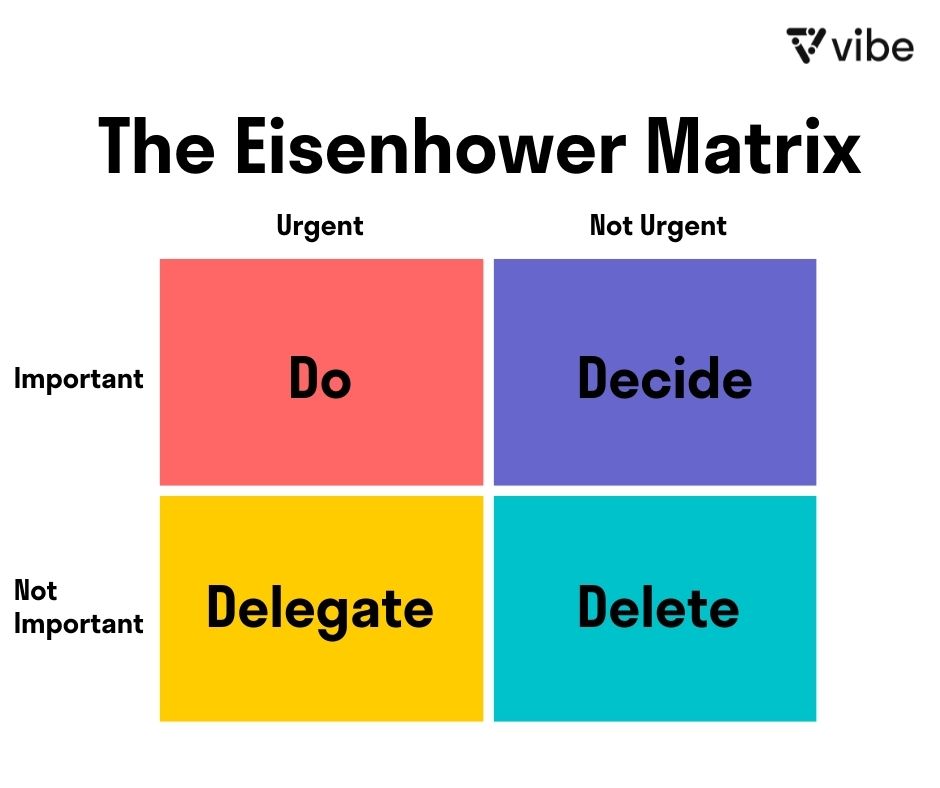 The Eisenhower Matrix – Vibe
You’ll see the same framework under several names, all describing the same 2×2 grid: the Eisenhower Box, the Eisenhower Decision Matrix, the time-management matrix, the urgent-important matrix, and the priority matrix.
The idea traces back to a distinction U.S. President Dwight D. Eisenhower drew in a 1954 address to the Second Assembly of the World Council of Churches, where he quoted a former college president: "I have two kinds of problems, the urgent and the important. The urgent are not important, and the important are never urgent." Eisenhower described the principle; he never drew the grid. The four-quadrant tool we use today was popularized decades later by Stephen Covey in The 7 Habits of Highly Effective People, which is why his name became attached to it.
Urgent vs. Important: The Distinction That Makes It Work
The whole method hinges on telling these two apart, and they’re easy to confuse:
-
Urgent tasks demand attention now. They have deadlines, they’re loud, and ignoring them has immediate consequences—a ringing phone, a same-day reply, a fire to put out. Urgency is about time.
-
Important tasks contribute to your long-term goals, values, or results, whether or not they’re time-sensitive. Importance is about outcomes.
A task can be one, both, or neither. Most people default to handling whatever is urgent and assume it must therefore be important—the exact trap the matrix is built to expose.
The 4 Quadrants of the Eisenhower Matrix
Picture a square divided into four boxes, with urgency running along one axis and importance along the other.
Quadrant 1 — Do (Urgent and Important)
These are tasks that are both time-sensitive and consequential, so you handle them yourself, right away. Think of a client deliverable due today, a production bug taking down your site, or a health issue that can’t wait. Some Q1 work is genuinely unforeseeable; a lot of it, though, is yesterday’s Q2 task that you let slide until it caught fire. The more time you invest in Quadrant 2, the smaller Quadrant 1 tends to get.
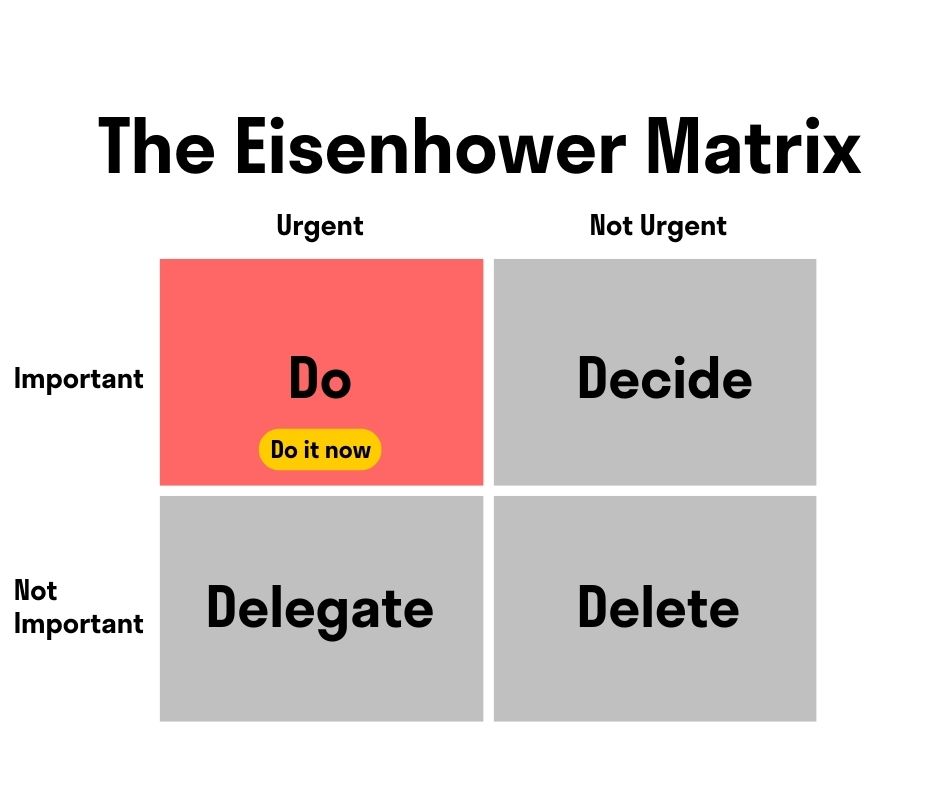 The Eisenhower Matrix Quadrant 1 – Do
Quadrant 2 — Decide / Schedule (Important but Not Urgent)
This is where the highest-value work lives: planning, skill-building, relationship-building, strategy, exercise, and preventive maintenance. Nothing forces you to do these today, which is exactly why they get crowded out—and why they deserve a protected slot on your calendar. Effective people spend the bulk of their time here. Don’t just file Q2 tasks away; give each one a specific date and time so it actually happens.
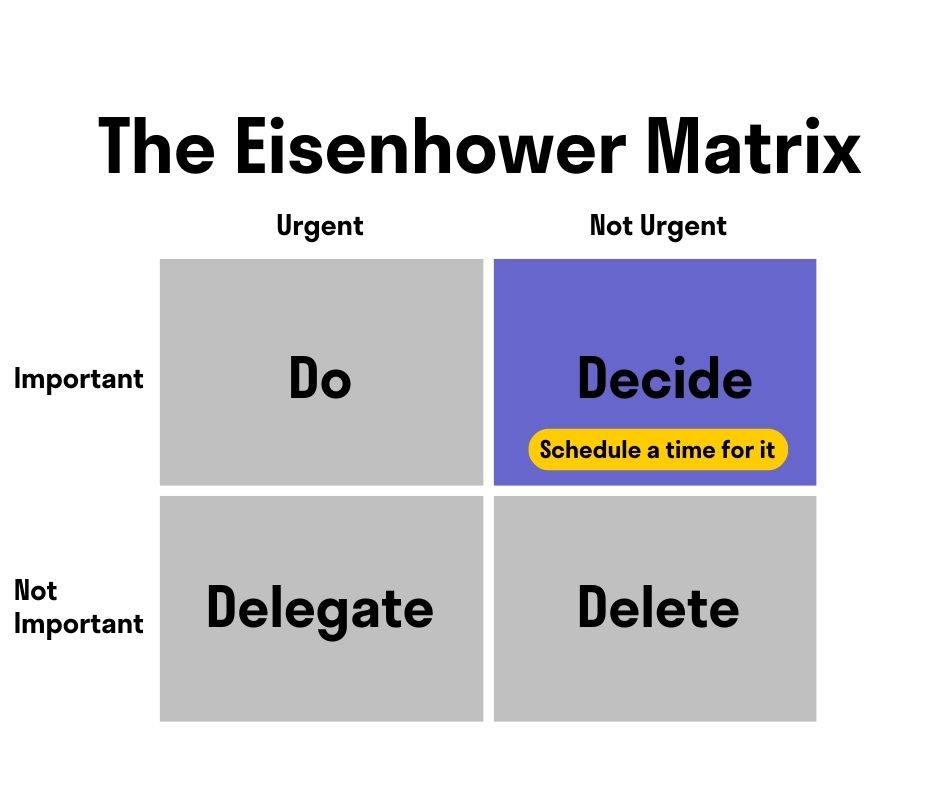 The Eisenhower Matrix Quadrant 2 – Decide
Quadrant 3 — Delegate (Urgent but Not Important)
These tasks feel pressing but don’t move your goals forward—they usually serve someone else’s priorities. Routine status requests, certain meetings, and interruptions often fall here. Ask whether someone else can own the task, or whether a shorter, batched, or automated approach would do. The aim is to keep Q3 from eating the time you owe to Q2.
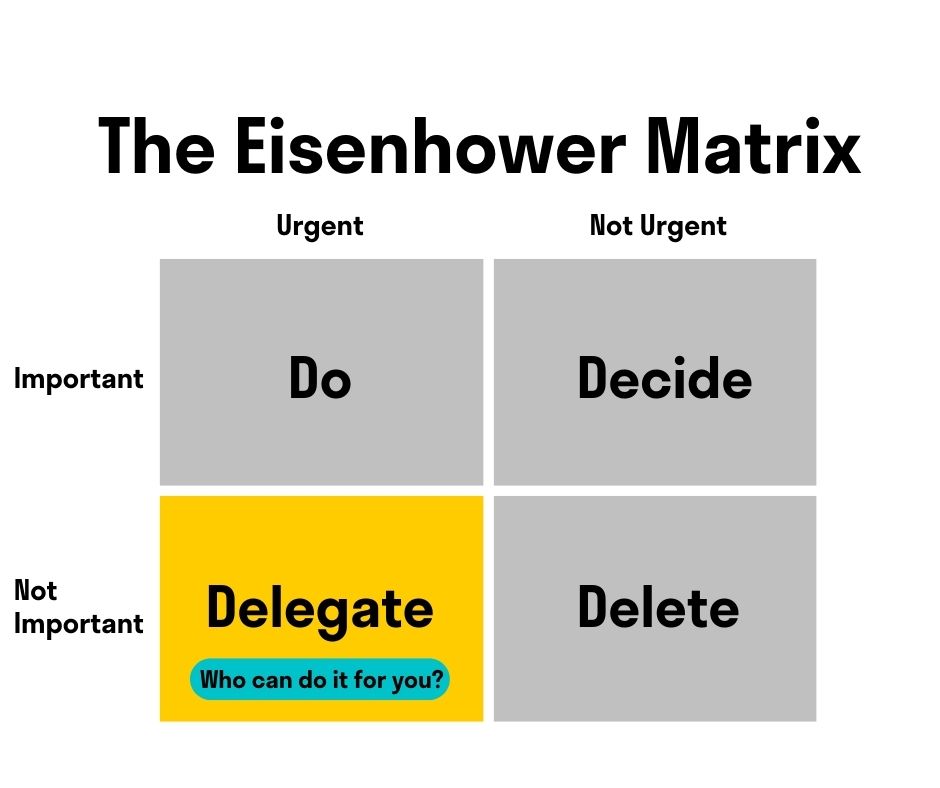 The Eisenhower Matrix Quadrant 3 – Delegate
Quadrant 4 — Delete (Neither Urgent nor Important)
These are the time-sinks: mindless scrolling, busywork, or meetings that produce nothing. Cut them where you can. This isn’t a vote against rest—genuine downtime that recharges you is a Q2 investment in your wellbeing, not a Q4 distraction. The difference is intention. Aimless avoidance belongs in Quadrant 4; deliberate recovery does not.
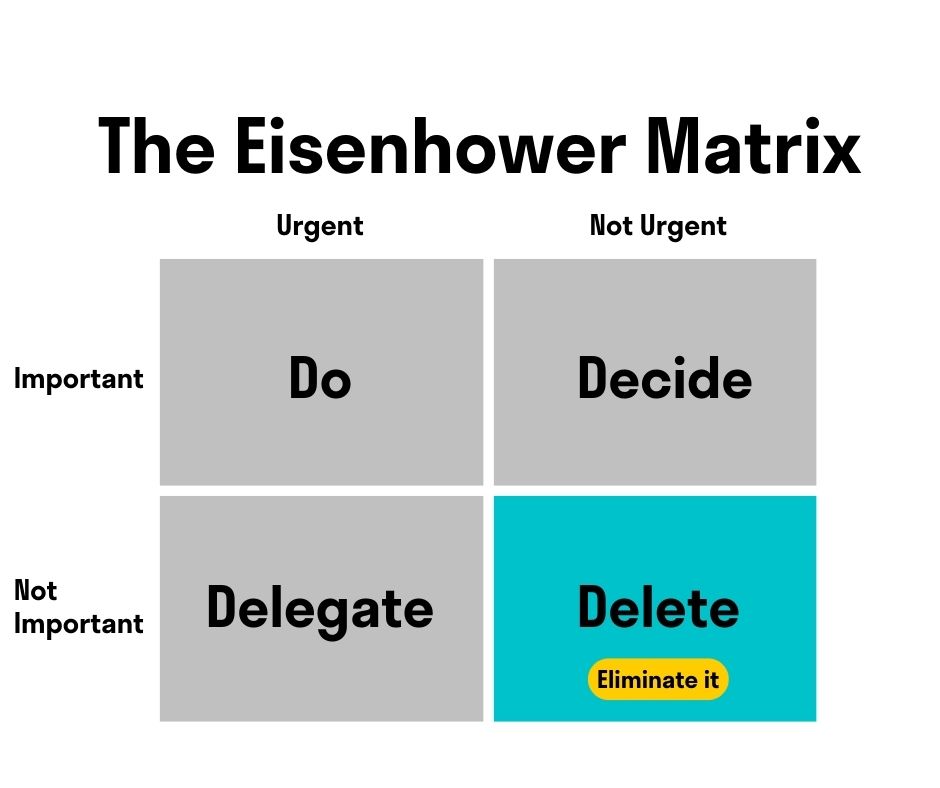 The Eisenhower Matrix Quadrant 4 – Delete
Eisenhower Matrix Examples
Abstract definitions only get you so far, so here’s how a realistic mix of tasks sorts out. Notice that the same activity can change quadrants depending on its deadline and stakes.
A work example for a project manager:
-
Do (Q1): Finalize a proposal due to the client by 5 p.m. today.
-
Decide (Q2): Map out next quarter’s project roadmap; enroll in a certification course.
-
Delegate (Q3): Format the weekly status report; take notes in a meeting you’re not leading.
-
Delete (Q4): Sit in on a recurring meeting with no agenda or action items for you.
A personal example:
-
Do (Q1): Pay a bill that’s due tonight; handle a car that won’t start.
-
Decide (Q2): Book that overdue dental checkup; plan a weekend with family.
-
Delegate (Q3): Hand off an errand someone else can run; let a delivery service handle the grocery pickup.
-
Delete (Q4): Re-watch a show you’ve seen five times while half-working.
A useful habit is to keep separate matrices for work and personal life, since the same task can rank very differently depending on the context.
How to Build Your Own Eisenhower Matrix
You don’t need special software to start—pen and paper work—but the method gets easier to maintain when your matrix lives somewhere you can update it from anywhere. Here’s the process:
-
Brain-dump everything. List every task, commitment, and nagging to-do in one place. Getting it out of your head frees up mental space and lets you see the full picture.
-
Sort by importance first, then urgency. For each task, ask whether it genuinely advances your goals before you ask whether it’s time-sensitive. Importance is the harder, more valuable judgment.
-
Place each task in a quadrant and act accordingly: do, schedule, delegate, or delete.
-
Cap each quadrant. Try to keep no more than a handful of tasks per box. A matrix with thirty items in Quadrant 1 isn’t a priority list—it’s the same overwhelming pile in a grid.
-
Schedule Quadrant 2 deliberately. Block calendar time for important-not-urgent work so it doesn’t quietly migrate into Quadrant 1.
-
Revisit regularly. Priorities shift as deadlines approach and new work arrives, so update the matrix daily or weekly rather than treating it as a one-time exercise.
If you want a related approach for weighing effort against payoff, the Action Priority Matrix pairs naturally with this one.
Benefits and Limitations
The Eisenhower Matrix earns its popularity by being fast and almost frictionless. It requires no training, no tooling, and no setup; it gives you a high-level overview of your workload at a glance; and it builds the habit of questioning urgency instead of obeying it.
It isn’t a cure-all, though, and it helps to know the edges. The matrix relies entirely on your judgment of "important," which can be hard to assess honestly—especially under pressure. It handles task sorting well but doesn’t capture dependencies, effort, or how long something will take. And it works best for individual prioritization; coordinating shared priorities across a team usually calls for a collaborative space where everyone can see and adjust the same board.
Build Your Eisenhower Matrix in Vibe Canvas
That last point is where a digital workspace earns its keep. With Vibe Canvas, Vibe’s browser-based virtual whiteboard, you can draw the four-quadrant grid once, save it as a reusable template, and drop each task in as a sticky note—then drag tasks between quadrants as deadlines and stakes change. The To-Do Mark feature lets you check off items and track status as you work through them.
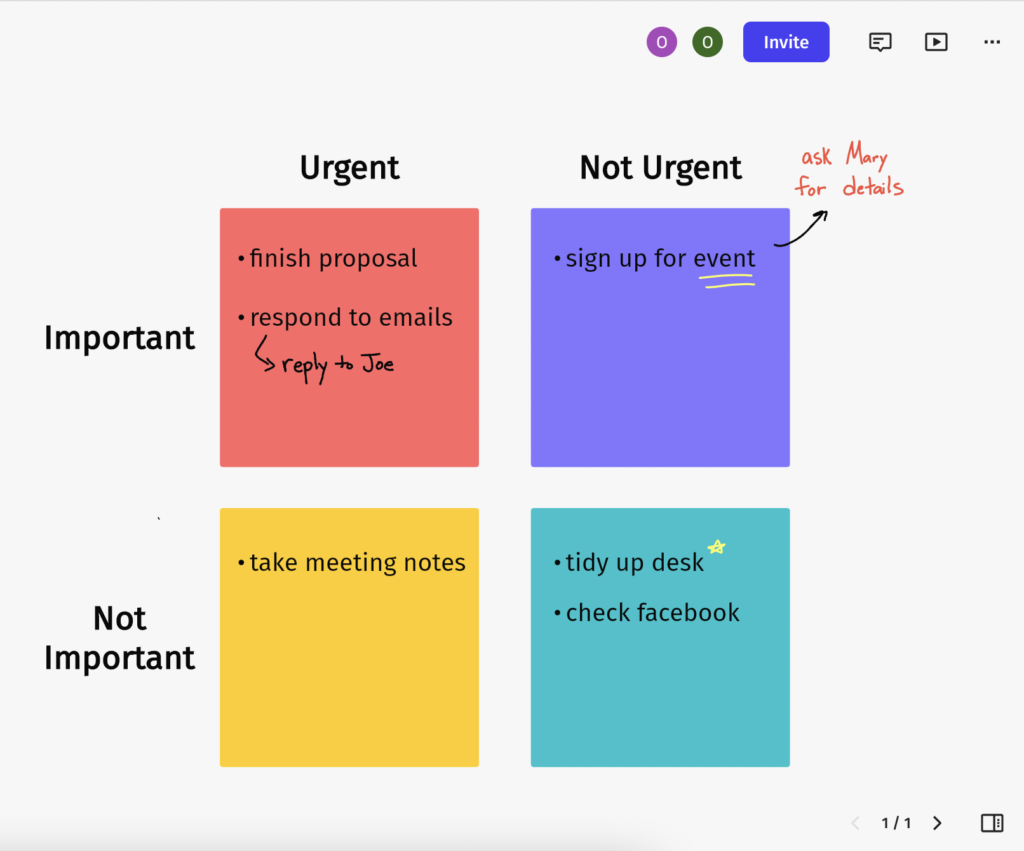 An Eisenhower Matrix created on Vibe Canvas
Because Canvas syncs across your Vibe Board, computer, tablet, and phone, your matrix stays current whether you’re at your desk or on the move, and everything saves automatically to the cloud so it’s easy to share or revisit. For teams, that shared canvas means the whole group can prioritize against the same board instead of trading separate lists. You can start using Vibe Canvas for free.
FAQ
Why is it called the Eisenhower Matrix?
It’s named after Dwight D. Eisenhower, the 34th U.S. president and a five-star general, who was known for his approach to managing a heavy workload. In a 1954 speech he articulated the urgent-versus-important distinction at the heart of the tool, though the four-quadrant grid itself was later formalized by Stephen Covey.
What are the four quadrants of the Eisenhower Decision Matrix?
-
Do — tasks that are urgent and important; handle them now.
-
Decide — tasks that are important but not urgent; schedule them for later.
-
Delegate — tasks that are urgent but not important; hand them off where you can.
-
Delete — tasks that are neither urgent nor important; eliminate them.
Is the Eisenhower Matrix the same as the time-management matrix?
Yes. The "time-management matrix," "Eisenhower Box," "decision matrix," and "urgent-important matrix" all refer to the same four-quadrant framework for sorting tasks by urgency and importance.
How do I use the Eisenhower Matrix in everyday life?
List everything you need to do, judge each task on importance and urgency, and place it in the matching quadrant. Do the urgent-and-important items now, schedule the important-but-not-urgent ones, delegate the urgent-but-unimportant tasks, and drop the rest. Keeping a separate matrix for work and personal life helps each stay relevant.