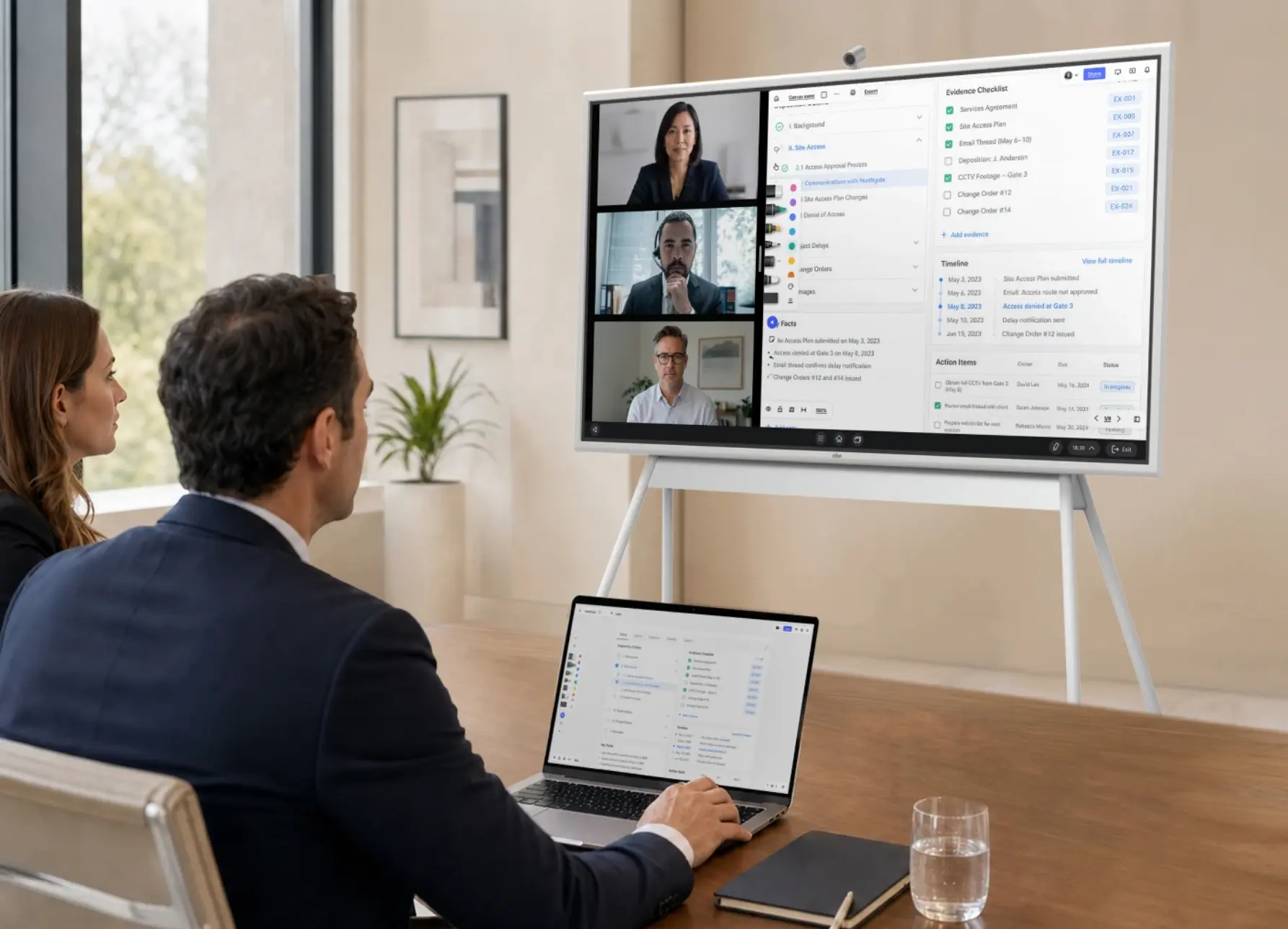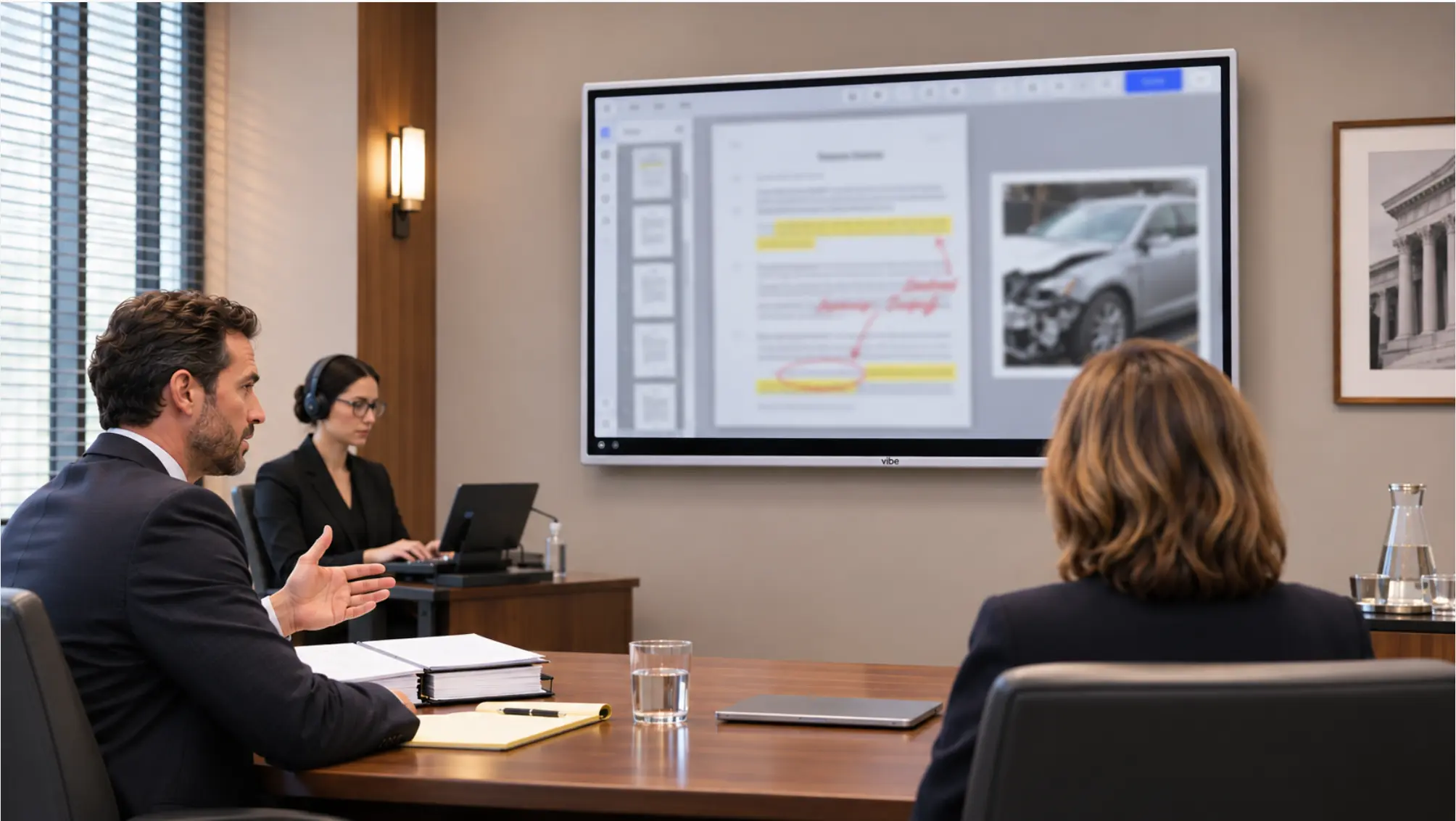

Law school classroom technology has to serve three very different rooms: the case-method classroom where a professor works through an opinion line by line, the skills lab where students practice interviewing and negotiating, and the moot court or mock trial room where they argue in front of judges. Each room needs a shared screen, but they differ in what gets recorded, who joins remotely, and how the room is set up. This guide walks through all three, with a build list and a recording policy checklist. It’s part of Vibe’s legal solutions library, and pairs with Vibe’s higher education solutions.
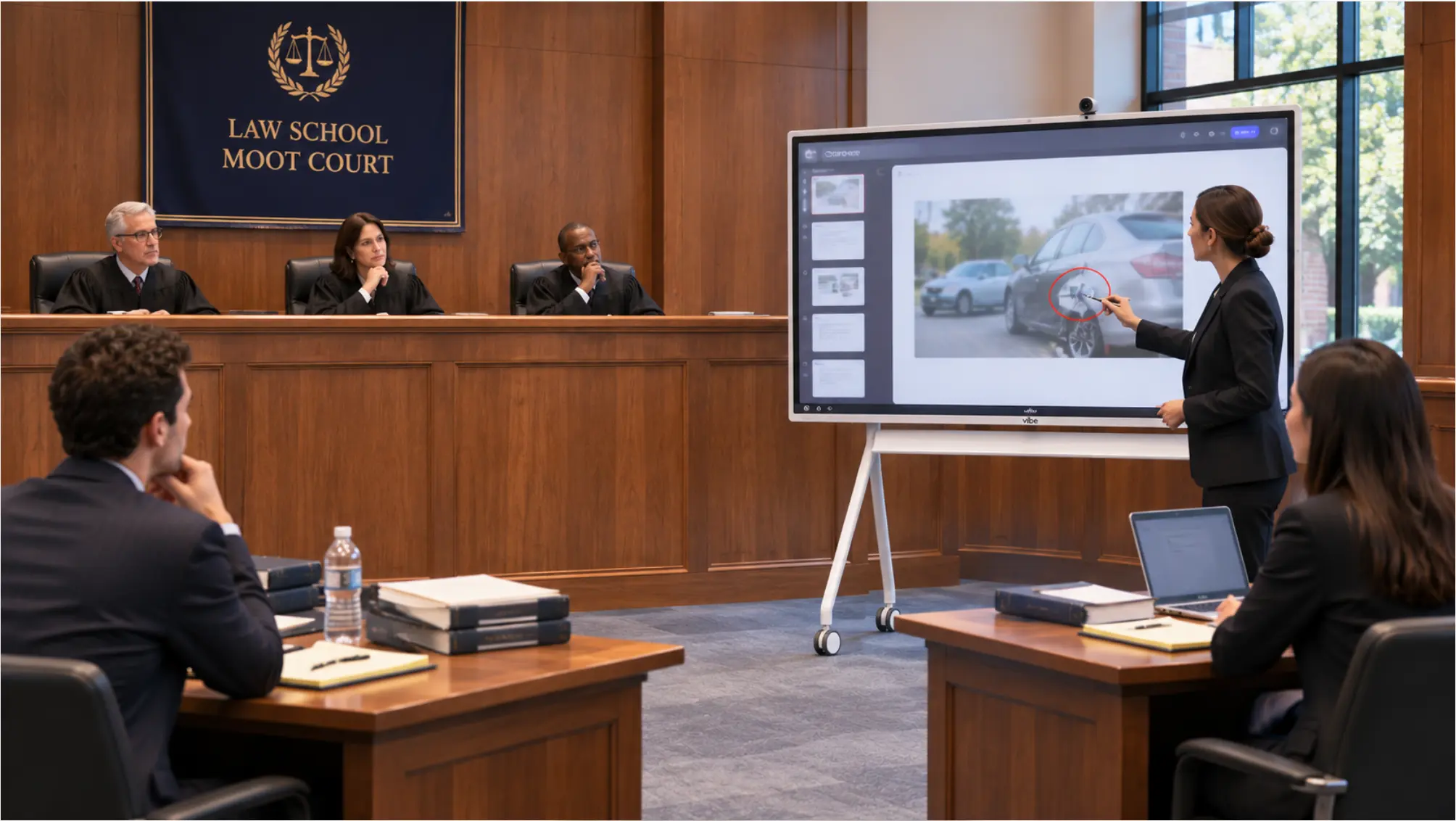 Law school moot court room with a bench for three judges, two counsel tables, and a Vibe Board on a rolling stand showing an exhibit to the bench
Why Skills Rooms Matter More Now
Two requirements push law schools toward more simulation and skills teaching, and both depend on rooms that work.
ABA accreditation. ABA Standard 303(a)(3) requires every J.D. student to complete one or more experiential courses totaling at least six credit hours, and an experiential course must be a simulation course, a law clinic, or a field placement. Schools continue to build approved lists of courses to meet it, as Chicago-Kent’s April 2026 list shows. Simulation courses, such as trial advocacy, negotiation, and client counseling, happen in classrooms, not in a clinic office.
The NextGen bar exam. The NextGen Uniform Bar Examination first ran in a limited number of jurisdictions in July 2026. It focuses on foundational lawyering skills, includes performance tasks alongside multiple-choice questions and integrated question sets, and becomes the only exam NCBE offers starting with the July 2028 administration. Performance tasks take up about a third of exam time. Students who have practiced working through a client file in a room built for it are better prepared for that format.
The Three Rooms a Law School Needs
|
Room |
What happens there |
What it needs most |
|---|---|---|
|
Case-method classroom |
Socratic discussion of opinions, statutes, and problems |
A large shared screen the back row can read, annotation, and saved boards |
|
Skills lab |
Client interviewing, counseling, negotiation, drafting |
Recording for faculty and peer feedback, small-group setups, a clear consent policy |
|
Moot court or mock trial room |
Appellate argument, trial advocacy, competitions |
Exhibit display for the bench and jury box, remote judges, recording for review |
Room 1: The Case-Method Classroom
A case-method class lives on the text. The professor highlights a holding, diagrams a fact pattern, or puts two statutes side by side, and students need to see the same marks at the same time.
What to set up:
-
A display sized for the back row. A 75″ board usually suits a seminar room. In a large tiered lecture hall, use the board for annotation and mirror it to the existing projector.
-
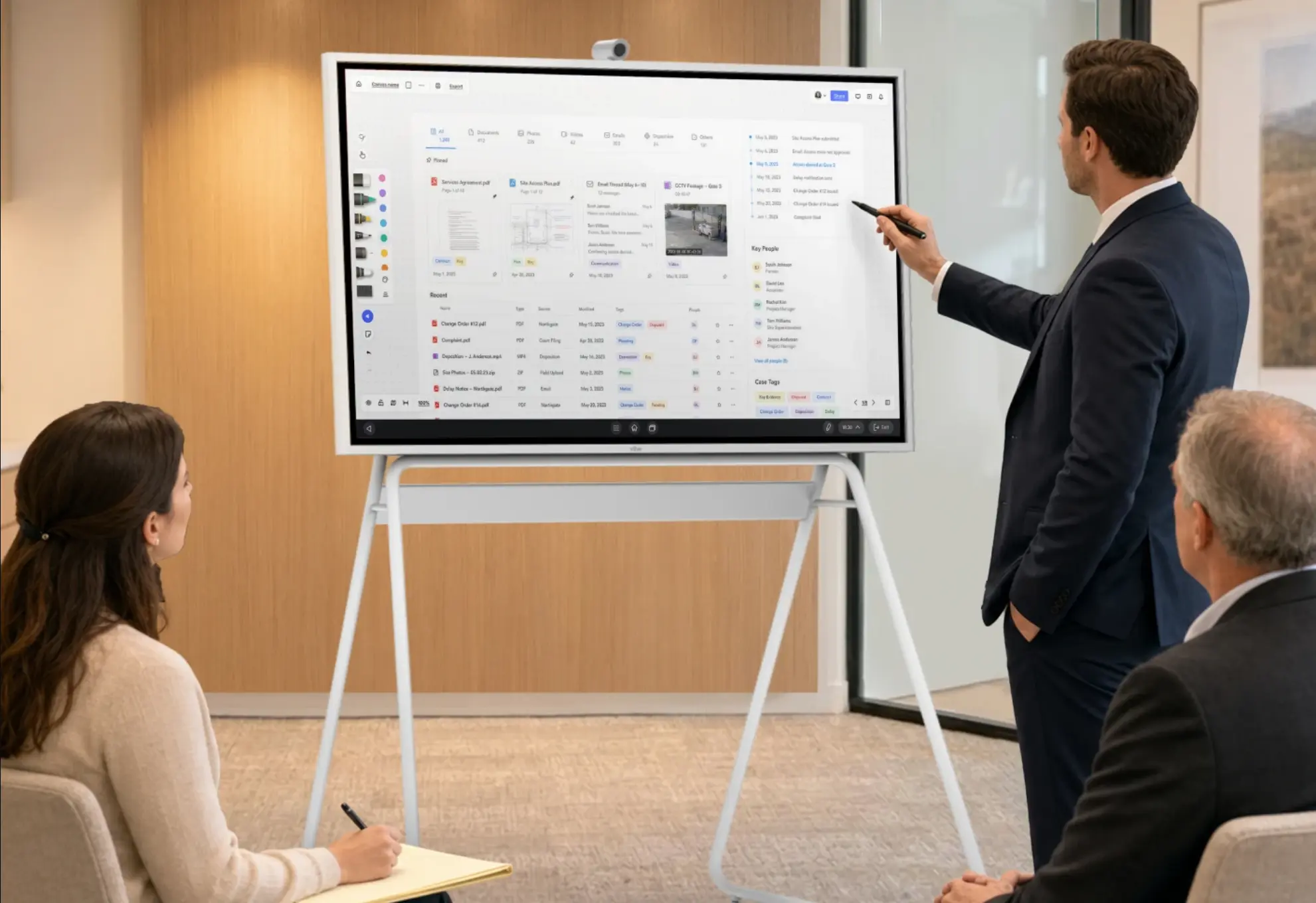
Annotation on the actual document. The Vibe Board S1 lets faculty annotate directly on PDFs, images, and apps, and import files from Google Drive, Dropbox, or OneDrive.
-
Saved boards. Canvas, Vibe’s cloud whiteboard, saves the session, so the class’s diagram of a statutory scheme is still there next week. Vibe says a Canvas session has no limit on participants, so students can follow along on their own devices.
-
Students at the board. Calling a student up to diagram a fact pattern works better on a touchscreen than on a laptop shared to a projector.
Room 2: The Skills Lab
Skills courses run on feedback. A student interviews a mock client, the professor and classmates review what happened, and the student tries again. Recording makes that review specific: "at minute four, you asked a leading question" is more useful than "you could ask more open questions."
What to set up:
-
A camera and microphones that cover the table. For a small interviewing room, a Vibe Smart Camera mounted on the board adds a 4K camera with auto-framing and a six-microphone array. For a negotiation room with two teams, Vibe Bot at the center of the table has a 360° 4K camera with auto-framing and a six-microphone beamforming array.
-
Transcripts for review. Vibe Bot generates a transcript, a summary, and action items after each session, which gives the student a written record to review. Vibe notes that speaker separation and voice recognition are in beta and may not identify every speaker, so faculty should review transcripts before grading from them.
-
A shared screen for the deal. In a negotiation simulation, put the term sheet on the board and let both teams mark it up, so the final version is the one everyone agreed to.
Picture a 2L negotiation course: two teams of three negotiate a supply agreement for 40 minutes while the professor watches from the side. Afterward, each team gets the transcript, and the professor asks them to find the moment the price concession happened and what triggered it. That exercise only works if the room captured it.
Room 3: The Moot Court or Mock Trial Room
A courtroom classroom is about presentation under pressure. Students argue to a bench, present exhibits to a jury box, and handle objections in real time. Many schools also need the room to double as an ordinary classroom: when the UNC School of Law upgraded its moot courtroom, one requirement was that an instructor at the lectern could teach students in the gallery when no moot court session was running.
What to set up:
-
An exhibit display the bench and jury box can both see. Position the board so judges and the jury box can read it without turning. A board on a rolling stand lets a classroom become a mock courtroom for the afternoon.
-
Windows software where the course needs it. If your trial advocacy program teaches with Windows trial presentation software, the Vibe Board S1 Pro runs Windows 11 Pro, so students practice on the same kind of application they’ll see in practice.
-
Remote judges. Practitioner judges for moot court rounds often can’t come to campus. A camera that shows the bench, the podium, and counsel tables lets a remote judge follow the argument and ask questions.
-
Recording for review. A recording lets students watch their own direct examination or argument the way the bench saw it. Decide in advance who can access recordings and for how long.
For the litigation side of the same skills, see How to Build a Trial Prep War Room and Remote and Hybrid Deposition Room Setup.
Recording Students: Set the Policy First
Recording in skills courses raises privacy questions, so set the policy before the first session:
-
Tell students in the syllabus that sessions may be recorded, why, who can see the recordings, and how long they’re kept.
-
Treat recordings as education records where your school’s FERPA policy says they are, and limit access to the student, the instructor, and anyone the policy allows. Vibe lists FERPA among Vibe Bot’s security and privacy credentials, but the school’s own policy still governs.
-
Get consent from outside participants, such as actors playing clients or practitioner judges, and follow the strictest state recording rule that applies to anyone in the room.
-
Know where the data goes. Vibe Bot’s transcription and Ask Vibe features require an internet connection for cloud-based processing, so confirm the school is comfortable with that before recording.
-
Keep clinic work separate. Real client matters in law clinics carry attorney-client confidentiality, which is a different standard from a simulation. See Can Lawyers Record Client Meetings? before recording any clinic conversation.
Build List by Room
Prices are Vibe’s published prices as of November 2026. Vibe offers special pricing for educational institutions, so request an education quote.
|
Room |
Display |
Camera and audio |
Extras |
Starting price |
|---|---|---|---|---|
|
Case-method seminar room |
Vibe Board S1 (55″ or 75″) |
Vibe Smart Camera for hybrid sessions |
Vibe Tap for wireless casting |
from $3,699 (55″) + $399 + $159 |
|
Skills lab |
Vibe Board S1 55″ |
Vibe Bot at the table’s center |
55″ stand |
$3,699 + $999 + $599 |
|
Moot court or mock trial room |
Vibe Board S1 Pro (55″ or 75″) |
Vibe Bot or Vibe Smart Camera |
Stand ($599 for 55″, $1,099 for 75″) |
from $5,699 (55″) + camera + stand |
Two tradeoffs to know: the Vibe Board has no built-in camera or microphone, so every room that records or hosts remote participants needs one of the add-ons, and Vibe Bot’s AI features need an internet connection. For hybrid teaching practices, see Hybrid Meetings at Law Firms, which covers the same audio and shared-screen principles.
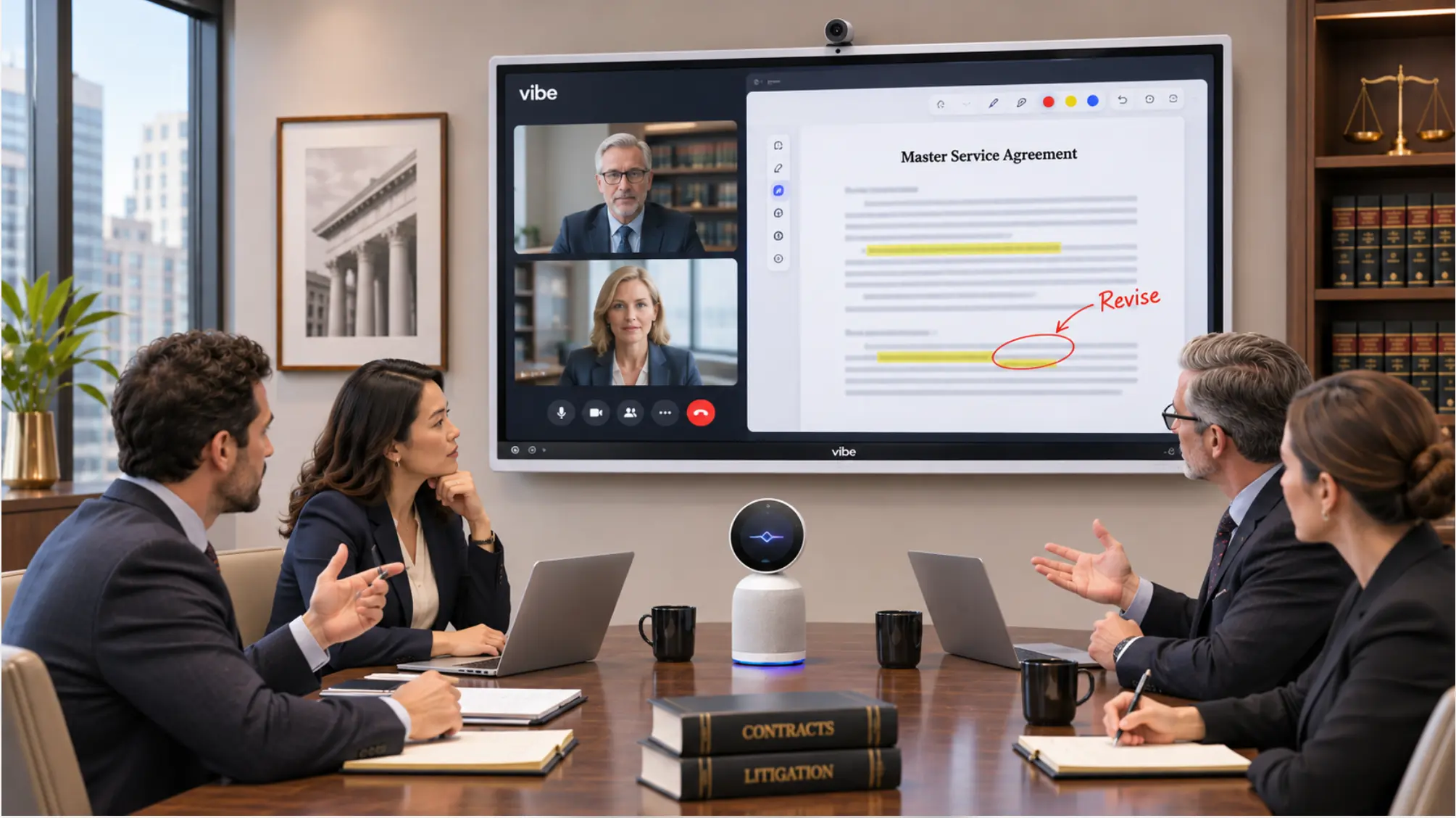 Law firm team marking up a contract on a Vibe Board
A Setup Checklist for Each Term
-
Test the display from the back row and from the bench.
-
Confirm faculty can sign in, annotate, and save a Canvas board.
-
Test the camera and microphones with a remote participant before the first moot court round.
-
Publish the recording notice in every skills and trial advocacy syllabus.
-
Confirm who can access recordings and when they’re deleted.
-
Clear the board and sign out at the end of each class.
The Bottom Line
Law school classroom technology works when each room is built for its job: a readable, annotatable screen for the case-method classroom, recording and transcripts for skills labs, and an exhibit display with remote judging for moot court. Set the recording policy before the first session, and test every room from the back row and the bench.
To see how Vibe fits a law school, visit Vibe’s higher education solutions or request an education quote.
Frequently Asked Questions
What technology does a law school classroom need?
A display large enough for the back row, a way to annotate opinions and statutes on screen and save the result, wireless casting for faculty and students, and a camera and microphones if the room hosts remote participants or records. Skills labs and moot court rooms also need recording for feedback and a written policy for who can access recordings.
What technology does a moot court room need?
An exhibit display the bench and jury box can both read, a camera that shows the bench, podium, and counsel tables for remote judges, microphones that cover the room, and recording for review. If the trial advocacy program teaches with Windows trial presentation software, choose a display that runs Windows, such as the Vibe Board S1 Pro.
How many experiential credits does the ABA require?
ABA Standard 303(a)(3) requires one or more experiential courses totaling at least six credit hours. An experiential course must be a simulation course, a law clinic, or a field placement, and each school decides which of its courses qualify. Check your school’s approved list for specifics.
How does the NextGen bar exam affect law school classrooms?
The NextGen bar exam, first administered in July 2026, focuses on foundational lawyering skills and includes performance tasks that take about a third of exam time. That gives schools more reason to run simulation-heavy courses, which need rooms built for practice, feedback, and review.
Can law schools record students in skills courses?
Usually yes, with notice and a clear policy. Tell students in the syllabus that sessions may be recorded, why, and who can access the recordings. Follow the school’s FERPA policy, get consent from outside participants such as actors and practitioner judges, and keep real client work in clinics under separate confidentiality rules.