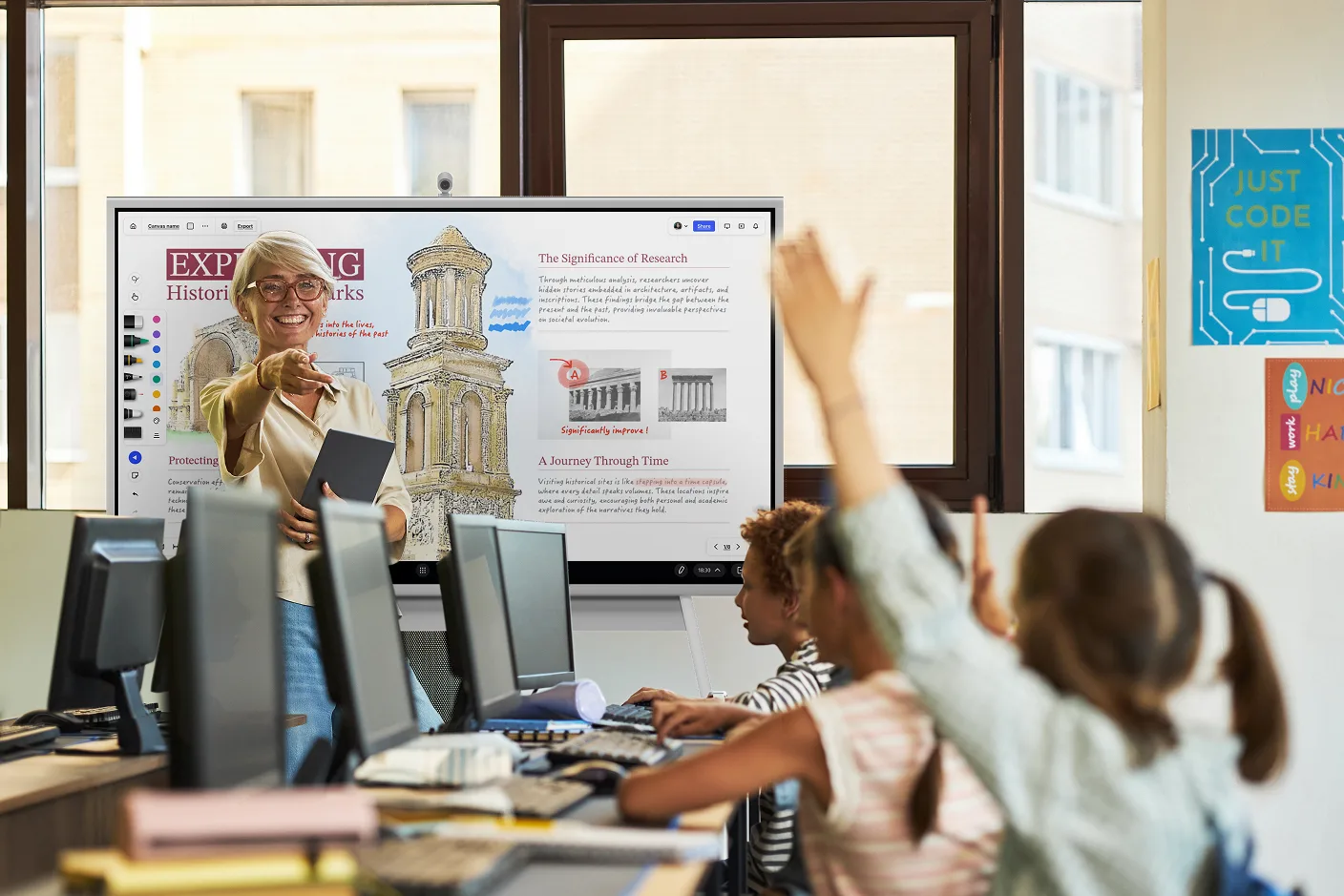

As educational technology advances, interactive whiteboards (also called smart whiteboards or smart boards) have become a fixture in elementary classrooms. Their biggest advantage is that they turn the core curriculum into something students can touch, drag, and play with.
Games are one of the simplest ways of engaging elementary students with that technology. Below are 18 free smart board games sorted by grade level. For each one, you’ll find how to play, how to set it up on your board, and the skills it builds. Most need five minutes of prep or less.
What Are Smart Whiteboard Games?
Smart whiteboards help modernize the classroom, helping teachers go beyond the traditional whiteboard or chalkboard with an interactive touchscreen. Smart whiteboard games are activities and contests that can be played on these interactive boards. Teachers can even connect their computer to the board via USB or screencasting for more game options.
Smart Board Games at a Glance
|
Game |
Grades |
Subject |
Prep Time |
|---|---|---|---|
|
Memory Match |
K–2 |
Any |
10 min |
|
Simon Says |
K–2 |
Listening, patterns |
None |
|
Story Sequence |
K–3 |
Reading |
10 min |
|
Odd One Out |
K–2 |
Any |
5 min |
|
Number Line Hop |
K–2 |
Math |
5 min |
|
Sorting Game |
K–2 |
Science, math, phonics |
10 min |
|
Hangman |
2–5 |
Spelling, vocabulary |
None |
|
Word Scramble |
2–5 |
Spelling, vocabulary |
5 min |
|
Hot Seat |
2–5 |
Vocabulary |
5 min |
|
Kahoot |
2–5 |
Any (quiz) |
10–15 min |
|
Jeopardy-Style Review |
3–5 |
Any (test review) |
20–30 min |
|
Map Hunt |
3–5 |
Social studies |
5 min |
|
Pictionary |
K–5 |
Vocabulary |
None |
|
Tic-Tac-Toe Review |
K–5 |
Any |
5 min |
|
Bingo |
K–5 |
Sight words, math facts |
10 min |
|
Four Corners |
K–5 |
Any |
5 min |
|
Spin the Wheel |
K–5 |
Any |
5 min |
|
Would You Rather |
K–5 |
Speaking, writing |
None |
Smart Board Games for Kindergarten to 2nd Grade
1. Memory Match
Memory is a relational game where students use their memory to find matches among many hidden pictures or cards on the screen. This game teaches concentration, brain function, and focus. It’s also a visual recognition game that tests a person’s short-term memory. Memory has a wide application for teaching the core curriculum through visual learning.
-
Set it up: Place pairs of cards on a grid and cover each one with a shape students tap or drag away to "flip" it. Match words to pictures, numbers to quantities, or terms to definitions.
-
Skills: Concentration, short-term memory, content recall
-
Best for: K–2
2. Simon Says
Simon Says is a memory game that challenges children to follow a sequence and remember the pattern by repeating a pattern that builds. Every time the student successfully completes the pattern, the game builds on the pattern for the next student to try.
 Simon Says, a pattern memory game
-
Set it up: Draw four colored shapes, tap a sequence for the class, and have a student repeat it on the board. Add one step each round.
-
Skills: Pattern recognition, sequencing, listening
-
Best for: K–2
3. Story Sequence
Story Sequence tests and challenges students to place actions in the correct order of the story. Teachers can use Story Sequence to build comprehension, information organization, and problem-solving.
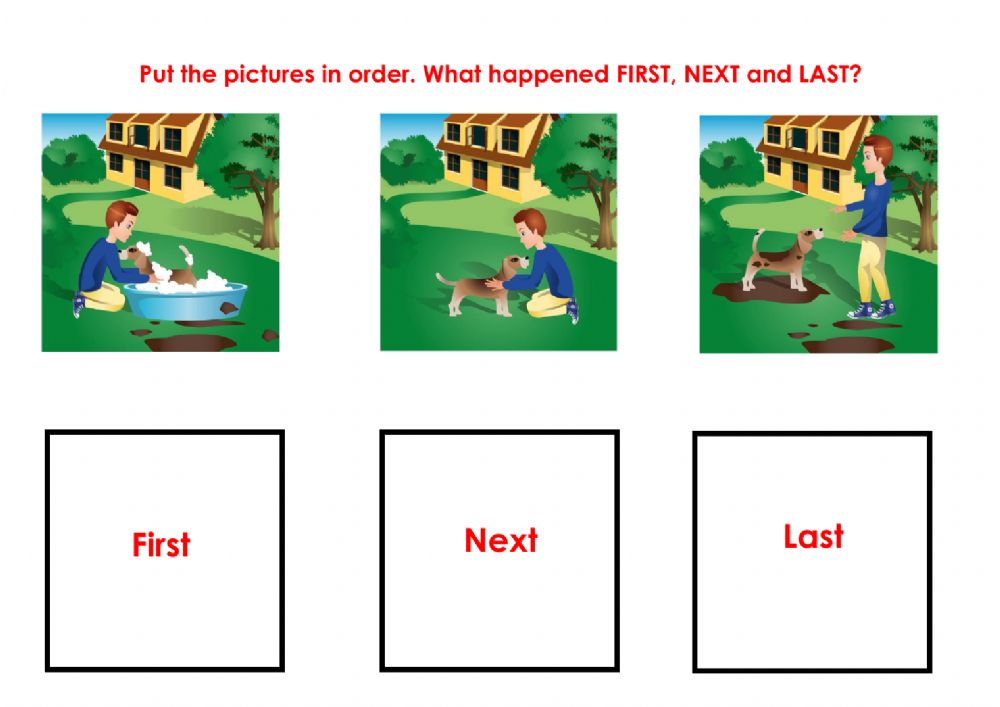 Story Sequence game for putting story events in order
-
Set it up: Put story events on movable cards in random order and have students drag them into a timeline.
-
Skills: Reading comprehension, sequencing, retelling
-
Best for: K–3
4. Odd One Out
Show four pictures, words, or numbers on the board. Students find the one that doesn’t belong and explain why. More than one answer can be right if students can justify it.
-
Set it up: Place four images in a grid and let students circle their choice with the pen tool.
-
Skills: Classification, reasoning, speaking
-
Best for: K–2
5. Number Line Hop
Draw a number line across the board and call out a problem such as "Start at 3, hop 4." A student drags a marker along the line to land on the answer.
-
Set it up: Draw a 0–20 number line and add a movable image, like a frog, as the marker.
-
Skills: Addition, subtraction, number sense
-
Best for: K–2
6. Sorting Game
Students drag pictures or words into labeled groups, such as living and nonliving things, short and long vowels, or odd and even numbers.
-
Set it up: Draw two or three labeled boxes and scatter the items around them.
-
Skills: Classification, vocabulary, early science and math concepts
-
Best for: K–2
Smart Board Games for 3rd to 5th Grade
7. Hangman
Hangman is a missing word game where kids guess letters in a word, phrase, or sentence. For every wrong guess, a new body part is added to the stick figure. Hangman is useful for teaching vocabulary, deductive reasoning, and spelling.
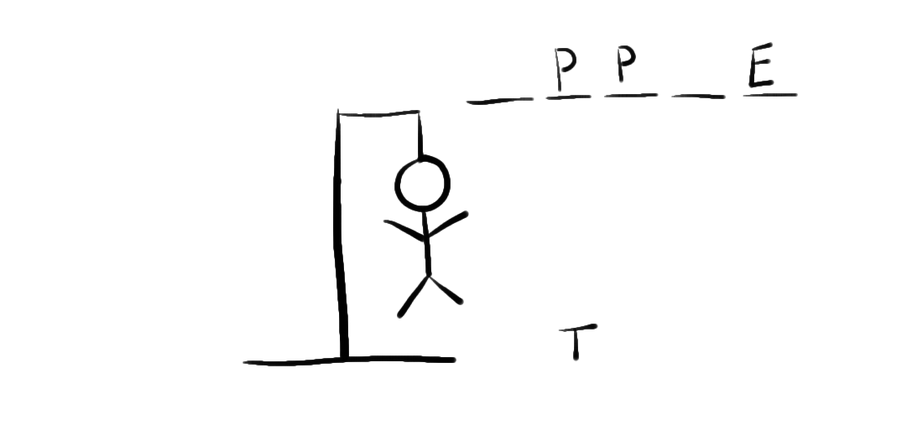 Hangman game
-
Set it up: Draw a blank for each letter with the pen tool and let students write their guesses. Cover letters with shapes and drag them away as students guess correctly.
-
Skills: Spelling, vocabulary, deductive reasoning
-
Best for: Grades 2–5
8. Word Scramble
Show a spelling or vocabulary word with its letters mixed up. Teams race to unscramble it and write the answer on the board.
-
Set it up: Type each letter in its own text box so students can drag the letters into order.
-
Skills: Spelling, vocabulary, letter patterns
-
Best for: Grades 2–5
9. Hot Seat
One student sits with their back to the board. The class sees a vocabulary word and gives clues without saying it until the student guesses correctly.
-
Set it up: Display one word per page in large text and swipe to the next page each round.
-
Skills: Vocabulary, describing, listening
-
Best for: Grades 2–5
10. Kahoot
Kahoot is a game-based learning application that allows teachers to create multiple choice quizzes where students compete to answer quickly and accurately. This app is a great way to assess where the children are in understanding any subject.
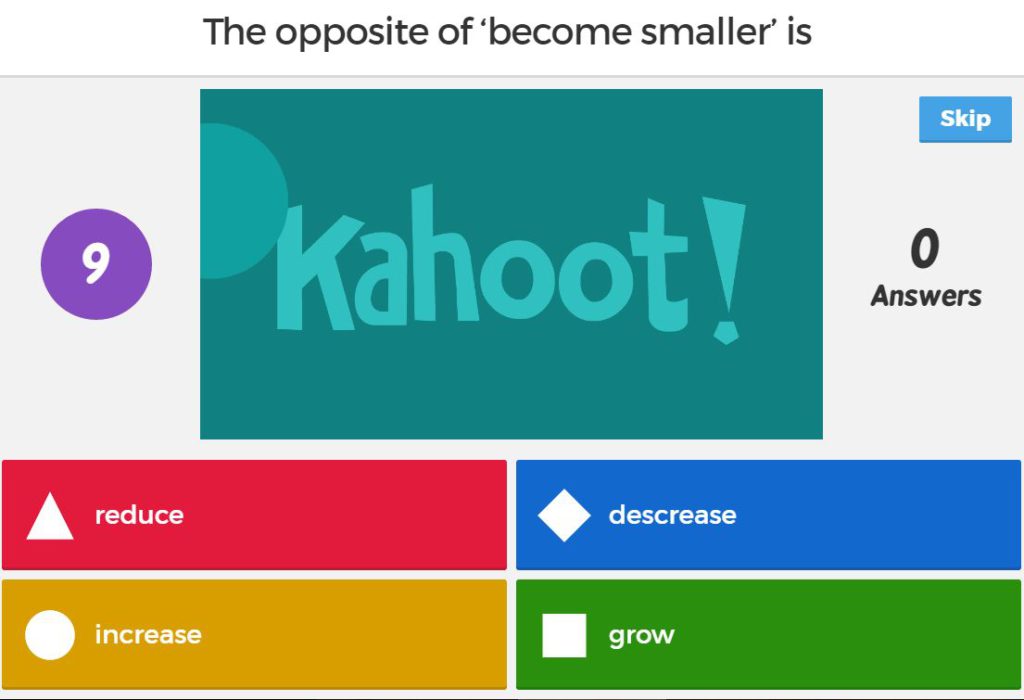 Kahoot multiple-choice quiz game displayed for the class
-
Set it up: Show the game PIN on the smart board and have students join on tablets or laptops. In a one-device classroom, play in teams with one student answering for each team.
-
Skills: Content review, quick recall, reading comprehension
-
Best for: Grades 2–5
11. Jeopardy-Style Review
Build a grid of categories and point values. Teams pick a square and answer the question behind it. It’s one of the most popular ways to review before a test.
-
Set it up: Make a 5×5 grid and hide each question under a shape that students drag away. Free templates are easy to find online.
-
Skills: Content review, teamwork, strategy
-
Best for: Grades 3–5
12. Map Hunt
Display a map and read a clue, such as "the largest ocean" or "a state that borders Canada." Students come up to the board and mark the answer.
-
Set it up: Open a map image or online map on the board and use the pen tool to mark answers.
-
Skills: Geography, map reading, social studies vocabulary
-
Best for: Grades 3–5
Smart Board Games for All Elementary Grades
13. Pictionary
This is a great group game that can include a lot of students simultaneously. Pictionary is a visual word guessing game that requires some art skills as well. Teachers can use Pictionary to enhance vocabulary and history lessons.
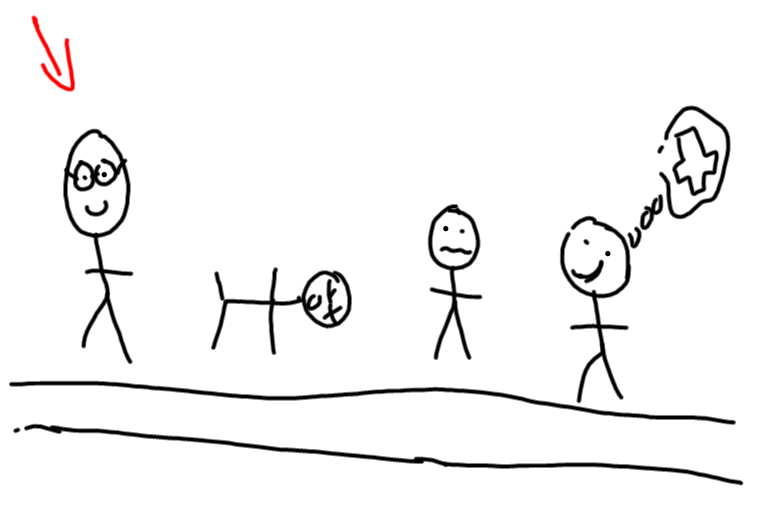 Pictionary, a drawing game that keeps a group of students involved
-
Set it up: Give the drawer a word privately, start a 60-second timer on the board, and let teams guess.
-
Skills: Vocabulary, visual thinking, teamwork
-
Best for: All grades. Use picture cards instead of written words for K–1.
14. Tic-Tac-Toe Review
Draw a tic-tac-toe grid with a question hidden in each square. Teams must answer correctly to place their X or O.
-
Set it up: Draw a 3×3 grid and cover each question with a shape.
-
Skills: Content review, strategy
-
Best for: All grades
15. Bingo
Students fill their cards with answers such as sight words, math facts, or vocabulary. Show a clue or problem on the board, and students mark the matching answer.
-
Set it up: Use a random picker or spinner on the board to choose clues so every round is different.
-
Skills: Listening, recall, sight words, math facts
-
Best for: All grades
16. Four Corners
Label the corners of the room A, B, C, and D. Show a multiple-choice question on the board, and students walk to the corner that matches their answer.
-
Set it up: Display the question in the center of the board and the four answer choices in its corners.
-
Skills: Content review, quick checks for understanding, movement breaks
-
Best for: All grades
17. Spin the Wheel
Put student names, question categories, or numbers on a digital spinner. Spin to decide who answers or which topic comes next.
-
Set it up: Many whiteboard apps and free websites include a spinner. Fill it in before class.
-
Skills: Works with any subject and keeps participation fair
-
Best for: All grades
18. Would You Rather
Show two choices on the board, such as "Would you rather live in the ocean or in space?" Students pick a side and explain their reasoning.
-
Set it up: Split the board into two halves with a picture for each option and have students write their names on their side.
-
Skills: Speaking, opinion writing, reasoning
-
Best for: All grades. It works well as a morning meeting warm-up.
Related: Smart Boards in the Classroom
Best Resources for Smart Whiteboard Games
The internet has a massive selection of interactive board games for students you can access through a simple Google search. For a more trusted source, check out these reputable sites for some fun games:
Create Your Own Smart Whiteboard Games
Ready-made games are a good start, but a custom game lets you practice exactly what you’re teaching this week. Most smart whiteboard software includes the building blocks you need:
-
Templates: Start from a blank game board, grid, or card layout and add your own words, numbers, or images.
-
Drag-and-drop objects: Turn shapes, images, and text boxes into sorting, matching, and labeling activities.
-
Hide and reveal: Cover answers with shapes that students move or delete. This works for memory, quiz, and Jeopardy-style games.
-
Timers and random pickers: Add a countdown or a random name picker to keep turns fair and the pace quick.
Save each game as a template so you can swap in new content for the next unit instead of starting over.
How to Choose a Game for Your Students
Before picking a game, run through four questions:
-
What is the learning goal? Pick a game that practices the skill you’re teaching, whether that’s spelling, math facts, or review before a test.
-
Whole class or small groups? Four Corners and Jeopardy-style review suit the whole class. Memory Match and sorting games work better as a center for two to four students.
-
How much prep time do you have? Hangman, Pictionary, and Would You Rather need almost none. A Jeopardy-style board takes 20–30 minutes to build the first time.
-
Can students come up to the board? The best smart board games get students out of their seats to tap, drag, and write. If your board supports multi-touch, two students can play at once.
Related: Vibe: Interactive Whiteboarding for Distance and Hybrid Learning
A Fun Way to Engage Students While Learning
 Vibe Smart Board – suitable for K-12 classrooms
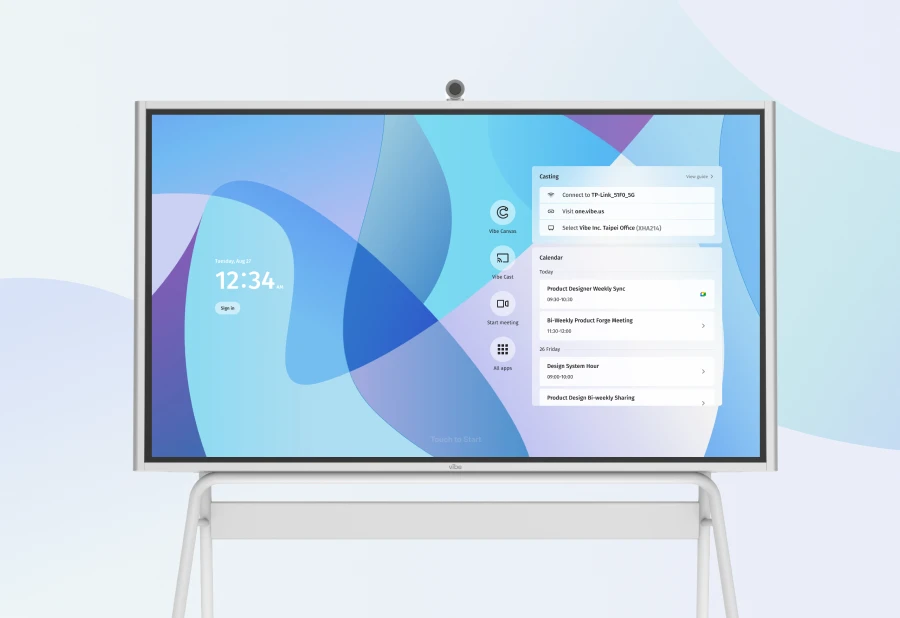
Smart whiteboard activities in general are an excellent way to entertain and teach at the same time, and educational board games are a proven method to captivate and engage elementary students—and improve lesson retention. With a Vibe Board, you can customize interactive board games to fit your curriculum while making lessons more immersive and fun.
Learn more about using the Vibe Board in your classroom by checking out a free demo.
FAQs
What games can you play on a smart board?
Almost any classroom game works on a smart board. Popular choices for elementary students include Hangman, Pictionary, Memory Match, Jeopardy-style review, Bingo, and Kahoot quizzes. Games that get students tapping, dragging, or writing on the board work best.
Are there free smart board games?
Yes. Every game on this list can be played for free. Classics like Hangman, Pictionary, and Four Corners need only your board’s drawing tools, and sites such as PBS LearningMedia, Education.com, and Teachers Pay Teachers offer free interactive games and templates alongside paid ones.
How do you play games on an interactive whiteboard?
Open the game in a web browser or in your whiteboard software, or connect a laptop to the board by HDMI, USB, or screen casting. Students take turns at the board, tapping, dragging, or writing their answers, while the rest of the class plays along in teams.
What are good smart board games for kindergarten?
Memory Match, Simon Says, Odd One Out, Number Line Hop, and sorting games work well for kindergarten because they rely on pictures, colors, and simple movements rather than reading.