Refreshing Summer Sale: Save up to $600 on Vibe Board
Refreshing Summer Sale: Save up to $600 on Vibe BoardSave up to $600 on Vibe Board
Early-Bird Deal: Save $200 on Vibe Bot
Early-Bird Deal: Save $200 on Vibe BotGet $200 off Vibe Bot
New Release: Take 20% off Vibe Dot
New Release: Take 20% off Vibe DotGet 20% off Vibe Dot
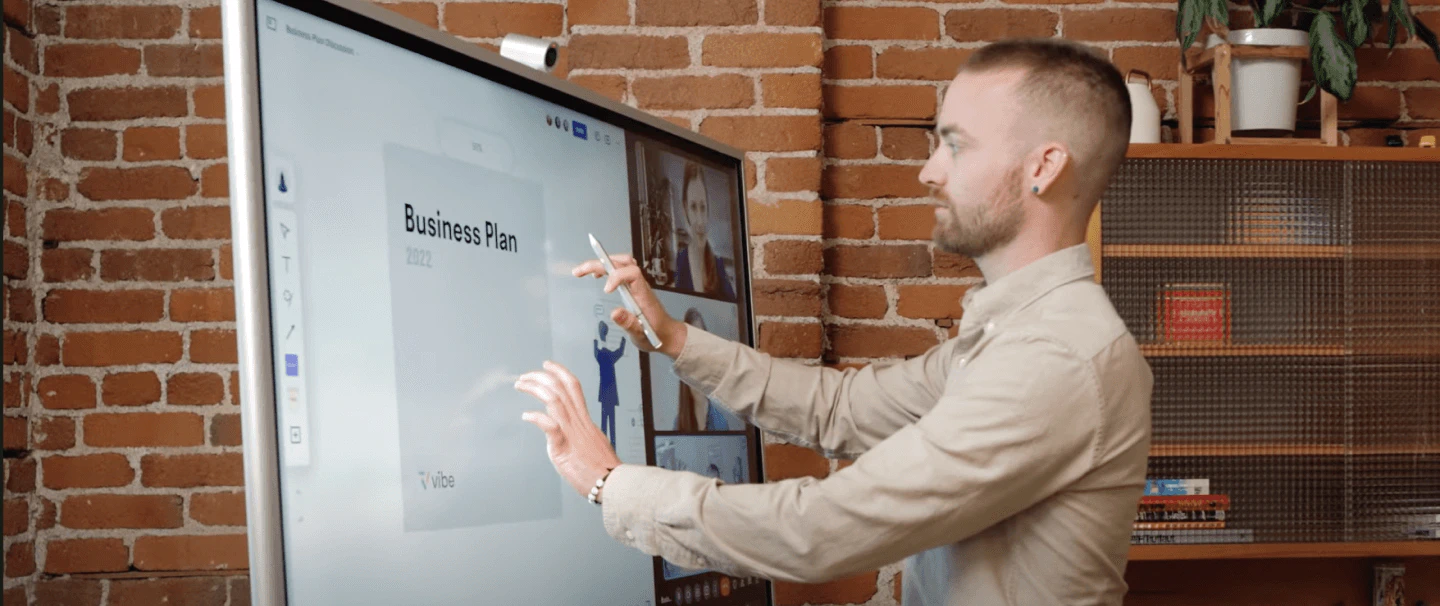
Man annotating a Business Plan on Vibe Board during a video call in a brick-wall home office
For home office

One screen for home office,
streaming, and entertainment

One screen for home office, streaming, and entertainmentSketch ideas in the morning. Stream 4K at night.
Your home, fully upgraded.
Sketch ideas in the morning. Stream 4K at night. Your home, fully upgraded.
Explore Vibe Board
How it Works

Run better video calls —
right from your home office

Run better video calls — right from your home officeUse Zoom, Teams, or Google Meet on a large interactive display
with AI camera features that make you look and sound your best on every call.
Use Zoom, Teams, or Google Meet on a large interactive display with AI camera features that make you look and sound your best on every call.
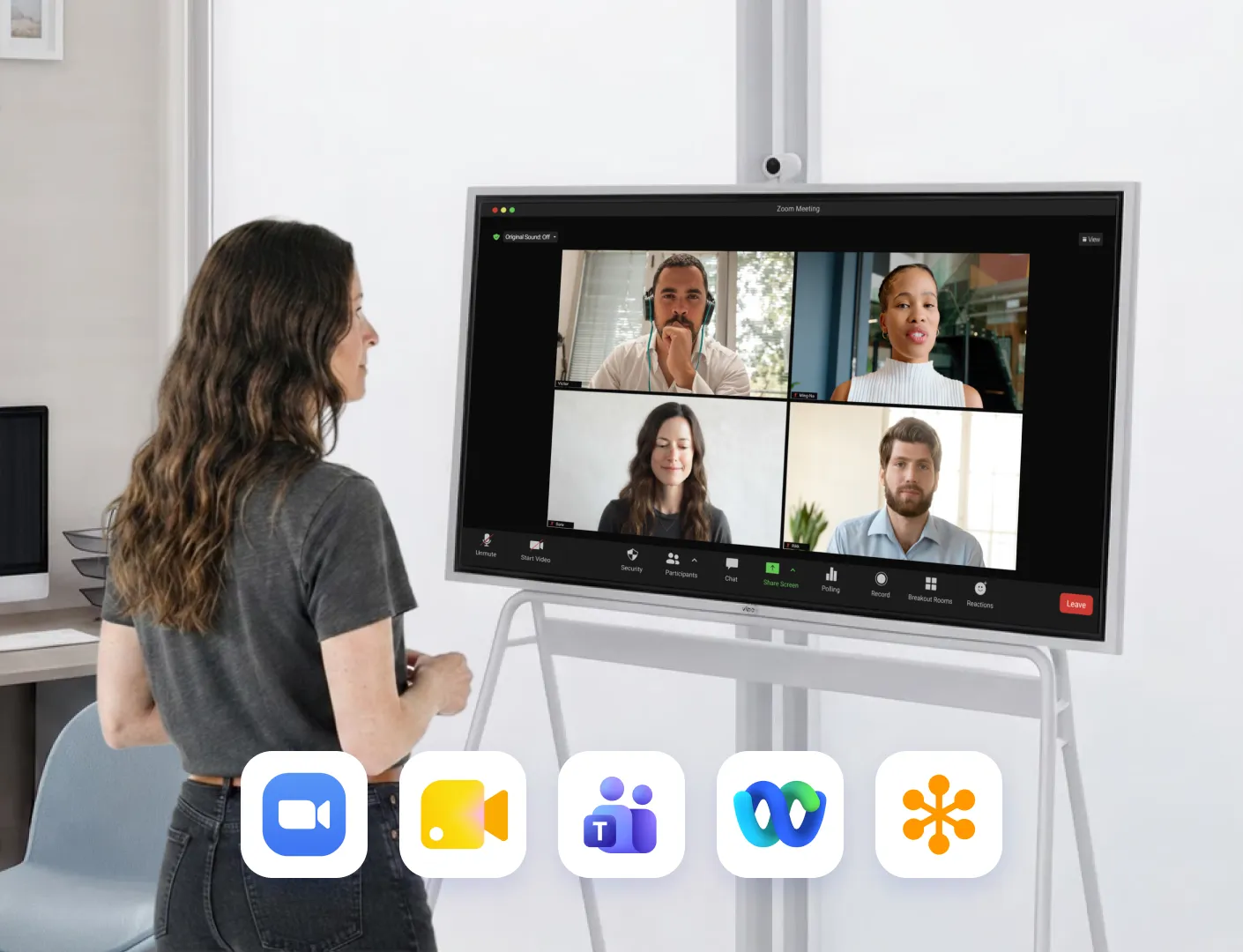
Woman on a Zoom call on Vibe Board at home, with Google Meet, Teams, Webex and GoTo app icons below

Video conferencing on a
smart display

icon

Run Zoom, Google Meet, Microsoft Teams, and more — no extra hardware needed

icon

Vibe SmartCam's AI auto-framing keeps you centered and sharp, even when you move
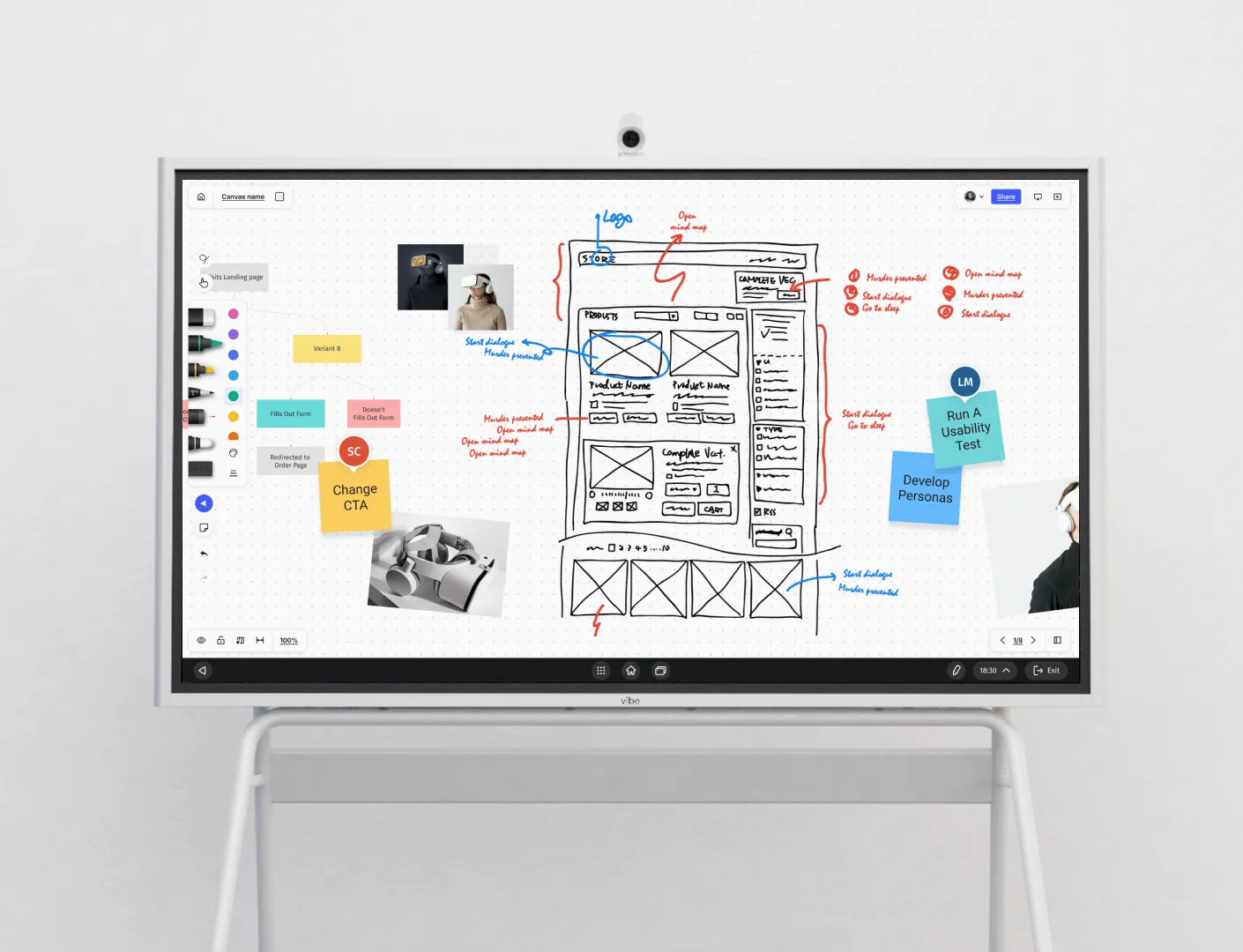
Vibe Board on a rolling stand showing a Vibe Canvas whiteboard with wireframe sketches, sticky notes and annotations

Brainstorm on an infinite canvas

icon

Sketch, map, and organize ideas on Vibe Canvas, an online infinite whiteboard built for creative thinking

icon

Save and share your boards instantly to the cloud so nothing gets lost after the session ends
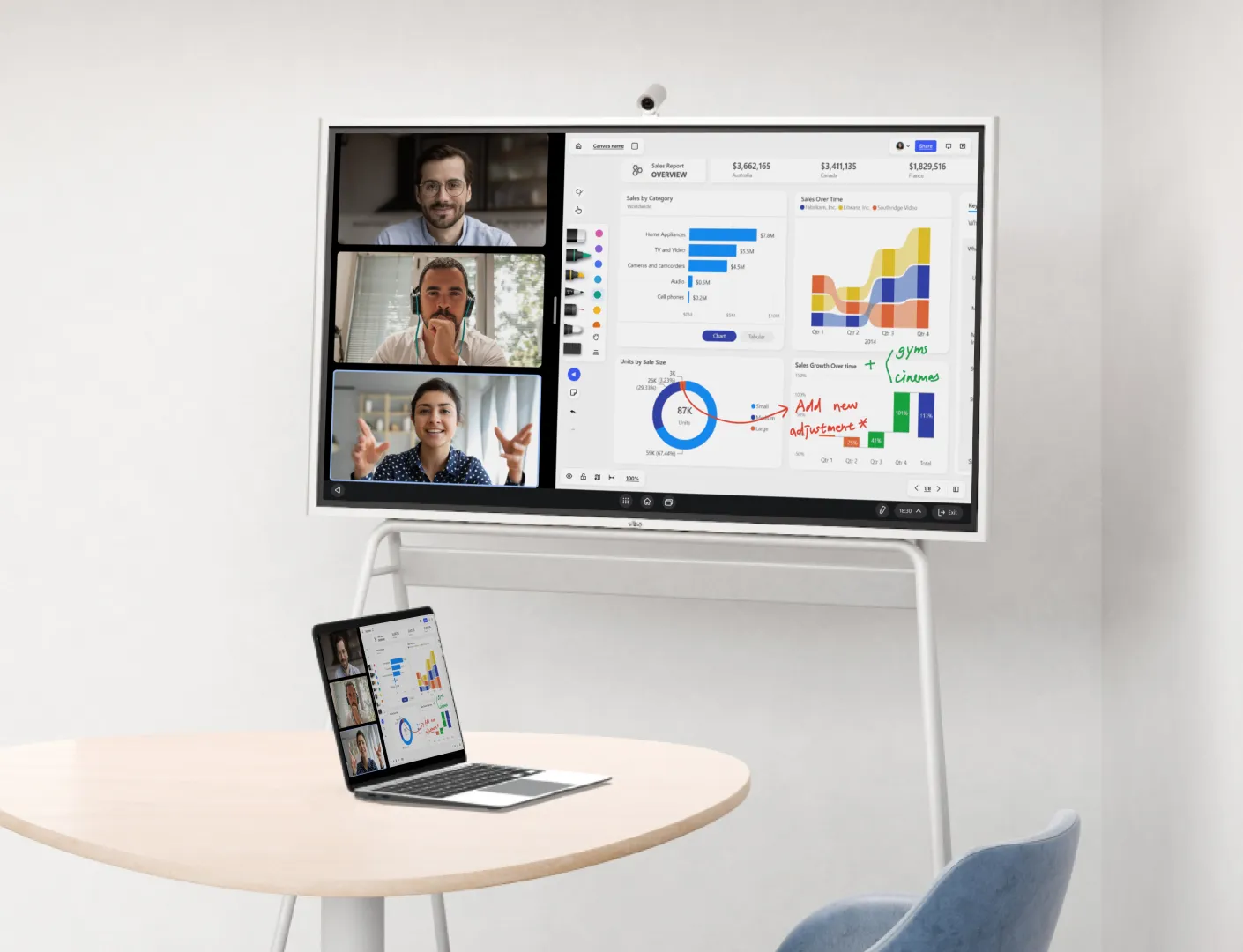
Vibe Board in a home office showing a video call and annotated sales dashboard mirrored on a nearby laptop

Wireless screen sharing & presentation

icon

Cast wirelessly from your laptop, phone, or tablet to the Vibe Board in seconds, no cables, no adapters

icon

Write, draw, and annotate directly over any document, slide deck, or live app during your presentation
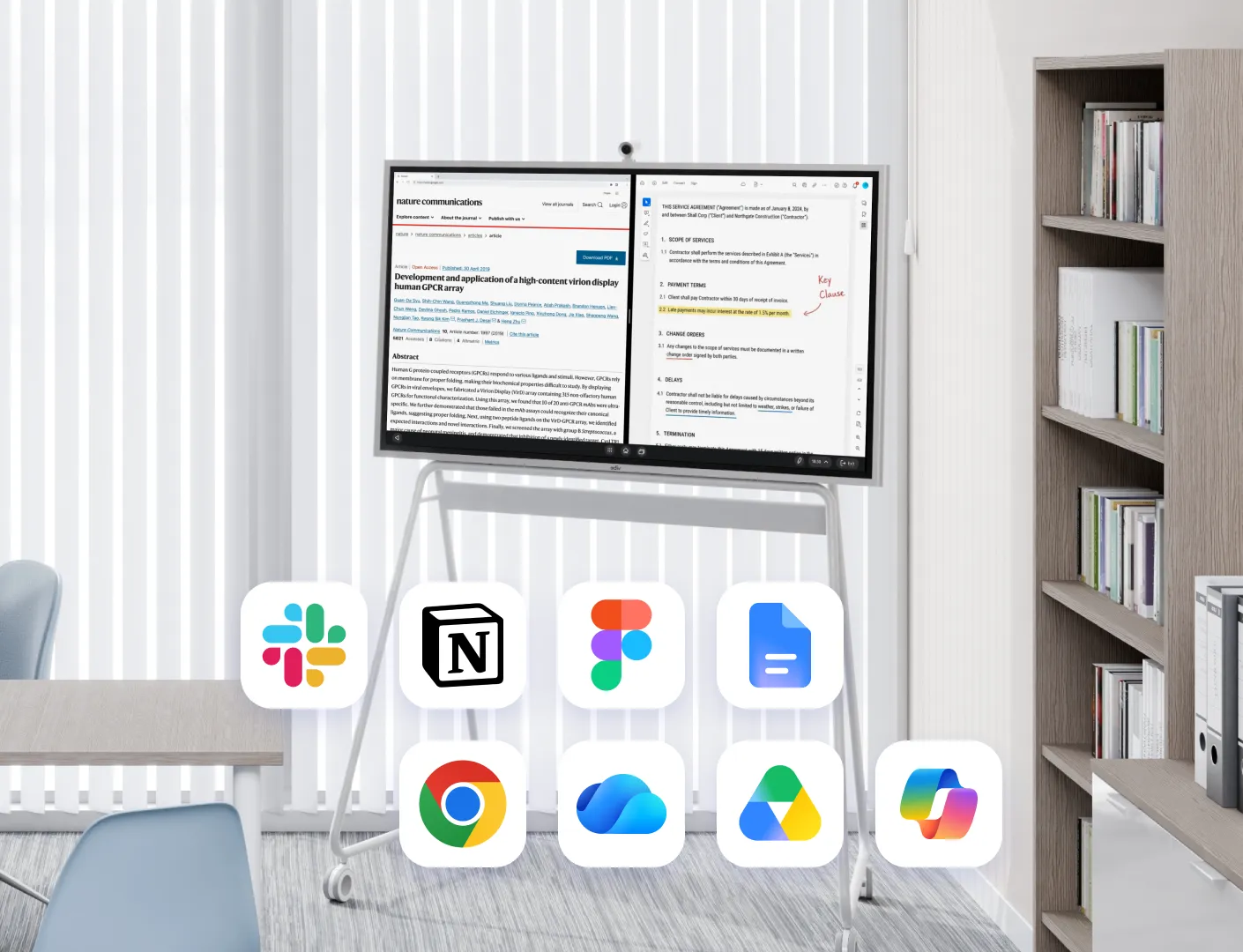
Vibe Board split screen with a research article and annotated contract, plus Slack, Notion, Figma and Chrome icons

Run your favorite productivity apps on one smart display

icon

Access Slack, Notion, Microsoft Office, Figma, Dropbox, Google Workspace, and more — all on one screen

icon

Switch between apps instantly without switching devices, so your home office workflow stays uninterrupted
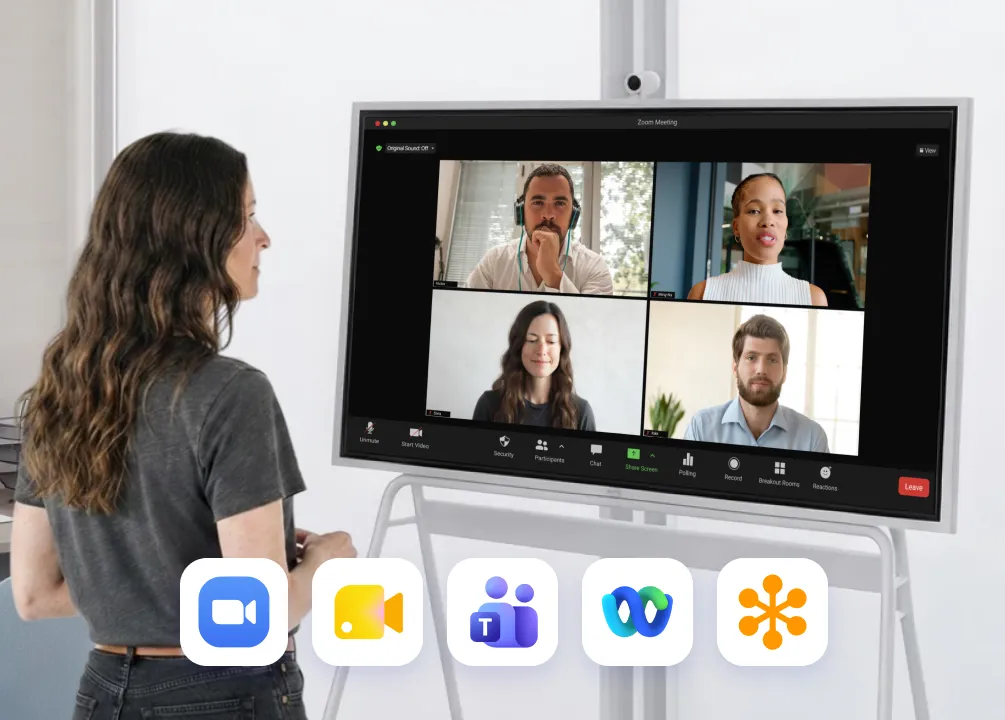
Woman on a Zoom call on Vibe Board at home, with Google Meet, Teams, Webex and GoTo app icons below
Video conferencing on a
smart display
icon

Run Zoom, Google Meet, Microsoft Teams, and more — no extra hardware needed

icon

Vibe SmartCam's AI auto-framing keeps you centered and sharp, even when you move
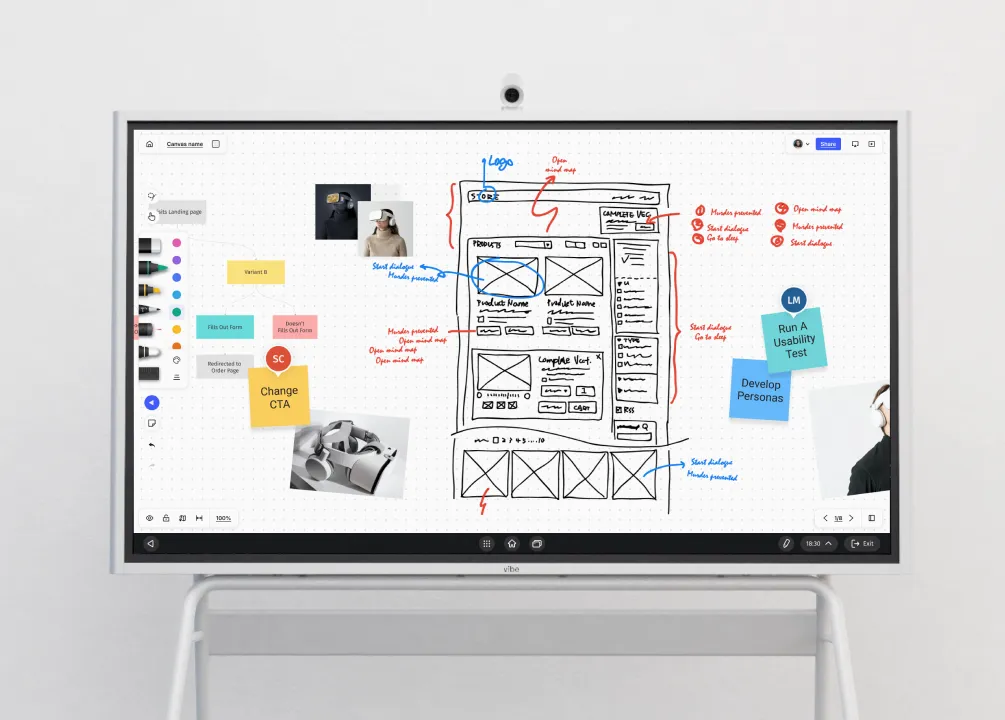
Vibe Board on a rolling stand showing a Vibe Canvas whiteboard with wireframe sketches, sticky notes and annotations
Brainstorm on an infinite canvas
icon

Sketch, map, and organize ideas on Vibe Canvas, an online infinite whiteboard built for creative thinking

icon

Save and share your boards instantly to the cloud so nothing gets lost after the session ends
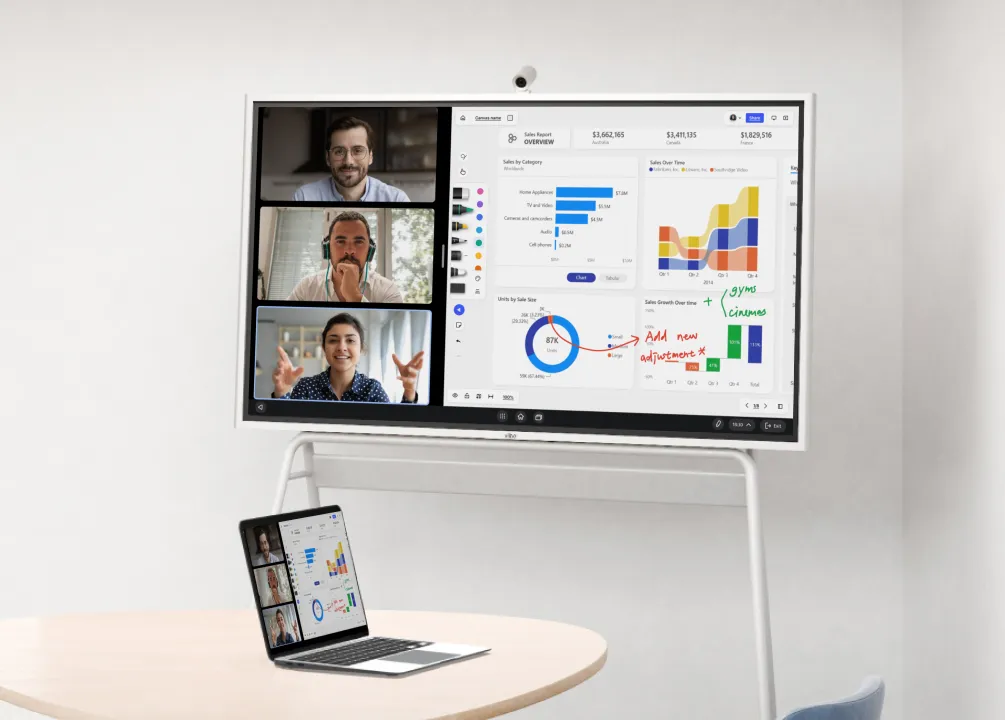
Vibe Board in a home office showing a video call and annotated sales dashboard mirrored on a nearby laptop
Wireless screen sharing & presentation
icon

Cast wirelessly from your laptop, phone, or tablet to the Vibe Board in seconds, no cables, no adapters

icon

Write, draw, and annotate directly over any document, slide deck, or live app during your presentation
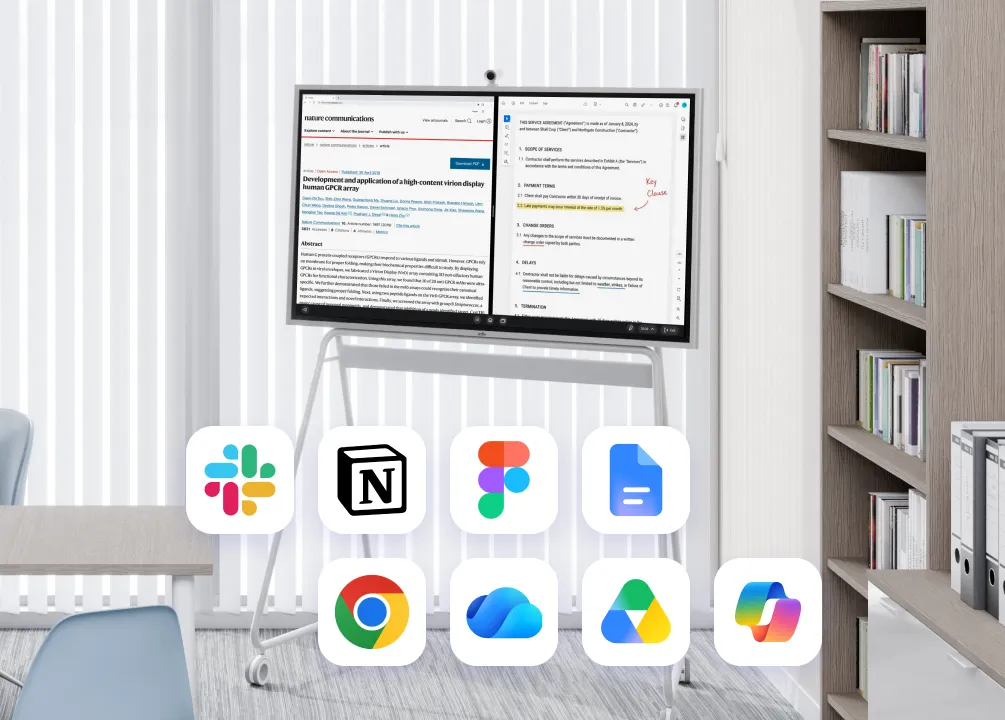
Vibe Board split screen with a research article and annotated contract, plus Slack, Notion, Figma and Chrome icons
Run your favorite productivity apps on one smart display
icon

Access Slack, Notion, Microsoft Office, Figma, Dropbox, Google Workspace, and more — all on one screen

icon

Switch between apps instantly without switching devices, so your home office workflow stays uninterrupted

Request a Demo

4K home entertainment
on your smart whiteboard

4K home entertainment on your smart boardStream Netflix, YouTube, and more in stunning 4K UHD or connect Apple TV, Chromecast,
and AirPlay to turn your Vibe Board into the centerpiece of your home entertainment setup.
Stream in 4K. Cast from Apple TV, Chromecast, or AirPlay. One screen for everything.
Connect to Apple TV, ChromeCast, and more
Stream rich TV series and exercise content
4K 55" UHD screen delivers bright, realistic colors with more details
Airplay anything from any device

Interactive smart display for the whole family

From drawing and learning to gaming — the Vibe Board brings kids and adults
together on one large interactive screen.
From drawing and learning to gaming — the Vibe Board brings kids and adults together on one large interactive screen.
Doodle on an infinite canvas with Vibe's whiteboard app, Canvas
Learn with rich education apps from the Vibe App Store, Google Play, and Chrome
Play your favorite games on the big screen anywhere

Trusted by 40,000+ business
leaders and entrepreneurs

Trusted by 40,000+ business
leaders and entrepreneurs
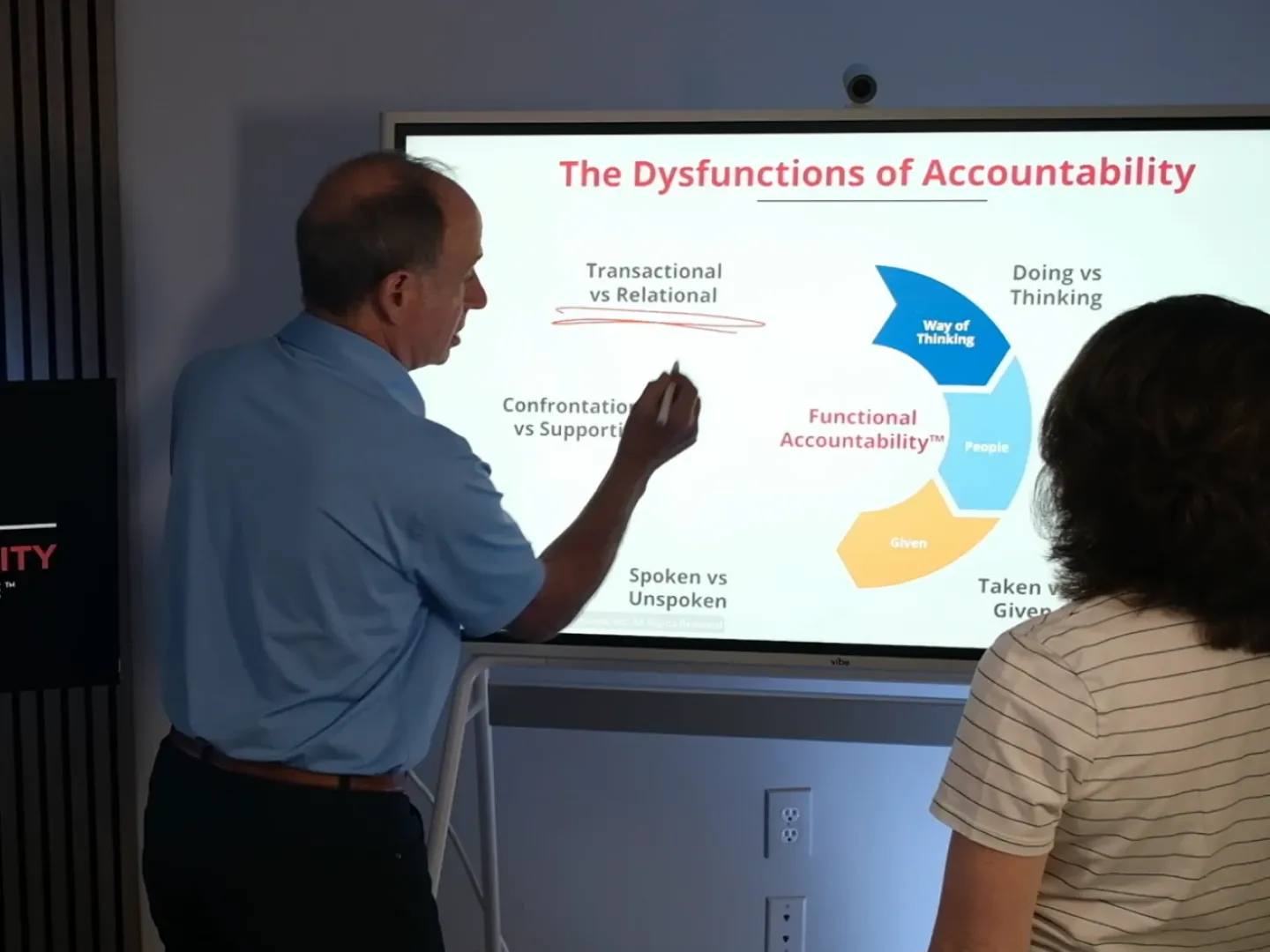
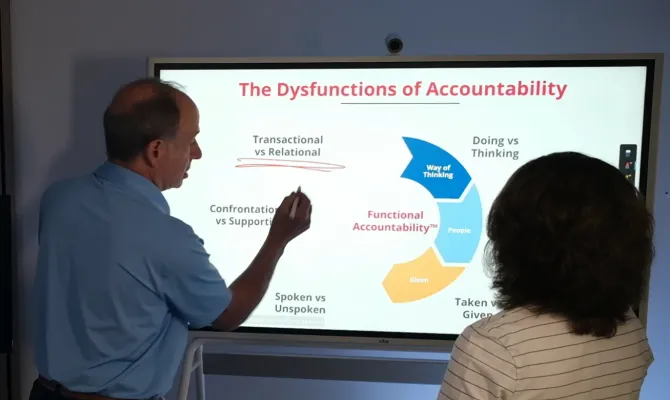
Presenter annotating a slide on Vibe Board while explaining an accountability framework to a colleaguePresenter annotating a slide on Vibe Board while explaining an accountability framework to a colleague

Having Vibe in my studio differentiates me. It enables me to product, and my clients are thrilled.
Sam SilversteinLeadership Coach, Author, and Speaker
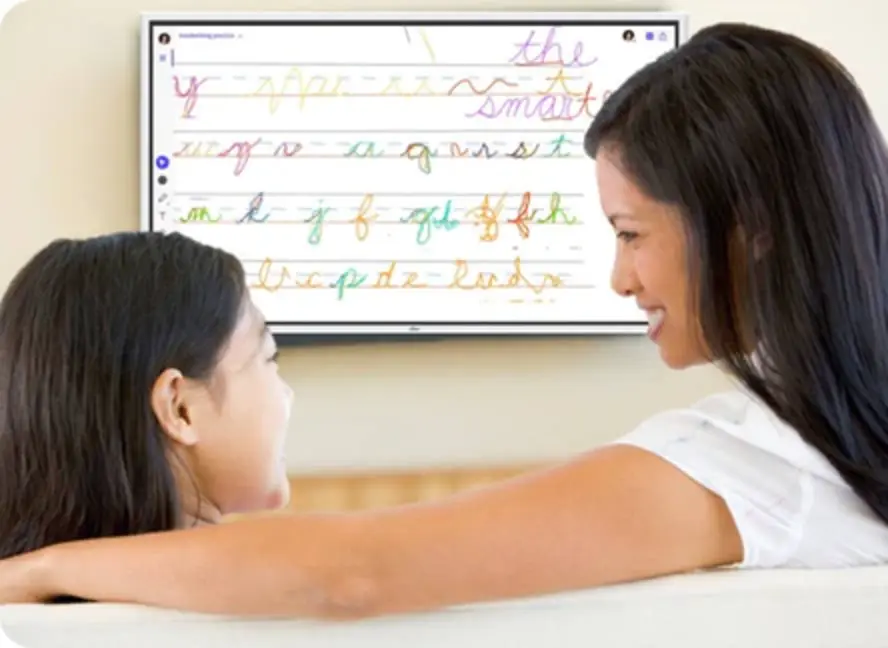
Mother and child practicing cursive writing together on Vibe Board mounted at home for at-home learningMother and child practicing cursive writing together on Vibe Board mounted at home for at-home learning

Vibe Board is a worthwhile investment. We use it during home schooling time, but also during dinner time when Dad is giving the children character training.


Robyn C.Homeschool Expert
Emmanuelle Marineau of Earth Rated sharing her Vibe Board experience with Café Gigi photos on screenEmmanuelle Marineau of Earth Rated sharing her Vibe Board experience with Café Gigi photos on screen

Vibe made our hybrid team working together simpler and more enjoyable than ever.

Emmanuelle MarineauDigital Manager at Earth Rated
View All Stories

FAQ

  • Is a smart board worth it for home?

    Yes — especially if you work from home and want your living space to do more. The Vibe Board replaces your monitor, whiteboard, and TV in one device. You can run video calls, sketch ideas on an infinite canvas, stream 4K content, and play games — all on the same screen. For home office users who also want a family entertainment hub, it eliminates the need for multiple devices.

  • Can I use it as a TV / stream Netflix?

    Yes. The Vibe Board’s 4K UHD display supports Netflix, YouTube, HBO, and other streaming platforms. You can also connect Apple TV or Chromecast, or use AirPlay to cast wirelessly from your iPhone, iPad, or Mac — just like a smart TV, but with a lot more built in.

  • Does it work with Netflix, Disney+, Hulu?

    Yes. Netflix, YouTube, Disney+, Hulu, and other mainstream streaming platforms are supported directly on the Vibe Board. For others that cannot, you can access them by connecting an Apple TV or Chromecast, or by casting from your phone or laptop via AirPlay or screen mirroring.

  • What's the return policy?

    Vibe offers a 30-day return policy on all boards purchased directly from vibe.us. If you’re not satisfied within 30 days of delivery, you can request a return for a full refund. For full details, visit our Return Policy.

  • How does it compare to Samsung Frame TV?

    The Samsung Frame TV is designed primarily for display and entertainment. The Vibe Board does everything a smart TV does — 4K streaming, AirPlay, app access — but also functions as an interactive whiteboard, video conferencing display, and collaborative workspace. If you work from home, the Vibe Board adds significant productivity value that a Frame TV cannot offer.

  • Does the SmartCam record in my home?

    No. Vibe SmartCam is only active during active video calls — it does not record or monitor your home at any other time. The camera is designed exclusively to improve your appearance and audio quality during meetings, using AI features like auto-framing and background adjustment. For more details, see our Privacy Policy.

  • What apps are available?

    The Vibe Board runs on Chrome OS (S1) or Windows (S1 Pro) and gives you access to the Vibe App Store, Google Play, and Chrome — covering thousands of apps including Zoom, Microsoft Teams, Slack, Notion, Figma, Netflix, Kahoot, and more. Most productivity and entertainment apps you already use will work on Vibe.

  • Does it work for fitness streaming?

    Yes. You can stream fitness content from platforms like Peloton, YouTube Fitness, and other workout apps on the Vibe Board’s 4K display. The large screen makes guided workouts more immersive — and when you’re done, you can switch straight back to your home office setup.


Work, stream, and play

Find your work-life balance with Vibe.
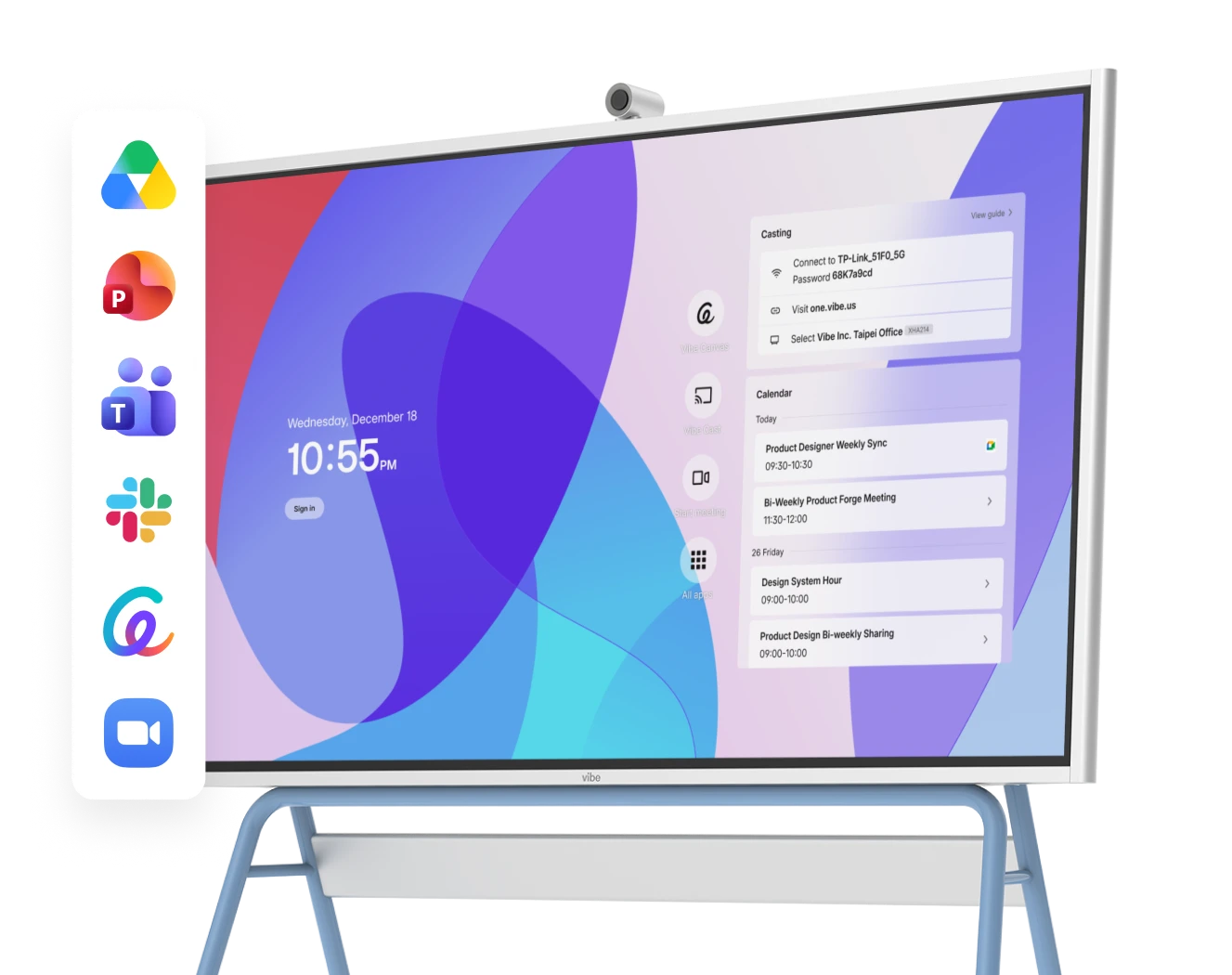
Vibe Board home screen showing calendar, casting panel, and app integrations including Google Drive, Teams, Slack and Zoom
bg