Artificial intelligence has moved from an experimental classroom add-on to a daily teaching tool. A Gallup and Walton Family Foundation survey of more than 2,200 U.S. public school teachers found that nearly two-thirds used AI at some point during the past school year, and teachers who use AI tools at least weekly save an average of 5.9 hours per week — the equivalent of six weeks over a school year.
This guide breaks down what AI in education actually means, how it’s being used in real classrooms today, and the benefits and risks schools need to weigh before adopting it.

What Is AI in Education?
AI in education refers to software and systems that analyze student data, adapt to individual learning patterns, and personalize instruction with minimal manual input from a teacher. These systems range from simple chatbots that answer homework questions to platforms that adjust curriculum difficulty in real time based on how a student is performing.
The technology behind it includes machine learning, natural language processing, and predictive analytics, working together to make learning environments more responsive to each student’s pace and needs.
Why AI Matters in Today’s Classrooms
Class sizes keep growing while student needs keep diversifying, and a single teacher can’t personalize instruction for 30 students at once without help. AI closes that gap by handling the parts of teaching that scale poorly for humans — tracking individual progress, flagging struggling students early, and freeing up teacher time for the parts of the job that don’t scale at all: relationships, mentorship, and judgment calls only a person can make.
How Is AI Used in Education? 6 Key Use Cases
AI shows up in classrooms in more places than most people expect — not just in flashy tutoring apps, but in the everyday administrative work that eats into a teacher’s day.
1. Personalized Learning Paths
Platforms like Khan Academy and Smart Sparrow track which concepts a student grasps quickly and where they struggle, then adjust the difficulty and format of content accordingly — more visuals for a visual learner, more spoken explanation for an auditory one.
2. Intelligent Tutoring Systems
AI tutors can provide one-on-one instruction at a scale no human tutor can match. In a 2025 randomized controlled trial published in Scientific Reports, Harvard undergraduates using an AI tutor scored about 30% higher on post-tests than students in one of the university’s best active-learning physics classrooms — and did it in less time. Tools like DreamBox and Carnegie Learning apply similar adaptive tutoring to K-12 math. Tools like DreamBox and Carnegie Learning apply similar adaptive tutoring to K-12 math. At Washington Elementary School in Salt Lake City, one 4th-grade teacher uses an AI historical-persona app directly on his Vibe Board, letting students question a figure from the period they’re studying and follow up on the answers — turning a history lesson into a real back-and-forth instead of a one-way reading assignment.
Here’s what that exchange actually looks like in the classroom:
3. Automated Assessment and Grading
Tools like Gradescope and Turnitin now grade beyond multiple-choice, giving feedback on essays and open-ended work. 57% of teachers using AI say it has improved the quality of their grading and student feedback.
4. Administrative Task Automation
Attendance, scheduling, and reporting are increasingly AI-assisted through platforms like PowerSchool. This is one of the biggest drivers behind the time savings teachers report — freeing hours for lesson planning and one-on-one student support instead of paperwork.
5. Data-Driven Progress Insights
61% of teachers who use AI say it gives them better insight into student learning and achievement data, letting them adjust instruction mid-unit instead of waiting for end-of-term test results.
6. Accessibility Support
Text-to-speech, translation, and adaptive interfaces help students with disabilities and English-language learners access the same material as their peers. Nearly 60% of teachers say AI improves the accessibility of learning materials for students with disabilities.
Benefits of AI in Education
-
Faster, more personalized learning — Adaptive platforms give immediate feedback, helping students master concepts at their own pace instead of a fixed classroom schedule.
-
Less administrative burden on teachers — Automating grading, attendance, and reporting gives teachers back hours each week for actual teaching.
-
Better accessibility — Adaptive tools extend access to students with disabilities and language learners who’d otherwise be left behind by one-size-fits-all instruction.
-
Sharper, real-time insight into student progress — Teachers can catch a struggling student in week 3 instead of at the midterm.
-
Scalable personalization — Once built, AI platforms can personalize instruction for one student or one thousand at roughly the same cost.
-
Higher engagement — Gamified, adaptive challenges keep students motivated in ways static worksheets don’t.
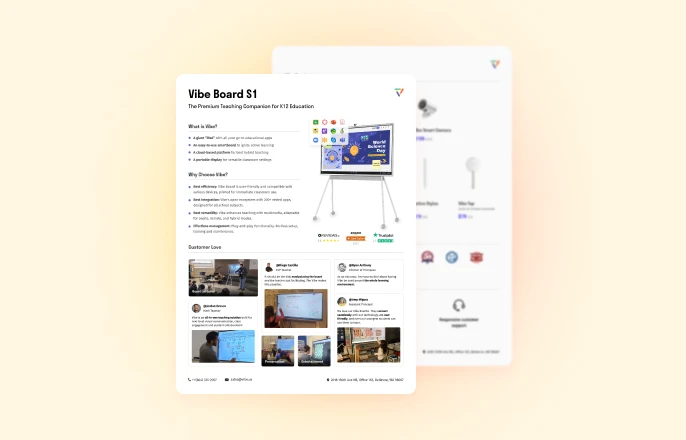
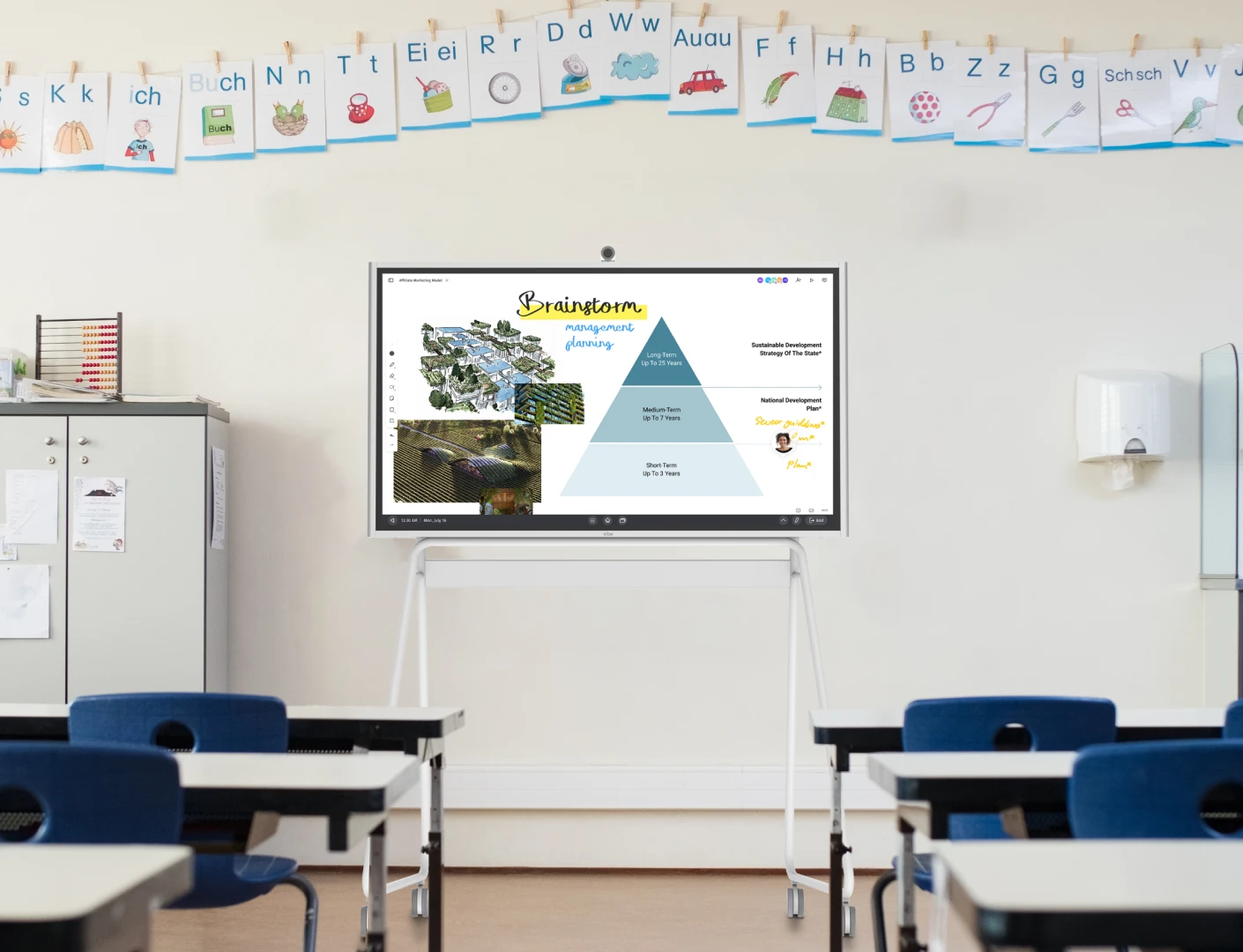
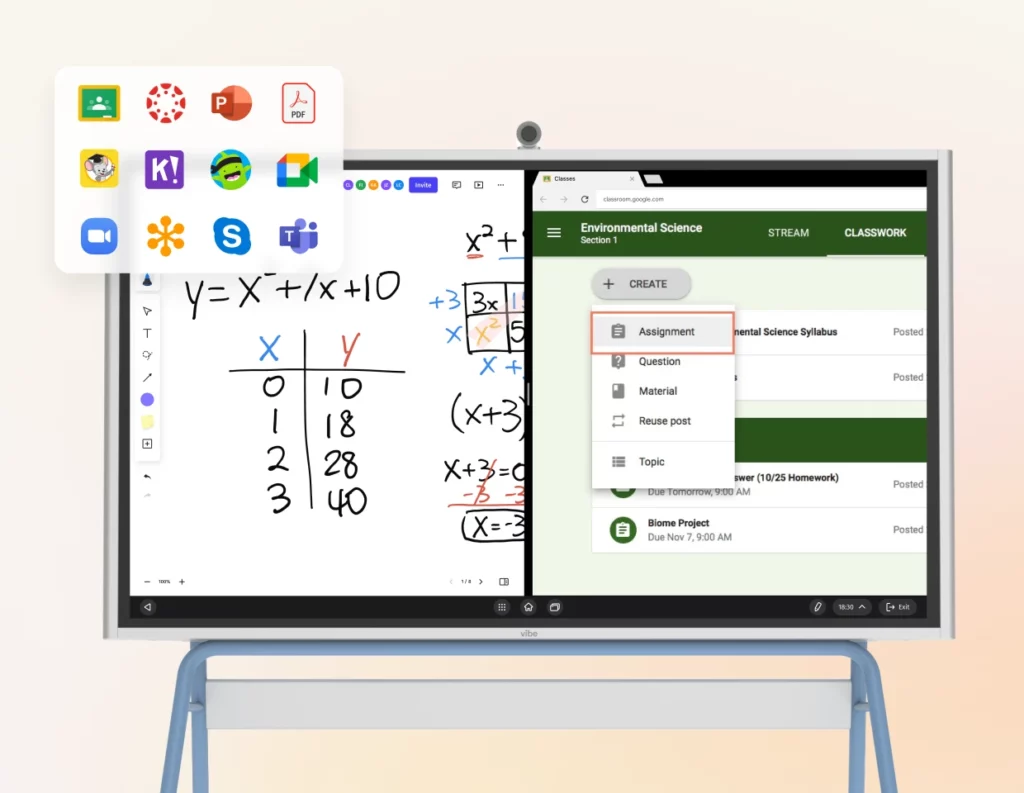 Image of Vibe Board S1.
Challenges of AI in Education
AI in education isn’t a plug-and-play fix, and schools that treat it as one tend to run into trouble. The most common challenges:
-
Student data privacy — AI tools collect sensitive student data, and schools are responsible for keeping it compliant with regulations like FERPA. Vendor due diligence matters as much as classroom rollout.
-
Missing guidance for teachers — Fewer than one in ten teachers receive formal guidance on any specific AI-assisted task, and 69% say they get no guidance at all on using AI for one-on-one instruction or tutoring. Tools fail when teachers are left to figure out best practices alone.
-
Upfront cost and infrastructure — Devices, software licenses, and training all require investment before the time savings materialize.
-
Erosion of independent thinking — 57% of teachers believe weekly AI use by students would decrease independent thinking, and 52% expect it to decrease critical thinking. This is the tradeoff schools need to actively manage, not ignore.
-
Academic integrity — Easy access to AI-generated writing raises real questions about what counts as a student’s own work, pushing schools toward new detection tools and clearer policies.
-
Algorithmic bias — AI systems can quietly reinforce existing inequities if training data and outputs aren’t regularly audited.
Bring AI Into Your Classroom — and Your Staff Meetings — with Vibe
AI in education isn’t limited to what happens between a student and a screen. Two parts of school life benefit from it in very different ways: the classroom itself, and the meetings — parent conferences, IEP reviews, staff PD, department planning — where decisions about students actually get made.
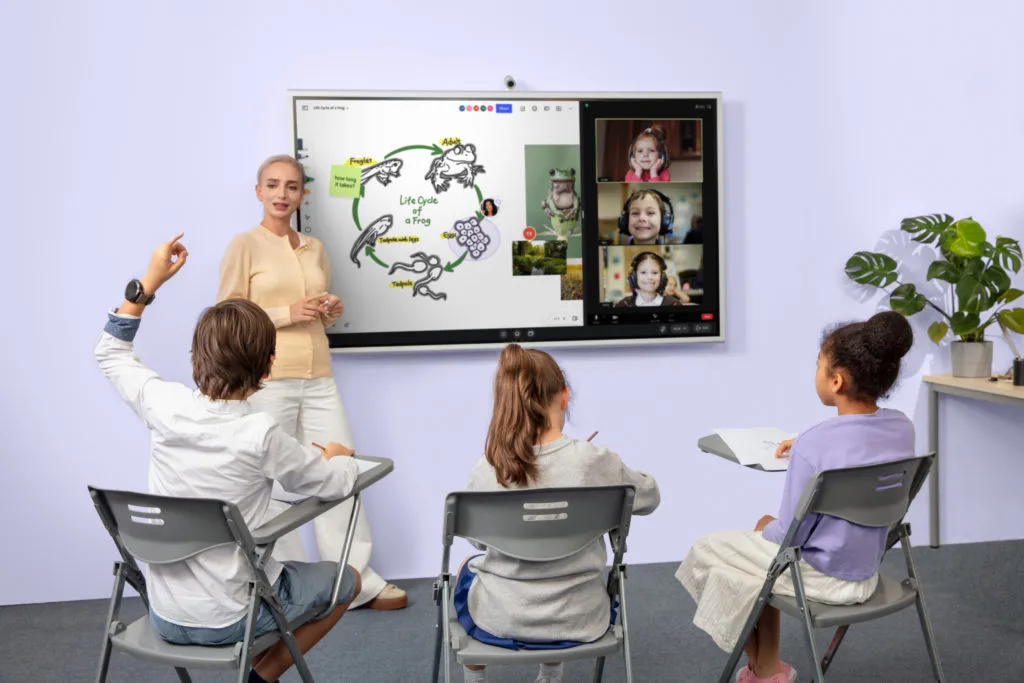
In the classroom: Vibe Board S1 is a 55″ or 75″ interactive whiteboard built for exactly the kind of AI-assisted teaching this guide covers. Its AI-powered handwriting recognition converts scribbled notes into clean digital text, and its 250+ integrated apps let teachers pull adaptive learning tools like Khan Academy directly onto the board without switching devices.
In the meetings around the classroom: parent-teacher conferences, IEP reviews, and staff planning sessions are where Vibe Bot and Vibe Dot come in. Vibe Bot is an in-room camera device with a 4K camera and 360° audio, built for conference rooms and staff meetings. Vibe Dot is a pocket-sized recorder for an individual educator moving between a classroom, a hallway conversation, and a parent call. Both capture the conversation automatically — and paired with Vibe AI, that conversation becomes part of a searchable memory: transcripts, summaries, and action items you can pull up weeks later instead of trying to recall what was decided at a meeting in October. Ask "what did we agree on for this student’s accommodations?" and get the answer instead of digging through notes.
Used together with a genuine understanding of what educational technology actually covers, these tools let AI handle the parts of school that scale — instruction and documentation — so teachers can spend more of their time on the parts that don’t: knowing their students.
FAQ
How is AI used in education?
AI is mainly used for personalized learning platforms, intelligent tutoring, automated grading, administrative task automation, and giving teachers real-time data on student progress.
What is the biggest benefit of AI in education?
The most measurable benefit so far is time: teachers who use AI weekly save an average of 5.9 hours per week, which most reinvest in lesson planning and direct student support rather than paperwork.
What is the biggest risk of AI in education?
The clearest concern among teachers themselves is that heavy student use of AI could erode independent and critical thinking — a tradeoff schools need to manage with clear usage policies, not just access.
Do schools need special training to use AI tools?
Yes. Most teachers currently receive no formal guidance on how to use AI for specific tasks like tutoring or grading, which is consistently the biggest predictor of whether a rollout succeeds or stalls.
What are some examples of AI tools used in education?
Common examples include Khan Academy and Smart Sparrow for personalized learning, DreamBox and Carnegie Learning for adaptive tutoring, Gradescope and Turnitin for automated grading, and PowerSchool for administrative tasks like attendance and scheduling.
Is AI safe to use with student data?
It depends on the vendor, not just the technology. Schools are responsible for making sure any AI tool complies with FERPA and has clear policies on data retention and third-party access — that’s a due diligence question to ask before rollout, not after.