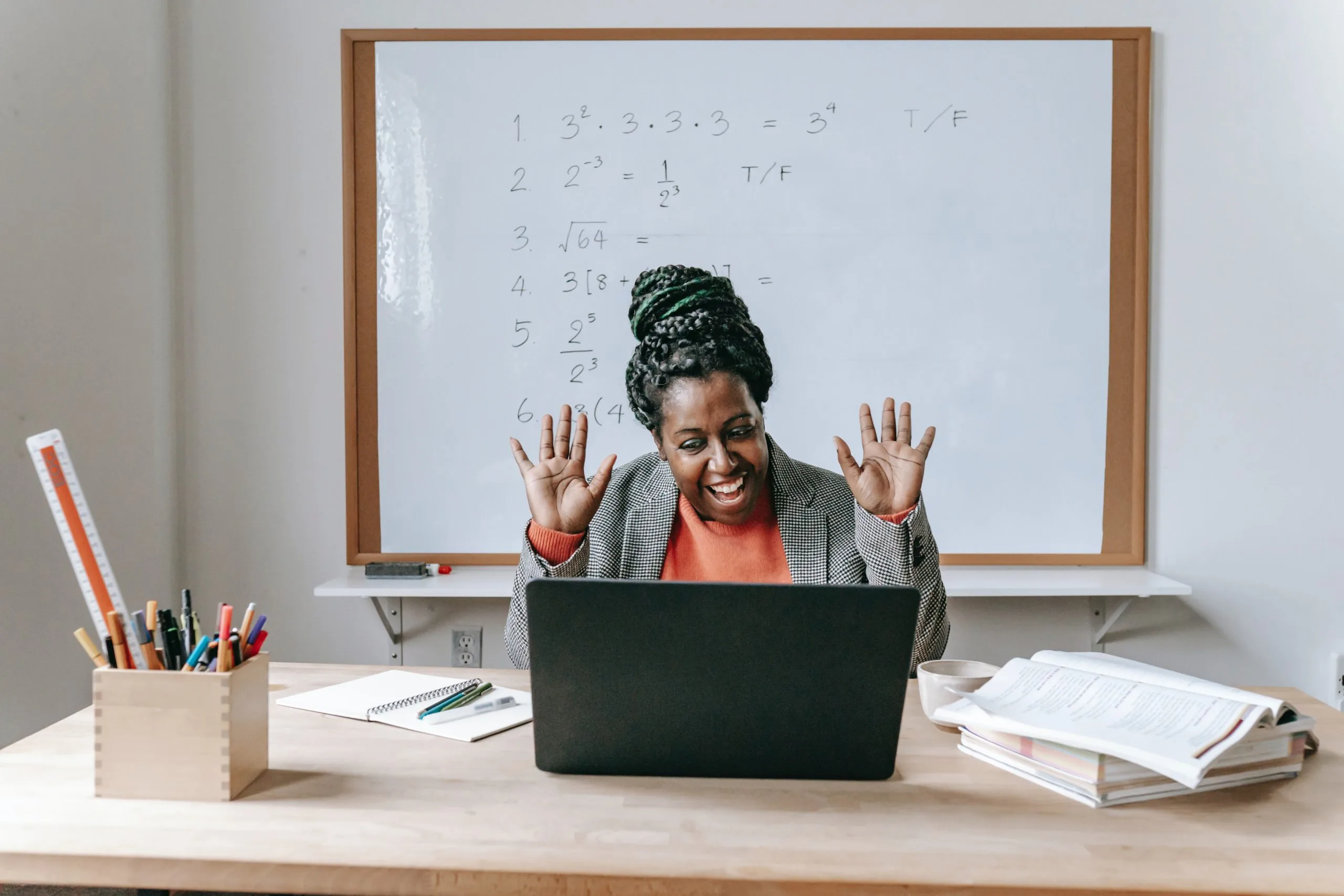
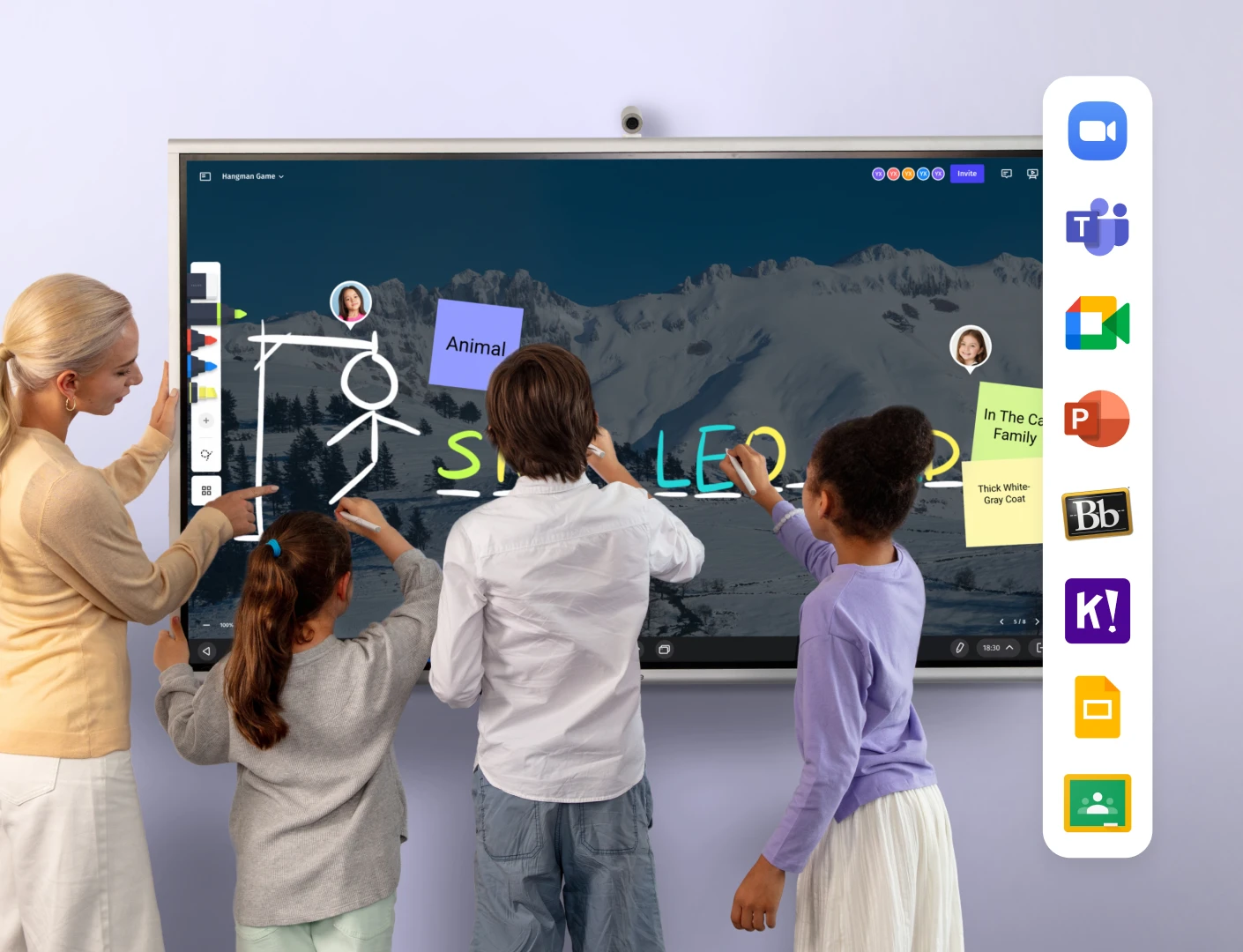
The hybrid and remote education landscape has changed dramatically in recent years, with technology reshaping how we teach and learn. At the front of this shift are hybrid classrooms—a dynamic learning environment that bridges physical and virtual spaces to create more flexible, accessible, and engaging educational experiences.
What are Hybrid Classrooms?
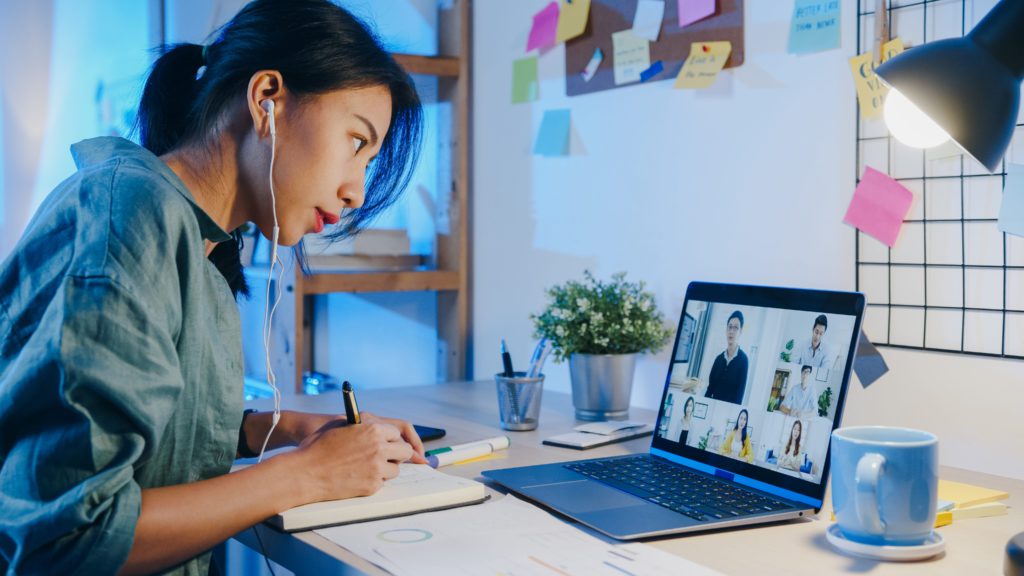
A hybrid classroom combines in-person and online learning experiences, creating an environment where some students attend physically while others participate remotely. This approach allows educators to teach both groups simultaneously using video conferencing technology, interactive tools, and thoughtful instructional design. In a well-designed hybrid classroom, remote students aren’t passive observers but active participants who can engage with the material, collaborate with peers, and contribute to discussions just as meaningfully as their in-person counterparts. The physical classroom transforms into a hub that connects learners across different locations, creating a cohesive learning community regardless of where students are located. When implemented effectively, this model exemplifies the higher levels of the SAMR framework, particularly reaching the "Redefinition" stage, where technology enables entirely new learning opportunities that would be inconceivable without it, such as global collaboration and authentic real-world connections that transcend traditional classroom boundaries.
Hybrid vs. HyFlex vs. Blended Learning Models
While often used interchangeably, hybrid, HyFlex, and blended learning models have distinct characteristics:
Hybrid Learning refers to an educational model where some students attend class in-person while others join virtually simultaneously. The key feature is simultaneous teaching using technology tools like video conferencing hardware and software.
HyFlex learning (Hybrid-Flexible) takes the hybrid model further by emphasizing student choice. Students can freely choose whether to attend sessions in the classroom, participate online in real-time, or engage with materials at their own pace. This student-centered approach acknowledges that learning preferences and circumstances may change from day to day.
Blended Learning combines traditional face-to-face instruction with asynchronous online components. Unlike hybrid learning, blended learning typically involves all students experiencing both in-person classes and independent online work as part of the same course structure.
How to Create a Hybrid Classroom
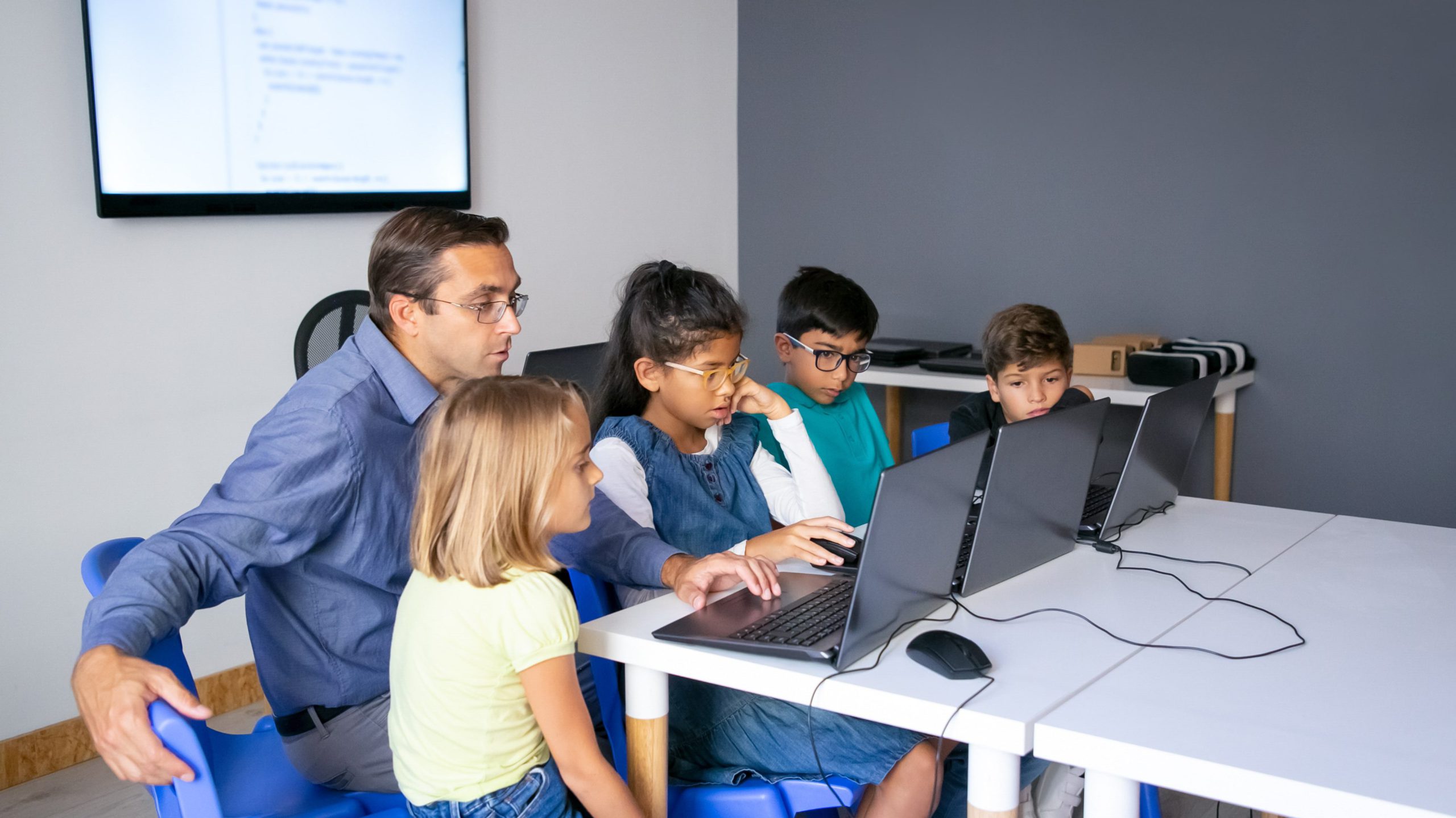
Establishing an effective hybrid classroom requires thoughtful planning and implementation. Design with both audiences in mind by creating layouts that provide optimal sightlines to people and content, ensuring equal participation regardless of location. Adopt appropriate technology by equipping your classroom with essential tools like interactive whiteboards, high-quality cameras, and audio equipment. Structure your curriculum intentionally by blending face-to-face and online elements effectively, considering which learning activities work best in each modality.
Foster collaboration by designing activities that encourage interaction between in-person and remote students to create a unified classroom community, leveraging programs like digital whiteboards. Establish clear communication channels and always have backup plans for when technology doesn’t cooperate. Creating a successful hybrid classroom goes beyond simply installing classroom technology—it’s about reimagining teaching and learning approaches to embrace the possibilities of connected physical and virtual spaces for an elevated experience.
8 Essential Technologies for Effective Hybrid Classrooms
The foundation of any successful hybrid classroom is appropriate technology that bridges the gap between in-person and remote participants. From audio equipment to interactive displays, these tools create seamless connections that make location less relevant to the learning experience.
1. High-quality Audio Equipment
Clear audio is perhaps the most critical component of a hybrid classroom. Remote students need to hear not just the instructor but also questions and comments from in-person students. Ceiling microphones or microphone arrays capture sound throughout the room, ensuring all voices are heard. Noise-canceling systems filter out background distractions, creating a cleaner audio experience for remote participants. Quality speakers distributed throughout the physical classroom ensure that remote students’ voices are heard clearly by everyone in the room, making conversations feel more natural.
2. High-resolution Cameras
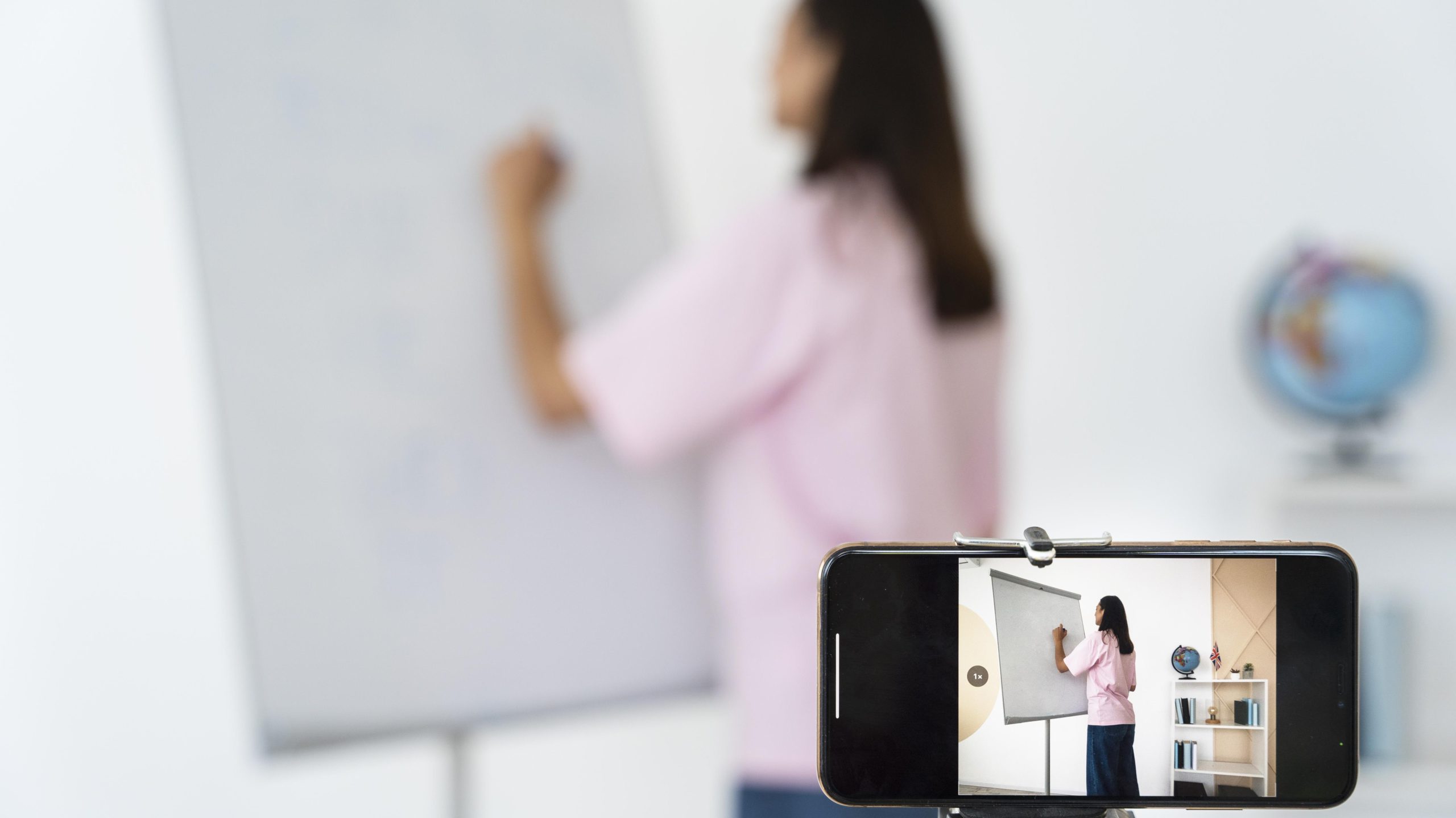
Video quality significantly impacts how connected remote students feel to the classroom experience. Consider cameras with speaker-tracking capabilities that automatically focus on whoever is speaking, helping remote students follow the flow of discussion. Wide-angle options capture the entire classroom, giving remote participants a sense of the overall environment. Some hybrid classrooms benefit from multiple camera setups that show both the instructor at the dry erase board and student activities simultaneously, creating a more immersive experience.
3. Reliable, High-speed Internet
A stable internet connection is the lifeline of any hybrid classroom. Without it, even the best-designed lesson can fall apart for remote learners. Sufficient bandwidth to handle video streaming, file sharing, and multiple simultaneous connections is essential. Whenever possible, use wired connections for critical equipment to ensure the best possible stability. Having planned backup options in case of connectivity issues prevents technical problems from completely disrupting learning.
4. Video Conferencing Platforms
The software that connects your in-person and remote students should be intuitive and feature-rich. Look for platforms that offer breakout room capabilities for small group work, screen sharing and annotation features, recording functionality, and chat features for questions and comments. These tools create multiple avenues for participation and engagement across physical boundaries.
5. Learning Management Systems (LMS)
An LMS serves as the central hub for course materials, assignments, and communications in a hybrid classroom. Effective systems provide intuitive cloud storage for course materials, assignment submission and grading tools, discussion forums for asynchronous conversations, and progress tracking for both students and instructors. A well-implemented LMS creates simple continuity between synchronous class sessions.
6. Interactive Smart Whiteboards
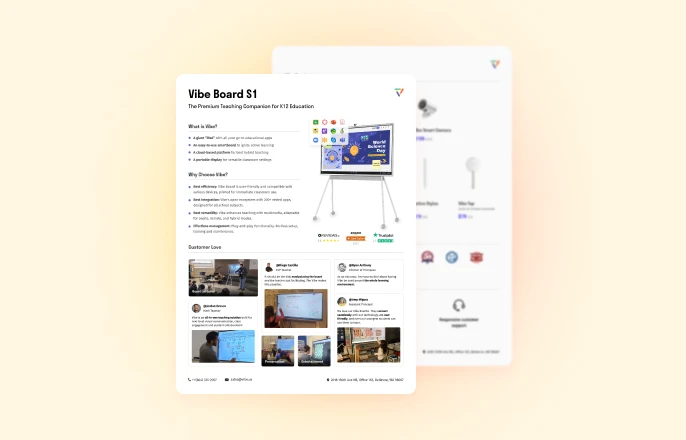
Smart whiteboards transform static presentations into dynamic, collaborative experiences. Options like the Vibe Board S1 exemplify the ideal features needed for hybrid classrooms, such as real-time collaboration where both in-person and remote students can write, draw, and annotate simultaneously. Cloud-based storage that instantly saves all notes and diagrams, making them immediately accessible to all participants regardless of location, is a must. With multi-touch capability allowing multiple users to interact with content at once, smart boards for classrooms create a shared digital canvas that connects all students.
7. Document Cameras or Visualization Tools
Some concepts are best demonstrated with physical objects or handwritten work. Document cameras allow instructors to share physical materials with remote students, demonstrate hands-on processes, display student work for group discussion, and annotate physical documents in real-time. These tools bridge traditional and digital teaching methods, allowing instructors to maintain their preferred teaching styles while still including remote participants.
8. Assistive Accessibility Technologies
Inclusive hybrid classrooms incorporate technologies that support diverse learning needs. Automatic captioning benefits deaf or hard-of-hearing students while also supporting language learners. Screen readers and text-to-speech tools make digital content accessible to visually impaired students. Translation services help bridge language barriers in multilingual classrooms. By incorporating these assistive technologies, educators ensure that accessibility is an integral part of the classroom design.
How to Set Up a Hybrid Classroom: Three Configuration Tiers
The right hybrid classroom setup depends on your room size, budget, and how many remote students you need to serve. Here’s a practical framework across three tiers — from a minimal working setup to a fully equipped hybrid learning environment.
Tier 1 — Essential Setup (Small rooms, limited budget)
For a huddle room, small seminar space, or a teacher getting started with hybrid teaching without a large technology budget.
What you need:
-
A laptop or desktop with a reliable internet connection (wired preferred)
-
A wide-angle USB webcam (e.g., Logitech BRIO or equivalent) — positions at the front of the room to capture the teacher and whiteboard
-
A speakerphone or USB conference microphone to capture room audio clearly
-
A large display (TV or monitor) to show remote participants to in-room students
-
A video conferencing platform (Zoom, Google Meet, or Microsoft Teams)
Limitations: Remote students see a static camera view. In-room whiteboard work isn’t easily shared. Managing two audiences simultaneously is manually intensive.
Best for: Single-teacher classrooms, occasional hybrid sessions, pilots before a larger investment.
Tier 2 — Collaborative Setup (Standard classroom)
For K-12 classrooms or university seminar rooms running hybrid sessions weekly, where student collaboration across in-room and remote is important.
What you need:
-
An interactive smart whiteboard (e.g., Vibe Board S1) as the primary display — serves as the shared canvas for both in-room and remote students, handles video conferencing natively, and saves session content to the cloud automatically
-
A dedicated camera for the room — either a PTZ (pan-tilt-zoom) camera that tracks speakers, or the Vibe Smart Camera with AI auto-framing and a 6-mic array for clear audio capture
-
Ceiling or tabletop microphone array if not using the Vibe Smart Camera
-
Speakers to relay remote student voices throughout the room
What this setup provides: Remote students see and interact with the same canvas as in-room students in real time. In-room students hear remote participants through distributed speakers. All session content is automatically saved — no photos of the whiteboard needed.
Best for: K-12 classrooms running regular hybrid lessons, university seminar rooms, training centers.
Tier 3 — Full HyFlex Setup (Large lecture halls or multi-room institutions)
For universities running a HyFlex model where students choose daily whether to attend in person or remotely, or for institutions serving hundreds of students across multiple rooms simultaneously.
What you need:
-
Multiple cameras (front-of-room + audience-facing) to capture both the instructor and in-room student activity
-
A professional microphone array (ceiling or distributed) that picks up student questions from anywhere in a large room
-
Interactive display at the front (Vibe Board S1 75″ or equivalent for large spaces)
-
Lecture capture system that records sessions for asynchronous access
-
LMS integration so all materials and recordings are immediately accessible post-session
-
Dedicated AV support for setup and troubleshooting
Best for: University lecture halls, institutions with consistent HyFlex programs, multi-campus school districts.
Quick comparison:
|
Setup |
Best For |
Approx. Starting Cost |
|---|---|---|
|
Tier 1 — Essential |
Small rooms, pilots |
$300–$800 |
|
Tier 2 — Collaborative |
K-12 classrooms, university seminars |
$4,000–$8,000 |
|
Tier 3 — Full HyFlex |
Lecture halls, HyFlex programs |
$15,000+ |
Benefits of Hybrid Classrooms
The hybrid classroom model offers numerous advantages for students, educators, and institutions alike. From increased flexibility to enhanced collaboration opportunities, these benefits demonstrate why hybrid learning continues to gain popularity in educational settings.
More Flexibility
Hybrid classrooms provide unparalleled flexibility in how, when, and where learning occurs. Students can choose the learning environment that works best for their circumstances. Educators can customize instruction and adapt teaching methods to suit different learning activities. Institutions can maximize resource utilization by serving both in-person and remote populations simultaneously. This flexibility makes education more resilient to disruptions and more responsive to individual needs.
Heightened Accessibility
By removing geographical barriers and accommodating diverse needs, hybrid classrooms make education more accessible. Students who cannot attend in person due to distance, health concerns, or other circumstances can still fully participate. Those with mobility challenges can engage without navigating physical spaces. International or out-of-state students can join without relocation. This expanded accessibility helps institutions serve broader populations and ensures education reaches those who might otherwise be excluded.

Personalized Learning Experiences
The hybrid classroom model naturally supports personalization. Students can engage with content through their preferred learning modalities, review recorded materials at their own pace, and choose when and how to participate based on their learning style. This personalization helps address diverse learning preferences and needs within any student population, moving education away from a one-size-fits-all approach.
Development of Digital Literacy
Participation in hybrid classrooms helps students develop crucial digital skills. They gain proficiency with collaboration technologies, experience managing online learning environments, communication skills across different mediums, self-directed learning capabilities, and technical troubleshooting abilities. These skills prepare students for future education and careers in an increasingly digital world.
Deeper Engagement and Collaboration
Well-designed hybrid classrooms can enhance engagement through interactive technologies that make learning more dynamic. Multiple channels for participation accommodate different communication preferences. Collaborative projects connect students across locations, exposing learners to diverse perspectives. Tools like the Vibe Board S1 foster this engagement through collaborative features, allowing students to contribute ideas visually regardless of their location.
Overcoming the Challenges of Hybrid Learning
While hybrid classrooms offer tremendous benefits, they also present unique challenges that must be addressed for successful implementation. Understanding these potential obstacles helps educators develop strategies to ensure effective learning experiences for all students.
Technical Interruptions
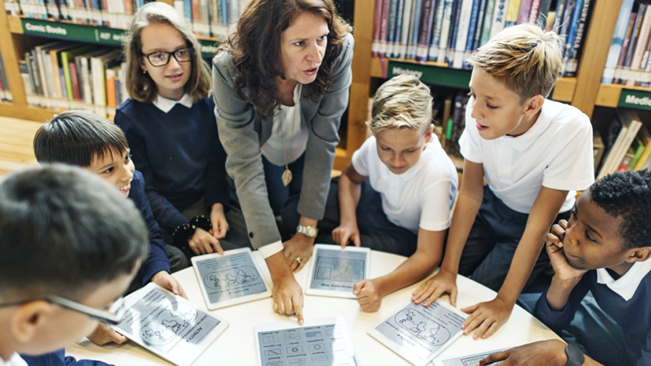
Technology issues can disrupt the learning experience in these classrooms. Establish troubleshooting protocols that students and teachers can quickly implement. Provide readily accessible technical support resources. Create backup plans for when technology fails. Ensure all participants have alternative ways to access materials and communicate. The most successful classrooms anticipate technical challenges rather than being surprised by them.
Student Self-discipline and Time Management
Remote learning components require greater self-regulation from students. Support the development of these skills by providing clear schedules and expectations, breaking larger assignments into manageable chunks with regular check-ins, teaching time management strategies explicitly, and creating accountability structures that help students stay on track.
Increased Teacher Demands and Training
Educators in hybrid classrooms face the challenge of managing two learning environments simultaneously. Provide comprehensive professional development on hybrid teaching strategies. Create planning time specifically for hybrid lesson development. Consider establishing teaching teams or assistant roles to share responsibilities. Invest in technologies like the Vibe Board S1 that simplify content sharing and student engagement.
Remote Student Inclusivity
Ensuring remote students feel fully included requires intentional effort. Design activities that specifically connect in-person and remote participants with remote collaboration tools. Create balanced discussion protocols that give equal voice to all students. Use technologies that make remote contributions equally visible. Regularly check in with remote students about their experience to identify and address inclusivity gaps.
Measuring Success in a Hybrid Classroom
Evaluating the effectiveness of your hybrid classroom helps refine approaches and demonstrate value.
-
Compare student learning outcomes across different participation modes to ensure equitable results.
-
Track engagement metrics for both in-person and remote students. Collect student feedback about their experience and suggestions for improvement.
-
Monitor technical performance, including system reliability and connection quality.
-
Document educator observations about what works well and what needs adjustment. Evaluate how well the classroom serves students with diverse needs and circumstances.
-
Measure growth in digital literacy, self-direction, and collaboration skills over time.
The most successful hybrid classrooms continuously evolve based on these measurements, creating increasingly effective learning environments that serve all students well. By thoughtfully implementing the strategies and technologies outlined in this guide, educators can create classrooms that don’t just accommodate different learning modes but truly enhance the educational experience for all participants.
With the Vibe Board S1, educators no longer need to juggle multiple devices or platforms. This all-in-one interactive whiteboard solution integrates essential hybrid classroom functions such as digital whiteboarding, video conferencing, project sharing, and more. By simplifying hybrid classroom setups and boosting student collaboration, Vibe empowers teachers to focus on what matters most: engaging students and delivering impactful lessons.
Learn more about how the Vibe Board S1 can transform your hybrid classroom experience →
Frequently Asked Questions
What is a hybrid classroom?
A hybrid classroom is a learning environment where some students attend in person while others participate remotely — simultaneously. Unlike blended learning (which alternates between in-person and online), a hybrid classroom connects both groups in the same live session using video conferencing, interactive displays, and shared digital tools. The goal is for remote students to participate as fully as in-room students, not just observe.
What is the difference between hybrid and HyFlex classrooms?
In a hybrid classroom, the instructor teaches both in-person and remote students at the same time, but which group a student belongs to is typically fixed. In a HyFlex (Hybrid-Flexible) classroom, students choose each session whether to attend in person, join live online, or engage asynchronously with recorded materials. HyFlex gives students more autonomy but requires more infrastructure — particularly robust lecture capture and LMS integration — to support all three modes equally.
What equipment do I need for a hybrid classroom?
The minimum viable setup is a webcam, microphone, display, and video conferencing software. For a functional collaborative hybrid classroom, you’ll also need an interactive display (like the Vibe Board S1) so in-room and remote students share the same working canvas, a quality camera that captures the room clearly, and speakers so remote voices are heard in the room. For large lecture halls, add ceiling microphone arrays and a lecture capture system.
How do you keep remote students engaged in a hybrid classroom?
The biggest driver of remote student disengagement is being an observer rather than a participant. The most effective tactics: use an interactive shared canvas (not just a screen share of slides) so remote students can annotate and contribute in real time; use breakout rooms that mix in-person and remote students for small-group work; direct questions explicitly to remote participants; and use an LMS to make all session materials immediately available after class. Technology like the Vibe Board S1 helps by giving remote students the same visual workspace as in-room students simultaneously.
What is the best interactive whiteboard for hybrid classrooms?
For K-12 and higher education hybrid classrooms, the Vibe Board S1 is the most complete single-device solution. It combines a 4K interactive touchscreen, Vibe Canvas (infinite digital whiteboard with real-time remote collaboration), and native video conferencing integration (Zoom, Google Meet, Teams) in one device. Both in-room students writing directly on the board and remote students joining from their devices see and interact with the same canvas simultaneously. Available in 55″ ($3,699) and 75″ ($7,299), with education pricing available.
What is HyFlex learning?
HyFlex (Hybrid-Flexible) learning is a course design model where students can choose, for each class session, whether to attend in person, participate live online, or engage asynchronously with recorded materials. All three modes are designed to provide an equivalent learning experience. HyFlex is common in higher education and requires robust technology infrastructure — reliable lecture capture, strong LMS integration, and a room setup that serves both in-person and online participants equally without privileging either group.
How do I set up a hybrid classroom on a budget?
Start with what you have: a laptop with a built-in camera and a USB speakerphone can run a functional hybrid session via Zoom or Google Meet. Upgrade the camera first (a wide-angle USB webcam like Logitech BRIO makes the biggest immediate difference for remote students) and add a dedicated microphone second. For a more complete setup, the Vibe Board S1 consolidates the display, interactive whiteboard, and video conferencing endpoint into one device — replacing the need to purchase these separately.