Most professionals now pay for at least one AI assistant. And most have had the same experience: the assistant is brilliant at writing, reasoning, and summarizing — right up until you need it to know something about your work. Then you’re copying, pasting, re-explaining, and uploading files just to get it up to speed.
That’s the real limit of AI at work in 2026. It’s not intelligence. It’s context.
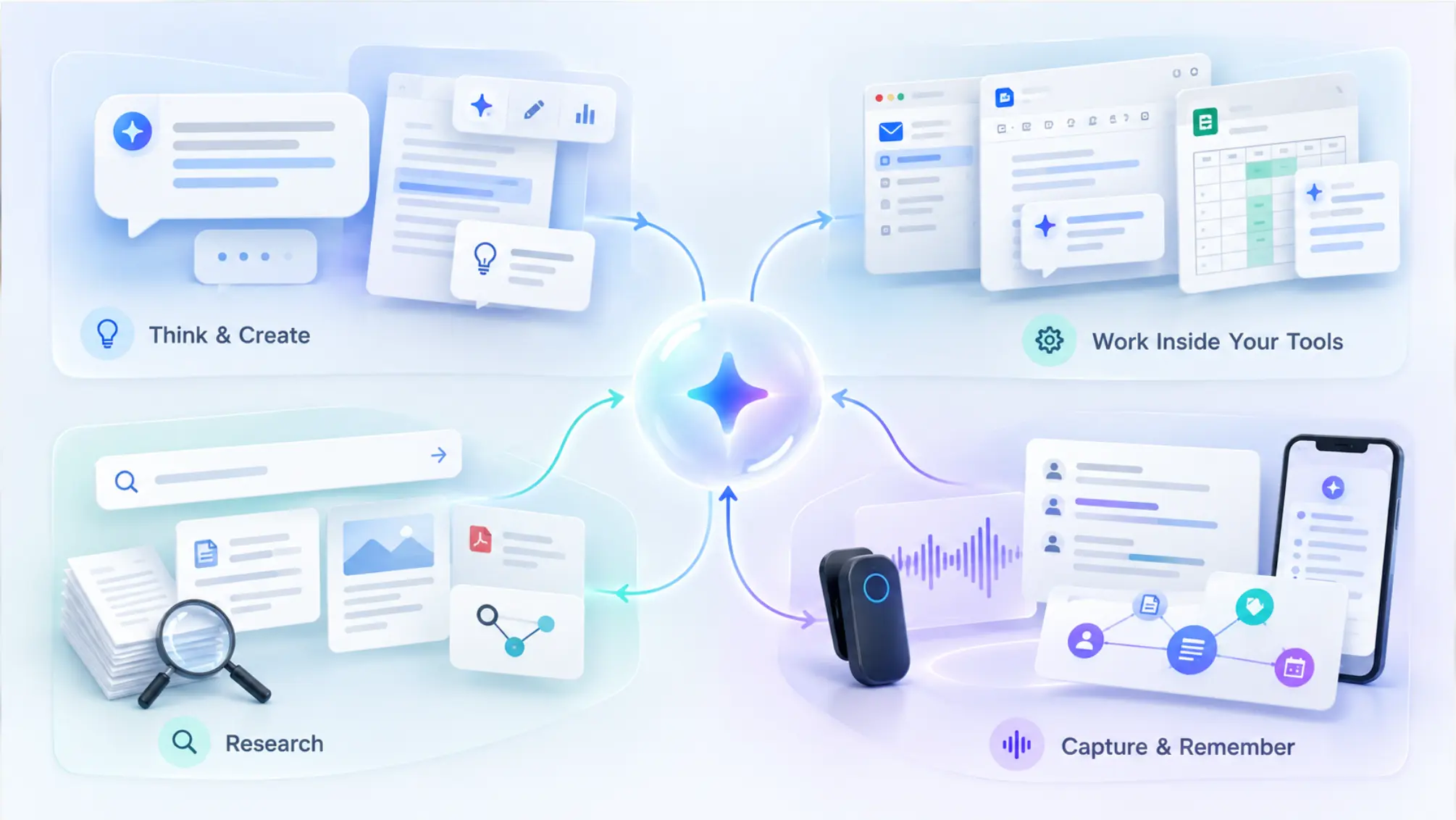
This guide to the best AI assistant tools for work is organized differently from most. Instead of ranking chatbots against each other, it breaks the workday into the four jobs an AI stack needs to cover, recommends the best tools for each, and shows how to combine them — including the job most "best AI tools" lists skip entirely.
 Categories of AI assistant tools for work
What Is an AI Assistant for Work?
An AI assistant for work is software that uses large language models to help you think, write, research, organize, and act on information in a professional context. The best ones go beyond answering prompts: they understand your work context, connect to the tools you already use, and protect your data.
Most professionals end up using more than one. One hands-on 2026 review put it plainly: for most knowledge-work teams, the practical answer is four subscriptions — a general assistant, a specialist for your main output, a research tool, and a meeting recorder. The framework below follows the same logic.
The Four Jobs Your AI Work Stack Needs to Cover
|
Job |
What it does |
Best tools |
|---|---|---|
|
1. Think & create |
Drafting, reasoning, analysis, problem-solving |
ChatGPT, Claude |
|
2. Work inside your tools |
AI embedded in your email, docs, and spreadsheets |
Microsoft 365 Copilot, Gemini for Google Workspace |
|
3. Research |
Finding and synthesizing sources, working with documents |
Perplexity, NotebookLM |
|
4. Capture & remember |
Turning conversations into searchable, lasting work context |
Vibe Dot + Vibe AI |
The first three jobs are well covered by the AI tools everyone talks about. The fourth is where most stacks have a gap — and, as we’ll see, it’s the gap that limits how useful the other three can be.
Job 1: Think & Create — Your General-Purpose Assistant
This is the assistant you open twenty times a day: drafting emails, outlining proposals, reasoning through a decision, cleaning up a spreadsheet formula, or pressure-testing an argument. Pricing has largely converged — the standard paid personal plans from OpenAI, Anthropic, Google, and Microsoft all sit at or just under $20 per month, so the choice comes down to how you work.
ChatGPT — Best all-rounder
Best for: Professionals who want one assistant that does a bit of everything
 ChatGPT
ChatGPT remains the most broadly capable general assistant, combining writing, image generation, voice, file and data analysis, and custom GPTs in a single app. If you’re starting from zero and want one tool that handles the widest range of everyday tasks, it’s the safest default.
Pricing: Free tier; Go at $8/month, Plus at $20/month, and Pro (three usage tiers) from $100/month. See OpenAI’s ChatGPT pricing page.
Claude — Best for long documents and careful reasoning
Best for: Writers, analysts, consultants, and anyone whose work is judged on the quality of thinking
 Claude
Claude is widely favored for long-form writing, working through lengthy documents, and following detailed instructions closely. If your output is reports, analyses, proposals, or code, it’s often the stronger choice for the core thinking work.
Pricing: Free tier; Pro at $20/month ($17/month billed annually) and Max from $100/month, per Anthropic’s pricing page.
Job 2: Work Inside Your Tools — AI Embedded in Your Suite
A general assistant lives in its own window. Embedded assistants live inside the apps where your work already sits, which saves the copy-paste step for email, documents, and spreadsheets.
Microsoft 365 Copilot — Best for Office-centric teams
Best for: Teams whose work runs on Word, Excel, PowerPoint, Outlook, and Teams
 Microsoft 365 Copilot
Copilot’s advantage is placement: it drafts in Word, analyzes in Excel, builds decks in PowerPoint, and summarizes threads in Outlook without leaving the app. The trade-off is that its value is tied to the Microsoft ecosystem — reviewers note that outside of Office, Copilot is noticeably more limited than a standalone chatbot.
Pricing: For individuals, Copilot is bundled into Microsoft 365 Premium at $19.99/month. For businesses, Microsoft 365 Copilot Business is a per-user add-on to a qualifying Microsoft 365 plan, listed at $21/user/month on annual billing (promotionally $18 for the first year through December 31, 2026) or $25.20/user/month billed monthly.
Gemini for Google Workspace — Best for Google-first teams
Best for: Teams that live in Gmail, Docs, Sheets, Drive, and Meet
 Gemini for Google Workspace
Gemini plays the same role for Google users: drafting in Docs, summarizing Gmail threads, analyzing Sheets, and taking notes in Meet. If your company runs on Workspace, it’s the most natural embedded option.
Pricing: For individuals, Google AI Pro is $19.99/month, and the lighter AI Plus tier dropped to $4.99/month in June 2026. Business access depends on your Workspace edition.
Job 3: Research — Find, Verify, and Synthesize
General assistants can search the web, but dedicated research tools are better at showing their sources and working tightly with documents you provide.
Perplexity — Best for cited web research
Best for: Market research, competitive analysis, and any question where you need to see the source
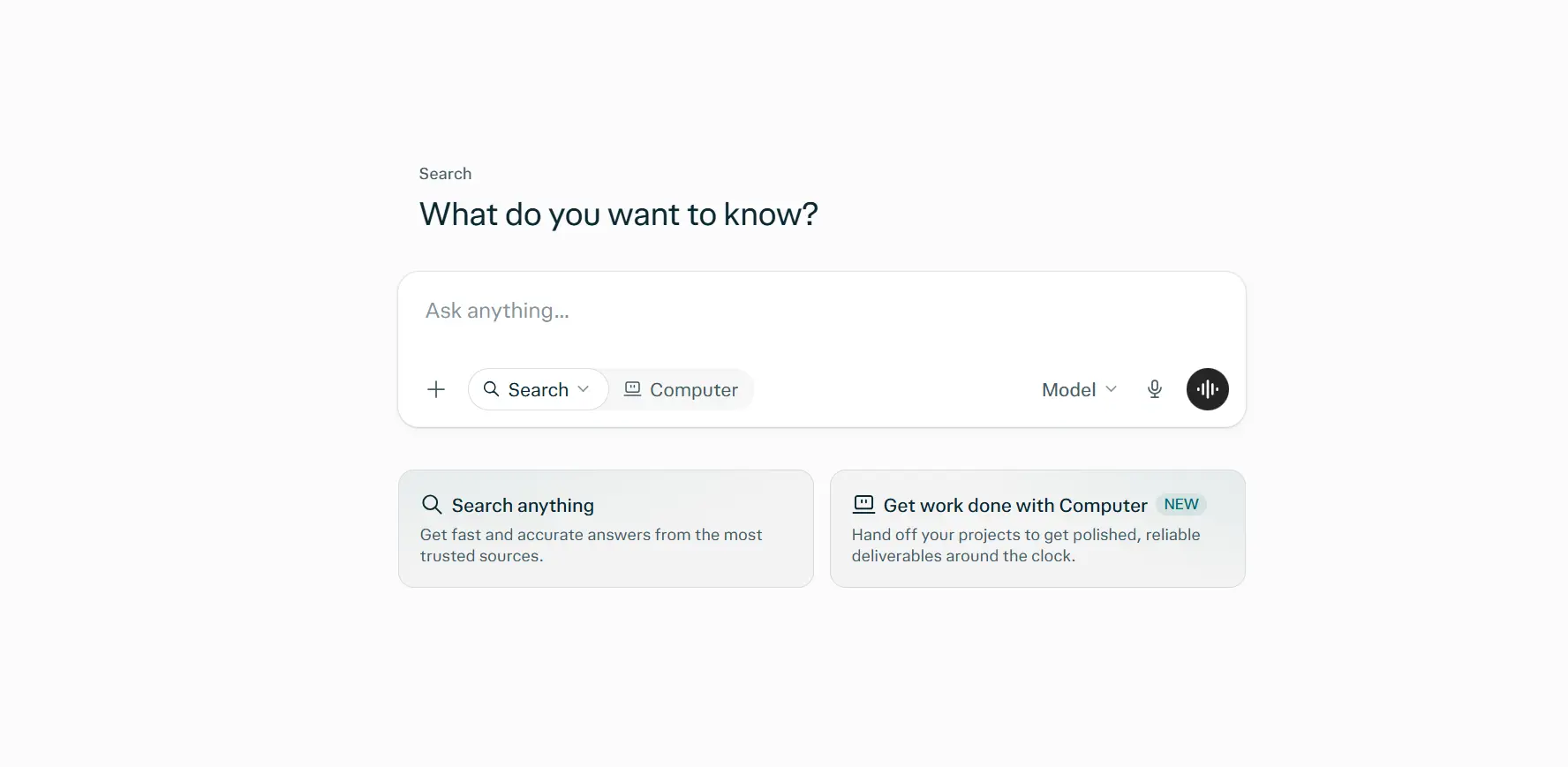 Perplexity
Perplexity answers questions with citations front and center, which makes verification fast. Its free tier is unusually capable: searching with sources works without a subscription, with only in-depth searches capped daily.
Pricing: Free tier; Pro at $20/month, Max at $200/month.
NotebookLM — Best for working with your own sources
Best for: Synthesizing a defined set of documents — reports, research papers, policy docs, project files
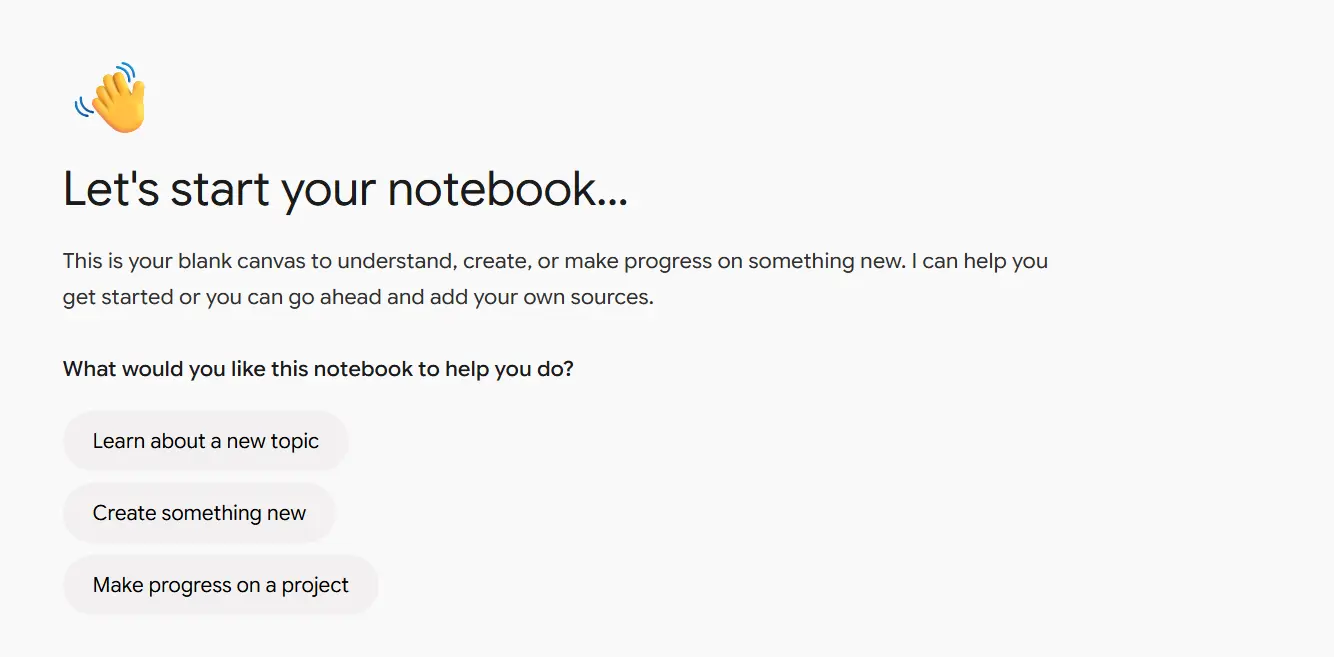 NotebookLM
NotebookLM grounds its answers in the sources you upload rather than the open web, which makes it excellent for studying a body of material and asking precise questions about it. It’s one of the strongest free AI tools for people who need to work with specific documents.
Pricing: Free, with higher limits through Google’s paid AI plans.
Job 4: Capture & Remember — The Missing Slot in Most AI Stacks
Here’s the problem with the first three jobs. Every one of those tools is only as good as the context you feed it — and the richest source of work context isn’t in your documents. It’s in your conversations.
Decisions get made in meetings. Client priorities come out on calls. Commitments happen in a five-minute hallway exchange. And most of those conversations never reach your AI assistant at all.
The scale of this is bigger than it feels. Microsoft’s Work Trend Index found that 57% of meetings are ad hoc calls without a calendar invite. Built-in meeting AI in Zoom, Meet, and Teams helps with scheduled video calls, but it works inside its own platform and session — Google’s documentation notes, for example, that Ask Gemini in Meet can’t answer questions about discussion before you joined unless note-taking was already on. Conversations in a client’s office, on a site visit, or at a desk never get captured in the first place.
That’s the job a capture-and-memory tool fills. (For how the category got here, see our deep dive on the evolution of AI meeting assistants.)
Vibe Dot — Best for capturing conversations anywhere and remembering them over time
Best for: Professionals whose important conversations happen across video calls, conference rooms, client sites, and in person — and who need an AI that remembers them
 Vibe Dot
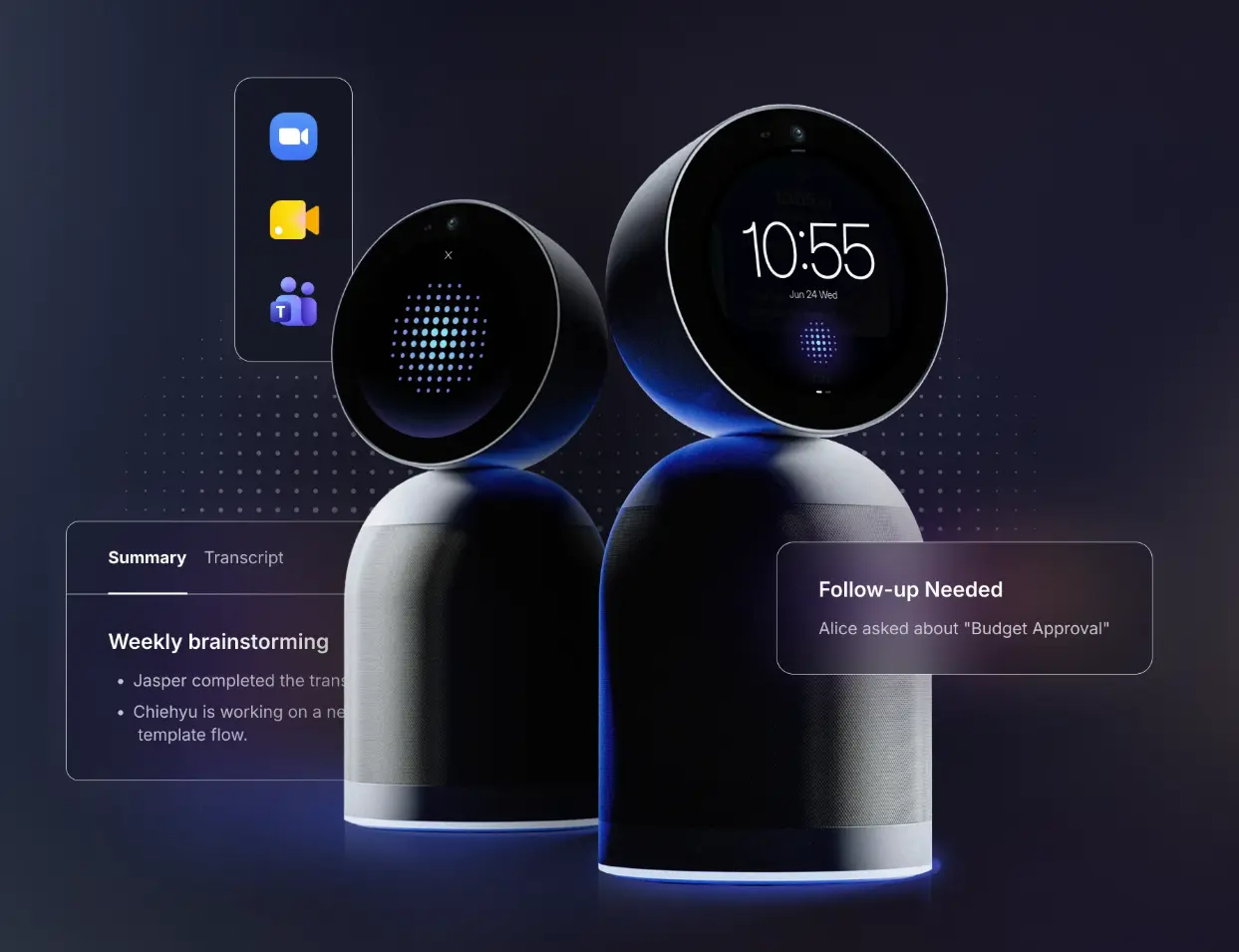
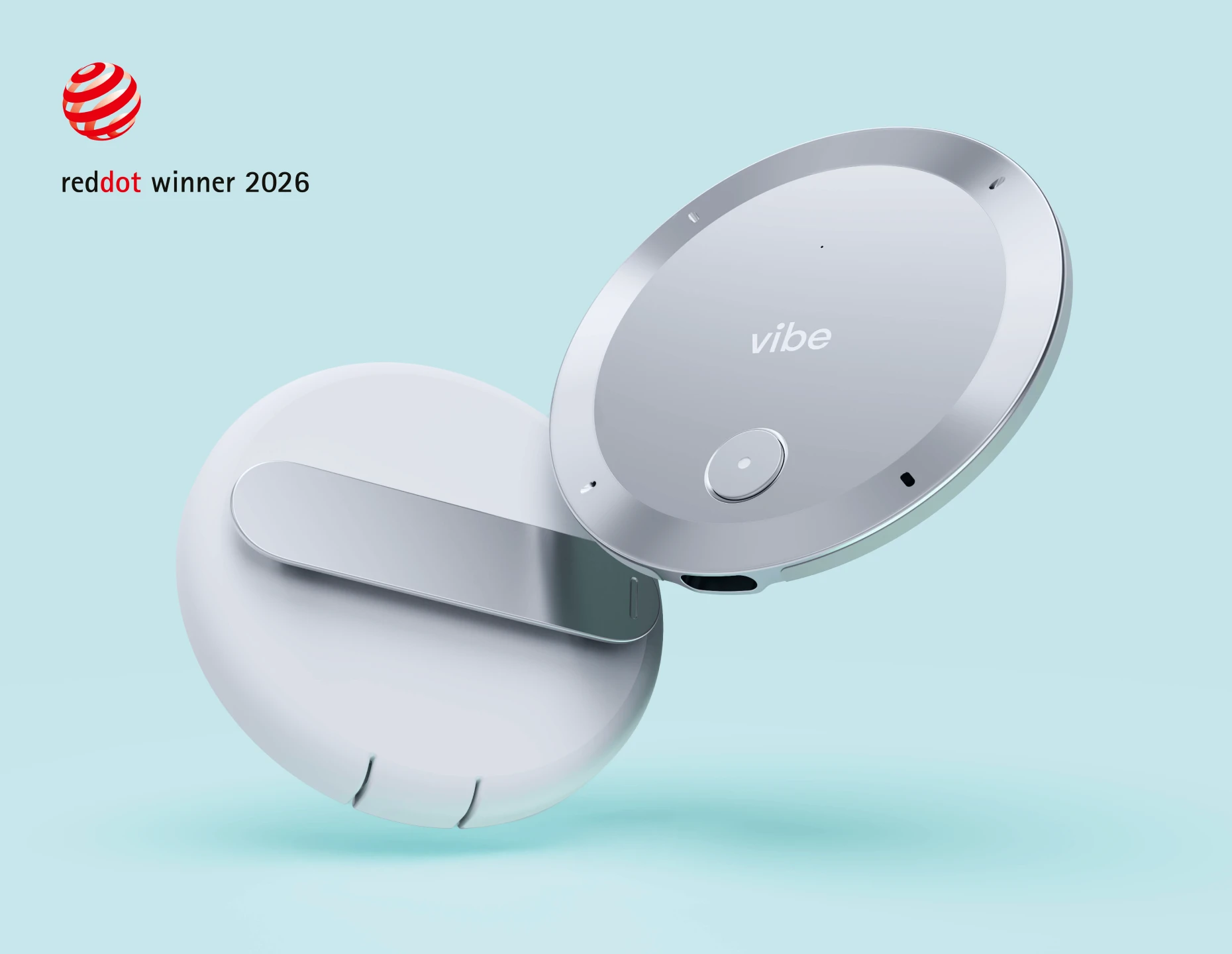
Vibe Dot is a wearable AI capture device — 0.17 inches thin and 0.83 ounces — that records any conversation, not just the ones inside a video call. It works with no laptop open and no bot joining your meeting. With 64GB of onboard storage and a 30+ hour battery, it captures offline and syncs later, so a weak signal doesn’t mean a lost conversation. Because it’s a physical device, everyone in the room can see that a conversation is being captured — a meaningful advantage as consent around AI recording gets more scrutiny.
The value comes from the Vibe AI layer on top:
-
Memory Graph: Cross-session memory that links your meetings, documents, and context over time, so the AI understands a project or client relationship rather than one isolated meeting.
-
Ask AI across your meeting history: Ask "What did the client say about timeline across our last three conversations?" and get an answer drawn from everything you’ve captured.
-
Smart catch-up briefings: Get up to speed before a follow-up meeting without rereading transcripts.
-
Summaries and action items after every conversation, with templates for different industries.
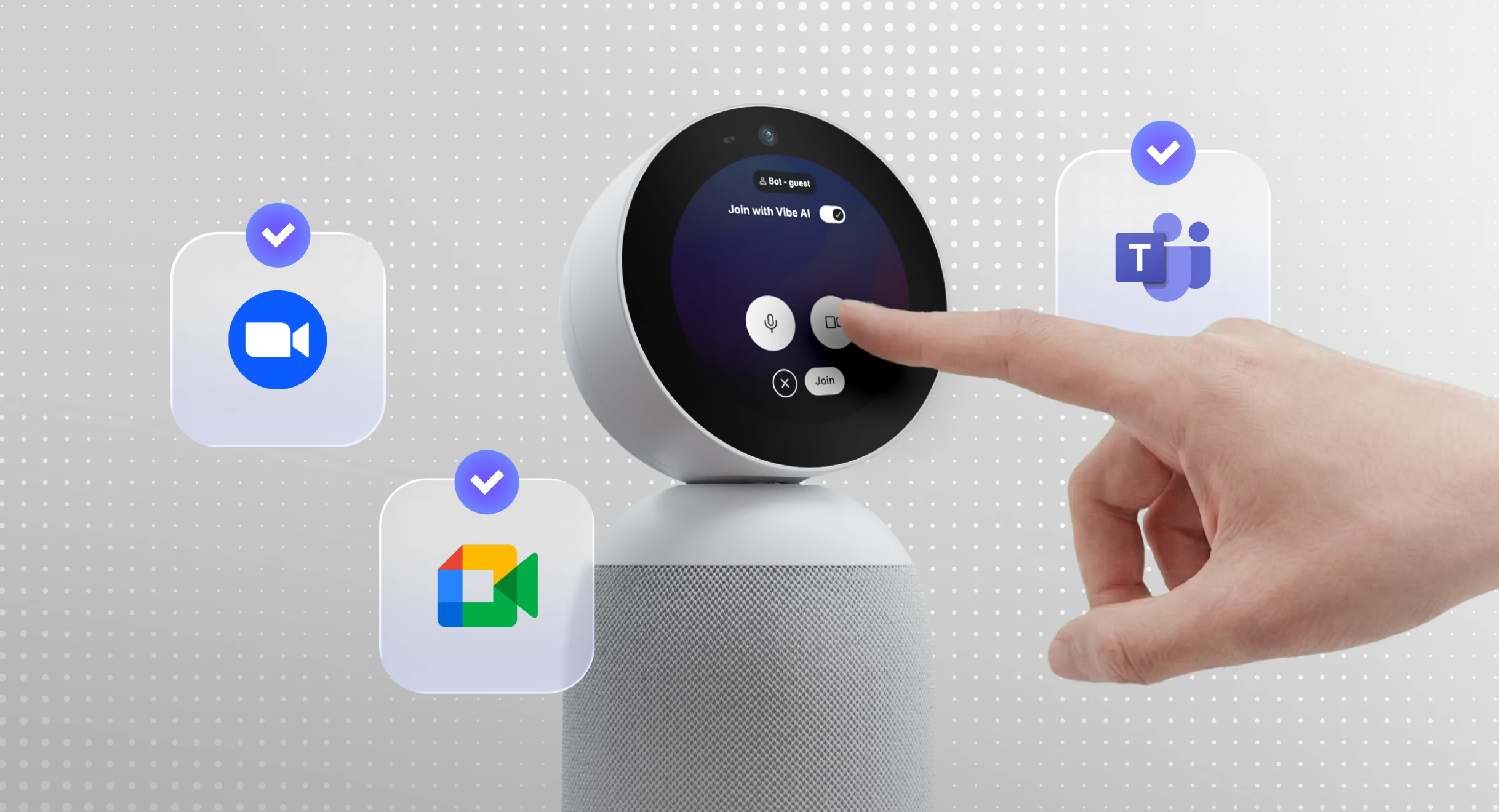
How it makes the rest of your stack smarter: Vibe AI connects to MCP-capable assistants including ChatGPT, Claude, and Gemini. Once connected, your general assistant can look up your meetings, transcripts, and summaries on request — so when you ask Claude to draft a proposal, it can pull what the client actually said instead of relying on what you remember to paste in. This is what turns Job 4 from a separate tool into the context layer for Jobs 1 through 3.
Security: A dedicated hardware encryption chip (FIPS 140-3, Common Criteria EAL 6+) protects recordings on the device, and Vibe Dot carries SOC 2, HIPAA, FERPA, and NDAA certifications. Meeting data is not used to train AI models.
Pricing: $199 device (one-time). Vibe AI Starter is free (300 min/month); Pro is $9/month (1,200 min/month, 12-month memory); Max is $29/month (unlimited transcription and memory).
Limitations: It’s a physical device you need to bring with you, and the upfront hardware cost is a bigger commitment than a software subscription. If every conversation you have is a scheduled video call on one platform, the meeting AI built into that platform may be enough.
Other options for this job
-
Built-in meeting AI (Zoom AI Companion, Gemini in Meet, Teams Copilot): The simplest choice if your conversations happen almost entirely inside one video platform. Coverage stops at that platform’s scheduled calls.
-
Bot-free desktop notetakers: Tools like Granola capture meetings from your computer without a bot joining the call. A good fit for desk-based, video-heavy days; see our Granola alternatives and Bluedot alternatives roundups for a full comparison of this category.
All 8 AI Assistant Tools for Work, Compared
|
Tool |
Job |
Best for |
Free tier |
Paid from |
|---|---|---|---|---|
|
ChatGPT |
Think & create |
All-round everyday work |
✅ |
$8/month (Go), $20/month (Plus) |
|
Claude |
Think & create |
Long documents, careful reasoning, writing |
✅ |
$20/month (Pro) |
|
Microsoft 365 Copilot |
Work inside your tools |
Word, Excel, Outlook, Teams users |
Limited (chat only) |
$19.99/month (M365 Premium); business add-on from $18–21/user/month |
|
Gemini for Workspace |
Work inside your tools |
Gmail, Docs, Sheets users |
✅ |
$4.99/month (AI Plus) |
|
Perplexity |
Research |
Cited web research |
✅ |
$20/month (Pro) |
|
NotebookLM |
Research |
Working with your own documents |
✅ |
Included in Google AI plans |
|
Vibe Dot + Vibe AI |
Capture & remember |
Conversations anywhere, cross-session memory |
✅ (300 min/month) |
$9/month + $199 device |
|
Built-in meeting AI |
Capture (in-platform) |
Scheduled calls on one platform |
Varies |
Bundled with platform plans |
Sample AI Stacks by Role
The right stack depends less on which model tops a benchmark and more on where your work actually happens. Here’s how the four jobs combine for different roles.
Consultant or advisor. Claude for proposals and analysis, Perplexity for client and market research, and Vibe Dot for client workshops and on-site interviews. Connecting Vibe AI to Claude means proposals can draw directly on what clients said in discovery sessions.
Field or account-based sales rep. ChatGPT for emails and call prep, your suite’s embedded AI for CRM-adjacent docs, and Vibe Dot for in-person client visits that never touch Zoom. Memory Graph keeps a running picture of each account across months of conversations.
Product or project manager. Microsoft 365 Copilot or Gemini for the documents and spreadsheets that run the project, NotebookLM for specs and research, and Vibe Dot for standups, hallway decisions, and stakeholder conversations that happen away from a calendar invite.
Healthcare, education, or public-sector professional. Here, compliance shapes the stack. Choose embedded AI your organization has already approved, and for conversation capture look for certifications that match your sector — Vibe Dot’s HIPAA, FERPA, and NDAA coverage is designed for exactly these environments.
Fully remote, video-first worker. ChatGPT or Claude for core work, plus the meeting AI built into your video platform. If nearly every conversation is a scheduled call on one platform, you may not need a dedicated capture device — the built-in tools will cover most of it.
How to Choose the Right AI Assistant Tools for Your Work
Before adding another subscription, ask three questions:
-
Where does my work actually live? If it’s Microsoft 365 or Google Workspace, an embedded assistant will save you the most friction. If it’s spread across tools, a strong general assistant comes first.
-
Where do my most important conversations happen? If they happen outside scheduled video calls — client sites, conference rooms, in person — built-in meeting AI won’t capture them, and that’s the context your other tools are missing.
-
Does my AI need to remember beyond today? If your work involves ongoing clients, projects, or relationships, look for tools with cross-session memory rather than one-off summaries.
Conclusion: The Best AI Stack Is the One That Knows Your Work
The best AI assistant tools for work in 2026 are remarkably capable — and remarkably similar in price. ChatGPT and Claude handle the thinking, Copilot and Gemini bring AI into the apps you already use, and Perplexity and NotebookLM make research faster and more trustworthy.
But intelligence isn’t the bottleneck anymore. Context is. An AI that never hears your conversations will always be working from an incomplete picture of your work. Filling the capture-and-remember slot is what turns a collection of smart tools into a stack that actually knows what’s going on.
Frequently Asked Questions
What is the best AI assistant for work in 2026?
There’s no single best AI assistant for work; most professionals get the most value from a small stack. ChatGPT is the best all-rounder, Claude is strongest for long documents and careful reasoning, Microsoft 365 Copilot and Gemini are best inside their own office suites, and Perplexity leads for cited research. A capture tool like Vibe Dot fills the gap of remembering conversations.
How many AI tools do I actually need for work?
Most knowledge workers are well served by three to four: a general assistant for thinking and writing, AI embedded in their office suite, a research tool, and a way to capture and remember conversations. Paying for several general chatbots usually adds cost without adding coverage, since they overlap heavily in what they do.
Are free AI tools good enough for work?
For many tasks, yes. ChatGPT, Claude, Gemini, Perplexity, and NotebookLM all offer usable free tiers in 2026. Paid plans mainly add higher usage limits, stronger models, and deeper integrations. Before using any free tool with work data, check your company’s AI policy and whether the tool uses your inputs for training.
What’s the difference between an AI assistant and an AI meeting assistant?
A general AI assistant like ChatGPT or Claude works with whatever you give it: prompts, files, or connected data. An AI meeting assistant captures conversations and turns them into transcripts, summaries, and action items. The most useful setups connect the two, so your general assistant can draw on what was actually said in your meetings.
Can ChatGPT or Claude access my meeting notes?
Only if you give them access. You can paste or upload notes manually, or connect a meeting tool that supports MCP. Vibe AI supports MCP connections with assistants including ChatGPT, Claude, and Gemini, which lets them look up your meetings, transcripts, and summaries on request instead of relying on copy-paste.
Do I need a separate device to capture meetings?
Not always. If your conversations happen almost entirely in scheduled video calls on one platform, the built-in AI in Zoom, Google Meet, or Teams may be enough. A dedicated device like Vibe Dot makes sense when important conversations happen in person, across multiple platforms, or offline — situations where software-based meeting AI can’t listen.