Quick answer: The best video conferencing apps for hybrid teams in 2026 are Zoom for frictionless external meetings, Microsoft Teams for Microsoft 365 organizations, Google Meet for Workspace-native teams, Cisco Webex for security-first enterprises, RingCentral (RingEX) for unified phone + video, Dialpad Meetings for AI transcription, and GoToMeeting for long, unlimited sessions. Below we cover the best free options, the best picks for small business, and the strongest AI features — all evaluated on real conference room hardware.
Your team just spent 15 minutes troubleshooting video lag before the client meeting even started. Sound familiar?
Hybrid work is no longer the experiment — it's the default. Gallup's hybrid work tracking shows most remote-capable U.S. employees now split time between home and office, and Stanford's WFH Research finds working from home has stabilized at roughly a quarter to a third of all paid workdays. Microsoft's Work Trend Index has documented how meeting load — and the demand for AI meeting help — has grown right alongside that shift.
So choosing a video conferencing app in 2026 isn't a laptop decision anymore. It's a meeting-room decision — and that's the lens we used.
How We Evaluated These Apps
We assessed all seven platforms against five criteria, weighted for hybrid teams:
-
Join friction — how easily an external guest gets in, with or without an account.
-
Mixed-presence experience — speaker framing, audio pickup, and content-plus-gallery layouts when a room of people meets remote participants.
-
Room hardware behavior — how the app runs on a shared touchscreen: native app availability, touch responsiveness, dual-screen modes. This is where our hands-on use of Vibe Board hardware informs the verdict.
-
AI features and their real cost — summaries, transcription, action items, and whether they're included or sold as add-ons.
-
Pricing transparency — what the listed price actually buys, verified against each vendor's official pricing page (linked per section).
We deliberately don't rank these 1–7. The honest answer is that the right app depends on your existing ecosystem — and pretending otherwise is exactly the kind of generic listicle advice this guide avoids.
At a Glance: 7 Video Conferencing Apps Compared
|
App |
Best for |
Free plan |
Standout in hybrid rooms |
Watch out for |
|---|---|---|---|---|
|
Zoom |
External / client meetings |
Yes (40-min group limit) |
Lowest guest join friction; AI Companion included on paid plans |
40-min free cutoff mid-call |
|
Microsoft Teams |
Microsoft 365 organizations |
Yes (60-min limit) |
Deepest calendar/file integration; Copilot recap |
Best AI costs extra (Premium/Copilot) |
|
Google Meet |
Google Workspace teams |
Yes (60-min limit) |
Zero-install browser join; Gemini notes; Adaptive Audio |
Recording needs Business Standard+ |
|
Cisco Webex |
Security-first enterprises |
Yes (40-min limit) |
Granular admission controls; best noise removal |
Heavy outside Cisco hardware |
|
RingCentral (RingEX) |
Phone + video in one |
Yes (50-min limit) |
Call, SMS, video in one CRM timeline |
Overkill if you only need video |
|
Dialpad Meetings |
AI transcription-first teams |
Yes (45-min limit) |
Real-time AI notes and action items |
Lighter on webinars/large events |
|
GoToMeeting |
Long sessions, training, demos |
14-day trial |
Unlimited duration on all paid plans |
Smaller integration ecosystem |
1. Zoom
Best for: The "it just works" choice for meetings with people outside your organization.
You can't write this roundup without Zoom. By 2026, "Zooming" is still a verb, and the app has grown into Zoom Workplace — email, calendar, docs, and chat in one place. Zoom remains the "Switzerland" of video conferencing: it plays nicely with everyone and is still the easiest link to send a client.
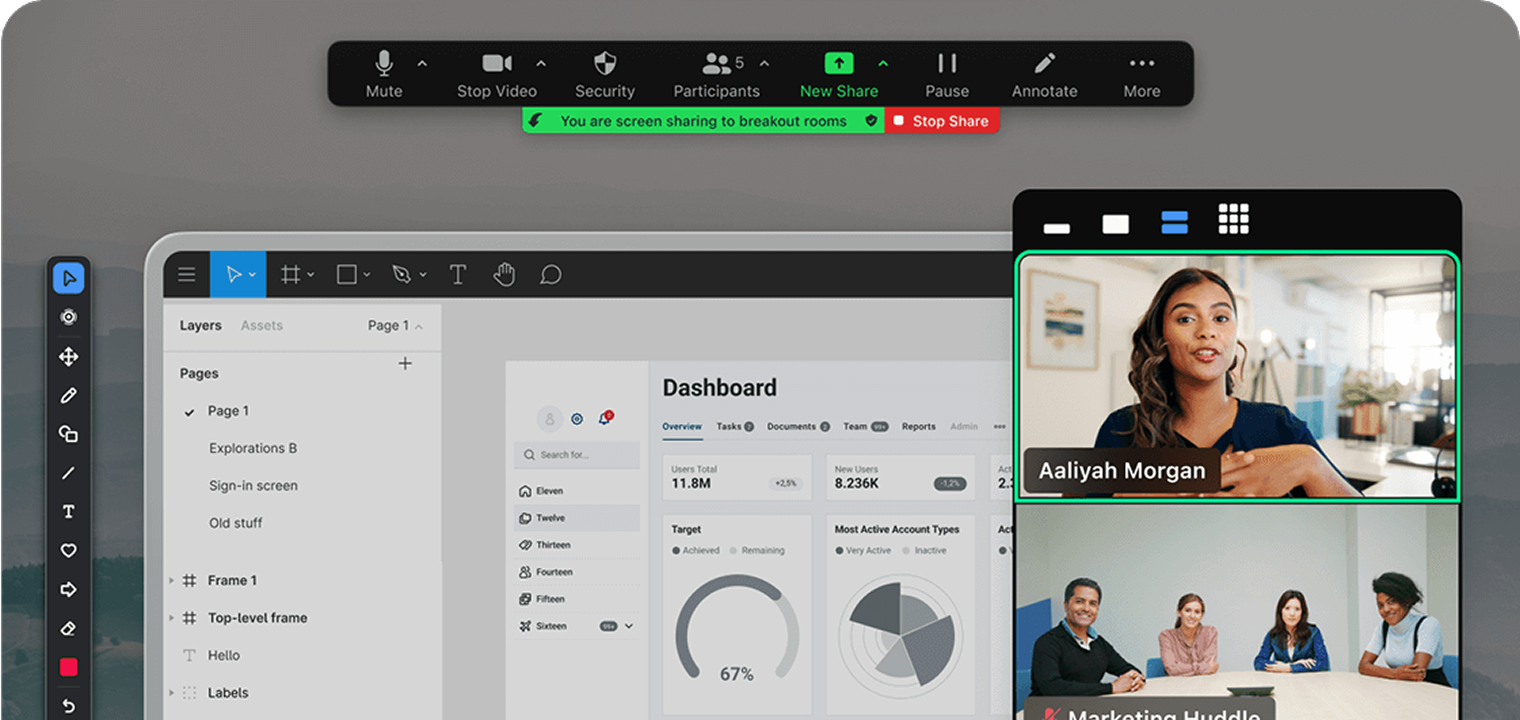 Screenshot of Zoom
In the Conference Room: Zoom is one of the most reliable apps we run on shared room displays — it installs natively from the Vibe Store (our help guide, walkthrough video), and its content-plus-gallery layouts hold up well on a large touchscreen where the room needs to see remote faces and shared work at once. Guest join friction is the lowest of the seven — external participants click a link and they're in, which matters when the person joining is a client in their conference room.
Pricing (per Zoom's official pricing): Basic free (40-min group limit); Pro $15.99/user/mo; Business $21.99/user/mo; Enterprise custom.
Key 2026 differentiator: Paid plans include AI Companion (summaries, email drafting) at no extra cost — Microsoft and Google often charge $20–30/user/mo for comparable AI.
Bottom line: For meetings with clients, vendors, or candidates, Zoom is still the king of low-friction joining, with the most forgiving audio/video on shaky connections. The free plan's 40-minute hard stop is unprofessional for client calls — budget for Pro.
2. Microsoft Teams
Best for: Companies already on Microsoft 365 wanting video, chat, and files in one hub.
Microsoft Teams is no longer just a video app — it's the operating system of the workday for Microsoft-centric orgs. Its biggest recent leap is Copilot, which automates minutes and action items better than almost any competitor.
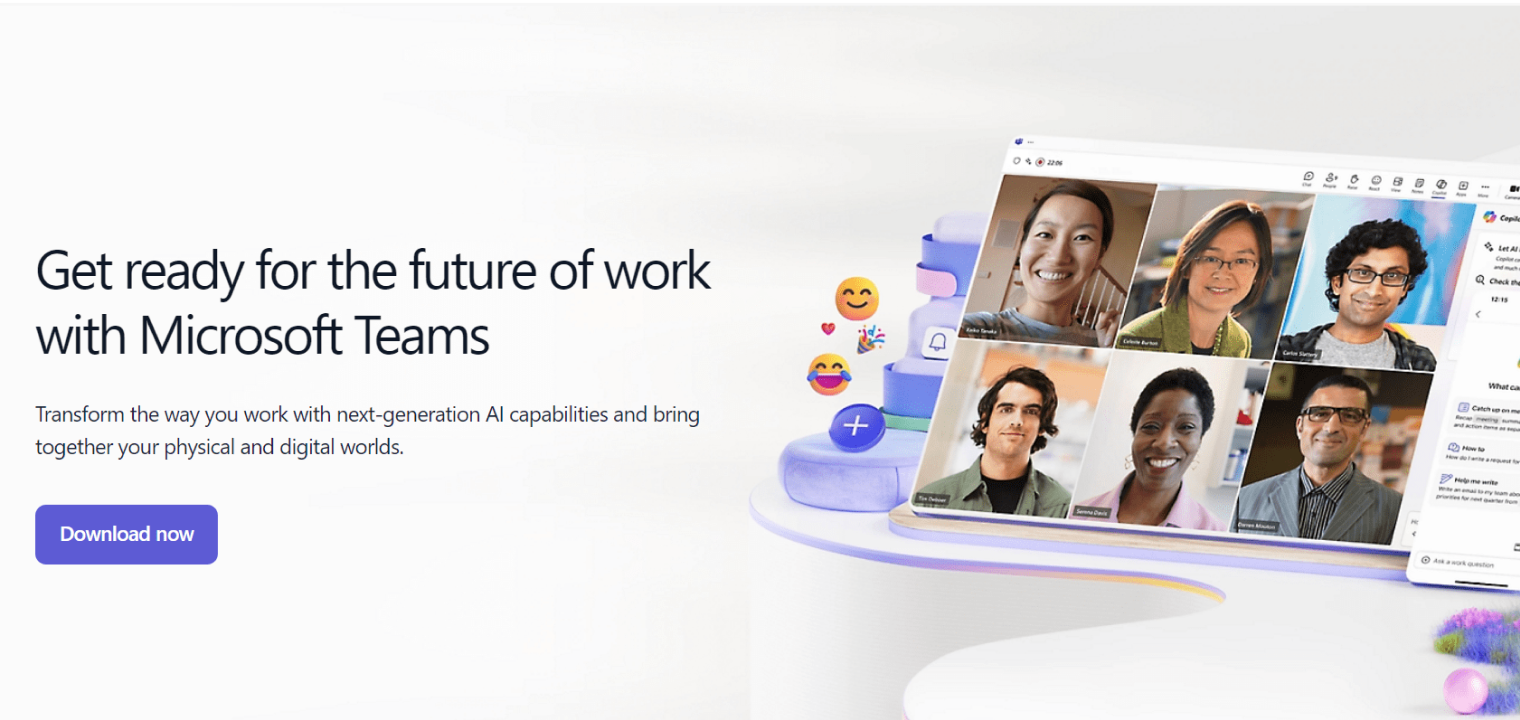 Screenshot of Microsoft Teams
In the Conference Room: Teams runs natively on our boards too (our help article, video), and calendar integration is its room superpower: walk in, tap the scheduled meeting, you're in. The trade-off we see in practice: the interface is dense, and on a shared touchscreen first-time users take noticeably longer to find controls than in Zoom or Meet.
Pricing (per Microsoft's plans): Free (60-min limit); Essentials $4/user/mo; 365 Business Basic $6/user/mo; Business Standard $12.50/user/mo; Teams Premium add-on ~$10/user/mo for Intelligent Recap.
Bottom line: If you already pay for Microsoft 365, separate video tooling is usually redundant. But the AI features in the ads sit behind Premium/Copilot — price them in before assuming they're included.
3. Google Meet
Best for: Teams living in Gmail and Google Docs that want AI without installing anything.
Google Meet has grown from a simple "hangout" tool into a serious business platform. Its 2026 killer feature isn't video quality — it's Gemini: on paid Workspace tiers, Google's AI attends meetings, takes notes, and summarizes the surrounding email threads.
 Screenshot of Google Meet
In the Conference Room: Meet's browser-first design is an underrated room advantage — it runs cleanly on any display with a browser, no app management, and recordings auto-save to Drive where the team already works. Adaptive Audio (blending mics from multiple laptops in the same room) is one of the more genuinely useful mixed-presence features shipped in the last two years.
Pricing (per Workspace pricing): Personal free (60-min limit); Business Starter ~$7.20/user/mo; Business Standard ~$14.40/user/mo; Gemini add-on ~$20/user/mo.
Bottom line: If your company runs on Gmail, don't buy Zoom — Meet is likely already in what you pay for, and the 1080p + Adaptive Audio updates have closed the quality gap.
4. Cisco Webex
Best for: Enterprises that put security and compliance first.
If Zoom is for everyone, Webex is for the Fortune 500. Cisco has stopped fighting the platform wars and now focuses on interoperability — its room hardware runs Teams or Zoom as well as Webex.
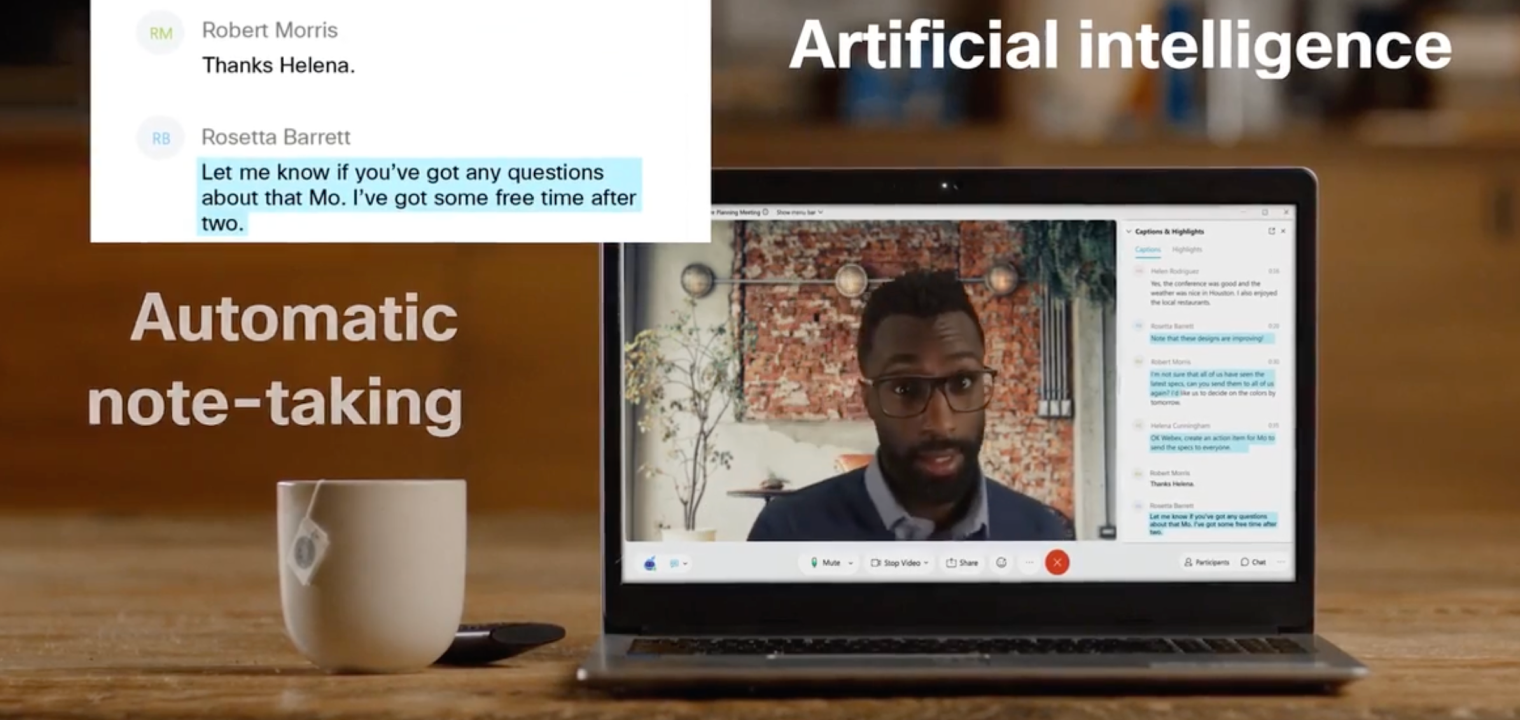 Screenshot of Webex meetings
In the Conference Room: Webex's background noise removal remains the industry gold standard in our experience — in rooms near open-plan areas, remote participants notice the difference. Admission controls (blocking external domains, region restrictions) are deeper than any competitor's. Outside a Cisco-hardware environment, though, the software feels heavier than Zoom or Meet.
Pricing (per Webex pricing): Free (40-min limit); Webex Meet ~$14.50/license/mo; Webex Suite ~$25/license/mo (adds calling, webinars, Vidcast); Enterprise custom.
Bottom line: Choose Webex when security controls and noise handling outweigh interface simplicity. Without Cisco room kit, expect a clunkier feel.
5. RingCentral (RingEX)
Best for: Teams wanting a full business phone system with video included.
RingCentral rebranded its core offering to RingEX. The video is solid, but the superpower is unified communications: if your sales or support team needs to text, call, and video chat from one app, this is the top contender.
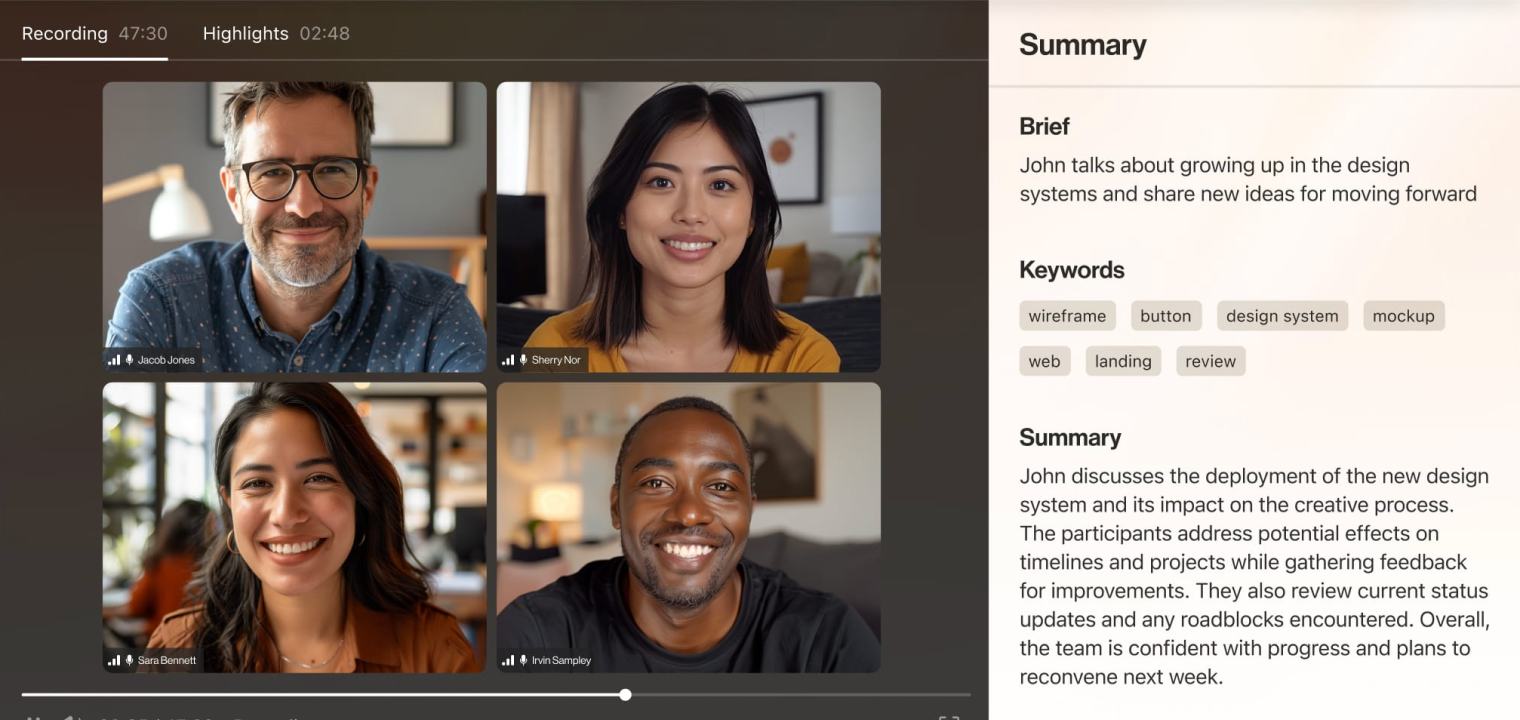 Screenshot of RingCentral
In the Conference Room: Browser-based joining works fine on shared displays, but RingCentral's real hybrid value shows up around the meeting — the call, the follow-up SMS, and the video session all land in one CRM-synced timeline. For client-facing teams, that continuity beats any single in-meeting feature.
Pricing (per RingCentral pricing, annual): Video Pro free (50-min limit); RingEX Core $20/user/mo; Advanced $25/user/mo (adds Salesforce/HubSpot); Ultra $35/user/mo.
Bottom line: Don't buy RingCentral just for video — Zoom is simpler. Buy it to replace desk phones and get enterprise video included, with RingSense AI auto-logging summaries to your CRM.
6. Dialpad Meetings
Best for: Sales teams and agencies that prioritize real-time AI transcription.
Dialpad shed its bare-bones reputation to become an AI-first platform. Dialpad Meetings focuses less on video bells and whistles and more on Voice Intelligence — transcribing calls, tracking action items, and analyzing sentiment in real time.
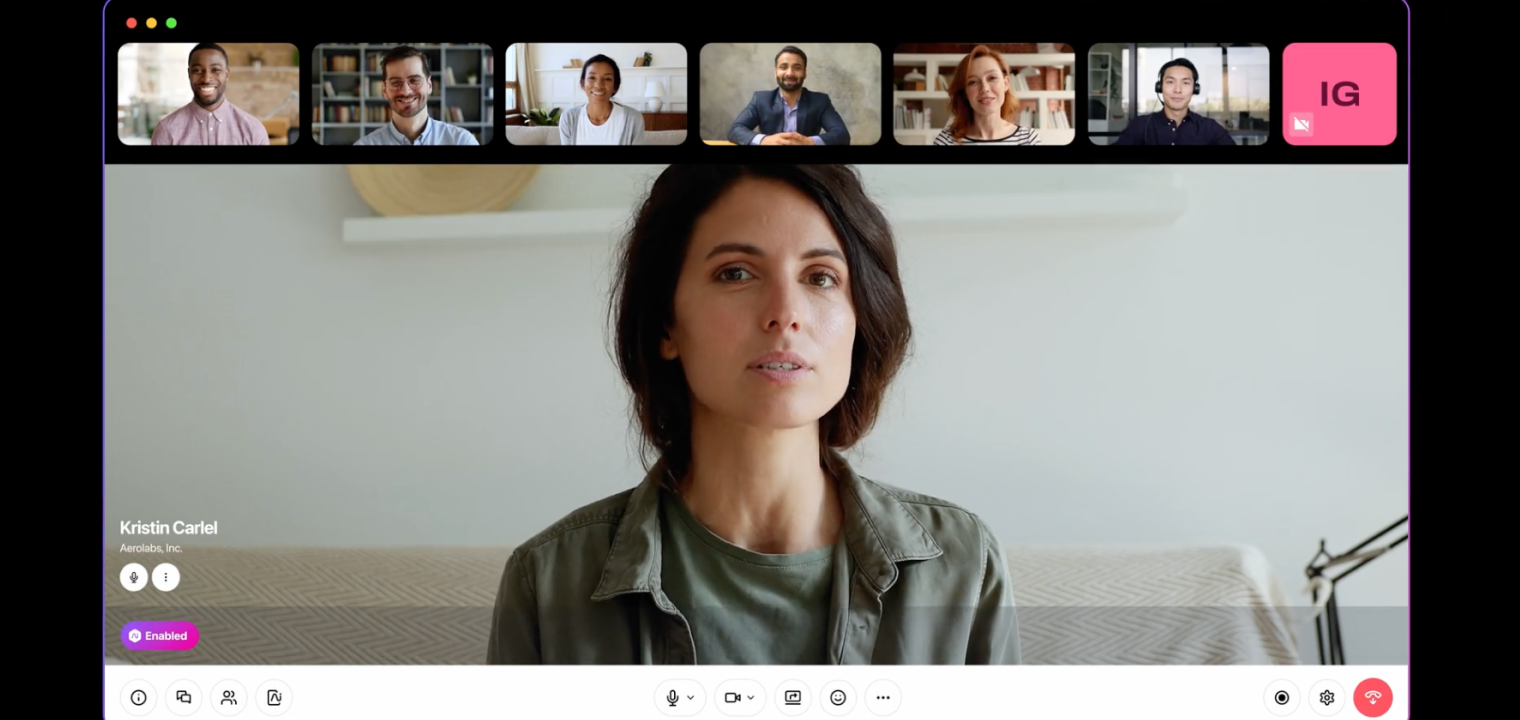 Screenshot of dialpad meetings
In the Conference Room: Dialpad's no-download, no-PIN browser joining is the smoothest guest experience after Zoom — useful when the "room" is a client's space you don't control. The AI summary that lands in your inbox minutes after the call, action items highlighted, is the feature users tell us they'd miss most.
Pricing (per Dialpad pricing): Free (10 participants, 45-min limit); Business $20/user/mo (~$15 annual); AI Voice bundle $27/user/mo.
Bottom line: If you hate taking meeting notes, Dialpad is your best friend. Not the pick for webinars, but for day-to-day client meetings where capturing information matters, its transcription is arguably the best in the business.
7. GoToMeeting
Best for: Long client presentations, training, and demos without time anxiety.
GoToMeeting (now part of GoTo Connect) has been here since 2004. Its differentiator is refreshingly simple: unlimited meeting duration on all paid plans — no 40- or 60-minute cliffs mid-demo.
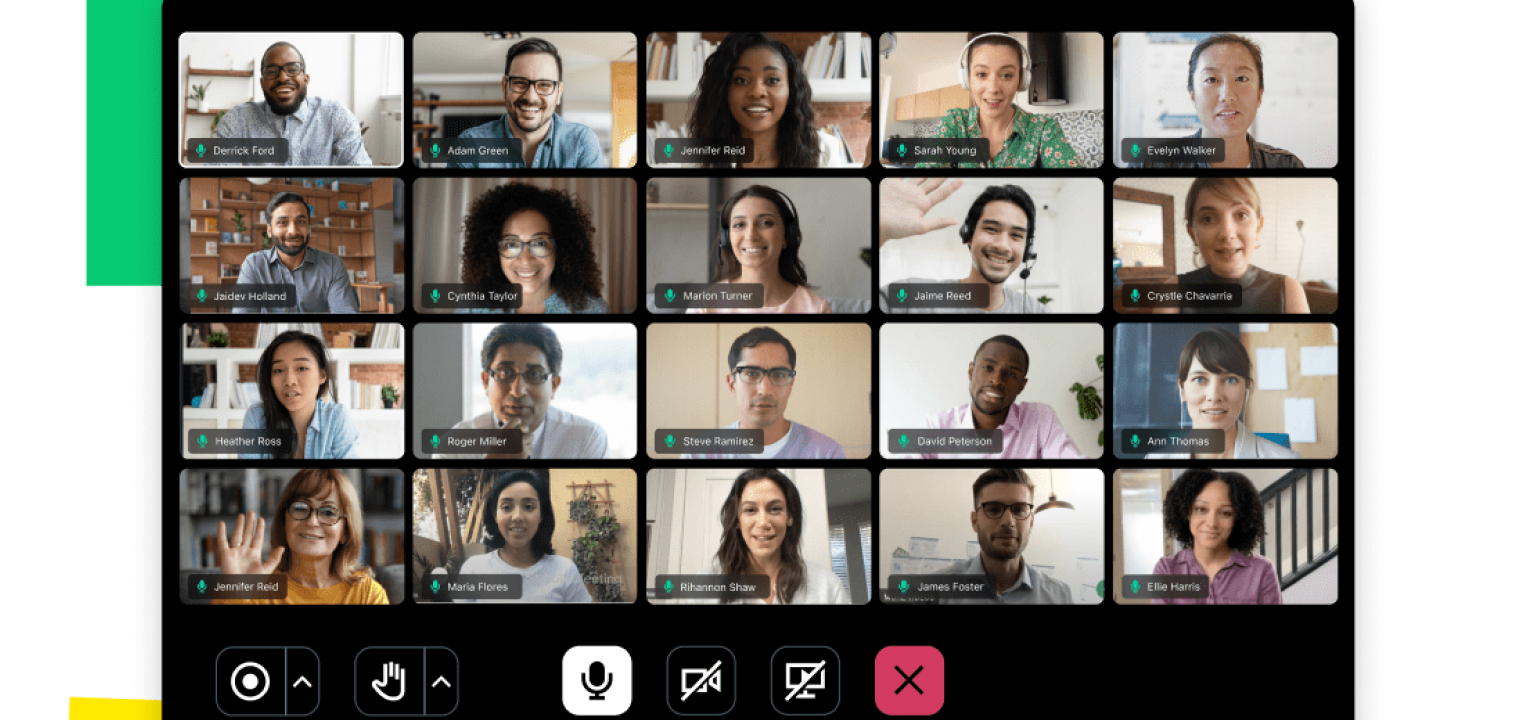 Screenshot of GoToMeeting
In the Conference Room: For training rooms specifically, the mix of unlimited duration, drawing tools, and keyboard/mouse sharing makes GoTo a quietly strong fit — 2–3 hour sessions are exactly where other platforms' lower-tier time limits become a real operational problem.
Pricing (per GoTo pricing): 14-day trial; Professional $12/mo annual (150 participants, unlimited duration); Business $16/mo annual (250 participants, cloud recording, AI Smart Notes); Enterprise custom.
Bottom line: If your company is meeting-heavy but tech-light, GoToMeeting is safe and stable — unlimited duration is the killer feature. Check the integration list first; it's smaller than the big platforms'.
Best Video Conferencing Apps by Use Case
Not every team needs the same thing. Here's how the seven sort out by the most common 2026 scenarios:
Best Free Video Calling Apps for 2026
For zero-cost use, Google Meet and Microsoft Teams lead with 60-minute group limits, while Zoom's free plan caps groups at 40 minutes but allows unlimited 1:1 calls. Dialpad and RingCentral free tiers add AI transcription and no-download joining respectively. Reality check: every free tier hits a time wall that interrupts real client meetings — they're best for internal syncs and testing before you commit to a paid plan.
Best Video Conferencing Apps for Small Business
Small businesses get the most value from Zoom Pro ($15.99/user/mo, AI Companion included) for client-facing work, or Google Meet / Microsoft 365 Business if you already pay for the productivity suite — bundling makes video effectively free. For sales-led small teams, Dialpad or RingCentral fold calling, texting, and video into one affordable subscription.
Best Video Chat Apps with the Strongest AI in 2026
If AI meeting features are the deciding factor: Zoom offers the best value (AI Companion included on paid plans), Dialpad has the most accurate real-time transcription, Microsoft Teams (with Copilot) produces the richest recaps, and Google Meet (with Gemini) best summarizes the work around the meeting, not just the call.
Best for AI Prospect & Sales Meetings
For sales teams running prospect calls, the winning combination is Dialpad or RingCentral for CRM-synced AI call logging, paired with Zoom for the lowest-friction external join — so a prospect never fights to get into the room.
The Half of Hybrid That Software Can't Fix
Here's the pattern across all seven: every app has solved the remote participant's experience. But the harder problem lives in the room itself. In Owl Labs' 2025 State of Hybrid Work report, 85% of workers said good technology is a top factor in their work life — yet meeting setup is still quietly wasting office time, enough that companies are now investing more in IT staff and hardware to fix it. The unsolved half is the shared space: rooms where remote attendees can't see the whiteboard, can't hear the person farthest from the mic, and end up observers instead of participants.
Closing that gap is a hardware question, not a software one — which is the context for our disclosure up top. The Vibe Board S1 we run these apps on is one example: a touchscreen room display that runs any of the seven natively and puts the remote gallery and a shared whiteboard on the same surface. Whichever app you choose, the room half is worth solving deliberately rather than leaving to a laptop webcam.
Video Conferencing Apps FAQ
What is the best video conferencing app in 2026?
For most teams, Zoom is best for external meetings (lowest guest friction, AI included on paid plans), Microsoft Teams is best for Microsoft 365 organizations, and Google Meet is best for Google Workspace teams. The right choice depends primarily on your existing ecosystem rather than a feature checklist.
What is the best free video calling app?
Google Meet and Microsoft Teams offer the most generous free tiers (60-minute group calls), while Zoom's free plan caps group meetings at 40 minutes but allows unlimited 1:1 calls. For business use, all three free tiers hit time limits that interrupt client meetings — paid entry plans start at $4–16/user/month.
What are the best video conferencing apps for small business?
For small business, Zoom Pro offers the best standalone value with AI Companion included, while Google Meet or Microsoft Teams are most cost-effective if you already pay for the productivity suite. Sales-led teams should look at Dialpad or RingCentral, which bundle calling, SMS, and video into one subscription.
Which video conferencing app has the best AI features?
Zoom offers the best AI value (AI Companion included on paid plans at no extra cost), Dialpad has the most accurate real-time transcription, Microsoft Teams with Copilot produces the richest meeting recaps, and Google Meet with Gemini best summarizes the email threads around a meeting. Microsoft and Google typically charge extra for their top AI tiers.
Which video conferencing app is best for hybrid teams?
Hybrid teams should weight three factors most roundups skip: how the app behaves on a shared room display, how it handles mixed-presence audio and framing, and whether AI notes are included or extra. Zoom, Teams, Meet, and Webex all run natively on conference room hardware like the Vibe Board; Google Meet's Adaptive Audio and Zoom's included AI Companion stand out for mixed rooms.
Do these apps work on conference room displays?
Yes — Zoom, Microsoft Teams, Google Meet, and Cisco Webex all offer native apps or clean browser experiences on touchscreen room displays, while RingCentral, Dialpad, and GoToMeeting work via browser. Native apps generally handle touch controls, dual-screen layouts, and scheduled-meeting joining more smoothly than browser sessions.