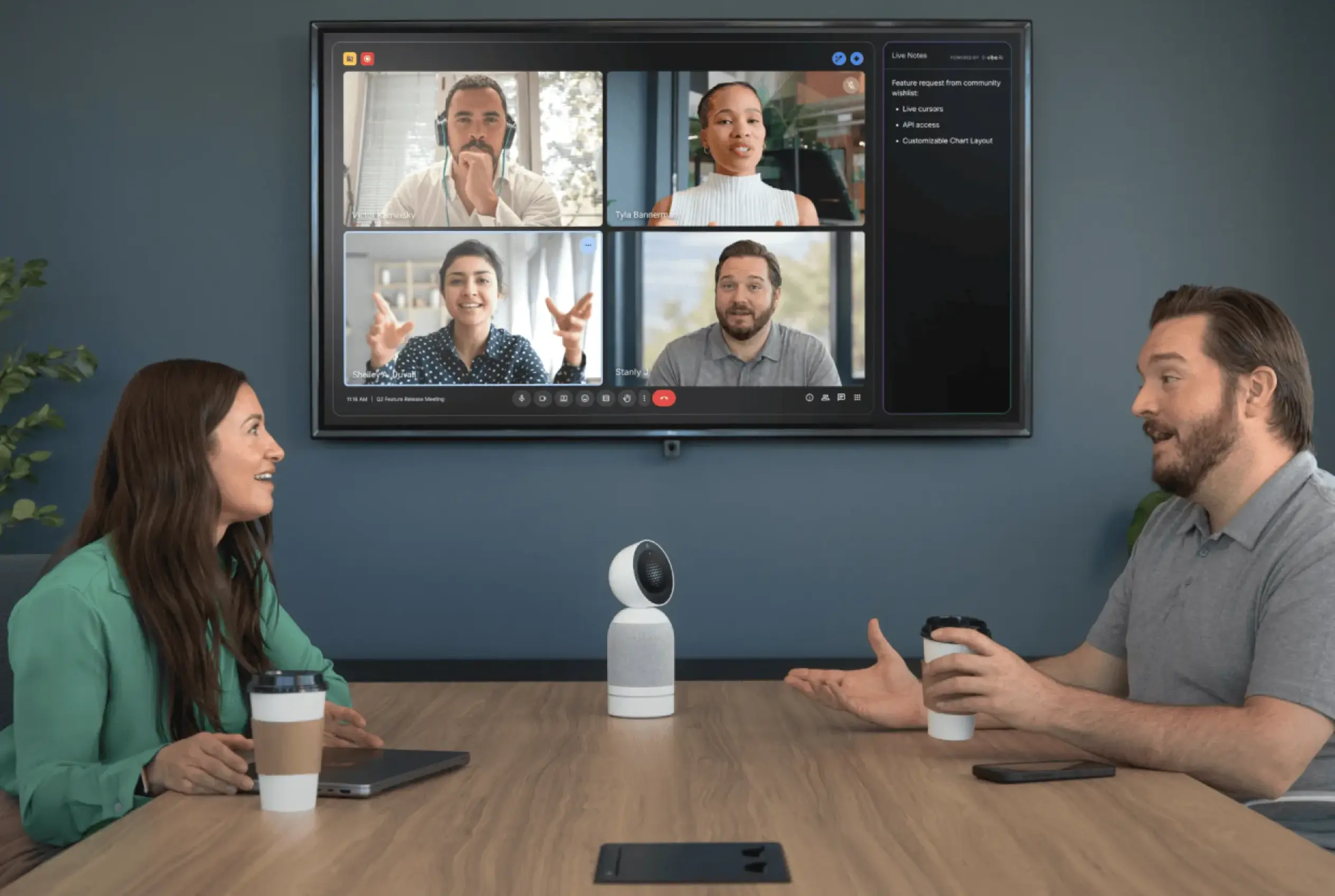
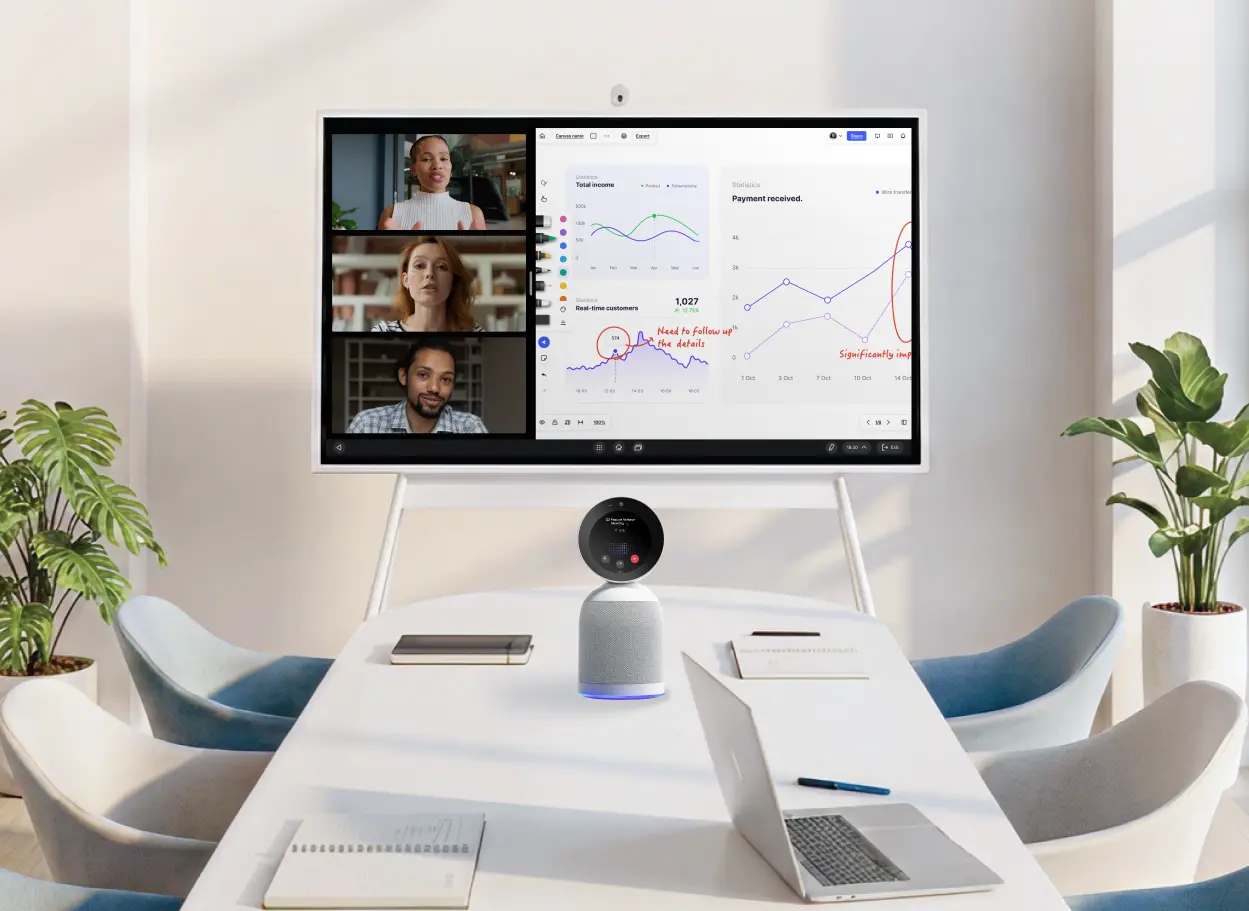
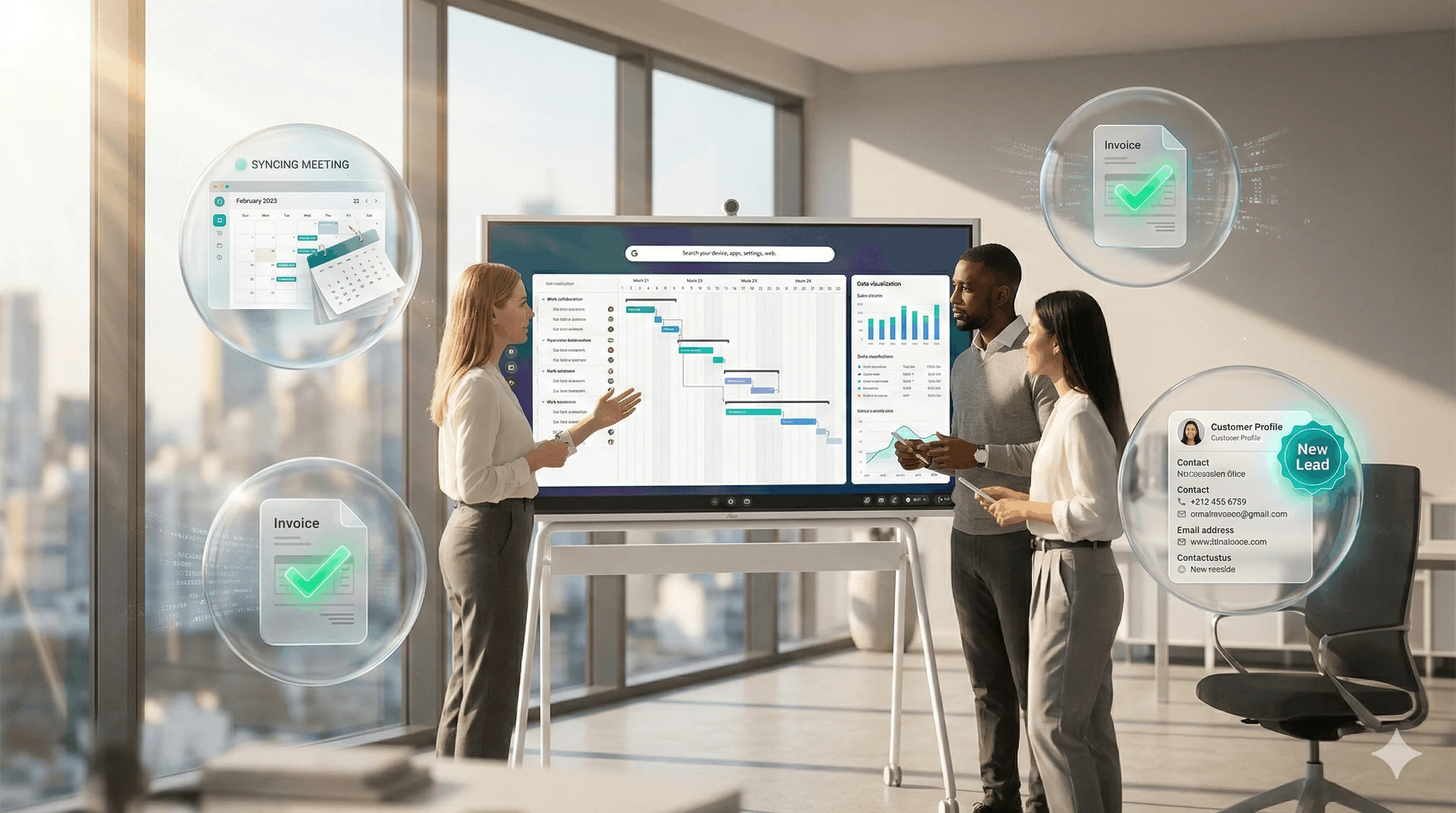
Ask ten people what a conference room AI assistant does and you'll get ten different answers — because for the last several years, "AI" in the conference room meant something different depending on which vendor was talking. Camera makers called auto-framing AI. Audio companies called noise suppression AI. Platform companies called their notetaker AI. All of them were right, and none of them were describing the same thing.
In 2026, those three layers have started to converge into a single system — and that convergence is what's changed the category. This guide explains how AI in the conference room actually works, why the three layers matter, and what to look for when evaluating a room system that uses the word "AI" on its spec sheet.
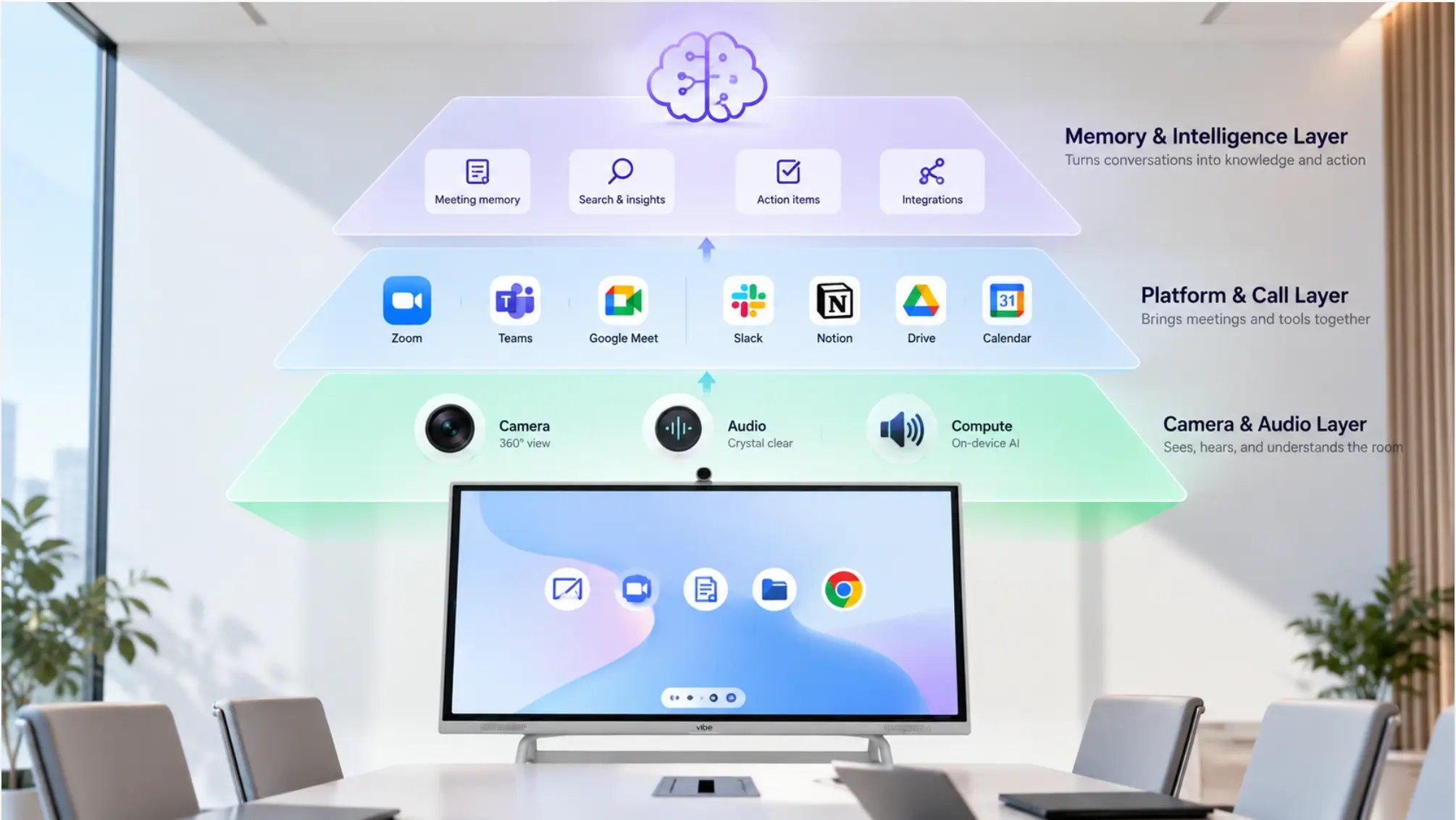 Three AI layers in a conference room
What is a conference room AI assistant?
A conference room AI assistant is a system — hardware, software, or both — that uses artificial intelligence to make meetings more effective. In 2026, that definition covers at least three distinct functions that are increasingly delivered by a single integrated device rather than separate products:
-
Camera and audio AI — framing the room, tracking speakers, suppressing noise
-
Meeting intelligence AI — transcribing, summarising, extracting action items
-
Memory AI — linking context across sessions so the room builds institutional knowledge over time
Most products deliver one or two of these. A small number now deliver all three. The distinction matters more than it sounds, because the value compounds across the layers: a room that frames and records well but produces nothing afterward is a different asset than a room that captures, summarises, and remembers.
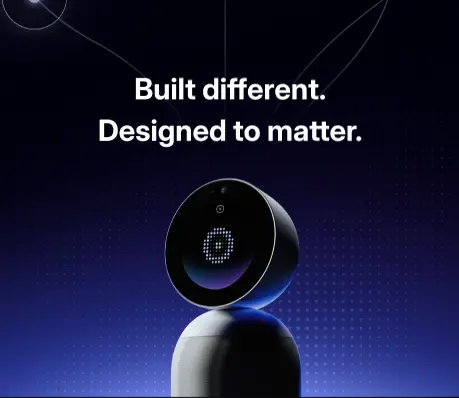
Layer 1: Camera and audio AI — what most "AI rooms" actually mean
This is the layer that has existed the longest and is now mature. Nearly every video bar or conference camera sold in 2026 includes some version of it.
What it does:
-
Auto-framing: the camera detects where participants are and keeps them in frame without manual adjustment
-
Speaker tracking: the system identifies who is speaking and brings them into focus, switching views automatically
-
Noise suppression: background sounds — HVAC hum, keyboard clatter, hallway noise — are filtered before audio reaches remote participants
-
Acoustic fencing: audio from outside the room's intended boundary is excluded
Who delivers it: Logitech's RightSight 2 and RightSound, Poly's DirectorAI and NoiseBlockAI, Neat's Intelligent Framing, Yealink's noise-proof technology. All of these operate at the video and audio capture layer — they make the live experience better. According to a June 2026 analysis of the AI meeting room category, the distinction that matters is between AI that improves the room and AI that simply gives a product a more current label.
What it doesn't do: When the meeting ends, Layer 1 AI produces nothing. There is no transcript, no summary, no record of what was decided. The room looks and sounds professional for sixty minutes and then resets to zero.
This is the most important thing to understand about most "AI conference rooms" in the market today. The label is accurate — the camera AI is real — but the scope stops at the live experience.
Layer 2: Meeting intelligence AI — the layer that creates a record
This is the layer that has seen the most change since 2024, driven by LLM capabilities becoming cheap enough to run close to the meeting itself.
What it does:
-
Real-time transcription with speaker identification — who said what, not just what was said
-
Meeting summary: a structured recap of topics, decisions, and next steps generated automatically
-
Action item extraction: tasks assigned during the meeting, with owners, pulled out without anyone having to type them
-
Integration with downstream tools: notes pushed to Slack, Notion, HubSpot, Jira, or a CRM without manual copy-paste
Who delivers it: This layer is increasingly where the product landscape splits. Platform-native AI (Zoom AI Companion, Microsoft Copilot in Teams, Google Gemini in Meet) delivers it for video calls held on those platforms. Third-party notetakers (Otter.ai, Fireflies, Granola, Bluedot) deliver it as a software subscription. And a small number of dedicated room devices — Vibe Bot and the Kandao Meeting Pro 2 — deliver it on-device without requiring either the platform or a third party.
The coverage gap that most buyers don't catch: Platform AI and software notetakers only operate when there is an active video call. A room full of people meeting in person — a client review, a team retrospective, a working session with no remote participants — produces nothing. This is the structural reason dedicated room hardware with on-device AI is a different product category, not just a better-specified one.
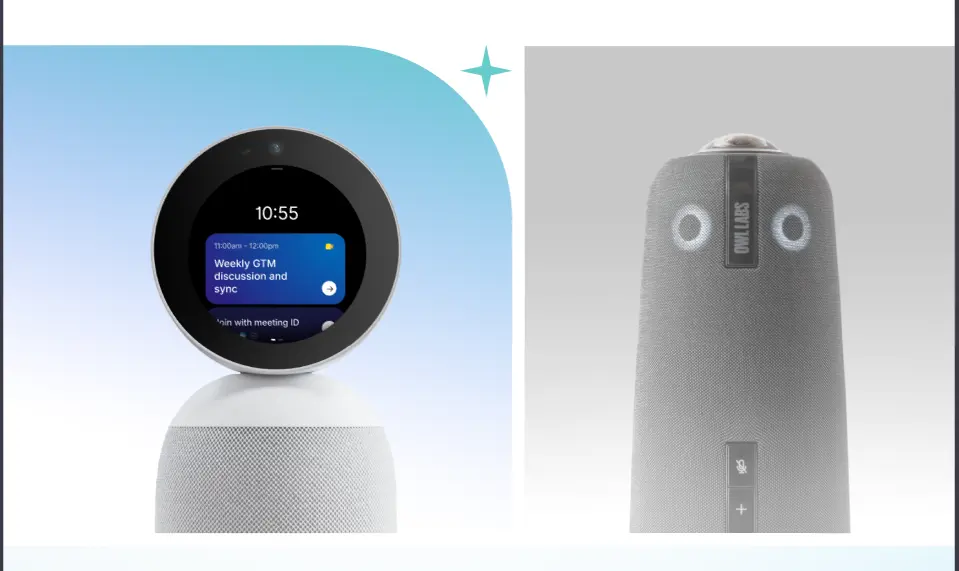
Layer 3: Memory AI — the layer that makes a room an asset
This is the newest layer, and the one that separates a conference room from a knowledge system.
What it does:
-
Links context across sessions: what was decided in last month's client call is available as context in this week's follow-up
-
Answers questions about past meetings: "what did we commit to in the Q3 planning session?" returns an answer grounded in the actual recording
-
Tracks evolving decisions over time: a project decision made in January can be surfaced automatically when a related topic comes up in March
-
Integrates with external AI: tools like Claude, ChatGPT, or Cursor can query the room's meeting history directly through a read API
Who delivers it: As of 2026, persistent cross-meeting memory is the rarest capability in this category. Vibe AI's Memory Graph is the clearest example at the room-device level: every session captured by Vibe Bot feeds a continuously updated memory layer that can be queried by voice, through the Vibe AI interface, or by external AI tools via MCP integration. Per-session tools — even very good ones — don't do this, because each recording is an isolated file rather than a node in a connected graph.
Why it matters at scale: The cost of a meeting is not just the time it takes. It's also the time spent in subsequent meetings reconstructing what was decided, re-establishing context, and answering questions that were already answered. A room with Layer 3 AI turns its meeting history into an organisational asset rather than an archive of files that nobody searches.
 Vibe AI logo at center of a network connecting remote team members, illustrating AI-powered meeting collaboration
How platform AI fits in
A reasonable question: if Zoom, Teams, and Google Meet already include AI summaries, what does dedicated room AI add?
The honest answer is that for teams running mostly remote meetings on one platform, bundled platform AI covers the baseline well. The gaps appear in three scenarios:
In-person meetings. Platform AI only operates when there's a call. A room of eight people meeting without a video call running produces no record under any bundled platform AI system.
Cross-platform continuity. Most teams run internal meetings on one platform and join external calls on whatever the client uses. Meeting history fragments across systems, and no platform AI bridges that gap.
Memory depth. Platform summaries are per-session by design. The ability to query across six months of meetings — "show me everything we've committed to with this client" — requires a persistent memory layer that no platform currently ships.
For the third scenario in particular, the difference between Layer 2 and Layer 3 AI becomes most visible.
What to look for when evaluating a conference room AI assistant
Not all "AI" claims are equal on a spec sheet. These are the questions worth asking before a purchase:
1. Which layers does it actually cover? Ask specifically: does it produce a transcript after the meeting? Does it generate a summary automatically? Does context carry across sessions? A vendor that answers yes to framing and noise suppression but not to the post-meeting questions is selling Layer 1 only.
2. Does it work for in-person meetings? If the answer is "it requires a call to be running," the room has a coverage gap for any meeting that doesn't involve a video platform. This matters more than most IT buyers expect, because in-person-only sessions are often the ones with the highest-stakes decisions.
3. Where is the AI processing happening? On-device processing (edge AI) means sensitive meeting content is handled locally rather than routed through a third-party cloud. For healthcare, legal, and financial services environments, this is a compliance question as much as a feature question. Vibe Bot processes transcription and meeting intelligence on-device under SOC 2 Type II and HIPAA-eligible standards.
4. What does it cost to get all three layers working? A Layer 1 video bar at $2,000 may require a room licence ($480–588/year), a platform AI licence, and a notetaker subscription before it produces any post-meeting output. Add those up over three years before comparing sticker prices.
5. How does the meeting history integrate with your existing tools? Native push to Slack, Notion, CRM, or project management tools reduces the friction between what was decided in the room and what actually gets done. A summary that lives only in the room device's app is better than nothing, but significantly less useful than one that lands in the system where the work happens.
The three-layer test applied to common room setups
|
Setup |
Layer 1 (camera/audio AI) |
Layer 2 (meeting intelligence) |
Layer 3 (memory) |
|---|---|---|---|
|
✅ |
✅ calls only |
❌ | |
|
Video bar + Otter/Fireflies subscription |
✅ |
✅ calls only |
❌ |
|
Vibe Bot + Vibe AI |
✅ |
✅ calls + in-person |
✅ Memory Graph |
|
Kandao Meeting Pro 2 |
✅ |
✅ per session |
❌ |
|
Laptop + software notetaker |
⚠️ limited |
✅ calls only |
❌ |
Vibe Bot as a conference room AI assistant
Vibe Bot is designed to deliver all three layers from a single device on the table. The hardware — a 360° 4K camera, six-mic beamforming array, speaker, touchscreen, and dedicated AI chip — handles Layer 1. Vibe AI handles Layers 2 and 3: automatic transcription with speaker attribution, structured summaries, action item extraction, and Memory Graph cross-session memory. It runs its own operating system, works standalone without a laptop or room PC, and is NDAA-eligible for US government procurement.
The tradeoffs worth stating plainly: Vibe Bot is not a records-retention or compliance-archiving system for regulated industries that require WORM-standard archiving. It does not natively file notes into legal case-management or financial CRM systems the way vertical tools built for those industries do. It is a capture, intelligence, and memory layer — the right product for the meeting rooms of most small and mid-size businesses, and a useful component in larger organisations alongside more specialised tools.
Frequently Asked Questions
What is the difference between a conference room AI assistant and an AI notetaker?
An AI notetaker is a software subscription that joins your video call as a participant and transcribes it — Otter.ai, Fireflies, and Granola are examples. A conference room AI assistant is an integrated system (hardware plus software) that handles camera, audio, and meeting intelligence from a device in the room itself. The key differences: a room AI assistant works without a call running (for in-person meetings), doesn't depend on someone's laptop, and — in some cases — builds memory across sessions rather than producing isolated per-meeting files.
Does a conference room AI assistant work for in-person meetings with no video call?
It depends on the product. Platform-native AI (Zoom, Teams, Google Meet) and software notetakers only operate when there is an active call. Dedicated room devices with on-device AI — Vibe Bot and the Kandao Meeting Pro 2 — capture and process in-person sessions without a call running. This is the most common coverage gap buyers discover after purchase.
How does AI speaker identification work in a conference room?
The microphone array captures audio from the room and uses directional processing (beamforming) to separate voices by their physical position. An AI model then labels each voice as a distinct speaker. The accuracy depends on microphone quality, room acoustics, and the number of participants — it degrades in larger rooms with many simultaneous speakers. Guidance circulating in 2026 advises reviewers never to trust AI speaker labels in meetings with three or more participants without manual confirmation, which is worth factoring into any high-stakes meeting workflow.
What is cross-meeting memory in a conference room AI system?
Cross-meeting memory means the AI links context across sessions rather than treating each meeting as an isolated file. In practice: if a decision was made in a client meeting three weeks ago, you can ask the system "what did we agree about the contract terms?" and get an answer from the actual recording. Without cross-meeting memory, you'd have to know which recording to search, open it, and hunt manually. Vibe AI's Memory Graph is the main implementation of this at the room-device level in 2026.
Do I need a separate subscription to get AI features in my conference room?
Almost always, yes — but the structure varies. Platform-native AI (Zoom AI Companion, Teams Copilot) is bundled with higher-tier platform licences and applies to calls on that platform only. Third-party notetakers are per-seat monthly subscriptions on top of hardware. Vibe Bot includes a free tier (Starter: 300 minutes/month, basic summaries) and a paid tier (Pro: ~$9/device/month, 1,200 minutes, 12-month memory retention, tool integrations). The most common mistake is budgeting hardware cost only and discovering the software layer adds significantly to the three-year total.
How do I know if my current conference room has a Layer 1, 2, or 3 AI system?
Start with one question: what does the room produce when the meeting ends? If the answer is "a call that happened," you have Layer 1 only. If you get a transcript and summary automatically, you have Layer 2. If you can ask the room a question about a meeting from six weeks ago and get a grounded answer, you have Layer 3.