Promethean ActivPanel was built for classrooms. That’s not a criticism — it’s just context. The lesson-delivery software, the 40-point multi-touch optimized for student interaction, the deep integration with K-12 curriculum platforms: all of it reflects a product designed around a very specific environment.
When enterprise and SMB buyers land on Promethean during a conference room display search, it’s usually because the brand name is familiar or the listed panel price looks competitive. What they often discover is a platform that requires meaningful configuration work — and significant add-on spending — before it functions the way a modern office actually needs.
This guide covers the five strongest alternatives for office and conference room deployments in 2026: what each does well, where it falls short, what it actually costs to deploy a room-ready setup, and what real users say.
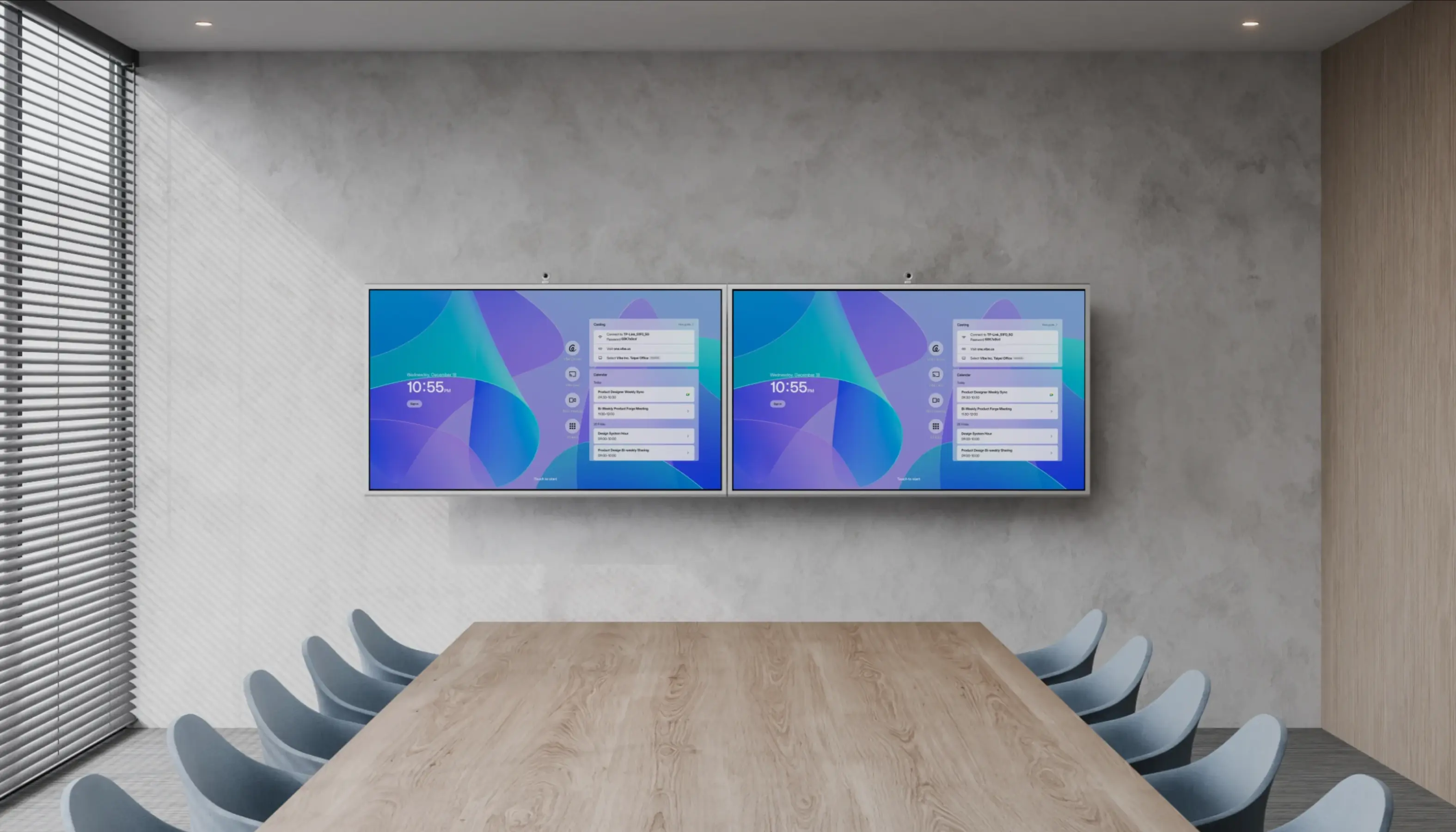
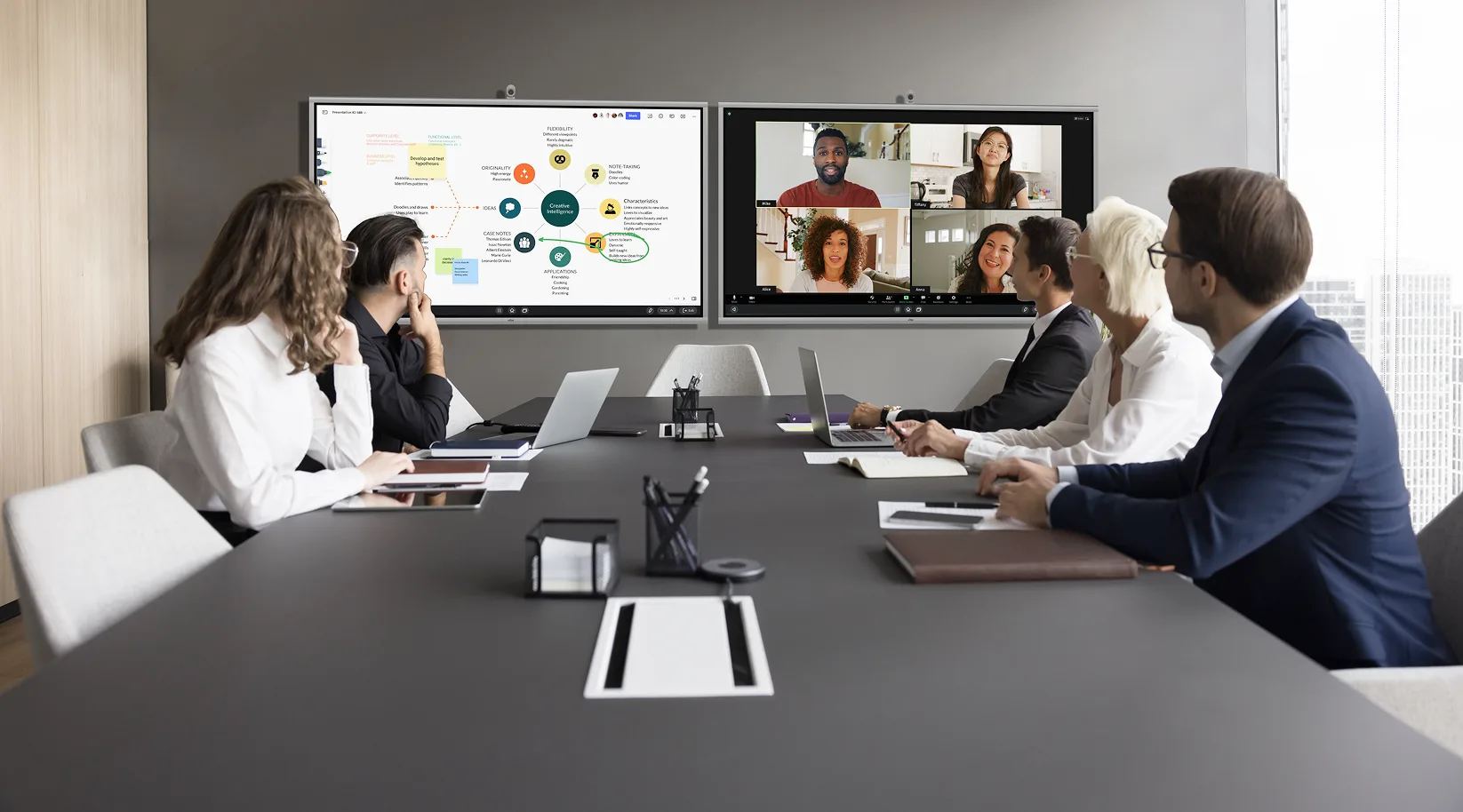 Conference room with dual Vibe Board displays for hybrid meetings
Why Promethean Struggles in Office Environments
Before the alternatives, it’s worth naming the specific gaps pushing enterprise buyers to look elsewhere.
Classroom OS, not a collaboration platform. The ActivPanel’s Android-based OS is optimized for Promethean’s own app stack — ActivInspire, Explain Everything, ActivSuite. In a meeting room where the requirement is simply "open Zoom, share a screen, annotate during the call," that ecosystem adds friction rather than value. Promethean itself has had to address this through a partnership with DisplayNote to add a meeting room launcher layer on top of ActivPanel — a third-party fix for a first-party gap.
Video conferencing requires third-party integration. Promethean’s enterprise Teams strategy now runs through a MAXHUB partnership for certified room configurations. That’s an additional vendor layer on top of an already classroom-first OS — complexity most IT teams don’t want for a standardized meeting room rollout.
Hidden TCO. ActivPanel panels ship without a camera, microphone array, or OPS computing module. All three are required for a functional enterprise meeting room. The gap between the panel sticker price and a room-ready deployment cost can reach $1,500–$4,000 per room.
Vendor financial trajectory. Promethean’s parent company Mynd.ai (NYSE American: MYND) reported a 37% revenue decline in 2025 and received a NYSE continued-listing compliance notice in May 2026. For a 5–7 year hardware investment, vendor stability belongs in your procurement due diligence.
Room-Ready TCO: What Each Option Actually Costs
This is the number most comparison guides skip. The panel price is a starting point — not what you’ll actually spend before your first meeting runs cleanly. (For a full room-size breakdown of AV costs, see Vibe’s conference room AV cost guide.)
The table below shows estimated room-ready cost for a standard 8-person conference room (55″ display), including the display, an external 4K conferencing camera, a speaker/mic bar, wall mount, and basic IT setup labor. Software licensing is excluded; add it separately if applicable.
|
|
Panel (55″) |
4K Camera |
Speaker/Mic Bar |
Wall Mount + Labor |
Room-Ready Total |
|---|---|---|---|---|---|
|
Vibe Board S1 |
$3,699 |
$400–$800 |
$300–$500 |
$300–$600 |
~$4,700–$5,600 |
|
Promethean ActivPanel 10 |
~$3,000–$4,000 |
$300–$800 |
$400–$600 |
$300–$600 |
~$4,000–$6,000 |
|
SMART Board GX (55″) |
~$4,000–$5,000 |
$400–$800 (SMART Camera) |
$300–$500 |
$300–$600 |
~$5,000–$6,900 |
|
BenQ RP05 (65″) |
~$3,300–$3,500 |
$400–$800 |
$300–$500 |
$300–$600 |
~$4,200–$5,400 |
|
ViewSonic ViewBoard (55″) |
~$1,800–$2,500 |
$300–$600 |
$250–$400 |
$300–$600 |
~$2,650–$4,100 |
|
Newline Interactive (65″) |
Contact sales |
$400–$800 |
$300–$500 |
$300–$600 |
Contact sales |
Notes: Camera pricing based on mid-range 4K USB conferencing cameras (Logitech Rally Bar Mini, Jabra PanaCast 50 range). Speaker/mic bar based on Jabra Speak2 75 / Poly Sync 60 range. Labor estimate assumes 1–2 hours on-site IT setup. A 55″ display is well-suited to rooms up to 8 people and under 15 feet deep; for larger rooms or deeper layouts, step up to 75″. Promethean and SMART Board require OPS computing modules (~$500–$800) if you want Windows natively — not included above.
Key takeaway: At the 55″ tier, Vibe Board S1 comes in at a lower room-ready cost than SMART Board GX, and is comparable to Promethean once accessories are added. BenQ and ViewSonic remain the budget leaders — but neither offers the open ChromeOS platform or cloud-native whiteboarding that Vibe does at a similar price point.
The 5 Best Promethean Alternatives at a Glance
|
Starting Price |
OS |
Best Office Fit | |
|---|---|---|---|
|
Vibe Board S1 |
From $3,699 (55″) |
VibeOS (ChromeOS) |
Hybrid meetings, Google Workspace orgs, SMB and mid-market |
|
SMART Board GX |
~$2,500–$5,000 |
iQ (Android-based) |
Microsoft Teams Rooms–certified enterprise deployments |
|
BenQ Board Pro RP05 |
~$3,300 (65″) |
Android 15 |
Creative teams, visual review workflows, multi-app use |
|
ViewSonic ViewBoard |
~$2,900–$4,300 |
Android 16 (EDLA) |
Budget-conscious multi-room rollouts, basic meeting needs |
|
Newline Interactive |
Contact for pricing |
Android / Windows |
Large enterprise volume procurement, IT-configured stacks |
1. Vibe Board S1 — Best Overall Office Alternative to Promethean
Starting at $3,699 (55″) · $7,299 (75″) · VibeOS (ChromeOS-based)
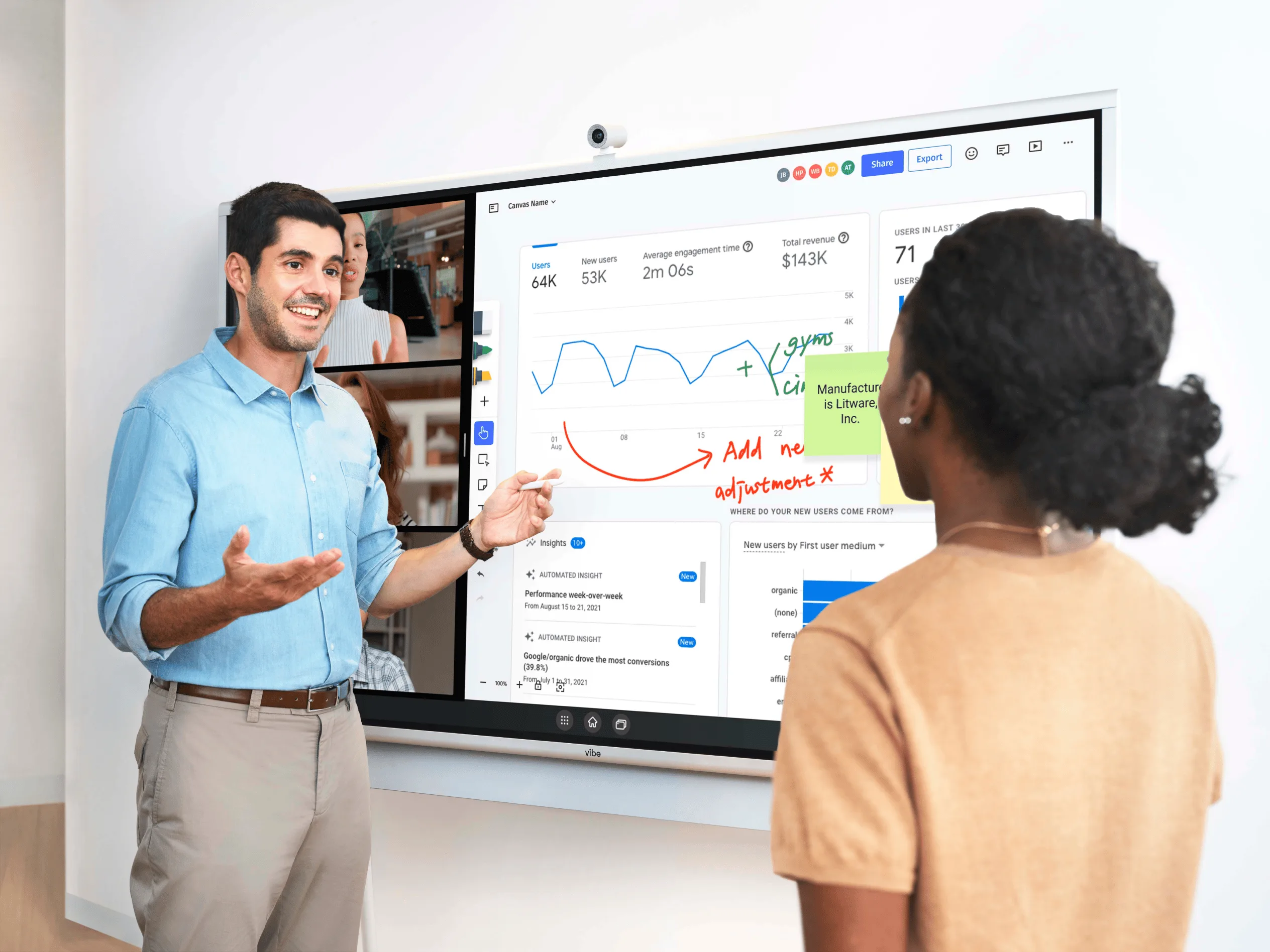
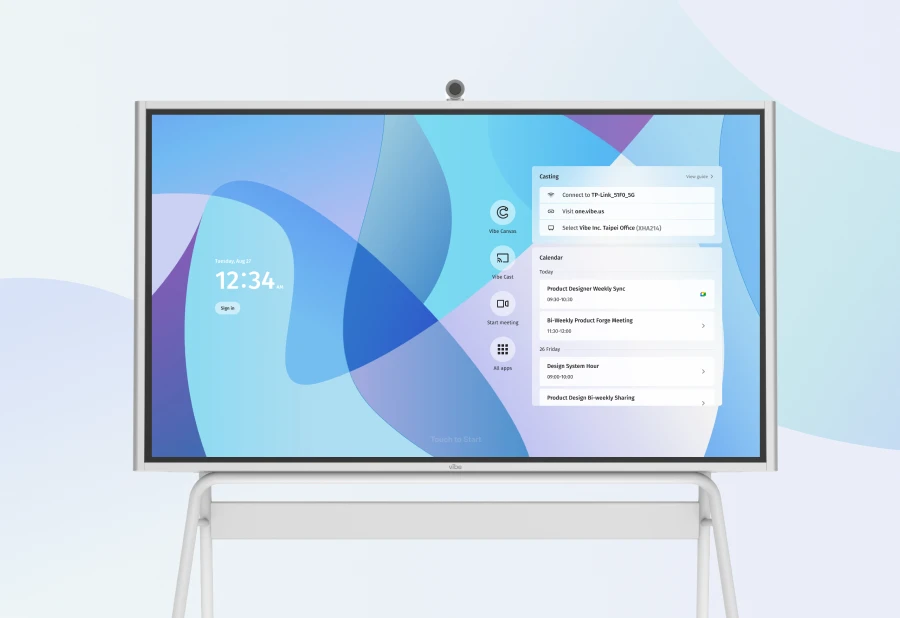
Vibe Board S1 is the strongest all-around Promethean alternative for office environments because it was designed for exactly the use cases that Promethean’s classroom architecture handles awkwardly.
 Vibe Board S1
VibeOS — a ChromeOS-based operating system — gives teams native access to Google Meet, Zoom, and Microsoft Teams as standard apps from day one, alongside the full Google Workspace ecosystem (Drive, Docs, Slides). No middleware, no proprietary launcher, no additional licensing required. If your team already runs on Google Workspace or Zoom, Vibe Board works the way they expect without IT needing to configure anything unusual.
The collaboration layer is Vibe Canvas, a cloud-native infinite whiteboard where sessions persist across devices. Notes and diagrams from Monday’s meeting are still accessible Thursday — from the board, a laptop, or a phone. This is meaningfully different from session-based tools like ActivInspire, where content lives on the display until someone closes the session. (See how Vibe Canvas fits into a smart meeting room setup for a fuller picture of the collaboration stack.)
For IT administrators, ChromeOS device management via Google Admin is familiar territory — the same infrastructure used to manage Chromebook fleets applies here. Remote enrollment, policy enforcement, and OS updates run through standard Google tooling, not a proprietary console.
What it does better than Promethean in office contexts:
-
Native Zoom, Teams, and Google Meet — no DisplayNote launcher or MAXHUB partnership required
-
Cloud-native whiteboarding with session persistence across all devices
-
Open platform — any app in the ChromeOS ecosystem works without additional configuration
-
Google Admin device management — no proprietary MDM tool to learn
-
Designed as a complete unit; room-ready cost is more predictable than Promethean’s add-on model
What to know:
-
No built-in camera or microphone — an external conferencing camera and speaker/mic bar are required (see TCO table above; our video conferencing equipment list covers camera options by room size)
-
10-point touch — more than adequate for meeting room annotation; not optimized for high-frequency multi-user simultaneous touch (which is a classroom use case, not an office one)
-
55″ and 75″ only — teams needing 86″+ for large boardrooms should look at Newline or ViewSonic
What IT buyers and reviewers say: ChromeOS-based boards are consistently cited as the preferred enterprise choice for automatic security updates and policy-based admin consoles, particularly for organizations deploying 10 or more boards. Industry analysts note that organizations are increasingly prioritizing boards that consolidate whiteboarding, app access, and hybrid meeting support into a single device rather than relying on external PCs or connected modules).
Best for: SMB and mid-market companies, hybrid teams running Zoom or Google Meet as their primary conferencing platform, and any office environment prioritizing open-platform collaboration over proprietary software depth.
2. SMART Board GX Series — Best for Microsoft Teams Rooms Deployments
~$4,000–$6,000 (65″–75″) · iQ OS (Android-based)
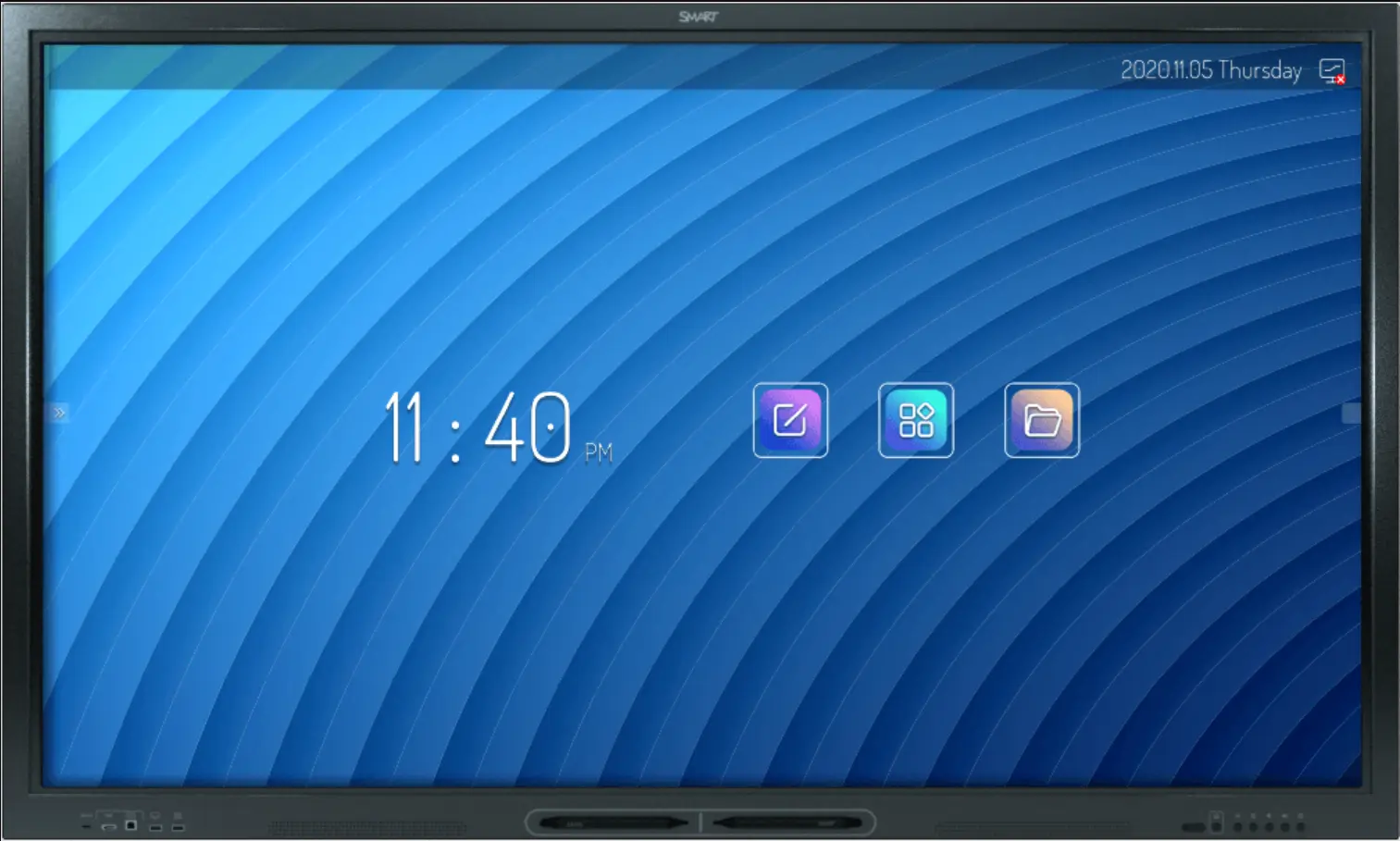
SMART Technologies is Promethean’s closest structural competitor, but its enterprise positioning is meaningfully stronger. The SMART Board GX series is built with corporate meeting rooms as the primary use case — Microsoft Teams integration is a first-class feature, not a third-party add-on, and the iQ OS is more open than Promethean’s ActivPanel OS in practice.
 SMART Board GX Series
The key differentiator for enterprise buyers: SMART’s Teams Rooms support is native to the GX line. Pairing a GX with the SMART Camera gives you a certified Microsoft Teams Rooms configuration without routing through a third-party partner like MAXHUB. For IT departments standardizing on Teams across their organization, that is a simpler and more supportable deployment path.
SMART’s enterprise management story is also more mature than Promethean’s for corporate environments. The iQ platform allows remote device management, content pushing, and firmware updates through a dedicated enterprise console that IT teams find more aligned with corporate MDM expectations than Promethean’s ActivManager.
What to know:
-
Higher per-unit cost than Vibe Board S1 and BenQ for comparable room coverage
-
The SMART Camera accessory is required for full Teams Rooms certification — add it to your room-ready budget
-
Software ecosystem is stronger for enterprise than Promethean’s but still more closed than ChromeOS; third-party app access requires sideloading or additional configuration
-
Strong for Microsoft-first environments; less compelling for Google Workspace organizations
What IT buyers and reviewers say: SMART Board is consistently identified as the "safe, established pick" for organizations already in the Microsoft ecosystem, with HyPr Touch technology (IR + InGlass) cited as the most reliable touch experience in the category for large-format meeting rooms. The tradeoff named most frequently: premium pricing relative to comparable display hardware from BenQ or ViewSonic .
Best for: Enterprise organizations standardized on Microsoft 365 and Teams Rooms, where a certified native Teams integration and mature enterprise management console are non-negotiable procurement requirements.
3. BenQ Board Pro RP05 — Best for Creative and Visual Collaboration Teams
~$2,800 (65″) · ~$3,500–$4,500 (75″) · Android 15 (EDLA-certified)
BenQ’s Board Pro RP05 earns its place on this list with two features that matter specifically in office — rather than classroom — contexts: display quality and dual-app split-screen capability.
 BenQ
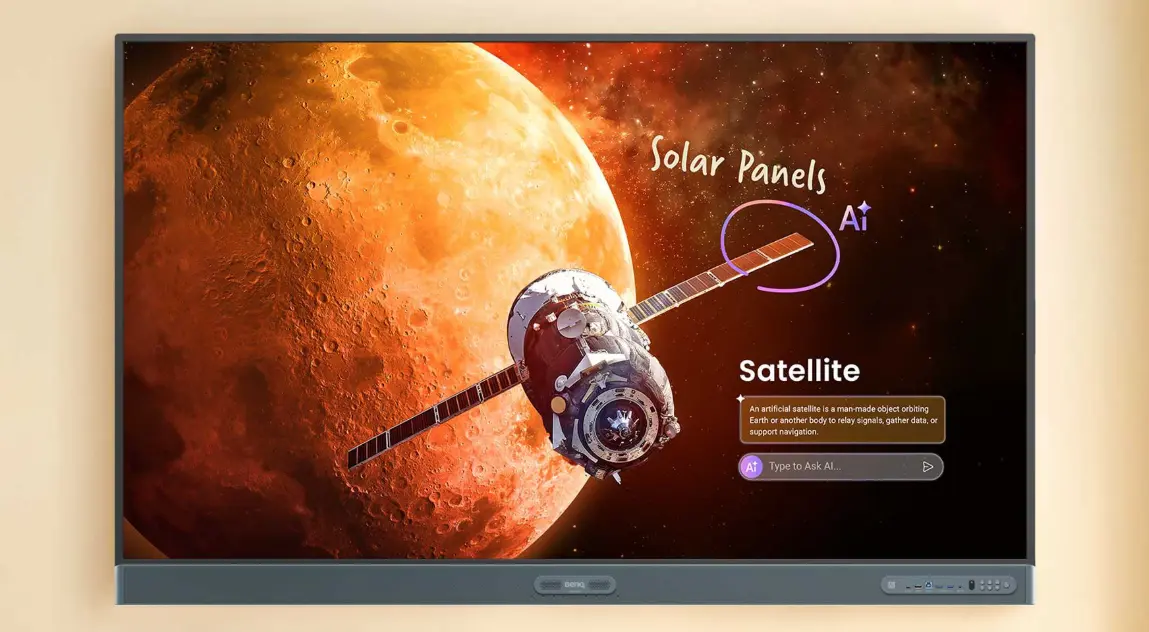
BenQThe RP05 runs Android 15, the most current Android version in this category, and BenQ’s display tuning is a genuine differentiator: flicker-free backlighting, low blue light emission, and a germ-resistant nano-coating on the touch surface. For teams spending multiple hours in front of the display — design reviews, creative walkthroughs, extended working sessions — these aren’t marketing points; they affect the experience.
The split-screen dual-app display is the most distinctive feature for office use. Running a Zoom call on one half and annotating a design file or document on the other is a real workflow, and the RP05 handles it more cleanly than most displays in this category. BenQ was an early mover on cloud whiteboarding, having developed one of the first dynamic cloud whiteboard systems in the interactive display category.
BenQ’s AI-powered tools — including handwriting recognition and annotation features — are more advanced at this price point than Promethean’s ActivSuite equivalents.
What to know:
-
No native conferencing camera — external camera required; factor into room-ready cost
-
Enterprise device management tools (BenQ DMS) are functional but less mature than Google Admin (Vibe) or SMART’s enterprise console; a meaningful consideration for large multi-room rollouts
-
Strongest in rooms where visual work is the primary activity; less differentiated for rooms used primarily for standard video calls and screen sharing
What IT buyers and reviewers say: BenQ RP05 is frequently cited in 2026 procurement guides as the strongest value-per-feature option in the $3,000–$4,500 range, particularly for design and creative teams. The dual-app display and display health features (eye care, anti-glare) are cited as the top reasons buyers choose it over ViewSonic at a similar price point.
Best for: Creative agencies, design and product teams, architecture and engineering firms, and offices where extended visual collaboration sessions make display quality and dual-app support genuinely useful.
4. ViewSonic ViewBoard — Best for Budget Multi-Room Office Rollouts
~$1,800–$3,500 depending on size · Android 16 (EDLA-certified)
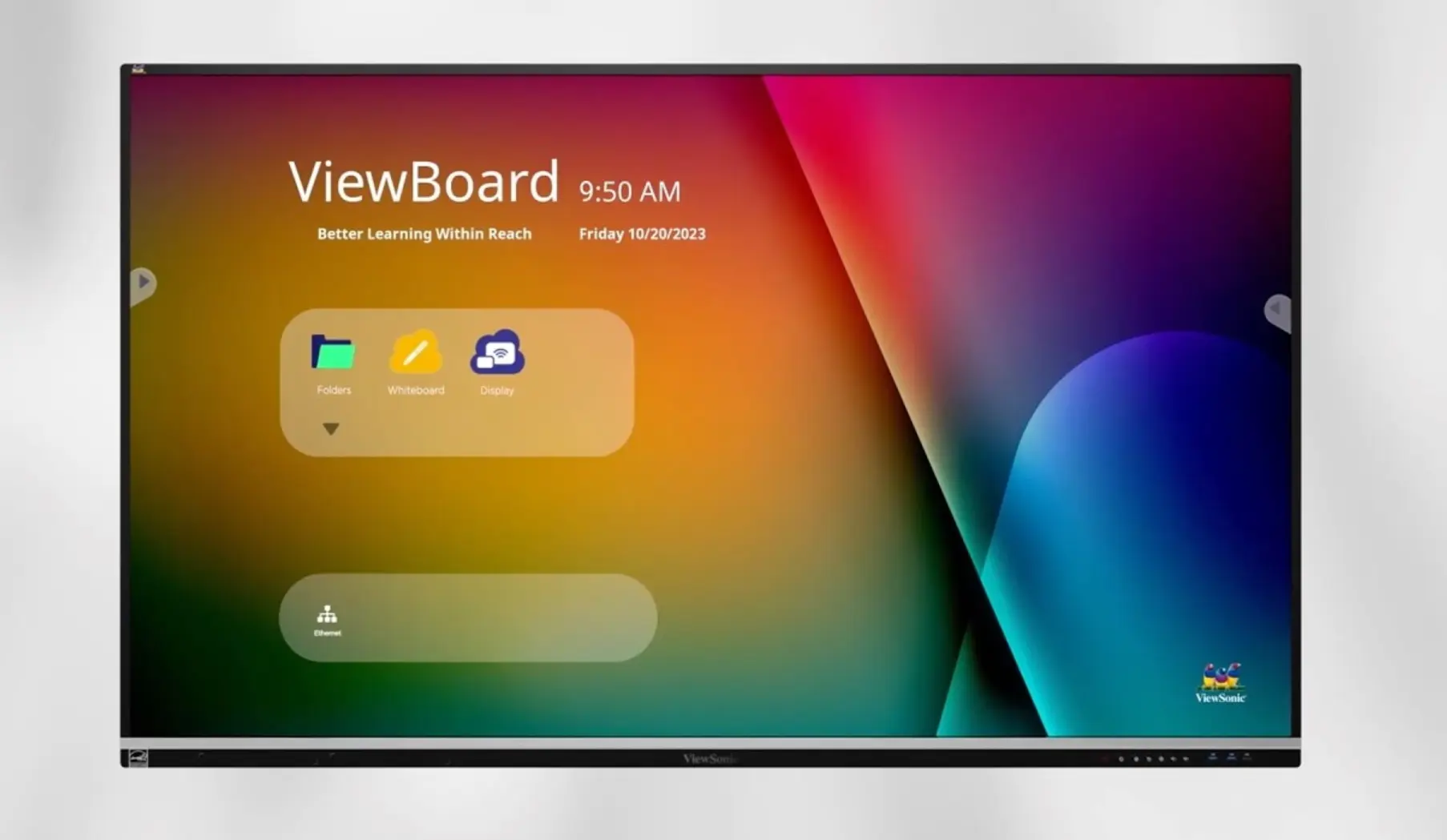
ViewSonic expanded its ViewBoard line in 2026 with Android 16-powered models that are EDLA-certified, offering enhanced touch responsiveness and improved integration with the Google ecosystem. The update meaningfully narrows the gap with ChromeOS-based boards for organizations running Google Workspace.
 ViewSonic ViewBoard
The ViewBoard line covers 55″ through 98″+ and offers Microsoft Teams Rooms certification via ViewSonic’s TeamOne computing module — giving enterprise IT teams a path to a certified Teams configuration at a lower per-unit hardware cost than SMART Board. The IFP52 series models now include a built-in beamforming microphone and front-facing soundbar on select sizes, which reduces the accessory load compared to Promethean and some other competitors.
Where ViewBoard wins clearly is room-ready cost across a large deployment. At $2,500–$3,000 for a 75″ unit, equipping 10 conference rooms costs $25,000–$30,000 in display hardware alone — versus $50,000–$60,000 for the same rooms with SMART Board GX or Promethean ActivPanel. For organizations where the display is one component in a larger AV stack and per-unit hardware cost is the primary variable, that spread matters.
What to know:
-
myViewBoard software is functional for whiteboarding and screen sharing but less refined than Vibe Canvas for persistent cloud collaboration; treat it as a capable utility rather than a platform
-
The Teams Rooms certification requires the ViewSonic TeamOne computing module as an add-on — factor into room-ready cost if Teams certification is a requirement
-
Best evaluated as open Android hardware with a management console attached, not as a software platform play
What IT buyers and reviewers say: ViewBoard is consistently noted for its value-per-room in multi-room deployments, with the Android 16 EDLA upgrade in 2026 cited as a meaningful improvement in app compatibility for Google Workspace organizations. IT admins managing large deployments cite myViewBoard Manager as "functional but basic" compared to Google Admin — adequate for centralized management, not as feature-complete for policy enforcement.
Best for: SMBs or enterprises equipping 10+ rooms where per-unit cost is the primary variable, the use case is standard meeting room functionality, and the organization has internal IT capacity to configure the Android stack to its own app requirements.
5. Newline Interactive — Best for Large Enterprise Volume Deployments
Contact for pricing · Android / Windows
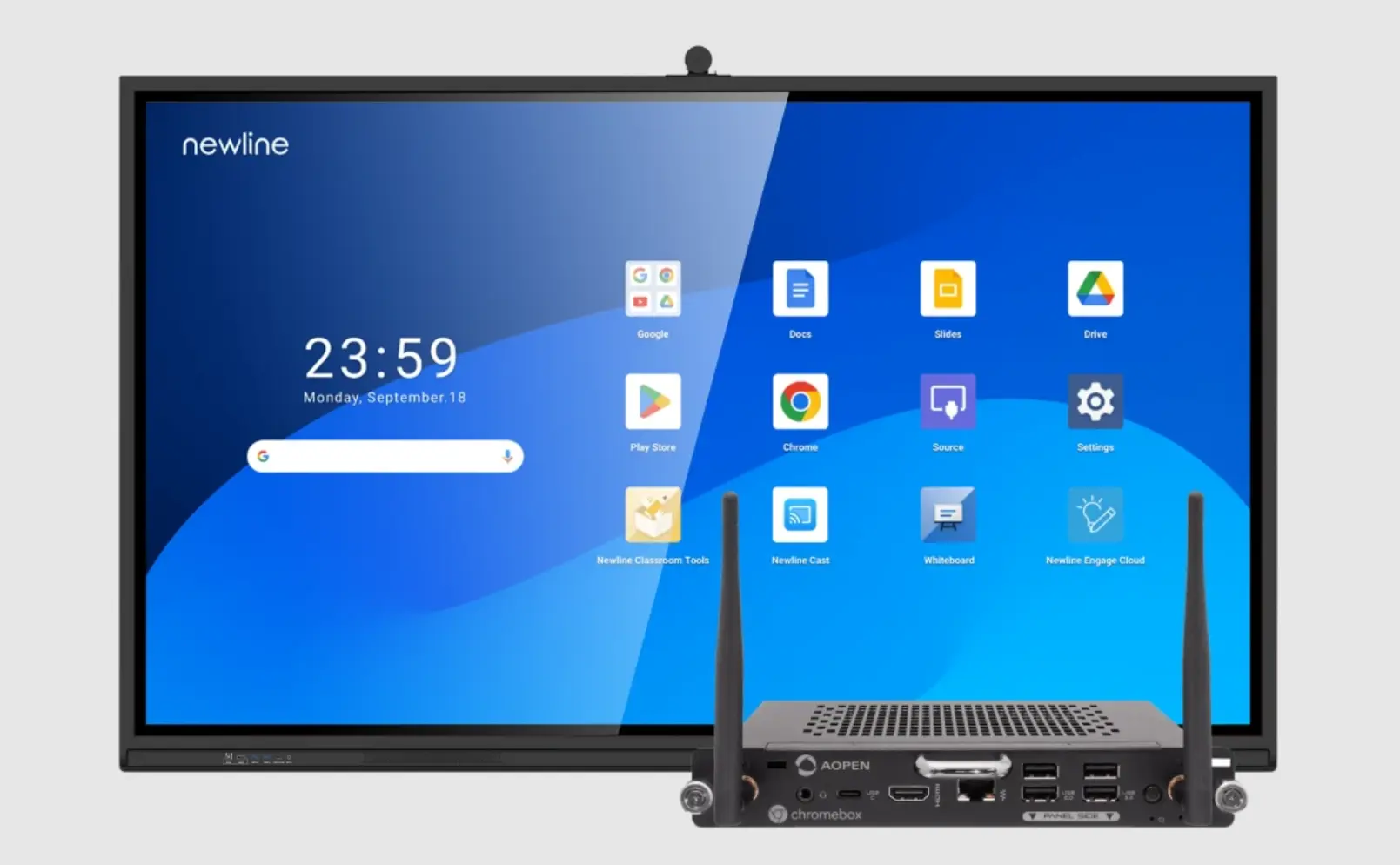
Newline holds the largest U.S. market share in the interactive flat panel category — 30.7% by unit volume in Q2 2026, per Futuresource Consulting. That number reflects its distribution infrastructure and enterprise procurement relationships more than any software differentiation. The hardware itself is capable: 4K UHD, multi-touch, available in sizes from 65″ to 100″+, with both Android and Windows OPS configurations available.
 Newline Interactive
For large enterprise deployments — 25 rooms or more across multiple locations — Newline’s procurement infrastructure is a meaningful operational advantage. Pricing is negotiated rather than list-priced, which works in favor of buyers with volume leverage. IT teams also cite Newline’s neutral software stance as an operational benefit: unlike Promethean, there is no proprietary app ecosystem imposing itself on the device — the display runs Android or Windows, and IT teams configure their own software stack on top.
The Microsoft Teams Rooms and Zoom Rooms ecosystem is available through Newline’s Windows OPS configurations, giving enterprise buyers a path to certified room systems at negotiated volume pricing.
What to know:
-
No public list pricing adds friction for procurement teams doing initial budget modeling; you’ll need to engage sales before you can build a room-ready cost estimate
-
Software neutrality means flexibility but no out-of-the-box collaboration platform depth — budget for internal IT configuration time
-
The per-unit economics and support structure are designed for large deployments; smaller organizations (under 10 rooms) typically find better value and less procurement friction with Vibe Board S1 or BenQ
What IT buyers and reviewers say: Newline’s enterprise IT familiarity and U.S. reseller network are its most-cited strengths. The software neutrality is a double-edged sword — valued by IT teams who want full control, but a barrier for organizations that want a collaboration platform out of the box. Newline’s market share leadership is consistently framed as a procurement infrastructure story, not a product differentiation story.
Best for: Enterprises with 25+ rooms to standardize, centralized IT procurement teams with internal AV configuration capability, and organizations that want hardware they can build their own managed software stack on top of at negotiated volume pricing.
For a broader look at how Newline stacks up across the full IFP market, see our Newline alternatives comparison.
How to Choose: Decision Framework for Office Buyers
If you’ve narrowed to a board but haven’t locked in the full room setup, Vibe’s conference room AV setup guide walks through camera placement, audio configuration, and platform certification checks for each room type.
By conferencing ecosystem:
-
Google Workspace organization → Vibe Board S1 (ChromeOS native; zero additional configuration)
-
Microsoft Teams Rooms certification required → SMART Board GX (native certification, no MAXHUB)
-
Mixed ecosystem or Windows-dependent software → Newline with Windows OPS, or ViewSonic TeamOne
By room count and budget:
-
1–10 rooms, want platform depth and open collaboration → Vibe Board S1
-
1–10 rooms, design/visual workflow focus → BenQ RP05
-
10–50 rooms, cost-efficiency is primary variable → ViewSonic ViewBoard
-
25+ rooms, enterprise procurement process → Newline (negotiate volume)
By IT management preference:
-
Want Google Admin MDM (familiar from Chromebook fleet) → Vibe Board S1
-
Want certified Teams Rooms management via Intune → SMART Board GX
-
Want to run your own Android/Windows stack → Newline or ViewSonic
On vendor stability: Promethean’s parent company Mynd.ai reported a 37% revenue decline in 2025 and received a NYSE compliance notice in May 2026. For a 5–7 year hardware lifecycle decision, all vendors on this list — Vibe, SMART, BenQ, ViewSonic, Newline — present a more stable procurement picture than Promethean does at this moment.
Bottom Line
Promethean is a strong product in the environment it was built for. In office conference rooms, the classroom-first architecture, third-party conferencing dependencies, and hidden add-on costs turn what looks like a competitive option into a more complicated deployment than the sticker price suggests.
For most office deployments in 2026:
-
Vibe Board S1 is the strongest all-around alternative — open platform, native video conferencing, cloud-native whiteboarding, and a room-ready cost that’s predictable
-
SMART Board GX is the right call for Microsoft Teams Rooms–certified enterprise environments
-
BenQ RP05 wins for design and creative teams where display quality and dual-app workflows matter
-
ViewSonic ViewBoard is the answer for large multi-room rollouts where per-unit hardware cost is the primary driver
-
Newline is the enterprise volume play — right for large IT-configured deployments, not the right fit for smaller organizations that want something that works out of the box
Frequently Asked Questions
Is Promethean ActivPanel good for office conference rooms?
Promethean ActivPanel was designed for K-12 classrooms and is expanding into enterprise, but its OS and software stack reflect classroom-first priorities. For offices whose primary needs are Zoom or Teams calls, open app access, and visual collaboration, the ActivPanel requires a DisplayNote launcher layer and MAXHUB partnership just to deliver basic conferencing functionality — friction that purpose-built office displays like Vibe Board S1 or SMART Board GX avoid entirely. If you’re still orienting on category terminology, our interactive whiteboard vs. smart board guide explains the key differences across device types.
What is the best Promethean alternative for hybrid meeting rooms?
Vibe Board S1 is the strongest option for hybrid meeting rooms — it runs Zoom, Teams, and Google Meet natively on VibeOS (ChromeOS-based) with no middleware required, and its cloud-native Vibe Canvas whiteboard persists sessions across devices. For Microsoft Teams Rooms–certified deployments specifically, SMART Board GX is the cleanest alternative. See how both compare to the broader field in our SMART Board alternatives roundup.
How much does it cost to fully set up a conference room with an interactive display?
A standard 10-person meeting room (75″ display) typically runs $7,000–$8,500 all-in for a mid-tier board like Vibe Board S1 or Promethean, once you add a 4K conferencing camera ($400–$800), speaker/mic bar ($300–$500), wall mount, and setup labor. BenQ and ViewSonic bring that total down to $4,500–$6,400. These figures exclude software licensing — add $200–$600 per room per year if your chosen platform has ongoing subscription costs. For a detailed breakdown by room size — huddle room through boardroom — see the conference room AV cost guide.
Do any of these displays include a built-in camera?
Select ViewSonic ViewBoard IFP52 models include a built-in beamforming microphone and speaker bar, reducing the accessory requirement. Most other interactive flat panels in this comparison — including Vibe Board S1, Promethean ActivPanel, SMART Board, and BenQ RP05 — require a separate external conferencing camera. Factor $300–$800 per room into your room-ready budget.
How does Promethean’s financial situation affect the buying decision?
Mynd.ai (NYSE: MYND), which owns Promethean, reported a 37% revenue decline in 2025 and received a NYSE continued-listing compliance notice in May 2026. For enterprise IT teams evaluating a 5–7 year hardware lifecycle, vendor financial health affects firmware support continuity, warranty fulfillment, and software roadmap reliability — all legitimate items in a formal RFP vendor assessment.
What size interactive display works best for a standard conference room?
55″ for small rooms (up to 6–8 people, under 15 feet deep); 75″ for standard conference rooms (8–15 people, up to 20 feet); 86″+ for large boardrooms or all-hands spaces. Vibe Board S1 is available in 55″ and 75″. BenQ, ViewSonic, and Newline offer 86″ and larger.