You’ve heard the names in the teachers’ lounge. A colleague swears by their SMART Board. Another just put in a request for Promethean. Someone in the tech-forward wing is talking about Vibe. Now your department is up for a hardware refresh and you need to actually make a recommendation — or at least have an informed opinion.
Here’s the thing: most comparisons of these boards will drown you in specs. Touch points. Resolution. Processing speed. Connectivity ports. That’s useful if you’re an IT director. If you’re a teacher, those numbers tell you almost nothing about what it feels like to run a collaborative lesson on a Tuesday afternoon. If you’re weighing the broader landscape first, see our full guide to best whiteboards for teachers and how they stack up against an interactive whiteboard vs projector setup.
The real question isn’t which board has better specs. It’s which board fits your teaching workflow.
This guide compares Vibe Board, SMART Board, and Promethean ActivPanel the way teachers actually evaluate technology — through classroom scenarios, not spec tables.
- SMART Board dominates schools through SMART Notebook, but annotation outside that ecosystem is limited.
- Promethean ActivPanel has a loyal teacher community and strong in-person multi-touch — but flipchart files don't travel well.
- Vibe Board runs on open Android, lets students join any lesson from a browser, and never requires a mode switch mid-class.
- The right board is the one that fits how you already teach — not the one with the longest feature list.
Quick Comparison: Teacher Criteria
|
Criteria |
Vibe Board |
SMART Board |
Promethean ActivPanel |
|---|---|---|---|
|
First 5 minutes of class |
Power on and go — no software login required |
Requires SMART Notebook software to be open |
Requires ActivInspire launcher |
|
Annotation quality |
Fluid, low-latency touch annotation over any app |
Excellent within SMART ecosystem; limited outside it |
Strong within ActivInspire; variable with third-party apps |
|
App compatibility |
Open Android ecosystem — any app you already use |
Windows-based; limited to SMART-compatible apps |
Android-based; best experience within Promethean apps |
|
Student interaction |
Real-time collaborative canvas; students join on any device |
Requires SMART software on student devices |
Requires ActivInspire or separate student-facing tools |
|
Built-in whiteboard |
Always-on digital whiteboard, no mode switching |
Available inside SMART Notebook |
Available inside ActivInspire |
|
Setup without IT |
Yes — teachers configure independently |
Requires IT for full deployment |
Typically requires IT assistance |
|
Price range |
~$3,999–$7,299 |
~$3,000–$6,000+ |
~$2,500–$5,000+ |
Vibe Board: What Teachers Should Know
Vibe Board is built around a single premise: your lesson should never pause because you need to switch tools.
The collaboration-first design
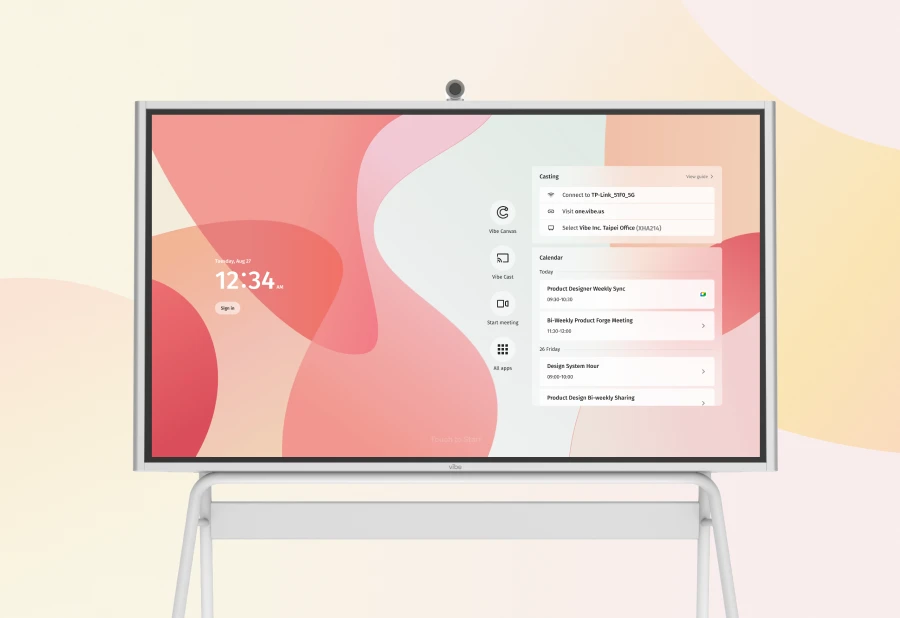
Unlike SMART and Promethean, which were designed as display and annotation systems first, Vibe Board started from collaboration. The canvas is always live. You can annotate over a Google Slides presentation, jump to a YouTube video, pull up a PDF, and return to your whiteboard — all without closing anything or switching modes.
This matters during a lesson more than any spec does. When you’re mid-explanation and want to sketch a diagram next to your slides, Vibe lets you do that. When a student question takes you somewhere unexpected, you can follow it without breaking the flow of class.
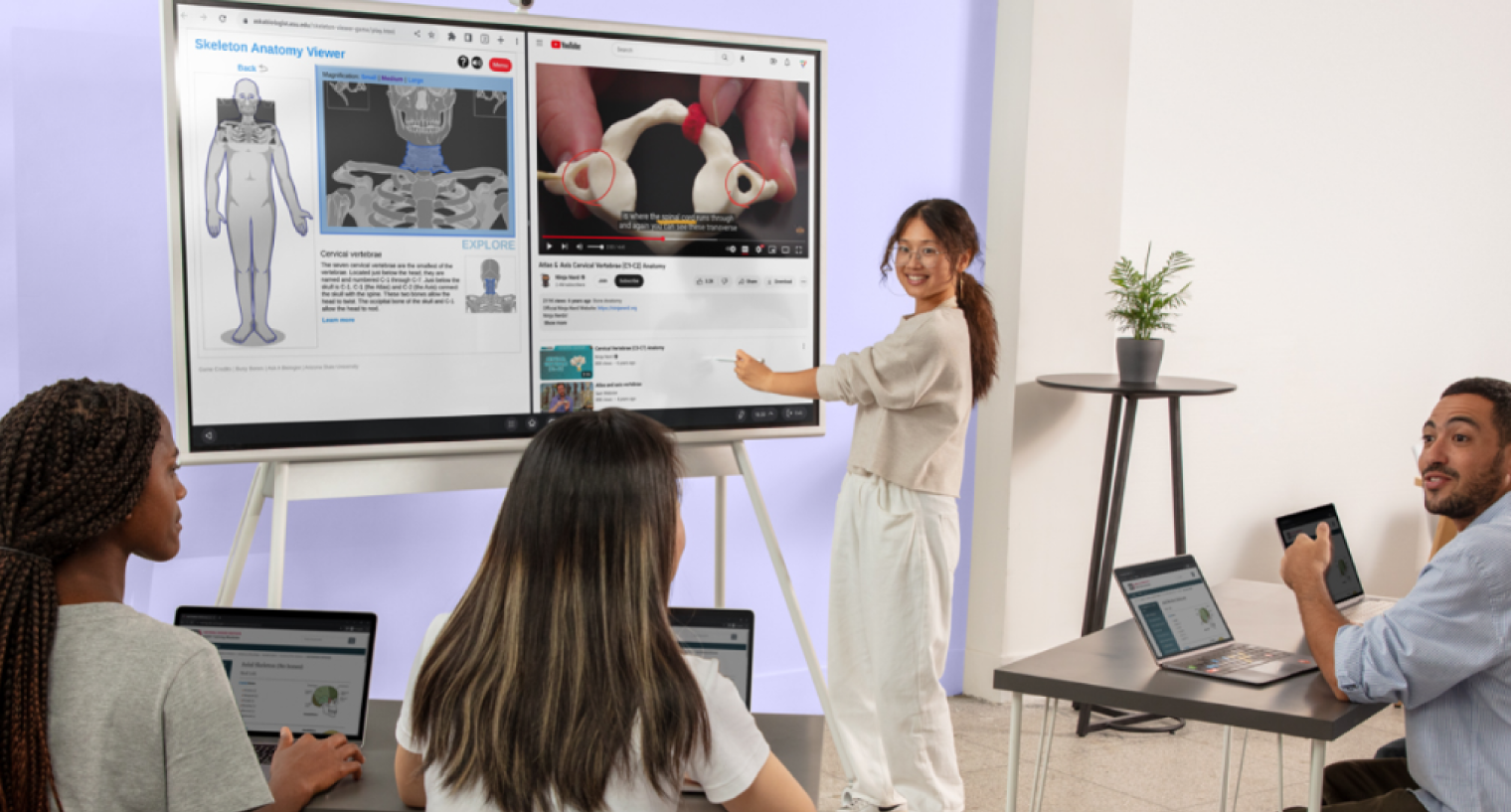 A student uses Vibe Board to demonstrate biology concepts at the front of a classroom
Open app ecosystem
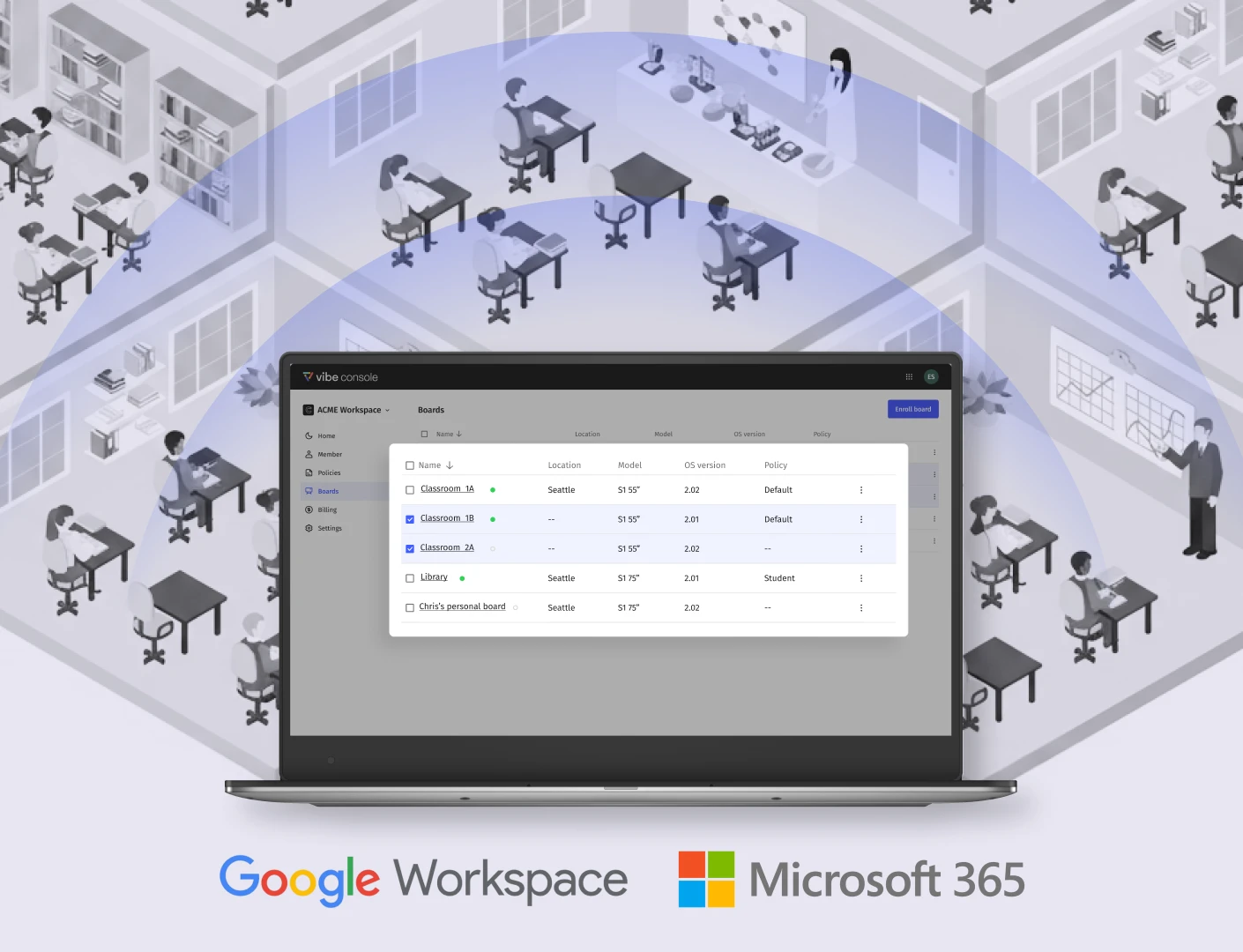
Vibe runs on Android, which means it supports any Android app directly. Google Classroom, Kahoot, Nearpod, Canva, YouTube, Desmos, Khan Academy — teachers use what they already know. No approved app list, no software installation request to IT, no waiting.
ISTE research on edtech adoption consistently finds that classroom technology integrated with existing platforms sees significantly higher sustained usage rates than tools that require separate workflows.
Student collaboration that doesn’t require student devices
Vibe’s shared canvas allows students to participate in real-time using a browser on any device — phone, Chromebook, tablet, laptop. No app download. No account creation. This is meaningful for teachers running group activities or seeking broader participation. For a deeper look at how classroom collaboration tools shape student outcomes, see our complete teacher guide.
Where Vibe has less traction
Vibe does not have the decade-long installed base that SMART and Promethean carry. If your school uses SMART Notebook files as the backbone of lesson plans, migrating to Vibe means converting that content. Vibe is the right choice if you want to build your teaching ecosystem going forward — less so if you’re inheriting a heavily formatted legacy library.
SMART Board: What Teachers Should Know
SMART Technologies has been in K-12 classrooms for over 25 years. The SMART Board is what many teachers picture when they hear "interactive whiteboard."
The SMART Notebook ecosystem
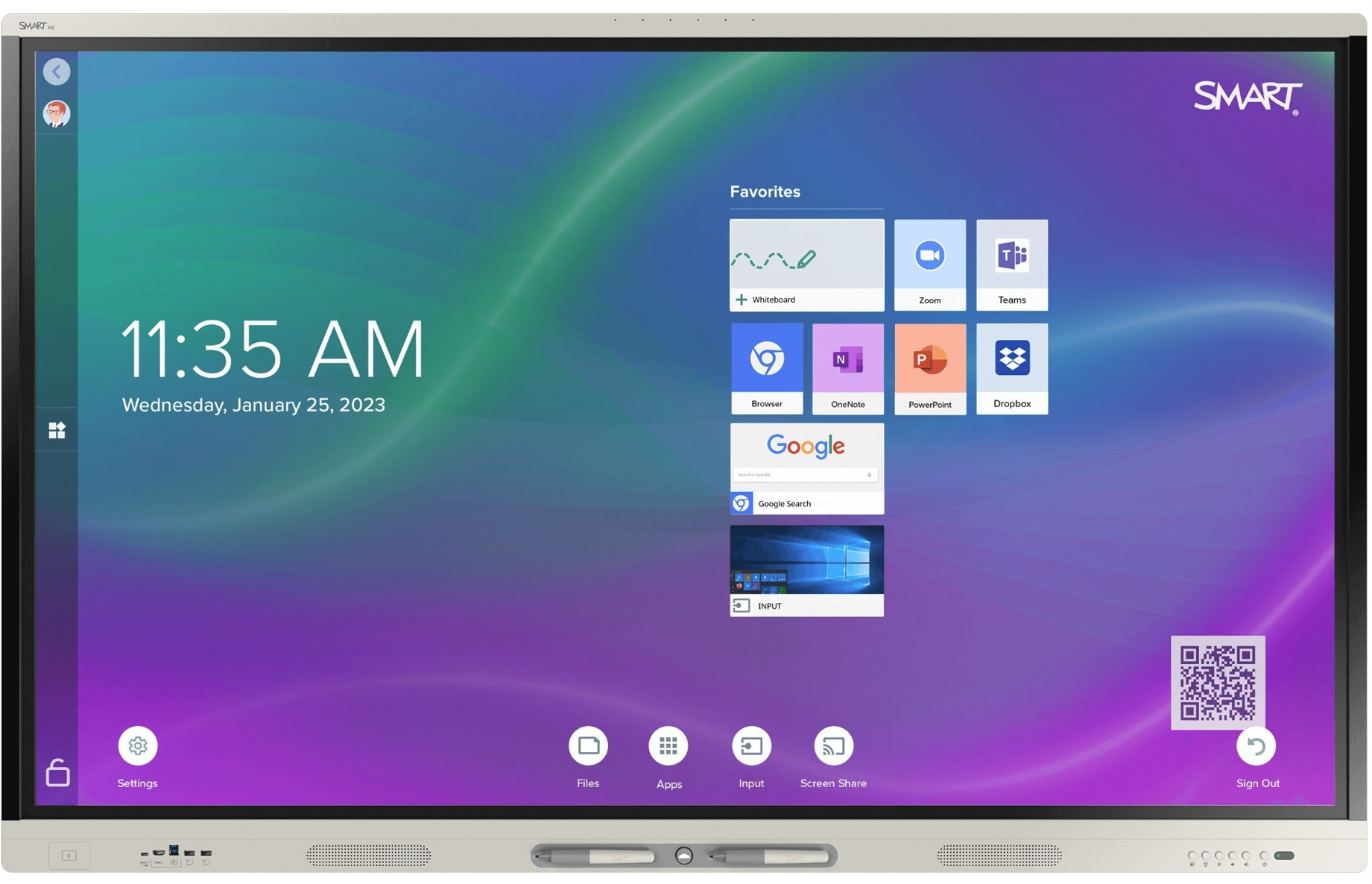
SMART’s differentiation is its software. SMART Notebook is a rich lesson-creation environment with thousands of pre-built activities, templates, and subject-specific resources. Teachers who invest in building a Notebook library can accumulate years of reusable lessons.
Teachers who invest time building a Notebook library report that lesson preparation becomes faster each semester — the upfront cost pays off in reusability.
Where SMART works best
-
Teachers invest time creating Notebook lessons (the payoff is real once the library is built)
-
The school has IT resources to support deployment and software management
-
Curriculum delivery is the primary use case (teacher presenting, students receiving)
-
The district already standardizes on SMART and provides professional development
Where SMART creates friction
Outside of SMART Notebook, annotation and collaboration features are less fluid. Teachers who rely on Google Workspace, want to annotate over any open app, or need students to collaborate without SMART software on their devices will find the experience more limited. SMART’s pricing also trends toward the higher end, particularly once software licensing is included.
Promethean ActivPanel: What Teachers Should Know
Promethean has built one of the most loyal teacher communities in ed-tech.
The ActivInspire community advantage
ActivInspire is Promethean’s lesson creation and delivery software. What distinguishes it isn’t just the software itself — it’s the enormous library of community-created resources, the active teacher forums, and Promethean’s investment in educator professional development. Teachers don’t just buy a board; they join a community. For an IT Director’s perspective on the same comparison — covering total cost of ownership and district-scale deployment — see our guide to Promethean vs SMART Board vs Vibe Board for K-12 districts.
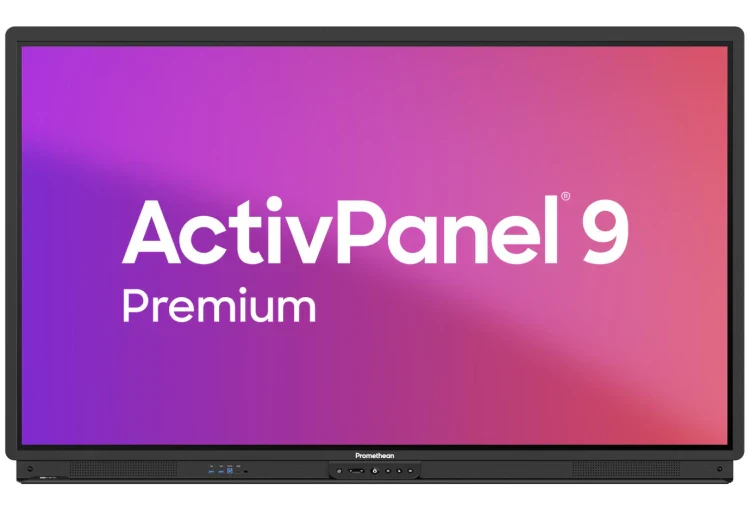
ActivPanel hardware
The latest panels offer smooth touch response, clear display quality, and good build durability for classroom environments. Promethean has invested in its Android-based platform.
Where Promethean creates friction
ActivInspire flipchart files don’t travel well outside the Promethean environment. Teachers who move schools or districts may find their Promethean lesson library hard to use elsewhere. For real-time student collaboration (particularly browser-based participation without app installs), Promethean’s tools are less mature than Vibe’s.
Classroom Scenarios: Which Board Wins?
Scenario 1: Running a Collaborative Lesson
The setup: Students work on problems at their desks. Groups add their work to a shared canvas, then debrief together.
Vibe Board: Students open a browser link on any device and join the shared canvas. No software installation, no account setup. Groups can post sticky notes, draw diagrams, or type responses. You see everything in real time. The debrief happens on the same canvas — no transition, no export, no mode switch. Class keeps moving.
SMART Board: SMART’s lab activities support collaborative exercises, but students typically need SMART software or a specific app on their devices. If the class has Chromebooks without SMART apps installed, coordination with IT is required beforehand.
Promethean ActivPanel: For structured activities built in ActivInspire, the experience is polished. For ad-hoc collaboration during a lesson, it is less fluid.
Scenario winner: Vibe Board — lowest-friction, browser-based student participation.
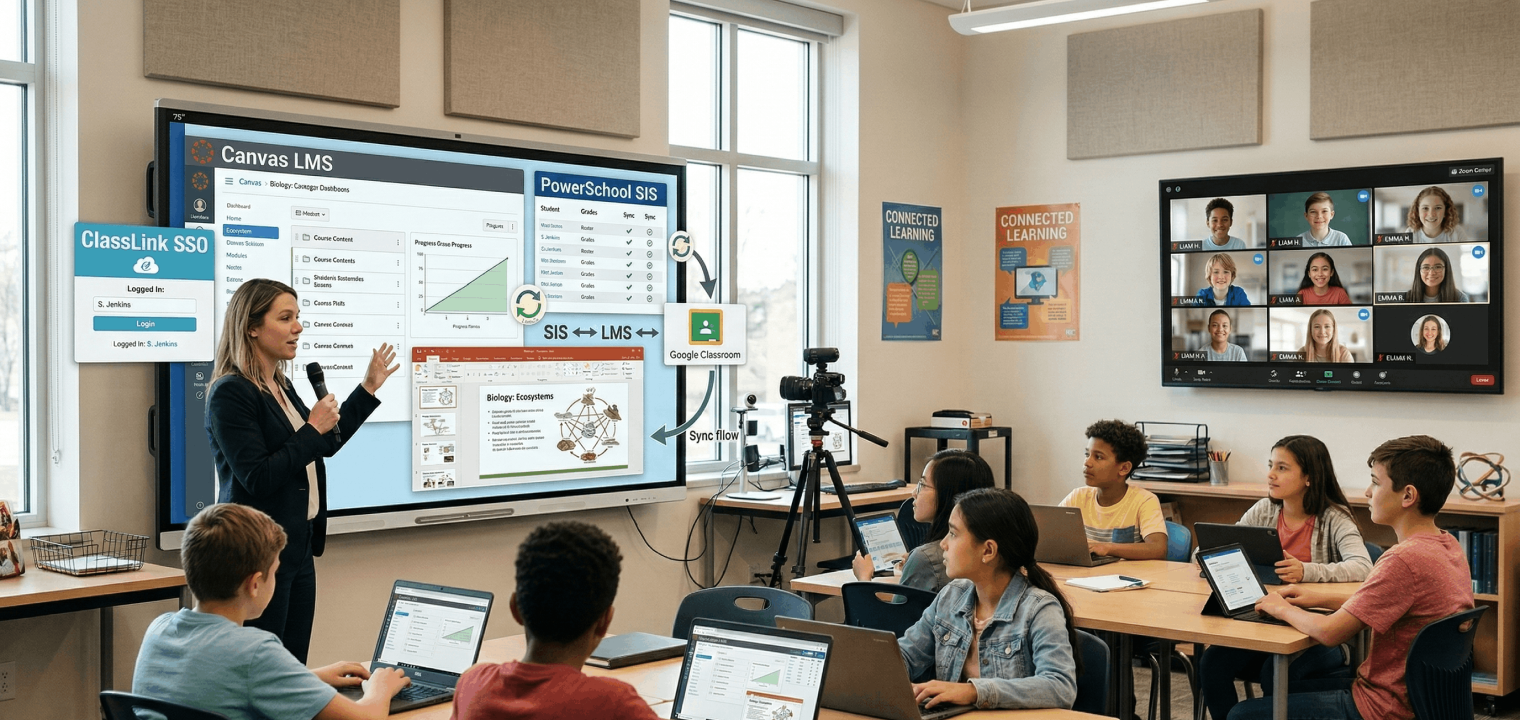 Students and remote learners participate together using collaborative classroom technology
Scenario 2: Presenting Slides with Live Annotation
The setup: You’re presenting Google Slides. A student asks a question. You want to annotate directly on the slide, then continue.
Vibe Board: Tap the annotation tool. Draw on the slide. Continue. No mode switch. The annotation layer floats over any open app.
SMART Board: Within SMART Notebook, annotation is excellent. Annotating directly over a Google Slides presentation in a browser requires using SMART’s floating toolbar. It works, but the workflow is more deliberate.
Promethean ActivPanel: ActivInspire’s annotation tools work over other applications via a screen-shade or annotation layer. The setup is familiar to experienced users but requires knowing where the tools live.
Scenario winner: Vibe Board — zero-friction annotation over any running app.
Scenario 3: Student-Driven Whiteboard Activities
The setup: Students come to the board to work through problems while the class watches.
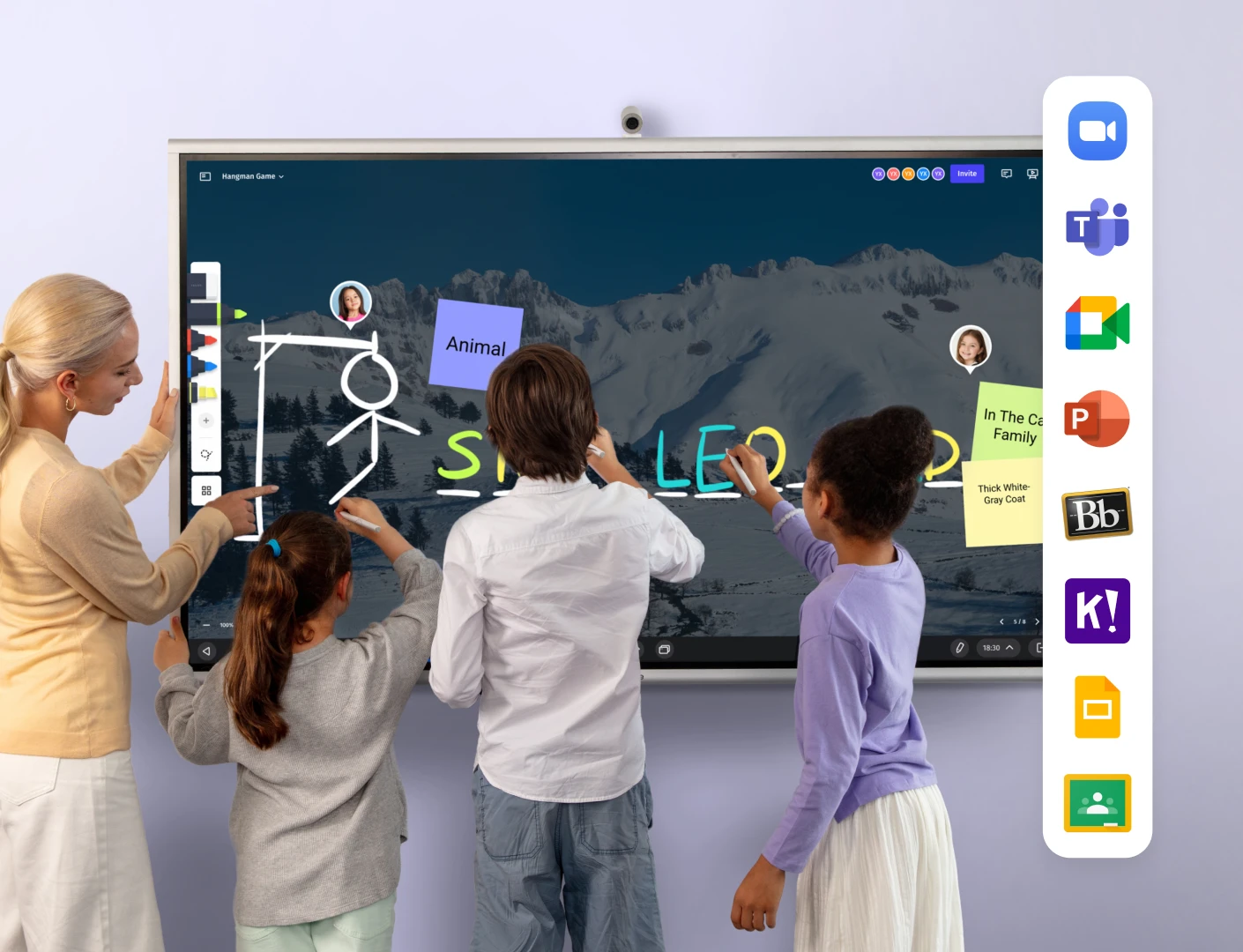
Vibe Board: Any student can walk up and write. Remote students can contribute from their device browser. Multiple students can write simultaneously. The whiteboard is persistent.
SMART Board: Excellent multi-touch support. Remote student participation requires SMART software on student devices. For in-person activities, SMART performs very well.
Promethean ActivPanel: Responsive multi-touch. Remote student contribution requires more coordination. Strong for in-person use.
Scenario winner: Tie between SMART and Vibe — SMART for multi-touch in-person; Vibe for hybrid/remote inclusion.
Scenario 4: Remote and Hybrid Teaching
The setup: Some students are in the room, some joining via video call. Both groups need to see and participate.
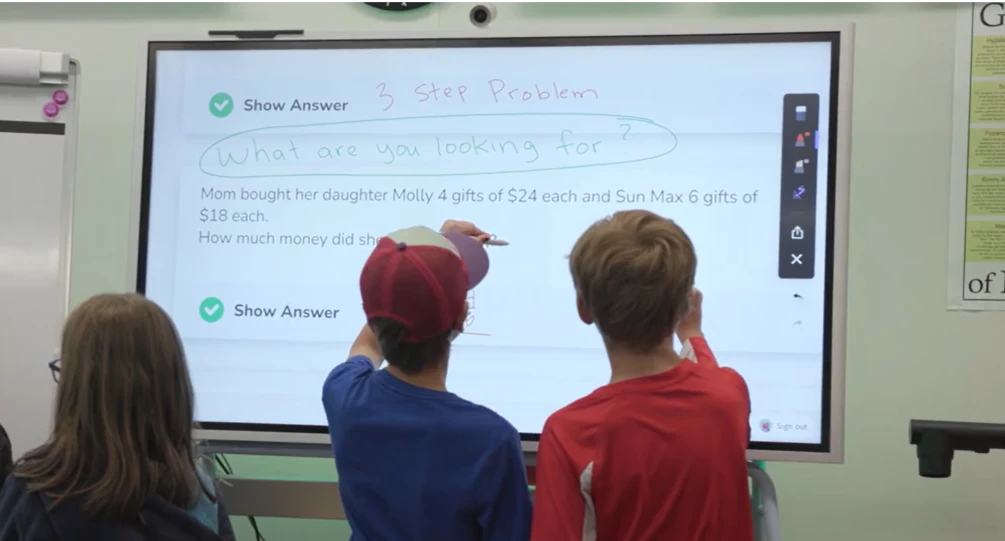
Vibe Board: Built-in video conferencing compatibility and shared canvas. Remote students join in a browser and participate in whiteboard activities, not just watch a screenshare. The U.S. Department of Education’s 2024 National Educational Technology Plan frames equitable access to technology — including meaningful participation for remote learners — as a core priority for K–12 districts.
SMART Board: Requires connecting to a separate video conferencing tool. Remote student participation is primarily passive unless additional software is configured.
Promethean ActivPanel: Similar to SMART — video conferencing requires a connected meeting platform.
Scenario winner: Vibe Board — purpose-built for hybrid participation.
What Teachers Say
SMART Board users often describe their relationship as hard-earned. "Once you’ve built your Notebook library, you don’t want to start over." Teachers who have invested years report high satisfaction — and strong resistance to switching.
Promethean users frequently cite community as the deciding factor. "I bought it because I knew other teachers using it." The ActivInspire community creates genuine loyalty.
Vibe Board users — a smaller but growing group — tend to describe relief. "I stopped fighting with the technology and started using it." Teachers coming from projector-and-laptop setups often report the biggest change isn’t the board itself — it’s the realization that they can follow a student question wherever it leads without interrupting the lesson.
The common thread: the board that gets used every day is the board that fits into how you already teach, not the board with the longest feature list.

How to Recommend a Board to Your School Administrator
Getting admin buy-in requires more than enthusiasm — it requires framing the request in language that connects to school priorities and budget realities.
Frame it around teaching time, not technology
"This board would let me present, annotate, collaborate with students, and save my work without switching between different tools" is more compelling than "it has 20-point multi-touch and a 4K display."
Connect to existing school priorities
If your school is working on digital equity or hybrid learning, Vibe’s browser-based student participation is a direct answer. If your school has an established SMART infrastructure, recommending Promethean creates unnecessary migration cost.
Request a demo with your actual lesson
All three vendors offer school demos. Bring your Google Slides, your typical activities, your usual apps. See what requires extra steps.
Surface the total cost picture
The hardware price is not the full cost. SMART Notebook licensing, Promethean professional development programs, and IT deployment time all factor in. For teachers advocating for Vibe Board, the open ecosystem argument is also a cost argument.
-
Vibe Board: ~$3,999–$7,299 hardware (55″–75″); no proprietary software licensing required
-
SMART Board: ~$3,000–$6,000+ hardware; SMART Notebook licensing adds ongoing cost
-
Promethean ActivPanel: ~$2,500–$5,000+ hardware; professional development programs add to TCO
Frequently Asked Questions
Can I use Vibe Board with my existing Google Classroom setup?
Yes. Vibe Board runs Android apps natively. Google Classroom, Google Slides, Google Docs, and Meet all run directly on the board.
Does SMART Board work without SMART Notebook?
The hardware works without Notebook. But most of SMART’s differentiated features live inside Notebook. Using a SMART Board without Notebook is like using an iPad without any apps.
Is Promethean ActivPanel good for new teachers?
Promethean’s community resources make it more accessible than the hardware alone suggests. ActivInspire has a learning curve, but community-created flipcharts mean new teachers don’t have to build everything from scratch.
Which board is easiest to use on day one?
Vibe Board has the lowest day-one friction. It powers on, connects to your network, and runs apps without requiring software configuration.
Can students interact with any of these boards from their own devices?
All three support some form of student interaction. Vibe uses a browser-based shared canvas — no app download, no account. SMART and Promethean require specific apps or software on student devices for full collaboration.
How do these boards handle hybrid or remote students?
Vibe Board is the strongest option for hybrid classrooms. Remote students join the shared canvas in a browser and participate, not just watch a screenshare.
What happens when the board’s software is no longer supported?
SMART Notebook files and Promethean flipcharts carry vendor dependency. Vibe Board’s open ecosystem — standard Android apps, common file formats — creates less vendor lock-in.
Is Vibe Board appropriate for elementary school classrooms?
Yes. The touch interface works for all ages, and teachers can run age-appropriate apps (Seesaw, Kahoot, Starfall) directly on the board.
Which of these boards best supports video conferencing and the ability to annotate and save video for sharing with parents?
Vibe Board is the strongest option for this workflow. It supports third-party video conferencing apps (Zoom, Google Meet, Teams) running natively on the board, with annotation tools available over any running app — including live video. Sessions can be recorded and saved to cloud storage for sharing. Promethean and SMART require a connected laptop and external conferencing software to achieve a similar setup, which adds coordination steps mid-class.
What should K–12 IT directors consider when comparing these boards for district-wide deployment?
IT directors typically evaluate three factors beyond hardware price: software licensing costs over a 5-year cycle, MDM (mobile device management) compatibility, and deployment complexity per unit. SMART Board requires SMART Notebook licensing, which adds recurring cost at scale. Promethean’s ActivInspire is included but tied to the Promethean ecosystem. Vibe Board runs on an open platform with no mandatory proprietary software, which simplifies MDM enrollment and reduces per-unit software cost. For a full cost-of-ownership breakdown, see our district comparison guide.