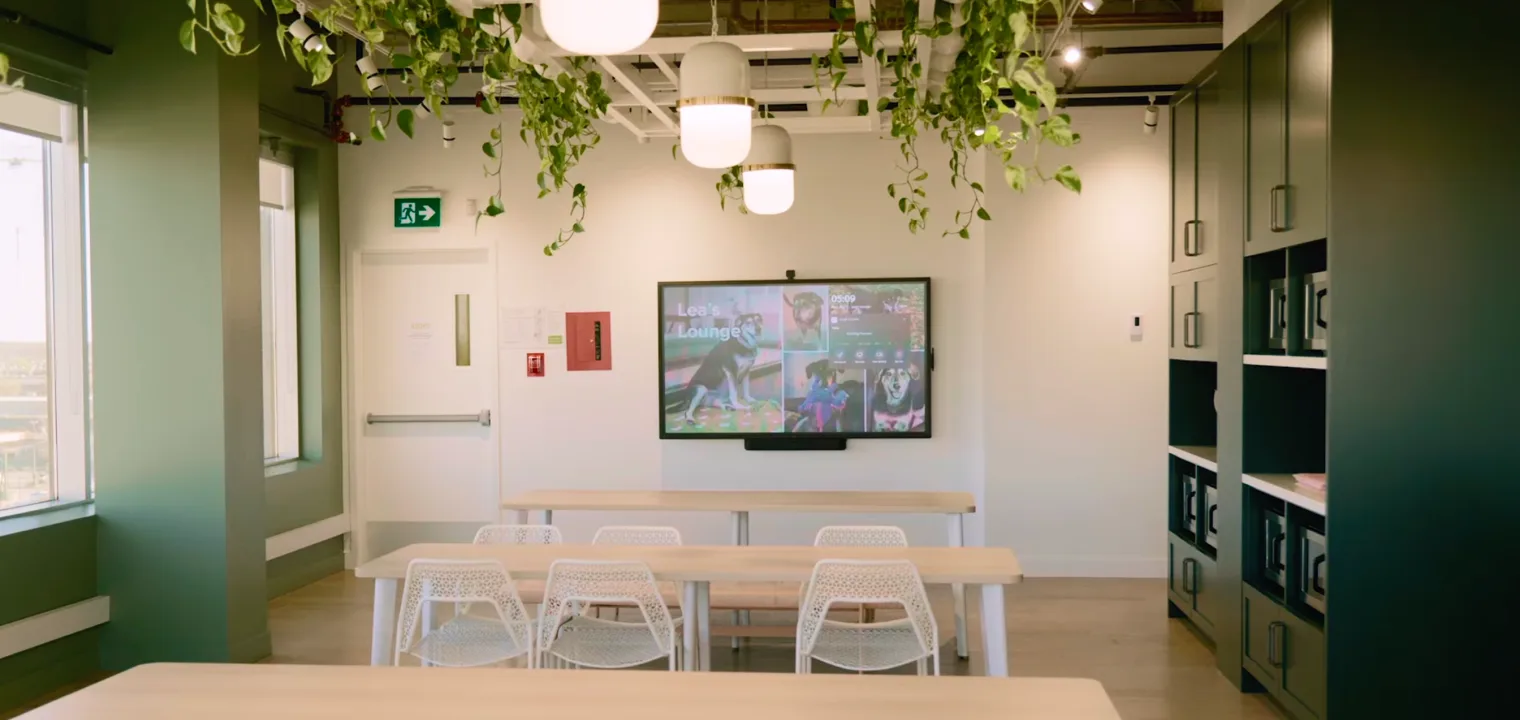
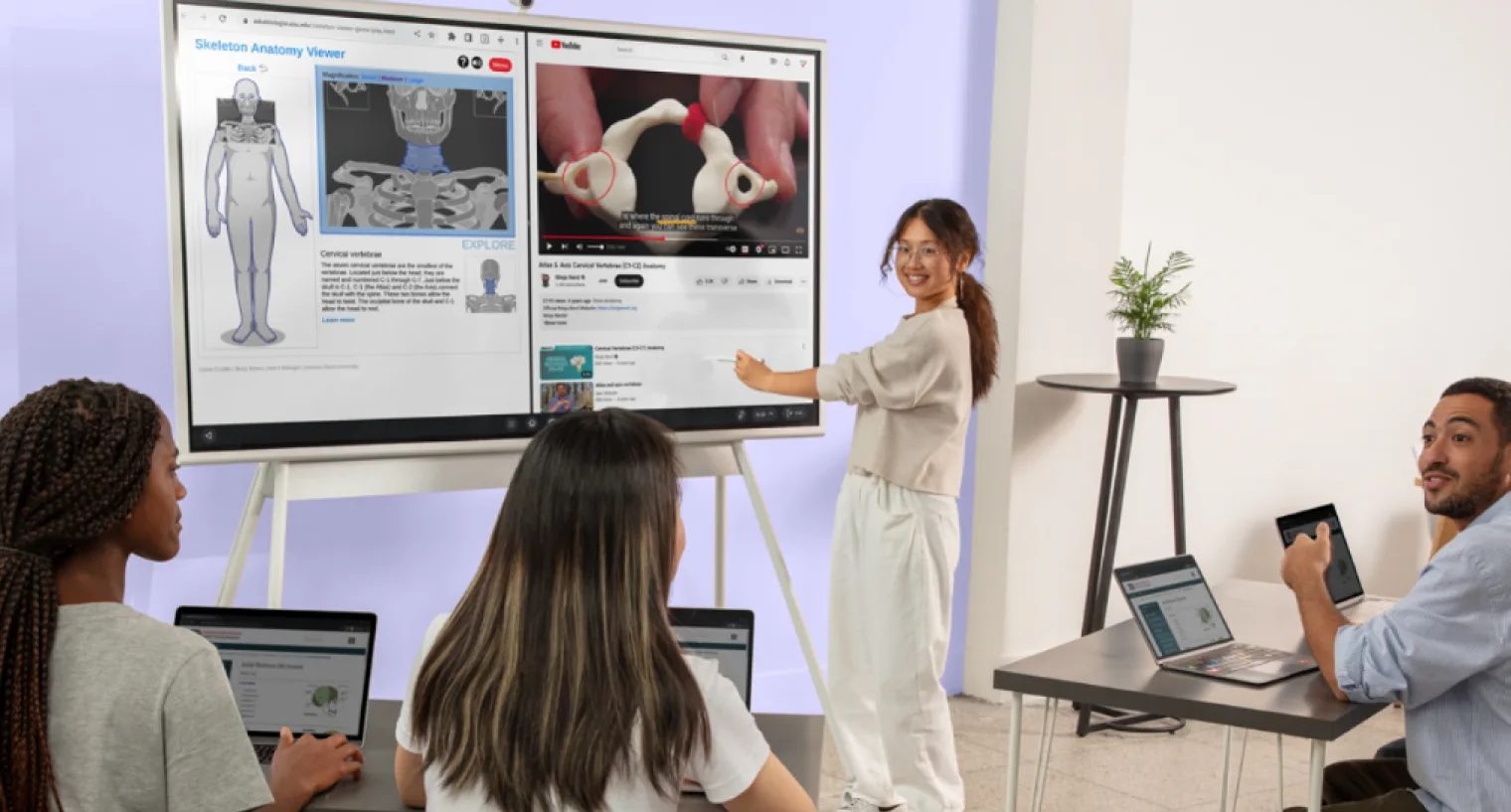
If you're evaluating alternatives to SMART Board, the landscape has shifted considerably since most comparison guides were written. BenQ released its latest flagship interactive display, the Board Pro RP05, running Android 15 with built-in AI teaching tools. Samsung retired the Flip 2 in favor of the Flip Pro (WMB series). Promethean has expanded its commercial lineup with the ActivPanel 9 Pro. And a new generation of collaboration-first boards—led by Vibe—has entered the market at a fraction of the enterprise pricing that once dominated this category.
The broader market has moved with them. The global interactive whiteboard market was valued at $5.1 billion in 2026 and is projected to reach $9.1 billion by 2033, according to Grand View Research—growth driven not by SMART Board's continued dominance, but by a new generation of open-platform interactive displays that better fit how teams work today.
This guide gives you an honest, current comparison of every major option: what each board does well, where it falls short, who it's built for, and what it costs today.
What to Look for in a SMART Board Alternative
The interactive whiteboard market splits into three broad categories, and knowing which one fits your needs will save you from buying the wrong thing:
Collaboration-first boards prioritize the whiteboarding and brainstorming experience—infinite canvas, multi-device remote access, real-time co-creation. Best for hybrid teams, agencies, and distributed organizations.
Education and training boards prioritize lesson delivery tools, managed app ecosystems, student participation features, and health-conscious display technology. Best for K-12 and higher education deployments, as well as corporate training environments.
Annotation and drawing boards prioritize pen precision and content markup over a full operating system. Best for design review, technical annotation, or specific workflows where the drawing experience matters most.
Most buyers want some overlap between these. The tradeoffs each board makes tell you a lot about who it was designed for.
The Alternatives at a Glance
|
Vibe Board S1 |
Vibe Board S1 Pro |
BenQ Board Pro RP05 |
Promethean ActivPanel 9 Pro |
Samsung Flip Pro (WMB) | |
|
Starting price |
$3,699 (55″) |
$5,699 (55″) |
~$2,800 (65″) |
~$3,500–$4,500 (65″) |
~$1,900 (55″) |
|
OS |
ChromeOS (VibeOS) |
Windows 11 Pro |
Android 15 (EDLA) |
ActivPanel OS (Android-based) |
Tizen / Android |
|
Screen sizes |
55″, 75″ |
55″, 75″ |
65″, 75″, 86″ |
65″, 75″, 86″ |
55″–85″ |
|
Built-in camera/mic |
Optional add-on |
Optional add-on |
Mic array included; camera add-on |
Mic array included; no camera |
Not included |
|
App ecosystem |
250+ apps + Google Play |
Full Windows apps |
Google Play (EDLA-certified) |
ActivPanel OS + optional Windows/Chrome module |
Limited |
|
Whiteboard software |
Vibe Canvas (included) |
Vibe Canvas (included) |
EZWrite 6 (included) |
Promethean ActivInspire |
Samsung whiteboard |
|
Remote collaboration |
Yes, any device |
Yes, any device |
InstaShare 2 (limited) |
Limited |
Limited |
|
Warranty |
1 year (extendable) |
1 year (extendable) |
3 years |
5 years |
3 years |
|
Best for |
Teams that collaborate across locations and need one device that just works |
Organizations running Windows-native software (AutoCAD, Bluebeam, Office) or requiring Zoom/Teams Rooms certification |
Schools and training teams on Google Workspace prioritizing health-safe displays and structured lesson tools |
Existing Promethean deployments, government procurement, or large-room training environments |
Design and architecture teams where pen precision is the primary use case |
If the table above is enough to make your decision, you can compare Vibe Board S1 and S1 Pro against each competitor in detail on our comparison page.
1. Vibe Board S1
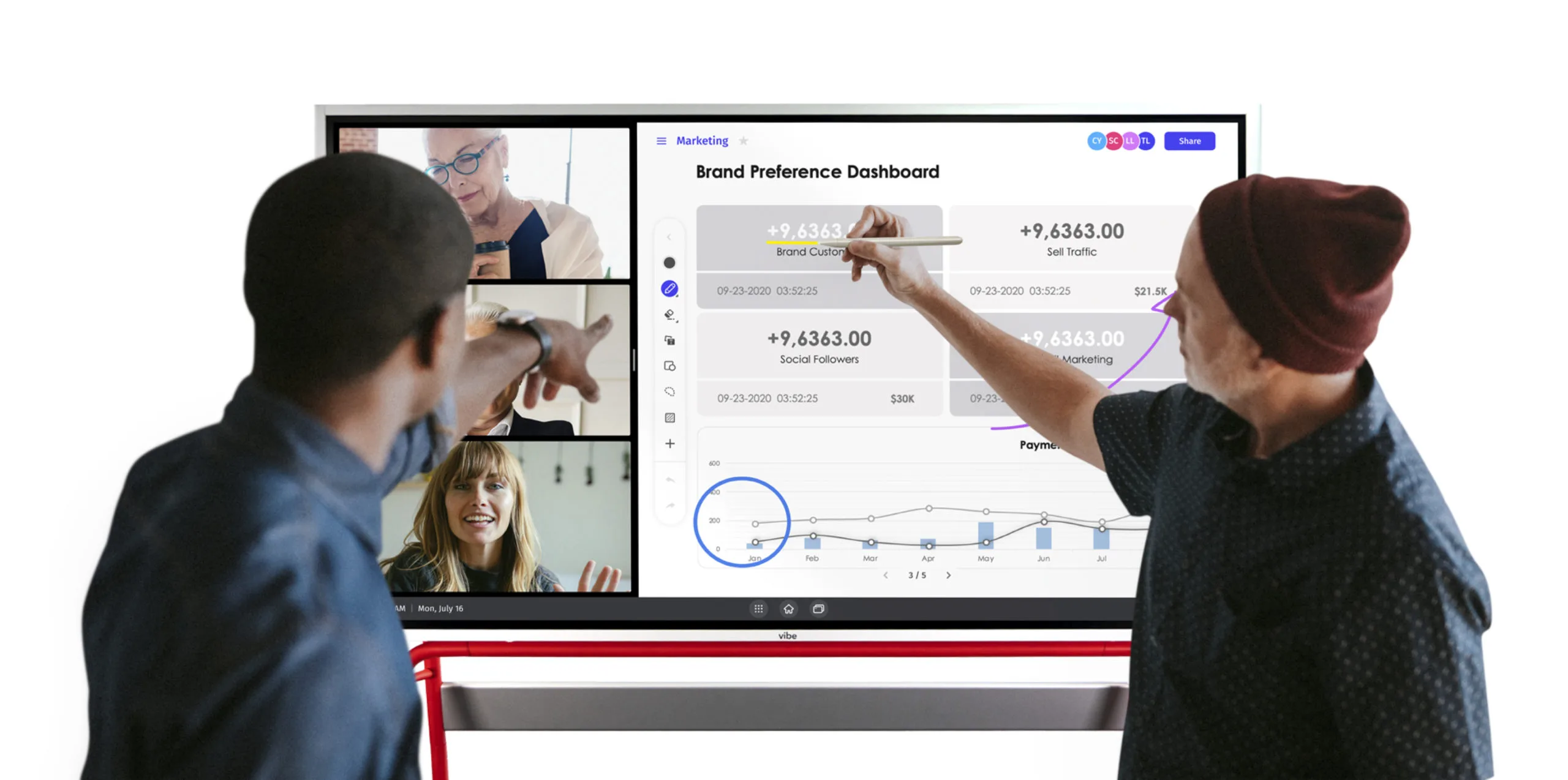
The Vibe Board S1 is a ChromeOS-based interactive whiteboard available in 55″ ($3,699) and 75″ ($7,299) at current sale pricing. It runs VibeOS—built on ChromeOS—which gives it access to both Vibe's curated app ecosystem (250+ fully vetted apps including Zoom, Figma, Miro, Slack, Google Meet, and Microsoft Teams) and the broader Google Play Store. The display is a 4K UHD panel with 20-point multi-touch, anti-glare coating, and 10-bit color depth at 4000:1 contrast ratio.
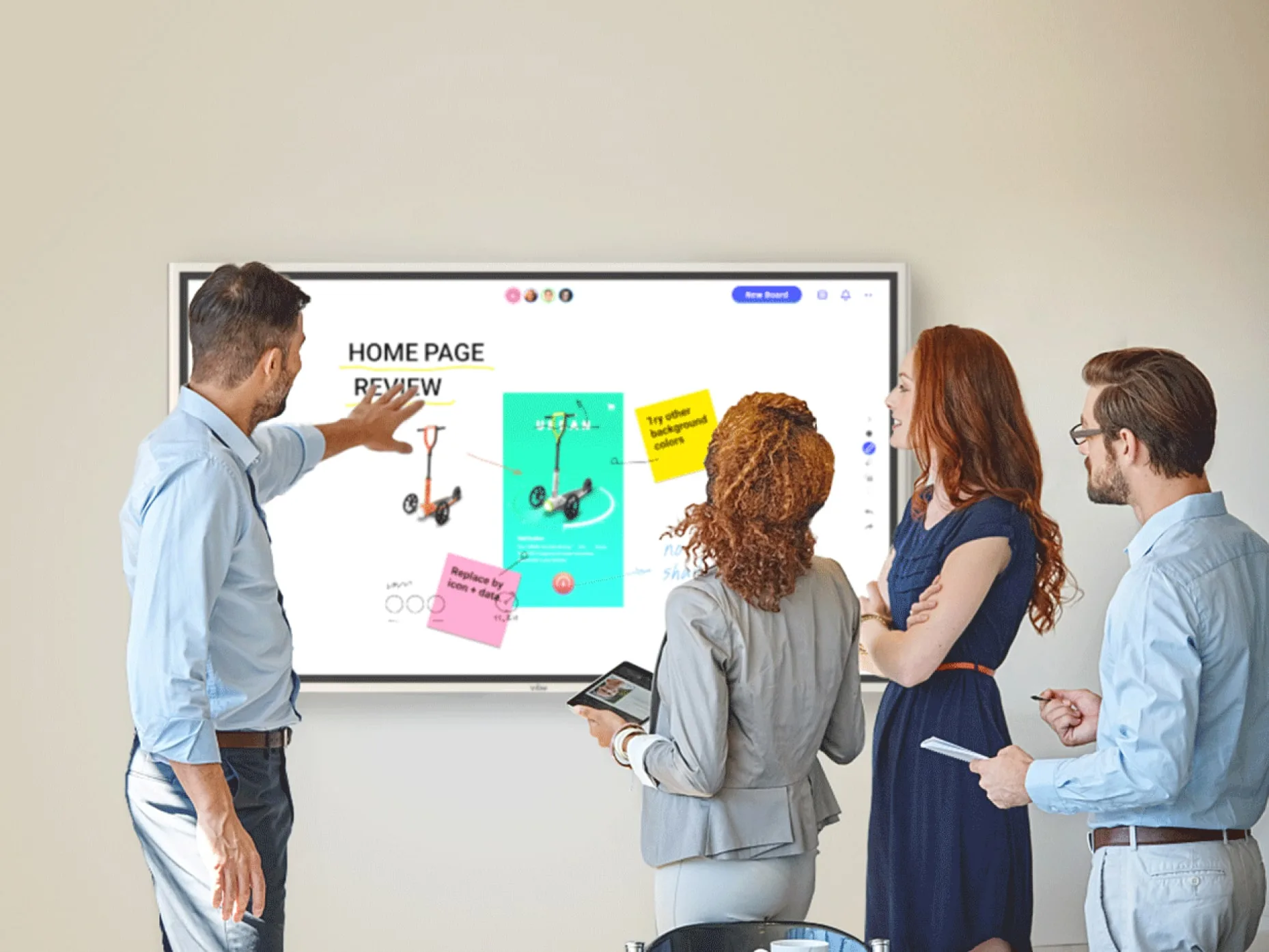
 Team collaborating on Vibe Board with video call and marketing dashboard
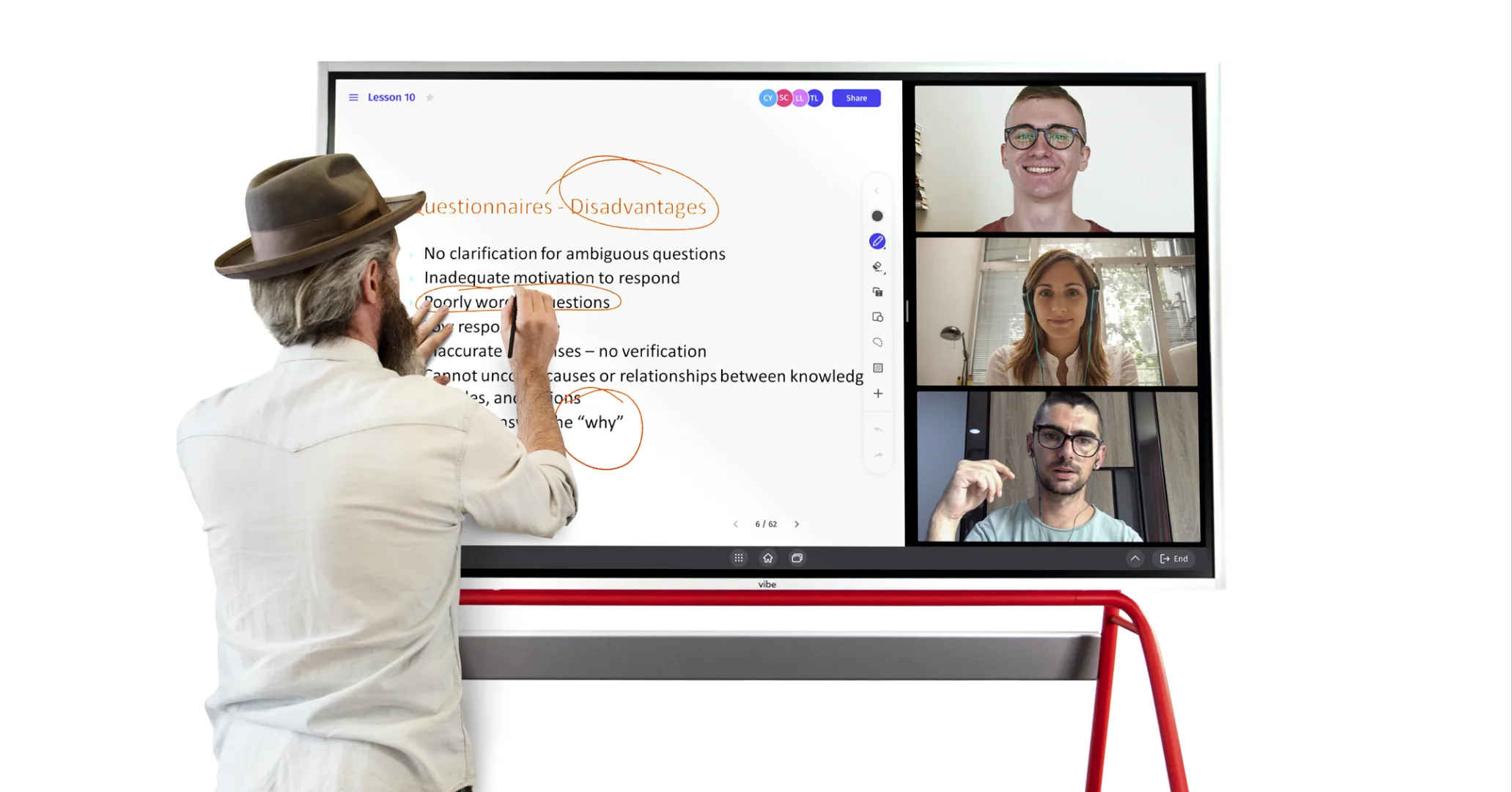
At the center of the software experience is Vibe Canvas—an infinite collaborative whiteboard where remote participants can join and contribute from any browser-connected device without installing anything. Boards are persistent: everything created in a session is saved to the cloud and accessible across future meetings, across devices, and across team members. This is a meaningful distinction from boards where the whiteboard state disappears when the meeting ends.
What it does well: The S1 covers the full hybrid collaboration stack without requiring multiple devices or add-ons for the core workflow. Zoom, Google Meet, and Microsoft Teams all run natively. Google Workspace files—Docs, Slides, Drive—open directly. For teams that present to clients, run weekly standups, or brainstorm visually across remote and in-room participants, the S1 handles all of this without the setup complexity of enterprise platforms.
The open ecosystem is a significant practical advantage: because VibeOS runs on ChromeOS, any app available for Chrome or Android installs and runs on the board. Teams don't have to abandon their existing software stack or buy separate licenses.
The optional Vibe Smart Camera ($399 at current sale pricing) transforms the S1 into a full hybrid meeting room device, adding a 4K camera with AI-powered auto-framing and speaker tracking, a 6-microphone 3D array with noise cancellation, and a 120° field of view.
Where it falls short: ChromeOS means certain enterprise Windows applications—full-native AutoCAD, Bluebeam, Revit, Zoom Rooms—require the S1 Pro rather than the S1. The Smart Camera is an add-on cost rather than bundled. The stylus is passive (not pressure-sensitive) on the standard configuration.
Price: $3,699 (55″) / $7,299 (75″) — current sale pricing
Best for: Hybrid teams, SMBs, marketing and creative agencies, consultancies, and startups that need a capable all-in-one collaboration hub without enterprise overhead. Particularly strong for teams in the Google Workspace ecosystem. See how it fits into a smart meeting room setup for full room configuration guidance.
2. Vibe Board S1 Pro
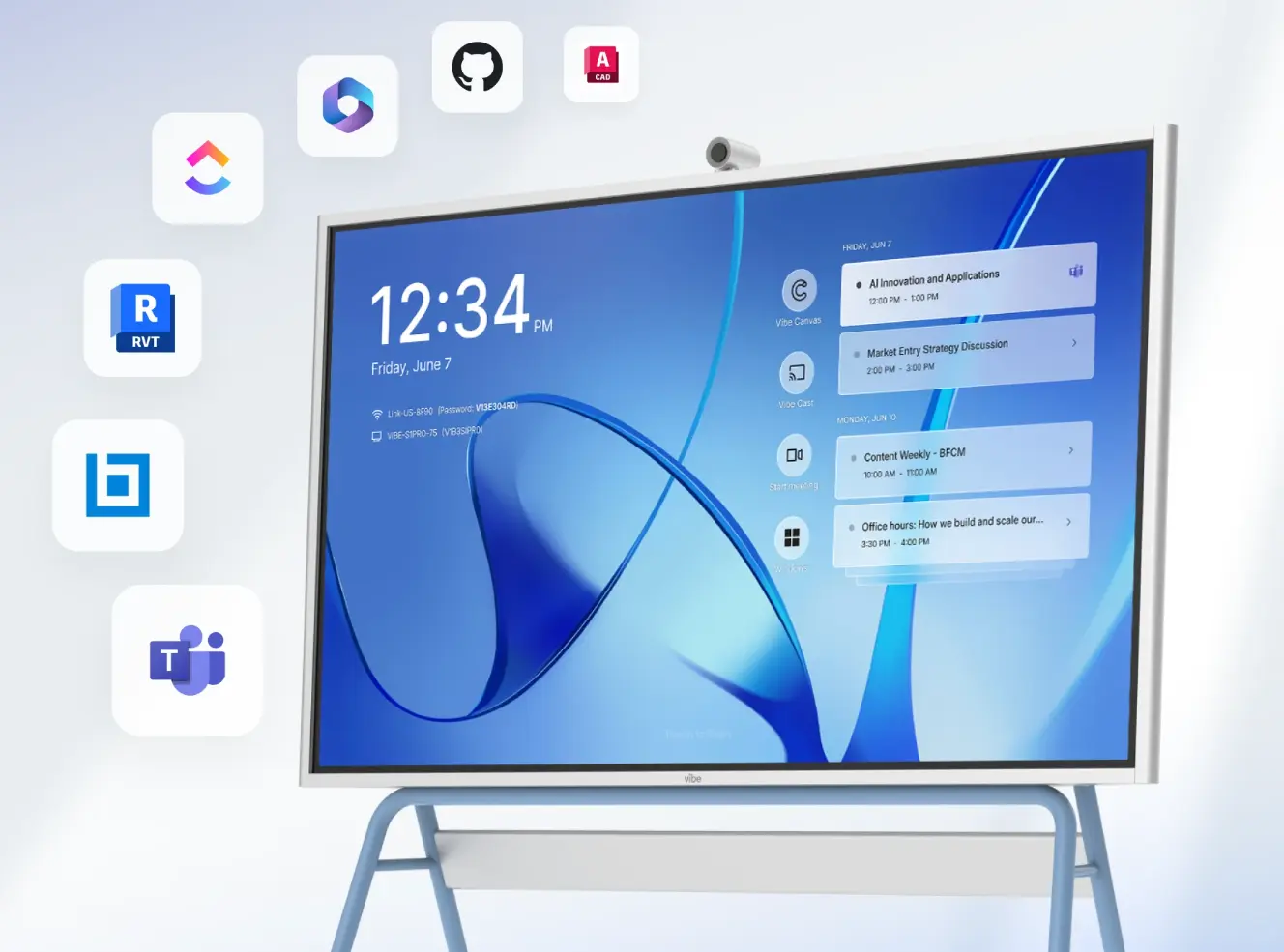
The Vibe Board S1 Pro runs Windows 11 Pro on a built-in Intel i7 processor with 16GB RAM and 512GB SSD—a full Windows workstation integrated into a 55″ or 75″ 4K interactive display. The display specs match the S1: 4K UHD, 20-point multi-touch, anti-glare, 5000:1 contrast ratio, and 10-bit color depth. It retains Vibe Canvas and the full Vibe collaboration platform while adding native Windows compatibility.
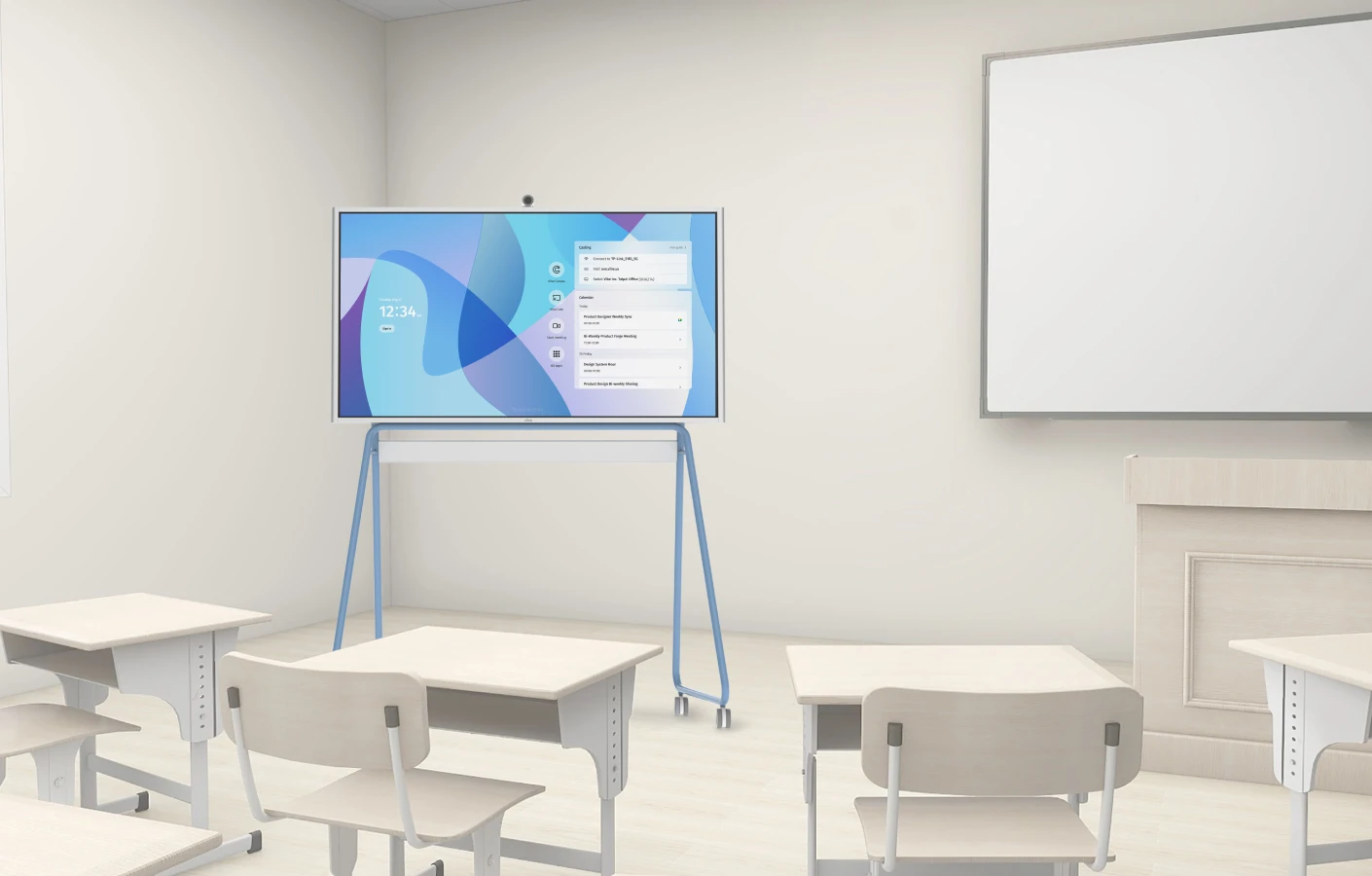
 Vibe Board S1 Pro on rolling stand showing meeting calendar with app integrations including Teams, GitHub, AutoCAD, and Revit
The S1 Pro runs the complete Windows software ecosystem without emulation or workarounds. AutoCAD, Bluebeam, Revit, Archicad, SolidWorks, and Fusion 360 all run directly on the board—making it a viable primary workstation for architects and engineers, not just a meeting room display. It is optimized for both Zoom Rooms and Microsoft Teams Rooms, and Microsoft Intune support enables enrollment and management alongside an organization's existing Windows device fleet.
What it does well: The S1 Pro removes the one meaningful limitation of the S1—Windows software compatibility—while keeping the same collaboration platform, display quality, and pricing logic. For organizations where "it needs to run Windows" is non-negotiable, the S1 Pro delivers that without sacrificing Vibe Canvas or app flexibility.
Where it falls short: For teams that don't need Windows, the S1 Pro is $2,000 more than the S1 without a meaningful capability difference for standard collaboration use cases. The Smart Camera is still an add-on, not bundled.
Price: $5,699 (55″) — current sale pricing
Best for: Windows-first enterprises, professional services firms, construction and architecture teams running industry-specific Windows software, and IT organizations requiring Microsoft Intune fleet management, Zoom Rooms certification, or Q-SYS AV integration.
3. BenQ Board Pro RP05
The BenQ Board Pro RP05 is BenQ's current flagship interactive display, available in 65″, 75″, and 86″ configurations. It runs Android 15 and is Google EDLA-certified—meaning it ships with full Google Mobile Services, Google Play Store access, and built-in Google Workspace integration out of the box. The RP05 also introduces BenQ's AI teaching assistant suite, including Ask AI (on-screen answers), EZMath (formula and shape recognition), and Lasso Search (circle-to-search content retrieval).
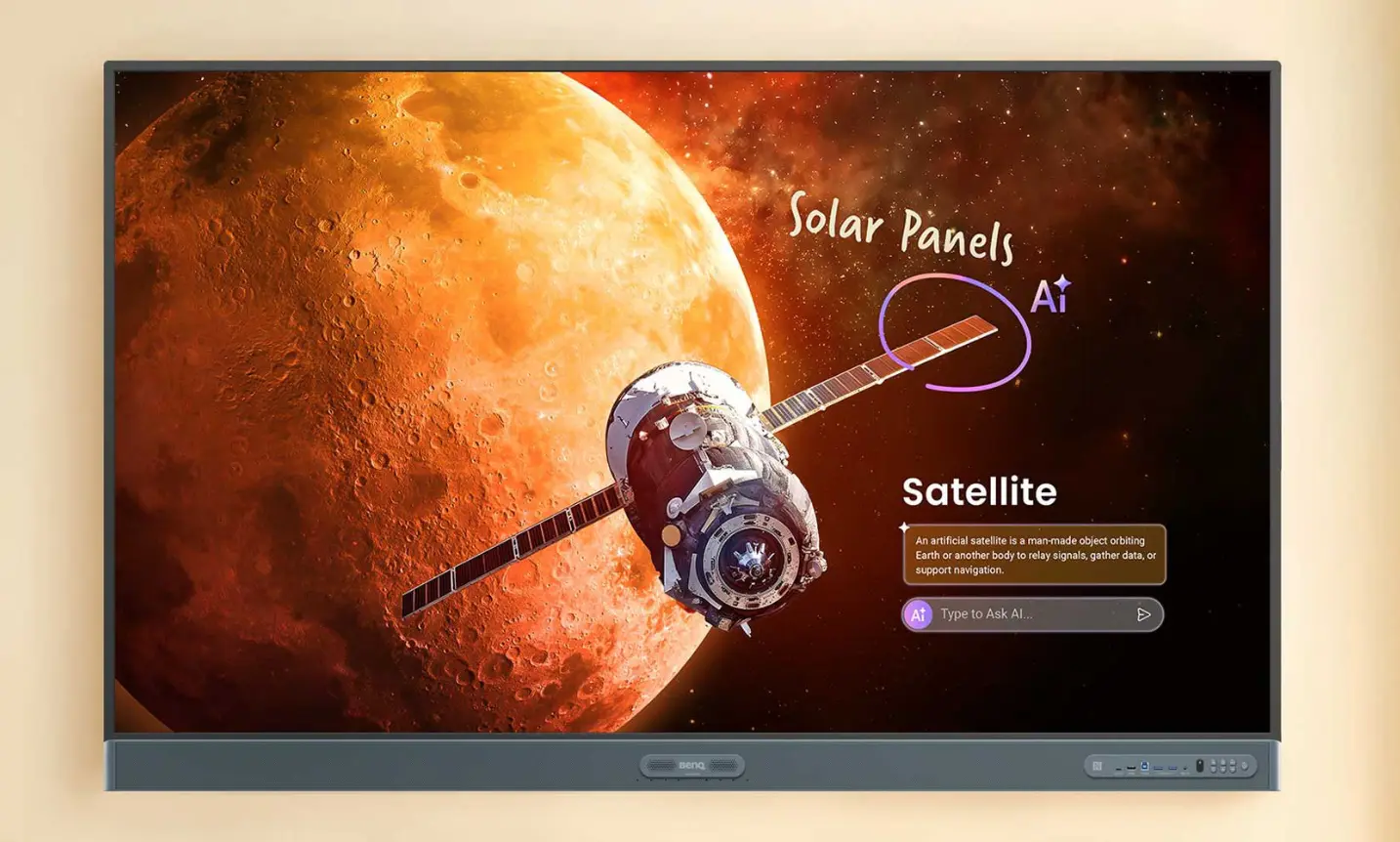 BenQ Board Pro RP05 displaying a space science lesson with AI-powered annotation and Ask AI feature
Hardware specs are strong: 4K UHD IPS display, 50-point touch, 16GB RAM, 256GB storage, Wi-Fi 6, and a 70W 2.1-channel speaker system with 8-microphone array. The display carries Eyesafe 3.0 certification—the highest level of blue light protection currently available—along with a germ-resistant touchscreen surface, built-in air quality monitoring for CO₂ and PM2.5, and IP5X dust resistance. BenQ's 3-year standard warranty is better than Vibe and Samsung at this price point.
What it does well: The RP05 is the most education-optimized board in this comparison. The combination of Google EDLA certification, Google Classroom native access, NFC tap-to-login for roaming teacher profiles, and the 70W audio system addresses common classroom pain points directly. The EZWrite 6 whiteboard is capable—it supports Office file import, cloud save, and session sharing via QR code—though it's a more structured tool than Vibe Canvas's open infinite canvas. For Google Workspace schools that want a managed, health-conscious display with a strong native teaching workflow, the RP05 is the strongest purpose-built option in this field.
Where it falls short: Remote collaboration is more limited than Vibe's offering—InstaShare 2 handles wireless screen mirroring well, but there is no equivalent to Vibe Canvas's browser-based join that lets anyone co-annotate from any device without an app. The AI feature set is education-oriented and less useful in business collaboration contexts. BenQ's pricing is not always publicly listed; the 65″ RP05 runs around $2,800–$3,200 at retail, with the 86″ reaching ~$4,758.
Price: ~$2,800 (65″) / ~$4,758 (86″) — retail pricing
Best for: K–12 schools and higher education institutions on Google Workspace, corporate training teams, and organizations prioritizing classroom health features, long warranty coverage, and a fully managed Google ecosystem.
4. Promethean ActivPanel 9 Pro
Promethean is one of the longest-established names in interactive display technology, with deployments across more than 120 countries. The ActivPanel 9 Pro is their current flagship for business and enterprise use, available in 65″, 75″, and 86″ configurations. It runs ActivPanel OS (Android-based) with optional Windows OPS module and Chromebox add-ons for organizations that need a full desktop OS on the board.
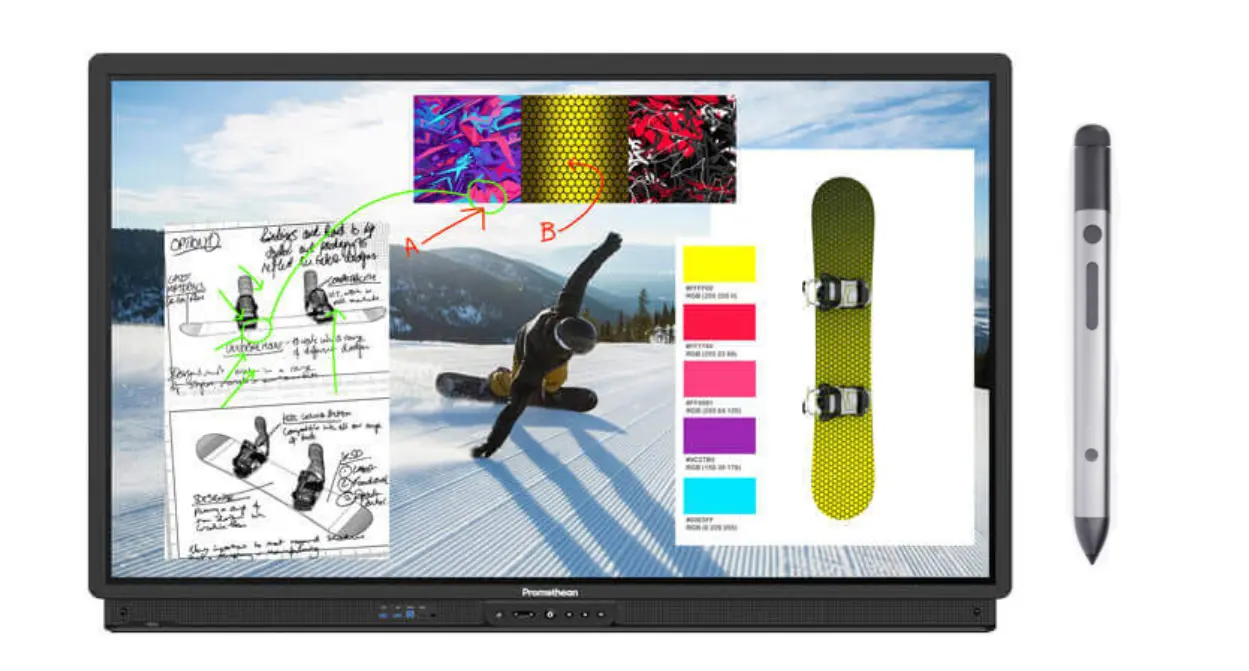 Promethean interactive display with stylus and design project content
The hardware specs are solid: 4K UHD display, Vellum writing technology with 20-point continuous touch, pen/finger/palm differentiation, passive and active pen support (4 passive pens + 1 active pen included), dual 18W front-facing speakers, 15W rear subwoofer, and NFC for profile authentication. The 5-year warranty is the longest in this comparison by a significant margin. TAA-compliant versions of the 75″ and 86″ are available on request, which matters for US government and federal procurement.
What it does well: The ActivPanel 9 Pro's writing experience is its standout feature. Vellum technology provides simultaneous pen and finger input with palm rejection—you can write naturally with the pen while resting your hand on the screen without triggering false marks. The active pen adds pressure sensitivity for teams that need finer drawing control. The audio system—dual front speakers plus a rear subwoofer—is meaningfully better than most interactive displays at this price point. Promethean's five-year warranty and established global support infrastructure reduce long-term ownership risk for enterprise buyers.
For organizations with existing Promethean deployments, the ActivPanel 9 Pro provides continuity of experience, consistent fleet management through Promethean Admin Tools, and NFC-based roaming profiles.
Where it falls short: ActivPanel OS is more restricted than ChromeOS or Android 15 for general enterprise software—most business applications require the optional Windows OPS module, adding cost and complexity. Remote collaboration is limited compared to open platforms: there is no equivalent to Vibe Canvas's device-agnostic browser join. Pricing is not publicly listed; quotes go through resellers. The minimum screen size starts at 65″—teams looking for a 55″ board will need to look elsewhere.
Price: ~$3,500–$4,500 (65″); contact reseller for exact pricing
Best for: Organizations with existing Promethean deployments, teams that prioritize writing precision and room audio quality, US government procurement requiring TAA-compliant hardware, and large-room training or presentation environments.
5. Samsung Flip Pro (WMB Series)
Samsung replaced the Flip 2 and Flip 3 with the Flip Pro (WMB series) in 2023. The Flip Pro features a 4K UHD display with 2,048 levels of pressure sensitivity and 26ms touch latency—closer to a graphics tablet than a typical touchscreen whiteboard. It supports up to 20 simultaneous touch points, can display four input sources side by side simultaneously, runs Tizen (Samsung's Android-based OS), and is available in 55″, 65″, 75″, and 85″ configurations.
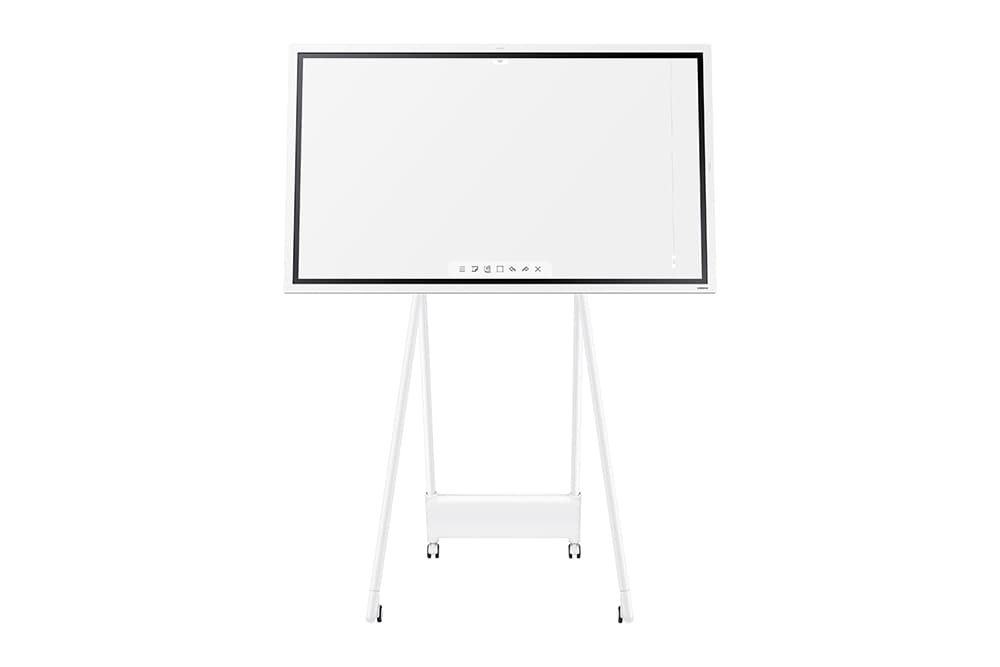 Samsung Flip 2
What it does well: The Flip Pro's pressure sensitivity and low latency make it the best drawing board in this comparison for precision annotation workflows. Architects marking up drawings, designers reviewing assets, or instructors annotating technical documents will notice the difference over boards with basic capacitive touch. The multi-view capability—showing up to four sources simultaneously—is useful for comparison workflows. At ~$1,900 for the 55″, it is the lowest-cost entry point in this comparison for a 4K interactive display.
Where it falls short: The Flip Pro has no built-in camera or microphone. For any video conferencing use case, a compatible external USB webcam and speaker are required—adding cost and a separate cable setup. The Tizen app ecosystem is narrow; enterprise software typically requires connecting a laptop rather than running natively on the board. Remote collaboration is limited to screen mirroring rather than a true shared canvas.
Price: ~$1,900–$2,100 (55″); pricing varies by retailer
Best for: Design agencies, architecture firms, and content creators for whom drawing and annotation precision is the primary use case—and who are comfortable treating video conferencing as a separate hardware problem.
Read more about Vibe vs. Samsung Flip on our comparison page.
What Replaced SMART Board?
SMART Technologies still sells SMART Board hardware—primarily the MX and 6000 series—but market share in the business segment has shifted toward newer entrants with more open ecosystems and better remote collaboration support.
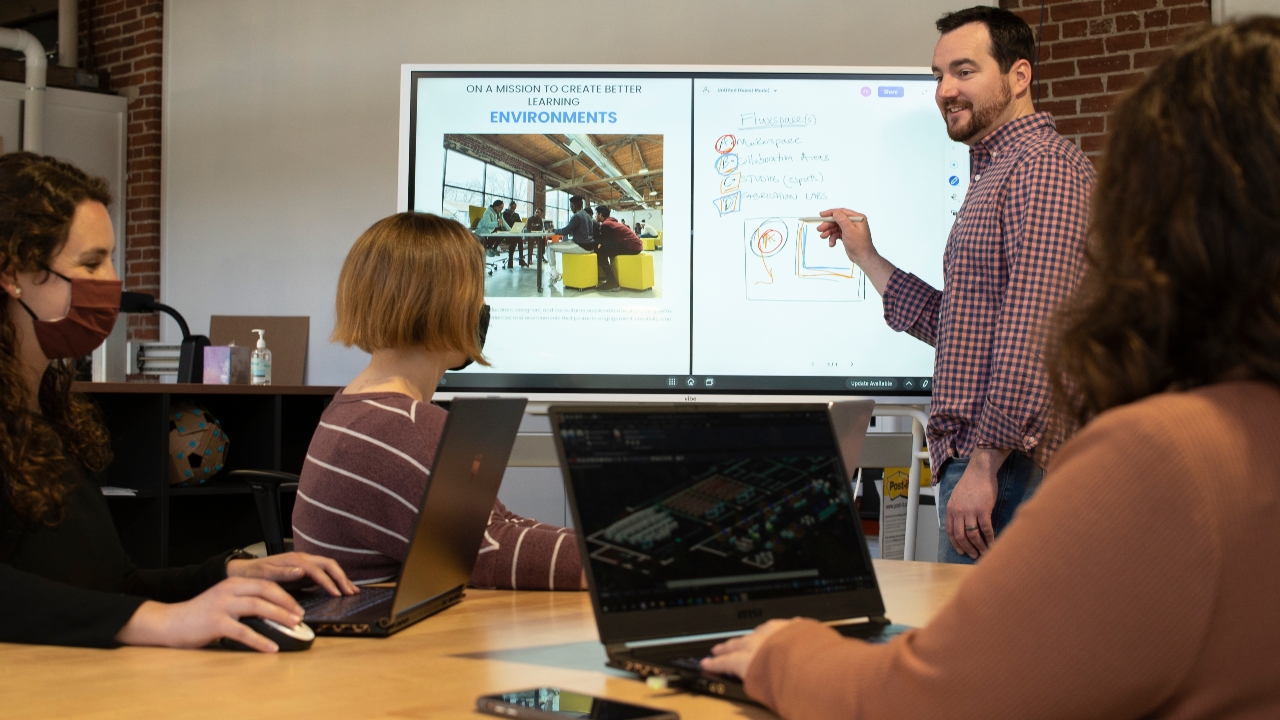 A team uses the Vibe smart board during a collaborative meeting.
The factors most commonly cited by teams moving away from SMART Board go beyond feature comparisons. SMART Notebook files are proprietary, making content migration a painful manual effort when switching platforms—and that lock-in is designed to feel invisible until renewal time, at which point switching carries real risk. When hardware needs service, SMART-certified technicians are often the only option, and firmware incompatibilities can force mid-year refreshes that disrupt operations.
The market shift is also structural. According to Grand View Research, the key growth drivers through 2033 are hybrid learning environments, cloud-based collaboration platform integration, and remote work infrastructure—precisely the areas where SMART Board's closed ecosystem creates friction. Competing platforms built on Android, ChromeOS, or Windows are significantly easier for in-house IT teams to manage, update, and integrate with existing enterprise software stacks.
For most business use cases, the Vibe Board S1 and S1 Pro have become the most common SMART Board replacements—covering the same core use cases (interactive whiteboarding, video conferencing, presentation) with a more open platform and at lower price points.
How to Choose
Choose the Vibe Board S1 ($3,699) for the best balance of collaboration capability, app flexibility, and price. Best fit for hybrid teams, Google Workspace users, SMBs, and anyone prioritizing real-time remote and in-room whiteboarding on a single device.
Choose the Vibe Board S1 Pro ($5,699) if your team needs full Windows application support natively—AutoCAD, Bluebeam, full Office Suite—or requires Zoom Rooms certification, Teams Rooms optimization, or Microsoft Intune fleet management.
Choose the BenQ Board Pro RP05 (~$2,800+) if you're a school or training organization on Google Workspace that needs a managed, education-optimized board with Google Play access, strong room audio, and a 3-year warranty—and where remote collaboration isn't a primary requirement.
Choose the Promethean ActivPanel 9 Pro (~$3,500+) if you have existing Promethean deployments, need TAA compliance for government procurement, prioritize pen writing quality and room audio, or require 65″–86″ display sizes.
Choose the Samsung Flip Pro (~$1,900) if annotation and drawing precision is your primary use case and you'll handle video conferencing through separate hardware.
Want to see how Vibe fits your setup? Request a free demo or explore the Vibe Board S1.
FAQs
What are the best SMART Board alternatives in 2026?
The strongest alternatives are the Vibe Board S1 (best overall value for hybrid teams at $3,699), the Vibe Board S1 Pro (best for Windows-dependent organizations at $5,699), BenQ Board Pro RP05 (best for Google Workspace schools and education-focused deployments), Promethean ActivPanel 9 Pro (best for existing Promethean deployments or large-room needs), and Samsung Flip Pro (best for annotation-focused use cases at ~$1,900).
How does Vibe Board S1 compare to BenQ Board Pro?
Both run on open Android-based platforms with Google Play access, but serve different primary use cases. The BenQ Board Pro RP05 is optimized for structured teaching workflows—NFC tap-to-login, Google Classroom integration, EZWrite lesson tools, and Eyesafe-certified displays for prolonged classroom use. The Vibe Board S1 is optimized for collaborative work—Vibe Canvas lets anyone join and co-annotate from any browser on any device, making it the stronger choice for hybrid teams and client-facing presentations. BenQ starts at 65″; Vibe starts at 55″. BenQ's 3-year warranty has an edge over Vibe's standard 1-year.
How does Vibe compare to Promethean ActivPanel?
The Vibe Board S1 and Promethean ActivPanel 9 Pro are comparable in entry price (S1 at $3,699 vs. ActivPanel 9 Pro starting ~$3,500–$4,500 for 65″). The ActivPanel 9 Pro offers a more refined pen writing experience with Vellum technology and stronger built-in audio. The Vibe Board S1 has a more open app ecosystem via ChromeOS, native remote collaboration through Vibe Canvas that any device can join from a browser, transparent published pricing, and availability in 55″ configurations. For hybrid teams whose primary activity is brainstorming and cloud-connected meetings, the S1 is the stronger fit; for organizations with existing Promethean infrastructure or large-room presentation needs, the ActivPanel 9 Pro is worth evaluating.
Does the Samsung Flip Pro have a built-in camera?
No. The Samsung Flip Pro (WMB series) does not include a built-in camera or microphone. Video conferencing requires a compatible external USB webcam purchased separately—worth factoring into total cost comparisons, since the Flip Pro's lower base price excludes conferencing hardware that other boards either bundle or offer as a defined add-on.
What is the best interactive whiteboard for hybrid teams?
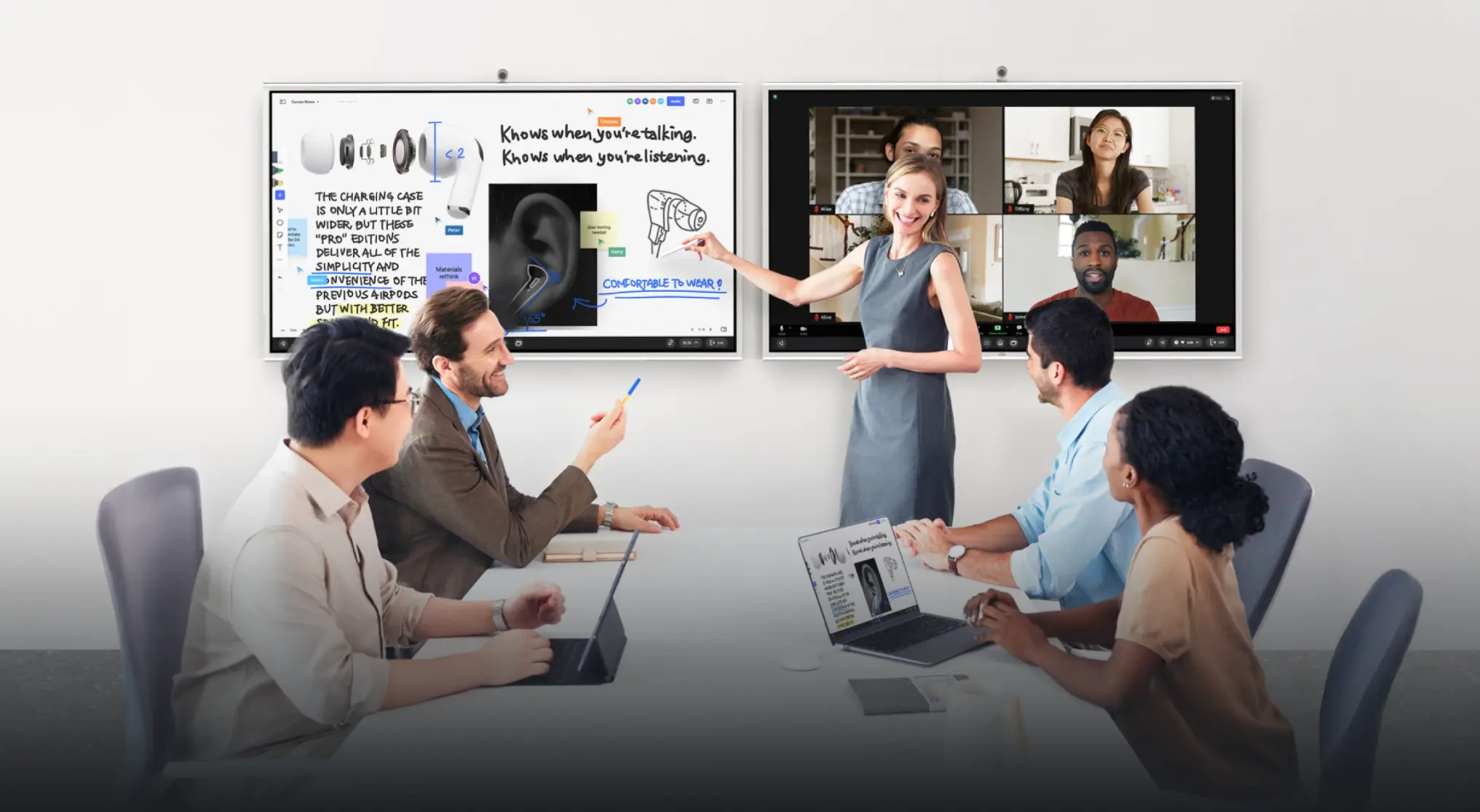
For hybrid meetings where part of the team is in the room and part is remote, the key requirements are reliable video conferencing, a shared canvas that remote participants can access from any device, and room-quality audio. The Vibe Board S1 with the optional Smart Camera covers all three: Vibe Canvas lets remote participants annotate alongside the room from any browser without installing anything, the Smart Camera's 6-microphone array with AI noise cancellation handles room audio clearly, and native Zoom, Meet, and Teams support means no one needs to change how they join meetings.
What is the difference between Vibe Board S1 and S1 Pro?
The S1 runs ChromeOS (VibeOS) with a 4000:1 contrast ratio display and is best for teams using Google Workspace, web-based tools, and standard collaboration software. The S1 Pro runs Windows 11 Pro on Intel i7 hardware (16GB RAM, 512GB SSD) with a 5000:1 contrast ratio display and supports the full Windows application ecosystem—including native Office Suite, AutoCAD, Bluebeam, Revit, and Zoom Rooms. Both include Vibe Canvas and the same collaboration platform. The S1 starts at $3,699; the S1 Pro at $5,699. Choose S1 Pro if your workflow requires Windows software that doesn't run natively on ChromeOS.