
Legal team collaboration inside a company happens mostly in meetings: the weekly legal team sync, intake triage, deal and product reviews with the business, briefings for executives, and status calls with outside counsel. In-house teams do well when each meeting has a clear job, legal advice is kept distinct from business discussion, and every decision leaves the room with an owner and a reason. This guide covers the five meetings most legal departments run, the privilege issue that's unique to in-house counsel, and a playbook for running them.
This article is general information, not legal advice. Privilege rules vary by jurisdiction. Consult counsel licensed in your jurisdiction before setting department policy.
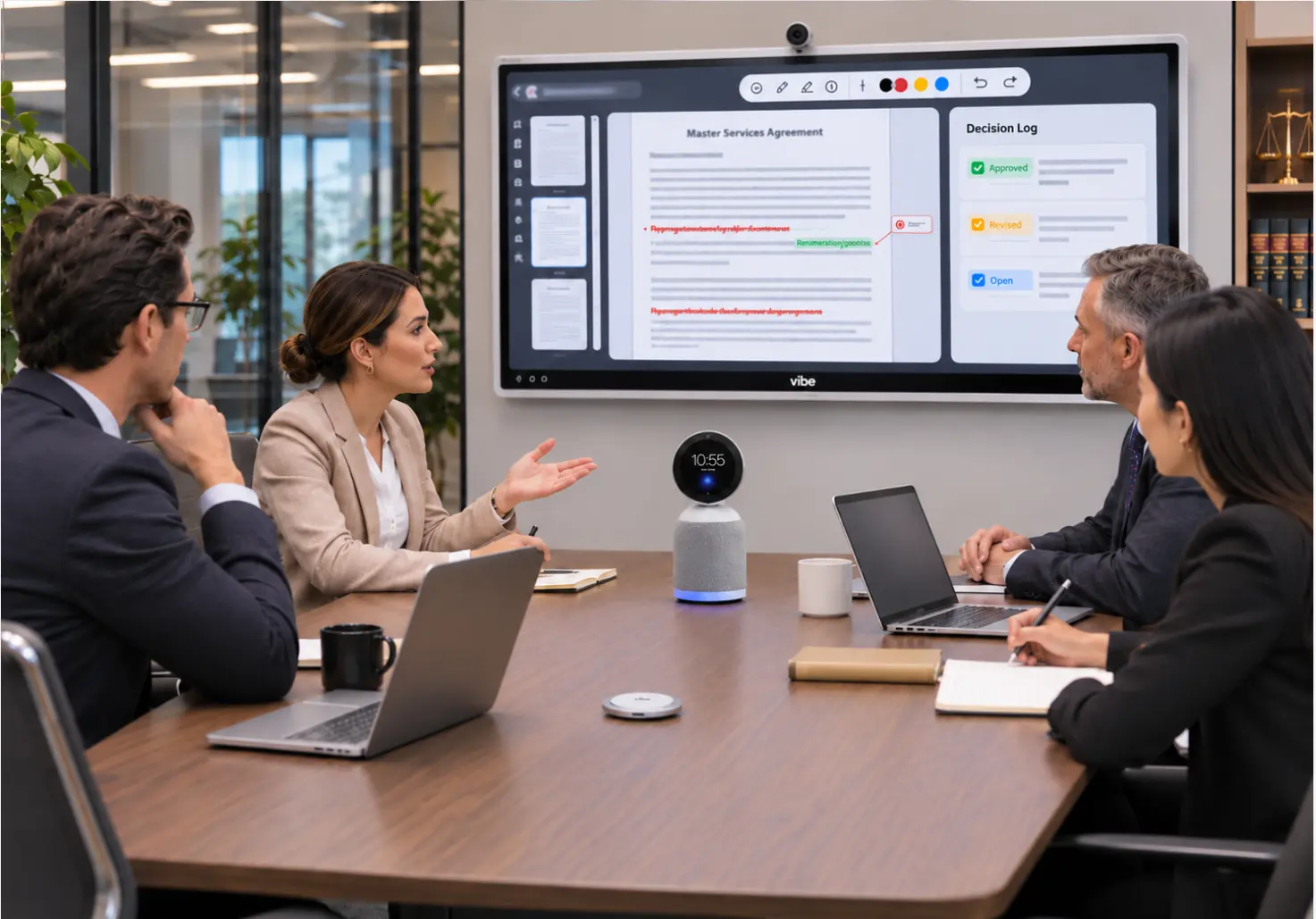 In-house legal team of four in a glass-walled meeting room, a Vibe Bot at the center of the table and a Vibe Board showing a contract redline and a decision log
Why Meetings Matter More for In-House Teams Now
In-house legal departments are being asked to handle more without growing much. The 2026 ACC Chief Legal Officers Survey of 1,049 CLOs across 43 countries found that 63% expect department headcount to stay about the same while roles evolve with AI, and that 36% of departments are already actively deploying generative AI. CLOC's 2026 State of the Industry Report found that regulatory compliance (63%) and cybersecurity (58%) are driving significant workload increases, while only 32% of departments expect attorney headcount growth.
When the team isn't growing, the time spent in meetings, and in reconstructing what was decided in them, is one of the few levers a GC fully controls.
The Five Meetings In-House Legal Teams Run
|
Meeting |
Purpose |
Common failure |
|---|---|---|
|
Legal team sync |
Workload, priorities, escalations |
Turns into status updates nobody needed live |
|
Intake and triage |
Sort new requests, assign owners |
Requests arrive by hallway and chat, outside the meeting |
|
Business partner reviews |
Deals, product launches, marketing claims |
Legal and business discussion blend together |
|
Executive and board briefings |
Risk, litigation, regulatory updates |
Too much detail, no clear decision asked for |
|
Outside counsel calls |
Matter strategy, budgets, next steps |
No single owner for notes and follow-up |
Each one needs a different structure, but they share three habits: a written agenda, a named owner for every action item, and a record of what was decided and why.
The In-House Privilege Problem: Mixed Meetings
In-house lawyers advise on law and on business, often in the same meeting. That matters for privilege, because courts treat communications with both a legal and a business purpose differently depending on the circuit.
The Ninth Circuit applies a "primary purpose" test to dual-purpose communications, asking whether legal advice was the predominant purpose. The D.C. Circuit, in In re Kellogg Brown & Root, asked whether legal advice was one of the significant purposes. The Supreme Court agreed to resolve the split in In re Grand Jury, heard argument in January 2023, and then dismissed the case without deciding it, so the split remains (ABA Litigation News). One firm's analysis notes that, under the primary purpose test, adding lawyers to communications about purely business decisions doesn't make them privileged.
What that means for meetings:
-
Separate the legal portion. In a product review, put the legal questions in their own agenda item, ideally with a smaller group.
-
Label legal advice as legal advice. Note in the agenda and the minutes which discussion was for the purpose of legal advice.
-
Limit attendees in the legal portion to people who need the advice.
-
Think before recording mixed meetings. A transcript of a meeting that blends business and legal talk is a single document, and the legal parts may be harder to protect. Decide which meetings are recorded, and keep privileged strategy sessions off the recording unless counsel approves.
For the privilege analysis of AI note takers specifically, see Do AI Note Takers Put Attorney-Client Privilege at Risk?
The In-House Meeting Playbook
1. Run intake through one meeting
Replace hallway and chat requests with a short, regular triage meeting backed by an intake form. Every request gets an owner, a priority, and a due date in the meeting. Requests that arrive elsewhere get redirected to the form, so the team sees the full workload.
2. Make every agenda ask for a decision
An agenda item should say what decision is needed and by whom. "Update on vendor contract" becomes "Approve fallback position on liability cap (GC)." Executive briefings especially benefit from leading with the decision.
3. Keep a decision log
Record each decision, the reason for it, the owner, and the date. Six months later, when a business partner asks why the team accepted an indemnity, the answer is in the log rather than in someone's memory. Keep legal advice in the log labeled as such, with access limited to the legal team.
4. Put the document on a shared screen
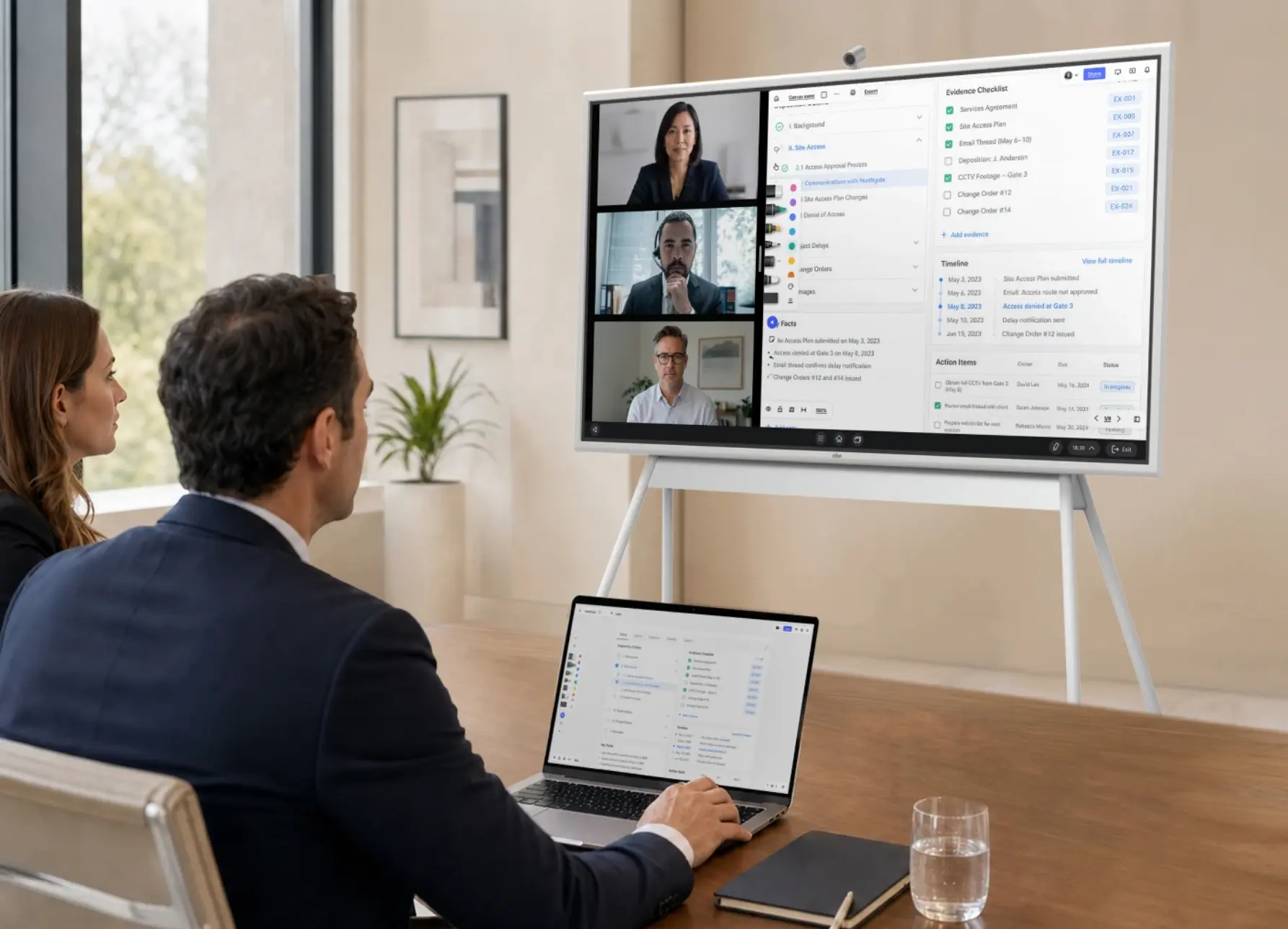
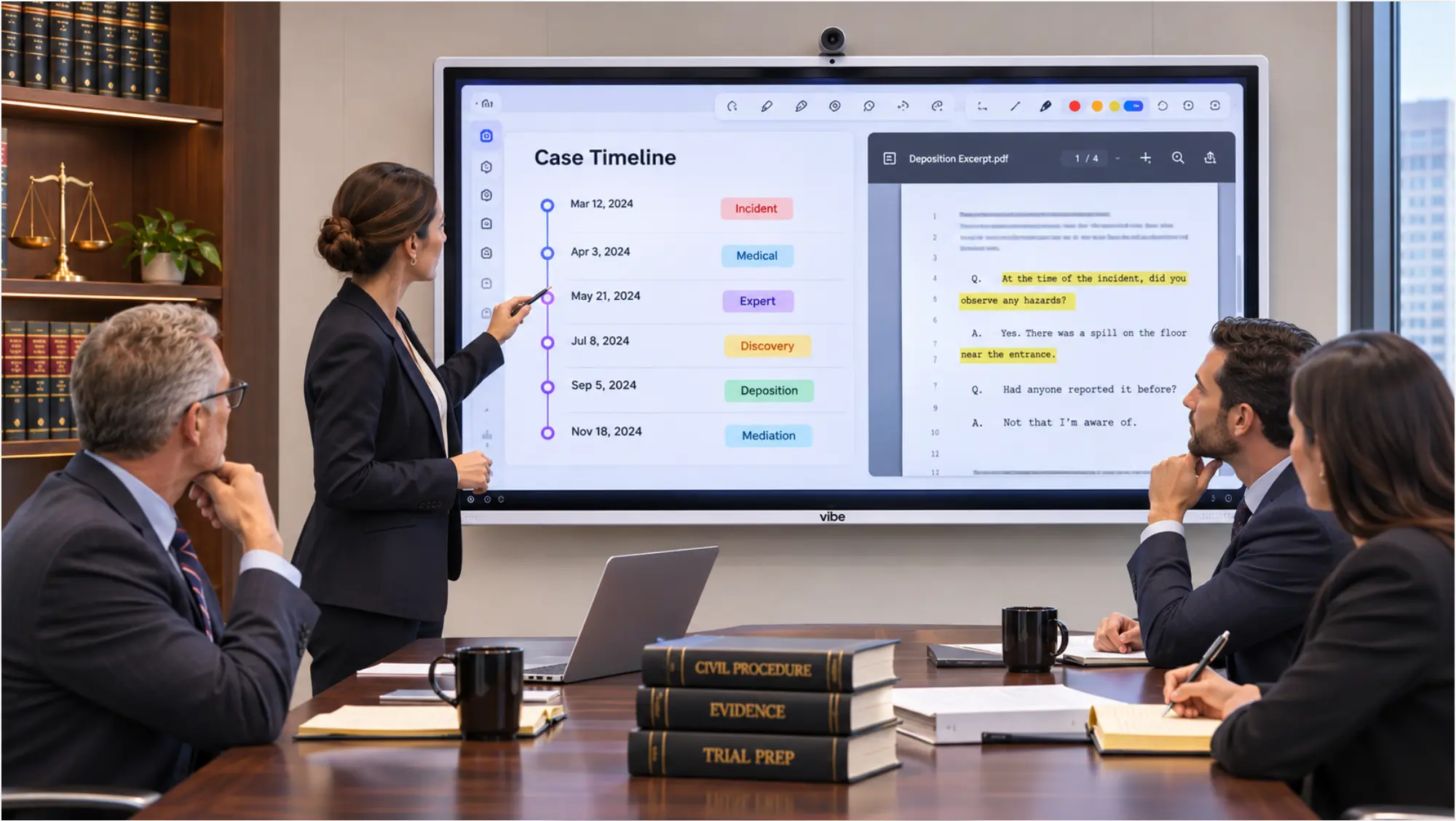
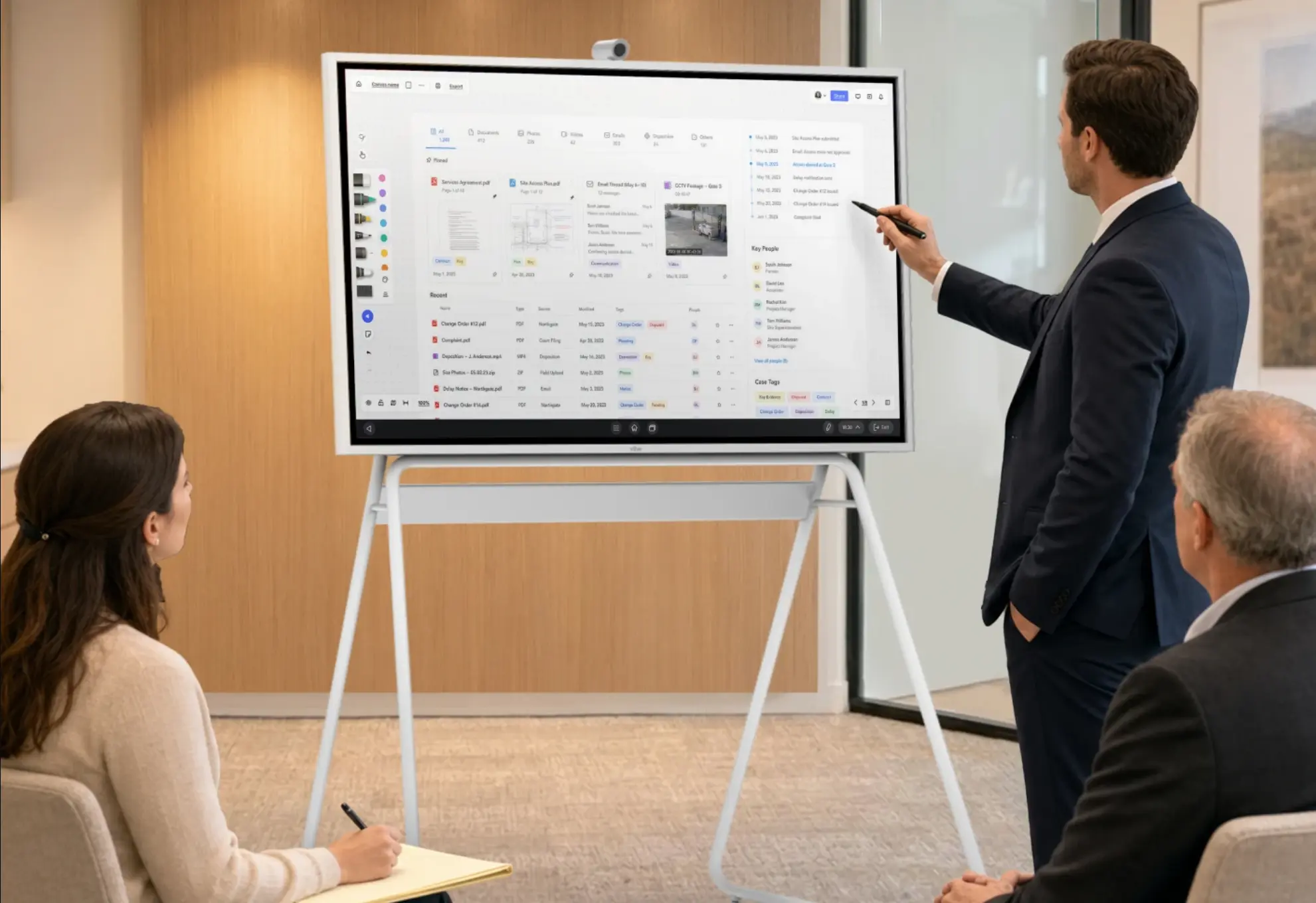
Redlines, deal structures, and org charts are easier to work through together on one screen than on six laptops. A Vibe Board S1 lets the team annotate PDFs and documents on a 55″ or 75″ touchscreen, and the S1 Pro runs Windows 11 Pro for teams that work in Windows-only contract or document tools. For hybrid teams, see Hybrid Meetings at Law Firms, which covers the same audio and shared-screen principles.
5. Give outside counsel calls one owner
One in-house lawyer owns each outside counsel relationship: the agenda, the notes, the budget check, and the follow-up email. Outside counsel's own notes aren't a substitute for the department's record.
6. Capture the meeting, with a policy
For internal syncs, triage, and business reviews that the team decides to record, an in-room AI device removes the note-taking job from whoever is most junior. Vibe Bot sits at the center of the table with a 360° 4K camera and a six-microphone beamforming array, joins Teams, Zoom, or Google Meet from the device, and produces a transcript, a summary, and action items after the meeting. Vibe says recordings and transcripts stay within your own workspace and aren't used to train AI models, and the product page lists SOC 2, HIPAA, and NDAA among Bot's security credentials.
Its agentic features let the team ask what was decided in an earlier meeting and send action items to connected work tools. Three things to know before deploying it in a legal department:
-
How far back you can ask depends on the plan. Vibe lists meeting-data retention for Ask Vibe of 7 days on Starter, 12 months on Pro, and indefinitely on Max.
-
Processing is in the cloud. Transcription and Ask Vibe require an internet connection for cloud-based processing.
-
Speaker recognition is in beta and may not identify every speaker, so review transcripts before relying on them.
Set the recording policy first: which meetings are recorded, which never are, who can access transcripts, and how long they're kept. See Secure Collaboration for Law Firms for a four-question vendor test.

A Room Setup for an In-House Legal Team
|
Item |
Why |
Price |
|---|---|---|
|
Vibe Board S1 55″ |
Shared screen for redlines and deal structures |
from $3,699 |
|
Vibe Bot |
Camera, microphones, and meeting capture for the table |
$1,599 |
|
Vibe Tap |
Wireless casting from laptops |
$159 |
Prices are Vibe's published prices as of November 2026. For Windows-only software, use the S1 Pro (from $5,699). The board has no built-in camera or microphone, so the room needs the Bot or a Vibe Smart Camera ($399) for remote participants.
A Checklist for Each Meeting Type
-
Legal team sync: written agenda, decisions only, status updates in writing beforehand.
-
Intake and triage: every request has an owner, priority, and due date before the meeting ends.
-
Business partner reviews: legal questions in a separate agenda item, labeled, with limited attendees.
-
Executive and board briefings: lead with the decision needed and the recommendation.
-
Outside counsel calls: one in-house owner, notes in the department's system, follow-up within a day.
-
Recorded meetings: policy confirmed, privileged strategy sessions excluded unless counsel approves.
The Bottom Line
Legal team collaboration in-house comes down to meetings with a clear job: one intake meeting, agendas that ask for decisions, a decision log, legal advice kept distinct from business discussion, and a recording policy written before anyone presses record. With headcount flat and workload rising, those habits are how the team keeps up.
To see how Vibe fits a legal department's meeting room, explore Vibe Bot and the Vibe Board S1, or visit Vibe's legal solutions hub.
Frequently Asked Questions
How can in-house legal teams collaborate better?
Give each recurring meeting a clear job, run intake through one triage meeting, write agendas that ask for decisions, and keep a decision log with owners and reasons. Work through documents on a shared screen, keep legal advice separate from business discussion, and set a written policy for which meetings are recorded.
Are in-house counsel meetings privileged?
Only the parts that meet the privilege test. When a meeting mixes legal and business discussion, courts apply different tests depending on the circuit: the Ninth Circuit looks at the primary purpose, while the D.C. Circuit asks whether legal advice was one of the significant purposes. Separate and label the legal portion, limit attendees, and consult counsel in your jurisdiction.
Should in-house legal teams record their meetings?
Some meetings, with a policy. Recording internal syncs and triage can save note-taking time, but a transcript of a meeting that mixes business and legal discussion may be harder to protect. Decide which meetings are recorded, keep privileged strategy sessions off the record unless counsel approves, and check the vendor's data, training, and retention terms.
What is a legal intake meeting?
A short, regular meeting where the legal team reviews new requests from the business and assigns each one an owner, a priority, and a due date. It works best with an intake form, so requests don't arrive through hallway conversations and chat messages, and so the department can see its full workload.
How are in-house legal teams using AI in 2026?
The 2026 ACC Chief Legal Officers Survey found that 36% of legal departments are actively deploying generative AI and that 63% of CLOs expect headcount to stay about the same while roles evolve. CLOC's 2026 report found that 85% of legal departments now have dedicated AI oversight or resources.