The need to engage traditional in-person students and remote learners in daily lesson plans has driven educators to seek technological solutions. Among the most effective and innovative tools in the modern educational environment are smartboards in the classroom. These smart displays blend traditional teaching tools with the powerful interactive components of internet access and synchronous communication.
Here’s what you need to know about what makes a smart board for classroom teaching special, which brands currently offer displays designed for classrooms, and how Vibe Smart Whiteboards can transform the classrooms of the future.
How are Smart Boards Used for Classroom Instruction?
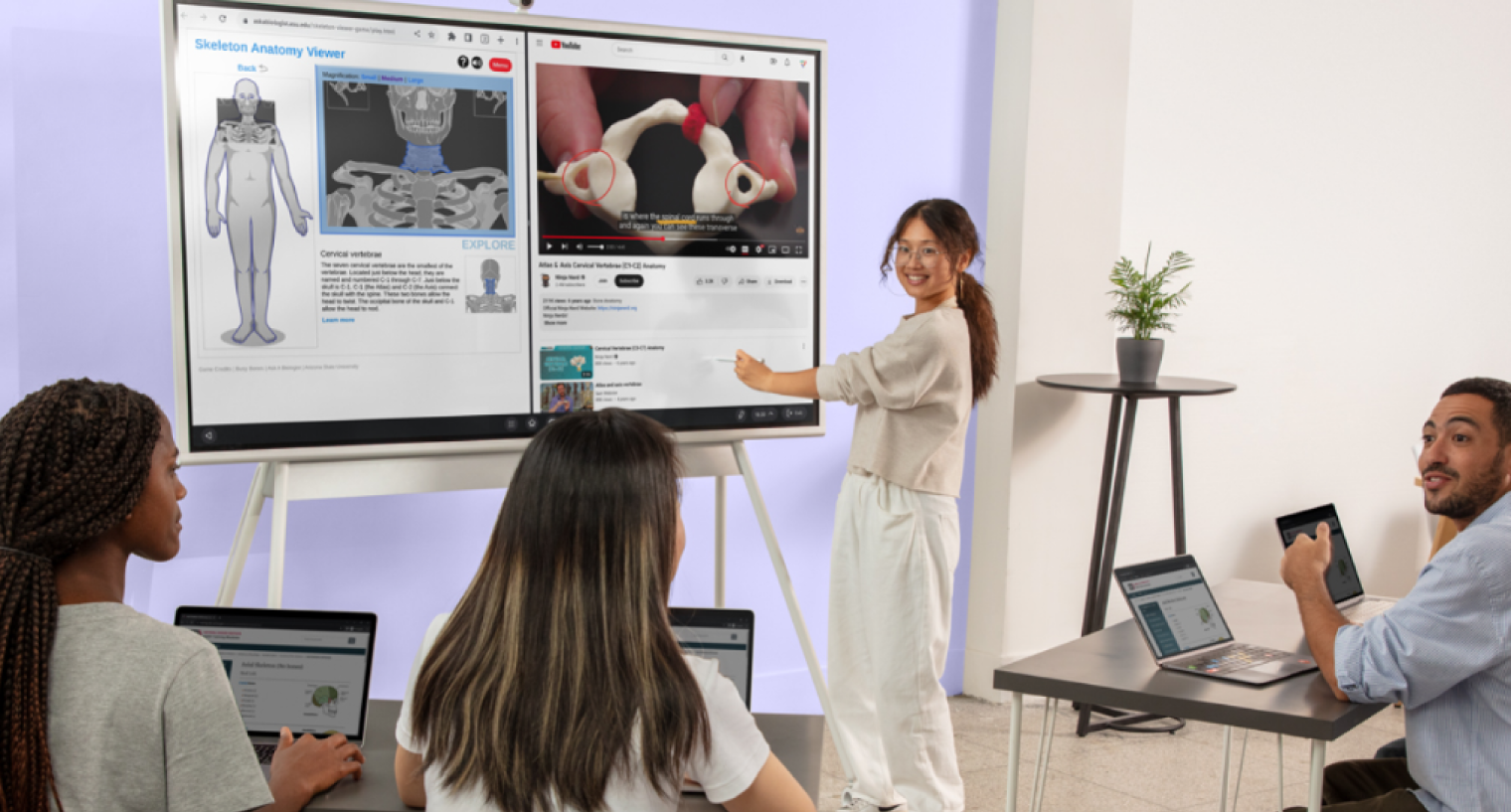
Smart boards bring lessons to life by transforming traditional teaching into an interactive experience adaptable to student needs. Teachers can annotate directly on the board, making real-time adjustments to notes and lessons. Math instructors can work through equations step by step, while science and history lessons come to life with embedded videos, simulations, and interactive diagrams. Plus, students using tablets or laptops can share their work directly on the screen, allowing for natural participation both in the classroom and remotely.
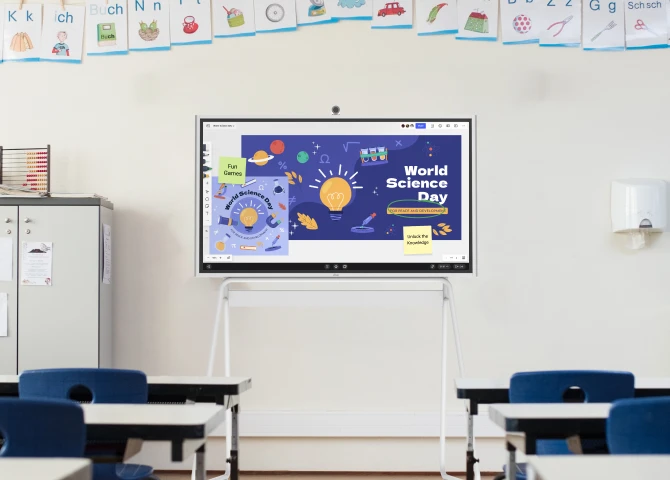
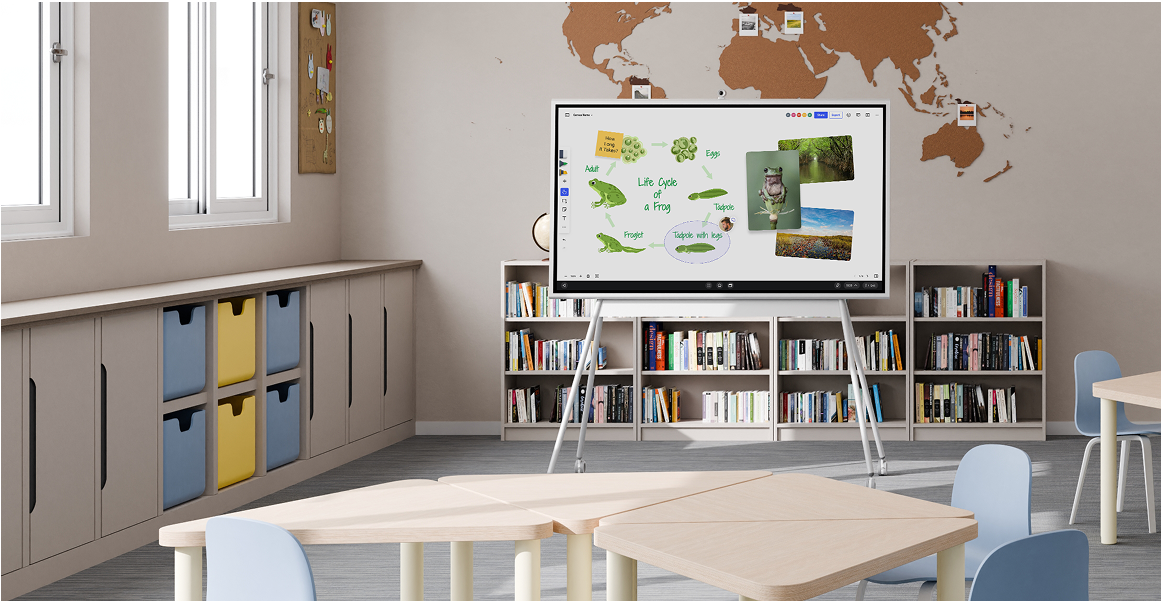
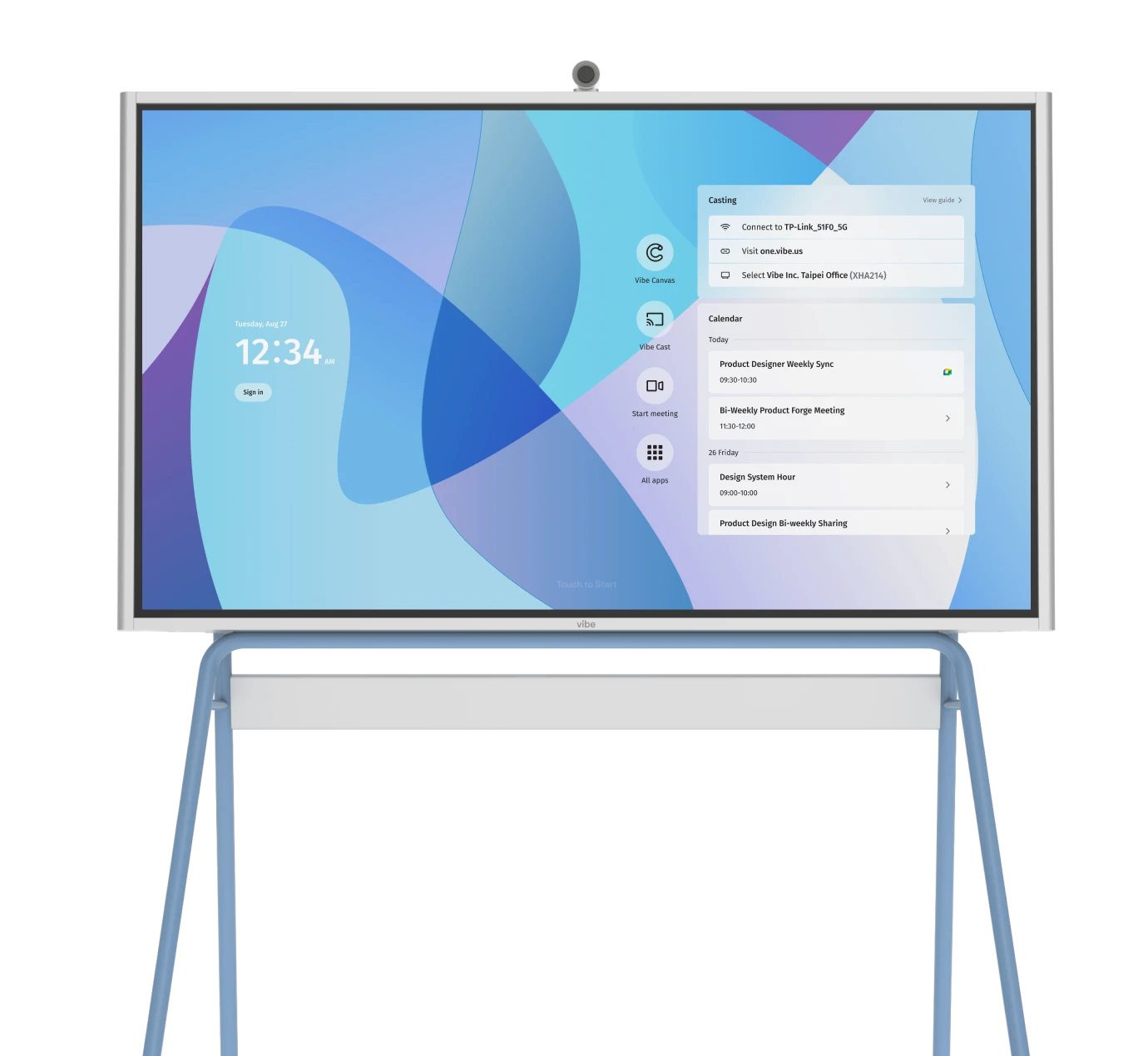
 Four images showing Vibe interactive whiteboard integration in classrooms enhancing student engagement through collaborative learning activities and digital interaction.
4 Advantages of Using a Smart Board for Classroom Teaching
1. Encourages hands-on interactive learning
Traditional whiteboards and projector-based setups can limit student participation, requiring teachers to rely on slides or single-student interactions. Smart boards allow multiple students to engage with content at the same time, making learning more dynamic and collaborative.
2. Provides an endless teaching canvas
Running out of space on a whiteboard can disrupt a lesson, forcing teachers to erase important notes. With smart boards, scrolling, zooming, and annotation tools ensure that brainstorming sessions, problem-solving exercises, and lesson notes are never lost or cut short.
3. Integrates with classroom tech
Projector-based whiteboards often require external devices and manual calibration, making lesson setup time-consuming. Smart boards easily connect with lesson plans, videos, and interactive apps, while also allowing students to share their work instantly from their devices.
4. Supports all learning styles with accessibility
Not all students learn the same way, and traditional teaching methods can leave some learners behind. Smart boards enhance accessibility by supporting visual, auditory, and kinesthetic learning, and they help remote and hybrid students stay connected in real-time.
Smartboards vs. Projector-Based Whiteboards: Key Differences
|
Feature |
Smart Boards |
Projector-based Whiteboards |
|---|---|---|
|
Picture quality & brightness |
4K UHD display; backlit for clear, shadow-free images in any lighting. |
Limited resolution; image quality is reduced in bright rooms or without dimming lights. |
|
Touch controls & operation |
Works instantly with a finger or stylus; no calibration or cameras are needed. |
Requires calibration and sensors to track a special pen. |
|
Sound |
Built-in front-facing speakers for seamless audio integration. |
Requires external speakers for presentations with sound. |
|
Connectivity |
Supports HDMI, VGA, and USB for easy device integration and content sharing. |
Often limited to VGA connectivity; USB ports may not be available. |
|
Installation |
Simple wall or stand mounting; no calibration required. |
Requires calibration, flat wall placement, and limited classroom rearrangement. |
|
Lifespan |
Interactive display panels last significantly longer with no maintenance. |
Projector bulbs burn out and require periodic replacement. |
Evaluating 6 Smart Boards for Classroom Teaching
Many smartboard brands are constantly innovating and refining their products specifically for classroom use. It’s important to understand the key differences in these products before deciding and purchasing, as they can vary by panel size, price, and functionality. Here are the major highlights from some of the most well-known brands in the smartboard space:
Quick Comparison: Smart Boards for Classroom Teaching (2026)
|
Brand & Model |
Starting Price |
OS |
Best For |
|---|---|---|---|
|
Vibe Board S1 |
$3,999 |
ChromeOS |
K–12 and higher ed; collaboration + Google Workspace |
|
Promethean ActivPanel 10 |
~$2,963 (75″) |
Android / Windows / ChromeOS |
K–12; structured lesson delivery |
|
BenQ Interactive Display |
~$3,000 |
Android |
STEM classrooms; dual-app use |
|
Clevertouch IMPACT Plus |
Contact sales |
Android |
Collaborative learning; infinite whiteboard |
|
Samsung Flip Pro |
From $1,999 |
Android / Tizen |
Flexible classroom or hybrid setups |
|
Newline Interactive |
Contact sales |
Android / Windows |
Large-format classroom displays |
Prices shown are base/starting prices and may vary by size and configuration. Contact vendors for education pricing.
1. Vibe Smart Whiteboards
Pros
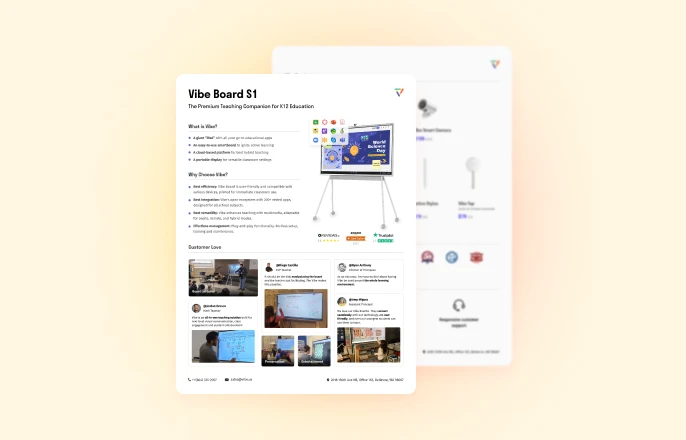
It’s no surprise we’re partial to one brand in particular—Vibe Smart Whiteboards—and for good reason. Vibe offers sleek, modern interactive displays that are designed with teachers in mind, delivering a powerful yet affordable alternative to competitors.
The newest Vibe Smart Whiteboard S1 sets a new standard for classroom technology. Featuring a 4K UHD touchscreen, instant cloud collaboration, and low-latency performance, allowing teachers and students to annotate, share, and interact in real-time with no lag. Built on ChromeOS, VibeOS supports Google Workspace apps, Office 365 apps, and 100+ vetted third-party apps designed for all school subjects, making it a flexible tool for digital learning. Plus, its portable stand and wireless connectivity make it easy to move between classrooms.
The Vibe Smart Whiteboard lineup, available in 55-inch and 75-inch sizes, is designed with educators and student experience in mind. Its simple UI and plug-and-play features make preparing, saving, and sharing lessons effortless—eliminating hassle and requiring minimal tech support. That’s why over 7,200 schools and educators choose Vibe for its ease of use and intuitive design.
Cost
The Vibe Smart Whiteboard S1 starts at $3,699, with education discounts available for bulk orders. Contact our education team to see what savings your school can benefit from.
2. Promethean ActivPanel 10
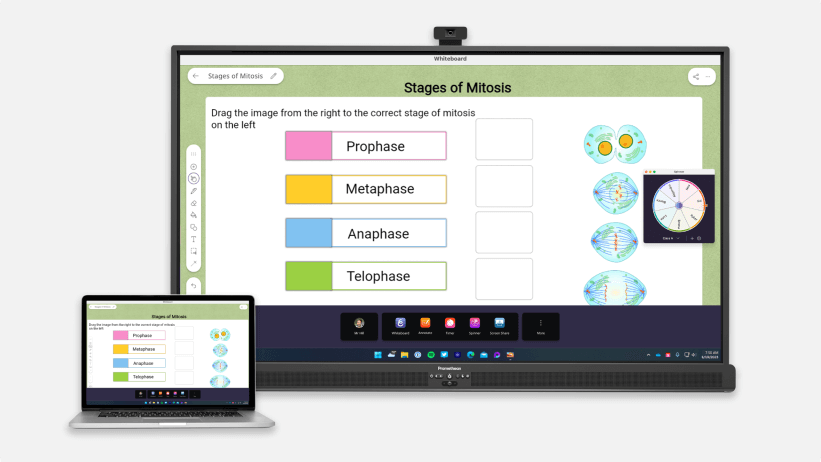 Image of Promethean ActivPandel 10.
Pros
The ActivPanel 10 is a widely used interactive display in education, offering multiple size options and compatibility with Android, Windows, and ChromeOS. It includes features like the ActivPen® 2 and a remote, allowing teachers to navigate lessons from anywhere in the room. While it provides useful classroom tools, its ecosystem is more structured, which may limit flexibility for schools wanting full control over their software choices.
Cons
While the ActivPanel 10 includes educator-focused features, it leans heavily on proprietary software, meaning schools may need to adjust workflows to fit within the Promethean ecosystem. Premium models can be costly, and repairs—especially for touch sensors—can add up over time.
Cost
Pricing varies by size and model, with the 75-inch ActivPanel 10 starting around $2,963. Depending on the configuration, prices can range between $2,000 and $6,500, making it one of the more expensive options.
3. BenQ Interactive Displays
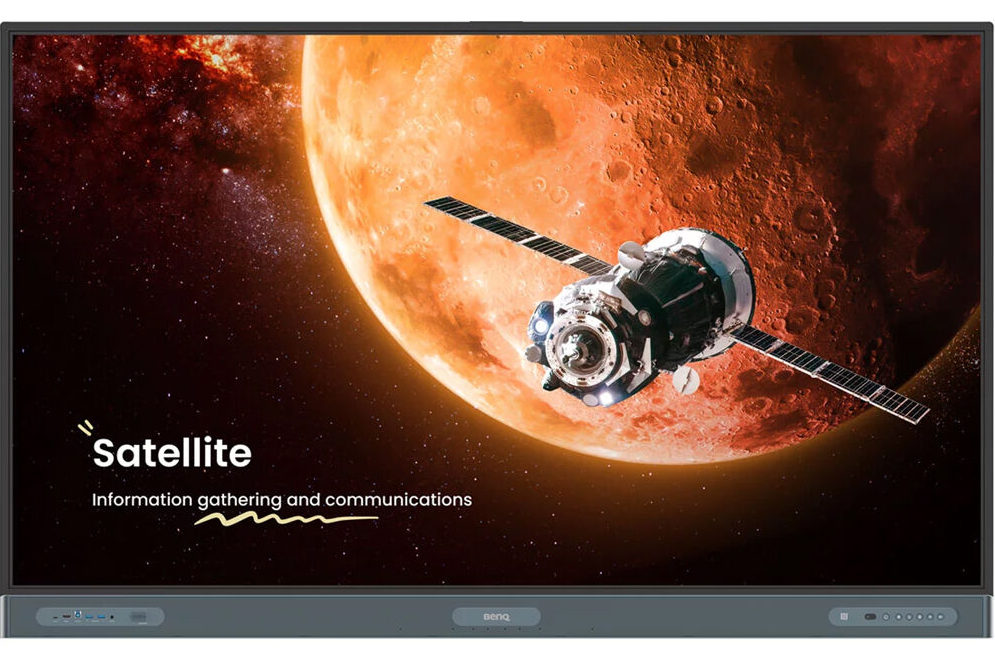 Image of BenQ Interactive Displays.
Pros
BenQ’s interactive displays are designed for classroom use, offering multi-app functionality and 4K Ultra-HD screens with germ-resistant coatings. The displays support running two apps side by side, allowing teachers to present material and use whiteboard functionality simultaneously. The ultra-responsive touch accuracy ensures smooth writing and interactions.
Teachers appreciate BenQ’s ultra-responsive touch accuracy, which ensures smooth writing and interactions.
Cons
While BenQ’s hardware is solid, the built-in Android system is underpowered, often requiring external devices for a smooth experience. Users have reported issues with the ink layer not appearing properly, impacting annotation reliability. Software integrations are limited, making it less flexible for organizations that rely on a diverse set of tools outside BenQ’s ecosystem.
Cost
Pricing details are not readily available on BenQ’s official website; however, base models are estimated to start around $3,000.
4. Clevertouch IMPACT
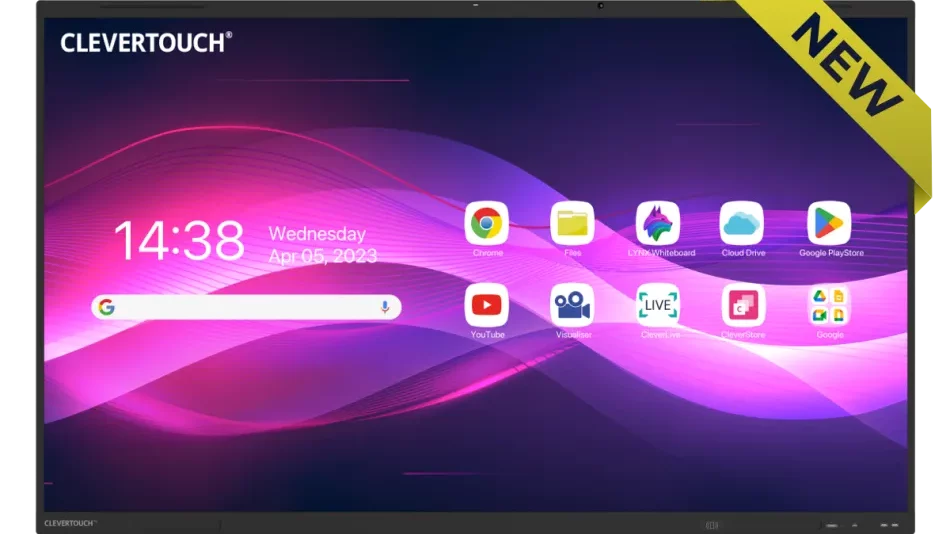 Image of Clevertouch IMPACT.
Pros
The Clevertouch IMPACT Plus is tailored for educational settings, featuring a 4K high-resolution touchscreen with dual stylus support for collaboration. It comes equipped with built-in educational apps and offers infinite whiteboarding, allowing educators to create dynamic lessons without space limitations. The device supports cloud connectivity, enabling real-time collaboration and access to cloud storage
Cons
Premium features come at a higher price point, and some users report occasional touch sensitivity issues. The advanced features may require a learning curve for educators unfamiliar with the technology.
Cost
Pricing varies by model, and pricing is not readily available on the website without talking with sales.
5. Samsung Flip Pro
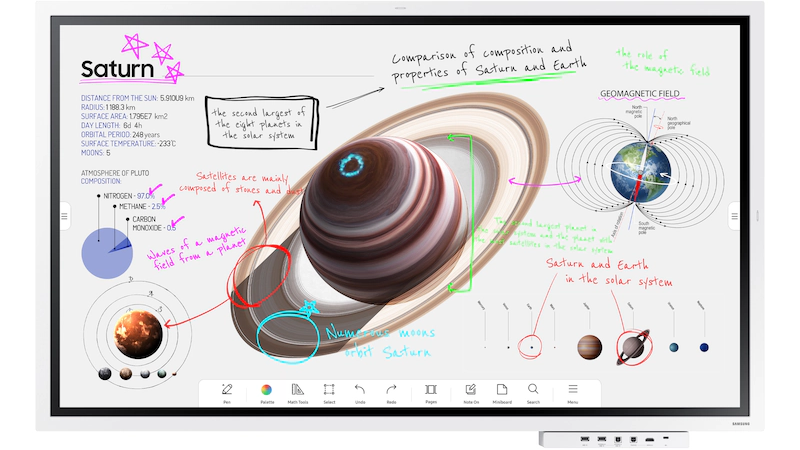 Image of Samsung Flip Pro.
Pros
The Samsung Flip Pro is a 4K UHD interactive display with multi-user support for up to 20 simultaneous touchpoints, making it suitable for collaborative learning. It integrates with Google and Microsoft education tools, allowing screen mirroring and wireless connectivity for sharing content across devices. The Flip Pro also includes HDMI, USB, and USB-C ports, providing flexible connection options for classrooms. Samsung’s MagicINFO Remote Management allows schools to distribute content and alerts, helping educators manage classroom communication.
Cons
While suitable for both business and education, the Flip Pro lacks some advanced built-in teaching tools compared to competitors. The limited suite of educational apps may require reliance on external devices or software for certain functionalities. Annotation features are present but less robust compared to other options, potentially reducing interactivity for some use cases.
Cost
Starts at $2,190 for the 55-inch model and goes up to $5,999 for the 85-inch version.
6. SMART Boards
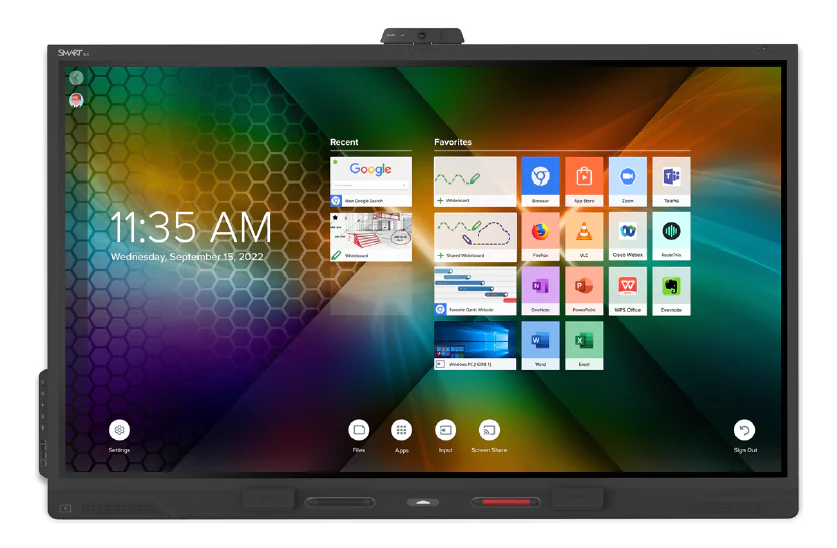 Image of SMART Boards.
Pros
SMART Boards have been a long-standing option in interactive classroom technology, offering models such as the GX series for entry-level use and the 6000S series for more advanced features. These boards integrate with both Google for Education and Microsoft Office 365, providing compatibility with widely used classroom tools. SMART Ink® technology allows users to write and annotate over applications, files, and web browsers, improving engagement during lessons. Additional features include built-in screen sharing, split-screen functionality, and web browsing.
Cons
Despite their established reputation, SMART Boards are among the more expensive options, with prices starting at $4,999 for the GX series, increasing significantly for larger and more advanced models. While software integration with Google and Microsoft is seamless, accessing premium features or third-party applications may require additional costs. Some users have reported the need for frequent recalibration to maintain touch accuracy.
Cost
Pricing varies by model and size. The GX series starts at $4,999 for a 65-inch display, while the 6000S series is priced significantly higher, depending on the features and size.
Discover 10 of the best smart boards for classrooms of the year.
Choose Vibe for Smart Board Elevated Classroom Experiences
The right smart board should support active learning, easy collaboration, and unmatched lesson delivery. Vibe Smart Whiteboards do just that, with instant cloud access, reliable responsive touch controls, and built-in tools that help teachers create interactive, engaging lessons. Designed to simplify instruction and support all learning styles, Vibe makes it easier to keep students focused and involved—whether they’re in the classroom or learning remotely.
Looking to learn more about Vibe’s smartboard technology, price point and classroom advantages? Get a virtual demo of Vibe today.
FAQs About Smart Boards for Classrooms
Do schools still use smart boards?
Yes. Smart boards remain one of the most widely adopted classroom technologies worldwide. The category has evolved significantly — modern smartboards are all-in-one 4K touchscreen displays running full operating systems, replacing the older projector-based SMART Board setups most people picture. Over 7,200 schools use Vibe alone, and adoption continues to grow as districts replace aging projector systems.
What is the best smart board for classroom teaching?
The best smartboard depends on your school’s priorities. For Google Workspace schools and K–12 environments, the Vibe Board S1 (ChromeOS, $3,699) offers the strongest combination of ease-of-use, app ecosystem, and price. For deeply embedded Promethean users, the ActivPanel 10 maintains a strong ecosystem. For large-format lecture halls, Newline and Clevertouch offer larger panel sizes. See the comparison table above for a side-by-side overview.
What are the main advantages of using a smart board in the classroom?
The key advantages are: (1) hands-on interactive learning for multiple students simultaneously, (2) an infinite digital canvas so lessons and notes are never lost, (3) native integration with apps like Google Classroom and Microsoft Teams, and (4) support for hybrid and remote students in real time. Research consistently links interactive whiteboard use to higher student engagement and improved knowledge retention.
Is a smart board worth it for a classroom?
For most schools, yes. While the upfront cost ($2,000–$6,000 for a standard classroom board) is higher than a traditional whiteboard, smart boards replace the need for projectors, separate screens, and speaker systems. They also support hybrid learning infrastructure and reduce the ongoing cost of printed materials. Most schools find the ROI within two to three years through reduced equipment spend and improved lesson delivery.
How much does a smart board cost for a school?
Classroom smartboards typically range from $2,000 to $6,000 for a 55–65″ model. The Vibe Board S1 starts at $3,699 for the 55″ model, with education discounts available for bulk orders. Larger 75″+ panels can reach $8,000–$10,000. Many vendors, including Vibe, offer financing and quote-based pricing for multi-unit school purchases.
Which smart board is best for teaching?
For general classroom teaching, the Vibe Board S1 is frequently cited for its ease of use, low maintenance, and broad app compatibility. For schools heavily invested in Promethean’s software ecosystem, the ActivPanel 10 is the natural fit. If your school prioritizes Samsung’s content management tools (MagicINFO), the Flip Pro is worth considering. The right choice depends on your existing software ecosystem, class size, and budget.
What’s the difference between a smart board and an interactive whiteboard?
The terms are often used interchangeably today. Technically, "SMART Board" is a brand name (SMART Technologies), while "interactive whiteboard" (IWB) is the broader category. Modern products — including Vibe, Promethean, BenQ, and Samsung — are all interactive whiteboards. The older distinction between projector-based IWBs and standalone all-in-one displays is more meaningful: today’s leading classroom smart boards are all-in-one flat panels with built-in touch, compute, and display.
Can students use a smart board from their own devices?
Yes. Most modern classroom smartboards support wireless screen sharing from student laptops, tablets, and smartphones. Vibe’s built-in casting supports simultaneous multi-device sharing. Students can mirror their screens, annotate collaboratively, and submit work directly to the board without any cables or additional hardware.