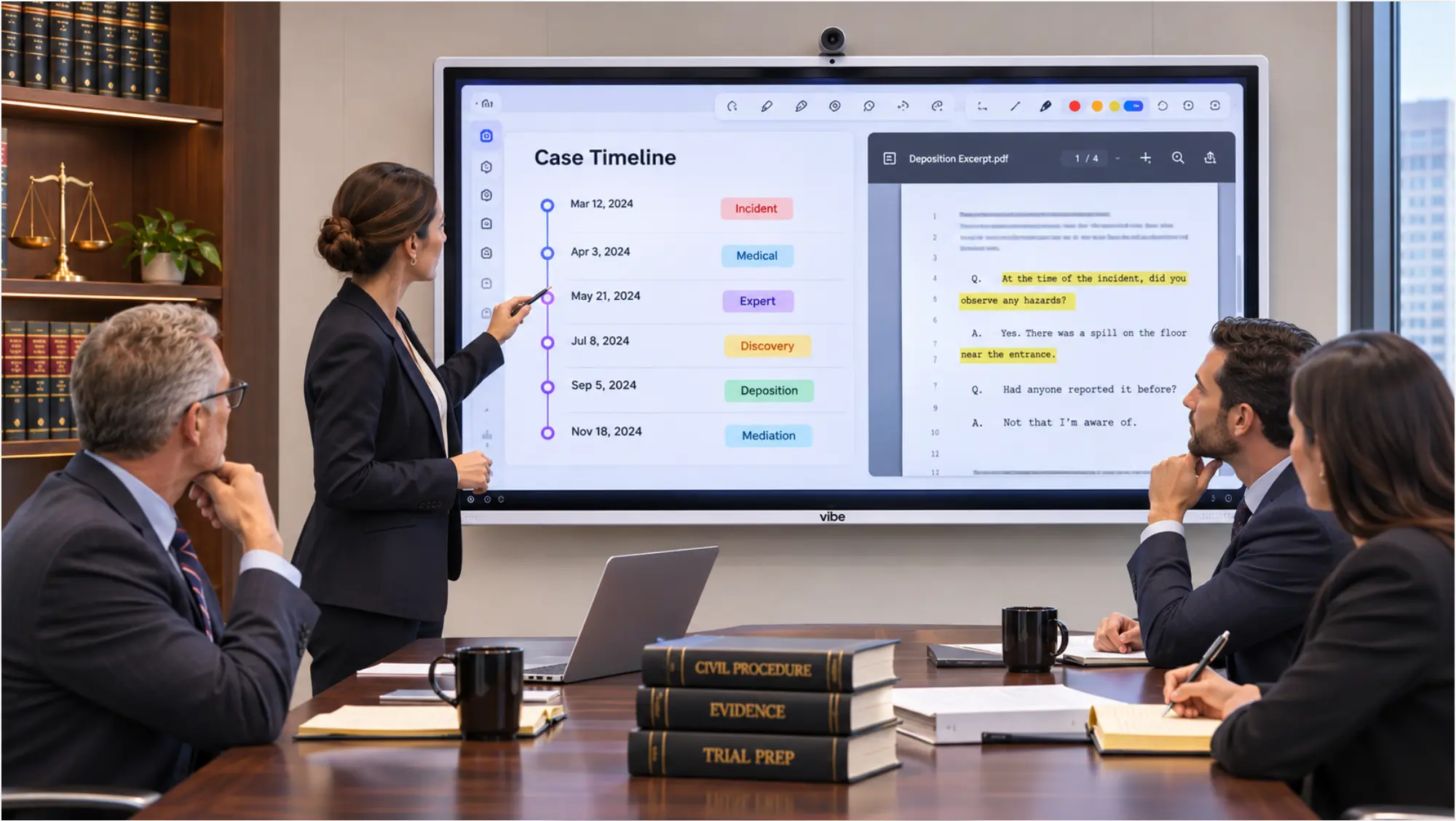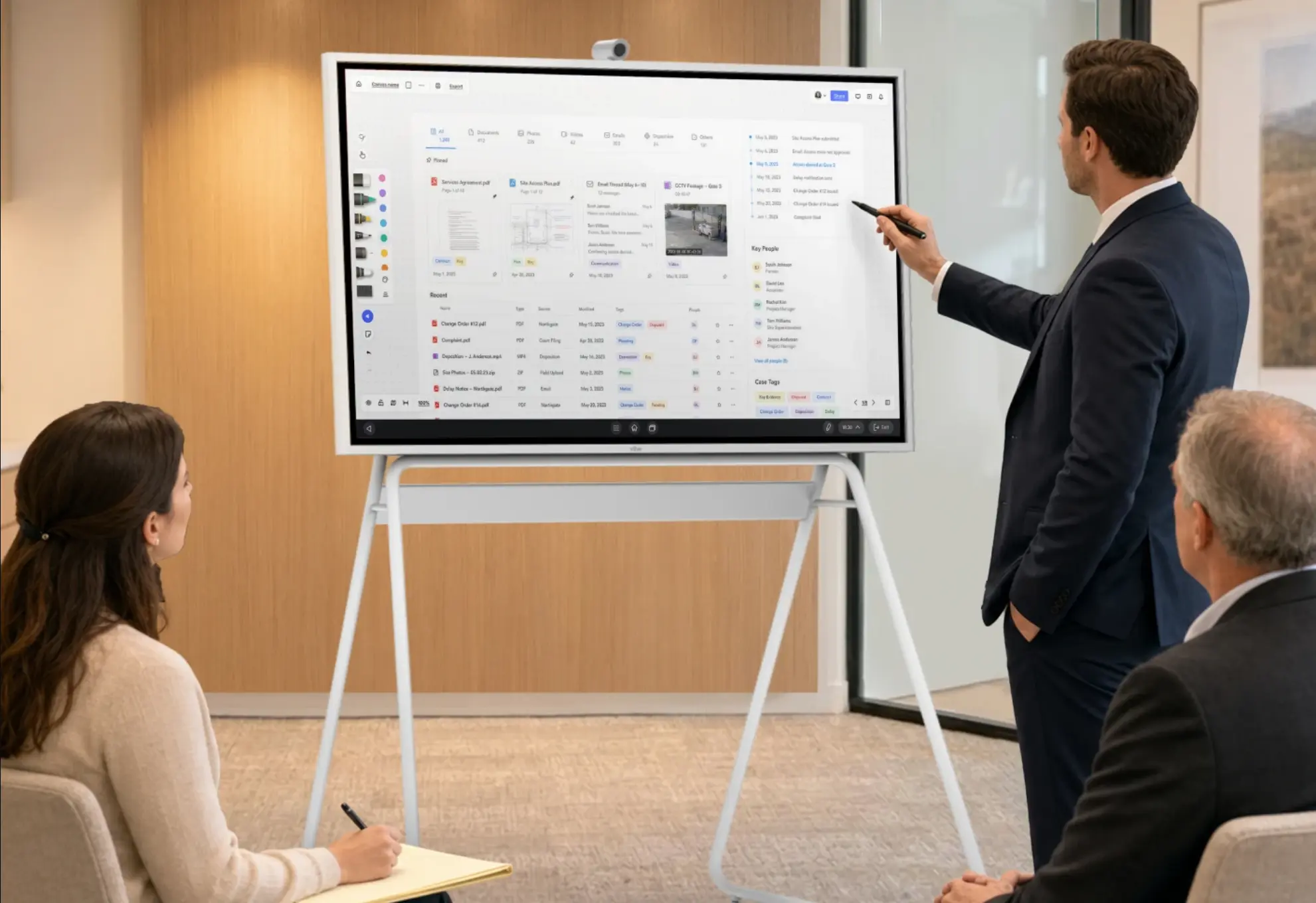

The best technology for small law firms isn’t the longest list of apps. It’s a short stack that covers the work every practice does: managing matters, storing documents securely, taking in new clients, meeting clients online and in person, and using AI under a written policy. This guide walks through each category in the order most solo and small firms should buy it, explains what to look for, and shows how to set up a client meeting space without an IT department.
Where Small Firms Stand in 2026
Small firms have moved fast on AI but slowly on the policies and pricing around it. Clio’s 2026 Legal Trends for Solo and Small Law Firms found that 71% of solo practitioners and 75% of small firms now use AI to complete legal work, yet fewer than a third have increased revenue with it, and 86% of solo firms and 78% of small firms have made no pricing changes. The same report found that most solo and small firms rely on general-purpose consumer AI tools rather than tools built for legal work.
Policy lags too. According to the North Carolina Bar Association’s review of Clio’s 2026 data, 57% of solo practitioners and 55% of small firms have no AI policy.
The takeaway for a small firm: buying more tools isn’t the gap. Choosing the right core tools, connecting them, and writing down how they’re used is.
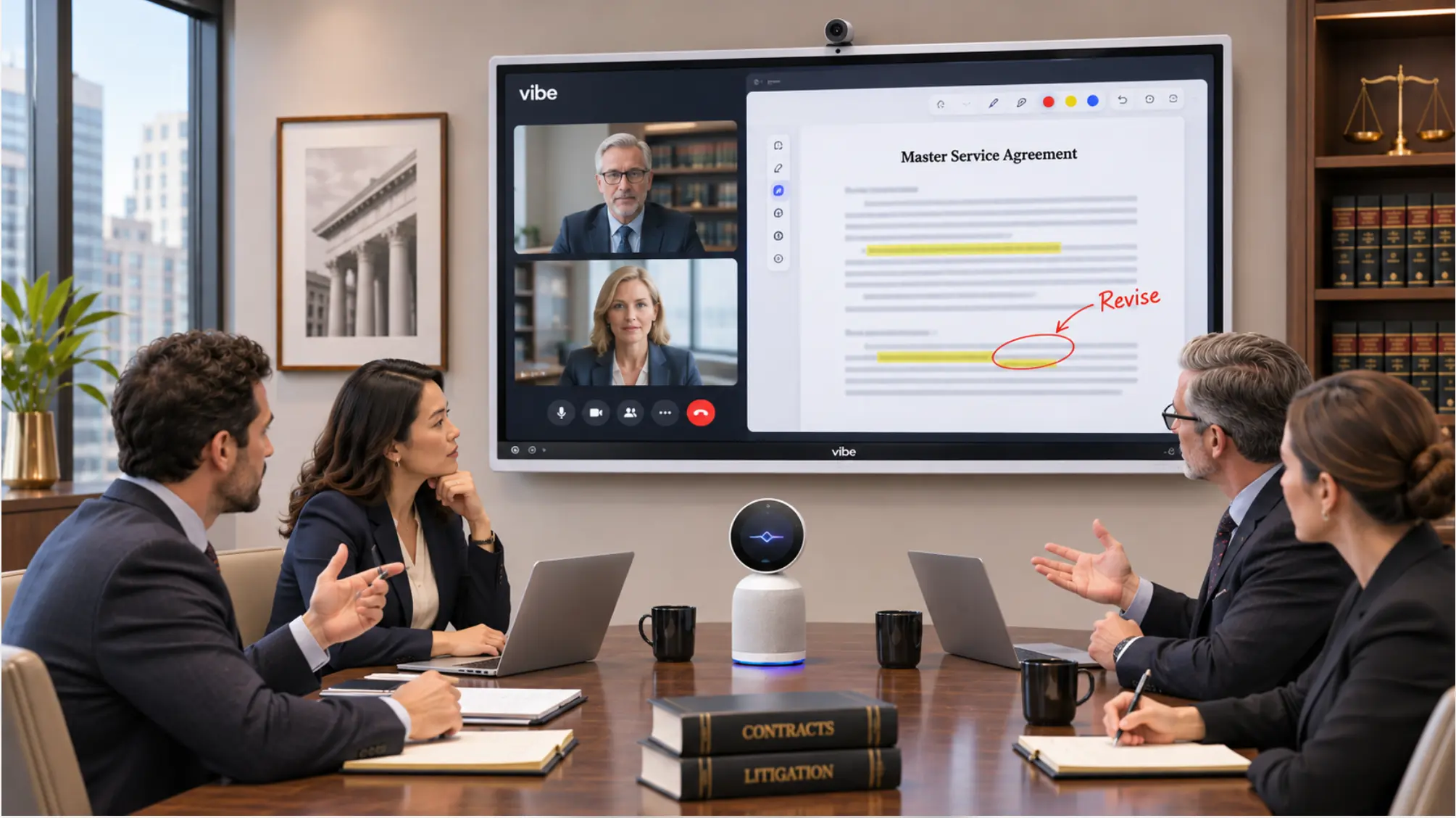 Law firm team marking up a contract on a Vibe Board
The Small Law Firm Tech Stack, in the Order to Buy It
|
Priority |
Category |
What it does |
What to look for |
|---|---|---|---|
|
1 |
Practice management |
Matters, calendars, deadlines, time, billing |
Cloud access, trust accounting, integrations |
|
2 |
Document management and secure sharing |
Files, versions, client sharing |
Encryption, access controls, audit trail |
|
3 |
Client intake and communication |
Calls, forms, portals, e-signature |
Fast response, secure messaging |
|
4 |
Video conferencing |
Remote consultations and hearings |
Waiting rooms, recording controls |
|
5 |
AI tools, with a written policy |
Drafting, research, summaries |
Legal-specific tools, no training on your data |
|
6 |
Meeting capture and notes |
Notes from in-person, phone, and video meetings |
User-started recording, retention controls |
|
7 |
Client meeting room |
Showing documents to clients |
Shared screen, annotation, room camera and mics, privacy |
|
8 |
Security basics |
Protecting all of the above |
MFA, device management, backups |
1. Practice Management Software
Practice management is the system of record: matters, contacts, calendars and court deadlines, time entries, invoices, and trust accounting. Cloud-based platforms let a solo lawyer work from the office, home, or courthouse. When comparing options, check trust accounting support for your state, how deadlines are calculated, and which document, payment, and email tools it connects to. Run a trial with real matters before migrating.
2. Document Management and Secure File Sharing
Client files need version control, search, and a secure way to share documents with clients and co-counsel. Email attachments aren’t a document system. Look for encryption, per-matter permissions, an audit trail of who opened what, and a client portal so sensitive documents don’t travel as attachments. Many practice management platforms include document features, so check before buying a separate tool.
3. Client Intake and Communication
For a small firm, intake is where revenue is won or lost. Online intake forms, scheduling links, e-signature for engagement letters, and a secure client portal shorten the path from first call to signed client. Decide who answers the phone when the lawyer is in court, whether that’s staff, a virtual receptionist, or a call-routing system.
4. Video Conferencing
Video consultations are now routine, and the settings matter more than the brand: a waiting room on every call, cloud recording off by default, and a unique link for each client. See Video Conferencing for Law Firms for platform-by-platform settings.
5. AI Tools, With a Written Policy
Use AI, but write the rules first. A one-page policy should cover which tools are approved, what client information may go into them, how output is verified, and how AI use affects billing. Clio’s report found that most solo and small firms rely on consumer-grade, general-purpose AI tools rather than tools built for legal work. Before putting client information into any tool, confirm whether the vendor trains on your data, how long it keeps it, and whether you can delete it. ABA Formal Opinion 512 extends the Rule 1.6 confidentiality duty to generative AI. See Secure Collaboration for Law Firms for a four-question vendor test.
6. Meeting Capture and Notes
A solo lawyer’s day moves between in-person consultations, phone calls from the road, and video meetings, and the notes from all three need to end up in the file. A capture tool that works across all three settings saves the hour spent reconstructing a meeting from memory.
Vibe Dot is a wearable AI assistant device built for that pattern. You double-tap to start and stop a recording, press and hold to save a quick memo, and no bot joins your call. Recordings go to Vibe AI for speaker-labeled transcripts, summaries, and action items. Vibe states that customer information is never used to train Vibe’s or third-party AI models. Vibe Dot is $199 at current promotional price.
 Attorney wearing a Vibe Dot AI note taker during a client conversation
Two things to know first. Processing runs in Vibe AI’s cloud, so recordings leave the device. And consent comes before capture: tell clients, follow the strictest state rule that applies, and keep a record of the yes. See Can Lawyers Record Client Meetings? and, for a comparison of options, AI Tools for Client Meetings.
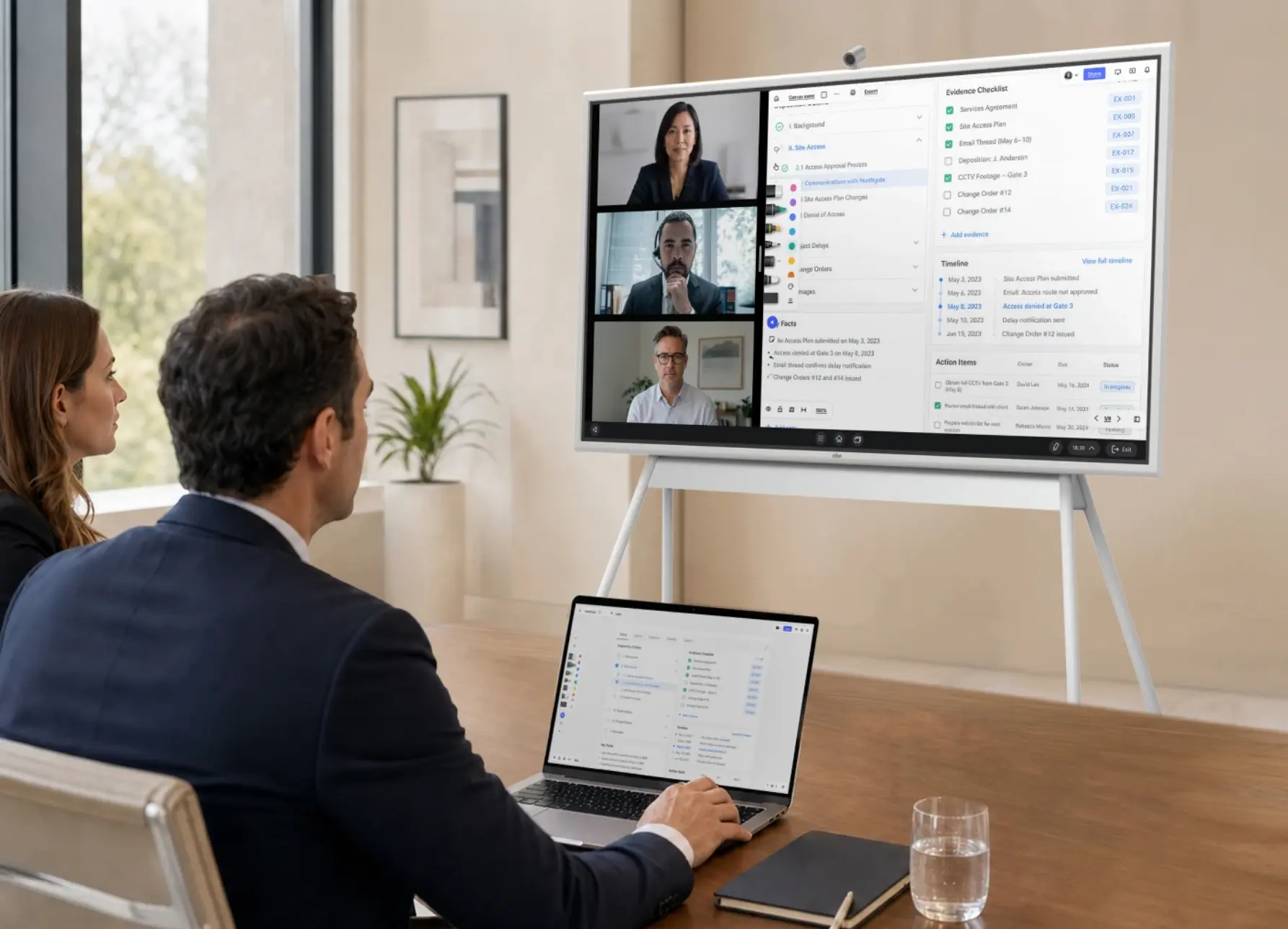
7. A Client Meeting Room
Even a small firm benefits from one room where a lawyer and client can look at the same document together, whether that’s a settlement statement, a timeline, or a draft agreement. A shared screen beats turning a laptop around. A Vibe Board S1 lets you annotate PDFs and documents on a 55″ or 75″ touchscreen, cast from a laptop, and run video calls with an add-on camera. It starts at $3,699. It has no built-in camera or microphone. If the room hosts remote participants, or you want notes from meetings held around the table, pair it with Vibe Bot, Vibe’s AI conference room device. With Vibe Bot in the room, meetings run through Vibe AI for speaker-labeled transcripts, summaries, and action items, and one Vibe Bot counts as a single Vibe AI seat no matter how many people attend. The same consent rules apply: tell clients before the room records. If you only need video, the Vibe Smart Camera ($399) is the lighter option.
Privacy comes before hardware: a closed door, walls that run to the ceiling deck, and a screen that faces away from glass. See How to Set Up a Law Firm Client Meeting Room for a nine-step setup and a build list.
8. Security Basics
A small firm doesn’t need an IT department to cover the basics, but it does need someone responsible for them:
-
Multi-factor authentication on email, practice management, and file storage.
-
Device management: encrypted laptops and phones, automatic screen locks, and the ability to wipe a lost device.
-
Backups of anything not already in a cloud system, tested periodically.
-
Accounts per person, not shared logins, so access can be removed when someone leaves.
-
Vendor review: data storage, retention, training, and deletion terms, in writing.
Solo Law Firm Office Setup: Three Common Setups
Not every solo lawyer has a dedicated office. The stack above works in all three common setups, with different emphasis:
|
Setup |
What changes |
Priorities |
|---|---|---|
|
Home office |
No conference room; most meetings by video or at the client’s location |
Video settings, a private room with a door, portable meeting capture |
|
Shared or coworking office |
Shared conference rooms, shared Wi-Fi |
A personal hotspot or VPN, sign-out discipline on shared screens, nothing left on whiteboards |
|
Small dedicated office |
One conference room, a few staff |
A client meeting room with a shared screen and a room device that captures meeting notes, individual accounts, a written AI and recording policy |
Picture a solo family-law attorney who works from home two days a week and rents a small office the other three. Practice management and documents live in the cloud, video calls run from the home office with a waiting room on, a wearable captures notes from in-person consultations and calls from the car, and the office’s one meeting room has a shared screen for walking clients through settlement figures. Nothing in that setup needs an IT department, but every piece needs a setting checked and a rule written down.
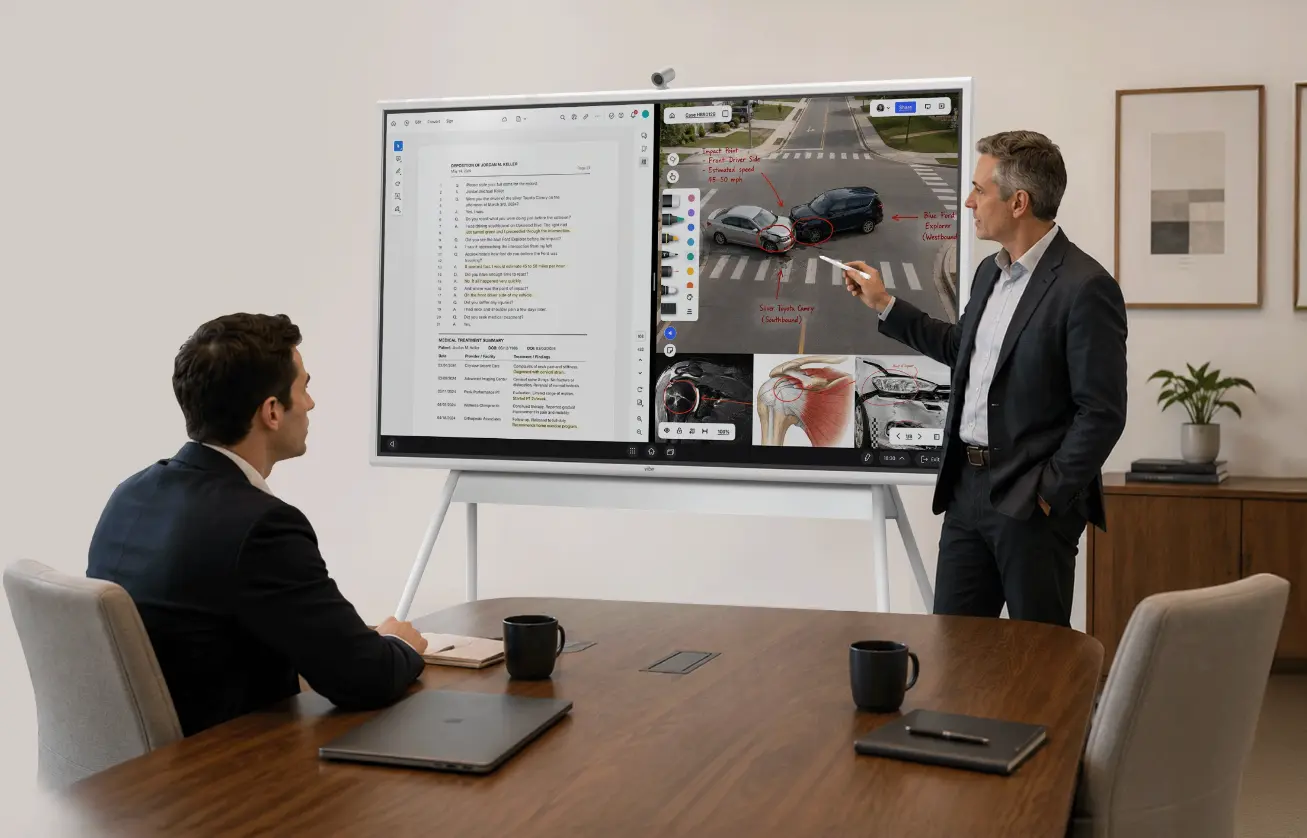 Attorney reviewing case evidence on a Vibe Board in a legal meeting
What It Costs
Software is mostly per-user subscriptions, and prices vary widely by vendor and plan, so get quotes for practice management, document management, and intake tools. The hardware for a client meeting space is a one-time cost. At Vibe’s published prices as of November 2026:
|
Item |
Price |
|---|---|
|
Vibe Dot |
$199 (list $249) |
|
Vibe Board S1 55″ |
from $3,699 |
|
Vibe Smart Camera |
$399 |
|
Vibe Bot |
$999 |
|
Vibe Stand for 55″ |
$599 |
|
Vibe Tap |
$159 |
Vibe AI’s Starter plan is free, and paid plans add more transcription and AI features.
The Bottom Line
The best technology for small law firms is a short, connected stack: practice management, secure documents, intake, video with the right settings, AI under a written policy, meeting capture you control, and one good place to meet clients. Buy in that order, check the settings on each tool, and write the rules down.
To see how Vibe fits a small practice, explore Vibe Dot, the Vibe Board S1, and Vibe Bot, or visit Vibe’s legal solutions hub.
Frequently Asked Questions
What is the best technology for small law firms?
Start with cloud practice management, secure document management, client intake tools, and video conferencing with the right settings. Then add AI tools under a written policy, a way to capture notes from client meetings, and, if you meet clients in person, a meeting space with a shared screen. Cover security basics such as multi-factor authentication and device encryption throughout.
What do I need to set up a solo law practice office?
A laptop and phone with encryption and multi-factor authentication, cloud practice management with trust accounting, secure document storage, a video conferencing account set up with a waiting room and recording off by default, and a private space for confidential calls. If you meet clients in person, add a meeting space with a shared screen.
How many small law firms use AI?
Clio’s 2026 Legal Trends for Solo and Small Law Firms found that 71% of solo practitioners and 75% of small firms use AI to complete legal work. Fewer than a third have increased revenue with it, and according to the North Carolina Bar Association’s review, more than half have no AI policy.
Do small law firms need an AI policy?
Yes. A one-page policy that names approved tools, limits what client information goes into them, requires verifying output, and addresses billing protects both clients and the firm. ABA Formal Opinion 512 extends the confidentiality duty under Rule 1.6 to generative AI, so a policy is how a small firm shows it took reasonable care.
How can a solo lawyer take notes in client meetings?
Use a capture tool that matches where meetings happen: video platform features for online calls, and a recorder or wearable that you start yourself for in-person consultations and phone calls. Get client consent first, follow the strictest state recording rule that applies, check the vendor’s data terms, and review every transcript before relying on it.