Remote work isn’t going anywhere—but that doesn’t mean every team has figured out how to do it well.
The difference between remote teams that thrive and those that struggle almost always comes down to one thing: not how they work, but what they use to work together. Too many tools create chaos. Too few create bottlenecks. And the wrong tools—no matter how polished—create friction that kills momentum.
This guide cuts through the noise. We evaluated dozens of platforms and selected 10 of the best collaboration tools for remote teams in 2026, covering every layer of the remote work stack: communication, video, project management, documentation, visual collaboration, and AI-powered meeting intelligence.
What’s covered:
-
A side-by-side comparison across all 10 tools
-
Honest pros, cons, and pricing for each
-
A clear "best for" recommendation per tool
-
A practical framework for building your remote stack
Let’s get into it!
How We Chose These 10 Tools
With hundreds of remote collaboration platforms on the market, we applied a strict filter. Every tool in this list had to:
-
Solve a distinct, non-overlapping problem remote teams face
-
Work reliably across time zones and device types
-
Integrate with tools most remote teams already use
-
Offer a meaningful free plan or a fair paid tier
-
Have real adoption among distributed teams in 2026
 A hybrid meeting conference
Quick Comparison: Best Collaboration Tools for Remote Teams (2026)
|
Tool |
Free Plan |
Best For |
|---|---|---|
|
Vibe Canvas |
✓ |
Hybrid whiteboards + interactive meeting rooms |
|
Slack |
✓ (limited) |
Organized async messaging + integrations |
|
Zoom |
✓ (40-min limit) |
Reliable video meetings of any size |
|
Google Workspace |
Personal only |
Docs, calendar, email, and video in one place |
|
Asana |
✓ (up to 10 users) |
Cross-team task tracking with timelines |
|
Notion |
✓ |
Wikis, databases, and docs in one workspace |
|
Miro |
✓ (3 boards) |
Remote-first workshop facilitation |
|
Loom |
✓ |
Screen recording with AI summaries |
|
Fathom AI |
✓ (individual) |
Automatic transcription and action items |
|
Microsoft 365 |
Paid |
Teams + Office apps + enterprise security |
Top 10 Collaboration Tools in 2026
1. Vibe Canvas — Best for Hybrid Teams and Interactive Meeting Rooms
Rating: ⭐⭐⭐⭐⭐
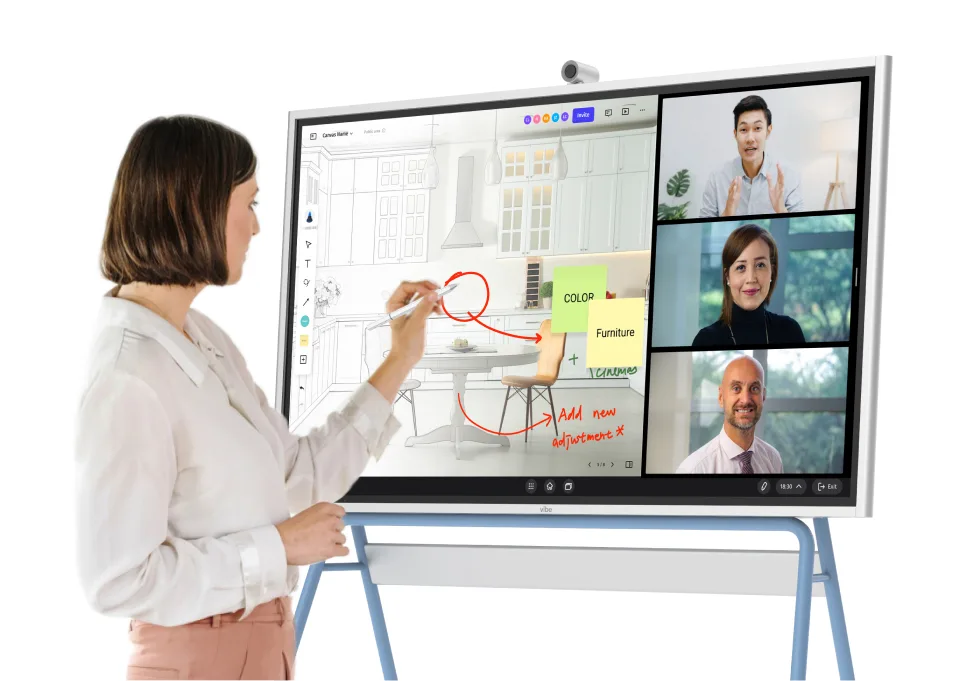
Most whiteboarding tools were designed for teams staring at laptops. Vibe Canvas was designed for how teams actually work in 2026: some people in a conference room, some joining from home, all needing to collaborate on the same canvas in real time—without compromise.
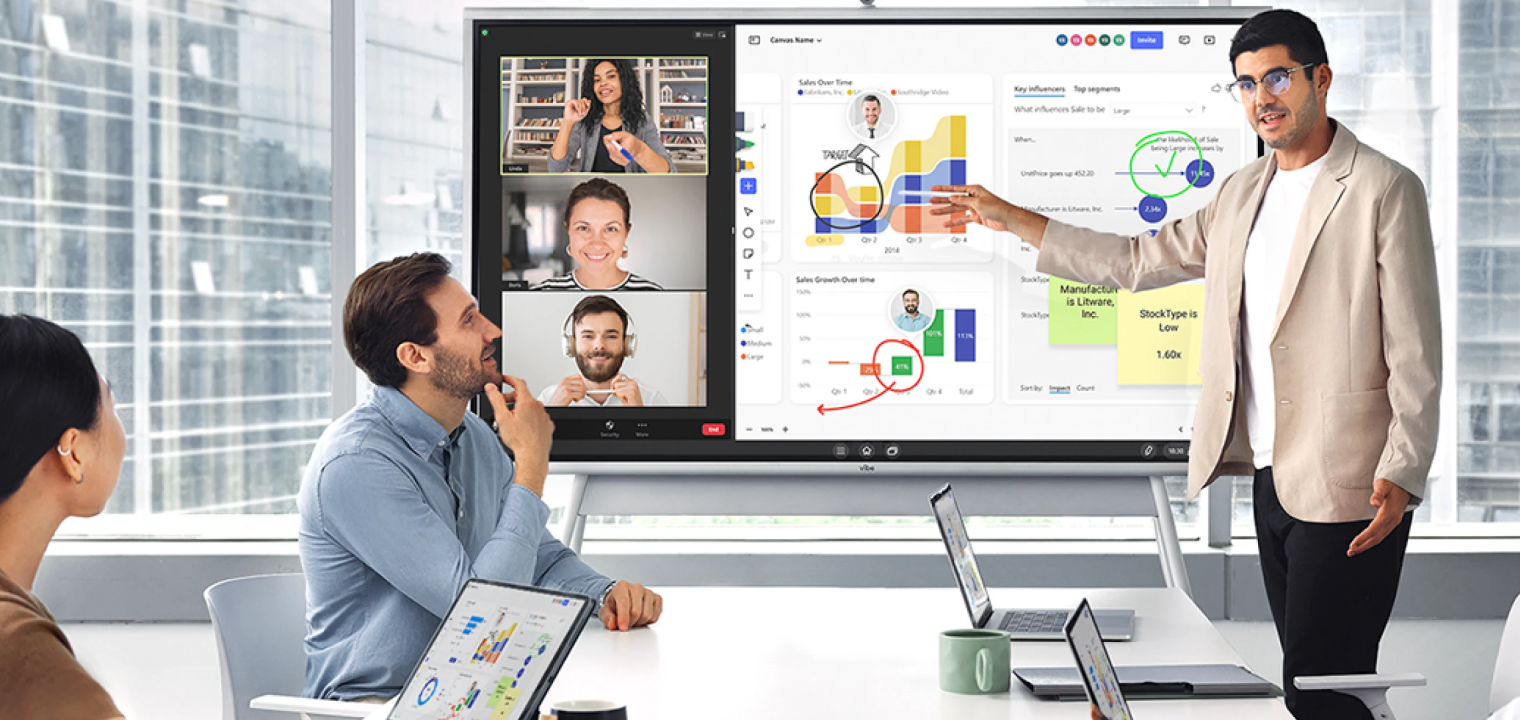 A hybrid meeting using Vibe Canvas to present sales data
Vibe Canvas is both a standalone web app and the software powering the Vibe Board S1, an interactive touchscreen display available in 55″ and 75″ configurations. In-room participants draw, annotate, and move content directly on the display with their hands or stylus. Remote teammates see and interact with the exact same infinite canvas simultaneously—with no lag, no second-class experience, and no switching between apps.
What we like:
-
Infinite canvas with real-time multi-user collaboration—in-room and remote at the same time
-
Built-in PDF / Image / PPT annotation and document markup for reviewing files together
-
Multi-touch support for up to 20 simultaneous touchpoints on the Vibe Board
-
Automatic cloud sync—every session is saved and accessible from any device
-
Works on any browser, tablet, or mobile for remote participants joining from outside the room
What to watch out for:
-
Template library is smaller than Miro’s (though growing)
-
Best suited for teams that run recurring visual sessions, not one-offs (of course you still can)
Best for:
Hybrid teams running design reviews, sprint planning, education sessions, client workshops, or any workflow where in-room and remote participants need to co-create visually—without either side feeling like an afterthought.
Pricing:
Free plan available for Vibe Canvas. Request a demo for Vibe Board S1 hardware pricing and sizing.
2. Slack — Best for Real-Time Messaging and Integration
Rating: ⭐⭐⭐⭐½
Slack’s channel-based structure keeps remote team communication organized by project, team, or topic—making it far less chaotic than group chats, email threads, or shared inboxes.
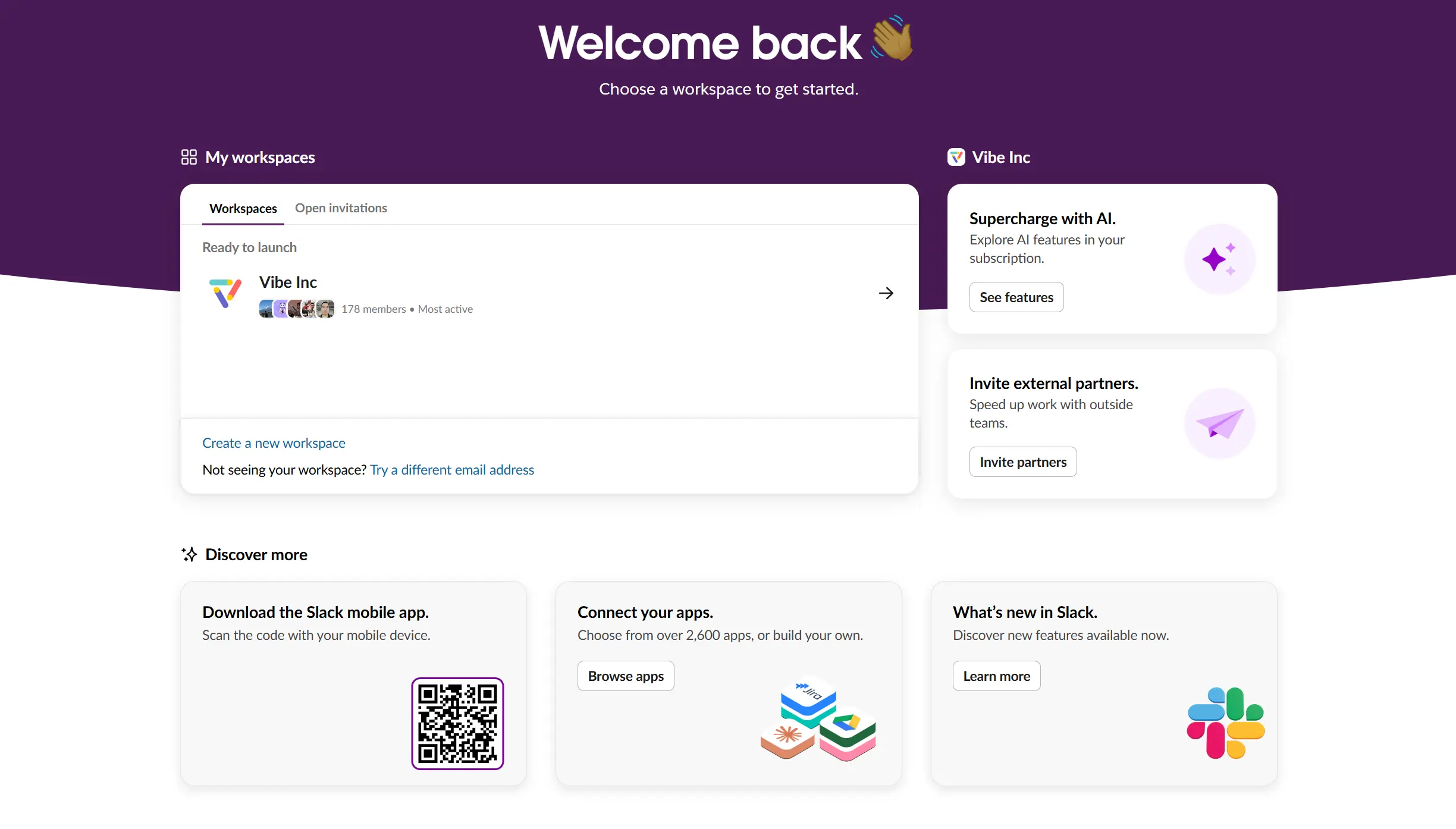 Homepage of Slack
What we like:
-
Channels, DMs, and threaded replies keep conversations structured and searchable
-
Workflow Builder automates repetitive notifications and handoffs
-
Thousands of native integrations: Zoom, Asana, Jira, Google Workspace, Salesforce, and more
-
Slack Connect lets you collaborate with external clients and vendors in the same interface
What to watch out for:
-
Message history on the free plan is capped at 90 days
-
Can become noisy at scale without clear channel naming conventions
-
Cost escalates quickly for large teams
Best for:
Any remote team that needs organized, searchable, integration-rich messaging as its primary communication layer.
Pricing:
Free plan available. Pro starts at $8.75/user/month.
3. Zoom — Best for Reliable Video Meetings at Any Scale
Rating: ⭐⭐⭐⭐½
When your team is distributed across time zones, meeting quality isn’t optional. Zoom’s audio and video reliability—even on degraded connections—makes it the safe choice for high-stakes calls, client presentations, and company-wide all-hands.
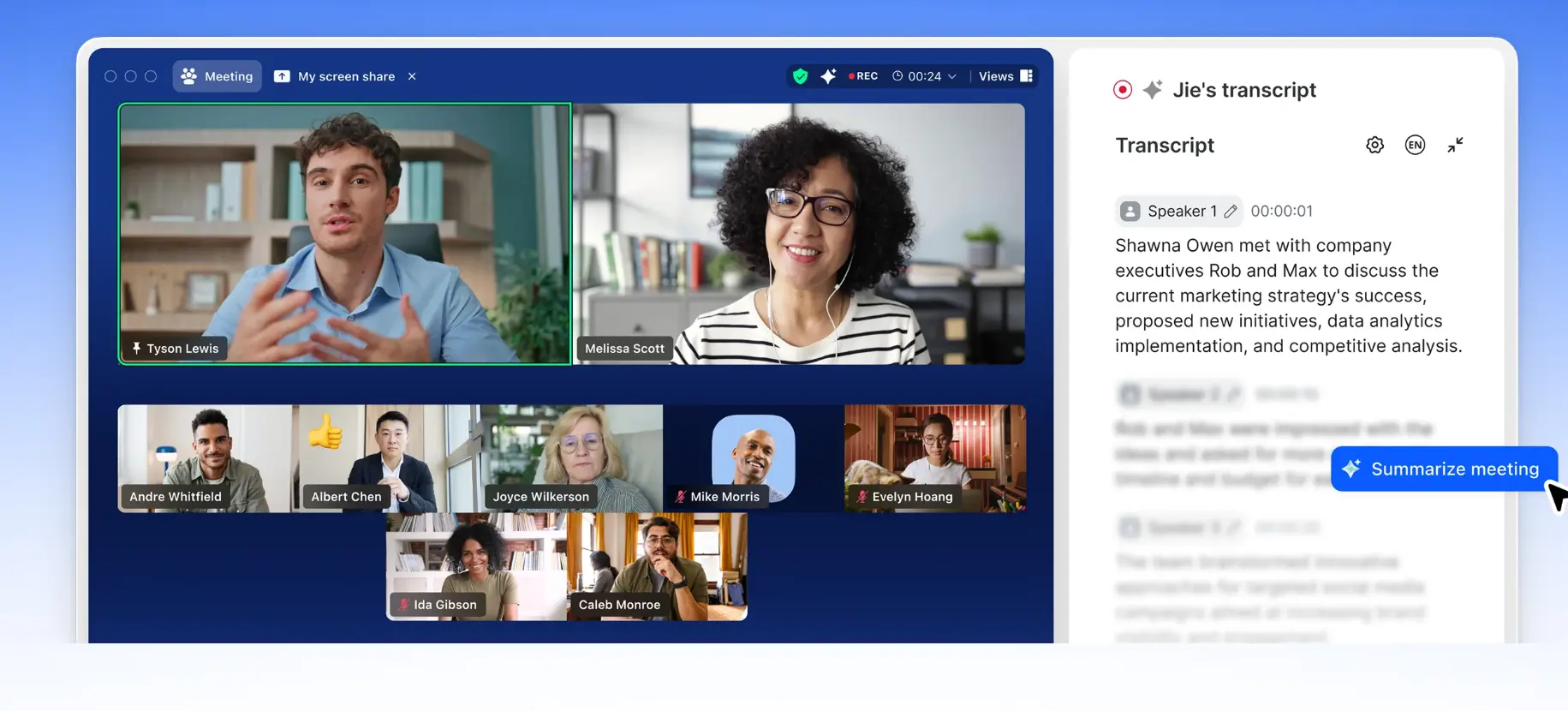 Screenshot of Zoom's video meeting product page
What we like:
-
Industry-leading connection stability and audio/video quality
-
Breakout rooms, polls, reactions, and hand-raise for interactive sessions
-
Webinar features for larger events with hundreds or thousands of attendees
-
Zoom AI Companion summarizes meetings and drafts follow-ups (paid plans)
What to watch out for:
-
Free plan caps group meetings at 40 minutes
-
Multiple product lines (Zoom One, Webinars, Phone) can confuse buyers
-
Admin configuration is complex for large organizations
Best for:
Remote teams of any size that need dependable video conferencing as their foundation—particularly for client-facing calls, hybrid meetings, or large-format company events.
Pricing:
Free plan (40-min group limit). Pro at $15.99/user/month.
4. Google Workspace — Best for Browser-First Remote Teams
Rating: ⭐⭐⭐⭐½
Google Workspace bundles email, calendar, document collaboration, and video conferencing into a single subscription that works entirely in the browser. For remote-first teams, that zero-install approach means new hires are up and running in minutes.
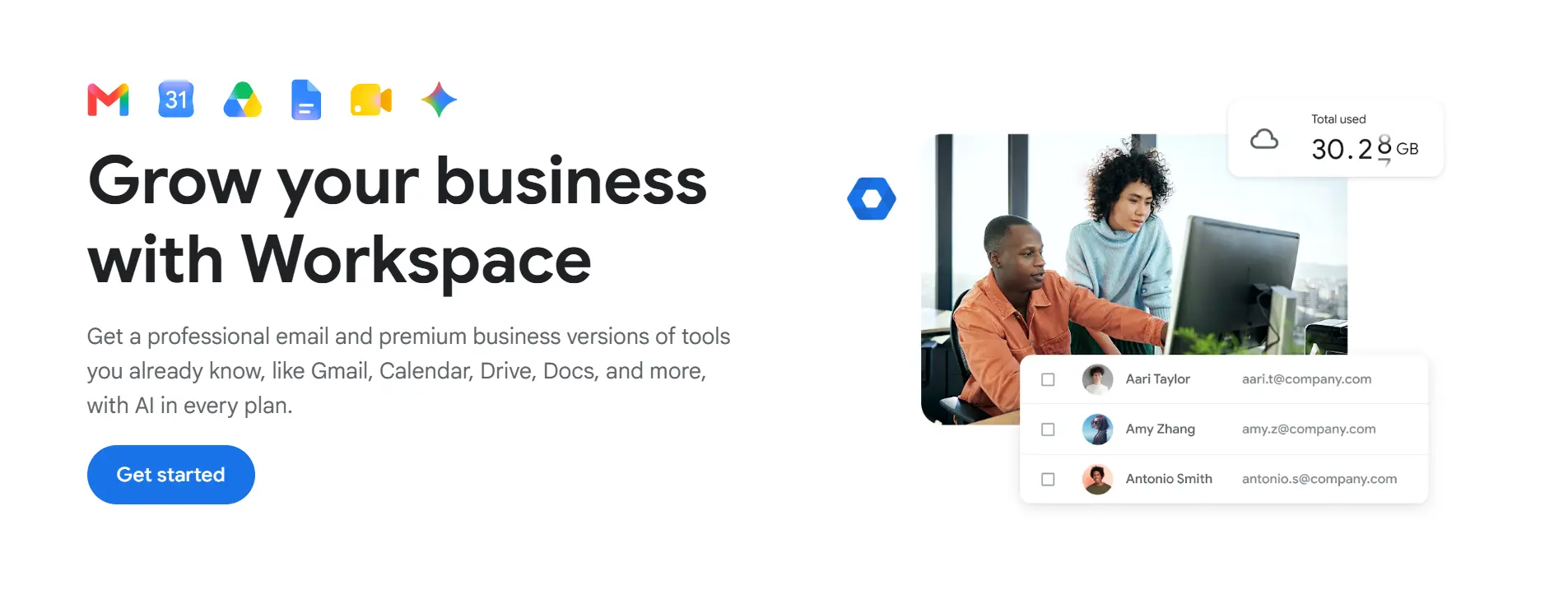 Google Workspace homepage
What we like:
-
Real-time co-authoring in Docs, Sheets, and Slides with no version conflicts
-
Seamless Gmail + Calendar + Meet integration
-
Built-in Gemini AI for writing, summarization, and meeting assistance (paid plans)
-
External collaborators can access shared files with a Google account—no license needed
What to watch out for:
-
Admin console is complex for larger IT teams
-
Some users prefer desktop Office apps over browser-based alternatives
-
Not the right choice if your organization is standardized on Microsoft
Best for:
Remote-first startups and growing companies that want a fully integrated, browser-native productivity suite without desktop app dependencies.
Pricing:
Business Starter at $6/user/month.
5. Asana — Best for Cross-Functional Task and Project Tracking
Rating: ⭐⭐⭐⭐½
Remote teams need a single source of truth for work—one place where everyone can see what’s assigned, what’s overdue, and what’s blocked. Asana delivers this with multiple project views, powerful automation, and cross-team visibility.
 Homepage of Asana
What we like:
-
Multiple views: list, Kanban board, Gantt timeline, and calendar
-
Automation rules to reduce manual status updates and handoffs
-
Portfolio and goal tracking for leaders managing multiple teams or initiatives
-
Strong integrations: Slack, Zoom, Google Workspace, Jira, Salesforce, and more
What to watch out for:
-
Feature depth can overwhelm teams new to structured project management
-
Timeline and portfolio views require paid plans
-
Delivers value only when the whole team adopts it consistently
Best for:
Marketing, operations, product, and cross-functional teams that need structured project tracking beyond a simple to-do list.
Pricing:
Free for up to 10 users. Starter at $13.49/user/month.
6. Notion — Best for Team Wikis and Knowledge Bases
Rating: ⭐⭐⭐⭐
Remote teams can’t rely on hallway conversations to share institutional knowledge. Notion gives teams a flexible, searchable home for documentation, SOPs, meeting notes, databases, and light project tracking—all in one place.
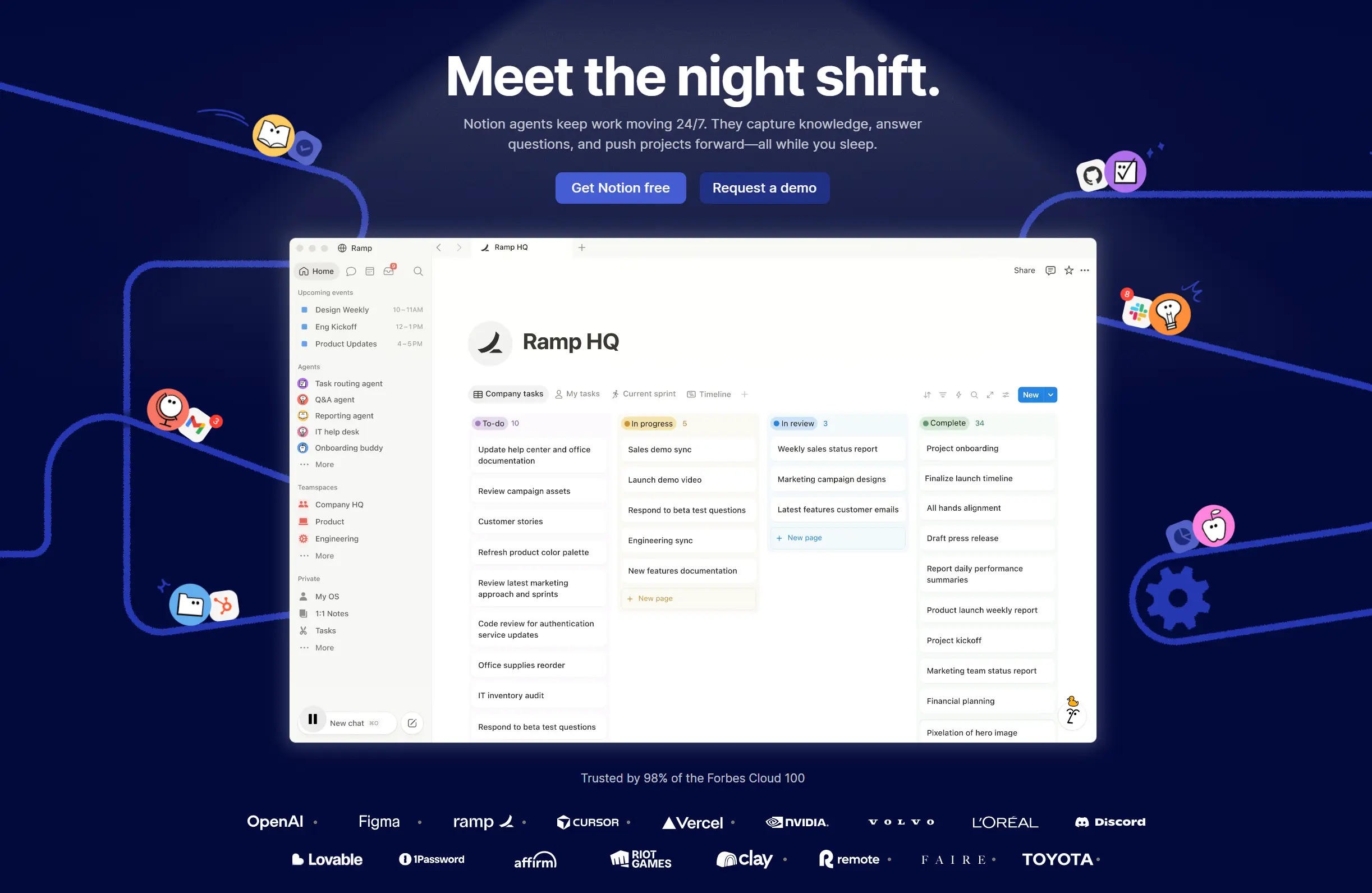 Notion's homepage
What we like:
-
Flexible pages work as wikis, databases, kanban boards, or meeting note templates
-
New team members can self-serve onboarding documentation without asking anyone
-
Notion AI assists with writing, summarization, and Q&A over your workspace (paid add-on)
-
Templates cover everything from sprint planning to OKR tracking
What to watch out for:
-
Flexibility requires team conventions to avoid a disorganized dumping ground
-
Offline access is limited
-
Large workspaces can lag on slower devices
Best for:
Remote teams that need a central, searchable knowledge base—especially those tired of documentation living in email, Slack, or scattered Google Docs.
Pricing:
Free for personal use. Plus at $12/user/month for teams.
7. Miro — Best for Remote-First Workshop Facilitation
Rating: ⭐⭐⭐⭐½
If your team is fully remote—no conference rooms, no shared physical space—Miro is the most feature-rich whiteboarding option on the market. Its combination of a massive template library, structured facilitation controls, and deep integration ecosystem makes it the default choice for design sprints, retrospectives, and cross-functional workshops.
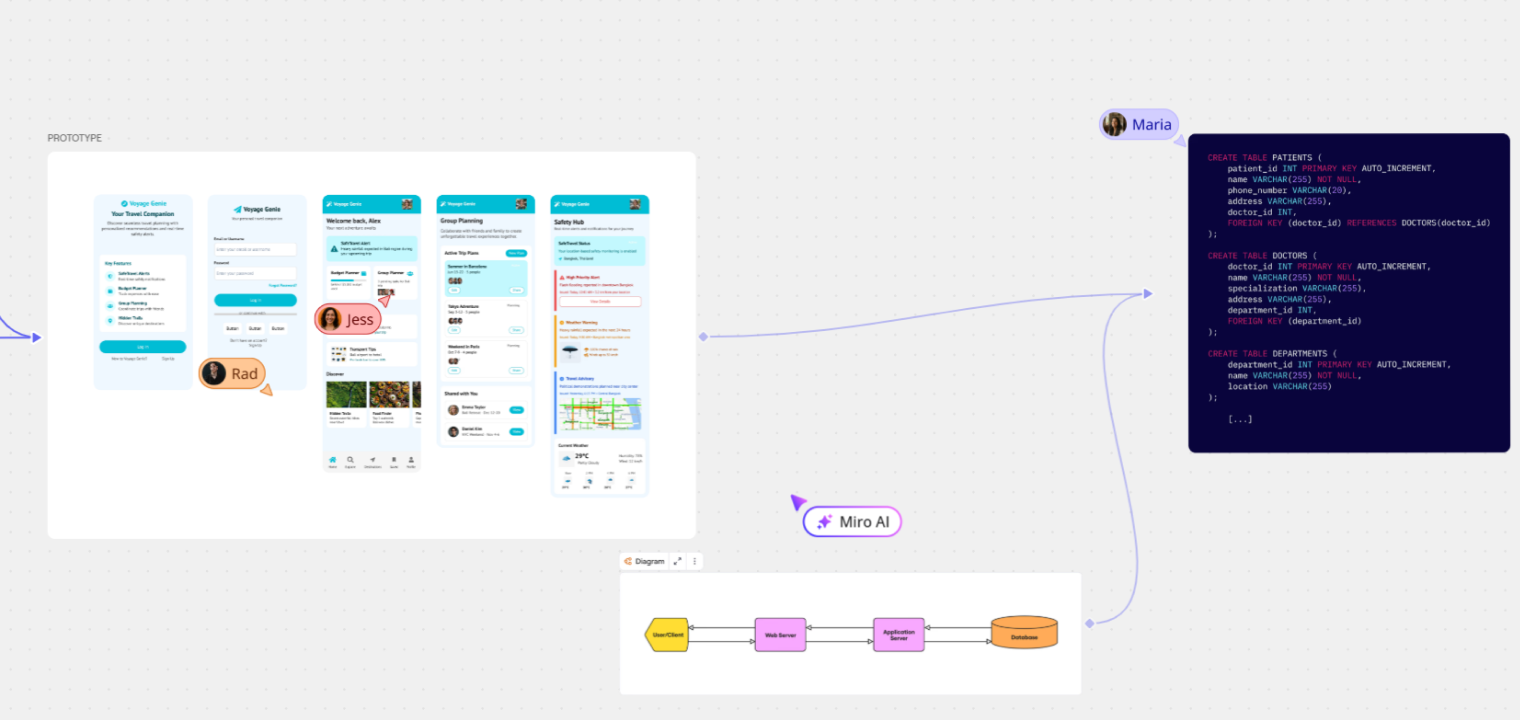 Screenshot of Miro's platform interface showing whiteboard features.
What we like:
-
Template library covering agile ceremonies, customer journey maps, org charts, and more
-
100+ native integrations: Jira, Slack, Zoom, Asana, Notion, and more
-
Voting, timers, and facilitation controls for structured live sessions
-
Robust guest access and enterprise-grade permissions
What to watch out for:
-
Free plan limited to 3 editable boards
-
Dense boards can become resource-heavy and slow
-
Pricing scales steeply for large distributed teams
Best for:
Fully remote teams that run regular workshops, design sprints, or agile ceremonies—and need a software-only whiteboard with maximum feature depth and integrations.
Pricing:
Free (3 boards). Starter at $10/user/month.
8. Loom — Best for Async Video Updates and Walkthroughs
Rating: ⭐⭐⭐⭐
Some updates are too nuanced for a Slack message and too short to justify scheduling a meeting. Loom fills that gap: record your screen, your camera, or both in seconds, and send a video that teammates watch, comment on, and react to on their own time.
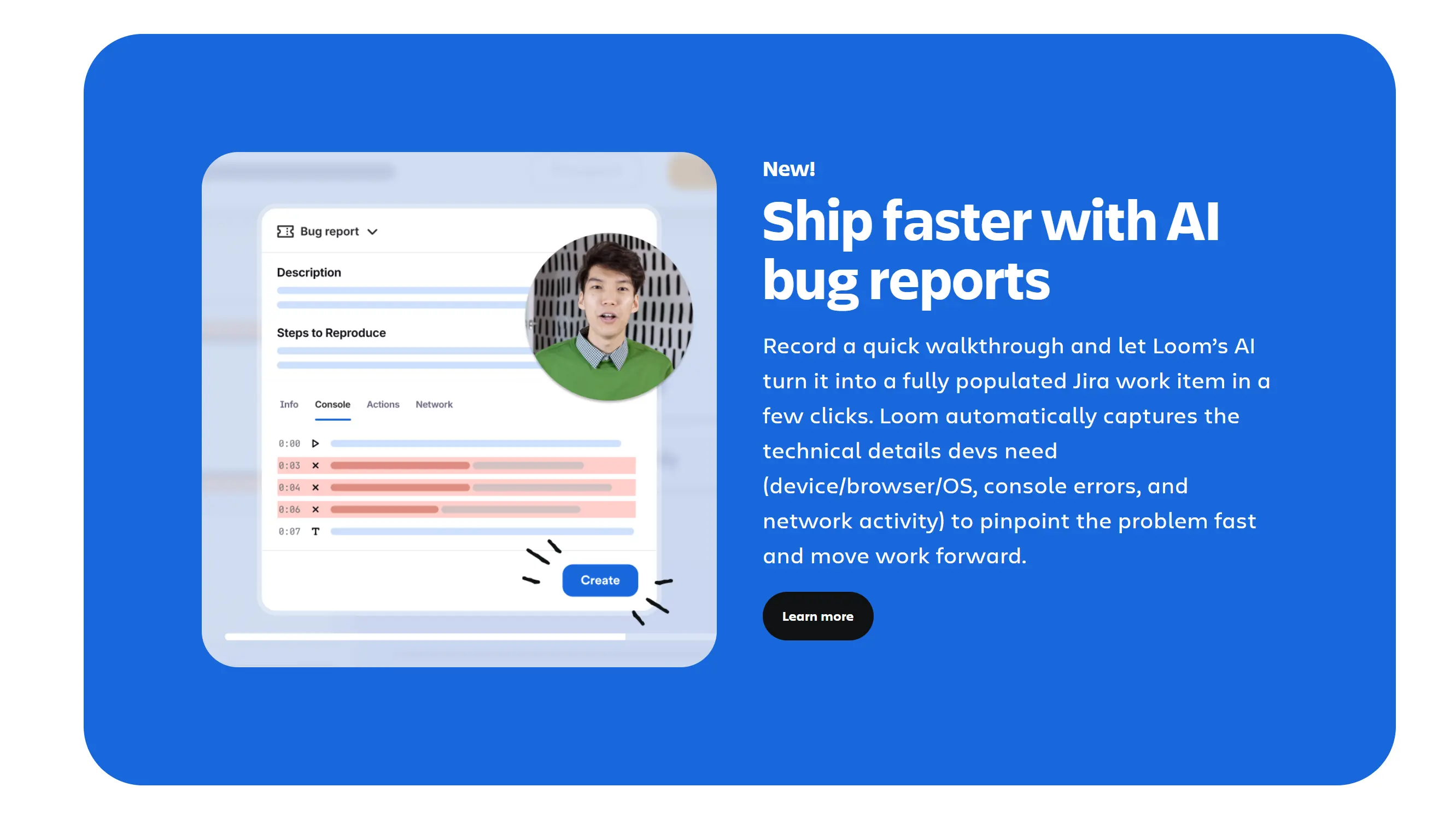 Screenshot of Loom's homepage
What we like:
-
Record and share instantly—no upload wait, no editing required
-
Viewer engagement: timestamped comments, emoji reactions, and reply videos
-
AI-generated transcripts and summaries so viewers can skim before watching
-
Integrates with Slack, Notion, Jira, Google Workspace, and Zendesk
What to watch out for:
-
Storage and seat costs grow with heavy use
-
Complements but doesn’t replace live meetings for high-stakes decisions
-
AI features require a paid plan
Best for:
Product managers sharing feature walkthroughs, designers giving async feedback, engineers reviewing pull requests, and anyone who wants to communicate complex ideas without scheduling a meeting.
Pricing:
Free plan available. Business at $15/user/month.
9. Fathom AI — Best for Automatic Meeting Notes and Summaries
Rating: ⭐⭐⭐⭐
Taking notes during a video call means splitting your attention between listening and typing. Fathom solves this by automatically joining your calls, transcribing every word, and delivering clean AI-generated summaries—so your team can focus on the conversation, not documentation.
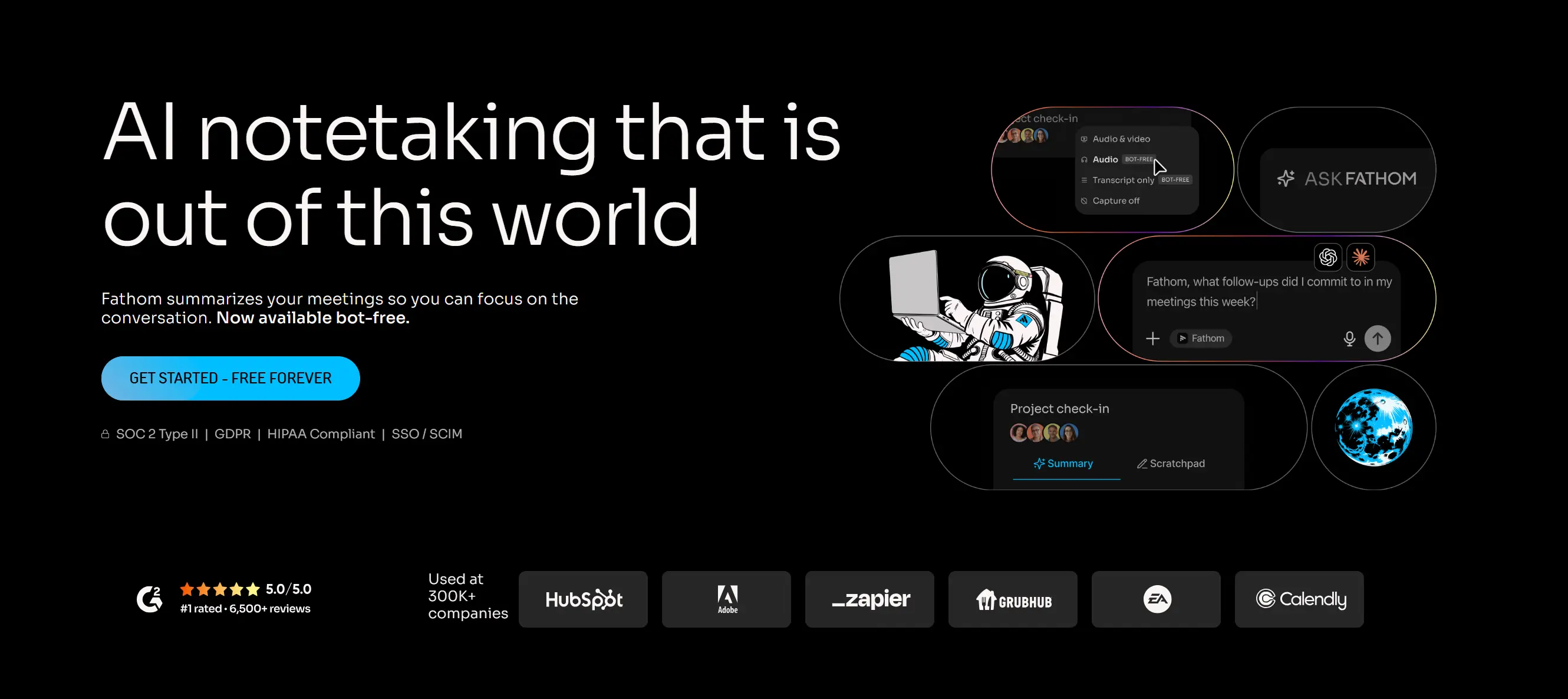 Screenshot of Fathom AI's homepage
What we like:
-
Free for individual users with no meaningful feature restrictions
-
Automatic recording, transcription, and AI summary after every call
-
"Ask Fathom" lets you query past meeting transcripts like a search engine
-
Syncs notes automatically to Slack, Salesforce, HubSpot, Notion, and Asana
What to watch out for:
-
Requires a bot participant to join calls (some participants prefer to opt out)
-
Supported platforms are limited to Zoom, Google Meet, and Microsoft Teams
-
Sensitive conversations require careful data governance review
Best for:
Sales, customer success, and product teams where every conversation matters—and spending 10 minutes writing up meeting notes after every call isn’t sustainable.
Pricing:
Free for individuals. Team plans available for shared summaries and CRM sync.
10. Microsoft 365 — Best for Enterprise-Standardized Organizations
Rating: ⭐⭐⭐⭐
For organizations running on Windows, Azure Active Directory, and Outlook, Microsoft 365 is the natural foundation for remote collaboration. Teams (video + chat), SharePoint (file storage), and the full Office suite integrate with enterprise security controls that IT and compliance teams require.
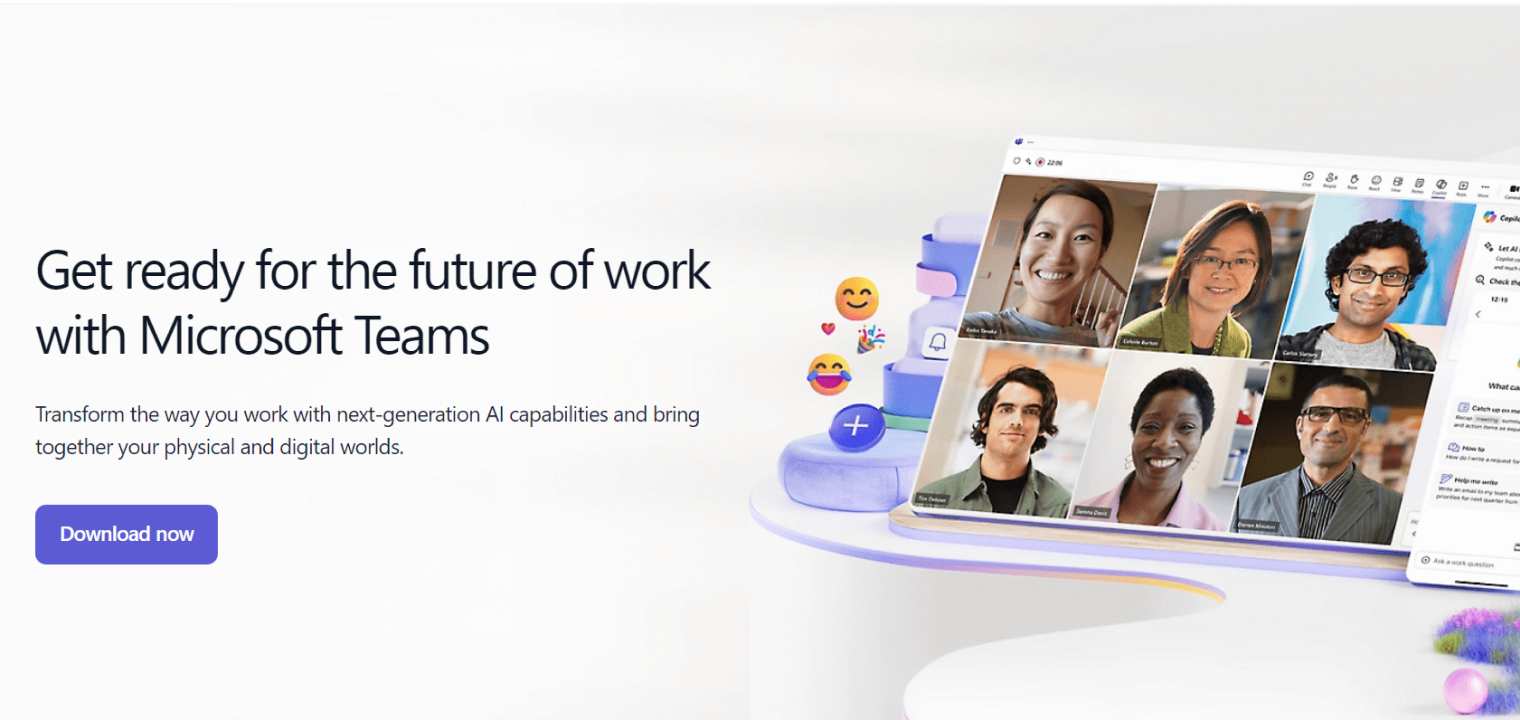 Screenshot of Microsoft 365's video conference solution.
What we like:
-
Full desktop and web versions of Word, Excel, PowerPoint, and OneNote
-
Microsoft Teams is embedded in the suite—no additional subscription required
-
Enterprise-grade identity, security, and compliance through Azure
-
Copilot AI integrated across Teams, Word, Excel, and Outlook for qualifying plans
What to watch out for:
-
Admin setup is complex—plan for IT configuration time
-
Browser-based experience lags behind Google Workspace for remote-first teams
-
Migrating from Google Workspace requires significant planning
Best for:
Enterprise organizations with existing Microsoft infrastructure and IT teams comfortable managing a Microsoft environment.
Pricing:
Microsoft 365 Business Basic at $6/user/month.
Spotlight: Vibe Bot — The AI Layer That Closes the Loop
Vibe Canvas gives your team a shared visual workspace. But what happens to the live discussions, decisions, and follow-ups that happen during those sessions—especially the conversations in the room that don’t make it into the canvas?
Vibe Bot is Vibe’s AI-powered meeting room assistant, built to answer exactly that question. Mounted in your conference room or classroom, it combines a 360° 4K camera with a six-microphone array that captures every voice in the room—clearly identifying each speaker, even when multiple people talk near each other.
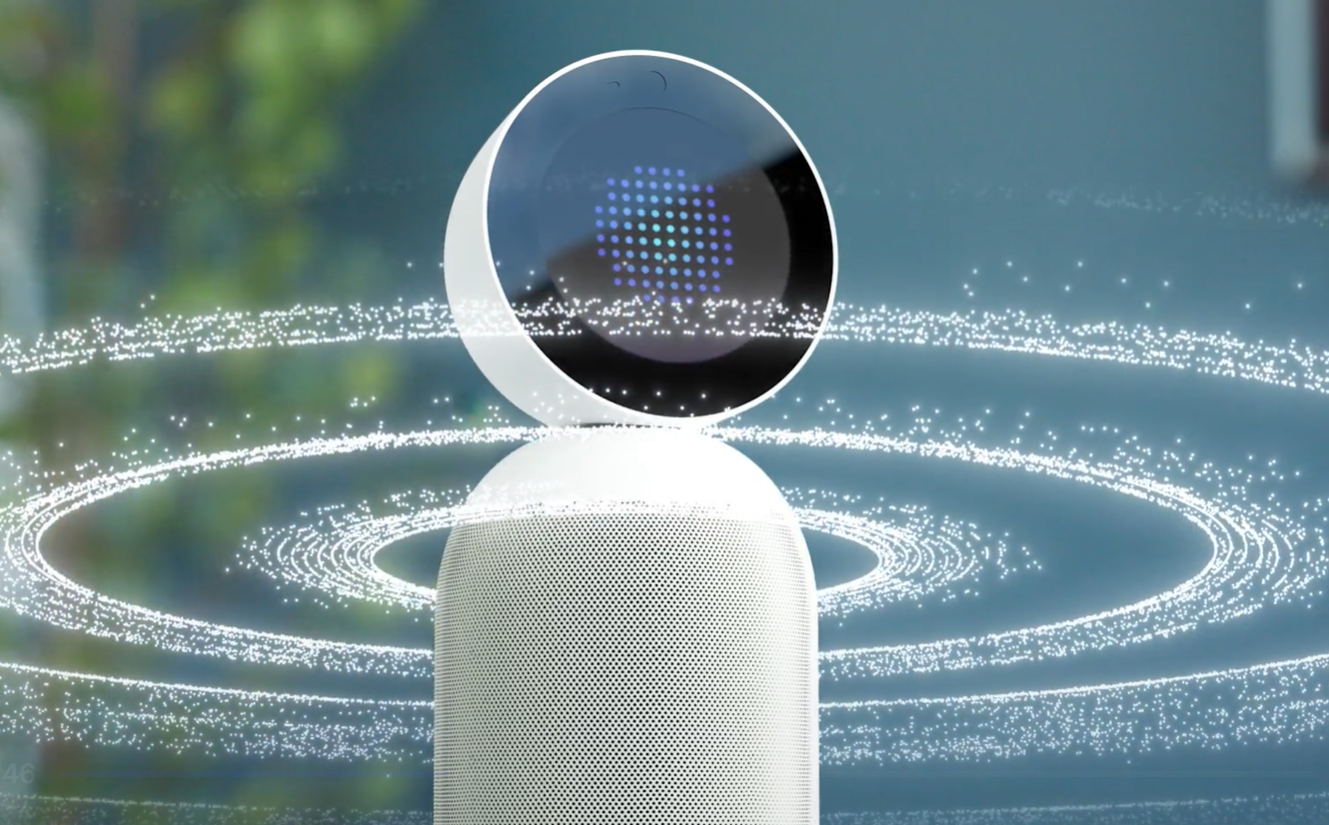
During and after each session, Vibe Bot automatically delivers:
-
Smart meeting summaries with key decisions and context, ready when the meeting ends
-
Action items with named owners—assigned automatically from what was said, not manually typed after the fact
-
Project management integration—Vibe Bot bridges verbal agreements to your existing project management workflow
-
Session continuity—discussions are linked across meetings so follow-up calls don’t start from scratch
Security is built in: Vibe Bot uses local processing, is SOC 2 compliant, and is HIPAA-ready for healthcare and finance teams.
How to Build Your Remote Collaboration Stack
More tools is not better. The most effective remote teams run 4–6 core tools that cover every workflow without overlap. Here’s a proven framework:
The essential stack (covers 80% of remote team needs):
|
Layer |
Tool |
Why |
|---|---|---|
|
Messaging |
Slack |
Organized, searchable, integrated |
|
Video |
Zoom |
Reliable at any meeting size |
|
Task tracking |
Asana |
Clear ownership and timelines |
|
Documentation |
Notion |
Searchable knowledge base |
|
Visual collaboration |
Vibe Canvas |
Shared canvas for in-room and remote |
Add based on your specific needs:
-
Lots of workshops with external stakeholders? → Add Miro
-
Team sends frequent async video updates or feedback? → Add Loom
-
Need automatic meeting notes without a designated notetaker? → Add Fathom AI
-
Organization runs on Microsoft infrastructure? → Replace Slack with Teams, Notion with SharePoint
Ready to Upgrade How Your Remote Team Collaborates?
The right collaboration stack doesn’t just make communication easier—it makes remote work feel like actual teamwork.
Start with the essentials, remove what overlaps, and build intentionally. If your team uses any kind of physical meeting space alongside remote work, Vibe Canvas keeps everyone aligned on a shared visual workspace, while Vibe Bot ensures every in-room conversation leads to clear next steps—so nothing gets lost between the meeting and the follow-up.
FAQ
What are the best collaboration tools for remote teams in 2026?
The best collaboration tools for remote teams in 2026 cover five layers: communication (Slack), video conferencing (Zoom), project management (Asana), documentation (Notion), and visual collaboration (Vibe Canvas). The right stack addresses your team’s specific workflows without introducing redundant tools or unnecessary context-switching.
What is the best free collaboration tool for remote teams?
Several strong free options exist. Slack covers messaging with integrations. Asana is free for teams up to 10 users. Vibe Canvas has a free plan for digital whiteboarding. Fathom AI is free for individual meeting transcription. Notion offers a solid free tier for personal and small team documentation. For most small remote teams, these free plans together form a complete starting stack.
How many collaboration tools does a remote team actually need?
Most effective remote teams operate well with 4–6 tools. Adding more creates context-switching fatigue and information silos. Start with one tool per category—messaging, video, tasks, documentation, and visual collaboration—and add specialized tools only when you hit a clear gap.
What is the difference between collaboration tools and project management tools?
Project management tools (like Asana or Jira) focus on organizing tasks, tracking deadlines, and managing deliverables. Collaboration tools is a broader category that includes communication platforms (Slack), video conferencing (Zoom), visual whiteboards (Vibe Canvas, Miro), async video (Loom), and documentation (Notion). Effective remote stacks combine both.
How do online collaboration tools help remote teams work better?
Remote teams lack the informal communication that happens naturally in an office: hallway conversations, whiteboard sessions, shoulder-tap feedback. Online collaboration tools replicate those interactions. Slack replaces hallway conversations. Zoom replicates face-to-face meetings. Vibe Canvas recreates the shared whiteboard in the conference room—and extends it to remote participants simultaneously.
What makes Vibe Canvas different from tools like Miro or FigJam?
Most whiteboarding tools are designed for fully remote, software-only use. Vibe Canvas is built for hybrid teams—it works as a web app for remote participants and as the software on the Vibe Board S1, a large-format interactive display for conference rooms and classrooms. Both groups collaborate on the same canvas simultaneously, with no lag and no workflow separation. When paired with Vibe Bot, the system also captures room conversations and automatically generates summaries and task assignments after every session.