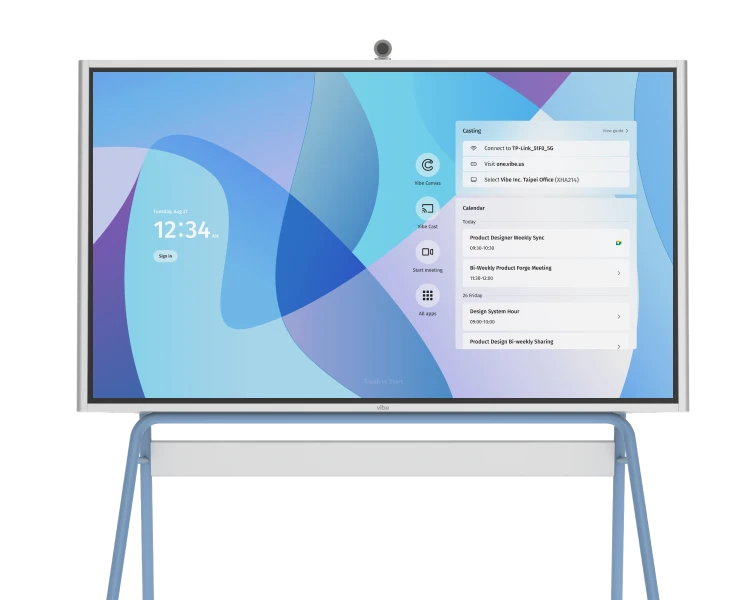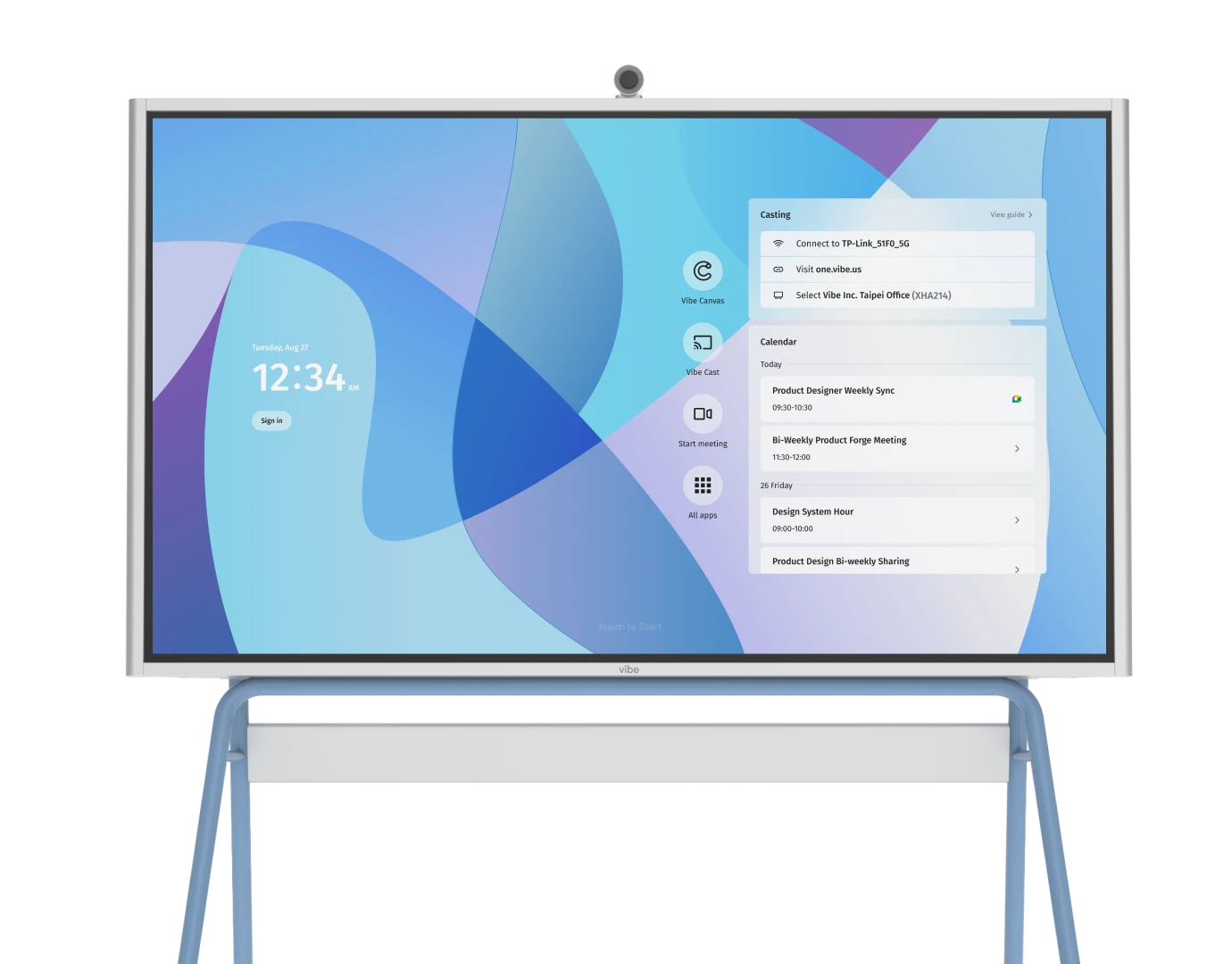

Vibe’s interactive whiteboard for Zoom
Sharing your Vibe custom collaborative board through Zoom is as simple as a few taps of the screen. Vibe’s interactive whiteboard allows you to share and collaborate with anyone, from anywhere, in real-time.
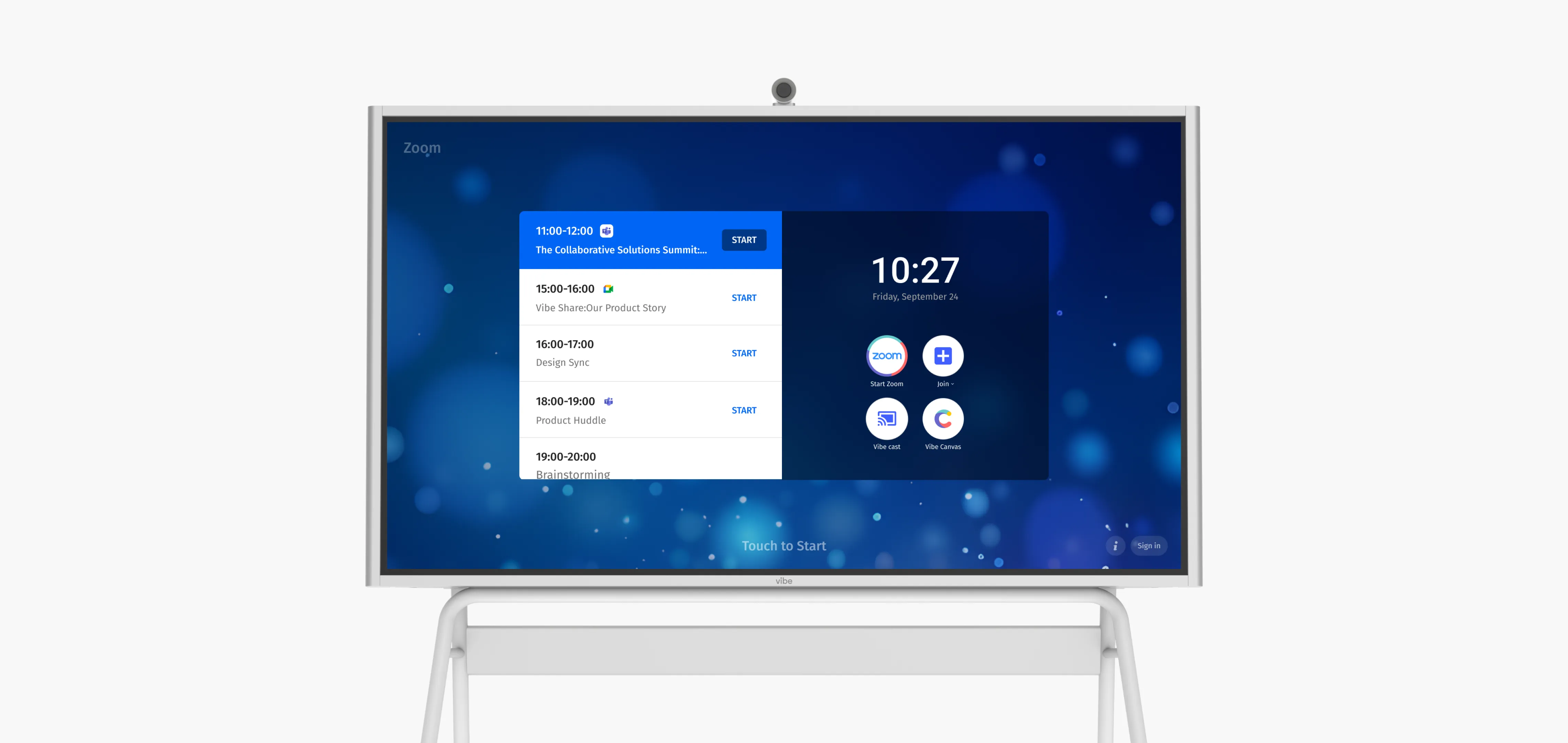
How to Whiteboard Collaboratively in Zoom
To whiteboard collaboratively in Zoom, you’ll simply open Zoom from your suite of apps in Vibe and follow the normal prompts to either join a meeting, or host a meeting. From there, you share a link to the Vibe Board app from anywhere in the world allowing them to comment, share files, make notes, conceptualize, and design. When the meeting is over, export your board and send to participants, or simply save for later review.
Click here for a simple demonstration to see just how easy it is to use Zoom with your custom collaborative board.

FAQs
Can you collaborate on a whiteboard on Zoom?
Absolutely. A traditional whiteboard is an important part of collaboration when everyone is working together in the same space. Over Zoom, an interactive smart whiteboard makes all the difference, giving team members the opportunity to collaborate in real-time, and give that feel of face-to-face collaboration.
Can you use an interactive whiteboard with Zoom?
Yes. The Vibe Board allows users to split their screen, keeping a Zoom meeting open on one side of the board, and whiteboarding with team members on the other.