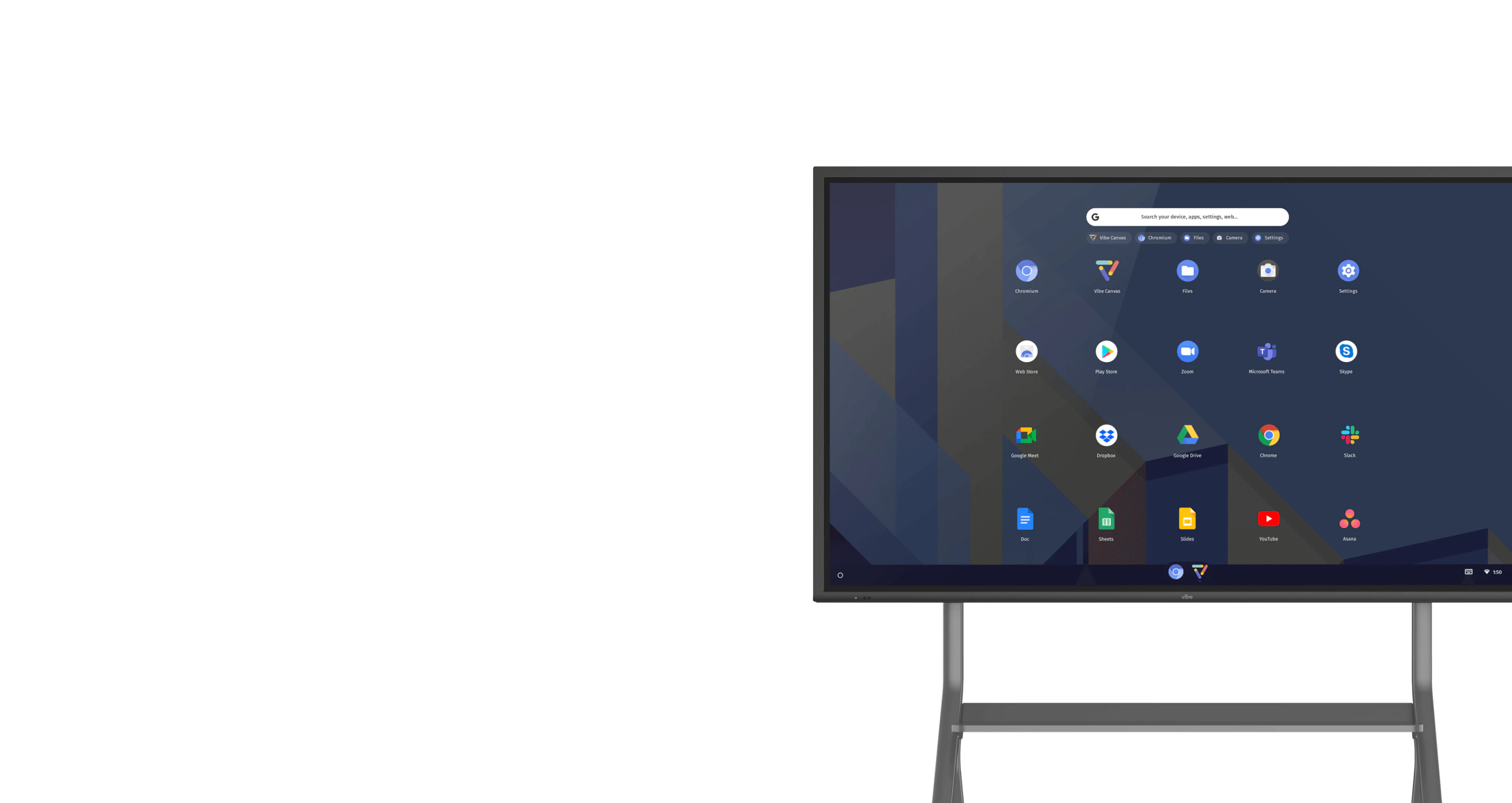
Welcome to Vibe!
You’re the newest member of the growing Vibe community, and we are so glad that you’re here.Scroll down to get started ↓Scroll down to get started
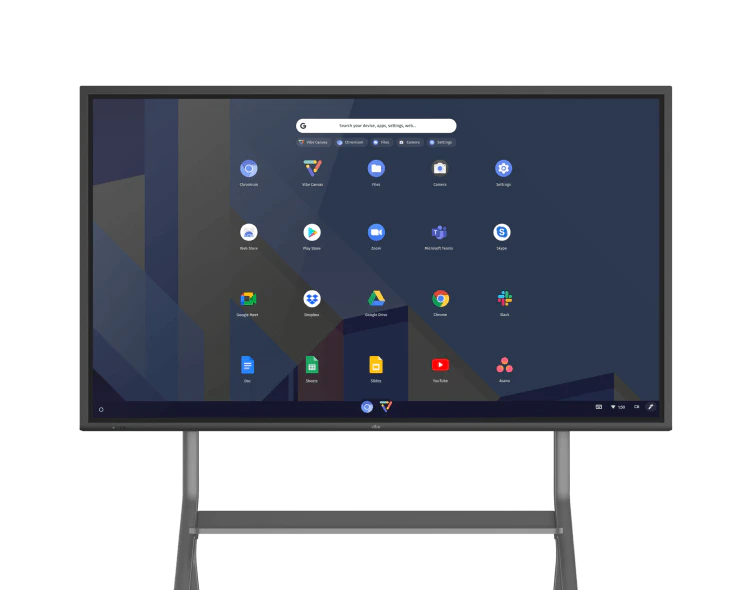
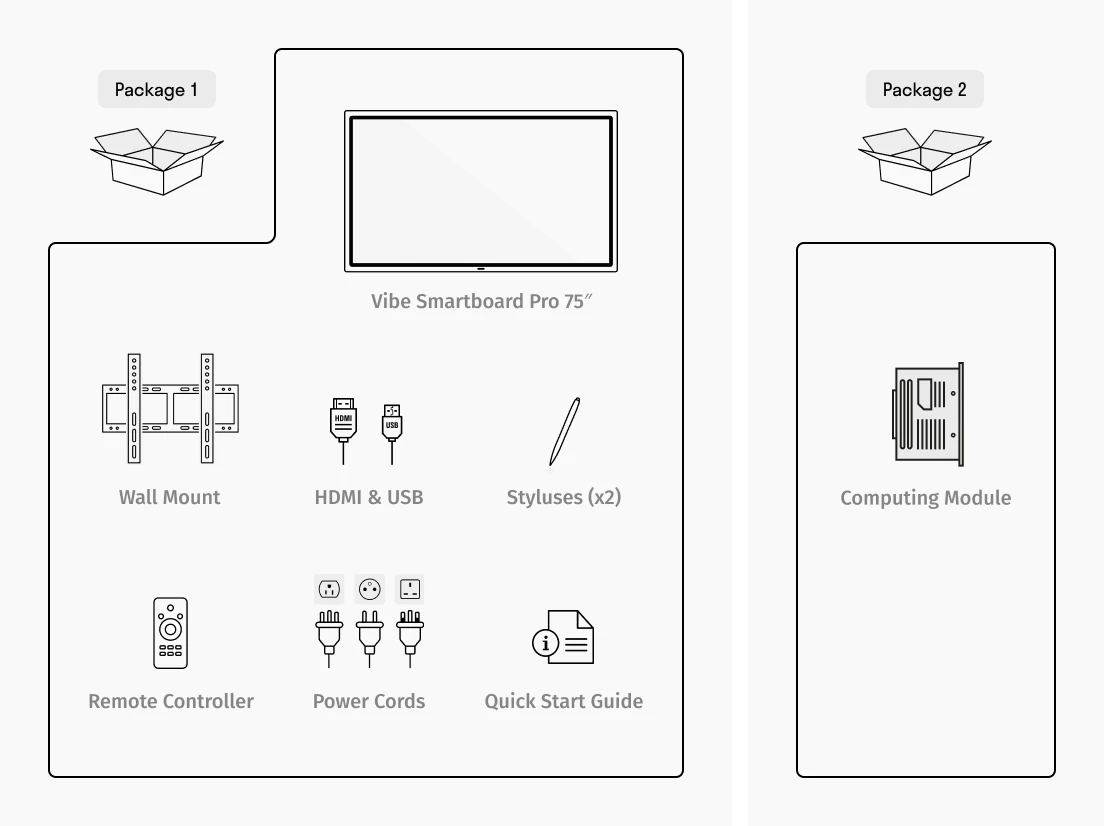
Unbox Your Vibe Board Pro 75″
* The Computing Module is sometimes sent in a different package, please make sure you have received everything before you begin setting up your Vibe Smart whiteboard.
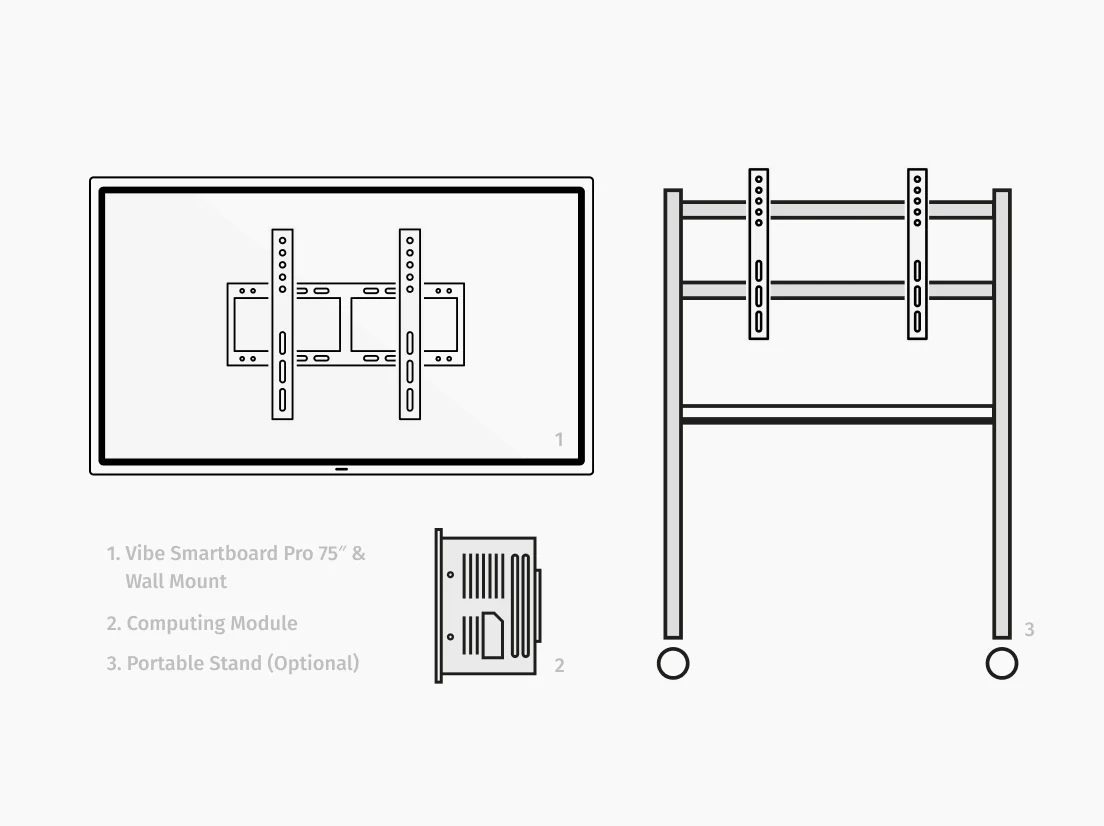
Install Your Vibe Board & Computing Module
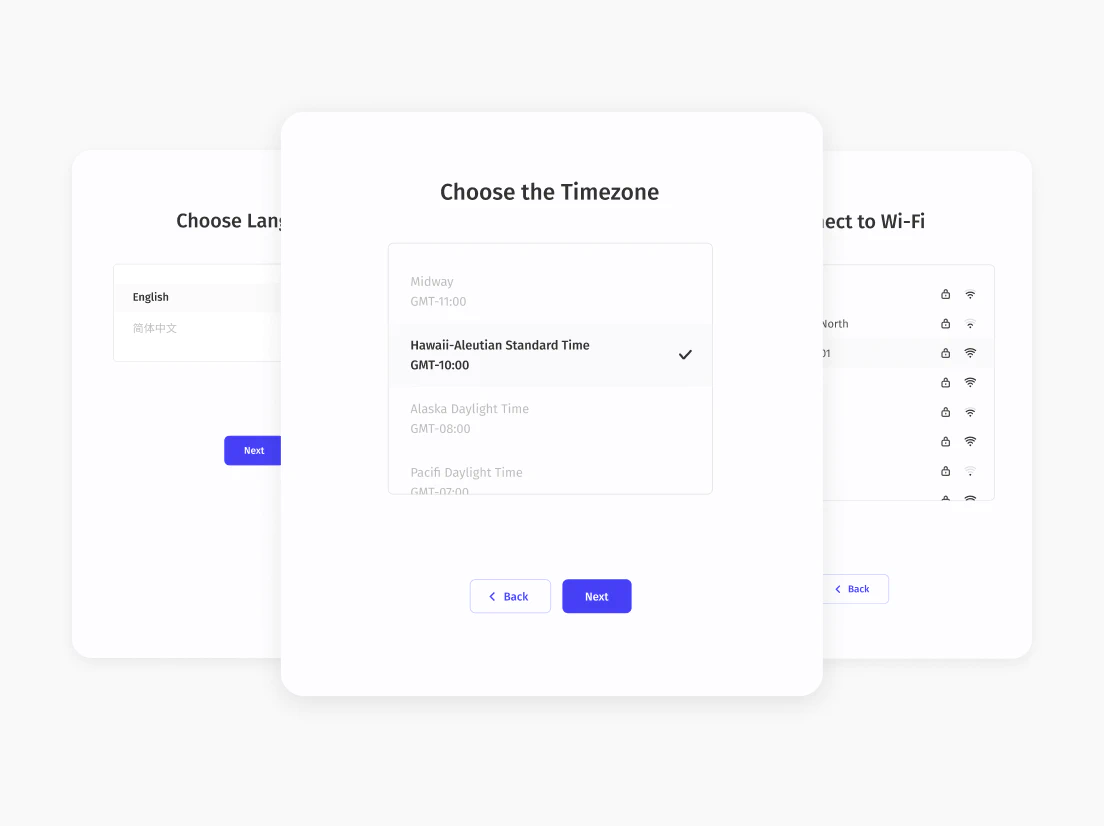
Set Up Your Device
* If you're setting up the Vibe board for the first time, please expect to wait 5-10 minutes for
system update.Learn more
You are all set!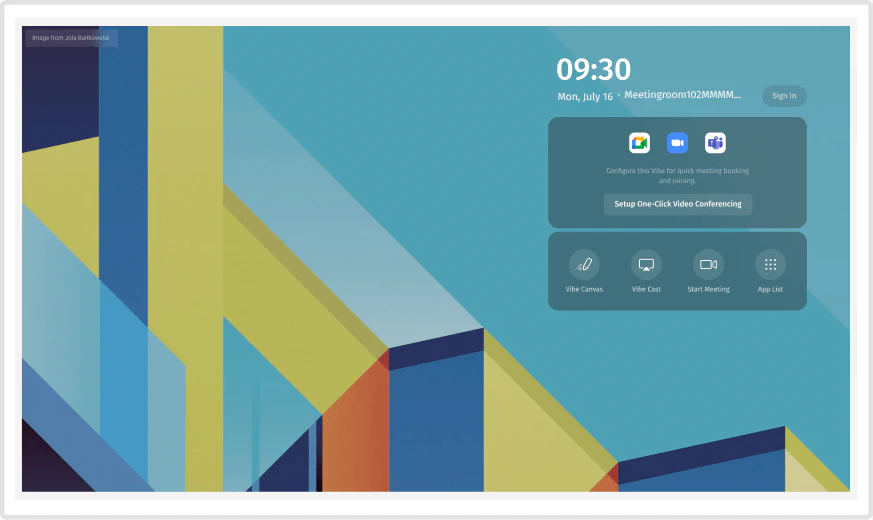 Experience Vibe for yourself.
Experience Vibe for yourself.1
Unbox Your Vibe Board Pro 75″
* The Computing Module is sometimes sent in a different package, please make sure you have received everything before you begin setting up your Vibe Smart whiteboard.
2
Install Your Vibe Board & Computing Module
3
Set Up Your Device
* If you're setting up the Vibe board for the first time, please expect to wait 5-10 minutes for
system update.Learn more
4
You are all set!Experience Vibe for yourself.
Experience Vibe for yourself.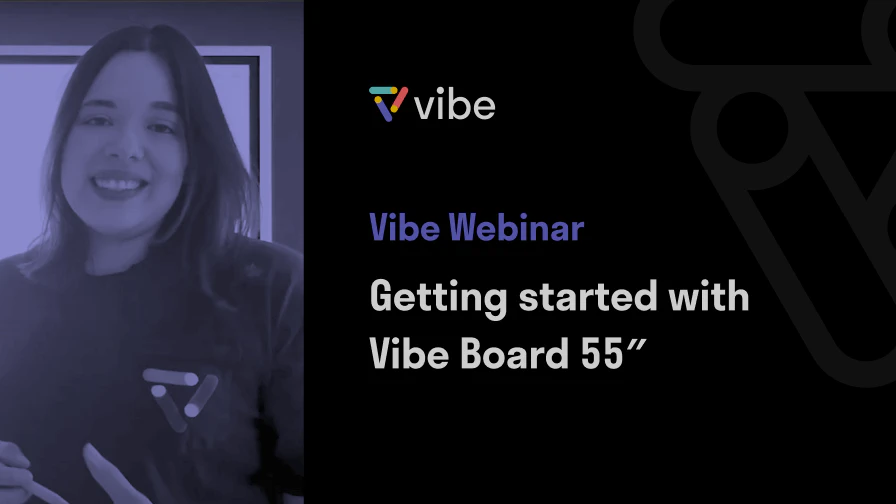
Webinar Replay
Get a walk-through of your Vibe Pro basics
45 mins
- How to use your whiteboard (Toolbar Overview, Importing Files, Sharing and Sending and more)
- Using the casting feature
- How to conduct video conferences
- FAQs
Get started with Vibe

Frequently Asked Questions
- Why is my Vibe Board not turning on?Please follow these steps for troubleshooting. If you still have problems turning it on, please contact support .
- Why is screencasting not working?Please be noted that the casting steps for Vibe Board Pro 75″ is different from that of Vibe Board 55″. You may follow these steps to cast your screen onto the Vibe board. If you still have problems, please contact support .