summer_campaignsummer_campaign
Kick off 2026 with a better workspace: Up to $600 off per Vibe BoardStart 2026 with Vibe: Save $600 now
From $5,999 or $208/mo with
Contact SalesRequest a DemoDemo

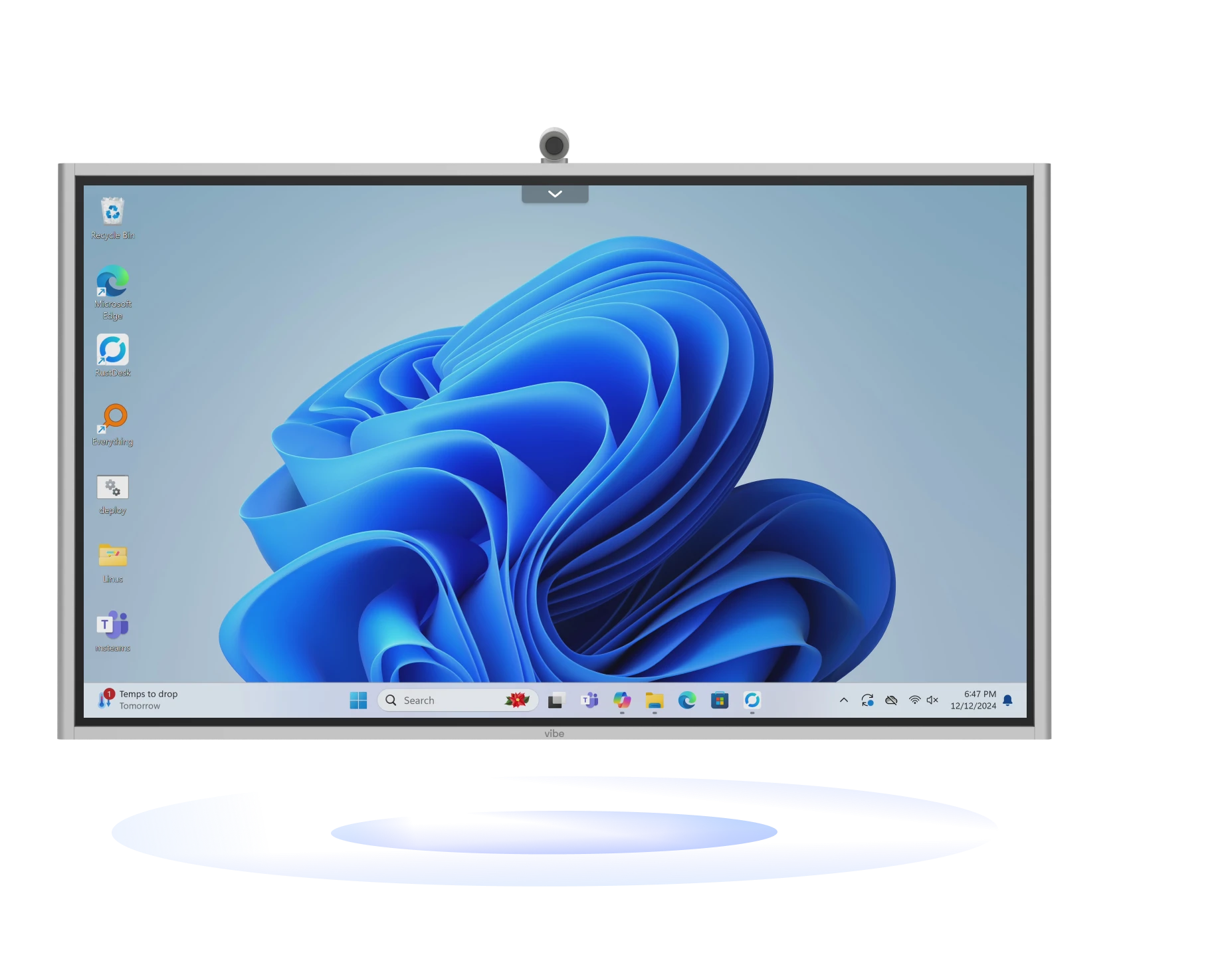
All-in-one smart whiteboard with Windows 11 Pro

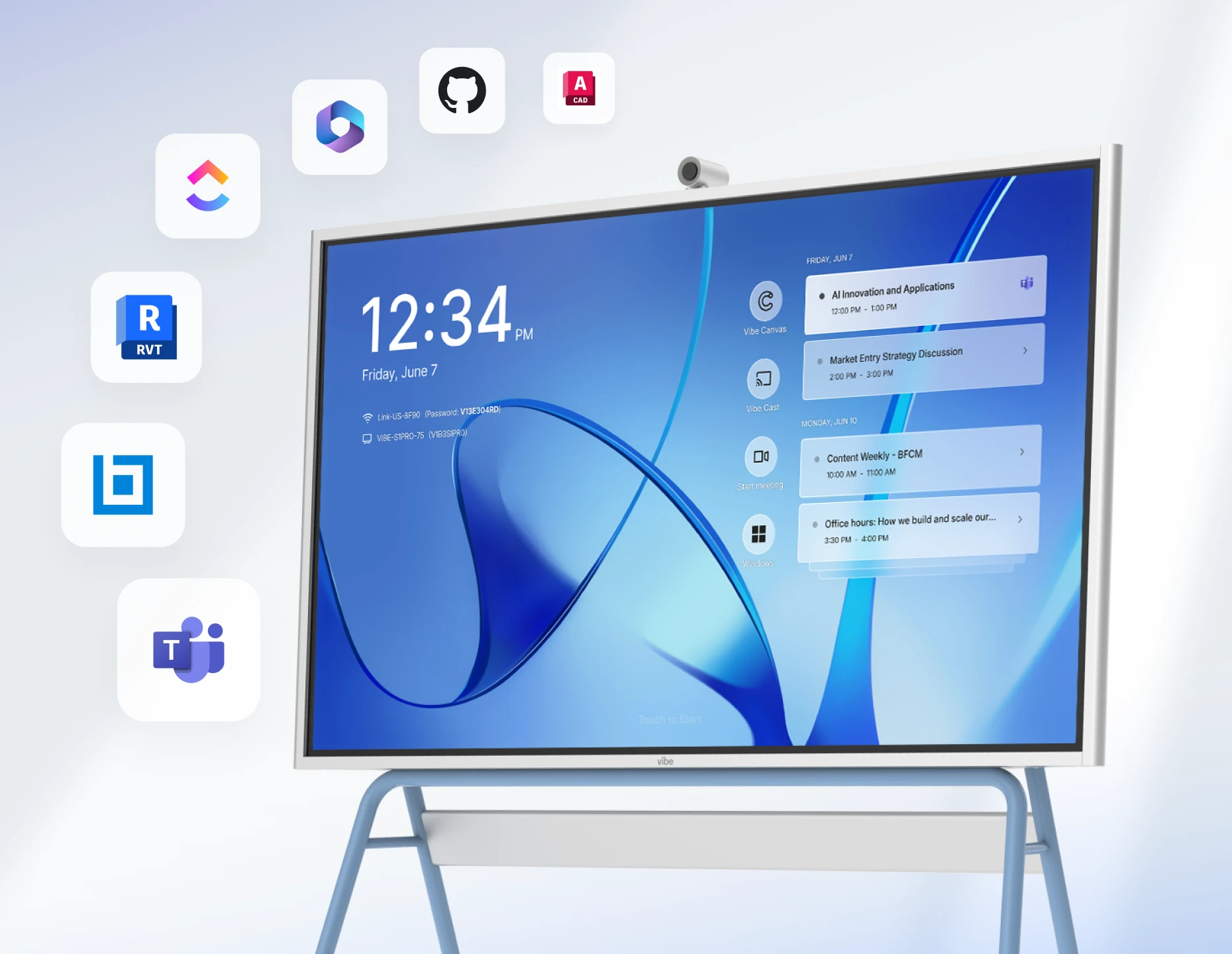
Seamless access to Microsoft 365, Teams, and professional apps on Vibe’s true Windows platform
From $5,999$5,699$5,699
To speak to a human, call:+1 (385) 341-8591

Vibe Board with Windows 11 Pro
Contact Sales
To speak to a human, call:+1 (385) 341-8591

Get the highlights

Run on
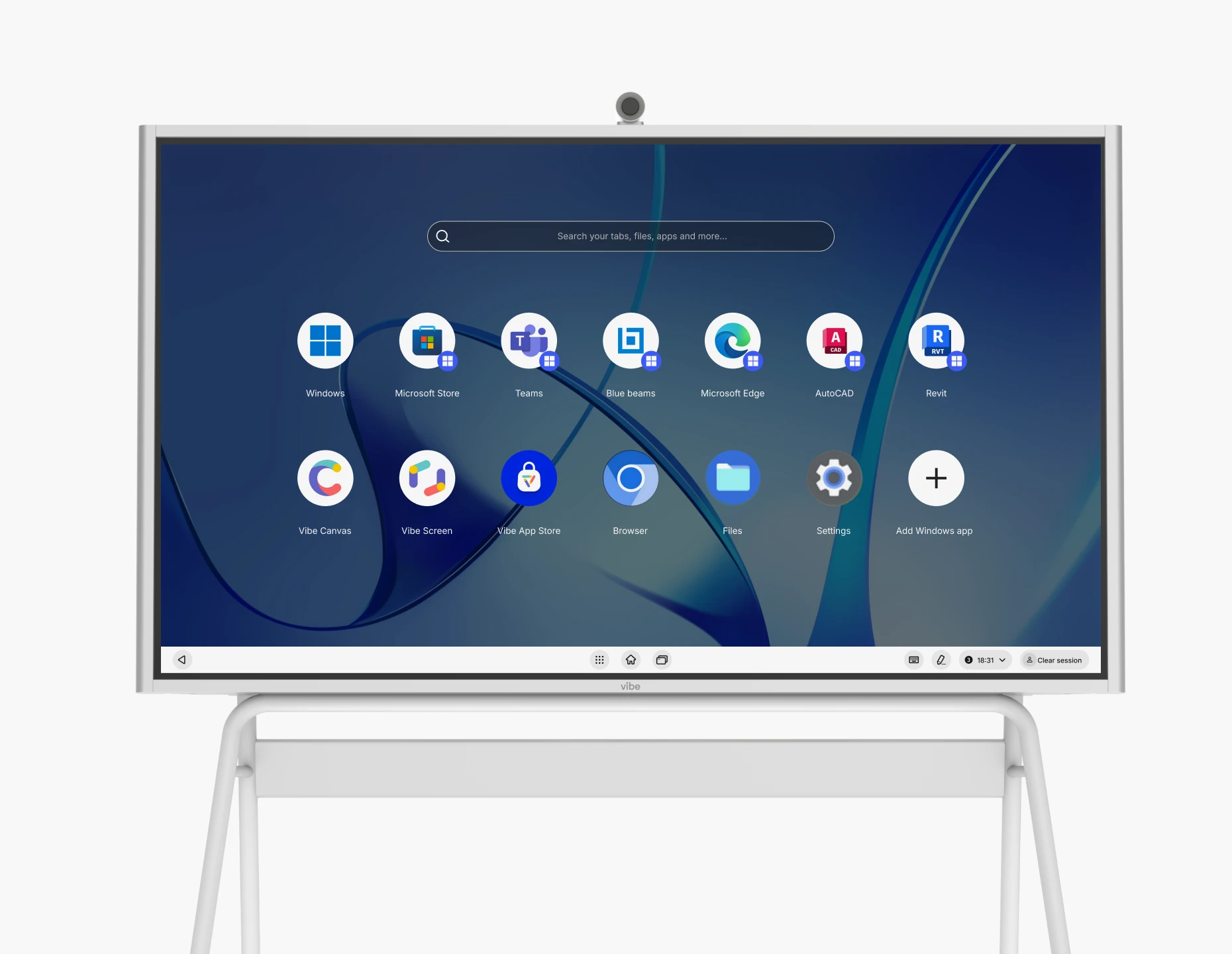
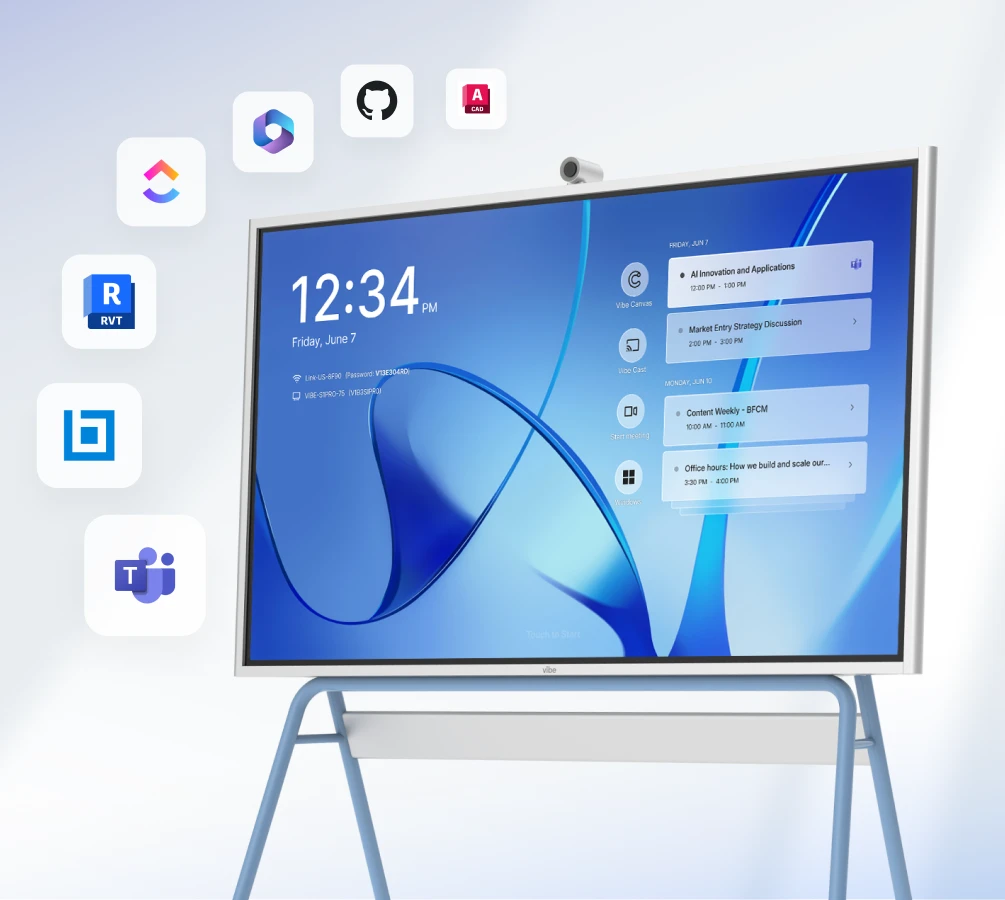
Windows 11 Pro
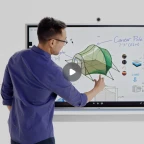
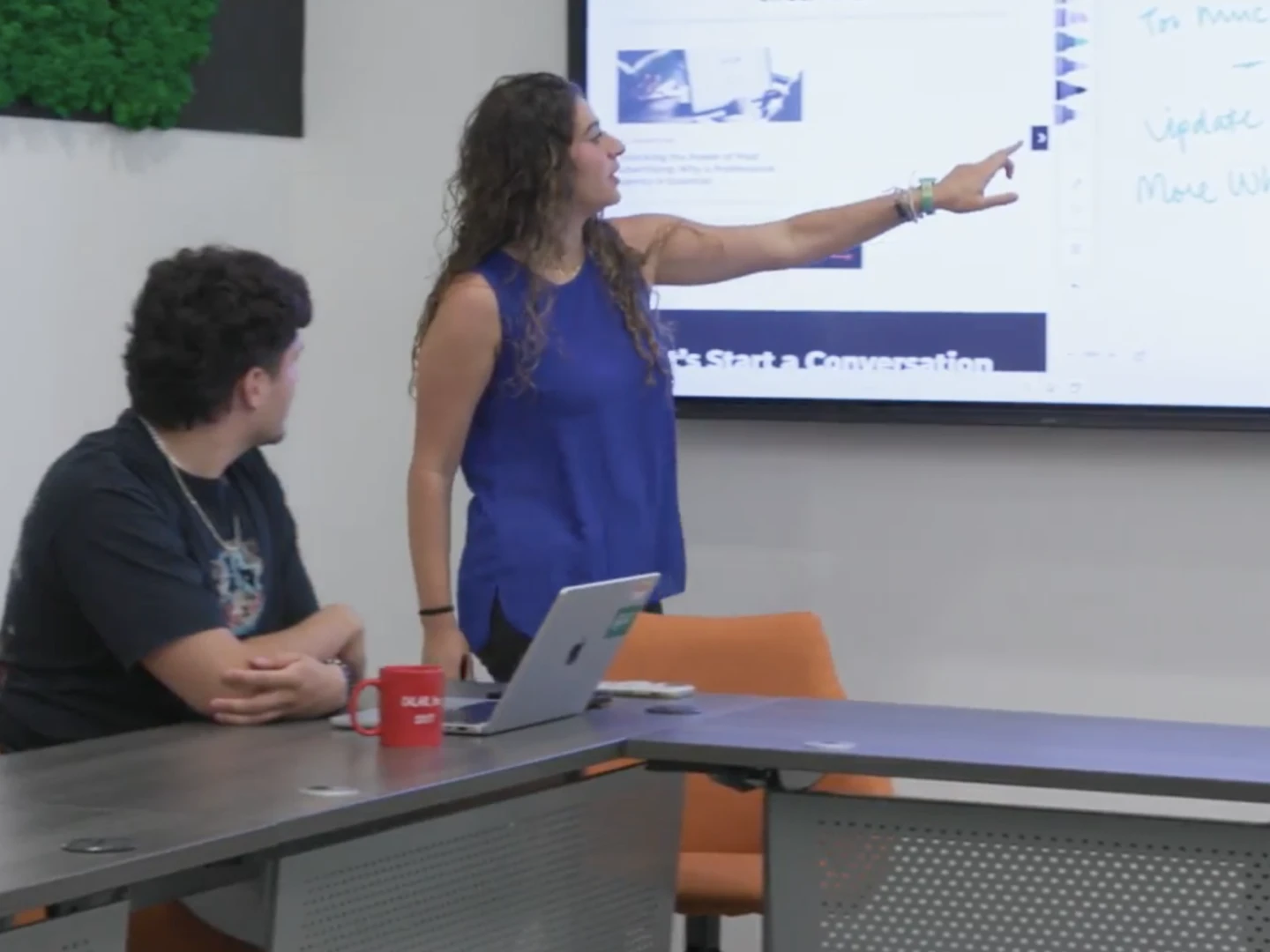
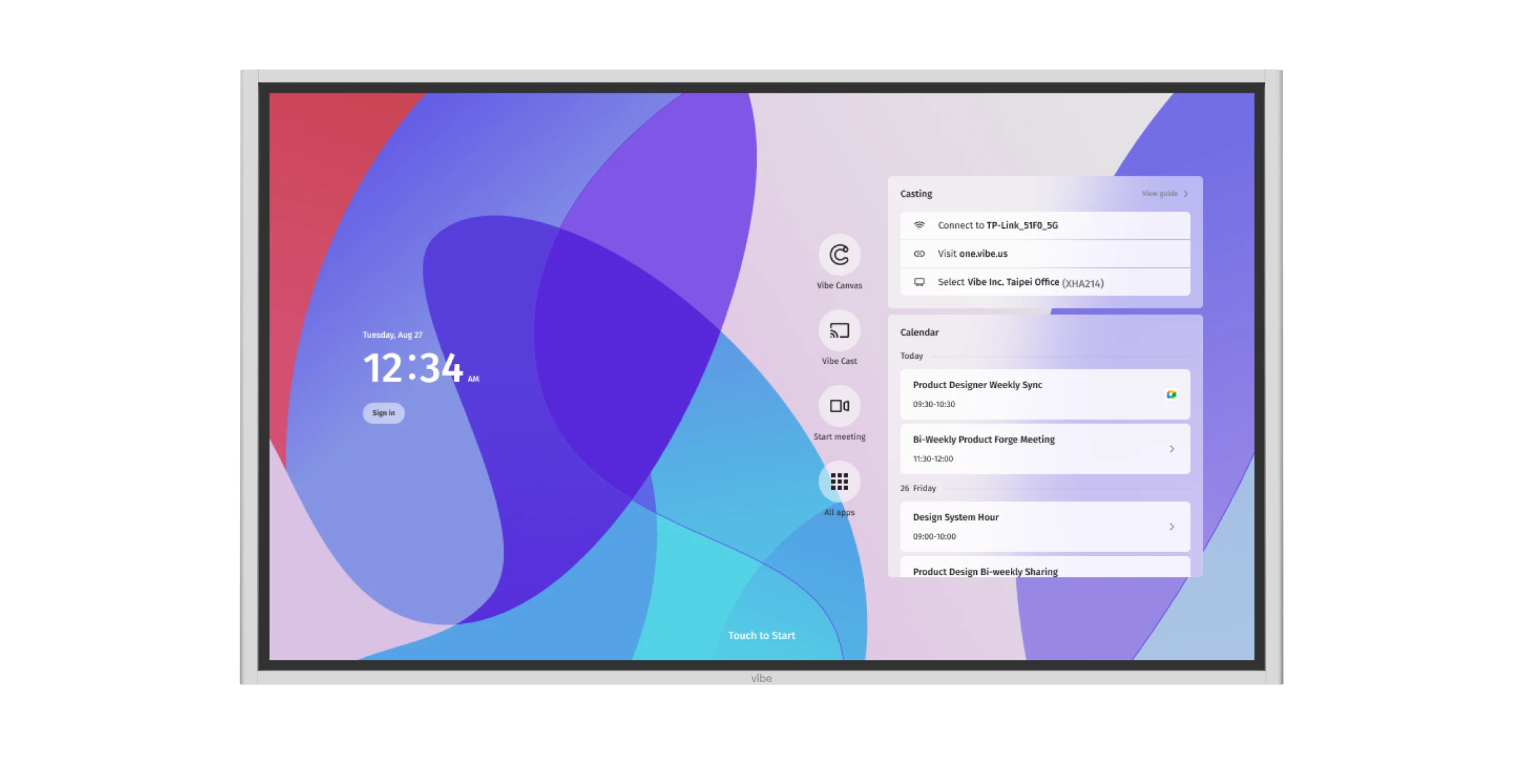
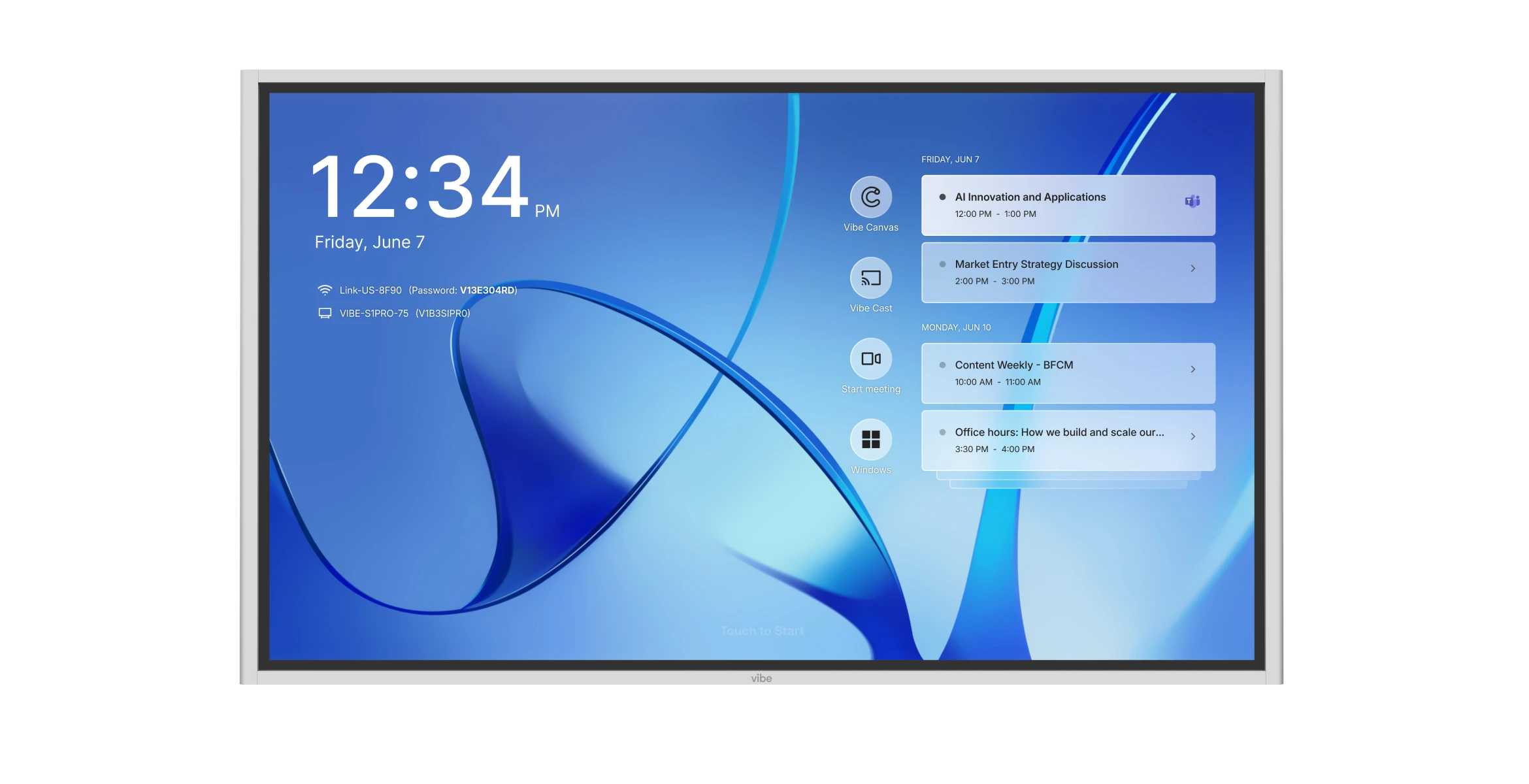
Streamline your workflow with an intuitive and familiar environment.
image_0
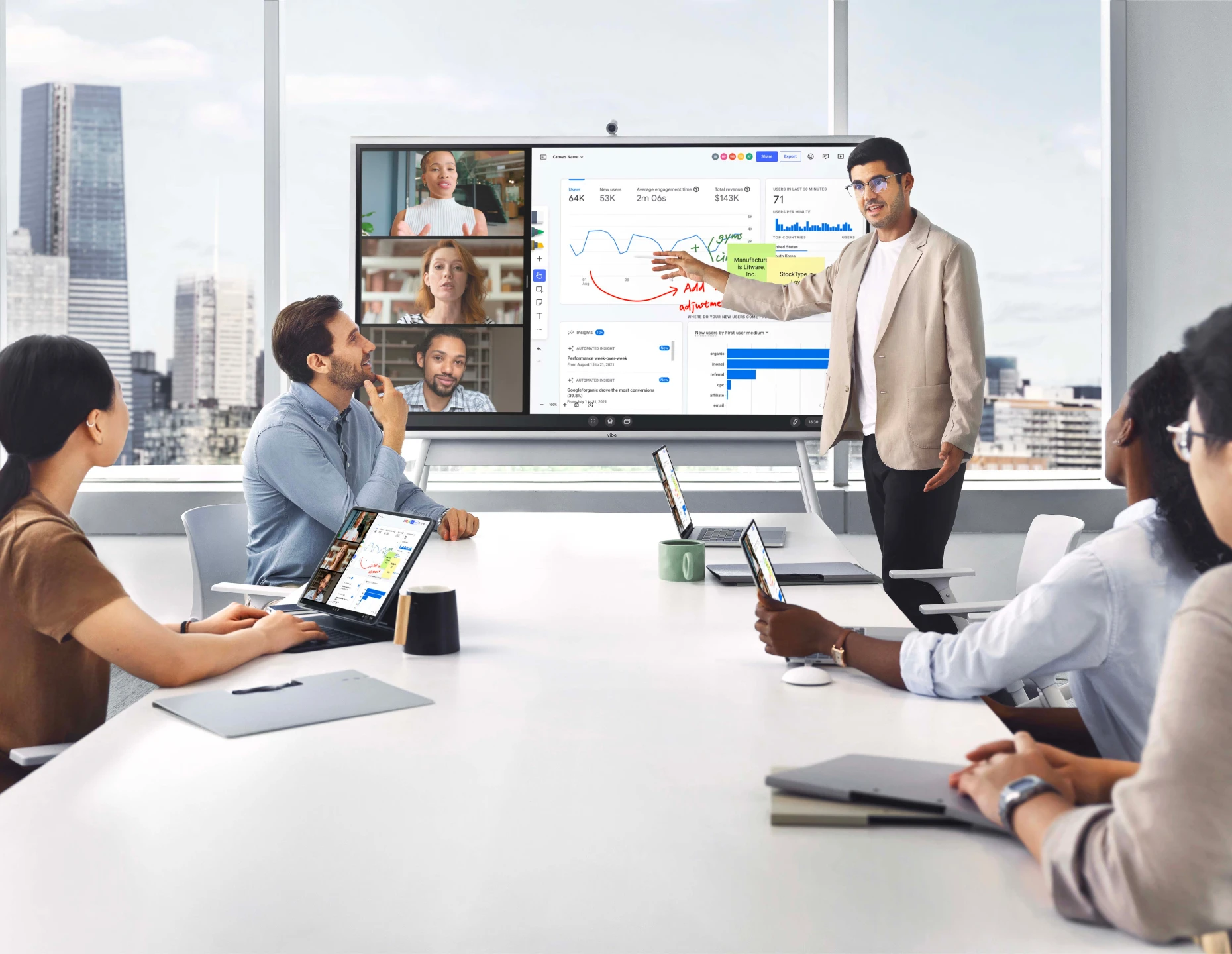
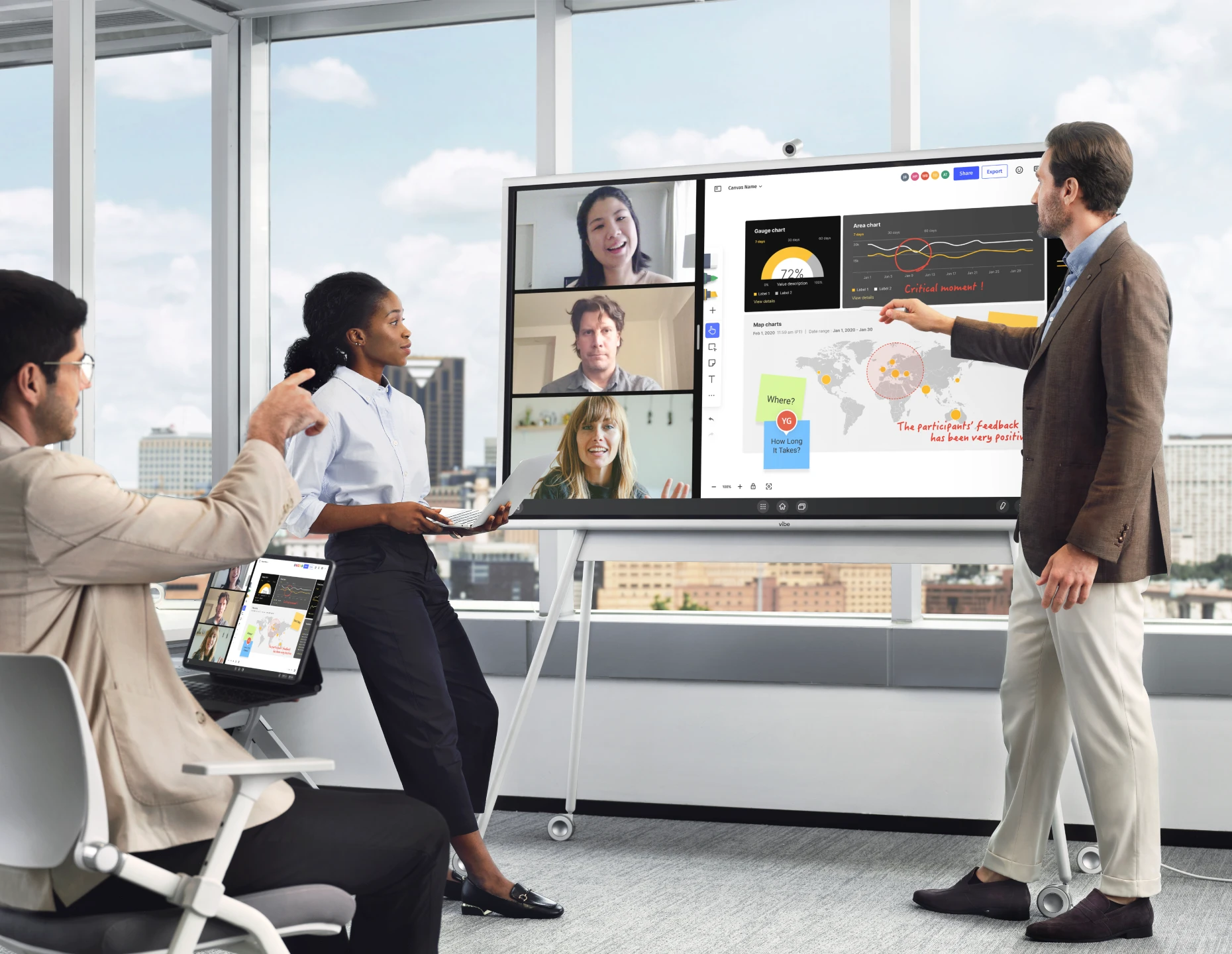
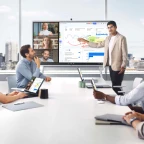
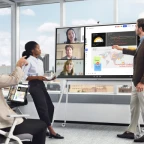
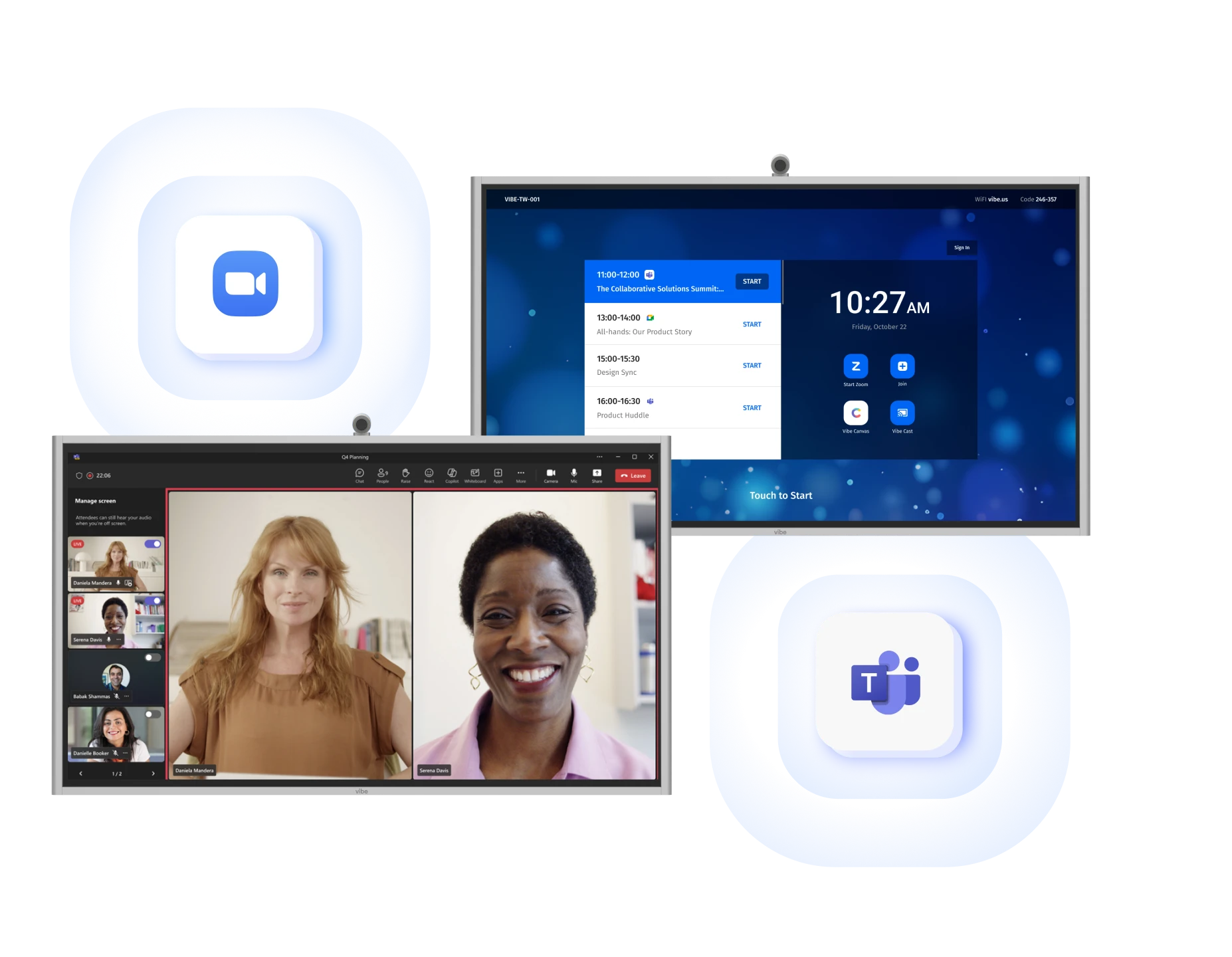
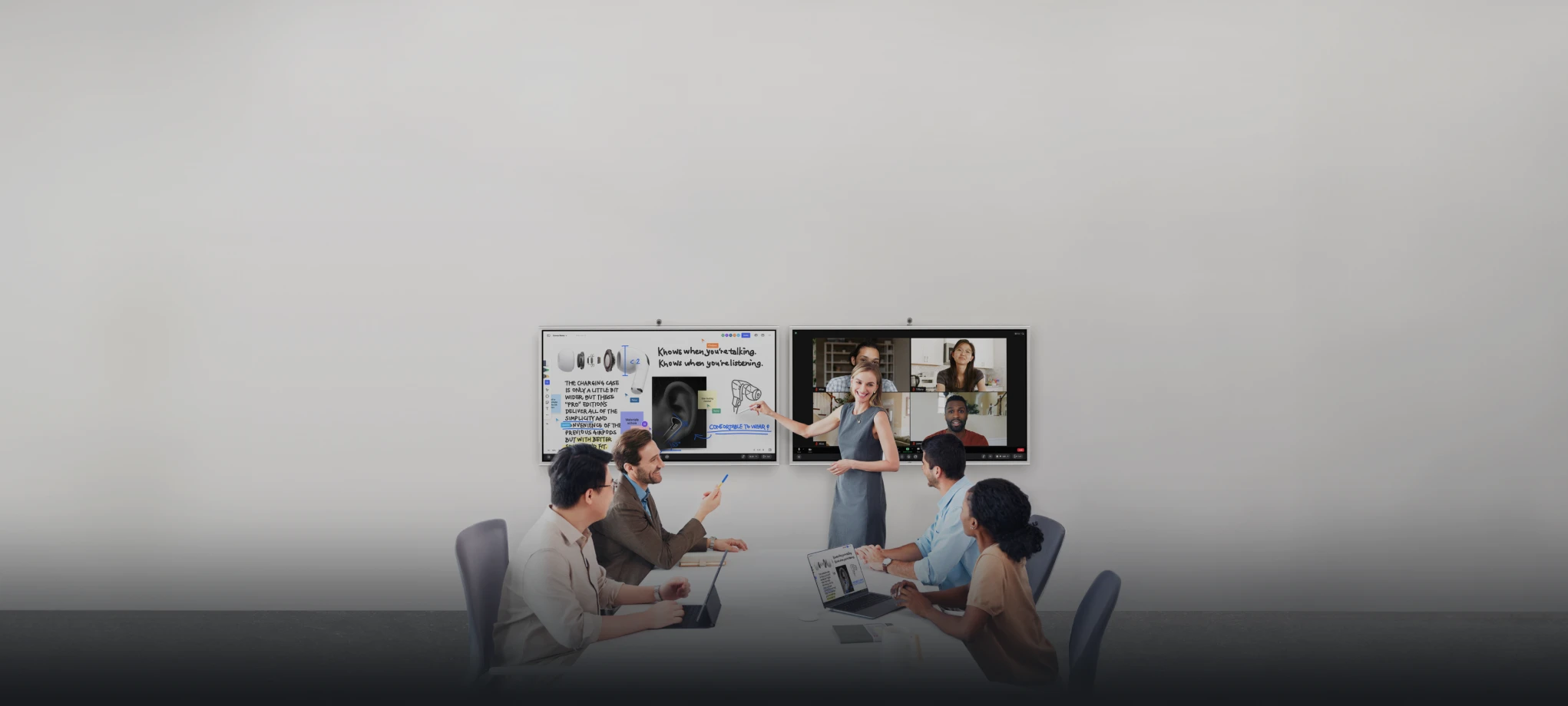
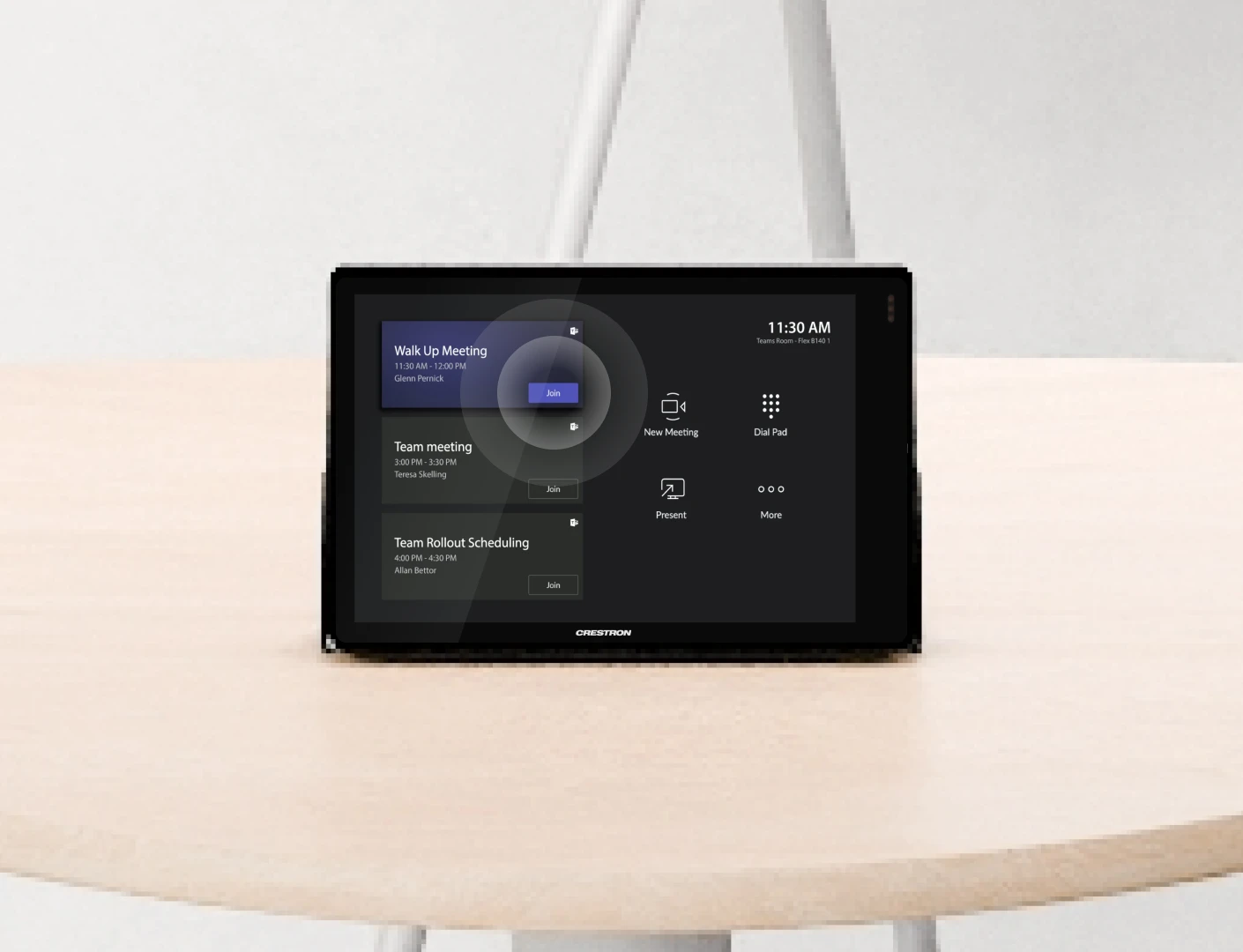
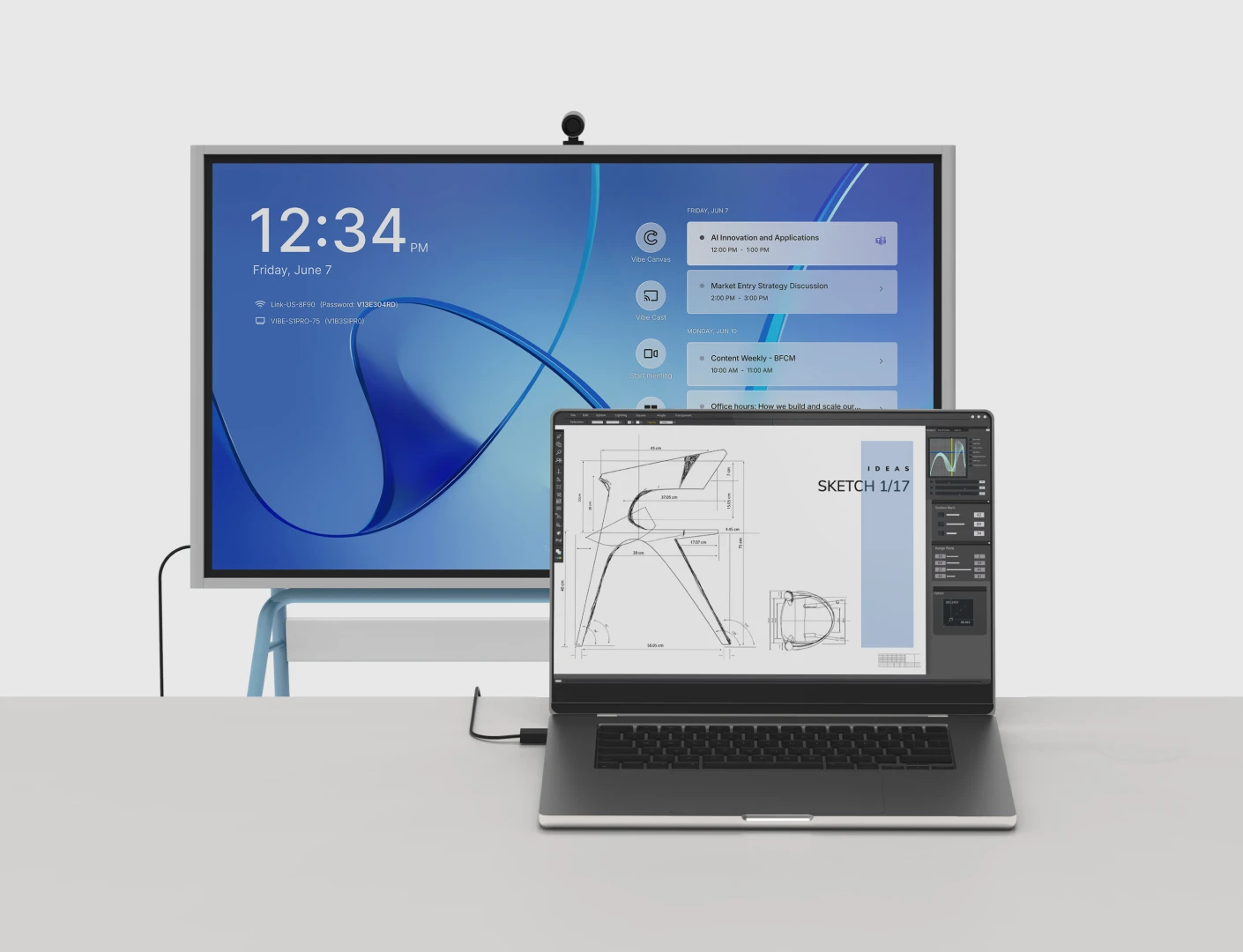
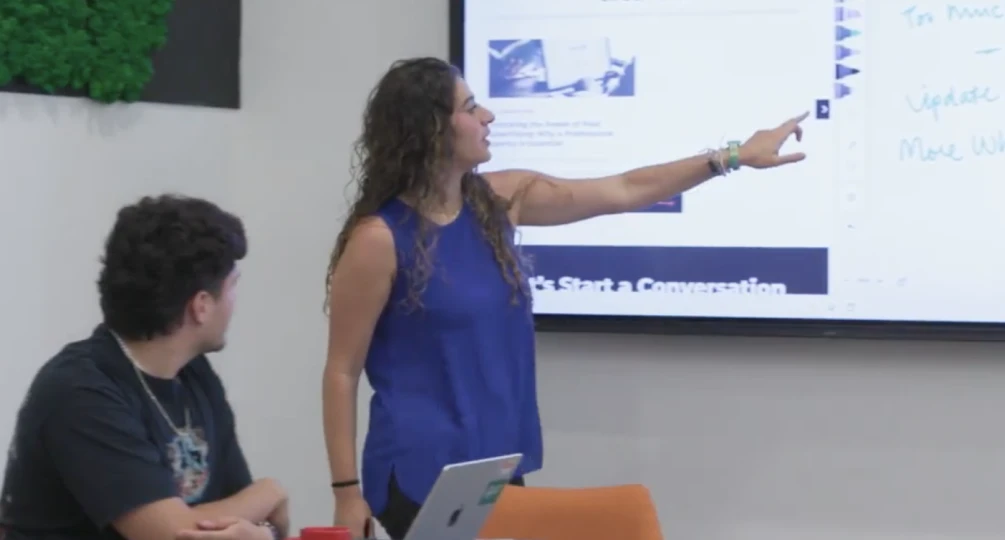
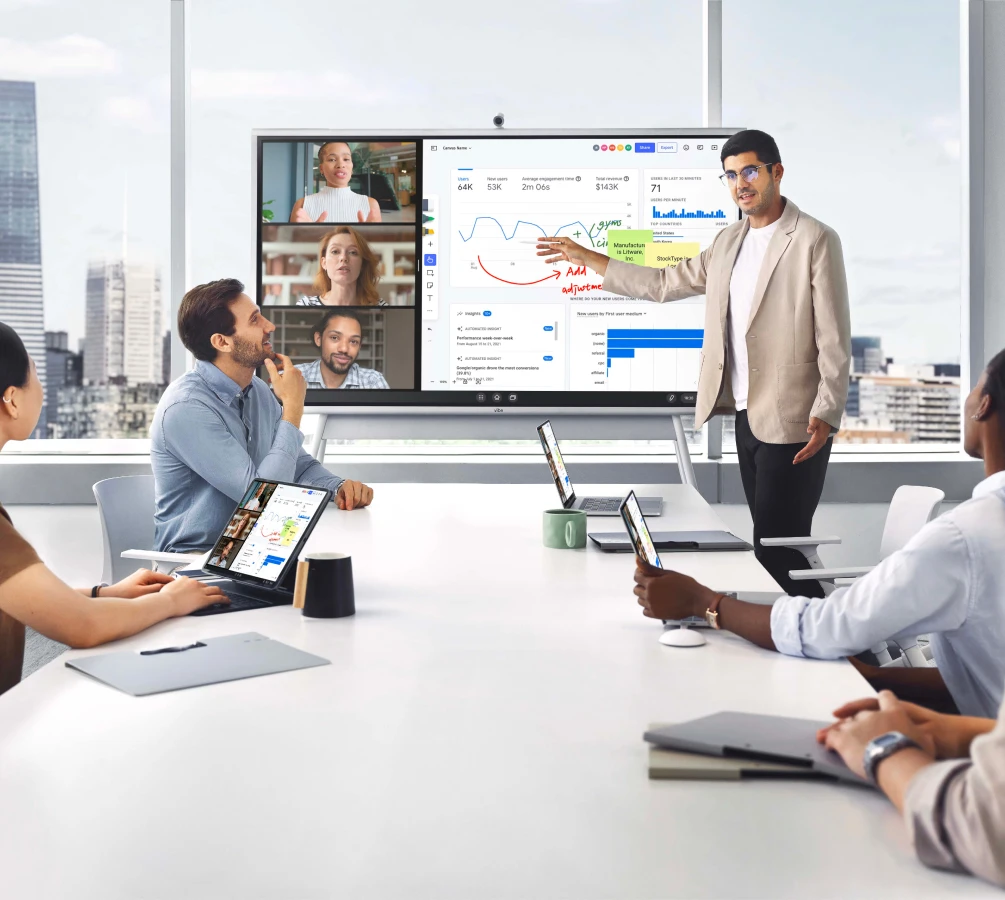
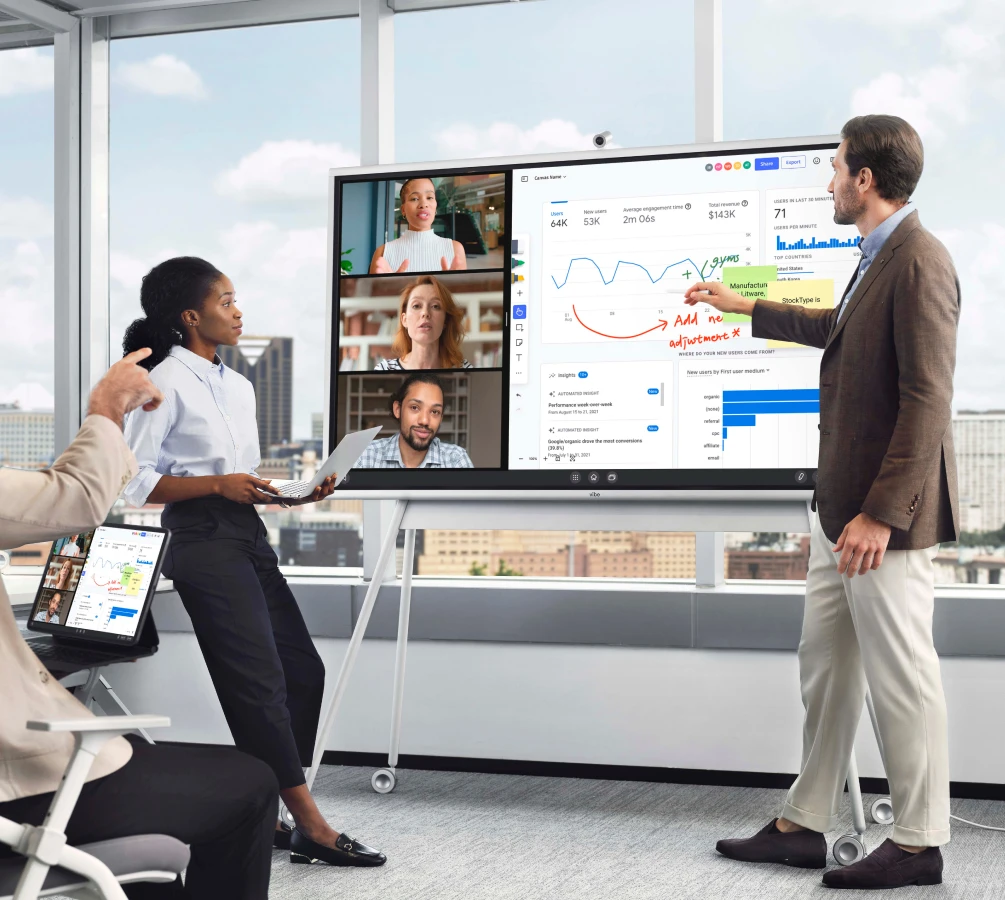
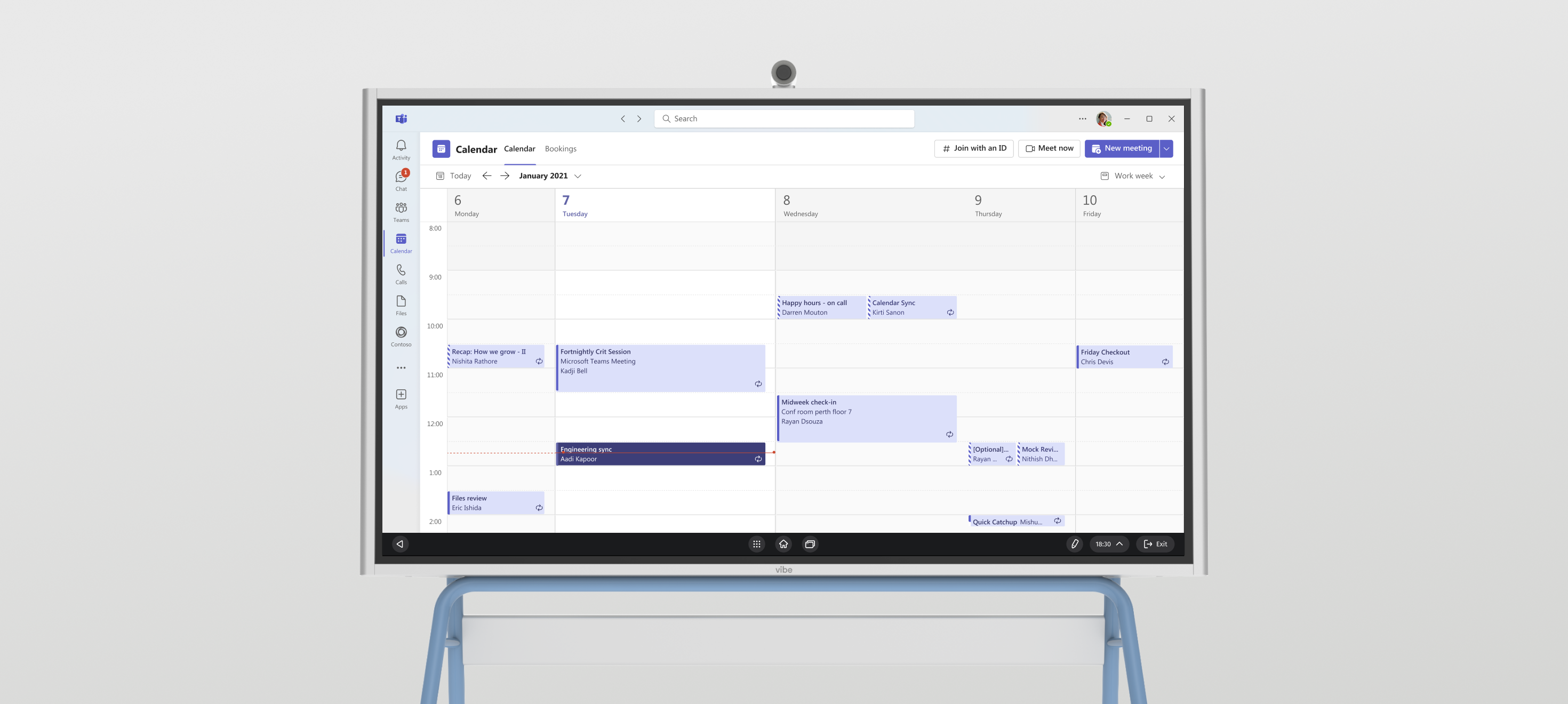
Optimized for Microsoft Teams and Zoom RoomsMake every meeting count with premium video experiences.
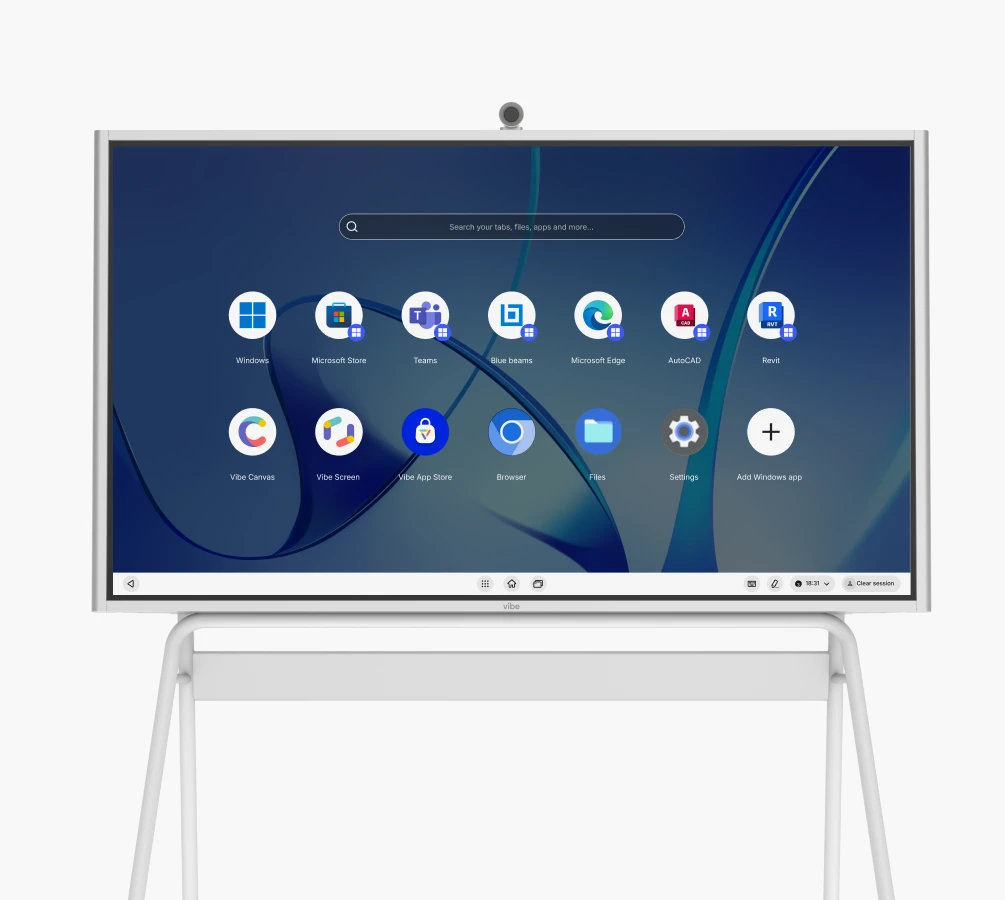
image_1
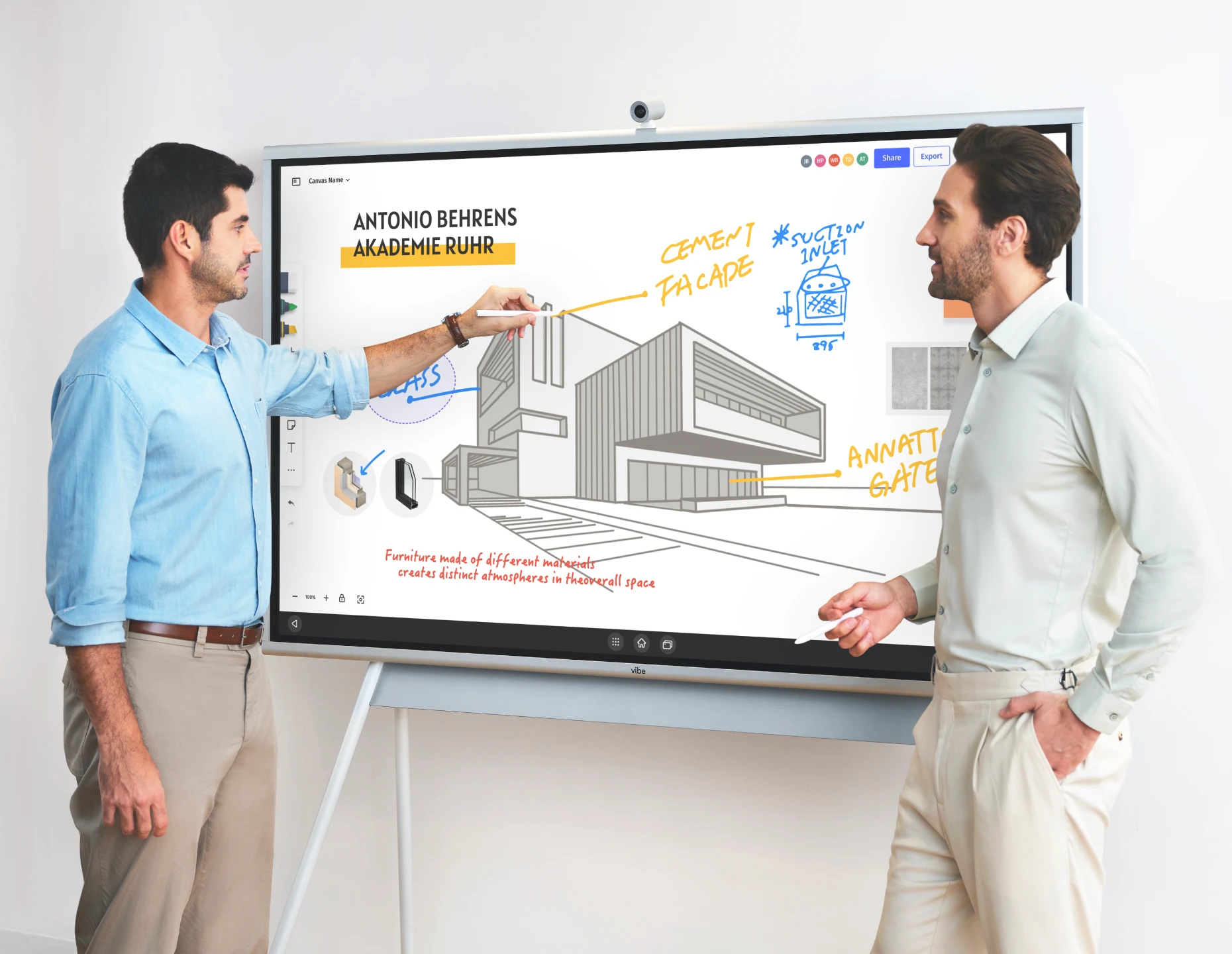
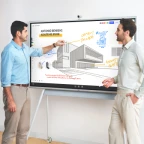
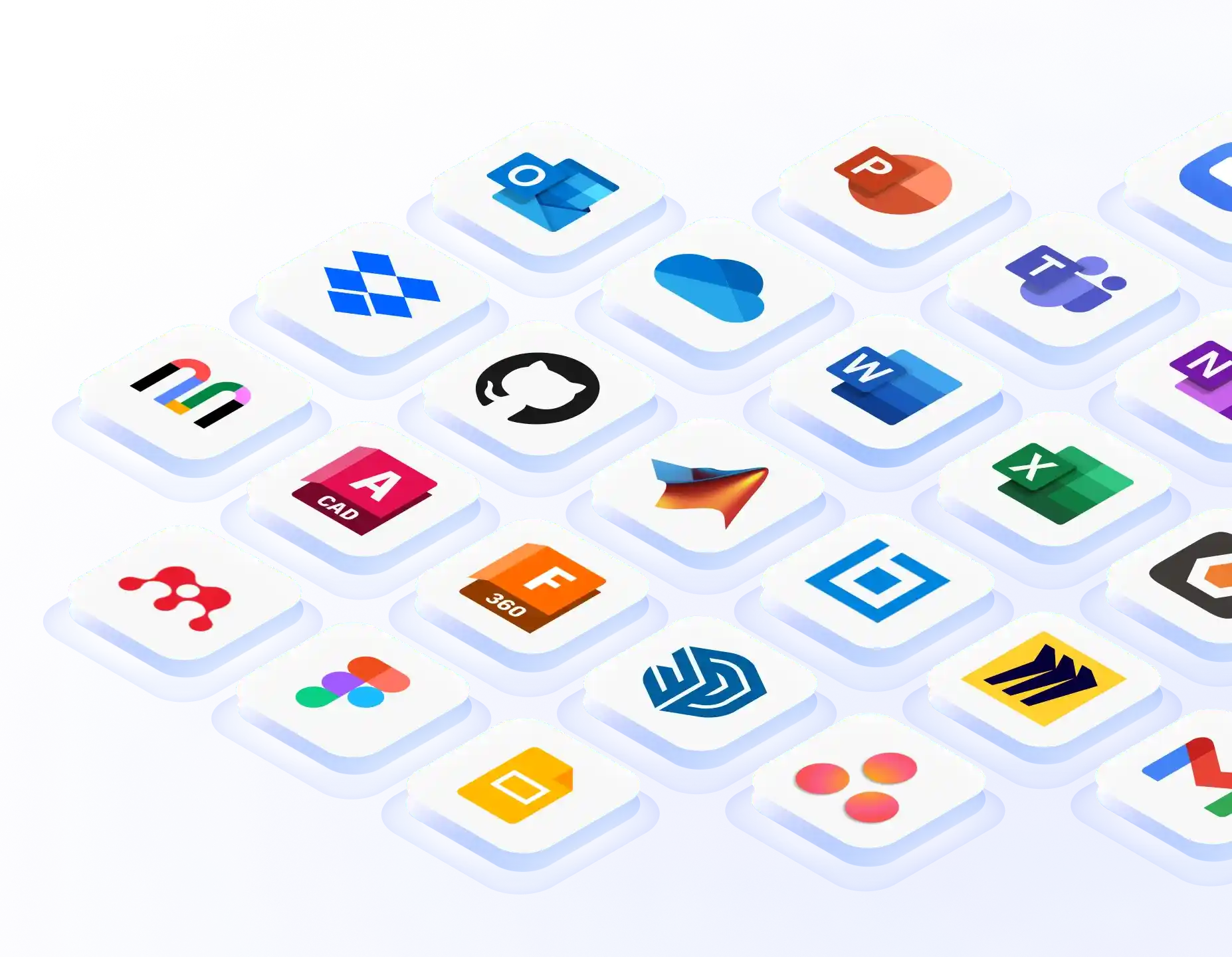
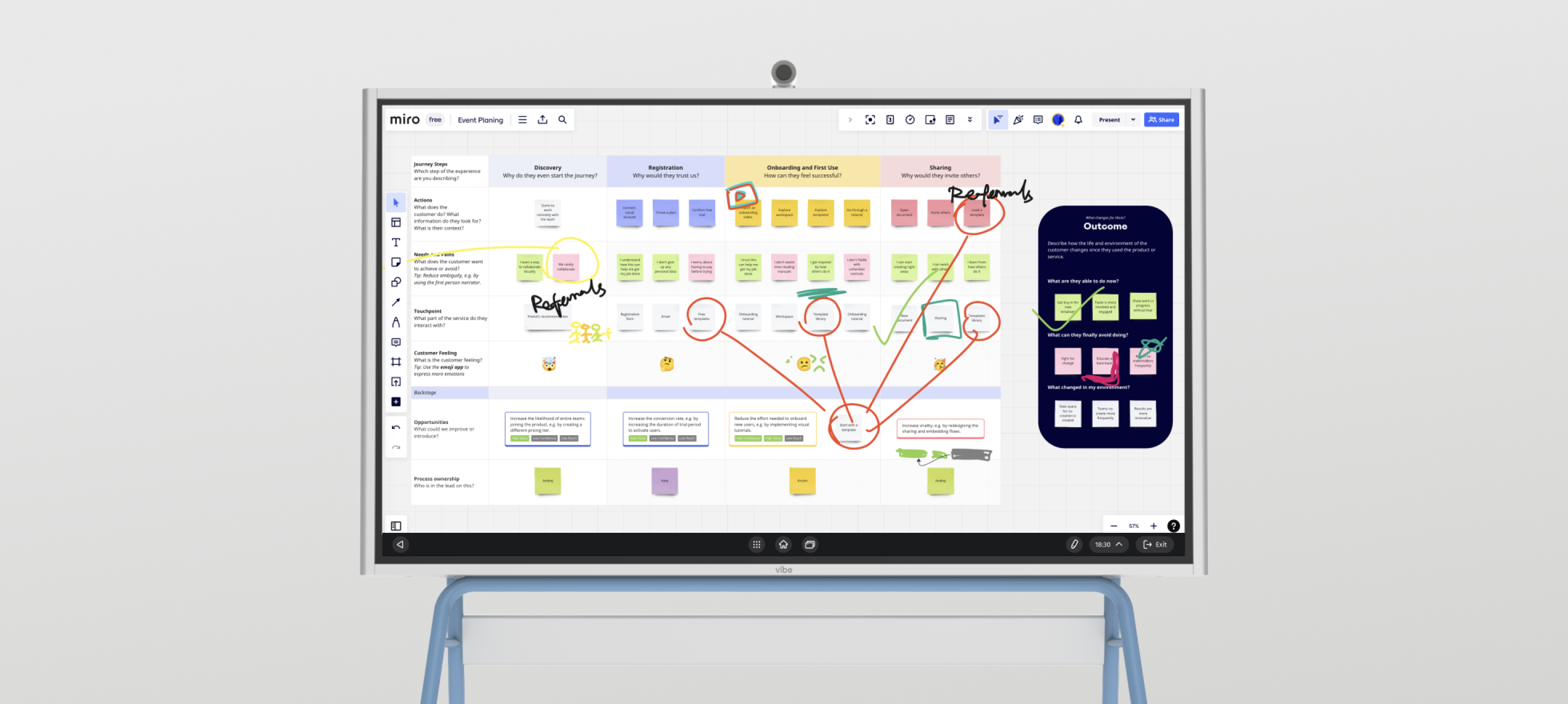
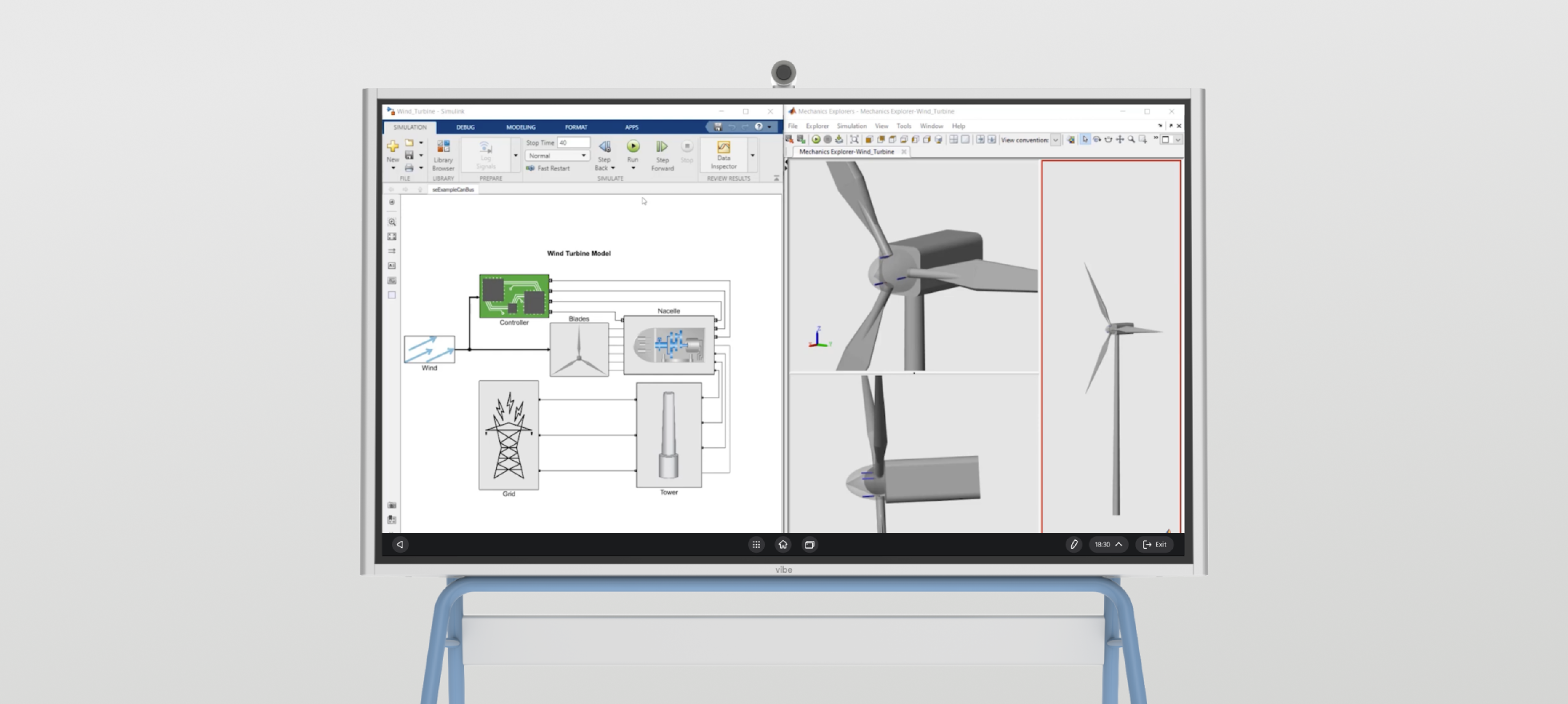
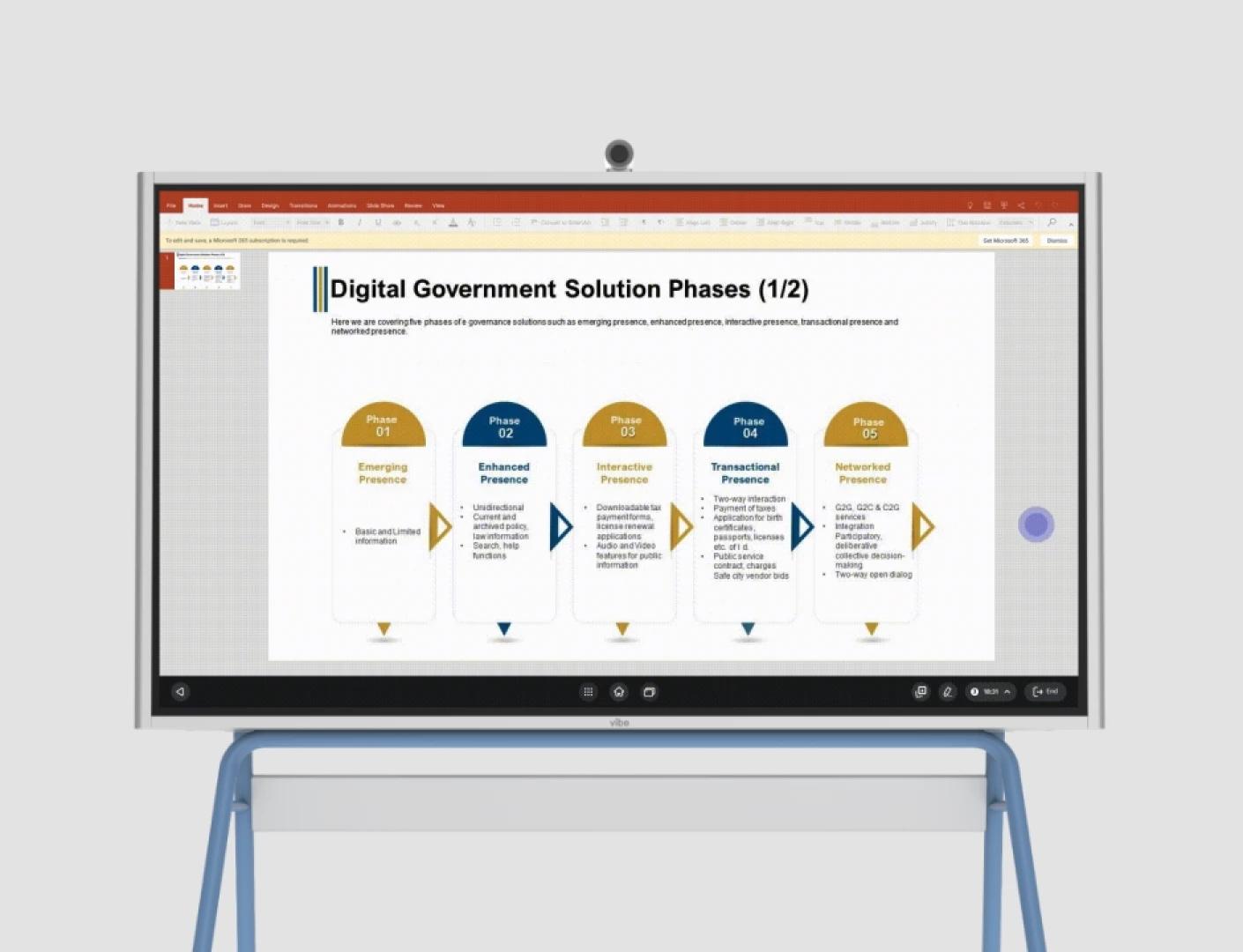
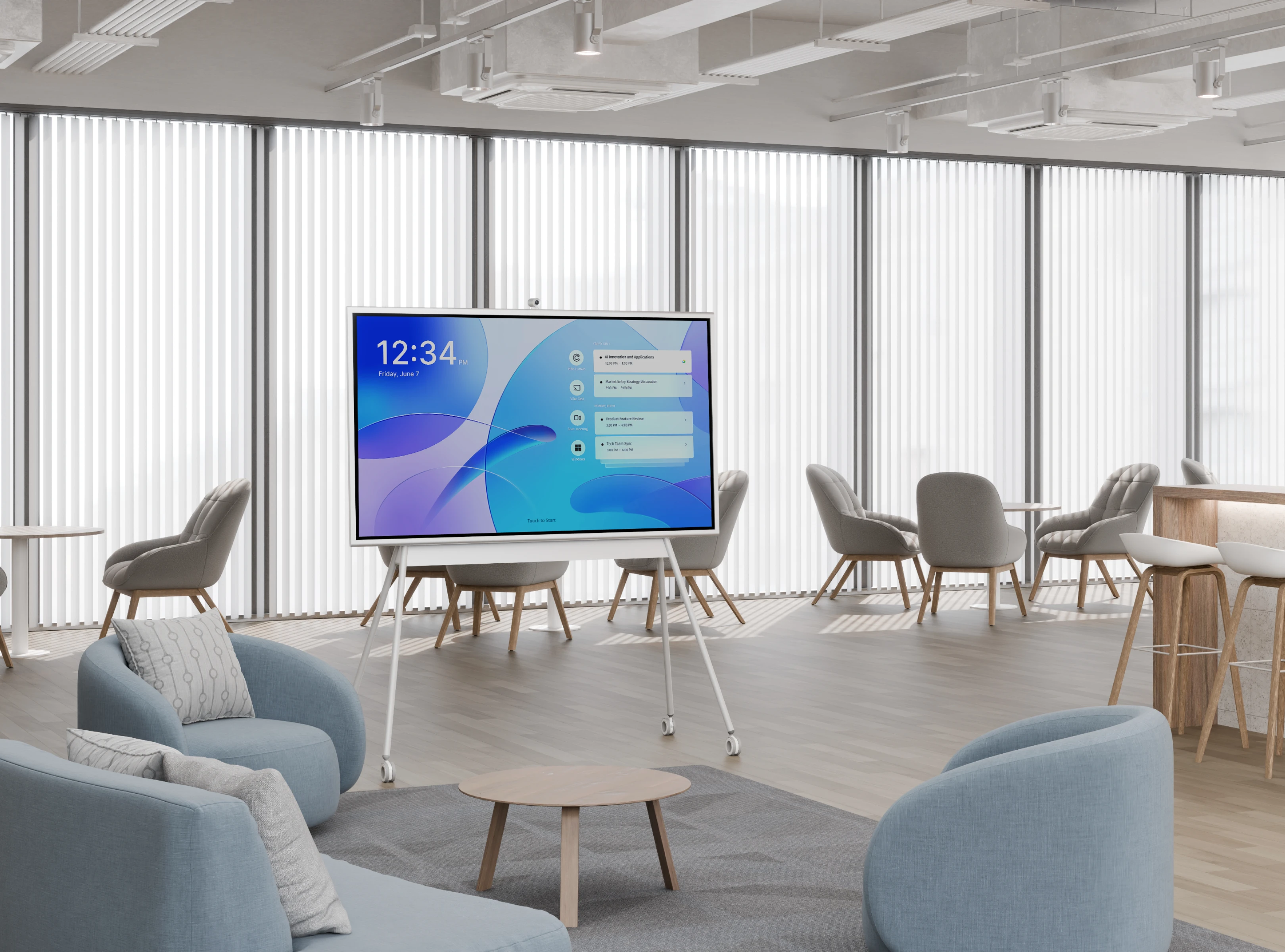
Full support for Windows appsFrom Microsoft Office Suite to industry-specific software.
image_2
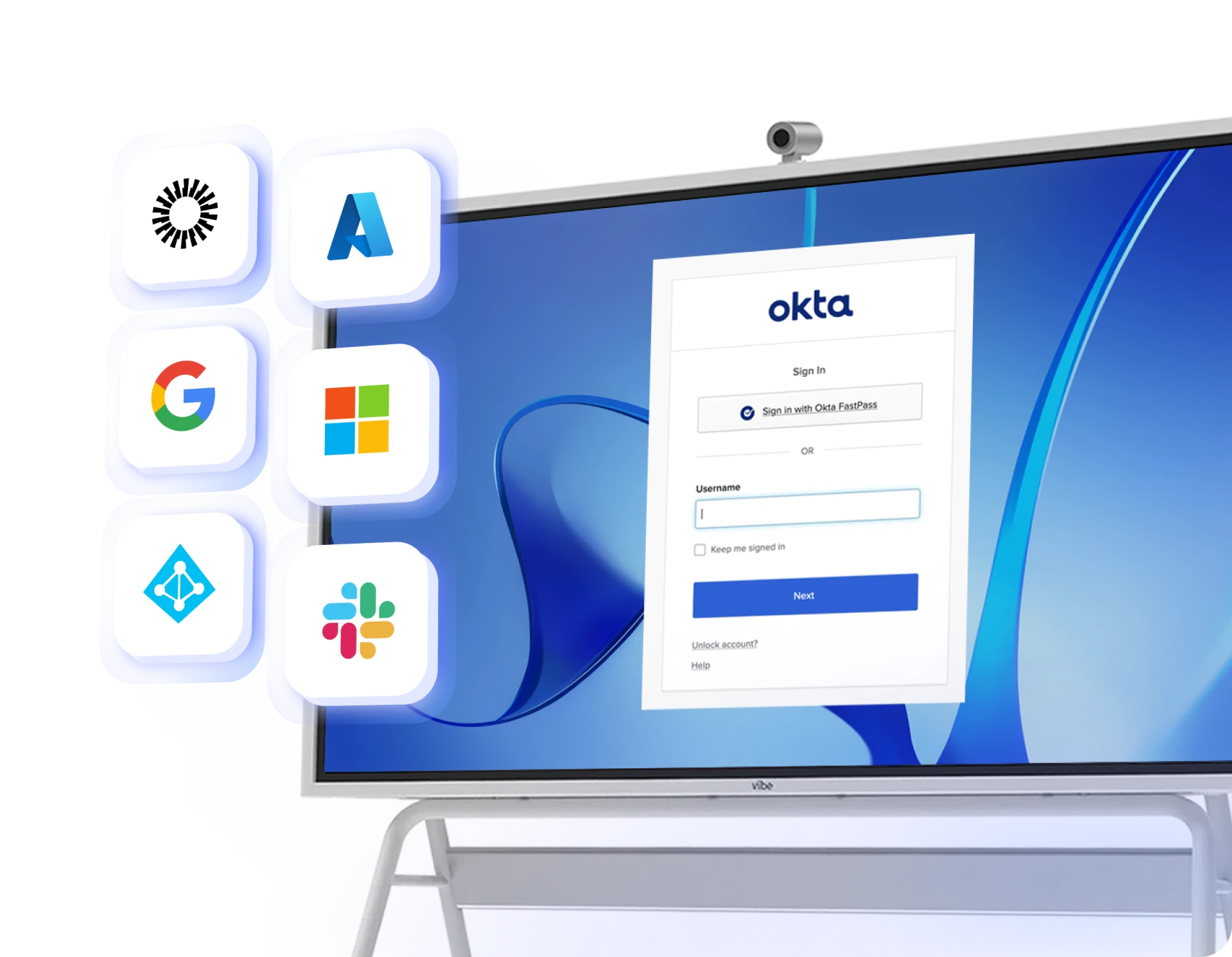
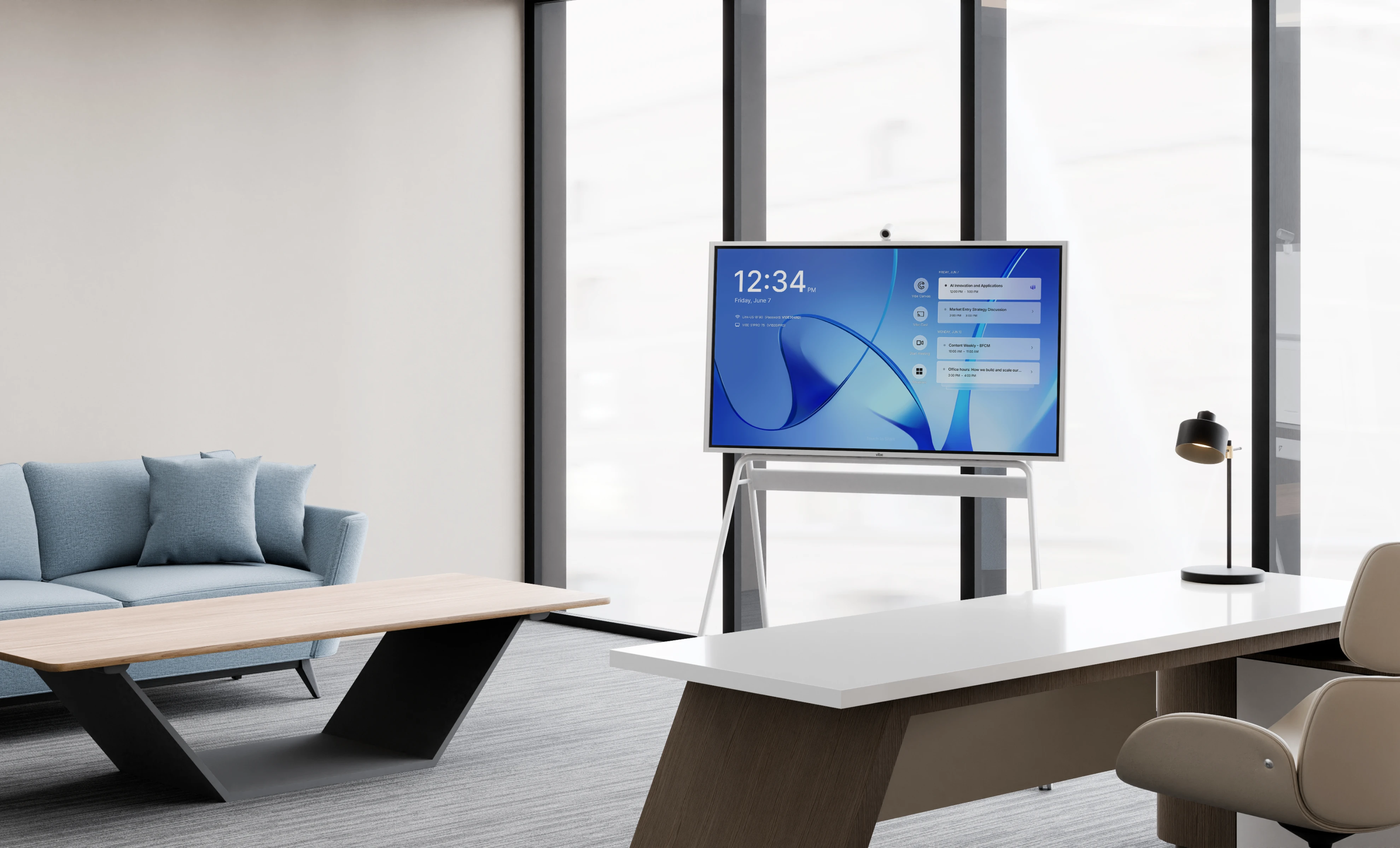
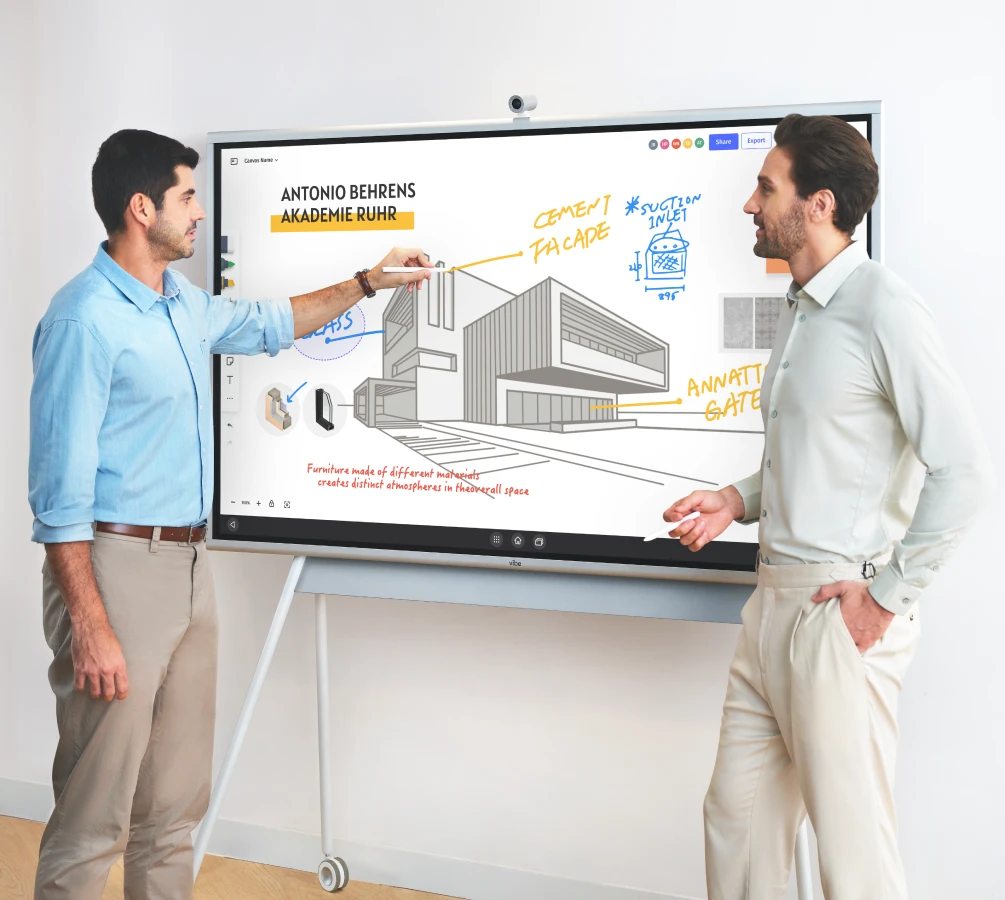
Enterprise-grade securityProtect your business with robust IT management.
image_3
Run on Windows 11 ProStreamline your workflow with an intuitive and familiar environment.
Full support for Windows appsFrom Microsoft Office Suite to industry-specific software.
Optimized for Microsoft Teams and Zoom RoomsMake every meeting count with premium video experiences.
Enterprise-grade securityProtect your business with robust IT management.
Request a DemoRequest a Demo
HardwareBuilt for professional excellence
screen
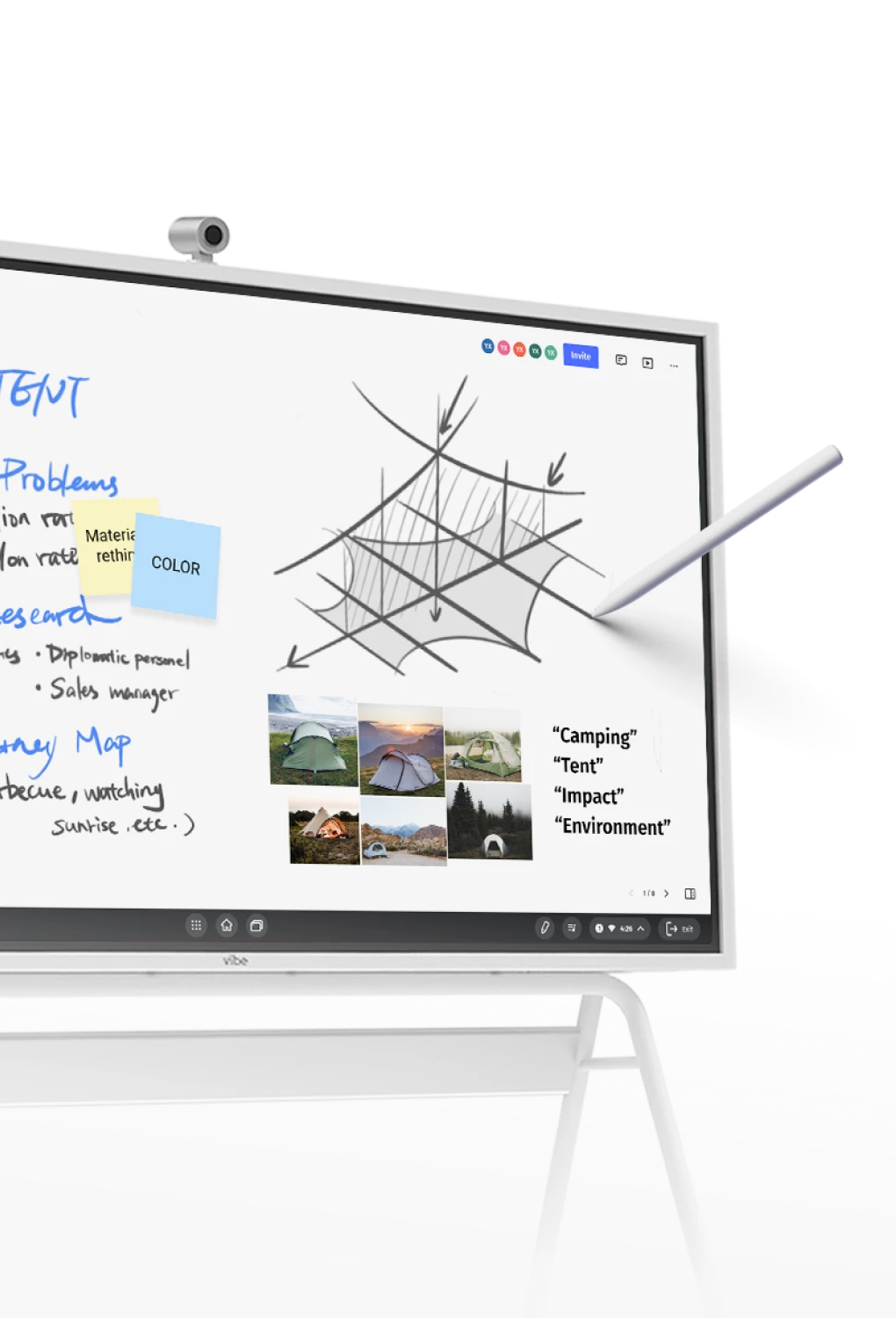
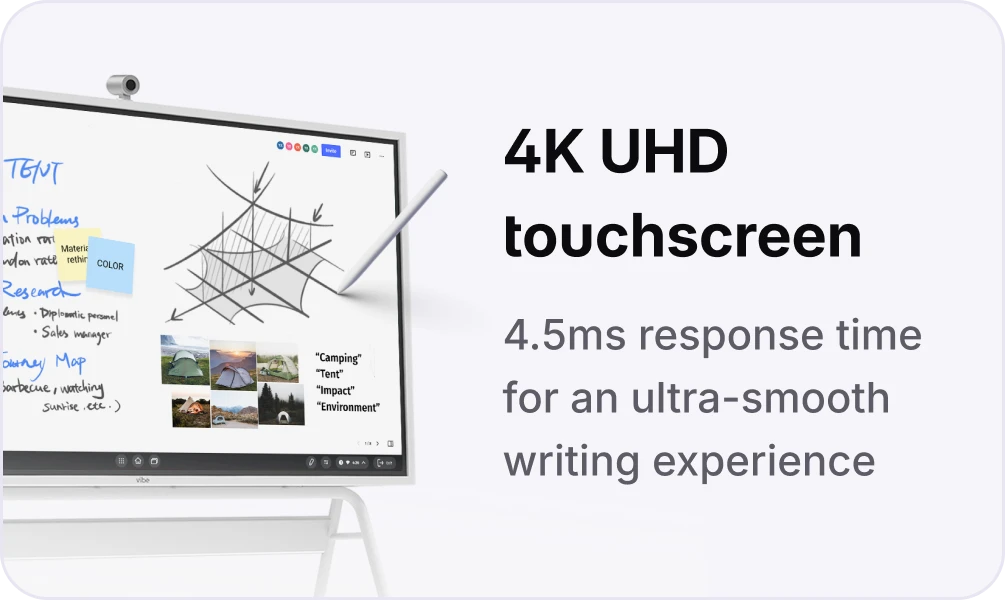
4K UHD touchscreen 4.5 ms response timeUltra-smooth pen-to-paper experience for up to 4 people writing at the same time
storage
Ample storage and fast file transfers
wifi
Low latency with the 6 GHz band
intel
Easily access large files with extensive Windows app support.
stand
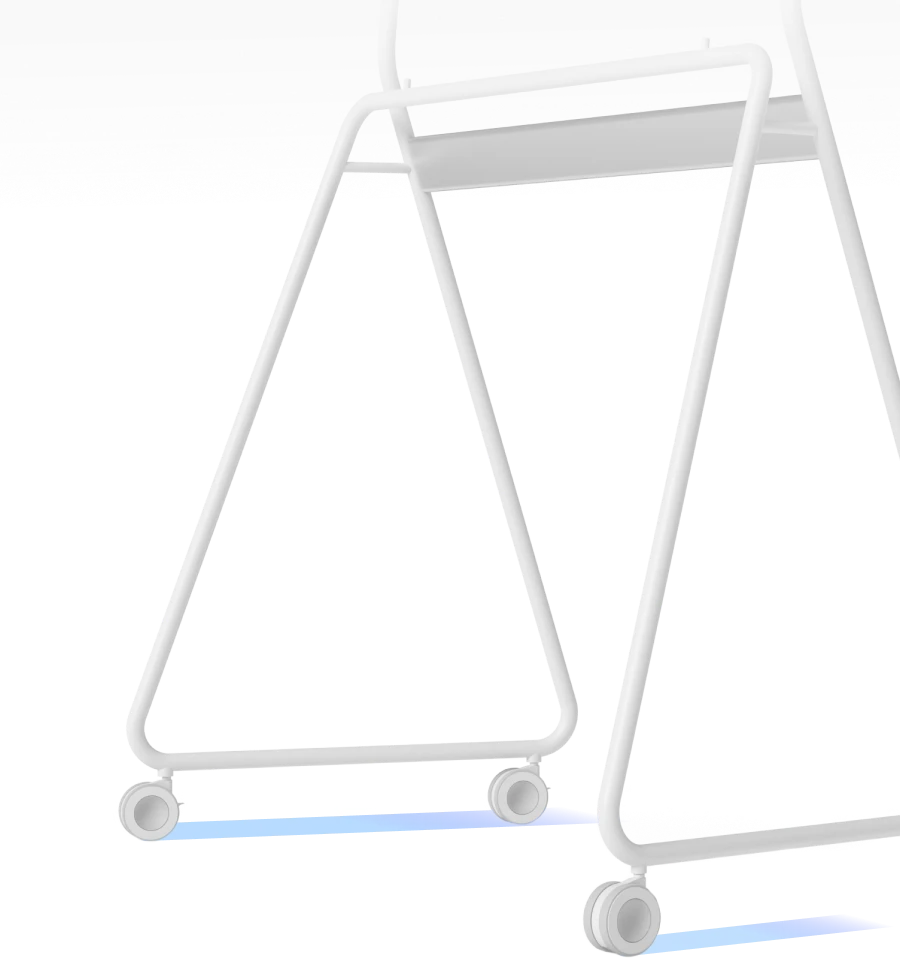
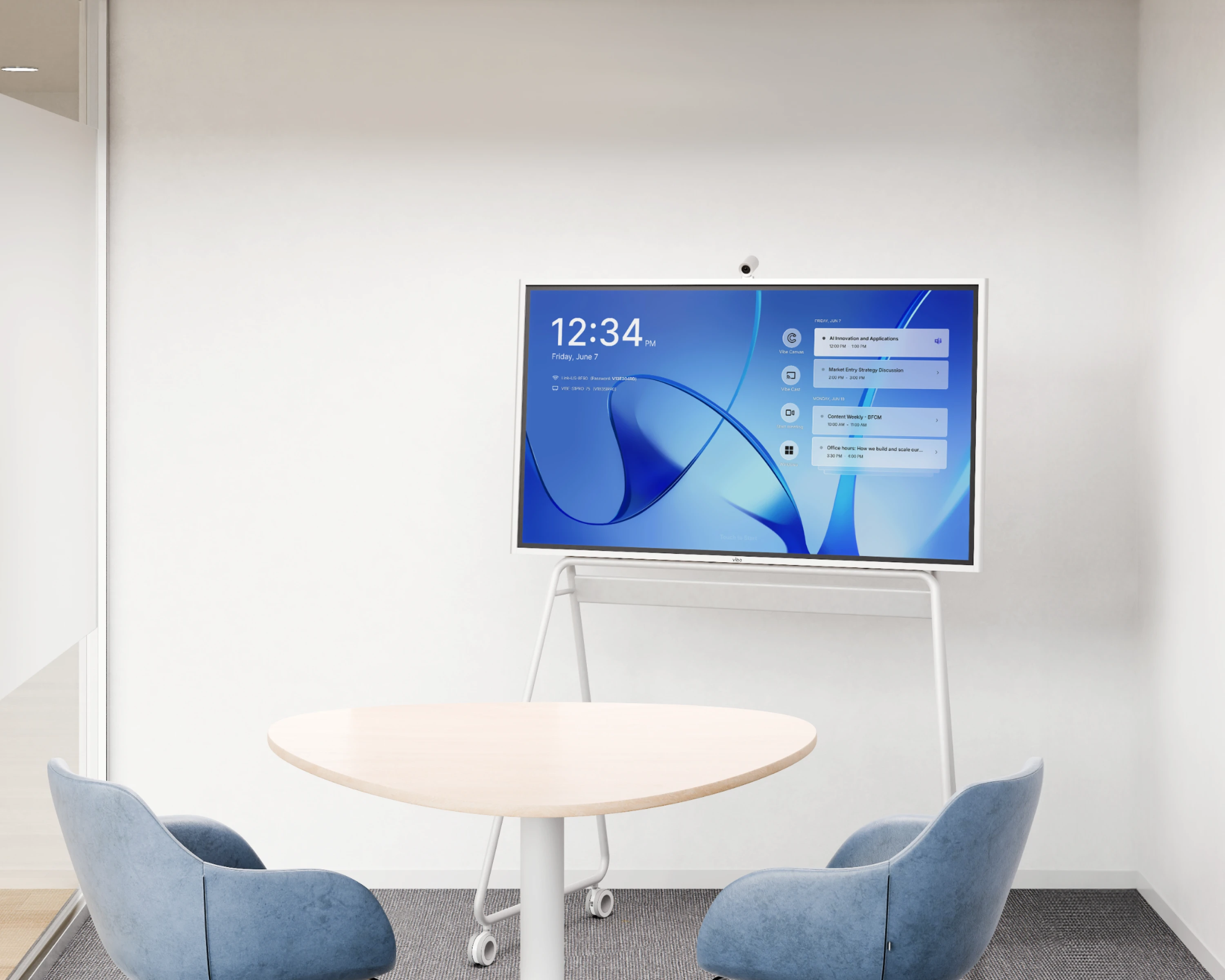
Portable standMove as you go[1]
screenintel
storagewifi
stand
Download Specs
Meeting
Premier meeting room solution for the
modern workplace
Bring your hybrid team closer
bg_desktopbg_mobile
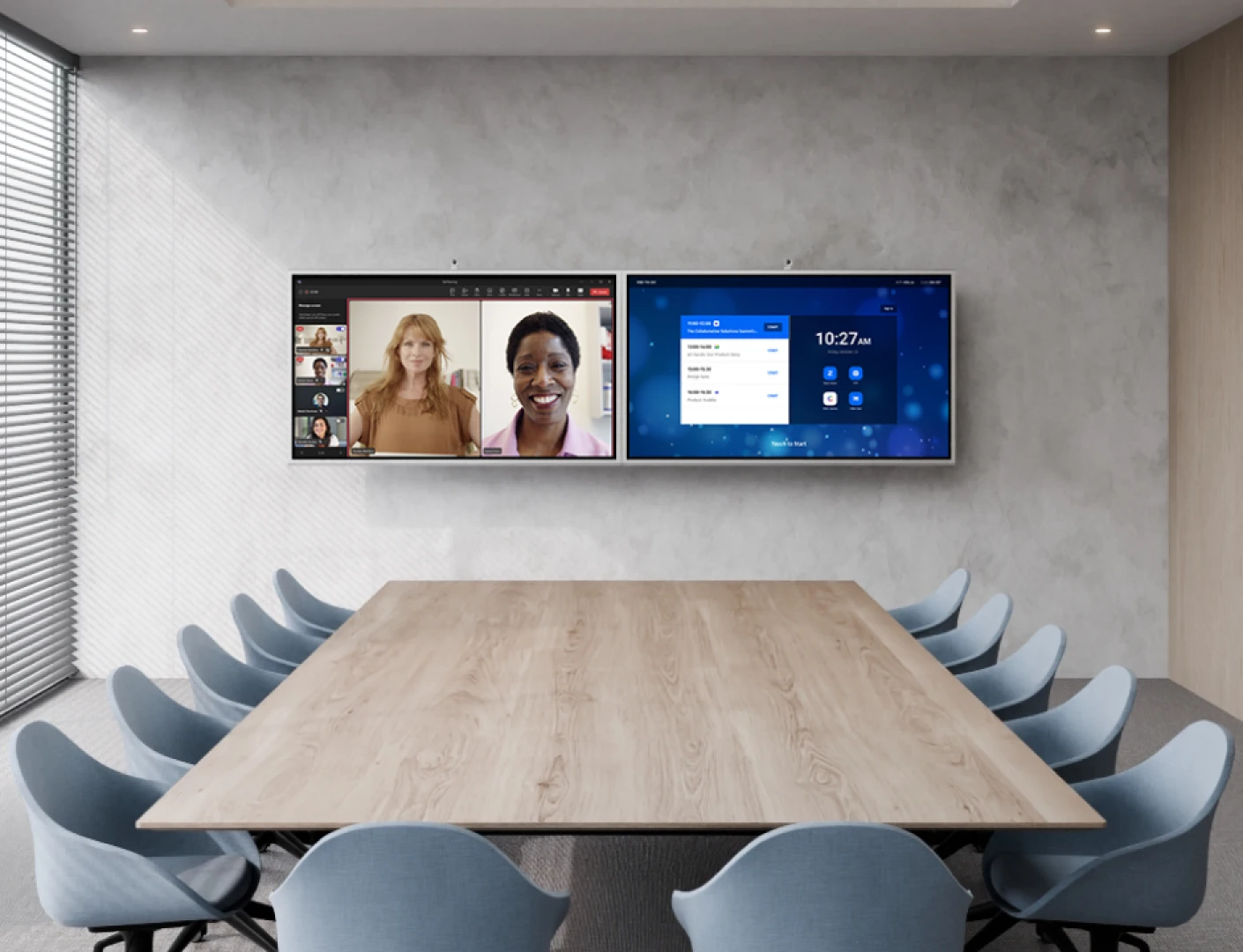
Meet on any platform, anytimeHost video meetings on any platform you choose. From Zoom to Teams — you name it, we support it.
logo
Coming soon
Join the conversation
with one tap
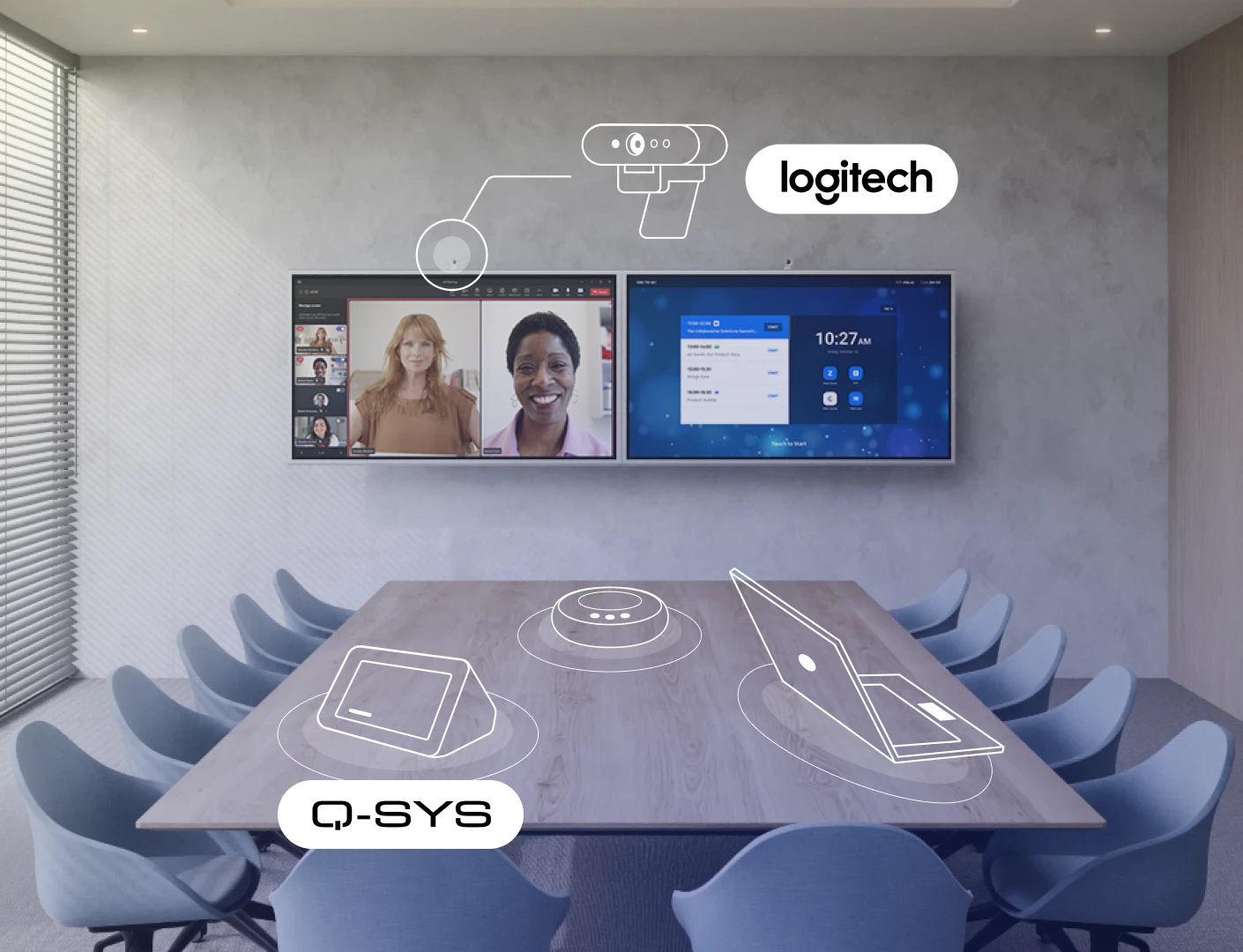
Walk in and tap to start meetings with unified Vibe controller or third-party systems like Q-SYS.
icon

Whiteboarding

icon

Annotation

icon

Screen recording

icon

Multi-screen mirroring

icon

Whiteboarding

icon

Annotation

icon

Screen recording

icon

Multi-screen mirroring

video

The video player cannot render on the server side
Enjoy seamless integration
Enhanced Zoom Rooms and Microsoft Teams
Enjoy a native Zoom Rooms and Microsoft Teams experience, ensuring everyone—remote or on-site—can easily join, collaborate, and stay engaged without any technical hiccups.
Wide-range hardware compatibility
Enjoy quick setup and rich connectivity with a wide range of TV displays and A/V peripherals from Logitech, Polycom, Yealink, and more.
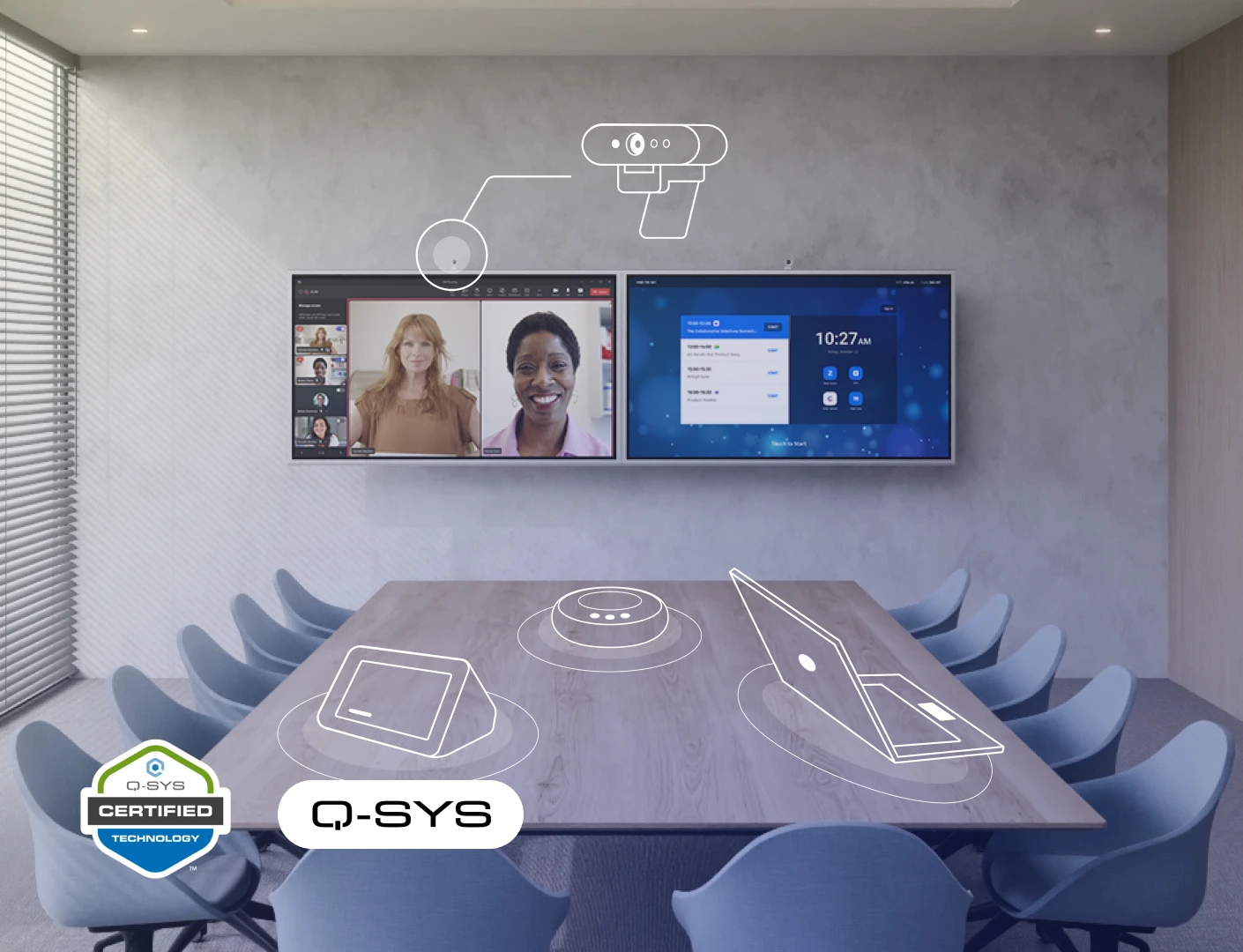
Q-SYS certified integration
Connect with AV systems through our Q-SYS certification, enabling centralized control and management of your Vibe Board within existing infrastructure.
logologologo
AppsPower up your workflow with Windows
professional apps
Amp up productivity with Windows professional apps
bgbg_mobile
video

The video player cannot render on the server side
Review and annotate on a large touchscreenAutodesk AutoCAD, Fusion 360, Bluebeam, Revit, Archicad, SolidWorks, and more.
video

The video player cannot render on the server side
Access and edit daily documents, slides, and worksheetsMicrosoft Office 365, Google Workspace, Adobe Acrobat, Dropbox, Box, and more.
image
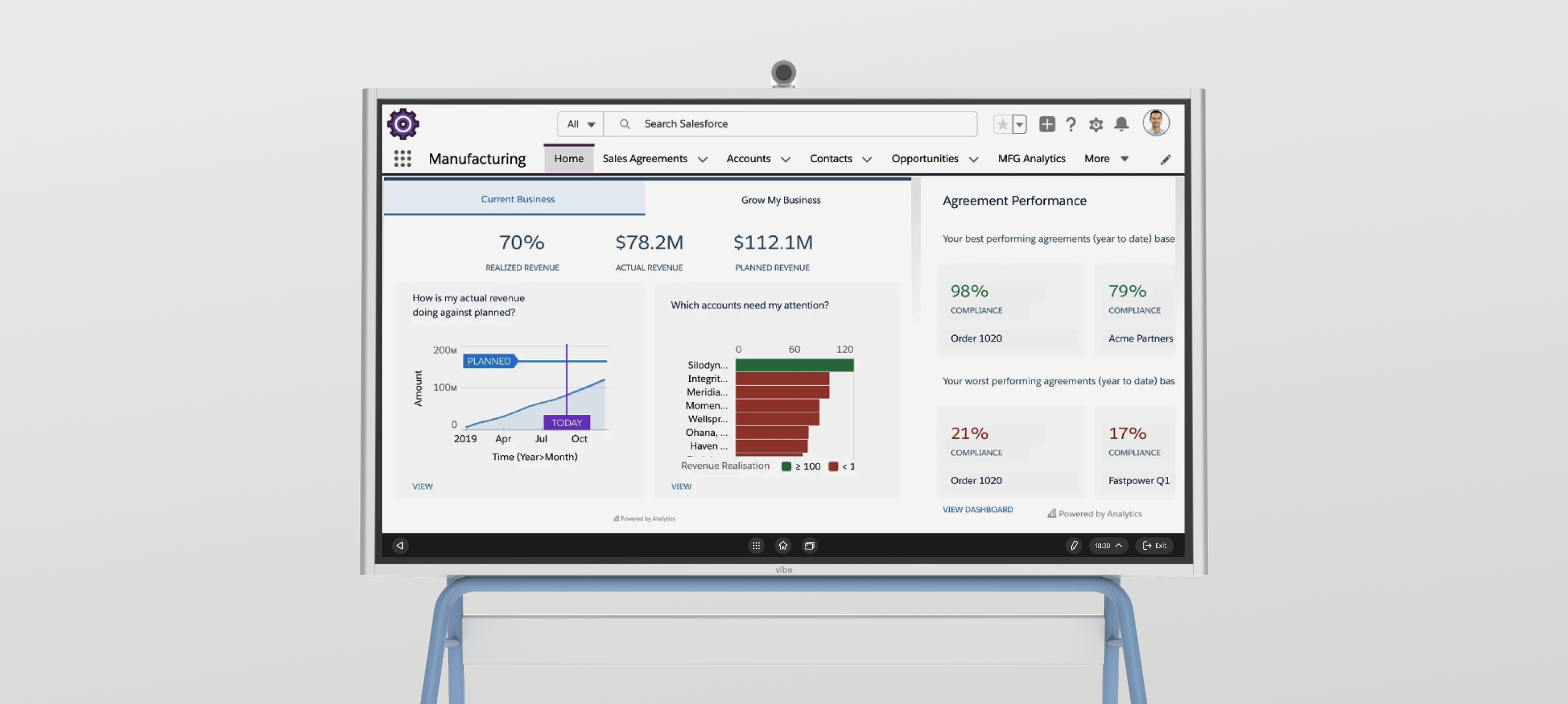
Visualize a dashboard for effective stand-up meetingsSalesforce Manufacturing Cloud, Microsoft Dynamics 365, Zoho CRM, Pipedrive, Infor CloudSuite CRM, and more.
image
Enhance presentations and collaborative workMiro, Mural, Figma, Canva, Sketch, Adobe Creative Cloud, Photoshop Express, and more.
image
Facilitate engaging group learning and discussionsSimulink, GitHub, Coursera, Scratch, Mendeley, Matlab, EndNote, and more.
video

The video player cannot render on the server side
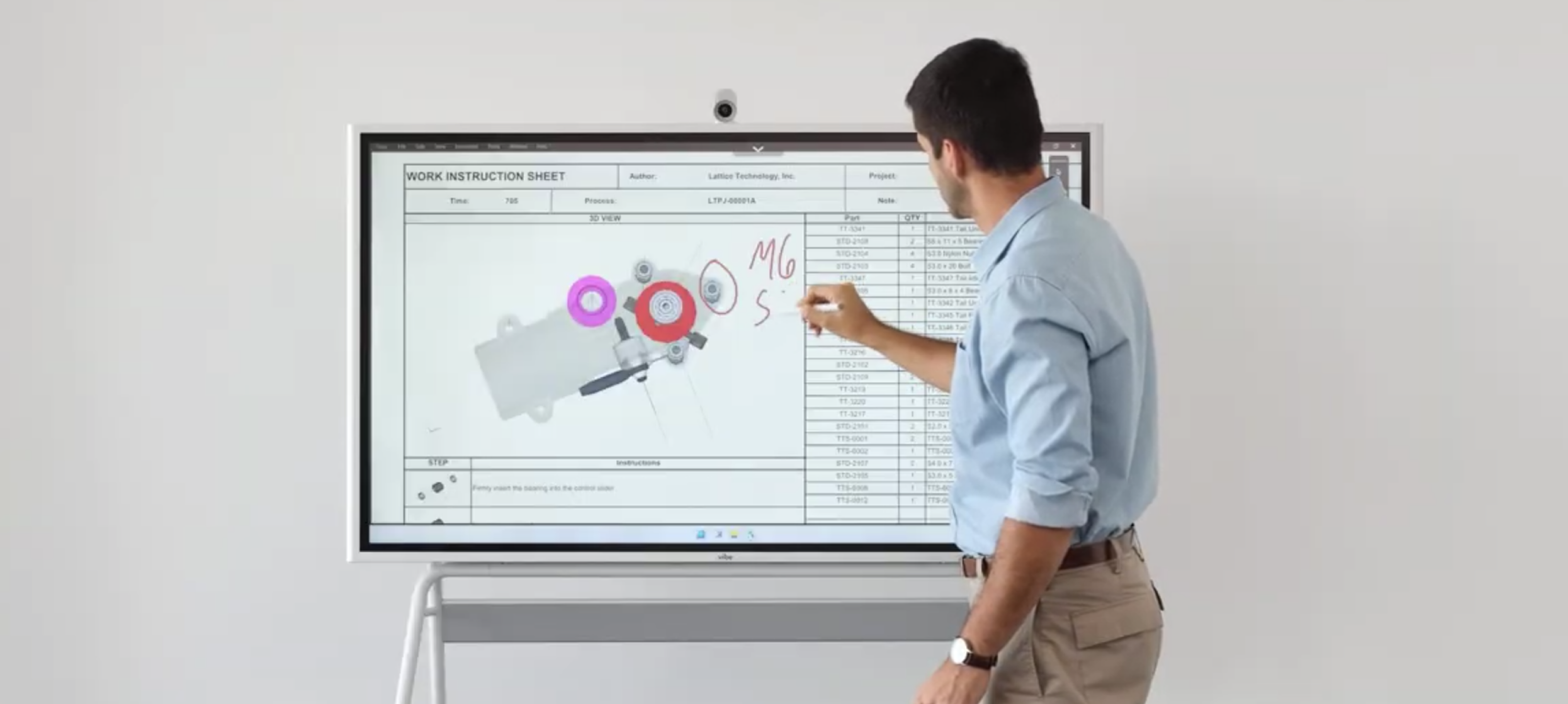
Review and annotate on a large touchscreen
Autodesk AutoCAD, Fusion 360, Bluebeam, Revit, Archicad, SolidWorks, and more.
Access and edit daily documents, slides, and worksheets
Microsoft Office 365, Google Workspace, Adobe Acrobat, Dropbox, Box, and more.
Visualize a dashboard for effective stand-up meetings
Salesforce Manufacturing Cloud, Microsoft Dynamics 365, Zoho CRM, Pipedrive, Infor CloudSuite CRM, and more.
Enhance presentations and collaborative work
Miro, Mural, Figma, Canva, Sketch, Adobe Creative Cloud, Photoshop Express, and more.
Facilitate engaging group learning and discussions
Simulink, GitHub, Coursera, Scratch, Mendeley, Matlab, EndNote, and more.
Hybrid Collaboration
Your complete toolkit for better teamwork
Visualize ideas on
an interactive whiteboard
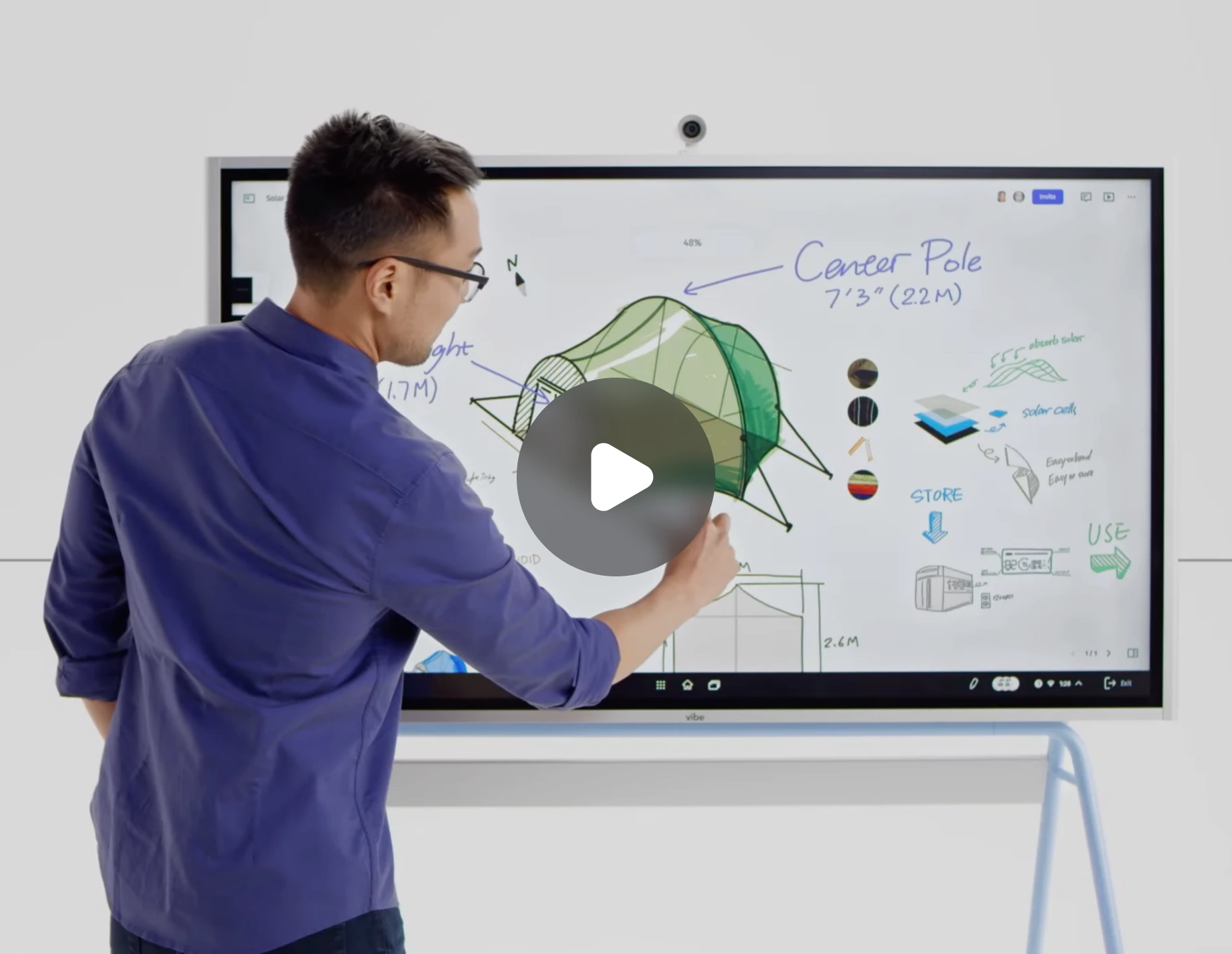
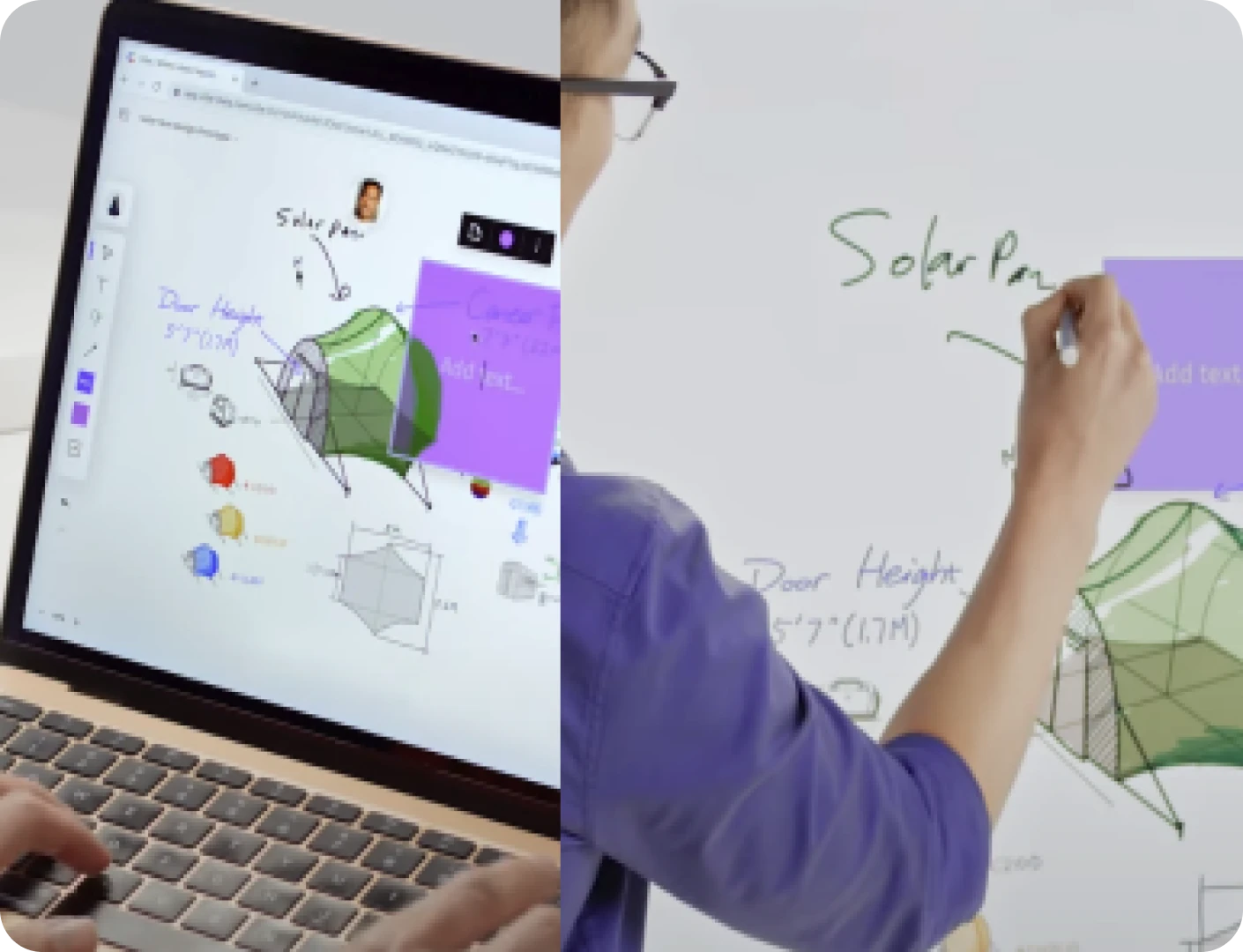
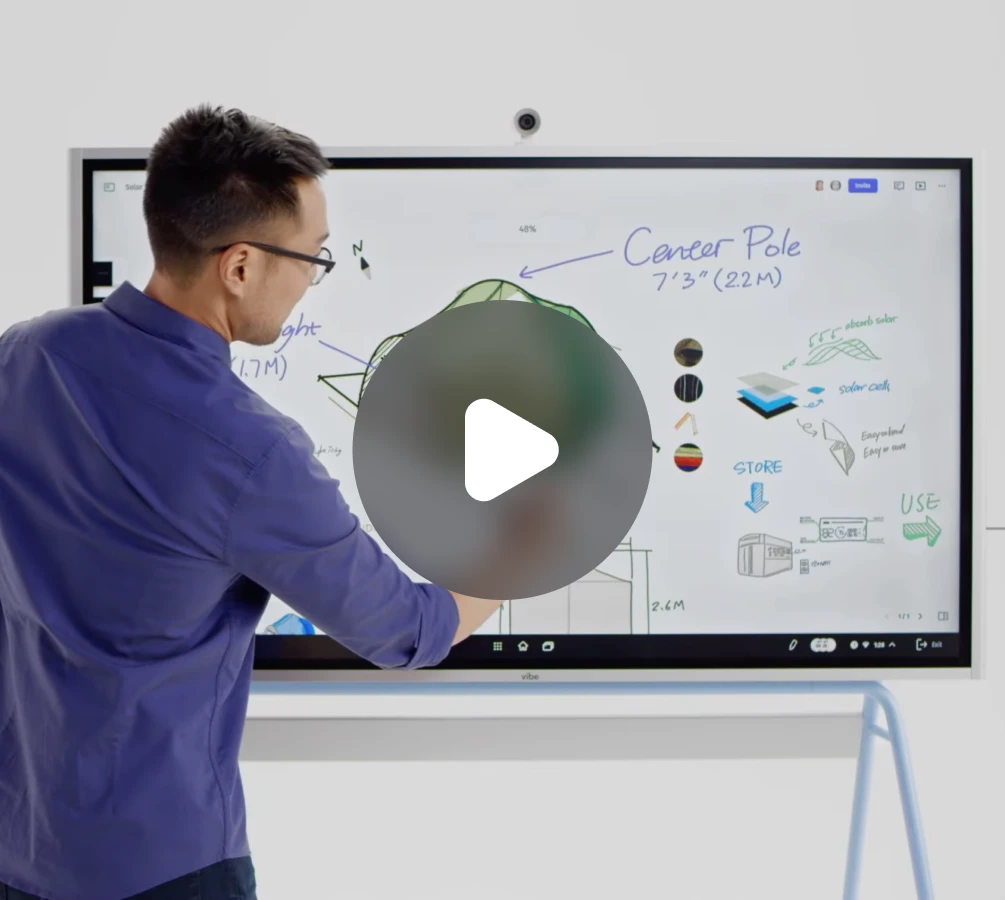
Visualize ideas on an interactive whiteboardJumpstart brainstorming sessions and jot down ideas with the infinite canvas. Invite remote peers to collaborate and keep everyone in sync.
video

The video player cannot render on the server side
Cast screens effortlessly from any devicePresent your work on the large Vibe screen wirelessly or with cables using a range of devices, including smartphones, tablets, laptops, and TVs.
video

The video player cannot render on the server side
Annotate freely, communicate clearlyDisplay files, web pages, apps, or cast screens on Vibe Board, and use the annotation tool to take clear notes and express your thoughts.
video

The video player cannot render on the server side
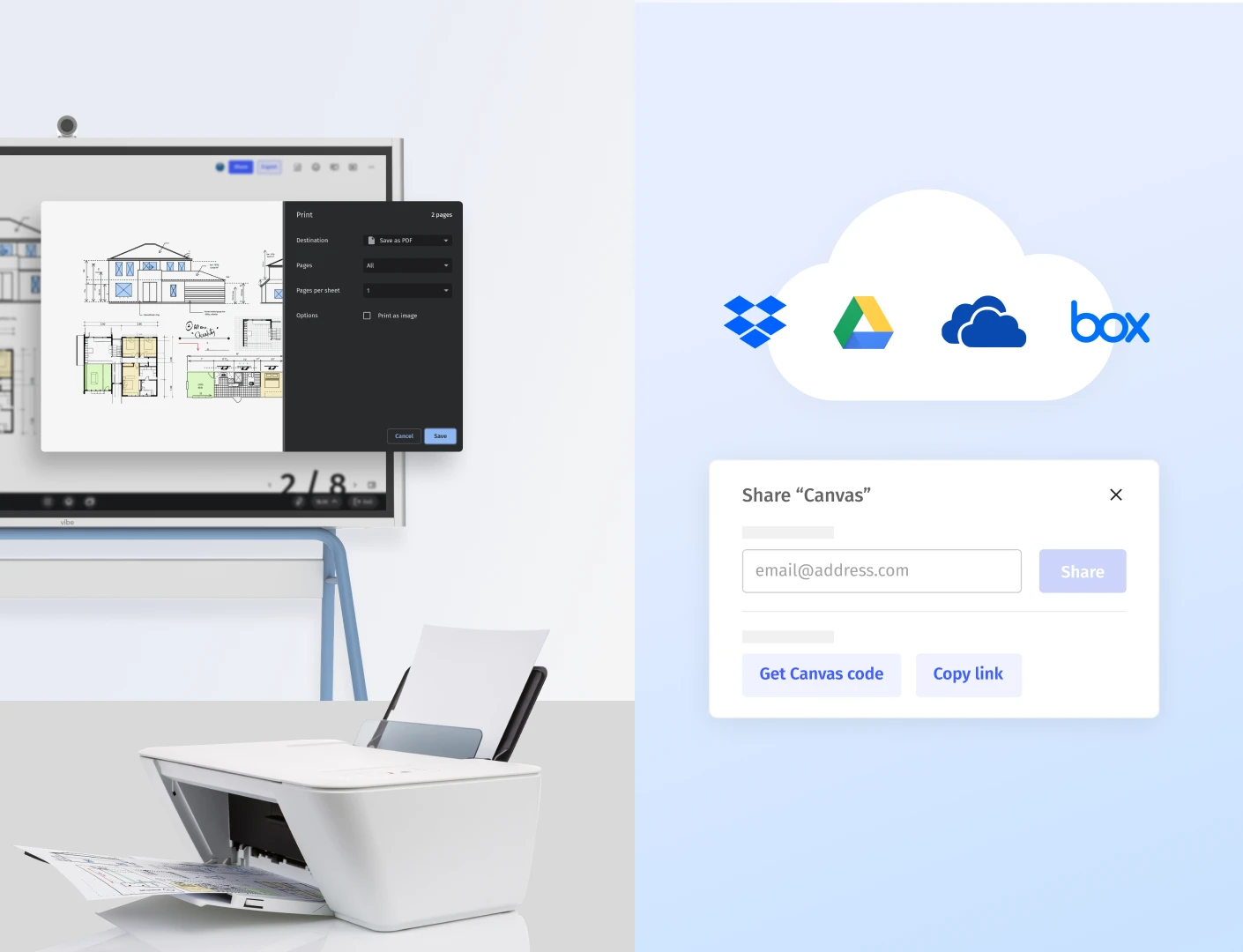
Easily save and print, capture every thoughtSave content to the cloud, export via email, or store locally for easy access. You can also connect to printers and print your notes immediately.
video

The video player cannot render on the server side
For ITProtect your business withProtect your business withlogo
point
Remote device managementConfigure networks, enroll devices, and manage updates remotely for efficient operations
point
Unified identity protectionCreate custom roles and manage user authentication using SSO solutions like Okta or Microsoft Azure AD
point
Tailored apps and resources accessControl device and user access to specific apps data, ensuring security and compliance
Contact salesEvery company is unique, and we provide tailored solutions to meet your needs.If you need a PO, please request a quote.
logo
logo
logo
Contact salesConnect with Vibe’s product expert to tailored solutions for your business.
logo
logo
logo
imgimg
Contact salesEvery company is unique, and we provide tailored solutions to meet your needs.If you need a PO, please request a quote.
logo
logo
logo
logo
Contact salesConnect with Vibe’s product expert to tailored solutions for your business.
logo
logo
logo
logo
Construction 
1-2 
submit_success
SubmittedThank you, we'll be in touch soon.
imgimg

Trusted by 40,000+ leading businessesTrusted by 40,000+ leading businesses

We equipped every meeting space with a Vibe Board to support hybrid teams and serve nationwide clients. Vibe enhances collaboration by 10x, and is essential for business growth.
Sara HelmyCEO of Tribu Creative

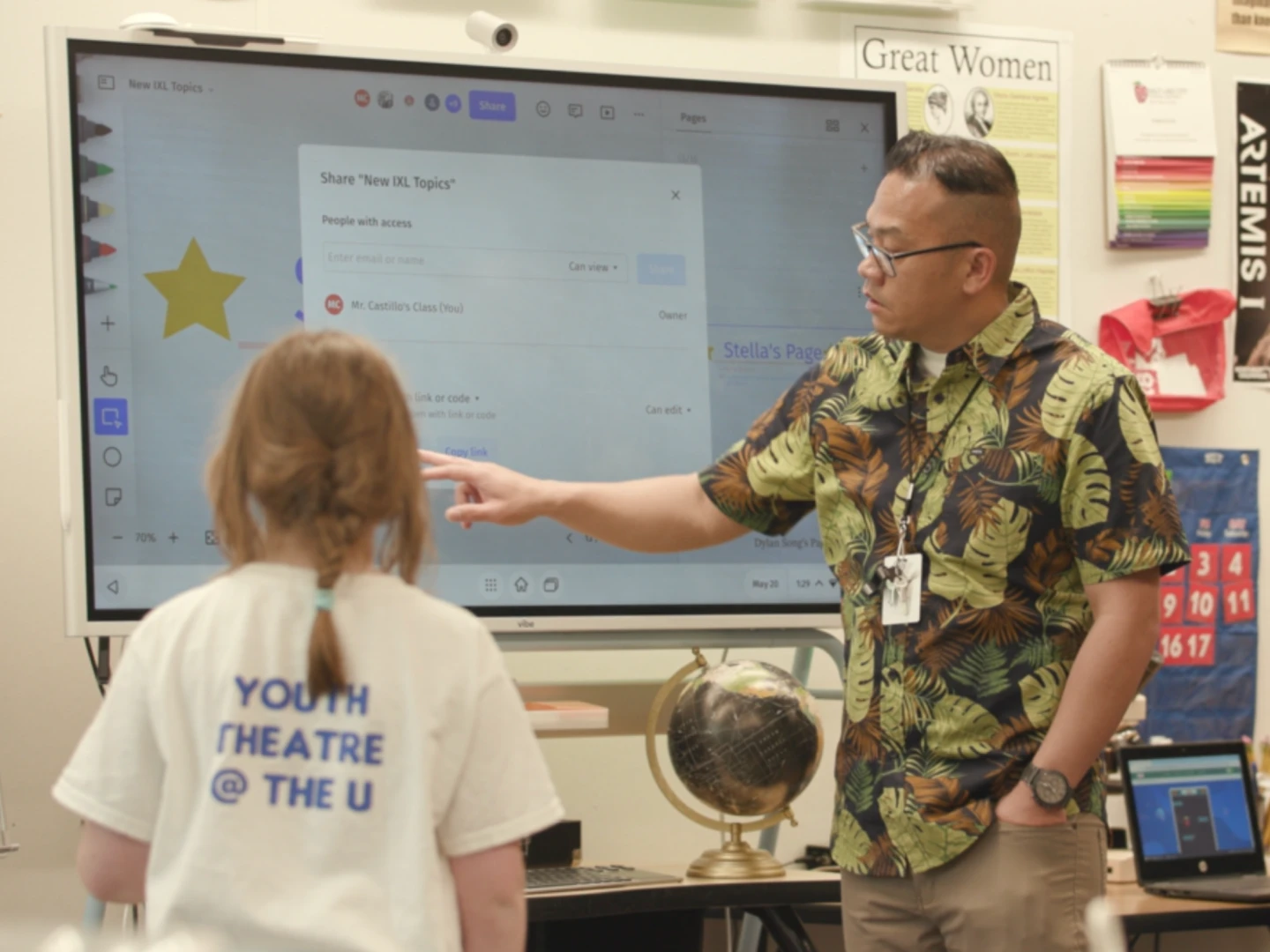
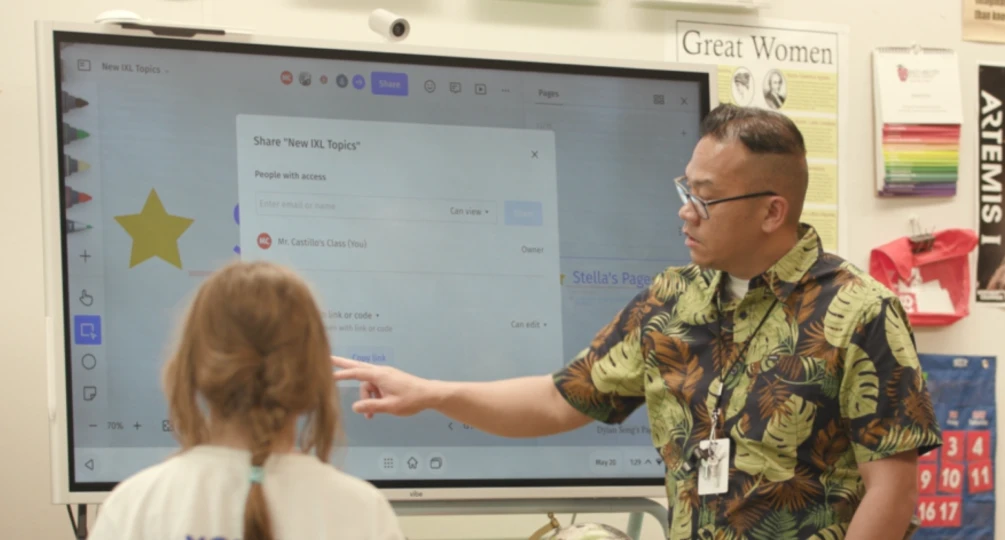
It should be the kids manipulating the board and the teacher just facilitating. The Vibe makes this possible.
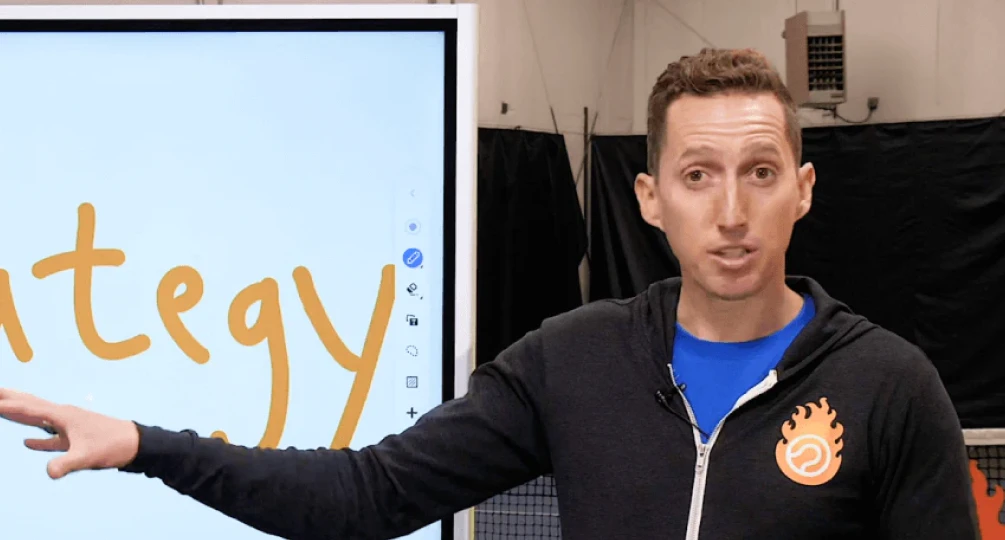
Riego Castillo4th Grade ELP Teacher of Washington Elementary School

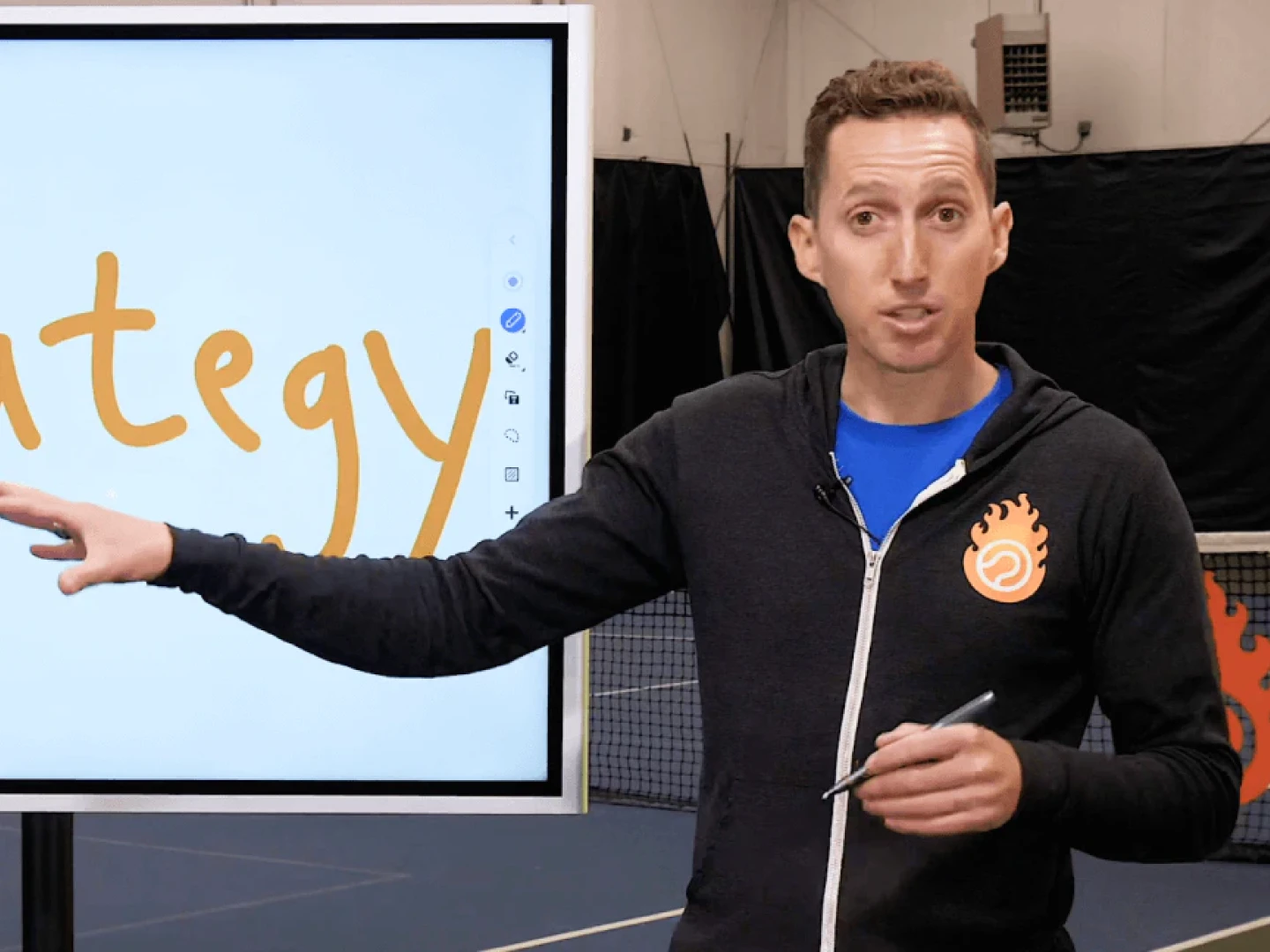
It’s enabled me to communicate in more ways, and more interesting ways. Vibe has made it easy to differentiate yourself in some kind of way.
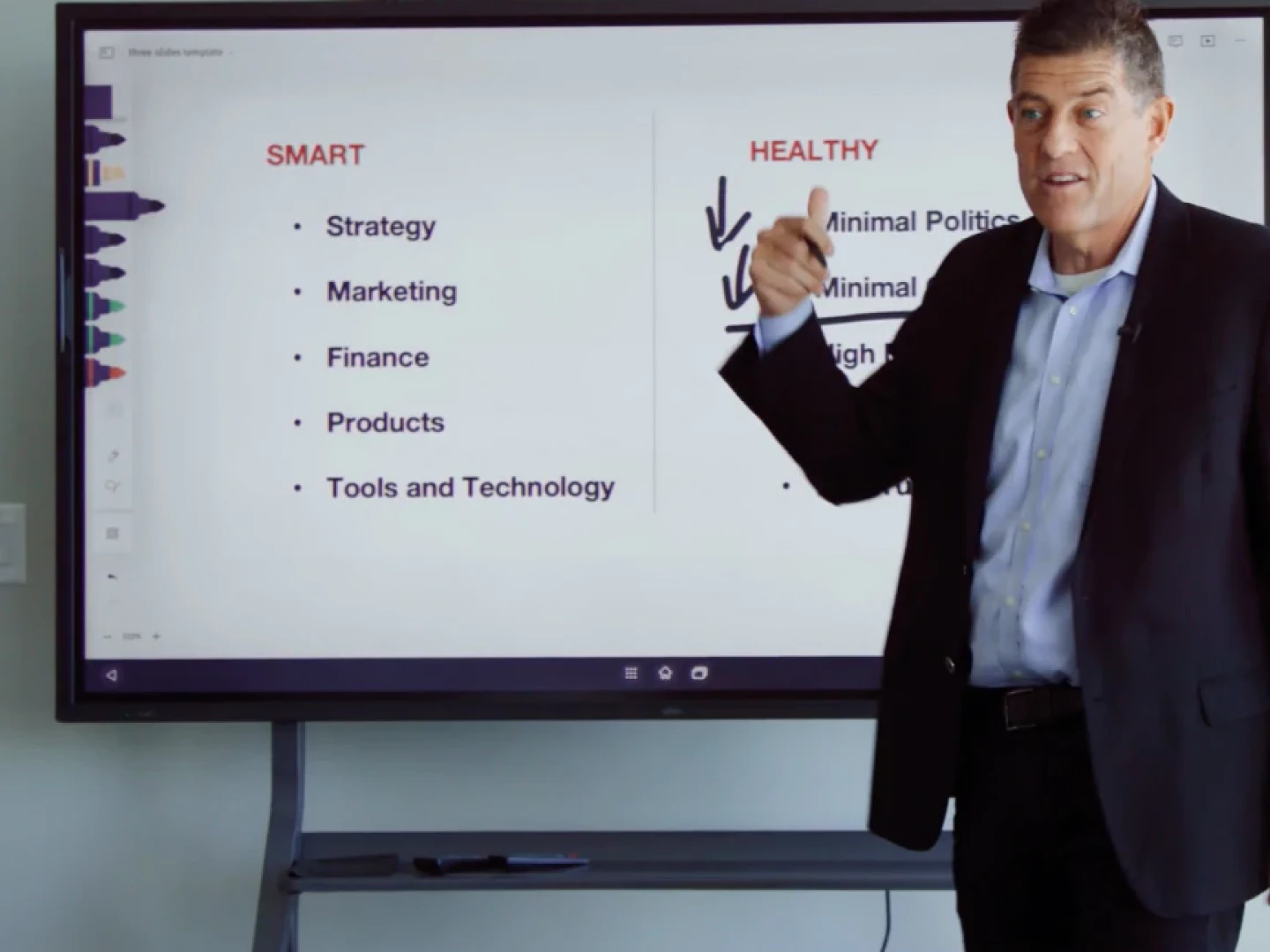
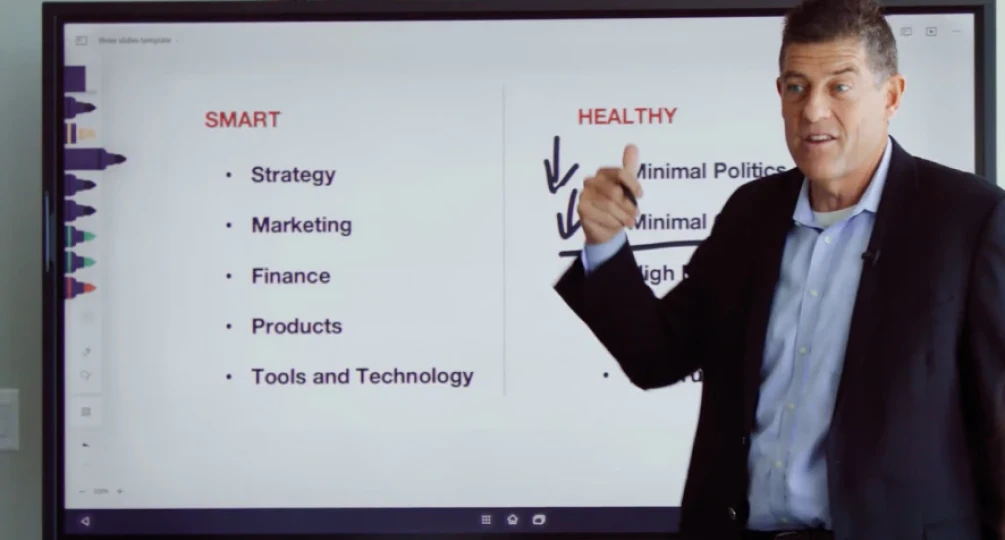
Ian WestermannFounder of Essential Tennis

Vibe turned out to be a great solution for me and for my business. I can work with more teams in a given week, reaching twice as many clients.
Mike McHargueFounder & Principal Consultant of M5 Partners

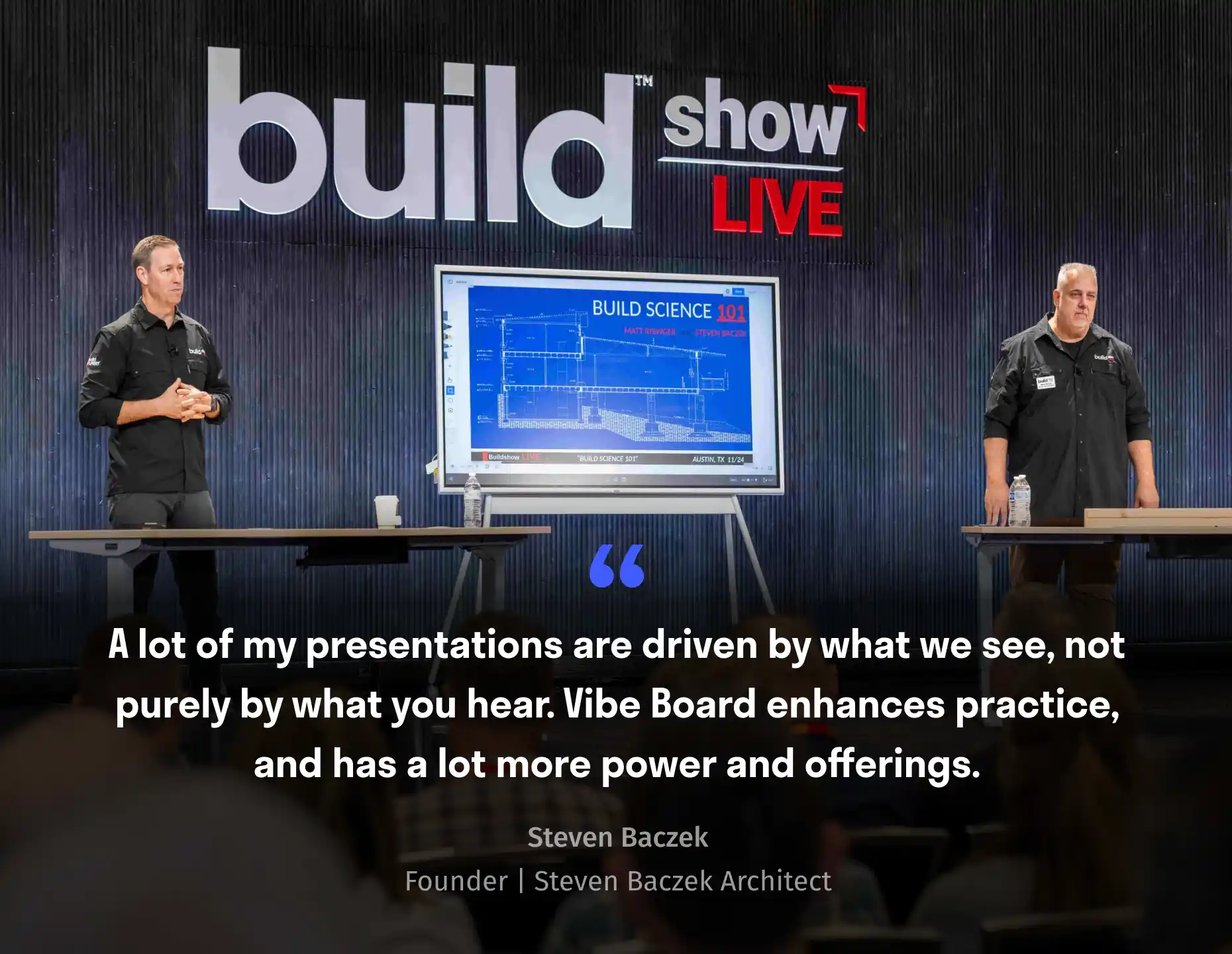
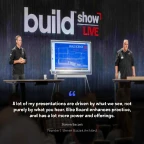
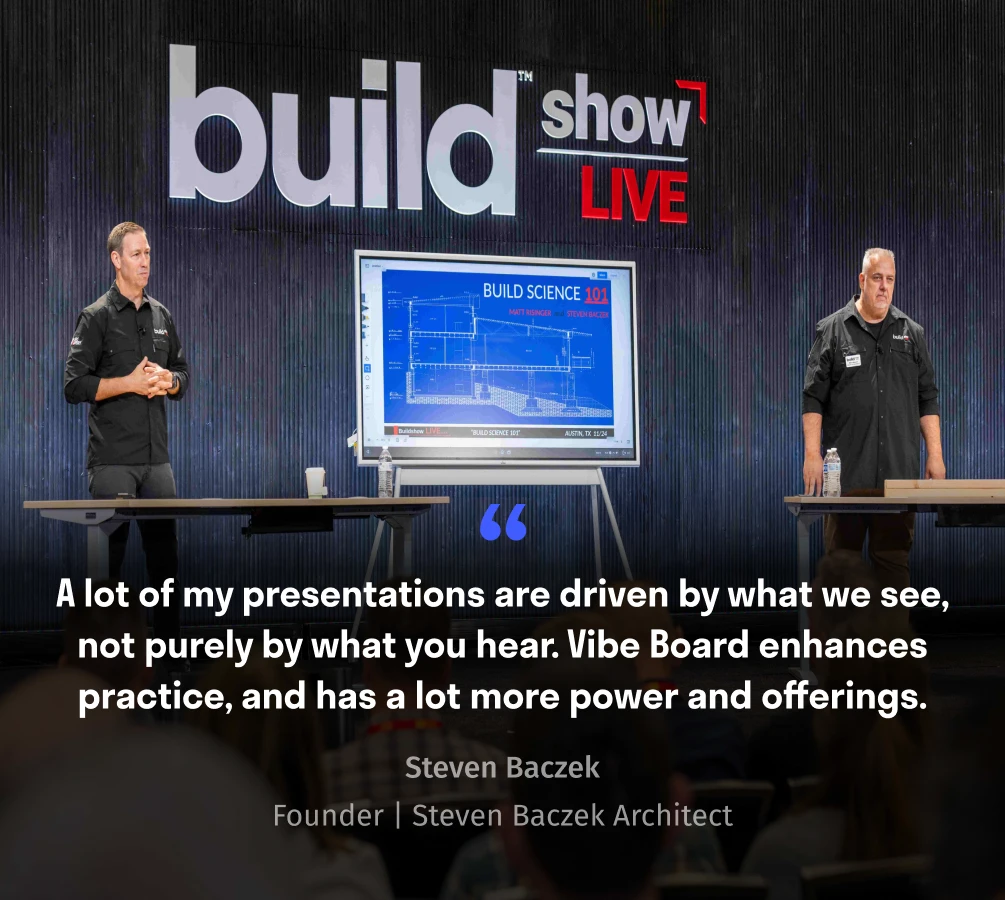
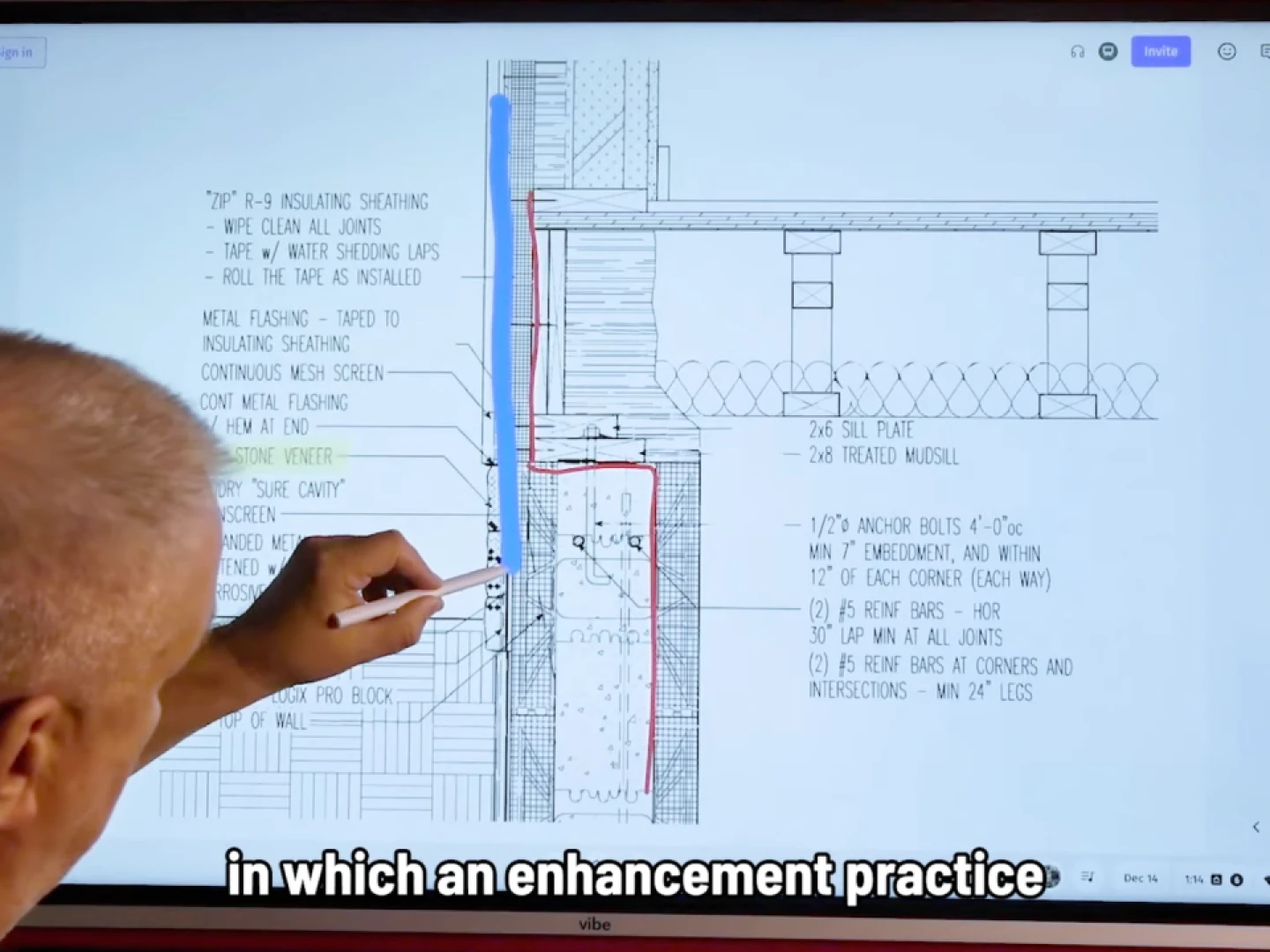
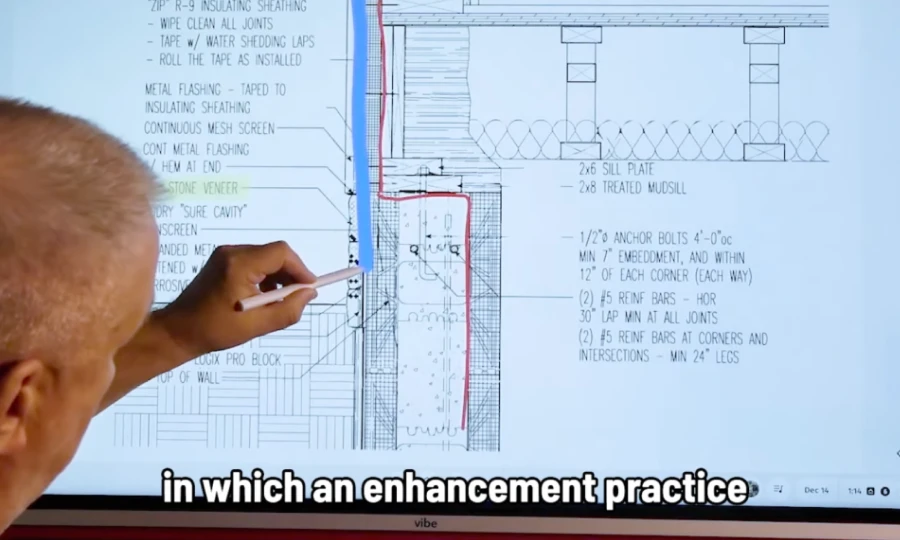
Architect’s presentations are driven by what we see, rather than what we hear. Vibe Board enhances practice, and has a lot more power and offerings.
Steven BaczekOwner of Steven Baczek Architect

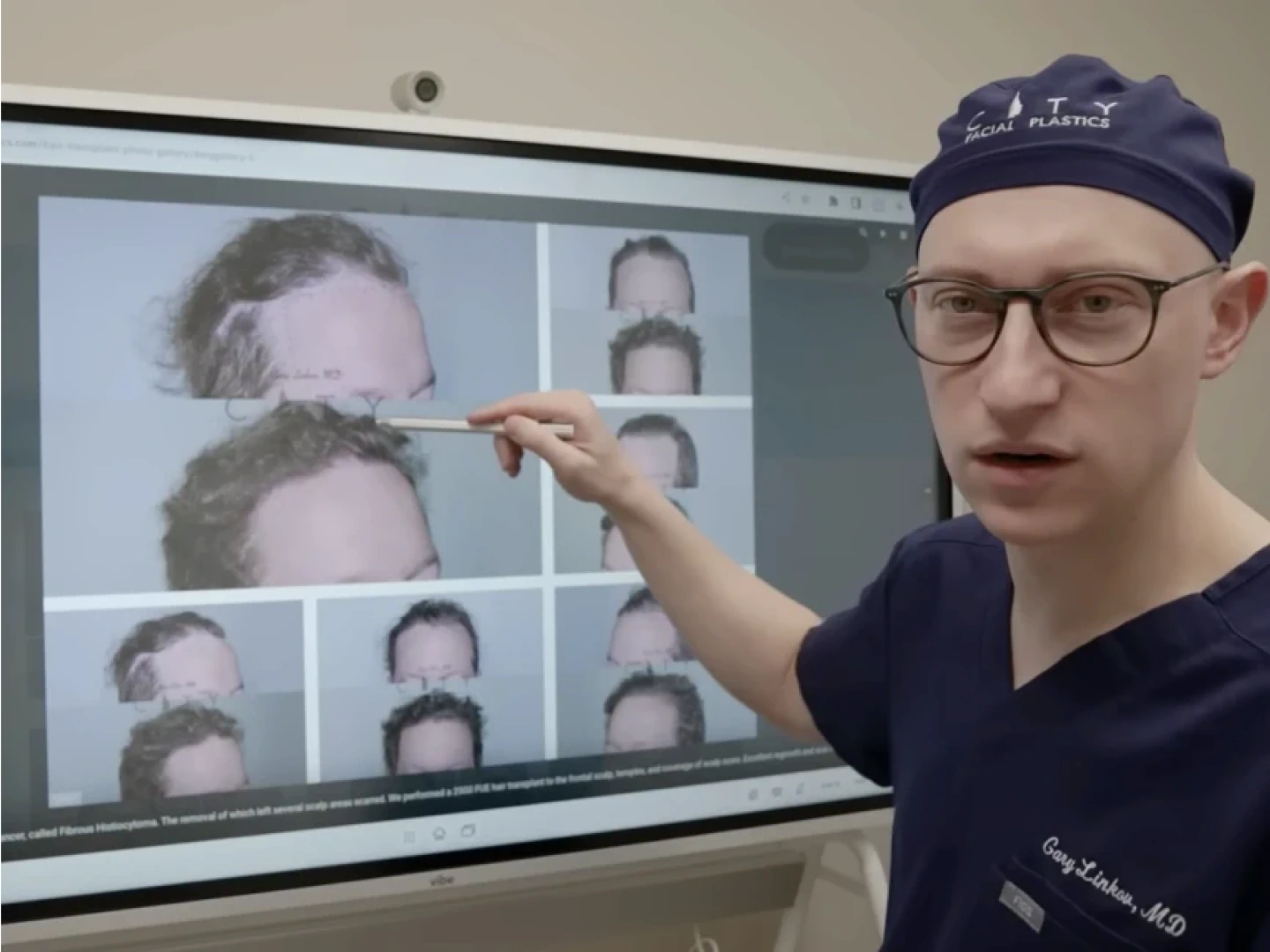
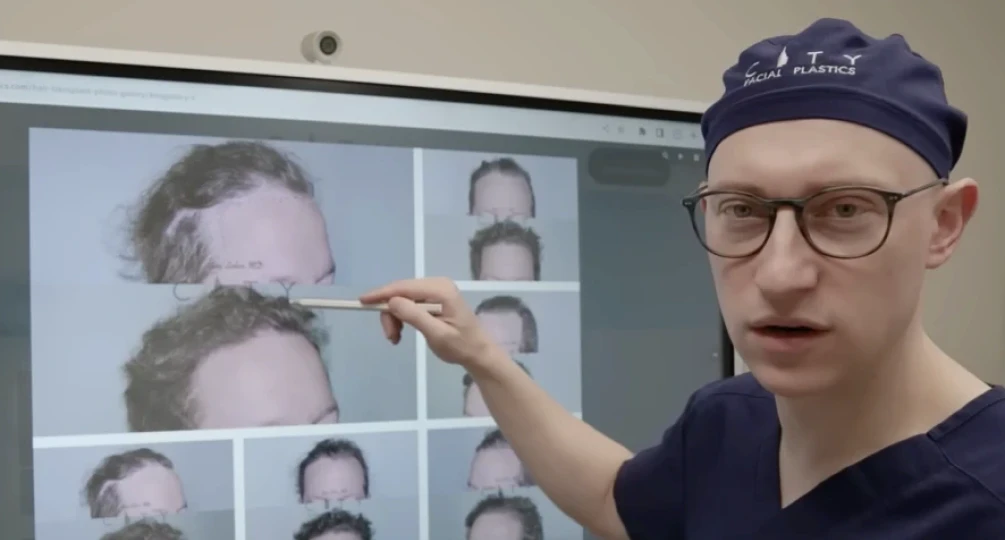
This board is incredible. We use it for patient consultations whether they’re in person or virtual consultations.
Dr. Gary LinkovFounder of City Facial Plastics

Vibe Board for your workspaces

Vibe for your rooms
image
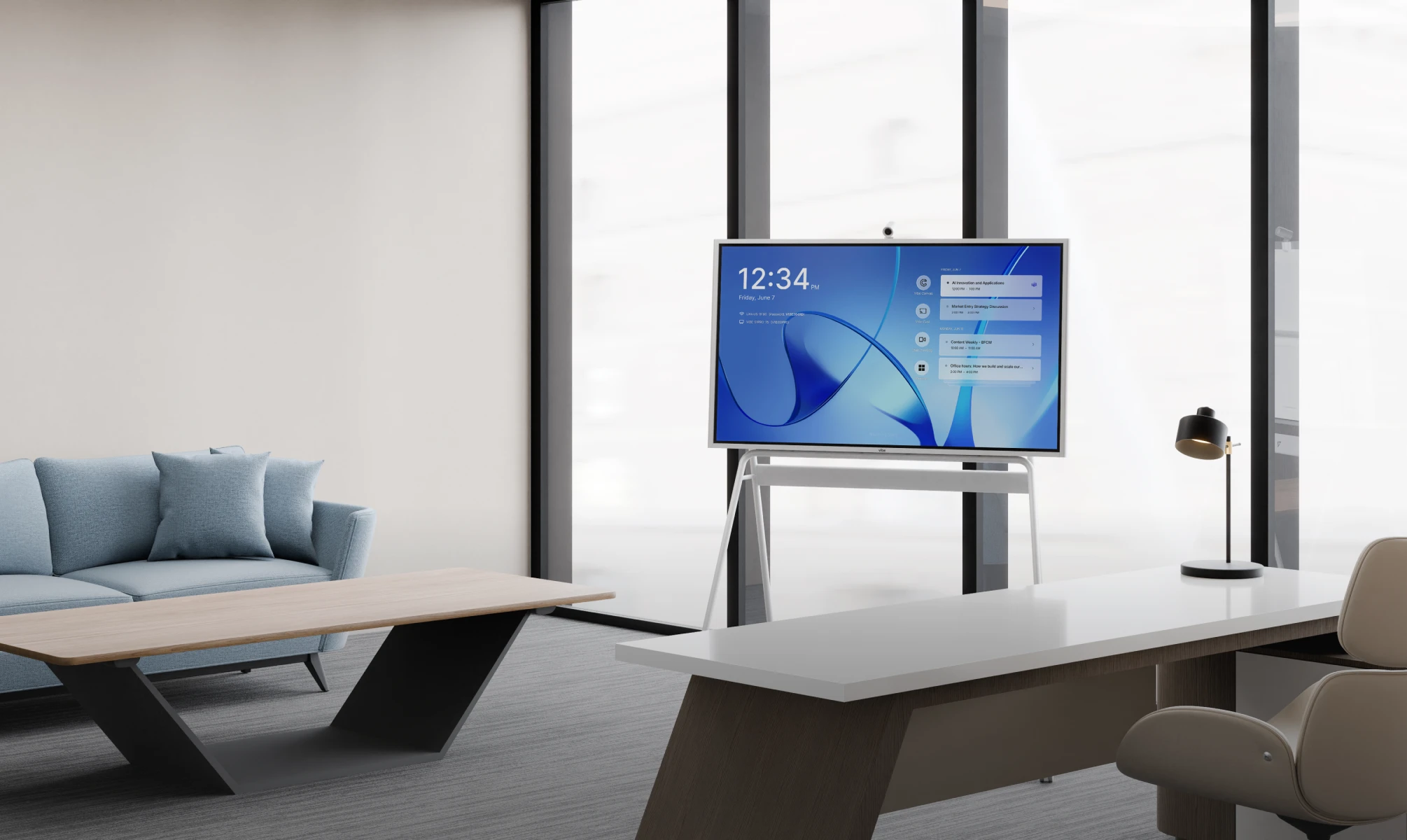
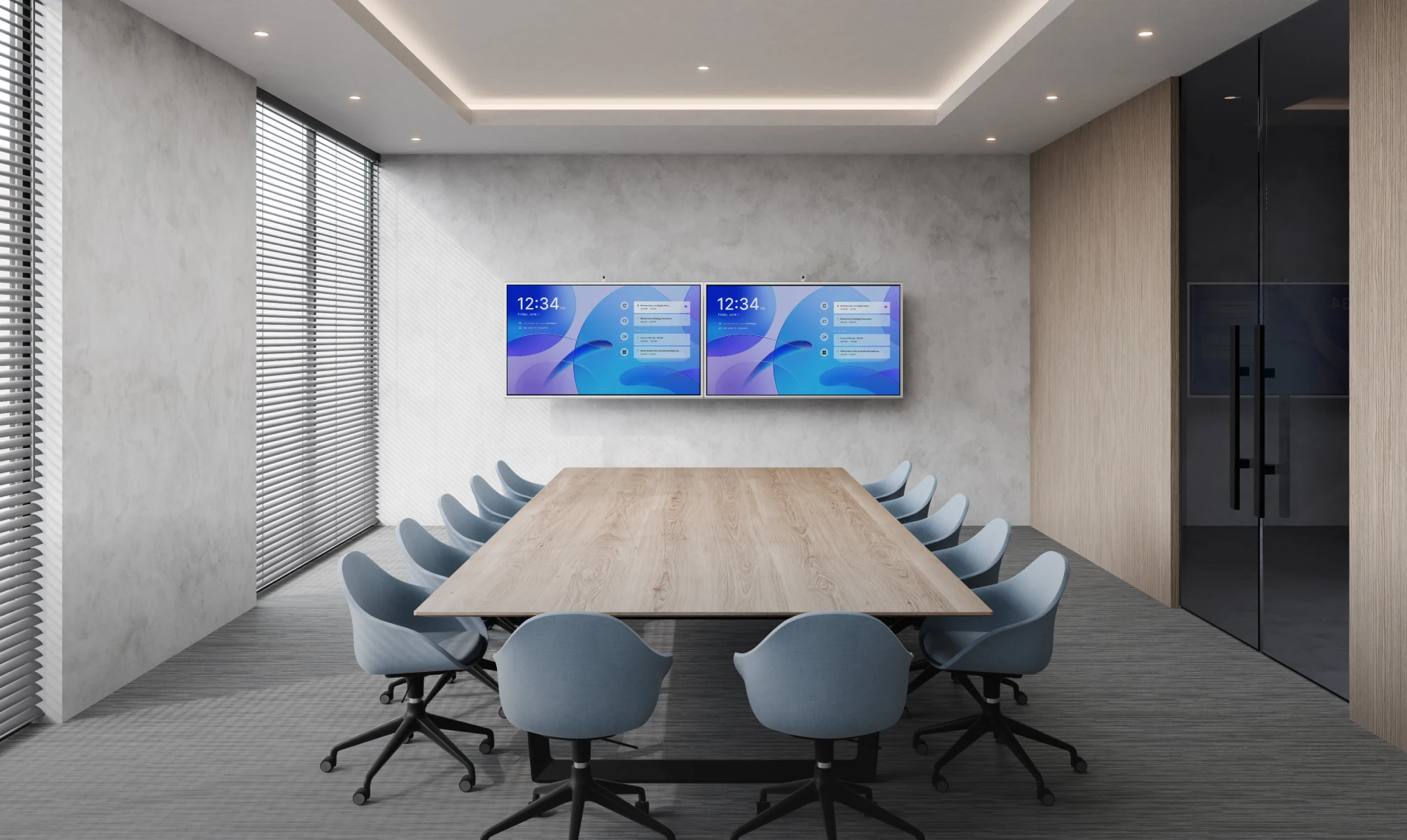
Large meeting room 75″
image
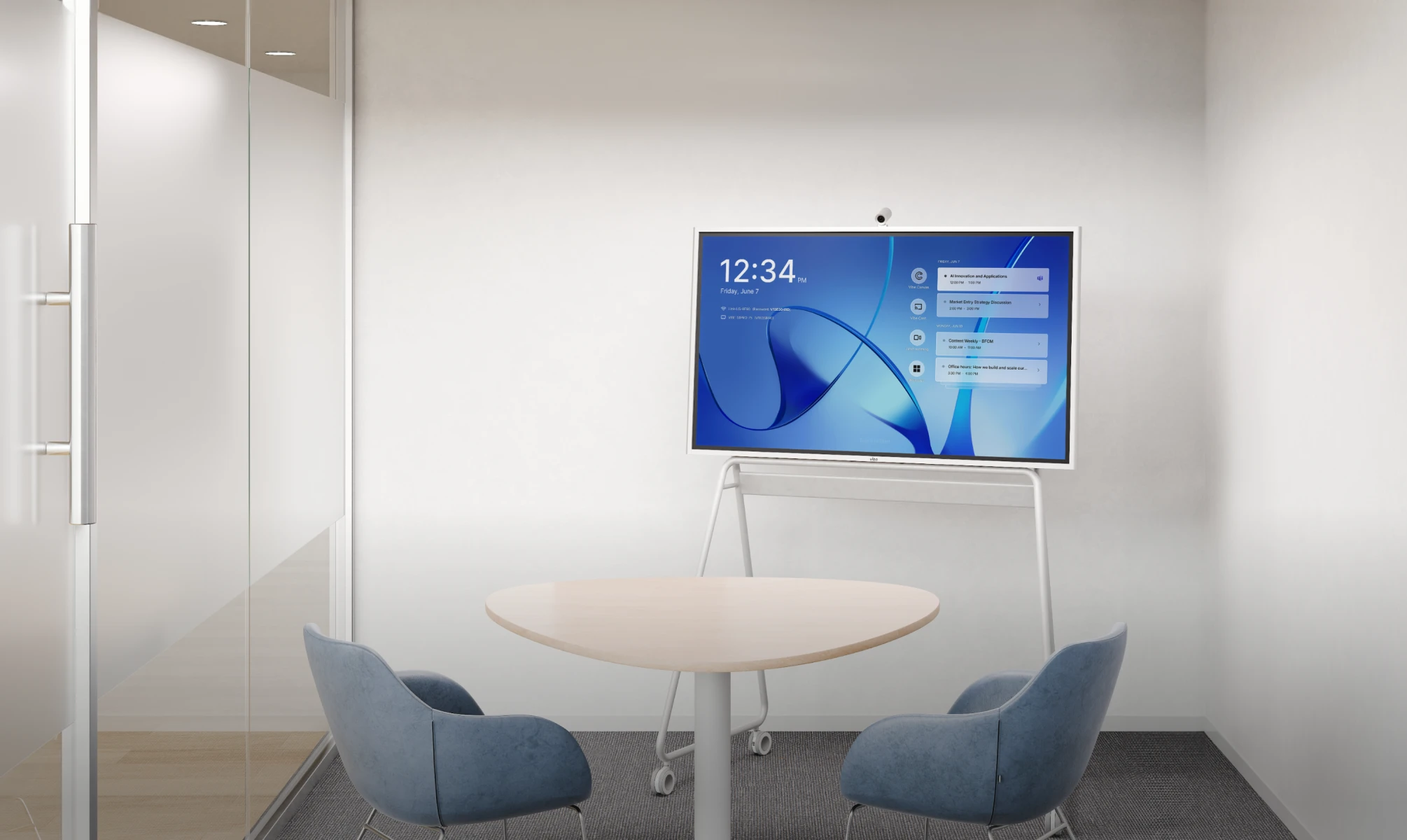
Huddle room 55″
image
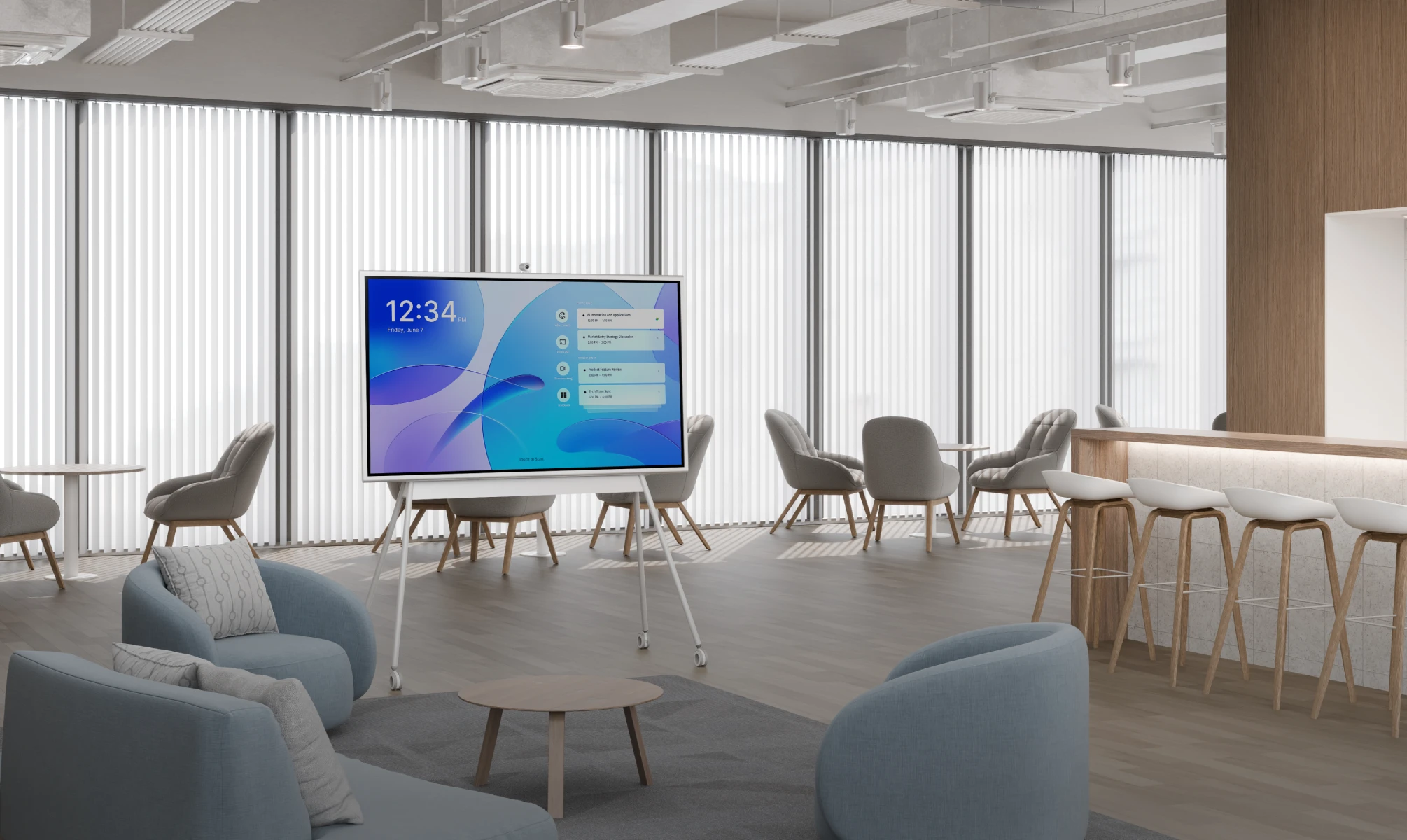
Open space 75″
image
Executive office 55″
image
Executive office 55″
image
Huddle room 55″
image
Large meeting room 75″
image
Open space 75″
Which Vibe Board is right for you?
Vibe Board S1S1
Vibe Board S1 ProS1 Pro
Available in 55″ / 75″
From $3,999 $3,699
From $5,999 $5,699
Vibe Board S1S1
Vibe Board S1S1 Pro
Run on Chrome operating system:Run on Chrome operating system:
Run on Windows operating system:Run on Windows operating system:
icon

Vibe One Admin for fleet management

icon

Chrome Web Store apps integration

icon

Basic video conferencing with Zoom, Teams, Google Meet, and more

icon

Microsoft Intune for fleet management

icon

Full experience of industry-standard apps like Bluebeam, Microsoft Office 365, etc.

icon

Zoom Rooms integration with 1080P

icon

Vibe One Admin for fleet management

icon

Microsoft Intune for fleet management

icon

Chrome Web Store app integration

icon

Full industry-standard apps like Bluebeam, Microsoft Office 365, etc

icon

Basic video conferencing with Zoom, Teams, Google Meet

icon

Zoom Rooms integration with 1080P

iconArm RK3588

iconBluetooth 5.2
iconWi-Fi 6
icon3 USB-C ports
1 HDMI-in
iconIntel® Core™ i7-1255U
+ Arm RK3588
iconBluetooth 5.3 (X86)
iconWi-Fi 6E
icon4 USB-C ports
1 HDMI-in
Discover more from VibeBrowse our advanced audio, visual, and other devices to make the most of your Vibe Board.
Check out more from Vibe
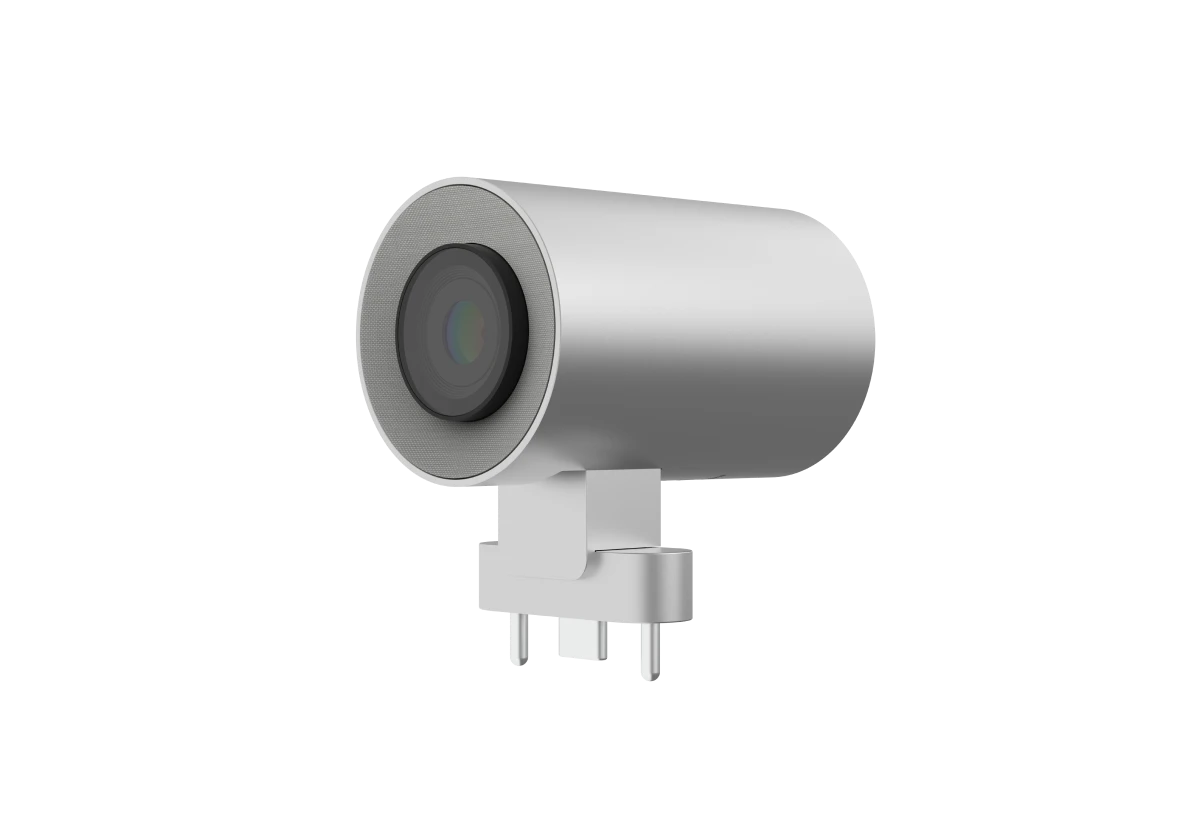
Vibe Smart CameraVibe Smart Camera
Vibe Smart CameraAI-powered
Vibe Passive StylusVibe Passive Stylus
Vibe Passive StylusSimple and versatile
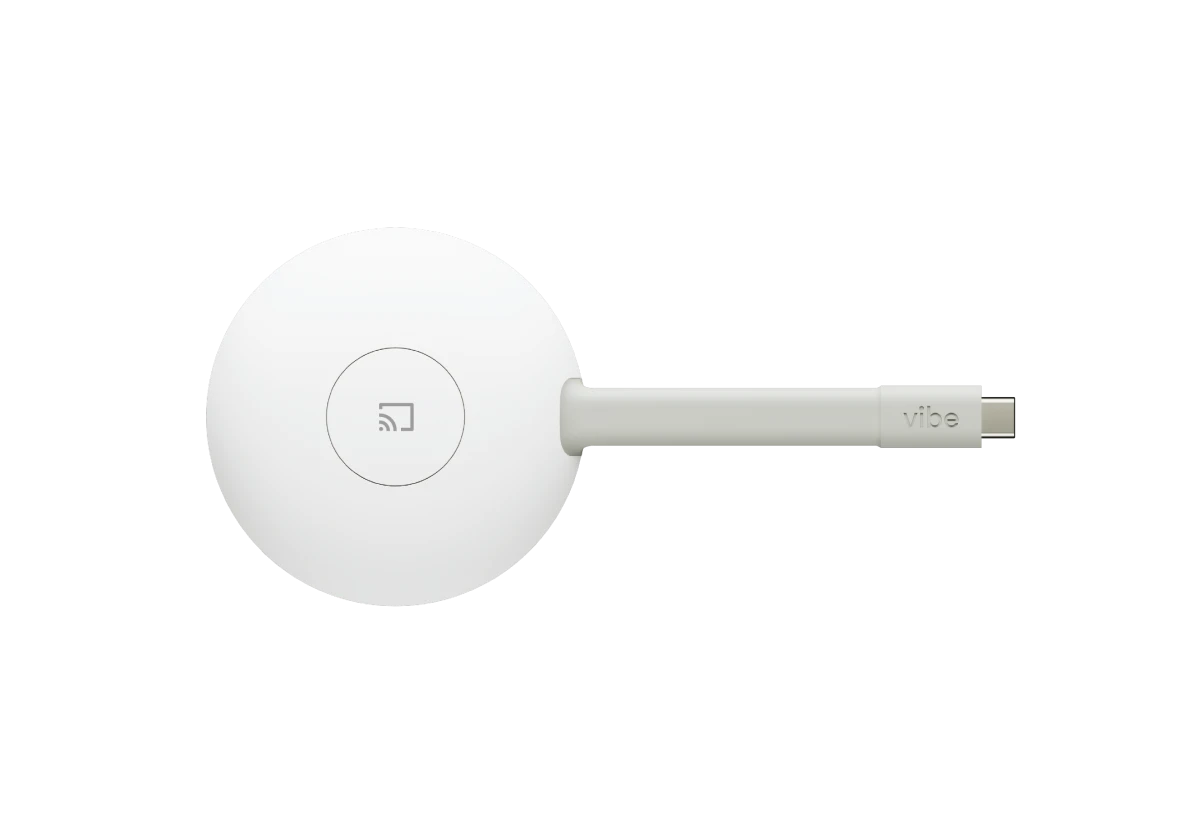
Vibe TapVibe Tap
Vibe TapWireless display adapter
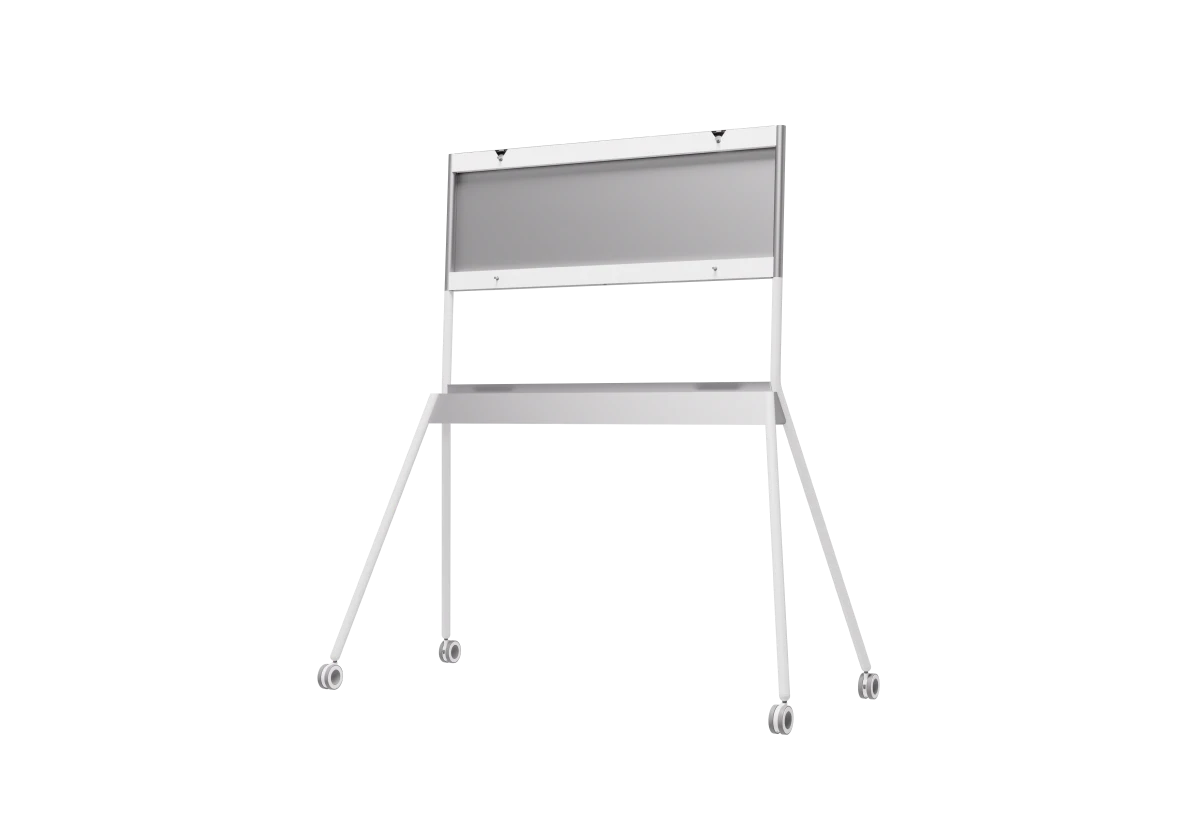
Vibe Stand for 55″Vibe Stand for 55″
Vibe Stand for 55″Sleek and portable
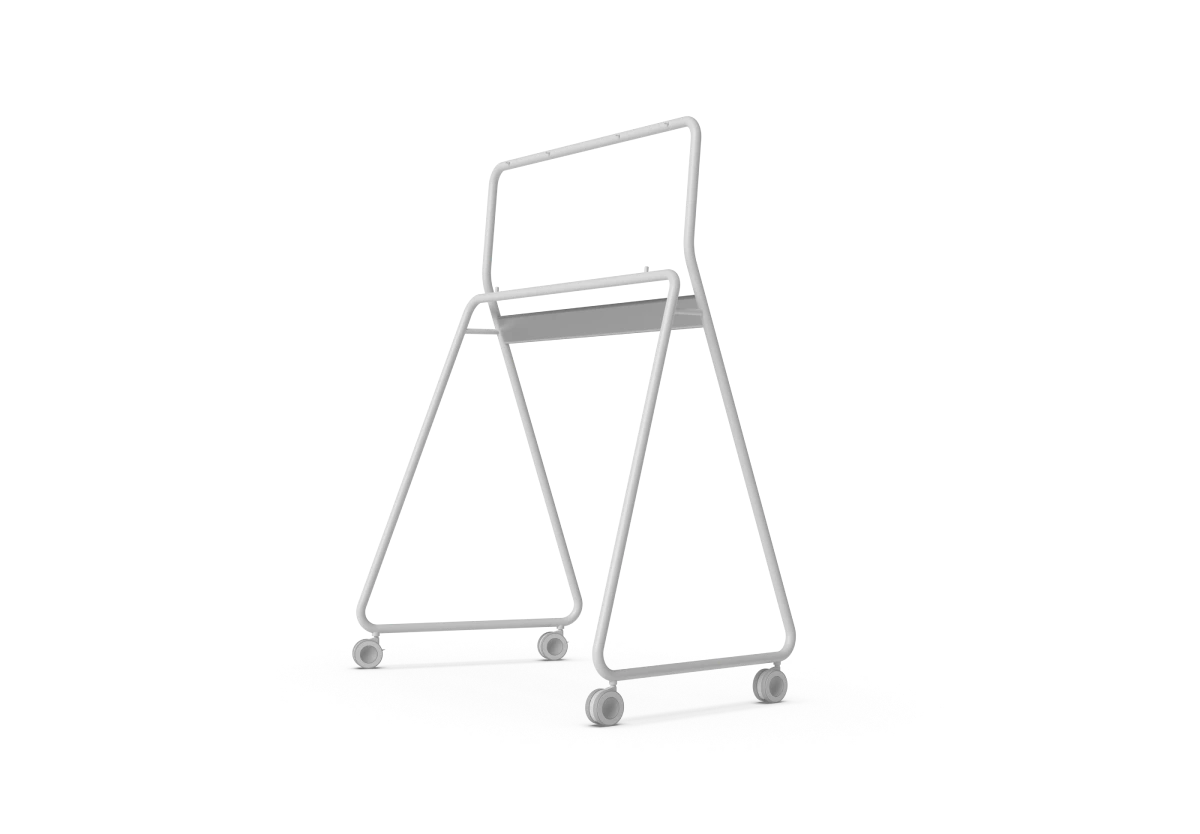
Vibe Stand for 75″Vibe Stand for 75″
Vibe Stand for 75″Sleek and portable
Resources
Product Brochure - S1 ProProduct Brochure - S1 Pro
PDF
Explore more Vibe Board capabilities
Download
Tech Specs - S1 ProTech Specs - S1 Pro
PDF
Dive into the details of the hardware
Download
Tech Specs Comparison - S1 vs. S1 ProTech Specs Comparison - S1 vs. S1 Pro
PDF
Find out which one suits you best
Download
FAQ
  • What are the hardware specifications of the Vibe Board S1 Pro?

    The Vibe Board S1 Pro features powerful hardware specifications designed to deliver smooth performance for both business applications and interactive whiteboarding. It comes equipped with a high-performance Intel i7 processor, 16GB of RAM, and 512GB of storage.

  • Does the Vibe S1 Pro have built-in audio and a microphone?

    The Vibe Board S1 Pro 55″ features 2 built-in speakers, while the Vibe Board S1 Pro 75″ includes 3 built-in speakers. Neither model has a built-in microphone or camera. Our specially designed Smart Camera is compatible with the Vibe Board S1 Pro and includes 6 built-in microphones in a 3D array with noise cancellation and echo cancellation for better sound quality. You can also use other compatible USB-C microphones.

  • What are the product dimensions?

    For the Vibe Board S1 Pro 75″
       - Diagonal screen size: 75″
       - Product dimensions: 67.7″ (width) x 39.9″ (height) x 3.4″ (depth)
       - Product weight: 129 lb
       - VESA Mount: 800mm x 400mm

    For the Vibe Board S1 Pro 55″
       - Diagonal screen size: 55″
       - Product dimensions: 50.7″ (width) x 29.3″ (height) x 3.0″ (depth)
       - Product weight: 50 lb
       - VESA Mount: 200mm x 200mm

  • What types of cabled accessories are supported by S1 Pro?

    Vibe Board S1 Pro provides connectivity options with four USB-C ports and one HDMI-In port, accommodating a wide range of cabled accessories.

  • Is a stand or wall mount included with the purchase of a Vibe Board S1 Pro?

    The Vibe Board S1 Pro 75″ includes a wall mount, but it is not part of the package for the 55″. However, we do offer elegantly designed mobile stands in three colors, which are easy to install. Please note that these mobile stands are sold separately and are not included with the Vibe Board itself.

    Vibe Board S1 Pro is also compatible with many other types of stands or wall mounts, depending on your needs or requirements. You can find more information on third-party stand & mount options with this link.


  • What version of Windows does the Vibe Board S1 Pro run?

    The Vibe Board S1 Pro comes with Windows 11 Pro pre-installed. The Windows experience on the Vibe Board S1 Pro is basically the same as on any Windows 11 Pro computer. You can access and manage the Windows desktop normally, with the added benefit of touchscreen optimization.

  • Can I log in with my existing Microsoft account on the Vibe Board?

    Yes, you can log in with your existing Microsoft account on the Vibe Board S1 Pro. This allows you to access your OneDrive files, sync your settings across devices, and use Microsoft services seamlessly. For organizational deployments, you can also connect to your Azure AD accounts for enterprise management.

  • Can I install any Windows application on the Vibe Board S1 Pro, or are there limitations?

    Yes, you can install virtually any Windows application that’s compatible with Windows 11 Pro on your Vibe Board S1 Pro. Since the device runs a full version of Windows 11 Pro, it behaves like any Windows computer, allowing you to install applications from the Microsoft Store or from third-party sources.

  • Is there a way to restrict which Windows applications users can access?

    Yes, with Microsoft Intune or other mobile device management (MDM) solutions, you can restrict which Windows applications users can access on the Vibe Board S1 Pro. As a Windows 11 Pro device, the board supports enterprise-grade management tools that allow administrators to implement application control policies, ensuring that users only have access to approved applications in shared or secure environments.

  • Can people connect to the smart whiteboard from different locations?

    Absolutely! With our cloud-based whiteboard software, Vibe Canvas, you can collaborate on the same canvas from a computer, tablet, or phone from anywhere in the world. You can jot down an idea on your tablet, build on it with colleagues on the board in the office, and share it for review with stakeholders remotely. The number of people who can join a video conference depends on the video conferencing software you use.

  • What wireless casting options does Vibe support?

    Vibe Board S1 Pro supports several screencasting options:
        1. Cable connection: Cast from Windows, Apple, or Android devices to the Vibe Board with HDMI-in or USB-C port at resolutions up to 4K.
        2. Wireless connection:
         · Cast from Apple devices through Airplay or https://one.vibe.us at resolutions up to 1080P.
         · Cast from Windows devices through https://one.vibe.us/.
         · Use our display adapter - Vibe Tap - for 4K instant screencasting.

  • Does Vibe offer discounts?

    Yes, Vibe offers discounts for bulk orders of 2 or more boards, as well as special pricing for businesses and educational institutions. You can contact sales@vibe.us for a custom quote, and sign up to stay informed about our occasional offers.

Try Vibe Board risk-free today!
logoFree shipping within U.S.
logoTry Vibe for 30 days
logoStandard free warranty
1. Accessories (stand, camera, and tap) sold separately. Add-on discounts available when purchased together.