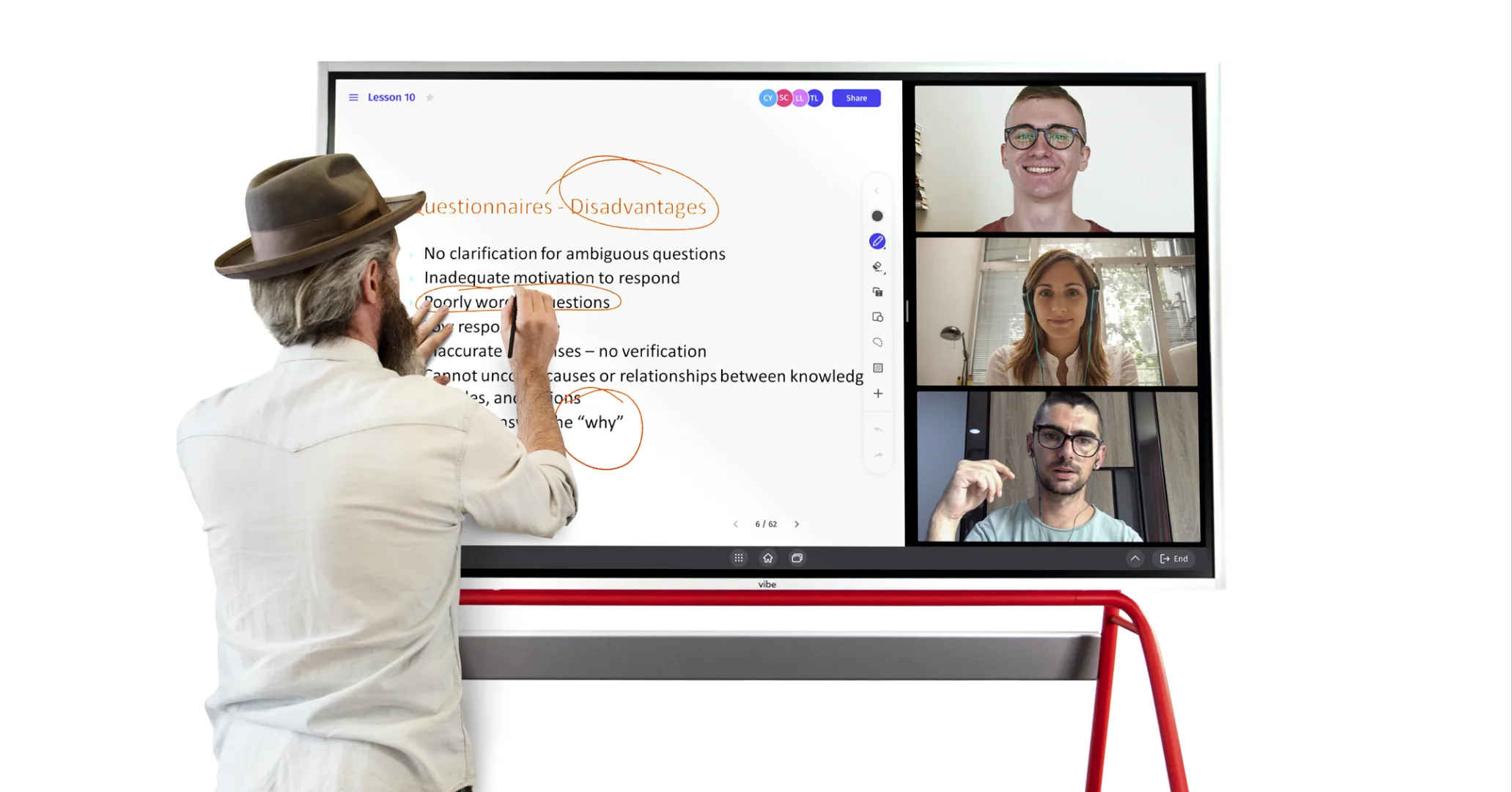
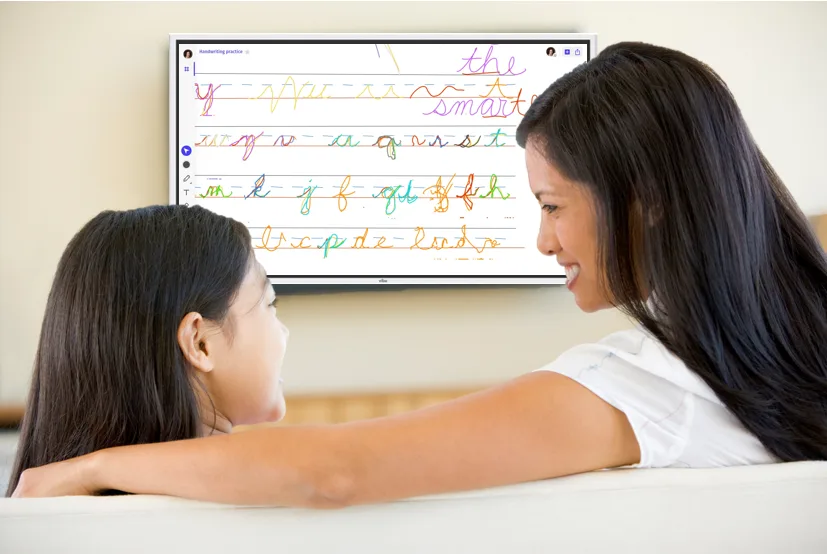
If you have a smart whiteboard at home, chances are the kids have already claimed it. And honestly, that’s a great thing — interactive whiteboards turn out to be surprisingly well-suited for children, from drawing and games to homework help and video calls with grandparents.
Here are 8 ways families are actually using a smart board with kids at home, whether you picked one up for work or bought it with the whole household in mind.
Use Vibe to teach at home
Sketching is a great way to explain complex ideas and get your point across. With Vibe’s intuitive touchscreen, kids can draw, sketch, and find other ways to illustrate what they want to save, and you can save canvases to reflect on later. You can even project what’s on your laptop to the board, making everything easier to see and share. It’s a lot like how you learned in a classroom, except much sleeker and easier to control.
Related: How I Vibe: Robyn C., Mother of Four and Homeschool Expert
Play games for fun and for education
Looking for a change of pace from the usual tablet games? Mix things up and play smartboard games with your kids using Vibe. From Tic-Tac-Toe and Hangman to Dots & Boxes, it’s like having endless pieces of paper at your disposal. Games don’t need to be flashy to be fun. There are also plenty of apps that integrate with the Vibe board, and software features are regularly updated.
Connect with tutors and instructors
With online tutoring now widely available, there’s a broader range of learning opportunities than ever before. Maybe it’s just for math homework, or maybe they’re interested in learning a new language. Having a tutor they can connect with through their Vibe board will help them gain new skills and better the skills they already have. It’s also a little less daunting than an online classroom, as the instruction will likely be one-on-one.
Are digital whiteboards good for studying?
Learning in years past has favored a single style of learning. Digital whiteboards are changing that. With various applications available, these devices cater to each child’s specific learning needs. Students can easily access online lessons, then watch or listen to material on their own devices in real-time. Online learning gives kids more agency over when and how they study, which can boost engagement, and lessons can be digitized and reviewed.
 A child takes part in an online guitar class while sitting on the couch at home.
Chat with family and friends
Put down your phone and meet up with your friends while relaxing on your couch, hands-free. Vibe connects with apps like Zoom and Microsoft Teams, and your kids will love being able to chat with friends in such an innovative way. Remember, Zoom doesn’t have to just be for work meetings and school. It’s also one of the safest ways to connect with people you miss in real time.
Sketch, color, and design
Whether drawing your own images for your child to color in or copy-and-pasting good ones from the internet, using Vibe is a great way to color and create. Your kids will have a blast using something other than crayons and markers to create their own at-home masterpiece. They can also make collages and create a variety of personalized pieces that’ll keep them busy.
Keep track of chores and important dates
Fond of a chore chart? Keep your kids organized by sharing family notes and reminders with them through your Vibe Smart Whiteboard. They can also make notes and changes. Some kids work better with written words than verbal communication, so it may actually help you eliminate fights if this way of connecting works best for both of you.
Related: How I Vibe: Hannah Brown, Kindergarten Teacher
Watch shows together on YouTube
Have you ever experienced a movie on a Vibe board before? With its 55″ 4K UHD display, it’s pretty cool, especially for children. If you’re trying to multitask and need the kids to settle down for an hour or two, launch Netflix on your Vibe board and let them enjoy their favorite movie. Children will be really excited to use the technology this way.
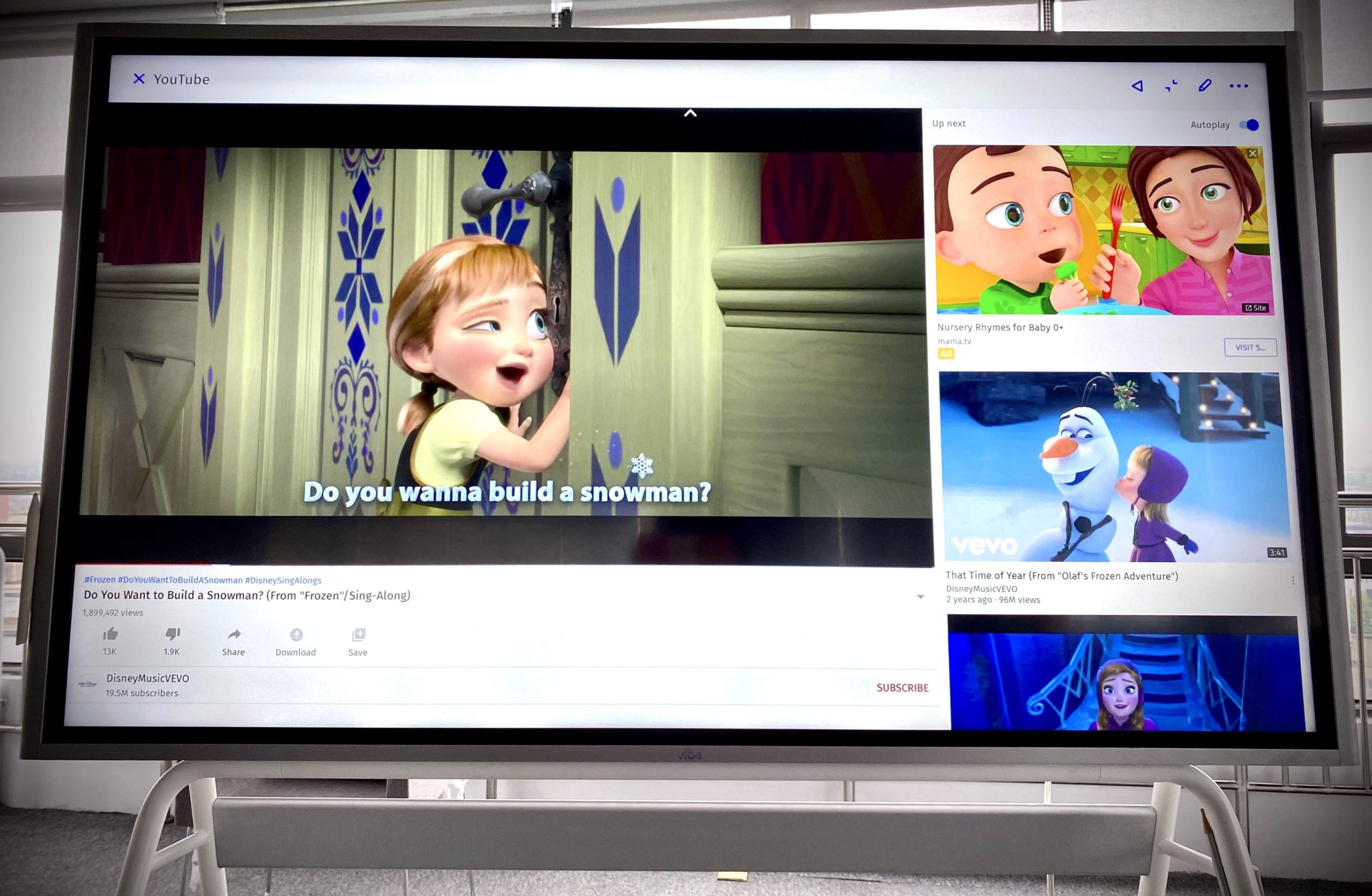 With its large library of app integrations, Vibe is a great smart board for kids.
Discover new apps and programs
Not every interactive whiteboard has easy access to hundreds of apps. So if you’re looking for a smartboard with tons of options, Vibe is a smart choice. You’ll be able to use programs like Asana, Slack, Zoom, and more for work, while the kids in your home will find plenty of educational games, drawing apps, and other entertainment options like Spotify.
Related: Stuck at Home? Try These 8 Inspiring and Interactive Virtual Museum Tours
How do you organize a smart board for kids?
If you plan on using your interactive whiteboard for work and home life, you’ll want to set some guidelines for how kids can use the board on their own. Here are some ideas to help you:
-
You can create columns with time frames to help map out tasks for the day.
-
By turning your whiteboard into a monthly calendar, planning becomes more accessible than ever.
-
Turn your whiteboard into a daily planner. Think of it as a journal page that can be digitized at the end of each day.
-
Track progress with sticky notes, or a simple touch of your finger can highlight essential data.
With its intuitive design and easy-to-use features, the Vibe interactive whiteboard is child-friendly and a great way for them to learn outside of a laptop. Every kid can get restless from time to time, especially if their typical school and activity schedule has been altered. By using Vibe for work and as a smart board for kids, the entire household can get creative and benefit from this multi-purpose piece of technology.
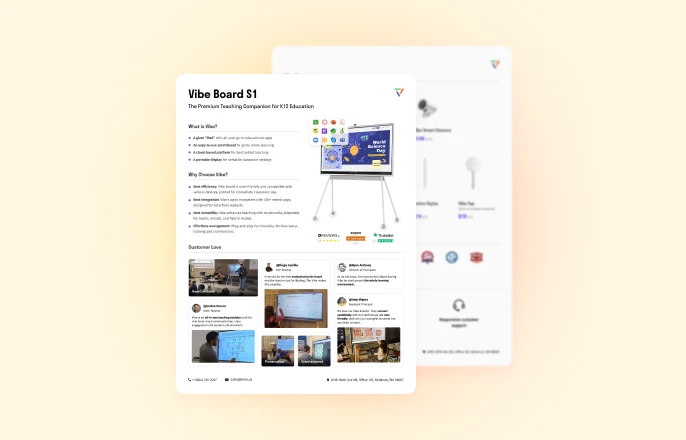
The Vibe Board S1 is a 55″ or 75″ interactive whiteboard that works equally well for work calls and kids’ activities — no switching devices, no setup required. Want to see it in action? Request a free demo or shop the Vibe Board S1 today.
FAQ
What age is a smart board appropriate for kids?
Smart whiteboards can be used with children as young as 3–4 years old for simple drawing and coloring activities. As kids get older, the use cases expand — elementary-age children can use them for games, homework, and tutoring sessions, while middle and high schoolers can use them for presentations, research, and collaborative projects. The touchscreen interface is intuitive enough that most kids pick it up quickly without any instruction.
Is a smart whiteboard safe for kids to use?
Yes. Interactive whiteboards like the Vibe Board S1 use a passive touchscreen (no radiation beyond a standard display) and have no moving parts or sharp edges. As with any screen, it’s worth setting time limits and guidelines for younger children. The board itself doesn’t restrict content, so parental supervision is recommended when kids are browsing apps or the web independently.
Can kids use a smart whiteboard on their own?
Most kids can use a smart whiteboard independently after a short introduction. The touchscreen is straightforward to navigate, and drawing or app-launching requires no technical knowledge. For younger children, it helps to pre-load a few favorite apps so they can get started without needing to search. You can also save canvases and set up a simple folder structure so kids know where their work lives.
Do you need a computer to use a smart whiteboard with kids?
No. Smart whiteboards like the Vibe Board S1 are all-in-one devices with a built-in operating system, Wi-Fi, and app access. You don’t need a separate computer, laptop, or projector to get started — just plug it in, connect to Wi-Fi, and it’s ready to use. You can optionally mirror a laptop or tablet to the board via HDMI or wireless casting if you want to display content from another device.
What’s the difference between a kids’ drawing tablet and a smart whiteboard?
A drawing tablet is a small, personal device designed for one child at a time, typically without internet access or app ecosystems. A smart whiteboard is a large-format shared display that supports multiple simultaneous users, video conferencing, web browsing, and hundreds of apps — making it useful for the whole family, not just one child. The size difference alone changes how kids interact with it: a 55″ touchscreen encourages standing, movement, and collaboration in a way a tablet simply can’t.