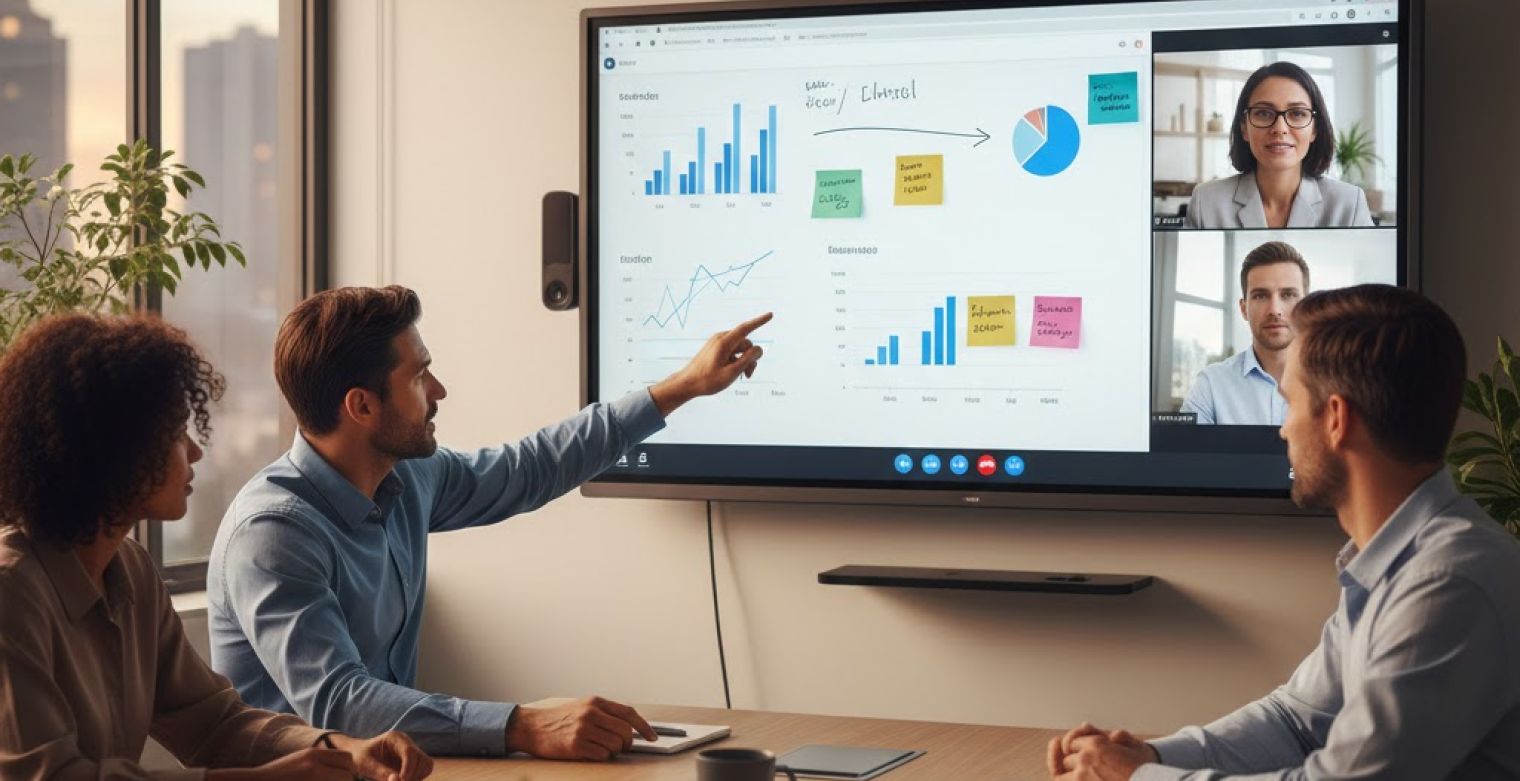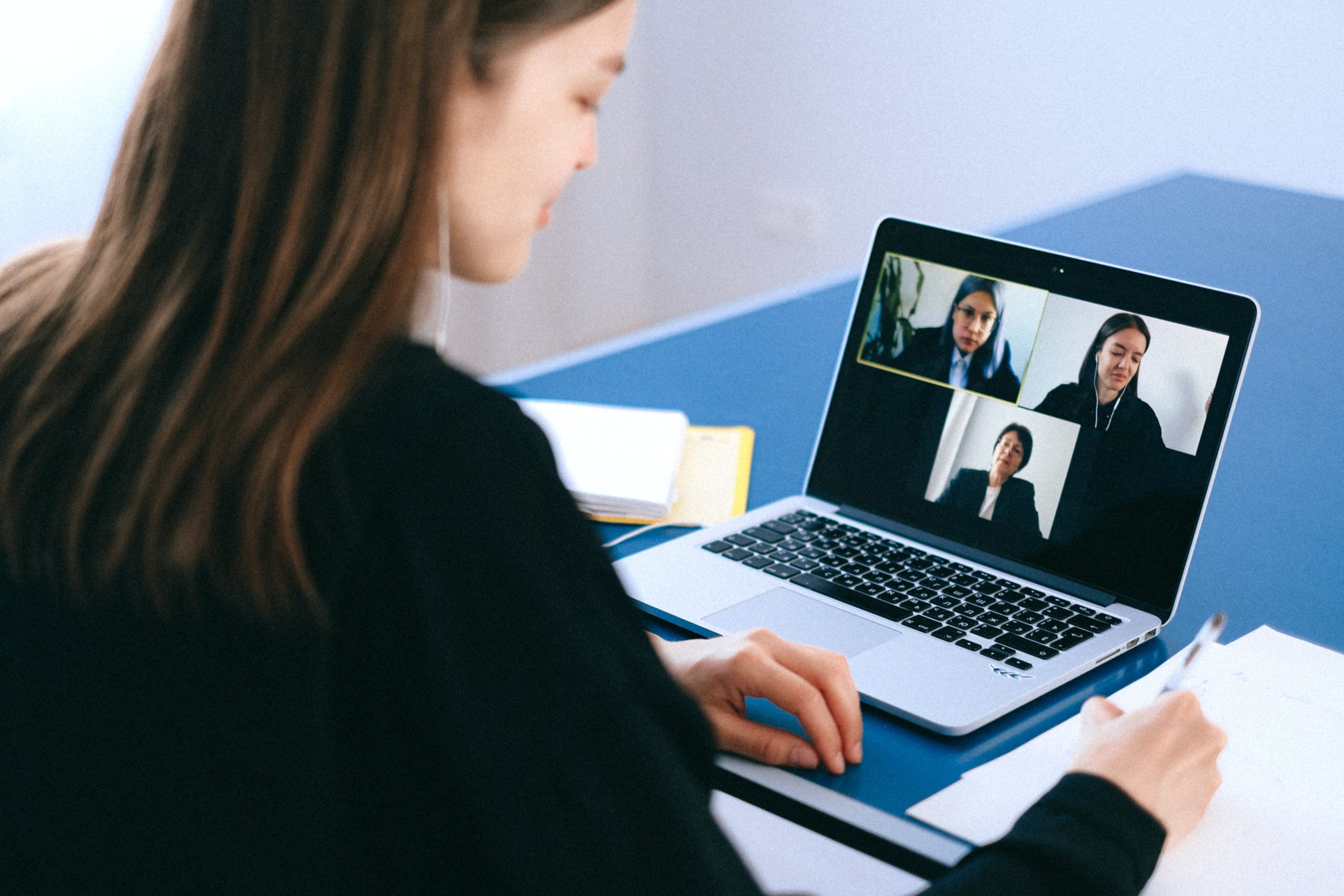


A discussion is already underway when a remote participant joins the call. On their screen, they see a long conference table, a few heads partially visible, and several voices coming from somewhere off camera. The speaker changes, but the view doesn’t. Laughter breaks out in the room, yet the audio drops, and the context is lost. Remote attendees hesitate to jump in—not because they don’t have ideas, but because they’re still trying to figure out who’s in the room and who’s talking.
As hybrid work has become a permanent operating model, these moments have stopped being edge cases. Traditional webcams were designed for individuals at desks, not groups collaborating in shared spaces. When they’re pressed into service for room-based meetings, they fall short on visibility, audio clarity, and continuity. AI meeting cameras address those gaps by actively framing participants, tracking speakers, and capturing the meeting’s outputs, helping teams see more clearly, hear more reliably, and concentrate on the goals of the meeting (instead of managing the meeting itself).
- An AI meeting camera turns a passive conference feed into an active view that follows the conversation and makes remote attendees feel present.
- Meeting equity improves when remote participants can clearly see faces, gestures, and shared content without asking anyone to 'move the camera'.
- The best AI camera setups pair video intelligence with strong audio capture so conversations stay understandable even when people talk across the table.
- Integrations with meeting platforms and productivity tools reduce post-meeting cleanup by making notes, summaries, and action items easier to capture and share.
- A short pilot in your busiest rooms will reveal more about real-world fit than any spec sheet.
What is an AI Meeting Camera?
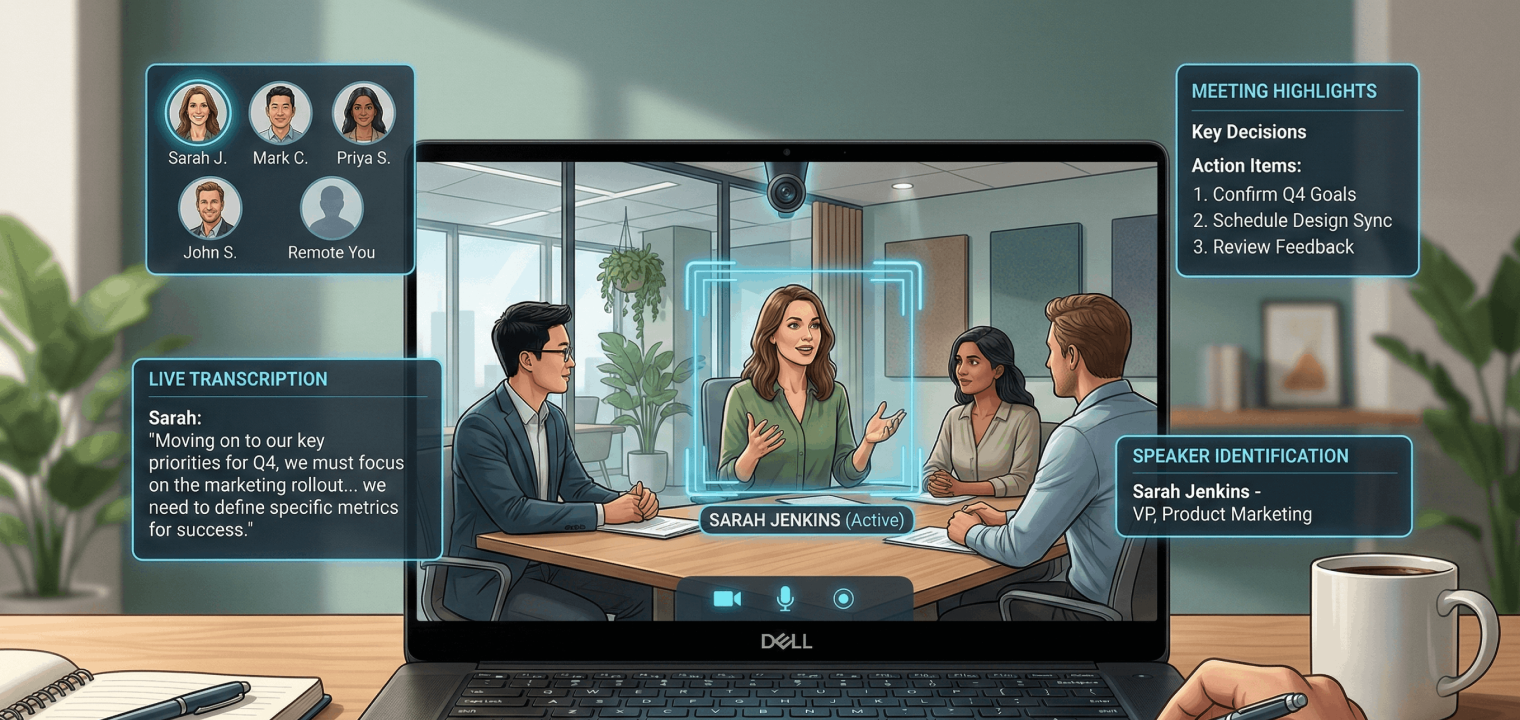
An AI meeting camera (also called ‘artificial intelligence camera’) is a smart workspace conference room camera that uses AI to make meetings easier to follow for remote participants. Instead of showing one static view, it can automatically frame the group, track active speakers, and adjust what remote attendees see as the conversation shifts. Many models also apply noise reduction and work with meeting platforms to support transcripts, highlights, and searchable records.
To put this into perspective, a standard webcam is mostly passive: it captures whatever is in front of it, and the room has to adapt to the camera. An AI camera flips that relationship. It adapts to the room—following speakers, keeping participants in view, and reducing manual camera repositioning requests that cause interruptions that break momentum.
Here, we break down the capabilities that matter most in an AI camera, and how high-performing teams can choose the right setup to match their needs.
Meeting Equity Evolution: Why Standard Webcams Fail Hybrid Teams
The most common hybrid failure mode is ‘front-row vs. back-row’. People physically in the room get the full experience: facial expressions, side conversations, quick reactions, and a clear view of what’s happening on the whiteboard. Remote participants get a single distant angle, compressed audio, and a constant feeling of trying to decode the room rather than contributing to it.
Standard conference cameras create predictable pain points:
-
Remote attendees can’t tell who’s speaking in a medium or large space.
-
They miss non-verbal cues that signal agreement, discomfort, or confusion.
-
Presentation materials and whiteboards become unreadable, which forces facilitators to repeat themselves or stop and re-explain.
-
Audio issues multiply when someone speaks away from the mic, when two people speak at once, or when the room has HVAC noise and echo.
Traditional cameras are also passive in the worst way: they make remote attendees ask for help. ‘Can you move the camera?’ ‘Can you repeat that?’ ‘Who just spoke?’ Those interruptions are small, but they send a message about who the meeting is built for. An AI meeting camera reduces that friction by actively following the conversation, keeping the right people in frame, and making the remote view feel less like a security feed and more like a seat at the table. That shift is the foundation of meeting equity.
Essential AI Meeting Camera Features
The reality is that if the remote person can’t see the whiteboard or read the presenter’s facial expression, they aren’t really in the meeting. A strong AI camera feature set improves engagement, reduces meeting admin, and makes hybrid collaboration more inclusive without forcing facilitators to become impromptu AV operators.
High Video Quality and Field of View
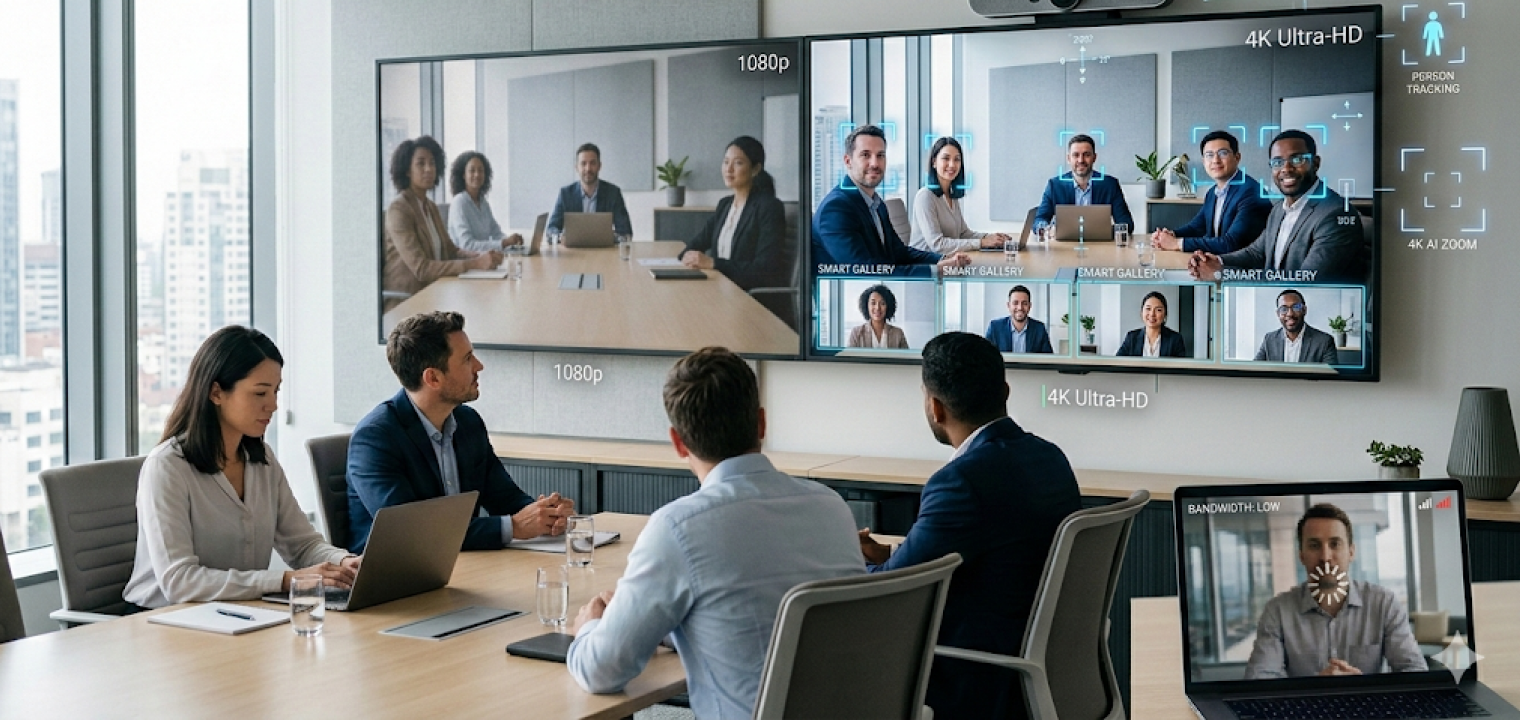
At minimum, look for 1080p video, and treat 4K as the preference for rooms where faces, small gestures, or written content matter. Resolution isn’t only about image sharpness; it’s about cognitive effort. When remote participants have to squint to interpret the room, they contribute less, and they fatigue faster.
Field of view matters just as much as pixels. A wide-angle lens or 360° coverage can eliminate the issue of people disappearing off camera in many layouts. High resolution combined with a wide field of view lets the camera capture the full room while still showing enough detail for expressions and reactions. It also reduces the need for manual repositioning when the room layout changes.
Outcome:
-
A wide shot for context, plus tighter framing when someone speaks, without a host touching settings.
-
A camera that can handle both a boardroom table and a classroom-style layout.
-
A remote attendee who can follow the room without asking for camera changes.
Intelligent Audio Capture
If video drives presence, audio drives comprehension. A great picture doesn’t help if remote participants can’t reliably hear what’s being said. Prioritize solutions that support team communication using beamforming microphones, noise suppression, and echo cancellation—especially in open offices, glass-heavy rooms, or spaces with fans/HVAC.
AI-driven audio can prioritize active speakers and reduce background noise so remote participants don’t have to work as hard to understand the conversation. This matters because the ‘I can’t hear you’ problem tends to affect remote attendees first, and it compounds when multiple people speak quickly or across the table.
Outcome:
-
Consistent voice pickup even when someone speaks away from the camera.
-
Reduced keyboard clatter and room hum in the remote feed.
-
Clearer overlap handling when two people chime in at once.
AI-Powered Tracking and Framing
Auto-framing keeps participants visible as people shift in their seats, stand to present, or walk to a board. Speaker tracking or presenter tracking focuses on whoever is talking or presenting so remote attendees can read expressions and follow the flow.
A strong AI meeting camera reduces the need for manual camera control, which keeps meetings moving and reduces awkward pauses. It also makes facilitation easier because the host can stay focused on the conversation and decisions, not on camera angles.
Use the category language carefully when comparing options: vendors will describe variations of the same idea as speaker framing, active speaker tracking, group framing, or presenter tracking. The outcomes are what matter: remote attendees should see the right person at the right time, consistently.
Outcome:
-
The camera follows the presenter naturally during a walkthrough.
-
The view shifts to the current speaker without ‘camera hunting’ delays.
-
Remote attendees can track who’s talking without having to ask.
Software Integrations
Adoption lives or dies on compatibility. The best AI camera is the one that works with the tools teams already use, with minimal extra steps. Plug-and-play support for Zoom, Google Meet, and Microsoft Teams matters because it reduces friction for IT and for meeting hosts.
Integrations also connect meeting content to the work that happens after the call. Calendar integrations support one-tap join. Platform integrations can improve recordings, transcripts, and meeting insights. If your organization relies on tasks, docs, or knowledge bases, look for workflow connections that reduce the time it takes to turn a conversation into action.
This is also where collaboration software becomes part of the equation. A camera that captures a better meeting is useful; a system that helps teams retain context and follow through is what improves outcomes.
Outcome:
-
A scheduled meeting shows up on the room device and starts with one tap.
-
Meeting outputs are easy to find later, without hunting through chat threads.
-
Teams spend less time rewriting notes and more time executing.
Portability
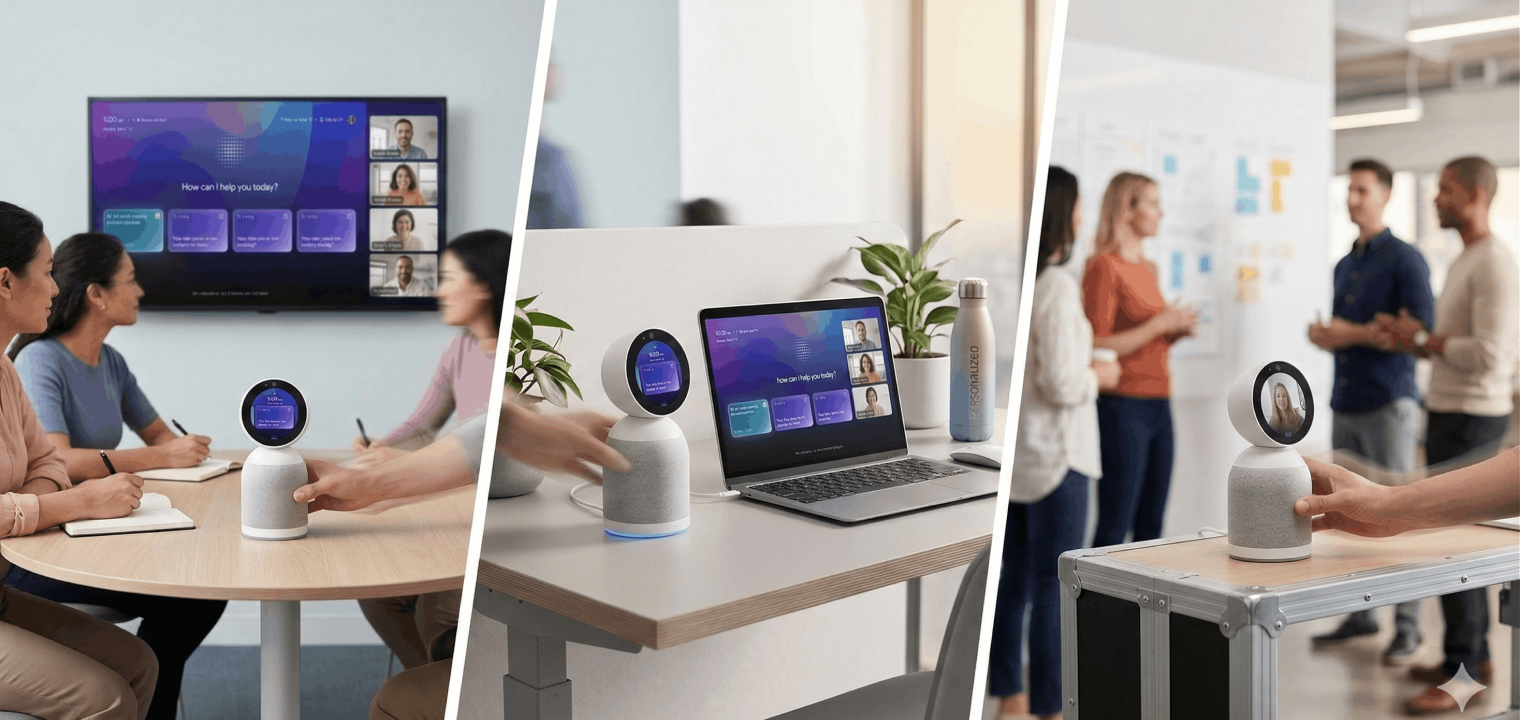
Not every room needs a permanent install. Portable, USB-powered, or all-in-one devices are useful for a huddle room, hot desks, pop-up project spaces, and traveling teams. Portability supports flexible hybrid office layouts where teams move between spaces based on the work they’re doing that day.
The tradeoff is usually depth. Portable options can be great for quick deployment and smaller rooms, but they may not match installed systems in large spaces or acoustically complex rooms. Still, the portability decision should be guided by usage patterns, not by a generic assumption that bigger is always better.
Outcome:
-
A portable camera that can be deployed in minutes for a project sprint.
-
A small room that becomes ‘hybrid-ready’ without construction.
-
A consistent setup experience across multiple flexible spaces.
 Vibe Bot in every room
Wireless Connectivity
Wireless connectivity can make smart meeting rooms cleaner and easier to deploy, especially when IT needs to standardize setups across multiple offices. Wi-Fi and Bluetooth can reduce cable clutter and simplify placement, which helps adoption in shared spaces.
This is also where reliability and security matter. Enterprise Wi-Fi, firmware update workflows, and network configuration practices should be part of the buying conversation. Wireless convenience is valuable, but meeting rooms are business-critical. The stability and manageability of the device need to match your operational reality.
Outcome
-
Faster installs with less cable management and fewer points of failure.
-
A setup IT can manage at scale with consistent firmware updates.
-
Fewer ‘someone unplugged the wrong cable’ incidents.
Common AI Meeting Camera Use Cases
Different industries adopt AI meeting camera systems for different reasons. Some prioritize privacy and compliance. Others emphasize documentation and searchable records. Even others need scale and repeatability across many rooms. The examples below show how organizations apply AI camera capabilities to solve specific remote collaboration problems.
Hybrid Meetings
In a well-run hybrid meeting, remote attendees should be able to see who is speaking, read expressions, and follow the room dynamics without constantly asking for help. AI camera framing provides that ‘seat at the table’ effect by keeping participants visible and tracking the conversation as it moves. Gesture and reaction capture matter here because non-verbal cues often drive alignment faster than words.
Intelligent audio makes the difference between ‘I attended’ and ‘I contributed.’ Beamforming, noise suppression, and echo control help remote participants follow the discussion in open offices and larger rooms. This becomes especially important for agile teams running quick standups, project reviews, and cross-functional workshops where the pace is fast and interruptions are costly.
The operational benefit is that the need for meeting administration goes down. Less manual camera control. Better recordings. Clearer context when someone reviews the call later.
Legal
Law firms and legal teams use AI meeting camera systems for client consultations, internal strategy sessions, and cross-office collaboration, all while maintaining a professional, in-room feel. Clear audio and video support accurate records during depositions, negotiations, and contract reviews—especially when paired with transcription tools and meeting summaries.
Controlled framing and secure setups are important because confidentiality is non-negotiable. Teams often need approved platforms, locked room policies, and predictable device behavior. Automated summaries, timestamps, and action item capture can support matter management, billing narratives, and compliance documentation without forcing attorneys to spend billable time rewriting meeting notes.
Healthcare
Healthcare teams use camera AI for telehealth consultations and multidisciplinary collaboration where multiple participants need to be visible and understood. Case conferences, tumor boards, and remote second opinions benefit when specialists can see reactions, reference materials, and presenters without fighting the room setup.
Privacy-conscious deployment is critical: secure networks, appropriate fields of view, and integration with approved platforms help align with organizational policies. Training and education also benefit—grand rounds, simulations, and workshops can be streamed to remote learners while the camera tracks speakers and presenters automatically.
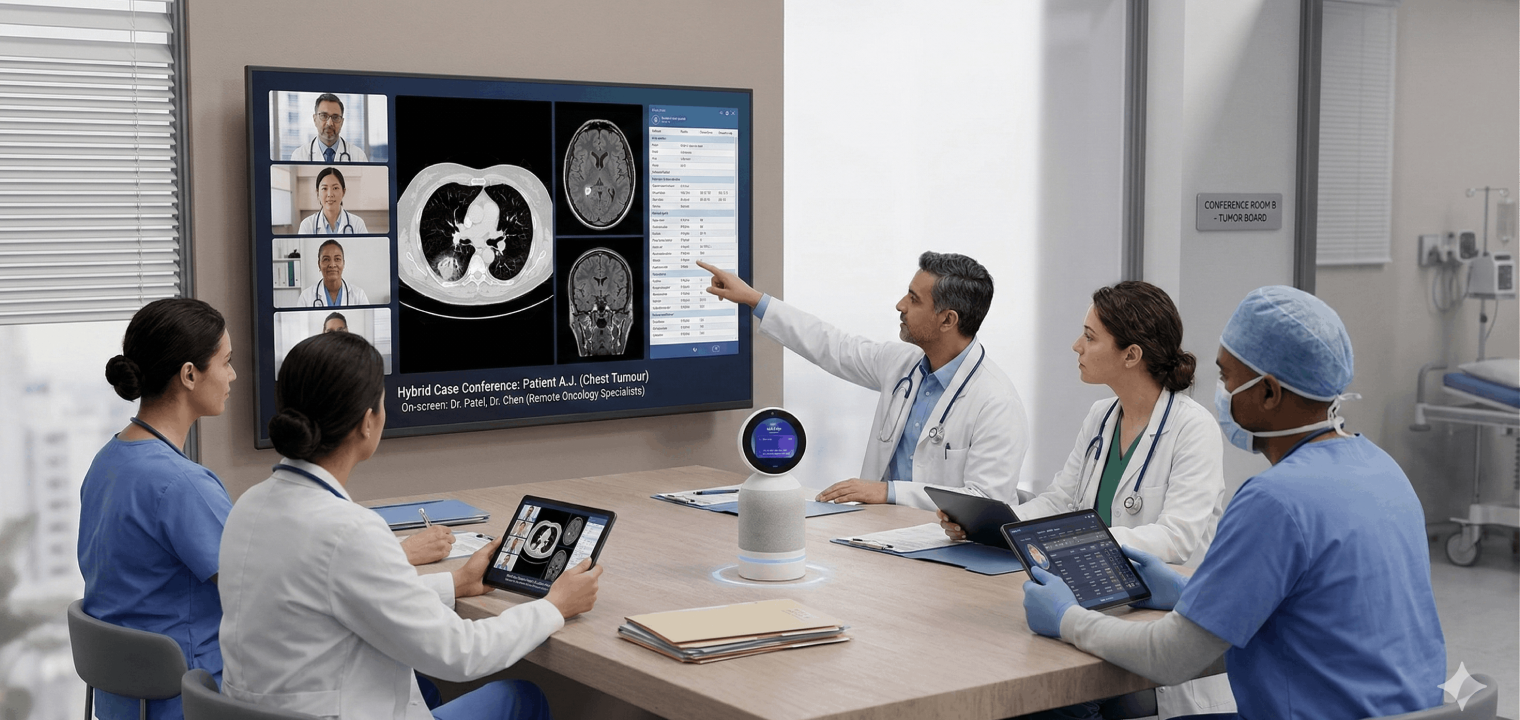 Vibe Bot in hybrid tumor board meetings with real-time video collaboration, AI-powered audio and visual support, and seamless integration for healthcare teams.
Education
In hybrid classrooms, an AI meeting camera can track an instructor as they move, while also capturing students and the whiteboard or display. This supports both live remote learning and lecture capture for asynchronous review, where clear framing and consistent audio determine whether students can actually use the recording later.
Interactive scenarios—remote guest speakers, student presentations, and group projects—improve when speaker tracking and wide coverage make participation feel natural. Flexibility retains its significance across learning environments, whether it’s a small seminar room, a large lecture hall, or a small collaborative workspace designed for breakout meetings.
How to Choose the Right AI Meeting Camera
Organizations face a fundamental choice between traditional professional AV installations and modern, AI-powered devices. This is about more than just features; total investment, deployment speed, and long-term flexibility are all on the line.
A traditional install can be powerful, but it can also introduce longer timelines and less adaptability as needs change. An AI meeting camera approach often aims to shorten time-to-value while still delivering consistent quality.
|
Cost Factor |
Traditional Pro-AV Systems |
All-in-One AI Devices |
|---|---|---|
|
Initial Hardware |
$8,000 – $15,000 per room |
$800 – $2,500 per room |
|
Installation & Integration |
$2,000 – $10,000 (professional labor, wiring, ceiling mounts, control systems) |
$0 – $200 (typically plug-and-play, optional mounting hardware) |
|
Annual Maintenance Contract |
$800 – $2,000 per room |
$0 – $300 per room (often included in software license) |
|
Software Licensing |
$500 – $1,500/year per room (control software, proprietary platforms) |
$0 – $600/year per room (many offer free tiers or all-inclusive pricing) |
|
Training & IT Support |
8-16 hours IT staff time ($800 – $1,600) + user training sessions |
1-2 hours setup time ($100 – $200) + 5-minute user onboarding |
|
Deployment Timeline |
2-6 weeks per room (planning, installation, testing, integration) |
Same day to 1 week (unbox, plug in, configure software) |
|
Upgrade/Scalability Costs |
$3,000 – $8,000 (often requires new hardware, rewiring, system reconfiguration) |
$0 – $500 (firmware updates, software upgrades typically free or low-cost) |
|
3-Year TCO (Single Room) |
$15,400 – $35,500 |
$1,100 – $5,300 |
|
3-Year TCO (5 Rooms) |
$77,000 – $177,500 |
$5,500 – $26,500 |
Cost insight callout: Outfitting 5 conference rooms with traditional pro-AV systems costs between $77,000 and $177,500 over three years, while all-in-one AI devices range from $5,500 to $26,500—a potential savings of $71,500 to $151,000 (80–85% reduction in total cost of ownership). These figures don’t include the hidden cost of delayed deployment and reduced flexibility with traditional systems.
Use this selection framework to make the choice practical:
-
Count your rooms, then pick your pilots. Identify the 2–3 rooms that host hybrid meetings most often. Those rooms will show immediate ROI and reveal what your standards should be.
-
Confirm platform fit. Your video conferencing stack should be the source of truth. Most modern AI meeting camera devices support major platforms, but your IT team should validate the exact workflow and permissions.
-
Match features to the room reality. Auto-framing is often enough for small rooms. Speaker tracking fits medium rooms. Large boardrooms may need 360° coverage or multi-camera approaches.
-
Set a budget that reflects the full picture. Consider the total cost of ownership (TCO). This includes management overhead, refresh cycles, and the overall cost of inconsistent meeting experiences. TCO will give you a clever metric to go by than just looking at the sticker price.
-
Run a two-week pilot. Put devices in real meetings with real teams. Track friction points, user confidence, and whether remote participants report improved clarity.
-
Operationalize the rollout. Start with your highest-traffic rooms. Create a one-page quick-start guide that shows how to join, adjust framing, and access key outputs. Collect feedback after the first month and refine before scaling.
Keep in mind that if your room setup changes frequently or you need faster deployment across many spaces, an AI-powered camera strategy tends to fit better. If your rooms are specialized, fixed, and mission-critical with complex acoustics, a traditional approach may still be appropriate—though many organizations now choose to blend both.
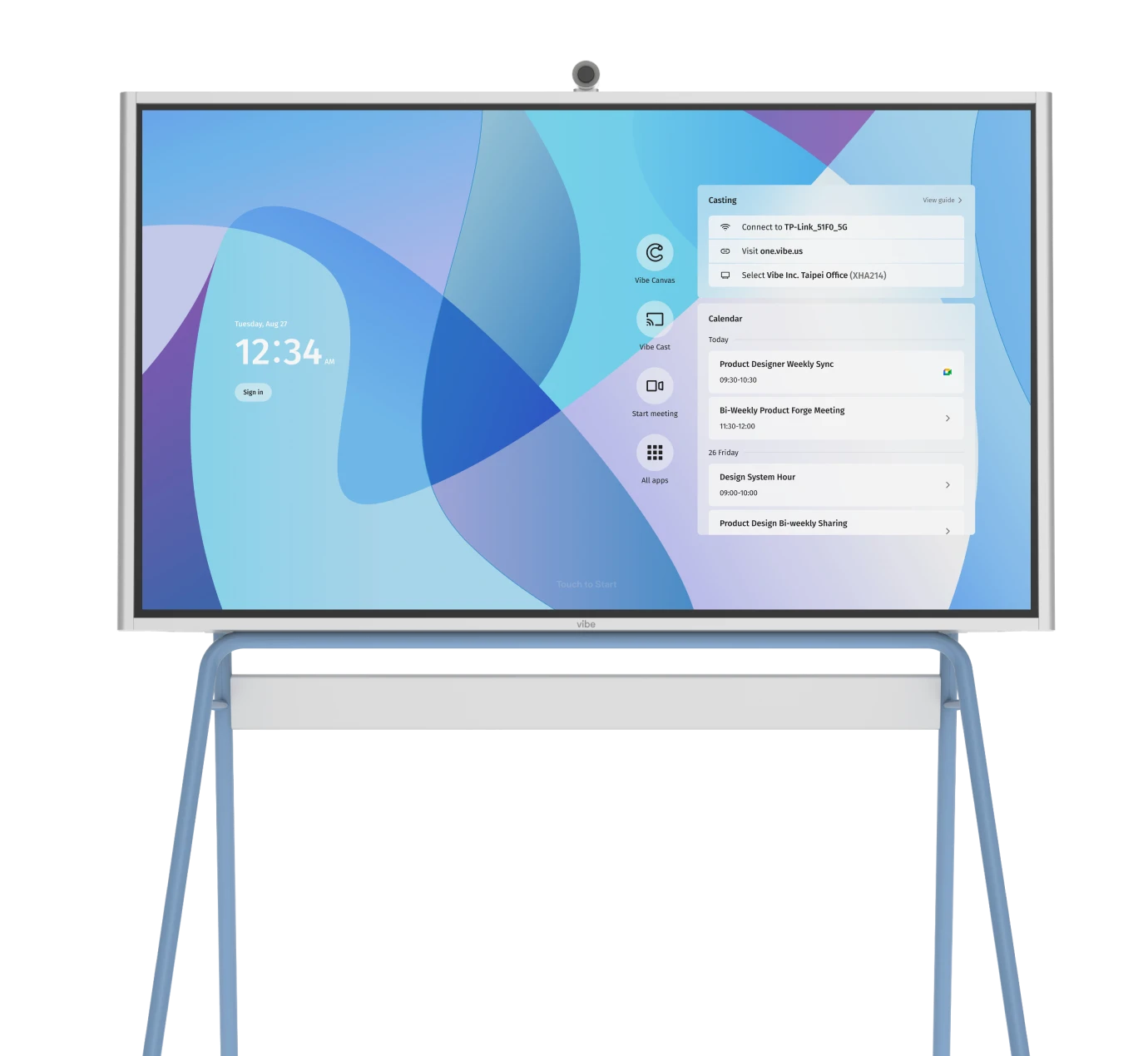
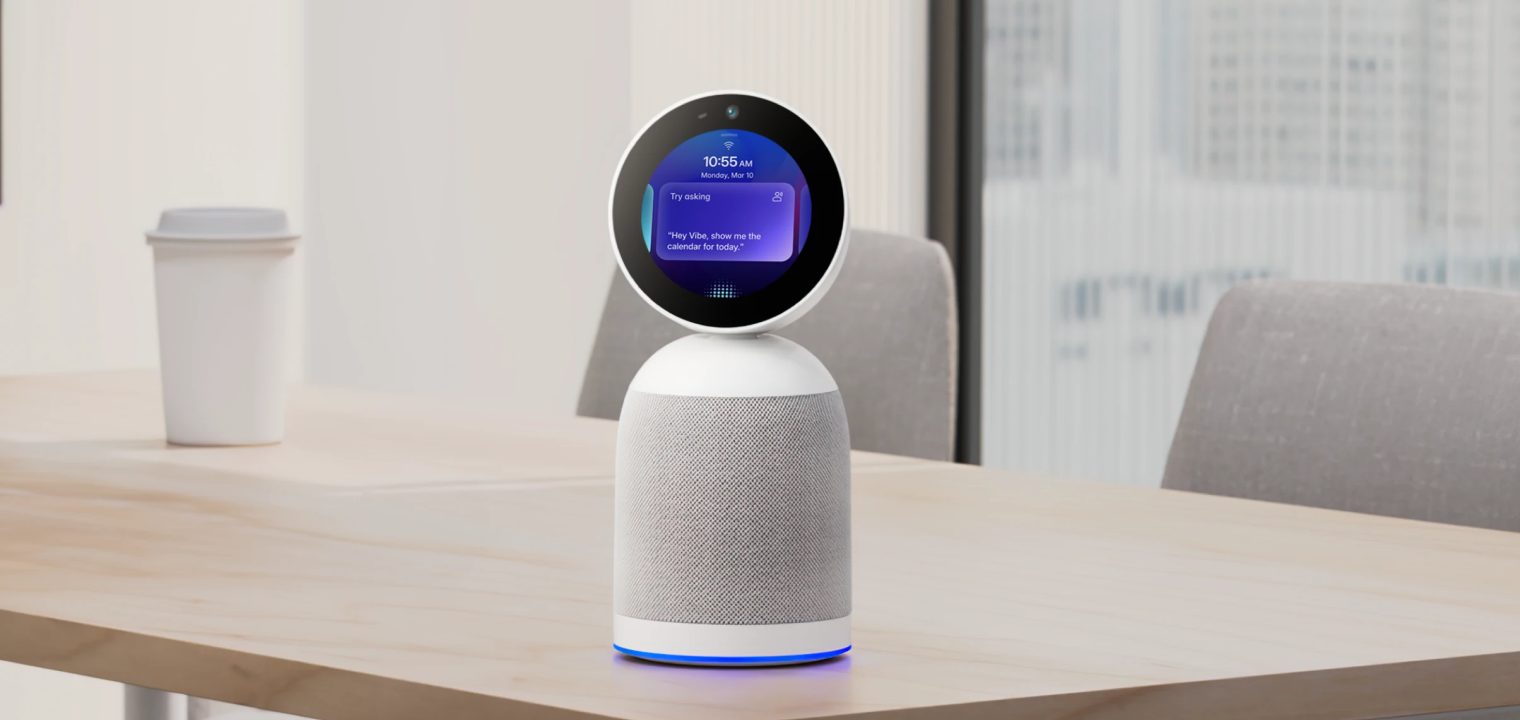
 Vibe Bot, a 360° meeting device that captures the room and delivers live notes, summaries, and action items.
Vibe Bot: The Intelligent Meeting Room Assistant
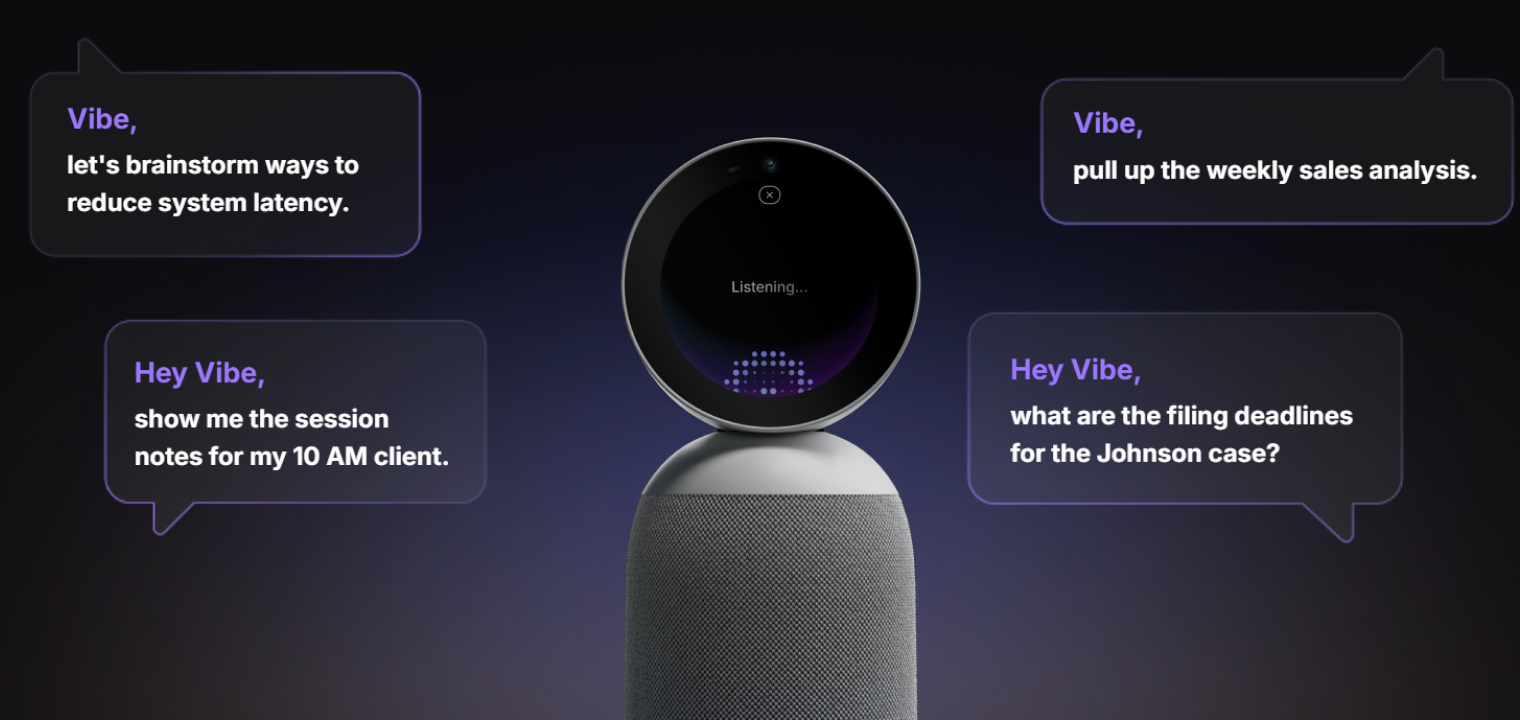
An AI meeting camera improves what remote participants see and hear, but teams still lose time when meetings end without clear outputs. Vibe Bot helps bridge that gap by making meeting intelligence easier to access and easier to act on, especially for distributed teams that depend on follow-through. If you’ve ever left a call asking yourself ‘What now?’, that’s the workflow problem it’s designed to solve.
Here’s how:
-
Vibe Bot operates as a standalone device with a built-in OS, eliminating the need for a connected computer.
-
It connects to a TV or monitor when a larger shared display is needed.
-
It delivers real-time transcription with AI-generated summaries and action items assigned to specific participants.
-
It supports timekeeping and structured note-taking, enabling daily summaries for activity tracking and billing.
-
It responds to voice commands with strong microphone pickup for hands-free control.
No one should have to fight the camera to get what they need out of a remote meeting. Vibe Bot is an intelligent solution that closes the gap to make participation easier and outcomes clever, so collaboration can do what it’s supposed to: support your business goals.
To learn more about Vibe Bot and experience how it can change your meetings forever, schedule a demo today.
AI Meeting Camera FAQs
What makes a camera ‘AI-powered’?
An artificial intelligence camera uses software to interpret what’s happening in the room and adjust automatically, such as framing speakers, tracking movement, and reducing background noise. The goal is to make the remote experience feel less static and more human without constant manual control.
Do AI meeting cameras work with any video conferencing platform?
Most AI meeting camera devices support major video conferencing tools, but it’s always best to verify the exact join flow and feature support. Prioritize options that match your organization’s tools and policies, so adoption stays simple.
What is speaker tracking?
Speaker tracking is a feature where an AI camera detects who is speaking and adjusts framing to keep that person visible. It’s most useful in medium-sized rooms where a single wide shot makes faces hard to read and the conversation hard to follow.