What Is a Hybrid Meeting?
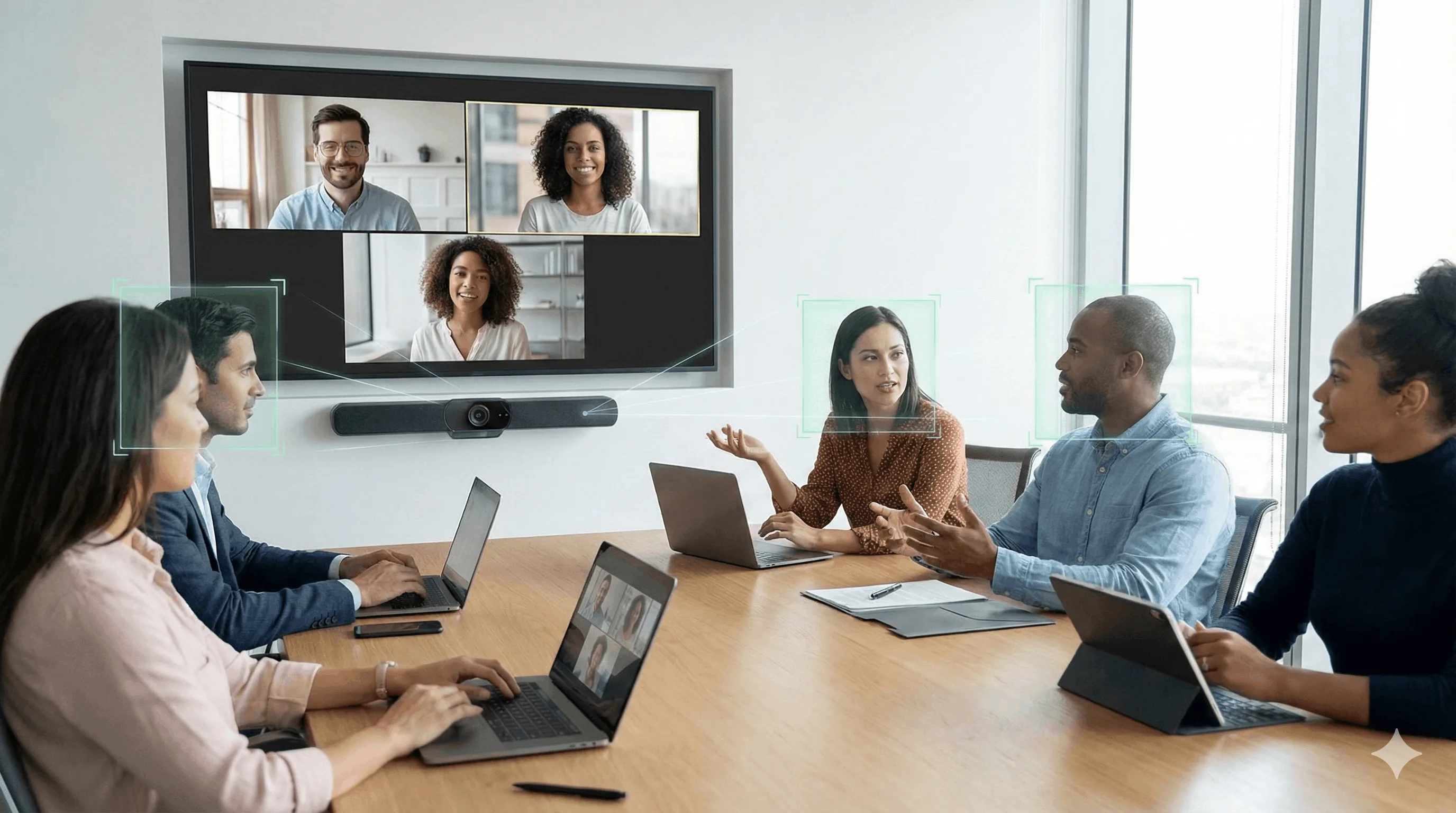
A hybrid meeting is any meeting where some participants are physically present in a room while others join remotely — via video, audio, or both — and all contribute to the same conversation as equals. The format combines in-person and virtual attendance, making location a variable rather than a constraint.
70% of remote-capable employees in the U.S. now work in a hybrid model, making hybrid meetings the default format for most knowledge workers. When designed well, they offer genuine flexibility and access. When designed poorly, they create a two-tier experience where remote participants struggle to see, hear, or be heard — and gradually disengage.
This guide covers what you need to run hybrid meetings that work equally well for everyone in the room and everyone joining remotely.
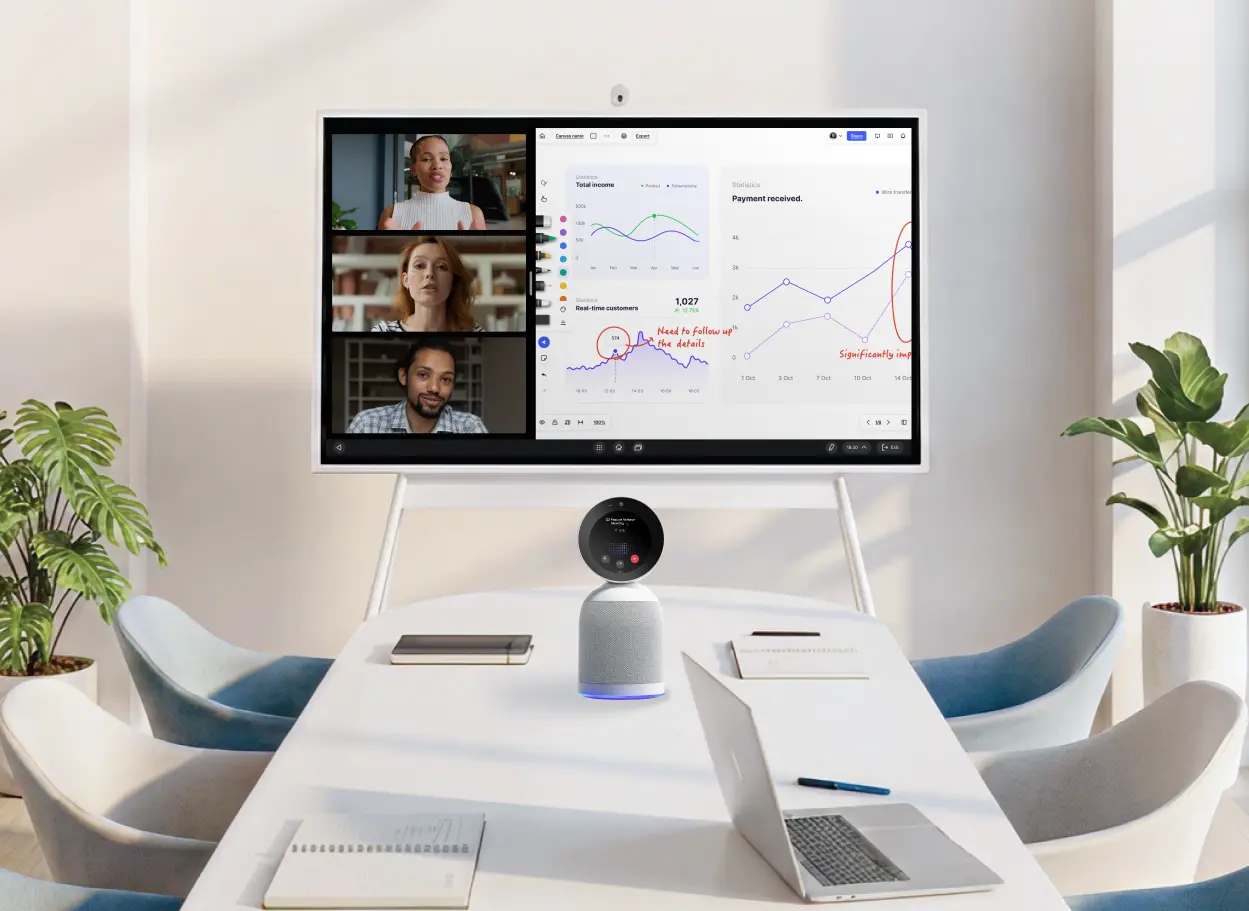 Vibe Board interactive display and Vibe Bot AI conference camera set up in a meeting room with video call and analytics
Hybrid vs Virtual Meetings
There’s a nuanced difference between hybrid and virtual meetings. Virtual meetings are just that — virtual, or online. People meet via the internet, and any party can be anywhere in the world.
But a hybrid meeting is a meeting where people are meeting under a variety of circumstances and places. Some may be directly in the conference or huddle room, others may be online, and yet, they all need to be able to contribute as equals.
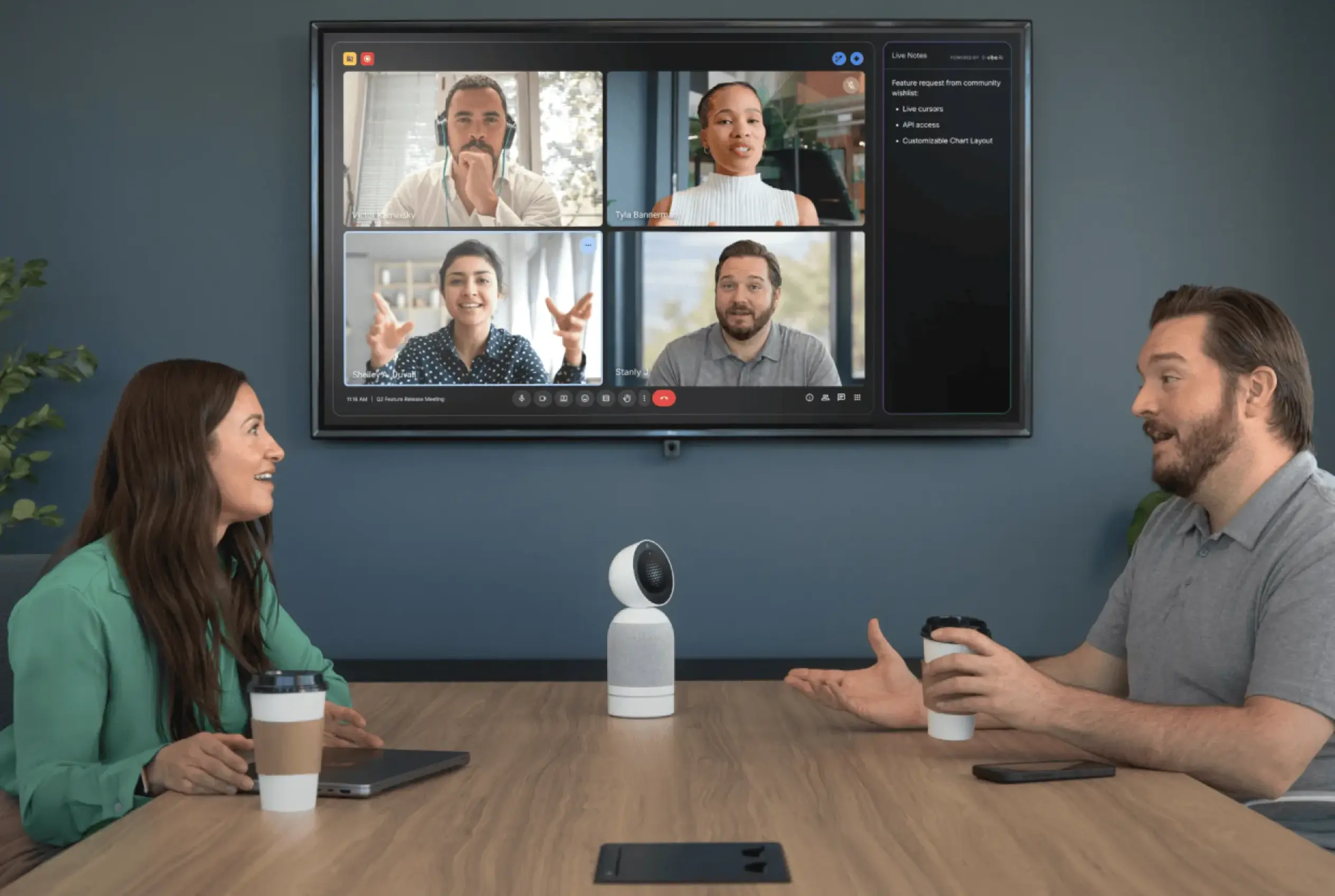 Vibe Bot on conference table connecting in-room team to remote video call participants with AI-powered live notes on screen
Advantages of Hybrid Meetings
There are many advantages to hybrid meetings. When the setup works well, everyone can bring their best to the conversation and stay aligned on the same goals. Here is how your team dynamics may benefit from implementing a strong hybrid meeting environment.
Greater Flexibility and Accessibility
Hybrid meetings let people join from any location or time zone while still collaborating in real time. This flexibility not only makes for better collaboration and team efficacy across the board, but also higher morale since employees have greater control over their work-life balance.
Reduced Travel Time, Cost, and Environmental Impact
When you can work from anywhere, you no longer have to add another vehicle to the road. With hybrid meetings, fewer people need to commute or fly, and that saves money and lowers the carbon footprint of gatherings.
Improved Inclusivity for Different Needs
Thanks to hybrid meetings, people with caregiving duties, disabilities, or health concerns can participate without having to be physically present. This makes meetings much more work-focused and accessible to those with talent to do work, but may be lacking the ability to forgo everything to be in the office.
Better Use of Digital Collaboration Tools
Tools such as shared docs, whiteboards, and recordings are more naturally built into hybrid meetings, which improves documentation and follow-up for future meetings and work related to a given project.
Easier Scheduling and Higher Attendance
Scheduling is easier with hybrid meetings because, with location as less of a constraint, it is simpler to find times that work for more stakeholders. This allows for earlier buy-in and faster approvals as meetings mark a given project’s progress.
Higher Talent Attraction and Retention
Hybrid meetings reinforce flexible work policies that employees value, which can boost satisfaction and retention. It’s also highly attractive to top talent, who are looking for perks outside of salary. In fact, hybrid and remote-capable workers report that greater location flexibility (70%) and time flexibility (71%) are the top reasons they favor hybrid arrangements.
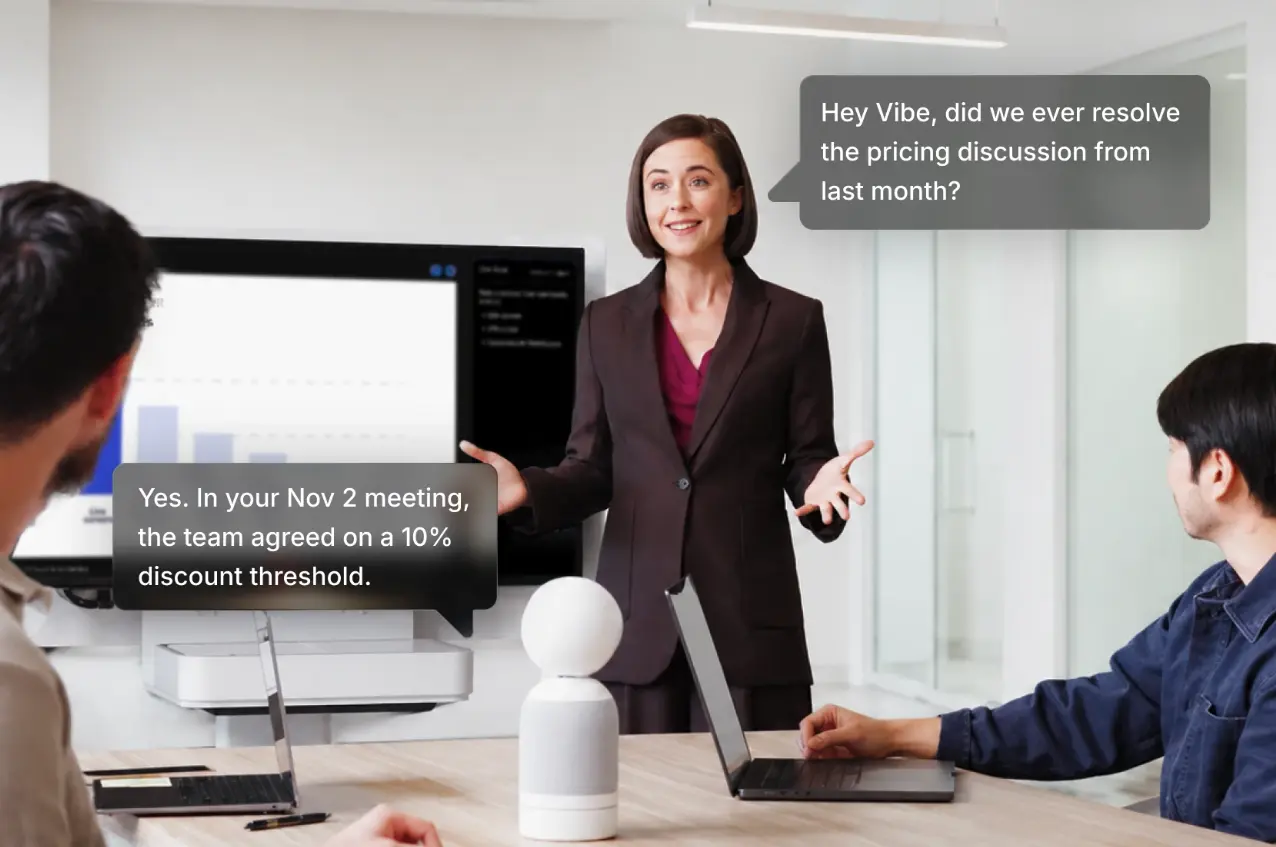 "Vibe Bot AI conference camera answering a voice question by recalling past meeting details during a live discussion
Drawbacks of Hybrid Meetings
Hybrid meetings aren’t without their challenges, and knowing those challenges beforehand can help you prevent bigger issues down the road. Here are some of the drawbacks of trying to host a hybrid meeting.
Unequal Experience for Remote Participants
Remote attendees may struggle to see, hear, or be heard as clearly as in-room participants, making them feel secondary.
Tip: Assign a dedicated facilitator or "remote champion" to monitor chat, call on remote voices first at times, and ensure cameras/mics are positioned so remote participants have an equal view and audio experience.
Technical Complexity and Failure Risk
Coordinating room A/V, connectivity, and meeting platforms introduces more points where glitches can derail the meeting.
Tip: Schedule a short pre-meeting tech check, standardize recommended equipment, and have a simple backup plan (like everyone joining from individual laptops) if the room system fails.
Harder Facilitation and "Reading the Room"
Hosts must track both the physical room and remote participants, which makes it tougher to manage turn-taking and engagement.
Tip: Use a clear agenda with time-boxed segments, define how people will signal they want to speak (raise hand, chat), and consider assigning separate roles for facilitator, chat monitor, and note-taker.
Potential for Distraction and Multitasking
Remote attendees in particular may be more tempted to work on other tasks or apps during the meeting, meaning that focus and quality of contribution take a hit.
Tip: Keep hybrid meetings shorter and more focused, clarify expected participation at the start, and use interactive elements (polls, quick check-ins, collaborative docs) so people are regularly prompted to engage.

Recommended Technology for Effective Hybrid Meetings
The right technology stack determines whether remote participants are full contributors or reluctant observers. Here’s what to prioritize, broken down by layer.
Core Infrastructure
Reliable internet connection: The baseline for everything else. For conference rooms hosting hybrid meetings, a wired ethernet connection is more stable than Wi-Fi and eliminates the most common mid-meeting dropout.
Video conferencing software: Zoom, Google Meet, and Microsoft Teams are the three dominant platforms. Choose based on what your organization already uses — switching costs are high, and feature parity between the three is close enough that platform-switching rarely solves a hybrid meeting problem.
Digital collaboration tools: Shared documents, project boards, and digital whiteboards should be open before the meeting starts — not shared in the chat during the meeting. Tools that every participant can edit simultaneously (not just view) reduce the gap between in-room and remote contribution.
Meeting Room Equipment
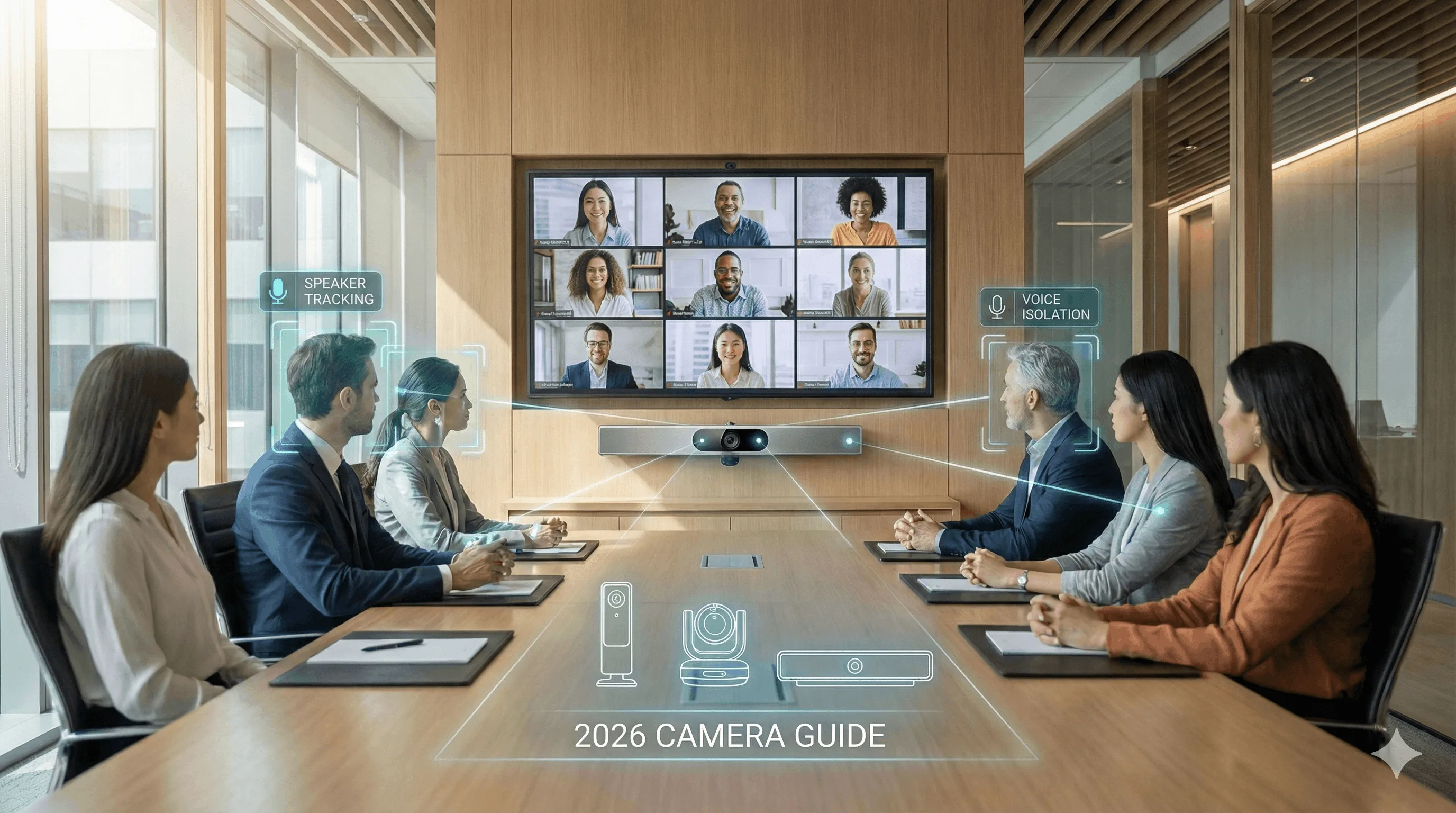
Conference room camera: This is the most consequential hardware decision for hybrid meeting equity. A wide-angle or 360° AI camera ensures remote participants can see the full room and identify who is speaking — not just a fixed shot of whoever’s nearest the lens.
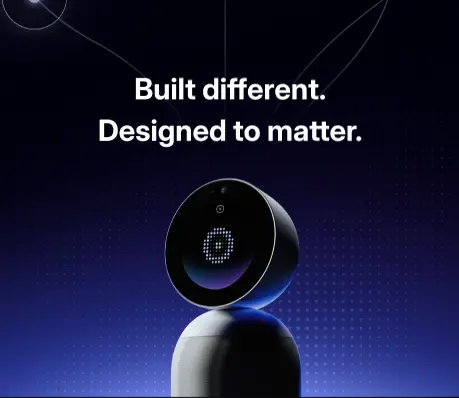
The room camera also determines what AI capabilities are available. An AI-powered conference room device like Vibe Bot handles 4K 360° video, a 6-microphone beamforming array, and on-device AI — generating transcripts, summaries, and action items automatically after every session, with no laptop required. For teams running regular hybrid meetings where decisions drive follow-up work, the difference between a passive camera and an AI meeting device is the difference between a recording and a record.
Beamforming microphone array: Standard omnidirectional mics pick up everything — including HVAC noise, side conversations, and echo. Beamforming mics focus on whoever is speaking and suppress background noise. For remote participants, this is the difference between following a conversation and straining to catch every third word.
Smart whiteboard: A smart whiteboard makes visual collaboration accessible to both in-room and remote participants simultaneously. Content created on the board is visible and editable from any device, ensuring remote attendees aren’t watching someone else draw while unable to contribute. The Vibe Board S1 connects natively with Vibe’s meeting ecosystem, keeping visual work and meeting records in the same shared space.
Reliable display: In-room participants need a large enough screen to see remote attendees clearly — not just a laptop propped on the table. A 55″ or larger display mounted at eye level dramatically improves the perceived presence of remote participants for those in the room.
Individual Setup (Remote Participants)
External webcam: Built-in laptop cameras are typically 1080p or lower and positioned at poor angles for meeting participation. An external webcam at eye level with a wider field of view improves how remote participants are perceived by in-room attendees.
Headset or quality audio: Laptop speakers create echo and feedback in hybrid meetings. A headset or dedicated speakerphone eliminates this and keeps audio clean for both sides.
Proper lighting: A ring light or desk lamp positioned in front of the participant (not behind) prevents the backlit silhouette problem that makes remote participants appear disengaged or difficult to read.
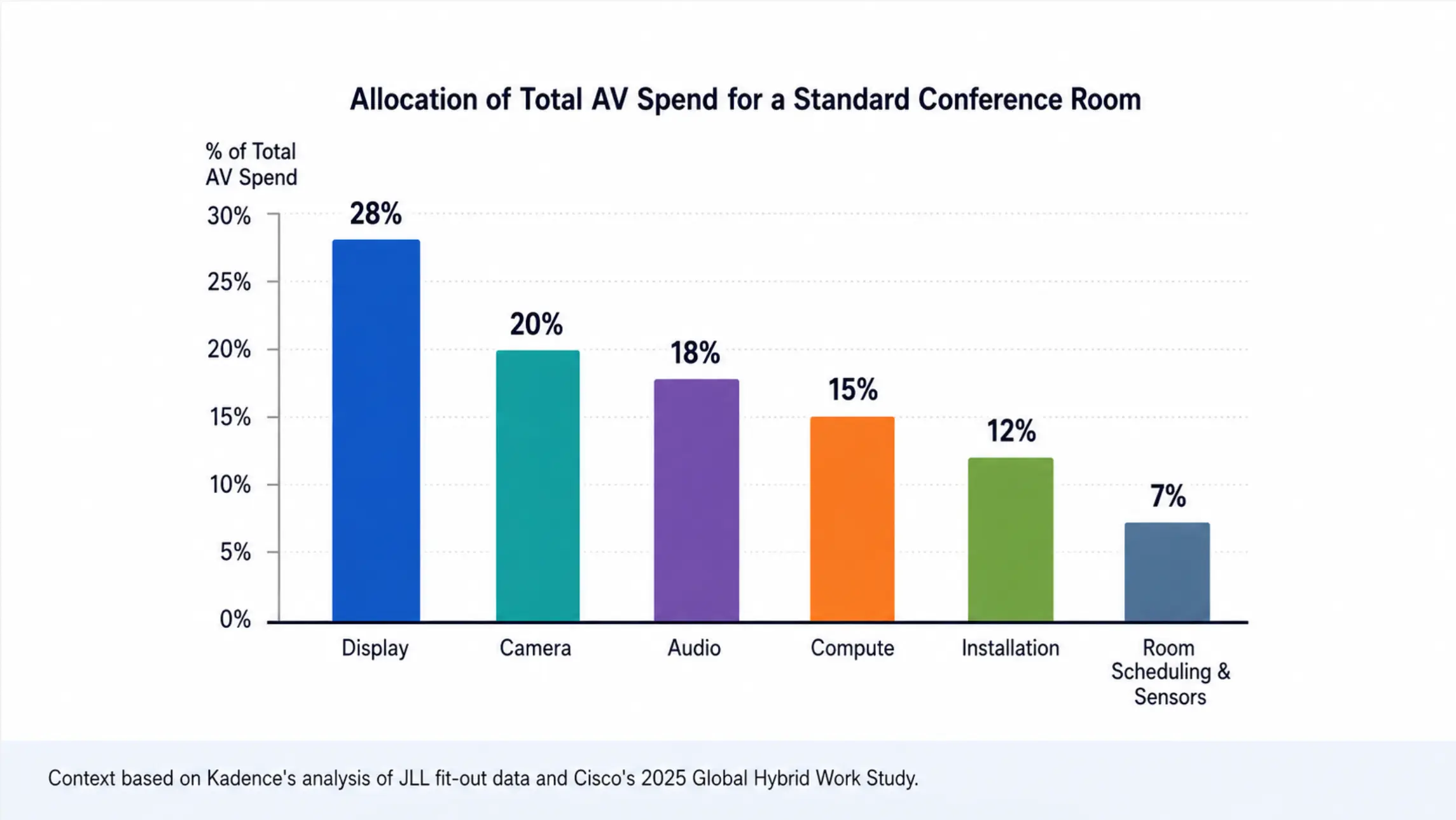
For a full room-by-room equipment breakdown and budget ranges, see the Conference Room AV Cost Guide.
5 Best Practices for Hybrid Meetings
No one can plan for every possible need in a hybrid meeting, but if you follow these best practices, you should be able to anticipate a lot of the meeting’s needs.
1. Plan With Both Audiences in Mind
Design the agenda for two simultaneous experiences — the room and the screen. Before the meeting, confirm that every activity (whiteboard exercise, document review, Q&A) works equally well for participants who are physically present and those joining remotely. If an activity requires being in the room to participate fully, redesign it or make it async.
In practice: share the agenda at least 24 hours in advance, note which segments require active participation, and identify any materials remote participants will need to pull up on their own devices.
2. Use Technology That Closes the Participation Gap
The goal is not equal access to the meeting — it’s equal ability to contribute. A camera that shows the room from one fixed angle, a microphone that only picks up the person nearest the device, or a whiteboard that only in-room participants can see all create a two-tier experience where remote attendees are passive observers.
Prioritize tools that actively close this gap: 360° AI cameras that track speakers, beamforming mics that focus on active voices, and digital collaboration tools that every participant can edit in real time — regardless of location.
3. Assign a Remote Facilitator
Designate one person whose job is to monitor and advocate for remote participants throughout the meeting. This is separate from the meeting facilitator. The remote facilitator watches the chat, flags when remote hands are raised, and surfaces questions from participants who may be hesitant to interrupt. In meetings with more than 6 remote participants, this role is especially important.
4. Work in Shared Digital Spaces
Any content created during the meeting should live somewhere every participant can access and contribute to in real time. This means shared documents (not screen-shared PDFs), collaborative whiteboards, and project tools — not a camera pointed at a physical whiteboard. When in-room participants can see content that remote participants can’t edit, the meeting has already created an unequal experience.
5. Run a Tech Check Before Every Meeting
Test the full setup 10 minutes before the meeting starts, not during it. The tech check should include: camera framing and focus, microphone pickup at the far end of the table, display visibility from every seat, internet connection stability, and platform login for all participants. The most common hybrid meeting failures — audio cutting out, camera not recognized, wrong account logged in — are all preventable with a pre-meeting check.
How the Right Room Device Makes Remote Participation Equal
The single most controllable variable in hybrid meeting equity is the conference room device. Remote participants experience the meeting entirely through what the room’s camera captures, what the room’s microphones pick up, and what notes or follow-ups they receive afterward.
A traditional conference room camera handles the first two. An AI conference room device handles all three.
Vibe Bot is a standalone AI meeting device that sits in the room and runs independently — no laptop required to start a call. Its 360° 4K camera with AI speaker tracking keeps remote participants oriented to who’s speaking. Its 6-microphone beamforming array filters background noise and focuses on active voices across the table. And when the meeting ends, Vibe AI automatically generates a transcript, summary, and action items — available to every participant, in-room and remote, within minutes.
That last point addresses one of the most persistent hybrid meeting inequities: in-room participants absorb context passively throughout the meeting, while remote participants often lose thread between the call and the follow-up. Vibe Bot’s AI meeting record gives everyone the same reference point after the fact.
Vibe Bot works with any existing display in the room — no new screen required. For teams that already have a TV or monitor on the wall, pairing it with Vibe Bot turns that existing setup into a full hybrid meeting environment: in-room participants can see AI live notes and the remote gallery on the display, while remote participants get clear 4K video and audio from the room. A meaningful AV upgrade without replacing infrastructure you already own.
For teams running hybrid meetings daily, the cumulative effect of that alignment — across every session, every quarter — is a meaningful difference in how well hybrid work actually works.
Simple Hybrid Meeting Preparation Checklist
If you’re preparing to host a hybrid meeting, here’s a simple checklist you can use to make sure things will run smoothly.
-
Confirm the meeting goal and invite those who really need to attend.
-
Create and share a clear agenda and any expectations.
-
Choose your video platform and verify everyone has access.
-
Check key room tech: cameras, microphones, speakers, displays, smart whiteboard.
-
Test the internet connection in the room and from your own device.
-
Make sure remote participants know how to join and what’s expected of them.
-
Assign roles: facilitator, note-taker, etc.
-
Set up the physical room so in-person attendees and cameras can see and hear each other.
-
Open the meeting 5–10 minutes early to run quick audio/video checks.
-
Prepare for how you’ll capture notes, decisions, and action items to share afterward.
Run Better Hybrid Meetings With Vibe
Two pieces of infrastructure make the biggest difference in hybrid meeting quality: what happens in the room during the meeting, and how the work gets captured afterward.
In the room: Vibe Bot is a standalone AI meeting device that handles 4K 360° video, beamforming audio, and AI meeting intelligence — transcripts, summaries, and action items generated automatically after every session. No laptop required. Works with Zoom, Google Meet, and Microsoft Teams via one-tap join.
On the wall: Vibe Board S1 gives every participant — in-room and remote — an infinite shared canvas for brainstorming, presenting, and annotating together in real time. With access to over 250 apps, it keeps visual collaboration and your existing tools in one place.
Together, they address the two most common hybrid meeting failure points: remote participants who can’t fully participate, and meeting decisions that don’t survive contact with the follow-up.
Explore how Vibe is transforming real workplaces — or request a demo to see the full setup in action.
Hybrid Meeting FAQs
What is a hybrid meeting?
A hybrid meeting is a meeting where some participants attend in person and others join remotely — via video, audio, or both — and all contribute to the same conversation. Unlike a fully virtual meeting where everyone joins from separate locations, a hybrid meeting involves at least one shared physical space. The format is now the default for most knowledge worker teams: 70% of remote-capable U.S. employees work in a hybrid model, and most of their meetings reflect that mix.
What is the difference between a hybrid and virtual meeting?
In a virtual meeting, every participant joins from their own location via the internet — no shared physical space exists. In a hybrid meeting, at least one group of participants is physically together in a room, while others join remotely. This distinction matters for technology: virtual meetings only require individual setups, while hybrid meetings require room-level equipment (camera, mic, display) that gives remote participants meaningful access to what’s happening in the room.
What technology is needed for hybrid meetings?
Effective hybrid meetings require: a wide-angle or 360° conference room camera with AI speaker tracking; a beamforming microphone array that covers the full table; a video conferencing platform (Zoom, Google Meet, or Microsoft Teams); a shared display large enough for in-room participants to see remote attendees clearly; and digital collaboration tools that every participant can edit in real time. For teams that need AI-generated notes and action items, a standalone AI meeting device like Vibe Bot adds transcription and meeting intelligence without requiring a separate note-taker or app.
What is a hybrid meeting checklist?
Before every hybrid meeting, confirm the following: (1) agenda shared at least 24 hours in advance; (2) video platform access confirmed for all participants; (3) room camera, microphone, and display tested; (4) internet connection verified in the room; (5) remote participants have joining instructions; (6) roles assigned — facilitator, remote champion, note-taker; (7) shared digital workspace open and accessible to all; (8) meeting room set up 10 minutes early for a live tech check. This pre-meeting routine prevents the majority of hybrid meeting failures before they happen.
What technologies support hybrid board meetings?
Hybrid board meetings have higher stakes for audio clarity, document security, and participant equity than standard team meetings. Key technologies include: a high-quality conference camera with speaker tracking so board members can identify who’s contributing; a professional-grade microphone array with noise suppression; a secure video conferencing platform with waiting room and recording controls; a shared display for presentations and document review; and a meeting intelligence layer (transcription, minutes, action items) that produces an accurate record for governance purposes. HIPAA-aligned and SOC 2-certified devices like Vibe Bot also address the compliance requirements common in board-level discussions.
How can video conferencing tools make hybrid meetings more effective?
Video conferencing tools improve hybrid meetings in three ways: they give remote participants a real-time visual connection to the room (reducing the disengagement that comes from audio-only participation); they enable shared content viewing and annotation that keeps everyone working from the same reference; and their AI features — transcription, summaries, live captions — reduce the note-taking burden that otherwise falls on one participant. The most effective setups pair the video platform with a dedicated conference room device rather than relying on a laptop camera, which typically captures only a fraction of the room.
What is the best setup for hybrid meetings on a budget?
For teams working within a constrained budget, prioritize audio over video — poor microphone pickup disrupts meetings faster than poor camera resolution. A starting setup: a USB conference camera with 120° field of view and integrated microphone (~$400–$800), a video conferencing platform subscription, and a shared digital workspace. As budget allows, the highest-ROI upgrade is moving to a standalone AI meeting device that eliminates the laptop dependency and adds automatic meeting notes — reducing the per-meeting administrative cost that compounds across every session.