Meetings produce transcripts. What they rarely produce is memory. A tool can capture every word said on a call and still leave a team starting from zero the next time the topic comes up—because the summary lives in one app, the decision lives in someone’s head, and nothing connects the two.
That gap is becoming a bigger problem, not a smaller one. In Atlassian’s 2026 survey of over 12,000 knowledge workers, 87% said that with everyone moving faster individually, they no longer have the time or capacity to coordinate as a team. AI is making people faster in isolation and making it harder for teams to stay aligned—which is exactly the problem a meeting record is supposed to solve, and exactly where most "AI meeting assistant" tools stop short.
This guide covers what these tools actually do, the real difference between a notetaker and a memory layer, how to evaluate one for your team, and where hardware devices like Vibe Bot fit into that decision.
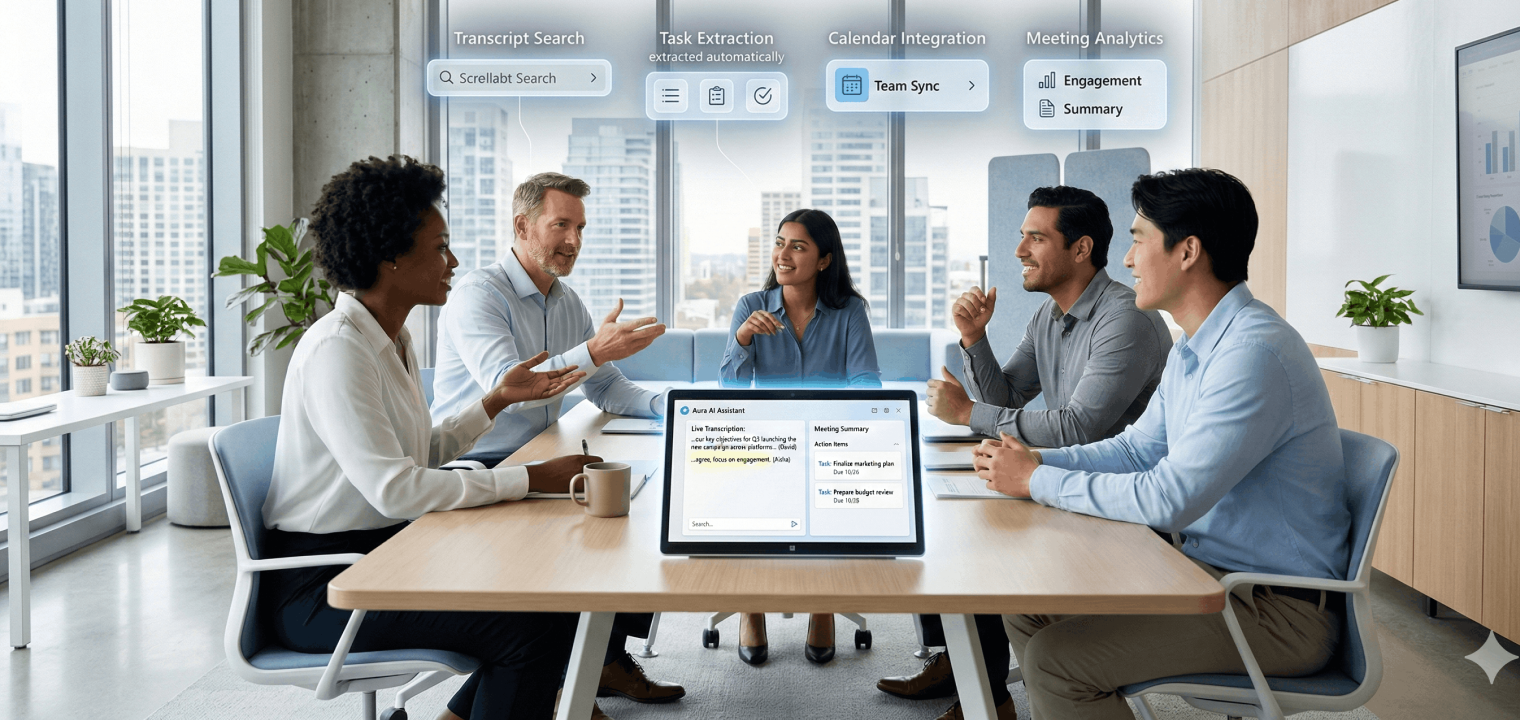
An AI meeting assistant is software that joins meetings to automatically record, transcribe, summarize discussions, and extract action items—eliminating manual note-taking. These meeting AI assistant tools use speech recognition to convert audio to text, natural language processing to identify key topics and decisions, and machine learning to generate summaries and assign tasks based on context and conversation patterns.
The technology has evolved significantly from basic recording tools to intelligent assistants that understand context, differentiate between speakers, and recognize meeting outcomes. Modern AI meeting tools can distinguish between casual conversation and actionable commitments, identify when decisions are made versus when topics are simply discussed, and organize information in formats that make it easy to find and act on later.
What Is an AI Meeting Assistant?
An AI meeting assistant joins a call (or a room), records audio, transcribes it, and generates a summary with action items—removing the need to take notes by hand. Under the hood: automatic speech recognition converts audio to text, natural language processing identifies topics and decisions, and a language model generates the summary and task list.
Where these tools genuinely differ is what happens after the summary is generated. Some treat every meeting as a standalone event—transcribe, summarize, done. Others carry information forward: who said what last quarter, what was decided in a meeting three weeks ago, how this conversation connects to the last one. That distinction matters more than transcription accuracy, and it’s the one most buying guides skip.
Notetaker vs. Memory Layer: The Distinction That Actually Matters
|
Perspective |
Software-only notetaker |
Meeting memory layer |
|---|---|---|
|
What it captures |
Audio from the call itself |
Call audio + in-room speakers + (in some cases) linked docs and prior meetings |
|
What you get after |
Transcript + summary for that meeting |
Transcript + summary, searchable against past meetings |
|
Typical use |
Individual review, sharing a recap |
Answering "what did we decide about X" weeks later |
|
Where it lives |
Browser tab / app joining the call as a bot |
Device or app designed to persist context across sessions |
How These Tools Work in Practice
Two delivery models exist:
-
Bot-based (software-only): A virtual participant joins your Zoom, Meet, or Teams call, records cloud-side, and processes the transcript afterward. Works well for fully remote meetings; adds nothing for in-person conversations.
-
Device-based: Hardware sits in the room (or clips to you), captures audio locally—including in-person speakers a virtual bot can’t hear—and syncs to the cloud for processing. This is the only model that covers hybrid meetings where some people are physically present and others aren’t.
Privacy and security should be table stakes either way: look for SOC 2 certification, participant-controlled recording permissions, and configurable retention policies. If your team touches healthcare or education data, confirm HIPAA or FERPA coverage specifically rather than assuming general "compliance" language covers it.
Choosing the Right Tool: Questions That Actually Narrow the Field
Skip the generic checklist and start here:
-
Are your meetings mostly remote, or genuinely hybrid? If people are ever in the same room together, a software-only bot misses everything said face-to-face. That alone rules out an entire category of tools.
-
Do you need to reference past meetings, or just this one? If "what did we decide last month" comes up often, prioritize tools with real cross-meeting search—not just per-meeting summaries.
-
Who needs access, and to what? Individual contributor reviewing their own calls vs. a manager auditing team-wide decisions are different permission and retention needs.
-
What’s your actual compliance requirement? Don’t take "enterprise-grade security" at face value—ask which specific certifications (SOC 2, HIPAA, FERPA) apply to your industry.
-
What does it cost at your real usage volume? Per-seat, per-minute, and device-plus-subscription models scale very differently once you’re past 5-10 users.
Vibe Bot: An AI Meeting Assistant Built Around Memory, Not Just Transcription
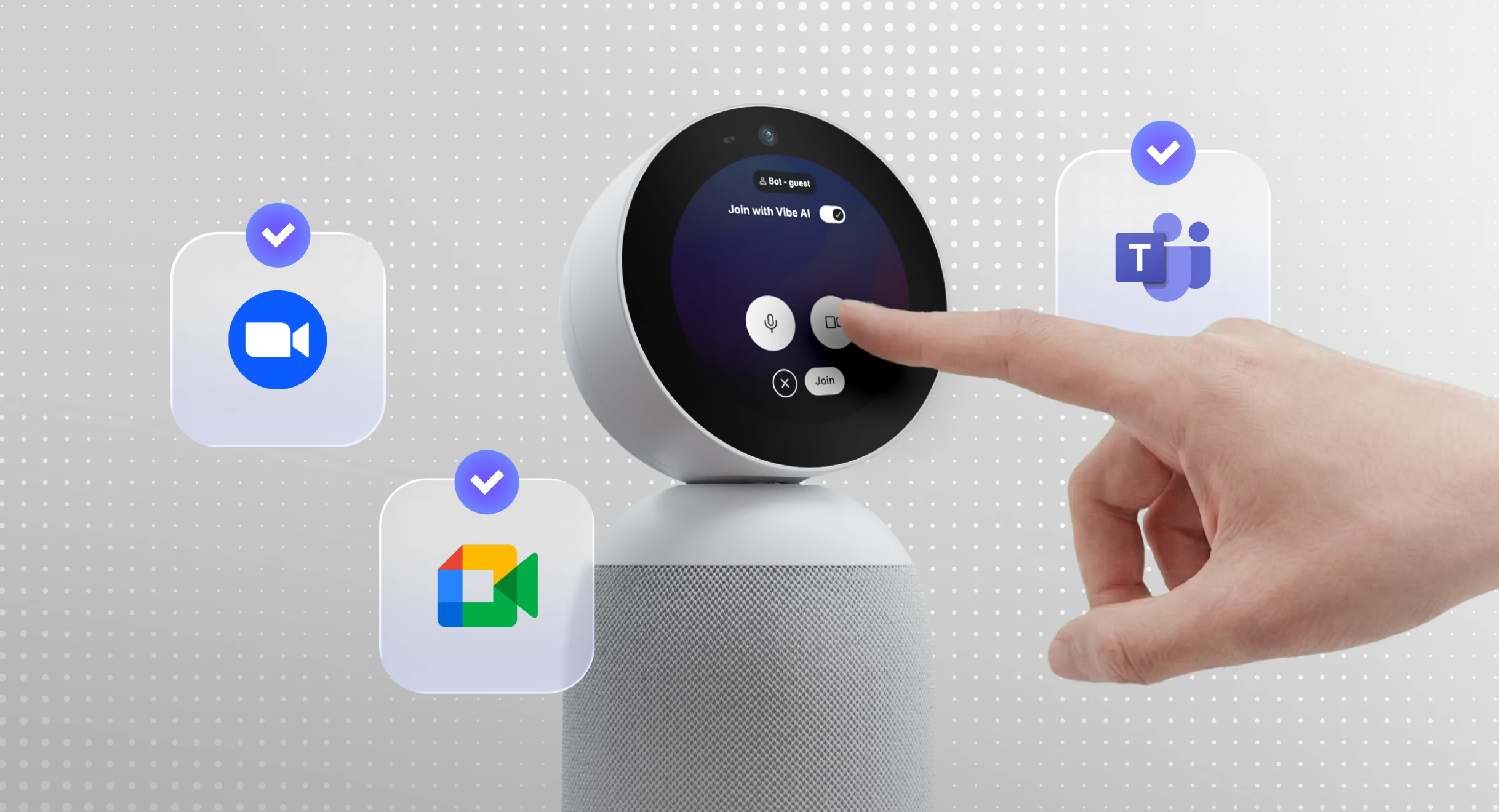
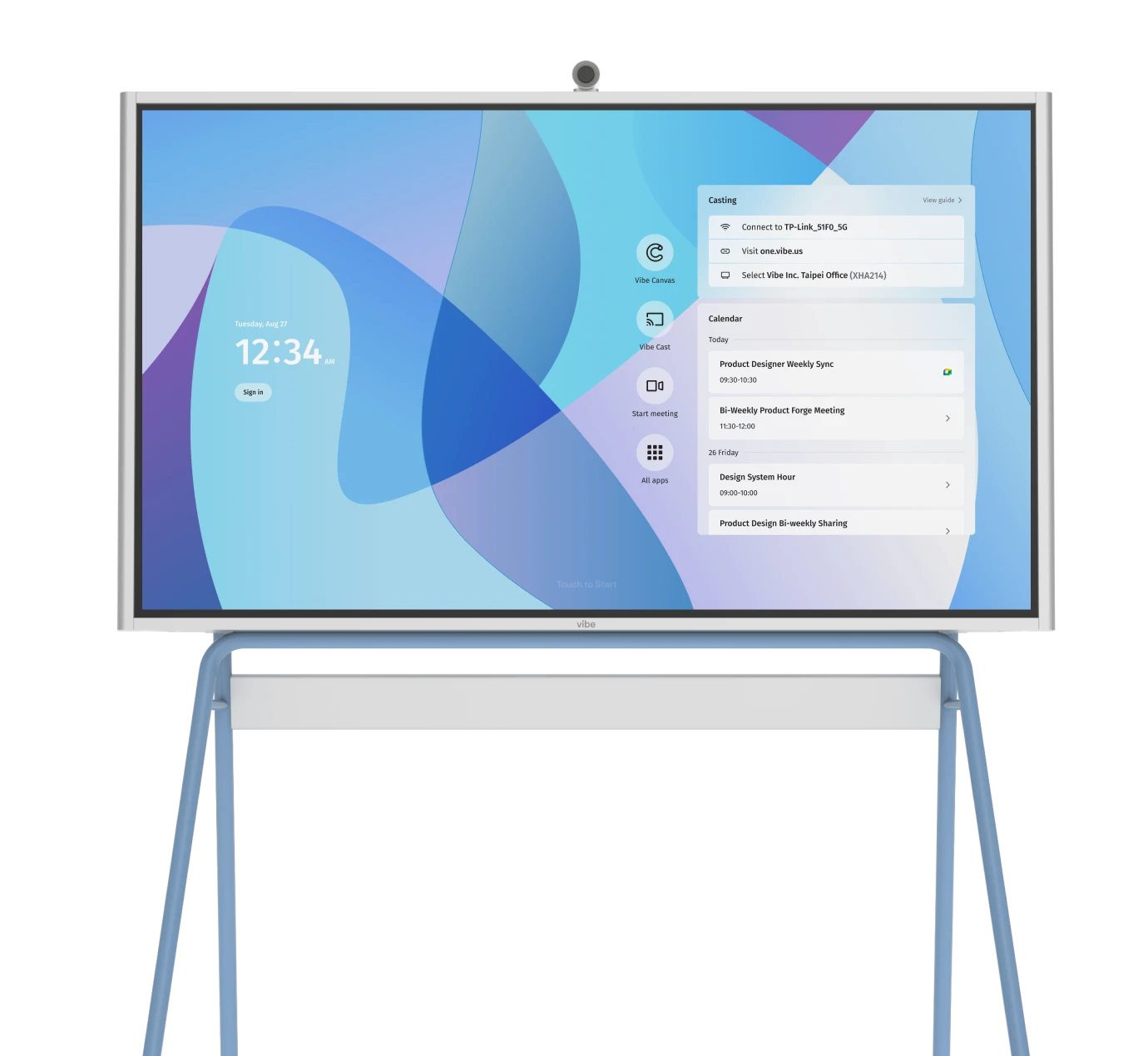
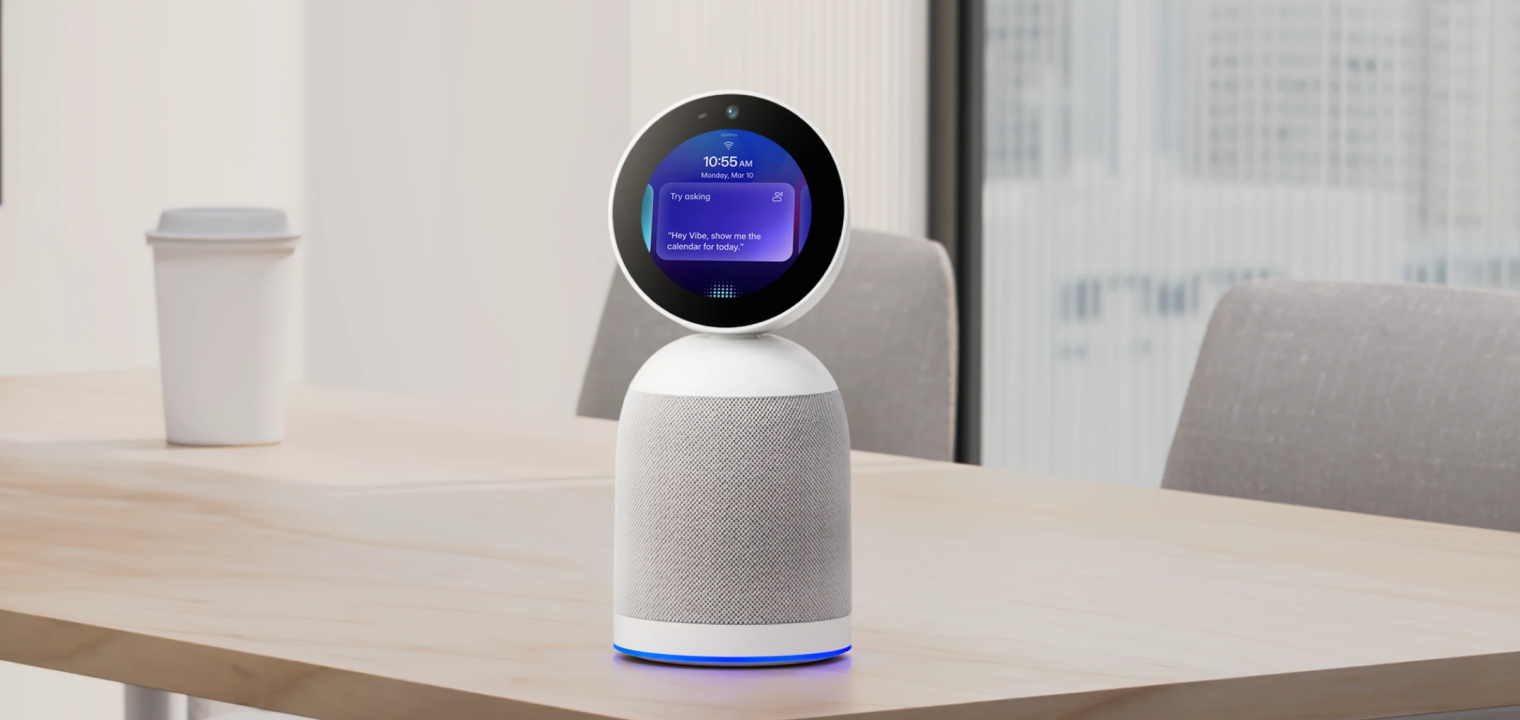
Vibe Bot is a physical, in-room device—not a virtual bot—that combines a 4K camera and six-microphone array to capture both in-person and remote participants in the same meeting. It joins Zoom, Google Meet, and Microsoft Teams calls directly, and in Local Conversation Mode it works without any video call at all, tracking in-room speakers for in-person discussions and brainstorms.
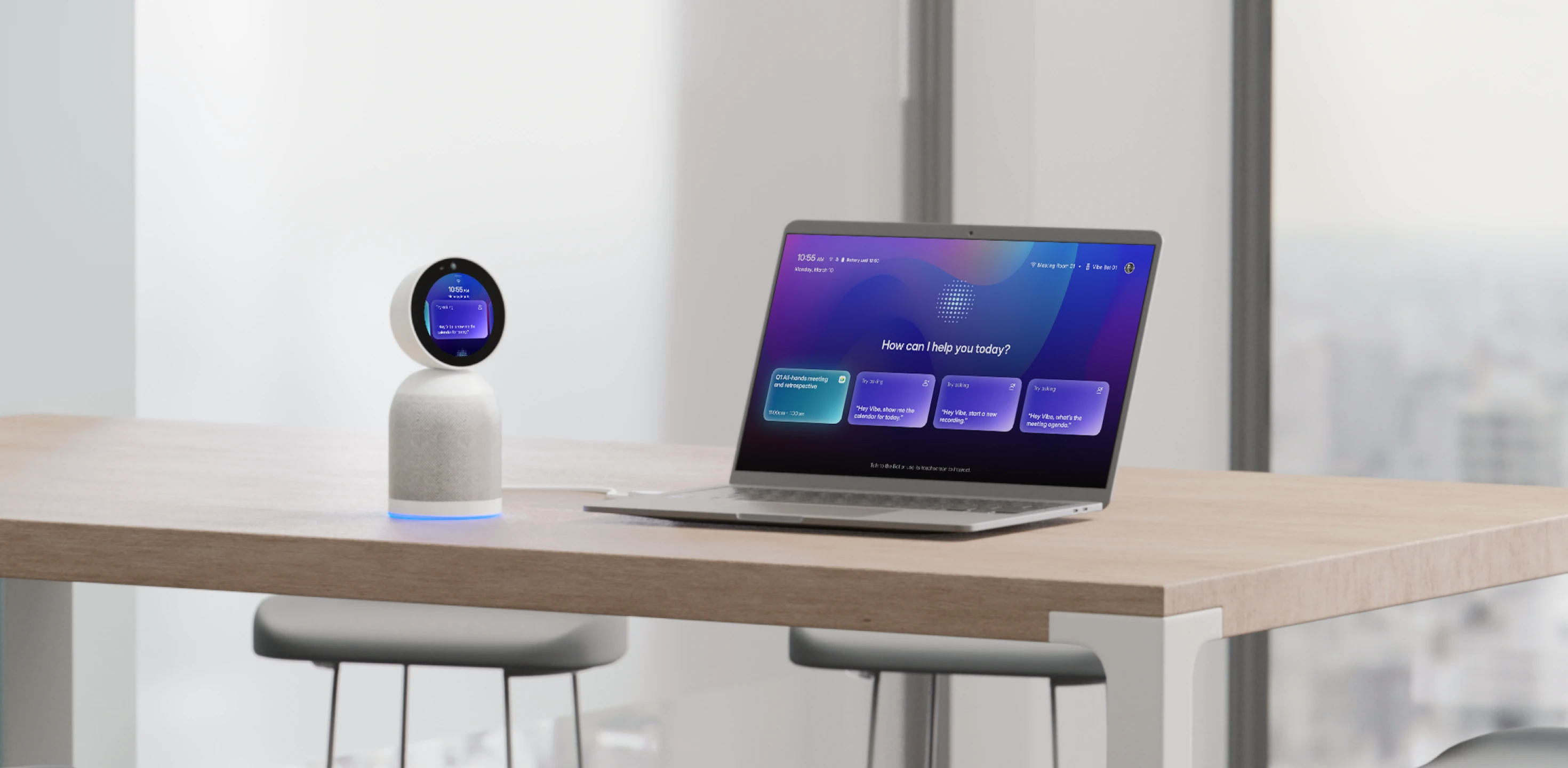 Vibe Bot in a modern workspace, showcasing its AI-powered meeting assistant capabilities with voice interaction and seamless integration across devices.
What differentiates it from a standard notetaker is what happens after the meeting ends: transcripts, summaries, and decisions feed into Vibe AI, which links them across meetings so a team can ask what was decided weeks ago instead of re-digging through individual call recordings. Voice commands ("Hey Vibe") let you query current or past meetings hands-free during a session.
One thing worths being precise about before you evaluate it:
Vibe Bot starts at $1,599 (currently discounted from $1,799). Basic video conferencing works without a subscription, but AI-generated summaries, notes, and memory require a Vibe AI plan, which can be checked on it’s pricing page.
For teams whose main pain point is genuinely hybrid meetings, or losing context across a string of related meetings, this is the use case Vibe Bot is built for. For a team that just needs clean transcripts of remote-only calls, a software-only tool will likely do the job for less.
AI Meeting Assistant FAQs
How accurate is AI meeting transcription?
Accuracy varies significantly by vendor, audio quality, accents, and number of speakers, and providers don’t publish directly comparable benchmarks. Rather than trust a blanket accuracy percentage, test any tool against your own meeting conditions—background noise, technical vocabulary, and number of overlapping speakers—before rolling it out broadly.
Can AI meeting assistants work with Zoom, Teams, and Google Meet?
Yes—most tools, including Vibe Bot, join as a virtual participant or connect through official platform APIs across Zoom, Microsoft Teams, and Google Meet.
What’s the difference between an AI meeting assistant and an AI notetaker?
The terms are often used interchangeably, but "notetaker" typically implies per-meeting transcription and summaries, while "meeting assistant" can include broader functionality: action item extraction, speaker identification, and in some cases, memory across meetings rather than just within one.
Do AI meeting assistants work for in-person meetings?
Software-only bots that join video calls generally don’t—they have no way to hear a room. Device-based tools with physical microphones, like Vibe Bot, are built specifically to capture in-person speakers, which is the main reason to choose hardware over an app.
What should I check before trusting a tool with sensitive meeting content?
Confirm the specific compliance certifications relevant to your industry (SOC 2 for general enterprise use, HIPAA for healthcare, FERPA for education), who can access recordings and transcripts, and what the data retention and deletion policy actually allows you to control.
Is a paid subscription required to use these tools at all?
It depends on the vendor. With Vibe Bot, basic video conferencing works out of the box, but AI summaries, transcription, and memory require an active Vibe AI plan.
How is this different from just recording the meeting and reviewing it later?
A raw recording requires someone to re-listen to find anything. Transcription makes it searchable within that one meeting; a memory layer makes it searchable across meetings, which is the difference that actually saves time for teams working on the same topic over weeks.