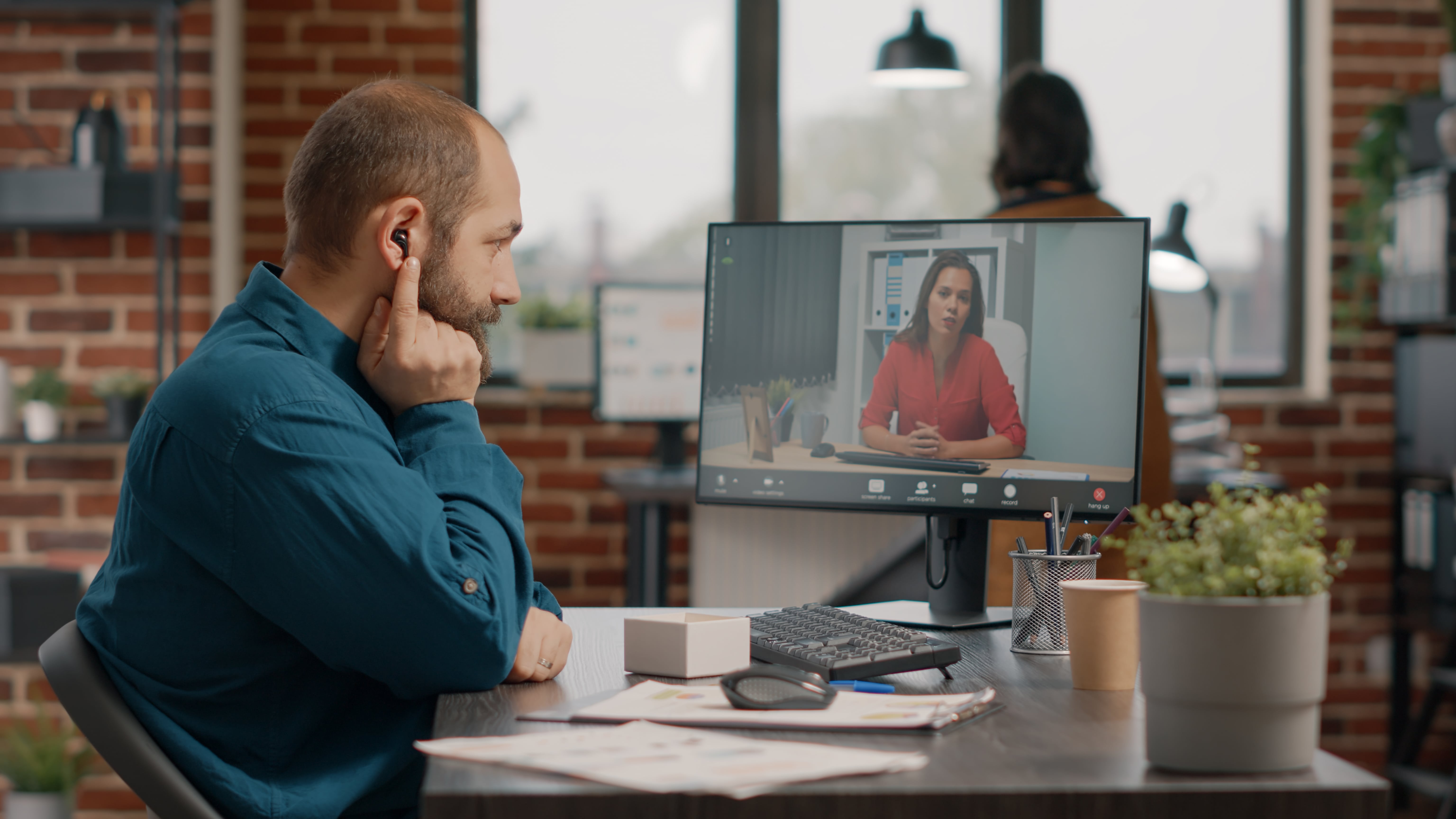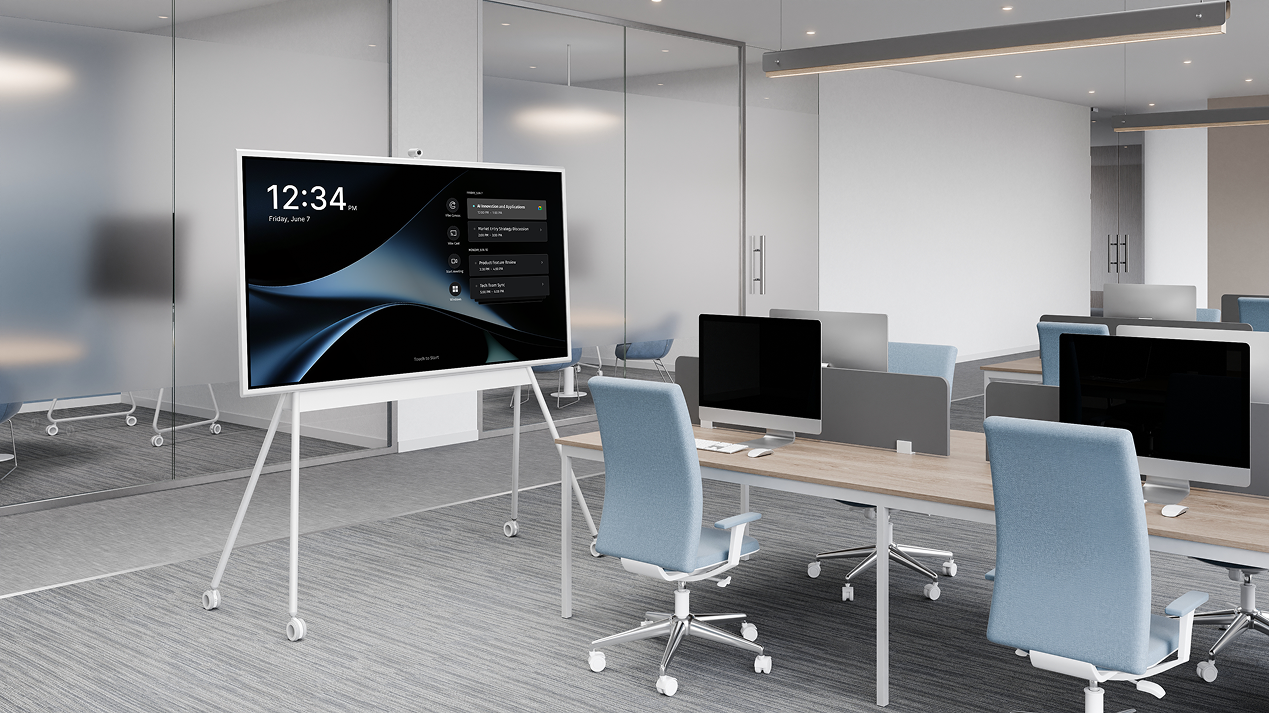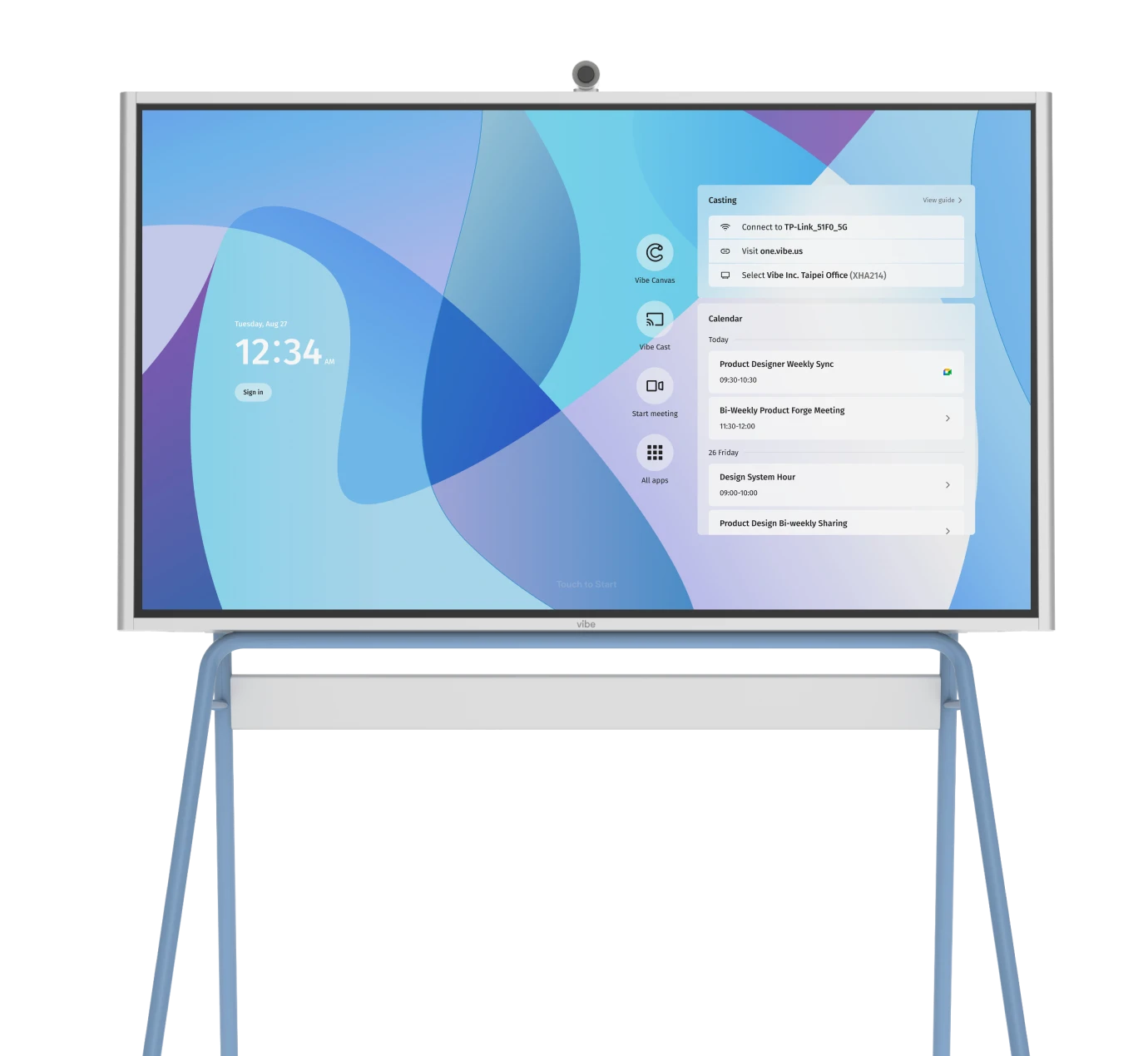


With the spike in remote and hybrid work in the 2020s, it’s important to maximize your business’s use of supporting strategies such as video conferencing, huddle rooms, and smart conference rooms. Since remote and hybrid meetings now account for 67% of all business interactions (and the trend is growing), a quality conference room camera setup has become essential infrastructure to improve team communication.
Leaders who choose to invest in well-featured smart meeting room tech (with an emphasis on a reliable, well-featured conference room camera) can expect improvements in the employee experience, better meeting equity between remote and on-site participants, and enhanced productivity.
- The ideal conference room camera for you depends on your budget, virtual meeting platform, and desired capabilities.
- Today’s conference room cameras often include AI-enabled features such as auto tracking/zoom, intelligent noise reduction, auto presenter selection, and note-taking.
- Mechanical PTZ (pan/tilt/zoom) cameras are better for medium-to-large rooms, auditoriums, and conference halls, while digital PTZ is better used for smaller meeting spaces and huddle rooms.
- Wide-angle (even 360°) cameras are superior for round-table meetings and smaller rooms, but can cause image distortion and even disable some AI features when used in large conference rooms.
What is a Conference Room Camera?
Modern conference room cameras are purpose-built video capture systems designed from the ground up to integrate with microphones, speakers, software platforms, and conference/huddle room infrastructure. Instead of the primitive cameras and recording devices of the past, the better conference room cameras include (or are enabled to mesh with) smart workplaces and AI systems.
Why Choose a Conference Room Camera?
An effective conference room camera setup can produce an immediate and significant ROI in today’s workplace. Recent research among job seekers found that "38% of professionals are already looking or planning to look for a new role in the first half of 2026. Just 16% said their top choice is an in-office job, and only 25% are even considering pursuing a job requiring five days in the office." What’s more, hybrid work structures are increasingly desirable among job seekers: 55% ranking a hybrid position as their top choice.
Camera functions themselves are a big deal, too, and help close participation gaps and improve engagement statistics. One study showed "76% of professionals believe leaving cameras off [in virtual/hybrid meetings] is viewed negatively, and 60% say it’s a ‘career minimizing move.’ 75% agree that more can be accomplished when cameras are on, with engagement cited as the top benefit."
When more people engage and more is accomplished in meetings due to using a quality camera setup, you can see a boost in collaboration and faster decision-making.
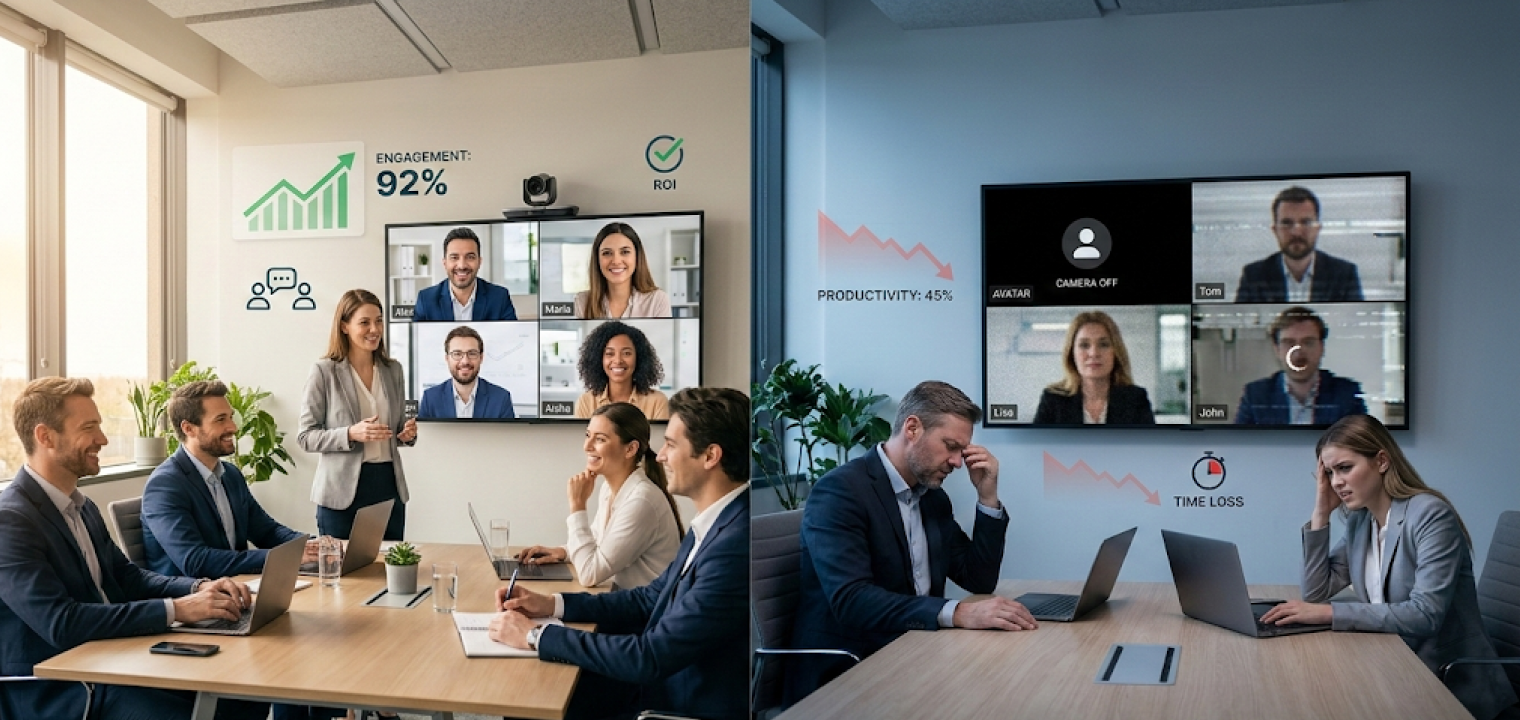
On the other hand, when there are camera or other technical problems during virtual/hybrid meetings, businesses pay the cost of poor experiences: Wasted time, increased meeting fatigue, and decreased remote worker engagement (with an obvious correlation to reduced productivity).
Key Features and Capabilities of Conference Room Cameras
Hybrid meetings have specific pain points that have only become apparent over the past few years.
For example, different conference room cameras have different features and capabilities, usually associated with price (as in, "you get what you pay for"), but not always. We’ve provided the list below of some key things to consider when researching a new conference room camera.
These features and capabilities may range from "must-haves" to "nice-to-haves" based on your budget, conference/huddle room size, number of participants, and other factors unique to your situation. As you consider which features to prioritize, be sure to align your selections with your actual meeting patterns, room usage data, and office layout.
High-Resolution Video Capture
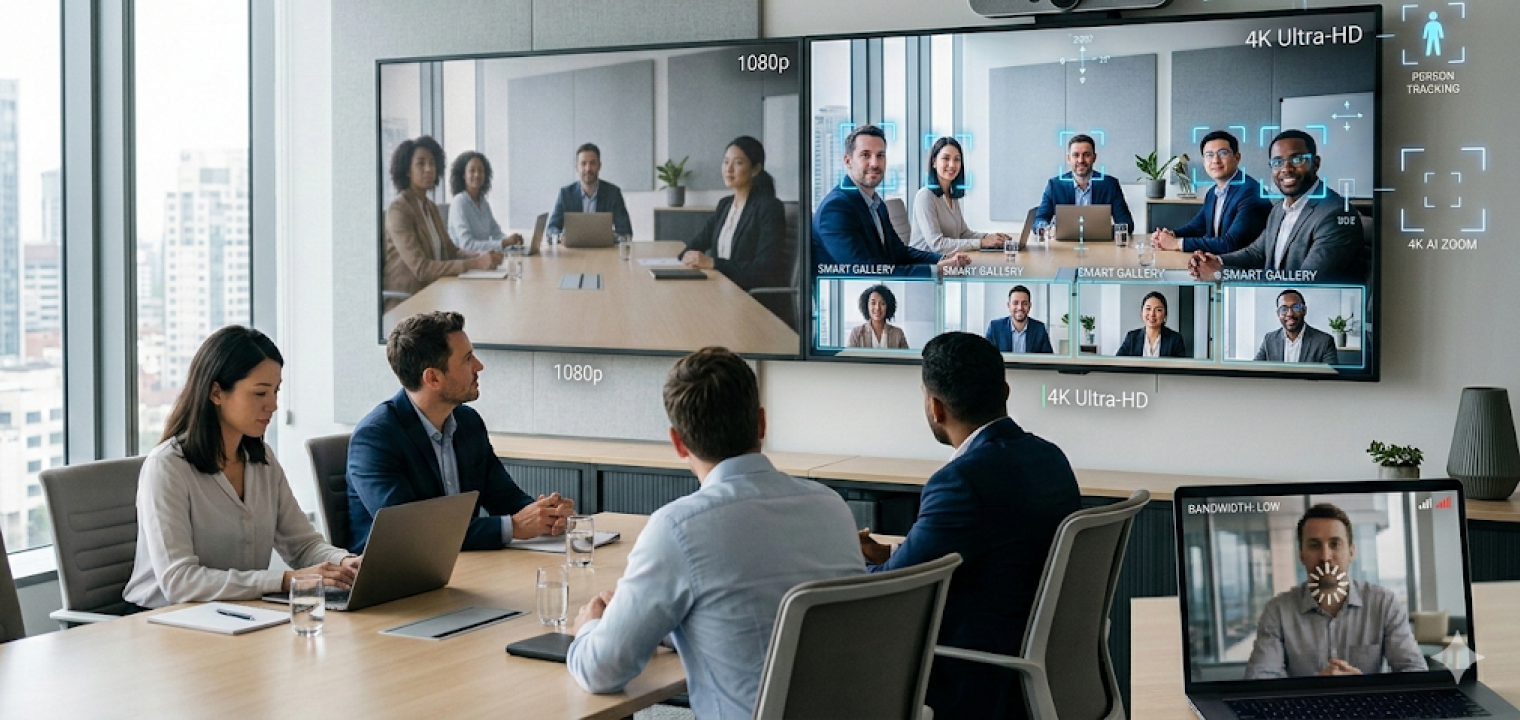
Some cameras intended for a collaborative workspace are available in 4K resolution or higher. Naturally, clarity and image quality are inherently desirable, but higher-resolution models also enable certain AI features such as real-time analytics, AI-powered digital zooms/PTZ (pan-tilt-zoom), person tracking, and "smart gallery" features.
Going with a higher-resolution model when you don’t strictly need that resolution currently can help "future-proof" your setup so it will stay relevant and usable longer as technology advances. 1080p resolution may be sufficient for your particular requirements, especially if you prioritize value for money or if you don’t want or need AI features. However, if you are unsure whether you’ll need to upgrade in the future, or you want to leave the option open for AI-enabled camera features, a 4K+ resolution model can deliver measurable value now and provide increased value later.
Also, please note that high-resolution video streams can sometimes cause lag for remote workers if their network bandwidth is insufficient or if the conferencing hardware cannot process the high data rate. If your participants aren’t all relatively well-equipped tech-wise, a super-high-resolution feed can result in delayed, frozen, or choppy video for some remote participants, especially if they have limited download speeds.
Integrated Multi-Directional Audio
Anyone who’s attended a remote collaboration session or video conference call with bad audio knows how quickly it derails a meeting. Clear sound matters just as much as clear video, which is why modern conference cameras now include beamforming microphone arrays built directly into the system.
This technology can focus on where speech originates around the room. Unlike traditional microphones with fixed pickup patterns, multi-directional beamforming microphone systems adjust as people talk in real time. This helps reduce background noise and keeps voices clear.
While a small huddle room or smart workspace might not require this type of high-function audio processing, large or unconventionally shaped conference rooms can be challenging for AV (audio/visual) systems. Camera setups with multi-directional microphone arrays and extended audio pickup range can mitigate problems and drastically improve the experience for all participants.
Wide Field of View (FOV)
A wide field of view can help make everyone feel everyone included in smaller meeting rooms where participants are sitting or standing closer to the camera. A wide FOV camera can also help in certain large conference rooms with a lot of lateral seating, where the camera is positioned close to the group.
However, if the FOV is too wide, you start to get "fish-eye" distortions, and AI participant recognition (or human attendees) can sometimes have trouble identifying other people in the meeting. In general, wider FOV cameras/lenses are better for small-to-medium huddle rooms and meeting spaces. They also tend to make small spaces "feel" larger to participants.
Pan, Tilt, Zoom (PTZ)
Panning, tilting, and zooming describe how a camera frames the room: panning moves side to side, tilting moves up and down, and zoom changes how close the image appears. Cameras handle these movements either mechanically, digitally, or with a mix of both.
Digital PTZ is entirely done using image-processing software; the camera and lens don’t need to move at all. Some cameras allow for both (for example, a physical/optical zoom lens enlarging the image to its limit and then a digital zoom magnifying it even further).
So, when would you want a camera with mechanical PTZ versus digital? Mechanical PTZ cameras are best in medium-to-large spaces such as classrooms, large conference rooms, auditoriums, conference centers, and the like. Digital PTZ relies on software to crop and adjust the image without moving the camera, which works well in smaller rooms where the camera can stay fixed. This includes rooms with a specific place for presenters or smart whiteboards are always framed.
It’s also wise to note that digital zoom has limits. As the image is enlarged, clarity depends on the camera’s original resolution, and lower-resolution cameras can start to look pixelated when zoomed in too far. Many systems also include automated tracking that follows a presenter as they move, with options to turn it off, set presets, or switch to manual control if needed when the adjustments are a distraction.
Software Compatibility
Some conference cameras are built to work across any meeting platform, while others are certified for tools like Zoom Rooms, Microsoft Teams Rooms, or Google Meet. The right choice usually depends on how locked in your organization already is to a specific platform, since each can have its own hardware requirements.
For companies that rely on flexibility of location or presenters who use their own laptop for meetings, there are available BYOD (bring your own device) camera systems that presenters can connect to for meetings.
For even greater flexibility and mobility, many virtual meeting camera brands offer USB-compatible plug-and-play devices, often incorporating both a capable camera and a microphone. Think "webcam" but much more capable. These are often quite inexpensive and are sometimes exceeding 4K resolution now. The software and included features of the pricier, premium built-in camera systems will usually provide more options and capabilities, however.
AI and Smart Features
Today’s AI-enabled devices act as the differentiator that transforms cameras from passive to active meeting participants. Better cameras can effectively mimic the behavior of a human camera operator, with automatic speaker tracking, framing, noise suppression, meeting transcription, AI assistance, and more. Many users equate these types of AI features with measurable productivity gains and meeting-equity improvements.
5 Top Conference Room Camera Systems in 2026
When discussing the best conference room cameras, know that it depends heavily on your specific needs and preferences. Each system will have an ideal buyer that identifies strongly with its primary differentiator, and we’ll include that all below.
1. Vibe Bot
-
Best For: AI-powered video conferencing with meeting notes and in-room hybrid collaboration assistance
-
Key Features:
-
Standalone smart device running BotOS with no computer required for meetings
-
4K swiveling / 360° camera with beamforming microphones that focus on active speakers
-
Automatic transcription, AI summaries, and action items tied to specific speakers
-
Calendar integration and one-tap joining for Zoom, Google Meet, and Teams
-
Optional connection to external 4K displays plus wired screencast from a laptop
-
-
Price: $1,799
-
Advantages:
-
The Vibe Bot has a powerful built-in AI meeting assistant, continuously keeping a record of key meeting information, and bridging the gap between meetings and outcomes
-
The stand-alone system requires no outside computer/device, which eliminates common failure points and incompatibility. The BotOS AI unifies your existing apps and displays, seamlessly adapting to any meeting room setup
-
AI meeting assistance is shown to be a productivity multiplier
-
Ideal for high-performing teams looking to prioritize meeting outcomes and knowledge retention
-
BotOS and its contextual memory capabilities are a potential game-changer. Every discussion effortlessly transforms into a structured recap with clear action items, building a shared memory for your team. BotOS can then distill these moments into a searchable knowledge graph, making every decision and detail instantly accessible
-
 Vibe Bot in a huddle room
2. Logitech Sight
-
Best For: Enterprise conference rooms needing a tabletop companion camera for front-of-room systems.
-
Key Features:
-
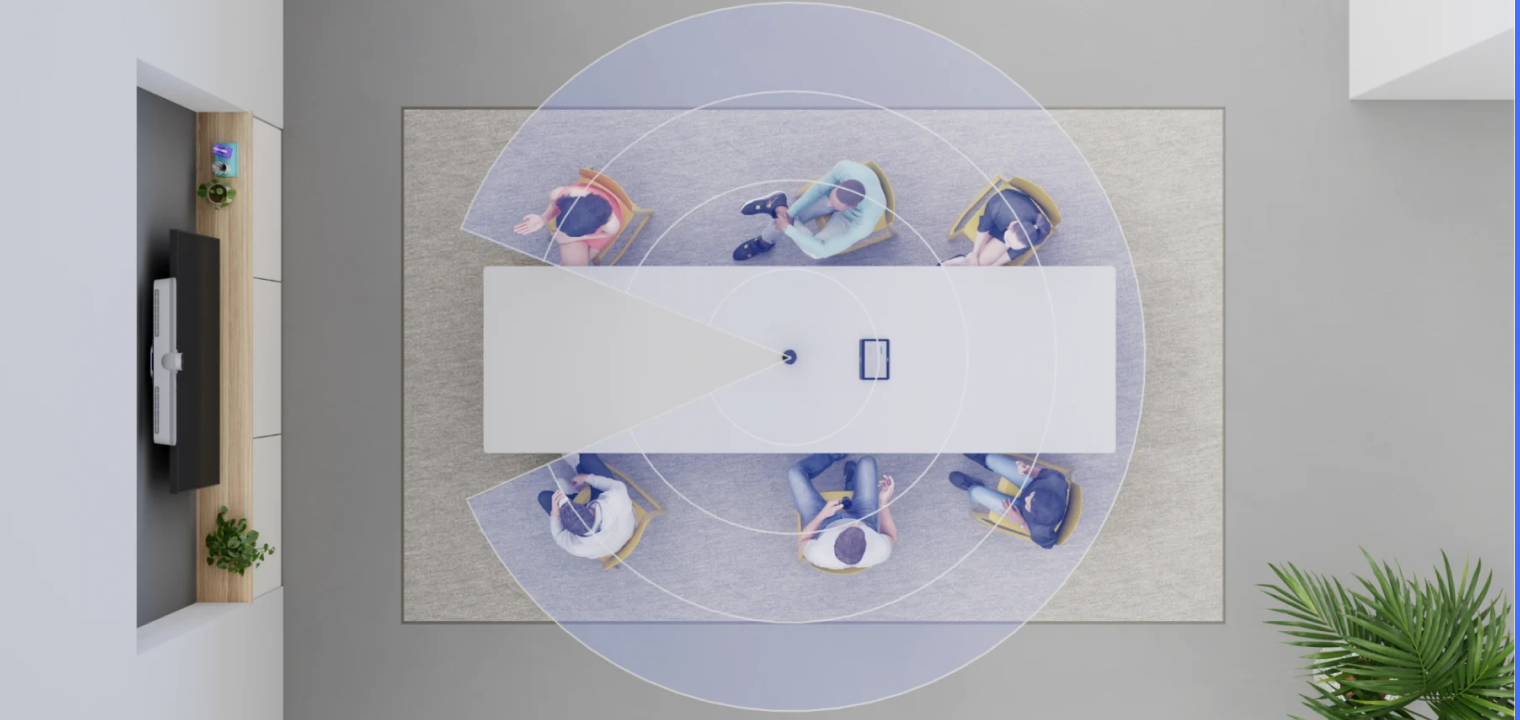
Dual 4K tabletop cameras delivering a 315° horizontal field of view
-
7 beamforming microphones with up to 7.5 ft pickup radius around the table
-
AI-powered participant framing and smart switching with front-of-room cameras like Rally Bar
-
Designed and certified for Teams Rooms, Zoom Rooms, and Google Meet environments
-
-
Price: $2,199.00
-
Advantages:
-
The enterprise-grade tabletop solution for organizations with existing Rally infrastructure
-
The dual-camera format is an advantage for large conference tables and gallery view equity
-
Perfect for IT teams needing certified, supportable solutions at scale
-
 Logitech Sight uses video and AI to detect and accurately frame participants, with a 315° field of view.
3. Meeting Owl 3
-
Best For: 360° conference rooms that need an all-in-one USB camera, mic, and speaker.
-
Key Features:
-
360° panoramic 1080p HD camera that auto-focuses on whoever is speaking
-
8 omnidirectional beamforming "Smart Mics" with up to 18 ft audio pickup
-
Integrated 360° speaker system for in-room audio coverage
-
-
Price: $1,099
-
Advantages:
-
The 360° camera is extremely simple to set up, and is great for round-table or flexible seating
-
Perfect for teams wanting a single-device, all-in-one AV platform
-
Not the best for larger rooms/auditoriums or other directional meeting formats
-
 Meeting Owl , a smart video conferencing camera that automatically focuses on whoever is speaking, seamlessly connecting in-room and remote participants.
4. HP Poly Studio USB Video Bar
-
Best For: USB plug-and-play huddle rooms that prioritize audio quality and smart framing.
-
Key Features:
-
Integrated 4K USB camera with a wide 120° field of view for small rooms
-
Poly DirectorAI with speaker, people, and group framing plus presenter tracking
-
6-microphone array with 12 ft pickup and Poly NoiseBlockAI and Acoustic Fence noise suppression
-
-
Price: $813.95
-
Advantages:
-
The first choice when you are prioritizing clear, clean audio with professional-grade noise suppression
-
Plug-and-play USB simplicity is ideal for non-technical users
-
Excellent price-to-performance ratio for budget-conscious buyers
-
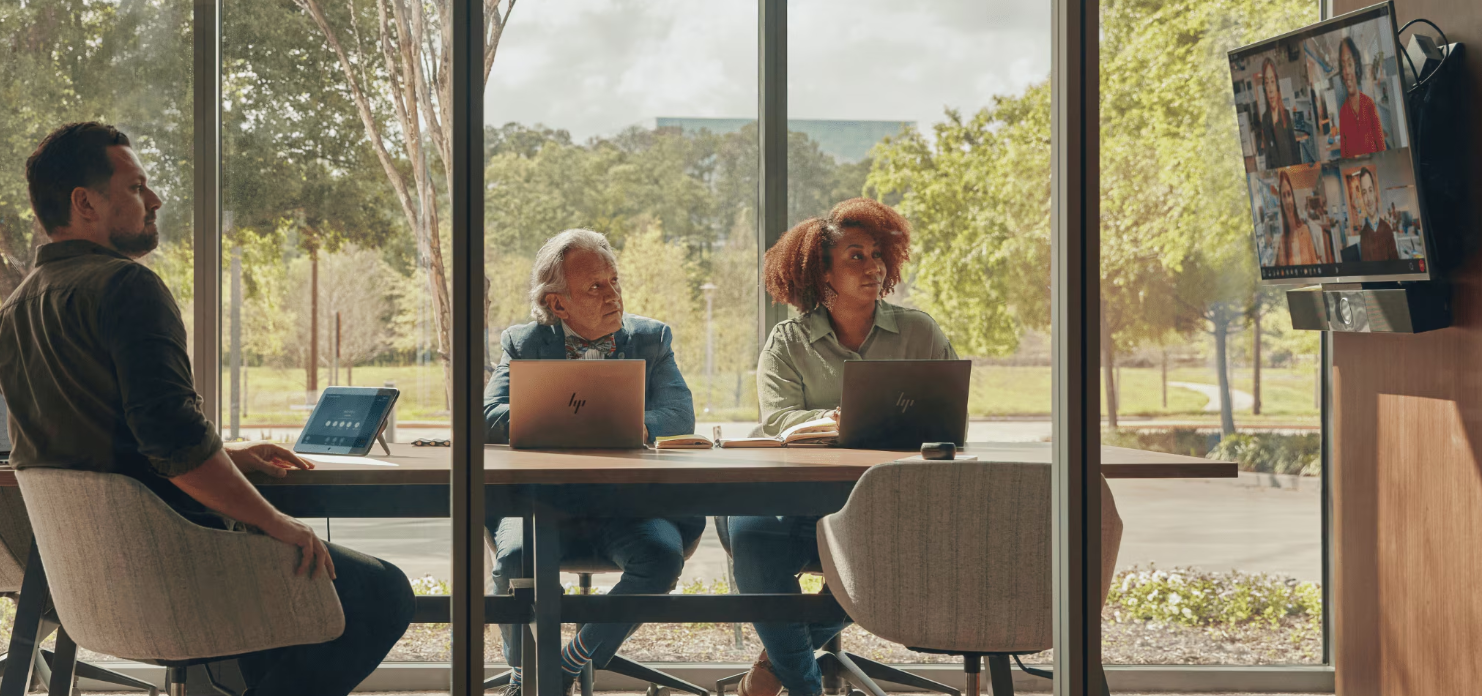 Screenshot of HP Poly Studio USB Video Bar enabling professional hybrid meetings with built-in camera and audio.
5. OSBOT Tiny 2
-
Best For: Solo presenters and small teams desiring a desktop PTZ webcam with advanced AI tracking.
-
Key Features:
-
4K AI-powered PTZ webcam with All-Pixel Auto Focus using the full 50 MP sensor
-
AI auto-tracking with auto-zoom and upgraded gesture control for framing and zoom
-
Hands-free voice control and enhanced OBSBOT Tiny Smart Remote for multi-cam setups
-
-
Price: $329
-
Advantages:
-
An excellent choice for solo presenters and content creators; not ideal for group conferencing
-
Advanced tracking for dynamic presentations and product demos
-
A portable and versatile desktop form factor is an advantage for temporary setups and unconventional presentation locations
-
Extremely affordable in this category
-
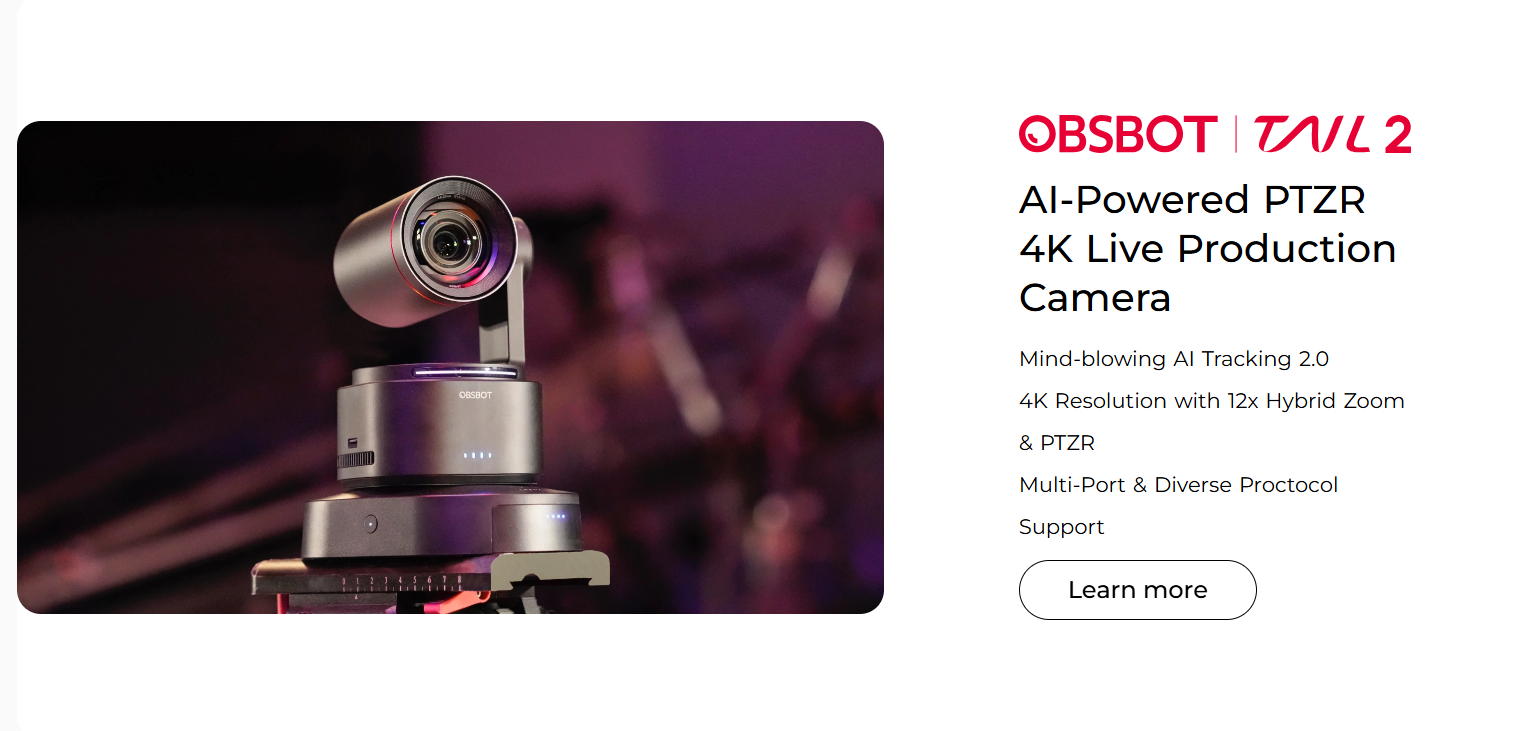 Owl Labs, a smart meeting camera that automatically focuses on speakers and delivers high-quality audio and video for hybrid teams
How to Choose the Right Conference Room Camera
To help narrow down your ideal choice for a conference room cameral, consider this helpful decision framework:
-
Assess Your Room Size and Participant Count: Measure room dimensions and determine typical meeting size
-
Huddle rooms (2-6 people) do best with wide-angle fixed cameras
-
medium rooms (7-12 people) benefit from advanced framing
-
Large rooms (12+ people) demand PTZ or multi-camera setups
-
-
Evaluate Your Primary Video Conferencing Platform: Identify whether you use Zoom, Microsoft Teams, Google Meet, or other collaboration software; check for platform certification requirements versus USB plug-and-play compatibility.
-
Determine Required Field of View and Camera Placement: Match FOV to your room’s table shape—rectangular tables need 90-120° coverage while round configurations may require 180-360° capture. Consider available mounting options based on the room layout.
-
Prioritize Audio Quality and Integration: Evaluate whether you need integrated audio or separate microphone arrays based on room acoustics. Consider the beamforming pickup range (10-18 ft) and noise suppression requirements.
-
Identify Must-Have AI and Smart Features: Determine which AI capabilities deliver a strong ROI for your meeting patterns—auto-framing, speaker tracking, transcription, noise blocking, etc.—and balance these against your budget.
-
Establish Resolution Requirements and Bandwidth Constraints: Choose between 1080p (sufficient for most) and 4K (necessary for large rooms or digital PTZ) based on viewing conditions and network capacity.
-
Calculate Total Cost of Ownership: Factor hardware cost, accessories, software licenses, IT support requirements, and replacement cycles; compare price-to-performance within your budget tier.
-
Test Compatibility with Existing Infrastructure: Verify integration with current AV equipment, room scheduling systems, and IT management tools; conduct pilot deployments in representative room types.
Here’s a helpful at-a-glance table that showcases the most valuable features to consider:
|
Room Type |
Ideal FOV |
Key Features |
Price Range |
Best For |
|
Huddle Room (2-6 people) |
90-120° wide-angle |
Auto-framing, integrated audio, USB plug-and-play |
$300-$800 |
Small teams, spontaneous collaboration |
|
Medium Conference (7-12 people) |
120-150° ultra-wide |
Speaker tracking, beamforming mics, 1080p minimum |
$800-$2,500 |
Standard meeting rooms, client calls |
|
Large Conference (12+ people) |
180-360° or PTZ |
Multi-camera switching, 4K resolution, advanced audio array |
$2,500-$8,000 |
Executive briefings, all-hands meetings |
|
Board Room (15+ people) |
PTZ + multi-camera |
Preset positions, remote control, professional audio system |
$5,000-$15,000 |
High-stakes presentations, board meetings |
The Selection Matrix: Match your hardware to your room’s square footage. To maximize ROI and meeting equity, prioritize the Field of View (FOV) and audio pickup range that fits your specific seating capacity rather than just chasing the highest resolution.
Vibe Bot: The Intelligent Conference Room Assistant
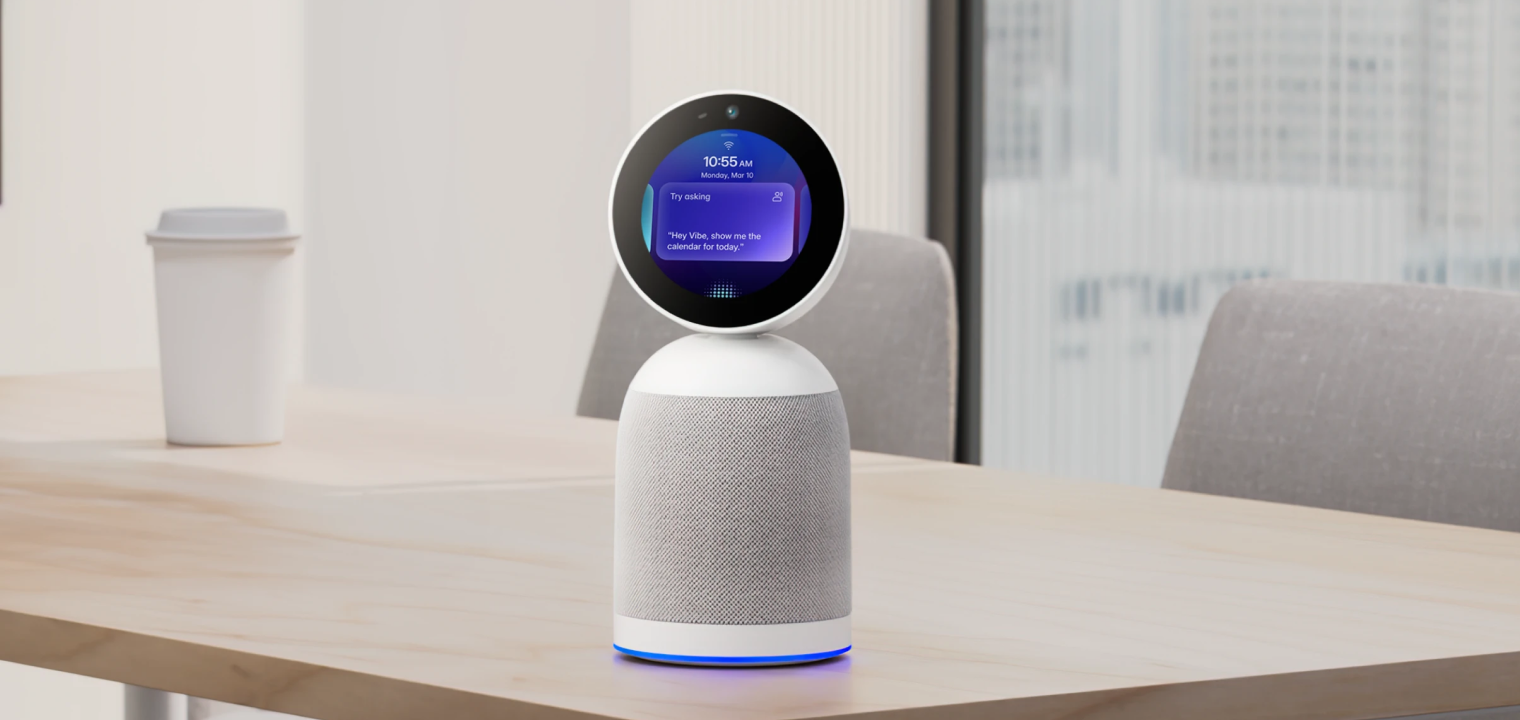
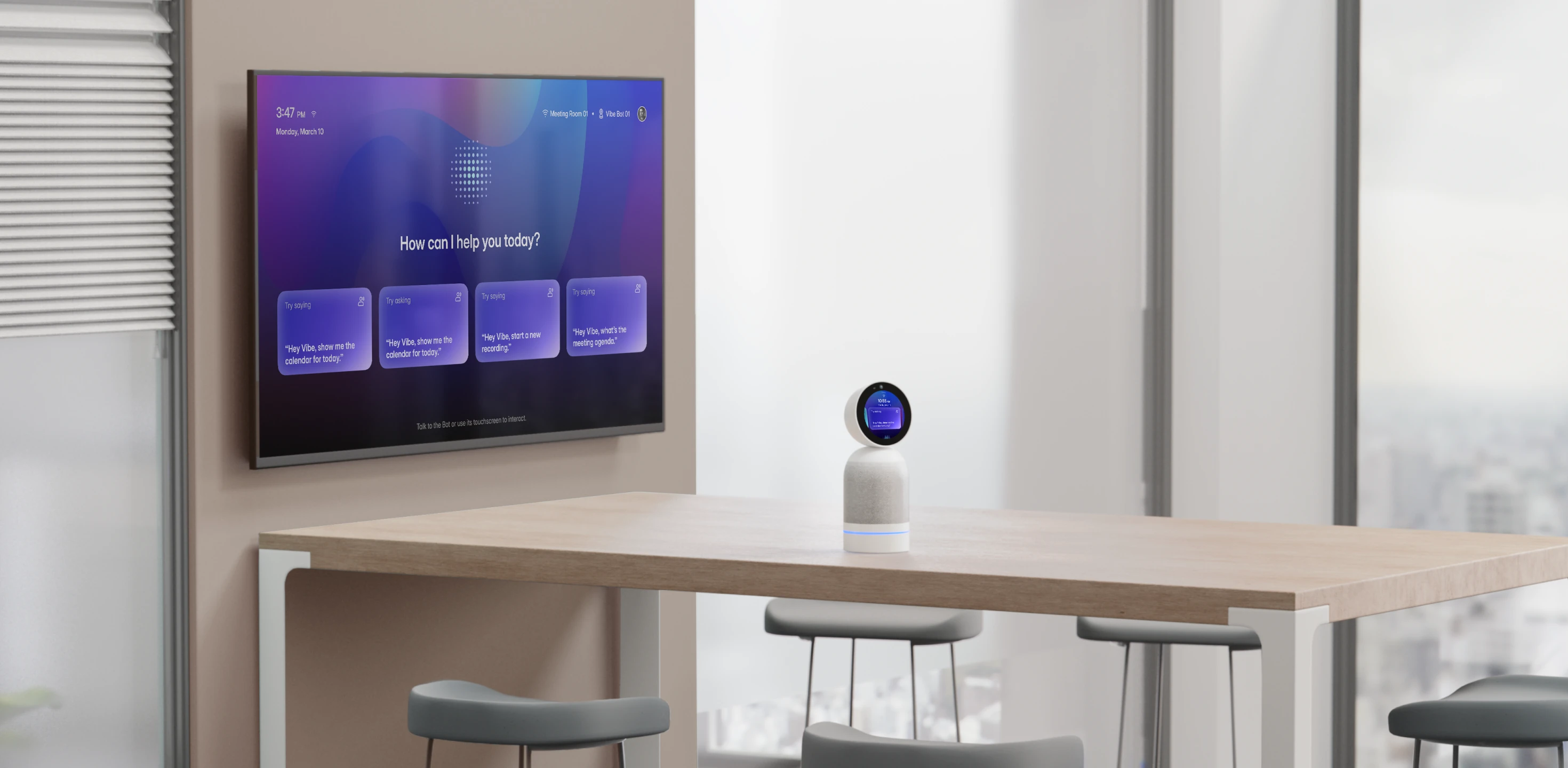
The Vibe Bot is the next-gen conference room camera system optimized for remote and hybrid work. It operates as a standalone device with a built-in OS, so there’s no laptop or other external devices needed, and you can optionally connect it to a TV or monitor for larger display.
The built-in BotOS provides real-time transcription, AI-powered summaries, and action items with assignees from meetings. It also automates timekeeping and note-taking, with daily summaries for activity tracking and billing. It is quick and responsive to voice commands and has strong microphone pickup.
Vibe Bot easily and fully integrates with Zoom, Google Meet, and Microsoft Teams via one-tap join. It features easy setup for in-room use and enhances any team’s remote work efficiency.
Experience how the Vibe Bot can improve your meeting continuity firsthand by requesting a demo.
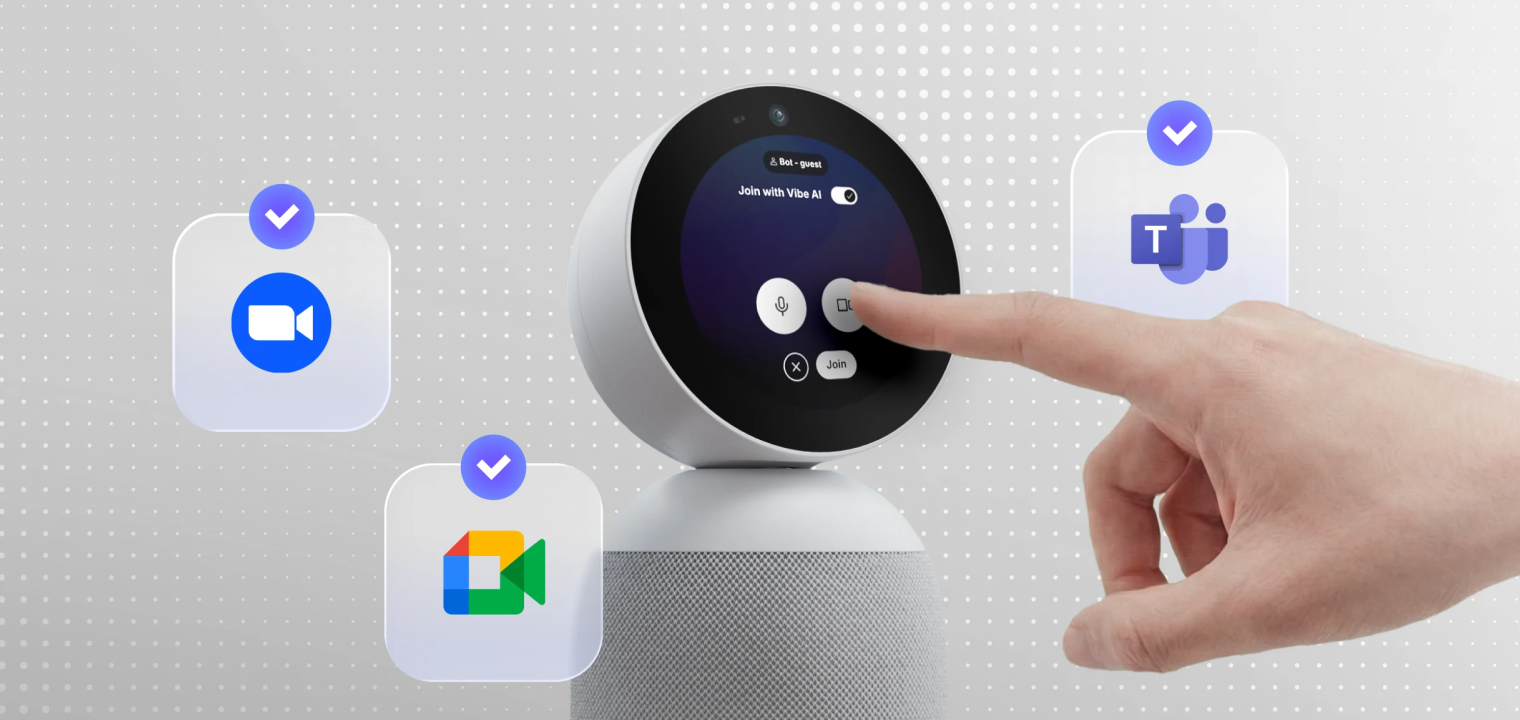 Vibe Bot, a meeting device that captures the room and delivers live notes, summaries, and action items.
Conference Room Camera FAQs
How does on-device AI reduce ‘Zoom Fatigue’?
An AI-enabled camera can reduce Zoom fatigue and improve the meeting experience by automating, enhancing, and making the camera’s framing and movements feel more organic and engaging. Zoom fatigue refers to the mental exhaustion caused by seemingly endless and unnatural video communication. For example, better cameras can prevent awkward camera angles or poor framing of a presenter/speaker, reducing cognitive fatigue.
What is the difference between a webcam and a conference room camera?
Today’s conference room cameras are much more capable than typical webcams, with higher resolution, AI-enabled assistance, automatic features, and potentially beamforming microphone arrays that greatly improve the meeting experience and reduce distracting noise.
How do you connect to a conference room camera?
It depends on the camera or AV system. You may need to connect a USB cable from the room’s system to your laptop (BYOD), or the dedicated in-room console might allow WiFi access. Most virtual meeting platforms allow or require you to select the camera and microphone in your video app settings.
How is AI improving conference room cameras?
AI-enabled conference room cameras reduce participant fatigue and improve productivity by automatically zooming/tracking subjects, identifying speakers, reducing ambient background noise, allowing for "smart gallery" features, and more.