

Many educators, trainers, and meeting facilitators begin the purchase process by searching for "smart board" only to find overlapping terms like interactive whiteboard, smart board, interactive TV, and interactive flat panel display. This terminology confusion often comes from marketing language and historical usage, not clear definitions, which complicates decisions when budgeting for classrooms, huddle spaces, or hybrid collaboration rooms. The result is uncertainty about what features matter most, how systems integrate with tools like video conferencing, and what will remain useful over several years.
In 2026, displays that support interactive collaboration are ubiquitous across education and business environments. Growth in blended learning, hybrid work, and digital-first training models continues to drive adoption of touch-enabled displays that go beyond traditional projectors. According to market research, the global interactive whiteboard market was valued at $4.82 billion in 2024 and is projected to reach $7.30 billion by 2030, growing at a 7.3% CAGR as digital learning and collaborative work environments expand.
- An interactive whiteboard is a broad technology category, while a Smart Board is a specific branded product within that category.
- Display quality, touch capabilities, software ecosystem, and long-term cost are more important than product labels when evaluating solutions.
- Modern use cases extend well beyond classrooms into hybrid meetings, training, and cross-functional collaboration.
- The best solution is the one that fits your space, workflows, and collaboration needs over several years.
What Is an Interactive Whiteboard?
An interactive whiteboard (IWB) is a technology category rather than a specific brand. IWBs encompass a range of solutions that let users display digital content and interact with it directly on the surface, typically by touch or with a stylus. Products marketed under names like "interactive whiteboard," "smart board," or "touch board" often fall under this broad category, which can cause confusion for buyers comparing options.
Interactive whiteboards work by connecting a touch-sensitive surface to a computer, allowing the presenter or participants to control applications, annotate content, and manipulate digital objects directly. Common sensing technologies include infrared, resistive membrane, or electromagnetic pen systems, each with different trade-offs in precision, durability, and cost. In many traditional setups, the interactive surface is paired with a projector and an external PC, though more advanced models integrate all components into a single display.
These systems are widely used in K–12 classrooms for interactive lessons and student engagement, as well as in meeting rooms where teams annotate slides, sketch ideas, and review materials collaboratively. The core value lies in making digital content directly manipulable and visible to a group without barriers between the presenter and the content.
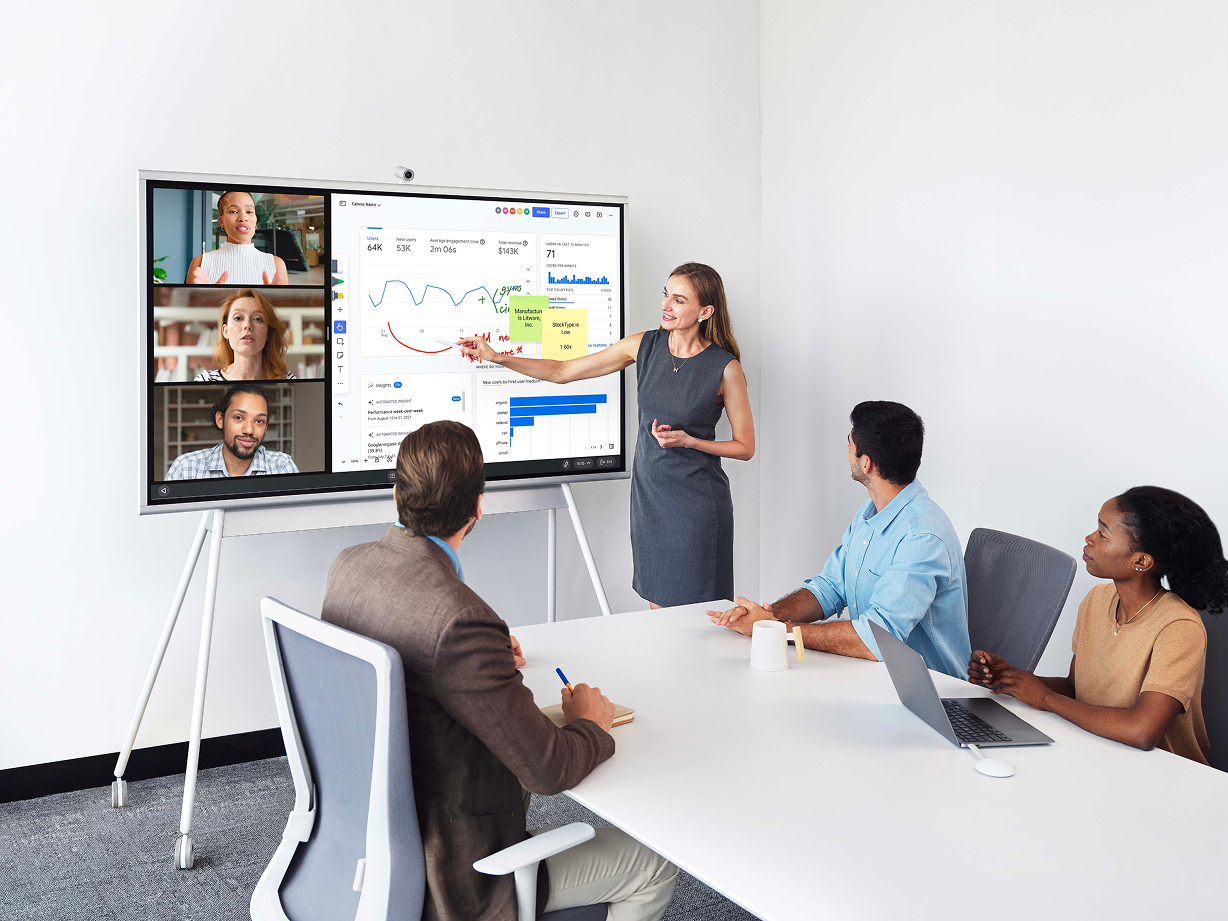
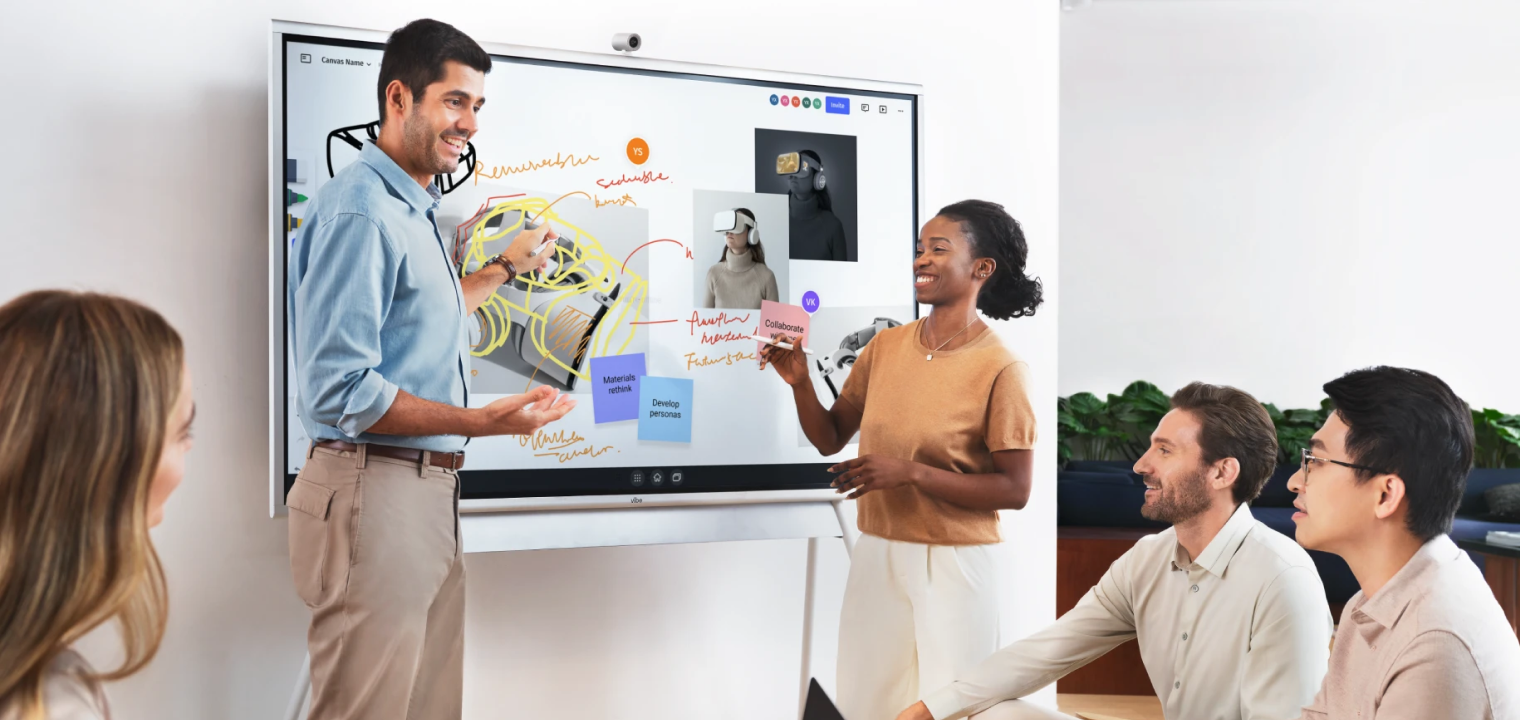 Team using Vibe Board to brainstorm and capture idea collaboratively in one space.
What Is a Smart Board?
A Smart Board refers specifically to interactive whiteboards produced by SMART Technologies. Unlike the generic use of "smart board" in conversation, Smart Board is a trademarked product line with its own hardware and smart board software ecosystem. The original SMART Board was introduced in the early 1990s as a way to bring interactive capabilities into classroom instruction, enabling teachers to project and interact with computer content more flexibly.
When it comes to the question of interactive whiteboard vs. Smart Board, one is a subset of the other; all Smart Boards are interactive whiteboards, but not all interactive whiteboards are Smart Boards.
What distinguishes Smart Boards is their tightly integrated hardware and software, often with multi-touch support and purpose-built educational tools. SMART’s software, including tools like SMART Notebook, is designed for lesson creation, collaborative activities, and interactive engagement.
Many institutions adopted Smart Boards early because of these integrated capabilities and strong educational support. That legacy means the term "smart board" still gets used. In 2026, buyers should understand the brand specificity when comparing products and read specifications and software offerings carefully rather than relying on colloquial names.
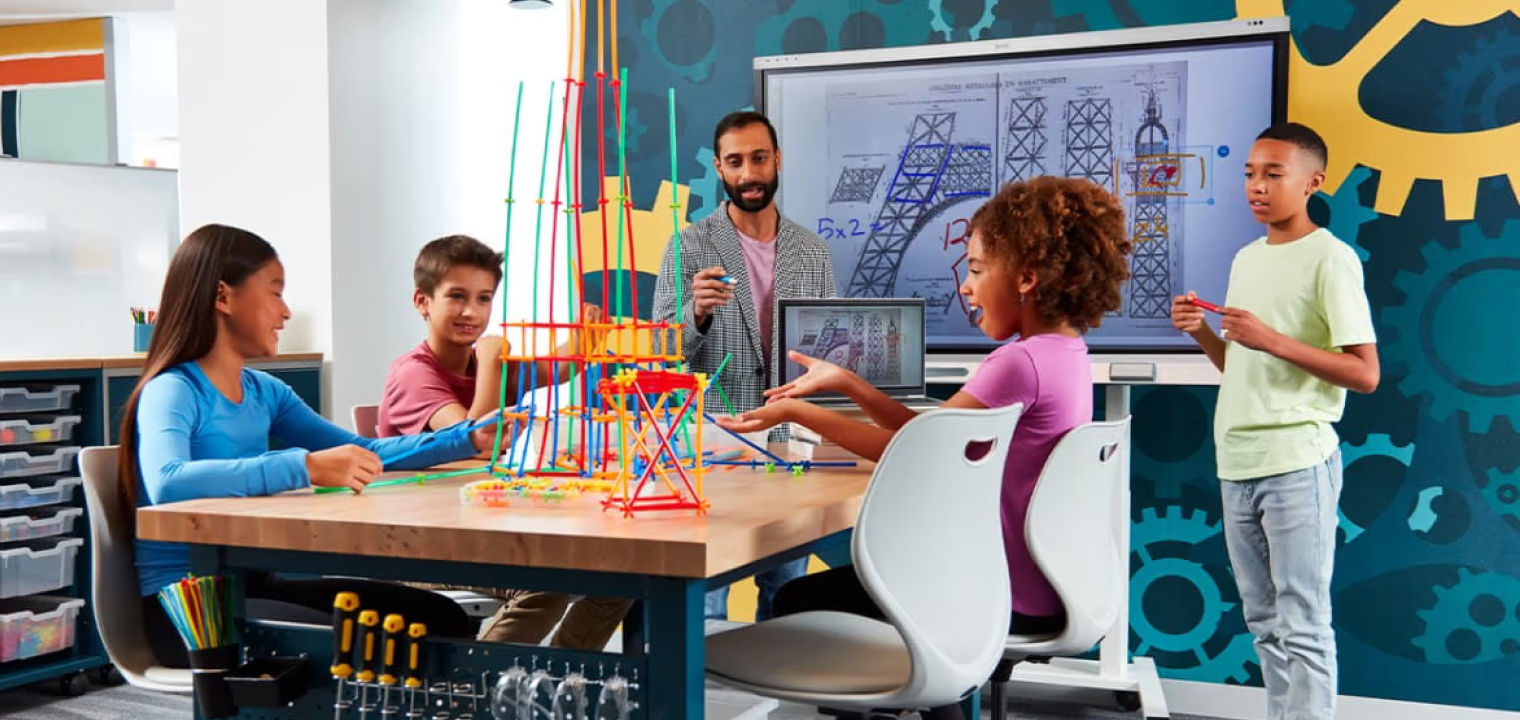 A classroom STEM project using a SMART Board, with students collaborating on interactive content during a guided lesson.
Common Considerations When Choosing a Solution
When evaluating an interactive whiteboard vs. Smart Board, the decision is less about terminology and more about how each option performs in real-world environments. The following considerations focus on the practical factors that most directly affect usability, longevity, and collaboration outcomes.
Display Quality, Visibility, and Lighting Performance
Resolution and display should be near the top of the priorities list—interactive displays aren’t much use if teams can’t see what they’re displaying. Standard HD displays may function well enough in smaller, controlled-light spaces, but 4K UHD panels offer sharper text, finer detail, and better scaling for modern applications. Display clarity significantly affects readability and engagement, especially for participants at the back of a room or on video calls.
Flat panel displays maintain visibility in well-lit spaces without needing blackout curtains, which makes them versatile for daytime use and multi-purpose rooms. In contrast, projector-based boards can struggle with glare and lower contrast in bright environments, reducing usability. When choosing, match the display type to your room size, ambient lighting conditions, and typical content (e.g., detailed diagrams vs. simple annotations). Clear visuals reduce cognitive strain and help participants stay focused.
User Interaction and Touch Capabilities
Touch interaction is a key differentiator among display types. Basic interactive whiteboards may support limited touch points, often sufficient for single-user annotation but less effective for multi-user collaboration. In contrast, many modern Smart Boards and interactive flat panels support multi-touch functionality, letting several users interact simultaneously with gestures like pinch-to-zoom, swipe, and rotate.
Stylus interaction also varies: some systems use passive pens that are simple and cost-effective, while others include active or magnetic styluses that offer precision, pressure sensitivity, and palm rejection. These capabilities matter most in group problem-solving, brainstorming sessions, and annotation-heavy presentations (where natural interaction is key to participation and idea flow). Choosing a display with responsive and intuitive touch support increases collaboration quality and participant satisfaction.
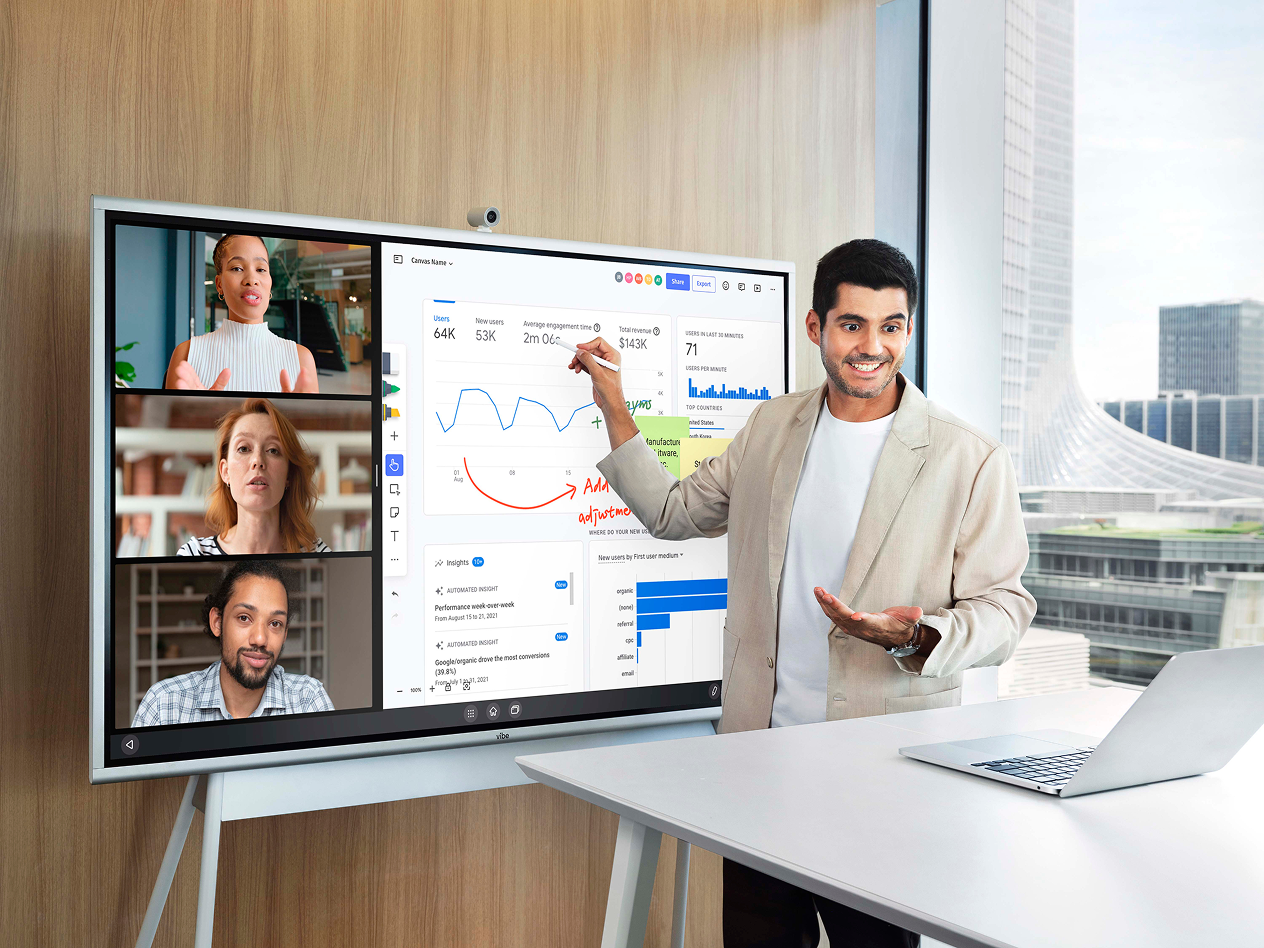
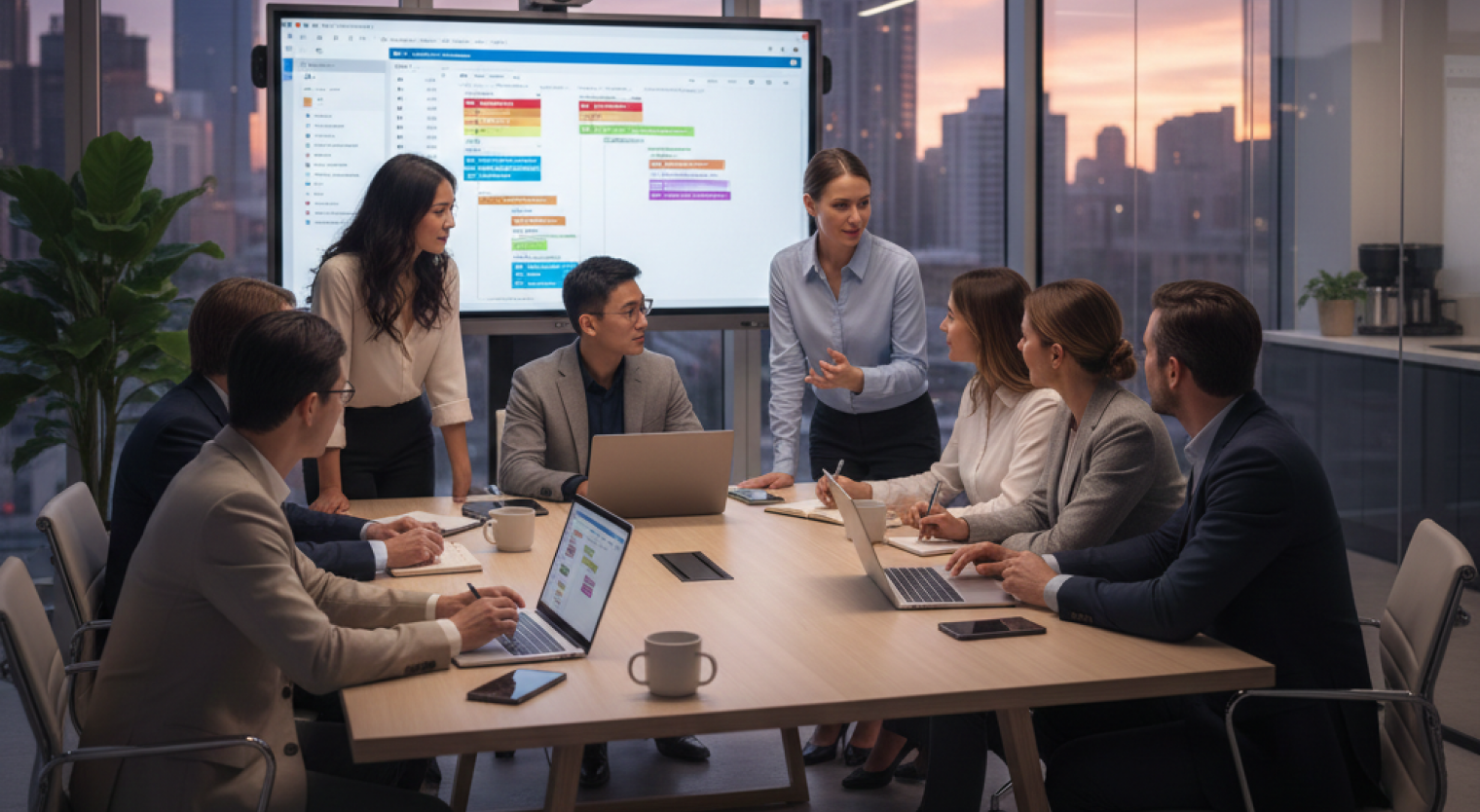
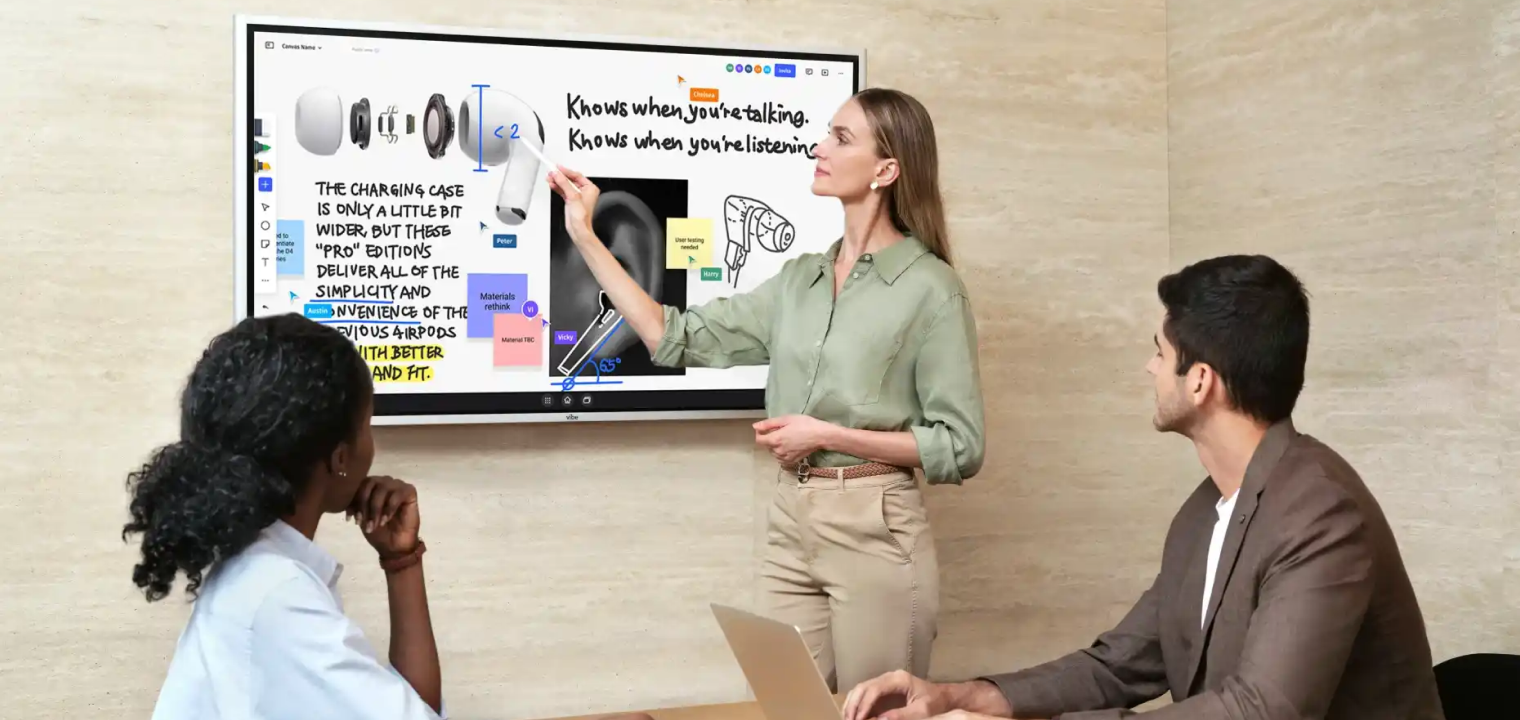 Team collaborating around Vibe Board during a meeting, using digital tools to enhance engagement and presentation.
Software Ecosystems and Content Creation
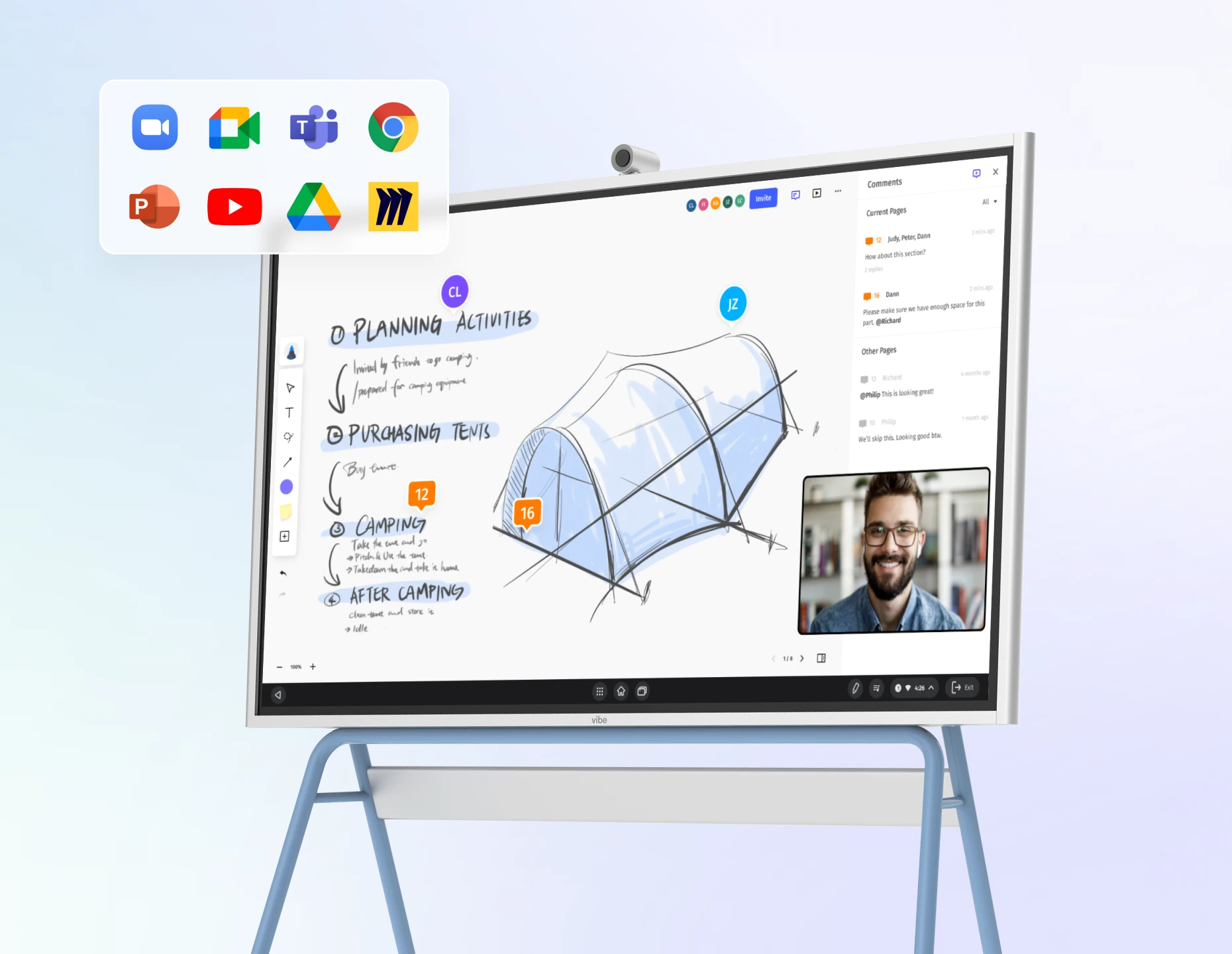
Interactive displays are only as powerful as the software that drives them. Traditional interactive whiteboards often depend on an external PC to run applications, which can limit native cloud collaboration and remote access. By contrast, many modern panels and boards include built-in apps, annotation tools, and content creation environments tailored for lessons or meetings.
Smart Board ecosystems, for example, come with tools designed for structured lesson plans and classroom activities. Online collaboration brings additional benefits: participants can save sessions, participate remotely, and access content across devices before and after meetings. This cloud-first approach supports hybrid teams and distributed learners by ensuring continuity of work, shared access to boards, and reduced friction when switching between in-room and virtual participation.
When choosing, evaluate how easy it is to create, store, and share content within your organization’s workflows and whether the platform supports the tools your team already uses daily.
Ease of Setup, Maintenance, and Long-Term Cost
Cost discussions should look beyond upfront purchase price to the total smart board cost of ownership over 5–7 years. Traditional projector-based interactive whiteboards may have a lower initial cost but require periodic projector bulb replacements, regular calibration, and more complex installation. In contrast, flat panels and all-in-one Smart Boards carry a higher upfront investment but generally involve fewer consumables and simpler maintenance.
Evaluate maintenance needs, such as bulb life, calibration frequency, warranty coverage, and downtime. Frequent downtime or expensive parts can erode the initial savings of lower-cost systems. When budgeting, consider replacement cycles, service contracts, and the potential productivity cost of systems going offline.
Top Applications and Use Cases
Interactive displays have evolved into multipurpose collaboration tools used across education, business, and training environments. Understanding where and how these tools are applied helps clarify which features matter most for your specific use case.
Education
-
Interactive lessons and hybrid classrooms: Teachers present and annotate material dynamically while remote students follow along.
-
Increased participation through touch-based learning: Students engage directly with content, fostering active learning.
-
Group collaboration activities: Small groups can work together on problems or presentations.
Business and Collaboration
-
Strategy sessions and brainstorming: Teams collaborate to sketch ideas, map processes, and iterate visually together.
-
Hybrid meetings with distributed teams: Shared boards synchronize contributions from in-room and remote participants.
-
Real-time annotation of shared content: Presenters mark up slides while fielding feedback.
Training and Workshops
-
Employee onboarding: Trainers use interactive content to engage new hires.
-
Technical training: Complex concepts get visualized and explored with touch and pen.
-
Visual demonstrations: Instructors illustrate procedures and workflows with clarity.
Top Smart Board Alternatives in 2026
For teams exploring options beyond Smart Boards, several alternatives now address different budgets, spaces, and collaboration styles. These categories represent the most common paths organizations take when balancing flexibility, functionality, and long-term value.
Interactive Projectors
Interactive projectors use ultra-short throw technology to turn any wall or board into a touch-responsive surface. They support stylus input and annotation with lower upfront cost than full display panels. These projectors suit flexible spaces and temporary setups, but they may face glare or calibration issues in bright rooms and generally lack the clarity and durability of flat panels.
Digital Whiteboarding Software
Digital whiteboard platforms like Miro or Vibe Canvas deliver infinite canvases, real-time collaboration, and integrations across devices without requiring specific hardware. They are ideal for remote-first teams or organizations wanting to defer hardware investments. When paired with a display, these platforms let participants work fluidly across locations and devices.
Smart Whiteboards
Smart whiteboards in 2026 are fixed all-in-one panels with built-in operating systems, multi-touch support, integrated applications, and video conferencing support. They combine high-resolution displays with annotation tools, cloud connectivity, and collaboration features, making them suitable for hybrid environments where simplicity and seamless experience matter.
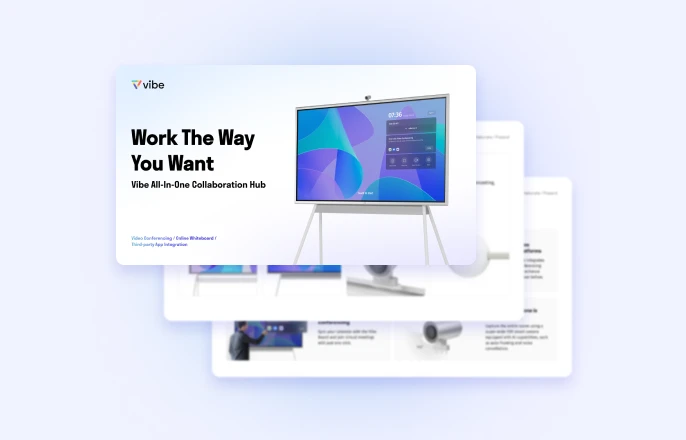
Vibe Board S1: The Modern Smart Whiteboard Solution
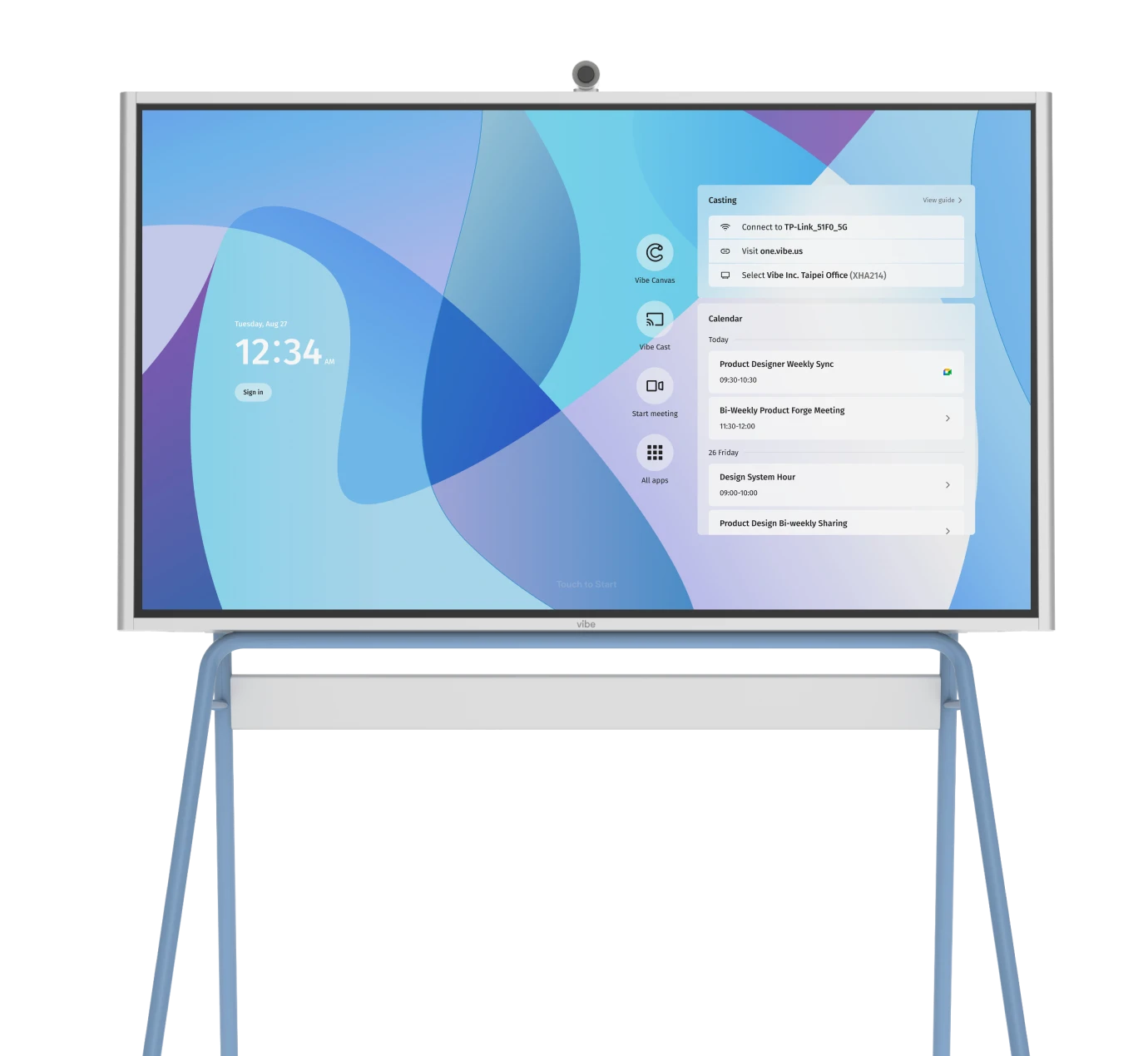
Many teams today seek simplicity, flexibility, and cloud collaboration in a single device that works for meetings, teaching, and workshops. The Vibe Board S1 exemplifies this approach as an all-in-one smart display with a 4K touch screen, cloud-based whiteboarding, annotation tools, and wide integration support across common workflows. It brings multi-touch interaction, clarity in diverse lighting conditions, and built-in applications together in a way that reduces setup friction and keeps teams focused on outcomes.
Built for hybrid collaboration, the Vibe Board S1 removes many of the small frictions that slow teams down—missed context, awkward handoffs, and ideas that vanish once a meeting ends. By keeping work visible, shared, and easy to return to, it supports clearer thinking in the room and better continuity afterward. And that’s exactly what makes it the top solution for interactive displays in 2026. After all, when collaboration tools fade into the background and teams can focus fully on the work in front of them, discussions become more decisive.
Frequently Asked Questions
What’s the difference between an interactive whiteboard and a smartboard?
An interactive whiteboard is a broad category of touch-enabled displays; a Smart Board is a specific brand of interactive whiteboard with its own software.
Do I need a flat panel or an interactive projector?
Choose a flat panel for high visibility and minimal maintenance. Interactive projectors work well in adaptable spaces with controlled lighting.
How important is software integration?
Very. Cloud collaboration, cross-device access, and tool integration determine how usable the board is for hybrid teams.
What’s the best setup for classrooms?
Systems with multi-touch, cloud-supported content saving, and easy remote participation support modern instructional needs.
Is long-term cost really different across systems?
Yes. Look beyond upfront price and evaluate consumables, maintenance, downtime, and replacement cycles to understand total cost.