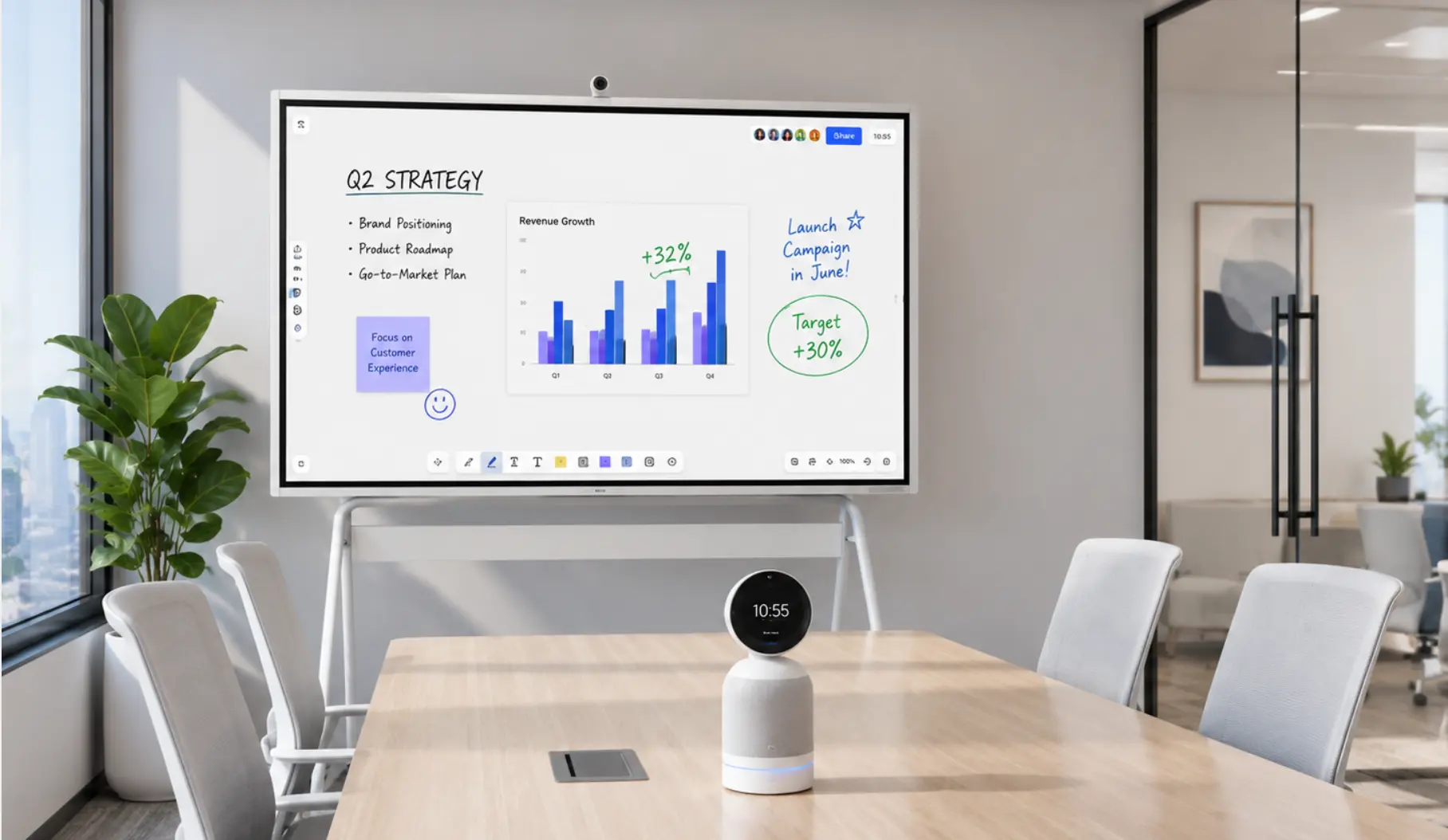
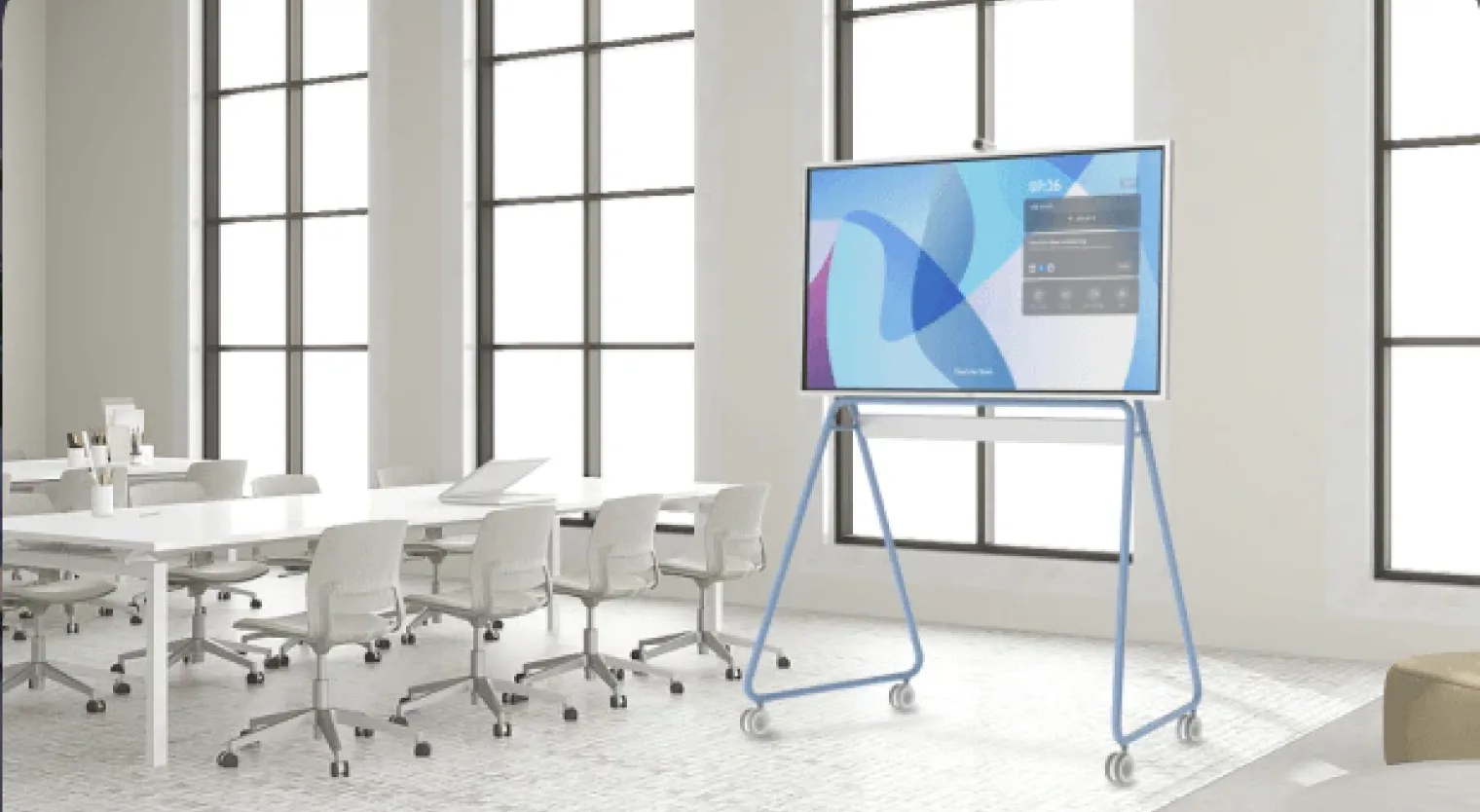
When comparing a smart TV vs. smart whiteboard, the choice comes down to what you actually need the screen to do. A smart TV excels at displaying content—streaming, presenting, entertainment. A smart whiteboard does all of that, but adds touch interactivity, annotation, and real-time collaboration. For some spaces, a smart TV is the right call. For others, the gap in capability matters a great deal. This guide breaks down both options clearly so you can make the right decision for your room.
Smart TV vs. Smart Whiteboard: Quick Comparison
|
Feature |
Smart TV |
Smart Whiteboard |
|---|---|---|
|
Touch interactivity |
No |
Yes (20-point multi-touch) |
|
Annotation & drawing |
No |
Yes |
|
Real-time collaboration |
No |
Yes (in-room + remote) |
|
App ecosystem |
Streaming-focused |
250+ productivity & conferencing apps |
|
Video conferencing |
Limited (via add-ons) |
Built-in (Zoom, Teams, Meet) |
|
Screen casting |
Yes |
Yes |
|
Offline mode |
No |
Yes |
|
Typical price range |
$300–$2,000+ |
$3,699+ (Vibe Board S1) |
|
Best for |
Content consumption, entertainment |
Meetings, brainstorming, hybrid collaboration |
What is a Smart TV?
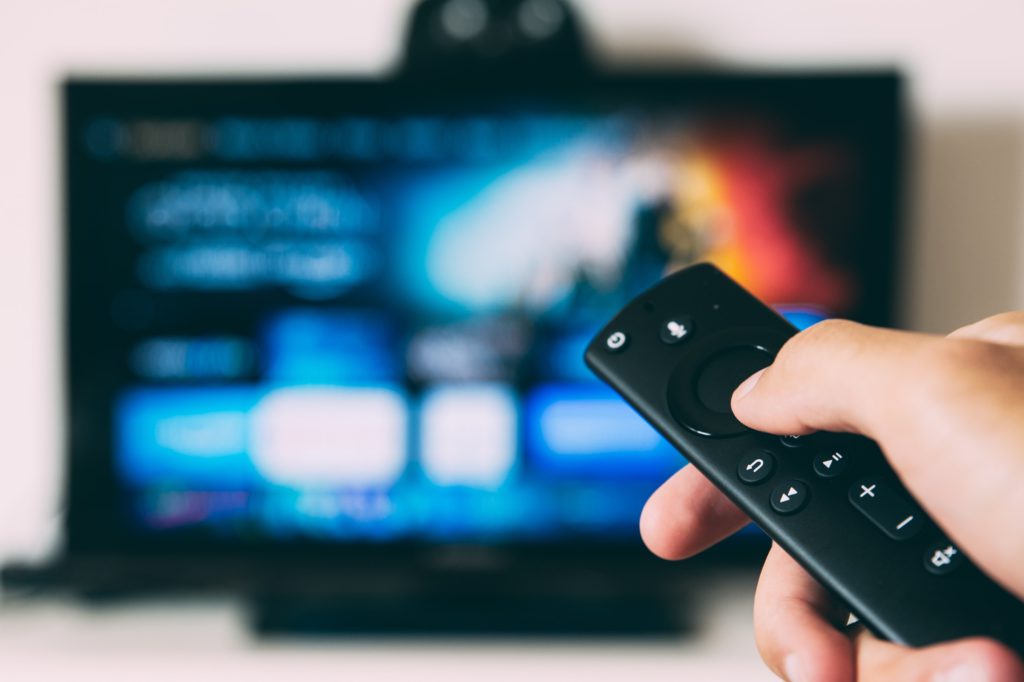
Simply put, a smart TV removes the need for a separate streaming media player.
Instead of adding a Roku or Fire Stick to your TV, a smart TV lets you stream content just by connecting to the internet. That’s because smart TVs run an operating system that provides access to, management of, and playback of digital and internet-based media content, like YouTube and Netflix.
How a Smart TV Works

If you have a broadband connection and an Ethernet or Wi-Fi connection set up for your computer, then your smart TV can use the same connections to stream or browse online content. While an Ethernet cable is the most reliable, Wi-Fi can be more practical if your TV is set in another room or far from your router.
Similar to the apps on a smartphone, your smart TV will display a list of channels and apps available through the on-screen navigation. Some apps are already installed, and more can be downloaded to expand the TV’s functionality. The specifics of how you access and manage your apps on a smart TV will change depending on the model you choose.
The Benefits of a Smart TV
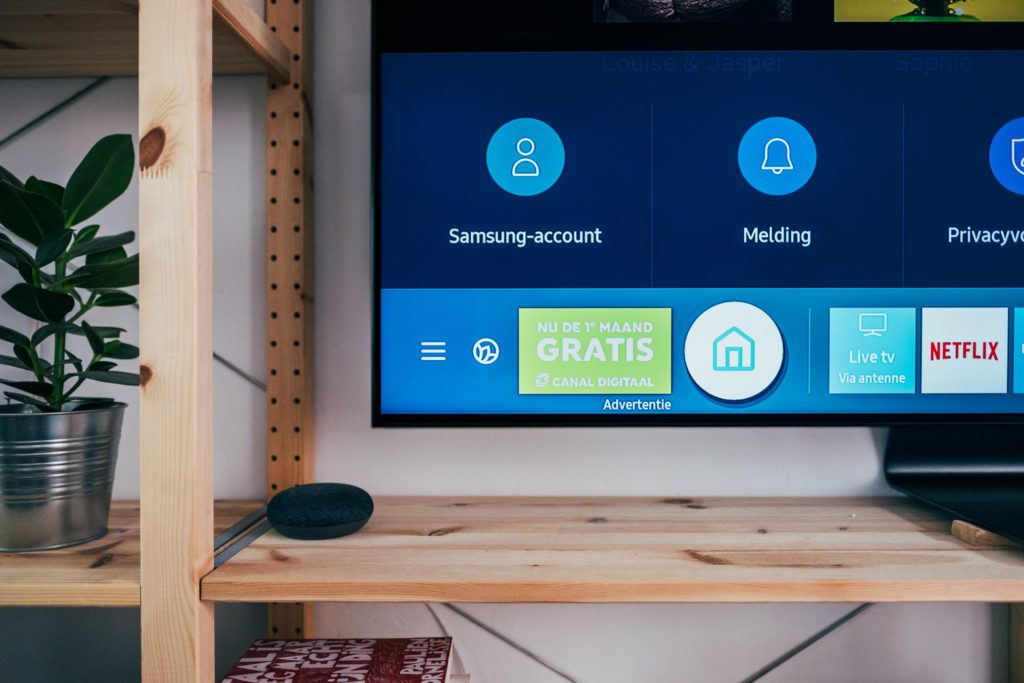
Let’s explore the key advantages of smart TVs:
Convenience
One of the best advantages of a smart TV is that connecting it to your Wi-Fi allows you to instantly start enjoying the numerous free networks and popular streaming apps included with your purchase. The ease-of-use is relatively simple and straightforward, and you can download any compatible apps needed to make your streaming experience better—-no external streaming device required.
Complementary Features
Most smart TV companies offer compatibility features with external audio devices. This means you can connect smart speakers and digital assistants, like Amazon Alex or Google Assistant, and navigate your device using voice commands.
Connecting smart TVs to other home automation devices allows remote control of audio, lighting, and climate control systems.
Connect Other Devices
With a smart TV, you can wirelessly transfer content from your mobile device or PC to the TV screen, so you can enjoy your favorite media on a bigger display. There’s no need for any extra cords when streaming from a smartphone to a smart TV.
Downsides of a Smart TV
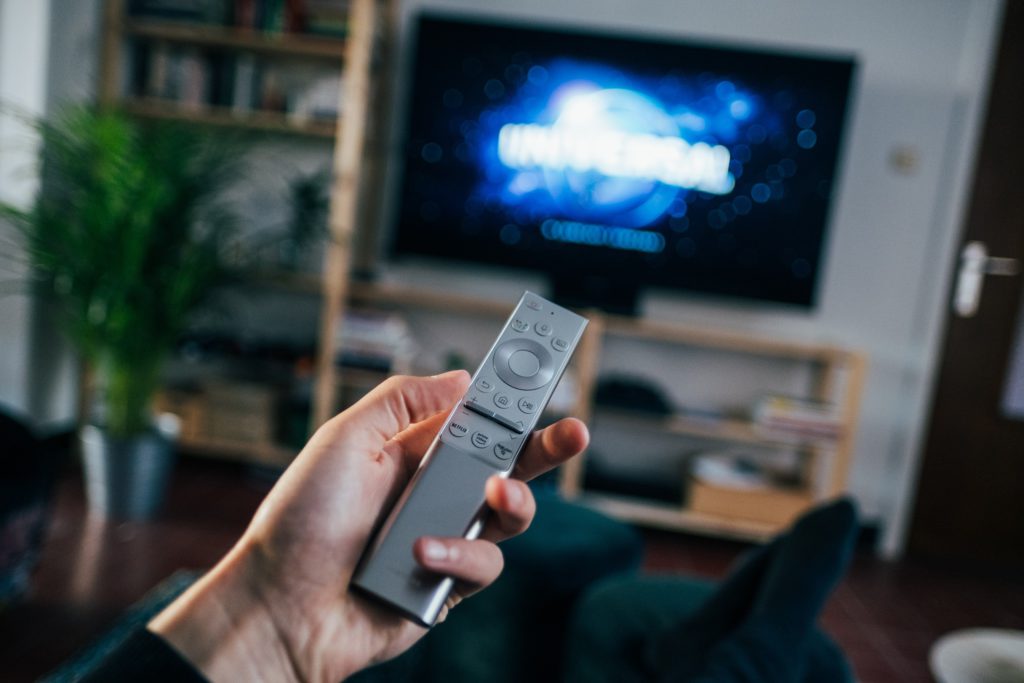
Privacy and Safety Concerns
Whenever a smart TV is connected to the internet, it’s subject to the same security threats as any other connected device. Most mainstream smart TVs do not have built-in cameras, but they do collect viewing data through Automatic Content Recognition (ACR) technology. According to Consumer Reports’ 2025 analysis, major platforms including Google TV, Roku, Samsung, and LG all collect usage data by default—which you can limit through privacy settings. For smart TV models that do include a camera (typically higher-end or video-conferencing-enabled sets), third parties could potentially access those features if the device is compromised.
Degradation in Quality
With a Wi-Fi-dependent device, your streaming service is reliant on a high-quality connection. Your streaming service won’t work if your Wi-Fi router is too far from your smart TV, or if there are any service outages. However, there are a few workarounds, such as moving your Wi-Fi router or setting up additional routers on different levels.
Susceptible to Malfunction
Some smart TVs have a tendency to freeze or crash—especially when performing too many functions at once, such as connecting to the internet, running multiple applications, and listening to voice instructions.
So, how does a smart whiteboard compare?
What Is a Smart Whiteboard?
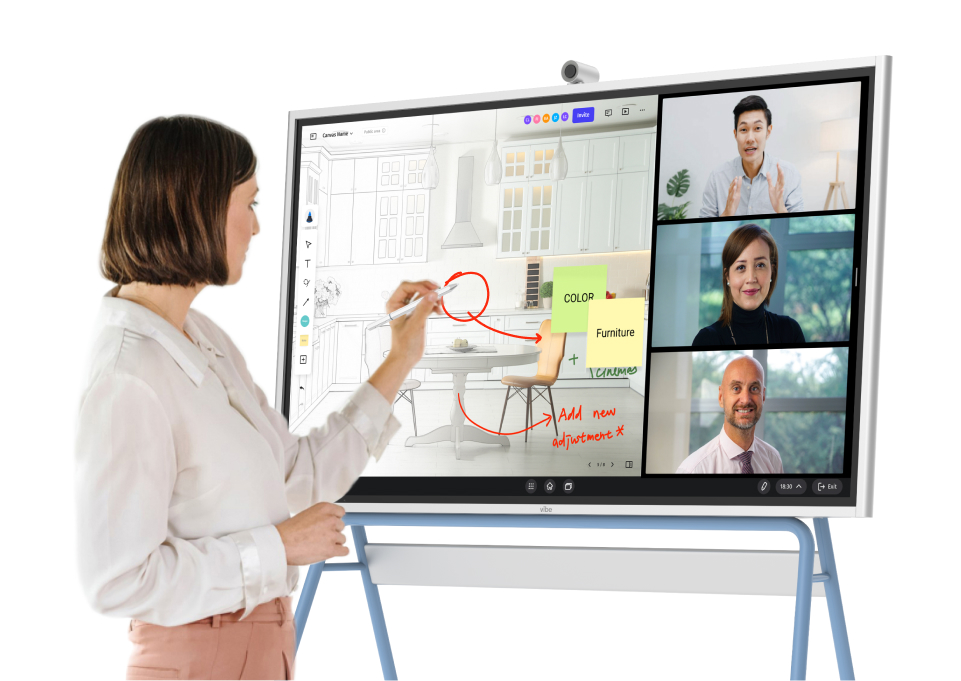
is a touch-enabled interactive whiteboard that can be used for taking notes, drawing diagrams, collaborating over video calls, streaming content, and much more.
Looking to get your PC on the big screen? With smart whiteboards, you can easily cast onto the board using screencasting or using HDMI ports, so that everyone in the room can see what’s important.
In fact, newer models of smart whiteboards, like the Vibe Board, enable multiple participants to collaborate on the board at once, whether it’s multiple participants writing on the touchscreen at the same time, or participants interacting with the board from their own personal device.
How a Smart Whiteboard Works

When we compare the smart TV vs smart whiteboard, one feature that the two have in common is their connection to the internet. Similar to a smart TV, all you need to get started with a smart whiteboard is an outlet and a Wi-Fi connection. Unlike smart TVs, however, many smart whiteboards have an offline mode, so you can stay productive throughout any service outages or poor connections. With large displays, it’s also easy to use smart whiteboards for entertainment.
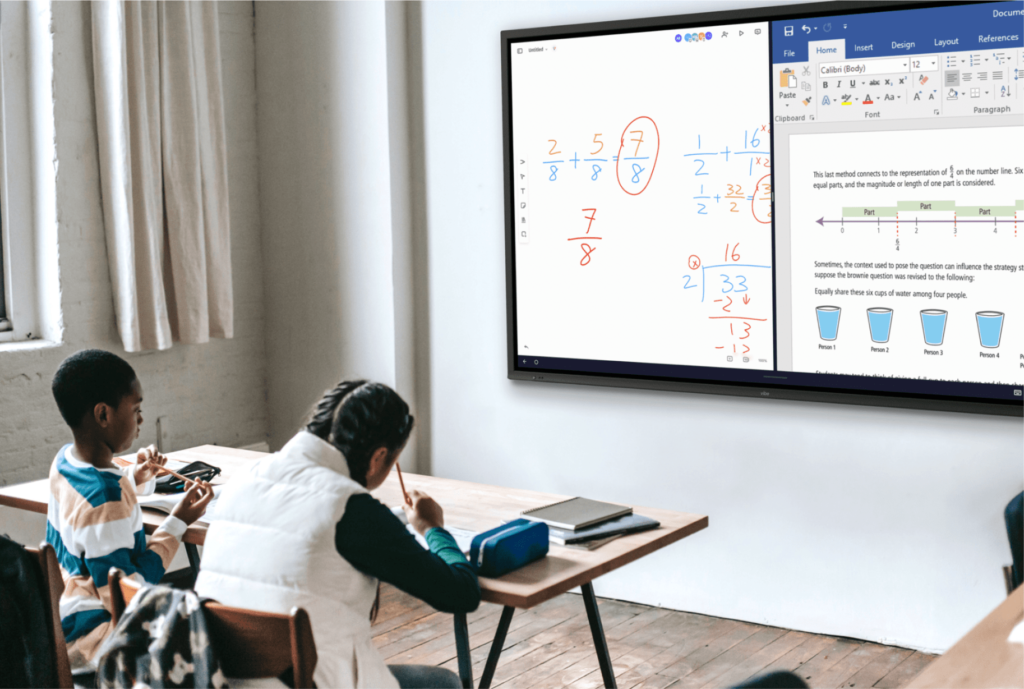
Smart whiteboards can be controlled by touch, with a stylus, or even with apps and remote controls. Teachers appreciate the ease with which they can retrieve and store data, from presentations to lesson plans. Smart whiteboards are also compatible with a wide variety of apps besides streaming, such as PowerPoint, DropBox, Zoom, Slack, Asana, and much more.
Because of this, smart whiteboards have a major advantage over similar options. With users able to draw resources from Chrome, YouTube, Netflix, and Canvas, it’s easy to get your ideas across and keep presentations engaging and interactive.
The Benefits of Using a Smart Whiteboard

Let’s discover the key advantages of using smart whiteboards:
Deliver Engaging Presentations
A smart whiteboard can help you make the most of your visual presentation. With annotation features, split-screen mode, and high interactivity, your presentation can go from a one-sided lecture to a genuinely dynamic conversation. That’s because smart whiteboards are built around collaboration.
Delivering on a smart whiteboard is a fantastic way to get your audience engaged and involved, whether you’re delivering a pitch to potential clients, meeting with your colleagues, or teaching a class.
Increase the Effectiveness of Team Meetings
More often than not, meetings can go off-track. Participants get distracted or bored, and the presentation tools used aren’t effective enough to get ideas across. That all changes with a smart whiteboard. Stay productive by using smart whiteboard software, like Canvas, so everyone can add to the board whether they’re in the conference room or tuning into the meeting remotely.
Some workers tend to dominate meetings, while others don’t contribute at all. Having everyone contribute their ideas and views on an interactive whiteboard is a great way to foster a culture of cooperation. Therefore, not only are meetings more effective, but they make sure everyone is heard, leading to greater discussions and better business.
Boost Confidence and Self-Assurance
Smart whiteboards can facilitate activities like brainstorming, demonstrations, and product debuts by facilitating the sharing of ideas, material, and insights. With streamlined presentations and easy collaboration, any stage fright can quickly fade away when using a smart whiteboard to illustrate your ideas.
Drawbacks of a Smart Whiteboard
There’s no doubt that a smart whiteboard has many benefits—but what about its drawbacks? For some, the higher purchase price is a drawback. In 2026, smart whiteboards typically range from $3,000 to $7,000 for conference room-grade models, with the Vibe Board S1 starting at $3,699 for the 55″ model. Enterprise options from vendors like Cisco or Microsoft can exceed $10,000. That said, smart whiteboards consolidate what would otherwise be a projector, PC, whiteboard, and conferencing setup into one device—which changes the total cost calculation significantly.
Unlike a whiteboard marker or universal TV remote, it may be harder to replace the stylus that comes with your smart whiteboard if lost. Since smart whiteboards are a specific kind of technology, repairs and replacements may be more difficult to come by.
Smart TV vs Smart Whiteboard: Which Is Better?

Now that we’ve covered the advantages and disadvantages of both smart TVs and smart whiteboards—along with their similarities and differences—which one is better when it comes to a smart TV vs smart whiteboard?
The right answer depends on what you need the screen to do.
Choose a smart TV if: You primarily need a display for content consumption—streaming, presenting slides via HDMI, or entertainment in a break room or home. A good smart TV does this well at a lower price point.
Choose a smart whiteboard if: Your team holds regular meetings, brainstorming sessions, or training—especially with hybrid participants. A smart whiteboard like the Vibe Board S1 replaces your projector, traditional whiteboard, and conferencing setup in one device. With 250+ app integrations, 20-point multi-touch, and cloud-saved sessions, it’s built for how teams actually work.
If you’re evaluating options, request a demo to see the Vibe Board S1 in action—or explore our full smart board buying guide to understand the cost landscape before you decide.
FAQs
Can a smart TV be used as a smart whiteboard?
Yes, but only with additional devices. With some innovative devices, it’s possible to use your smart TV as a smart whiteboard. After some set-up, these devices allow you to connect through Bluetooth with a mobile device or computer, place the gadget on your desk, and run the application.
Can you watch TV on a smart whiteboard?
Yes, absolutely! Many smart whiteboards are used as personal entertainment devices for the home or break room. The most popular way to watch TV on these smart whiteboards is to use your preferred streaming service; just download your favorite streaming app from the app store and get started.
What is a smart interactive TV?
Smart interactive TVs are TVs that provide a more interactive experience using online services. Using a smart interactive TV, users can search for content through a set-top box or through certain OS for interactive features. Discover the differences between smart whiteboards vs interactive whiteboards here.
What’s the difference between a smart TV and a smart whiteboard for business meetings?
A: A smart TV can display content but lacks touch interactivity and collaboration features. A smart whiteboard adds multi-touch annotation, real-time co-editing for both in-room and remote participants, and direct integration with conferencing tools like Zoom and Microsoft Teams—making it substantially more effective for hybrid meetings than a smart TV paired with a separate webcam.
Can you write on a smart TV?
Standard smart TVs do not support writing or drawing on the screen. To write on a TV display, you would need a separate device or overlay (such as an interactive overlay kit), but these add complexity and don’t match the touch accuracy of a dedicated smart whiteboard. Smart whiteboards are purpose-built for on-screen annotation with stylus or finger input.