Microsoft has officially ended production of the Surface Hub 3 — and confirmed there will be no Surface Hub 4. As of April 2026, the Surface Hub product line is finished. Software support runs only until December 2030, after which every Surface Hub on your network becomes an unpatched endpoint.
If your organization is evaluating Surface Hub for new rooms, or planning replacements for existing deployments, this guide is for you. We compare the seven best Surface Hub alternatives available right now: side-by-side specs, a 3-year total cost of ownership analysis, and a practical migration framework for enterprise IT teams.
- Surface Hub 3 is discontinued with no successor — replacement planning can't wait
- The leading alternatives offer 37–50%+ lower total cost of ownership over three years
- Open-platform boards natively support Teams, Zoom, Google Meet, and Webex — no single-platform lock-in
- Enterprise migration from Surface Hub to modern alternatives typically completes within 30 days
- AI-powered meeting intelligence (transcription, summaries, action items) is now standard on leading alternatives — Surface Hub had none
Why Enterprises Are Replacing Surface Hub Now
The discontinuation is not a gradual sunset — it is an abrupt end to a product ecosystem that many enterprises built their collaboration infrastructure around. Understanding the full scope matters before you plan your replacement.
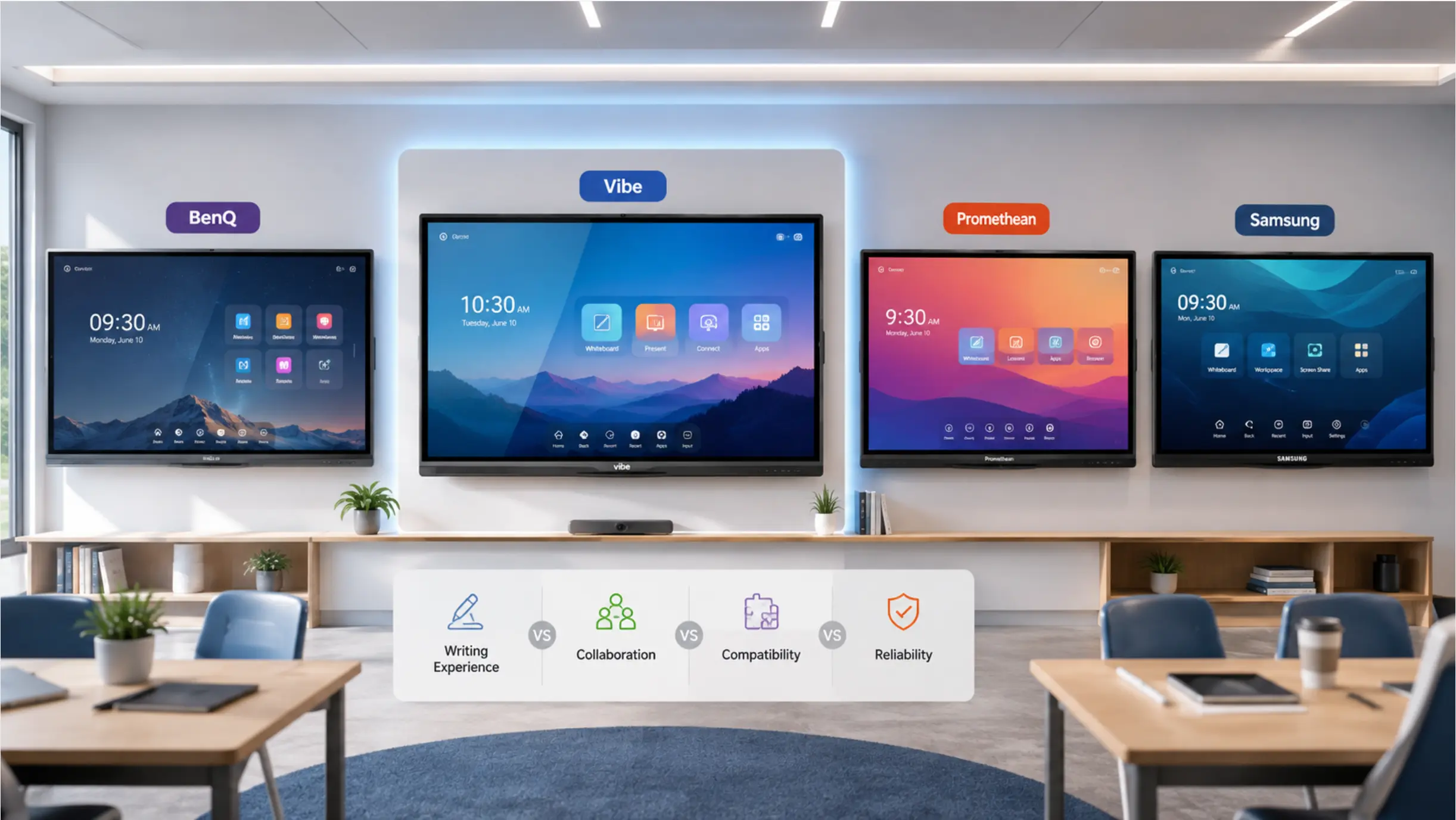 Best Surface Hub alternatives: Vibe Board, BenQ, Samsung WAFX-P
The end-of-life timeline
Microsoft stopped manufacturing the Surface Hub 3 in April 2026 and will provide firmware and driver updates only until December 2030. After that date, Surface Hub devices become permanently unpatched endpoints on your corporate network.
For enterprises subject to compliance frameworks — SOC 2, HIPAA, FedRAMP — running unpatched devices is not merely an inconvenience. It is a compliance violation. The average cost of a single enterprise data breach is $4.45 million (IBM Cost of a Data Breach Report 2024) — far exceeding the cost of replacing even a large Surface Hub deployment.
The hidden cost of Teams-only lock-in
Surface Hub was designed as a Microsoft Teams-first device. While this was marketed as deep integration, it created a single-vendor dependency that is increasingly problematic. According to Gartner’s 2025 Digital Workplace Survey, 73% of enterprises now use two or more video conferencing platforms. A meeting room that works well only with Teams fails 30–40% of the time for organizations with diverse collaboration needs.
The lock-in also carried ongoing licensing costs most buyers didn’t fully account for at purchase: Teams Rooms Pro licensing at $40 per device per month ($480/device/year), plus Surface Hub-specific cameras and accessories. Over a 10-device, 3-year deployment, that’s $14,400 in licensing alone — before hardware, installation, or support.
The feature gap is widening every month
While competitors are shipping AI-powered transcription, real-time meeting summaries, and cross-session memory, Surface Hub is frozen in its final software state. Every month that passes, the gap between a Surface Hub room and a modern meeting room grows wider.
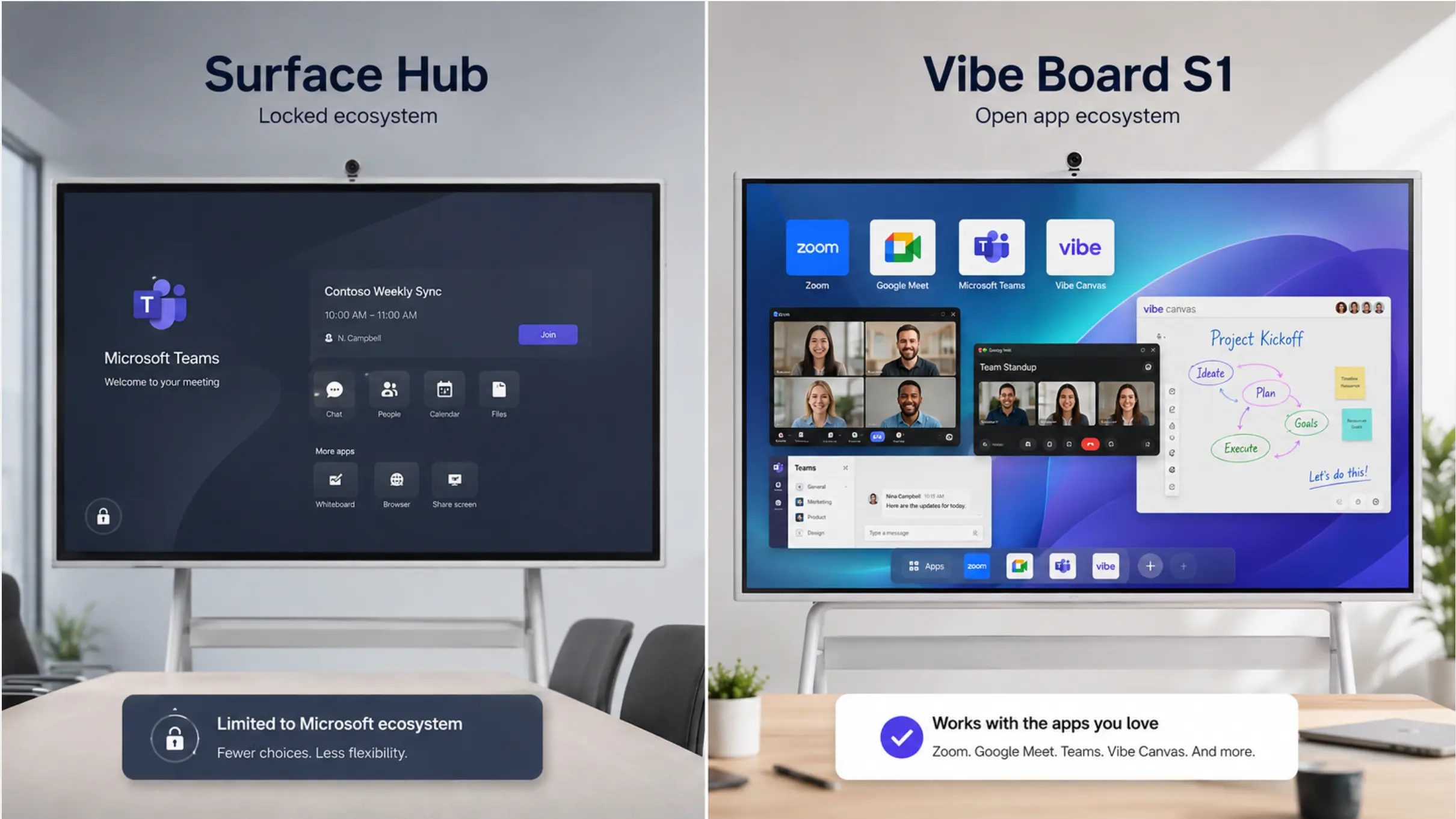 Surface Hub's locked Teams interface vs. Vibe Board S1's open app ecosystem with Zoom, Meet, Teams, and Vibe Canvas
At a Glance: Surface Hub Alternatives Comparison
|
Product |
Sale Price |
OS |
Platform & Ecosystem |
Best For |
|---|---|---|---|---|
|
Vibe Board S1 |
From $3,699 |
VibeOS (ChromeOS) |
Teams, Zoom, Meet, Webex + 250+ apps (Figma, Slack, Miro, Asana…) + Vibe Canvas cross-device whiteboard + Google Play Store |
Best overall — open ecosystem |
|
Vibe Board S1 Pro |
From $5,699 |
Windows 11 Pro |
Teams, Zoom, Meet, Webex + full Windows app ecosystem (Bluebeam, AutoCAD, Revit, Salesforce, Adobe CC…) + Vibe Canvas + Microsoft Intune / Azure AD / Okta SSO |
Enterprise Windows + industry software |
|
BenQ Board Pro RP05 |
~$3,500+ |
Android 15 |
Teams, Zoom, Meet + Google Play + BenQ EZWrite |
AI-powered education |
|
Samsung WAFX-P |
Quote required |
Android 15 |
Teams, Zoom, Meet + Google Classroom / Drive |
Built-in camera rooms |
|
DTEN D7 |
~$3,000–8,500 |
Android |
Zoom Rooms (certified) · Teams · Meet |
Zoom-first rooms |
|
Neat Board |
~$2,999+ |
NeatOS |
Zoom Rooms · Teams Rooms (certified only) |
Simple plug-and-play |
|
Promethean ActivPanel |
~$4,000–6,500 |
Android |
Teams, Zoom, Meet + ActivInspire software |
Training + L&D rooms |
1. Vibe Board S1 / S1 Pro — Best Overall Surface Hub Alternative
Sale price: from $3,699 (S1 55″) · $7,299 (S1 75″) · from $5,699 (S1 Pro) Sizes: 55″ and 75″ OS: VibeOS based on ChromeOS (S1) · Windows 11 Pro (S1 Pro)
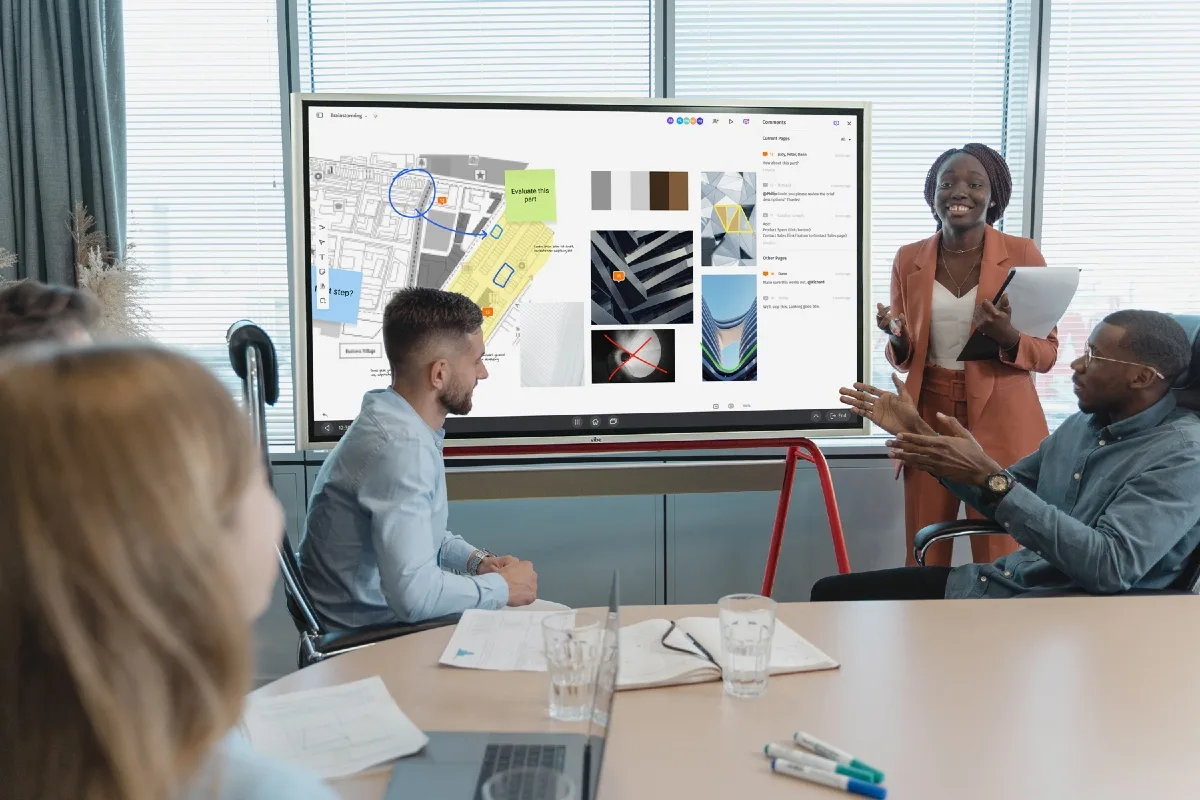 Team using Vibe Canvas on Vibe Board for whiteboarding and collaboration
Surface Hub’s core promise was a room device that could handle meetings, whiteboarding, and collaboration in one box — but it required you to build your entire workflow around Microsoft. Vibe Board S1 delivers on that same promise without the lock-in, at roughly 50% lower cost for a comparable 75″ configuration.
Trusted by 40,000+ businesses and ranked Amazon’s #1 Best Seller in 2026, the S1 series is the most field-validated Surface Hub replacement on this list.
The collaboration layer Surface Hub never had: Vibe Canvas
Surface Hub’s whiteboard lived on the device. Walk out of the room, and collaboration stopped.
Vibe Canvas is an infinite-canvas whiteboard that persists across every device — iPad, laptop, phone, or another Vibe Board in a different office. A designer sketches ideas on the board in the morning; a remote teammate builds on it from their tablet that afternoon; a stakeholder reviews and comments from their phone that evening. The canvas carries context forward — no one starts over on Monday.
This is the collaboration model hybrid teams actually need, and it ships with every Vibe Board at no extra cost.
250+ app ecosystem — your actual workflow, not a Microsoft-only one
Surface Hub ran a locked-down environment built primarily for Teams and Office. Any non-Microsoft tool — Zoom, Google Meet, Figma, Miro, Slack, Salesforce — was friction.
Vibe Board gives you 250+ fully vetted apps through the Vibe Store and Google Play. Zoom, Teams, Google Meet, Webex, Figma, Miro, Asana, Slack, Google Classroom, Salesforce, Adobe — all installable with a single tap, using your existing licenses. No platform lock-in. No per-room licensing fee for basic functionality.
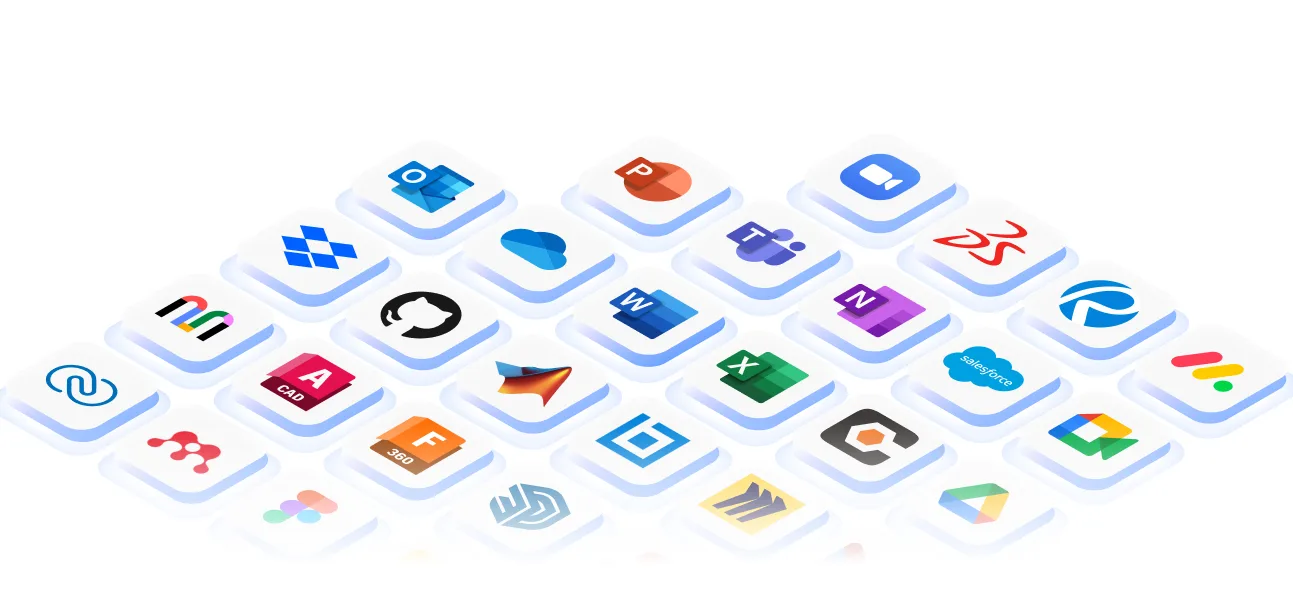 250+ apps supported by Vibe Board
Level Up Your Conference Room: Better Cameras, Smarter Meetings
If you’re outfitting a new office or upgrading an existing conference room, Vibe Board gives you a solid foundation — and room to grow.
For teams that need a dedicated meeting camera, the optional Vibe Smart Camera adds 4K video with a 6-mic array, AI auto-framing, beamforming, and noise cancellation. For teams that want AI meeting intelligence on top of that — automatic transcription, meeting summaries, action item extraction, and cross-session memory — the optional Vibe Bot pairs with your Vibe Board and connects to Vibe AI, Vibe’s cross-session AI SaaS platform.
Neither was available on Surface Hub at any price point. With Vibe, you start with what you need today and add capability as your team grows into it.
Choose your OS: ChromeOS or full Windows 11 Pro
Vibe Board S1 (VibeOS / ChromeOS) — from $3,699
Fast, secure, and open. Runs Chrome Web Store and Google Play, supports Google Workspace natively, handles Microsoft 365 through Chrome or the Android app. Wi-Fi 6, Bluetooth 5.2, 3 USB-C ports. Right for teams running mixed or Google-first environments.
Vibe Board S1 Pro (Windows 11 Pro) — from $5,699
For teams that need real Windows on a 4K touchscreen. Intel Core i7-1255U, 16GB RAM, 512GB storage — handles Bluebeam, AutoCAD, Revit, Salesforce, Adobe Creative Cloud, and any other Windows-native software without compromise. Wi-Fi 6E (6 GHz band), Bluetooth 5.3, 4 USB-C ports. Enterprise IT teams get Microsoft Intune for device management, SSO via Okta or Azure AD, and Q-SYS certified AV integration. The device for AEC firms, legal teams, healthcare, and any organization where industry-specific Windows software is non-negotiable.
 Vibe Board S1 Pro in a large meeting room with Vibe Canvas open, showing remote team members collaborating from different devices on the same infinite canvas
Hardware specs vs. Surface Hub:
|
Spec |
Vibe Board S1 |
Vibe Board S1 Pro |
Surface Hub 2S |
|---|---|---|---|
|
Touch refresh rate |
130Hz |
130Hz |
60Hz |
|
Touch points |
20 |
20 |
20 |
|
OS |
VibeOS (ChromeOS) |
Windows 11 Pro |
Windows Team |
|
Wi-Fi |
Wi-Fi 6 |
Wi-Fi 6E |
Wi-Fi 5 |
|
Per-device license |
None |
None |
Teams Rooms $40/mo |
|
Teams support |
Native |
Native |
Native |
|
Zoom support |
Native |
Native |
Limited |
|
Google Meet |
Native |
Native |
No |
The optional Vibe Smart Camera ($399 on sale) adds 4K video with a 6-mic array, AI auto-framing, beamforming, and noise cancellation — field-configurable for any room setup.
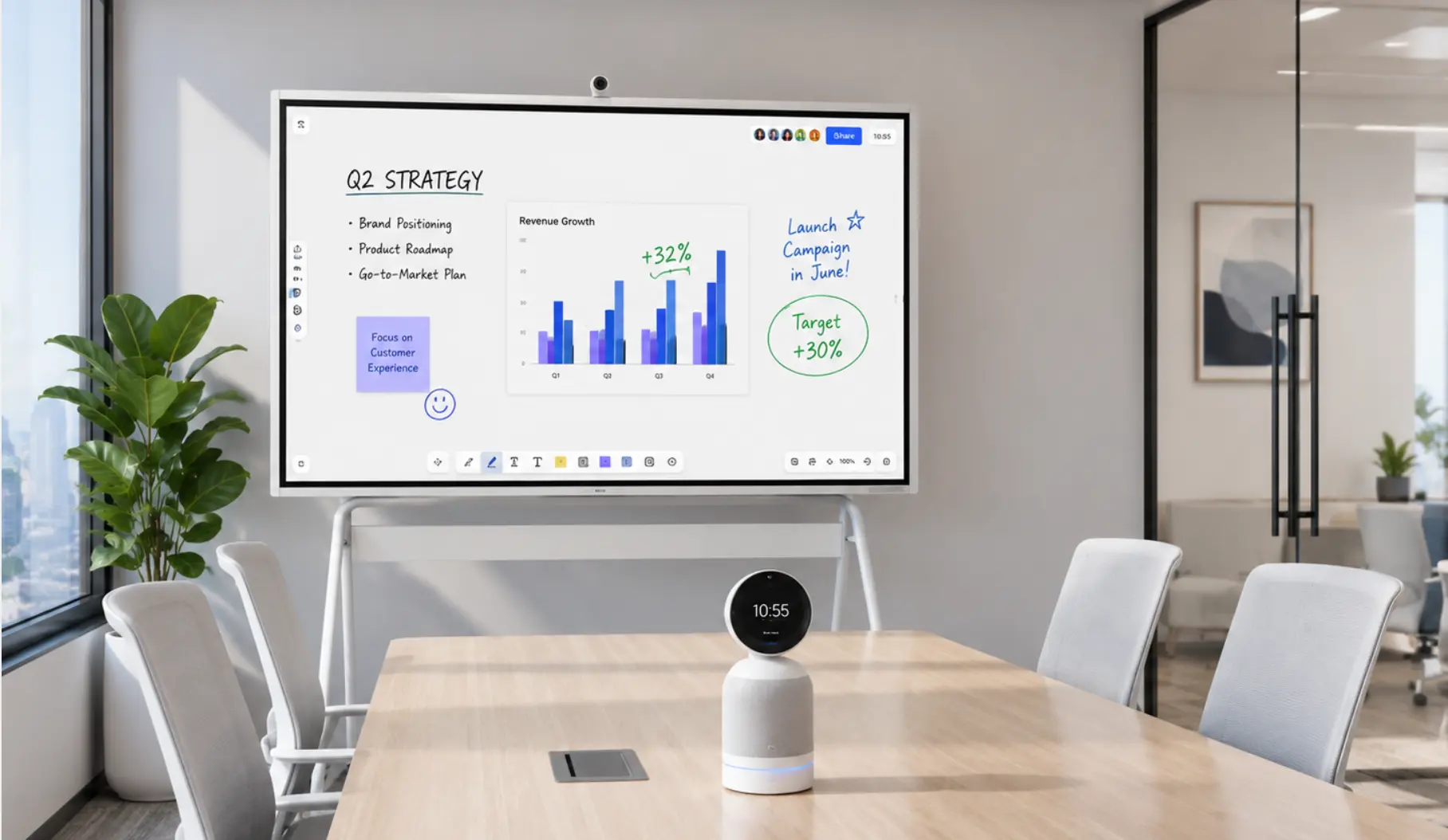
Best for: Any team replacing Surface Hub that wants an open ecosystem, real cross-device collaboration, and the choice of ChromeOS or full Windows 11 Pro. The S1 Pro is the direct replacement for AEC, legal, healthcare, and enterprise teams running Windows-native software.
Potential limitation: Neither S1 nor S1 Pro has a built-in camera — the Vibe Smart Camera is an optional add-on. For full all-in-one video, budget for the camera bundle.
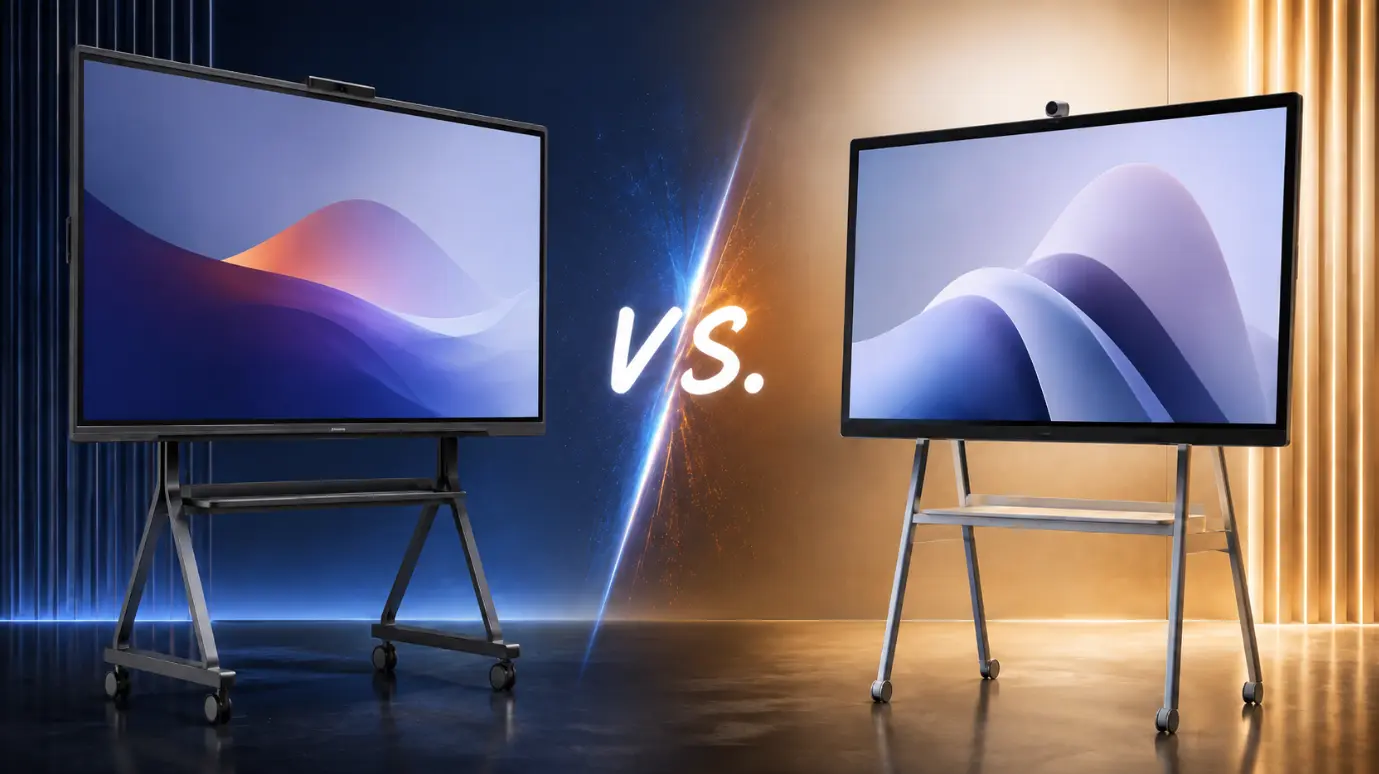
2. BenQ Board Pro RP05 — Best for AI-Ready Education
Starting price: ~$3,500+ (86″ available now; 65″ and 75″ in market) Sizes: 65″, 75″, 86″ OS: Android 15
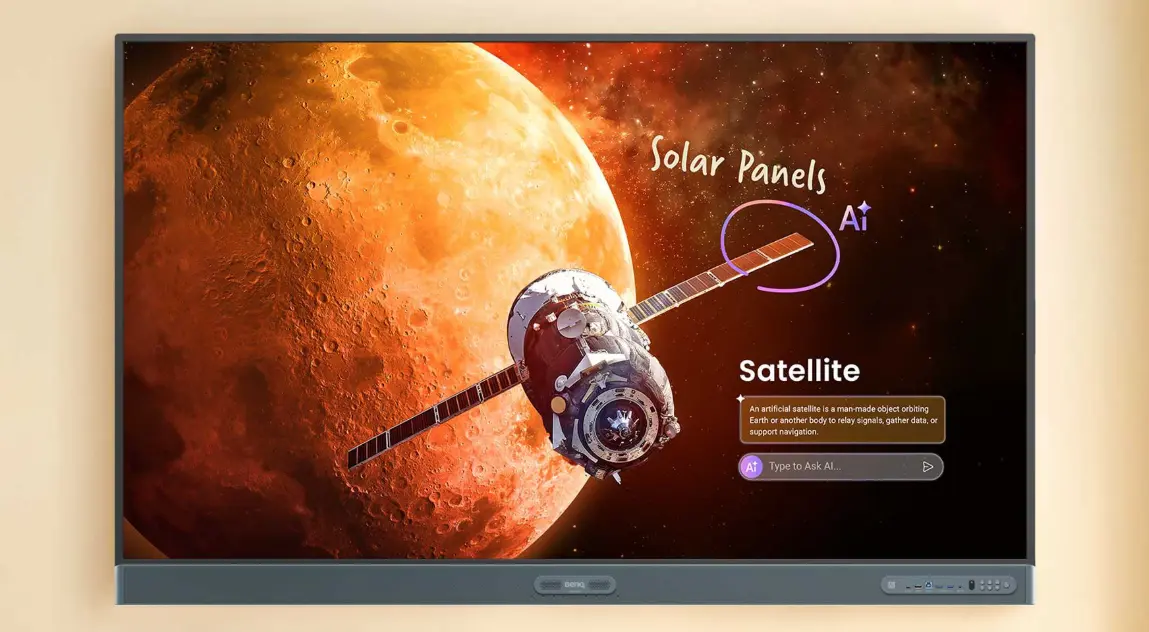
BenQ introduced the Board Pro RP05 as its most advanced AI-ready interactive display, featuring a 10 TOPS NPU (Neural Processing Unit) built into the MediaTek Genio 720 chipset — 16GB DDR5X RAM, 256GB storage, and on-device generative AI that runs without an internet connection.
The RP05 ships with EZWrite 6 whiteboarding and InstaShare wireless screen sharing. The ClassroomCare suite adds Eyesafe 3.0 certification, germ-resistant surfaces, and a real-time air quality sensor (CO₂, PM2.5, TVOC) — features purpose-built for high-occupancy education environments with no equivalent in Surface Hub.
Best for: Schools and universities prioritizing AI-assisted lesson planning, Google EDLA certification, and offline AI capabilities.
Potential limitation: BenQ’s software ecosystem is education-optimized; enterprise teams needing deeper cross-platform business integrations may find Vibe’s open ecosystem more flexible. AI features are on-device but limited to BenQ’s own tools — no equivalent to Vibe Bot’s cross-platform meeting intelligence.
3. Samsung WAFX-P — Best Built-In Camera Option
Sizes: 65″, 75″, 86″ OS: Android 15 (Google EDLA certified)
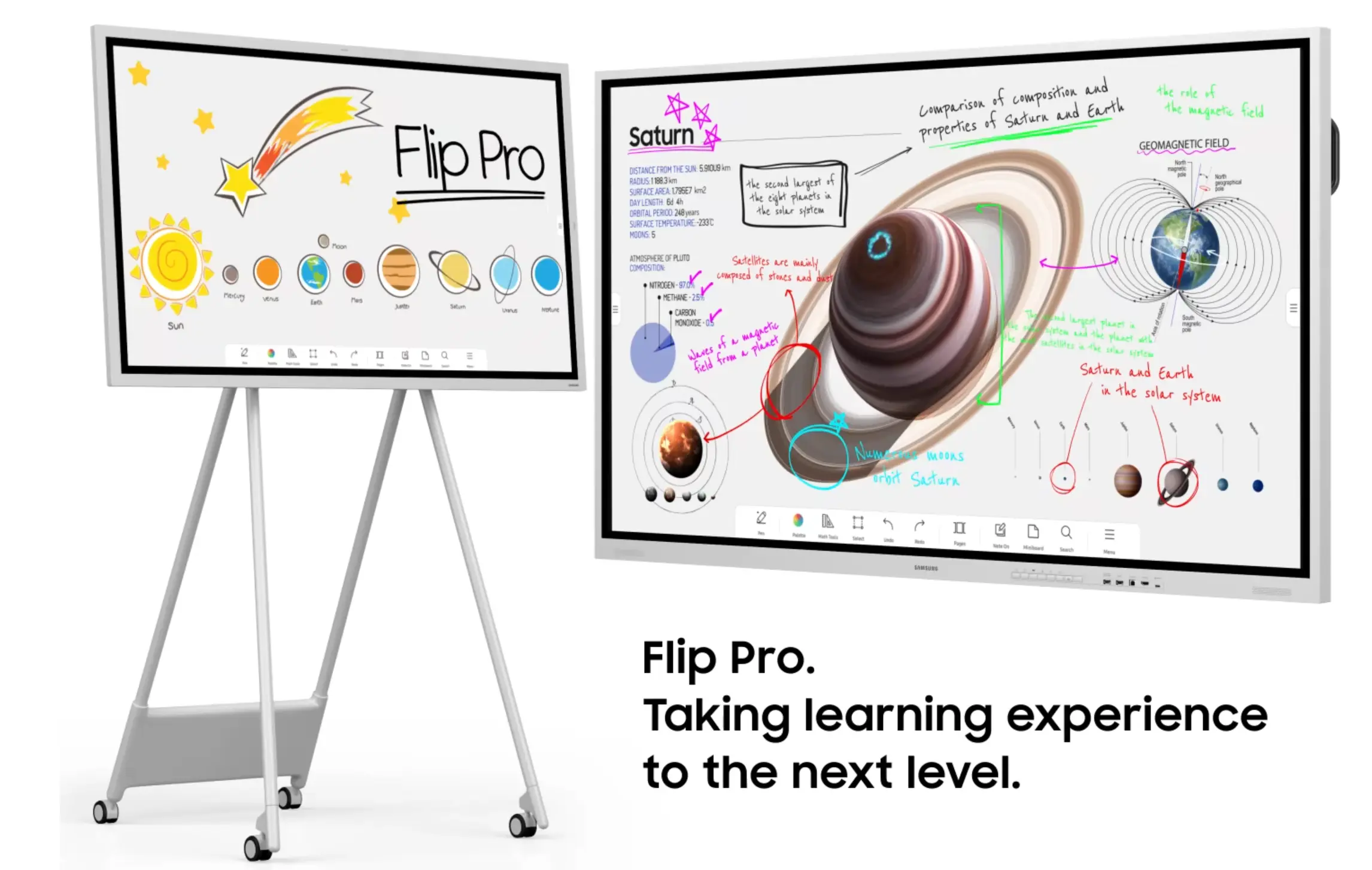
Samsung launched the WAFX-P in February 2026 as its premium interactive display for education and enterprise. The headline differentiator is a built-in 48MP camera with Auto Framing that keeps the active speaker in view, integrated microphones with a 10-meter pickup range, and dual 20W speakers with a woofer — all without a separate camera purchase.
The WAFX-P supports simultaneous screen sharing from up to 9 devices, multi-touch for up to 50 users via OPS connection, and integrates with Google Classroom and Google Drive natively. AI features — Circle to Search, AI Summary, Live Transcript — are rolling out via software update through 2026.
Best for: Conference rooms and classrooms that want an all-in-one video calling setup with no separate camera installation.
Potential limitation: Enterprise pricing requires a quote rather than a public MSRP. AI features are still in rollout via software updates — not available at hardware launch.
4. DTEN D7 — Best for Zoom-First Rooms
Price: ~$3,000–$8,500 depending on size and configuration Sizes: 55″, 75″ OS: Android

DTEN made its name as a Zoom-first hardware partner, and the D7 reflects that heritage with tightly integrated cameras and microphones that simplify room setup and deliver a polished native Zoom Rooms experience. For organizations that have standardized entirely on Zoom, the D7 removes almost all IT configuration friction.
Best for: Organizations where 90%+ of meetings run on Zoom and setup simplicity is the top priority.
Potential limitation: The D7 creates a similar platform lock-in concern as Surface Hub — optimized for Zoom, less refined with Teams or Google Meet. A fully configured 75″ D7 can approach $8,500, narrowing the cost advantage over Vibe Board while offering less platform flexibility.
5. Neat Board — Best for Simple Plug-and-Play Rooms
Starting price: ~$2,999+ (50″) · $6,190 (65″) OS: NeatOS
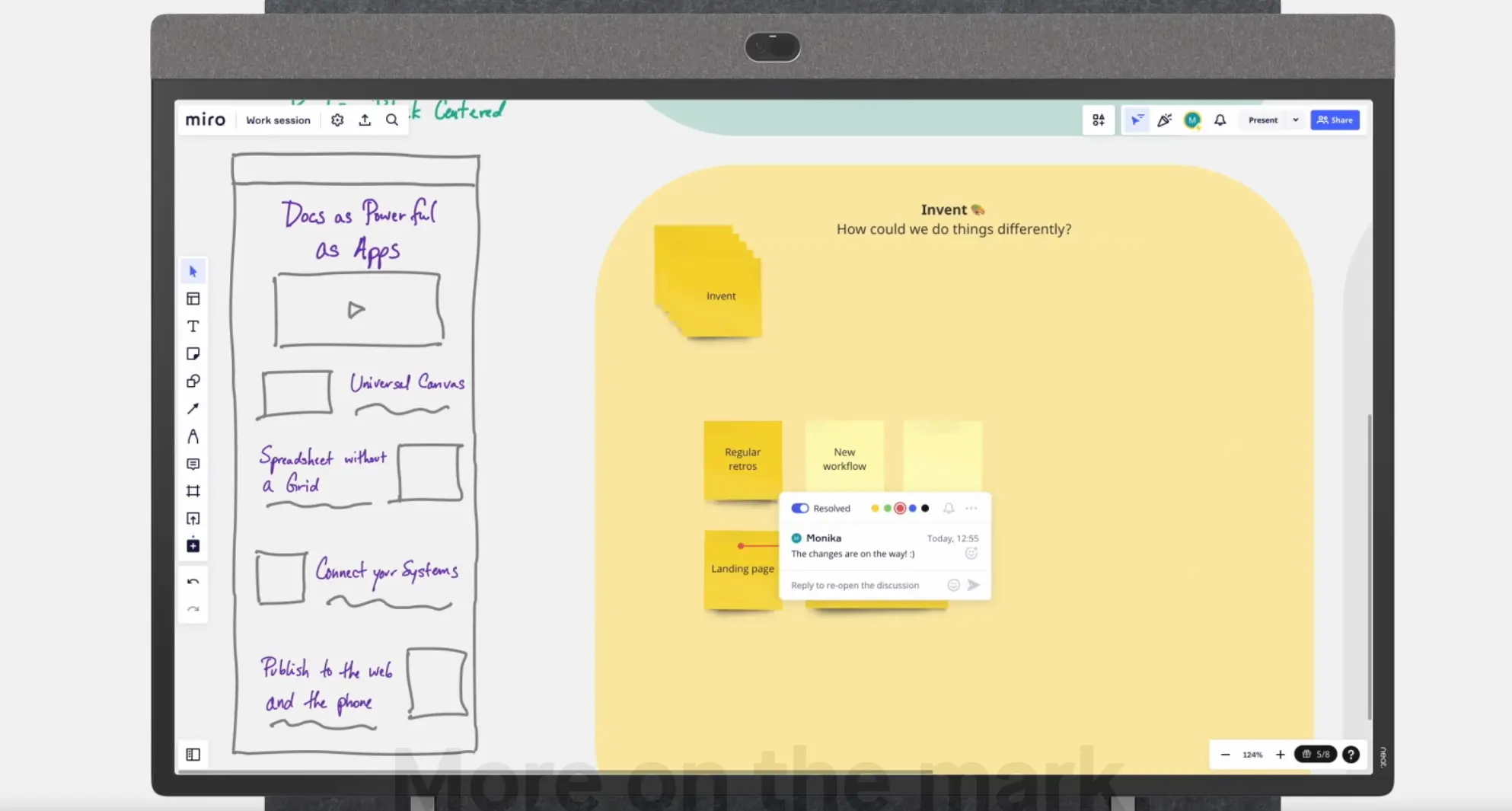 Neat Board 65
Co-founded by former Tandberg and Cisco engineers, Neat builds video conferencing appliances with exceptional auto-framing camera technology. The Neat Board ships as a plug-and-play endpoint: connect it to your Zoom Rooms or Teams Rooms account and the room is ready. No IT configuration overhead.
Best for: SMBs and organizations that primarily need a reliable, simple video room appliance without whiteboarding complexity.
Potential limitation: NeatOS is a locked-down system with no general app store. The Neat Board is an excellent video appliance, but not a full collaboration or whiteboarding platform. A single size option (65″) limits suitability for larger conference rooms.
6. Promethean ActivPanel — Best for Enterprise Training Rooms
Price range: ~$4,000–$6,500 depending on configuration OS: Android
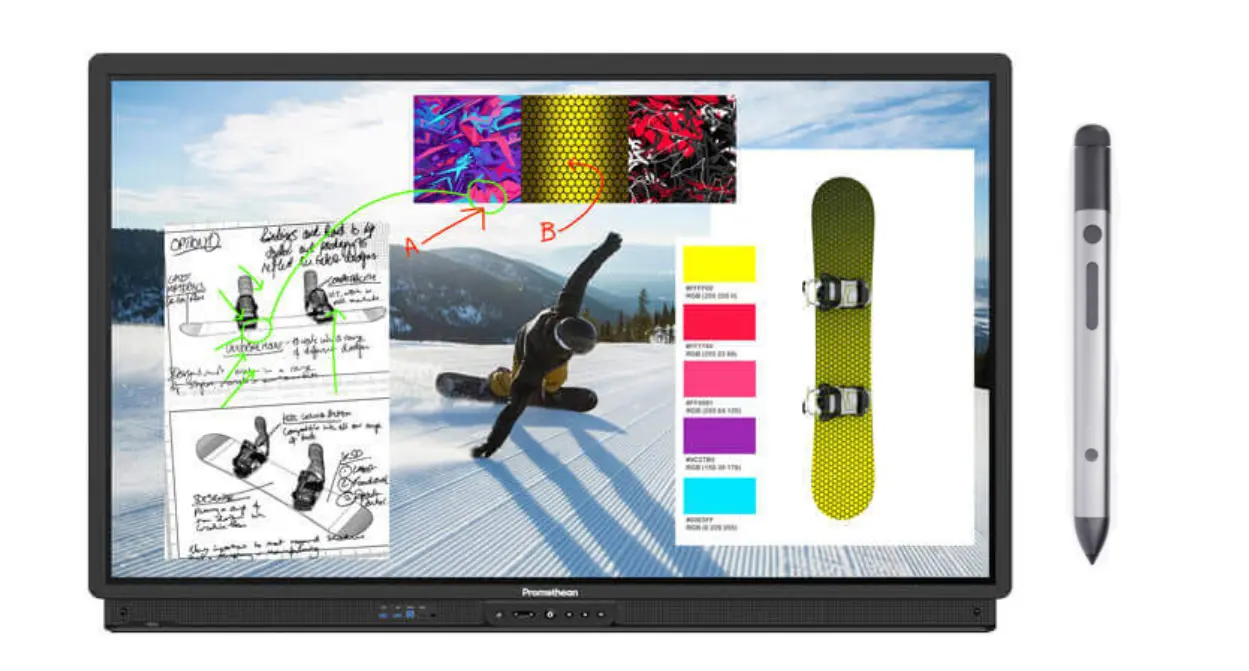 Promethean ActivPanel
Promethean has deep roots in education technology, and the ActivPanel brings that heritage to enterprise training environments with excellent whiteboarding, annotation capabilities, and durable build quality. For L&D departments and workshop-format sessions with heavy annotation needs, the ActivPanel is a strong fit.
Best for: Enterprise training rooms, L&D departments, and workshop-style sessions where annotation and multi-user interaction are the primary use case.
Potential limitation: Weaker video conferencing integration compared to UC-focused devices; no AI meeting features; device management tools are geared toward education rather than enterprise IT.
7. Google Meet Series One Board 65 — Best for Pure Google Workspace Teams
Starting price: ~$7,200+ Size: 65″ OS: ChromeOS
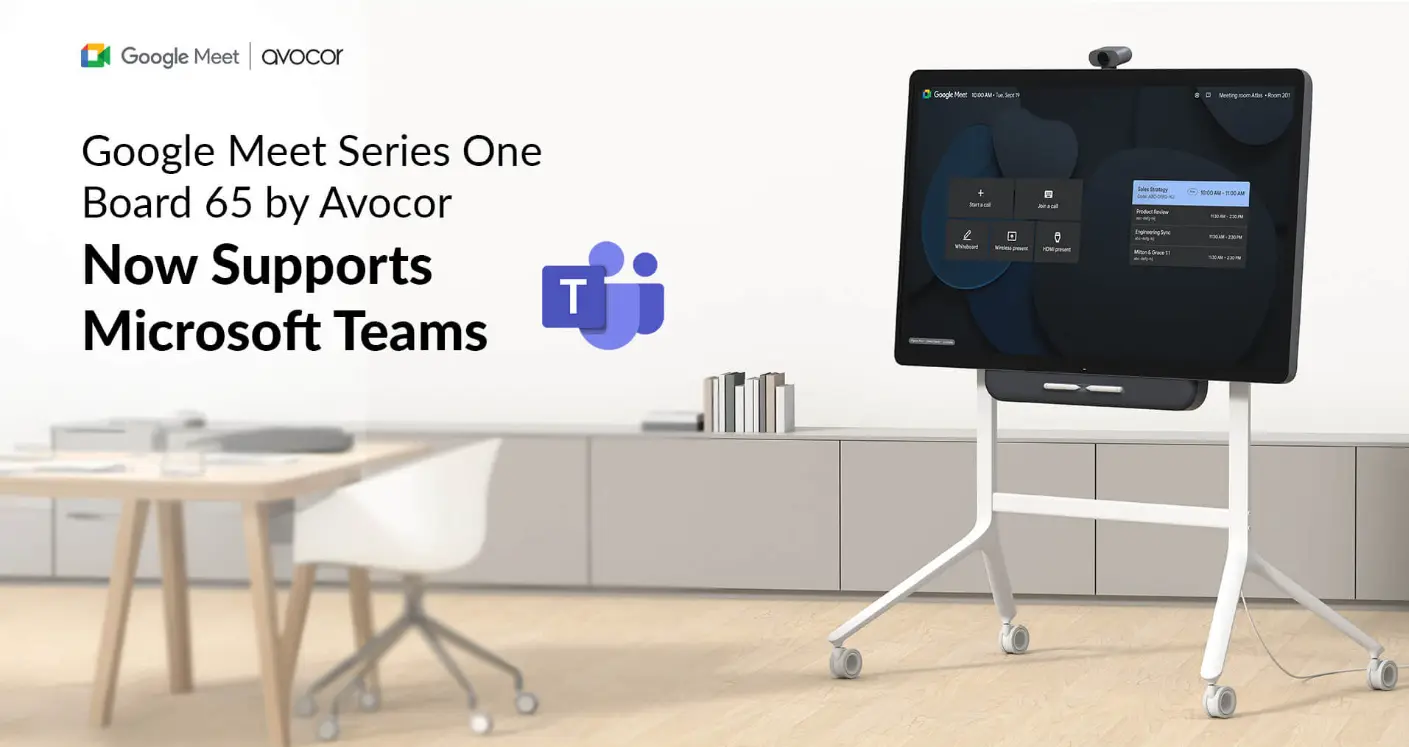 Google Meet Series One Board 65
Developed in partnership with Avocor, the Google Meet Series One Board 65 is purpose-built for Google Workspace environments. ChromeOS, native Google Meet support, and seamless Calendar, Drive, and Classroom integration make it a natural fit for organizations already standardized on Google.
Best for: Organizations 100% standardized on Google Workspace with no Microsoft or Zoom dependency.
Potential limitation: At $7,200+, it’s priced in Surface Hub territory while being more limited in ecosystem flexibility. For teams that also use Microsoft or Zoom workflows, Vibe Board S1 (also ChromeOS-based) offers broader app support at lower cost.
Total Cost of Ownership: 3-Year Analysis
Sticker price tells only part of the story. For enterprise procurement teams, software licensing, installation, ongoing support, and hidden costs accumulate significantly over a multi-year deployment.
This model covers a realistic 10-unit enterprise deployment over three years.
Software licensing: where the gap becomes dramatic
Surface Hub required Teams Rooms Pro licensing at $40 per device per month — $480/device/year. For 10 devices over three years: $14,400 in licensing alone, before hardware, installation, or support. Many organizations added Microsoft 365 E5 licenses on top for enhanced security.
Vibe Board S1 has no per-device subscription for core functionality. Teams, Zoom, Google Meet, and Webex run natively using your existing platform licenses. Vibe Bot AI features are included with the hardware.
Installation and mounting
Surface Hub’s proprietary mounting system required specialized hardware ($500–800/unit) and professional installation ($300–500/unit due to weight and power requirements). Vibe Board uses standard VESA mounting — existing TV mounts and wall infrastructure can often be reused, and installation is straightforward enough for internal IT teams.
10-unit, 3-year TCO comparison
|
Cost Category |
Surface Hub 2S (10 units) |
Vibe Board S1 (10 units) |
|---|---|---|
|
Hardware (10 units) |
$89,990 |
$72,990 |
|
Compute Cartridge |
$7,990 |
$0 |
|
Mounting / Installation |
$10,000 |
$4,000 |
|
Teams Rooms Pro License (3yr) |
$14,400 |
$0 |
|
Extended Warranty (3yr) |
$15,000 |
$5,000 |
|
IT Support (est. 3yr) |
$0 (included) |
$4,000 |
|
Total 3-Year TCO |
$137,380 |
$85,990 |
|
Cost per room per year |
$4,579 |
$2,866 |
|
3-Year Savings |
— |
$51,390 (37.4%) |
The 37% savings figure is conservative. Organizations replacing Surface Hub 2S 85″ models ($21,999 each) see savings exceeding 60%. This analysis also does not account for productivity gains from Vibe Bot’s AI meeting features — enterprise customers report 15–20 minutes saved per meeting in note-taking and follow-up time.
Migration Guide: Replacing Surface Hub in 30 Days
Replacing Surface Hub is not just a hardware swap — it is a workflow transition that affects every meeting room user in your organization. A successful migration requires planning across three dimensions.
Step 1: Audit your current Surface Hub usage (Week 1)
Before selecting a replacement, map your current environment:
-
Which conferencing platforms do your teams actually use? If the answer is "mostly Teams, but also Zoom for external meetings and Google Meet for certain partners," you need an open platform.
-
What peripherals are connected? External cameras, room sensors, and scheduling panels may need compatibility verification.
-
How are devices managed? If you use Intune, you will transition to the replacement’s management console (Vibe MDM for Vibe, etc.).
-
What whiteboarding workflows exist? Teams that heavily use Surface Hub’s built-in whiteboard need equivalent capability on the new platform.
Step 2: Procurement and site preparation (Week 1)
Vibe Board uses VESA mounting (600×400mm for the 75″), compatible with most commercial display mounts. Existing wall anchors and electrical outlets can typically be reused. Surface Hub used a proprietary mount — the mount itself will need to be replaced, but the wall infrastructure can stay.
Step 3: Hardware installation (Week 2)
For a 10-unit deployment, plan 2–3 days of installation. Vibe’s enterprise team offers on-site deployment services with dedicated implementation engineers who handle installation, configuration, and initial training.
Step 4: Software configuration and integration testing (Week 3)
-
Enroll devices in Vibe MDM (or Microsoft Intune for S1 Pro)
-
Configure SSO via Okta or Azure AD
-
Set up conferencing platform accounts (Teams, Zoom, Google Meet)
-
Test peripheral compatibility (cameras, room sensors, scheduling panels)
-
Verify Microsoft Whiteboard content migration — existing content is stored in the cloud and accessible from any device through the Microsoft Whiteboard app
Step 5: Training and go-live (Week 4)
The transition is typically faster than expected. Android-based interfaces are familiar to most users, and multi-platform support means people can use whichever conferencing tool they already know. Vibe provides on-site training for enterprise deployments, self-service video tutorials, and a dedicated customer success manager for organizations deploying 10+ units.
On Teams licensing: You do not need a Teams Rooms Pro license ($40/device/month) to run Teams on Vibe Board. The standard Microsoft Teams app is covered by your existing Microsoft 365 licenses. This alone saves $480 per device per year — $14,400 over three years for a 10-unit deployment.
How to Choose the Right Surface Hub Replacement
Choose Vibe Board S1 (from $3,699) if:
-
You want an open ecosystem with 250+ apps including Zoom, Teams, Google Meet, Figma, Slack
-
Your team is hybrid and needs real cross-device collaboration via Vibe Canvas
-
You run Google Workspace or a mixed-tool environment
-
You want AI meeting intelligence (transcription, summaries, action items) via Vibe Bot
Choose Vibe Board S1 Pro (from $5,699) if:
-
You need full Windows 11 Pro with industry software: Bluebeam, AutoCAD, Revit, Salesforce, Adobe CC
-
Your IT team manages devices via Microsoft Intune or Azure AD / Okta SSO
-
You’re in AEC, legal, healthcare, or enterprise and need Windows-native workflows on a 4K touchscreen
-
You want Q-SYS certified AV integration and Wi-Fi 6E
Choose BenQ RP05 if:
-
You’re in K–12 or higher education and want on-device AI for lesson planning
-
Google EDLA certification and offline AI capabilities are a priority
Choose Samsung WAFX-P if:
-
Built-in 4K camera and all-in-one video calling setup matter most
-
You’re equipping multiple rooms and want Samsung’s device management ecosystem
Choose DTEN D7 if:
-
Your organization has standardized entirely on Zoom Rooms
Choose Neat Board if:
-
You need a simple, certified video room appliance with minimal IT overhead
Choose Promethean ActivPanel if:
-
Your primary use case is enterprise training and L&D with heavy annotation workflows
The Bottom Line
Microsoft’s exit from the interactive display hardware market is an opportunity. Surface Hub was always an expensive, narrow-ecosystem device that required heavy Microsoft commitment and carried recurring licensing costs that were easy to underestimate. The alternatives available in 2026 are faster, more open, more capable — and save enterprise buyers an average of 37% over three years.
For most teams evaluating a Surface Hub replacement, Vibe Board S1 (from $3,699 — ChromeOS, 250+ apps, Vibe Canvas cross-device collaboration, Vibe Bot) or Vibe Board S1 Pro (from $5,699 — full Windows 11 Pro, Intel i7, industry software support, Intune management) is the strongest starting point. Both cost less than half a comparable Surface Hub configuration, support every major meeting platform natively, and ship with collaboration and AI capabilities that Surface Hub never offered.
Request a demo of Vibe Board or get a quote for your conference rooms — our enterprise team can help you plan your Surface Hub migration.
Frequently Asked Questions
Is Microsoft Surface Hub still available?
Microsoft has ended production of the Surface Hub 3, with no plans to make more and no Surface Hub 4 in development. (Windows Central) Some units remain available through Microsoft and third-party retailers while stock lasts. Software support runs until December 2030, after which existing units become permanently unpatched endpoints.
Can I mount a Vibe Board where my Surface Hub was?
In most cases, yes. The Vibe Board S1 75″ uses a standard VESA mount (600×400mm), compatible with most commercial display mounts. Surface Hub 2S used a proprietary mounting system, so the mount itself needs to be replaced — but existing wall anchors and electrical infrastructure can typically be reused. Standard VESA mounts range from $50–1,500 depending on type.
Will Teams work as well on a non-Microsoft device?
Yes. Microsoft has invested heavily in making Teams a fully cross-platform application. The Teams experience on Vibe Board is fully featured — same meeting join flow, screen sharing, chat integration. The difference is that Zoom, Google Meet, and Webex run with equal quality alongside it, which Surface Hub could not offer.
Do I need a Teams Rooms license to run Teams on Vibe Board?
No. Vibe Board runs the standard Microsoft Teams app, covered by your existing Microsoft 365 licenses. You do not need a Teams Rooms Pro license ($40/device/month) — saving $480 per device per year, or $14,400 over three years for a 10-unit deployment.
What happens to our Surface Hub whiteboard content?
Microsoft Whiteboard content is stored in the cloud. Your existing files remain accessible through the Microsoft Whiteboard app on any device, including Vibe Board. Vibe Canvas provides additional whiteboarding capability with infinite canvas, cross-device collaboration, and AI-powered features.
How long does a Surface Hub migration take?
For a standard 10-unit deployment, plan for approximately 30 days from purchase order to full operational status: shipping (5–7 business days), installation (2–3 days), configuration and integration testing (3–5 days), and training (2–3 days). Vibe’s enterprise team can run phases in parallel to compress the timeline.
What is the best Surface Hub alternative for enterprise?
For most enterprise teams, Vibe Board S1 Pro offers the strongest combination: Windows 11 Pro, open app ecosystem supporting all major conferencing platforms, Vibe Bot AI meeting intelligence, Microsoft Intune management, and a starting price roughly 40% below comparable Surface Hub configurations. Organizations on Cisco/Webex infrastructure may prefer the Cisco Board Pro.
What is the best Surface Hub alternative for education?
For K–12 and higher education, BenQ Board Pro RP05 and Samsung WAFX-P are the strongest education-specific alternatives — both Google EDLA certified, running Android 15 with AI tools. Vibe Board S1 is also widely used in K–12 with native Google Workspace support via VibeOS.