If your organization is evaluating interactive whiteboards for conference rooms, you’ve likely landed on two names: Vibe Board S1 Pro and Microsoft Surface Hub 3. On the surface (pun intended), they appear to solve the same problem — a large, touch-enabled display that runs video conferencing and collaborative whiteboarding in a meeting room. But dig a little deeper and the differences become hard to ignore.
There’s also an elephant in the room: Microsoft has officially ended Surface Hub 3 production. With no Surface Hub 4 planned, organizations that want a supported, future-proof interactive display need to look beyond Redmond. This article covers the full picture — specs, pricing, OS, licensing, and total cost of ownership — so you can make a confident decision.
- Vibe Board S1 Pro starts at $5,699 (vs. $9,499 for Surface Hub 3), runs full Windows 11 Pro with zero mandatory licensing fees, supports Teams, Zoom, Meet, and Webex natively, and is actively in production.
- Surface Hub 3 has been discontinued with no successor planned.
The Context You Can’t Ignore: Microsoft Is Exiting the Surface Hub
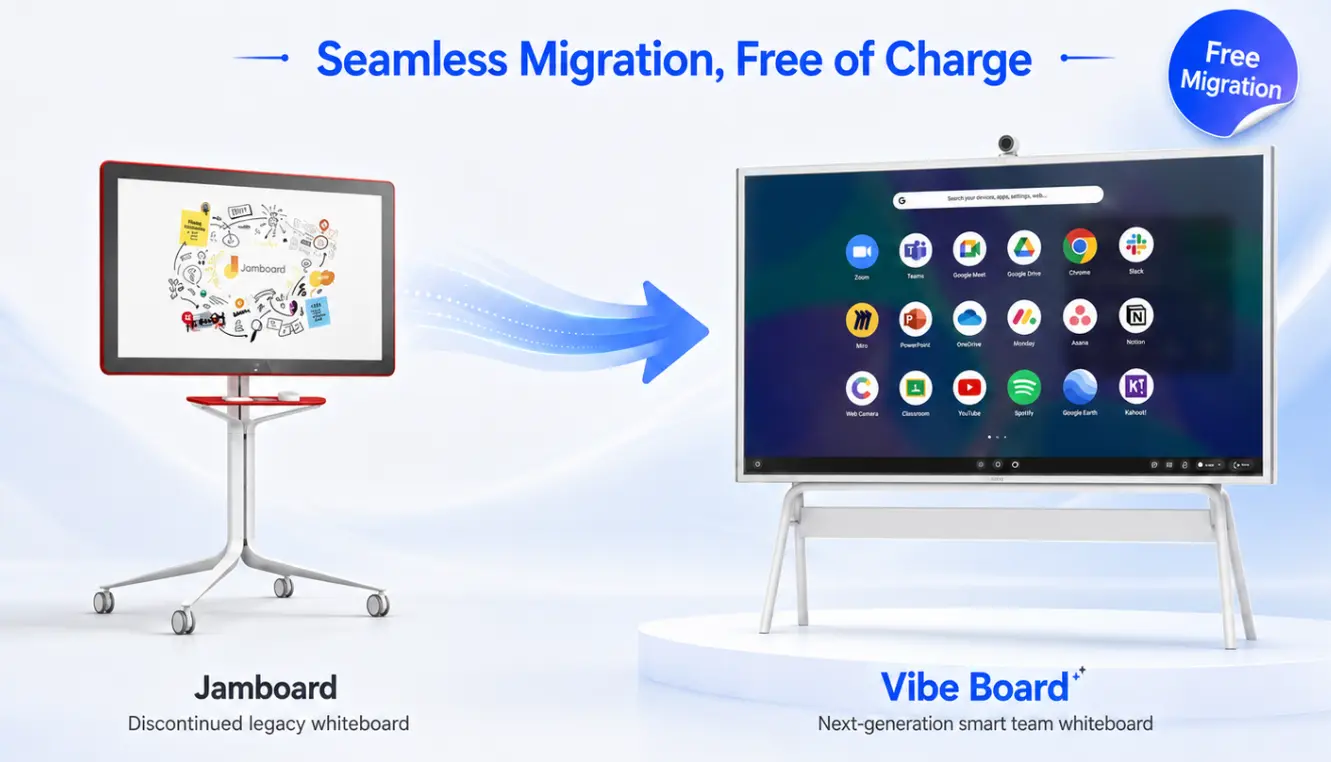
Microsoft officially announced End-of-Production (EOP) for all Surface Hub 3 models in November 2025. According to reporting from Windows Central, Microsoft has also scrapped plans for a Surface Hub 4, closing the door on a product line it spent a decade building.
Units may still be available through Microsoft and authorized resellers until existing stock runs out. Microsoft has committed to firmware and driver updates through December 2030 — confirmed in the official Surface Hub driver and firmware lifecycle documentation on Microsoft Learn. After that date, the device reaches end-of-servicing with no further updates.
For organizations evaluating new deployments, the calculus is straightforward: you’d be purchasing into a product line with a fixed end-of-support date, no upgrade path, and no successor on the roadmap.
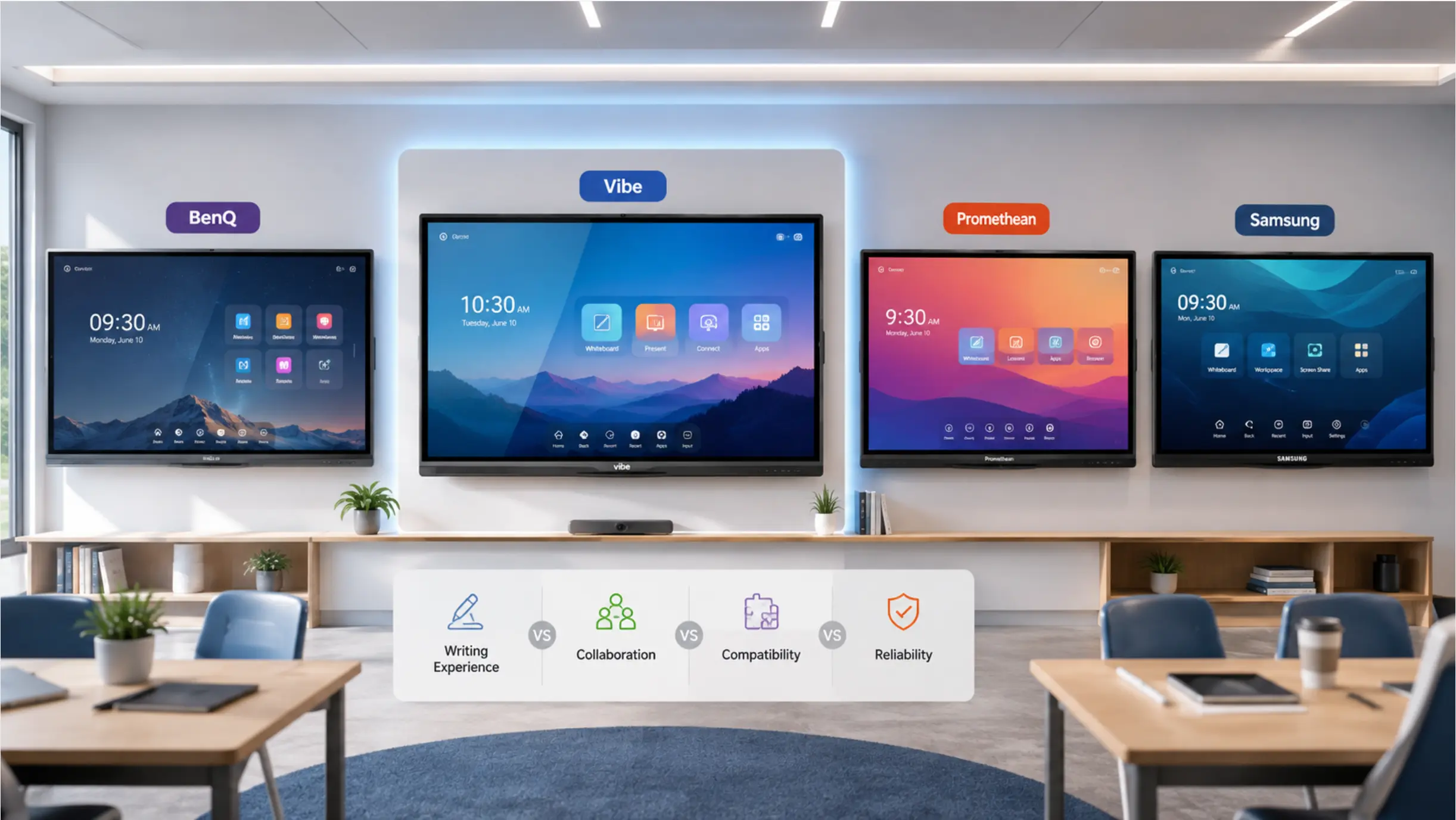
Vibe, by contrast, has been in market for nearly a decade, counts 40,000+ deployments worldwide across organizations including Unilever, McKinsey, Salesforce, Sony, and Harvard University, and continues active hardware and software development. See how Vibe Board S1 Pro compares to other leading interactive whiteboards →
Quick-Look Spec Comparison
|
Feature |
Vibe Board S1 Pro |
Microsoft Surface Hub 3 |
|---|---|---|
|
Screen sizes |
55″ and 75″ |
50″ and 85″ |
|
Display resolution |
3840 × 2160 (4K UHD) @ 60Hz |
3840 × 2560 (50″) / 3840 × 2160 (85″) |
|
Processor |
Intel Core i7-1255U (x86) + Arm RK3588 |
Intel Core i5 (Compute Cartridge) |
|
RAM |
16GB DDR4 (x86) + 8GB DDR4 (ARM) |
32GB |
|
Storage |
512GB SSD (x86) + 64GB eMMC (ARM) |
512GB SSD |
|
Operating system |
Windows 11 Pro + Vibe OS (dual) |
Windows 11 IoT Enterprise (locked MTR shell) |
|
Touch points |
20 simultaneous, <4.5ms response |
Multi-touch (response time not specified) |
|
Wireless |
Wi-Fi 6E + Bluetooth 5.3 |
Wi-Fi 5 + Bluetooth 5.1 |
|
Ports (55″ model) |
4× USB-C, 1× HDMI-in |
2× USB-A, 1× USB-C, 1× DisplayPort out |
|
Video conferencing |
Teams, Zoom Rooms, Google Meet, Webex |
Microsoft Teams only |
|
Whiteboarding |
Vibe Canvas (cloud-based, infinite canvas) |
Microsoft Whiteboard only |
|
IT management |
Microsoft Intune (full Windows endpoint) |
Teams Admin Center (MTR appliance only) |
|
App ecosystem |
Full Windows app store + Vibe App Store |
MTR-approved apps only |
|
Hardware price (starting) |
From $5,699 |
From $9,499 (50″) |
|
Annual licensing |
$0 |
$480/device/year (Teams Rooms Pro — mandatory) |
|
5-year TCO (starting) |
$5,699 – $8,399 |
$11,899 – $25,399 |
|
Product status |
Actively in production |
Discontinued (Nov 2025) |
Deep Dive: The Five Differences That Matter Most
1. The Operating System Gap Is Bigger Than It Looks
Both devices run Windows — but very different versions. Vibe Board S1 Pro ships with full Windows 11 Pro, the same edition deployed across your organization’s laptops and desktops. That means unrestricted access to the Windows app store and any software compatible with Windows 11 Pro: AutoCAD, Bluebeam, Revit, Salesforce, Adobe Creative Cloud, and more. Enterprise management runs through Microsoft Intune as a standard endpoint — no separate console.
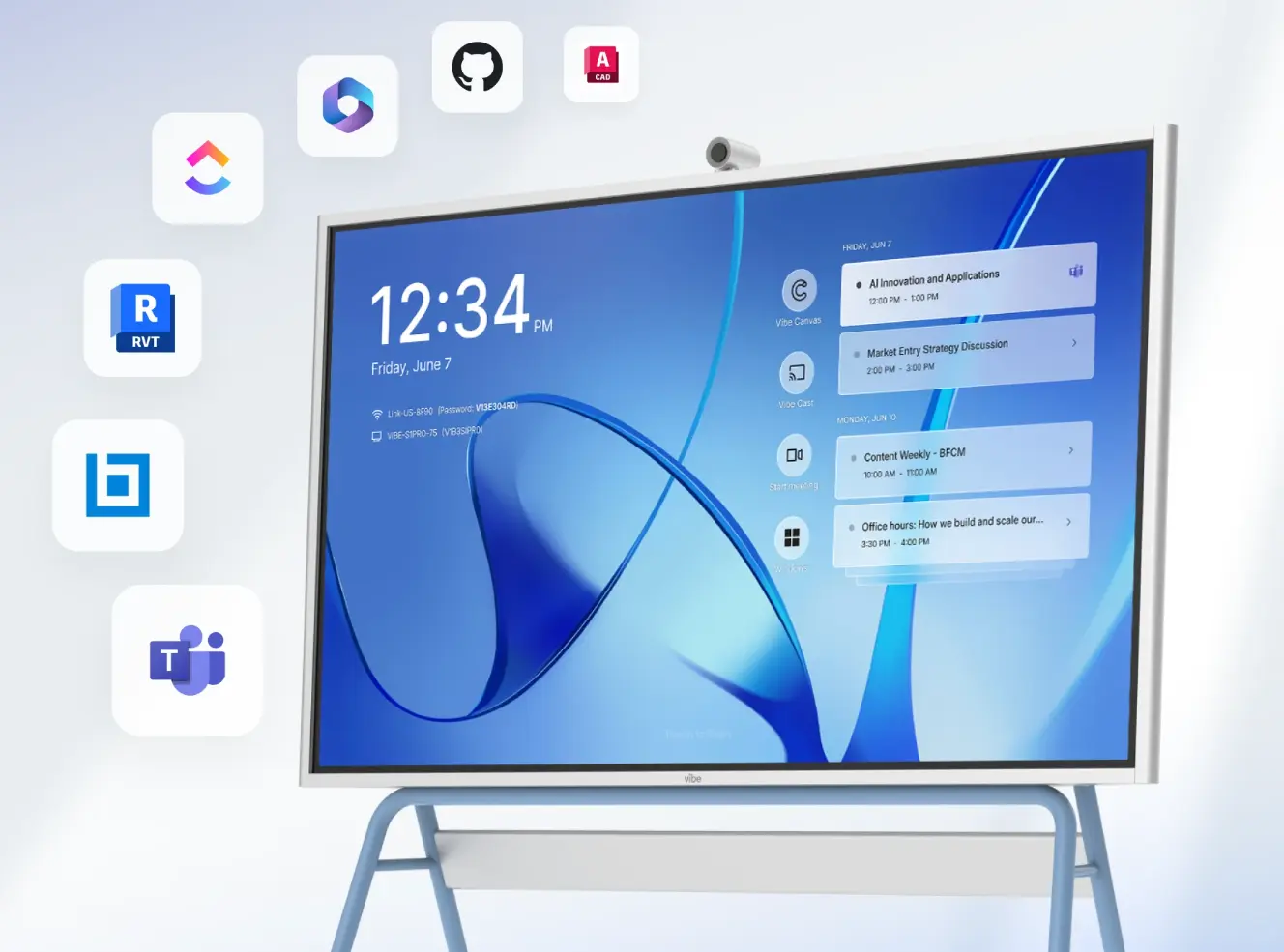 Vibe Board S1 Pro on a rolling stand displaying a meeting calendar, surrounded by app icons including Microsoft Teams, GitHub, AutoCAD, and Revit
Surface Hub 3 runs Windows 11 IoT Enterprise locked inside the Microsoft Teams Rooms (MTR) shell. In practice, this is a kiosk-style experience: apps are restricted to MTR-approved experiences, you can’t install software freely from third-party sources, and IT management is limited to the Teams Admin Center rather than your existing Intune policies.
Vibe’s dual-OS architecture adds further flexibility. The x86 side (Intel Core i7) runs full Windows 11 Pro for productivity and professional applications. The ARM side (Arm RK3588) powers Vibe OS for instant-on whiteboarding. You get both environments on a single display — without a trade-off.
2. Video Conferencing: One Platform vs. Any Platform
Surface Hub 3 is built for Microsoft Teams and Microsoft Teams only. If a client, partner, or vendor runs Zoom, Google Meet, or Webex, your Surface Hub room becomes a friction point — someone is always being asked to join from a laptop instead.
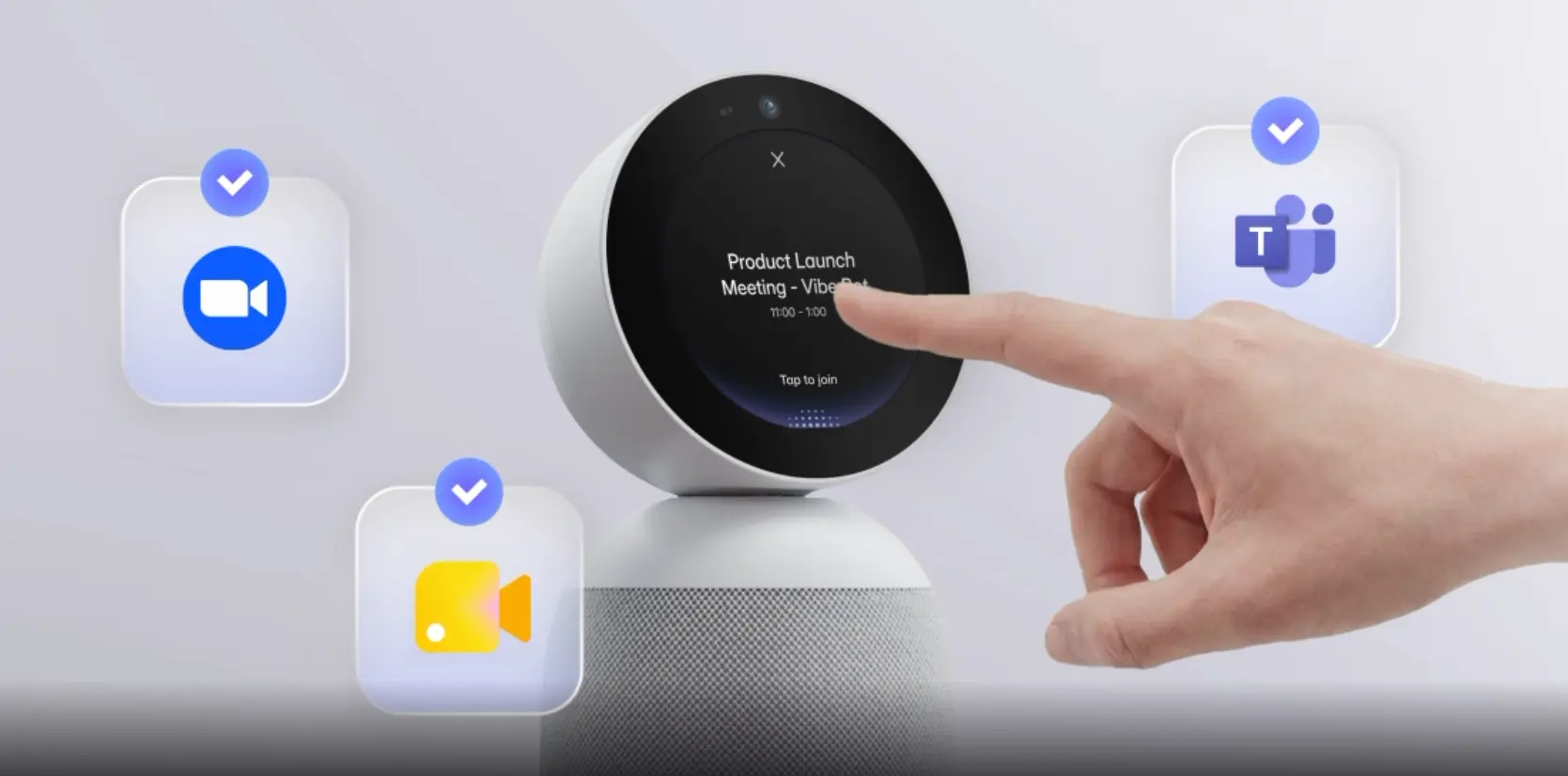
Vibe Board S1 Pro supports Teams, Zoom Rooms, Google Meet, and Webex natively, all as full desktop applications on Windows 11 Pro. You can toggle between platforms without leaving the device. For organizations in mixed-vendor environments — which is most organizations — this matters every single day. Pair it with Vibe Bot, Vibe’s AI-powered in-room device, and the board becomes part of a connected collaboration ecosystem — capturing meeting context, surfacing action items, and keeping both in-room and remote participants genuinely in sync.
3. Total Cost of Ownership: The Number That Changes the Conversation
The hardware gap is significant on its own: Surface Hub 3 starts at $9,499 for the 50-inch model versus $5,699 for the Vibe Board S1 Pro 55-inch. But Surface Hub 3’s mandatory licensing requirement is where the gap becomes decisive.
Full Surface Hub 3 functionality requires a Teams Rooms Pro license at $480 per device per year. Over five years, that adds $2,400 in mandatory operating costs on top of the hardware price. The 85-inch Surface Hub 3 at $22,999 plus five years of licensing pushes the total past $25,000 per unit.
Vibe Board S1 Pro carries no recurring license fee. The hardware cost is the total cost.
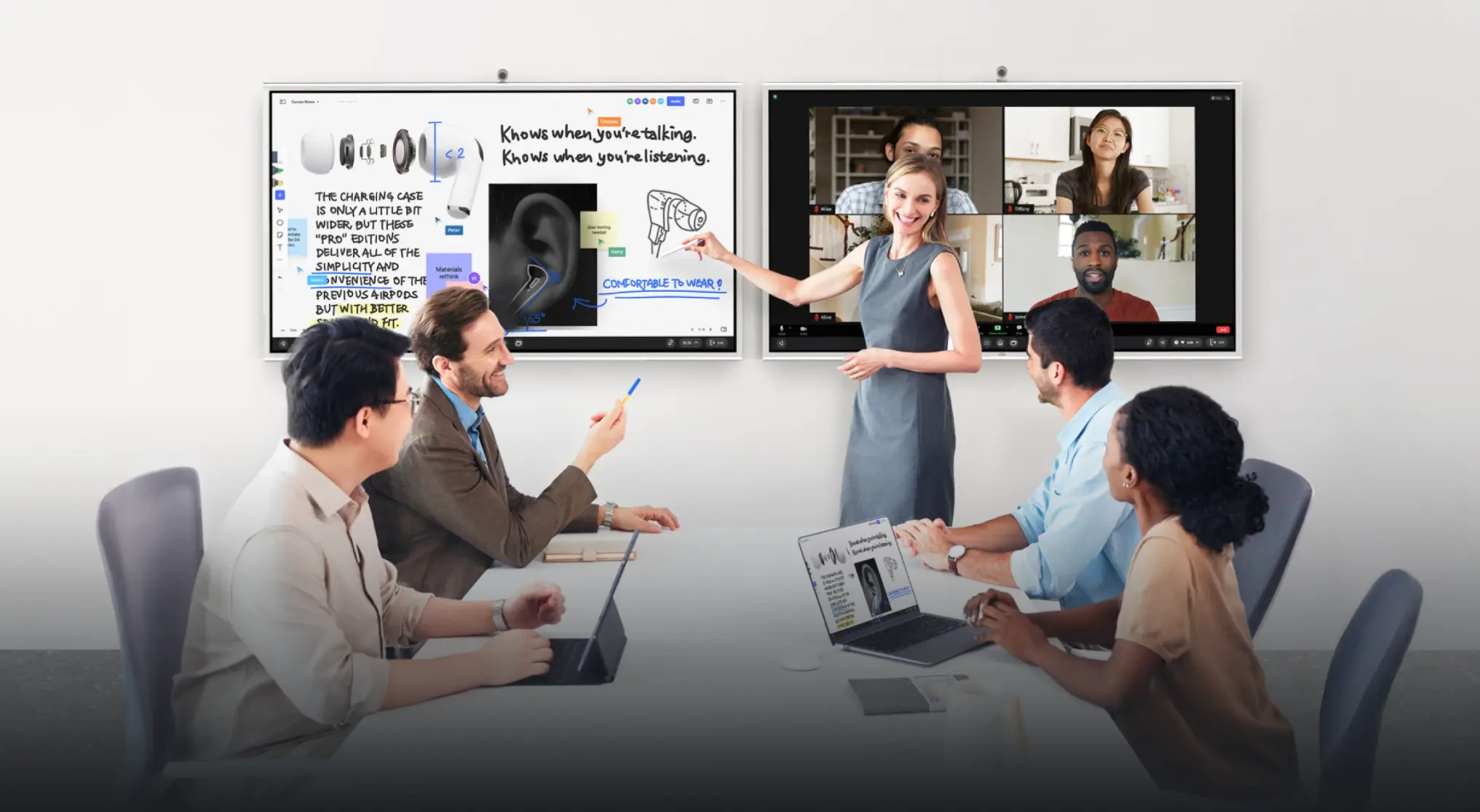 Presenter leads hybrid meeting with two Vibe Boards showing a collaborative whiteboard and video call with remote participants
Fleet math: Deploying 20 units across a corporate campus? Over five years, choosing Vibe over the Surface Hub 3 50-inch baseline saves approximately $112,000 in licensing fees alone — before accounting for the hardware price difference.
|
Vibe Board S1 Pro |
Surface Hub 3 | |
|---|---|---|
|
Hardware (55″ / 50″) |
$5,699 |
$9,499 |
|
Hardware (75″ / 85″) |
$8,399 |
$22,999 |
|
Annual licensing |
$0 |
$480/device/year |
|
5-year TCO (smaller model) |
$5,699 |
$11,899 |
|
5-year TCO (larger model) |
$8,399 |
$25,399 |
4. IT Management: One Playbook vs. Two
Vibe Board S1 Pro enrolls in Microsoft Intune as a standard Windows 11 Pro endpoint — same compliance policies, same conditional access rules, same patch management cadence as every other Windows device in your fleet. No separate console.
Surface Hub 3 is managed through the Teams Admin Center, a distinct system from general Windows device management. For organizations with large or distributed deployments, this bifurcation adds real administrative overhead. Vibe eliminates it.
5. Security Architecture
Vibe Board S1 Pro includes TPM 2.0 for hardware-level encryption and WPA3 for wireless security, integrating with BitLocker, Microsoft Defender, and Intune compliance policies like any managed Windows endpoint. Surface Hub 3’s MTR shell architecture, while secure within its own framework, limits deeper integration with standard Windows enterprise security tooling due to its kiosk-mode OS design.
Where Surface Hub 3 Has an Edge
A complete comparison means acknowledging where Surface Hub holds its own.
The 85-inch form factor isn’t matched by Vibe (whose largest is 75 inches). For very large boardrooms or auditoriums where screen real estate is paramount, that difference is meaningful. Surface Hub 3 also carries 32GB of RAM versus 16GB on Vibe’s x86 module — more headroom for memory-intensive workloads, though for standard meeting room use cases (video calls, whiteboarding, document review), both configurations perform well.
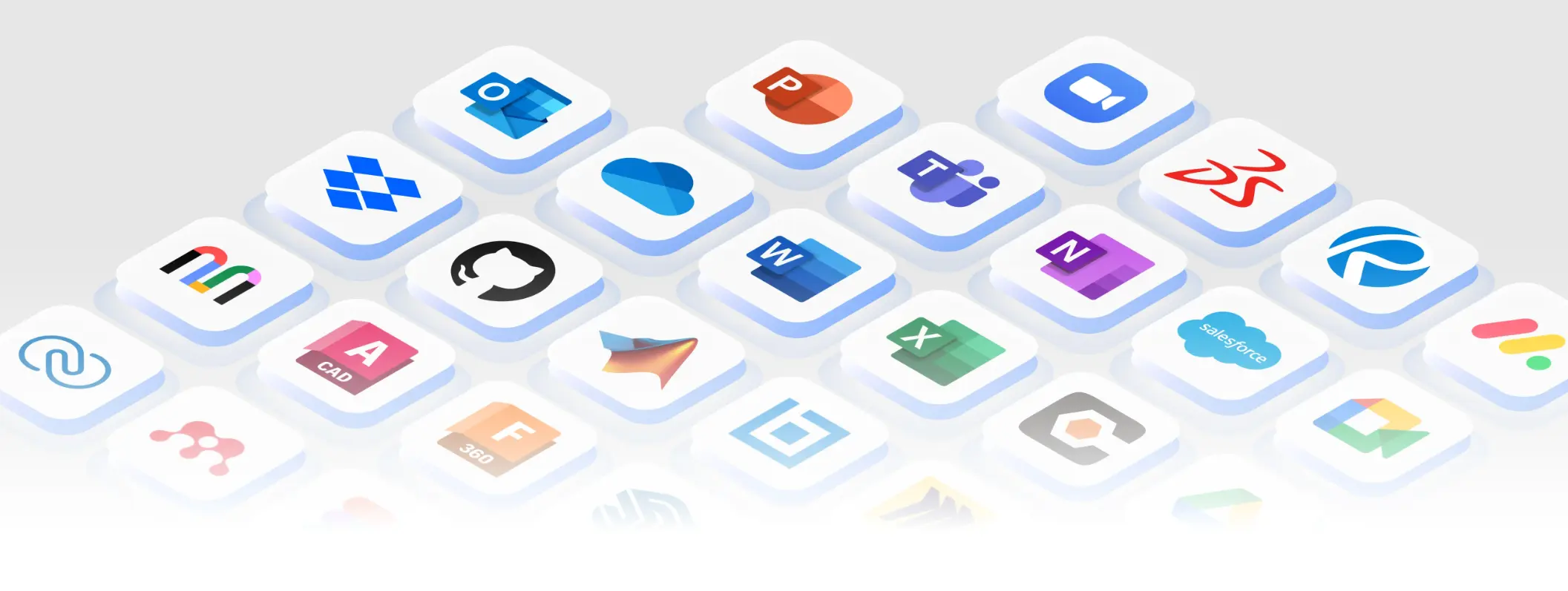 250+ apps that Vibe Board S1 Pro is integrated with
For organizations fully standardized on Microsoft 365 and Teams with no mixed-vendor conferencing needs, Surface Hub’s tight Teams integration was purpose-built for that scenario.
That said, all of these advantages now carry an asterisk: Surface Hub 3 is a discontinued product with a fixed support horizon of December 2030 and no upgrade path beyond it.
The Bottom Line
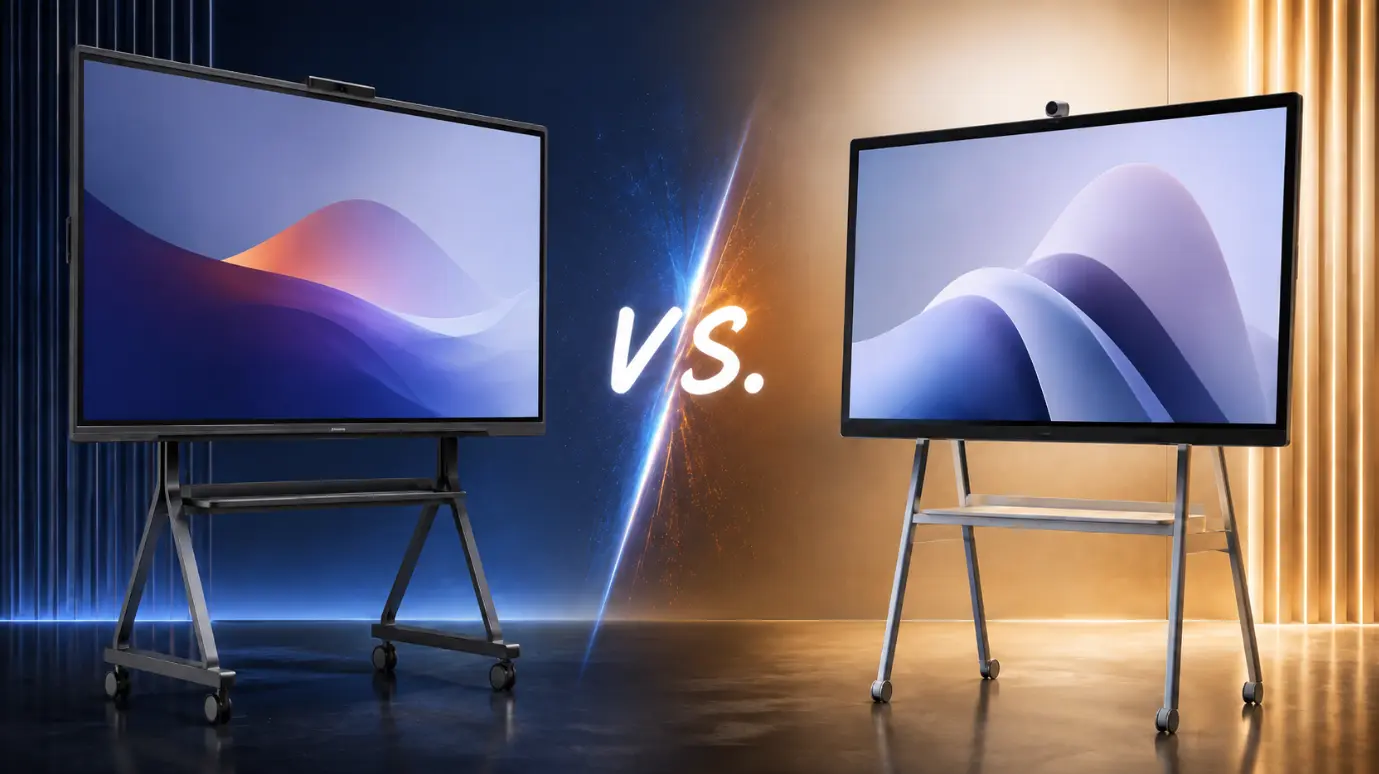
The Vibe Board S1 Pro and Microsoft Surface Hub 3 both put a large Windows-powered touchscreen in your conference room. But the similarities largely end there. Vibe delivers a full, unrestricted Windows 11 Pro environment, multi-platform video conferencing, zero mandatory licensing, and active long-term product development. Surface Hub 3 was a Teams-optimized kiosk at a premium price point — and it’s now discontinued.
For organizations evaluating new deployments in 2026, the decision is increasingly clear. If your team runs Microsoft 365, Vibe Board S1 Pro integrates seamlessly with your existing stack at roughly half the five-year cost. If you operate in a mixed-vendor environment, there’s no comparison at all.
Hardware pricing sourced from vibe.us and Microsoft Store. Surface Hub 3 End-of-Production announced November 2025; reported by Windows Central. Support lifecycle confirmed via Microsoft Learn. 5-year TCO figures include hardware cost plus Teams Rooms Pro licensing ($480/device/year) for Surface Hub 3; Vibe figures reflect hardware cost only with $0 annual licensing.
FAQs
Is Vibe Board S1 Pro a good Surface Hub replacement?
Yes, and it’s the most direct one available. Vibe Board S1 Pro runs full Windows 11 Pro, connects to Azure AD, runs Teams natively as a full desktop application, and is managed through Microsoft Intune as a standard Windows endpoint. Your Microsoft 365 licenses, Intune policies, and conditional access rules all carry over without modification. Unlike Surface Hub 3, it also supports Zoom Rooms, Google Meet, and Webex — and has no mandatory annual licensing fee.
Why did Microsoft discontinue the Surface Hub?
Microsoft officially announced End-of-Production for Surface Hub 3 in November 2025 and has confirmed no Surface Hub 4 is in development. The decision follows a broader contraction of Microsoft’s first-party hardware portfolio after the departure of hardware chief Panos Panay in 2023 — which also saw the Surface Studio and Surface Laptop Studio discontinued. Microsoft is shifting its meeting room strategy toward the Microsoft Teams Rooms software platform, which supports hardware from multiple manufacturers rather than its own proprietary displays. See the official Microsoft lifecycle documentation for support end dates.
What’s the difference between Windows 11 Pro and Windows 11 IoT Enterprise on Surface Hub?
Windows 11 Pro (on Vibe Board S1 Pro) is the standard enterprise OS: unrestricted app installation, full Microsoft Intune management, and compatibility with any Windows software. Windows 11 IoT Enterprise on Surface Hub 3 runs locked inside the Microsoft Teams Rooms shell — apps are restricted to MTR-approved experiences and device management is limited to the Teams Admin Center. The experience is closer to a managed kiosk than a general-purpose Windows computer.
How does the 5-year TCO of Vibe Board S1 Pro compare to Surface Hub 3?
Vibe Board S1 Pro: $5,699–$8,399 over five years (hardware only, $0 annual licensing). Surface Hub 3: $11,899–$25,399 (hardware + mandatory Teams Rooms Pro license at $480/device/year). The gap ranges from roughly 52% to 67% lower TCO for Vibe, depending on the model comparison. For a 20-unit enterprise deployment, that’s over $100,000 in savings over five years.
Does Vibe Board work with existing conference room AV peripherals?
Yes. Vibe Board S1 Pro is compatible with peripherals from Logitech, Poly, and Yealink via USB-C and USB-A connections. It is also Q-SYS certified for integration with existing AV control systems in larger installations. Your current cameras, soundbars, and speakerphones work out of the box — no rip-and-replace required.
Can Vibe Board S1 Pro run Microsoft 365 apps natively?
Yes. Because Vibe Board S1 Pro runs full Windows 11 Pro, the entire Microsoft 365 suite — Word, Excel, PowerPoint, Outlook, Teams, OneDrive — installs and runs as it would on any Windows computer. You can also run industry-specific Windows apps like Bluebeam, AutoCAD, Revit, and Salesforce that are not available on Surface Hub 3’s restricted MTR environment.
What whiteboarding software does Vibe Board use?
Vibe Board ships with Vibe Canvas, a cloud-based infinite whiteboard that supports real-time collaboration from any device — laptops, tablets, and phones can all join the same canvas simultaneously. Unlike Microsoft Whiteboard (which is tied to the Microsoft ecosystem), Vibe Canvas works for mixed-vendor teams regardless of platform. Sessions are saved automatically to the cloud and shareable via link. For a broader look at how Vibe Board compares to other smart whiteboards on the market, see our complete interactive whiteboard comparison guide.