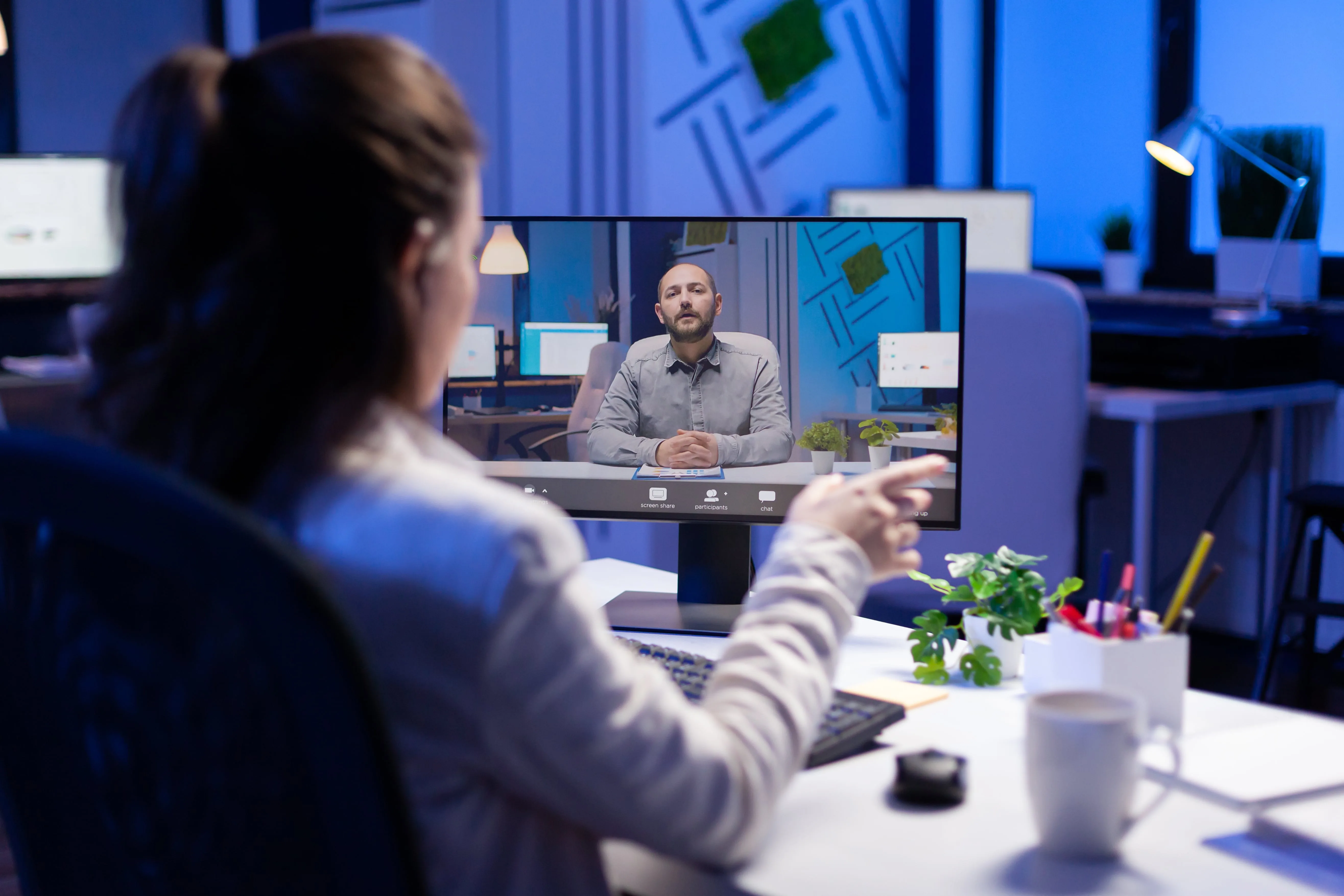
In the past few years, remote and hybrid work environments have become the new norm. Many businesses are proactively looking for the best video conferencing solution to support these flexible work environments. To do this, businesses must find hybrid or remote solutions and equipment that work for their team’s specific needs.
Whether you’re stationed at home or in the office, this blog is the definitive reference to learn how to do video conferencing from any room, with insider tips on the software and hardware required for successful online sessions.
With the right video conferencing set-up, you can organize effective teleconferences, ensure discussions stay on-topic, away from technical problems, and lead to real outcomes. Learn all you need to know from this video conferencing set-up guide.
- Effective video conferencing requires quality cameras, microphones, reliable software, and a stable high-speed internet connection.
- All-in-one devices with AI features simplify setup by combining camera, microphone, and speaker into a single unit.
- Interactive whiteboards enable real-time collaboration and visual communication between remote and in-office participants.
- Proper lighting, acoustics, and camera positioning are essential for professional, distraction-free virtual meetings.
The Importance of an Effective Video Conference Set-Up
Individuals working online, the rise of rapid connectivity, and the internationalization of enterprises are just a few examples of how technological developments have impacted our work. Establishing and keeping quality relationships and partnerships with vendors, team members, shareholders, and consumers is crucial for contemporary, productive companies to expand and go worldwide. Video conferencing increases output, saves time, lowers travel costs, and fosters collaboration in general. The value of video conferencing is its capacity to enable all of these advantages without requiring continuous face-to-face interaction.
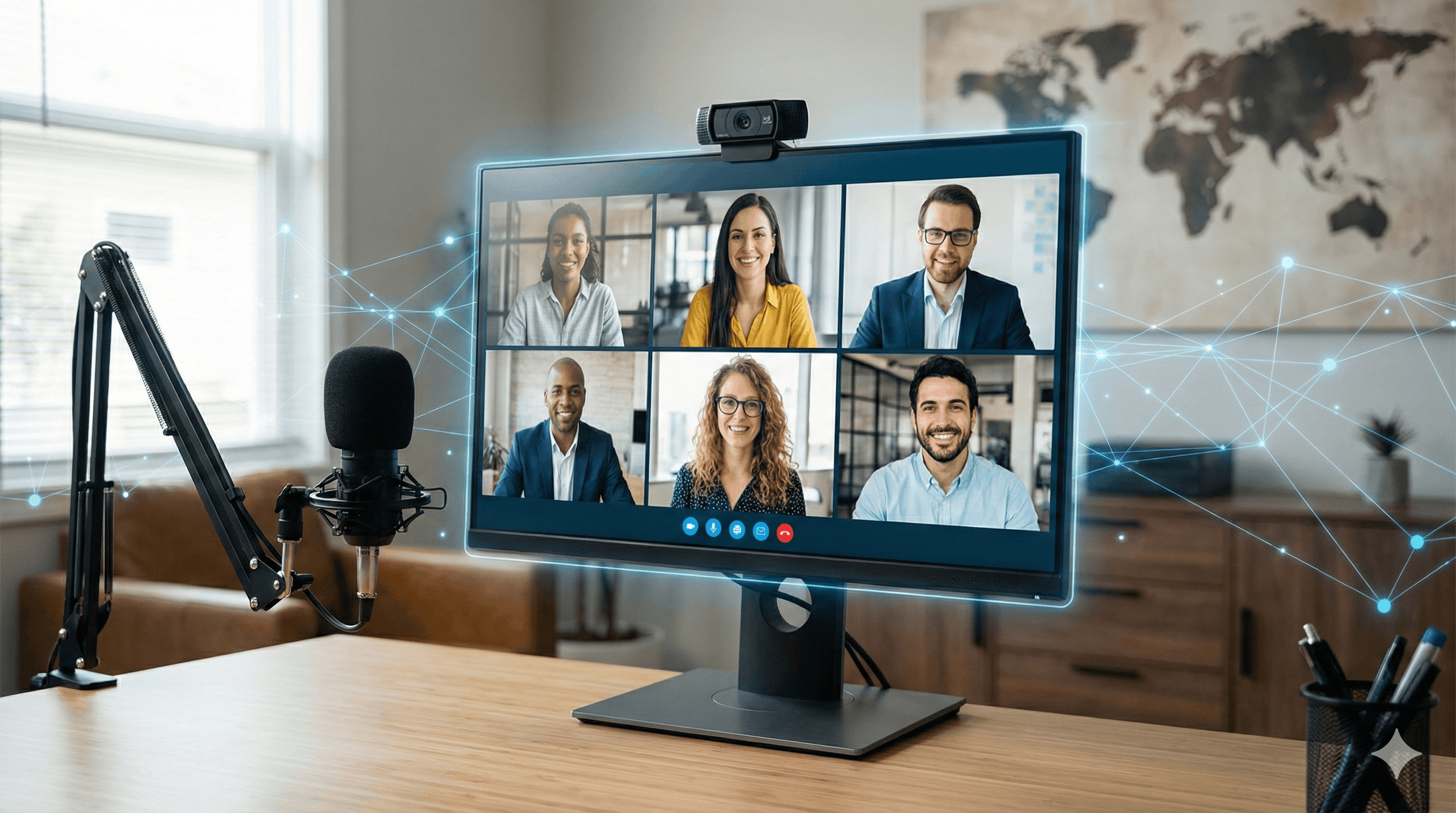
Key Features of an Effective Video Conference Set-Up
The following are the necessary components businesses need to make the most of their video conferences:
High-Resolution Video
4K UHD or HD video quality produces a more natural feel, which fosters trust among colleagues, builds client buy-in, and creates a more collaborative workplace culture. It can be difficult to communicate effectively with your colleagues if you can’t see them clearly—those crucial non-verbal cues can be totally lost without clear and steady video quality.
Simple to Connect Video Conferencing
It should be possible for your clients to connect to the video conference through a computer or smartphone, enabling them to take part in the meeting from any location with the same call quality. To make it simple for everybody to participate, your program should produce conference call IDs, PINs, and unique conference URLs. Businesses should prioritize platforms that are industry-known, reliable, and easily accessible to anyone who may need to join the video conference.
Sharing and Screen Annotation
More engaging meetings are made possible through screen and file sharing. Often, information can only be shared visually or is at a minimum enhanced by being able to gather every participant around a visual, regardless of location. Everyone should be capable of sharing their screen; from there, everyone may highlight particular areas of the screen or attract attention to the details they’re discussing.
Recording of Meetings
In hybrid workplaces, not everyone will be able to attend every session. Anyone unable to join, however, may now see the entire meeting at a later time, thanks to tools that let you record the whole session and upload it effortlessly. A recording option is also fantastic if someone needs to revisit the meeting later to better understand what was said.
Features for Groups and Personal Chat
You’ll need powerful chat features to channel questions and comments that may inevitably arise during video conferencing. In a group chat, meeting participants can ask queries that anyone can see and respond to, as well as exchange information, such as URLs, to sources mentioned in a conference. Many platforms offer options for virtual hand raising, reacting with emojis, and other engaging features.
Essential Hardware
First and foremost, it’s crucial to invest in the correct equipment for video conferencing. Anyone taking part in a video conference set-up will at least need a computer, laptop, or other device that can run the right video conferencing software and provide audio and visual.
Webcams
Without a camera, your video conference set-up is nothing more than an audio call. When people join a video conference using only audio, things can get hectic, fast. Webcams are a common feature in most modern laptop computers, just like microphones. However, these gadgets, sadly, share the same shortcomings as many built-in microphones: lower-quality video or audio, a smaller field of view, and short-range microphones. Regular virtual conferences with numerous parties of varied sizes are best conducted with dedicated conference room cameras, webcams, or video conferencing equipment.
Microphones
There are two primary categories to pick from when seeking a microphone for video conferencing: built-in or external audio recording devices. Think about a laptop microphone vs. a stand-alone external microphone.
The highest quality audio and versatility are found in dedicated microphones, although they are often more costly and require more technical setup. While built-in microphones are passable for work-from-home video conferencing, they are often unsuitable for professional video conferencing meeting room environments. For this use case, we highly recommend a dedicated audio capture system.
Headphones or Headsets
Since they frequently include a good microphone and earphones, headsets can be an excellent option for one-on-one video calls or for remote employees. However, headsets and headphones are not a viable option when creating a video conference set-up for numerous people, like a huddle or conference room.
Specialized equipment like conference phones and smart devices excel in group settings thanks to advanced noise and echo reduction technology. These video conferencing devices offer easy setup and maintenance, making them ideal for professional environments. When purchasing equipment, verify compatibility with your chosen calling platform to ensure seamless integration.
All-in-One Video Conferencing Hardware Solutions
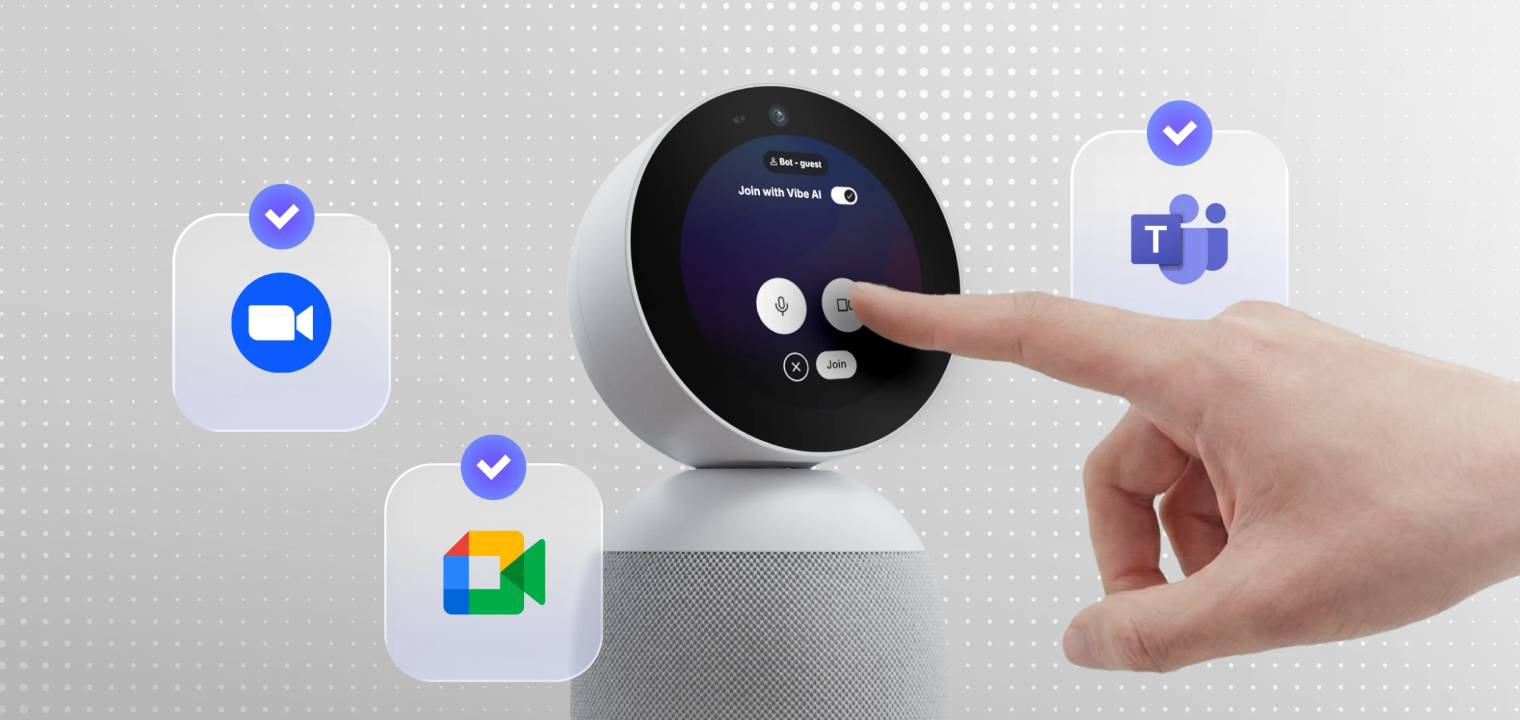 Introducing Vibe Bot: a 360° meeting device that captures the room and delivers live notes, summaries, and action items.
All-in-one video conferencing devices streamline your meeting room setup by combining a camera, a microphone, and a speaker into a single unit. These intelligent systems automatically track speakers, adjust audio levels, and provide 360-degree coverage—eliminating the need for multiple pieces of equipment and complex cable management.
Modern all-in-one solutions use AI-powered features like speaker framing, noise suppression, and voice enhancement to create professional meeting experiences. They’re particularly effective for huddle rooms and small to medium conference spaces where simplicity and performance matter most. Many models connect via USB or wireless, making them plug-and-play compatible with popular platforms like Zoom, Microsoft Teams, and Google Meet.
When evaluating all-in-one devices, consider your room size, typical participant count, and desired features. Look for models with wide-angle lenses for better room coverage, echo cancellation for clear audio, and automatic firmware updates to ensure long-term compatibility. While these solutions typically cost more upfront than piecing together individual components, they save time on installation, reduce troubleshooting, and provide a more cohesive user experience for remote participants.
Interactive Whiteboards or Other Collaborative Tools
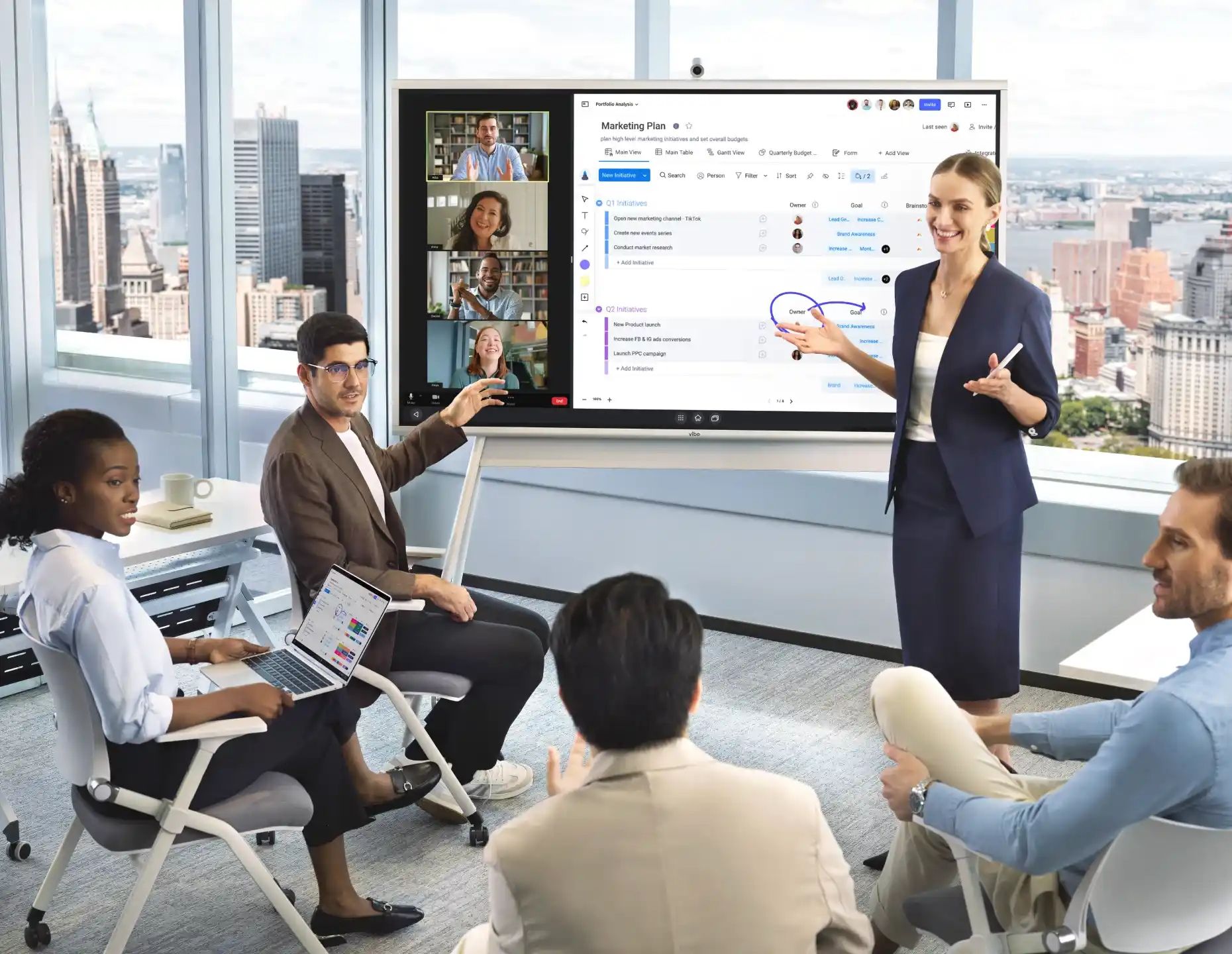
Smart interactive whiteboards transform standard video conferences into collaborative working sessions by combining display, annotation, and communication tools in one platform. These devices allow remote and in-room participants to brainstorm together, mark up documents in real-time, and save shared work instantly—making them particularly valuable for design reviews, strategy sessions, and training workshops.
Modern interactive whiteboards integrate seamlessly with popular video conferencing platforms and productivity apps, enabling participants to share presentations, whiteboard ideas, and access cloud files without switching between devices. The large touchscreen format makes visual content more engaging and easier to follow compared to traditional computer monitors, while built-in cameras and microphones eliminate the need for separate conferencing hardware.
Beyond basic video calls, these boards enhance meeting effectiveness through features like screen sharing, multi-user annotation, and persistent digital canvases that capture every note and diagram. Teams can pick up where they left off in previous sessions, export meeting boards as PDFs, and share outcomes with stakeholders who couldn’t attend. For organizations prioritizing hybrid collaboration, interactive whiteboards bridge the gap between physical and virtual workspaces more effectively than any other single solution.
Software
Without the right video conferencing software, even the best video conferencing hardware setups fall flat and fail to deliver effective virtual meetings. Choosing requires careful consideration of what your team and business need. Here are the top options:
Video Conference Software and Tools
For starters, you’ll need to find the right video conferencing platform or application for your meeting needs. On the most basic level, the program’s ability to provide simultaneous real-time communication among numerous parties is essential.
Although many different video conferencing programs are available, Microsoft Teams, Zoom, Google Meet, and Skype are some of the most trusted and well-known. Microsoft Teams excels for companies already using Microsoft 365, providing deep integration with Office apps and enterprise-grade security. Zoom remains the go-to for large webinars and breakout room functionality, while Google Meet offers seamless access for organizations using Google Workspace. Skype, though less feature-rich than newer competitors, provides reliable one-on-one communication and works well for smaller teams with basic requirements.
|
Platform |
Best For |
Participant Limit |
Key Strengths |
Integration Focus |
|---|---|---|---|---|
|
Microsoft Teams |
Enterprise organizations |
Up to 10,000 (view-only) |
Office 365 integration, persistent chat, file collaboration |
Microsoft ecosystem |
|
Zoom |
Mid-sized companies with larger meetings & webinars |
Up to 1,000 (plan dependent) |
Breakout rooms, webinar tools, and recording quality |
Third-party apps, calendar systems |
|
Google Meet |
Google Workspace users |
Up to 500 |
Simple access, no downloads, live captions |
Google Workspace apps |
A Strong Internet Connection
Your video conferencing set-up is only as strong as your Ethernet or Wi-Fi connection. An unstable internet connection can disrupt or even prevent productive meetings with dropped calls, sound delays, and poor video quality. Regardless of the system you choose, you’ll need a stable high-speed internet service.
Video conferencing is supported by the majority of current business internet plans, and you can always check with your ISP to ensure you have acceptable connection speeds. The performance of video conferences may also be significantly impacted by additional elements, like the number of concurrent users on the network or bandwidth caps.
Other Important Considerations
Lighting
Proper lighting dramatically improves video quality and professional appearance. Natural light from windows works well when you face the light source, but for consistent results, invest in adjustable LED panels or ring lights that provide soft, even illumination. For dedicated meeting rooms, avoid backlighting participants and dark rooms that hide faces.
Background and Room Setup
Your background communicates professionalism and minimizes distractions for remote participants. Choose clean, uncluttered spaces with neutral colors, and avoid high-traffic areas or positioning windows directly behind you. For shared spaces, consider portable room dividers or branded backdrops rather than relying solely on virtual backgrounds. For meeting room video conference setups, keep the area organized and clean to maintain a professional experience.
Furniture and Ergonomics
Camera positioning affects how participants perceive and engage with you—always place cameras at eye level to create natural sight lines. Invest in adjustable monitor arms or laptop stands to achieve the right height, and use ergonomic chairs to maintain good posture during longer meetings. For conference rooms, arrange furniture so all in-room participants remain visible to the camera while maintaining comfortable sightlines to the display.
Acoustic Treatment
Beyond quality microphones, room acoustics significantly impact audio clarity. Add soft materials like carpet, curtains, acoustic panels, or plants to absorb sound reflections from hard surfaces. Simple improvements like closing doors and turning off HVAC systems during meetings can eliminate distracting background noise.
Level Up and Simplify Your Video Conference Set-Up with Vibe
Creating an effective video conferencing setup with the right hardware and software has become essential for modern hybrid work. The right tools don’t just enable communication—they transform meetings into productive, engaging collaborative sessions that drive results.
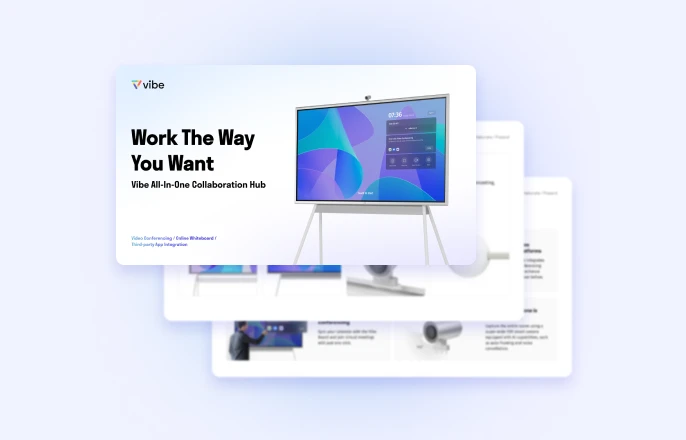
Vibe offers two powerful solutions designed to simplify and elevate your conference room experience. The Vibe Board S1 combines a smart interactive whiteboard with seamless video conferencing integration, enabling teams to brainstorm, annotate, and collaborate visually while staying connected with remote participants. For spaces that need dedicated conferencing hardware, the Vibe Bot delivers AI-powered meeting intelligence with automatic speaker tracking, advanced noise cancellation, and crystal-clear audio-visual performance.
Together or individually, these solutions eliminate the complexity of piecing together multiple devices while delivering enterprise-grade performance. Whether you’re outfitting a huddle room or a large conference space, Vibe’s all-in-one approach creates unified meeting experiences that maximize the advantages of hybrid work and leave lasting impressions on every participant.
If you’re ready to enhance your virtual meetings and improve hybrid collaboration, request a demo to see exactly how Vibe can transform your video conferencing.
FAQs
How do you set up a video conferencing room?
Setting up a video conferencing room requires finding the right software and hardware for your meeting room. First, decide what you want your meeting room to accommodate: Is this a huddle room, a room dedicated to one-on-one calls, or a large conference room designed for bigger team meetings? Once you’ve decided, invest in the right smart whiteboards, cameras, microphones, and conference software to fit the space.
What is the best video conference system?
Zoom, Google Meet, Microsoft Teams, and Skype are all immensely popular video conference systems. What works best for your team is up to your preferences, whether it’s meeting size, chat capabilities, screen sharing, or other key features. It helps to use the video conference system that your team is the most familiar with, or one that best integrates with the tools your team already knows and loves.
What are the five elements required for video conferencing?
The five essential elements required for video conferencing are a high-quality camera, a reliable microphone, dedicated speakers or audio output, a display screen (monitor or TV), and a stable high-speed internet connection. These core components work together to capture, transmit, and display audio and video, enabling effective remote communication and collaboration.