

Interactive whiteboards used to sound like something only tech-forward classrooms or big corporate offices needed. Today, they’re much more approachable and a lot more useful than most people expect. Whether you’re teaching a class, running meetings, brainstorming with a remote team, or leading training sessions, interactive whiteboards make it all easier.
If you’ve ever wished your whiteboard could save notes, pull in images or videos, or let multiple people contribute at once (even from different locations), you’re already thinking along the right lines. Read on to learn more about what interactive whiteboards are and how they can transform your life.
- Interactive whiteboards replace traditional boards and projectors with a single, touch-enabled collaboration hub that supports annotation, screen sharing, video conferencing, and real-time co-creation.
- The same interactive whiteboard can flex across meetings, classrooms, training, and client presentations.
- All-in-one solutions like the Vibe Board S1 simplify collaboration by combining premium audio-video, intuitive touch interaction, and app-based workflows.
What Is an Interactive Whiteboard?
An interactive whiteboard (sometimes called a smart board) is a large, touch-enabled display that works like a digital upgrade to the whiteboards and projectors many of us grew up with. It either mirrors a connected computer or functions as an all-in-one system, allowing users to control content directly with a finger or stylus. Instead of writing with dry-erase markers or flipping paper charts, you can open files, browse the web, play videos, and write or draw right on the screen. Notes and annotations can be saved, shared, or reused later.
Most interactive whiteboards include four main components: a high-resolution display, touch or pen input, built-in connectivity, and collaborative software. These boards are changing how people teach, present, and brainstorm by making ideas more visual, hands-on, and inclusive for everyone in the room. That shift is already well underway: by 2023, over 72% of classrooms in developed economies used some form of interactive flat panel technology, while more than 53% of corporate boardrooms globally deployed IFPDs for collaborative meetings.
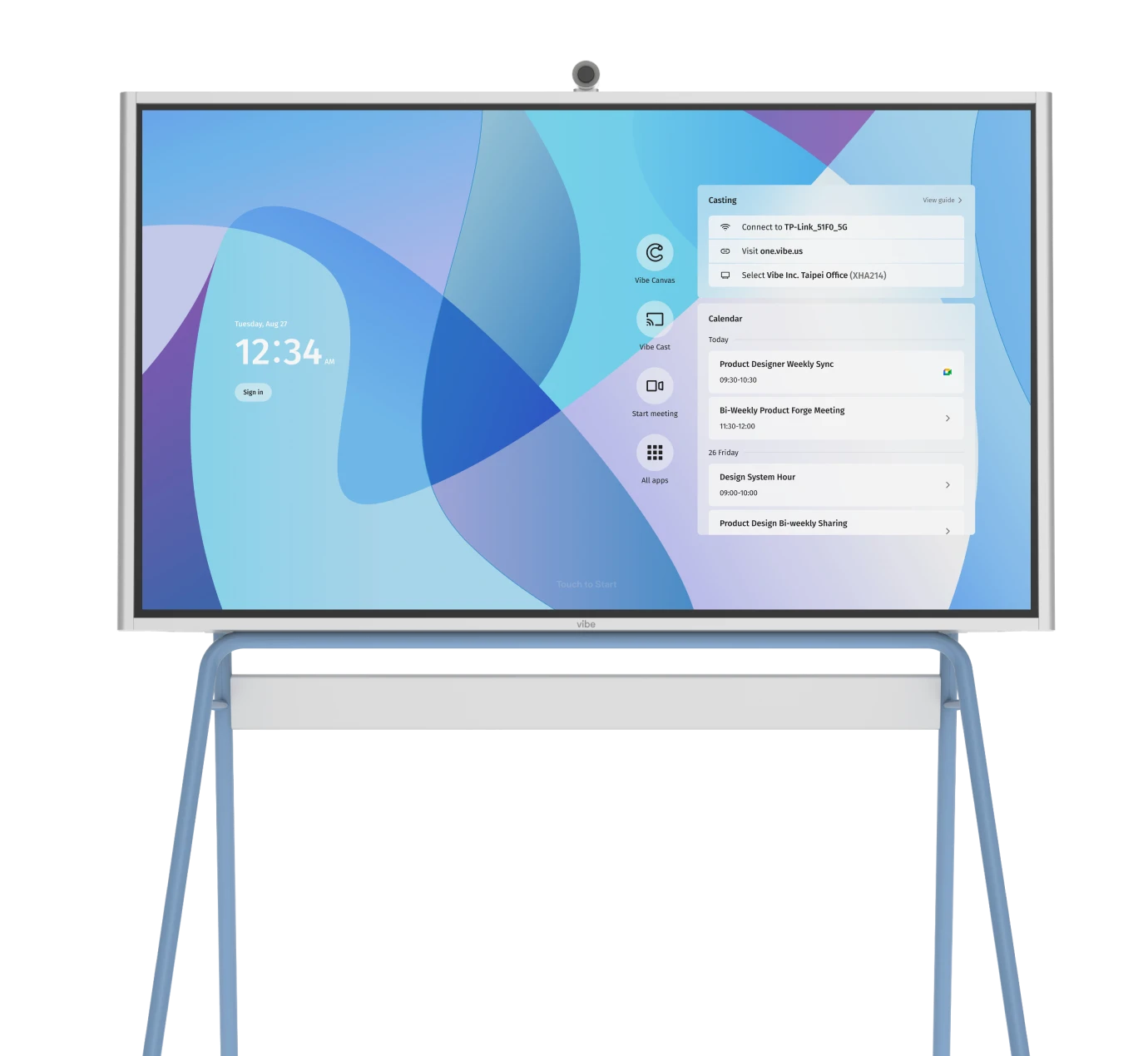
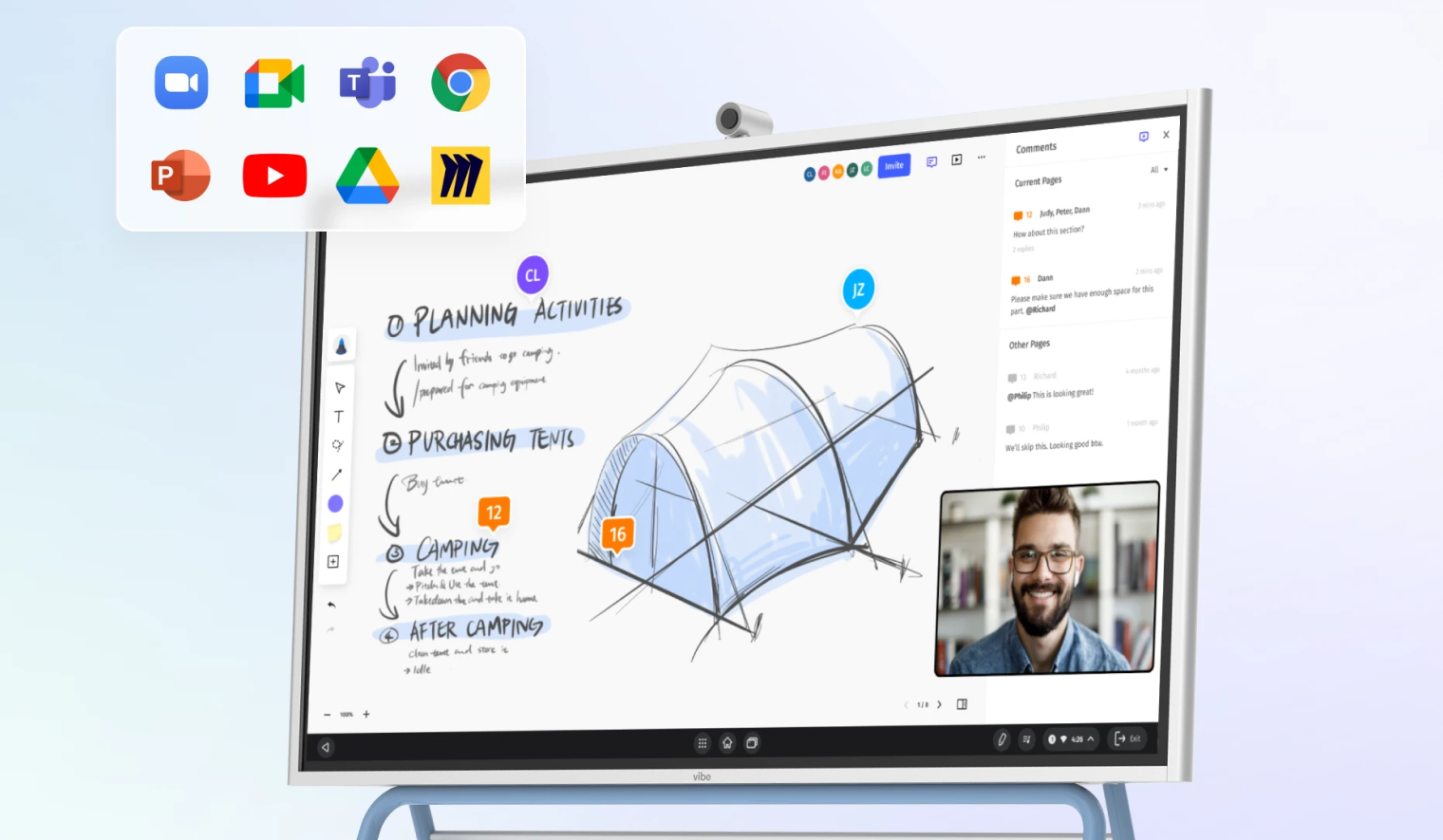 Vibe Board mounted on stand, featuring touchscreen display with collaboration interface.
Key Features of Interactive Whiteboards
When you’re comparing interactive whiteboards, it helps to look at the core features that have the biggest impact on day-to-day use. Think of this list as a practical framework for evaluating options and matching them to your needs:
-
Touch and multi-touch input: Allows multiple people to write, tap, and gesture on the screen at once.
-
High-resolution display: Provides a bright, sharp image so text, diagrams, and video are easy to see from anywhere in the room.
-
Built-in whiteboarding and annotation: Enables users to draw, highlight, and mark up content directly on the screen over slides, documents, and web pages.
-
Device connectivity (HDMI, USB, wireless): Lets laptops, tablets, and phones connect via cables or wireless casting so anyone can share content quickly.
-
Integrated audio and video: Combines speakers, microphones, and camera support to create a complete front-of-room solution for hybrid meetings and classes.
-
Video conferencing integration: Runs or connects to popular video conferencing platforms so users can join, host, and manage remote sessions directly from the board.
-
Cloud storage and content sharing: Saves whiteboards, annotations, and session notes to the cloud so teams and students can access them later from any device.
-
App ecosystem and browser access: Supports productivity, education, and collaboration apps (plus web browsing) so the board can adapt to different workflows.
-
Screen recording and capture: Allows users to capture screenshots or record sessions so lessons, trainings, and walkthroughs can be replayed on demand.
-
User profiles and access controls: Provides sign-in and permissions tools that help personalize the experience and keep content secure.
-
Wireless peripherals support: Works with keyboards, mice, and other accessories to make typing, navigation, and longer sessions more comfortable.
-
Classroom and meeting management tools: Includes timers, polls, templates, and utilities that help facilitators keep sessions organized and engaging.
Top Uses for Interactive Whiteboards
Interactive whiteboards deliver the most value when they’re used as shared spaces for thinking, teaching, and presenting—not just as oversized screens. Below are four of the most common and high-impact ways organizations put them to work.
Meetings and Collaboration
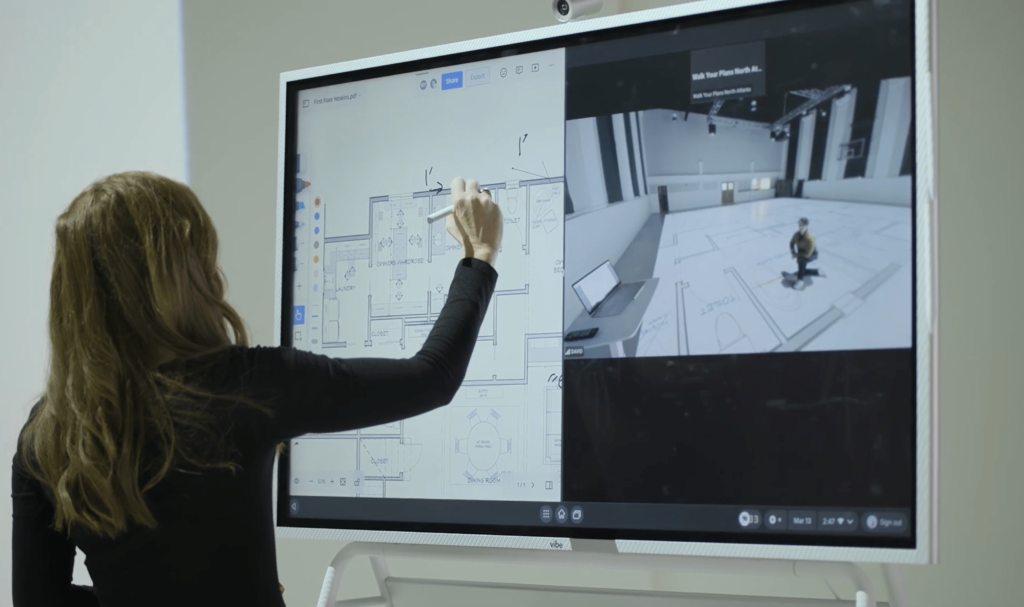
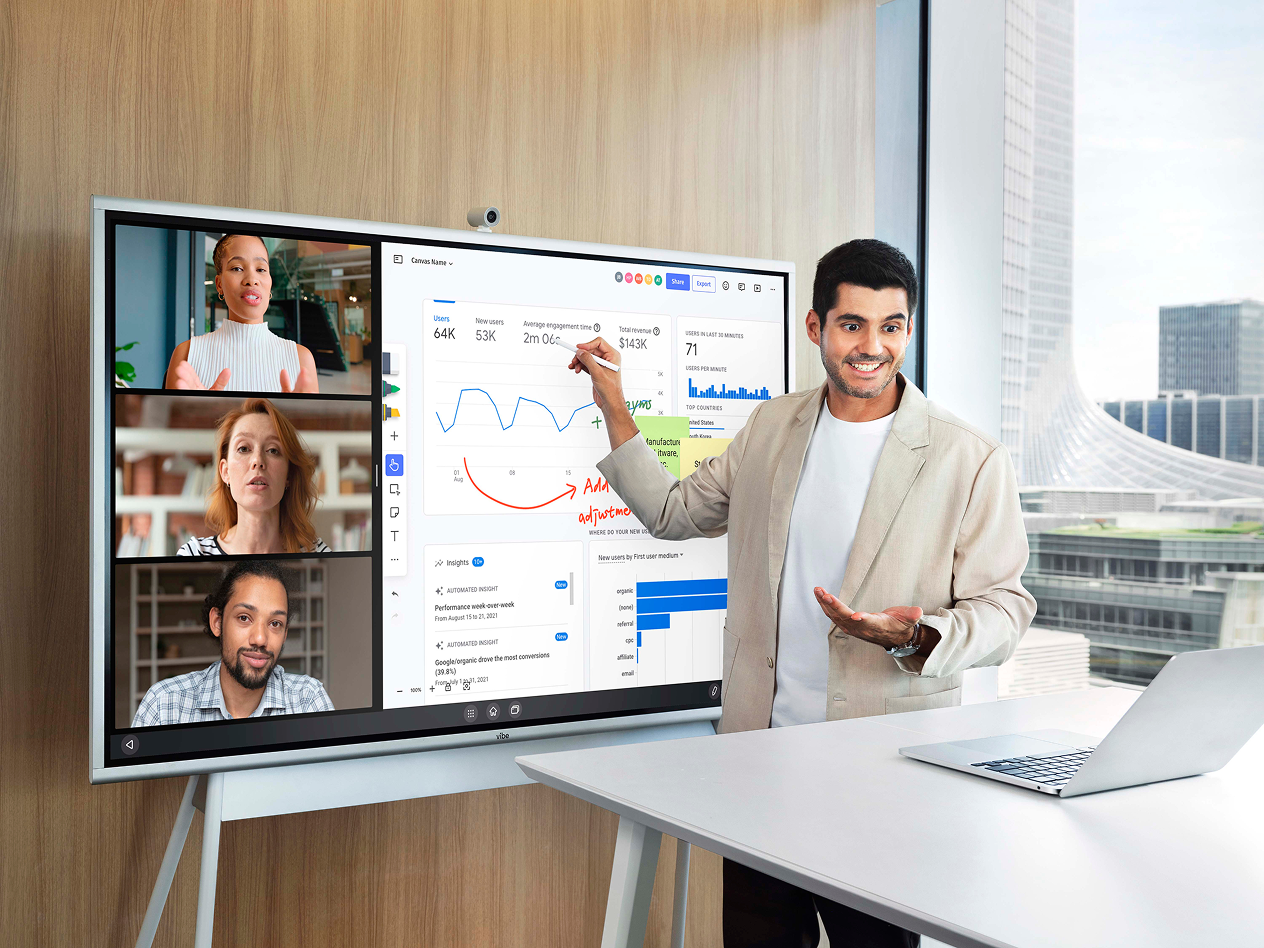
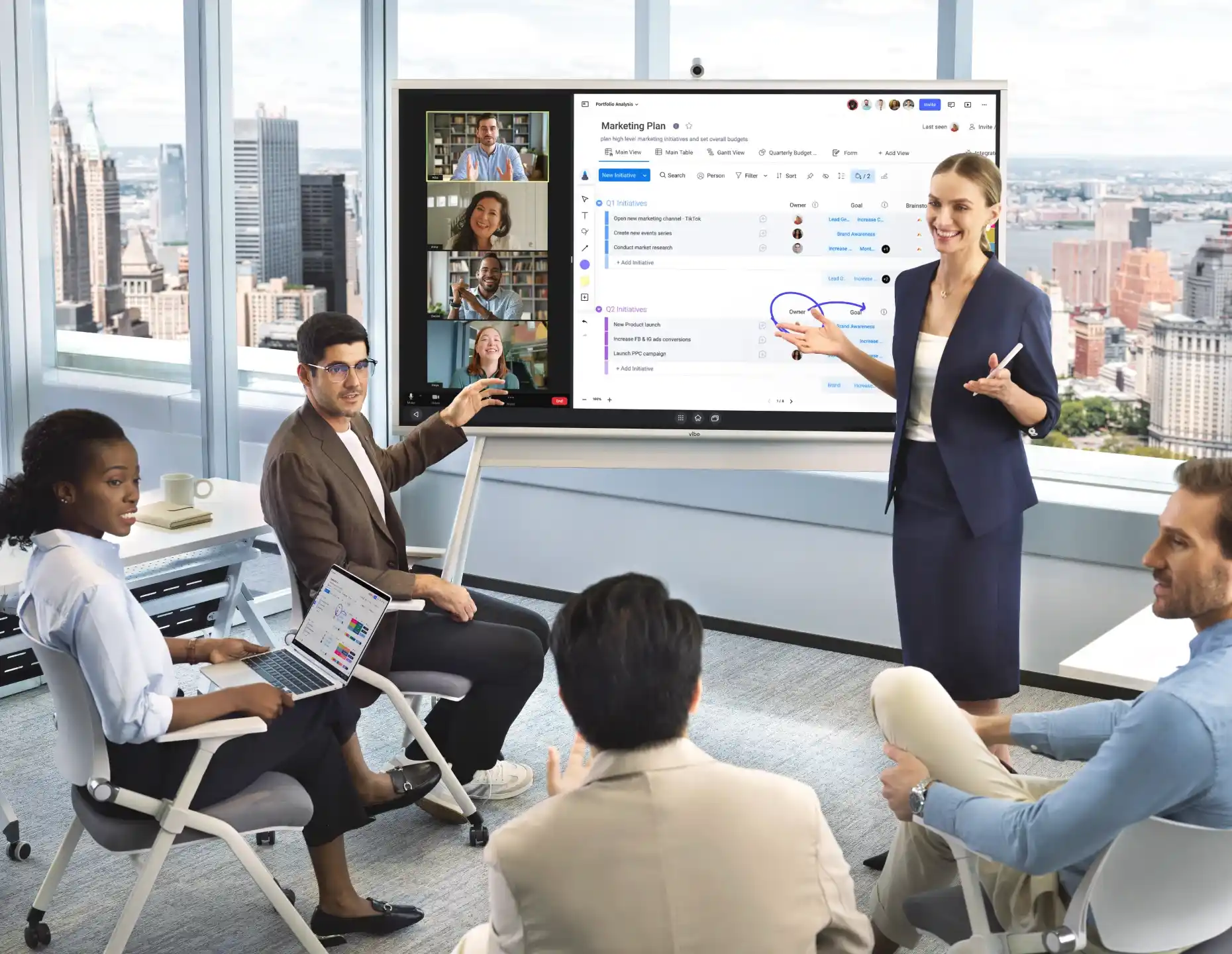
In meetings, interactive whiteboards act as a digital collaboration surface where ideas can be built together in real time. Teams use them for hybrid meetings, brainstorming sessions, digital whiteboarding, and live document reviews, with in-room and remote participants contributing simultaneously. This shared workspace improves visibility, encourages participation, and makes it easy to save and share outcomes once the meeting ends.
Because everything happens on one screen, meetings feel more focused and productive.
Education and Classroom
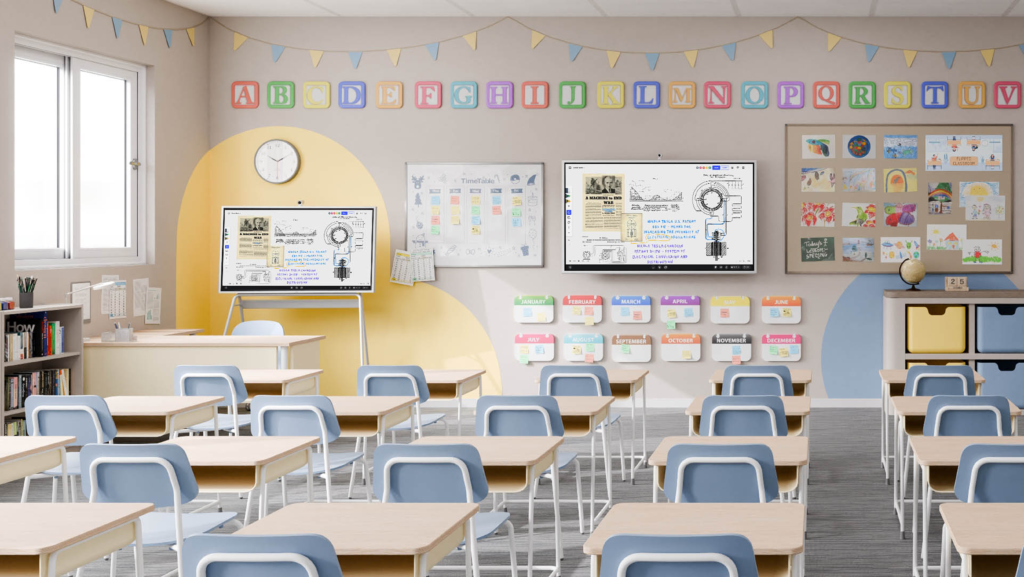
In classrooms, interactive whiteboards are used to present lessons, annotate slides, and bring multimedia into daily instruction. Teachers can write directly on content, pull in videos or images, and adapt lessons on the fly based on student questions. This makes instruction more dynamic and easier to follow than static whiteboards or projectors.
Student engagement is also higher because learning becomes more hands-on. Multiple students can interact with the board at once, whether solving problems, moving objects, or contributing ideas.
Training and Instruction
For scenario training and instruction, interactive whiteboards are ideal for walking through workflows, software demos, and step-by-step processes. Trainers can annotate screens, highlight key actions, and adapt explanations in real time as questions come up.
One of the biggest advantages is replay value. Sessions can be saved, whiteboards reused, and walkthroughs recorded for employees or learners who couldn’t attend live. That makes interactive whiteboards especially effective for onboarding, compliance training, team training, and ongoing skills development.
Client Facing Presentations
In client-facing settings, sales teams and consultants use them for dynamic demos, visual storytelling, and real-time adjustments based on client feedback. Being able to draw, annotate, and navigate content live makes conversations feel more collaborative and tailored.
Vibe Board S1: The Ultimate All-in-One Interactive Whiteboard
The Vibe Board S1 is designed to bring everything you need for collaboration into a single, modern display. Whether you’re hosting a hybrid meeting, leading a workshop, or presenting to clients, the S1 delivers a smooth, professional experience for both in-room and remote participants.
What truly sets the Vibe Board S1 apart is how easy it is to use while still offering enterprise-level capability. Teams can walk up and start collaborating right away—no IT expert required—and transform any room into a productive meeting space. With portability and access to hundreds of workplace apps, the S1 adapts to different industries and team sizes.
Key benefits of the Vibe Board S1 include:
-
Premium audio-video experience for on-site members and remote attendees alike.
-
A powerful visual communication hub for casting content and presentations so everyone stays aligned.
-
Boosted engagement with real-time collaboration, using Canvas to edit, sketch, and brainstorm together.
-
A polished, professional presence that elevates client-facing meetings and presentations.
-
Simple, intuitive setup and operation, with no technical expertise required.
-
Portability that turns any space into a collaborative meeting area, from offices to pop-up rooms.
-
Access to over 250 workplace applications.
Ready to see how it works in action? Experience the Vibe Board S1 firsthand by scheduling a demo and discover how it can transform the way your team collaborates.
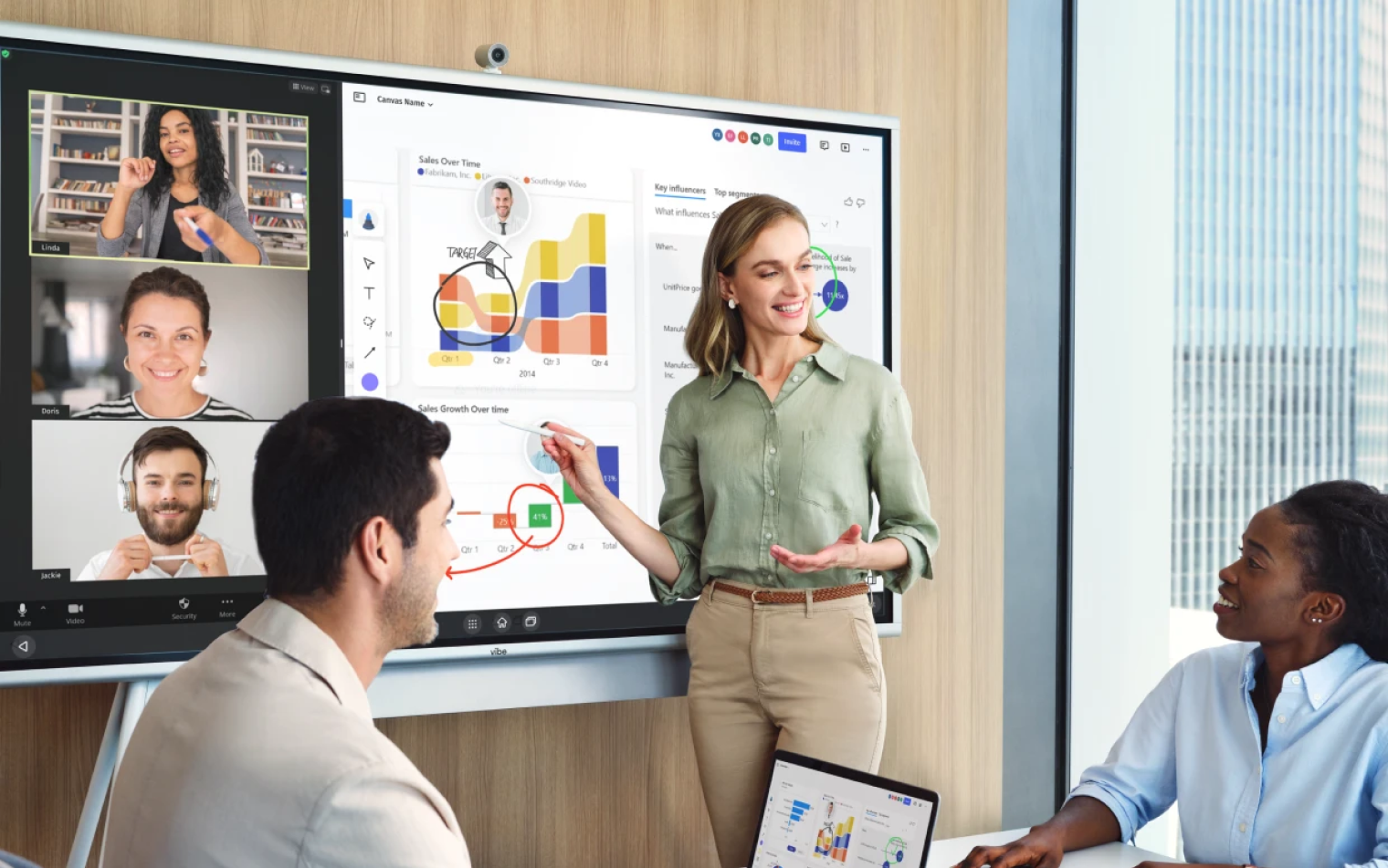 Team collaborating around Vibe Board during a meeting, using digital tools to enhance engagement and presentation.
Interactive Whiteboard FAQs
What is the difference between a whiteboard and an interactive whiteboard?
A traditional whiteboard is a static surface used for writing with markers and must be erased manually, with no way to save or share content. An interactive whiteboard is a digital, touch-enabled display that lets users write, draw, present, and interact with content on screen. It allows notes and annotations to be saved, shared, and used in real time with remote participants.
What is an example of an interactive whiteboard?
An example of an interactive whiteboard is the Vibe Board S1, an all-in-one touch display designed for meetings, classrooms, and training spaces. It combines whiteboarding, screen sharing, video conferencing, and app access in a single device. Users can collaborate live, whether they are in the room or joining remotely.
How do you use an interactive whiteboard?
You use an interactive whiteboard by touching the screen or using a stylus to write, draw, and navigate content. Users can present slides, open apps, annotate documents, or share screens from connected devices. Content can then be saved, shared, or recorded for later use.