

As AI becomes more and more commonplace, it’s easy to forget just how transformative AI productivity tools really are. 88% of companies have adopted AI, according to McKinsey’s latest data. That is up 10% year over year.
In this guide, we’ll look at a variety of AI productivity tools and share a list of the best 24 tools, categorized by the function they serve, to help readers choose the right tools for their specific needs.
- AI productivity tools help teams move faster by handling work that usually slows people down, like meeting notes, scheduling, drafting, and pulling information together.
- Strong AI productivity tools combine automation, context awareness, and remote collaboration so work keeps moving, even when teams are spread across locations and time zones.
- Agentic AI tools can take action on their own, managing multi-step tasks and following through without constant human input.
- The most effective AI productivity tools fit naturally into existing tools and workflows, making them easier to adopt.
What are AI Productivity Tools?
AI productivity tools are software tools that use AI to take on common work tasks that usually eat up time and attention. They can understand written and spoken language, recognize patterns in information, and take action on routine work without someone needing to guide every step. AI tools have ushered in the era of agentic workflows where autonomous AIs are able to analyze situations, make decisions on what actions to take, take said actions, and monitor the situation afterward.
For hybrid teams, that often looks like tools that transcribe meetings, coordinate schedules across time zones, generate early drafts of content, or pull information from multiple apps into one usable summary.
Key Features of AI Productivity Tools
Below are some of the primary features you should look for when looking at different AI productivity tool offerings.
-
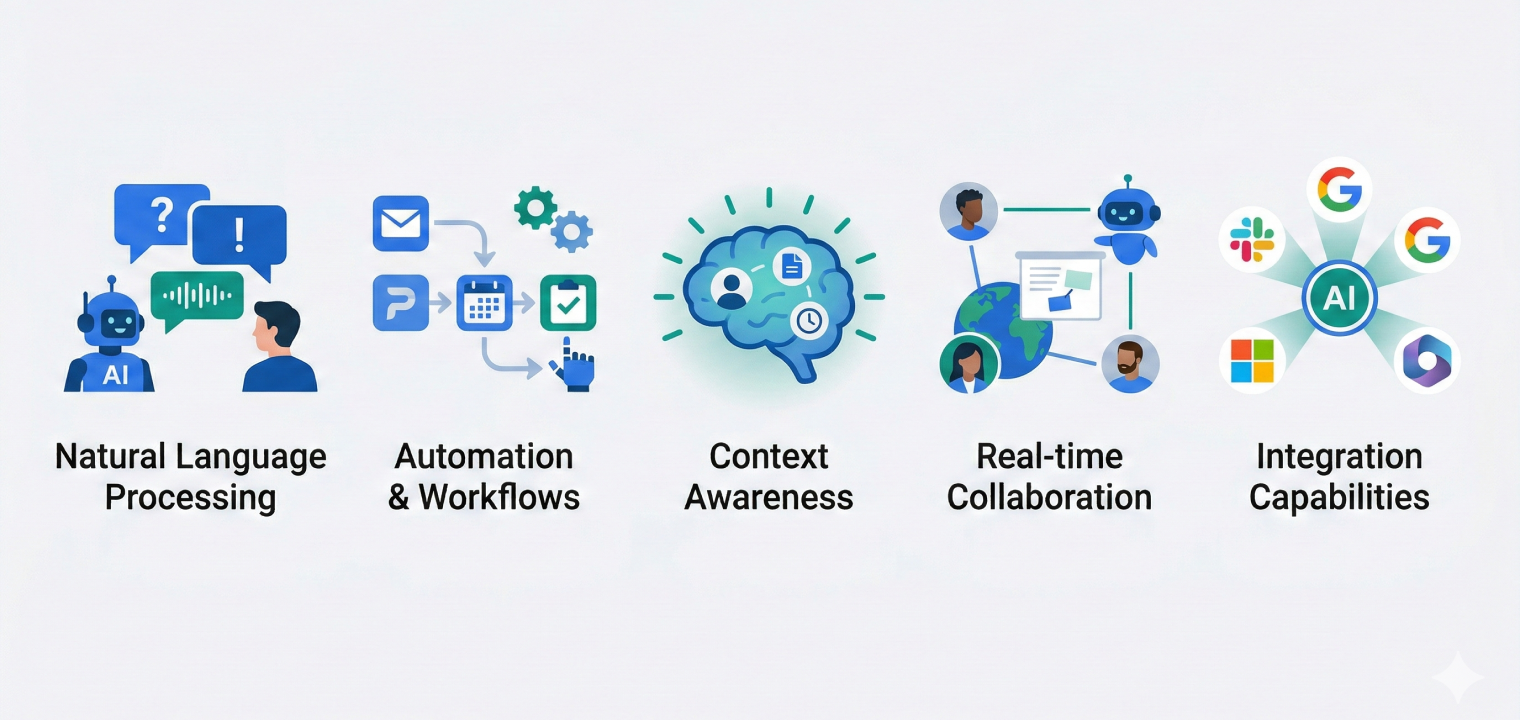
Natural language processing: Natural language processing is the ability for an AI tool to be able to understand and generate human-like text. This allows it to create commands, content creation, and natural conversations that are both understandable and pleasant to interact with.
-
Automation and Workflows: You should be able to expect your AI tools to easily connect multiple apps together and trigger specific actions without manual intervention from people. They can free up space in your workflows so employees can work on other tasks.
-
Context Awareness: One of the biggest differentiators between AI tools and other tech tools is the ability to learn from context. AI tools can learn from user behavior, company data, and previous interactions to provide personalized results that matter without a ton of human input.
-
Real-time collaboration software: AI tools often act as 24/7 employees, meaning they work in the moment you need them to, whether you’re there or not. AI productivity tools help teams work together with AI assistance across locations and time zones to accommodate all kinds of work schedules.
-
Integration Capabilities: Great AI productivity tools can also help you work seamlessly with existing tools such as Slack, Google Workspace, Microsoft 365, or other project management platforms.
Remember, the best AI tools combine many of these features instead of just one.
The 24 Best AI Productivity Tools by Category
AI Agent Builders
AI agent builders let high-performing teams create custom AI assistants that take autonomous actions across multiple apps without coding. That way, you can customize your AI tools to meet your specific needs for whatever situation or set of tasks.
That being said, these AI assistants are not chatbots. Agents don’t just answer questions or follow strictly outlined workflows. They help to manage and complete complex multi-step workflows. They can also make decisions based on data and operate independently of humans.
Below are some examples of AI agent builders.
1. Botpress
Botpress is an AI agent platform that lets you build conversational chatbots and AI agents without extensive coding, designed for developers and businesses who need custom AI solutions.
Standout features include:
-
Visual building studio for creating custom AI agents
-
Integration with multiple team communication channels
-
Role-based access controls for team collaboration
-
Custom knowledge base and vector database support
Pricing:
-
Free plan (500 messages/month)
-
Plus ($89/month)
-
Team ($495/month)
-
Managed (starting at $1,495/month)
2. Zapier Agents
Zapier Agents are intelligent AI teammates that can autonomously take multi-step actions across 8,000+ apps in your tech stack, handling tasks like drafting emails, preparing reports, and analyzing data.
Standout features include:
-
Natural language setup with no coding required
-
Live data sources and web browsing capabilities
-
Chrome extension for triggering agents from anywhere
-
Integration with 8,000+ apps via the Zapier platform
Pricing:
-
Pro plan starts at $19.99/month
-
Team $69/month
-
Enterprise (custom pricing)
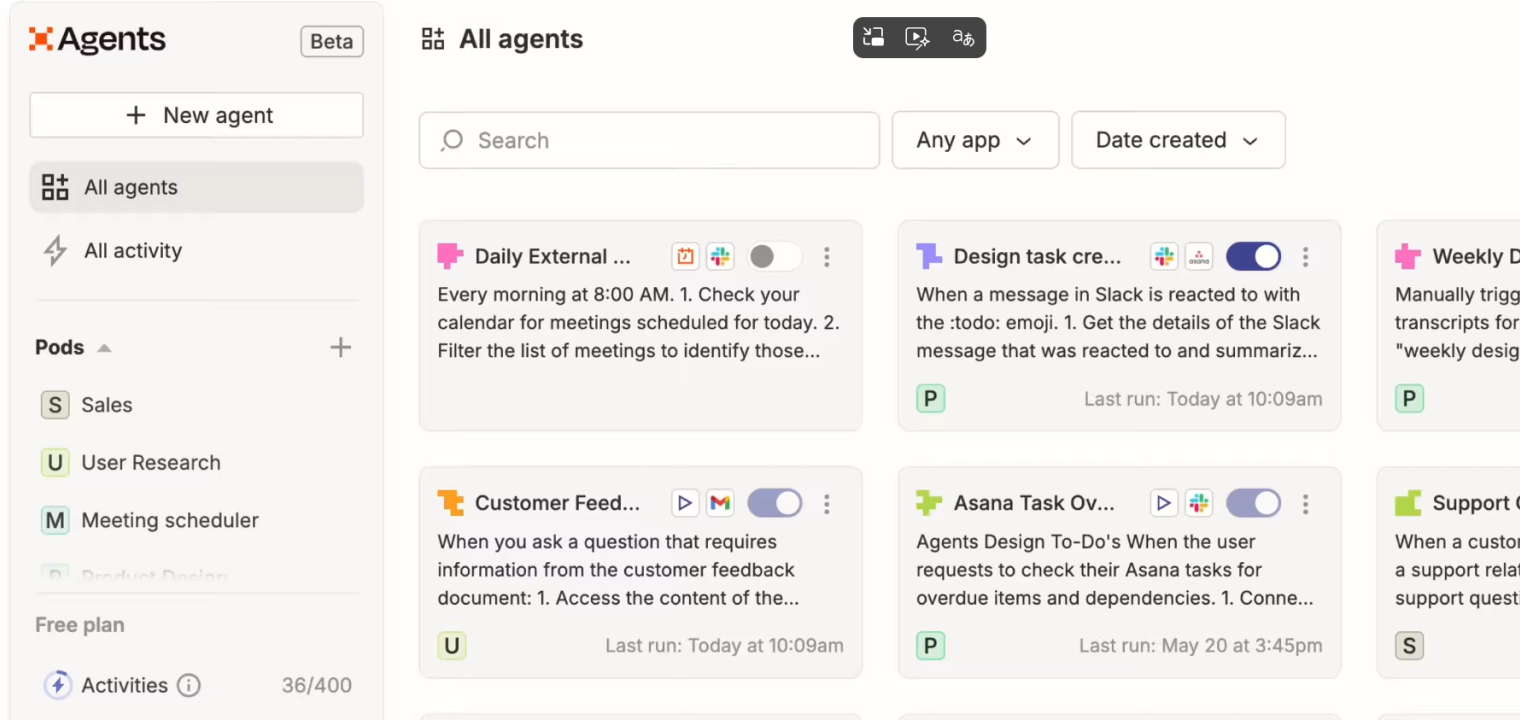 Zapier Agents interface displaying automated workflows, task automation, and AI-powered agents across apps like Slack and Asana.
AI Chatbots
AI chatbots are conversational assistants that understand natural language and provide answers, generate content, analyze data, and brainstorm ideas. They specialize in creating human-like conversations without input from humans in their responses.
AI chatbots are primarily known for the versatility of tasks they can work on. They can do everything from draft marketing copy to debugging code to explaining complex concepts.
Below are some examples of AI Chatbot tools.
3. ChatGPT
ChatGPT is OpenAI’s conversational AI assistant powered by GPT-5.1 that can answer questions, write content, generate code, analyze data, and create images through natural language prompts.
Standout features:
-
Access to GPT-5.1 with thinking/instant and advanced reasoning models (o1)
-
"Codex-Max" agentic capabilities
-
Native image generation with DALL-E
-
Web browsing for current information
-
Code interpreter and file analysis capabilities
Pricing:
-
Free plan
-
Go ($8/month)
-
Plus ($20/month)
-
Pro ($200/month)
4. Claude
Claude is Anthropic’s AI assistant, known for superior document analysis, extended context windows, and Constitutional AI safety features that make it ideal for research and complex reasoning tasks.
Standout features:
-
Opus 4.5 and the MCP (Model Context Protocol), which allows Claude to connect directly to local IDEs and Google Drive
-
Artifacts feature for interactive code and document generation
-
Extended context windows up to 200K tokens
-
Advanced vision capabilities for chart and document analysis
-
Projects feature for organizing conversations with knowledge bases
Pricing:
-
Free plan
-
Pro ($17/month)
-
Max (Fromm $100/user/month)
5. Meta AI
Meta AI is Meta’s conversational assistant integrated across Facebook, Instagram, WhatsApp, and Messenger, powered by Llama 4 models and designed for social media users.
Standout features:
-
Integration across all Meta platforms (Facebook, Instagram, WhatsApp, Messenger)
-
Real-time image generation during conversations
-
Voice conversations (up to 200/day on paid plan)
-
Access to social context from your Meta accounts
Pricing:
-
Free
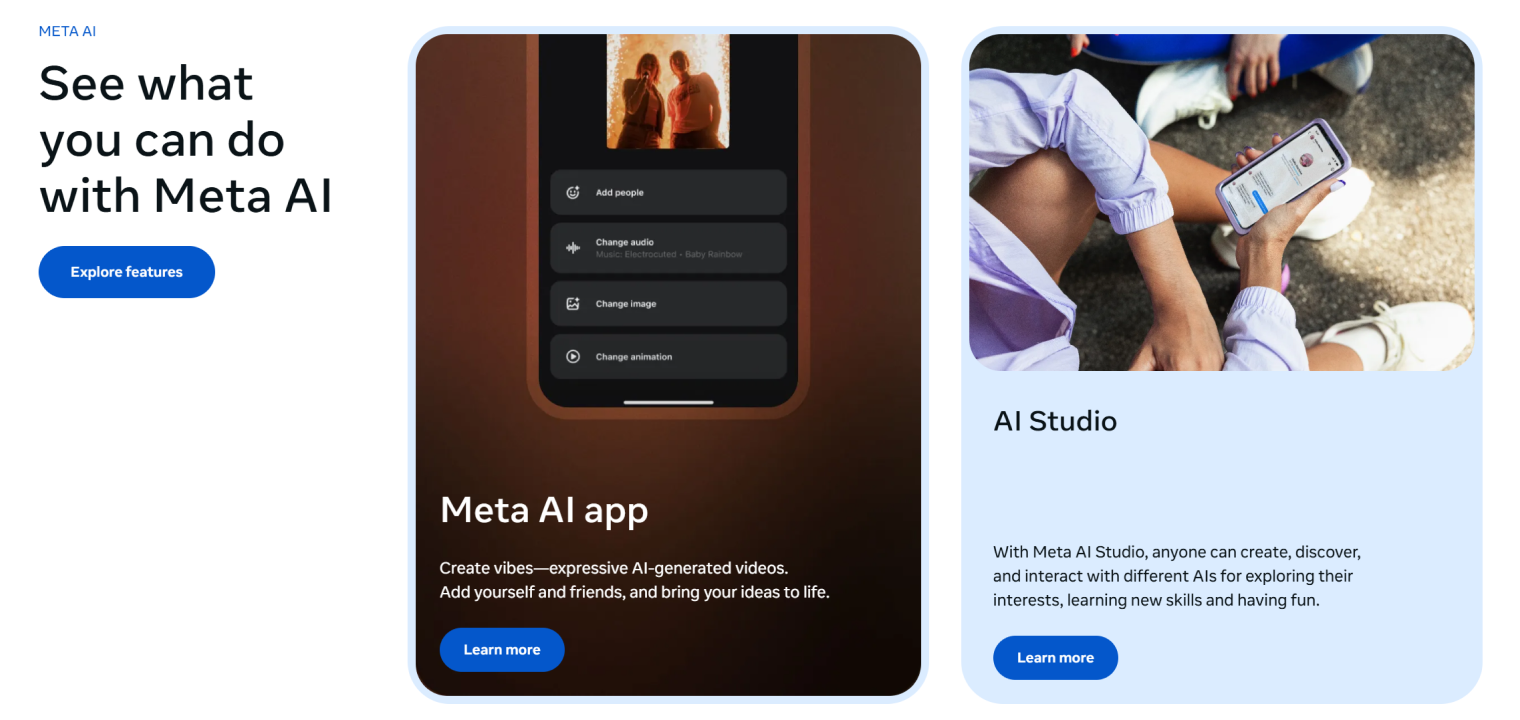 Meta AI interface showing tools for creating expressive AI-generated videos, including options to add people, change audio, modify images, and adjust animations
AI Search Engine
AI search engines are the newest generation of search engines. In fact, think of them as an evolution of traditional search. Instead of a simple list of links, AI search engines provide direct, cited answers coupled with conversational follow-ups to get to the real intent of your search query.
AI search engines do this by leveraging research efficiency gains, including multi-step reasoning, source synthesis, and the ability to ask clarifying questions.
Below are some examples of AI search engines.
6. Perplexity
Perplexity is an AI-powered search engine that provides cited, conversational answers by combining web search with AI analysis, making it ideal for research and staying on topic through follow-up questions.
Standout features:
-
Real-time web search with cited sources
-
Multi-step reasoning for complex research queries
-
File and photo upload capabilities (50 files per space)
-
Collaboration spaces for team research
Pricing:
-
Free plan
-
Personal Pro $17/month
-
Personal Max $167/month
7. Gemini
Gemini is Google’s multimodal AI assistant integrated across Google Workspace, Android, and Chrome that combines conversational AI with deep research, image generation, and Google’s ecosystem integration.
Standout features:
-
Deep Research mode with Gemini 2.5 Pro thinking capabilities
-
Integration with Google Workspace (Drive, Docs, Gmail)
-
Video generation with Veo 3.1
-
Audio Overviews for content summarization
Pricing:
-
Free plan
-
Google AI Pro ($19.99/month)
-
Google AI Ultra ($249.99 for 3 months)
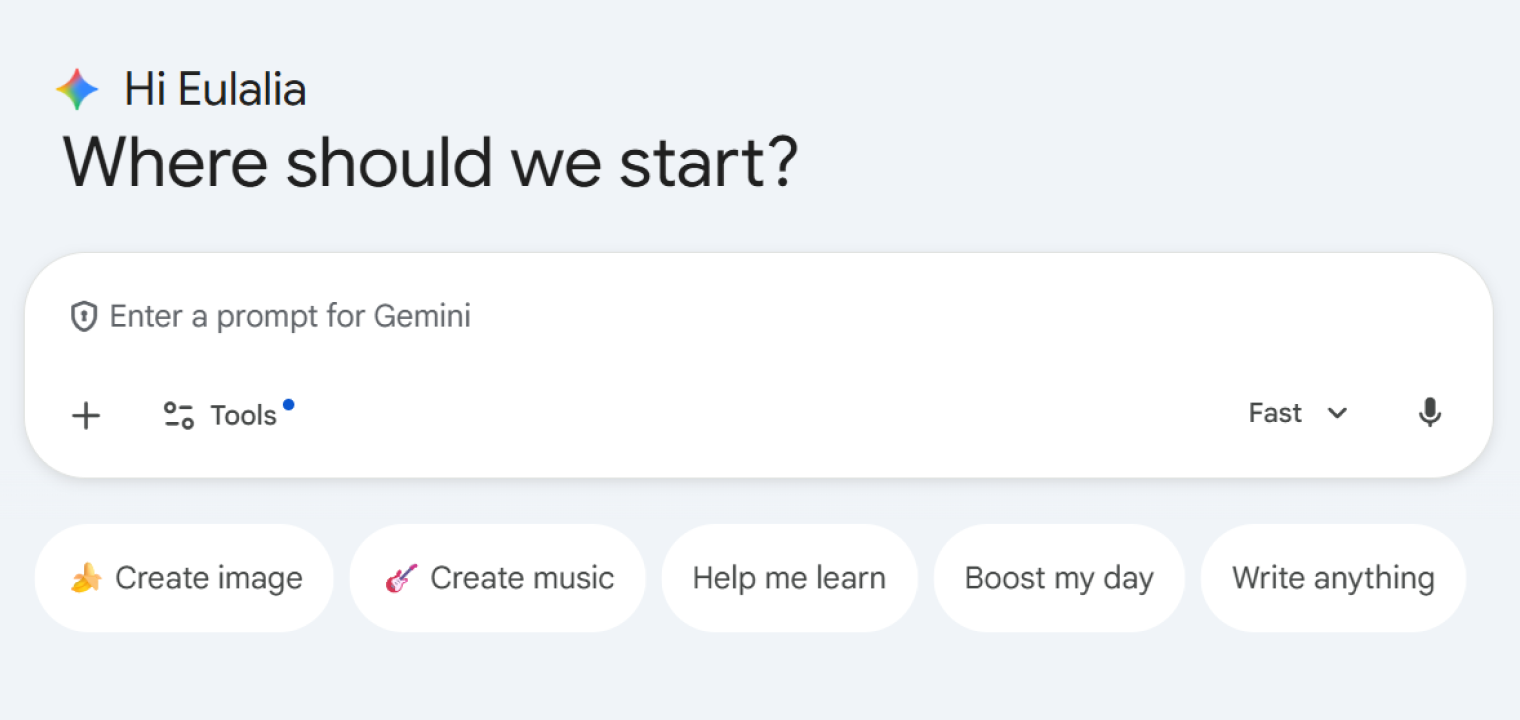 Gemini AI chat interface with prompt input and quick actions for image, music, learning, and writing.
8. Brave Search
Brave Search is a privacy-first AI search engine with its own independent index that provides AI-powered answers without tracking user data or building behavioral profiles.
Standout features:
-
Complete privacy with no user tracking or data collection
-
Independent search index (not dependent on Google or Bing)
-
AI-powered answers integrated into search results
-
Community-driven ranking options and social discussions
Pricing:
-
Free, Base $3.00/month
-
Pro $5.00/month
AI Writing & Content Creation
AI writing and content creation tools are tools that act as writing partners. They help handle everything from grammar checking to full blog post generation and everything in between.
These tools can specialize in different elements of writing and content creation. For example, Grammarly focuses more on the grammar and editing elements of writing, while Jasper and Writer focus more on actual content creation.
Below are examples of AI writing and content creation tools.
9. Grammarly
Grammarly is an AI-powered writing assistant that checks grammar, spelling, tone, and clarity while offering full-sentence rewrites, plagiarism detection, and brand consistency features for professional writing.
Standout features:
-
Real-time grammar, spelling, and tone detection
-
Full-sentence rewrites and clarity suggestions
-
Plagiarism detection with 16 billion web pages
-
Browser extensions and integrations across platforms
Pricing:
-
Free plan, Pro ($12/month)
-
Enterprise (custom pricing with unlimited AI prompts)
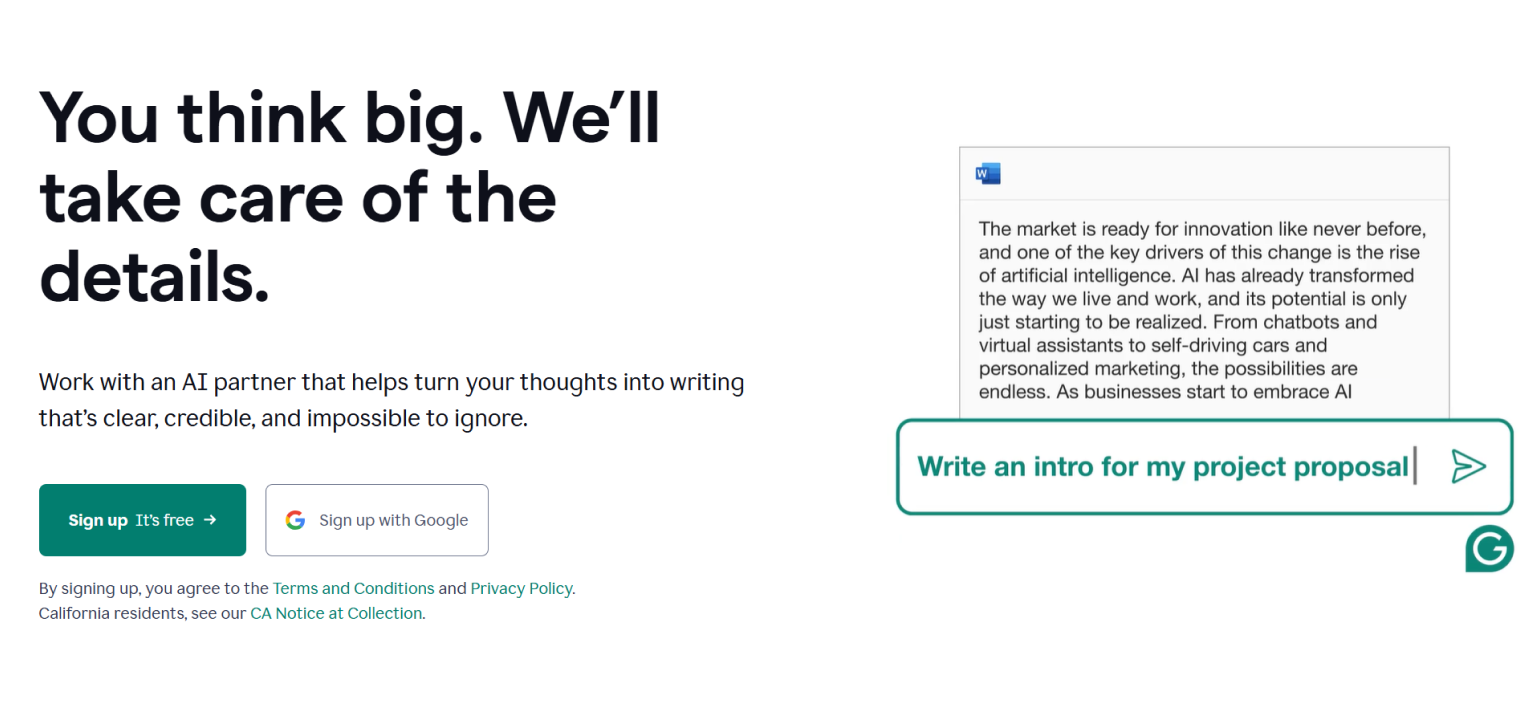 Grammarly interface offering AI-driven text rewriting options.
10. Jasper
Jasper is an AI content creation platform purpose-built for marketers that generates blog posts, ad copy, social media content, and marketing campaigns while maintaining brand voice consistency.
Standout features:
-
50+ content templates for various marketing formats
-
Brand voice training (1-3 voices depending on plan)
-
SEO mode with keyword optimization
-
AI image generation and campaign creation
Pricing:
-
Pro ($59/month/seat)
-
Business (custom pricing)
11. Writer
Writer is an enterprise-focused AI writing platform that emphasizes brand compliance, fact-checking, and governance features to ensure accurate, on-brand content at scale for large organizations.
Standout features:
-
Proprietary LLMs trained for brand safety and accuracy
-
Fact-checking and source verification
-
Enterprise-grade governance and compliance tools
-
Team collaboration with terminology management
Pricing:
-
Starter: Free
-
Enterprise (Contact sales—custom)
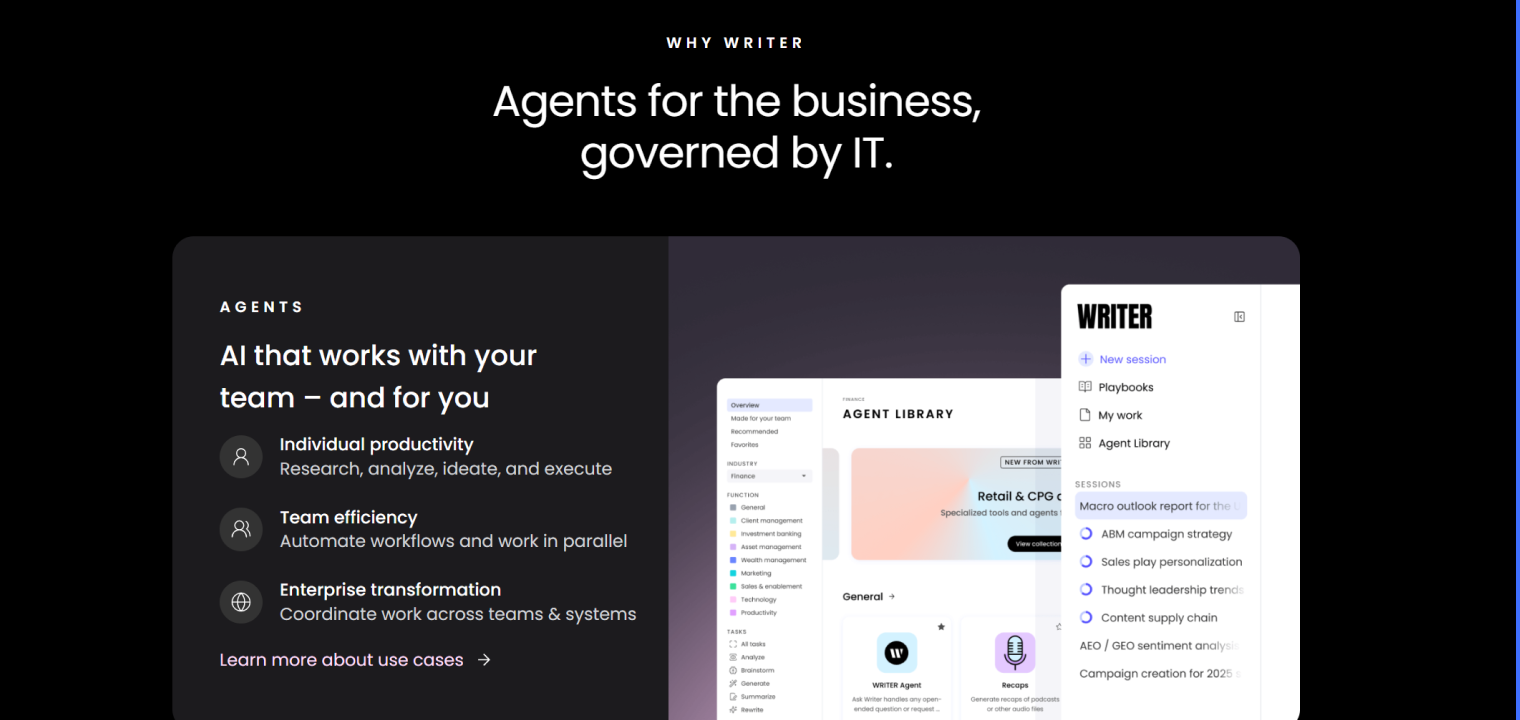 Writer interface showcasing AI agents for business use, with features for individual productivity, team efficiency, and enterprise transformation.
Image Generation
Image generation AI tools help transform text into images. These AI tools turn simple descriptions into professional visuals without design skills. They help make art and imagery even more accessible to those who specialize in other skills, but still need access to visual creation skills.
Image generation AI tools help with a wide variety of use cases, such as Midjourney’s artistic creation and Ideogram’s practical design with text for things like logos and posters.
Below are examples of image generation AI tools.
12. Midjourney
Midjourney is a leading AI image generation tool accessed via Discord that creates highly artistic and detailed images from text prompts with various artistic styles and customization options.
Standout features:
-
Detailed image generation with artistic style variations
-
Iterative refinement with upscaling and variation options
-
Commercial use rights on all paid plans
-
Fast GPU processing for quick generation
Pricing:
-
Basic ($10/month)
-
Standard ($30/month)
-
Pro ($60/month)
-
Mega ($120/month)
13. Ideogram
Ideogram is an AI image generator that excels at creating images with accurate text rendering, making it particularly strong for logos, posters, and designs that require readable typography.
Standout features:
-
Superior text rendering in generated images
-
Multiple aspect ratios and style options
-
Magic Prompt feature for enhanced prompt engineering
-
Commercial licensing on paid plans
Pricing:
-
Free Plan
-
Plus $15/month
-
Pro $42/month
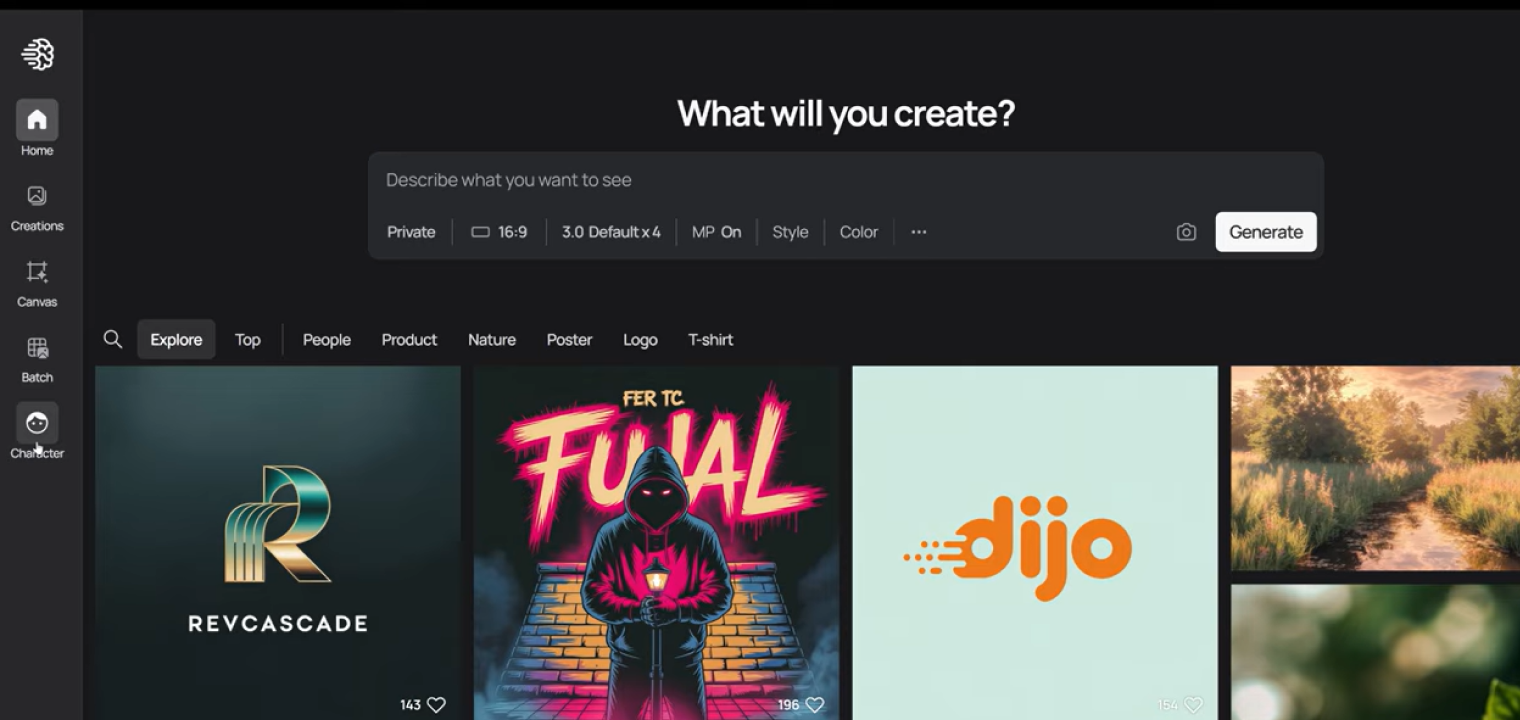 Ideogram interface for generating AI images, featuring a prompt input field and a gallery of creative outputs including logos, artwork, and scenes.
Knowledge Management
Knowledge management AI tools act as central hubs for organizing team information, with the power of AI making everything searchable and actionable.
Knowledge management spaces no longer need to consist solely of passive storage centers that require active human assistance. AI tools can help answer questions, generate content from stored data, and connect information across a variety of sources into actionable tasks.
Below are some examples of knowledge management tools.
14. Notion
Notion is an all-in-one workspace that combines note-taking, databases, wikis, and project management. AI sweeps in to take care of tasks like answering questions, generating content, and searching across your entire knowledge base.
Standout features:
-
AI that searches and answers questions from your collaborative workspace
-
Customizable databases, templates, and workflows
-
Team collaboration with real-time editing
-
Integration with Slack, Google Drive, and other tools
Pricing:
-
Free plan, Plus ($10/month)
-
Business ($20/month)
-
Enterprise (Contact Sales—custom)
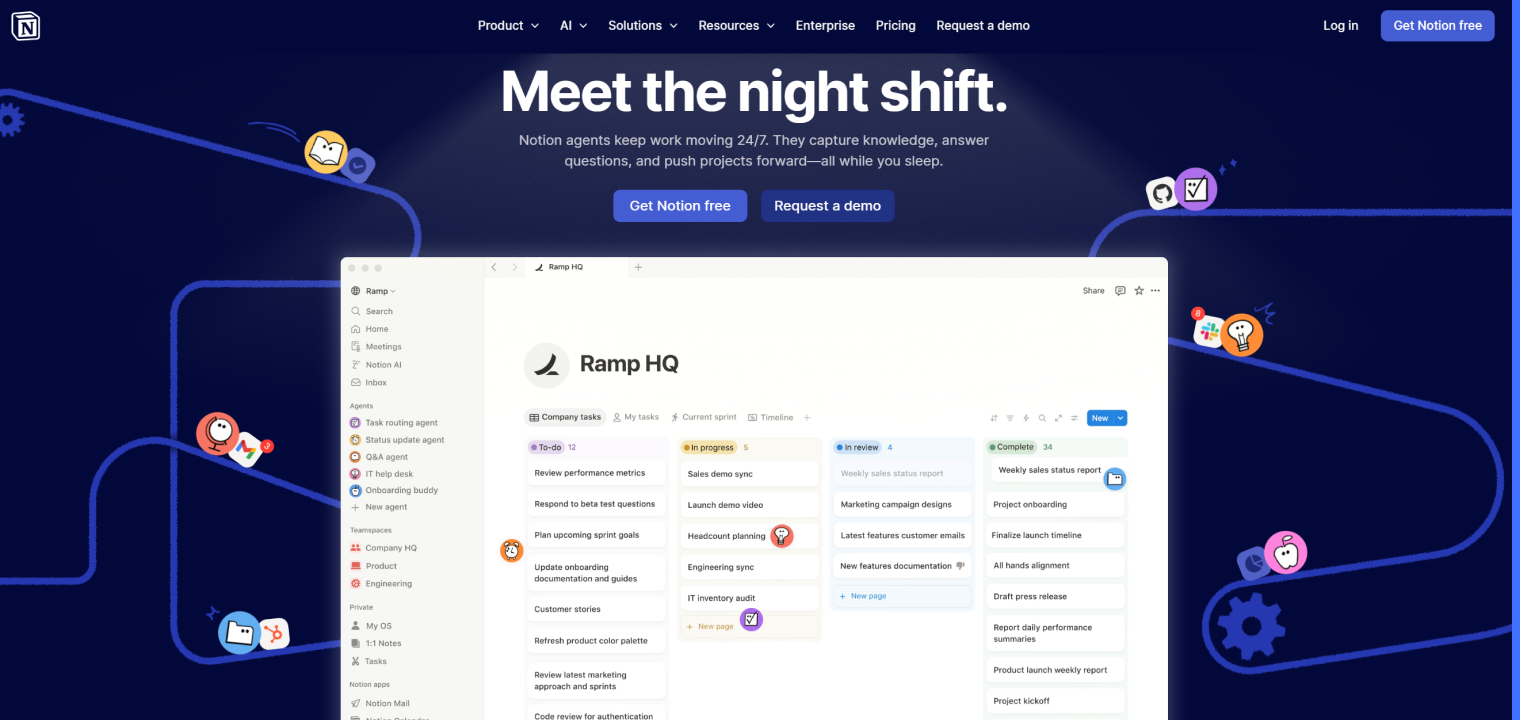 Notion interface showcasing AI agents automating tasks, managing workflows, and supporting team productivity with real-time updates.
15. Evernote
Evernote is a note-taking and organization app with AI-powered search, note summarization, and content organization features for capturing and retrieving information across devices.
Standout features:
-
Powerful search, including handwritten notes and PDFs
-
Web clipper for saving articles and research
-
Document scanning and annotation
-
Cross-platform sync across all devices
Pricing:
-
Free plan, Starter ($8.25/month)
-
Advanced ($20.83/month)
-
Enterprise (Custom—contact sales)
Marketing & Design
Marketing and design AI tools are end-to-end creative platforms that combine design templates with AI generation for rapid content production. That way, you can choose to begin making your designs from a specific starting point and use AI to alter them to fit your needs. Or, you can make an entirely new design from scratch. Versatility is one of the perks.
The real value of marketing and design AI tools is the speed-to-market advantage. Whether you’re creating social posts, presentations, or marketing materials, the creation process can be finished in a matter of minutes instead of hours.
Below are some examples of marketing and design AI tools.
16. Canva
Canva is a graphic design platform with AI-powered features, including Magic Design for instant template generation, background removal, and AI writing assistance for creating professional marketing materials.
Standout features:
-
Magic Studio with AI design generation and editing tools
-
250,000+ templates for social media, presentations, and marketing
-
Magic Write AI copywriting assistant
-
Brand kit with saved colors, fonts, and logos
Pricing:
-
Free plan, Pro ($120/year)
-
Business ($200/user/year)
-
Enterprise (Custom—contact sales)
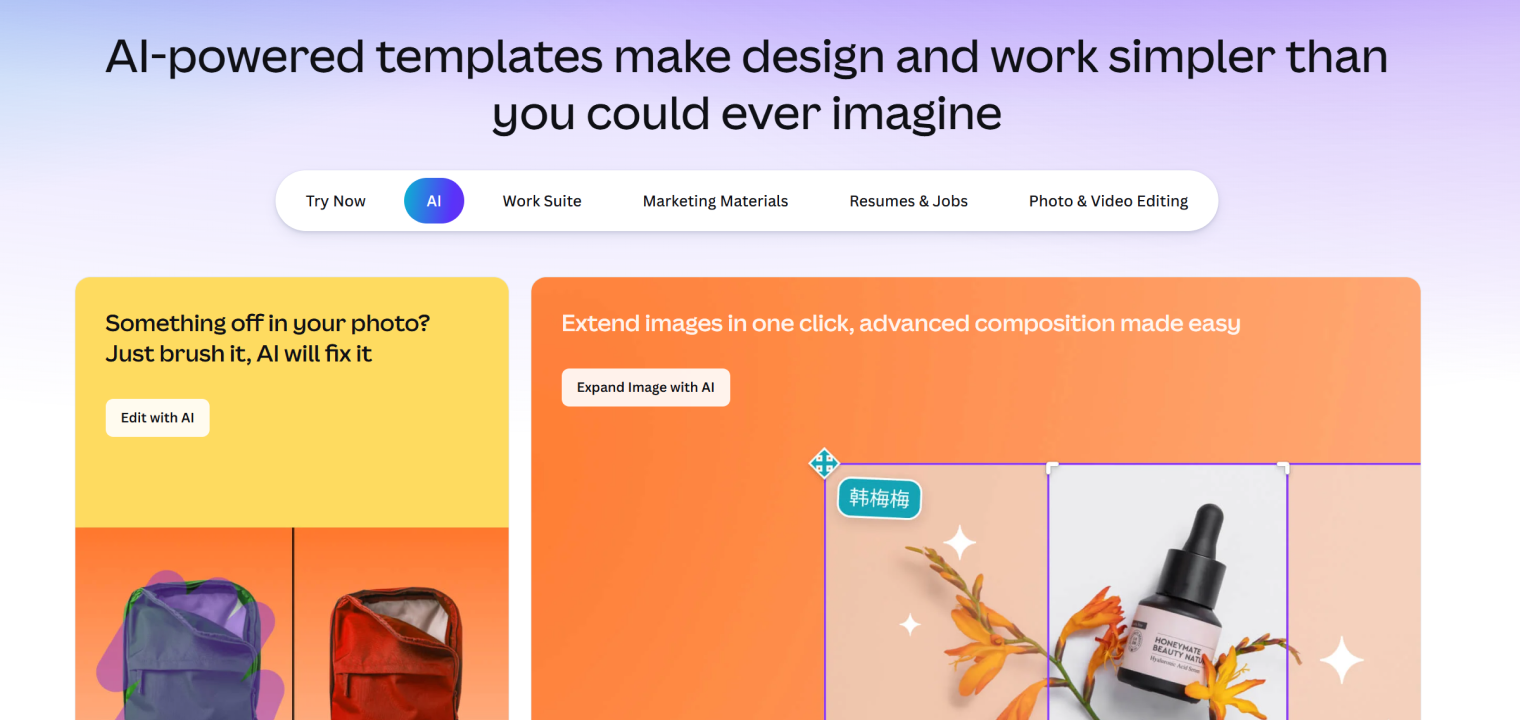 Canva interface showcasing AI-powered design tools for photo editing, image expansion, and content creation.
17. Gamma
Gamma is an AI-powered presentation tool that generates complete slide decks, documents, and web pages in seconds from text prompts, eliminating the need for manual formatting.
Standout features:
-
AI generates full presentations in under a minute
-
Customizable themes with one-click styling
-
"Edit with AI" feature for regenerating specific sections
-
Embedded GIFs, videos, charts, and websites
Pricing:
-
Free tier, Plus ($8/user/month)
-
Pro ($18/user/month)
-
Ultra ($90/user/month)
Meeting Assistants
AI meeting assistant tools lead with one primary hybrid team pain point in mind. They aim to keep remote and in-office participants aligned with accurate records and action items.
Tools such as Fireflies and Otter provide software-only solutions, and tools such as Vibe provide both hardware and software options. Vibe Bot specifically helps with physical conference room spaces, for example.
Below is some more information about these kinds of meeting assistant tools.
18. Vibe Bot
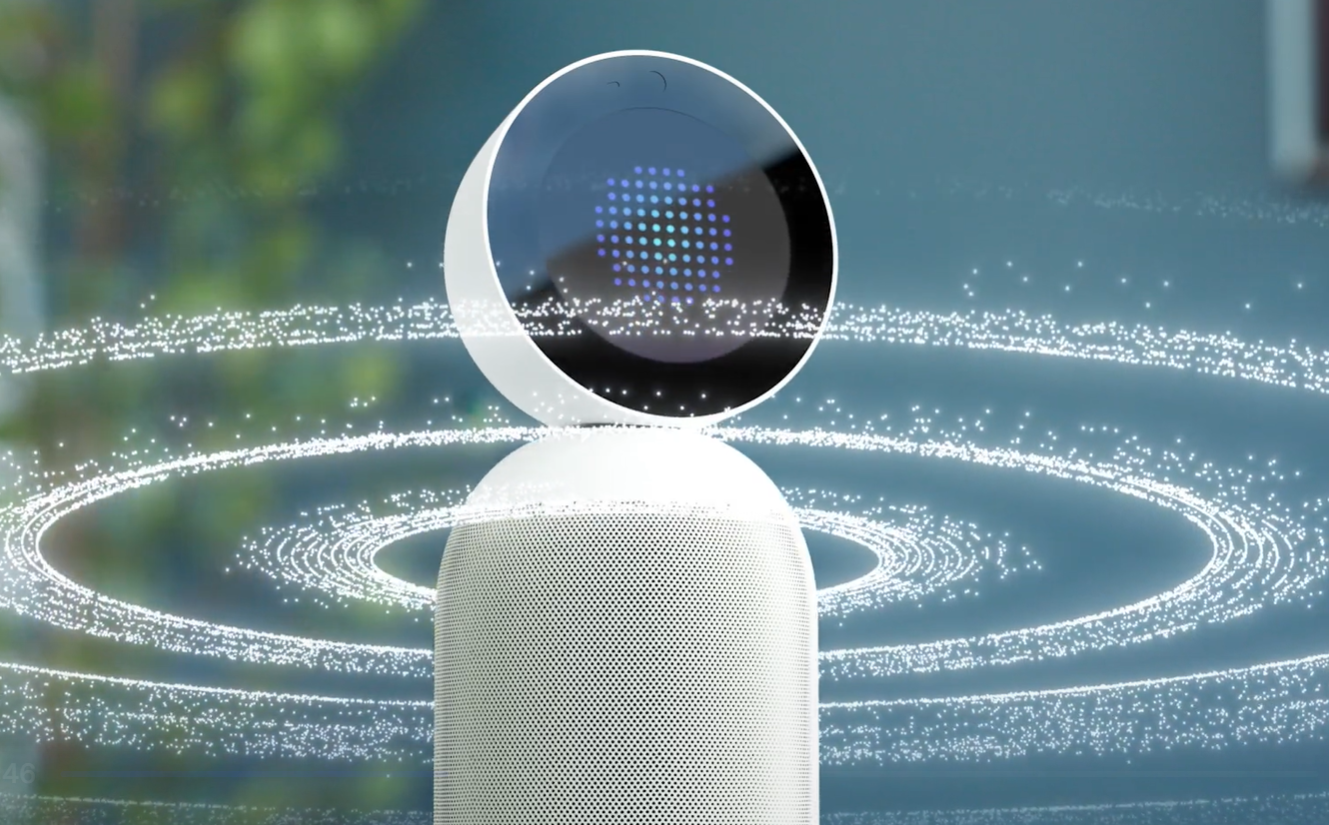
Vibe Bot is a standalone physical AI device for conference rooms that automates meeting transcription, timekeeping, note-taking, and action item generation without requiring a computer.
Standout features:
-
Standalone hardware with built-in OS (no computer needed)
-
Real-time transcription with AI summaries
-
Automatic action item generation with assignees
-
Daily summaries for activity tracking and client billing
Pricing:
-
Free Starter, Pro ($19/user/month)
-
Team ($39/user/month)
-
Enterprise (Custom—contact sales)
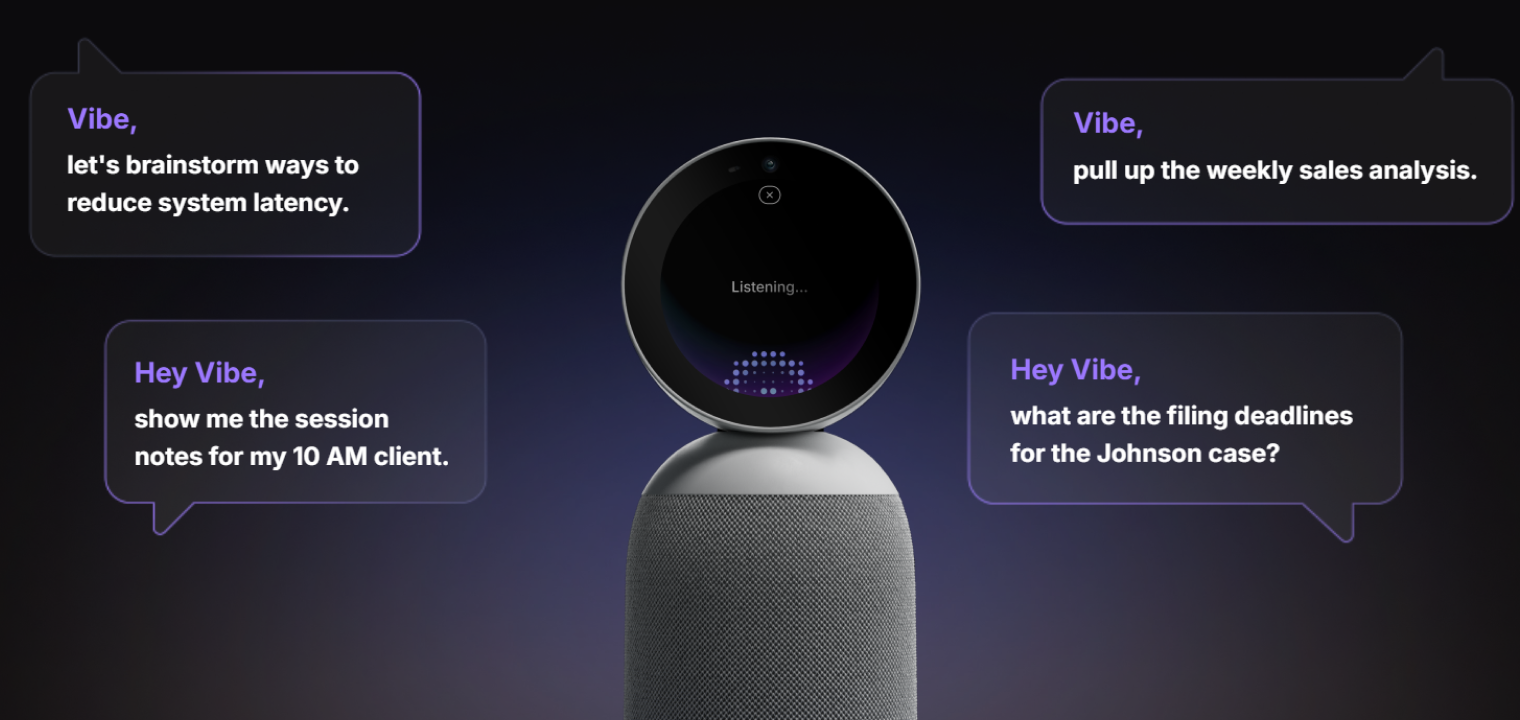 Screenshot of Vibe Bot highlighting voice-controlled AI assistance for meetings and productivity.
19. Fireflies.ai
Fireflies.ai is an AI meeting assistant that joins video conferencing to record, transcribe, and summarize meetings across Zoom, Google Meet, and Microsoft Teams with automated note-taking.
Standout features:
-
Automated meeting recording and transcription
-
AI-generated meeting summaries and action items
-
Integration with CRMs and project management tools
-
Searchable transcript library with speaker identification
Pricing:
-
Free plan (limited features)
-
Pro ($10/month)
-
Business ($19/month)
-
Enterprise (Custom—contact sales)
20. Otter
Otter is an AI transcription tool that captures meeting notes, highlights key points, and generates automated summaries with slide capture for in-person and virtual meetings.
Standout features:
-
Real-time transcription with keyword highlighting
-
Automated slide capture during presentations
-
Searchable transcripts with adjustable playback speeds
-
AI Chat functionality for asking questions about meetings
Pricing:
-
Free plan (limited minutes)
-
Pro ($8.33/user/month)
-
Business ($19.99/user/month)
-
Enterprise (Custom—contact sales)
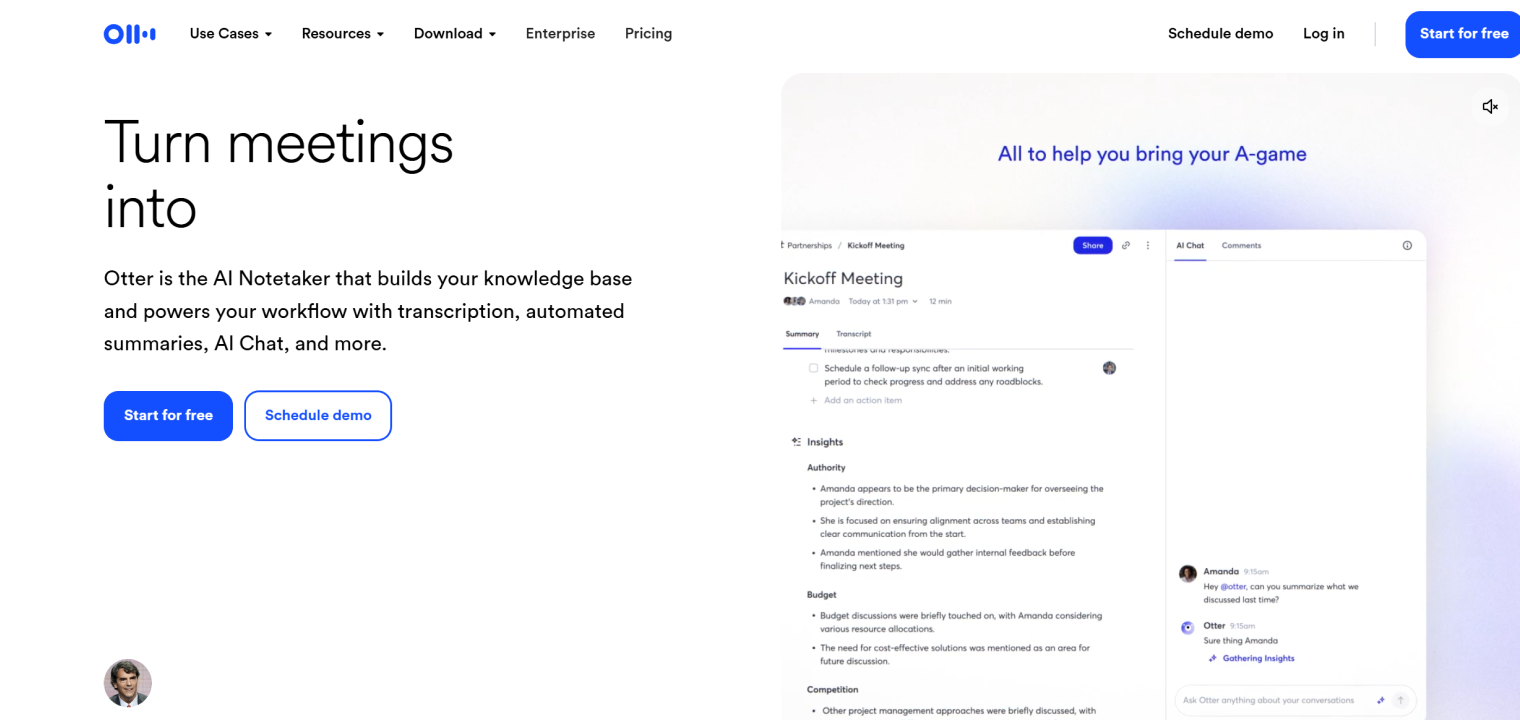 Otter interface displaying AI-powered meeting notes, automated summaries, and real-time chat with insights from transcribed conversations.
Project & Task Management
AI-enhanced project management tools are great at solving capacity planning issues and can also help improve prioritization challenges for distributed teams.
These project and task management tools do this through features such as auto-scheduling capabilities. These AIs can understand deadlines, dependencies, and individual workloads to optimize team calendars and help keep everyone on the same project timeline by doing so.
Below are some examples of project and task management tools.
21. ClickUp
ClickUp is an all-in-one project management platform with ClickUp Brain AI that summarizes tasks, generates reports, and automates workflows across your entire workspace.
Standout features:
-
ClickUp Brain for AI-powered task summaries and insights
-
Autopilot Agents for automating recurring work
-
Customizable dashboards, views, and workflows
-
Integration with 1,000+ apps, including Slack and Dropbox
Pricing:
-
Free plan, Unlimited ($7/user/month)
-
Business ($12/user/month)
-
Enterprise (Custom—contact sales)
22. Motion
Motion is an AI-powered task management and scheduling tool that auto-schedules tasks on your calendar based on priorities and availability while accounting for meetings and personal time.
Standout features:
-
AI auto-scheduling that places tasks in optimal time slots
-
Calendar integration with personal and work calendars
-
Team collaboration with task assignment and capacity tracking
-
Project management with deep task organization
Pricing:
-
Individual ($29/month or $39/month)
-
Team ($19/user/month or $29/user/month annual)
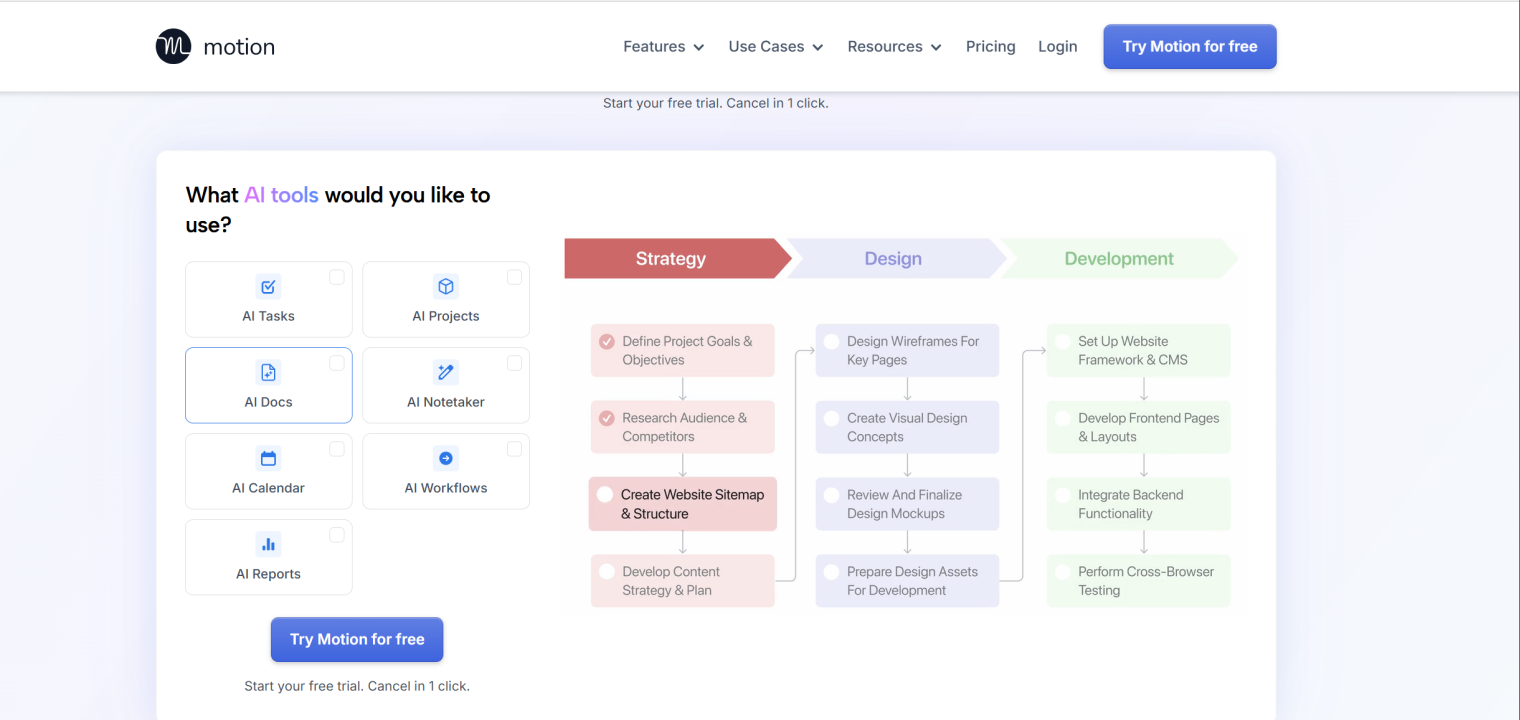 Motion interface showcasing AI-powered tools for project management, with a workflow from strategy to design and development.
Video Generation & Editing
Somewhat similar to image generation tools, video generation and editing AI tools provide text-based video editing. These kinds of AI tools are revolutionary for non-technical creators. They allow them to quickly edit video by editing the transcript text.
Some of these video generation and editing tools focus on actual video generation, such as Runway’s text-to-video, while others focus on video editing efficiency, such as Descript’s transcription-based editing approach.
Below are some examples of video generation and editing software.
23. Descript
Descript is a video and audio editing tool that transcribes your content into text, which allows you to edit videos by editing the script rather than using traditional timeline editing.
Standout features:
-
Text-based video editing (edit video by editing transcript)
-
AI voice cloning for overdubbing corrections
-
Automatic filler word removal
-
Screen recording and multi-track editing
Pricing:
-
Hobbyist ($16/user/month)
-
Creator ($24/user/month)
-
Business ($50/user/month)
24. Runway
Runway is an advanced AI video generation and editing platform powered by Gen-4 that creates videos from text prompts, removes backgrounds, and applies AI-powered effects to video frames.
Standout features:
-
Text-to-video generation with Gen-4 model
-
Custom model training for consistent styles
-
Frame-by-frame AI painting and effects
-
Green screen replacement and background removal
Pricing:
-
Free tier (limited credits)
-
Standard ($12/user/month)
-
Pro ($28/user/month)
-
Enterprise (Custom—contact sales)
Vibe Bot: The Intelligent Meeting Room Assistant
Vibe Bot is a smart meeting room device that supports hybrid meetings by handling transcription, notes, and basic follow-up tasks during the conversation. It’s designed to sit in the room and work alongside the people in it. Some of the key features of the Vibe Bot include:
-
Operating as a standalone device with a built-in OS, with no computer needed
-
Optionally connects to a TV or monitor for a larger display
-
Providing real-time transcription
-
AI-powered summaries and action items with assignees from meetings
-
Automating timekeeping and note-taking, and including daily summaries for activity tracking and billing
-
Supporting voice commands that are quick and responsive
-
Providing strong microphone pickup
-
Fully integrates with Zoom, Google Meet, and Microsoft Teams via one-tap join
-
Easy setup designed for in-room use, which enhances remote work efficiency
Experience how the Vibe Bot can improve your meeting continuity firsthand by scheduling a demo.
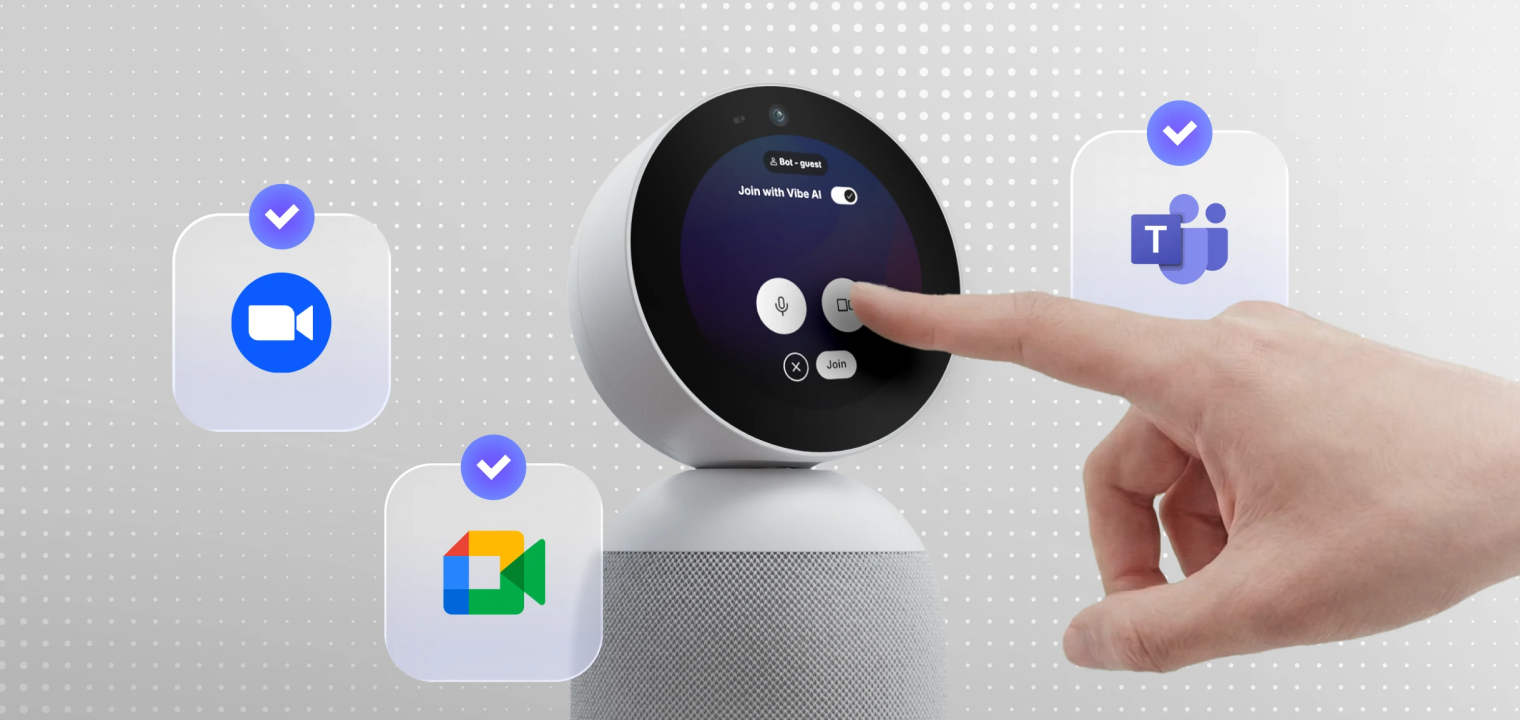 Vibe Bot, a meeting device that captures the room and delivers live notes, summaries, and action items.
AI Productivity Tools FAQs
How do AI tools help with work-life balance?
A lot of work boils down to record keeping, planning, knowing who is assigned to what tasks, and following up on the status of those tasks. It’s making tweaks to content and other deliverables. This kind of work can get in the way of creating, doing, and delivering. AI takes a lot of those prep or optimizing tasks out of the hands of human employees so that they can focus on their next, most important steps.
How does AI summarize meetings?
AI takes advantage of natural language processing and other pattern recognition features to determine what was said and what is most important to record. It listens to determine who asked whom to do what, as well as who agreed to do what by what time. It uses these context clues to put together lists of tasks, assignees, and timelines that the team can use to move projects forward.
What are the future trends of AI productivity tools?
In one sense, the future of AI productivity tools is simply more of what we see already. We can expect to see tools that can do the jobs they do now, only better. It’s safe to assume that AI productivity tools will only improve in the future, meaning they will be more proactive and miss fewer details. Ultimately, it will continue to adapt so that smart workplaces and workflows are completely optimized, no matter the office setup or employee work schedule.