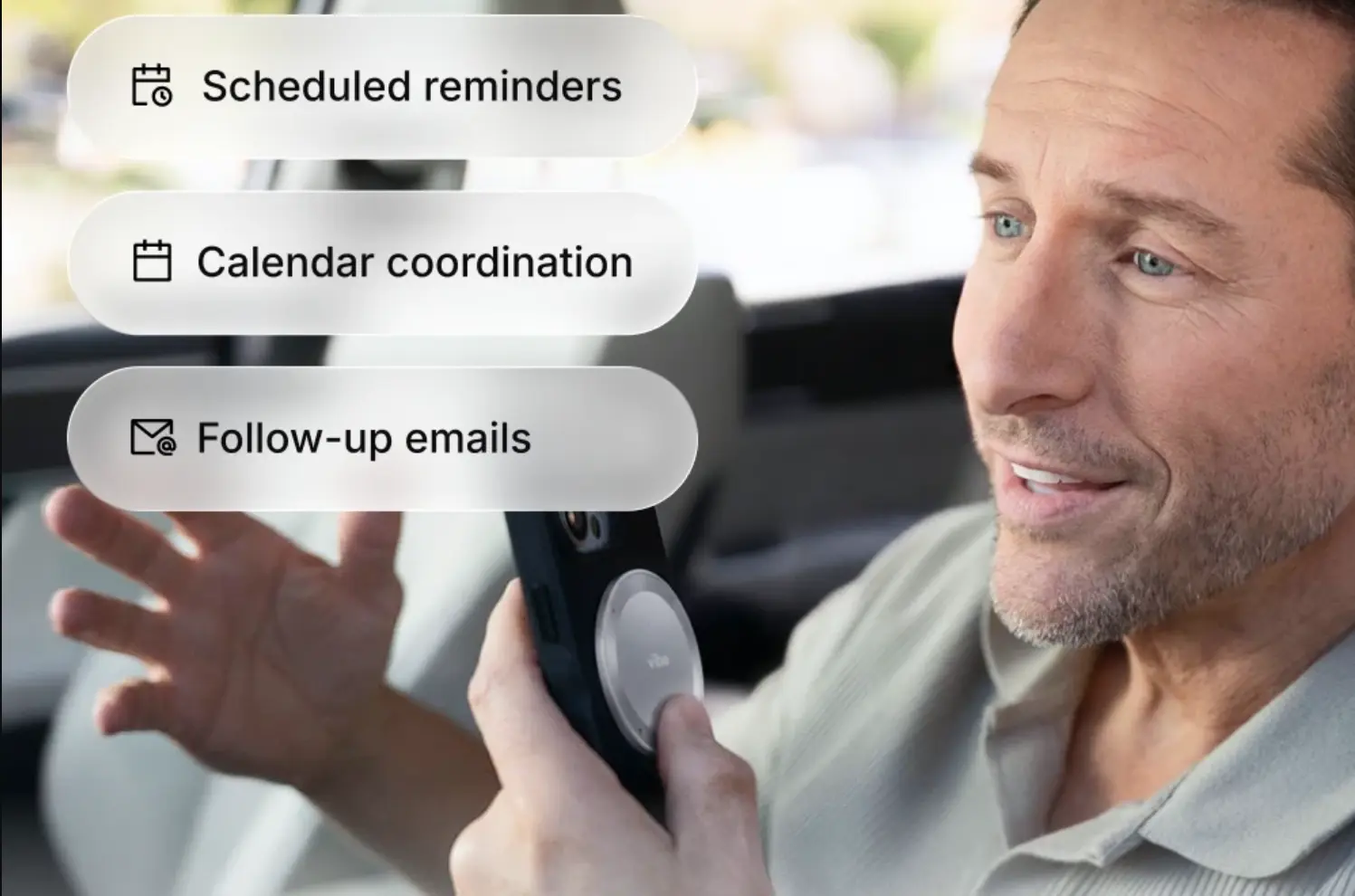
The AI recorder problem for sales is about the 48 hours after a call — the follow-up that doesn’t happen fast enough. That’s not the recruiter or CS manager problem. The recruiter problem is that you interviewed 20 people across three weeks, and by the time the hiring committee meets you can’t reconstruct who said what, which candidate mentioned the salary concern, or what you promised about the timeline. The CS problem is that the client mentioned a budget pressure in a call six months ago that’s directly relevant to the renewal conversation happening now — and that information exists in a recording you’ll never find.
Both roles have the same underlying structure: relationships that unfold across multiple conversations, over weeks or months, where what someone said three calls ago is as relevant as what they said today. For a recruiter or CS manager with ADHD, that cross-conversation continuity is exactly where working memory gives out.
This roundup evaluates five AI recorders against that specific failure — not general transcription quality, but whether a tool can help you track the same person across multiple conversations over time.
A framing note: this is a workflow comparison, not clinical guidance. For clinical information about ADHD, CHADD and your clinician are the right sources.
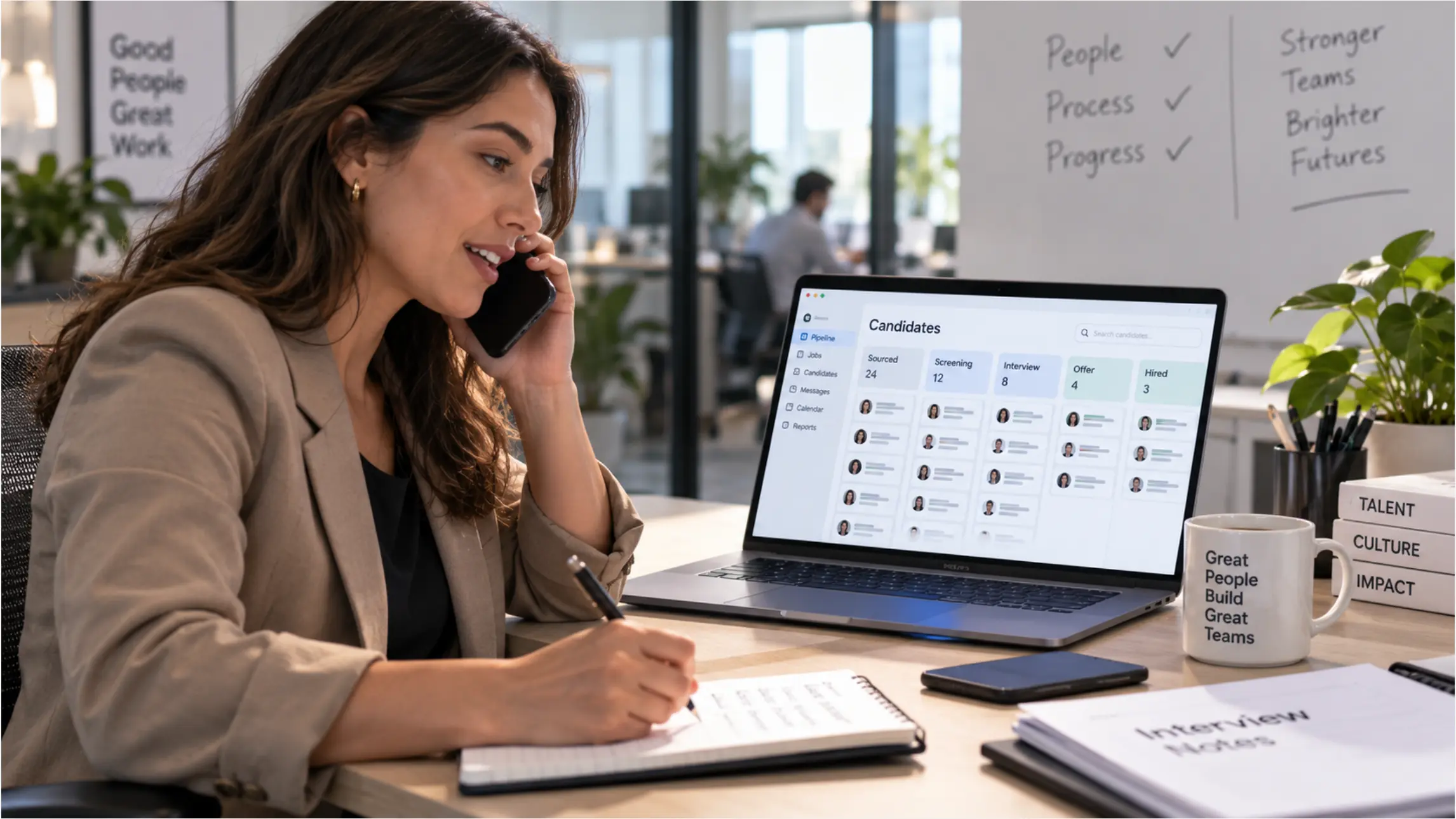 A recruiter at a desk with a phone and laptop, candidate pipeline visible on screen
The three ADHD failure points in recruiting and CS
The research on ADHD and prospective memory identifies the impairment precisely. A PLOS One study comparing adults with ADHD against matched controls found large-scale impairment concentrated in task planning — converting an event into a structured, actionable intention — with negligible effects on recall or execution. In recruiting and CS terms, that shows up at three specific points:
The candidate or client blur. After enough conversations, the details start to compress. Which candidate mentioned the relocation constraint? Which client flagged the integration timeline concern? The information was captured — you remember the conversation — but the specific detail attached to the specific person has degraded.
The promised follow-up that disappeared. You said you’d send the job description by Thursday. You said you’d check on the SLA. The commitment was made verbally, it felt solid at the time, and it never made it into any system. You discover it when the person follows up asking where it is.
The context that gets reconstructed instead of retrieved. Starting a renewal call, a second-round interview, or a QBR by asking "so where did we leave things last time?" is a signal that the previous conversation isn’t accessible. It costs time, signals poor preparation, and for a CS manager, it’s the kind of thing that makes a customer feel like a ticket rather than a relationship.
Quick comparison
|
Tool |
Cross-session recall |
Phone + in-person capture |
Automatic follow-up surfacing |
Best for |
|---|---|---|---|---|
|
Vibe Dot |
Yes — Memory Graph across all conversations |
Yes — any environment |
Yes — task agent via AI Credits |
Recruiters and CSMs who work across phone, in-person, and video |
|
Plaud Note Pro |
Per-session only |
Yes — phone and in-person |
Manual export |
Deliberate capture, clear session boundaries |
|
HiDock P1 |
Per-session only |
Call side via Bluetooth earbuds |
Manual export |
Phone-heavy roles, unmetered transcription |
|
Fireflies.ai |
Searchable across meetings |
Video calls only |
CRM sync (HubSpot, Salesforce) |
Inside roles, video-first workflows |
|
Fathom |
Searchable within platform |
Video calls only |
HubSpot / Salesforce on paid plans |
Inside roles, free starting point |
1. Vibe Dot — best for tracking the same person across every kind of conversation
Price: $199 device | Vibe AI: Starter free (300 min/month) · Pro ~$9/seat/month (1,200 min/month) · Max ~$29/seat/month (extended memory, advanced features)
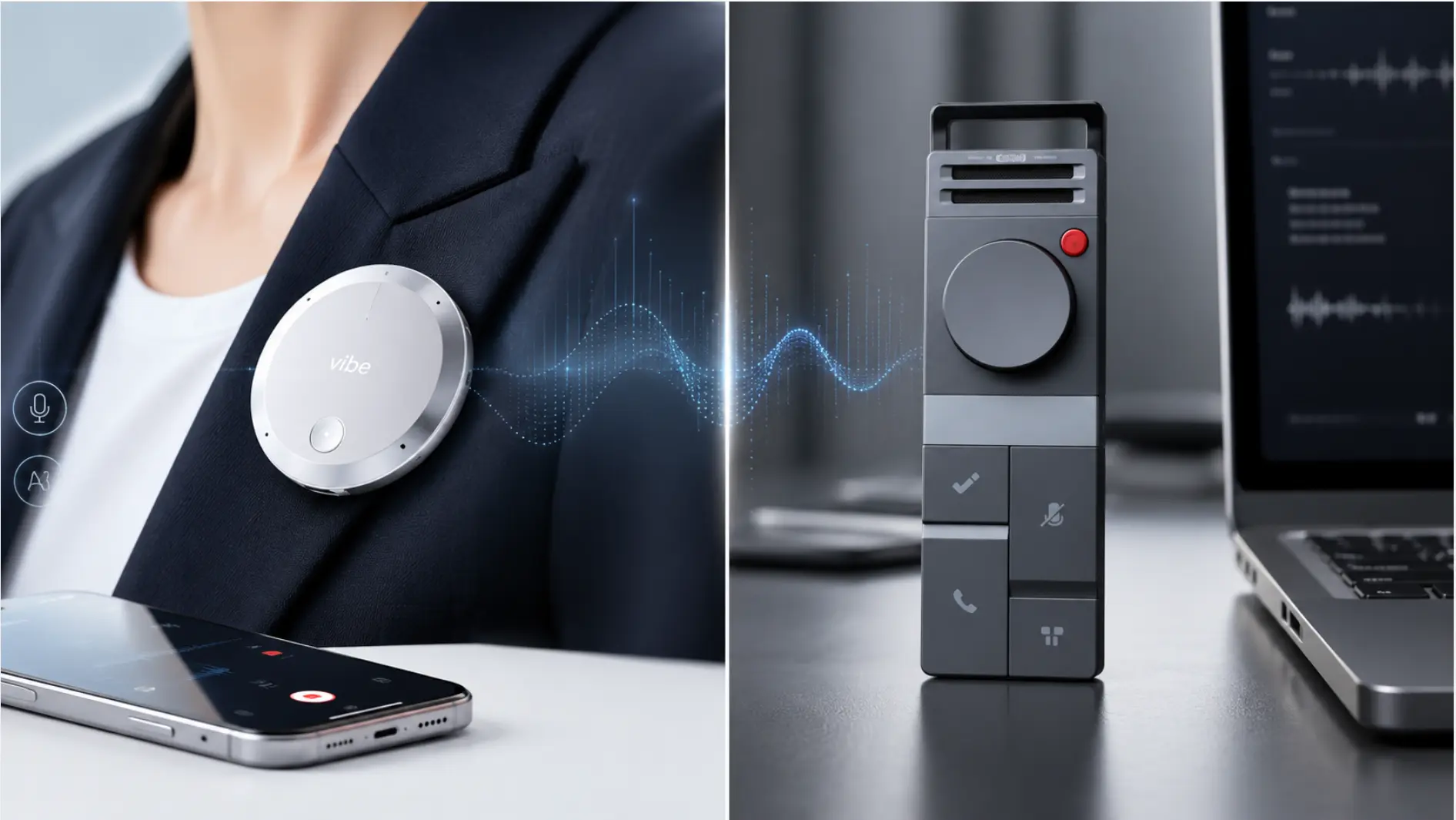
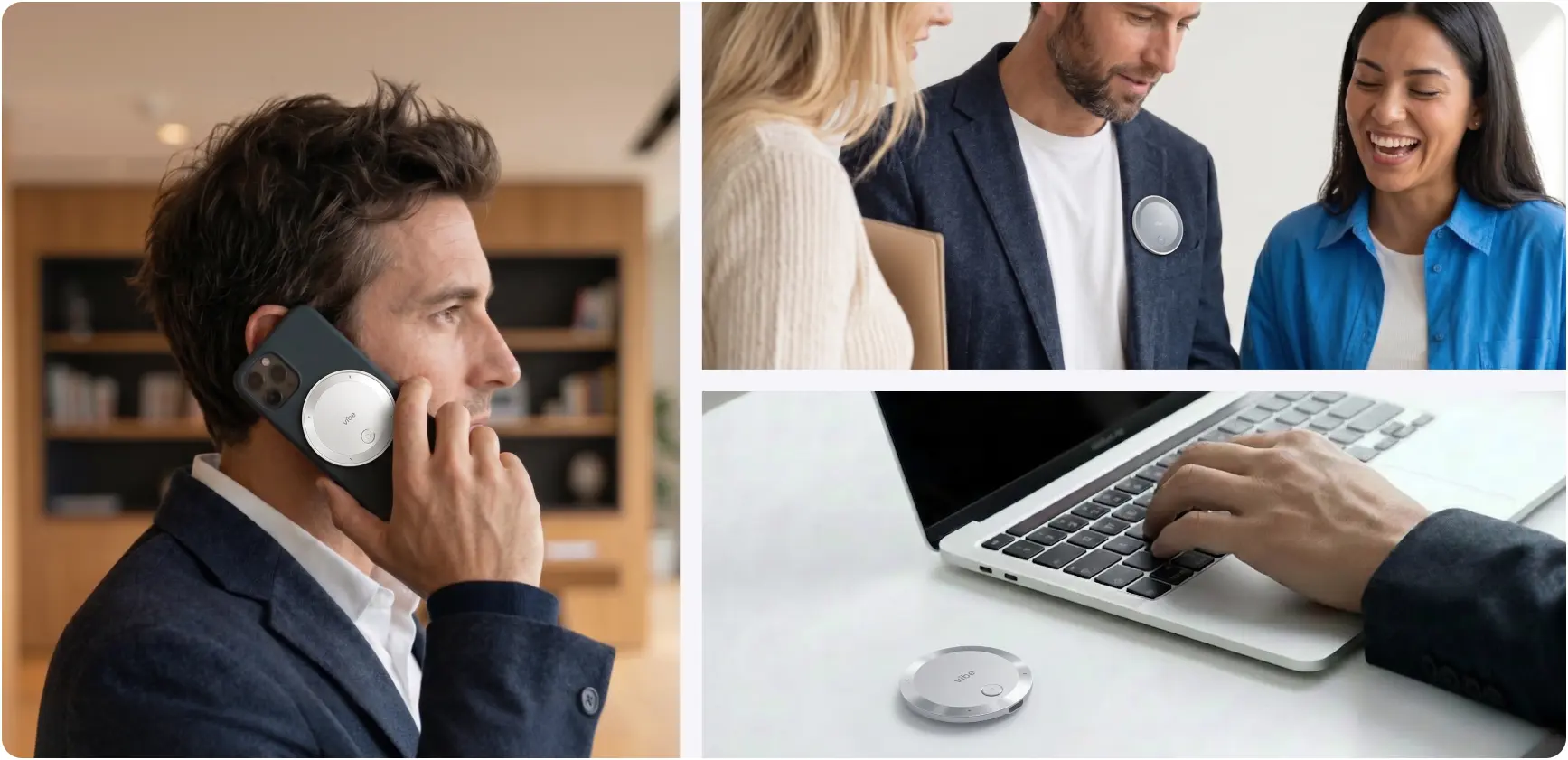 Vibe Dot magnetic recorder used on a phone call, clipped to a blazer in conversation, and beside a laptop on a desk
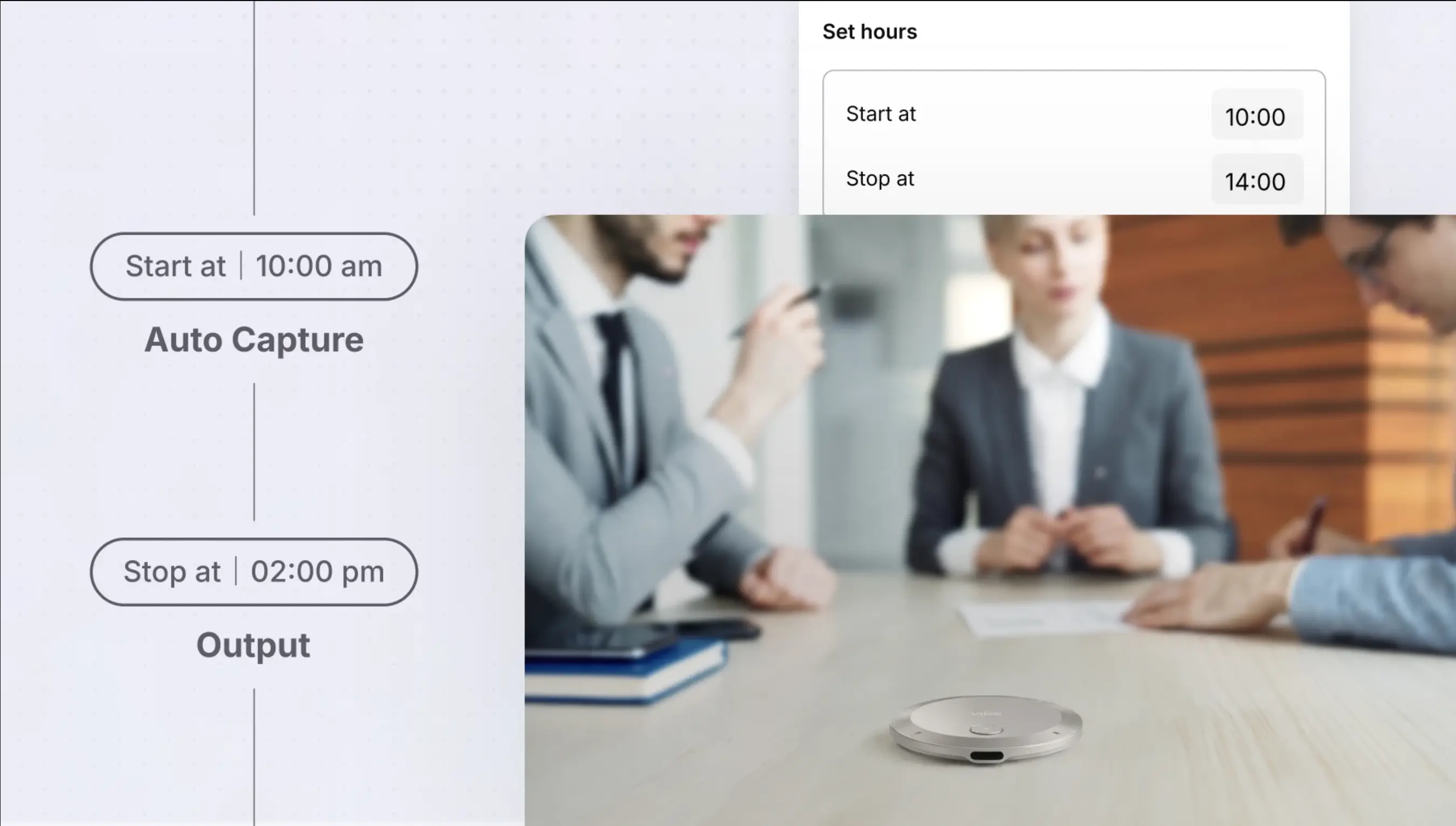
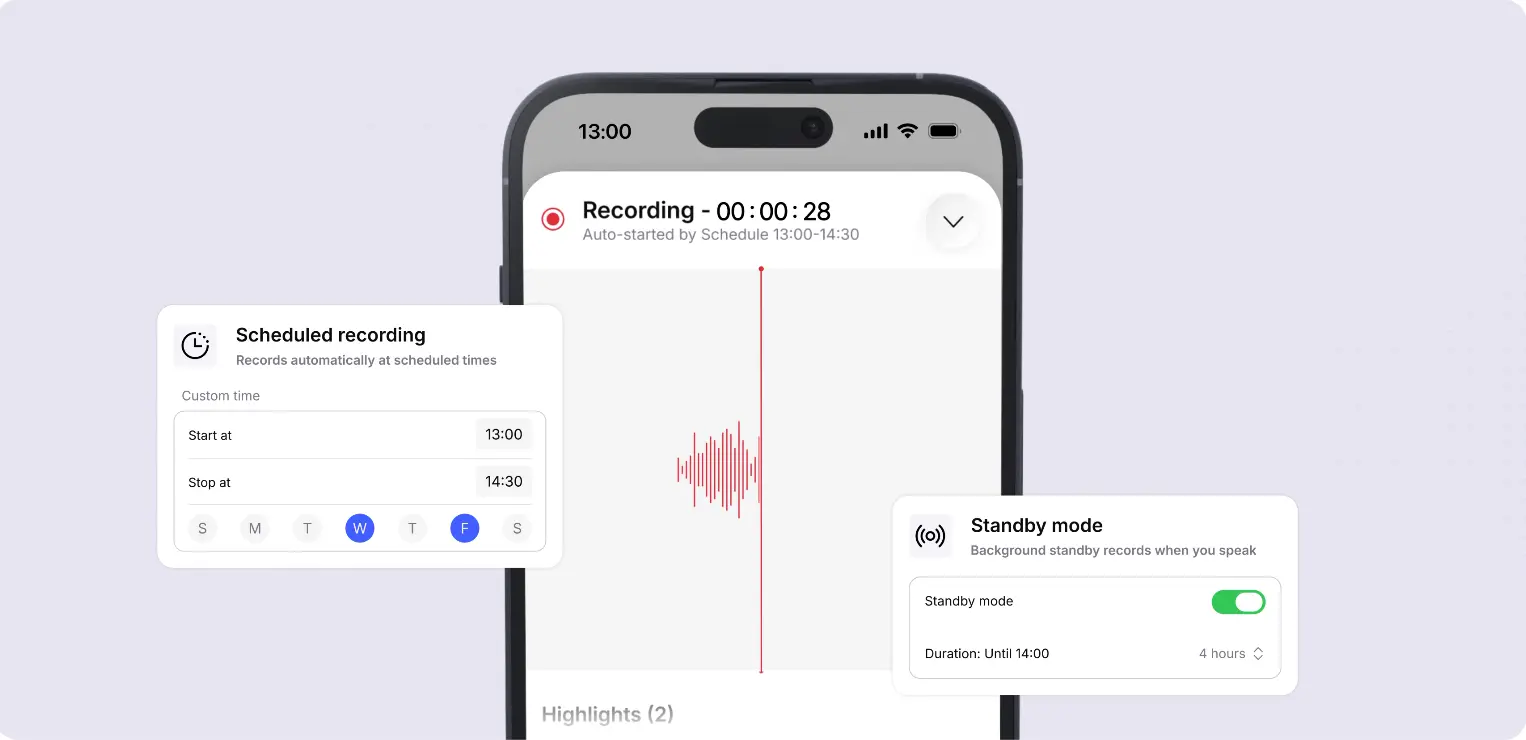
At a glance: Wearable — clip, MagSafe, or desk · Auto Capture: Standby (voice-triggered) + Scheduled recording, both in Beta · Tap to Record for deliberate capture · Powered by Vibe AI: Memory Graph cross-session memory + Ask AI across full conversation history + proactive task agent · 5-mic array (4 air + 1 bone conduction), 16 ft range · 64GB onboard · SOC 2, HIPAA, FERPA, NDAA, TPM 2.0
Vibe Dot addresses all three failure points in one device — which matters because recruiting and CS conversations don’t stay in one format. A candidate relationship moves from a LinkedIn call to a phone screen to an in-person interview to a debrief conversation with the hiring manager. A client relationship moves from onboarding calls to QBRs to informal check-ins to renewal negotiations. A tool that only works in one of those formats leaves gaps in the record.
Failure point 1 — the candidate or client blur. Vibe AI‘s Memory Graph connects content across sessions by concept and context, not by manual tagging. "What did the candidate say about their reason for leaving?" or "what has this client said about their integration timeline?" queries the full conversation history and returns an answer from the actual record — not from your reconstruction of it. That cross-session retrieval is what separates an external memory system from a folder of recordings. Cross-session search draws on AI Credits and requires a paid tier; confirm your plan covers it before relying on it.
Failure point 2 — the promised follow-up that disappeared. Vibe AI’s proactive task agent (Pro and Max tiers) surfaces commitments from your recorded conversations and can push them into the tools you’re already using — HubSpot, Slack, Linear, Asana. The commitment you made at the end of a call becomes a tracked item rather than a memory that competes with everything else happening that week. The agent drafts and surfaces; you review and confirm before anything goes anywhere.
Failure point 3 — context that gets reconstructed instead of retrieved. Starting a second-round interview or a renewal call by asking "where did we leave things?" is a reconstruction failure. With the full conversation history searchable in plain language, preparation becomes retrieval: what did this candidate say about compensation in the first call, what did this client raise as a concern in the last QBR, what did I promise and when.
Why hardware matters for this role. Software-based tools join video calls — which means they miss the phone screen, the in-person interview, the hallway debrief, and the informal client call. Vibe Dot records any conversation in any environment, without a bot appearing in the participant list and without depending on a video platform. For a recruiter or CS manager whose relationship-building happens across all those formats, that coverage is the structural advantage.
Tradeoffs, honestly. Auto Capture is Beta — treat it as good but not guaranteed for anything high-stakes until you’ve tested it on a few lower-stakes conversations. Cross-session search and the task agent both require a paid Vibe AI tier. And review still matters: the agent surfaces what looks like a commitment; you confirm whether it actually was one.

2. Plaud Note Pro — best if you want a firm boundary around what gets recorded
Price: $189 device | Starter free (300 min/month) · Pro $99.99/year · Unlimited $239.99/year
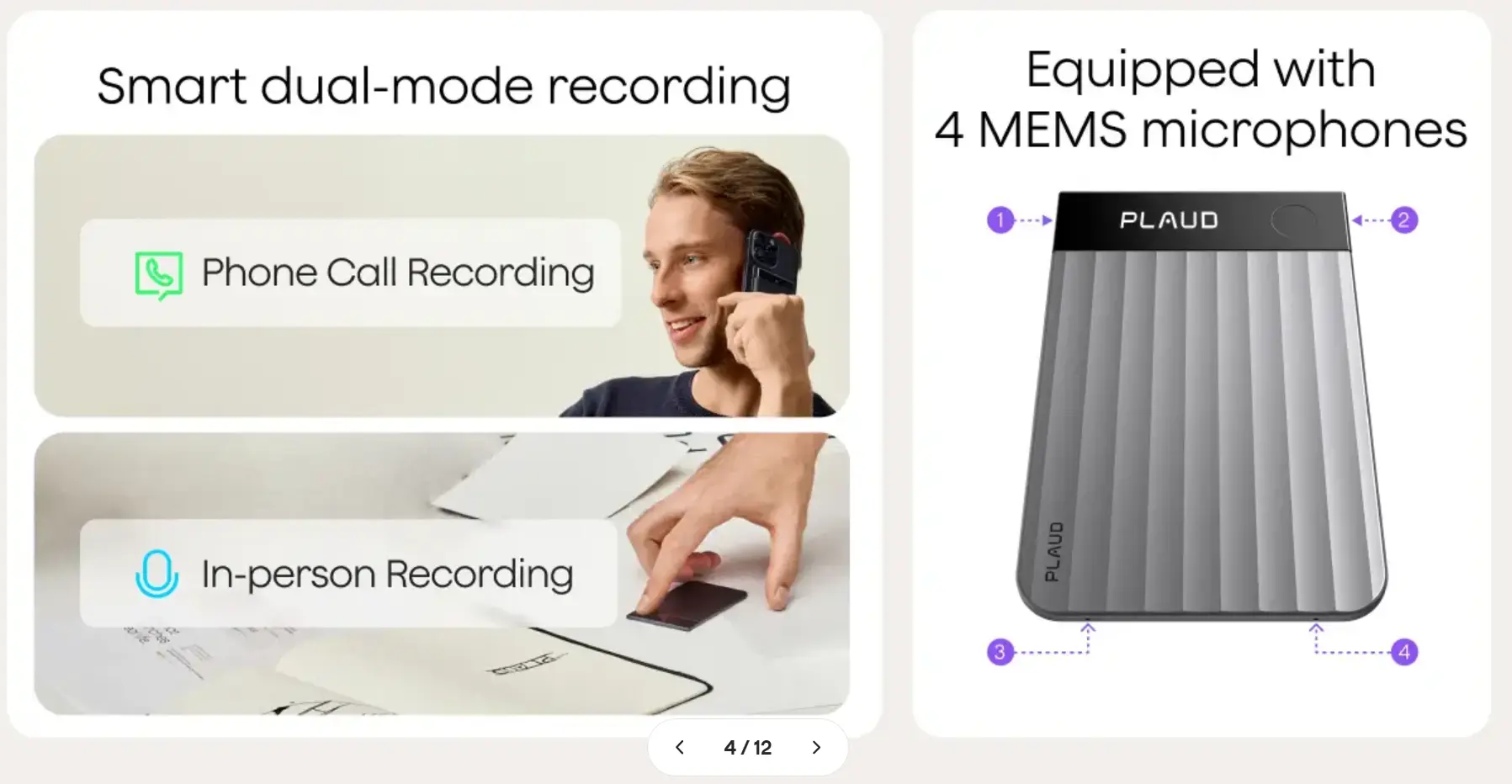 PLAUD recorder dual-mode recording and 4-microphone diagram
At a glance: Credit-card format, 2.99mm / 30g · press to start, auto-switches between call and in-person modes · 4 MEMS + 1 VPU mics, 16.4 ft range · 64GB onboard · 112 languages · ISO 27001, SOC 2, HIPAA, GDPR · per-session summaries and action items
Note Pro covers both phone calls and in-person conversations, and its dual-mode recording switches automatically between the two — so you never pick the wrong setting mid-conversation. That’s a meaningful convenience for a recruiter who takes a phone screen and then walks a candidate to a conference room for an in-person debrief in the same session.
The design philosophy is press-to-start, and for some recruiters and CS managers that’s a feature rather than a limitation. If you work in an environment where consent to record is an active conversation — candidate interviews at certain companies, enterprise client calls with legal teams present — knowing exactly when recording starts and stops is a real operational advantage.
The limit for this role. Note Pro stores each recording as an independent session. There’s no cross-session memory: you can’t ask "what did this candidate say across all three interviews" and get a synthesized answer. The archive is a set of individual files that requires you to know which one holds the answer you need. For a recruiter managing 20 active candidates, that’s a meaningful gap.
Best for: Recruiters and CS managers who conduct deliberate, session-bounded conversations and want a firm record of each one — without needing to search across them months later.
3. HiDock P1 — best if most of your conversations happen on calls
Price: $169 device | unlimited AI transcription included free (75+ languages) · Pro Membership adds speaker ID and live transcription (rate not published)
At a glance: Compact with magnetic base · Call Mode (both sides via Bluetooth earbuds, BlueCatch) · Room Mode (dual ECM mics) · Whisper Mode · 64GB local storage, no auto-upload · 8h continuous, 4h cap per recording · USB-C to iPhone 15+ or Android with OTG · SOC 2 / ISO 27001, GDPR
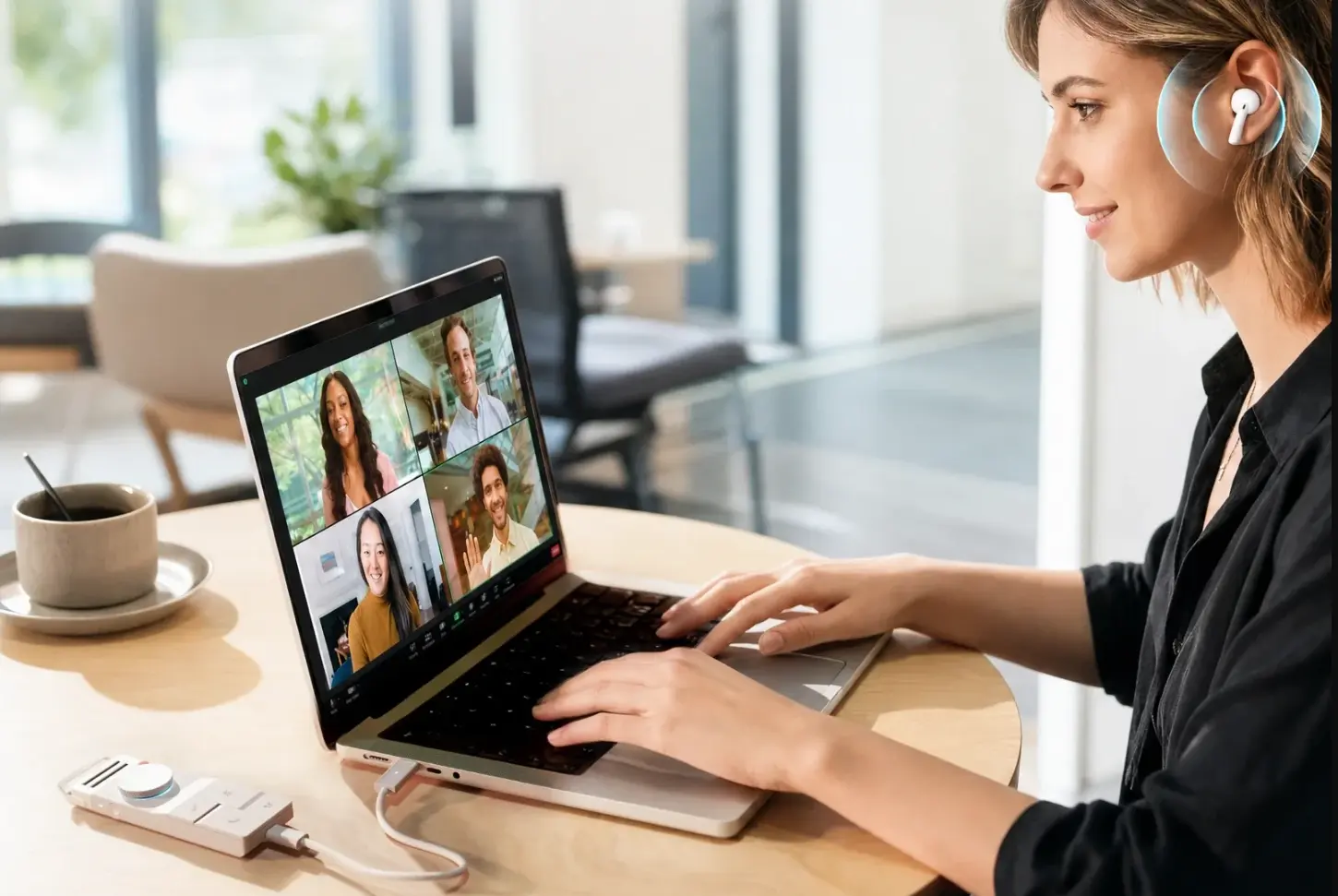 HiDock recorder connected to laptop during video call
For recruiters or CS managers whose work is predominantly phone-based — phone screens back to back, client calls from the same desk — HiDock P1 records both sides of a call through the Bluetooth earbuds you’re already wearing, with no bot joining the meeting. Unmetered transcription is included free, which matters if your call volume is high enough that per-minute costs add up.
The constraint is the setup chain: Call Mode needs the device connected over USB-C with earbuds paired through it rather than directly to your phone. That’s a physical arrangement suited to a fixed desk, not a recruiter moving between rooms or taking a call from the car. Room Mode handles in-person meetings independently, but the two modes don’t blend seamlessly if your day involves both.
Best for: Recruiters or CS managers with high phone-call volume who work predominantly from one desk.
4. Fireflies.ai — best for video-first workflows with CRM sync
Price: Free (limited transcription) · Pro $10/user/month · Business $19/user/month · Enterprise custom
At a glance: Bot joins Zoom, Teams, Google Meet, and 40+ other platforms · CRM integrations: HubSpot, Salesforce, and others · AskFred AI for querying transcripts · speaker ID and sentiment analysis · searchable across all recorded meetings · multilingual support
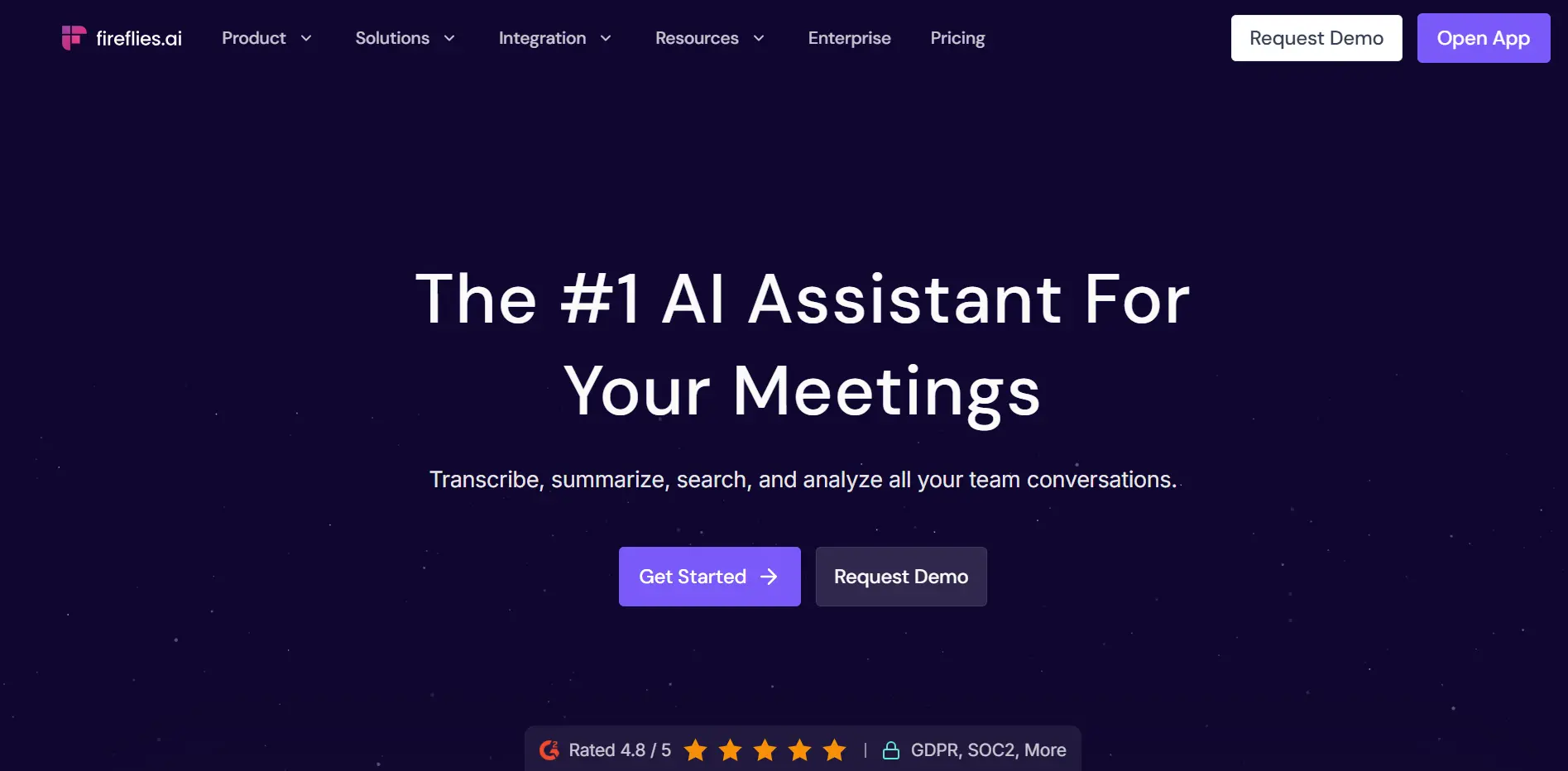 Homepage screenshot of Fireflies.ai
For inside recruiters or CS managers whose work happens almost entirely on scheduled video calls, Fireflies removes the capture step entirely — it joins meetings automatically from your calendar, transcribes, and pushes summaries and action items into HubSpot or Salesforce without any manual export.
For ADHD workflows, the relevant capability is the CRM sync: instead of having to move a commitment from a transcript into your CRM after the call, it arrives there automatically, creating the follow-up task in the system you’re already checking. That’s a meaningful reduction in the number of initiation steps between "the call ended" and "the follow-up exists."
The limit for this role. Fireflies covers video calls. It doesn’t capture the phone screen you took from your cell, the in-person interview, or the informal client check-in that happened at a coffee shop. For a recruiting or CS workflow that mixes those formats, it leaves gaps that hardware doesn’t.
Best for: Inside recruiters and CS managers whose conversations happen almost entirely on video, and who want automatic CRM sync without manual steps.
5. Fathom — best free starting point for video-only workflows
Price: Free (unlimited recording and transcription, 5 AI summaries/month) · Team Edition $19/user/month · Team Edition Pro $29/user/month
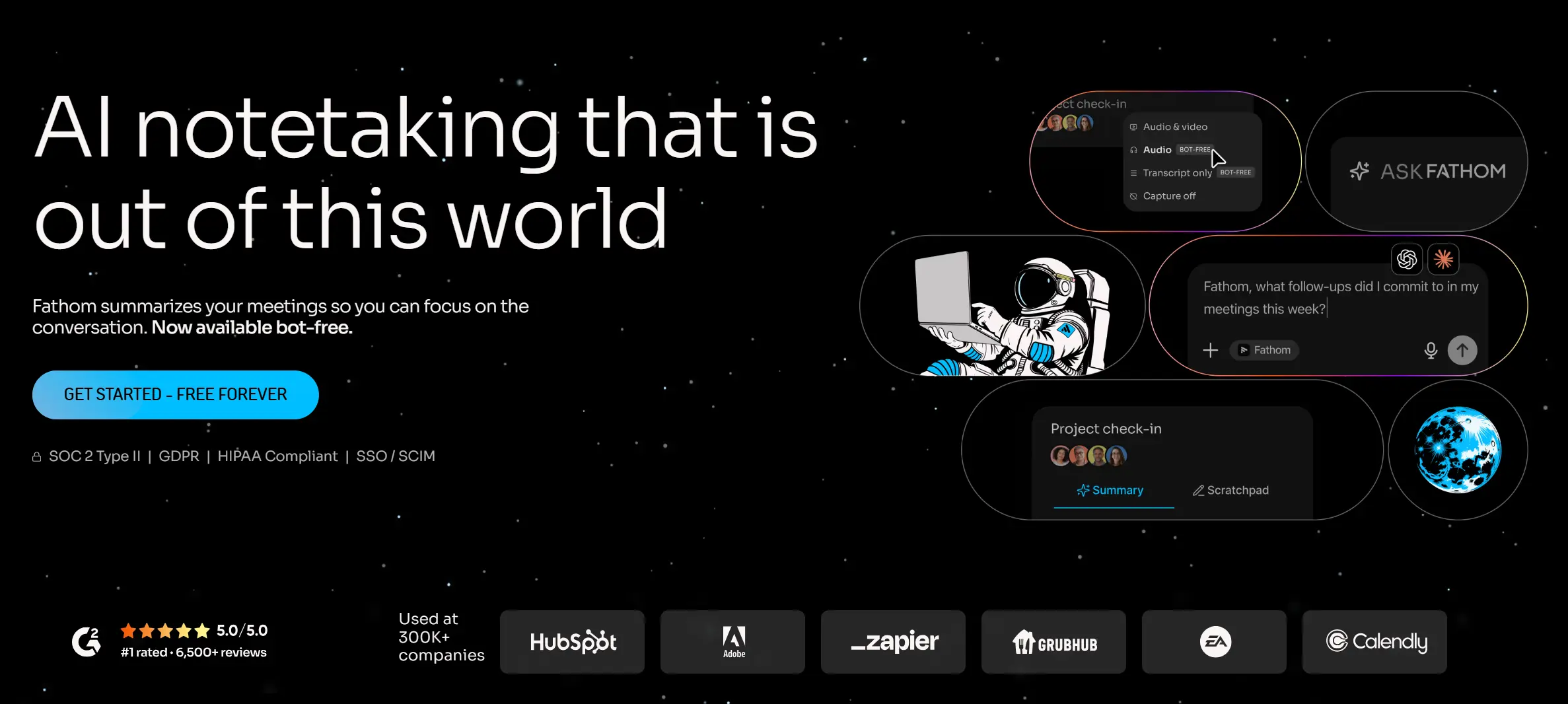 Homepage screenshot of Fathom
At a glance: Bot joins Zoom, Google Meet, Teams · highest-rated AI note taker on G2 as of mid-2026 (5.0, 6,000+ reviews) · post-call summaries in ~30 seconds · HubSpot and Salesforce sync on paid plans · bot-free capture in pilot as of 2026 · video-only, no phone or in-person
Fathom’s free tier is the most generous in this category — unlimited recording and transcription with no minute cap, and post-call summaries that arrive in about 30 seconds. For a recruiter or CS manager who wants to test whether automated call capture changes their follow-through before committing to hardware or a subscription, it’s the right place to start.
The scope is fully video-call dependent, and the free tier doesn’t include CRM sync (that’s a paid feature). For ADHD workflows specifically, the absence of CRM sync on the free plan matters: the summary exists in Fathom, but getting it into the system where follow-ups are tracked still requires a manual step.
Best for: Recruiters and CS managers who want to test automated capture on video calls without spending money first — before deciding whether hardware or a paid plan is worth it.
Which one to choose
If your conversations span phone, in-person, and video — Vibe Dot. This is the only option here that covers all three, maintains cross-session memory across candidates and clients, and surfaces commitments automatically.
If you want a firm, session-bounded record of deliberate conversations — Plaud Note Pro, for its clean press-to-start model and dual-mode phone/in-person coverage.
If most of your work is phone calls from a fixed desk — HiDock P1, for both-sides call capture and unmetered transcription.
If your workflow is almost entirely video and you want automatic CRM sync — Fireflies, for its broad platform coverage and HubSpot/Salesforce integration.
If you want to test the workflow before spending anything — Fathom’s free tier, for unlimited video recording and fast summaries.
The one thing to check before choosing
Every tool here produces a record of what was said. None of them determines whether a commitment was actually a commitment — "I’ll follow up by Friday" said with zero intention is a commitment in the transcript the same as one said with full intention. The value of these tools is making the record accessible; the judgment about what to do with it stays yours.
Consent also applies across all of these. Recording law varies by state, with several U.S. states requiring all-party consent — particularly relevant for recruiters taking calls with candidates in different jurisdictions, and for CS managers on client calls where enterprise legal teams may have specific requirements. Announce recording at the start of a conversation and check what applies to your role and jurisdiction. This is not legal advice.
The short version
Recruiting and CS with ADHD doesn’t fail at effort — it fails at cross-conversation continuity. The candidate who blurs with three others. The client detail that mattered six months later. The follow-up that never made it into a system. The tool that helps most is the one that maintains a searchable record of the same person across all the conversations you’ve had with them — not just the most recent one.
Frequently Asked Questions
What’s the best AI recorder for recruiters with ADHD?
Vibe Dot, for most recruiting workflows — because it covers phone screens, in-person interviews, and video calls in one device, maintains cross-session memory across candidates via Memory Graph, and surfaces follow-up commitments via its proactive task agent. If your recruiting is entirely video-based and you want automatic CRM sync, Fireflies is the stronger fit for that narrower scope.
How do I keep track of what different candidates said across multiple interviews?
Cross-session memory is the specific capability that addresses this — not just searching within one recording, but querying across the full set of conversations with a candidate. Vibe Dot’s Memory Graph maintains that continuity; most other tools in this category store each recording as an independent file, which means the synthesis work stays manual.
Do these tools work for phone screens, not just video interviews?
Hardware devices — Vibe Dot, Plaud Note Pro, HiDock P1 — capture phone calls without a bot joining a video platform. Software tools like Fireflies and Fathom are limited to video calls. If phone screens are a meaningful part of your recruiting workflow, hardware is the right layer.
What’s the difference between Fireflies and Fathom?
Both are bot-based video call recorders with strong transcription and AI summaries. Fireflies has broader CRM integrations, multilingual support, and more platform coverage. Fathom has a more generous free tier (unlimited recording vs. Fireflies’ limited free plan), faster post-call summaries, and a higher G2 rating. For a recruiter who wants automatic CRM sync, Fireflies is the stronger fit. For someone starting without a budget, Fathom is the better first step.
Does recording consent work differently for candidate interviews?
Yes, in some jurisdictions. Several U.S. states require all-party consent for recorded conversations, which applies to candidate phone screens the same as any other call. Some candidates may also have expectations about whether their interview is being recorded — addressing it directly at the start of the conversation is the safest practice regardless of legal requirement. Check what applies in your state and in the candidate’s location. This is not legal advice.