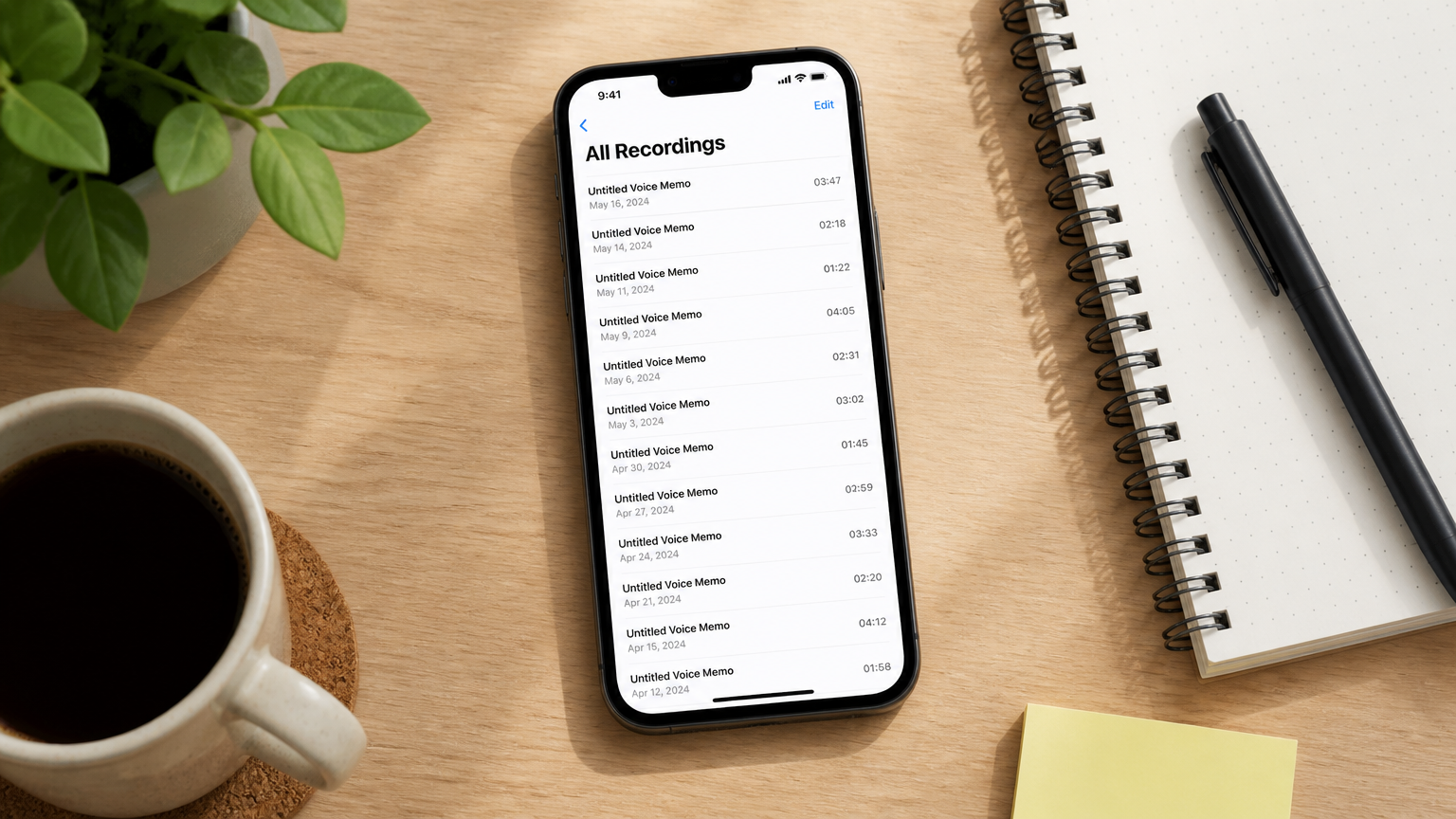
Research with ADHD doesn't fail at effort. It fails at five specific handoffs — the gaps between when something matters and when it gets into a system that will actually hold it.
The insight that arrived while you were pipetting, said out loud to nobody, gone before you got back to your desk. The advisor feedback that exists somewhere in your notes from six weeks ago. The 47 papers technically downloaded, none of them read, all of them triggering avoidance every time you open the folder. The writing that never starts because "turn notes into a coherent argument" has no first step. The task that was mentioned in a meeting and never tracked.
This guide covers five AI tools matched to those five handoffs — not a ranked list of alternatives, but one tool for each specific place the research workflow breaks.
The research on ADHD and prospective memory is precise about where the impairment sits. A PLOS One study comparing adults with ADHD against matched controls found large-scale impairment concentrated in task planning — converting an event or insight into a structured, actionable intention — with only negligible effects on recall or execution. The insight arrives. Getting it into something that survives and gets followed up on is where things break.
A framing note: this is a workflow comparison, not clinical guidance. For clinical information about ADHD, CHADD and your clinician are the right sources.
 A researcher at a lab bench, one hand on equipment, the other gesturing
Failure point 1: The insight arrives at the wrong time
You're mid-experiment, or walking between buildings, or cooking, and something clicks — a connection between your data and a paper you read last month, a flaw in your control condition, a better framing for your argument. The timing is wrong. By the time you have access to a system that could hold it, the specific formulation is gone. You remember having the thought. You don't remember what the thought was.
This failure is ADHD-specific in a way that "take better notes" doesn't solve. The problem isn't discipline — it's that the capture step itself requires an initiation sequence (unlock phone, find app, press record, remember context) at exactly the moment working memory is about to let go of the thing you're trying to capture.
The tool: Vibe Dot
Price: $199 device | Vibe AI: Starter free (300 min/month) · Pro ~$9/seat/month (1,200 min/month) · Max ~$29/seat/month (extended memory, advanced features)
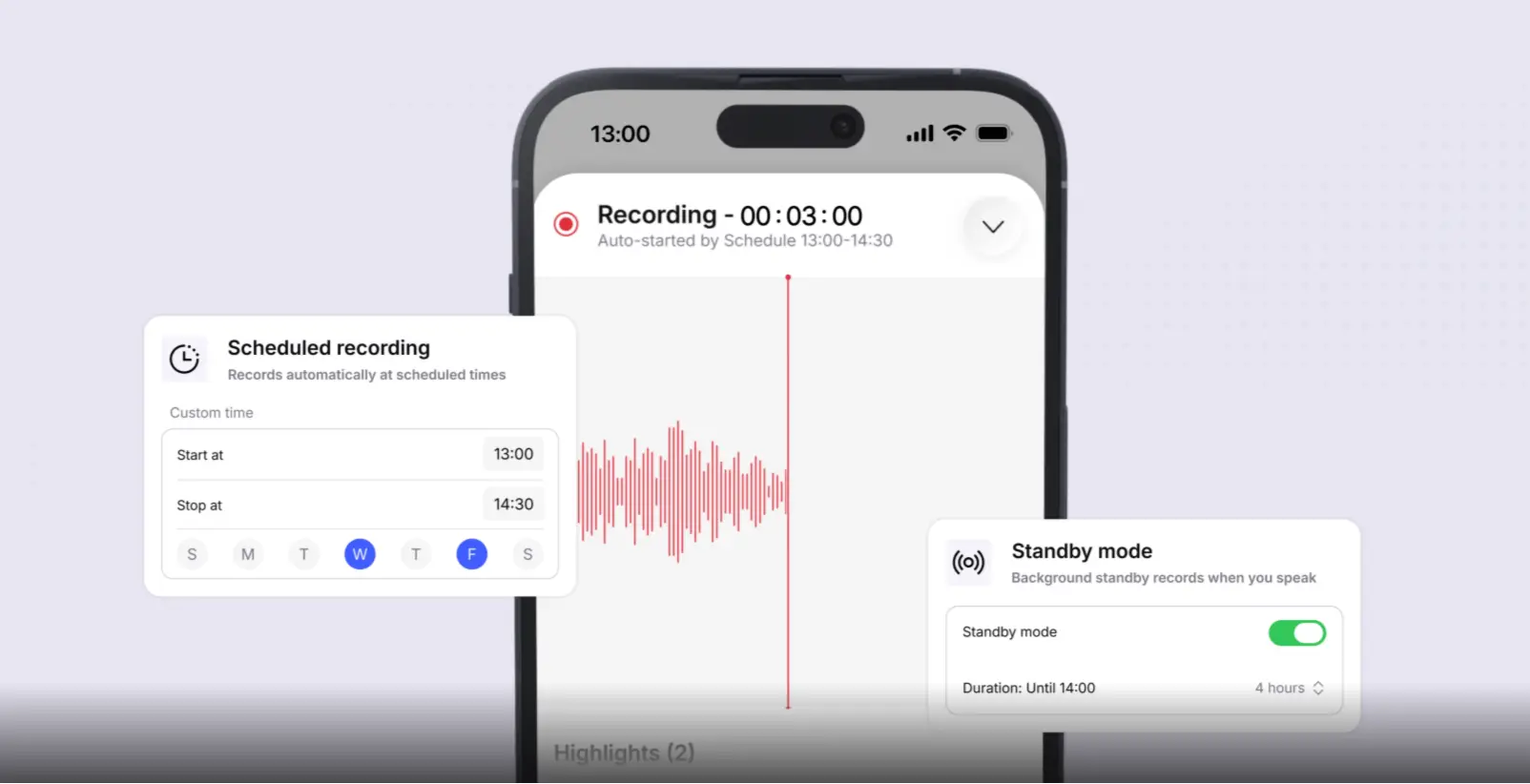 Vibe AI app scheduled recording and standby mode settings
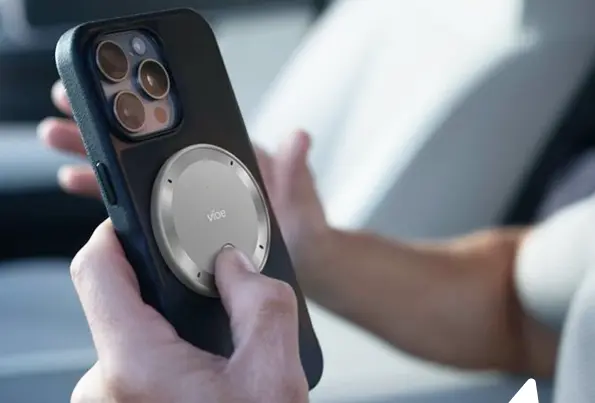
At a glance: Wearable — clip, MagSafe, or desk · long-press for instant voice memo · Auto Capture: Standby (voice-triggered) + Scheduled recording, both in Beta · Tap to Record for deliberate capture · Powered by Vibe AI: Memory Graph cross-session memory + Ask AI across full recorded history + proactive task agent · 5-mic array (4 air + 1 bone conduction), 16 ft range · 64GB onboard · SOC 2, HIPAA, FERPA, NDAA, TPM 2.0
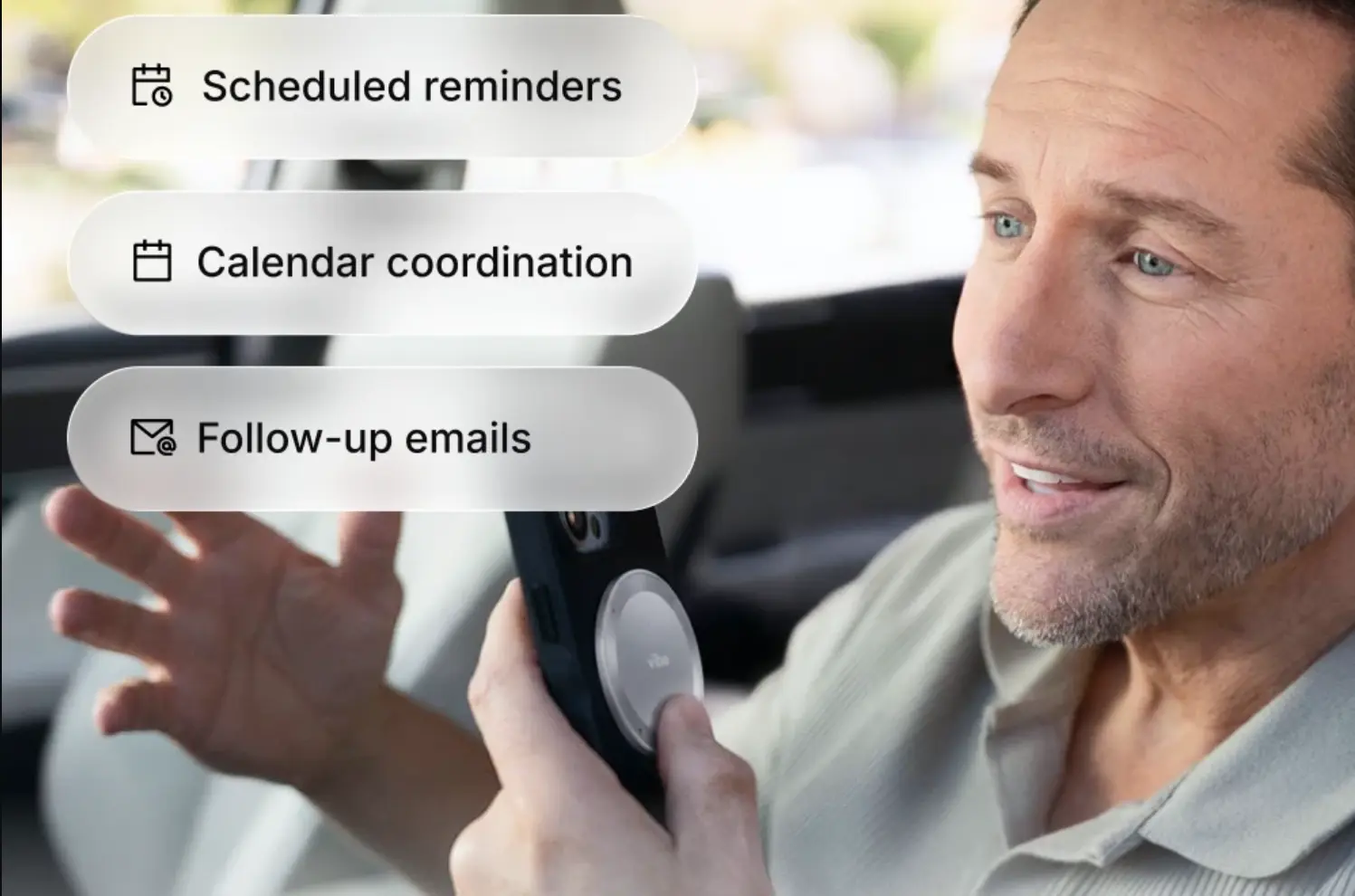
Long-pressing Vibe Dot starts a voice memo in one gesture — no screen, no app, no sequence. The observation goes in at the moment it exists, and lands in the same system as every other thing you've captured, searchable later in plain language rather than buried in a separate audio file.
For the lab conversation or research interview where you can't predict which moment will matter, Auto Capture's Standby mode starts recording when it detects your voice and stops after silence — no decision required in advance. For your recurring advisor meeting, Scheduled recording handles it without you arming anything. Tap to Record gives you a clean, intentional record when you want verbatim feedback on a draft.
For research interviews specifically: HIPAA, FERPA, and SOC 2 certifications make Vibe Dot technically suitable for sensitive research recordings. Whether it fits your specific study depends on your IRB protocol and participant consent procedures — treat certifications as a necessary condition, not a sufficient one.
Failure point 2: Advisor feedback disappears into a pile
Your advisor said three things in your last meeting that matter. You wrote them somewhere — maybe in a notes app, maybe in a running doc, maybe on paper. Six weeks later, when the relevant section is due, you can't reconstruct which meeting they came from, whether you've addressed them, or exactly how they were phrased. You remember that feedback exists. You don't know where it is or whether it's been dealt with.
This is a cross-session memory failure, not a note-taking failure. The note existed. The problem is that one note from six weeks ago has no relationship to the work happening now.
The tool: Vibe AI's Memory Graph + Ask AI (through Vibe Dot)
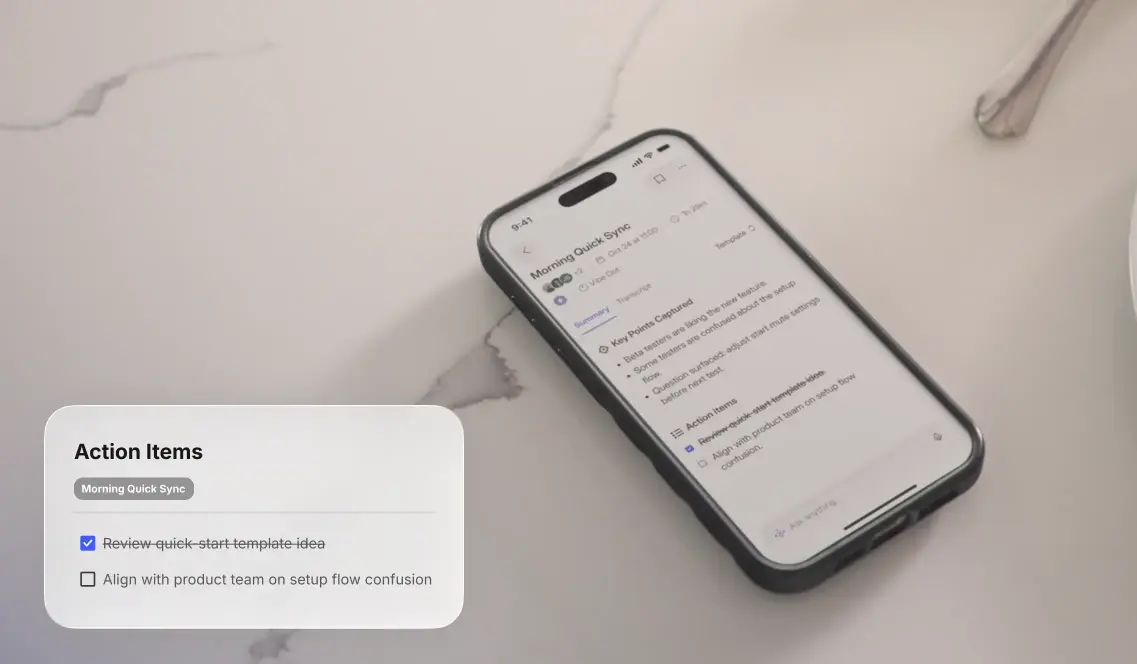
Vibe AI's Memory Graph connects content across sessions rather than treating each recording as an isolated file. It links the advisor meeting from six weeks ago to the recording from last week to the voice memo you left yourself on the way to the library — by concept and context, not by manual tagging.
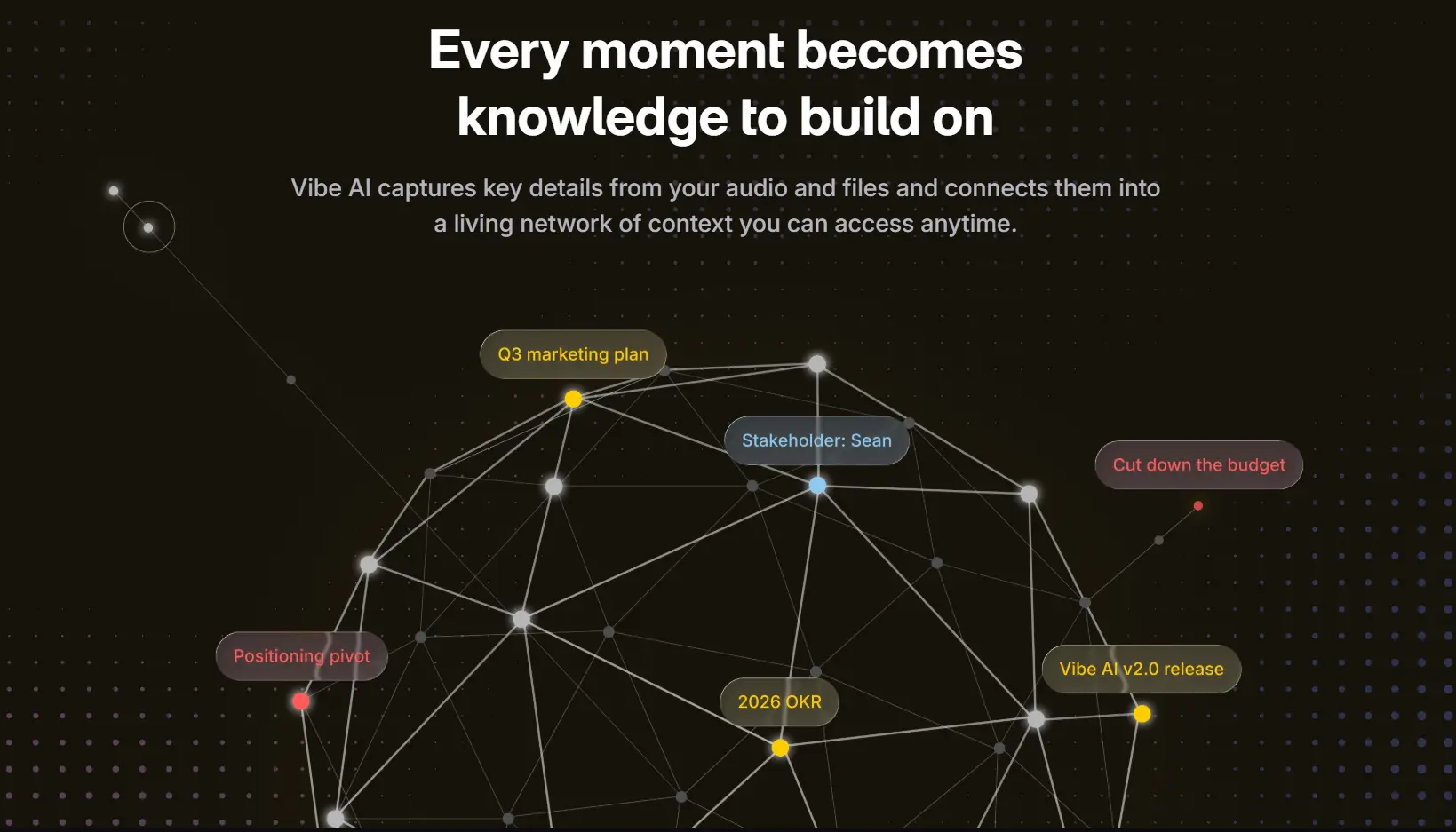 Vibe AI knowledge graph connecting meeting topics and tasks
It’s Ask AI feature lets you query that full history in plain language: "what has my advisor said about my methodology?" returns an answer from the actual meeting record, citing the specific session it came from. That cross-session retrieval is the capability that makes an archive into an external memory — you stop depending on working memory to connect things across time.
Cross-session search draws on AI Credits and requires a paid tier. Confirm your plan covers it before relying on it as a core workflow.
Failure point 3: The literature exists but nothing gets done with it
Forty-seven papers downloaded. None of them read. Every time you open the folder something else becomes more urgent and the tab closes again. This isn't procrastination in the ordinary sense — "read 47 papers and synthesize them" is a task with no clear first step, no feedback loop, and no obvious place to begin, which is precisely the task structure that triggers avoidance in ADHD.
The fix isn't discipline. It's reframing the task into something that has a first step.
Tool one: Elicit — for finding and extracting across the literature
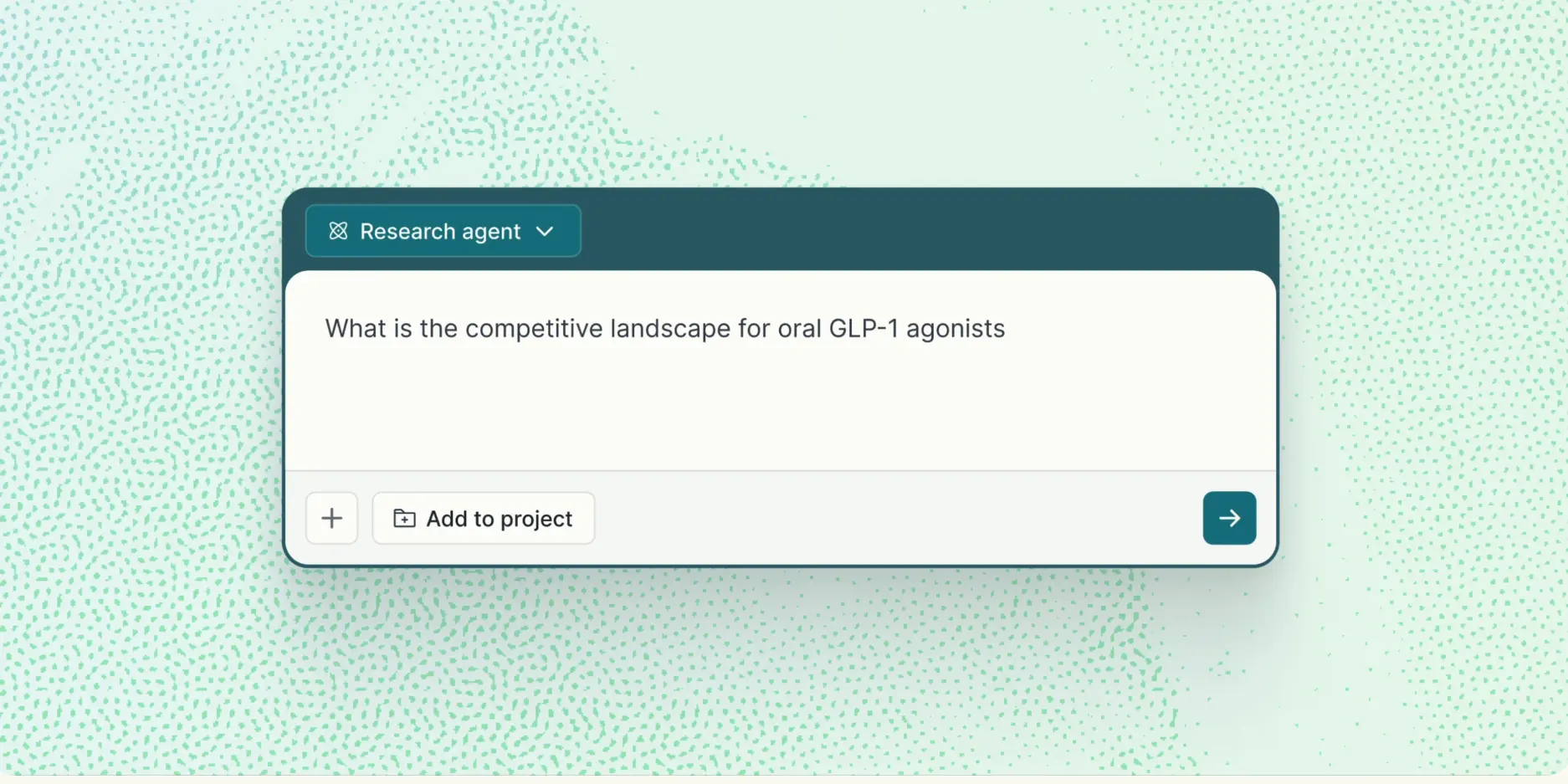 Homepage screenshot of Elicit
Price: Basic free (unlimited search, 2 automated reports/month) · Pro $49/month (bulk extraction, systematic review workflow, Research Agents) · 35% off annual billing
At a glance: 138 million academic papers · structured data extraction into comparison tables · Research Agents for multi-step literature investigations · best for empirical research with structured study designs · all outputs cite original sources · human verification required
Elicit reframes the job. Instead of reading each paper front-to-back, you define the data points you care about — sample size, intervention type, outcome measure — and Elicit extracts them across your paper set into a comparison table. The output is a table to look at, not a pile of documents to read. That's a different kind of task — one with a visible entry point and immediate feedback.
Research Agents (Pro tier) can conduct multi-step literature investigations autonomously, generating structured reports that map an evidence landscape without requiring you to coordinate each search step manually.
The honest limit: Elicit is built for empirical research with structured study designs. It's less useful for theory-heavy fields where the literature doesn't map cleanly to extraction tables. An independent 2025 study in Cochrane Evidence Synthesis and Methods found sensitivity dropped significantly under real systematic review conditions compared to controlled benchmarks — treat its output as a starting point that still requires human verification.
Tool two: Gemini Notebook — for thinking with papers you've already found
Price: Standard free (100 notebooks, 50 sources/notebook, 50 chats/day — includes Audio Overviews, Deep Research, and all core features) · Plus $4.99/month (Google AI Plus) · Pro $19.99/month · Google relaunched free 12-month Pro access for eligible US college students in August 2026
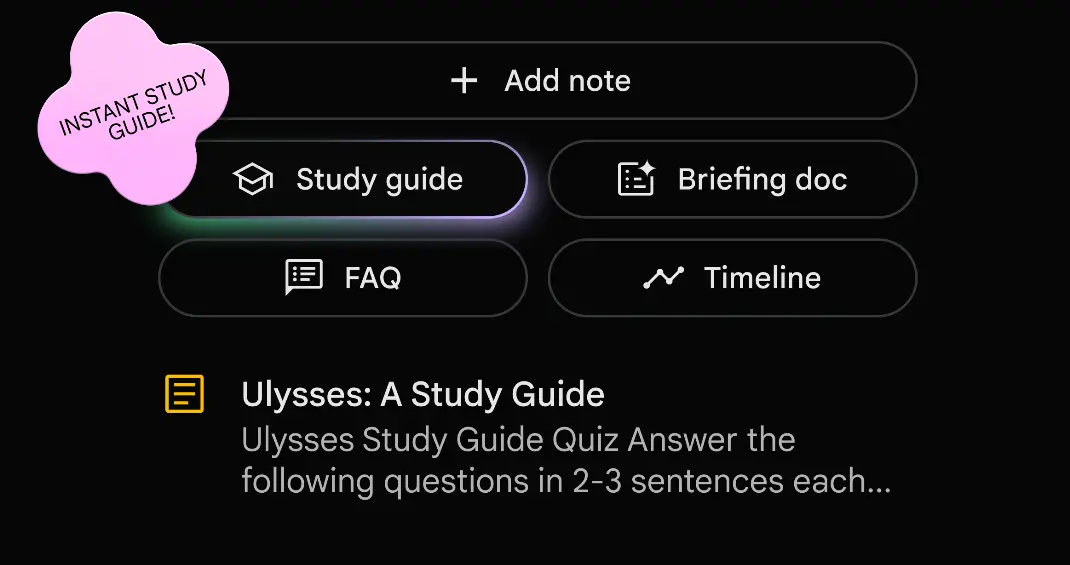 Homepage screenshot of Gemini Notebook
At a glance: Source-grounded AI — answers only from documents you upload, every response cites the passage it came from · accepts PDFs, Google Docs, websites, YouTube transcripts · Audio Overviews condense a set of papers into a conversational summary · renamed from NotebookLM in July 2026, same features · free tier includes all core features, limits are on daily volume not functionality
Where Elicit finds and extracts across the literature, Gemini Notebook helps you think with a specific set of papers you've already identified. Upload 12 papers for a chapter and it becomes a source-grounded AI that answers questions exclusively from what you've given it, citing the specific passage each answer draws from.
For ADHD specifically: "I have 12 papers to read before my meeting" is a paralyzing task. "I have 12 papers uploaded and I can ask them questions" has a first step. The Audio Overview feature — which generates a conversational podcast-style summary from uploaded documents — is worth naming separately for researchers who process spoken information more readily than dense academic text.
The key distinction from general-purpose AI: Gemini Notebook doesn't generate answers from training data or the internet. It answers only from what you've uploaded. That grounding means you get citations traceable to real passages, not fluent hallucinations that look like references.
Failure point 4: Getting from notes to writing has no first step
You have recordings. You have literature notes. You have a rough idea of what you want to argue. But sitting down to write means first reconstructing context, then finding the relevant notes, then pulling them into the writing environment, then actually starting — four separate initiation moments stacked before a word gets written. Any one of them is enough to stall.
The tool: Claude — connected to your Vibe history via MCP
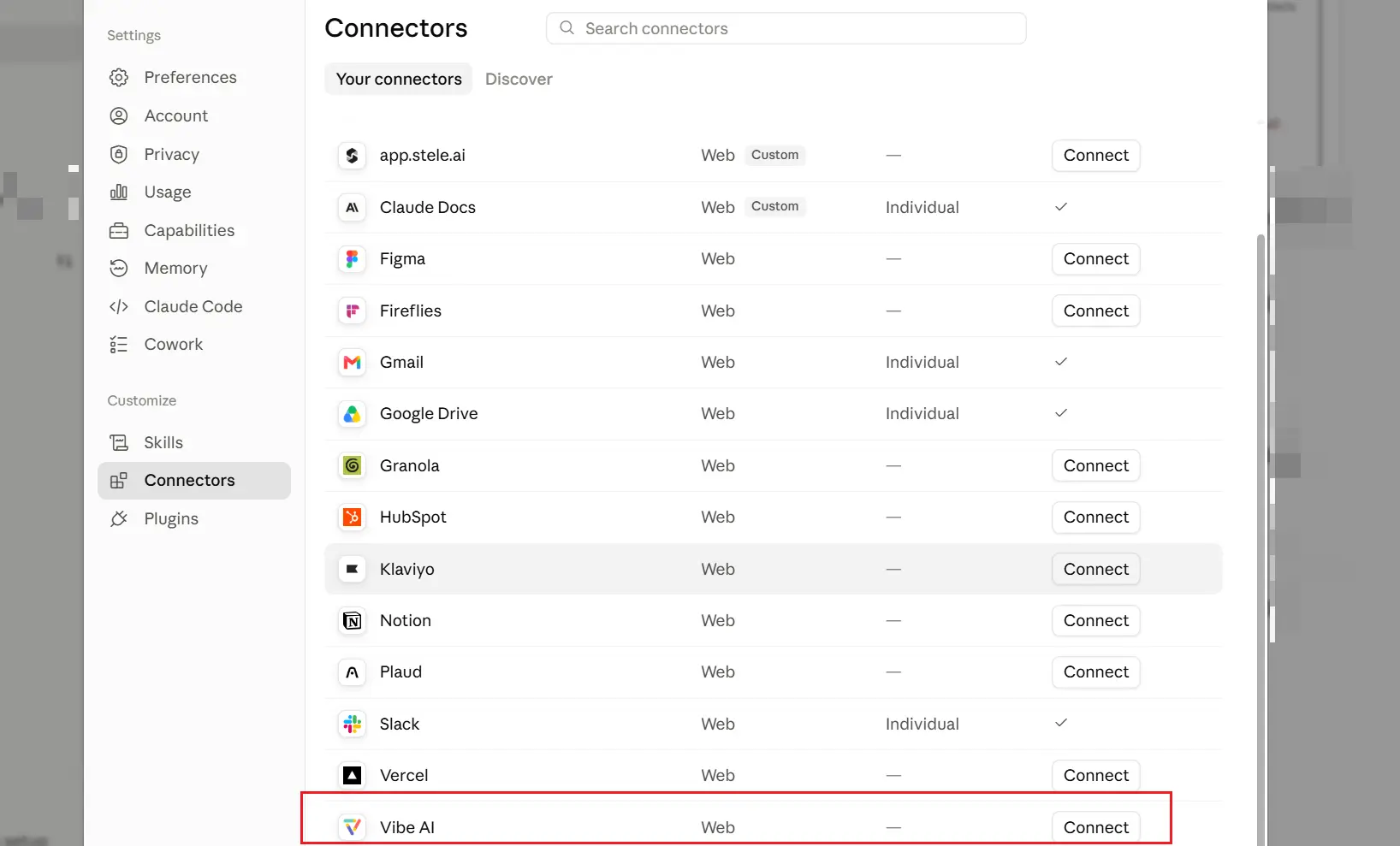 Vibe AI connector on Claude
Price: Free (claude.ai, with usage limits) · Pro $20/month (priority access, longer context, extended thinking) · via API at usage-based pricing
At a glance: Large context window for working with long documents · strong at argument structure, identifying logical gaps, and academic register · no hallucinated citations when you supply the material · Vibe AI integrates with Claude via MCP, enabling Claude to query your meeting recordings and notes directly
Claude is where raw captured material becomes a coherent argument. Among the major AI models, it's the one most consistently cited in research communities for academic writing — it handles long documents without losing track of structure, pushes back on weak arguments rather than validating everything, and matches academic register without producing recognizable AI-essay cadence.
The Vibe AI connection closes the gap. Vibe AI integrates with Claude via MCP, which means Claude can query your Vibe meeting history on request. Ask Claude to pull the feedback from your last advisor meeting and use it as the basis for a revision pass — without switching apps or copying transcripts. The connection is read-only and pull-based: Claude asks Vibe for the data when you request it.
For a researcher with ADHD, that integration eliminates one of the four initiation moments: "go find the relevant feedback and bring it into my writing context" becomes a single query instead of a context-switching task that's easy to skip.
How to use it without undermining your own thinking. The value of Claude in research is as a thinking partner, not a ghostwriter. Paste your own rough draft and ask what the argument's weakest assumption is. Give it your literature notes and ask what's missing from the synthesis. Ask it to steelman the counterargument to your main claim. These uses build the research. Having it write the section from a prompt bypasses the thinking that makes the research worth doing.
Failure point 5: Tasks get mentioned but never tracked
Your advisor said "you should probably add a section on ecological validity." You acknowledged it. Nobody put it in a tracker. Three months later it came up in a draft review as something that hadn't been done.
This isn't forgetting — it's that converting a verbal mention into a tracked task requires its own initiation step, at the end of a meeting when attention has already moved on.
The tool: Notion AI, with Vibe AI's proactive task agent as the input layer
Price: Notion free (limited AI) · Notion AI add-on $10/user/month · Plus $12/user/month · Business $18/user/month
At a glance: Docs, databases, wikis, and project tracking in one workspace · Notion AI drafts, summarizes, and synthesizes within pages and databases · can query across your own notes and literature summaries · widely used in graduate and academic communities · destination for Vibe AI's proactive task agent
Most researchers are already using Notion to manage their work — literature notes, chapter outlines, meeting logs, writing plans. Notion AI adds the ability to work with that material: summarizing a long note, generating a briefing from your existing pages when you return after a gap, or answering "what are the competing frameworks I've identified across my reading?" across a database of papers.
Where Vibe AI closes the loop. Vibe AI's proactive task agent (Pro and Max tiers, via AI Credits) surfaces action items from your recorded meetings and can push them into Notion. The advisor's comment about ecological validity doesn't have to be manually extracted from a transcript — it surfaces as a task and lands in the same workspace as your chapter drafts and literature notes. You still review and confirm before anything goes anywhere; the agent drafts and surfaces, it doesn't execute independently.
The result: something said in a meeting becomes a tracked item in the system you're actually working in, without a manual transfer step that gets skipped.
The limit. Notion AI works on what's already in Notion. It can't reach into your recording history on its own — that's what Vibe AI's task agent handles. The synthesis capability is powerful; the input layer requires the Vibe AI connection to close automatically.
How the five tools cover the five handoffs
|
Failure point |
Tool |
What it does |
|---|---|---|
|
Insight at the wrong time |
Vibe Dot |
One-gesture voice capture, everywhere |
|
Advisor feedback lost across sessions |
Vibe AI (provided with Vibe Dot) |
Cross-session retrieval in plain language |
|
Literature that triggers avoidance |
Elicit + Gemini Notebook |
Extraction tables + source-grounded Q&A |
|
No path from notes to writing |
Claude + Vibe MCP |
Argument help with meeting history in context |
|
Tasks mentioned but never tracked |
Notion AI + Vibe task agent |
Task handoff from recording into workspace |
What none of these fix
Captured doesn't mean processed. Frictionless capture generates a lot of half-formed ideas that need sorting. A review habit alongside the capture habit matters as much as the tools.
AI output still requires human verification. Elicit's extractions need checking against original papers. Gemini Notebook's answers cite real passages but can mischaracterize nuance. Claude's arguments can be confident and wrong. None of these tools replace the critical judgment that makes research valid.
The task agent surfaces, not decides. Vibe AI's proactive task agent drafts action items from your recordings and surfaces them for your confirmation. It doesn't decide what your dissertation needs. The initiation step is reduced, not eliminated.
IRB protocols govern research recording. If you're capturing interviews, focus groups, or any conversation with research participants, your IRB protocol governs consent and data handling requirements. Check your protocol before deploying any capture tool in a human subjects context — compliance certifications are a necessary condition, not a sufficient one.
The short version
Five failure points. Five tools. The insight that arrives mid-experiment: Vibe Dot's one-gesture capture. The advisor feedback that's somewhere in a pile: Vibe AI's Memory Graph. The literature that triggers avoidance: Elicit's extraction tables and Gemini Notebook's source-grounded Q&A. The gap between notes and writing: Claude connected to your Vibe history. The task that was mentioned but never tracked: Vibe AI's task agent pushing into Notion.
Research with ADHD doesn't fail at effort. It fails at handoffs. These five tools are for the handoffs.
Frequently Asked Questions
What's the best AI tool for grad students with ADHD?
There isn't one — five failure points, five tools. Vibe Dot captures what happens away from your desk. Vibe AI's Memory Graph and Ask AI make cross-session advisor feedback findable. Elicit and Gemini Notebook give the literature a first step. Claude turns captured material into writing, connected to your Vibe history via MCP. Notion AI holds the project between sessions and receives task handoffs from Vibe AI.
How do I stop losing ideas that arrive at the wrong time?
One-gesture capture at the moment the idea arrives — long-press on Vibe Dot starts a voice memo without unlocking your phone or finding an app. The secondary requirement is that the memo feeds into a system with cross-session memory, not a separate audio file you'll never open again.
Can AI help me find advisor feedback from months ago?
Yes, if meetings are captured and the system maintains cross-session context. Vibe AI's Memory Graph links content across sessions, so asking what your advisor has said about a specific topic searches the actual record rather than requiring you to reconstruct it from memory. Cross-session search requires a paid tier.
What's the difference between Elicit and Gemini Notebook for literature review?
Elicit searches a database of 138 million papers and extracts structured data across them into comparison tables — best for finding and processing literature at scale. Gemini Notebook works with a specific set of documents you've already uploaded, answering questions sourced exclusively from those files — best for thinking deeply with papers you've already identified. They address different stages of the same problem and work well together.
Is Vibe Dot suitable for recording research interviews?
Technically yes — HIPAA, FERPA, and SOC 2 certifications make it suitable for sensitive research data. Whether it fits your specific study depends on your IRB protocol and participant consent procedures. Treat certifications as a necessary condition, not a sufficient one.
Does the proactive task agent replace a project management system?
No. It surfaces action items from your recordings and pushes them into a system you already use — Notion, Linear, Asana. It doesn't track completion, manage dependencies, or replace the structure of a research management workflow. It reduces the gap between "something was said" and "that thing is in my tracker," not the work of managing the project itself.