Blended learning, hybrid learning, and distance learning are three of the most commonly used terms in modern education — and three of the most commonly confused. Teachers, administrators, and curriculum designers often use them interchangeably, but they describe meaningfully different instructional models with different goals, structures, and technology requirements.
This guide breaks down each model clearly, compares them side by side, and helps educators choose the right approach for their students.
Quick Answer: What’s the Difference?
Blended learning combines face-to-face classroom instruction with online learning activities, both of which are part of the same course design. Hybrid learning splits students into two groups — some attend in person while others join remotely at the same time. Distance learning is entirely online and asynchronous, with no required in-person component.
The key distinction: blended learning is a pedagogical strategy, hybrid learning is a delivery format, and distance learning is a fully remote model.
At a Glance: Blended vs Hybrid vs Distance Learning
|
Feature |
Blended Learning |
Hybrid Learning |
Distance Learning |
|---|---|---|---|
|
In-person requirement |
Yes (part of the design) |
Yes (for in-person cohort) |
No |
|
Online component |
Yes (integrated) |
Yes (simultaneous or async) |
Yes (primary format) |
|
Real-time instruction |
Sometimes |
Yes |
Rarely |
|
Student location |
Same classroom |
Split (in-person + remote) |
Fully remote |
|
Pacing |
Teacher-controlled or self-paced |
Teacher-controlled |
Mostly self-paced |
|
Technology requirement |
Moderate |
High |
High |
|
Best for |
K–12, higher ed with flexible curriculum |
Schools with mixed attendance needs |
Fully remote learners |
What Is Blended Learning?
Blended learning is an instructional model that intentionally combines in-person classroom teaching with online activities — and treats both as equal parts of the course design. It’s not simply "class plus homework online." The online and offline experiences are designed to complement and reinforce each other.
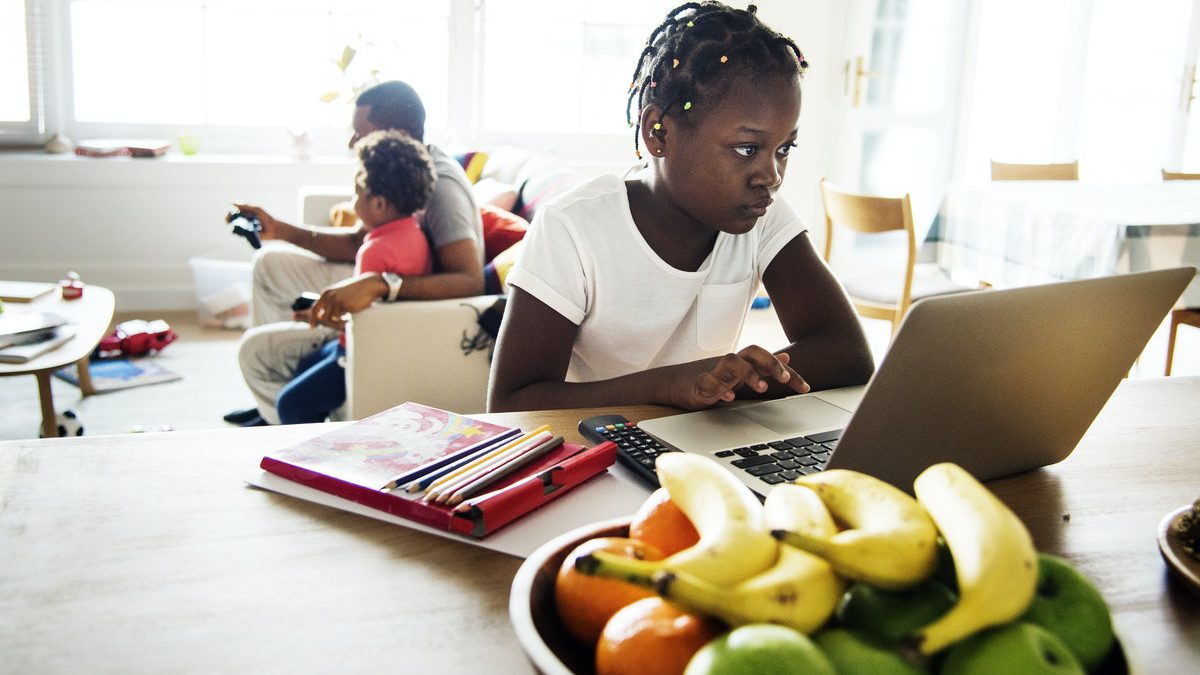 A girl does her schoolwork on a laptop at home as part of her blended learning class.
How blended learning works in practice
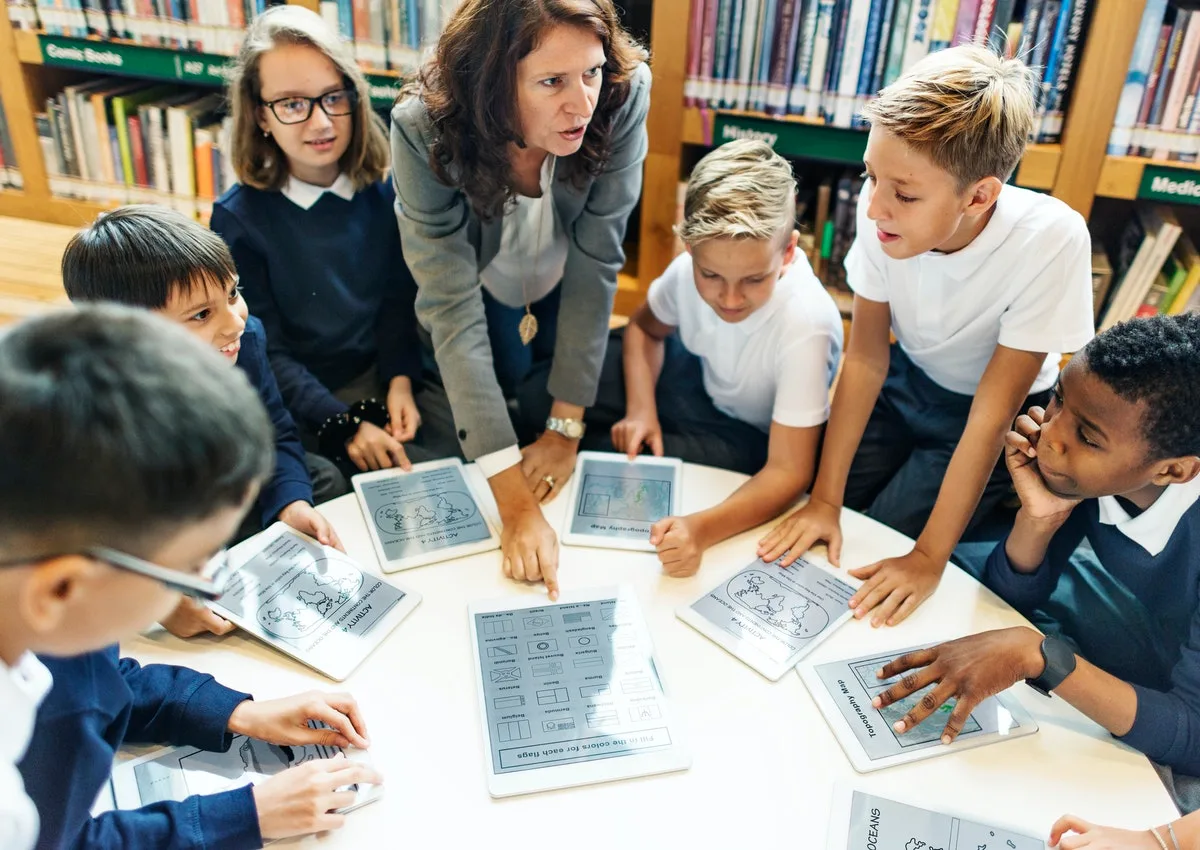
In a blended learning classroom, students might watch a short instructional video at home before class, then spend class time on discussion, projects, or hands-on activities that build on what they watched. Or they might rotate between working independently on a digital learning platform and participating in small-group instruction with the teacher.
Blended Learning Universe identifies several common blended learning models:
-
Rotation model: Students rotate between stations — one might be a teacher-led group, another a digital activity, another collaborative work — on a fixed or flexible schedule.
-
Flex model: Students move through curriculum primarily online at their own pace, with the teacher providing support and small-group instruction as needed.
-
A La Carte model: Students take some courses entirely online while remaining enrolled in a traditional school for others.
-
Enriched Virtual model: Students complete most coursework online but meet with teachers in person on a regular basis.
Advantages of blended learning
-
Gives students more control over pace and path without removing teacher support
-
Frees up in-person time for higher-order activities: discussion, projects, application
-
Accommodates diverse learning styles within a single class
-
More cost-effective than fully staffed in-person programs
-
Builds digital literacy alongside subject knowledge
Disadvantages of blended learning
-
Requires more upfront planning than traditional instruction
-
Students need reliable device and internet access at home
-
Less effective for students who struggle with self-regulation
-
Feedback can be delayed if the online platform doesn’t support real-time communication
Choosing the right tools is half the battle — see our roundup of digital tools for student engagement that work across blended, hybrid, and in-person settings.
What Is Hybrid Learning?
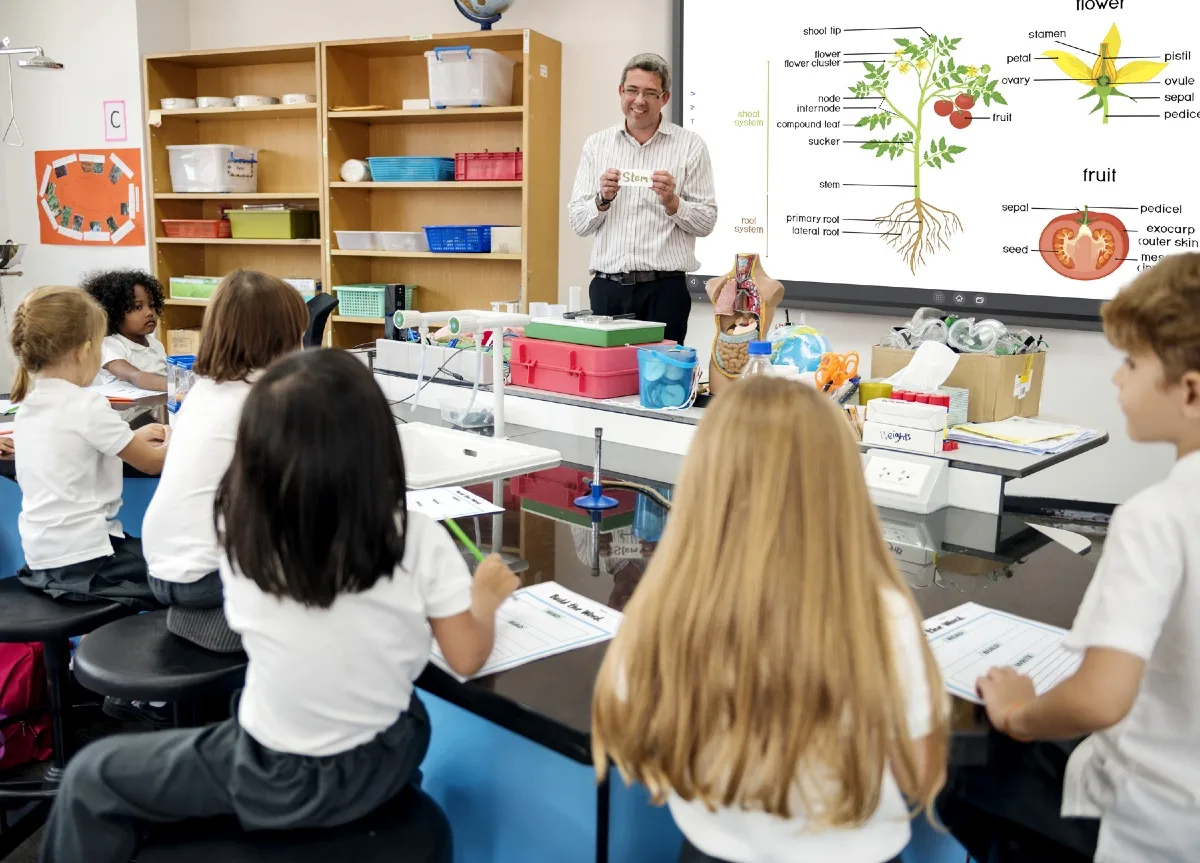
Hybrid learning (also called HyFlex learning in higher education) is a delivery format in which some students attend class in person while others join the same session remotely — simultaneously. The teacher instructs both groups at once.
This model requires more sophisticated setup than blended learning because the teacher must actively manage two audiences: the students in the room and the students on screen.
How hybrid learning works in practice
A hybrid class typically involves:
-
A classroom camera and microphone that captures the teacher and in-room activity for remote students
-
A display screen that shows remote students to the in-room participants
-
A shared digital workspace (whiteboard, slide deck, or document) that both groups can interact with
-
Chat or Q&A tools for remote students to participate without interrupting the flow of in-person instruction
The in-person and remote experiences are simultaneous, which distinguishes hybrid from blended (where activities are sequential or separated by time).
Advantages of hybrid learning
-
Maximizes flexibility for students with different attendance needs
-
Maintains real-time connection between all students regardless of location
-
Allows schools to serve more students with the same physical space
-
Teachers can adapt instruction to multiple learning contexts within one session
Disadvantages of hybrid learning
-
Technically demanding — requires reliable AV equipment and a stable internet connection
-
Teachers must manage two audiences simultaneously, which increases cognitive load
-
Remote students can feel like second-class participants if the setup isn’t designed carefully
-
Requires strong student time management, especially for the remote cohort
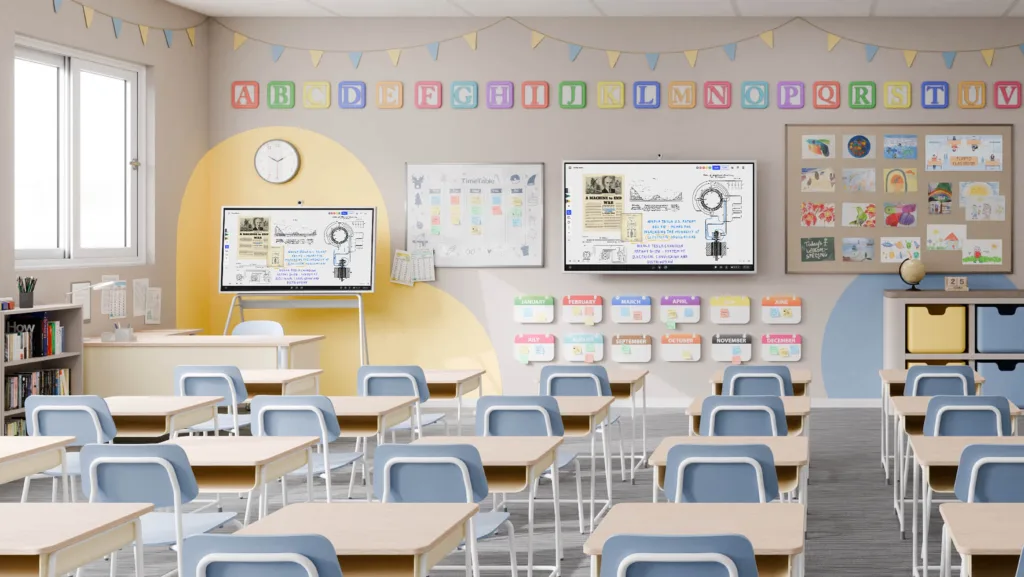
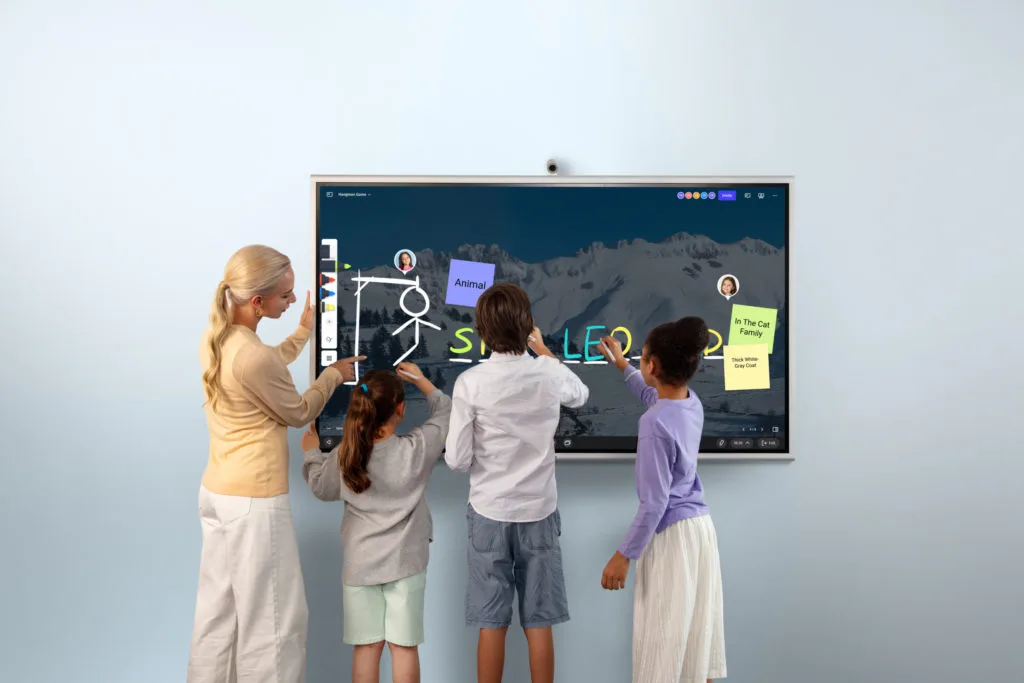 A group of students and the teacher standing in front of Vibe Board S1
For a deeper look at room setup, equipment checklists, and lesson design strategies, see our complete hybrid classroom guide.
What technology does hybrid learning require?
Effective hybrid learning depends on a few key hardware categories:
-
A wide-angle classroom camera that captures the room for remote participants
-
A quality microphone system that picks up student voices clearly
-
An interactive display so the teacher can share content with both audiences simultaneously
-
A digital collaboration platform (whiteboard, shared document, or LMS) that both in-person and remote students can access
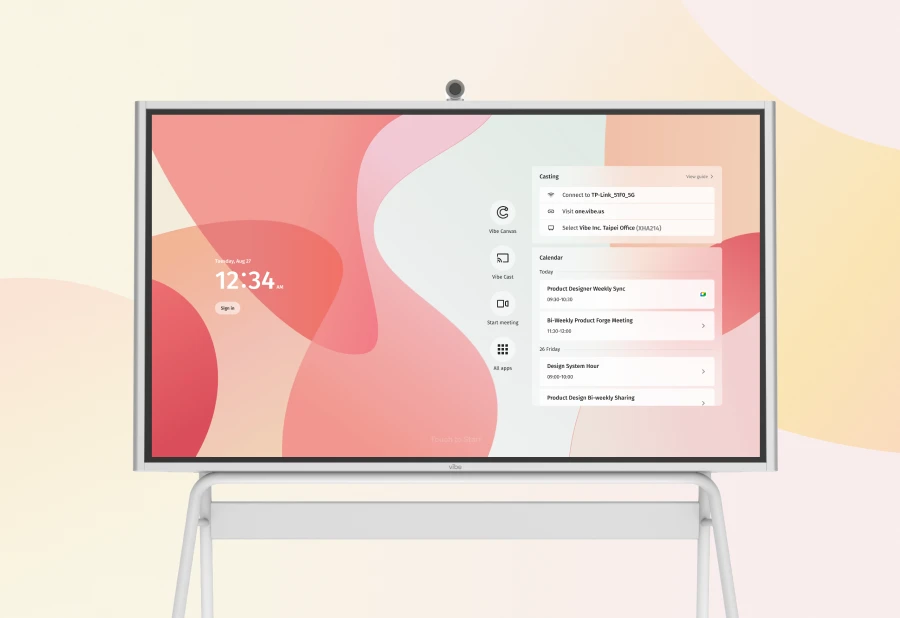
For K–12 classrooms, the Vibe Board S1 is a practical centerpiece for hybrid sessions. Its 20-point multi-touch display, built-in screen sharing, and compatibility with video conferencing apps like Zoom and Google Meet let teachers present to both in-room and remote students from a single device. Schools can pair it with the optional Smart Camera accessory for full room coverage.
What Is Distance Learning?
Distance learning is an educational model in which students and teachers are physically separated, and instruction is delivered entirely through digital or print-based materials. Unlike hybrid or blended learning, there is no required in-person component.
Most modern distance learning is asynchronous: students watch pre-recorded lectures, complete assignments, and participate in discussion forums on their own schedule. Some programs include optional or scheduled live sessions (synchronous), but the core experience is self-directed.
How distance learning works in practice
Distance learning courses are built around a learning management system (LMS) — platforms like Canvas, Blackboard, or Google Classroom. A typical week might include:
-
Pre-recorded video lectures to watch independently
-
Reading assignments and digital resources
-
Discussion board posts or peer responses
-
Quizzes, assignments, or projects submitted online
-
Optional office hours or live Q&A sessions via video conferencing
Distance learning is not new. Correspondence courses — where students received printed materials by mail and submitted handwritten assignments the same way — have existed for over a century. Today’s technology makes these programs far more interactive, but the fundamental model (remote, self-paced, instructor-at-a-distance) remains the same.
Advantages of distance learning
-
Maximum flexibility — students learn on their own schedule from anywhere
-
Scales well for large enrollments (online courses can reach thousands of students)
-
Eliminates commute and geographic barriers
-
Often more affordable than in-person programs
-
Well-suited for adult learners balancing work and study
Disadvantages of distance learning
-
Low social interaction — students miss the informal learning that happens in a physical classroom
-
High dropout rates compared to in-person programs, partly due to isolation and motivation challenges
-
Requires strong self-discipline and time management
-
Delayed feedback can slow learning momentum
-
Not ideal for hands-on or lab-based subjects
For strategies on running effective remote sessions, see our guide to distance learning best practices. If you’re exploring how interactive technology fits into fully remote teaching, interactive whiteboarding for distance learning is a practical starting point.
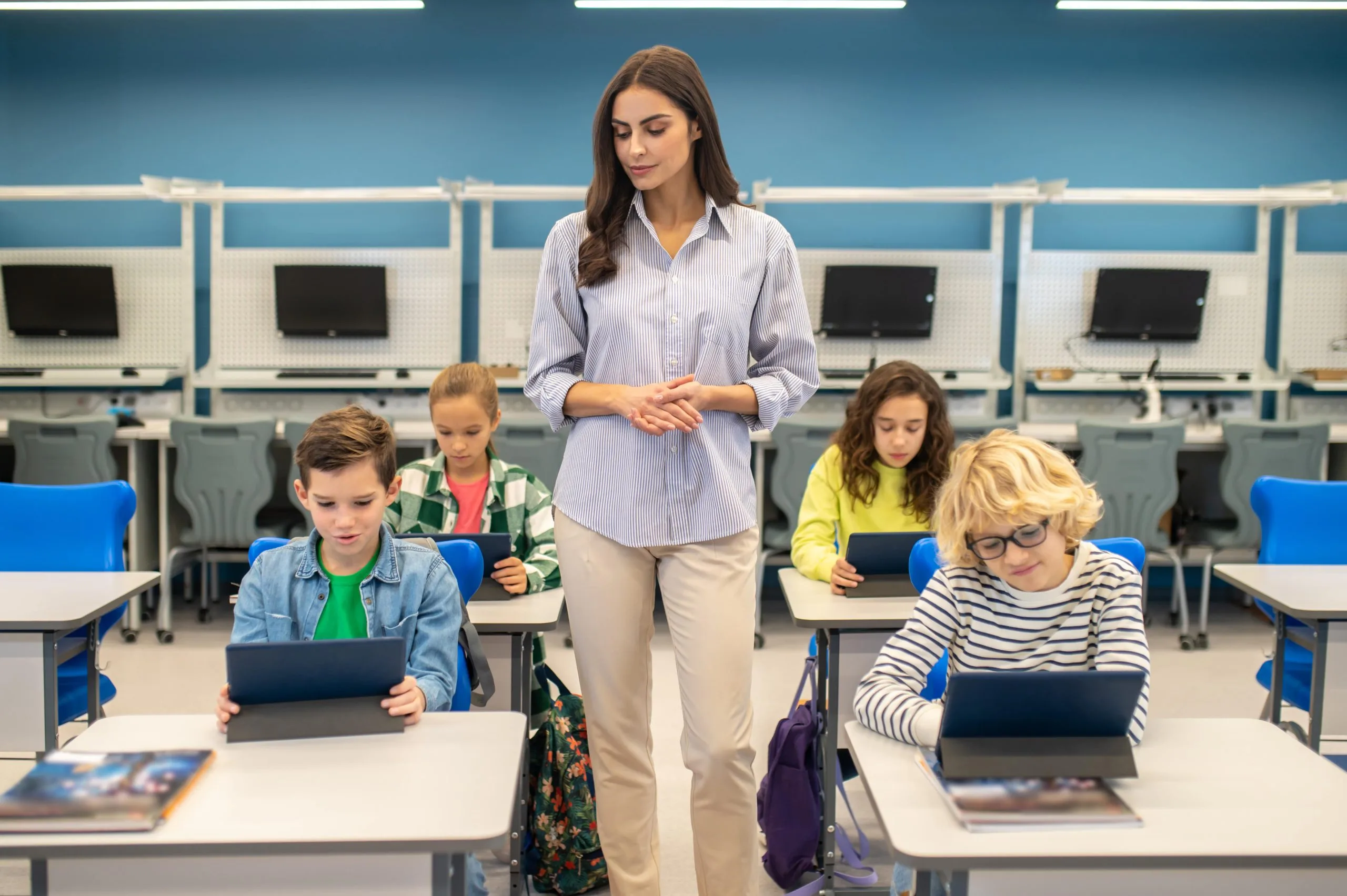 Student working independently on a laptop
Blended vs Hybrid vs Distance Learning: How to Choose
The right model depends on your students, your school’s infrastructure, and your instructional goals. Here’s a practical framework:
Choose blended learning if:
-
Your students attend school in person regularly but you want to personalize the pace and path of learning
-
You have access to devices in the classroom and students have internet at home
-
Your goal is to use in-person time more efficiently for higher-order thinking
Choose hybrid learning if:
-
You have students who genuinely cannot attend in person every day
-
Your school has or can invest in reliable AV and display equipment
-
You can design lessons that work simultaneously for in-person and remote participants
Choose distance learning if:
-
Your students are fully remote (geographic distance, health constraints, or program design)
-
Your subject matter lends itself to asynchronous, self-paced study
-
You’re building a course for adult learners or large-scale enrollment
Not sure which hybrid format fits your school? Our guide to hybrid learning models and implementation walks through the most common approaches and how to choose between them.
Conclusion
Blended, hybrid, and distance learning are distinct approaches that serve different needs. Blended learning is best when you want to redesign how instruction flows in a classroom that already meets in person. Hybrid learning is right when you need to serve students in two locations simultaneously. Distance learning is the appropriate choice for fully remote learners who need flexibility above all else.
The most effective schools aren’t locked into one model — they match the delivery format to the learning goal and student circumstances. Whichever model you choose, strong course design and the right technology make the difference between a model that works on paper and one that works in practice.
For educators looking to build more flexible, engaging learning environments, explore Vibe’s K–12 education solutions to see how schools are putting these models into practice.
Frequently Asked Questions
What is the main difference between blended and hybrid learning?
Blended learning is a course design strategy where in-person and online activities are intentionally combined and sequenced — both happen, but at different times. Hybrid learning is a delivery format where in-person and remote students participate in the same class session simultaneously. The key distinction: blended is about how the curriculum is structured; hybrid is about how students access it.
Is hybrid learning the same as distance learning?
No. Hybrid learning requires students to attend in person at least part of the time and typically involves real-time instruction with both in-room and remote participants. Distance learning is fully remote, asynchronous, and has no in-person requirement. A student in a hybrid program is never entirely remote; a student in a distance learning program always is.
What technology do I need for a blended learning classroom?
At minimum, you need student devices (laptops, tablets, or Chromebooks), a learning management system (LMS), and reliable internet access for both school and home use. For the classroom, an interactive display helps teachers model digital activities and facilitate group discussion. Many schools use a smart whiteboard like the Vibe Board S1 to anchor blended and hybrid sessions.
Can one school use all three models at the same time?
Yes — and many do. A school might offer traditional in-person classes using a blended learning approach for daily instruction, run hybrid sessions for students with irregular attendance, and provide fully online distance learning courses for electives or credit recovery. The models are not mutually exclusive.
Which learning model leads to better student outcomes?
Research generally shows that blended learning produces comparable or better outcomes than fully in-person or fully online instruction, particularly when the online and in-person components are tightly integrated. A 2023 meta-analysis by the U.S. Department of Education found that blended and hybrid approaches tend to outperform purely online instruction when teachers are well-prepared and course design is intentional.
What is HyFlex learning?
HyFlex (Hybrid-Flexible) is a specific version of hybrid learning in which students can choose each week whether to attend in person or remotely — without a fixed assignment to either group. It’s commonly used in higher education and requires particularly robust technology and course design, since the teacher must support full participation regardless of which mode each student chooses on a given day.