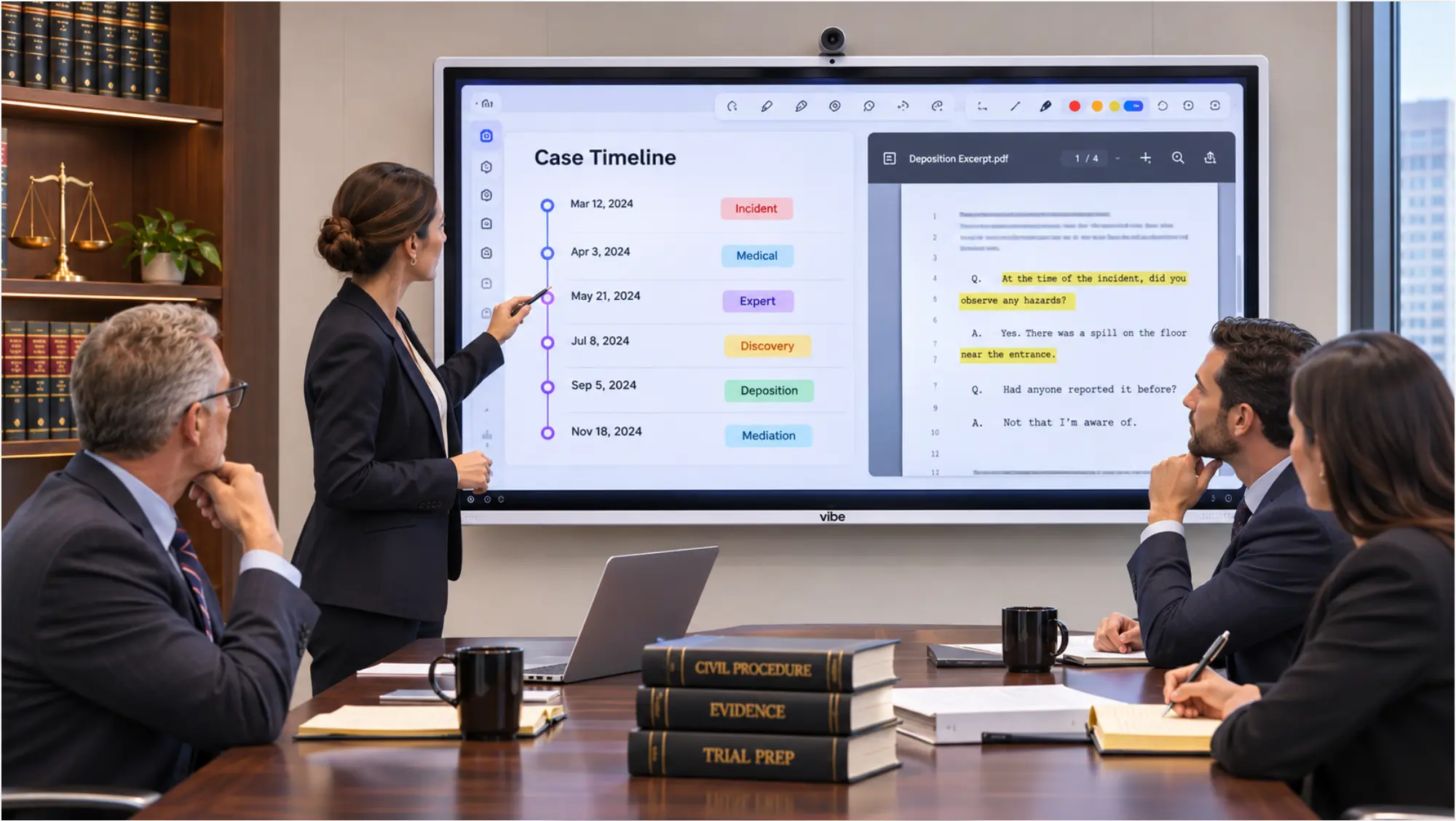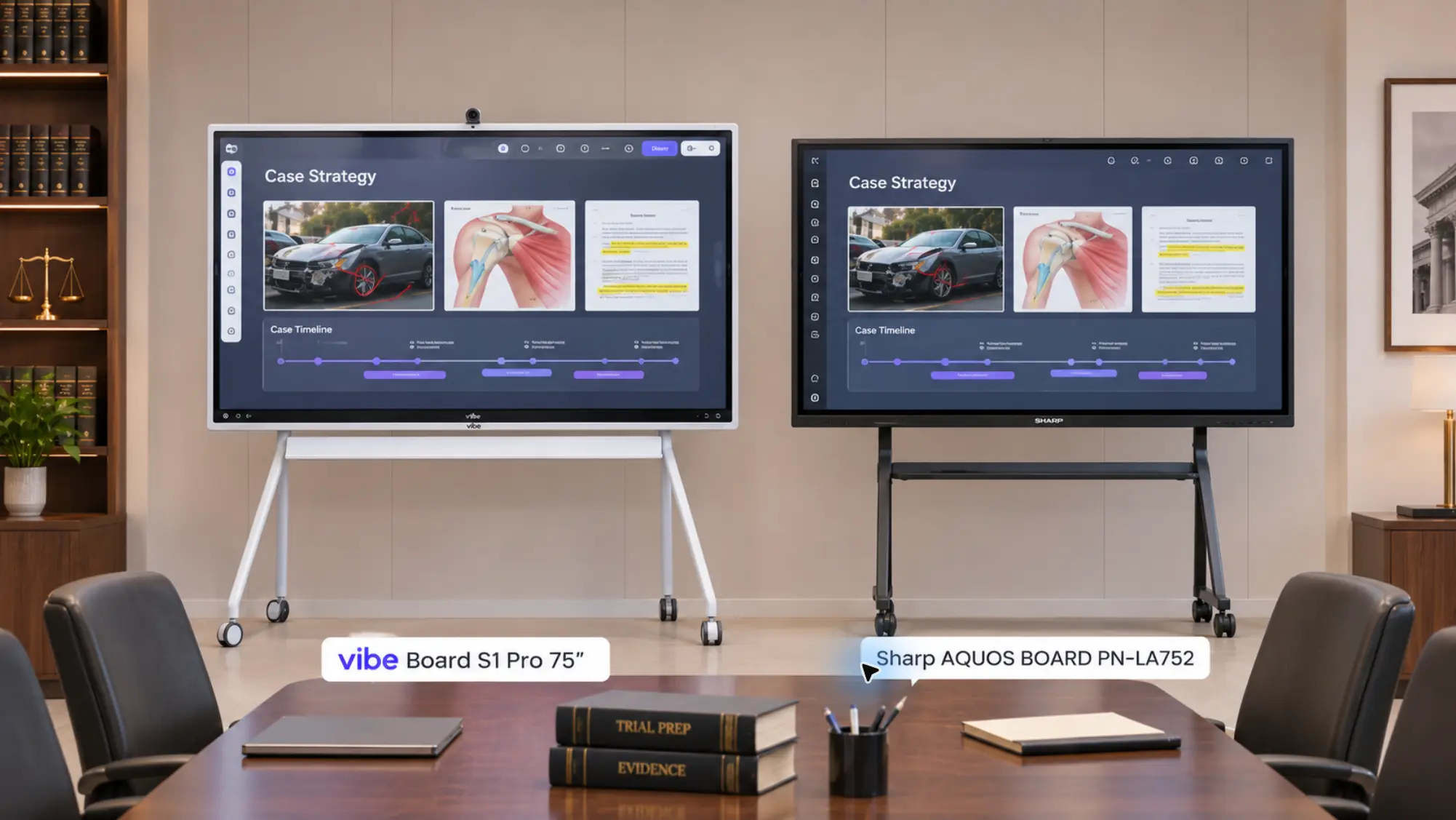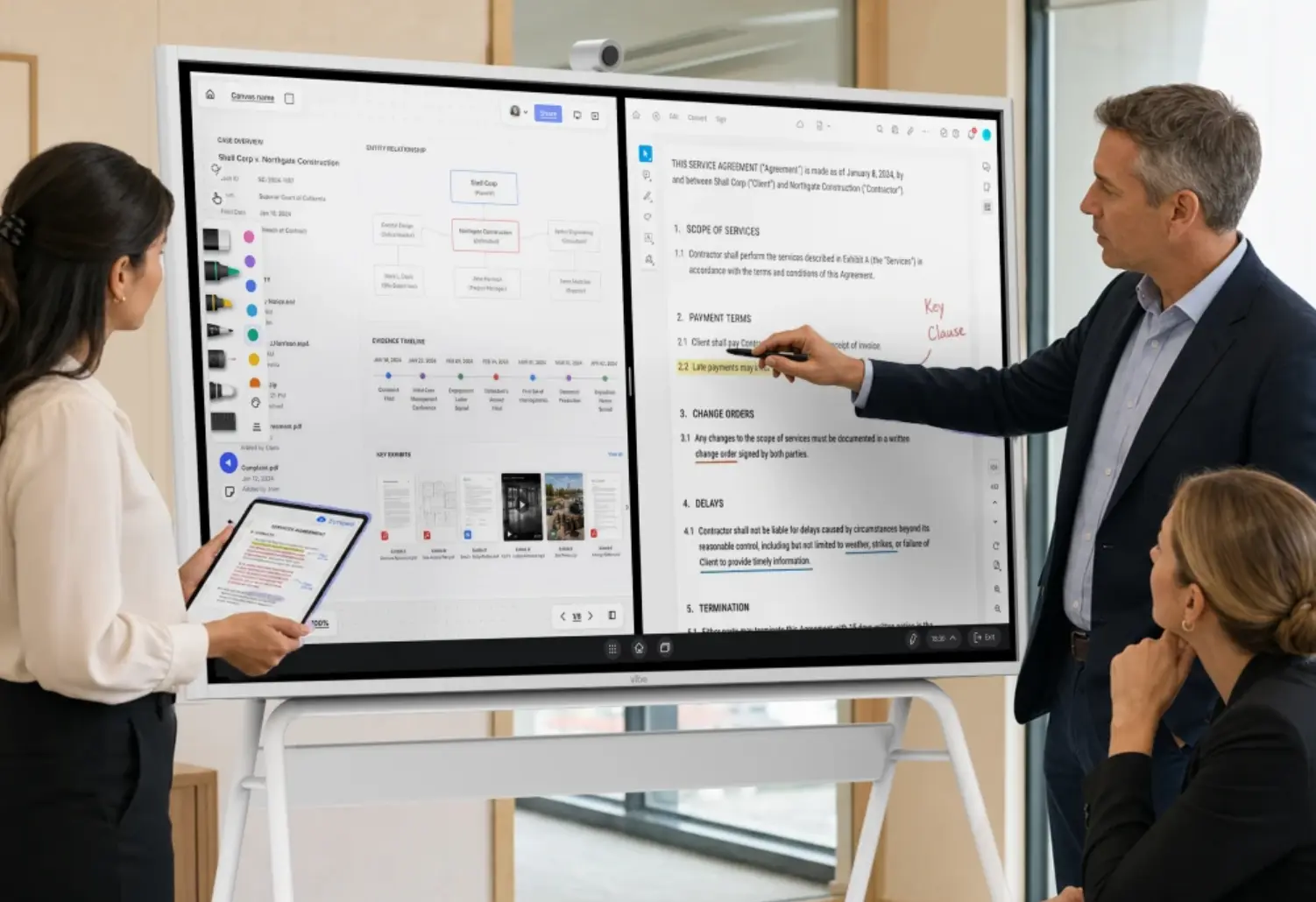

A law firm meeting room checklist is less about what you buy and more about what someone checks every time a client walks in: that the last matter is off the screen, the video link went only to the right people, nothing is recording that shouldn’t be, and the room is reset when the meeting ends. This post gives you that routine as a printable checklist, plus a quarterly audit for the room itself. If you’re still choosing equipment, start with Law Firm Conference Room Technology: The 2026 Checklist and come back here once the room is built. It’s part of Vibe’s legal solutions library.
This checklist is general information, not legal advice. Recording and professional-conduct rules vary by jurisdiction. Consult an attorney licensed in your state before setting recording or AI policy.
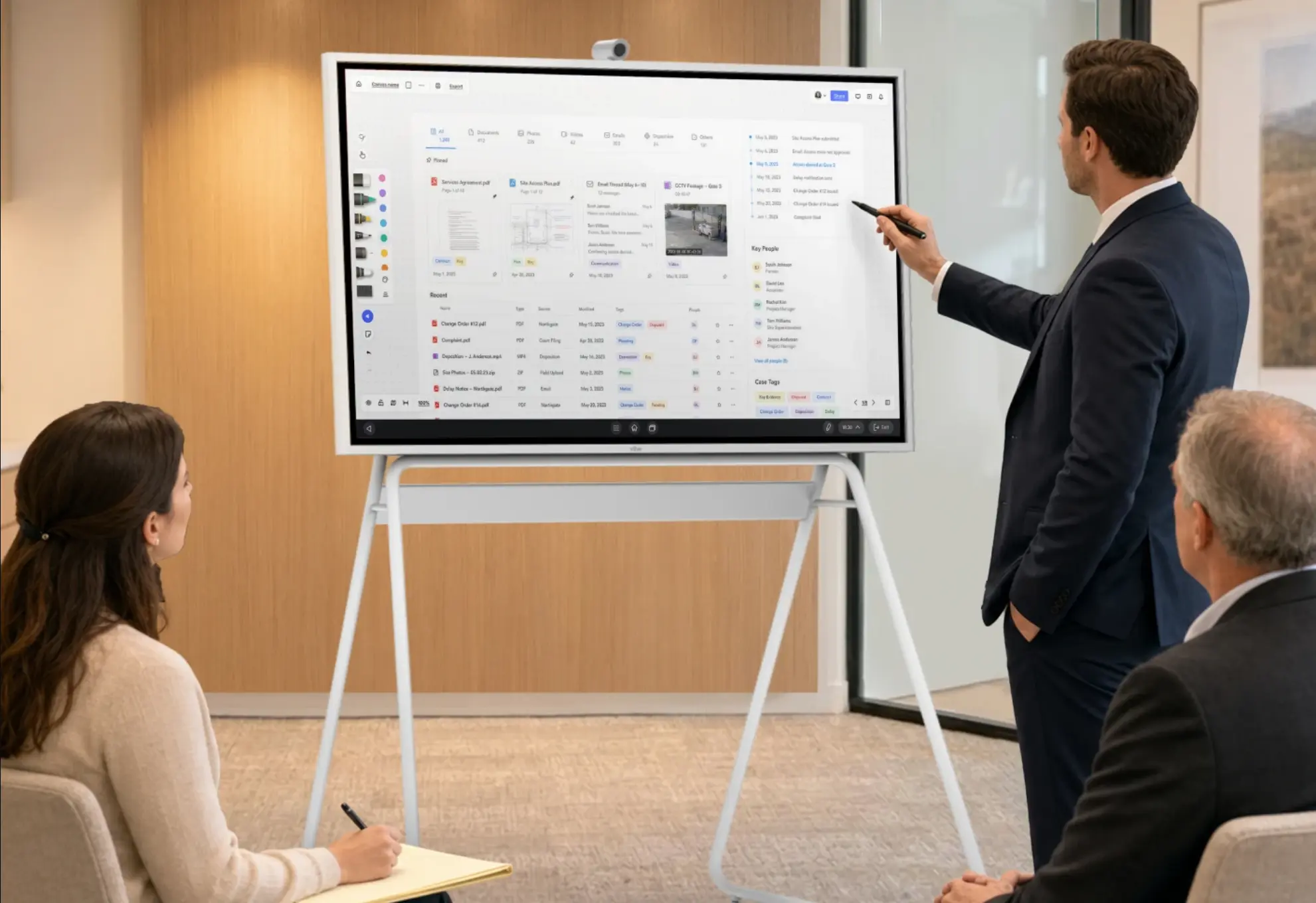
Why a Routine Beats a One-Time Setup
Most meeting room problems at law firms aren’t equipment failures. They’re leftovers: a previous client’s timeline still on the whiteboard, an attorney still signed in to the shared screen, a reusable video link that’s been forwarded, or a platform that started recording because that was the default. The New York City Bar’s Formal Opinion 2025-6 specifically warns that videoconferencing platforms can be set to record by default .
Picture a 2 p.m. estate planning meeting that ends with the family’s asset map still on the board. At 2:30, a different client sits down for a contract review, and the first thing they see is someone else’s estate. Nothing broke. Nobody ran the after-meeting check.
A routine fixes that, and it takes about two minutes per meeting. Assign it to a named person for each room, not to "whoever booked it."
Before Every Client Meeting
☐ Screen is clean. Nothing from another matter on the board, the shared laptop, or the whiteboard.
☐ Right account is signed in, or no one is signed in yet.
☐ Video link was sent only to the people invited, and it’s unique to this matter or protected with a passcode.
☐ Waiting room or lobby is on for anyone joining remotely.
☐ Recording decision is made. If the meeting will be recorded, consent is confirmed from every participant under the strictest state rule that applies. If not, recording and AI note taking are off. See Can Lawyers Record Client Meetings?
☐ Documents to be shown are open and ready, and nothing else is open on the shared screen.
☐ Door closes fully, and blinds on glass walls are set.
☐ Camera and microphone work, if anyone is joining remotely. Run a 30-second test call.
During the Meeting
☐ Admit remote participants individually from the waiting room, and confirm who’s on the call before discussing the matter.
☐ Announce any recording at the start, and get a clear yes from everyone.
☐ Cast only what’s needed. Close other windows before sharing a screen.
☐ Watch for unexpected joiners. Remove anyone who isn’t supposed to be there, and treat what was said as potentially disclosed.
☐ Save annotations deliberately. If a document was marked up on the board, save it to the matter file rather than leaving it in a shared space.
After Every Client Meeting
☐ Sign out of the shared screen.
☐ Clear the whiteboard and close every file.
☐ Confirm nothing recorded that shouldn’t have, and that any recording that was made is stored in the matter file with the right access.
☐ Collect printed materials left on the table.
☐ Reset the room for the next meeting: blinds, chairs, cables.
Quarterly Room Audit
Run this every quarter, or whenever software, staff, or the room changes.
Privacy
☐ Walk the corridor during a test conversation: what can you hear and see?
☐ Check door seals and the gap at the floor.
☐ Confirm screens still face away from glass and doors after any furniture moves.
Screen and layout
☐ Sit in the farthest seat and read a contract on screen. If you can’t, the screen is too small or too far. See How to Set Up a Law Firm Client Meeting Room for sizing.
☐ Test annotation and saving on the board.
Camera and audio
☐ Join from outside the building and ask what the remote side sees and hears from every seat.
☐ Check lighting at the time of day meetings actually happen.
☐ Confirm whether the camera’s indicator light shows when only the microphone is live.
Accounts and sign-in
☐ Remove accounts for people who’ve left.
☐ Confirm automatic sign-out is still on and remote sign-out still works.
☐ Confirm casting still requires a password and guest access is still restricted.
Video platforms
☐ Re-check waiting room, recording, and screen-sharing defaults after every platform update.
☐ Confirm where recordings are stored and who can access them. See Video Conferencing for Law Firms.
Recording and AI policy
☐ Confirm the written policy still matches what the room’s tools do.
☐ Re-check each AI vendor’s data terms: storage, retention, deletion, and whether it trains on your data. See Secure Collaboration for Law Firms.
☐ Update the policy if your state bar has issued new guidance.
 Attorney wearing a Vibe Dot AI note taker during a client conversation
Who Owns the Checklist
|
Task |
Typical owner |
|---|---|
|
Before and after each meeting |
The attorney or assistant who booked the room |
|
Room reset between meetings |
Front desk or office services |
|
Quarterly audit |
Office manager or firm administrator |
|
Platform and account settings |
Law firm IT or the managed service provider |
|
Recording and AI policy |
A named partner or general counsel |
Print this post, laminate the before-and-after sections, and leave a copy in each meeting room.
Where Vibe Fits
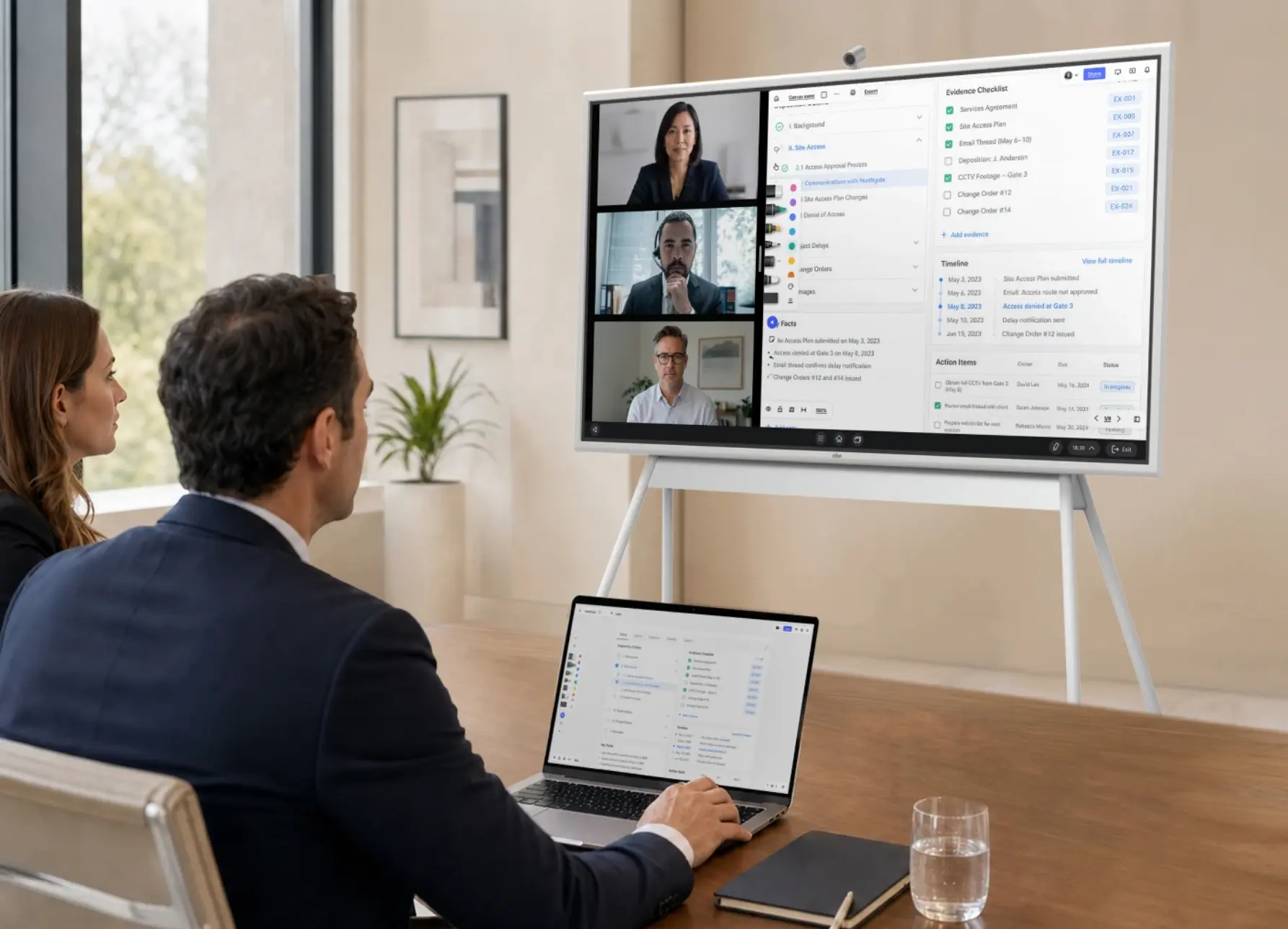
A shared screen that resets cleanly makes the after-meeting check faster. The Vibe Board S1 and S1 Pro support dedicated user accounts, automatic sign-out, remote sign-out from a phone, password-protected casting, and restricted guest access, as described on Vibe’s security page. Neither board has a built-in camera or microphone, so pair it with a Vibe Smart Camera for a small room or a Vibe Bot at the center of a larger table. If you use Vibe Bot’s meeting notes, the "recording decision" line above applies to it like any other recorder.
The Bottom Line
A law firm meeting room checklist works when it’s a routine, not a one-time setup: two minutes before and after every client meeting, and a quarterly audit of the room. Name an owner for each part, keep a printed copy in the room, and make the recording decision before anyone presses record.
For the equipment side, see Law Firm Conference Room Technology: The 2026 Checklist, or visit Vibe’s legal solutions hub.
Frequently Asked Questions
What should be on a law firm meeting room checklist?
Check before every meeting that the screen is clean, the right account is signed in, the video link went only to invited people, the waiting room is on, and the recording decision is made. After every meeting, sign out, clear the board, and confirm nothing recorded that shouldn’t have. Add a quarterly audit of privacy, screens, accounts, and platform settings.
How do you keep a client meeting room confidential between meetings?
Run a short reset after every meeting: sign out of shared screens, clear whiteboards, close files, and collect printed materials. Use automatic sign-out as a backstop, keep screens facing away from glass, and assign the reset to a named person rather than whoever booked the room.
How often should a law firm audit its meeting rooms?
Quarterly is a practical rhythm, plus whenever staff, software, or the room itself changes. Re-test sound privacy from the corridor, screen readability from the farthest seat, camera and audio for remote participants, account access, platform recording defaults, and the recording and AI policy.
Should law firm meeting rooms record client meetings?
Not by default. Decide meeting by meeting, get consent from every participant under the strictest state rule that applies, and check that video platforms aren’t set to record automatically. The New York City Bar advises getting client consent before AI records a call. Consult an attorney licensed in your state.