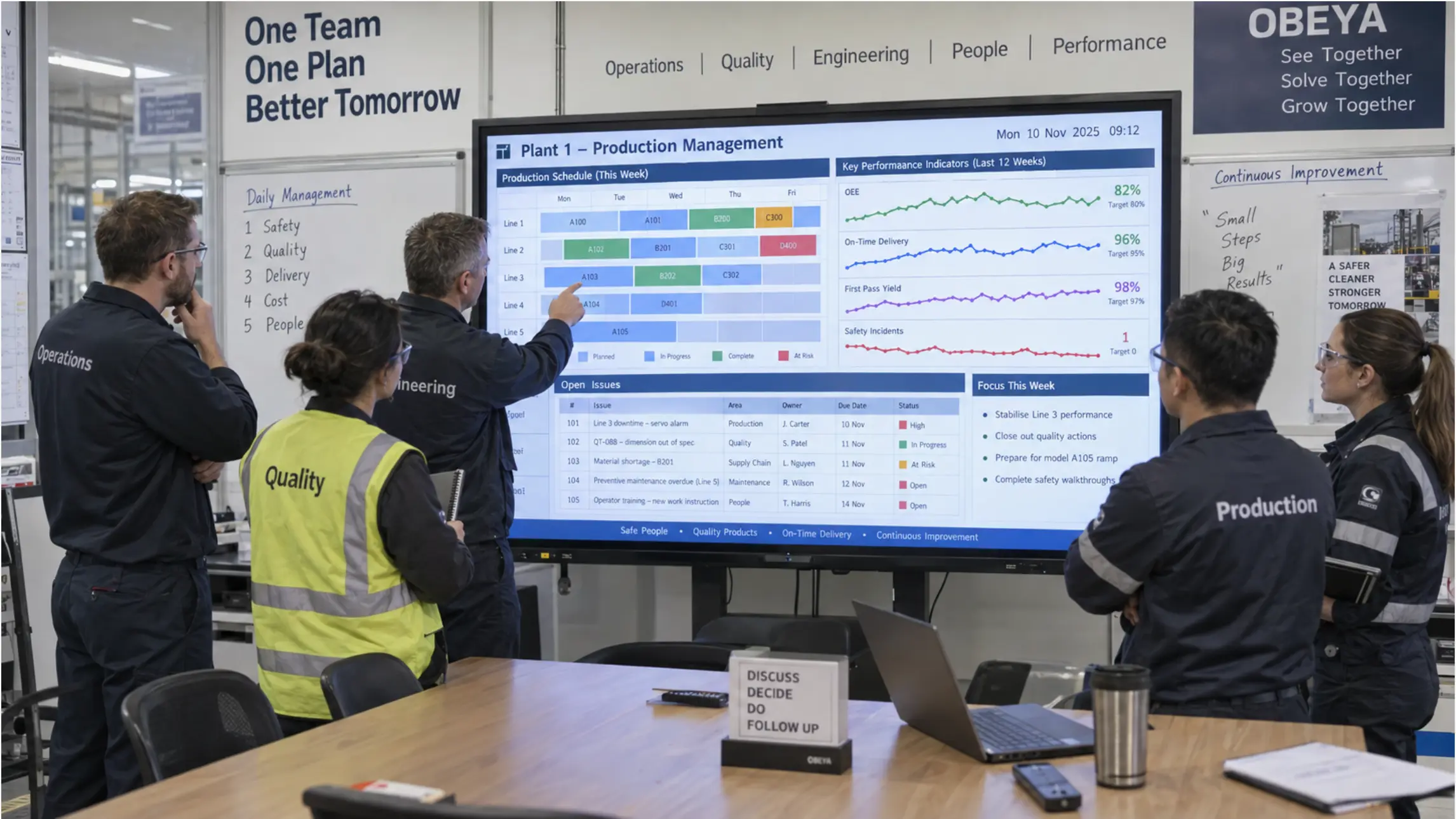
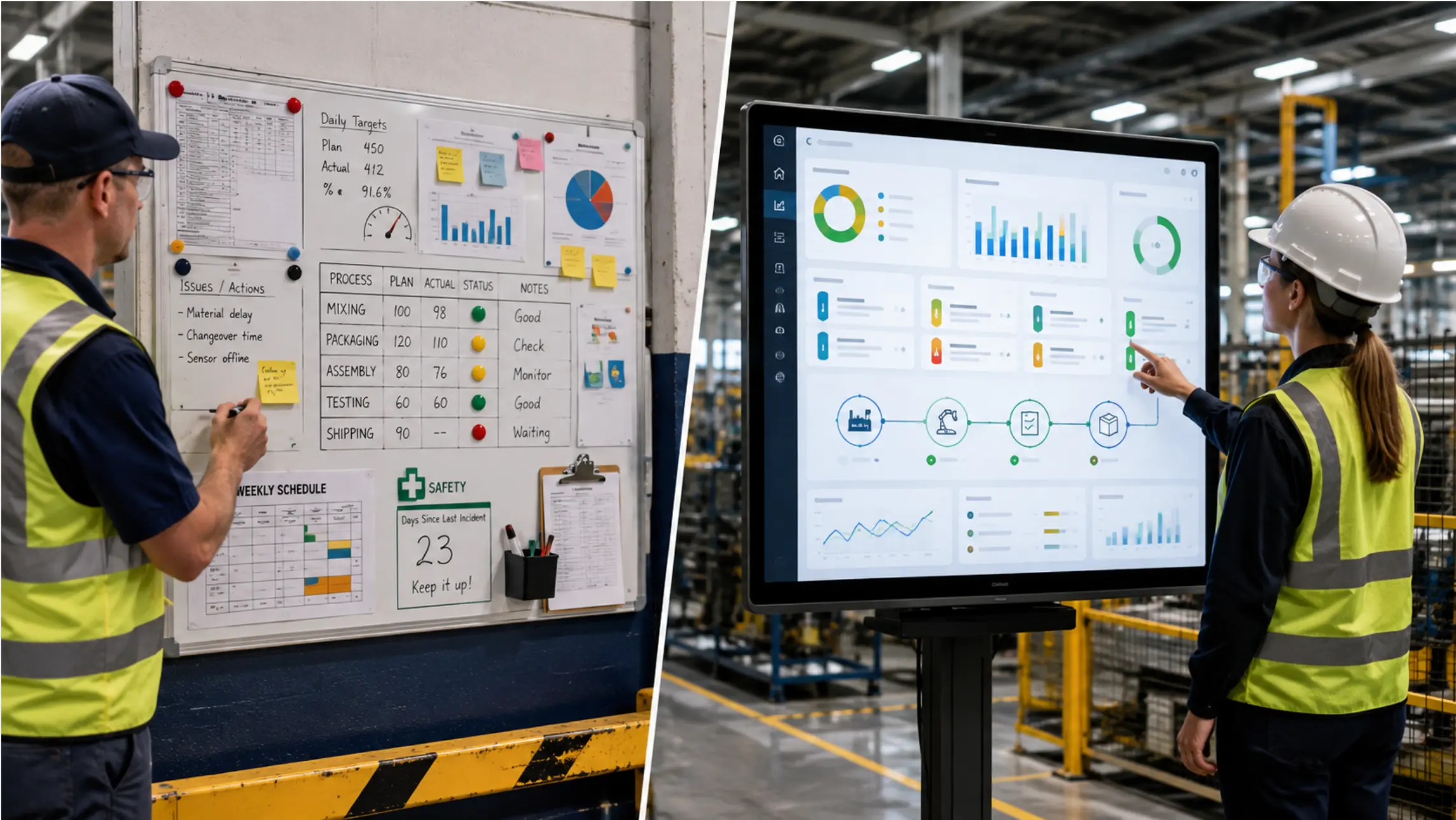
Most production planning starts in a spreadsheet. Not because planners don't know better tools exist — but because a well-built Excel file is fast, flexible, and works the way planners already think.
The question is never whether spreadsheets are good enough at the start. They almost always are. The question is which specific workflow breaks first as the operation grows, and whether that failure point justifies the cost and disruption of moving to a dedicated planning system.
This guide covers what spreadsheets do well in production planning, the four failure patterns that appear most predictably as complexity increases, and how to evaluate whether dedicated software is the right next step — or whether the actual problem is somewhere else in how the plan gets communicated on the floor.
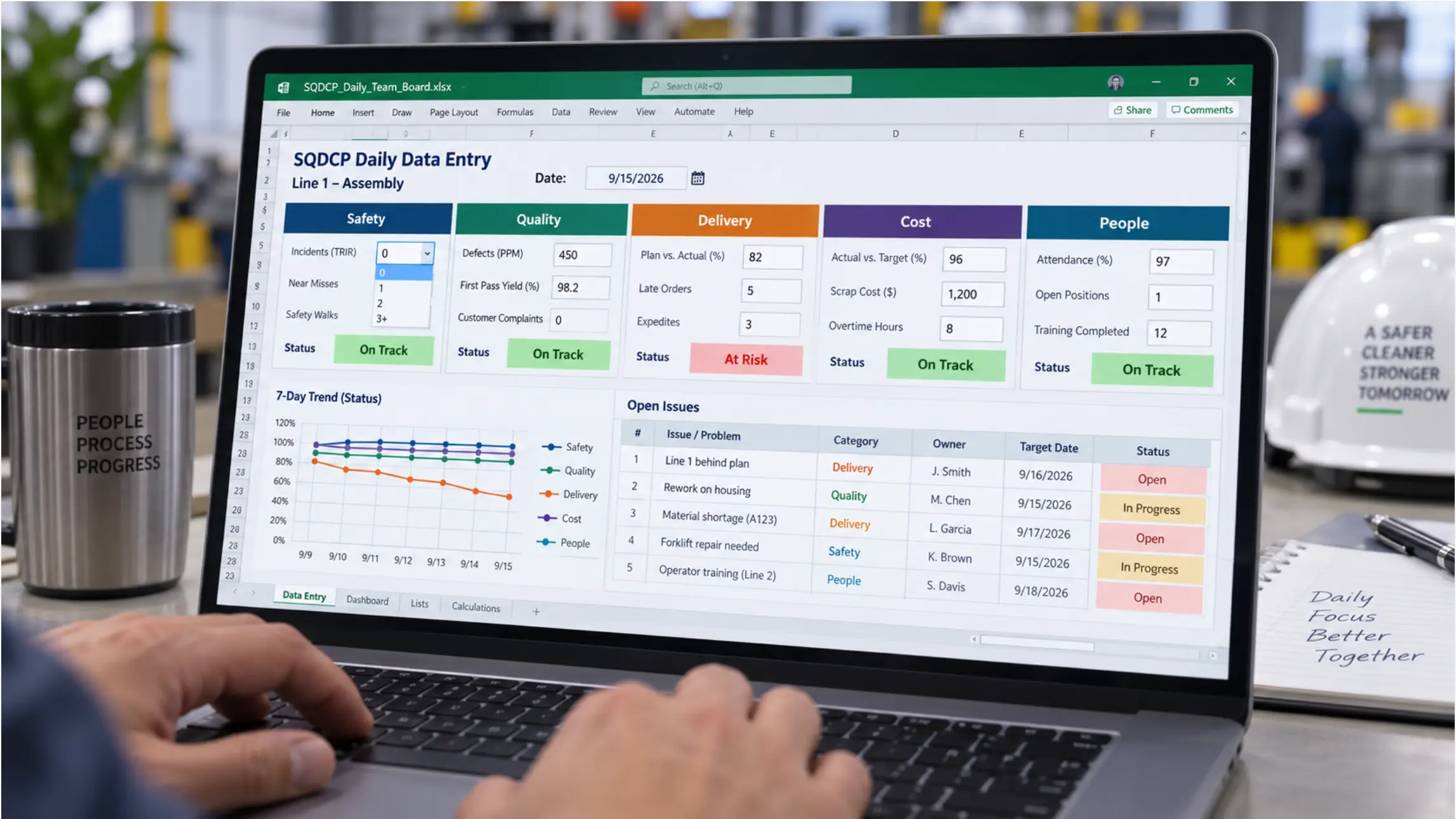
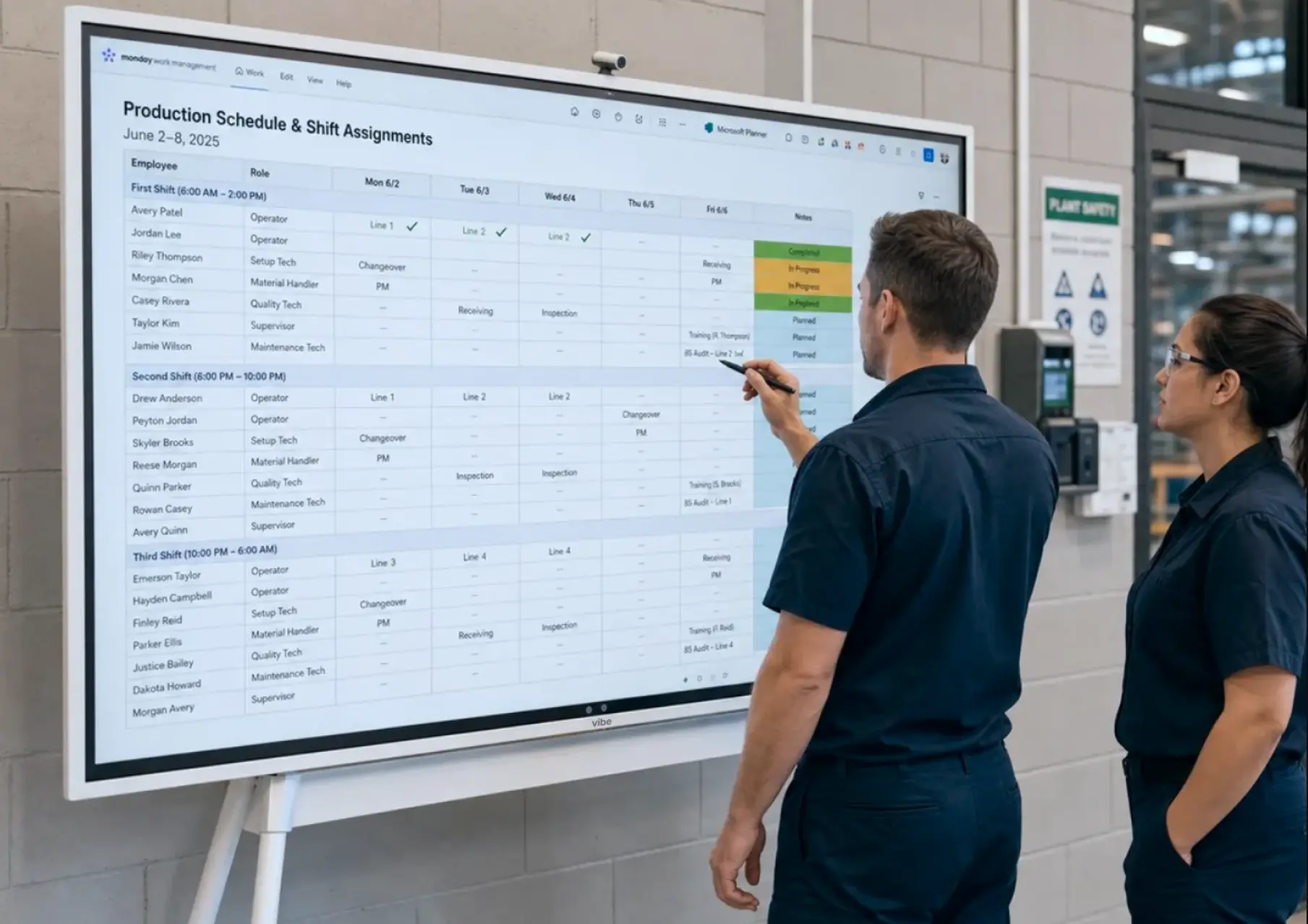 Vibe Board S1 Pro mounted at a production line entrance showing a live Excel production schedule — operators referencing it at the start of a shift
What Spreadsheets Actually Do Well in Production Planning
Before looking at where they fail, it is worth being precise about why spreadsheets persist in manufacturing planning at organizations that could easily afford something else.
Planners can build exactly what they need. An Excel production schedule reflects how a specific plant thinks about its work — the naming conventions, the shift structure, the way capacity is allocated across lines. No software vendor's default template does this out of the box. Planners who have built their own templates over years have systems that are often more sophisticated than off-the-shelf alternatives for their specific context.
Changes are immediate. When a planner realizes the schedule needs to shift mid-morning, they change it. No workflow, no approval queue, no IT ticket. The file reflects the new plan within minutes.
The data is portable. An Excel file can be emailed, printed, saved to SharePoint, and opened on any device. It does not depend on a specific software license or a particular server being online.
Training overhead is near zero. Every planner, supervisor, and manager in manufacturing has used Excel. Moving to a new planning system means retraining everyone who touches the plan — a cost that is easy to underestimate.
These are genuine strengths, not rationalizations for avoiding change. The manufacturers who get the most from dedicated planning software are the ones who understood what their spreadsheets were doing well before they replaced them.
The Four Failure Patterns
Spreadsheets do not fail all at once. They fail in specific ways, at predictable points, as manufacturing complexity increases. Understanding which pattern is showing up in your operation is more useful than a generic "spreadsheets vs. software" comparison.
Failure Pattern 1: The Version Problem
What it looks like: The planner has the current schedule. The floor supervisor has yesterday's version. The second-shift manager has a printed copy from last week. When a customer calls to check on an order, three people give three different answers.
When it appears: As soon as more than two people need to work from the same plan simultaneously. In single-planner, single-site operations, this rarely matters. As soon as a second planner, a second shift, or a second location gets involved, version control becomes a daily friction point.
The Excel solution: SharePoint or OneDrive. A single file in a shared folder, always open to the current version, accessible from any device. Many manufacturing teams have already solved this problem without moving to a dedicated planning system.
When it is not solved by SharePoint: When multiple planners need to edit simultaneously and conflict resolution becomes complicated, or when the plan needs to integrate automatically with ERP data rather than being updated manually.
Failure Pattern 2: The Visibility Gap
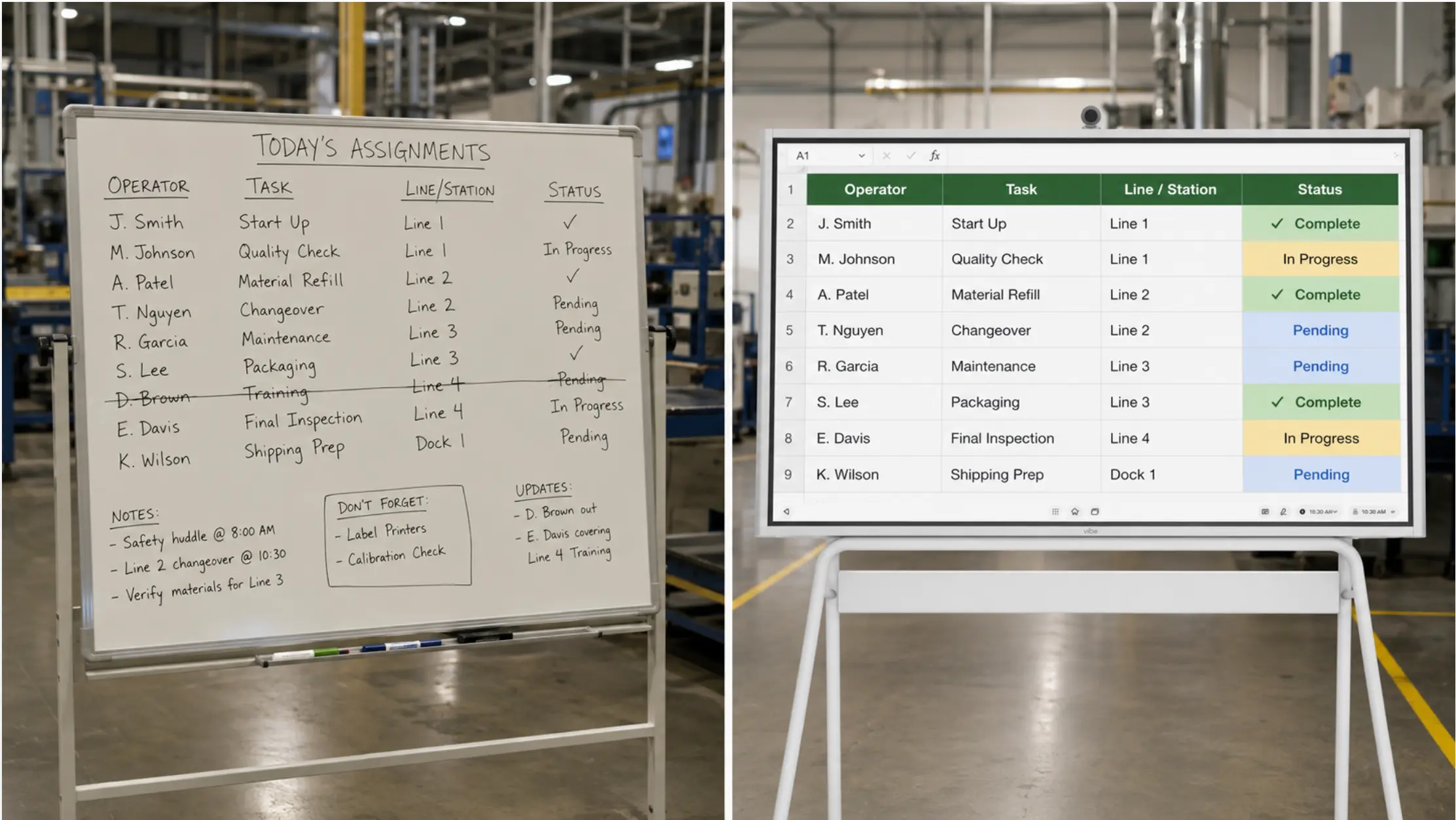
What it looks like: The plan exists in a file on someone's laptop or a shared drive. The floor does not see it. Supervisors check email or walk to an office to find out what the current schedule is. By the time the information reaches the people doing the work, it may already have changed.
When it appears: As soon as the planner is not physically co-located with the production floor. In small plants where the planner sits next to the line, this is less acute. As physical or organizational distance increases, the gap between where the plan lives and where it needs to be visible widens.
The Excel solution: Display the shared file on a screen the floor can see. A Vibe Board S1 Pro running the Excel schedule from SharePoint shows the current version on a 75-inch screen at the line — updated every time the planner saves, visible to every operator who walks past, interactive enough for supervisors to acknowledge changes directly on the screen.
This solves the visibility problem without replacing the planning system. The plan stays in Excel. The floor sees it.
When it is not solved by a floor display: When the plan changes faster than a planner can manually update a file — typically in high-mix, short-cycle manufacturing where real-time machine data needs to drive the schedule automatically.

Failure Pattern 3: The Constraint Blindness Problem
What it looks like: The planner builds a schedule that looks achievable on paper. Then a machine goes down, a key operator calls in sick, or a material batch fails inspection — and the plan that worked in the spreadsheet is suddenly impossible. Replanning is manual, slow, and often incomplete.
When it appears: As product mix increases and interdependencies between operations multiply. A simple three-step process with one line can be replanned in Excel in minutes. A 12-step process with shared tooling, multi-machine dependencies, and constrained operators across four lines becomes a problem that outgrows what a formula-based spreadsheet can solve in real time.
The Excel limitation here is structural. Excel does not know that Machine 3 is currently running at 60% speed. It does not know that two jobs competing for the same fixture cannot run simultaneously. A planner can encode these constraints manually, but keeping them current as conditions change on the floor requires information flows that most Excel-based planning systems do not have.
When dedicated software helps: Advanced Planning and Scheduling (APS) systems — PlanetTogether, Preactor, Opcenter — are built specifically to handle constraint-based scheduling. They integrate with machine data, flag conflicts automatically, and can replan around disruptions in real time. For operations where constraint complexity has genuinely outgrown what a planner can manage manually, this is where dedicated software earns its cost.
Failure Pattern 4: The Reporting Lag Problem
What it looks like: The plant manager wants to know how this week's output compares to plan. The answer requires someone to pull numbers from the floor, match them against the schedule, and build a summary — usually in another Excel file. By the time the report exists, the data is hours or days old.
When it appears: When operations leaders need production performance data faster than manual compilation can provide it. In a single-line operation with clear daily targets, a supervisor can report status verbally. As the number of lines, shifts, and metrics grows, the manual reporting burden becomes its own full-time job.
The Excel solution: Connect the planning file to Power BI. A Power BI report built on the same SharePoint file as the production plan can show actual vs. planned output, updated as operators log completions. This is not a full MES, but it covers the reporting lag problem for many operations without replacing the planning layer.
When it is not solved by Power BI: When actual production data needs to come from machine sensors, ERP transactions, or automated quality systems rather than manual operator entry. At that point, the data pipeline complexity typically requires a more integrated solution.
The Decision Framework: When to Move to Dedicated Software
Rather than a generic comparison, use this framework to identify whether your operation has actually reached the point where dedicated software solves a real problem.
|
Question |
If yes → |
If no → |
|---|---|---|
|
Are more than 3 planners editing the same plan simultaneously? |
Evaluate collaborative planning platforms |
SharePoint-based Excel likely sufficient |
|
Does the schedule need to update automatically from machine data? |
Evaluate APS or MES integration |
Manual-update Excel with floor display covers most needs |
|
Are constraint conflicts (shared machines, tooling, operators) causing daily replanning crises? |
Evaluate APS with constraint engine |
Manually-managed constraint rules in Excel |
|
Does actual vs. planned reporting require more than 30 minutes per shift to compile? |
Evaluate MES or Power BI-connected reporting |
Power BI on SharePoint data covers the gap |
|
Are you coordinating production across more than 3 facilities? |
Evaluate enterprise planning platforms |
Multi-site SharePoint with consistent file structure |
If most of your answers point toward the right column, the bottleneck is probably not the planning software — it is the visibility and communication layer between the plan and the floor.
What Most Comparisons Miss: The Display Layer
Nearly every "production planning software vs. spreadsheets" comparison focuses on the planning system itself — how the schedule is built, how constraints are managed, how data flows between departments.
What they rarely address is where the plan ends up and whether the people who need to act on it can actually see it.
A sophisticated APS system that produces a perfect schedule, published as a PDF in a folder that floor supervisors check irregularly, is less useful operationally than a well-maintained Excel file displayed on a screen at the entrance to the production area.
The display layer is not a substitute for good planning software when planning software is genuinely needed. But it is the part of the system that determines whether the plan actually drives behavior on the floor — and it is often the missing piece in operations that are still running Excel.
The combination that works for most mid-size manufacturers:
-
Planning layer: Excel or a lightweight planning tool, maintained by one or two planners
-
Data layer: SharePoint or OneDrive for version control and access
-
Reporting layer: Power BI for actual vs. planned visibility
-
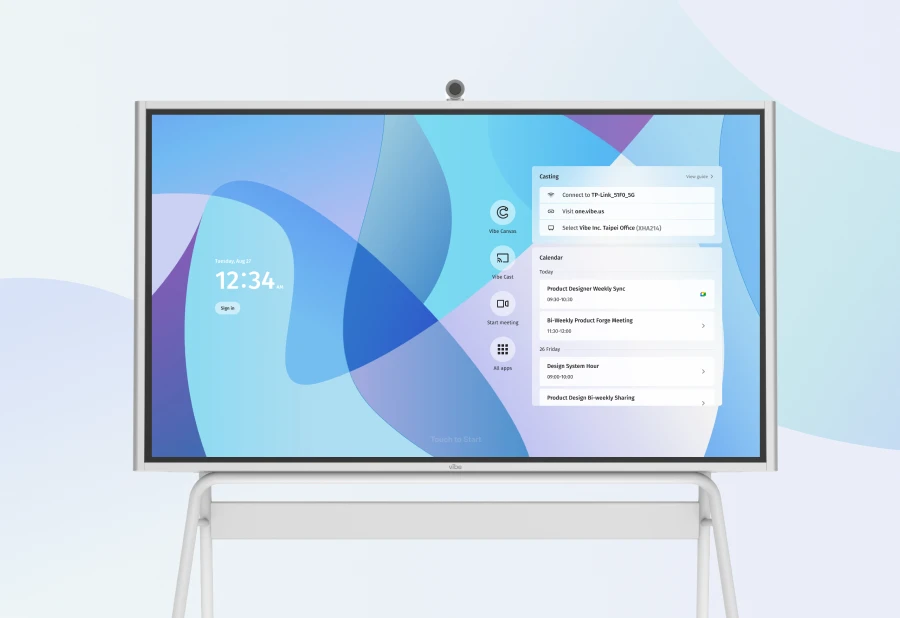
Display layer: Vibe Board S1 Pro for floor visibility and supervisor interaction
This stack does not require replacing anything the planning team already knows how to use. It adds the visibility and reporting layers that are typically missing — and addresses the failure patterns that show up most often in practice.
When Dedicated Production Planning Software Is the Right Call
To be direct: there are manufacturing operations where Excel has genuinely been outgrown, and where the cost and disruption of migrating to dedicated software is justified.
The clearest indicators:
High-mix, short-cycle production with frequent replanning. If the schedule changes multiple times per shift because of machine variability, material shortages, or customer priority changes, and each replanning cycle requires significant manual effort, an APS system with a constraint engine and automated replanning will recover that time.
Multi-level BOMs with complex routing. When a product has 50+ components, multiple subassembly stages, and shared operations across lines, maintaining the dependency logic in Excel becomes error-prone. A system built for BOM-driven scheduling handles this natively.
Regulatory or traceability requirements. In aerospace, medical device, or food manufacturing, production records need to be traceable to specific batches, operators, and machine runs. Excel can maintain records, but an integrated MES maintains them with less manual effort and fewer gaps.
Enterprise-scale multi-site coordination. When a network of plants needs to coordinate capacity, share materials, and balance load across sites in near-real-time, the data integration requirements outgrow what a shared Excel file can handle.
Outside of these scenarios, the barrier to dedicated software is usually not the planning capability — it is the implementation cost, the change management burden, and the gap between what the software does and how the team actually plans. Many manufacturers who invest in planning software find that it sits underutilized because the floor did not adopt it, the planner reverted to Excel for the parts that required flexibility, or the reporting it produced was not connected to where decisions actually get made.
Summary
Spreadsheets are not the problem in most manufacturing planning failures. The problem is usually one of four things: version chaos, floor visibility, constraint complexity, or reporting lag. The first two are solvable without replacing the planning system. The second two may genuinely require more capable tools — but only when they are actually the constraint, not when dedicated software is adopted on principle.
The honest evaluation starts with identifying which failure pattern is showing up in your operation, not with a comparison of feature lists. A planning system that the floor ignores because the plan never reaches them is no more effective than a spreadsheet no one can find.
Frequently Asked Questions
Is Excel good enough for production planning?
For most small to mid-size manufacturers, yes — with the right structure. A well-built Excel schedule in SharePoint, connected to a Power BI report and displayed on a floor screen, covers the planning, reporting, and visibility needs of most single-site operations. The limits appear when constraint complexity, simultaneous multi-user editing, or automatic data integration from machines is required.
What are the main disadvantages of using spreadsheets for production planning?
The four most common failure points are version control (multiple people working from different copies), visibility gaps (the plan exists but the floor cannot see it in real time), constraint blindness (Excel cannot automatically account for machine availability or shared tooling), and reporting lag (compiling actual vs. planned requires manual effort). The first two can often be solved with SharePoint and a floor display. The second two typically require more integrated tools.
When should a manufacturer move from Excel to production planning software?
When replanning is happening multiple times per shift due to constraint conflicts the planner cannot manage manually, when BOM complexity makes dependency tracking error-prone in Excel, when regulatory traceability requirements demand an integrated record system, or when multi-site coordination requires real-time data flows between facilities. For most other scenarios, the more practical upgrade is improving how the existing Excel plan is shared and displayed.
What is the difference between APS and MES in manufacturing?
Advanced Planning and Scheduling (APS) software handles the scheduling problem — building an optimized production sequence given constraints, materials, and capacity. A Manufacturing Execution System (MES) handles execution — tracking what actually happened on the floor, capturing machine data, logging quality results, and maintaining traceability records. Many manufacturers use both: APS for planning, MES for execution, and a reporting layer connecting the two.
Can I connect Excel production planning to Power BI?
Yes. A Power BI report built on an Excel file in SharePoint will refresh automatically as the file is updated. This gives planners the familiar interface of Excel while providing managers with a live dashboard showing actual vs. planned output, line performance, and shift attainment — without building a separate reporting system or moving to a dedicated planning platform.
How do I make a production schedule visible on the shop floor?
The most straightforward approach is to save the planning file to SharePoint and display it on a large-format interactive screen at the production area — a 55″ to 75″ display that shows the current version of the schedule automatically. Supervisors can acknowledge changes, mark completions, or pull up secondary information directly on the screen. This is distinct from casting a laptop to a TV, which requires a person to be present and a connection to stay active.